Starting Out with C++
Early Objects
Seventh Edition
by Tony Gaddis, Judy Walters,
and Godfrey Muganda
Chapter 3: Expressions and
Interactivity
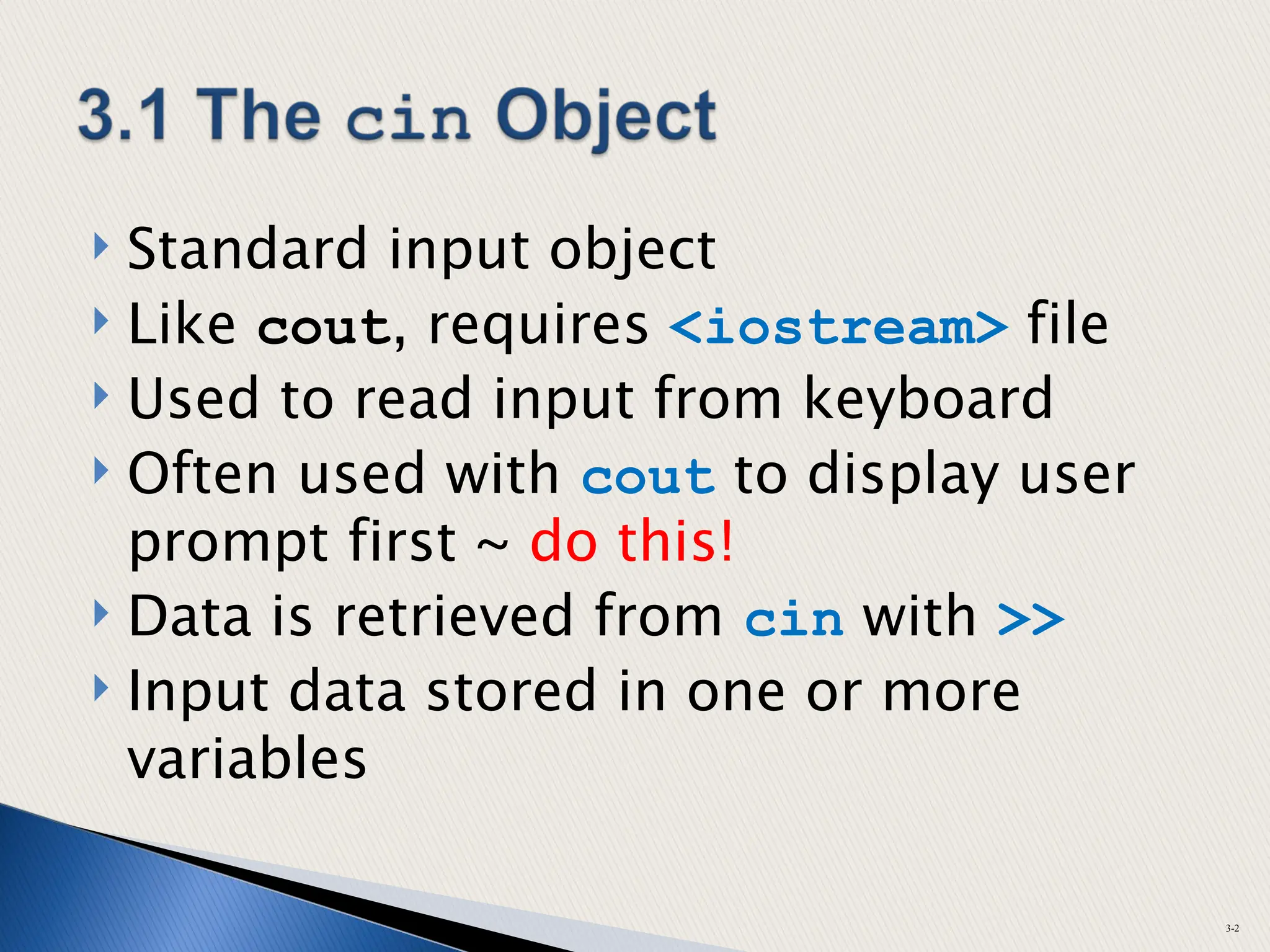
 Standard input object
 Like cout, requires <iostream> file
 Used to read input from keyboard
 Often used with cout to display user
prompt first ~ do this!
 Data is retrieved from cin with >>
 Input data stored in one or more
variables
3-2
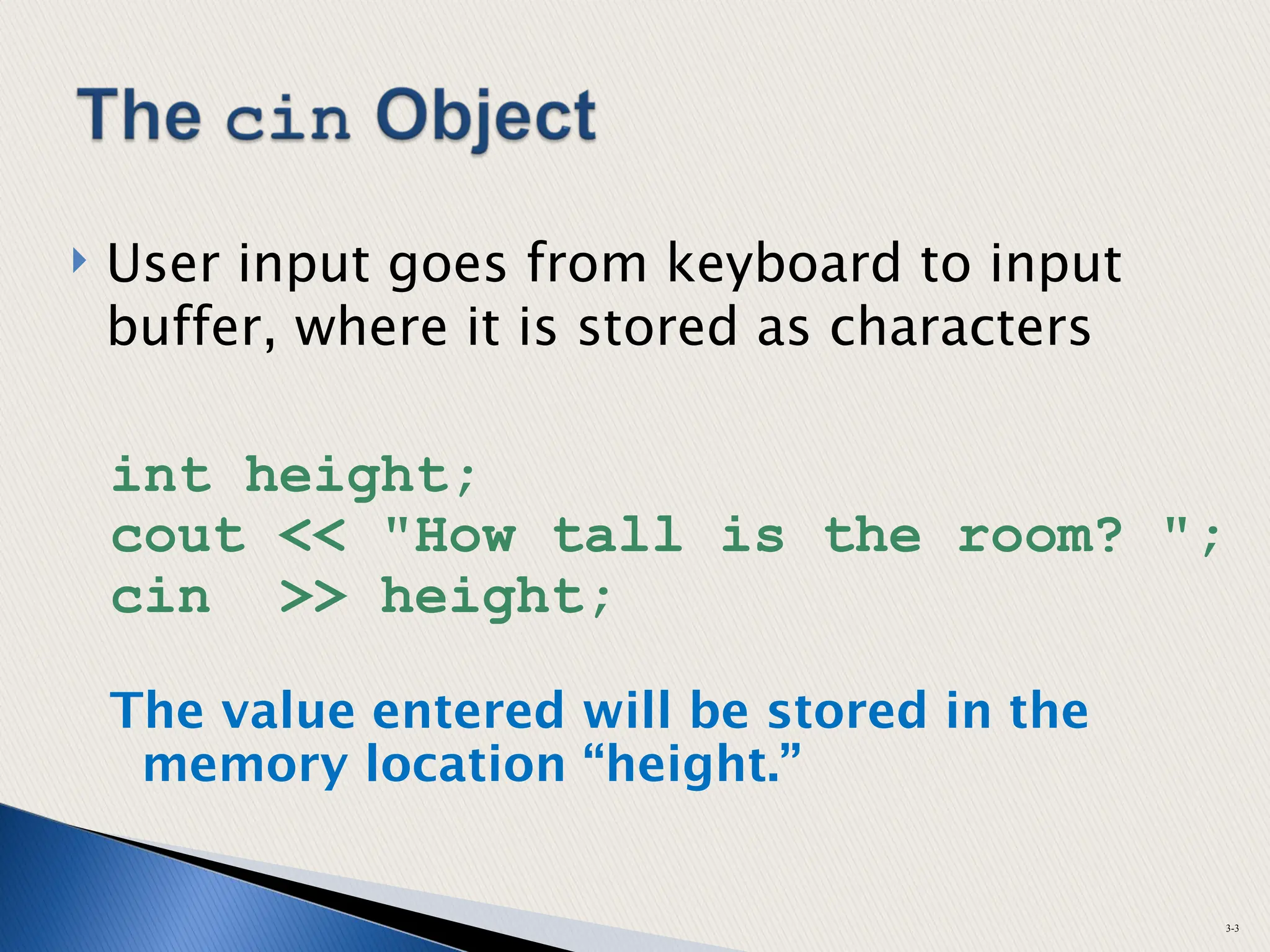
 User input goes from keyboard to input
buffer, where it is stored as characters
int height;
cout << "How tall is the room? ";
cin >> height;
The value entered will be stored in the
memory location “height.”
3-3
 Can be used to input multiple values
cin >> height >> width;
 Multiple values from keyboard
◦ Must be separated by spaces or [Enter]
◦ Must press [Enter] after typing last value
◦ Multiple values need not be of same type
◦ Order is important; first value entered is
stored in first variable, etc.
3-4
 Expression
◦ constant
◦ variable
◦ combination of constants, variables, operators
◦ parentheses as necessary
 Examples of mathematical expressions:
2
height
a + b / c
(time * 60 + 5)/x
3-5
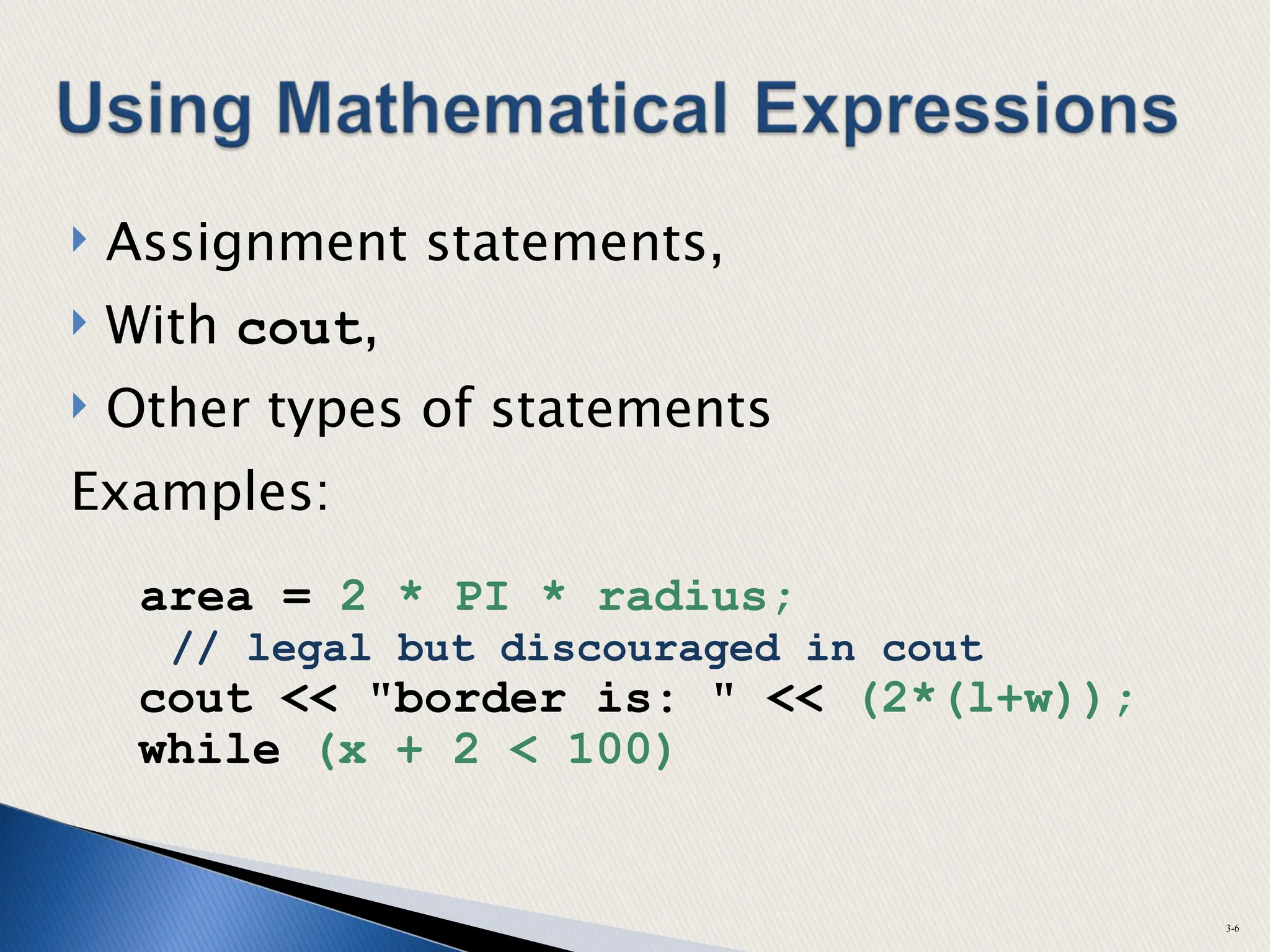
 Assignment statements,
 With cout,
 Other types of statements
Examples:
area = 2 * PI * radius;
// legal but discouraged in cout
cout << "border is: " << (2*(l+w));
while (x + 2 < 100)
3-6
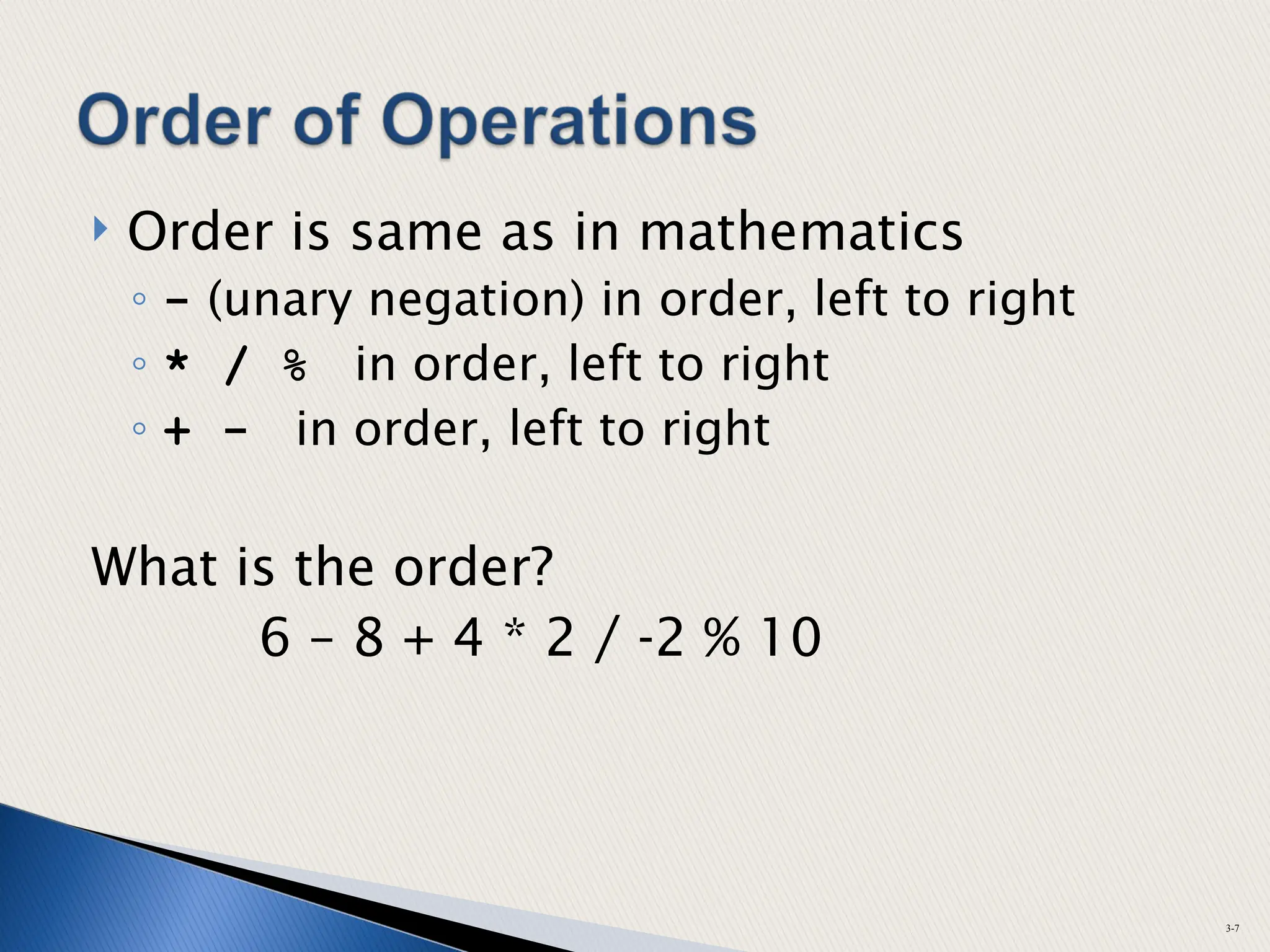
 Order is same as in mathematics
◦ - (unary negation) in order, left to right
◦ * / % in order, left to right
◦ + - in order, left to right
What is the order?
6 – 8 + 4 * 2 / -2 % 10
3-7
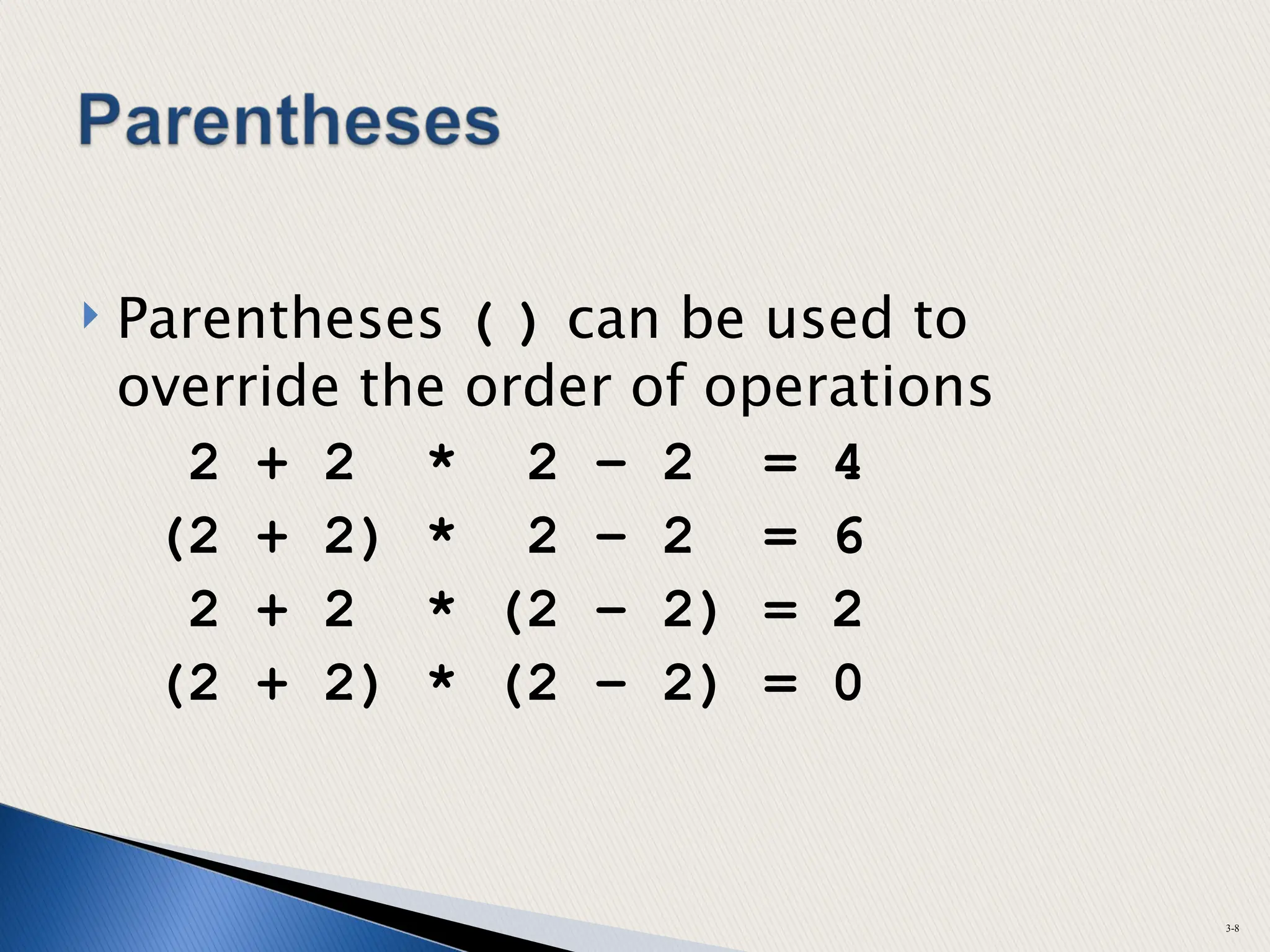
 Parentheses ( ) can be used to
override the order of operations
2 + 2 * 2 – 2 = 4
(2 + 2) * 2 – 2 = 6
2 + 2 * (2 – 2) = 2
(2 + 2) * (2 – 2) = 0
3-8
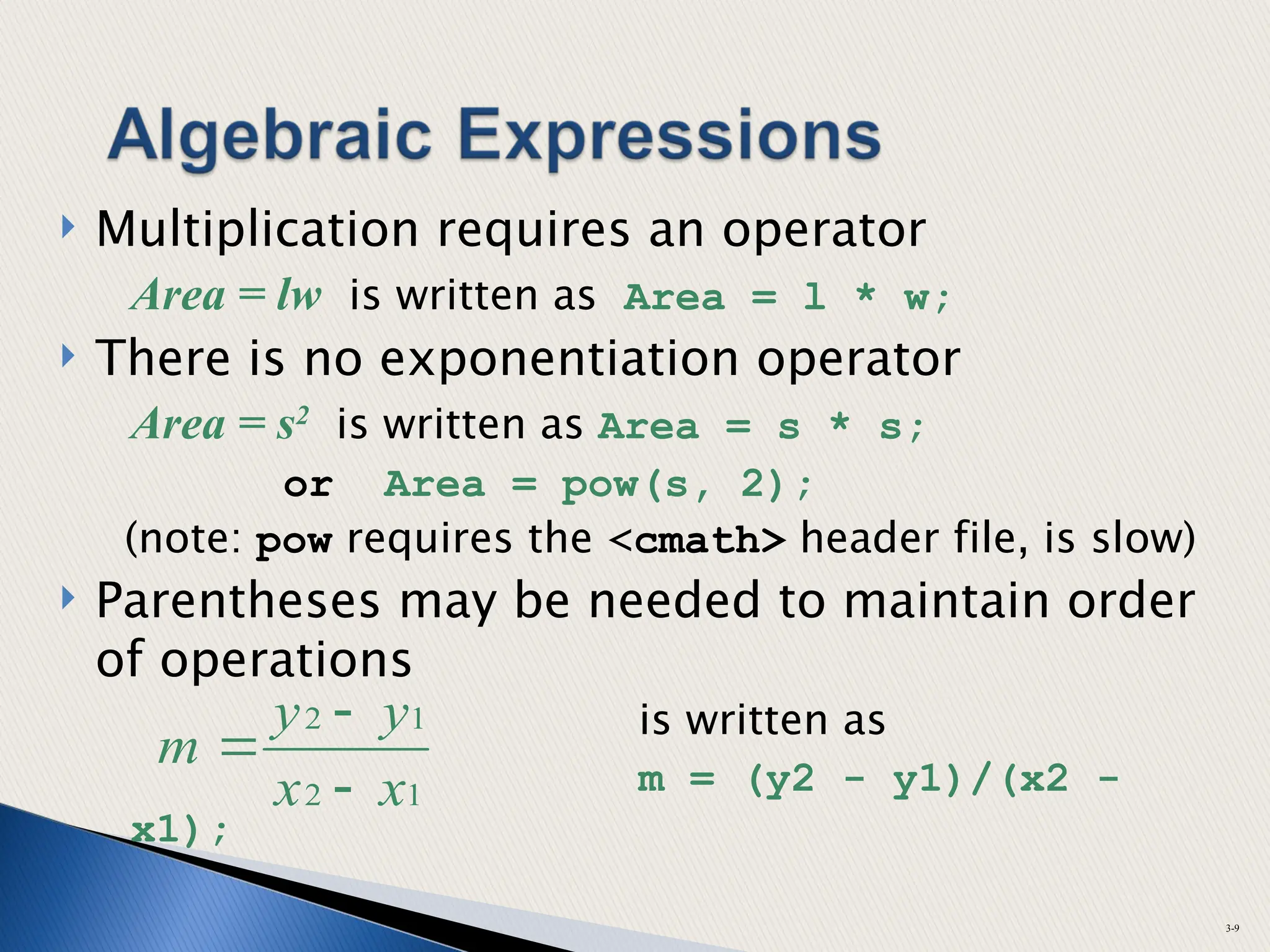
 Multiplication requires an operator
Area = lw is written as Area = l * w;
 There is no exponentiation operator
Area = s2
is written as Area = s * s;
or Area = pow(s, 2);
(note: pow requires the <cmath> header file, is slow)
 Parentheses may be needed to maintain order
of operations
is written as
m = (y2 - y1)/(x2 -
x1);
3-9
1
2
1
2
x
x
y
y
m



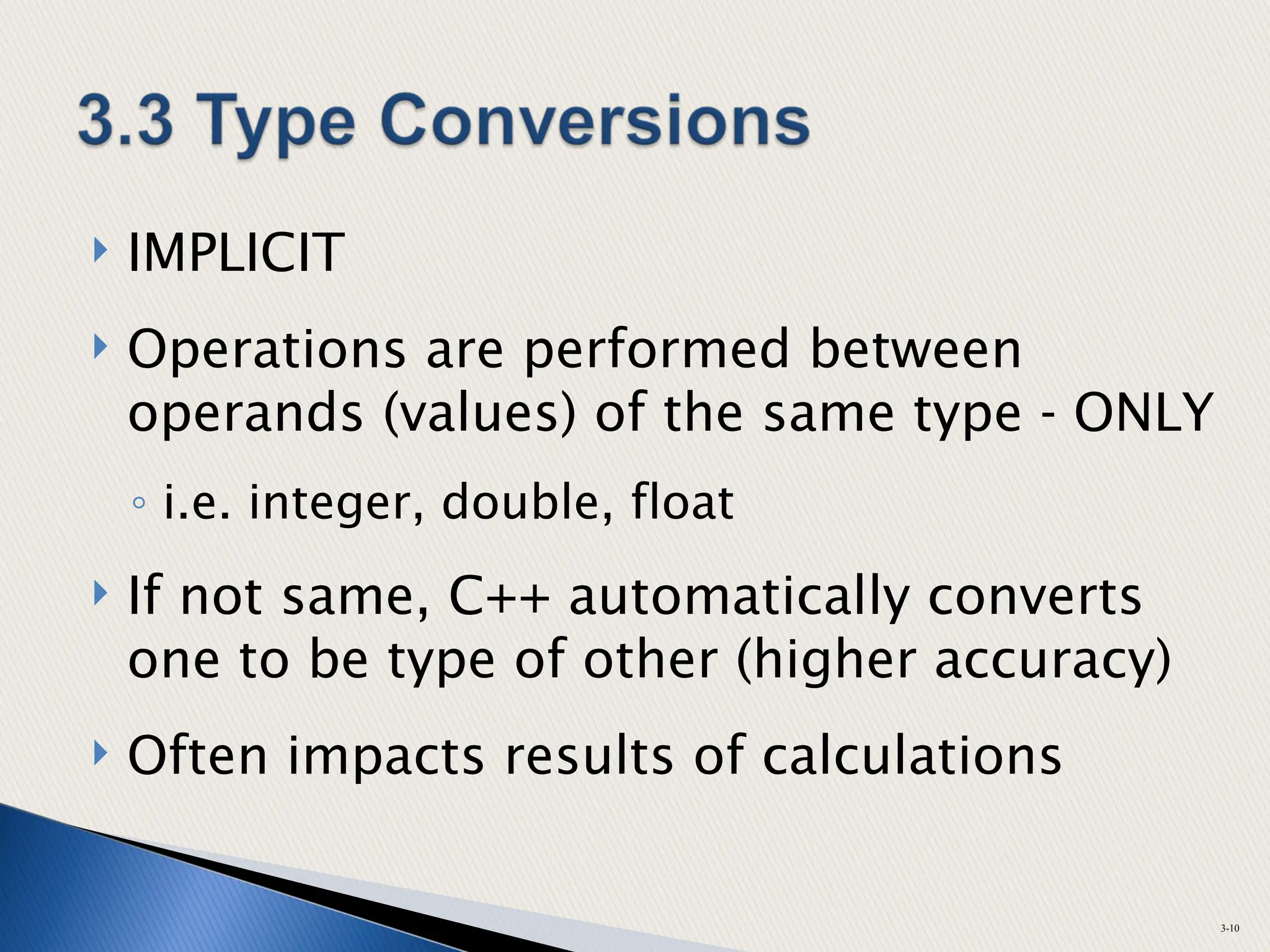
 IMPLICIT
 Operations are performed between
operands (values) of the same type - ONLY
◦ i.e. integer, double, float
 If not same, C++ automatically converts
one to be type of other (higher accuracy)
 Often impacts results of calculations
3-10
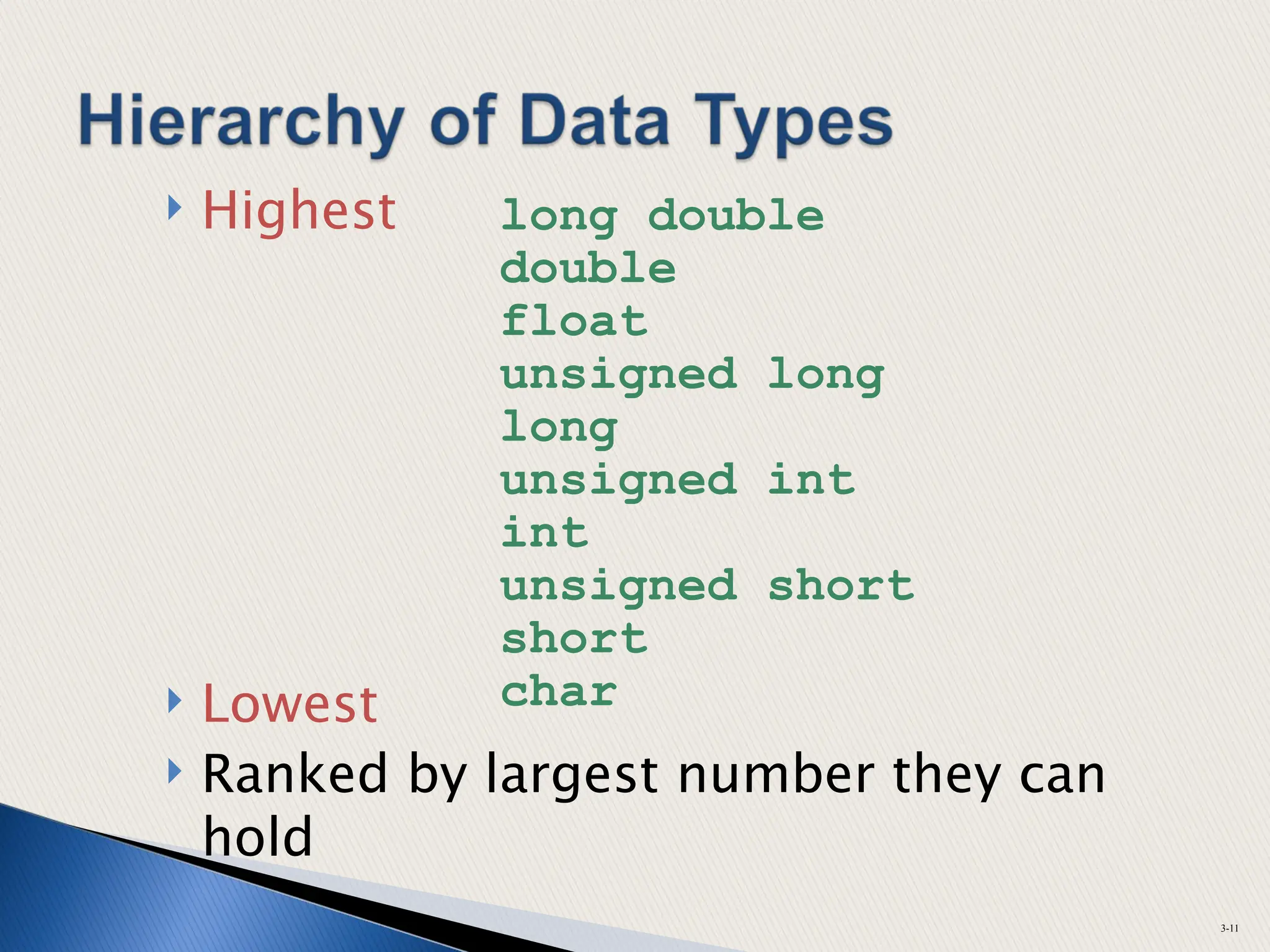
 Highest
 Lowest
 Ranked by largest number they can
hold
3-11
long double
double
float
unsigned long
long
unsigned int
int
unsigned short
short
char
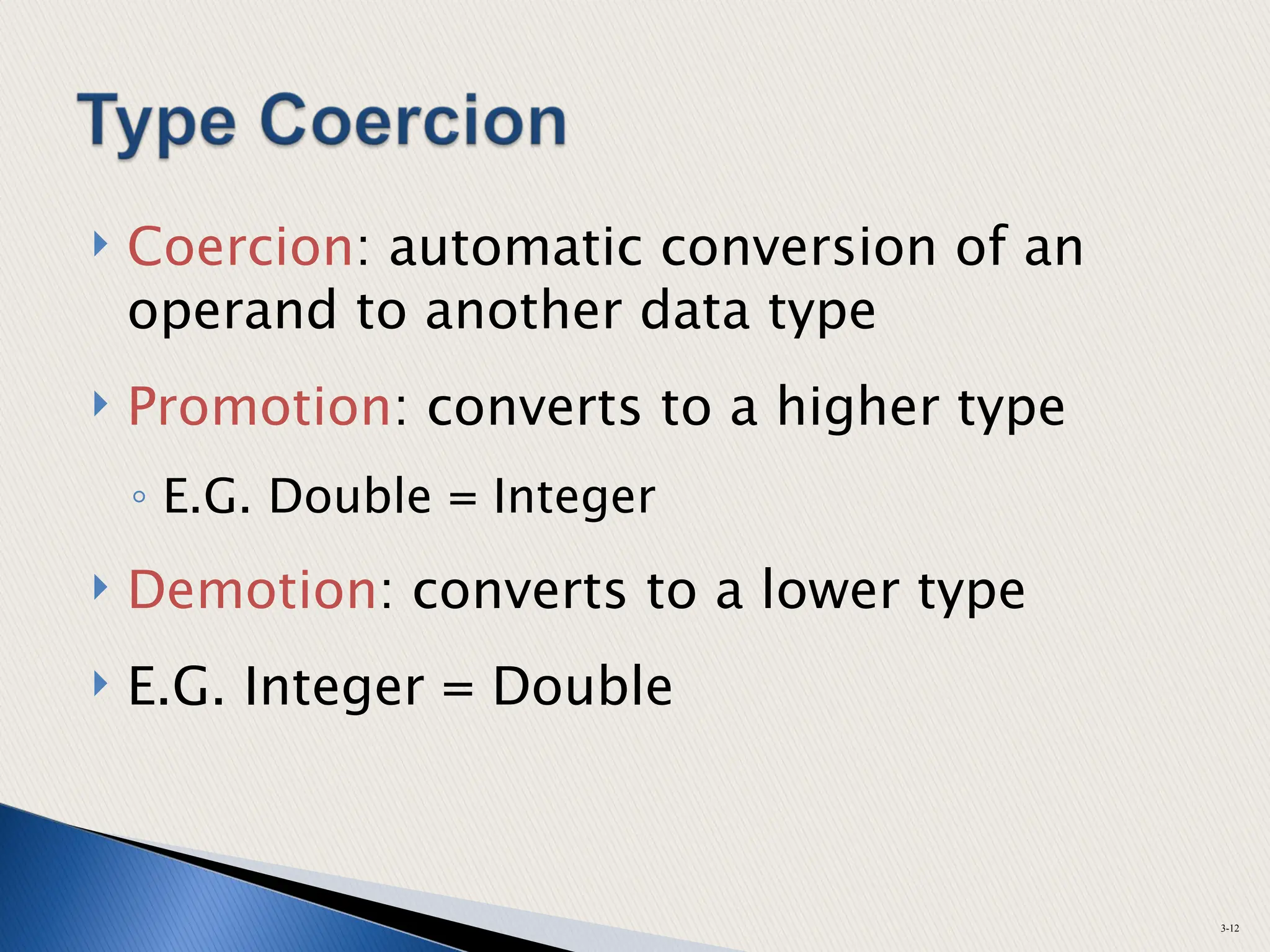
 Coercion: automatic conversion of an
operand to another data type
 Promotion: converts to a higher type
◦ E.G. Double = Integer
 Demotion: converts to a lower type
 E.G. Integer = Double
3-12
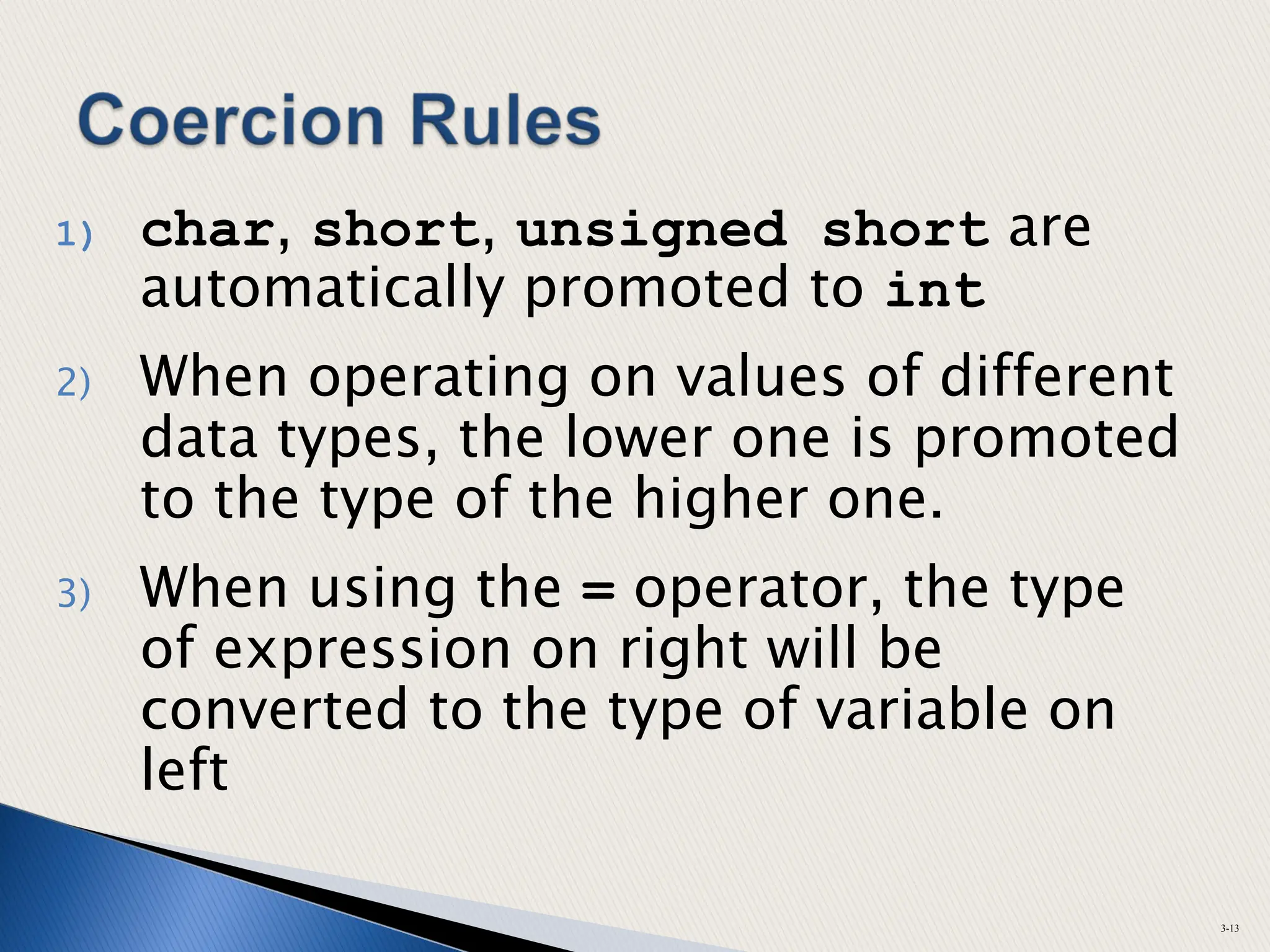
1) char, short, unsigned short are
automatically promoted to int
2) When operating on values of different
data types, the lower one is promoted
to the type of the higher one.
3) When using the = operator, the type
of expression on right will be
converted to the type of variable on
left
3-13
 Also called type casting
 Used for manual data type
conversion
 Not often used, but occasionally
 Use Sparingly & only when
necessary
3-14
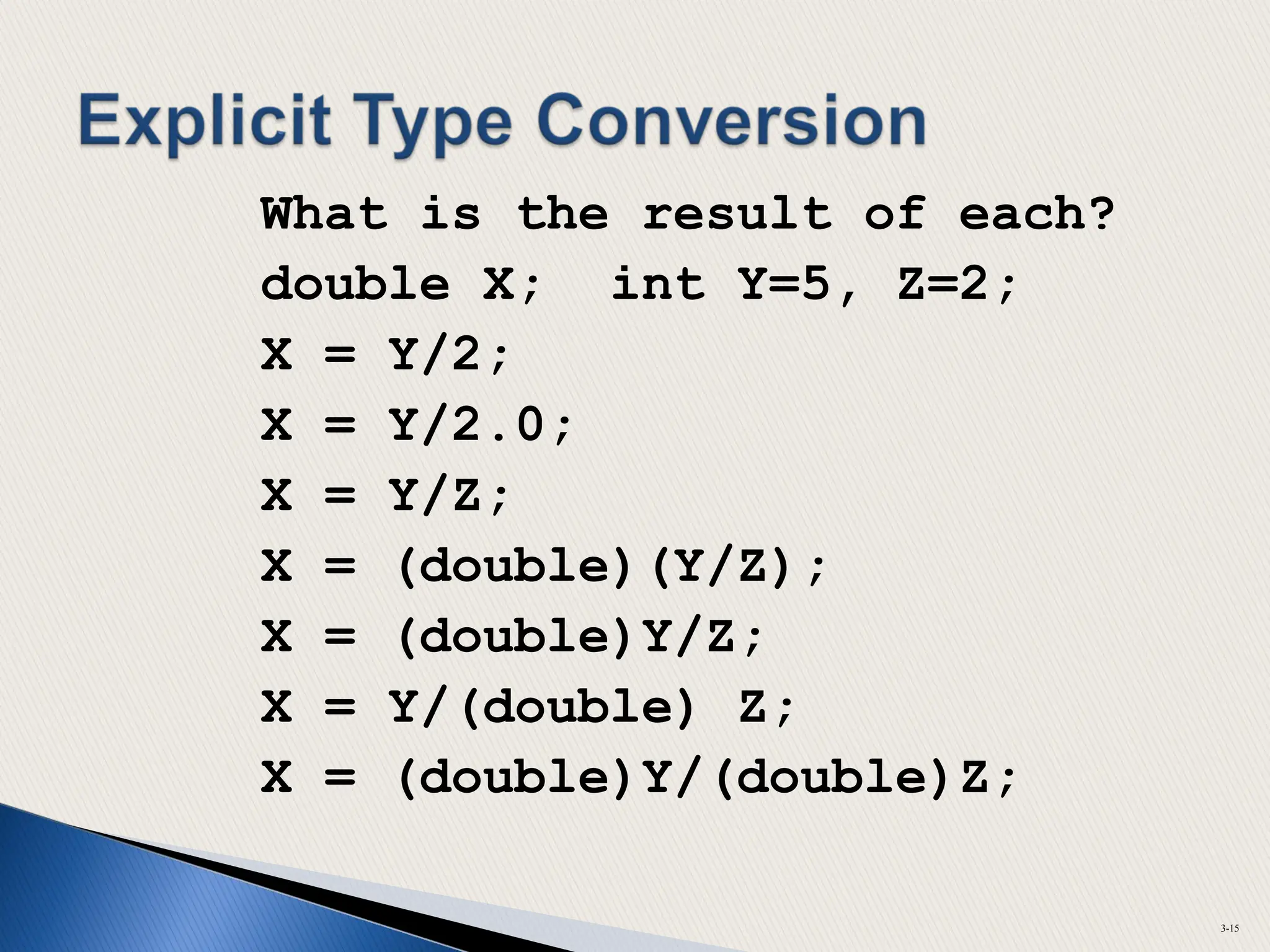
What is the result of each?
double X; int Y=5, Z=2;
X = Y/2;
X = Y/2.0;
X = Y/Z;
X = (double)(Y/Z);
X = (double)Y/Z;
X = Y/(double) Z;
X = (double)Y/(double)Z;
3-15
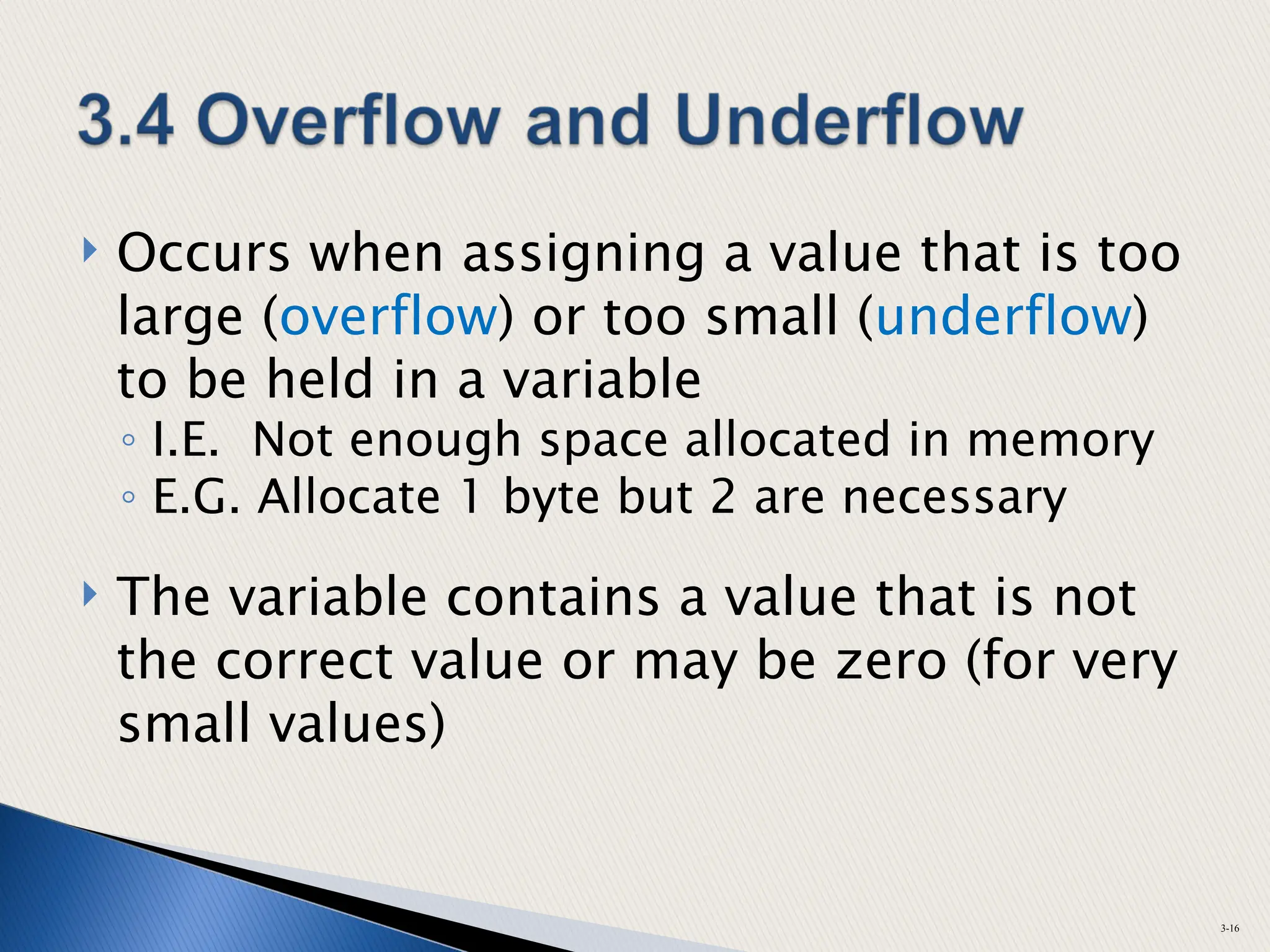
 Occurs when assigning a value that is too
large (overflow) or too small (underflow)
to be held in a variable
◦ I.E. Not enough space allocated in memory
◦ E.G. Allocate 1 byte but 2 are necessary
 The variable contains a value that is not
the correct value or may be zero (for very
small values)
3-16
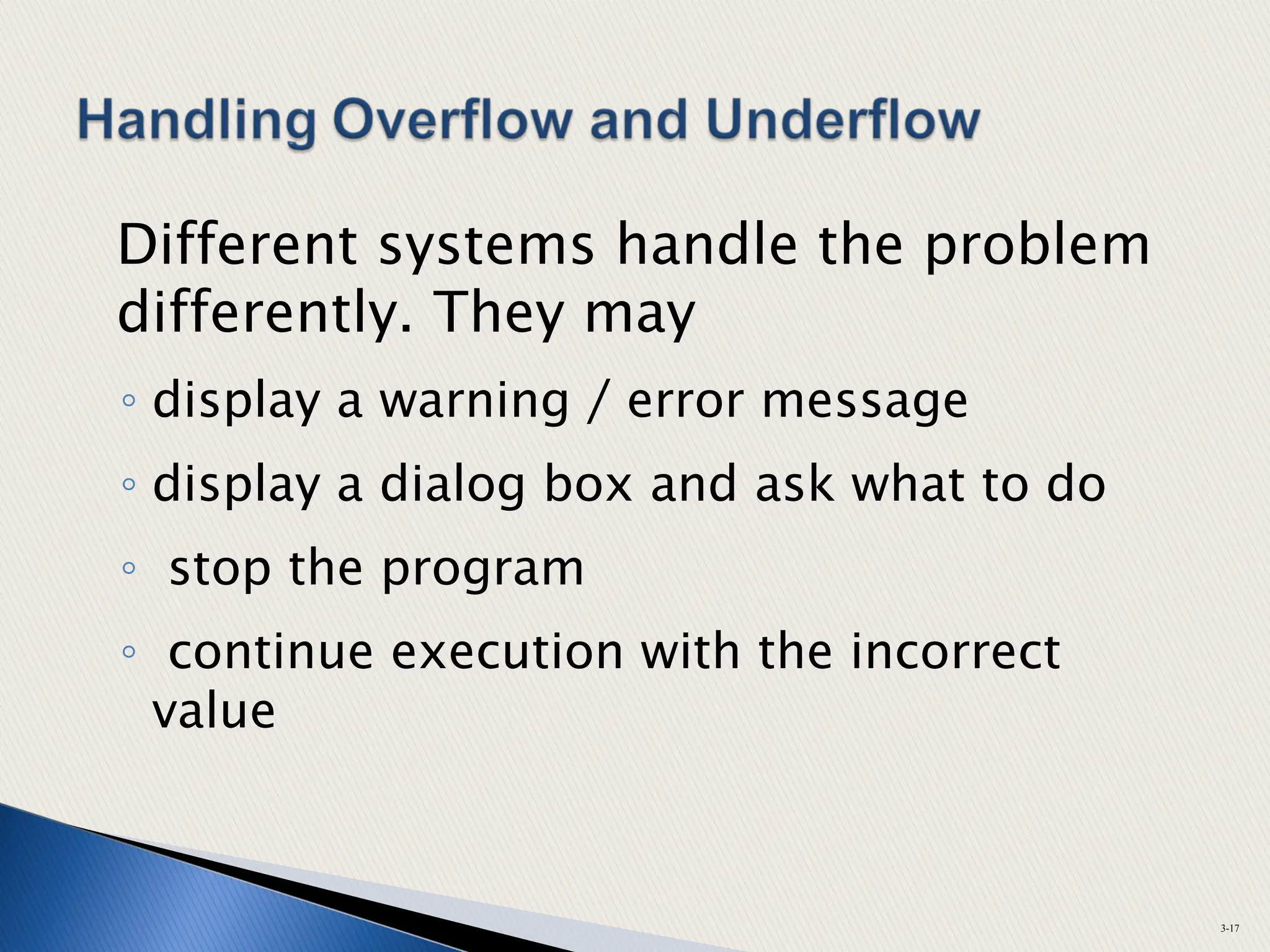
Different systems handle the problem
differently. They may
◦ display a warning / error message
◦ display a dialog box and ask what to do
◦ stop the program
◦ continue execution with the incorrect
value
3-17
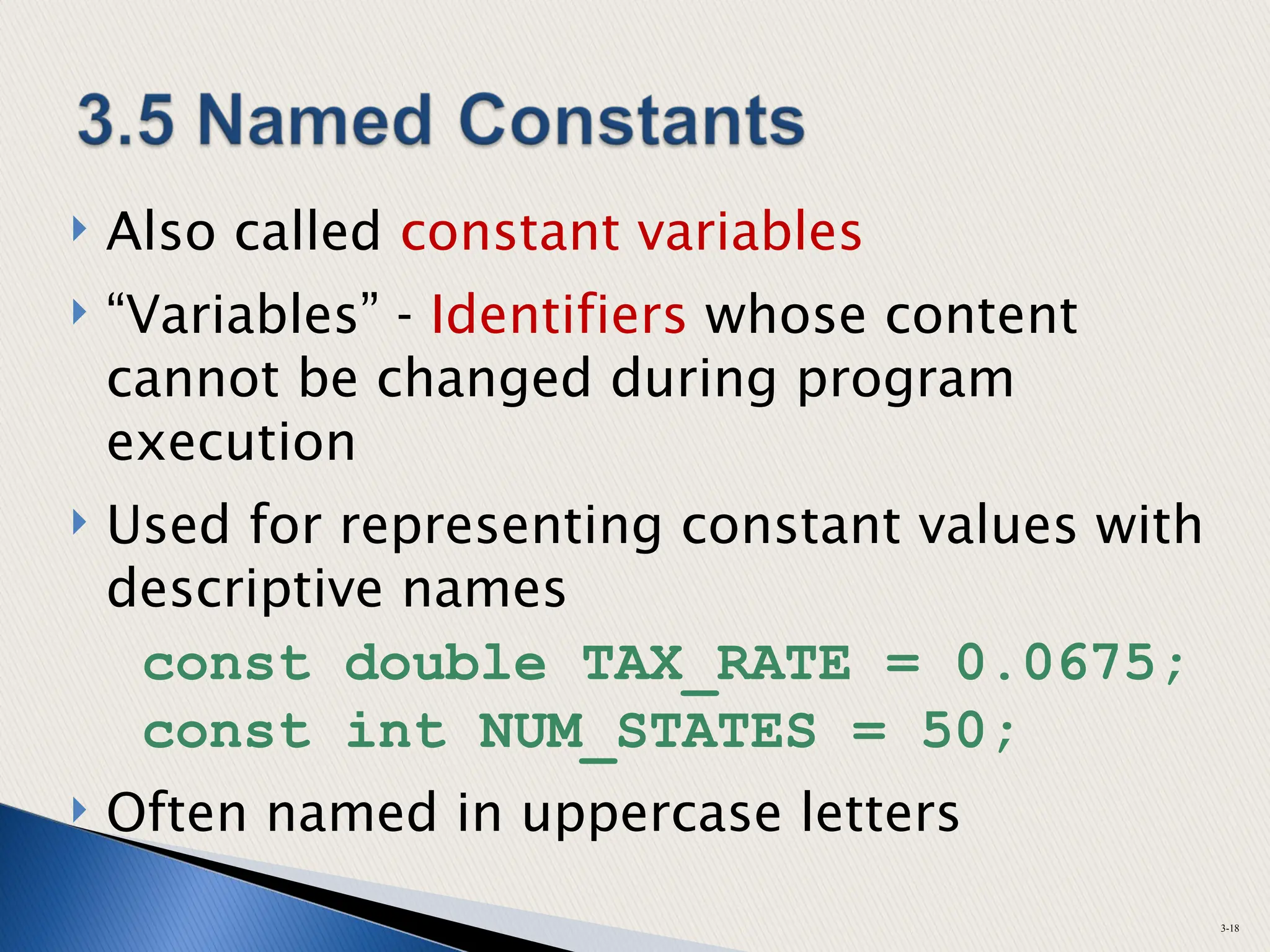
 Also called constant variables
 “Variables” - Identifiers whose content
cannot be changed during program
execution
 Used for representing constant values with
descriptive names
const double TAX_RATE = 0.0675;
const int NUM_STATES = 50;
 Often named in uppercase letters
3-18
#define
◦ C-style of naming constants (older)
#define NUM_STATES 50
◦ Interpreted by pre-processor, not
compiler
◦ Does not occupy a memory location like
a constant variable defined with const
◦ Instead, causes text substitution to
occur. Every occurrence of NUM_STATES
will be replaced by 50
3-19
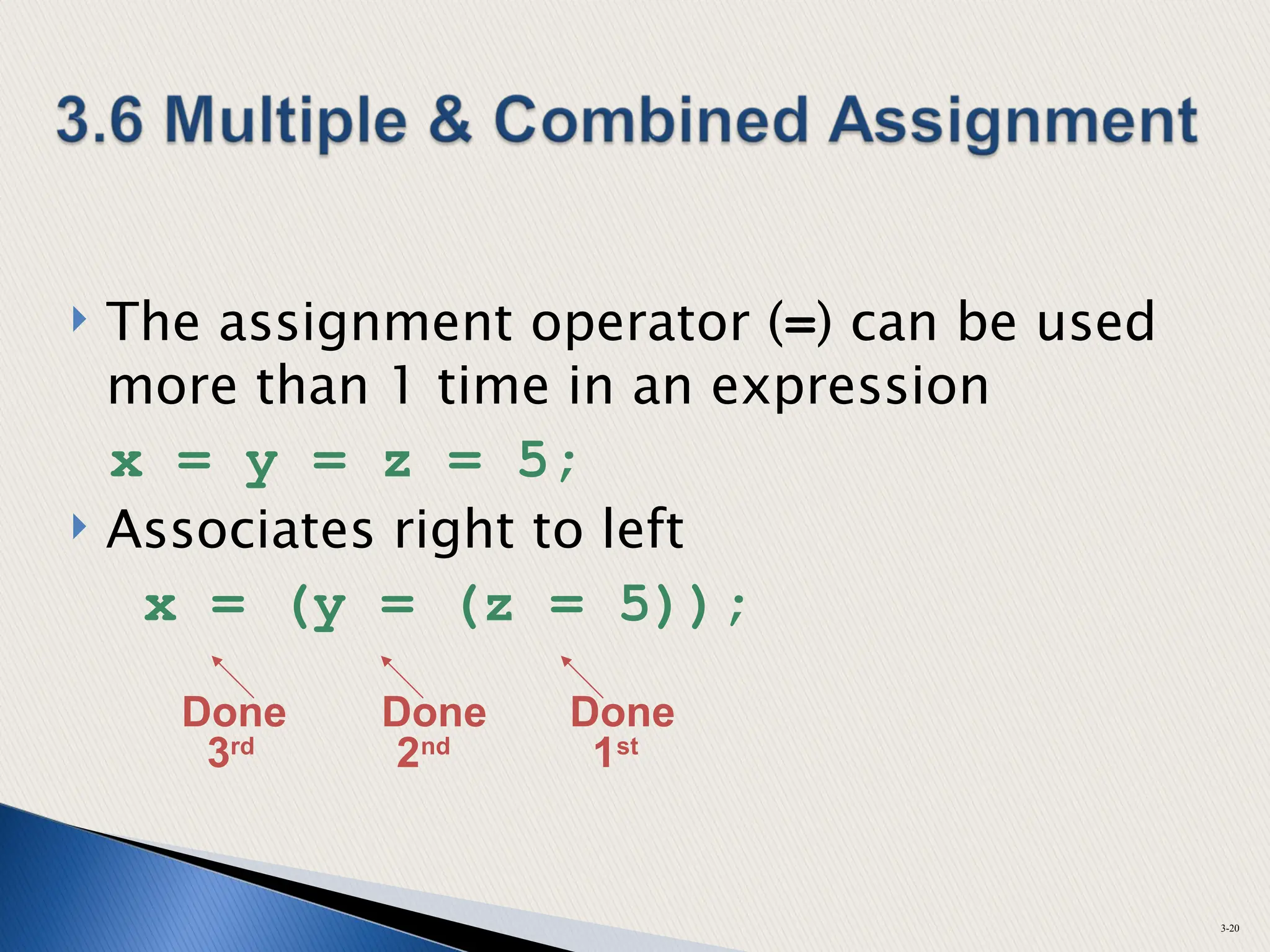
 The assignment operator (=) can be used
more than 1 time in an expression
x = y = z = 5;
 Associates right to left
x = (y = (z = 5));
3-20
Done Done Done
3rd
2nd
1st
 Applies an arithmetic operation to a
variable & assigns result as new value of
variable
 Operators: += -= *= /= %=
 Example:
sum += amt; short for sum = sum + amt;
3-21
x += 5; means x = x + 5;
x -= 5; means x = x – 5;
x *= 5; means x = x * 5;
x /= 5; means x = x / 5;
x %= 5; means x = x % 5;
The right hand side is evaluated before
assignment operation
x *= a + b; means x = x *(a + b);
3-22
 To control appearance of output
◦ size
◦ position
◦ number of digits
◦ number of decimal places
 Requires <iomanip> header file
3-23
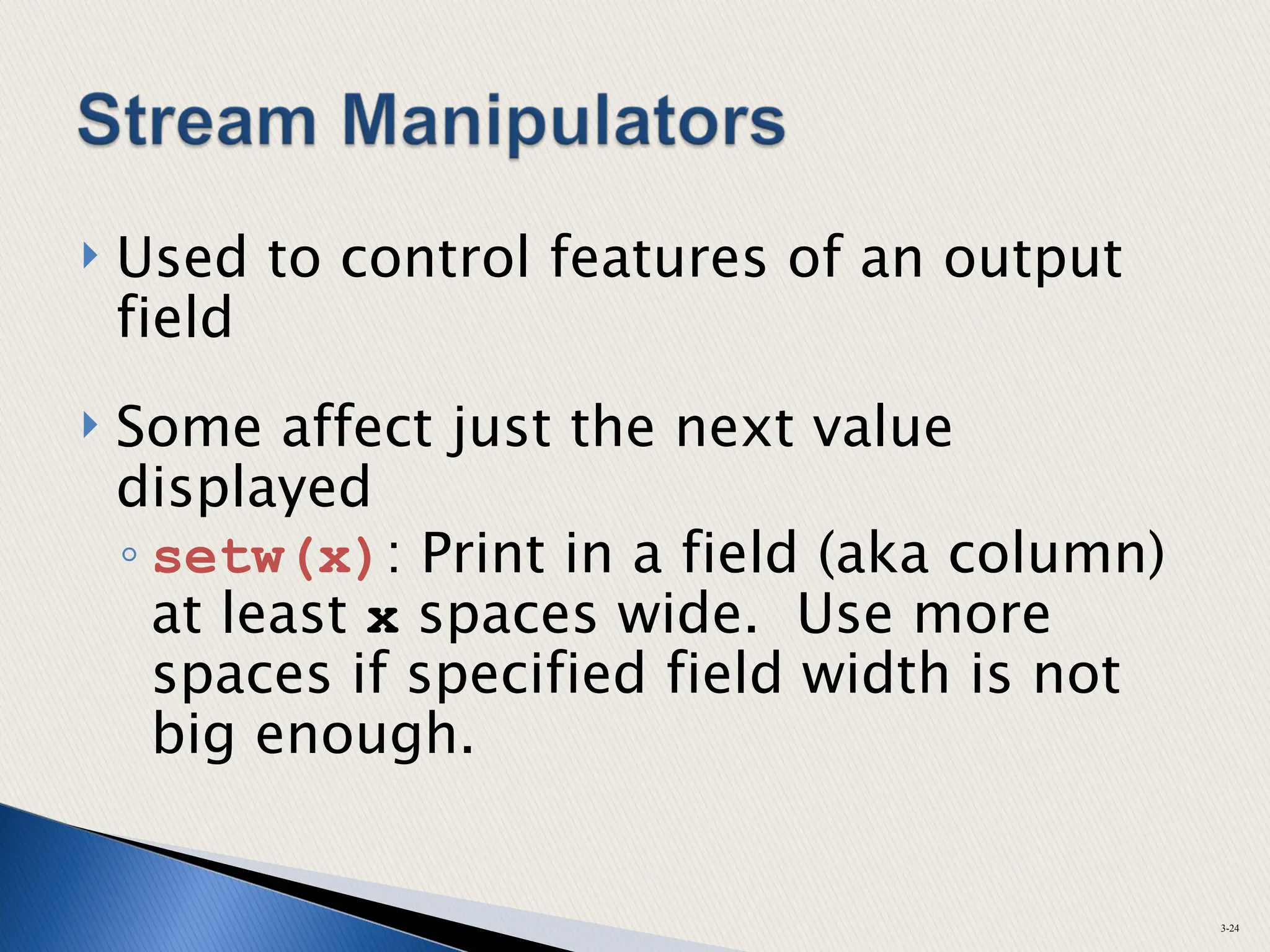
 Used to control features of an output
field
 Some affect just the next value
displayed
◦ setw(x): Print in a field (aka column)
at least x spaces wide. Use more
spaces if specified field width is not
big enough.
3-24
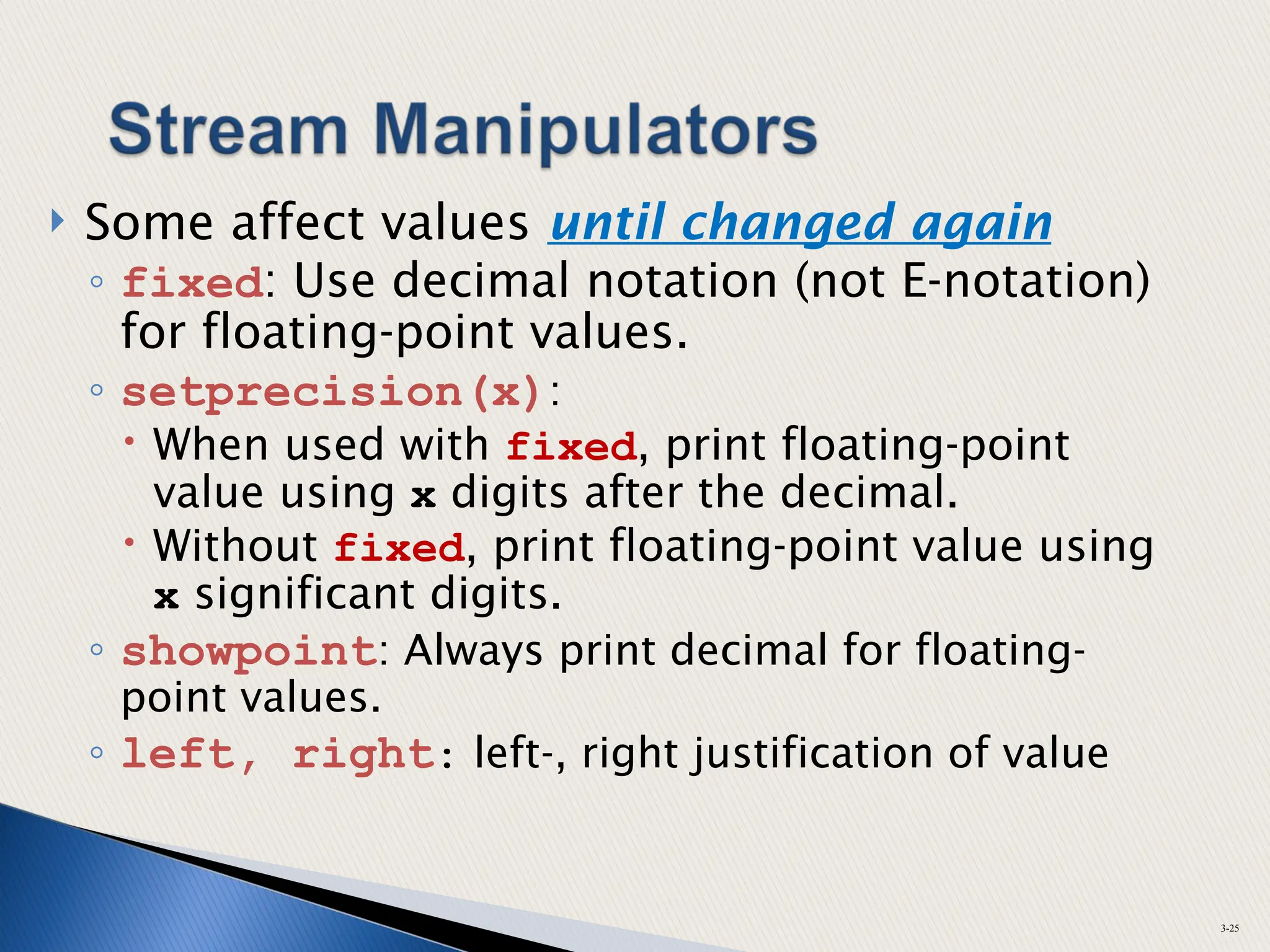
 Some affect values until changed again
◦ fixed: Use decimal notation (not E-notation)
for floating-point values.
◦ setprecision(x):
 When used with fixed, print floating-point
value using x digits after the decimal.
 Without fixed, print floating-point value using
x significant digits.
◦ showpoint: Always print decimal for floating-
point values.
◦ left, right: left-, right justification of value
3-25
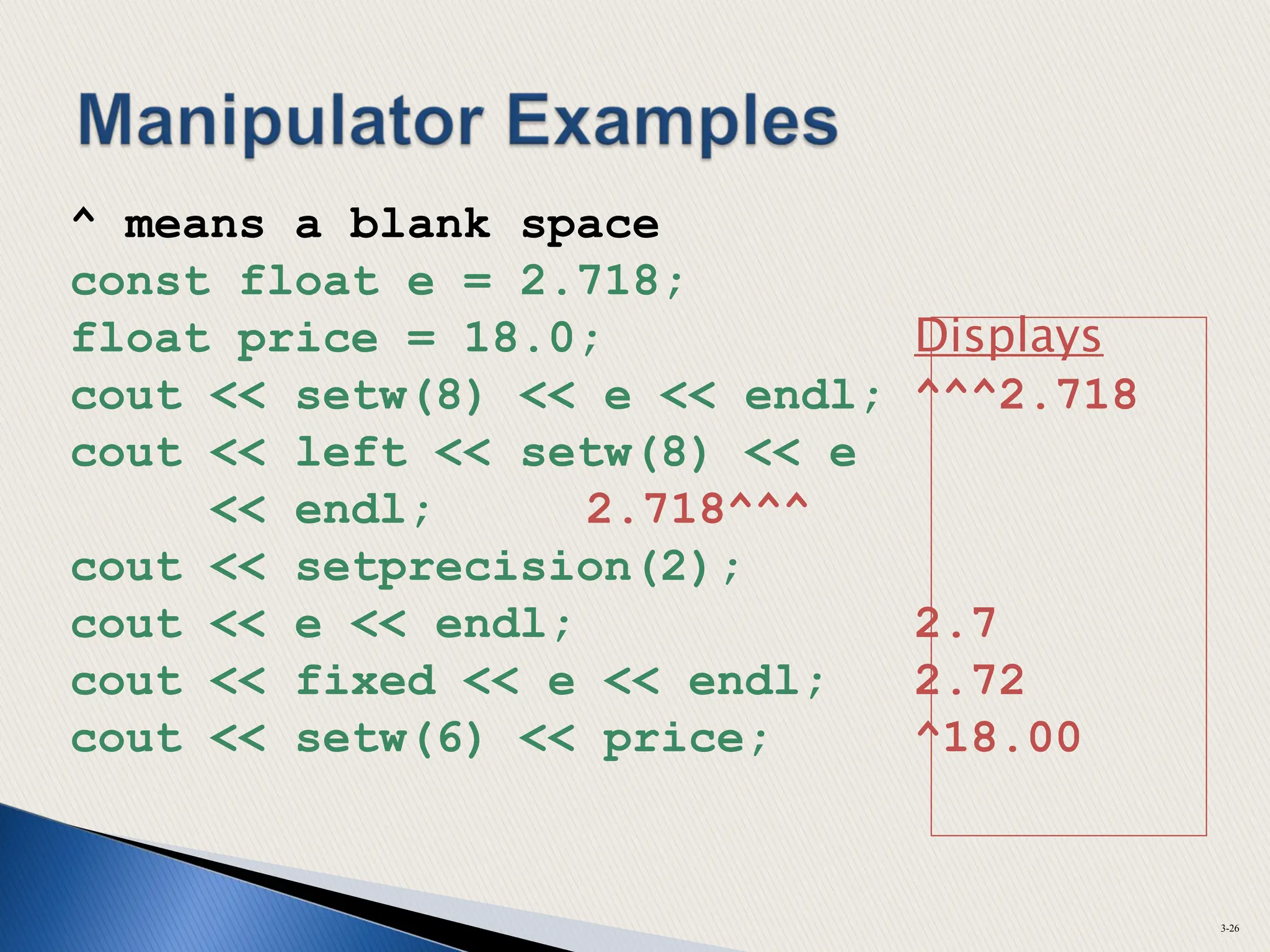
^ means a blank space
const float e = 2.718;
float price = 18.0; Displays
cout << setw(8) << e << endl; ^^^2.718
cout << left << setw(8) << e
<< endl; 2.718^^^
cout << setprecision(2);
cout << e << endl; 2.7
cout << fixed << e << endl; 2.72
cout << setw(6) << price; ^18.00
3-26
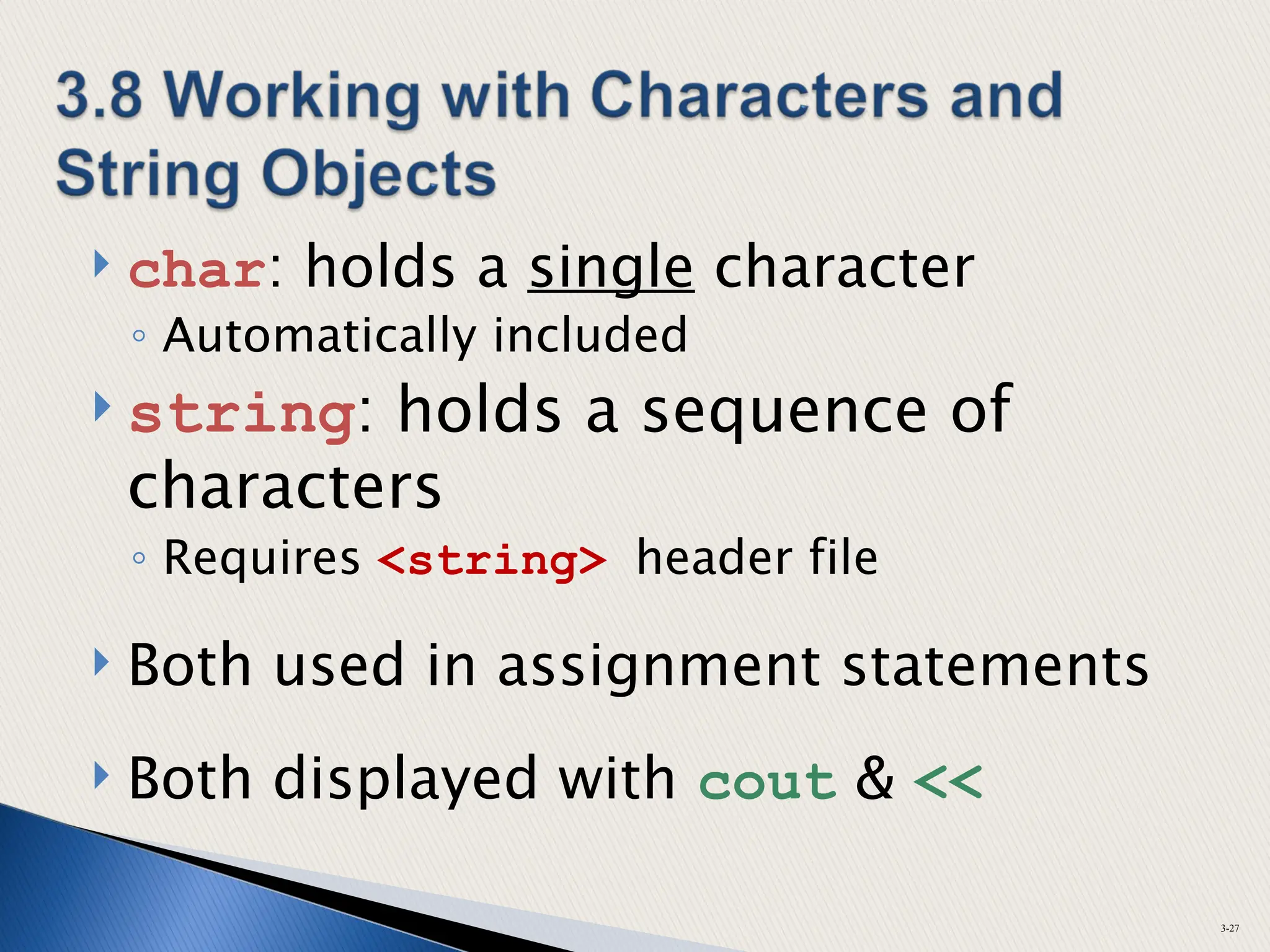
 char: holds a single character
◦ Automatically included
 string: holds a sequence of
characters
◦ Requires <string> header file
 Both used in assignment statements
 Both displayed with cout & <<
3-27
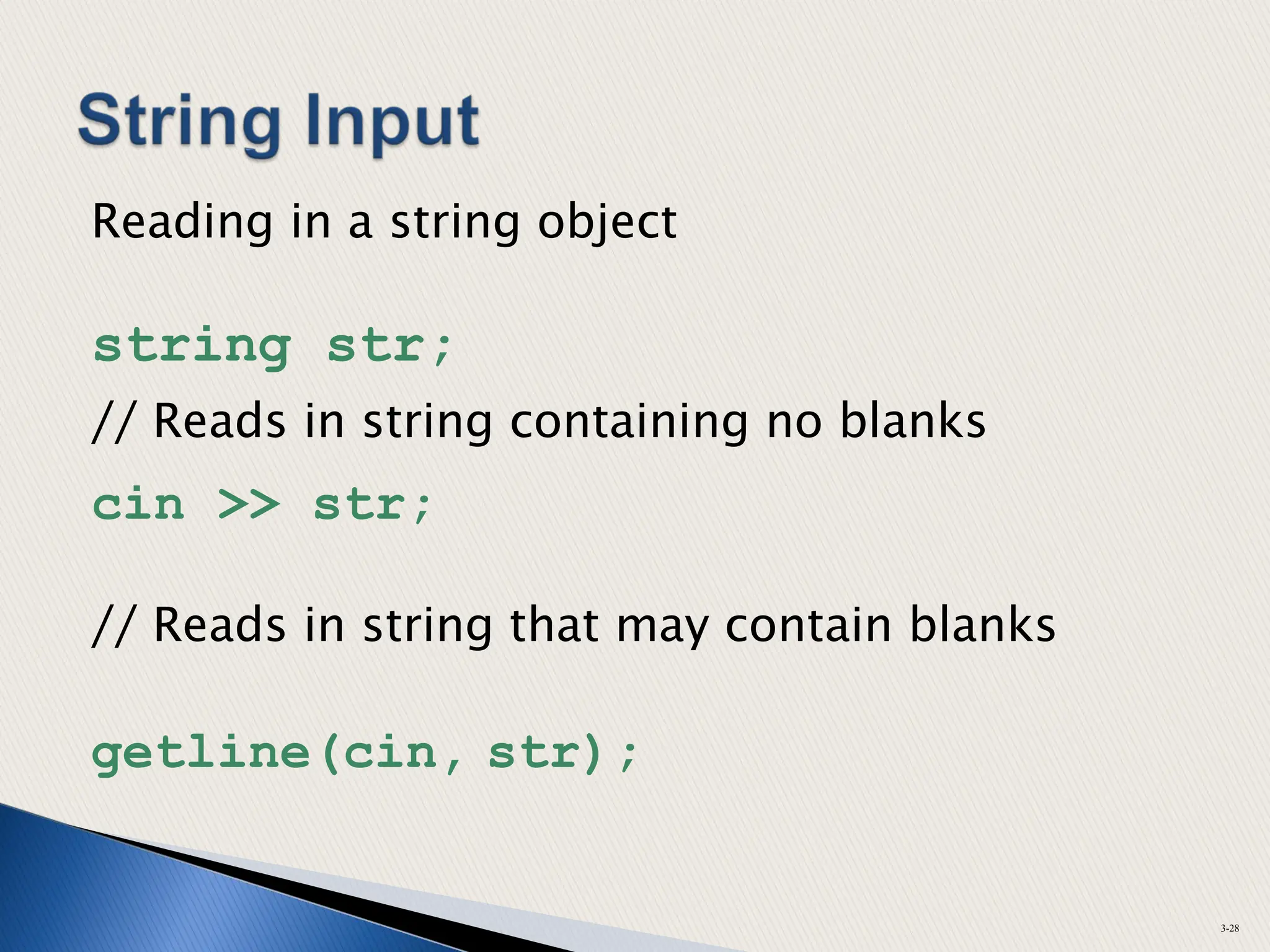
Reading in a string object
string str;
// Reads in string containing no blanks
cin >> str;
// Reads in string that may contain blanks
getline(cin, str);
3-28
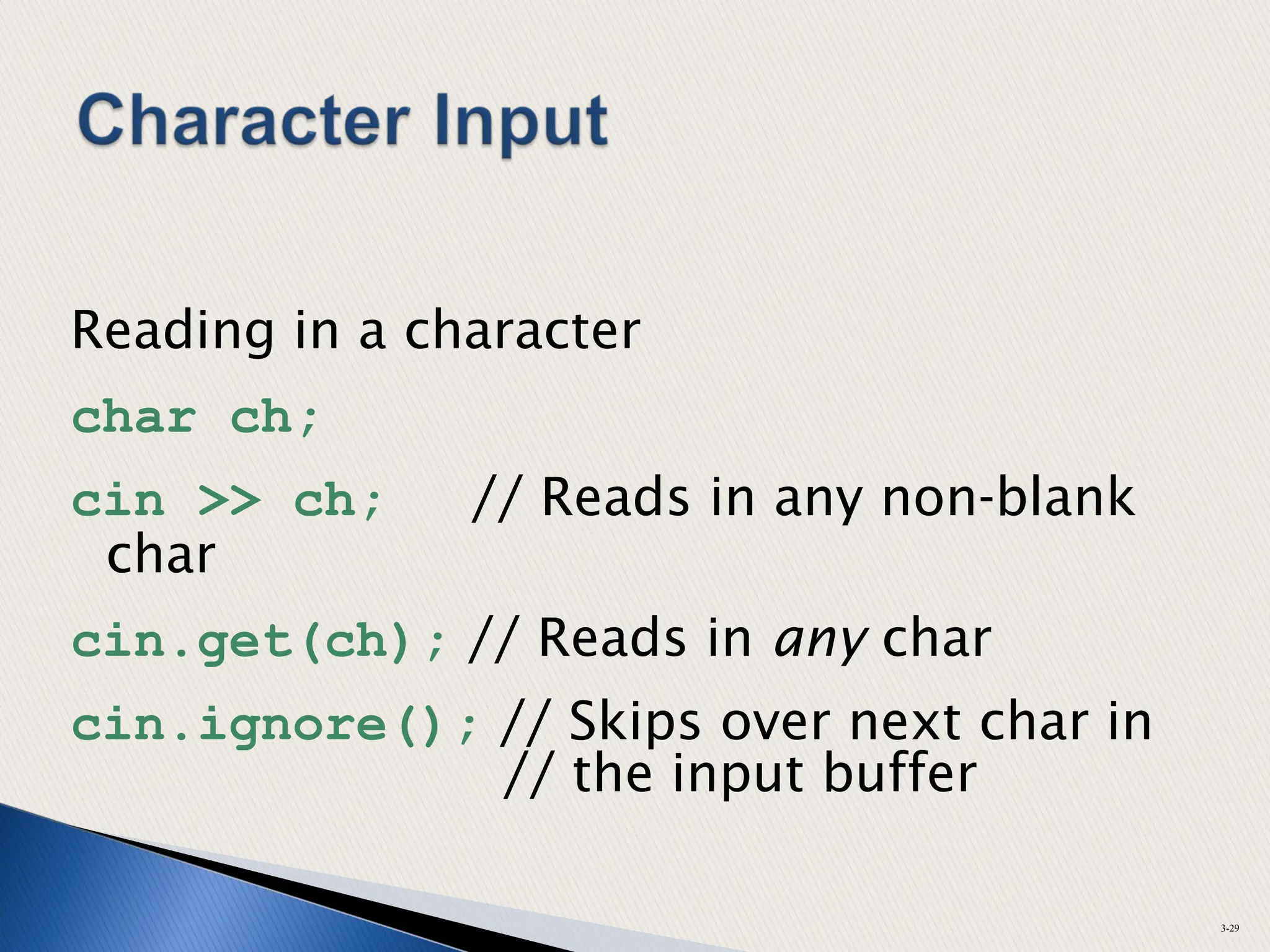
Reading in a character
char ch;
cin >> ch; // Reads in any non-blank
char
cin.get(ch); // Reads in any char
cin.ignore(); // Skips over next char in
// the input buffer
3-29
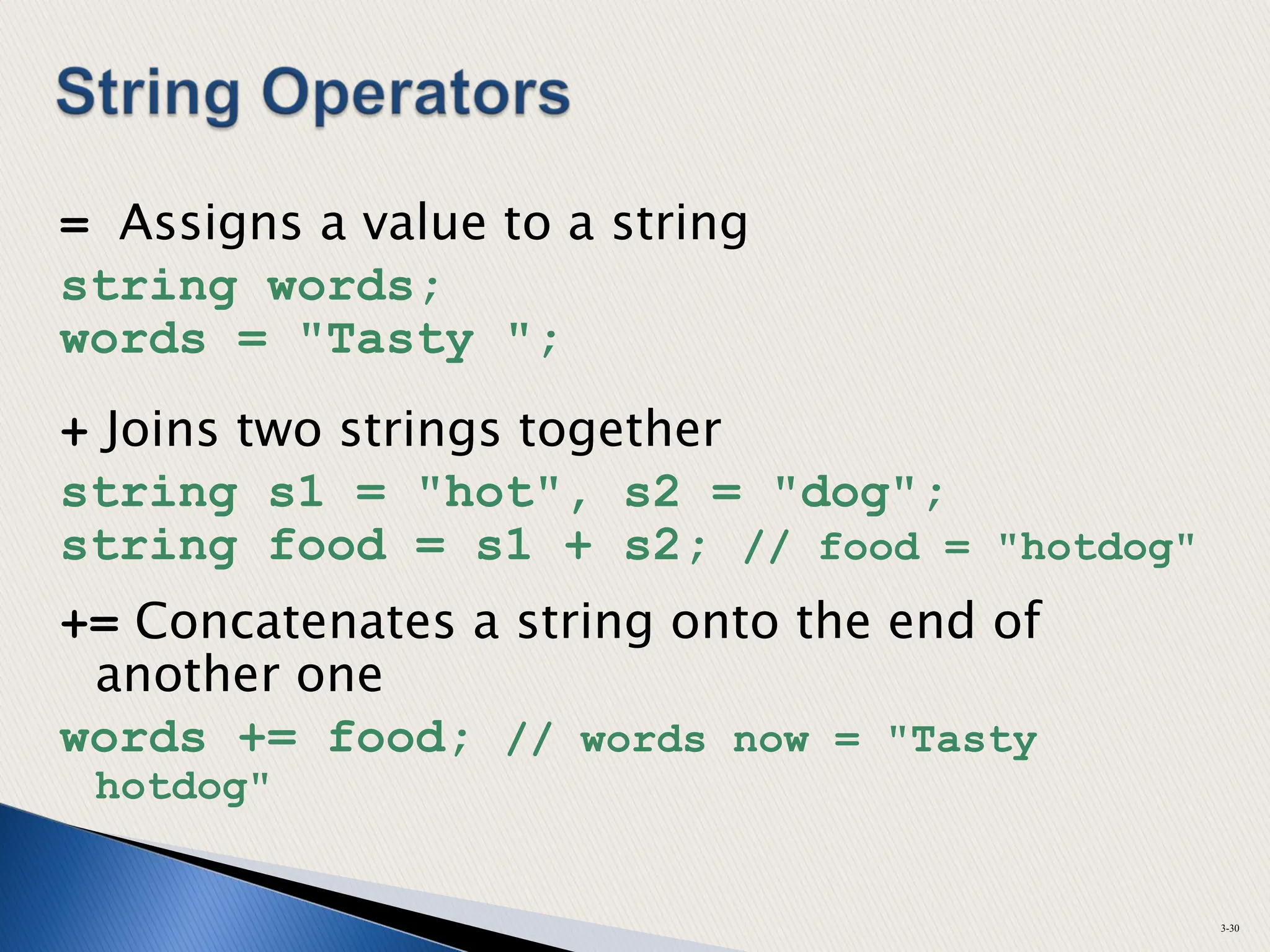
= Assigns a value to a string
string words;
words = "Tasty ";
+ Joins two strings together
string s1 = "hot", s2 = "dog";
string food = s1 + s2; // food = "hotdog"
+= Concatenates a string onto the end of
another one
words += food; // words now = "Tasty
hotdog"
3-30
 C-string is stored as an array of characters
 Programmer must indicate maximum
number of characters at definition
const int SIZE = 5;
char temp[SIZE] = "Hot";
 NULL character (0) is placed after final
character to mark the end of the string
 Programmer must make sure array is big
enough for desired use; temp can hold up
to 4 characters plus the 0.
3-31
H o t 0
 Reading in a C-string
const int SIZE = 10;
char Cstr[SIZE];
cin >> Cstr; // Reads in a C-string with no
// blanks. Will write past the
// end of the array if input string
// is too long.
cin.getline(Cstr, 10);
// Reads in a C-string that may
// contain blanks. Ensures that <= 9
// chars are read in.
 Can also use setw() and width() to control input field
widths
3-32
 A C-string can be initialized at the time of its
creation, just like a string object
const int SIZE = 10;
char month[SIZE] = "April";
 However, a C-string cannot later be assigned
a value using the = operator; you must use
the strcpy() function
char month[SIZE];
month = "August" // wrong!
strcpy(month, "August"); //correct
3-33
 These require <cmath> header file
 Take double arguments and return a
double
 Commonly used functions
3-34
abs Absolute value
sin Sine
cos Cosine
tan Tangent
sqrt Square root
log Natural (e) log
 These require <cstdlib> header file
 rand
◦ Returns a random number between 0 &
largest int the computer holds
◦ Produces same sequence of numbers each
time program runs
 srand(x)
◦ Initializes random number generator with
unsigned int x
◦ Should be called at most once in a program
3-35
 3.10 – Random numbers
 Continue with Section 3.11
3-36
 Can use file instead of keyboard for
program input
 Can use file instead of monitor screen
for program output
 Files are stored on secondary storage
media, such as disk, flash drive
 Files allow data to be retained between
program executions
3-37
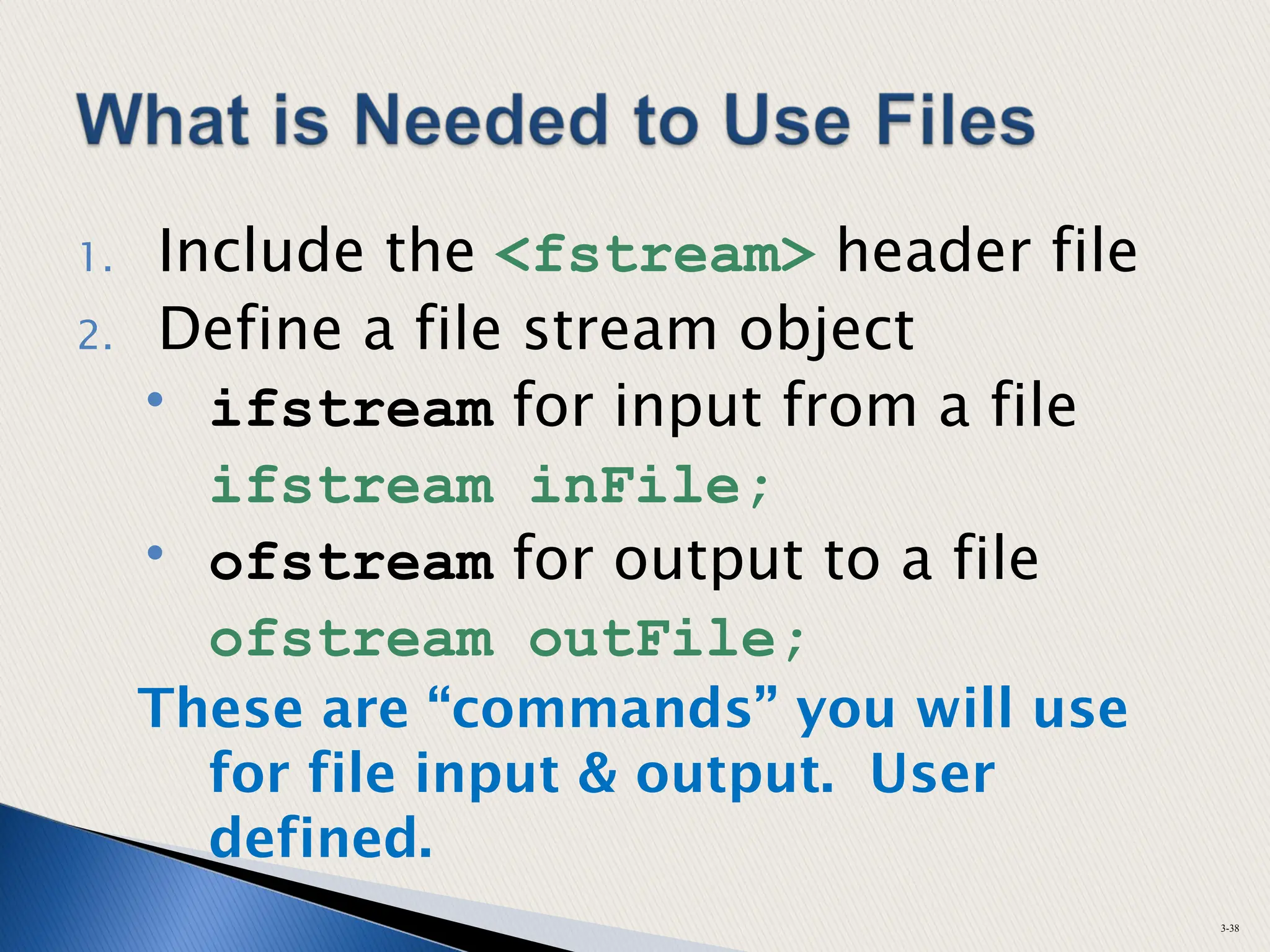
1. Include the <fstream> header file
2. Define a file stream object
• ifstream for input from a file
ifstream inFile;
• ofstream for output to a file
ofstream outFile;
These are “commands” you will use
for file input & output. User
defined.
3-38
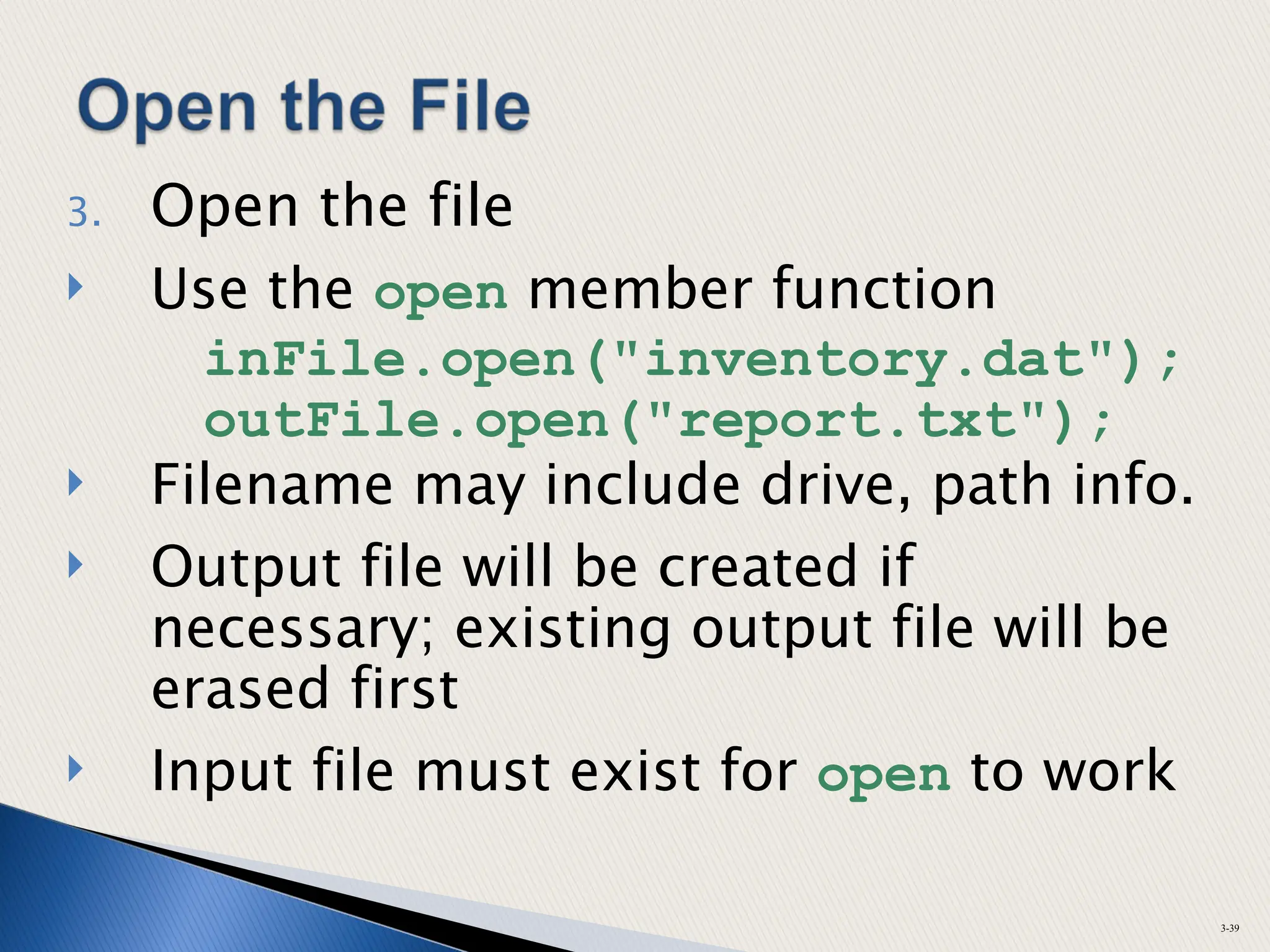
3. Open the file
 Use the open member function
inFile.open("inventory.dat");
outFile.open("report.txt");
 Filename may include drive, path info.
 Output file will be created if
necessary; existing output file will be
erased first
 Input file must exist for open to work
3-39
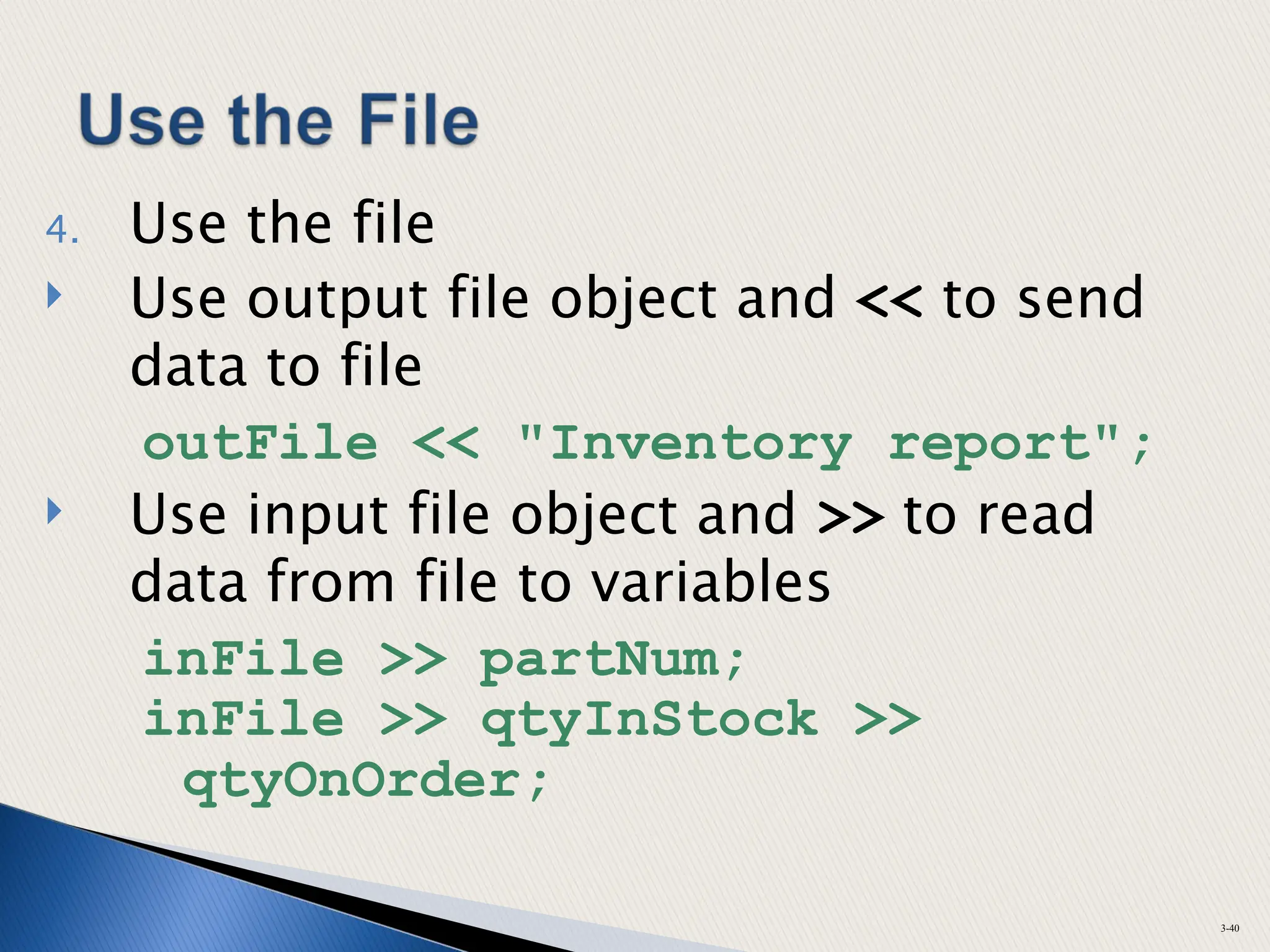
4. Use the file
 Use output file object and << to send
data to file
outFile << "Inventory report";
 Use input file object and >> to read
data from file to variables
inFile >> partNum;
inFile >> qtyInStock >>
qtyOnOrder;
3-40
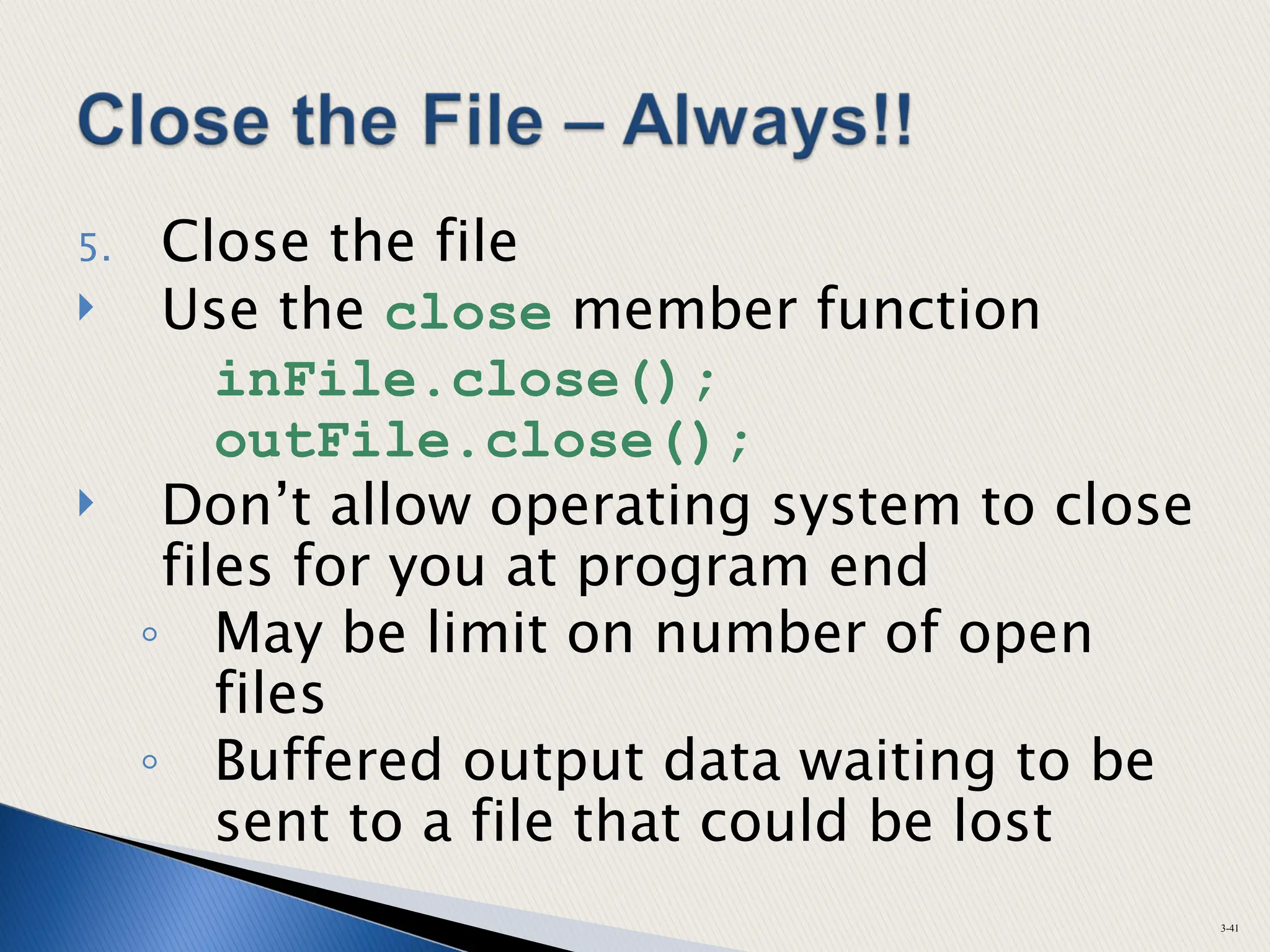
5. Close the file
 Use the close member function
inFile.close();
outFile.close();
 Don’t allow operating system to close
files for you at program end
◦ May be limit on number of open
files
◦ Buffered output data waiting to be
sent to a file that could be lost
3-41
 P. 143+
◦ 1 – 29
 Try some Programming Challenges –
◦ #1 – 25 ~ P. 148+
◦ Do problem solving steps then write the
code
3-42

Chapter 3 Expressions and Inteactivity

  • 1.
    Starting Out withC++ Early Objects Seventh Edition by Tony Gaddis, Judy Walters, and Godfrey Muganda Chapter 3: Expressions and Interactivity
  • 2.
     Standard inputobject  Like cout, requires <iostream> file  Used to read input from keyboard  Often used with cout to display user prompt first ~ do this!  Data is retrieved from cin with >>  Input data stored in one or more variables 3-2
  • 3.
     User inputgoes from keyboard to input buffer, where it is stored as characters int height; cout << "How tall is the room? "; cin >> height; The value entered will be stored in the memory location “height.” 3-3
  • 4.
     Can beused to input multiple values cin >> height >> width;  Multiple values from keyboard ◦ Must be separated by spaces or [Enter] ◦ Must press [Enter] after typing last value ◦ Multiple values need not be of same type ◦ Order is important; first value entered is stored in first variable, etc. 3-4
  • 5.
     Expression ◦ constant ◦variable ◦ combination of constants, variables, operators ◦ parentheses as necessary  Examples of mathematical expressions: 2 height a + b / c (time * 60 + 5)/x 3-5
  • 6.
     Assignment statements, With cout,  Other types of statements Examples: area = 2 * PI * radius; // legal but discouraged in cout cout << "border is: " << (2*(l+w)); while (x + 2 < 100) 3-6
  • 7.
     Order issame as in mathematics ◦ - (unary negation) in order, left to right ◦ * / % in order, left to right ◦ + - in order, left to right What is the order? 6 – 8 + 4 * 2 / -2 % 10 3-7
  • 8.
     Parentheses () can be used to override the order of operations 2 + 2 * 2 – 2 = 4 (2 + 2) * 2 – 2 = 6 2 + 2 * (2 – 2) = 2 (2 + 2) * (2 – 2) = 0 3-8
  • 9.
     Multiplication requiresan operator Area = lw is written as Area = l * w;  There is no exponentiation operator Area = s2 is written as Area = s * s; or Area = pow(s, 2); (note: pow requires the <cmath> header file, is slow)  Parentheses may be needed to maintain order of operations is written as m = (y2 - y1)/(x2 - x1); 3-9 1 2 1 2 x x y y m   
  • 10.
     IMPLICIT  Operationsare performed between operands (values) of the same type - ONLY ◦ i.e. integer, double, float  If not same, C++ automatically converts one to be type of other (higher accuracy)  Often impacts results of calculations 3-10
  • 11.
     Highest  Lowest Ranked by largest number they can hold 3-11 long double double float unsigned long long unsigned int int unsigned short short char
  • 12.
     Coercion: automaticconversion of an operand to another data type  Promotion: converts to a higher type ◦ E.G. Double = Integer  Demotion: converts to a lower type  E.G. Integer = Double 3-12
  • 13.
    1) char, short,unsigned short are automatically promoted to int 2) When operating on values of different data types, the lower one is promoted to the type of the higher one. 3) When using the = operator, the type of expression on right will be converted to the type of variable on left 3-13
  • 14.
     Also calledtype casting  Used for manual data type conversion  Not often used, but occasionally  Use Sparingly & only when necessary 3-14
  • 15.
    What is theresult of each? double X; int Y=5, Z=2; X = Y/2; X = Y/2.0; X = Y/Z; X = (double)(Y/Z); X = (double)Y/Z; X = Y/(double) Z; X = (double)Y/(double)Z; 3-15
  • 16.
     Occurs whenassigning a value that is too large (overflow) or too small (underflow) to be held in a variable ◦ I.E. Not enough space allocated in memory ◦ E.G. Allocate 1 byte but 2 are necessary  The variable contains a value that is not the correct value or may be zero (for very small values) 3-16
  • 17.
    Different systems handlethe problem differently. They may ◦ display a warning / error message ◦ display a dialog box and ask what to do ◦ stop the program ◦ continue execution with the incorrect value 3-17
  • 18.
     Also calledconstant variables  “Variables” - Identifiers whose content cannot be changed during program execution  Used for representing constant values with descriptive names const double TAX_RATE = 0.0675; const int NUM_STATES = 50;  Often named in uppercase letters 3-18
  • 19.
    #define ◦ C-style ofnaming constants (older) #define NUM_STATES 50 ◦ Interpreted by pre-processor, not compiler ◦ Does not occupy a memory location like a constant variable defined with const ◦ Instead, causes text substitution to occur. Every occurrence of NUM_STATES will be replaced by 50 3-19
  • 20.
     The assignmentoperator (=) can be used more than 1 time in an expression x = y = z = 5;  Associates right to left x = (y = (z = 5)); 3-20 Done Done Done 3rd 2nd 1st
  • 21.
     Applies anarithmetic operation to a variable & assigns result as new value of variable  Operators: += -= *= /= %=  Example: sum += amt; short for sum = sum + amt; 3-21
  • 22.
    x += 5;means x = x + 5; x -= 5; means x = x – 5; x *= 5; means x = x * 5; x /= 5; means x = x / 5; x %= 5; means x = x % 5; The right hand side is evaluated before assignment operation x *= a + b; means x = x *(a + b); 3-22
  • 23.
     To controlappearance of output ◦ size ◦ position ◦ number of digits ◦ number of decimal places  Requires <iomanip> header file 3-23
  • 24.
     Used tocontrol features of an output field  Some affect just the next value displayed ◦ setw(x): Print in a field (aka column) at least x spaces wide. Use more spaces if specified field width is not big enough. 3-24
  • 25.
     Some affectvalues until changed again ◦ fixed: Use decimal notation (not E-notation) for floating-point values. ◦ setprecision(x):  When used with fixed, print floating-point value using x digits after the decimal.  Without fixed, print floating-point value using x significant digits. ◦ showpoint: Always print decimal for floating- point values. ◦ left, right: left-, right justification of value 3-25
  • 26.
    ^ means ablank space const float e = 2.718; float price = 18.0; Displays cout << setw(8) << e << endl; ^^^2.718 cout << left << setw(8) << e << endl; 2.718^^^ cout << setprecision(2); cout << e << endl; 2.7 cout << fixed << e << endl; 2.72 cout << setw(6) << price; ^18.00 3-26
  • 27.
     char: holdsa single character ◦ Automatically included  string: holds a sequence of characters ◦ Requires <string> header file  Both used in assignment statements  Both displayed with cout & << 3-27
  • 28.
    Reading in astring object string str; // Reads in string containing no blanks cin >> str; // Reads in string that may contain blanks getline(cin, str); 3-28
  • 29.
    Reading in acharacter char ch; cin >> ch; // Reads in any non-blank char cin.get(ch); // Reads in any char cin.ignore(); // Skips over next char in // the input buffer 3-29
  • 30.
    = Assigns avalue to a string string words; words = "Tasty "; + Joins two strings together string s1 = "hot", s2 = "dog"; string food = s1 + s2; // food = "hotdog" += Concatenates a string onto the end of another one words += food; // words now = "Tasty hotdog" 3-30
  • 31.
     C-string isstored as an array of characters  Programmer must indicate maximum number of characters at definition const int SIZE = 5; char temp[SIZE] = "Hot";  NULL character (0) is placed after final character to mark the end of the string  Programmer must make sure array is big enough for desired use; temp can hold up to 4 characters plus the 0. 3-31 H o t 0
  • 32.
     Reading ina C-string const int SIZE = 10; char Cstr[SIZE]; cin >> Cstr; // Reads in a C-string with no // blanks. Will write past the // end of the array if input string // is too long. cin.getline(Cstr, 10); // Reads in a C-string that may // contain blanks. Ensures that <= 9 // chars are read in.  Can also use setw() and width() to control input field widths 3-32
  • 33.
     A C-stringcan be initialized at the time of its creation, just like a string object const int SIZE = 10; char month[SIZE] = "April";  However, a C-string cannot later be assigned a value using the = operator; you must use the strcpy() function char month[SIZE]; month = "August" // wrong! strcpy(month, "August"); //correct 3-33
  • 34.
     These require<cmath> header file  Take double arguments and return a double  Commonly used functions 3-34 abs Absolute value sin Sine cos Cosine tan Tangent sqrt Square root log Natural (e) log
  • 35.
     These require<cstdlib> header file  rand ◦ Returns a random number between 0 & largest int the computer holds ◦ Produces same sequence of numbers each time program runs  srand(x) ◦ Initializes random number generator with unsigned int x ◦ Should be called at most once in a program 3-35
  • 36.
     3.10 –Random numbers  Continue with Section 3.11 3-36
  • 37.
     Can usefile instead of keyboard for program input  Can use file instead of monitor screen for program output  Files are stored on secondary storage media, such as disk, flash drive  Files allow data to be retained between program executions 3-37
  • 38.
    1. Include the<fstream> header file 2. Define a file stream object • ifstream for input from a file ifstream inFile; • ofstream for output to a file ofstream outFile; These are “commands” you will use for file input & output. User defined. 3-38
  • 39.
    3. Open thefile  Use the open member function inFile.open("inventory.dat"); outFile.open("report.txt");  Filename may include drive, path info.  Output file will be created if necessary; existing output file will be erased first  Input file must exist for open to work 3-39
  • 40.
    4. Use thefile  Use output file object and << to send data to file outFile << "Inventory report";  Use input file object and >> to read data from file to variables inFile >> partNum; inFile >> qtyInStock >> qtyOnOrder; 3-40
  • 41.
    5. Close thefile  Use the close member function inFile.close(); outFile.close();  Don’t allow operating system to close files for you at program end ◦ May be limit on number of open files ◦ Buffered output data waiting to be sent to a file that could be lost 3-41
  • 42.
     P. 143+ ◦1 – 29  Try some Programming Challenges – ◦ #1 – 25 ~ P. 148+ ◦ Do problem solving steps then write the code 3-42

Editor's Notes

  • #3 See pr3-01.cpp and pr3-02.cpp
  • #4 See pr3-03.cpp and pr3-04.cpp
  • #6 See pr3-05.cpp
  • #9 See pr3-06.cpp
  • #18 See pr3-11.cpp
  • #19 See pr3-12.cpp
  • #22 See pr3-13.cpp
  • #23  For an example without iomanip, see pr3-14.cpp
  • #24  See pr3-15.cpp and pr3-16.cpp
  • #25  See pr3-17.cpp, pr3-18.cpp, pr3-19.cpp, and pr3-20.cpp
  • #26 See pr3-15.cpp through pr3-21.cpp
  • #28 See pr3-21.cpp and pr3-22.cpp
  • #29 See pr3-23.cpp and pr3-24.cpp
  • #32 See pr3-25.cpp, pr3-27.cpp, pr3-28.cpp, and pr3-29.cpp
  • #33 See pr3-26.cpp
  • #34 See pr3-30.cpp
  • #35 See pr3-31.cpp and pr3-32.pp
  • #40 See pr3-33.cpp, pr3-34.cpp, and pr3-35.cpp