Introduction to Computer -I
AHSAN ASHFAQ
AHSAN ASHFAQ | OMT I | INSTITUTE OF MANAGEMENT SCIENCES PESHAWAR 1
Course Instructor :: Ahsan Ashfaq
Qualification:
MS Software Engineering | IMSciences Peshawar
BS Computer Sciences | University of Peshawar (Gold Medalist)
AHSAN ASHFAQ | OMT I | INSTITUTE OF MANAGEMENT SCIENCES PESHAWAR 2
Research Area:
Software Engineering
Aspect Mining
Data Mining
Email: ahsan.cs123@gmail.com
What is a computer ?
An electronic device.
Basic Operations
Input
Processing
Output
Storage
Converts data into Information.
AHSAN ASHFAQ | OMT I | INSTITUTE OF MANAGEMENT SCIENCES PESHAWAR 3
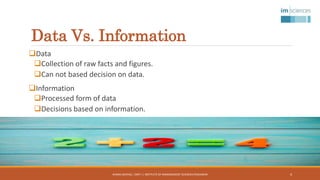
Data Vs. Information
Data
Collection of raw facts and figures.
Can not based decision on data.
Information
Processed form of data
Decisions based on information.
AHSAN ASHFAQ | OMT I | INSTITUTE OF MANAGEMENT SCIENCES PESHAWAR 4
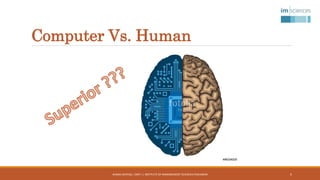
Computer Vs. Human
AHSAN ASHFAQ | OMT I | INSTITUTE OF MANAGEMENT SCIENCES PESHAWAR 5
Computer Vs. Human
Computer wins
Time
Efficiency
Memory
Information processing
Human brain wins
Creativity
Emotions
Language
 Human Brain is the instructor
AHSAN ASHFAQ | OMT I | INSTITUTE OF MANAGEMENT SCIENCES PESHAWAR 6
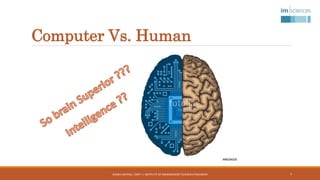
Computer Vs. Human
AHSAN ASHFAQ | OMT I | INSTITUTE OF MANAGEMENT SCIENCES PESHAWAR 7
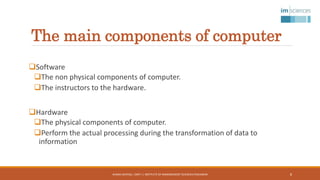
The main components of computer
Software
The non physical components of computer.
The instructors to the hardware.
Hardware
The physical components of computer.
Perform the actual processing during the transformation of data to
information
AHSAN ASHFAQ | OMT I | INSTITUTE OF MANAGEMENT SCIENCES PESHAWAR 8
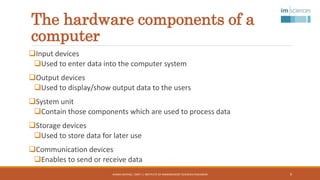
The hardware components of a
computer
Input devices
Used to enter data into the computer system
Output devices
Used to display/show output data to the users
System unit
Contain those components which are used to process data
Storage devices
Used to store data for later use
Communication devices
Enables to send or receive data
AHSAN ASHFAQ | OMT I | INSTITUTE OF MANAGEMENT SCIENCES PESHAWAR 9
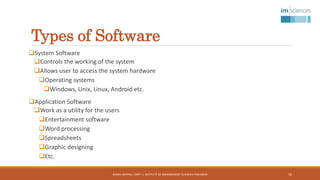
Types of Software
System Software
Controls the working of the system
Allows user to access the system hardware
Operating systems
Windows, Unix, Linux, Android etc.
Application Software
Work as a utility for the users
Entertainment software
Word processing
Spreadsheets
Graphic designing
Etc.
AHSAN ASHFAQ | OMT I | INSTITUTE OF MANAGEMENT SCIENCES PESHAWAR 10
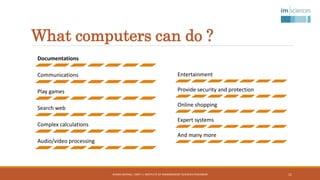
What computers can do ?
Documentations
Communications
Play games
Search web
Complex calculations
Audio/video processing
AHSAN ASHFAQ | OMT I | INSTITUTE OF MANAGEMENT SCIENCES PESHAWAR
Entertainment
Provide security and protection
Online shopping
Expert systems
And many more
11
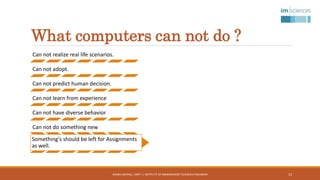
What computers can not do ?
Can not realize real life scenarios.
Can not adopt.
Can not predict human decision.
Can not learn from experience
Can not have diverse behavior
Can not do something new
Something's should be left for Assignments
as well.
AHSAN ASHFAQ | OMT I | INSTITUTE OF MANAGEMENT SCIENCES PESHAWAR 12
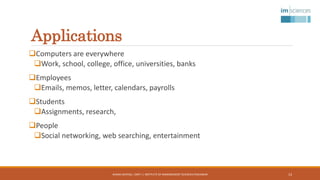
Applications
Computers are everywhere
Work, school, college, office, universities, banks
Employees
Emails, memos, letter, calendars, payrolls
Students
Assignments, research,
People
Social networking, web searching, entertainment
AHSAN ASHFAQ | OMT I | INSTITUTE OF MANAGEMENT SCIENCES PESHAWAR 13
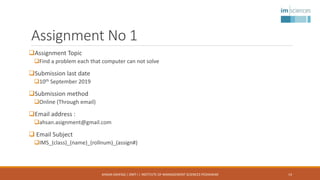
Assignment No 1
Assignment Topic
Find a problem each that computer can not solve
Submission last date
10th September 2019
Submission method
Online (Through email)
Email address :
ahsan.asignment@gmail.com
 Email Subject
IMS_(class)_(name)_(rollnum)_(assign#)
AHSAN ASHFAQ | OMT I | INSTITUTE OF MANAGEMENT SCIENCES PESHAWAR 14

Lec 1 introduction to computer -i

  • 1.
    Introduction to Computer-I AHSAN ASHFAQ AHSAN ASHFAQ | OMT I | INSTITUTE OF MANAGEMENT SCIENCES PESHAWAR 1
  • 2.
    Course Instructor ::Ahsan Ashfaq Qualification: MS Software Engineering | IMSciences Peshawar BS Computer Sciences | University of Peshawar (Gold Medalist) AHSAN ASHFAQ | OMT I | INSTITUTE OF MANAGEMENT SCIENCES PESHAWAR 2 Research Area: Software Engineering Aspect Mining Data Mining Email: ahsan.cs123@gmail.com
  • 3.
    What is acomputer ? An electronic device. Basic Operations Input Processing Output Storage Converts data into Information. AHSAN ASHFAQ | OMT I | INSTITUTE OF MANAGEMENT SCIENCES PESHAWAR 3
  • 4.
    Data Vs. Information Data Collectionof raw facts and figures. Can not based decision on data. Information Processed form of data Decisions based on information. AHSAN ASHFAQ | OMT I | INSTITUTE OF MANAGEMENT SCIENCES PESHAWAR 4
  • 5.
    Computer Vs. Human AHSANASHFAQ | OMT I | INSTITUTE OF MANAGEMENT SCIENCES PESHAWAR 5
  • 6.
    Computer Vs. Human Computerwins Time Efficiency Memory Information processing Human brain wins Creativity Emotions Language  Human Brain is the instructor AHSAN ASHFAQ | OMT I | INSTITUTE OF MANAGEMENT SCIENCES PESHAWAR 6
  • 7.
    Computer Vs. Human AHSANASHFAQ | OMT I | INSTITUTE OF MANAGEMENT SCIENCES PESHAWAR 7
  • 8.
    The main componentsof computer Software The non physical components of computer. The instructors to the hardware. Hardware The physical components of computer. Perform the actual processing during the transformation of data to information AHSAN ASHFAQ | OMT I | INSTITUTE OF MANAGEMENT SCIENCES PESHAWAR 8
  • 9.
    The hardware componentsof a computer Input devices Used to enter data into the computer system Output devices Used to display/show output data to the users System unit Contain those components which are used to process data Storage devices Used to store data for later use Communication devices Enables to send or receive data AHSAN ASHFAQ | OMT I | INSTITUTE OF MANAGEMENT SCIENCES PESHAWAR 9
  • 10.
    Types of Software SystemSoftware Controls the working of the system Allows user to access the system hardware Operating systems Windows, Unix, Linux, Android etc. Application Software Work as a utility for the users Entertainment software Word processing Spreadsheets Graphic designing Etc. AHSAN ASHFAQ | OMT I | INSTITUTE OF MANAGEMENT SCIENCES PESHAWAR 10
  • 11.
    What computers cando ? Documentations Communications Play games Search web Complex calculations Audio/video processing AHSAN ASHFAQ | OMT I | INSTITUTE OF MANAGEMENT SCIENCES PESHAWAR Entertainment Provide security and protection Online shopping Expert systems And many more 11
  • 12.
    What computers cannot do ? Can not realize real life scenarios. Can not adopt. Can not predict human decision. Can not learn from experience Can not have diverse behavior Can not do something new Something's should be left for Assignments as well. AHSAN ASHFAQ | OMT I | INSTITUTE OF MANAGEMENT SCIENCES PESHAWAR 12
  • 13.
    Applications Computers are everywhere Work,school, college, office, universities, banks Employees Emails, memos, letter, calendars, payrolls Students Assignments, research, People Social networking, web searching, entertainment AHSAN ASHFAQ | OMT I | INSTITUTE OF MANAGEMENT SCIENCES PESHAWAR 13
  • 14.
    Assignment No 1 AssignmentTopic Find a problem each that computer can not solve Submission last date 10th September 2019 Submission method Online (Through email) Email address : ahsan.asignment@gmail.com  Email Subject IMS_(class)_(name)_(rollnum)_(assign#) AHSAN ASHFAQ | OMT I | INSTITUTE OF MANAGEMENT SCIENCES PESHAWAR 14