Learning Communities photo courtesy of  PublicDomainPictures.net
Learning Communities photo courtesy of  FreeFoto.com
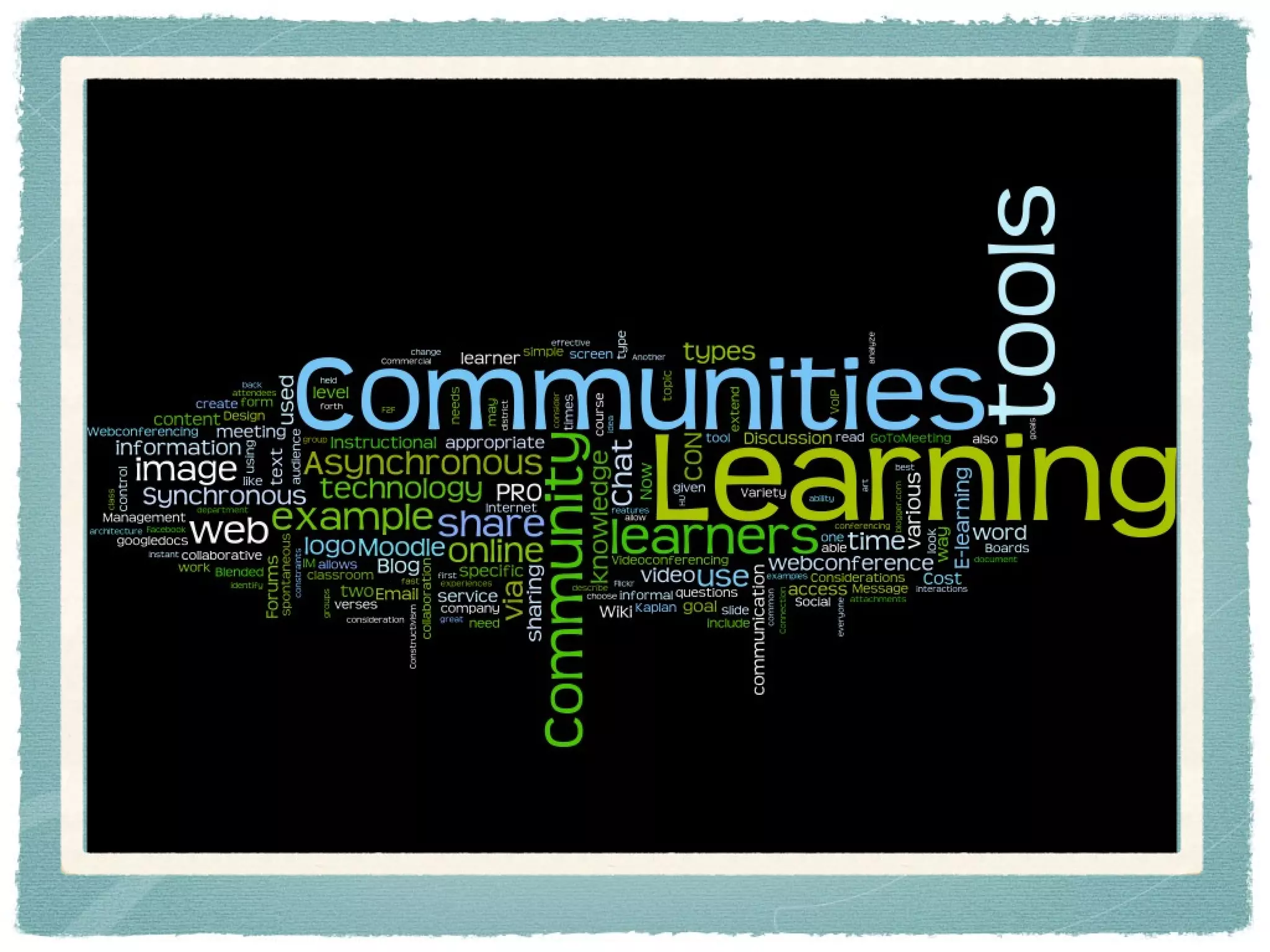
Learning Communities
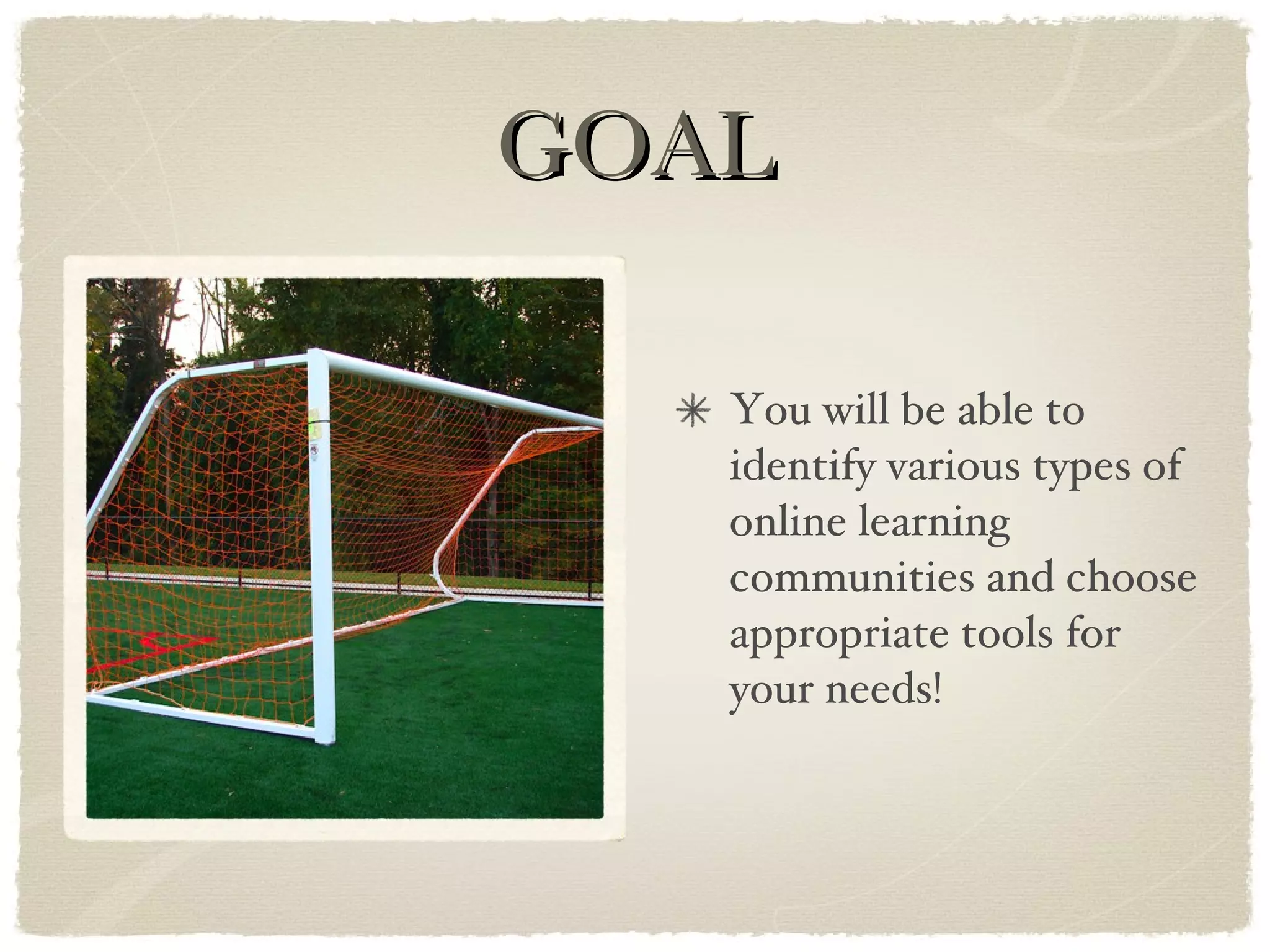
GOAL You will be able to identify various types of online learning communities and choose appropriate tools for your needs!
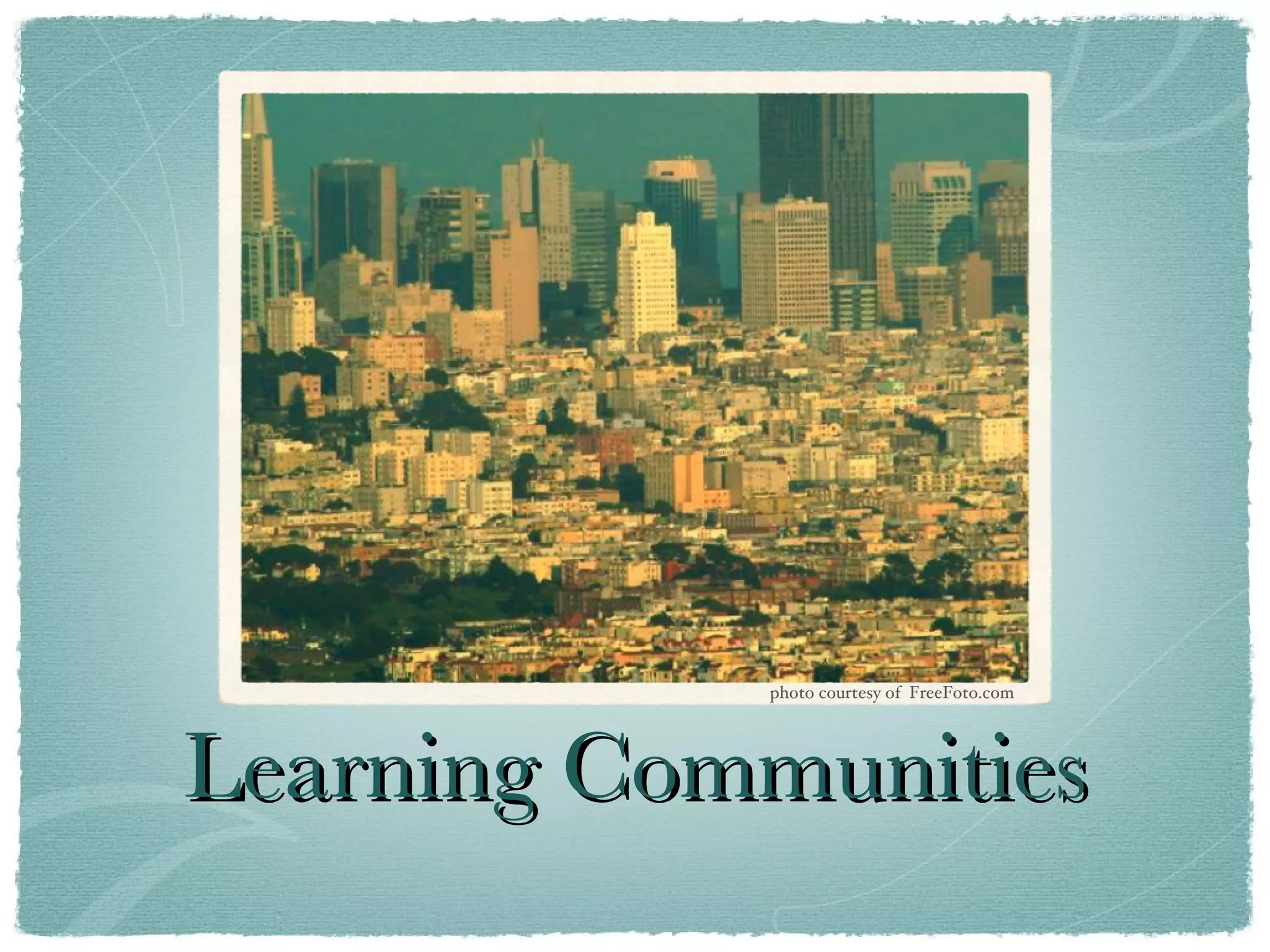
COMMUNITY photo courtesy of  FreeFoto.com
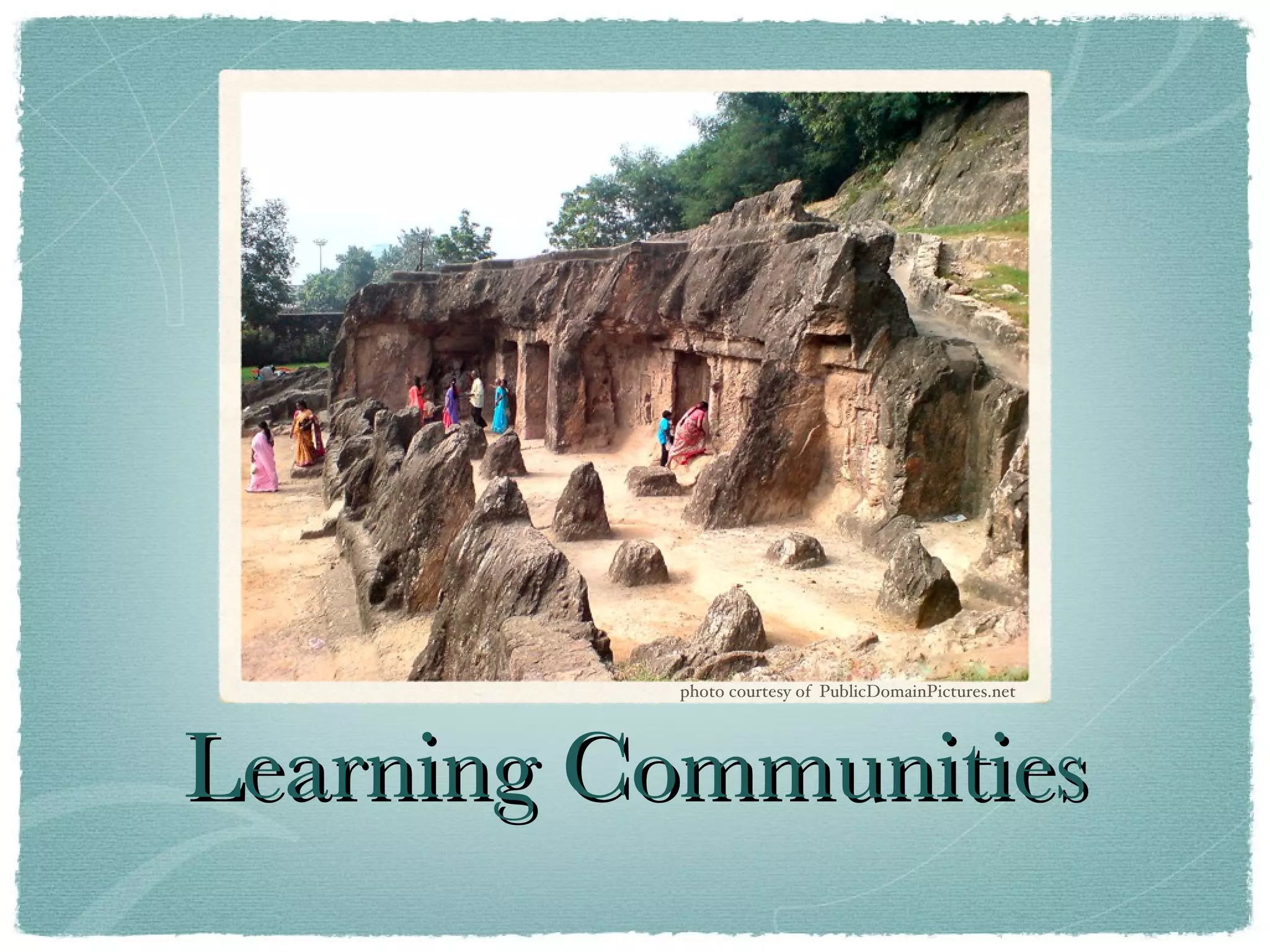
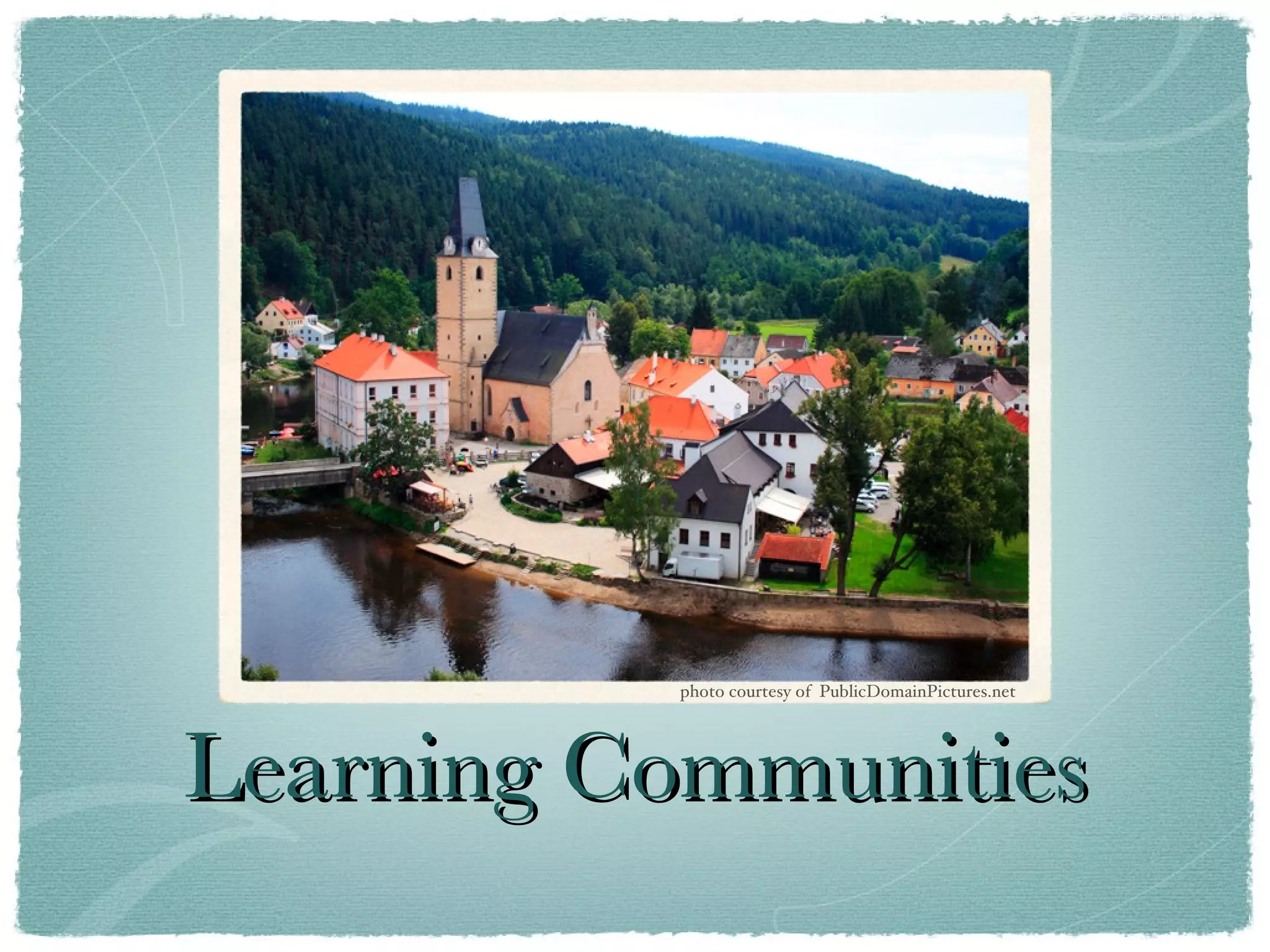
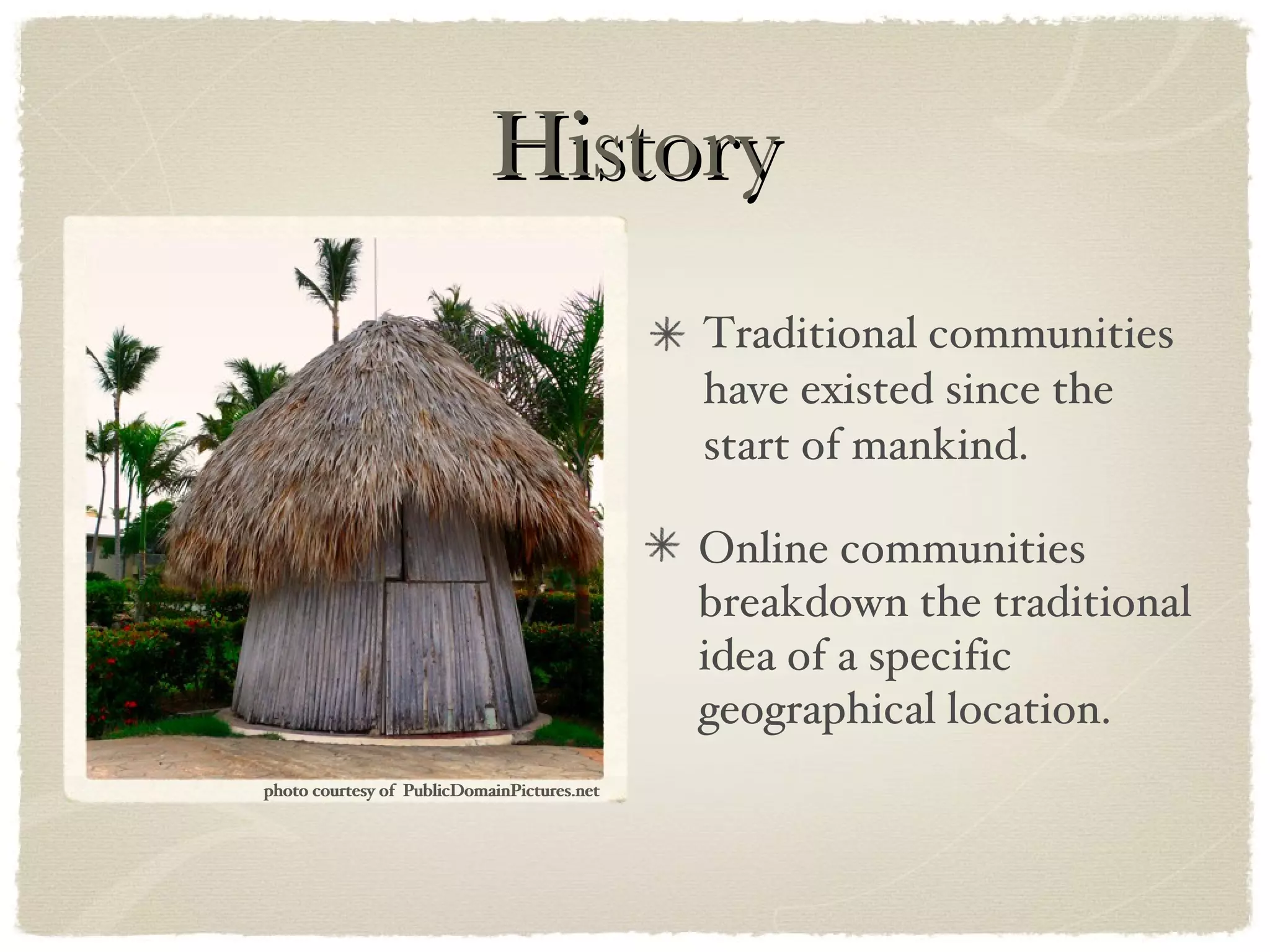
History Traditional communities have existed since the start of mankind. Online communities breakdown the traditional idea of a specific geographical location. photo courtesy of  PublicDomainPictures.net photo courtesy of  PublicDomainPictures.net
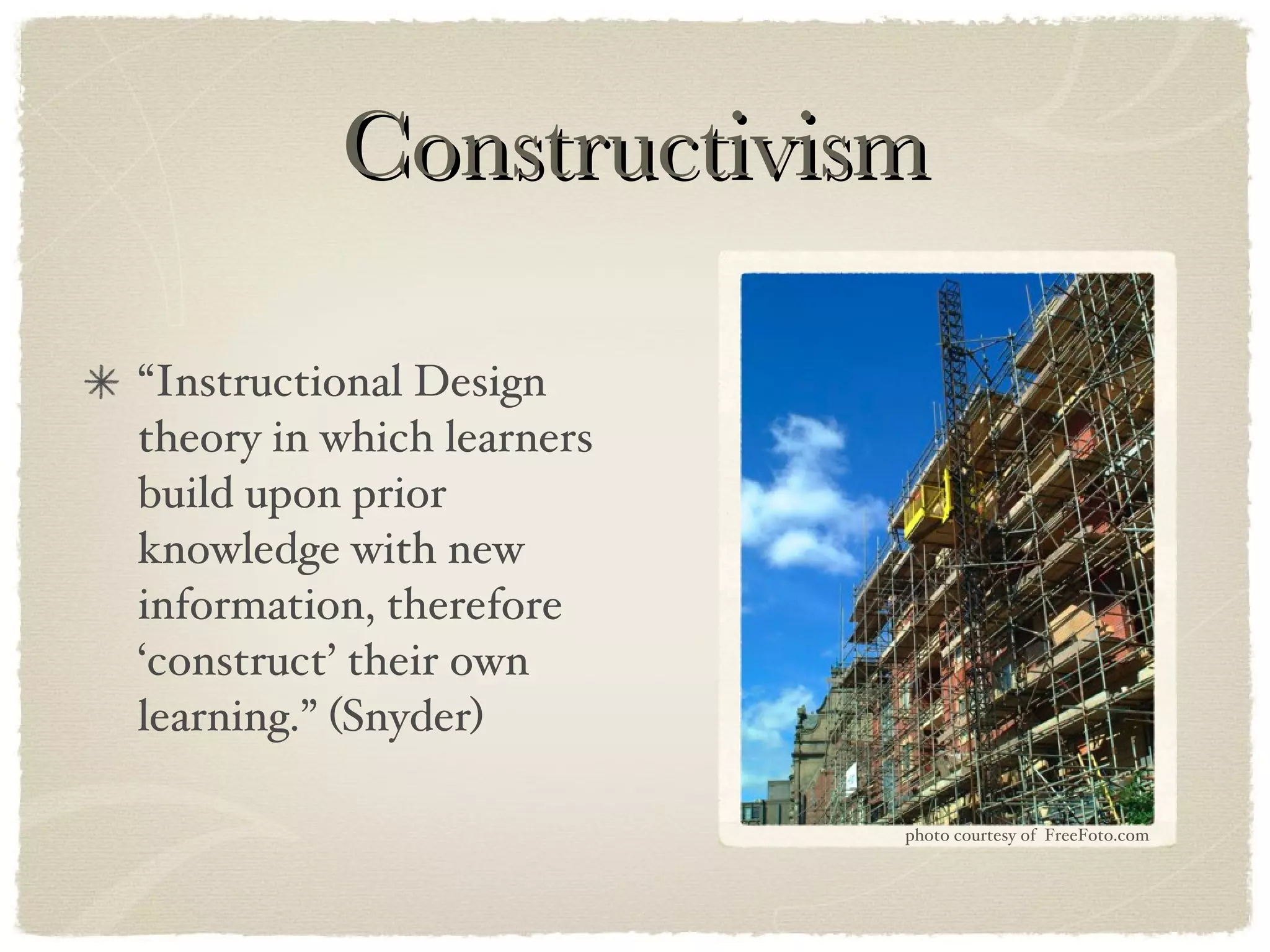
Constructivism “Instructional Design theory in which learners build upon prior knowledge with new information, therefore ‘construct’ their own learning.” (Snyder) photo courtesy of  FreeFoto.com
Purpose Communities are a way to share knowledge. “Communities extend learning by creating a structure in which people can learn from informal interactions.” (Kaplan)
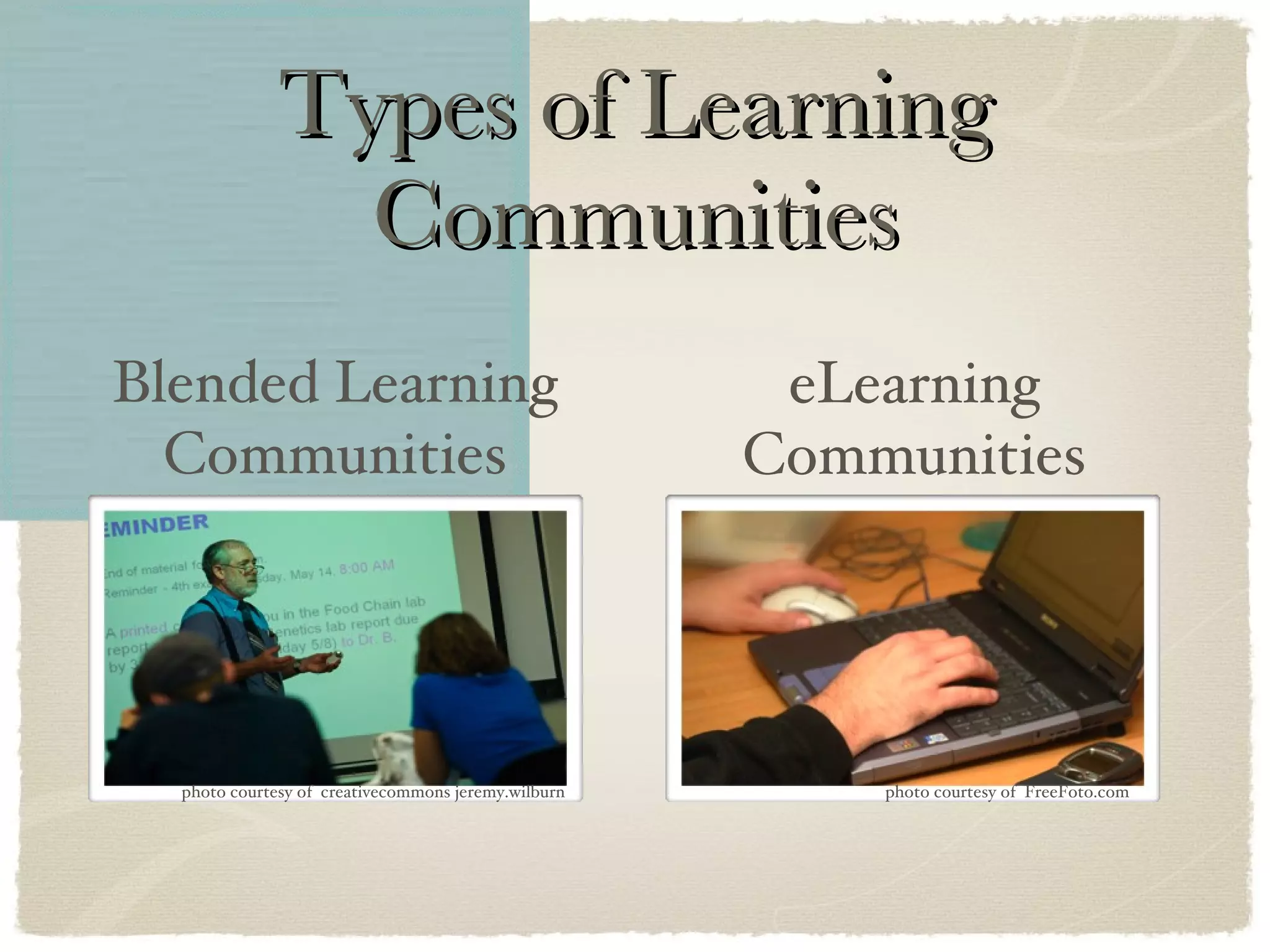
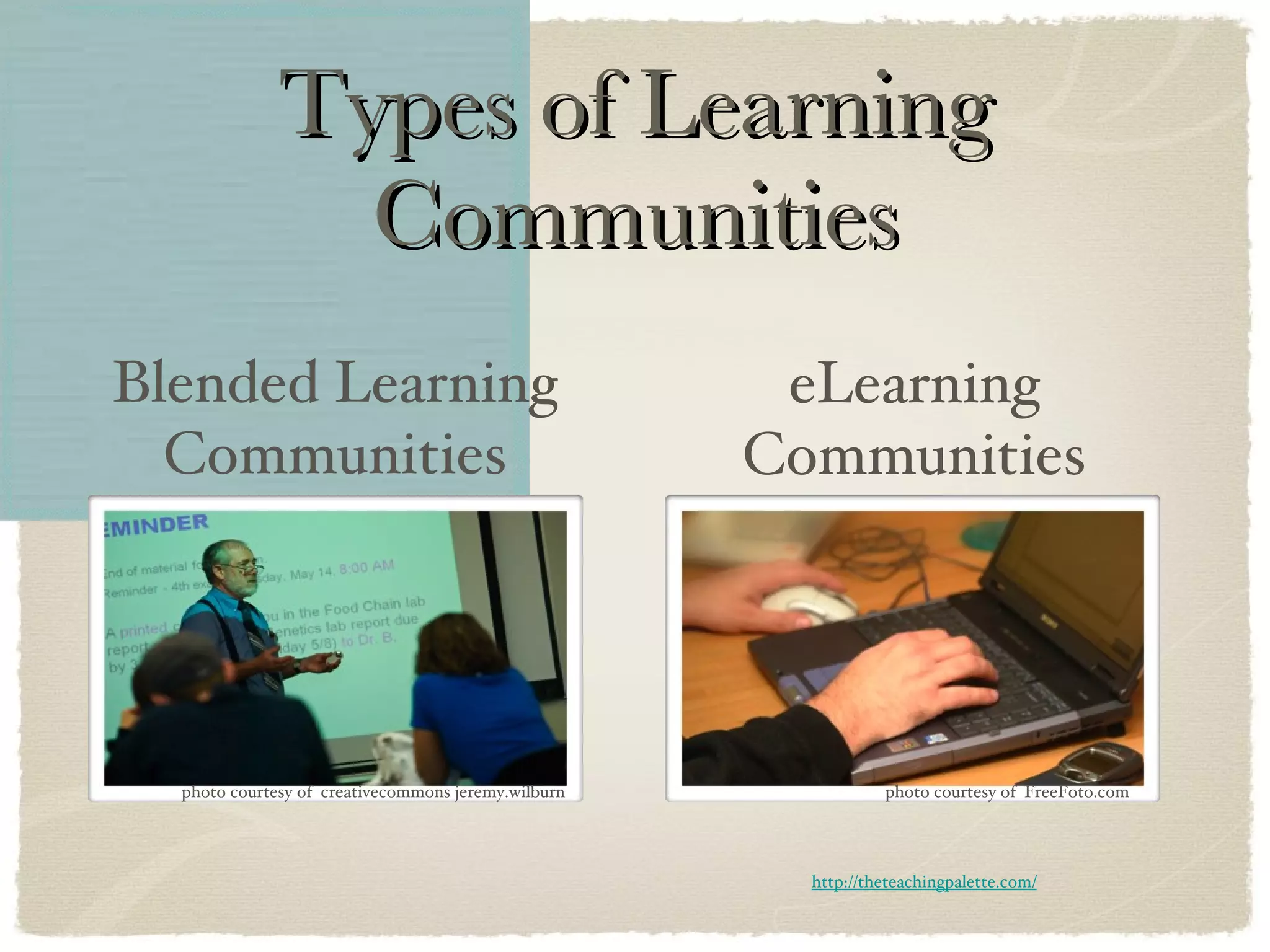
Types of Learning Communities Blended Learning Communities eLearning Communities photo courtesy of  FreeFoto.com photo courtesy of  creativecommons jeremy.wilburn
Types of Learning Communities Blended Learning Communities eLearning Communities photo courtesy of  FreeFoto.com photo courtesy of  creativecommons jeremy.wilburn http://theteachingpalette.com/
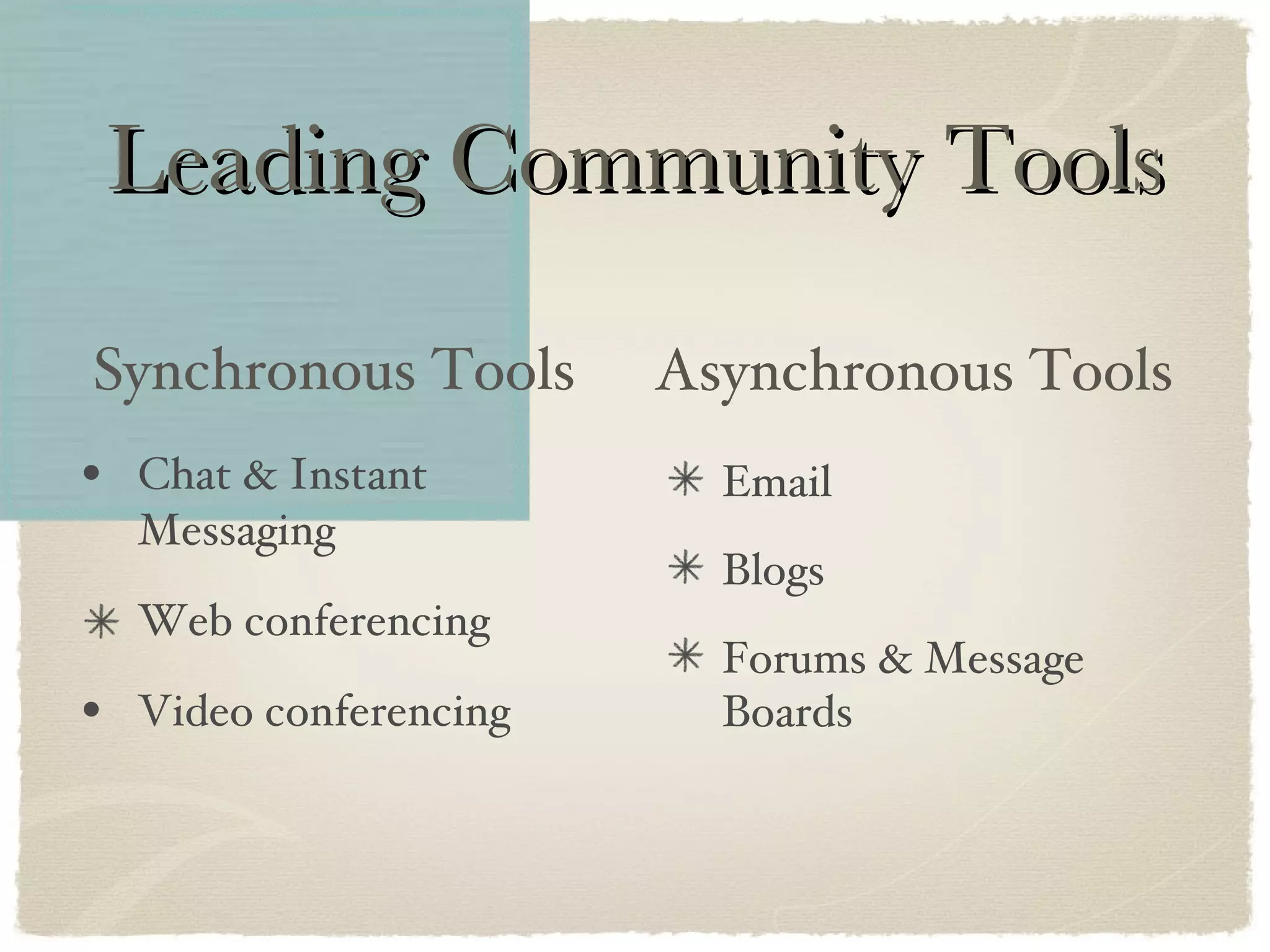
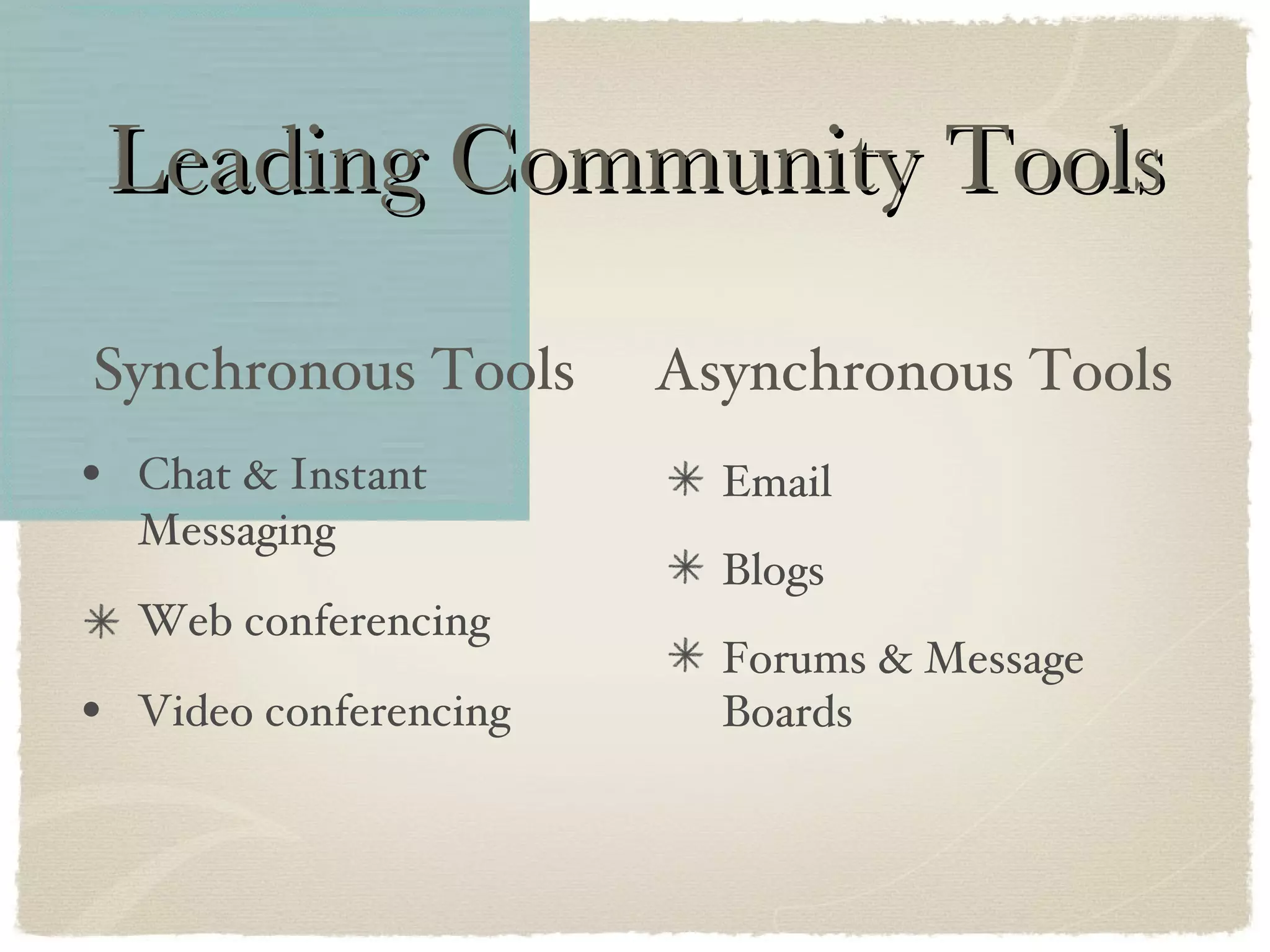
Leading Community Tools Chat & Instant Messaging Web conferencing Video conferencing Email Blogs Forums & Message Boards Synchronous Tools Asynchronous Tools
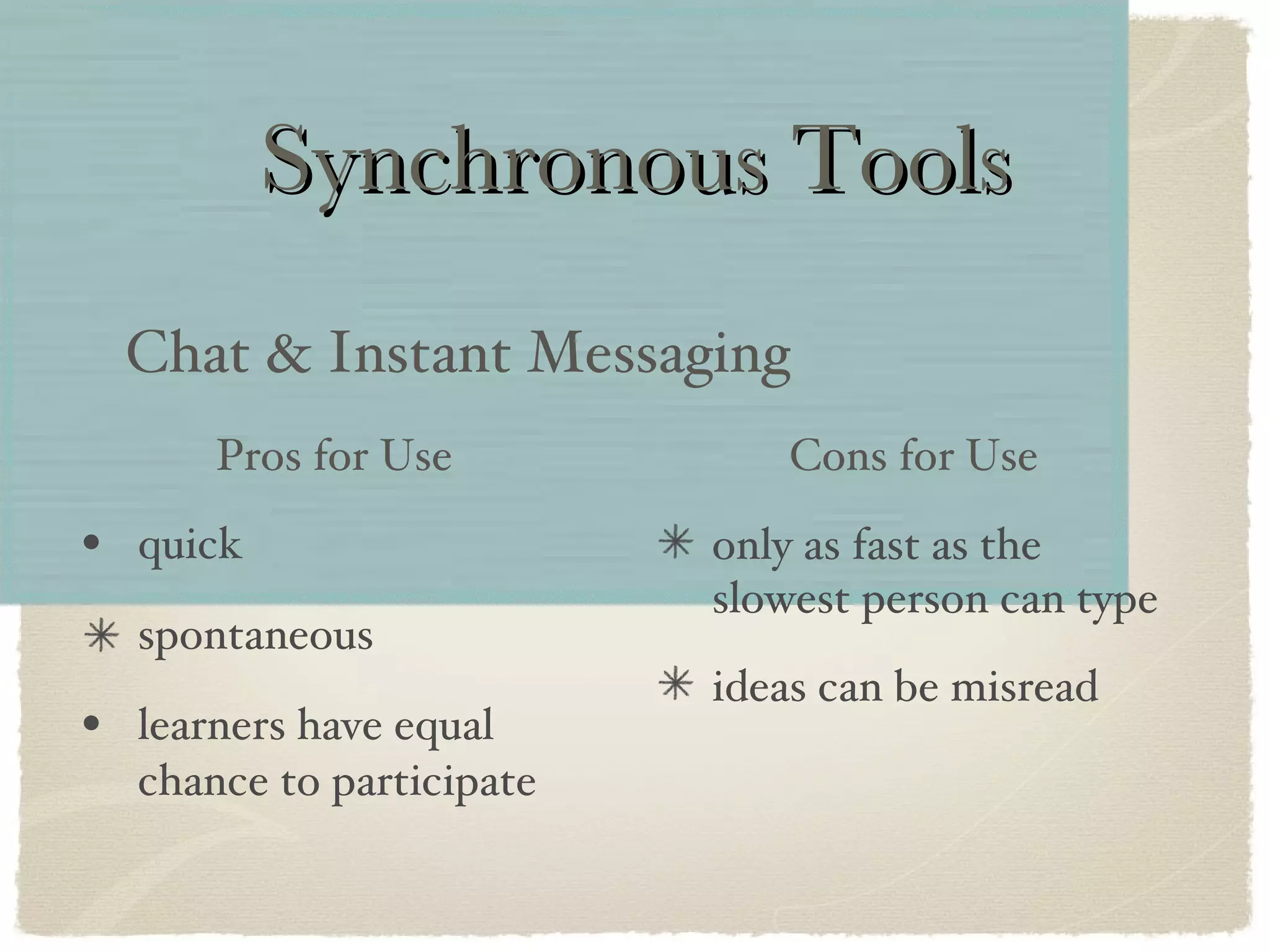
Synchronous Tools quick spontaneous learners have equal chance to participate Chat & Instant Messaging only as fast as the slowest person can type ideas can be misread Pros for Use Cons for Use
TIME to DISCUSS Are chat and IM slang appropriate for all learning communities? photo courtesy of  PublicDomainPictures.net
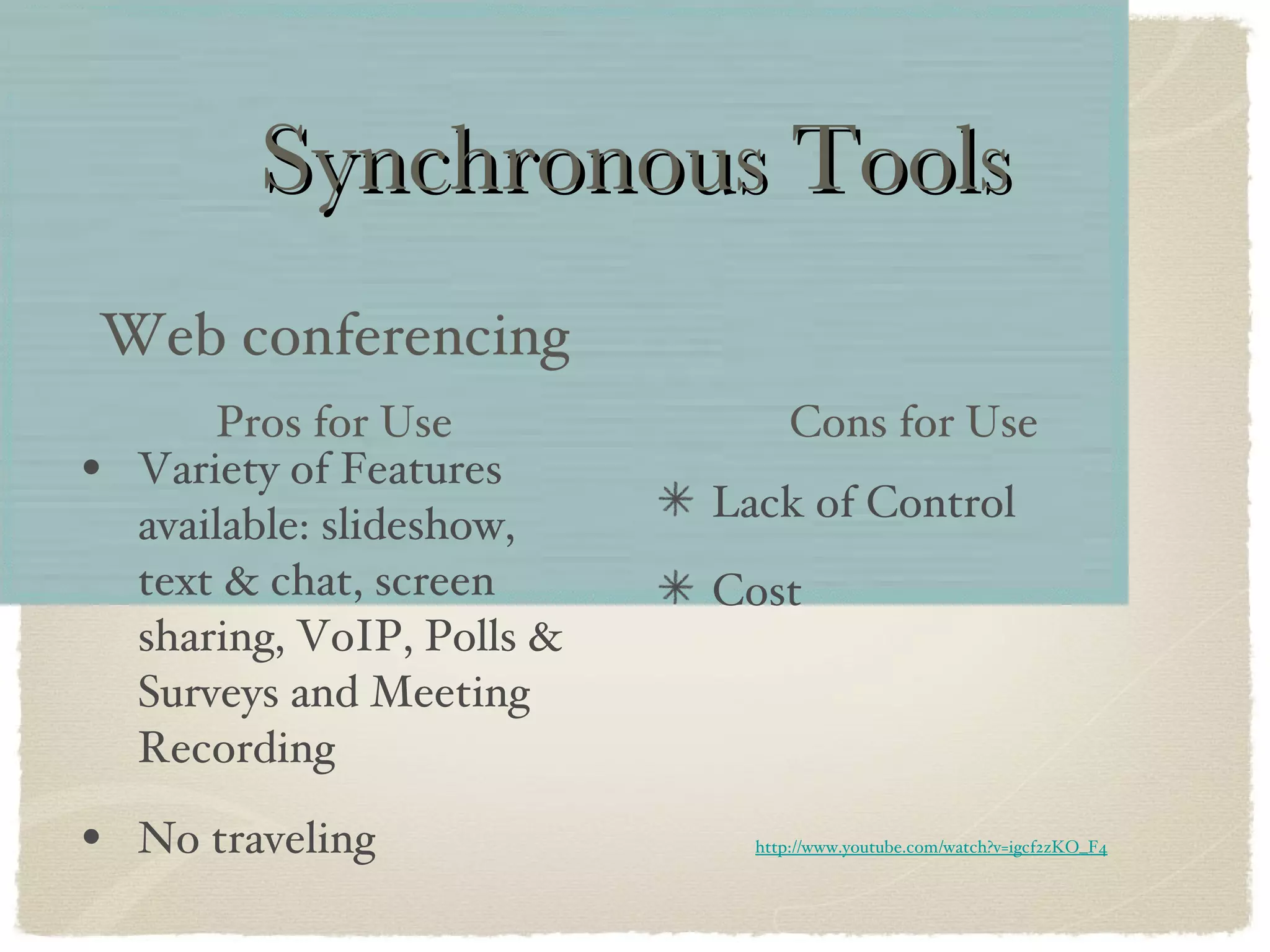
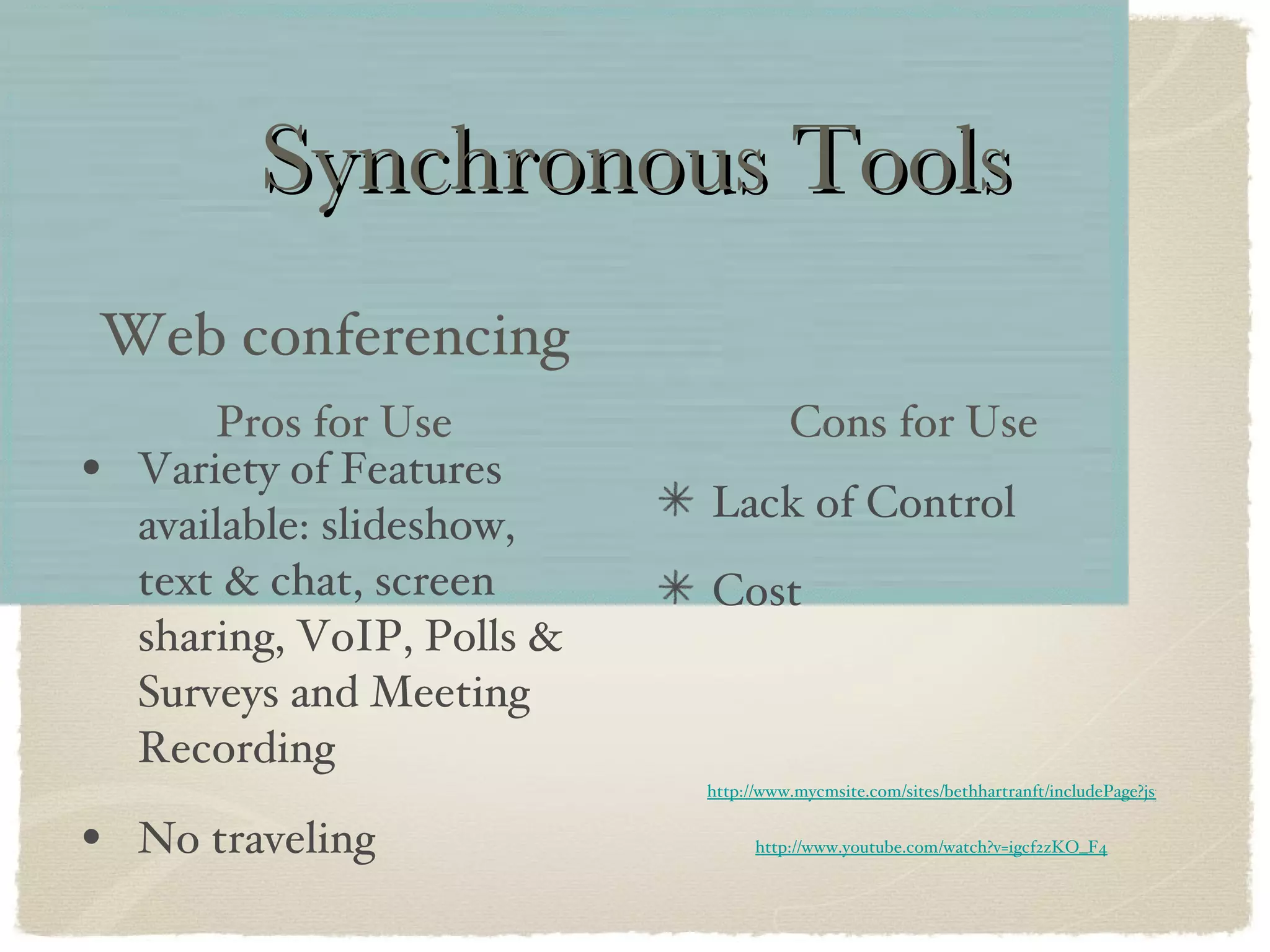
Synchronous Tools Variety of Features available: slideshow, text & chat, screen sharing, VoIP, Polls & Surveys and Meeting Recording No traveling Web conferencing Lack of Control Cost Pros for Use Cons for Use http://www.youtube.com/watch?v=igcf2zKO_F4
Synchronous Tools Variety of Features available: slideshow, text & chat, screen sharing, VoIP, Polls & Surveys and Meeting Recording No traveling Web conferencing Lack of Control Cost Pros for Use Cons for Use http://www.youtube.com/watch?v=igcf2zKO_F4 http://www.mycmsite.com/sites/bethhartranft/includePage?jspPage=helpzone/PreRecordedDoneInFour.jsp
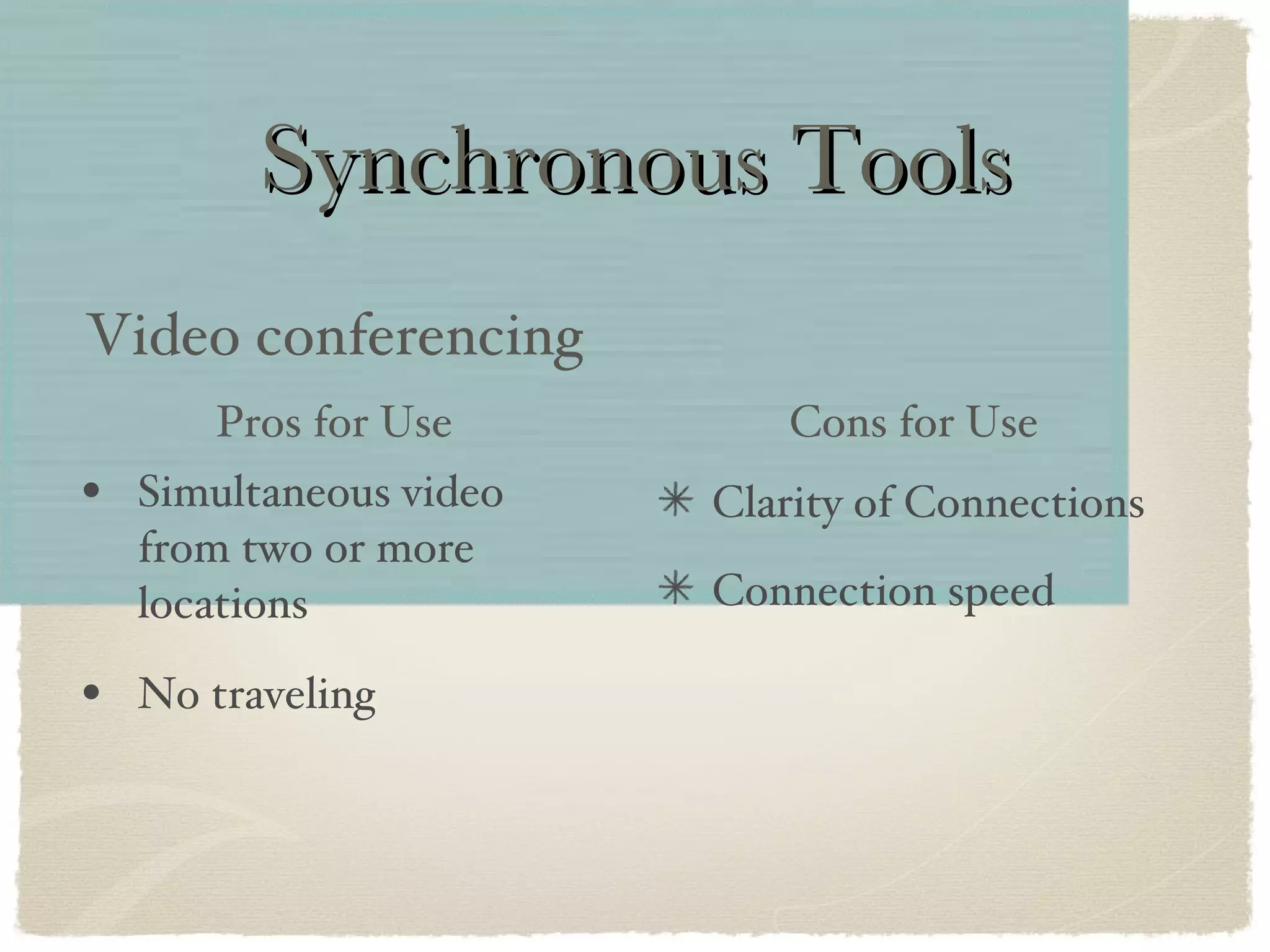
Synchronous Tools Simultaneous video from two or more locations No traveling Video conferencing Clarity of Connections Connection speed Pros for Use Cons for Use
Leading Community Tools Chat & Instant Messaging Web conferencing Video conferencing Email Blogs Forums & Message Boards Synchronous Tools Asynchronous Tools
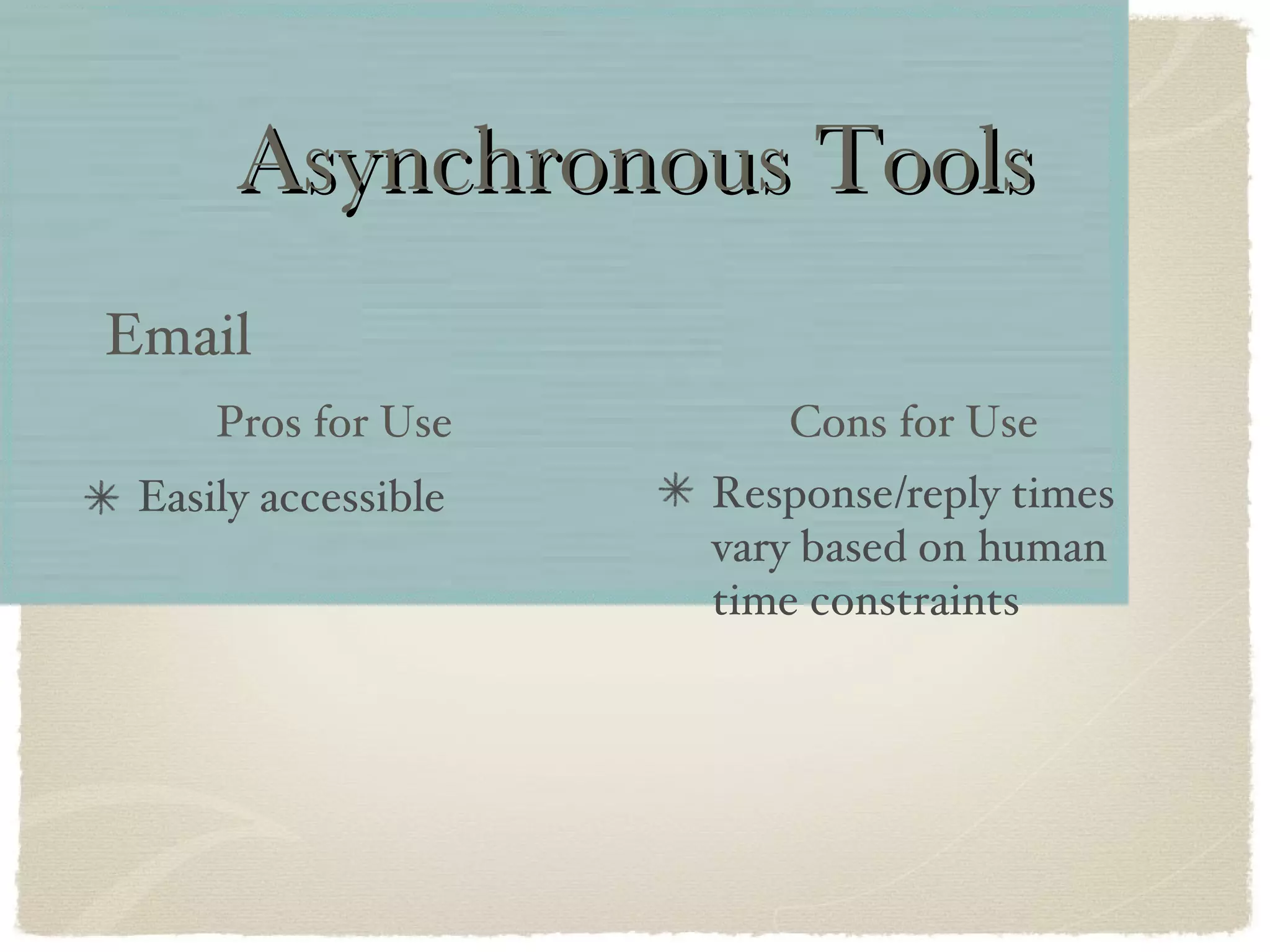
Asynchronous Tools Easily accessible Email Response/reply times vary based on human time constraints Pros for Use Cons for Use
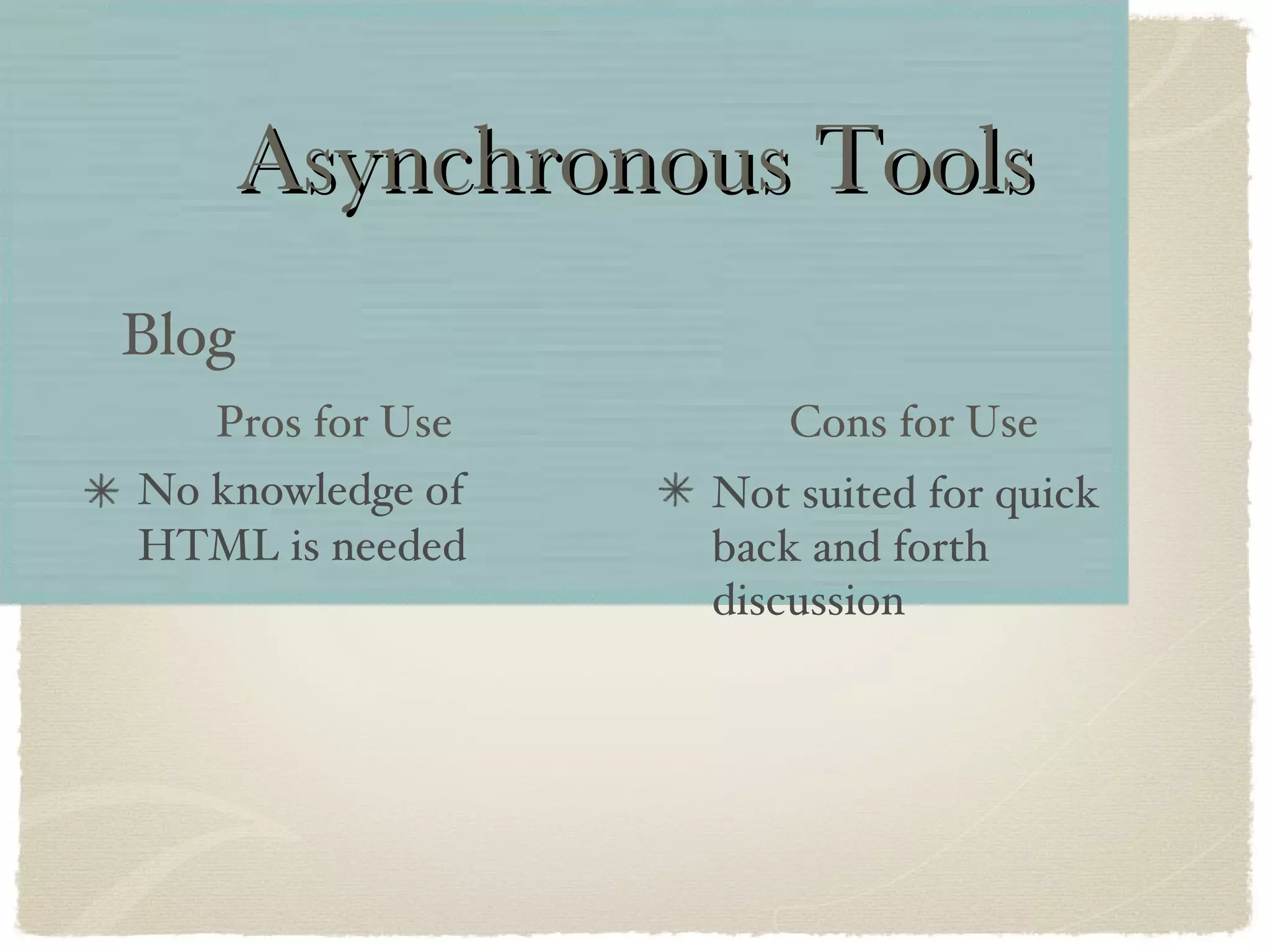
Asynchronous Tools No knowledge of HTML is needed Blog Not suited for quick back and forth discussion Pros for Use Cons for Use
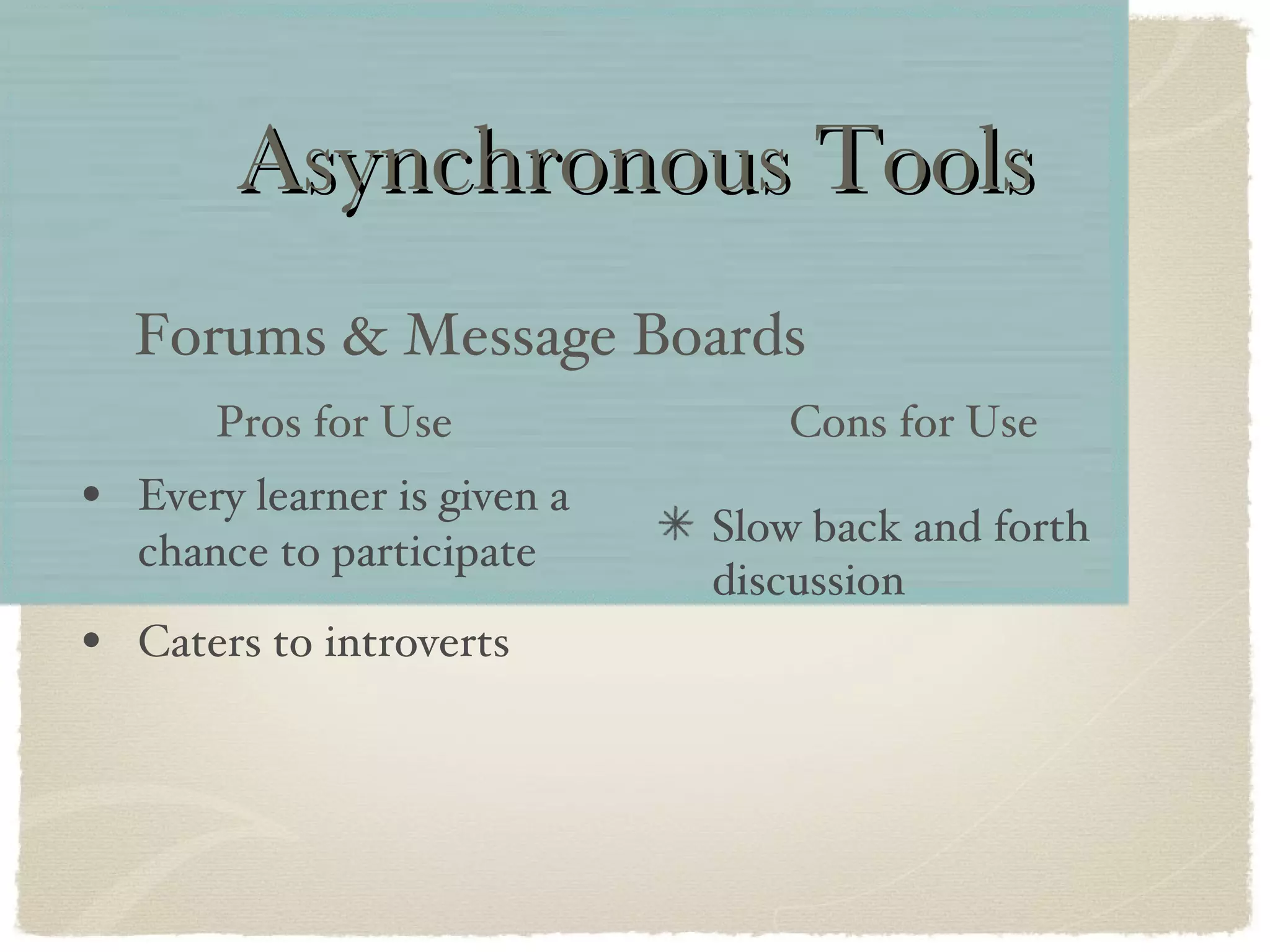
Asynchronous Tools Every learner is given a chance to participate Caters to introverts Forums & Message Boards Slow back and forth discussion Pros for Use Cons for Use
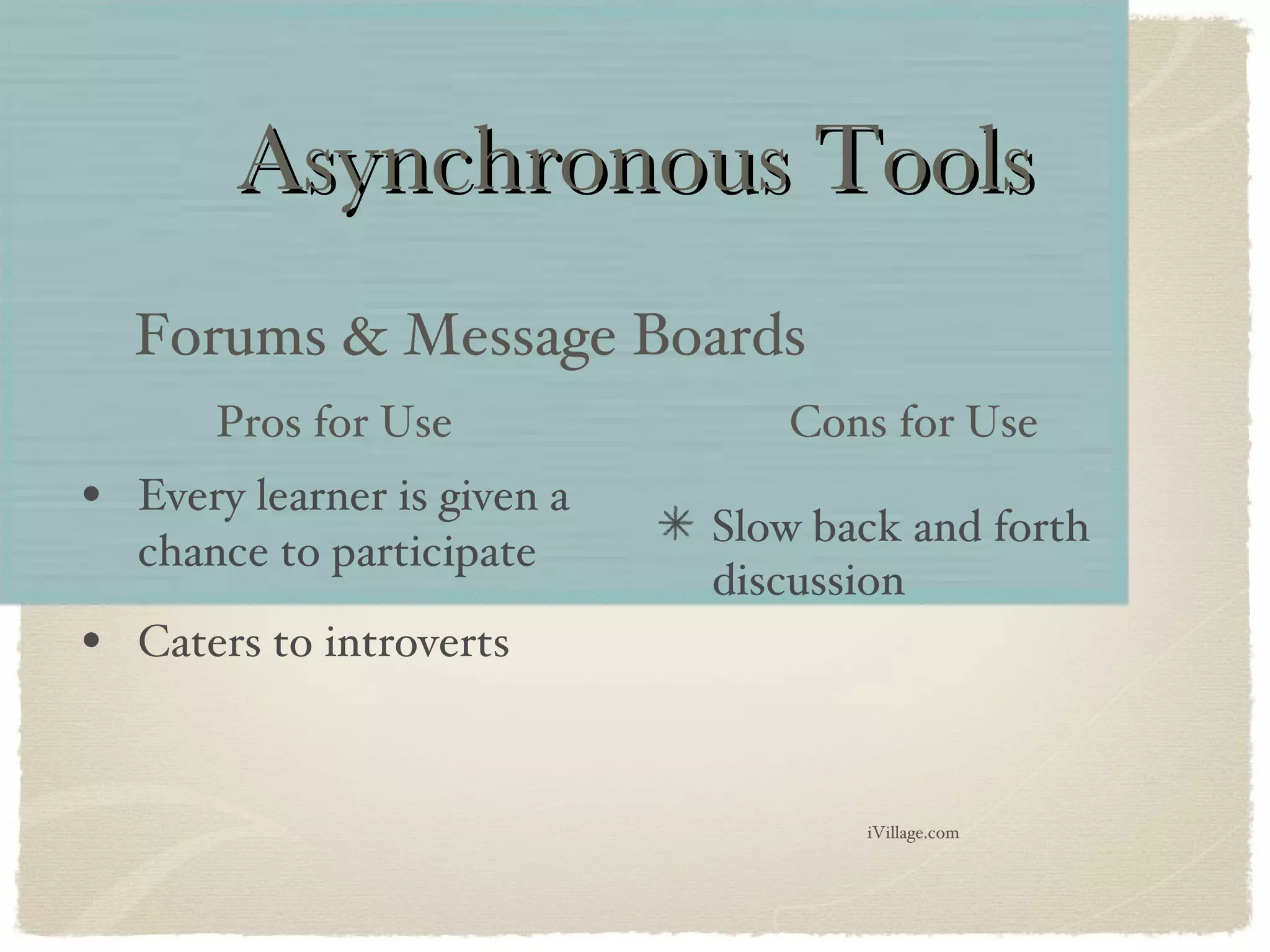
Asynchronous Tools Every learner is given a chance to participate Caters to introverts Forums & Message Boards Slow back and forth discussion Pros for Use Cons for Use iVillage.com
Other Collaborative Tools Wikis Googledocs
Other Collaborative Tools Wikis Googledocs http://warwick8art.wikispaces.com/LTMS+510
Content Management Tools Examples: Moodle Blackboard Can incorporate types of community tools, like forums. Advantage = all course info in one place.
TIME to DISCUSS Are social networking sites the future of learning communities or are they just social playgrounds? photo courtesy of  PublicDomainPictures.net
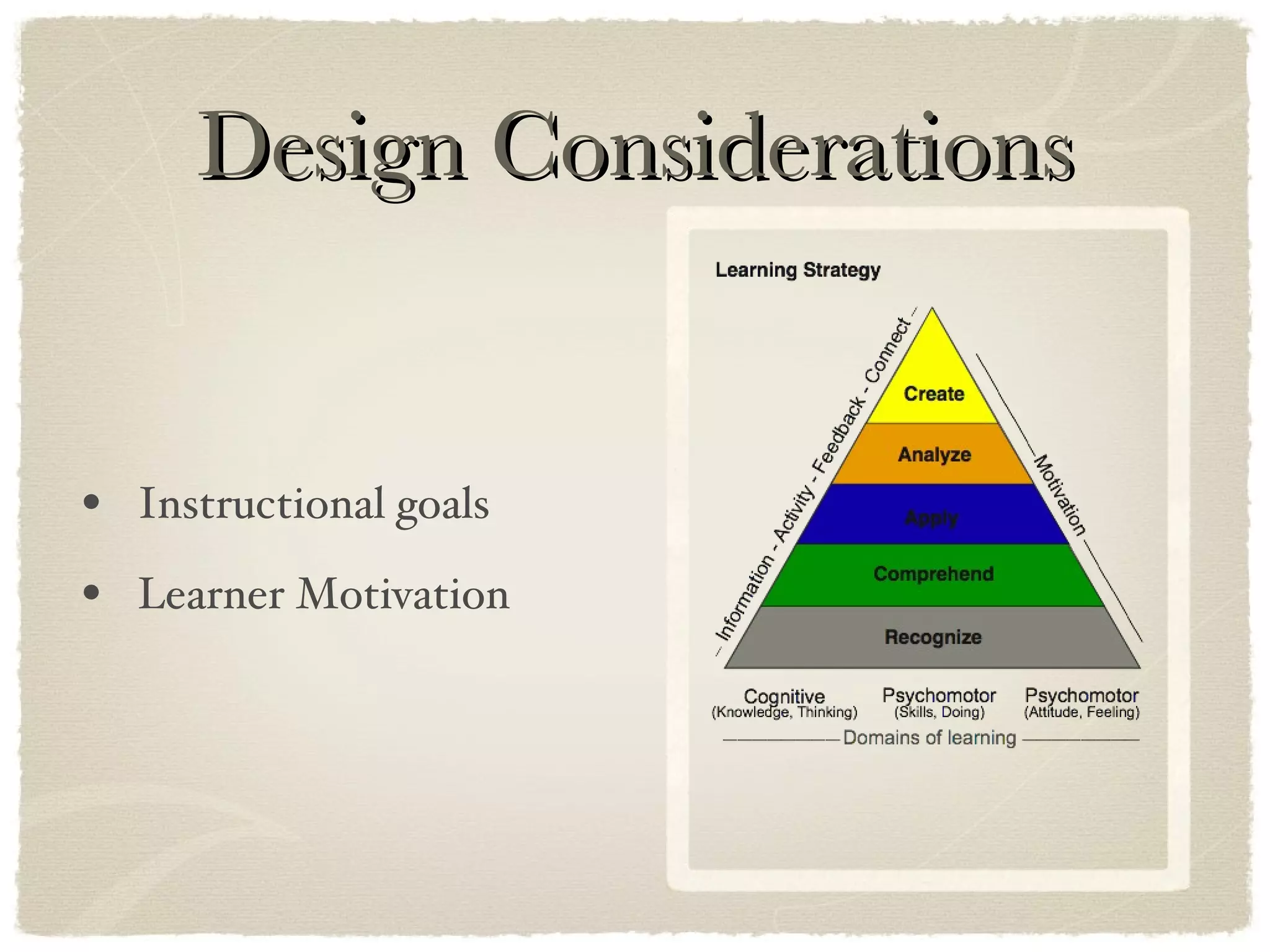
Design Considerations Instructional goals Learner Motivation
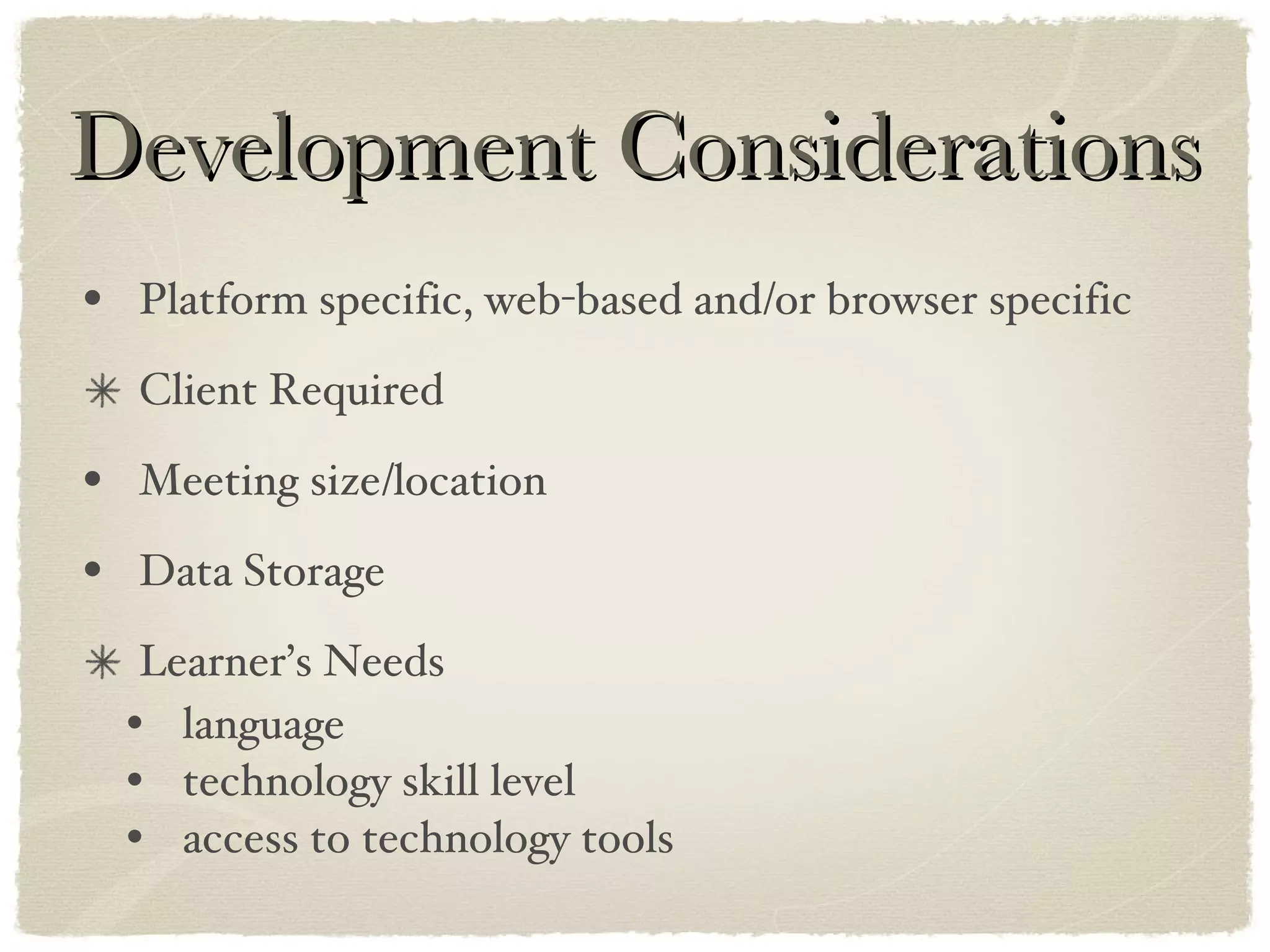
Development Considerations Platform specific, web-based and/or browser specific Client Required Meeting size/location Data Storage Learner’s Needs language technology skill level access to technology tools
Implementation Considerations “ Community members should spend more time learning about the topic than about how to use a given technology.” (Kaplan) photo courtesy of  FreeFoto.com
 
Learning Communities google earth images
Questions

Learning Communities Presentation

  • 1.
    Learning Communities photocourtesy of PublicDomainPictures.net
  • 2.
    Learning Communities photocourtesy of PublicDomainPictures.net
  • 3.
    Learning Communities photocourtesy of FreeFoto.com
  • 4.
  • 5.
    GOAL You willbe able to identify various types of online learning communities and choose appropriate tools for your needs!
  • 6.
    COMMUNITY photo courtesyof FreeFoto.com
  • 7.
    History Traditional communitieshave existed since the start of mankind. Online communities breakdown the traditional idea of a specific geographical location. photo courtesy of PublicDomainPictures.net photo courtesy of PublicDomainPictures.net
  • 8.
    Constructivism “Instructional Designtheory in which learners build upon prior knowledge with new information, therefore ‘construct’ their own learning.” (Snyder) photo courtesy of FreeFoto.com
  • 9.
    Purpose Communities area way to share knowledge. “Communities extend learning by creating a structure in which people can learn from informal interactions.” (Kaplan)
  • 10.
    Types of LearningCommunities Blended Learning Communities eLearning Communities photo courtesy of FreeFoto.com photo courtesy of creativecommons jeremy.wilburn
  • 11.
    Types of LearningCommunities Blended Learning Communities eLearning Communities photo courtesy of FreeFoto.com photo courtesy of creativecommons jeremy.wilburn http://theteachingpalette.com/
  • 12.
    Leading Community ToolsChat & Instant Messaging Web conferencing Video conferencing Email Blogs Forums & Message Boards Synchronous Tools Asynchronous Tools
  • 13.
    Synchronous Tools quickspontaneous learners have equal chance to participate Chat & Instant Messaging only as fast as the slowest person can type ideas can be misread Pros for Use Cons for Use
  • 14.
    TIME to DISCUSSAre chat and IM slang appropriate for all learning communities? photo courtesy of PublicDomainPictures.net
  • 15.
    Synchronous Tools Varietyof Features available: slideshow, text & chat, screen sharing, VoIP, Polls & Surveys and Meeting Recording No traveling Web conferencing Lack of Control Cost Pros for Use Cons for Use http://www.youtube.com/watch?v=igcf2zKO_F4
  • 16.
    Synchronous Tools Varietyof Features available: slideshow, text & chat, screen sharing, VoIP, Polls & Surveys and Meeting Recording No traveling Web conferencing Lack of Control Cost Pros for Use Cons for Use http://www.youtube.com/watch?v=igcf2zKO_F4 http://www.mycmsite.com/sites/bethhartranft/includePage?jspPage=helpzone/PreRecordedDoneInFour.jsp
  • 17.
    Synchronous Tools Simultaneousvideo from two or more locations No traveling Video conferencing Clarity of Connections Connection speed Pros for Use Cons for Use
  • 18.
    Leading Community ToolsChat & Instant Messaging Web conferencing Video conferencing Email Blogs Forums & Message Boards Synchronous Tools Asynchronous Tools
  • 19.
    Asynchronous Tools Easilyaccessible Email Response/reply times vary based on human time constraints Pros for Use Cons for Use
  • 20.
    Asynchronous Tools Noknowledge of HTML is needed Blog Not suited for quick back and forth discussion Pros for Use Cons for Use
  • 21.
    Asynchronous Tools Everylearner is given a chance to participate Caters to introverts Forums & Message Boards Slow back and forth discussion Pros for Use Cons for Use
  • 22.
    Asynchronous Tools Everylearner is given a chance to participate Caters to introverts Forums & Message Boards Slow back and forth discussion Pros for Use Cons for Use iVillage.com
  • 23.
    Other Collaborative ToolsWikis Googledocs
  • 24.
    Other Collaborative ToolsWikis Googledocs http://warwick8art.wikispaces.com/LTMS+510
  • 25.
    Content Management ToolsExamples: Moodle Blackboard Can incorporate types of community tools, like forums. Advantage = all course info in one place.
  • 26.
    TIME to DISCUSSAre social networking sites the future of learning communities or are they just social playgrounds? photo courtesy of PublicDomainPictures.net
  • 27.
    Design Considerations Instructionalgoals Learner Motivation
  • 28.
    Development Considerations Platformspecific, web-based and/or browser specific Client Required Meeting size/location Data Storage Learner’s Needs language technology skill level access to technology tools
  • 29.
    Implementation Considerations “Community members should spend more time learning about the topic than about how to use a given technology.” (Kaplan) photo courtesy of FreeFoto.com
  • 30.
  • 31.
  • 32.

Editor's Notes

  • #2 "Welcome, tonight we are going to explore the topic of learning communities.
  • #6 "Our goal is to be able to identify various types of online learning communities and choose appropriate tools for our needs."
  • #7 "What qualities or characteristics do you think of when you hear the word community?" [pause] "Please come up and write a one/two word description."
  • #8 "Let's take a brief look at how the idea of a community is changing with the use of technology." [read on screen text]
  • #9 "You may be wondering: How on-line learning communities fit into the scope of Instructional Design? … Communities are part of Constructivism Theory." [Read slide]
  • #10 "In general communities are a way to share knowledge. They extend learning through informal interactions."
  • #11 "There are two types of Learning Communities: Blended Learning Communities and E-learning Communities. LTMS 510 is an example of a blended learning community. We meet F2F and we share knowledge through various online tools. In contrast, an E-Learning Community is a group that connects solely via technology.
  • #12 Theteachingpalette.com is one example of an e-learning community. Let's take a look."
  • #13 "Now let's look at some leading tools!" "We can break community tools down into two categories - Synchronous and Asynchronous. Synchronous: learners working at the same time. Asynchronous: learners work at different times."
  • #14 "Horton describes chat & instant messaging 'as a spontaneous exchange of messages.' Popular service providers include AOL and MSN. [share Pros and cons of this tool]
  • #15 Can you think of or have you ever experienced a situation where IM slang would not be appropriate to a learning situation?
  • #16 Webconferencing used to be used to describe a group discussion board or forum. Now the term is used to describe synchronous meetings or presentations held via the Internet. A Webinar is a specicific type of webconference that is typically one-way, speaker to audience. Many features can be incorporated into a webconference. The most common are slide shows and chat, but also include screen sharing, Polls & surveys and VoIP. VoIP is the ability to use real time audio communication via the internet. Another feature of web conferencing is the ability to record the meeting session. A CON of webconferencing is control. You are often at the mercy of your service provider and their fees. There are various web conferencing providers. Two examples are GoToMeeting and Webex.
  • #17 let’s look at a sample of a recorded webinar
  • #18 Videoconferencing allows for two or more locations to conference via video simultaneously. Skype is a simple example of videoconferencing.
  • #20 The oldest and simplest form of asynchronous collaboration is Email. Most everyone has access to email and a variety of file types can be shared via attachments. As with all asynchronous tools, a major con is that they can be slow, because they rely on various peoples time constraints.
  • #21 Short for Web log. A blog is an online journal or diary that includes dated entries. In e-learning a blog can be used for learners to document experiences. PRO: Learners are able to concentrate on content verses authoring a webpage.
  • #22 In the architecture of learning communities forums and Message boards exist somewhere in between chatting and blogging tools. They are asynchronous like blogs, but allow back and forth communication like chat - except slower! They are a great way to extend classroom discussion. You can find message boards on a variety of topics, for example check out iVillage.com.
  • #23 In the architecture of learning communities forums and Message boards exist somewhere in between chatting and blogging tools. They are asynchronous like blogs, but allow back and forth communication like chat - except slower! They are a great way to extend classroom discussion. You can find message boards on a variety of topics, for example check out iVillage.com.
  • #24 As the concept of Web 2.0 grows, I predict that we will see more collaborative tools. At the forefront right now are wikis and googledocs. Wiki is Hawaiian for fast. It also is a backronym for What I Know Is. Wikipedia is the most popular wiki on the web, but you can create your on wiki for classroom or corporate use. Googledocs is an online document sharing source. It allows for synchronous or asynchronous collaboration without the hassle of multiple email attachments and revision sharing.
  • #26 Most of us are familular with Moodle from our course work at HU. In addition to be a course management system, Moodle incorporates other types of community learning tools, like forums. The advantage of using a content management system is that all course information is in one place. Learners only need to access one site.
  • #27 What is the role of social networking sites in the learning communities architecture? Leadding example include Facebook, Flickr, Twitter
  • #28 When designing a learning community you first need to consider your instructional goals and the level of learning that you want to reach. For example: forums are a great way to discuss higherlevel questions that require the learner to analyze information, but they would not be the best tool to use for simple T/F or yes/no questions. This could be done more effectively with polling or survey tools or chat tools. Another consideration is your learner motivation. By their vary nature learning communities are informal and spontaneous. Too many rules or rigid guidelines may sqaush the learning experience.
  • #29 Here is a long list of things to consider when developing a learning community. More than just a MAC verses PC issue… for example HU eportfolio was created using share point and uses ActiveX controls which are only "active" in IE. A client is an application or system that accesses a remote service on another computer system, known as a server, by way of a network. Setting up a webconference could save you/your company travel expenses if multiple attendees are scattered across the country/globe. However setting up a webconference for everyone in your office building would not be cost effective. How much? What kinds? Where? - You will need to work closely with your IT department. Does your company have its own webserver or will you rely on an outside service provider? For example, when my school district first introduced Moodle we accessed it through the IU. Connection times where slow and the tool was ineffective. Now we have our own Moodle server for the district and we have more control over connection speed and content. Who is your audience of learners? I might create the best art criticism learning communty for my students using high level questions that allow learners to analyze information and receive feedback BUT if half of my learners don't have access to the web at home then it will not be effective. OR if I have students that can not read on grade level my classroom blog of "What did I miss?" will not help them.
  • #30 COST: The ultimate consideration is cost. Before you buy, see what tools your company may already have. Also research free tools. EASE of USE
  • #31 In closing: The goal of learning communities is "to foster the sharing of information, knowledge, skills, and experiences among learners with common interests and goals, through online communication, collaboration and interaction." (Snyder)