Learn to Work in a Giant
Workspace of
March 2017angelicaaltar.com
Shareist is a cloud-based content
curation system.
Shareist allow you to capture,
create, publish and share.
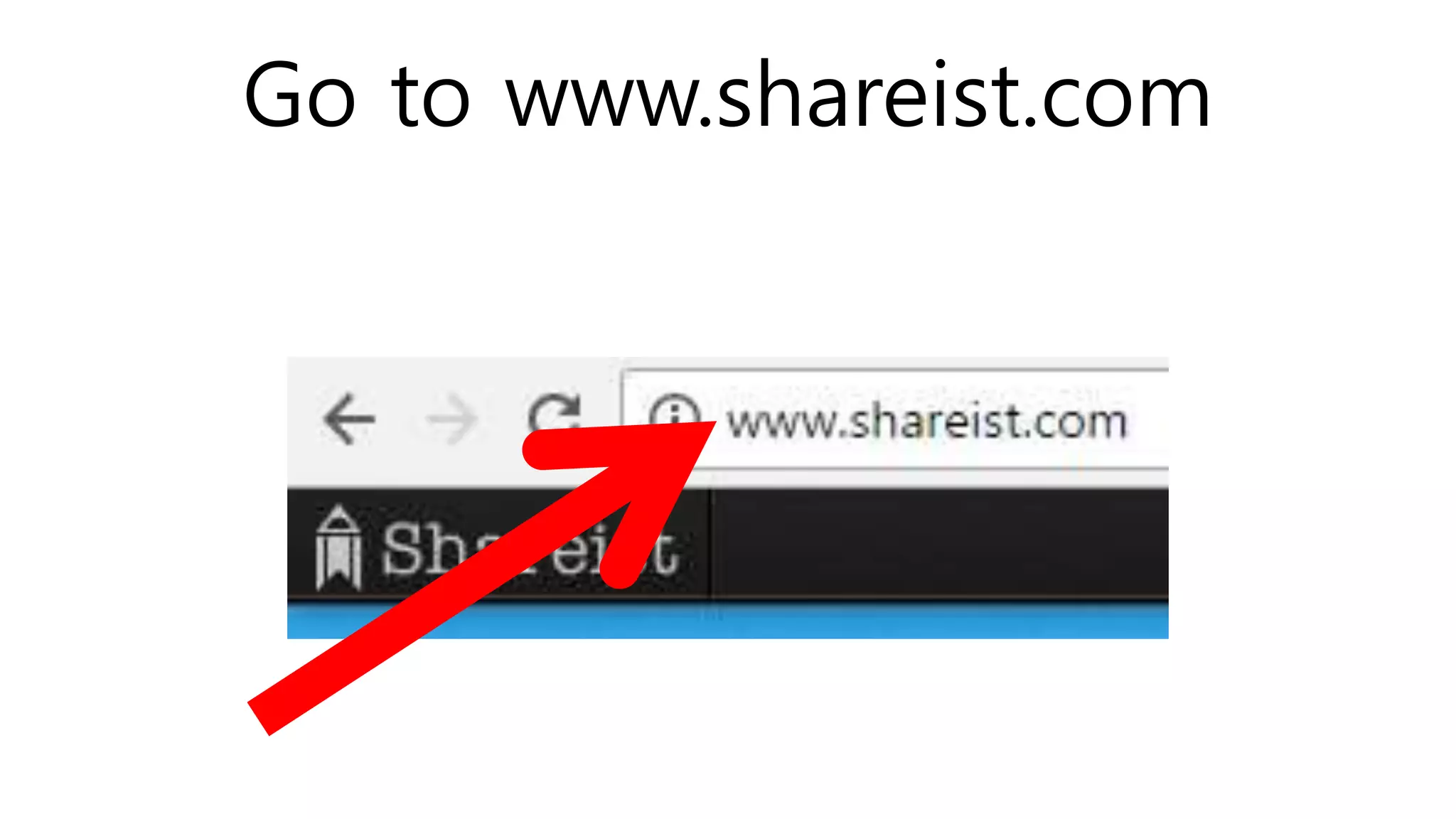
Go to www.shareist.com
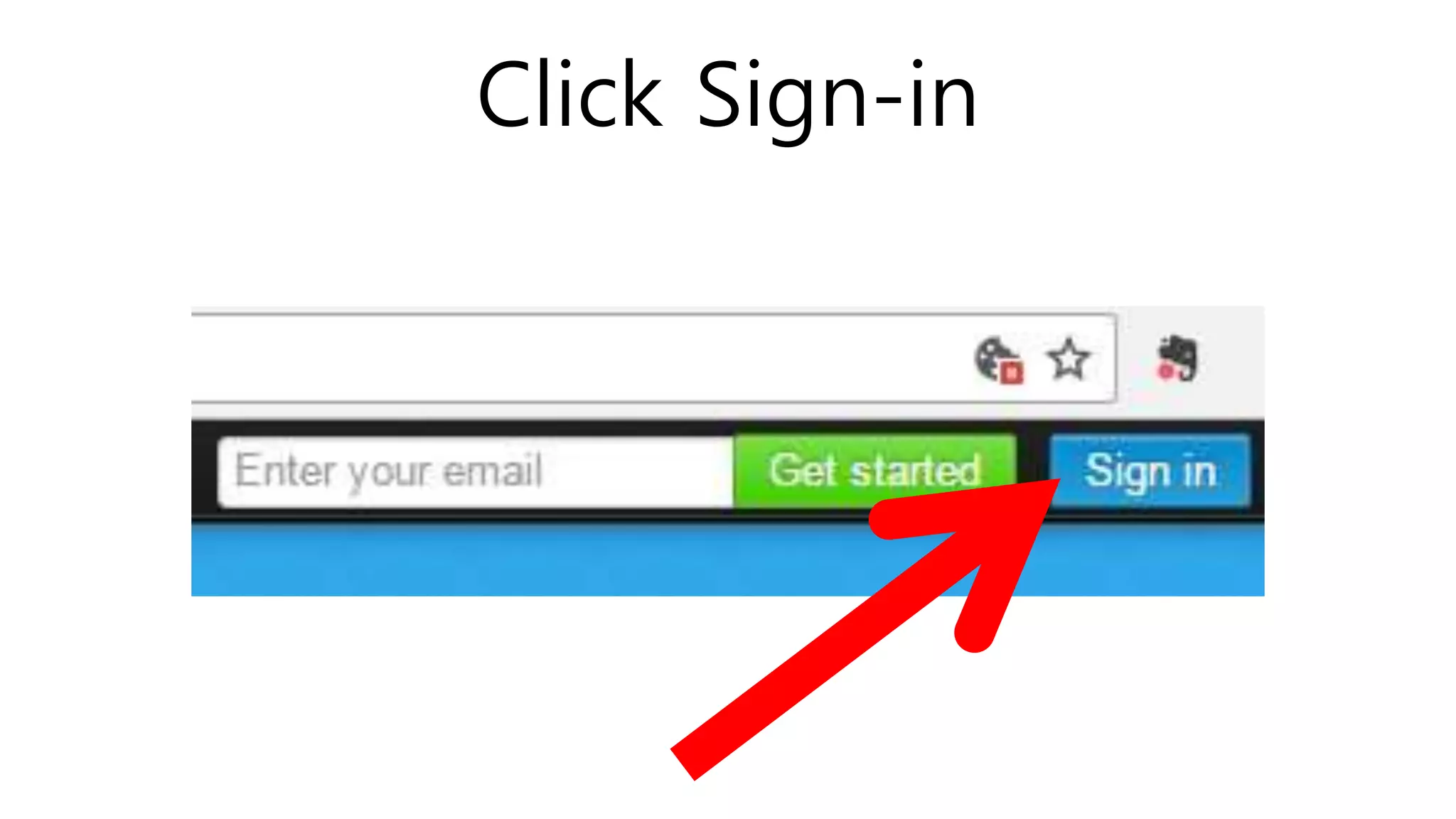
Click Sign-in
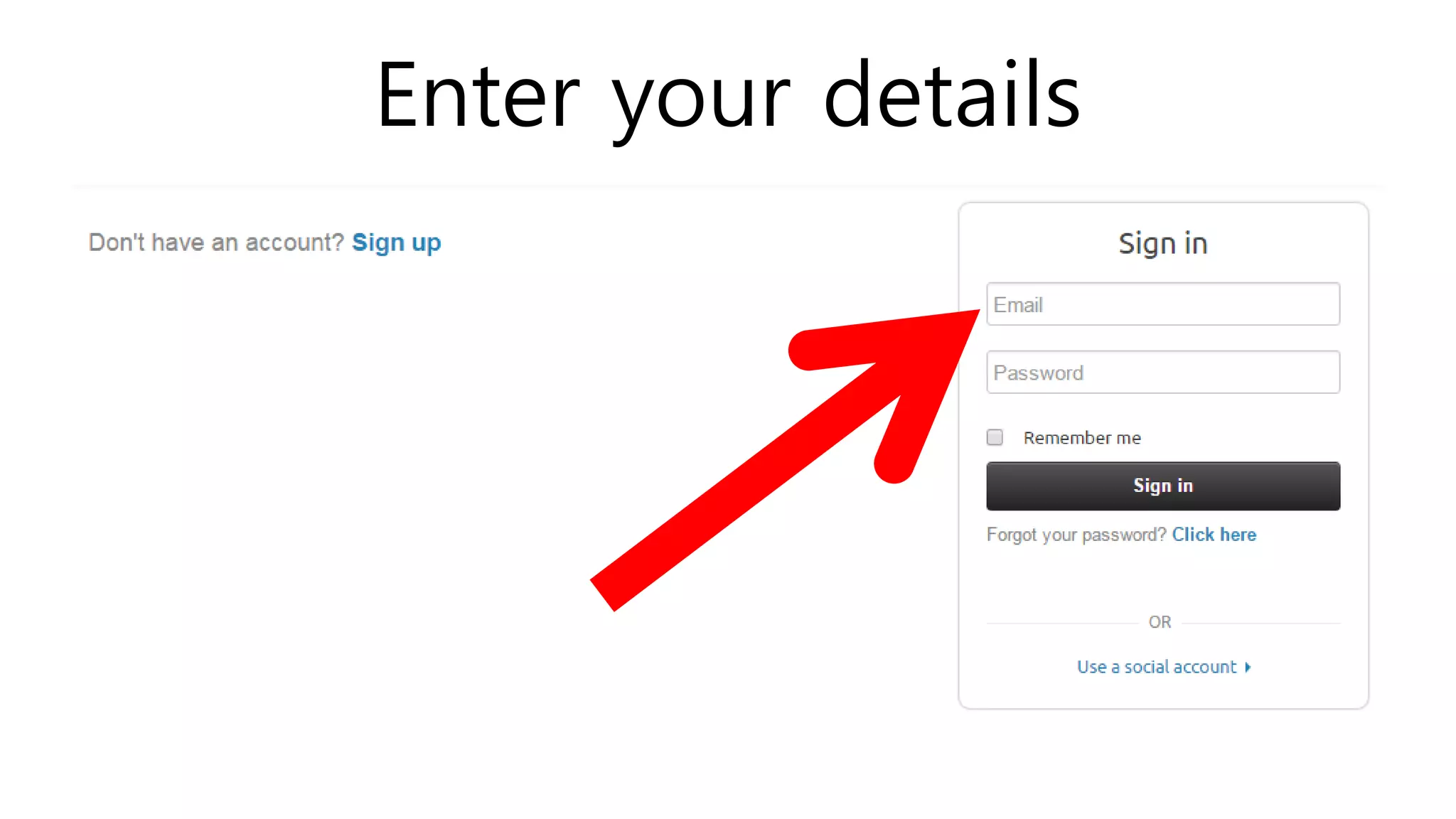
Enter your details
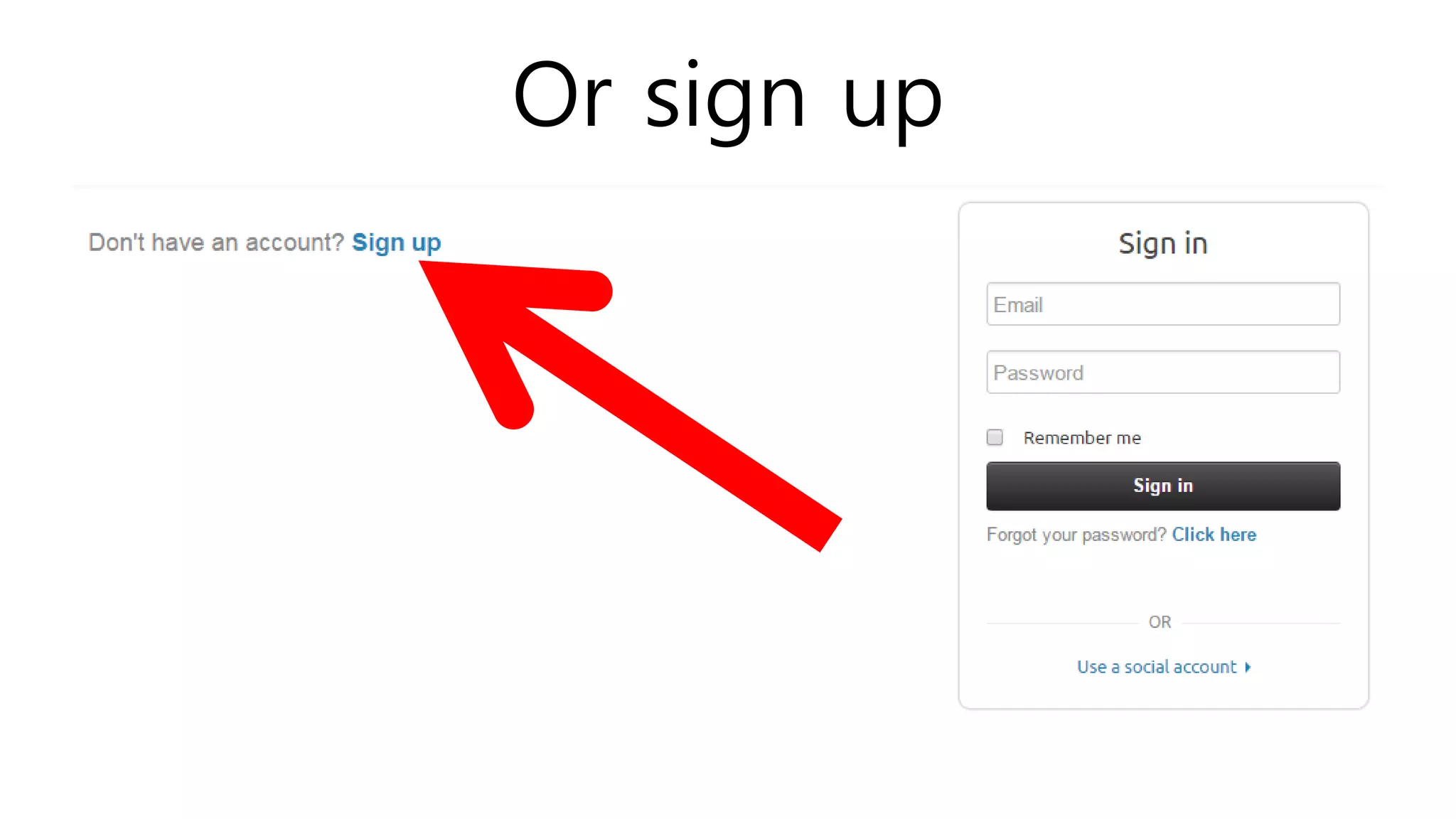
Or sign up
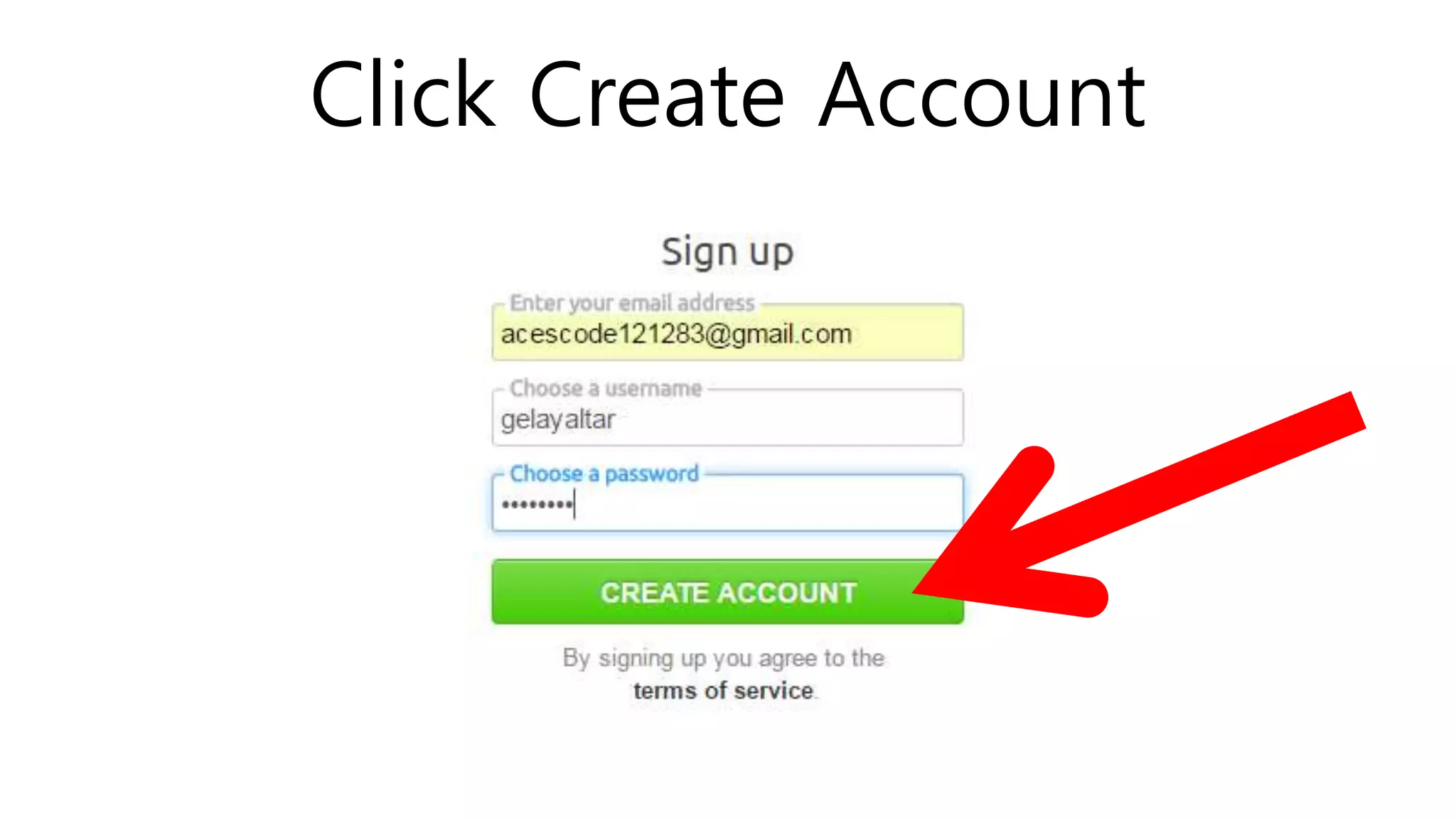
Click Create Account
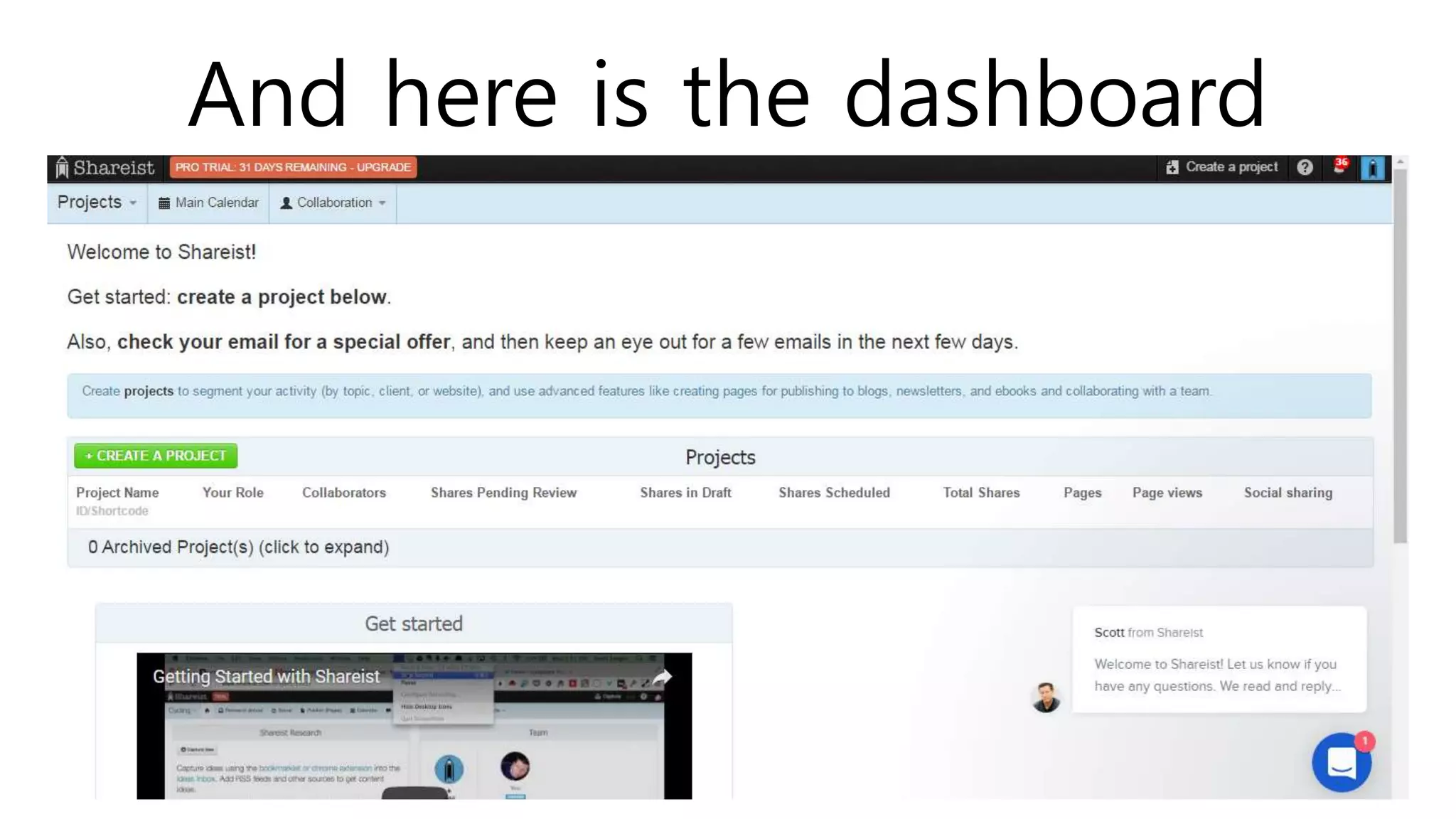
And here is the dashboard
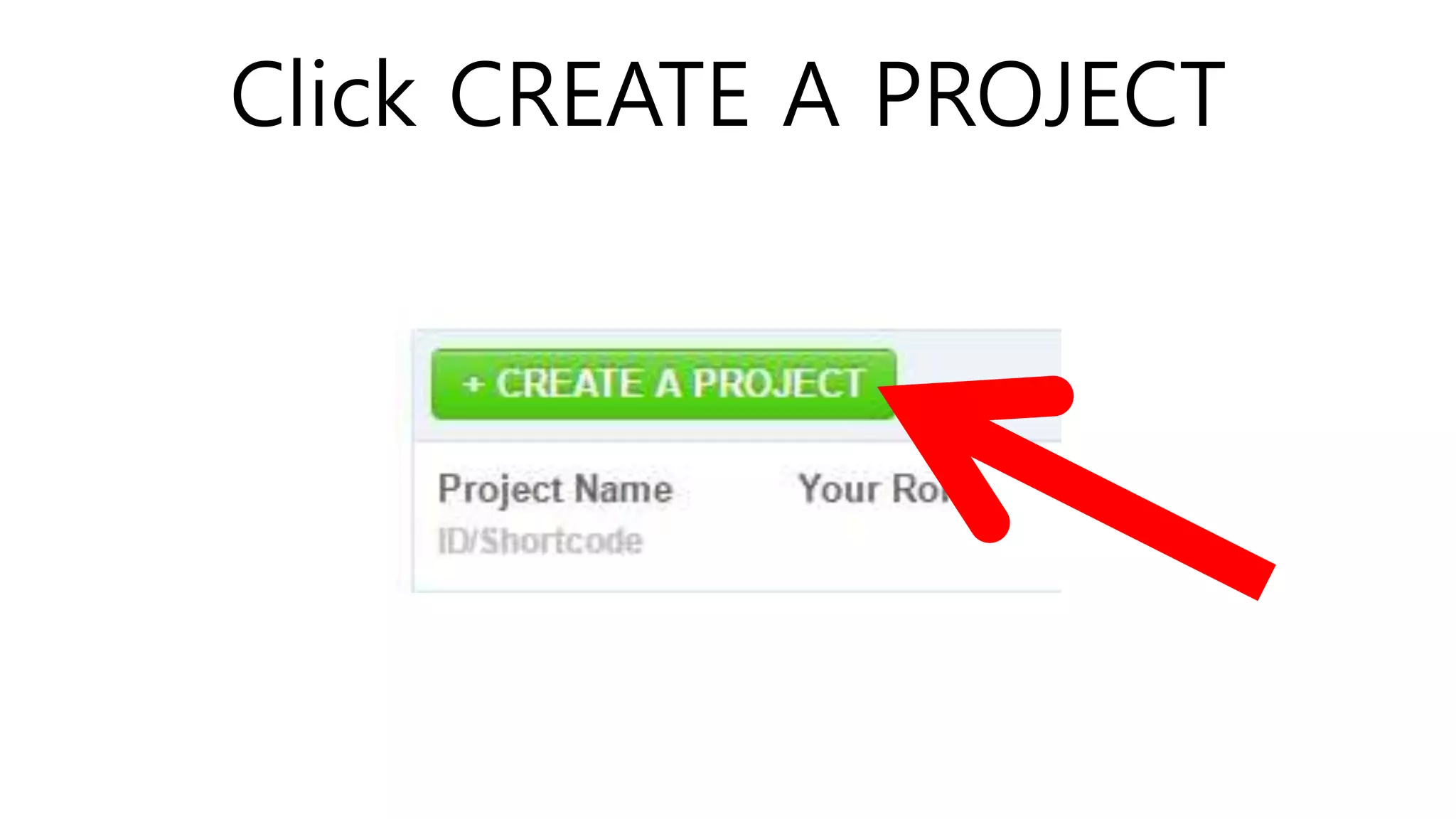
Click CREATE A PROJECT
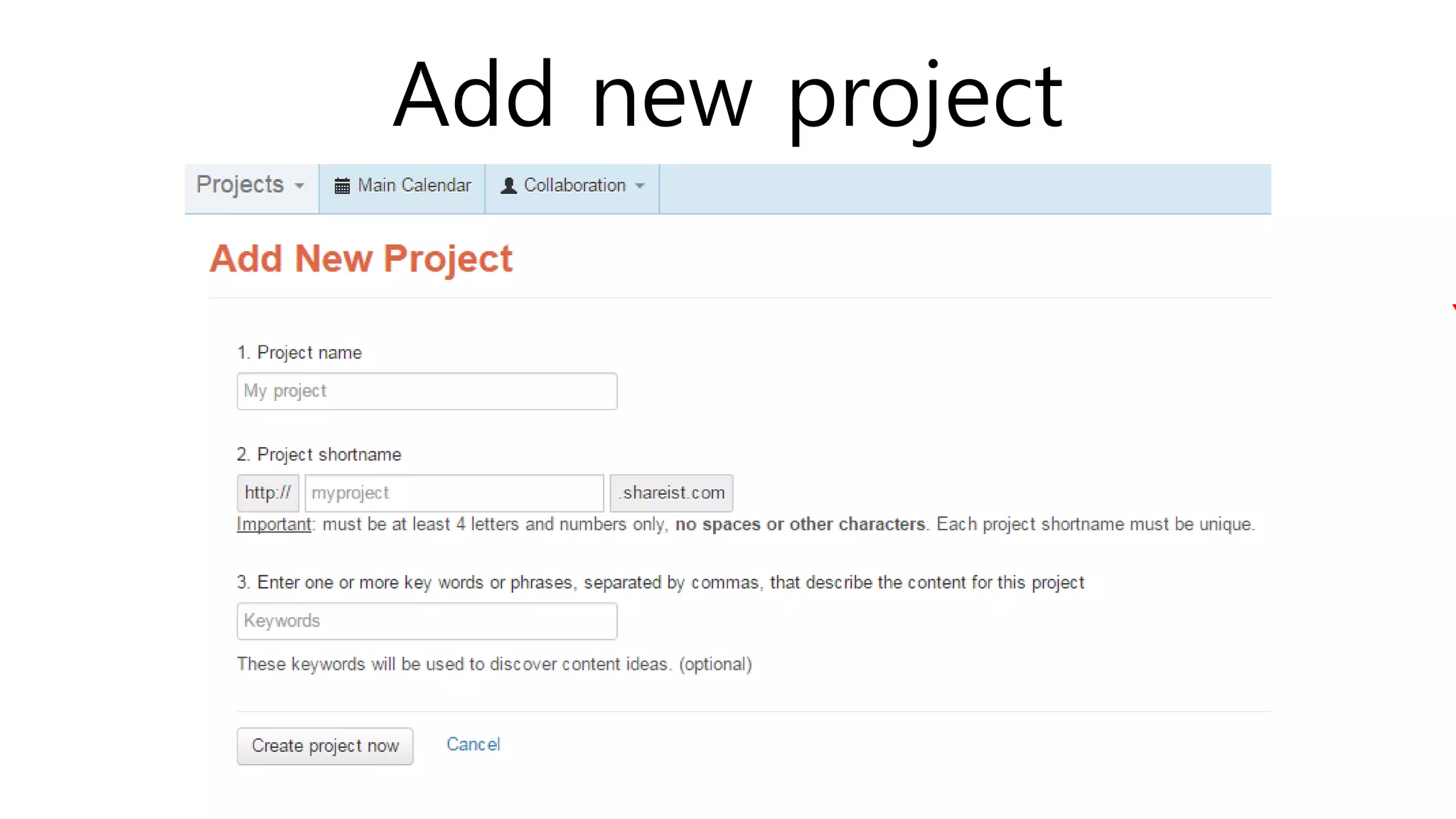
Add new project
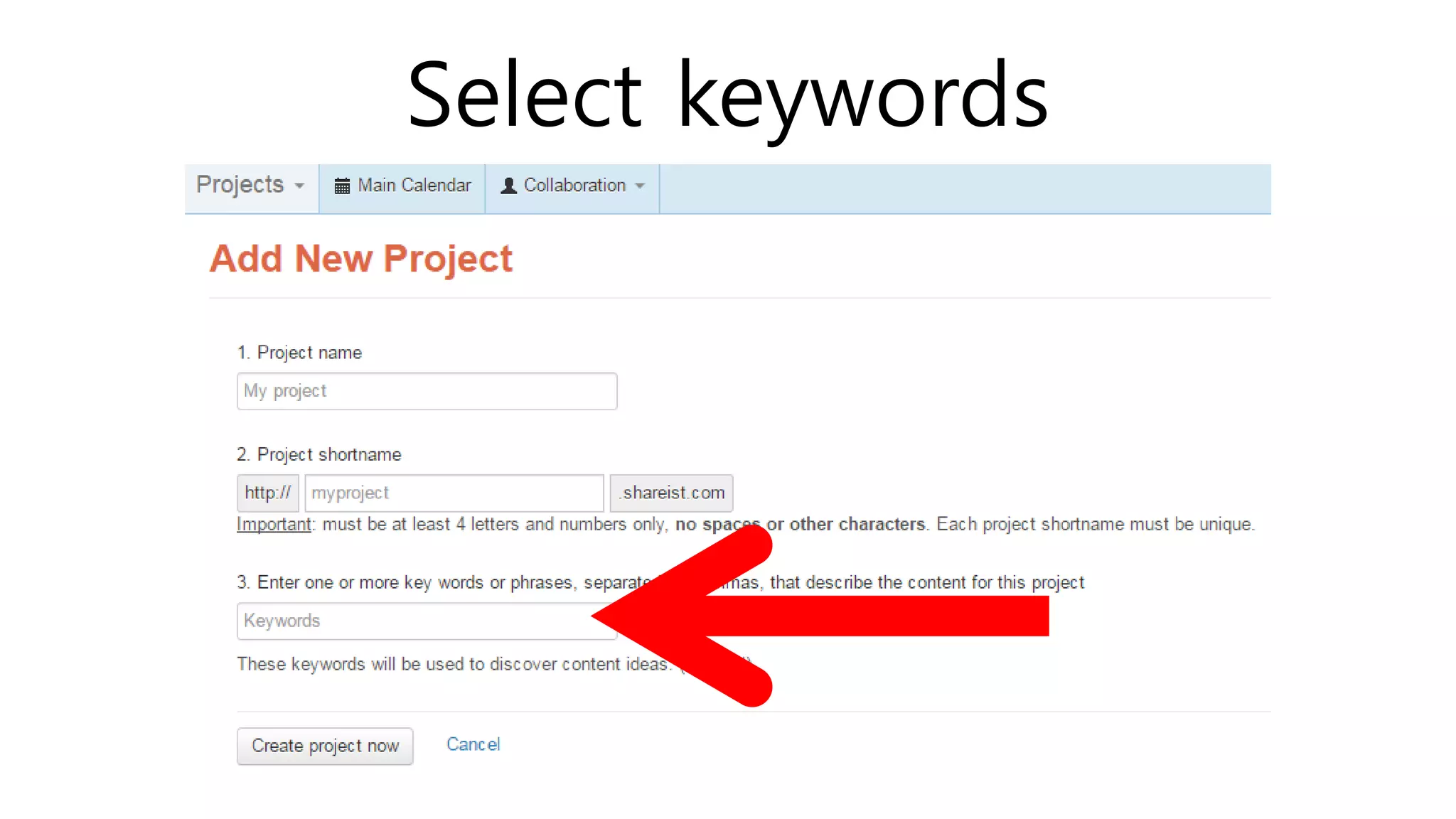
Select keywords
Shareist use the keywords to
collect and collate relevant articles.
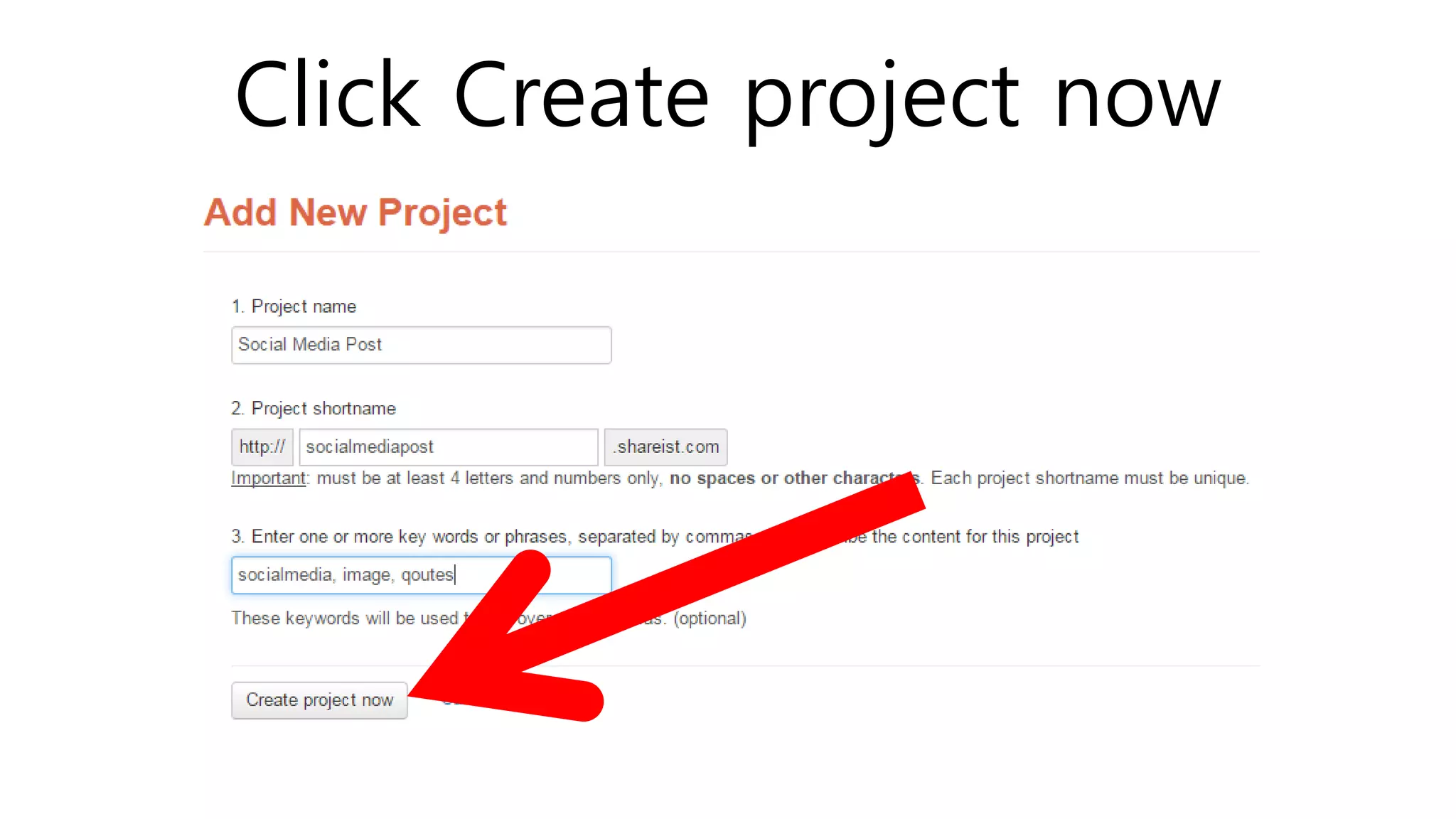
Click Create project now
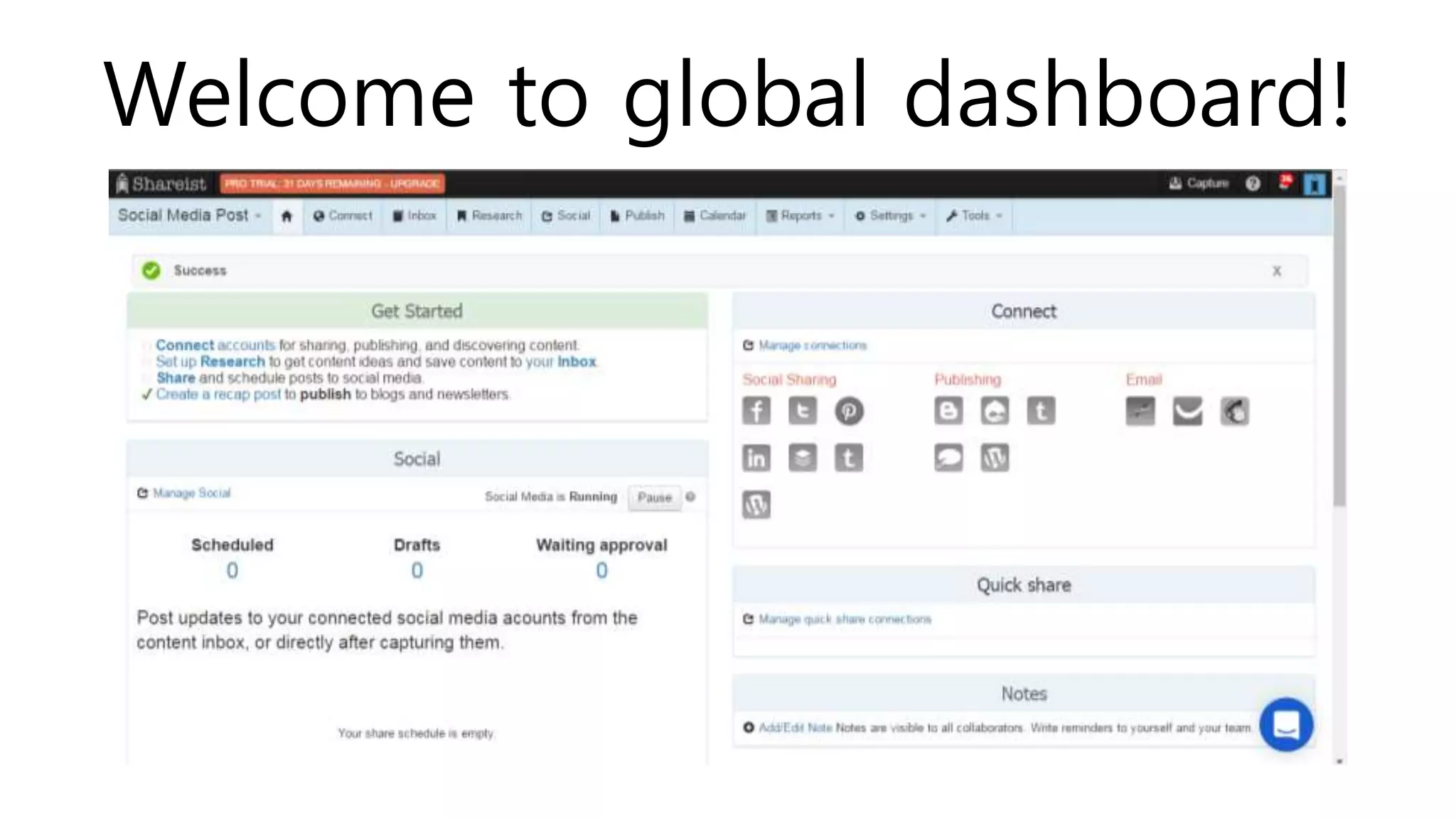
Welcome to global dashboard!
A global dashboard in Shareist is
where you can control all your
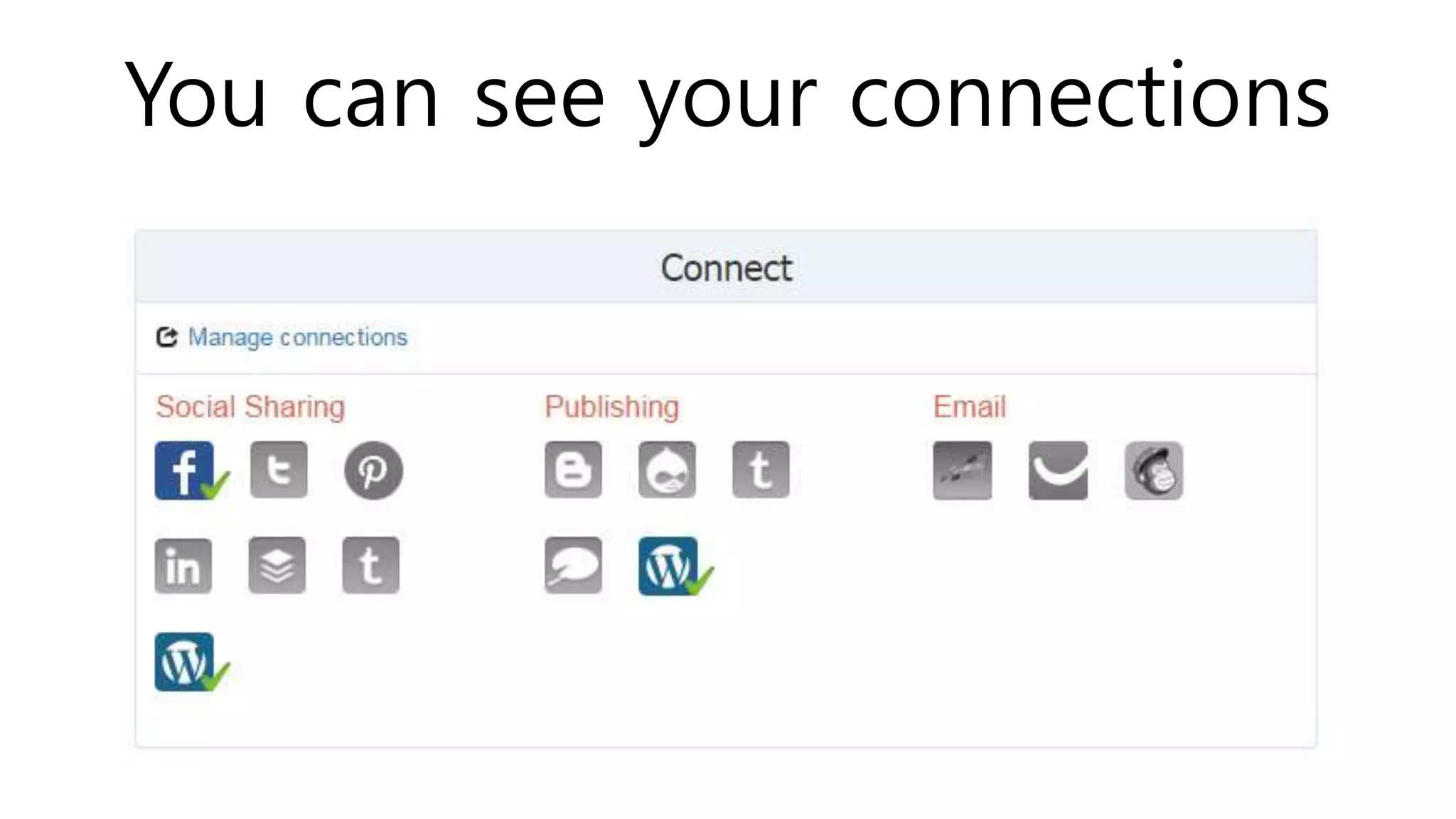
projects, connect up with all your
social media account & channels,
blogs, email providers, and also
install your bookmarklet.
You can see your connections
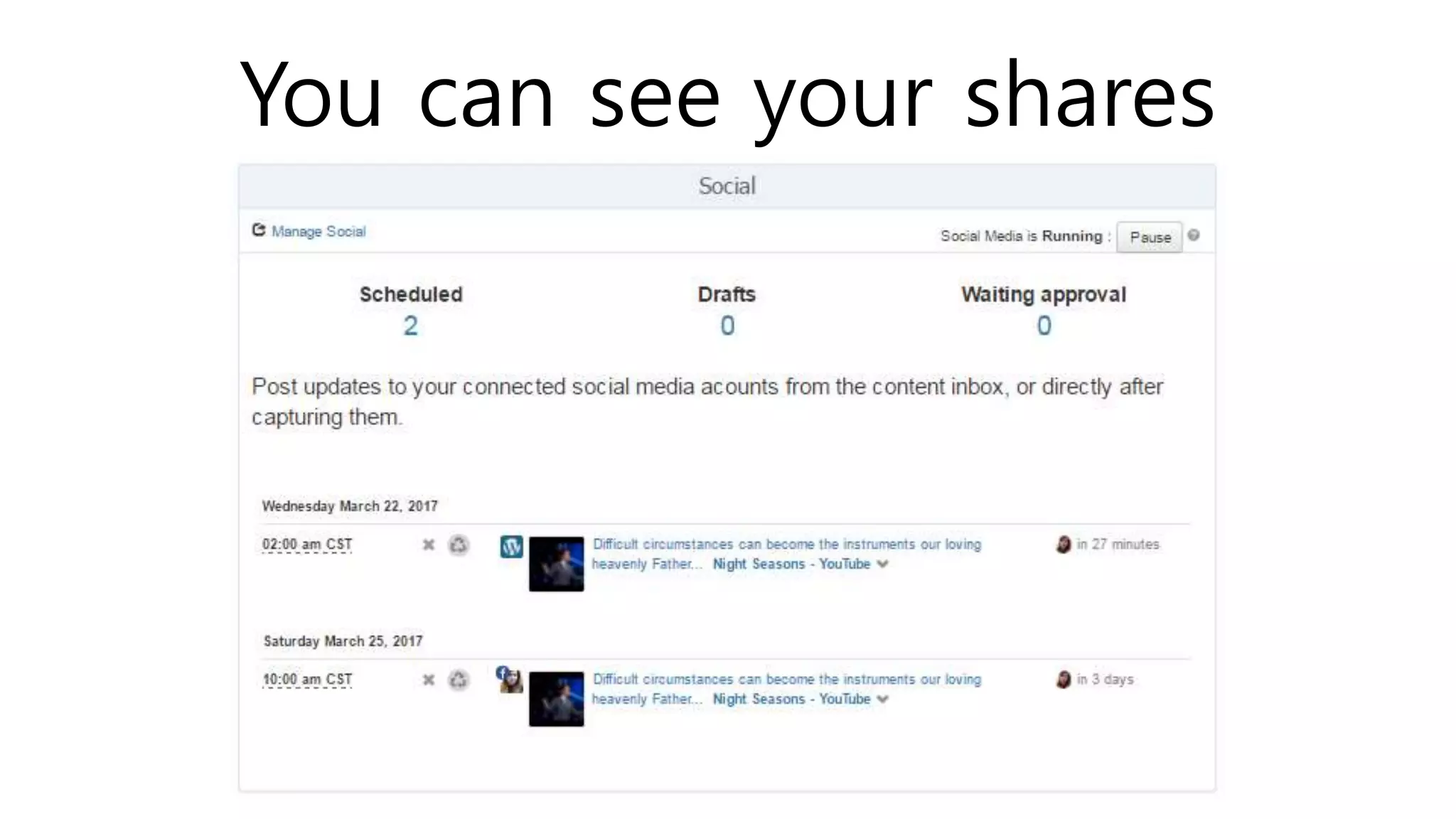
You can see your shares
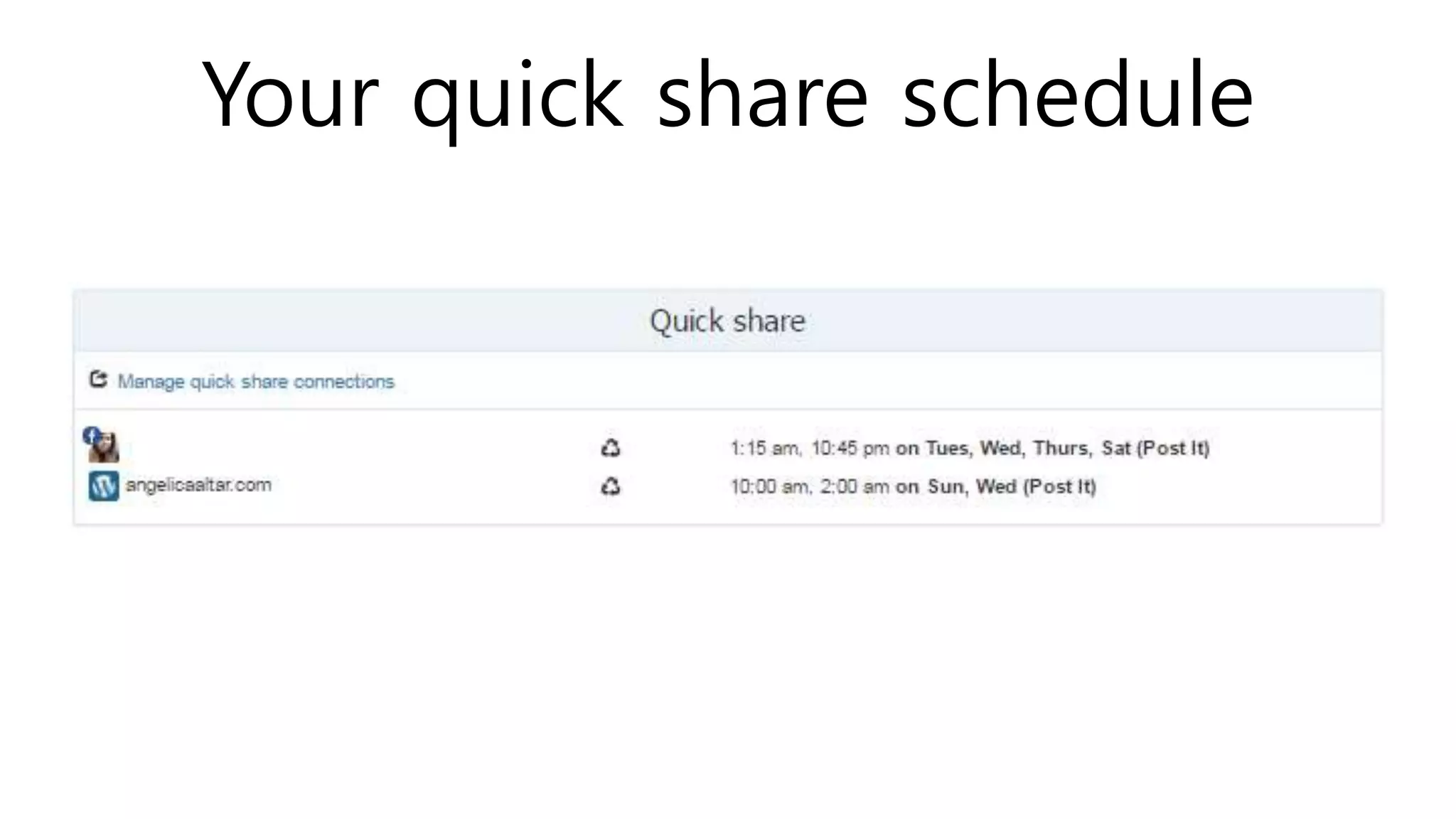
Your quick share schedule
Your notes
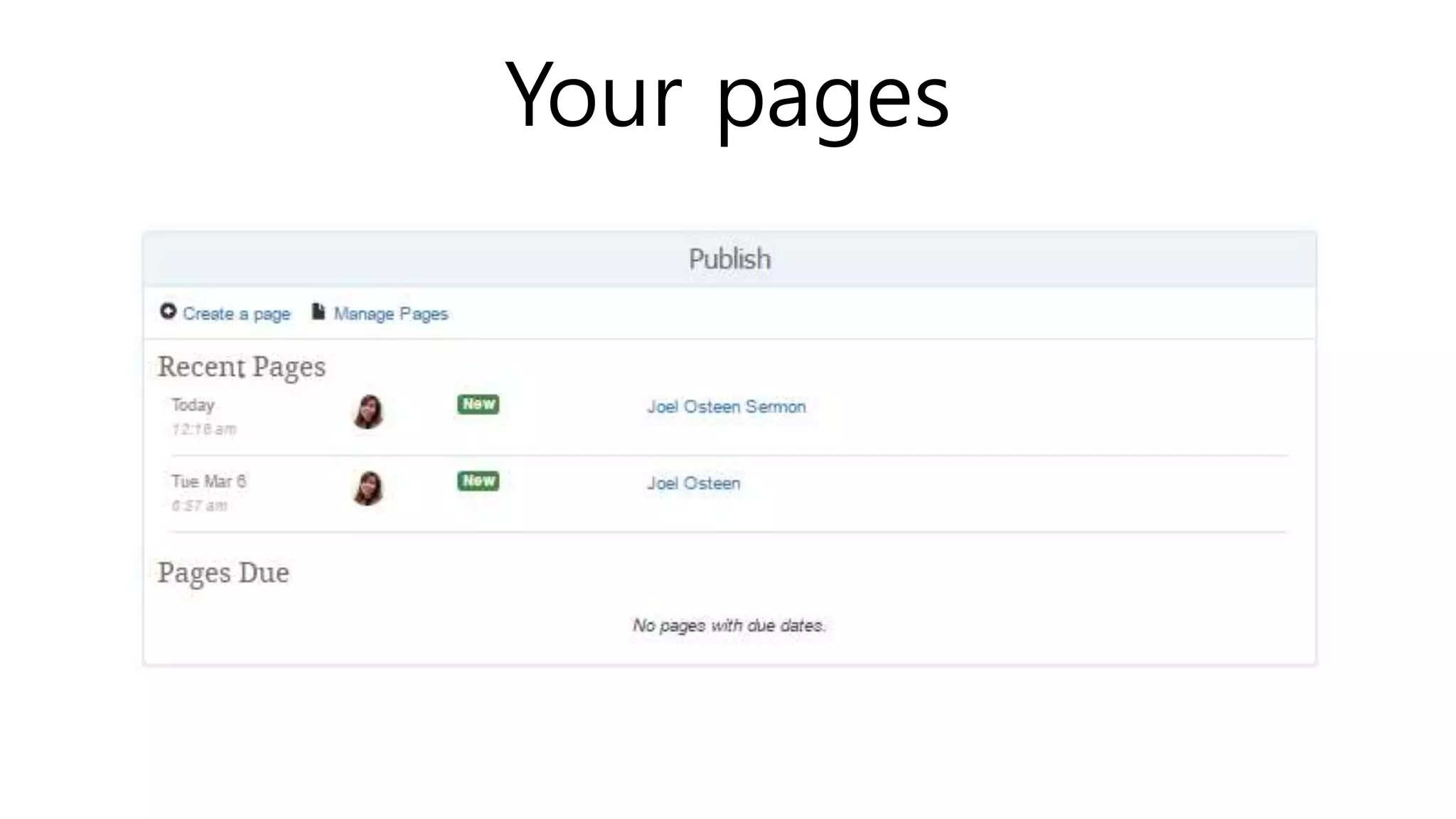
Your pages
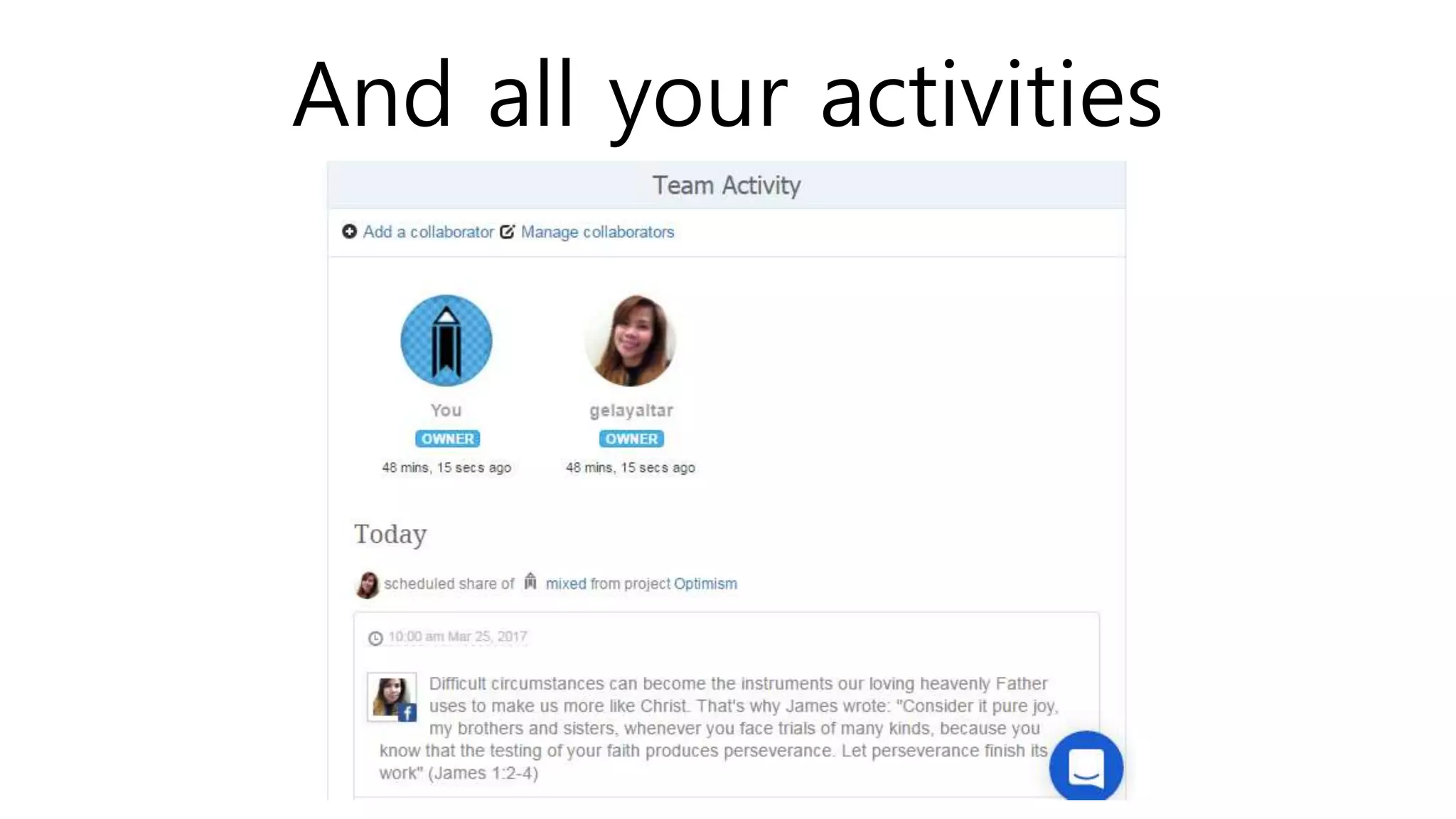
And all your activities
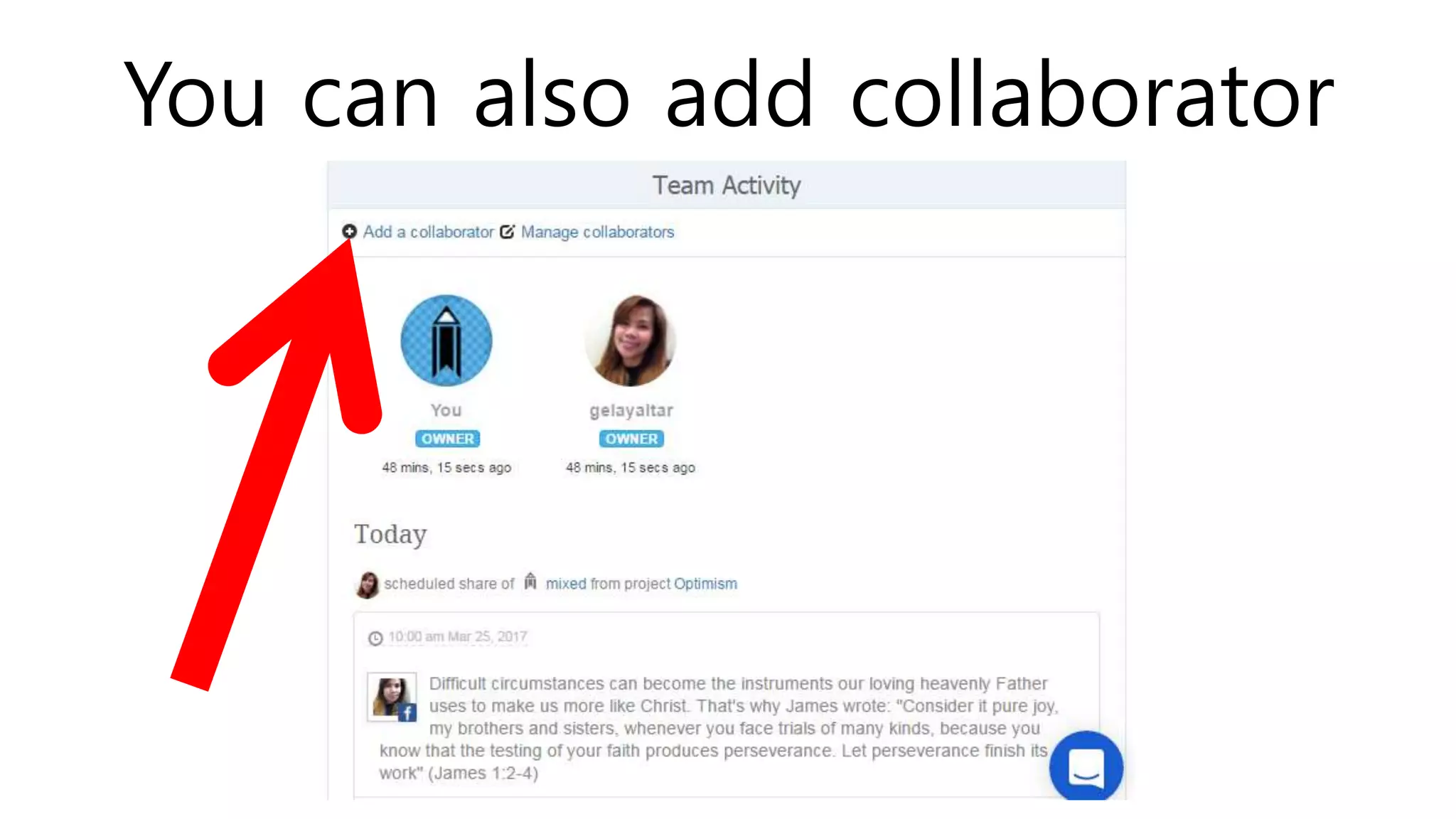
You can also add collaborator
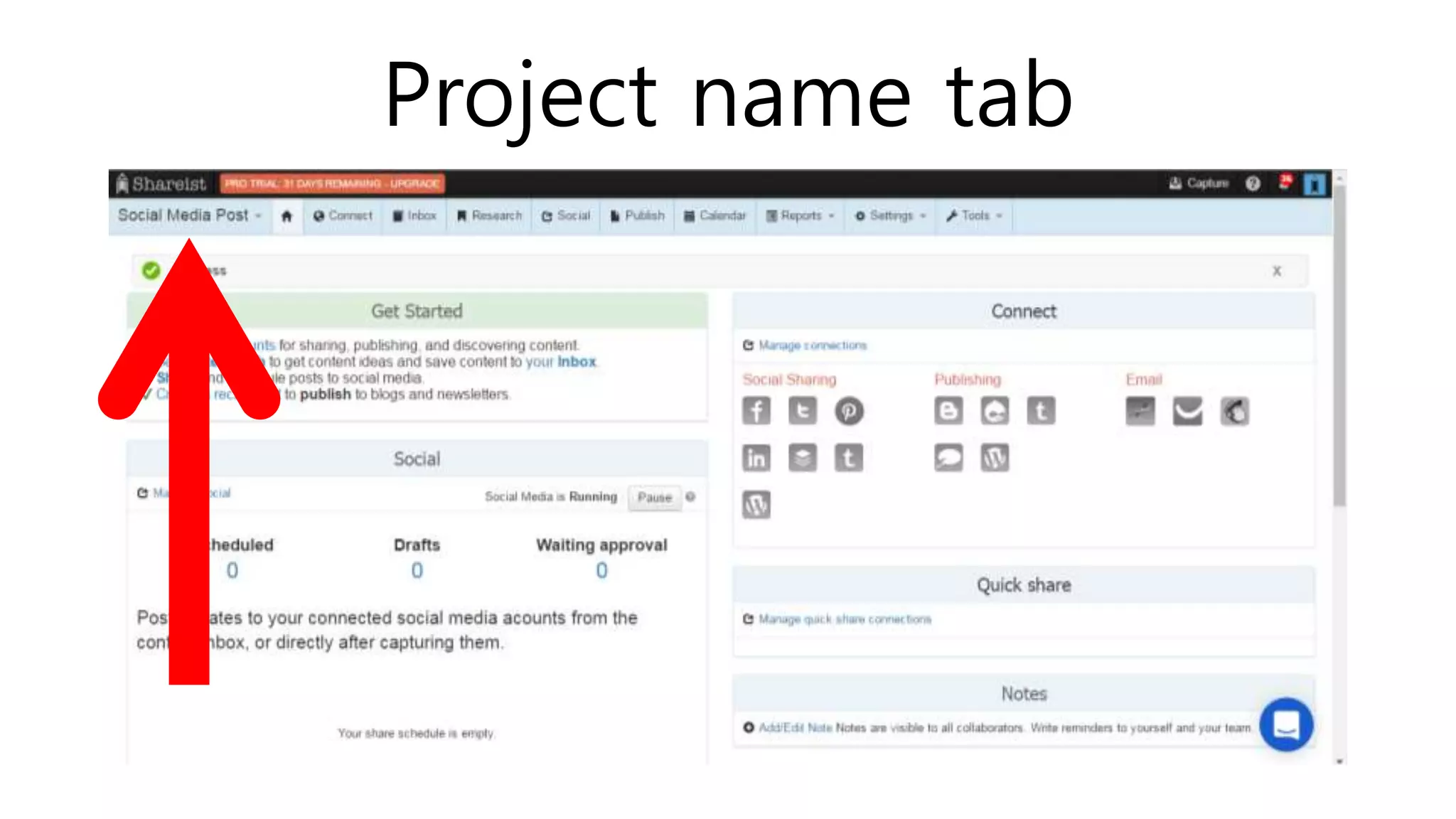
Project name tab
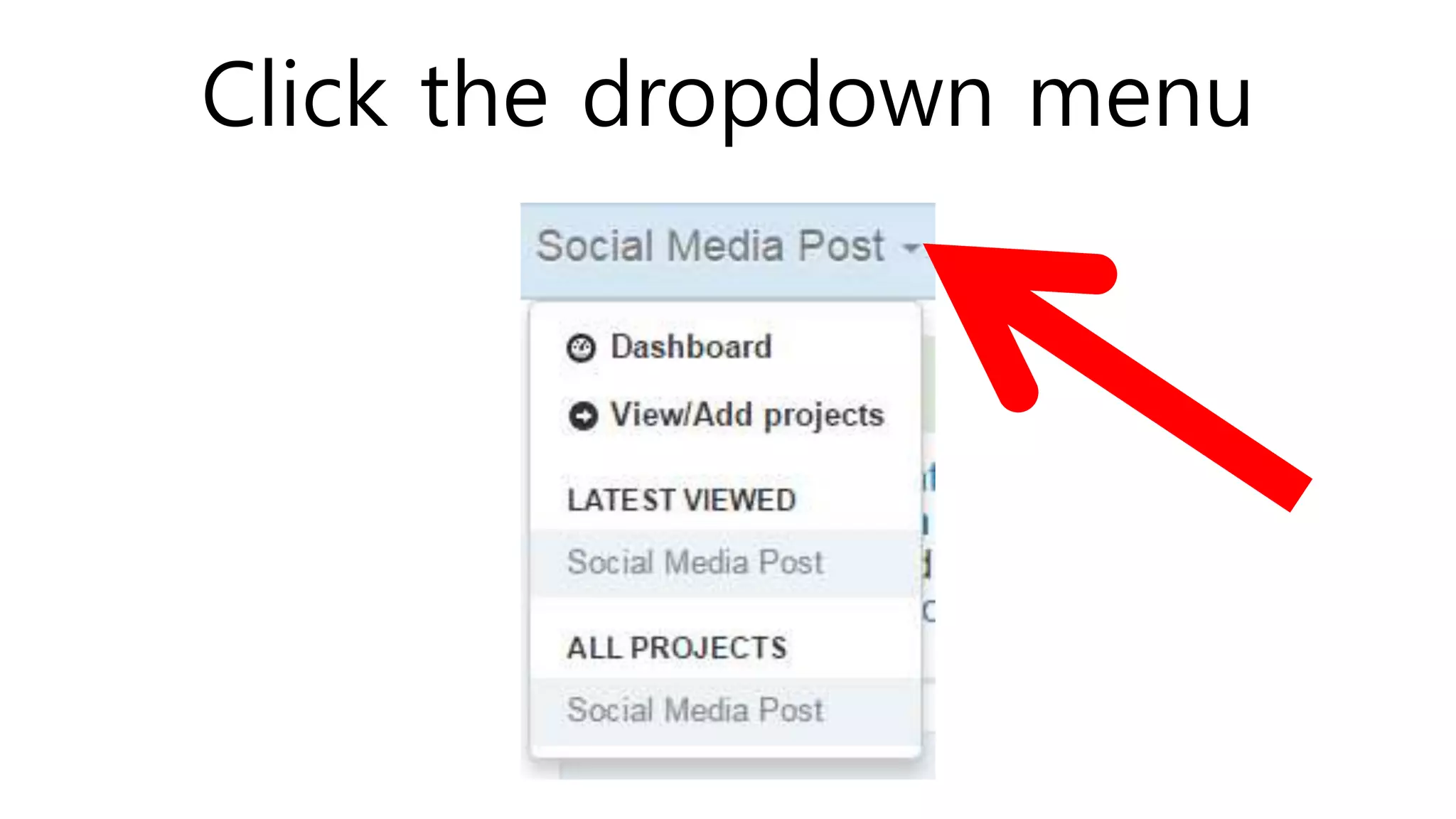
Click the dropdown menu
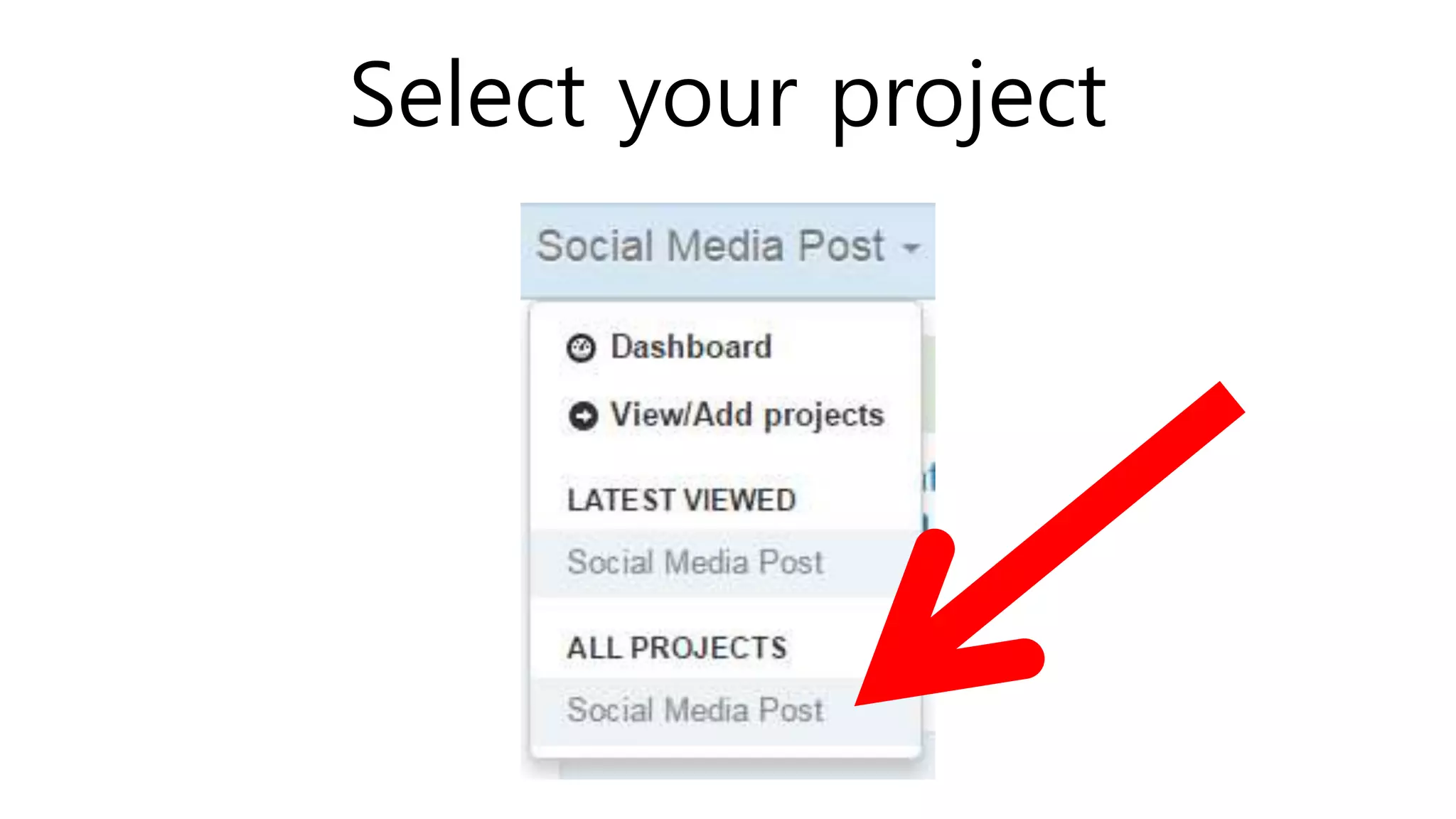
Select your project
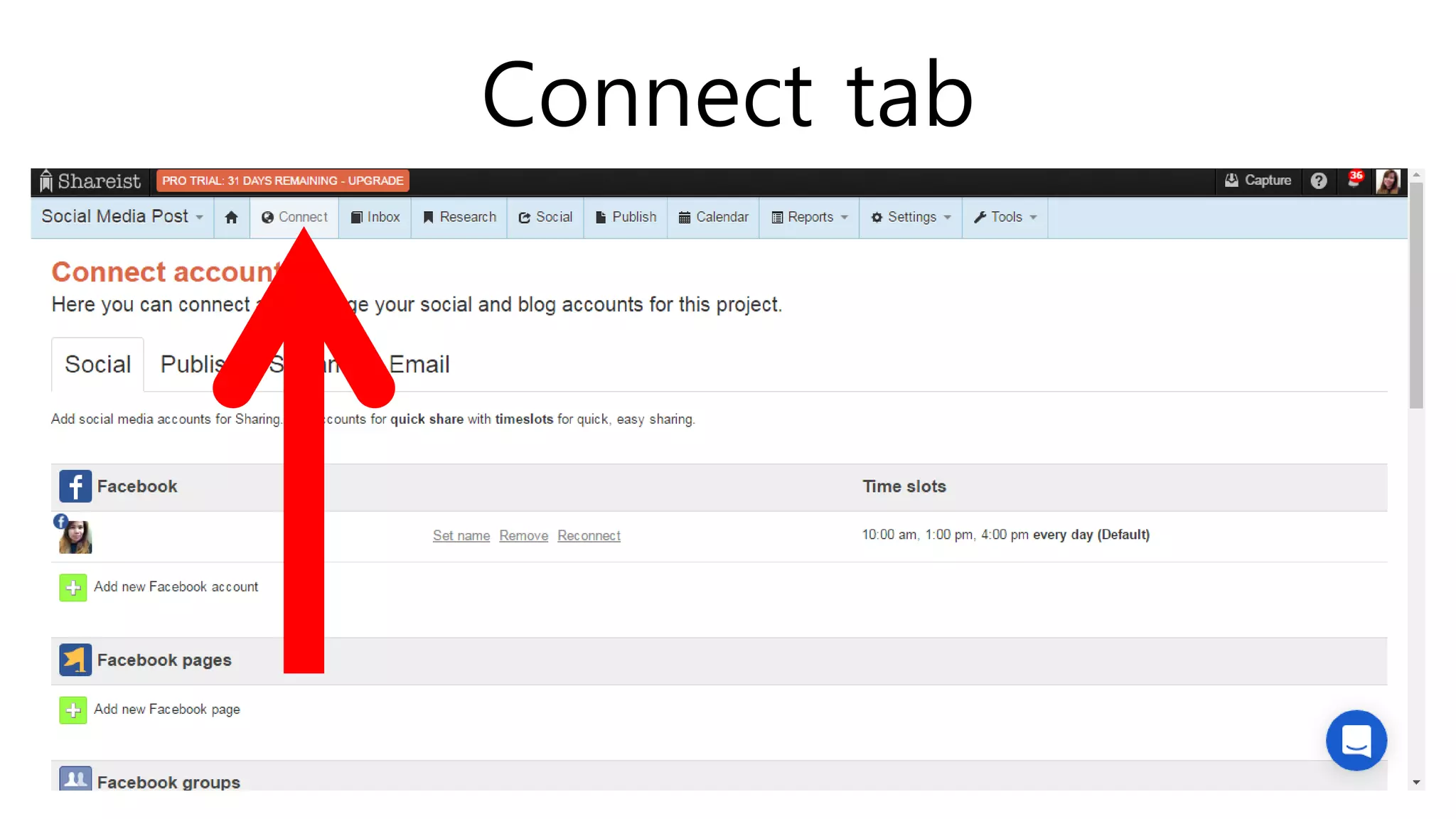
Connect tab
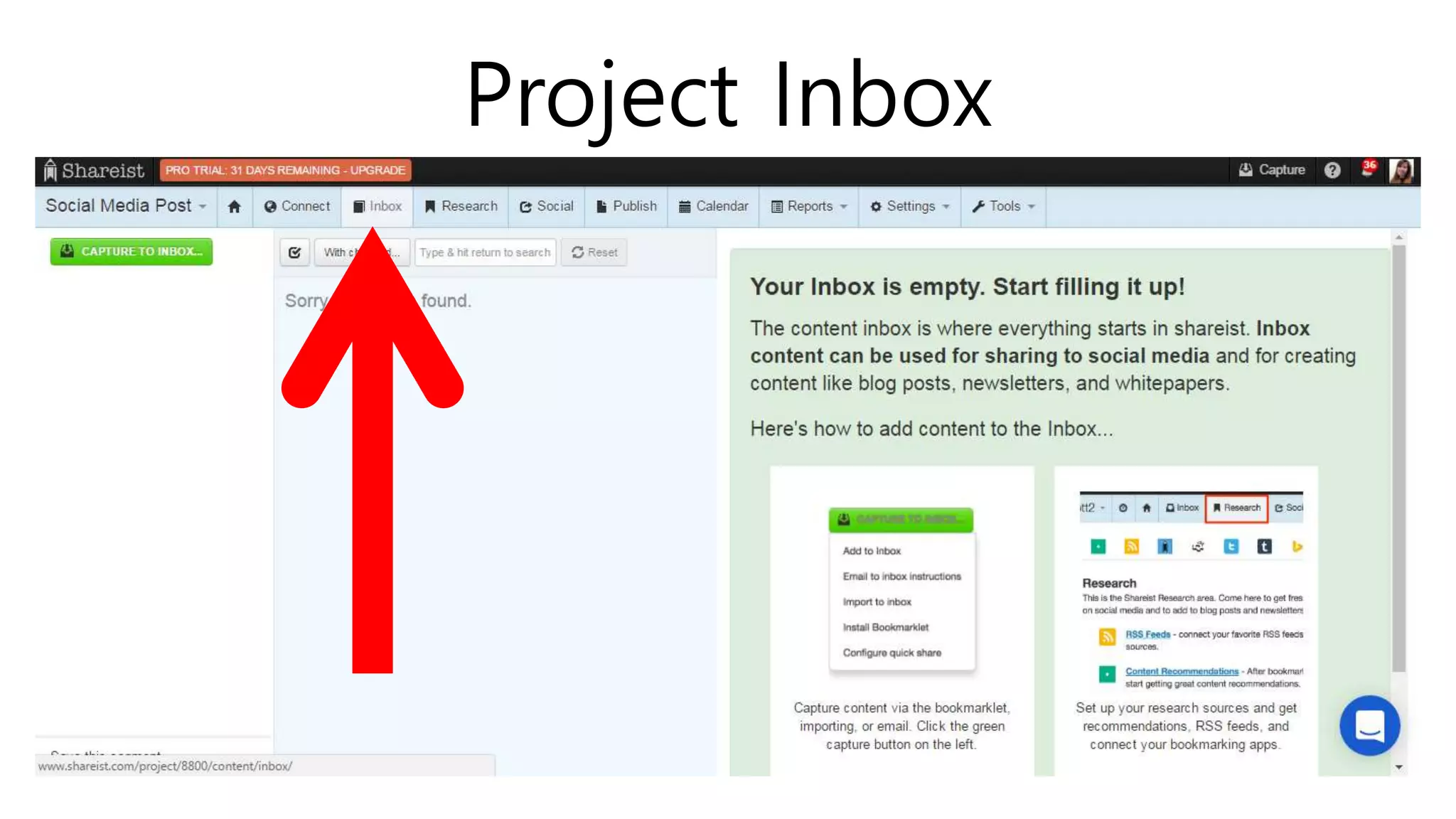
Project Inbox
Each project have their own Inbox
where you add content.
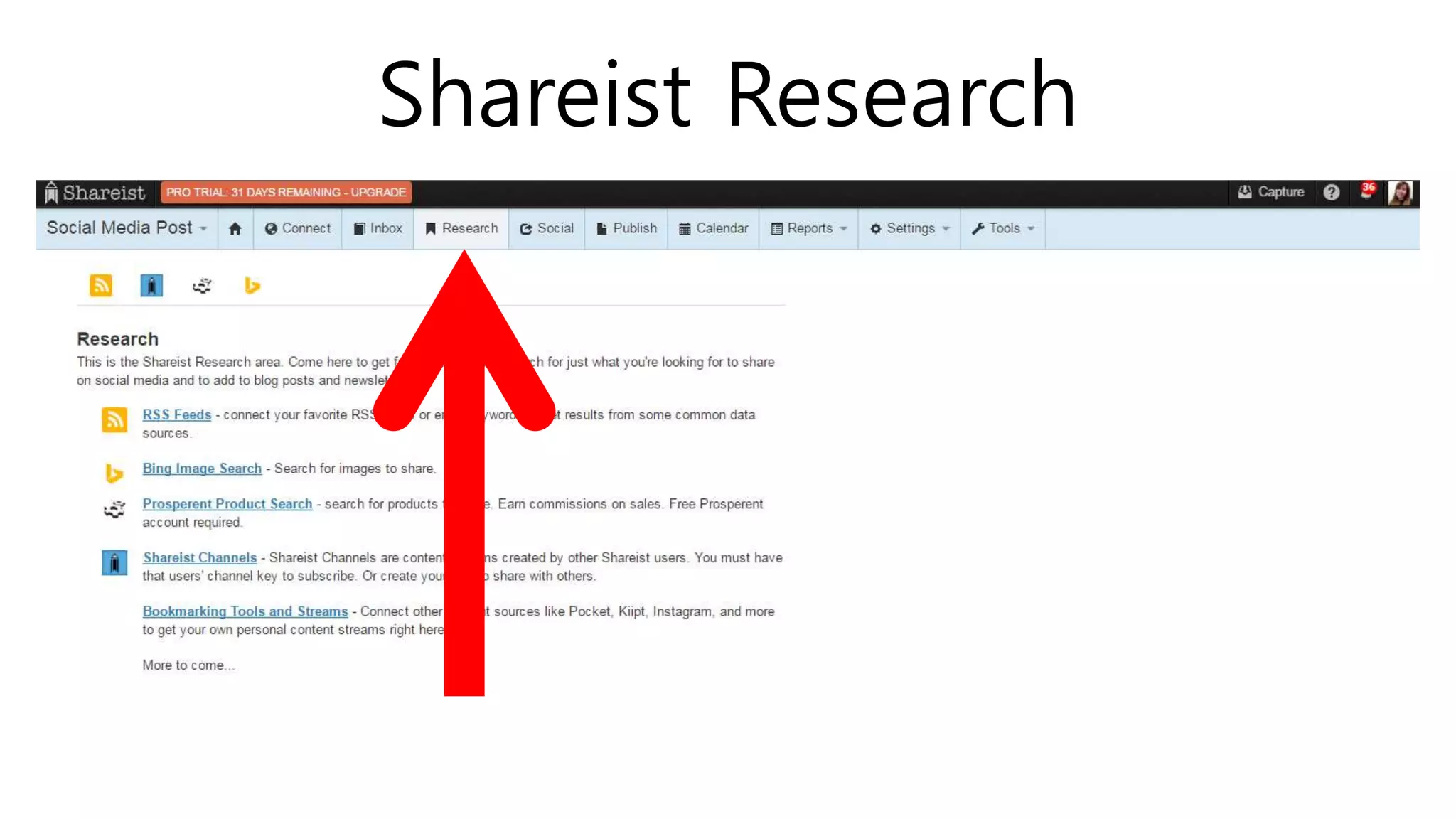
Shareist Research
There are lots of sources from
which to draw content.
Shareist use keywords and
domains in collecting relevant
contents.
Shareist Social
Shareist Publish
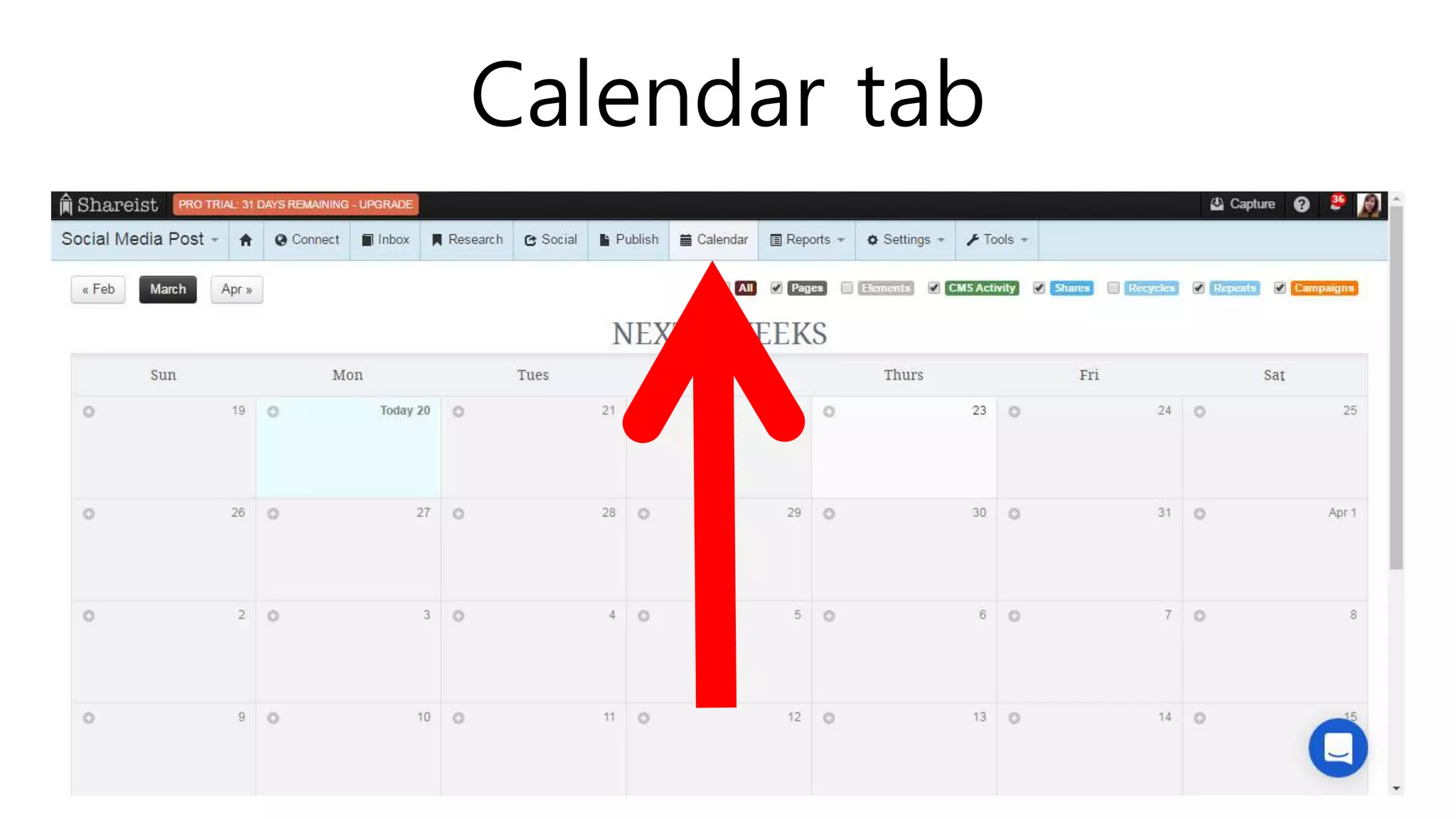
Calendar tab
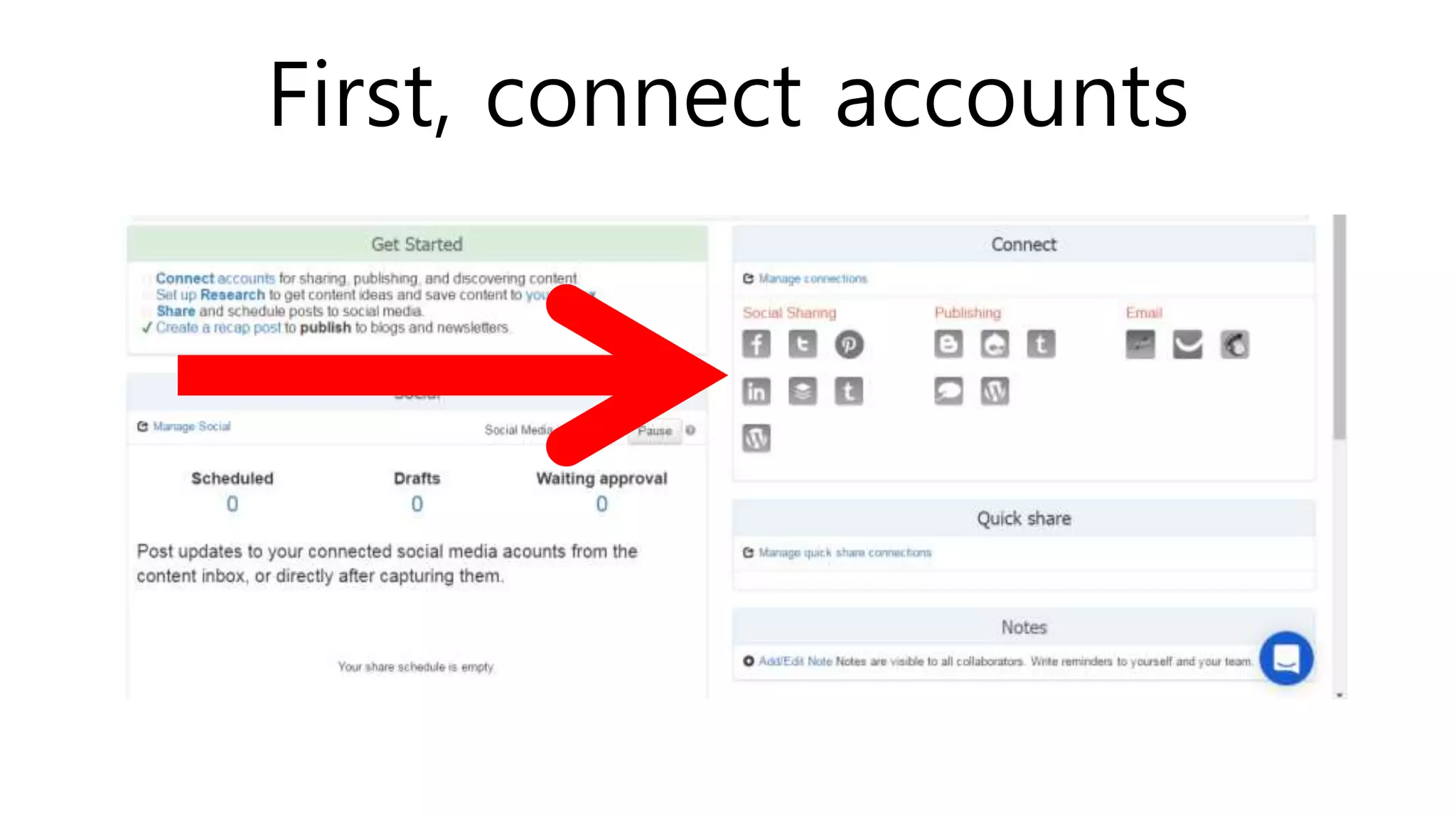
CONNECT ACCOUNTS
First, connect accounts
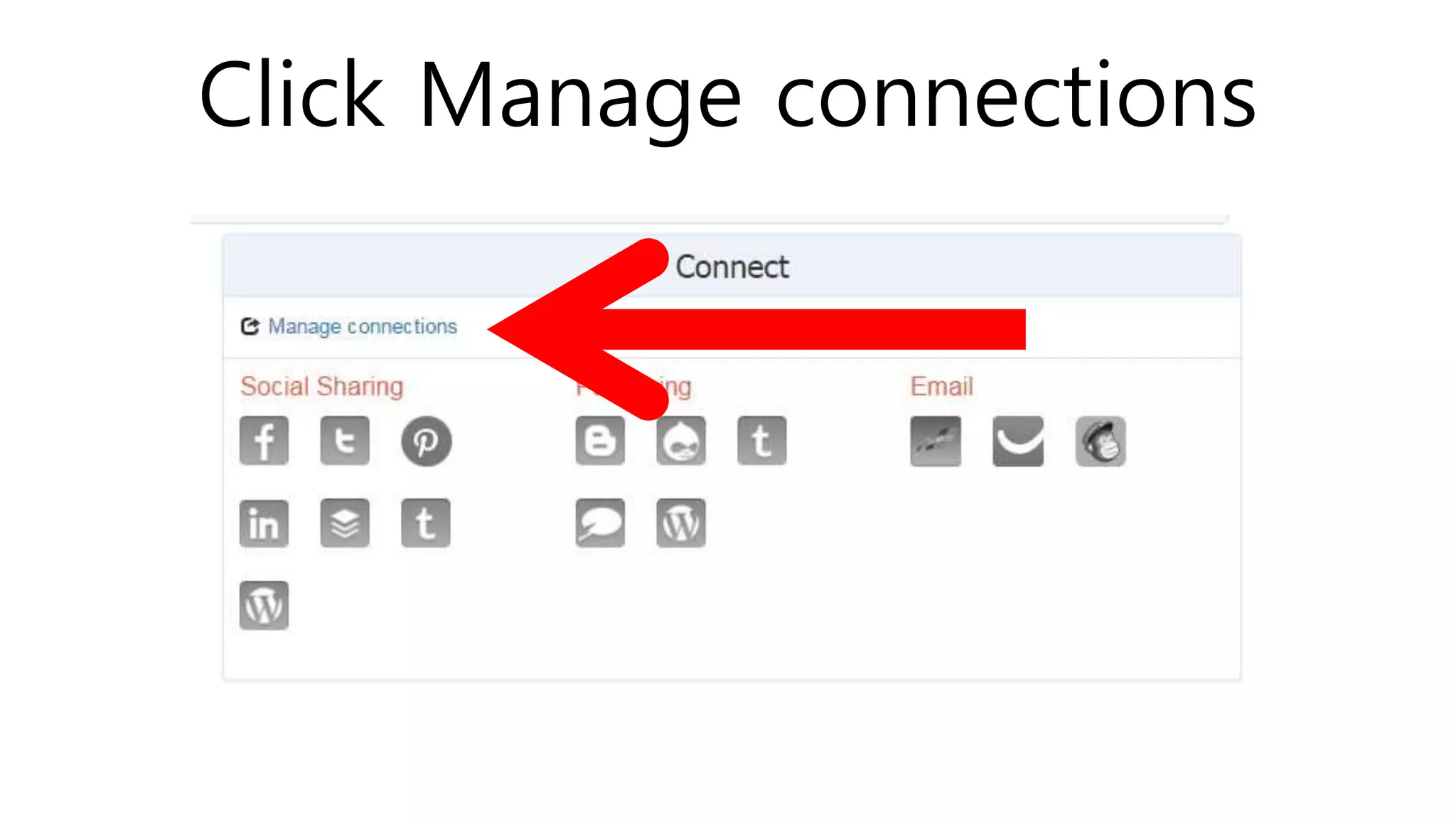
Click Manage connections
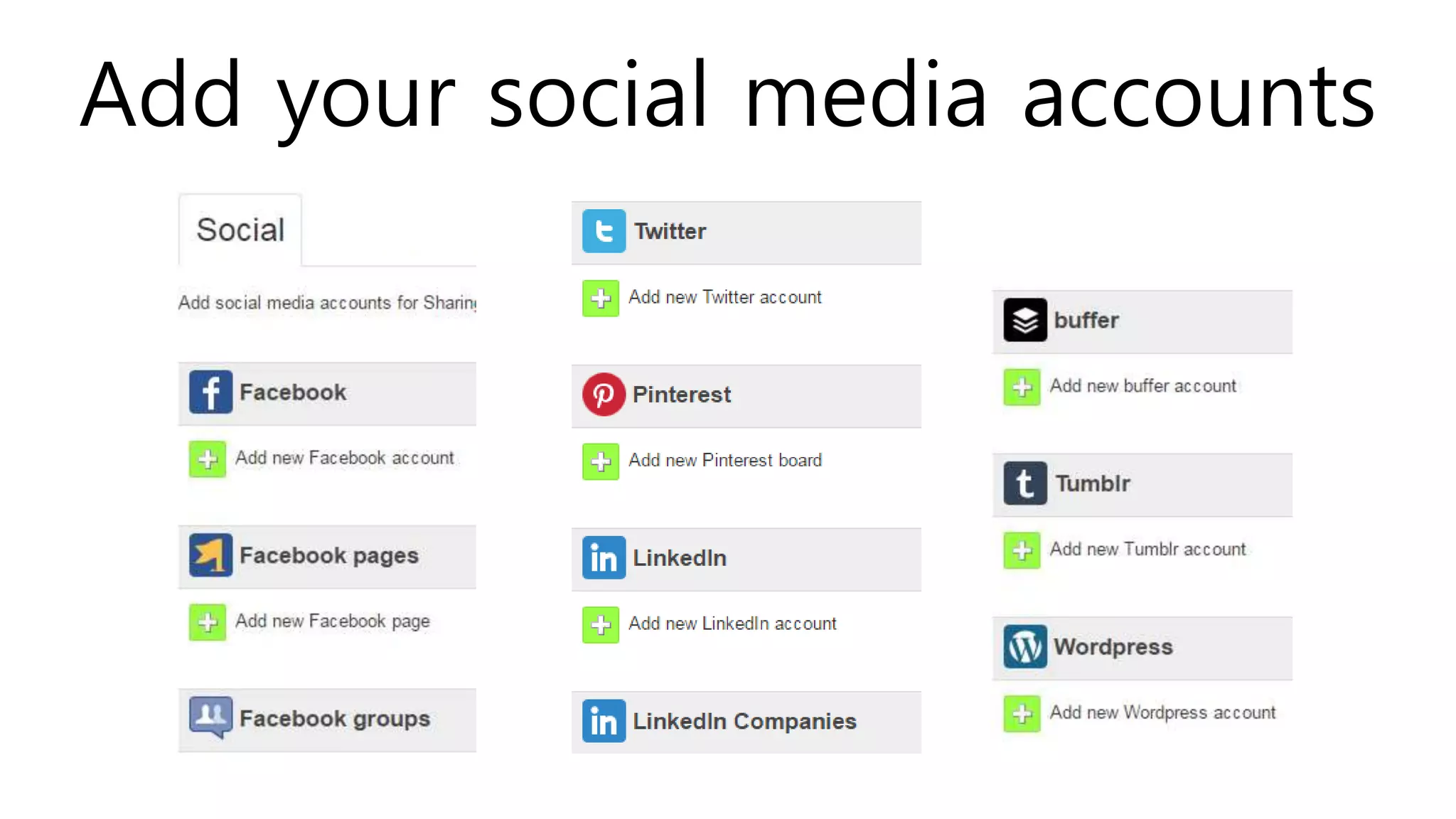
Add your social media accounts
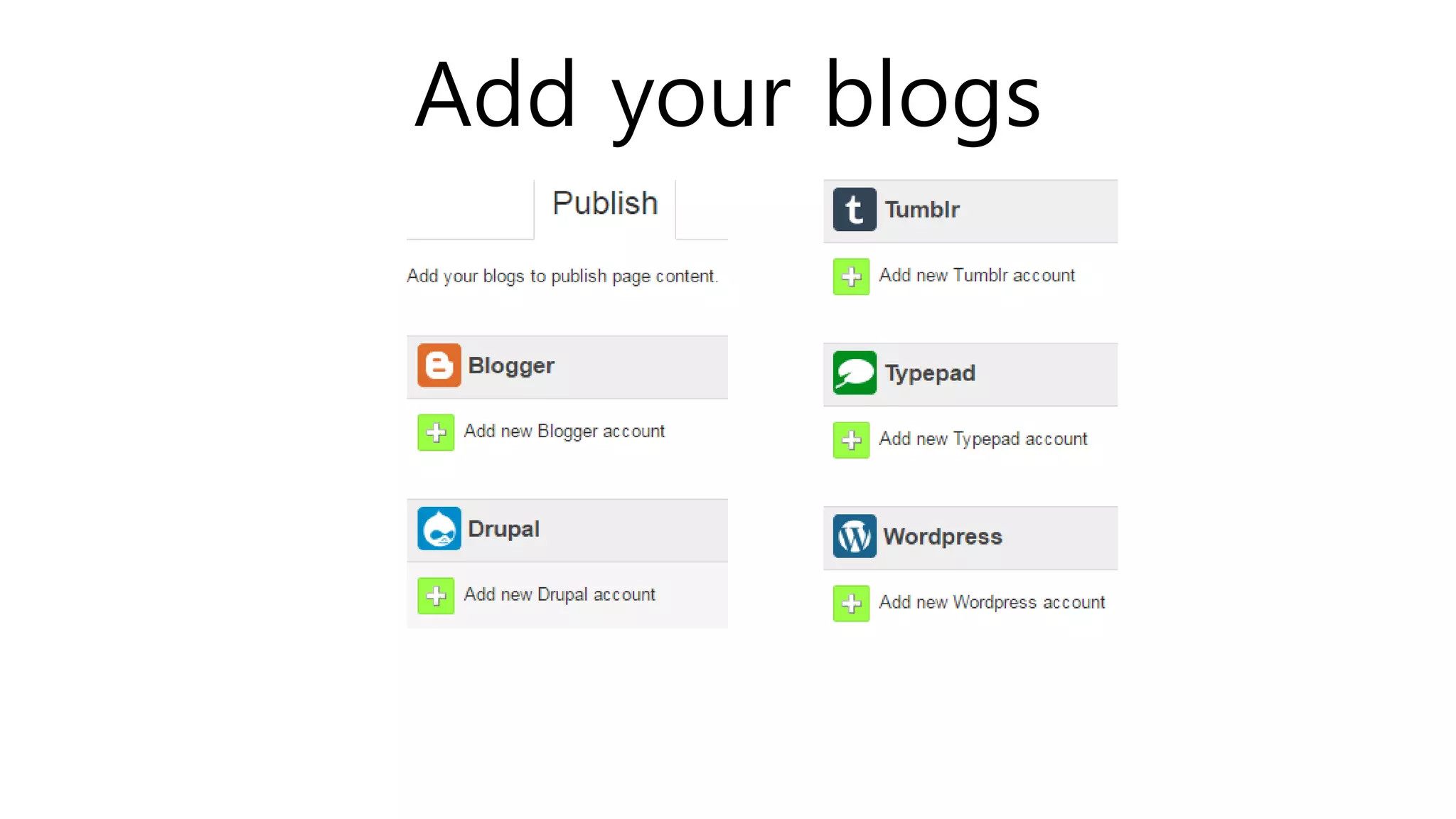
Add your blogs
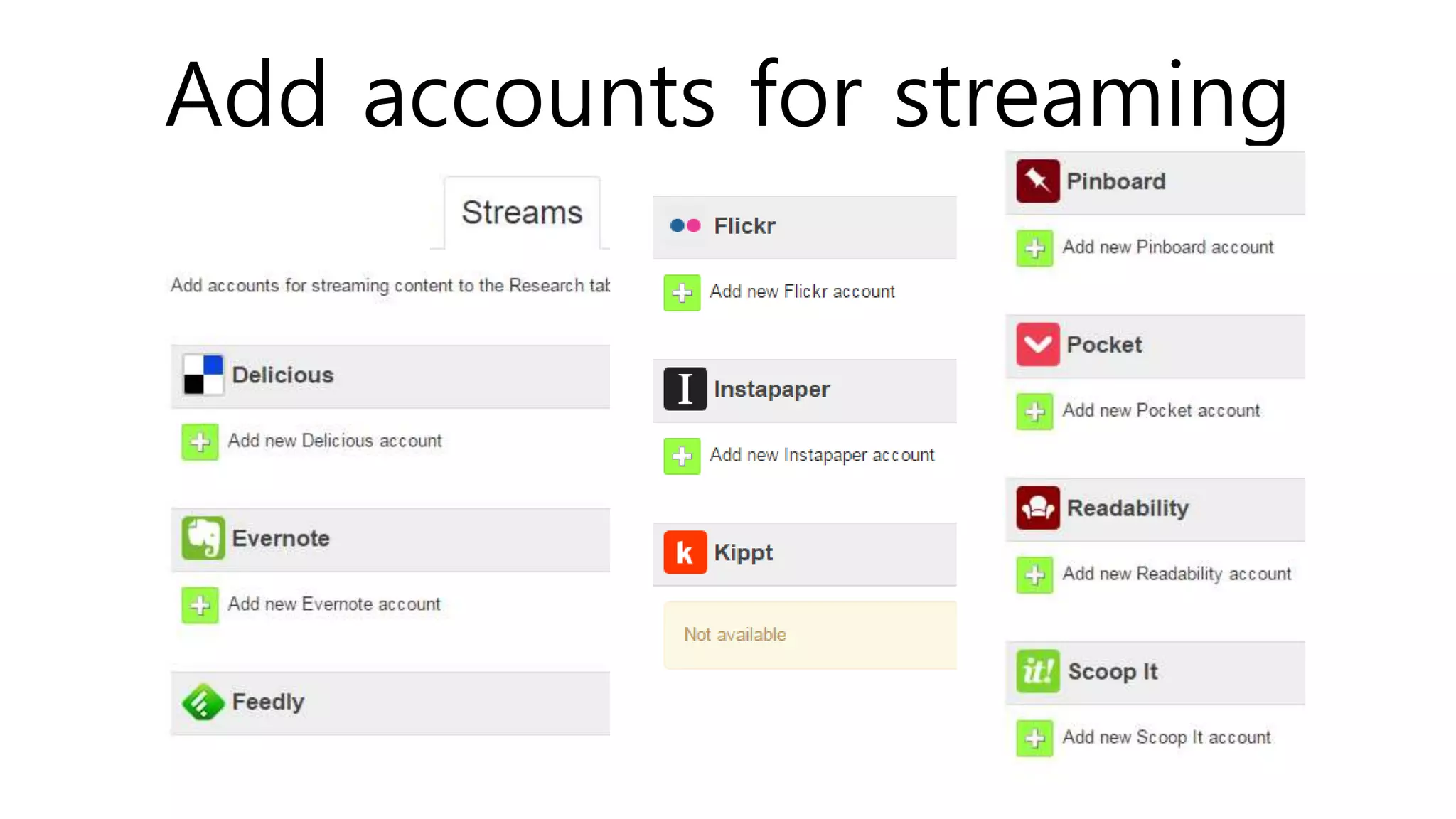
Add accounts for streaming
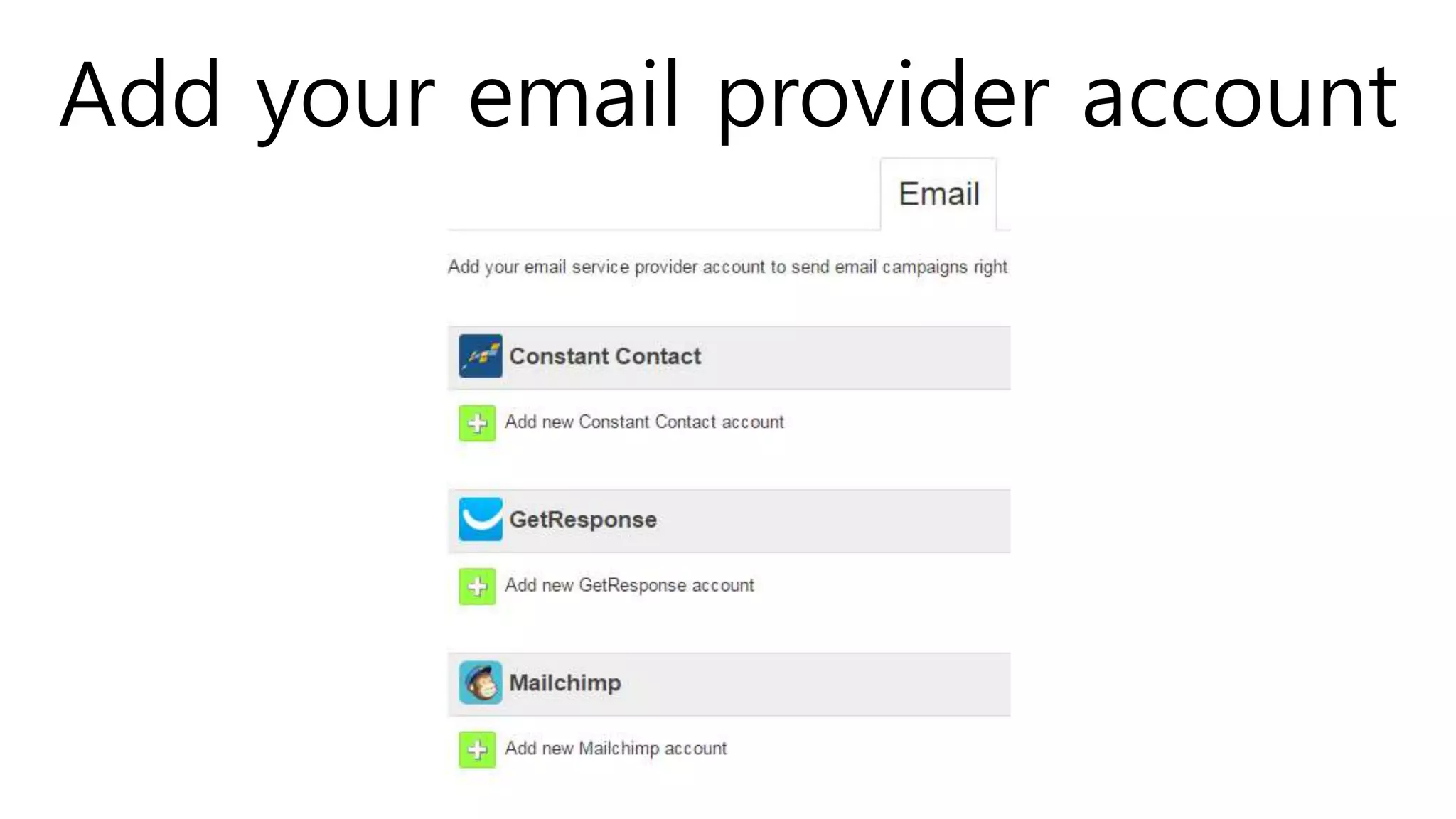
Add your email provider account
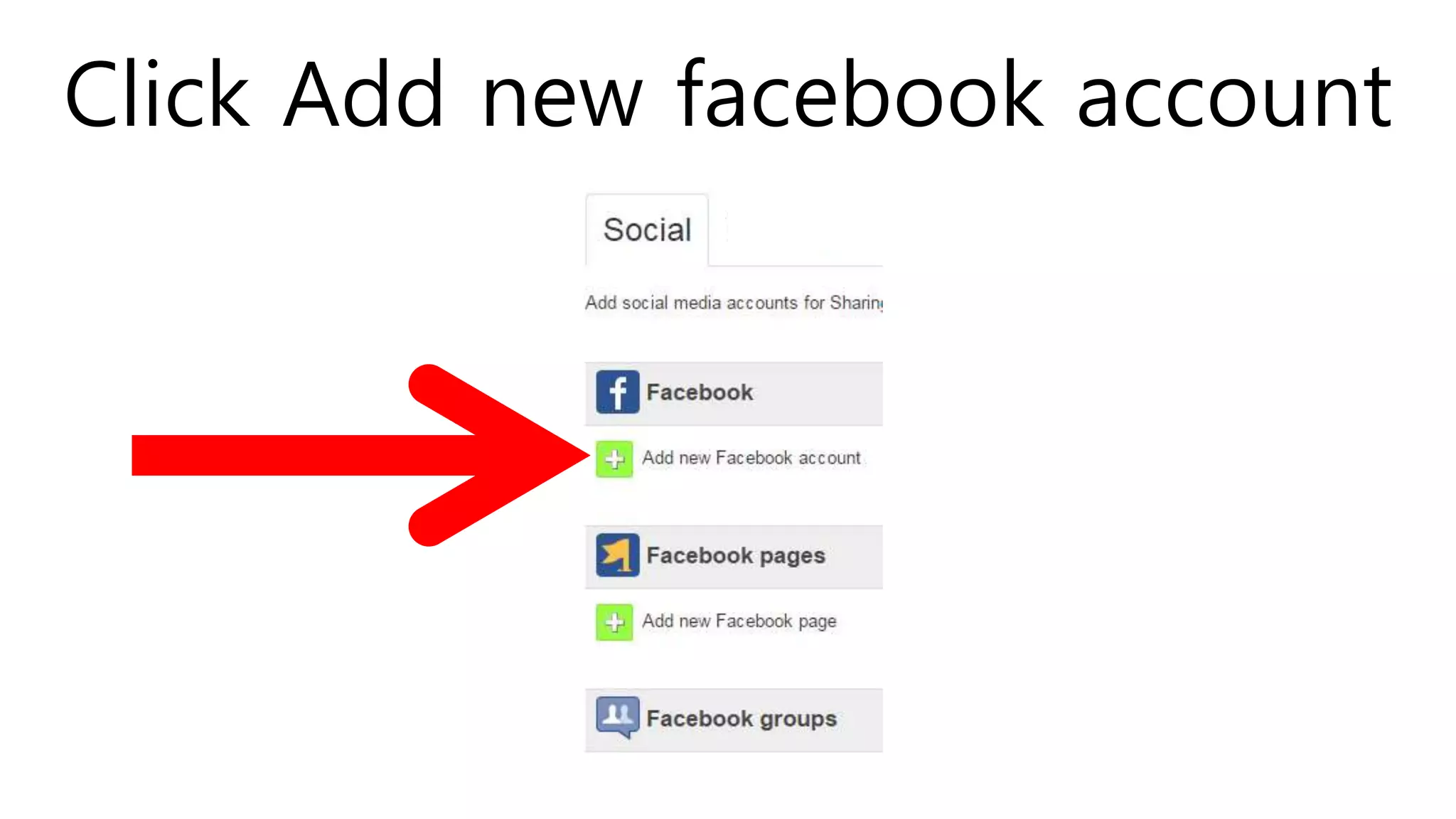
Click Add new facebook account
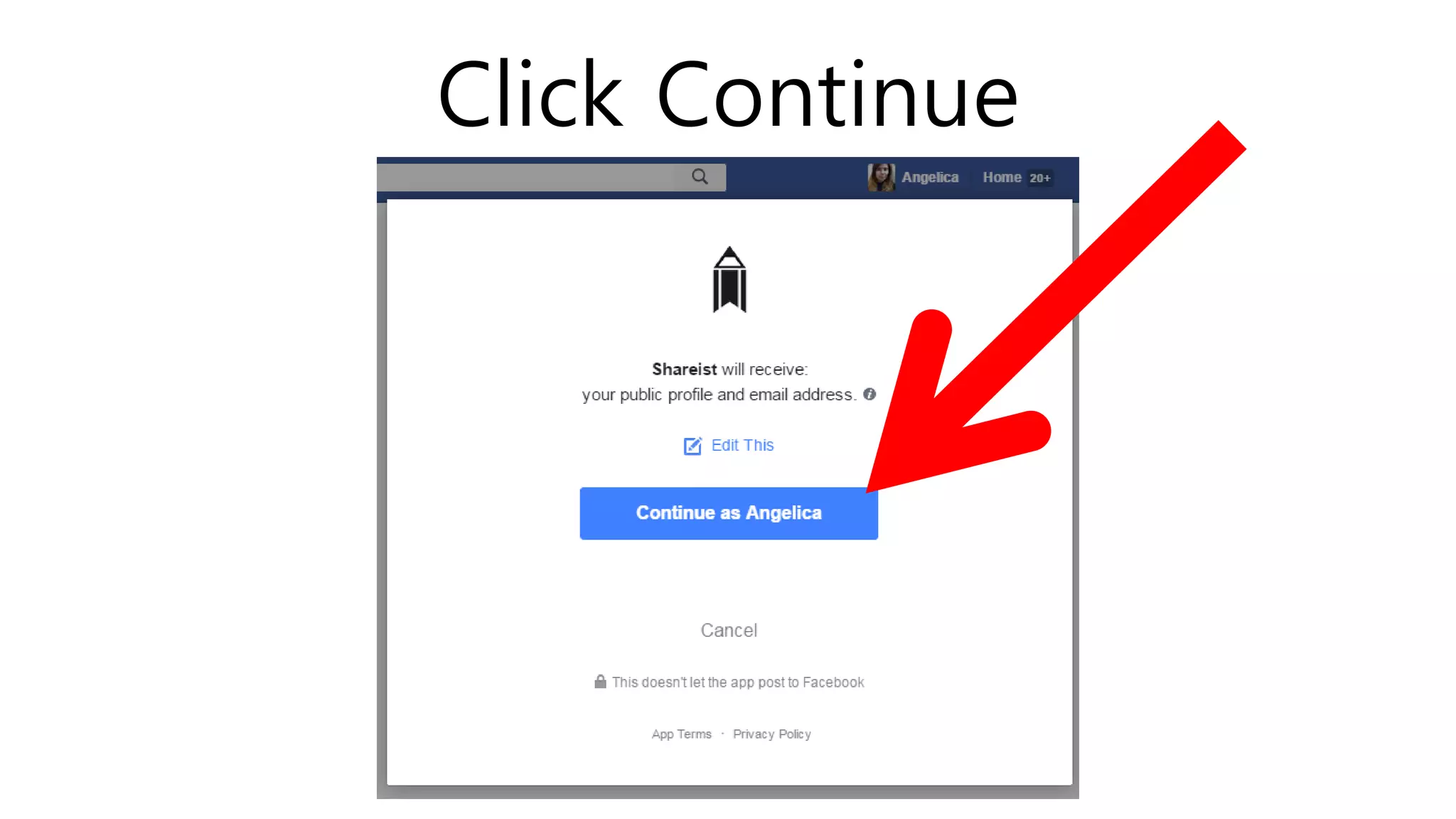
Click Continue
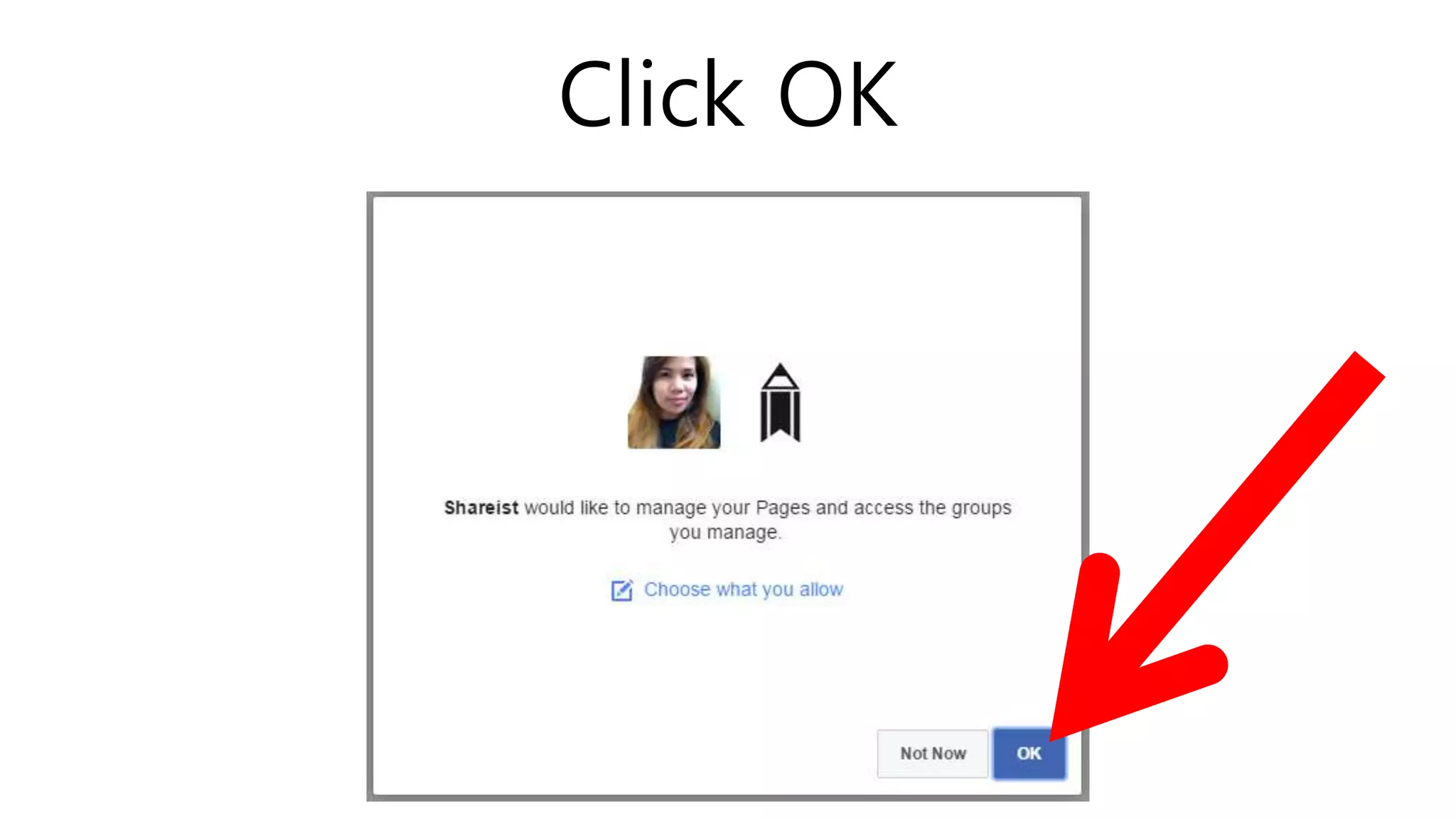
Click OK
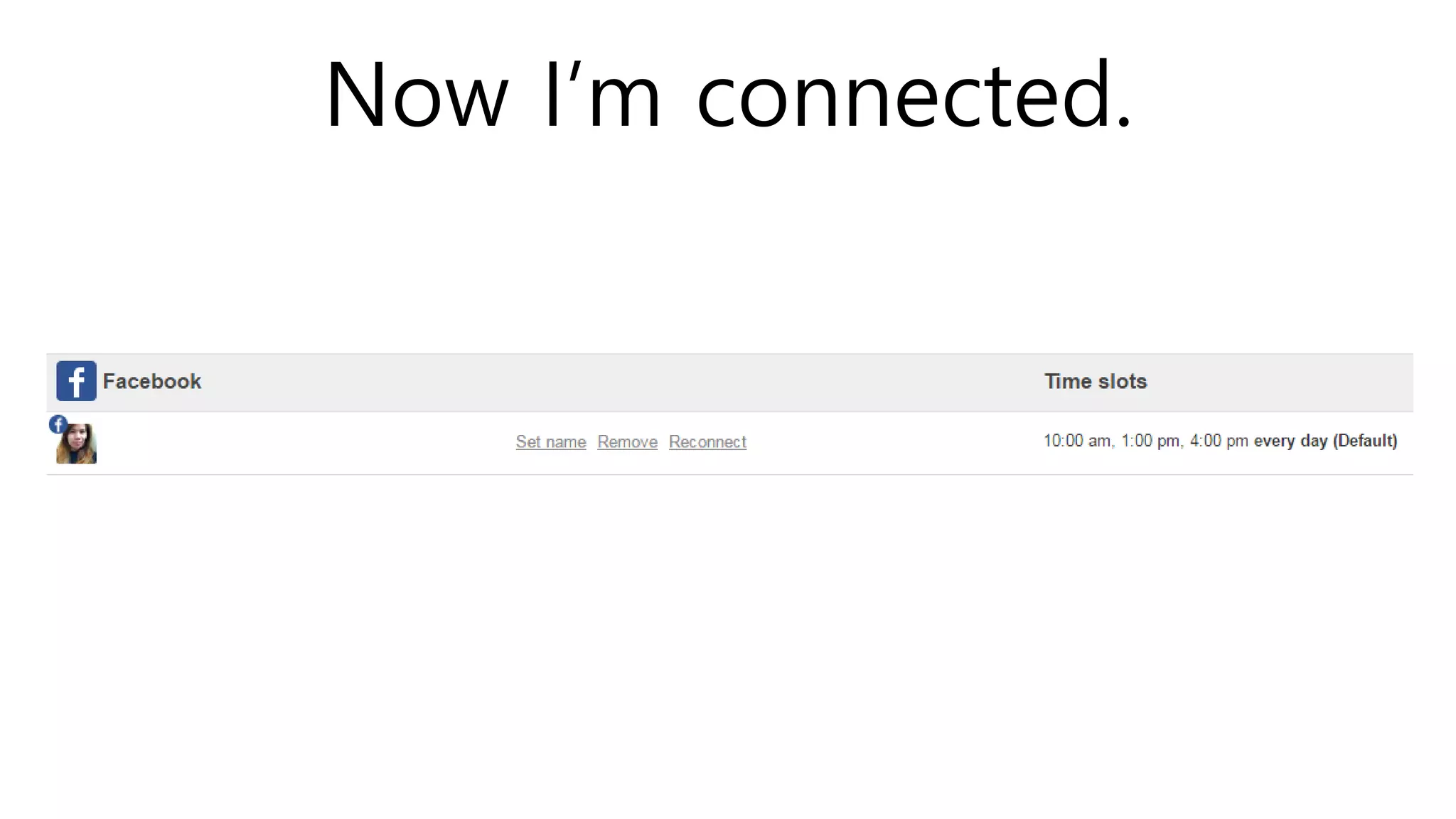
Now I’m connected.
SHAREIST RESEARCH
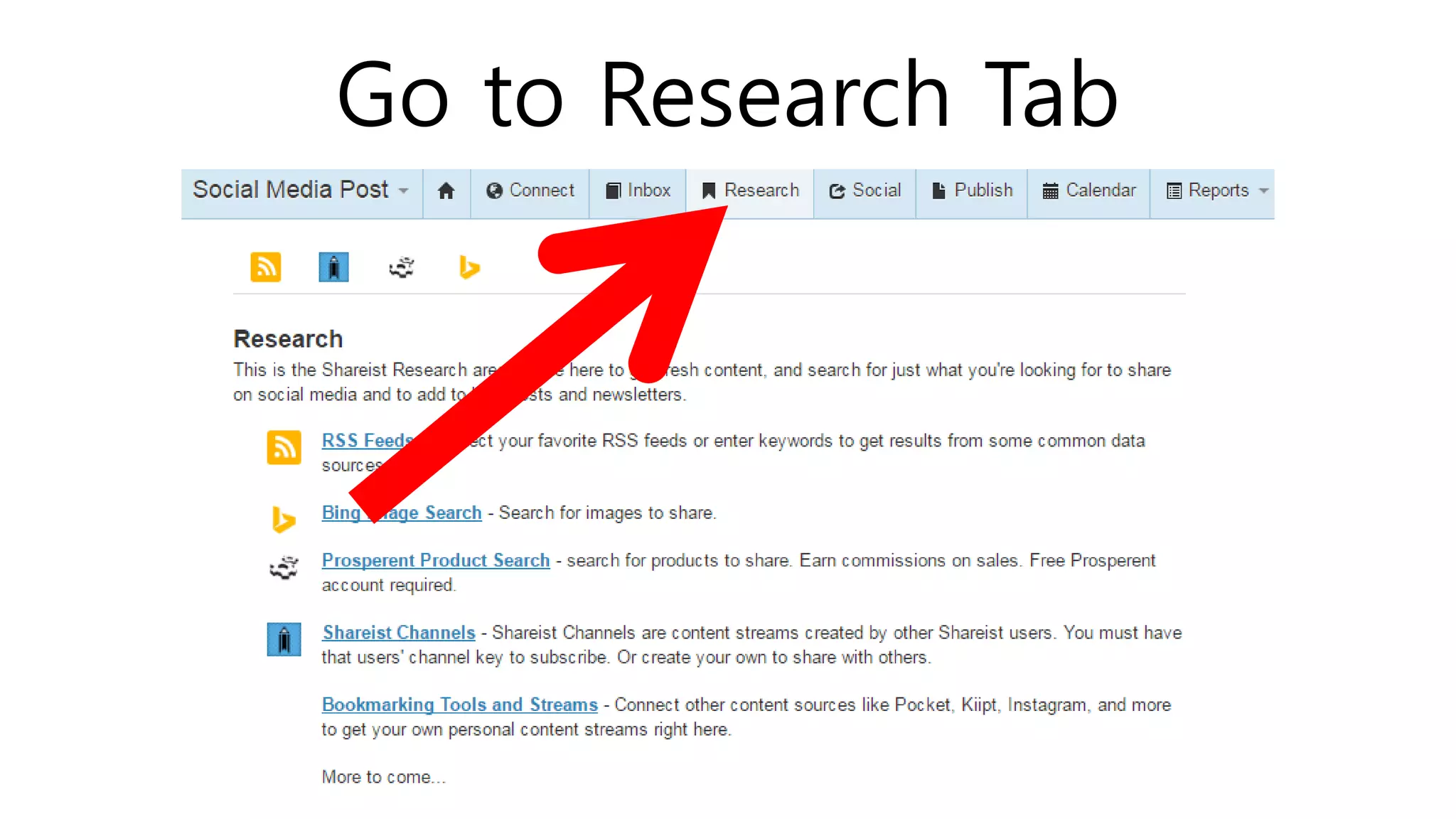
Go to Research Tab
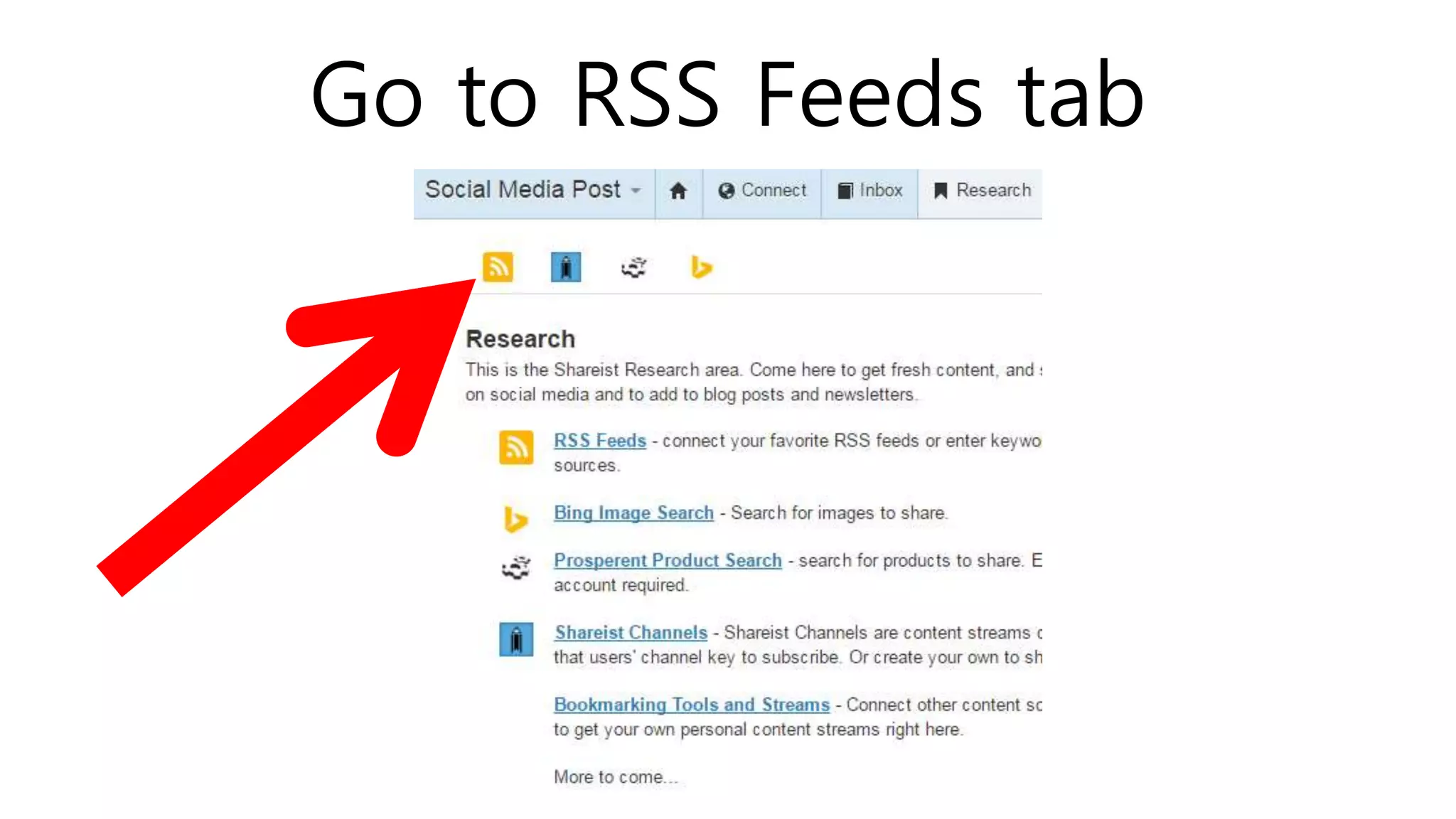
Go to RSS Feeds tab
You will see research feeds
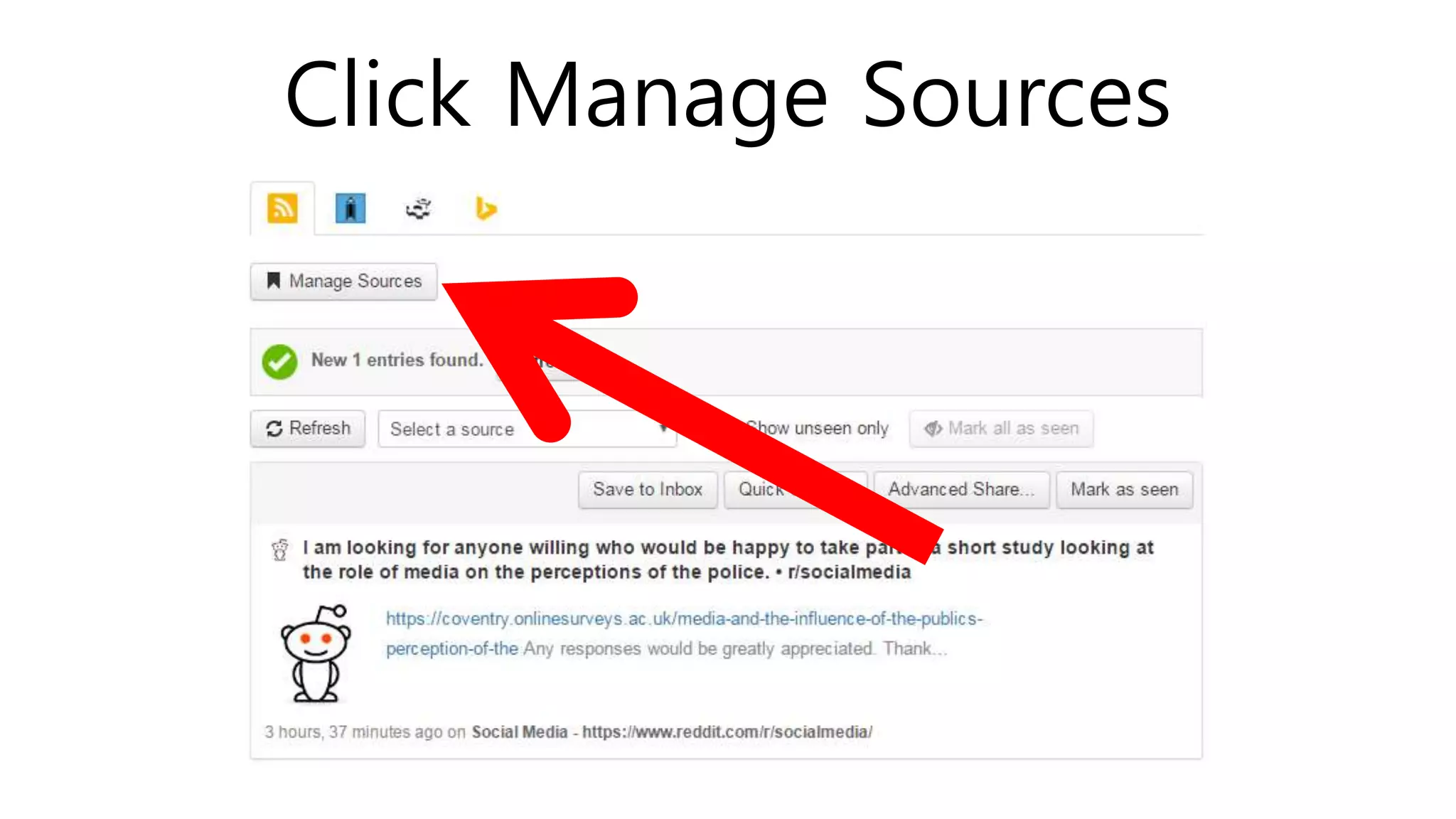
Click Manage Sources
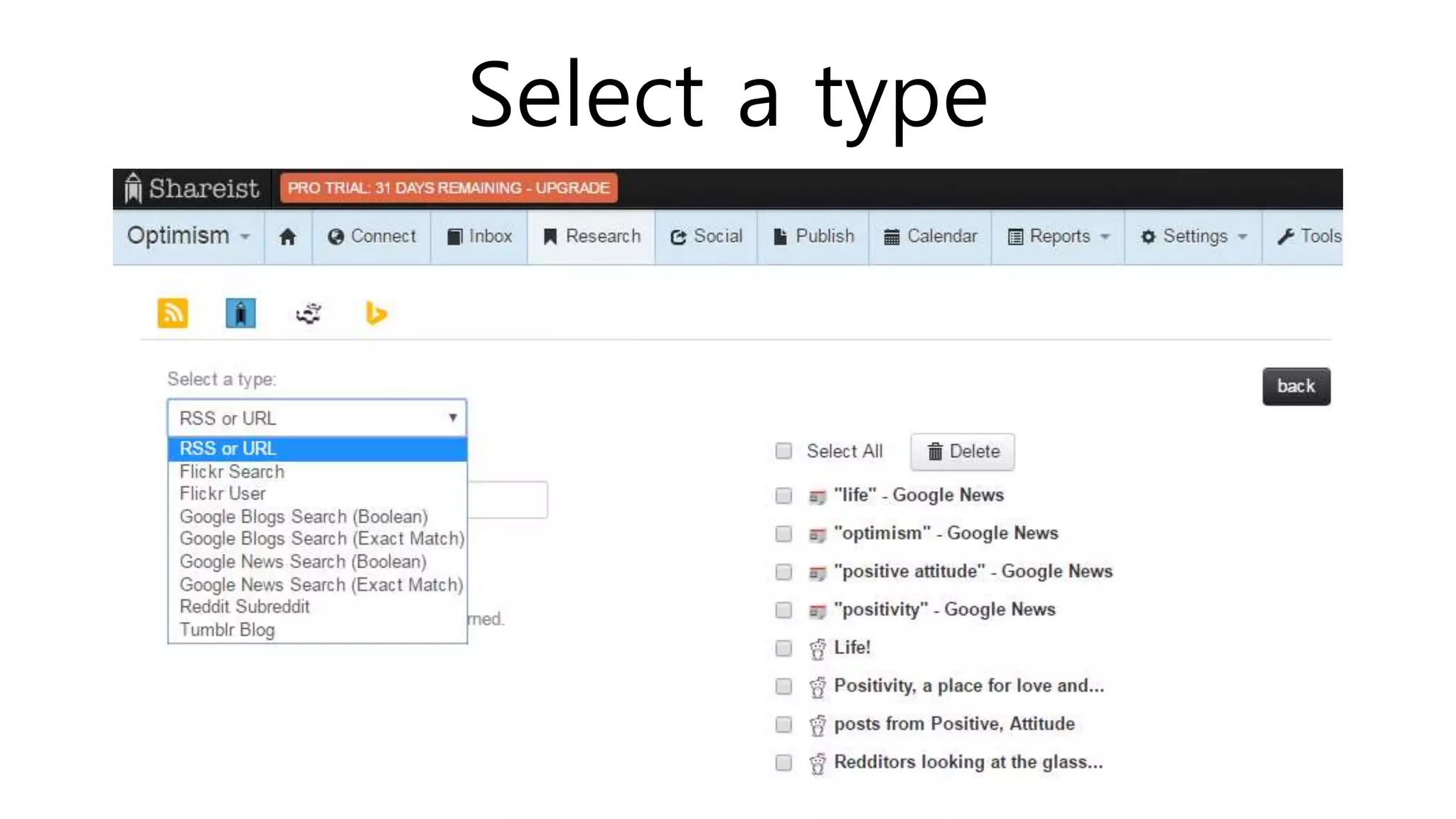
Select a type
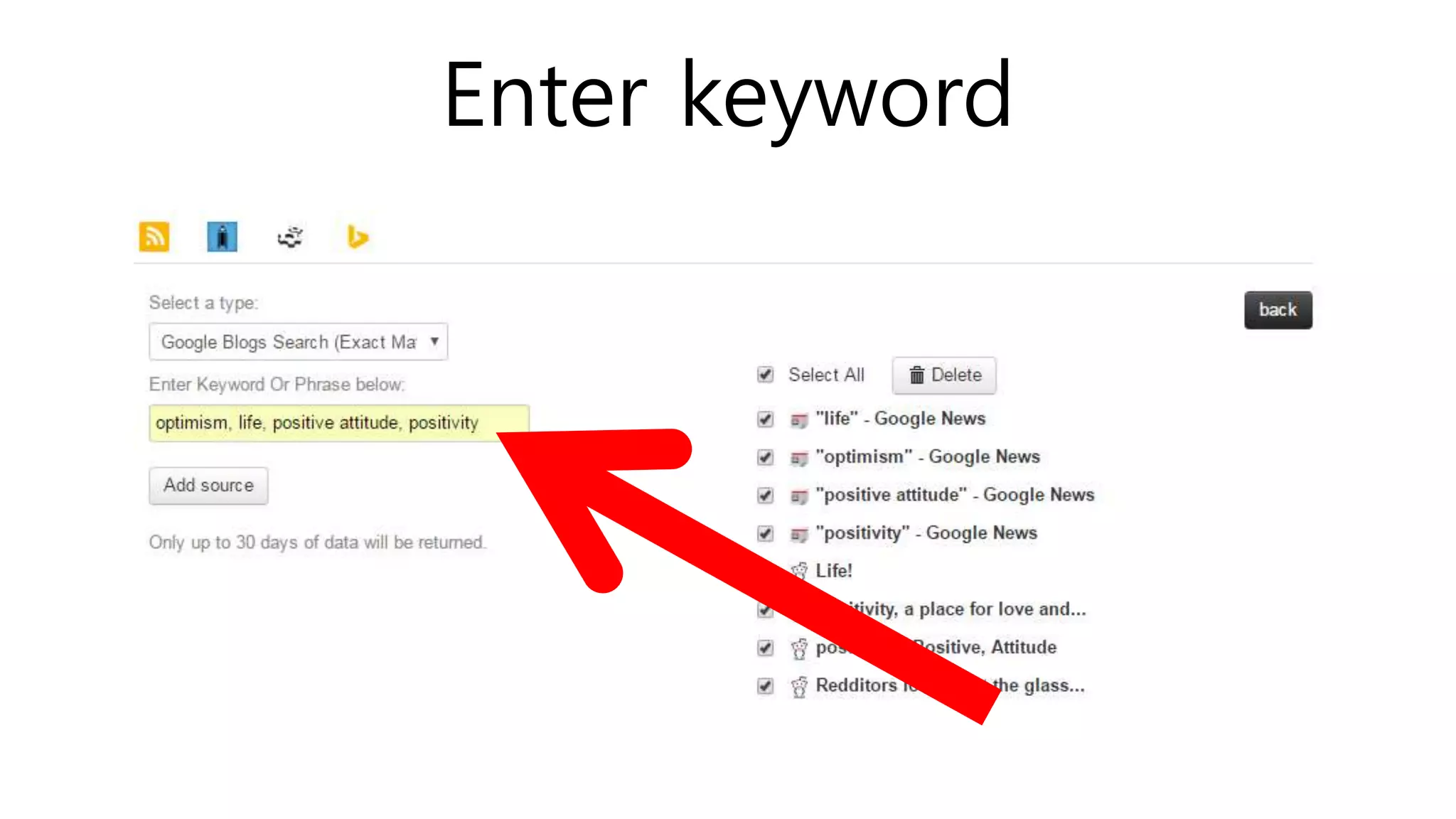
Enter keyword
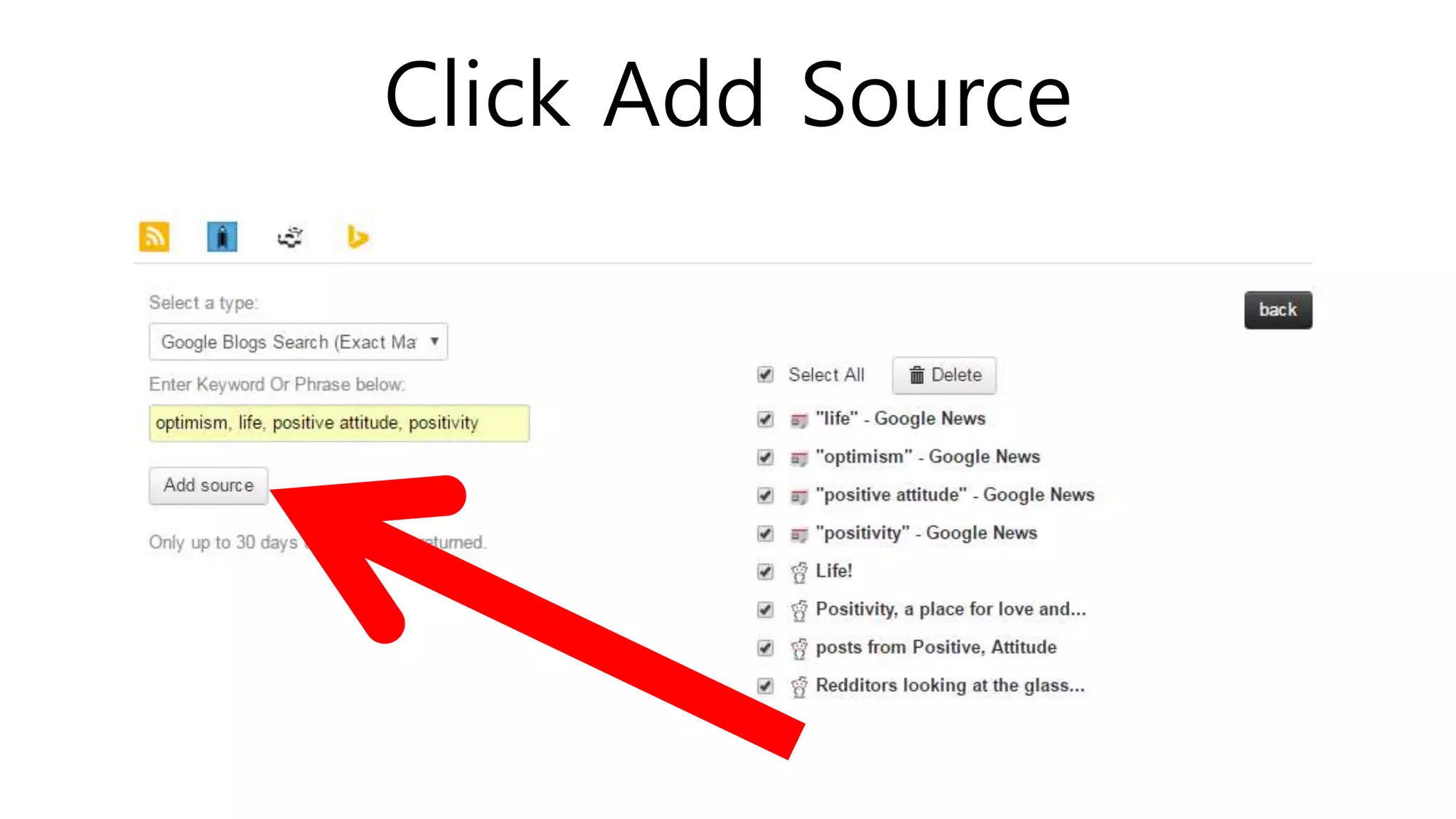
Click Add Source
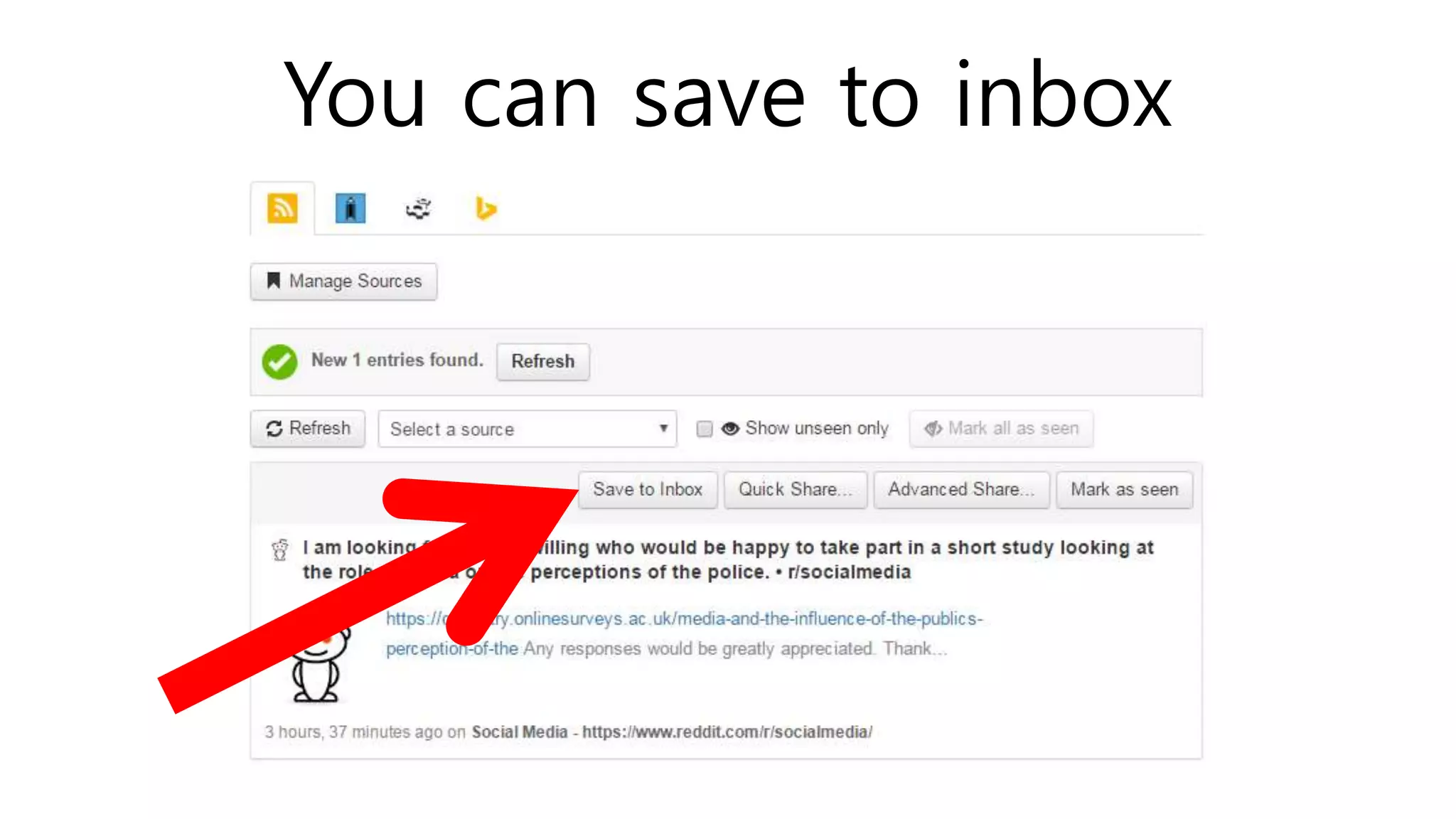
You can save to inbox
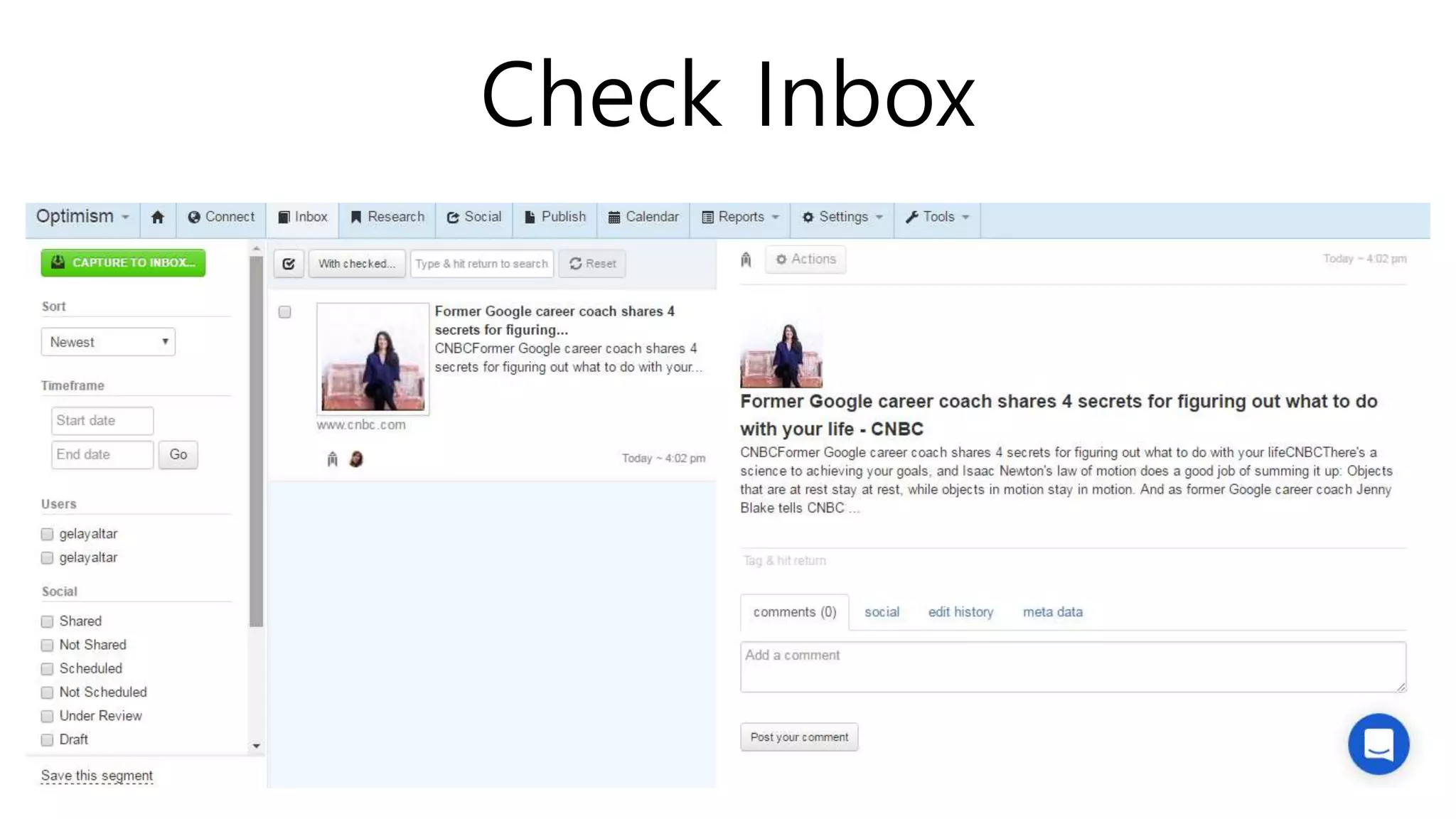
Check Inbox
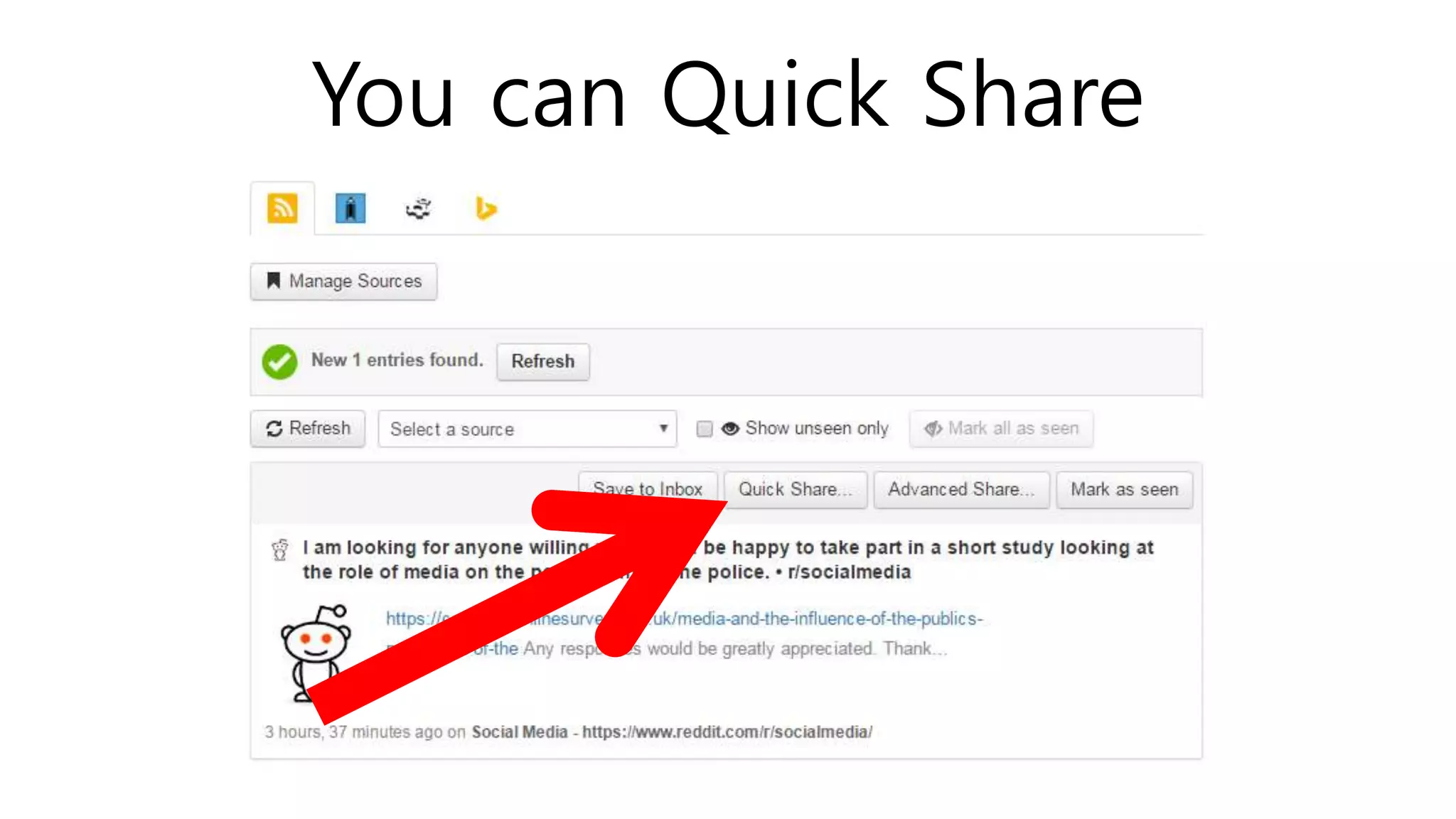
You can Quick Share
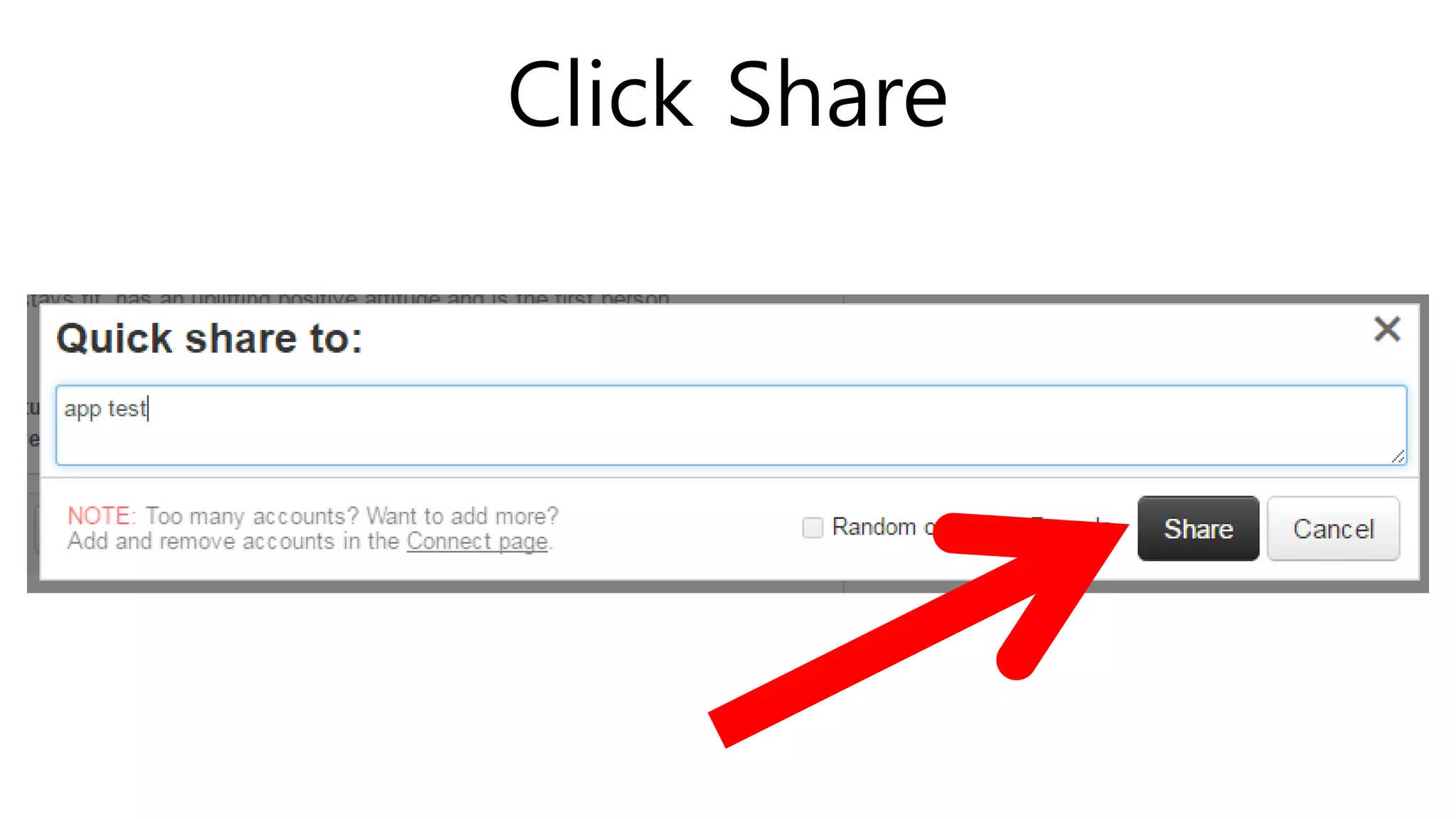
Click Share
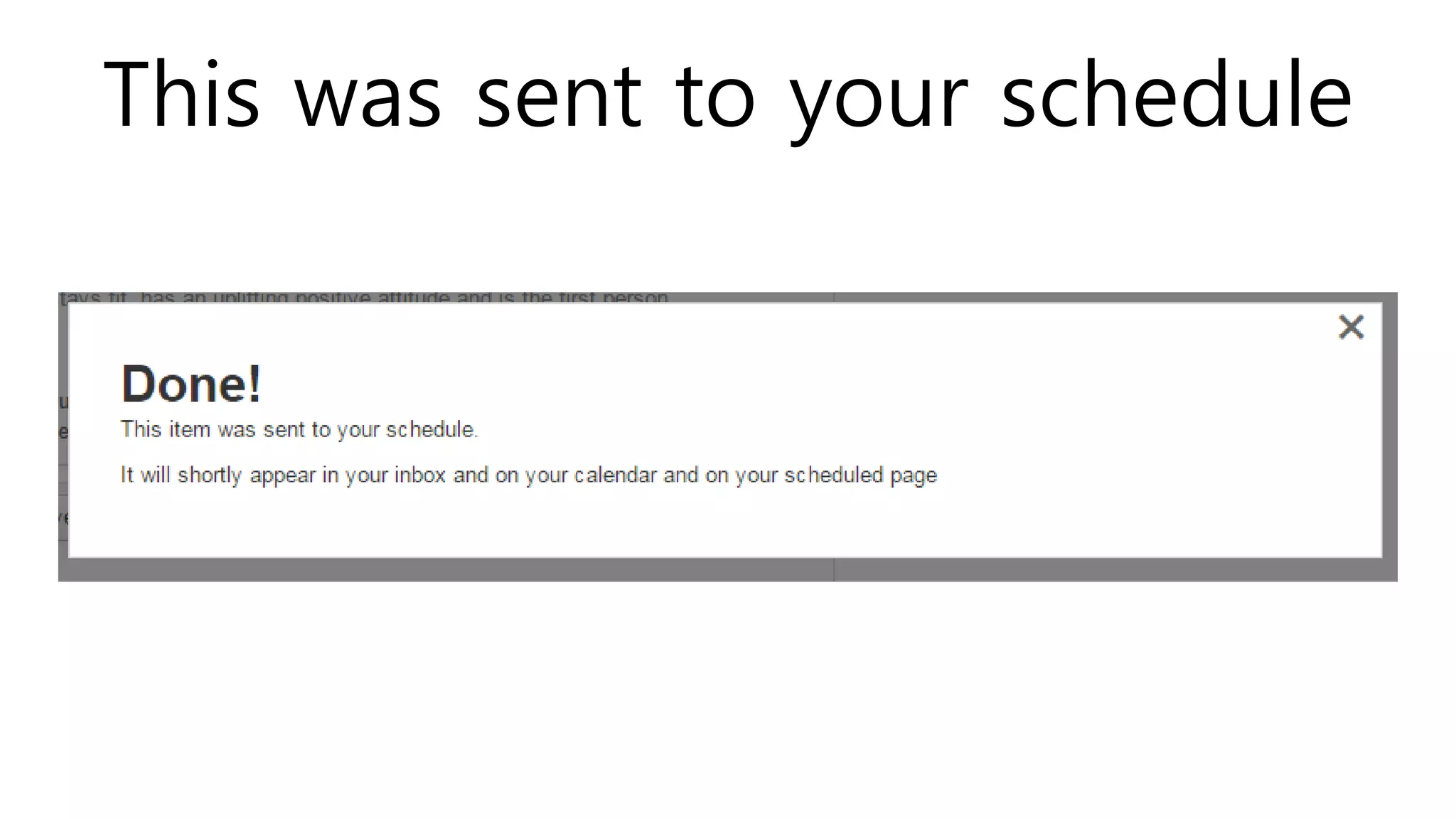
This was sent to your schedule
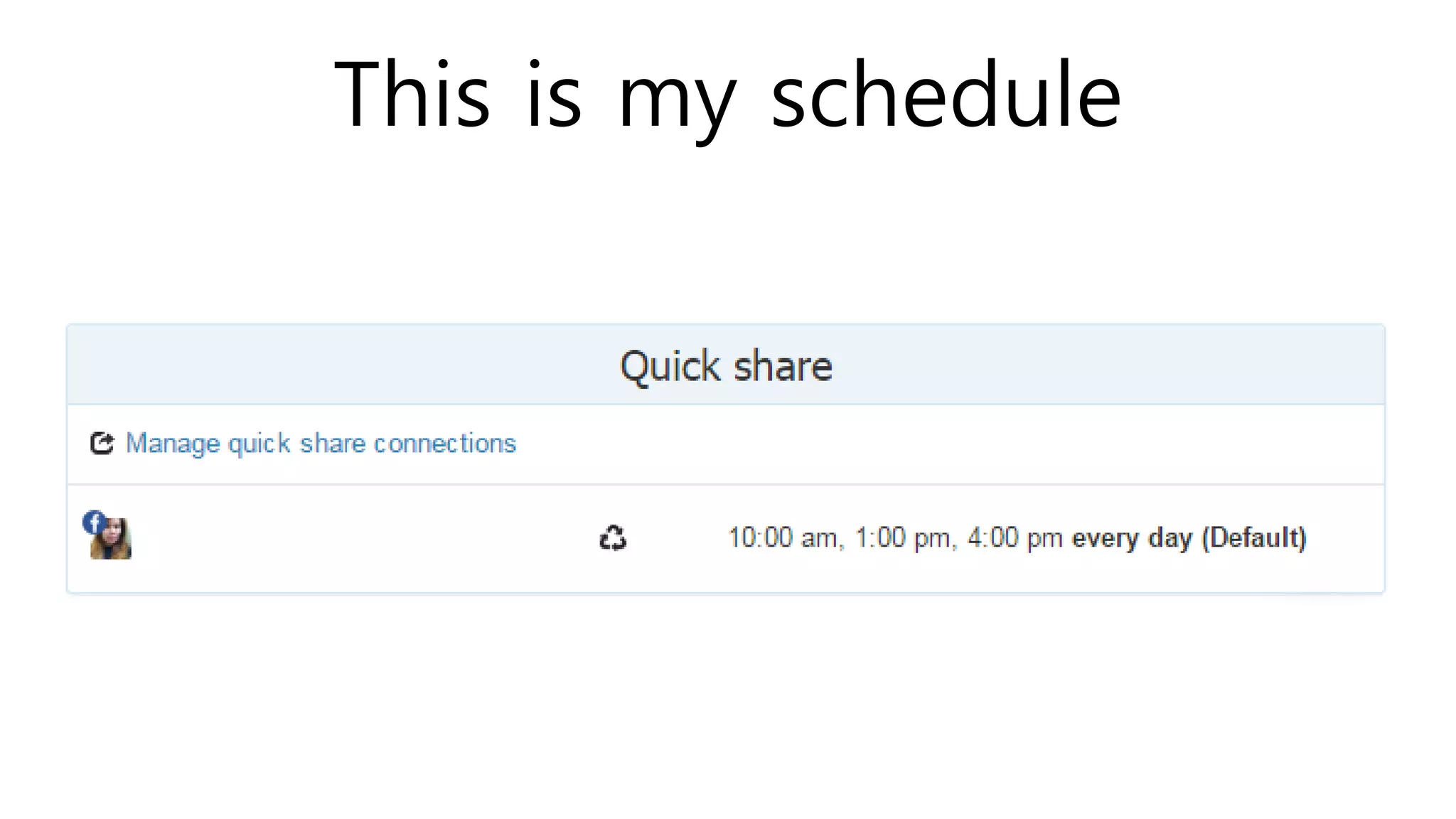
This is my schedule
QUICK SHARE
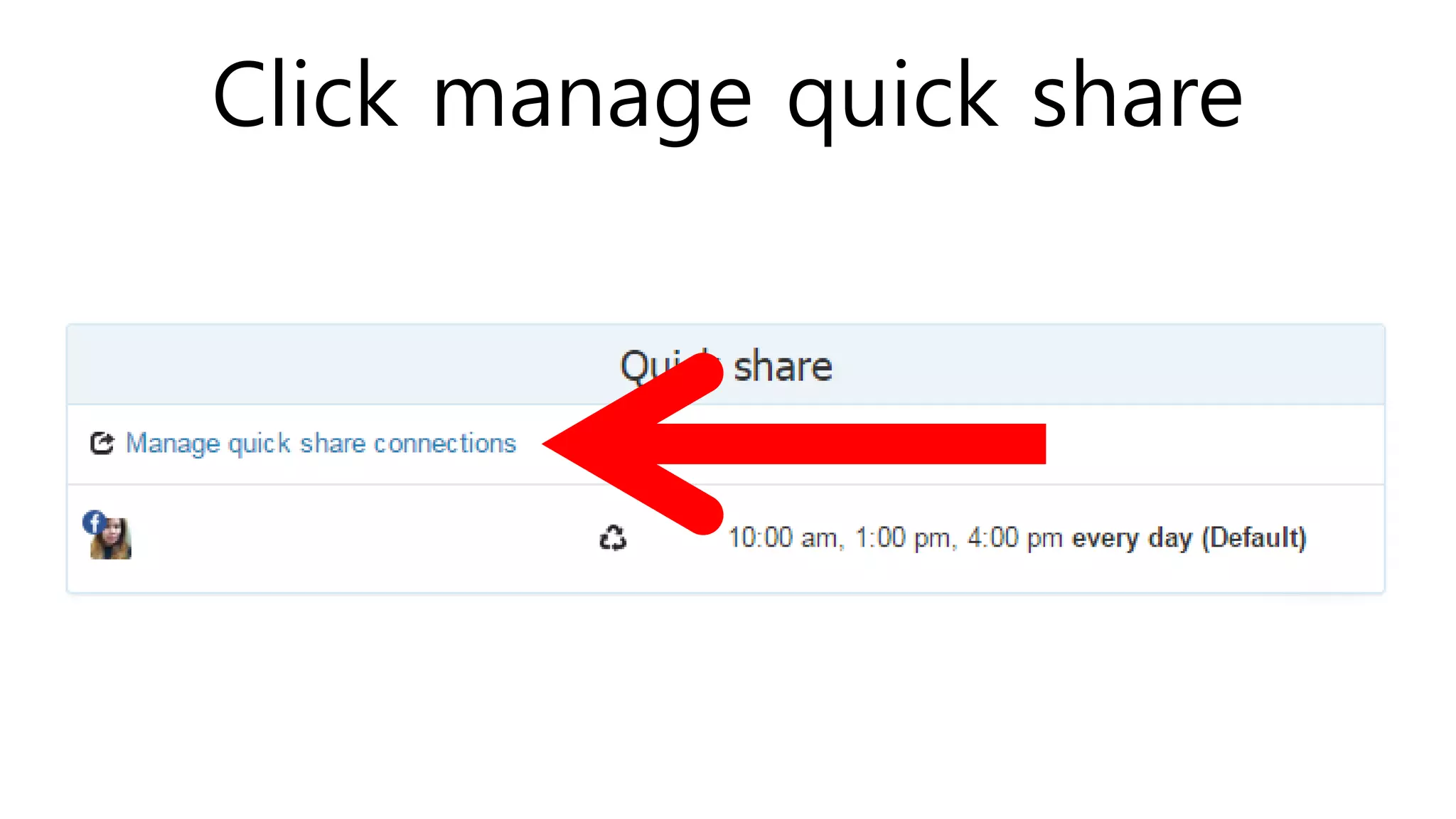
Click manage quick share
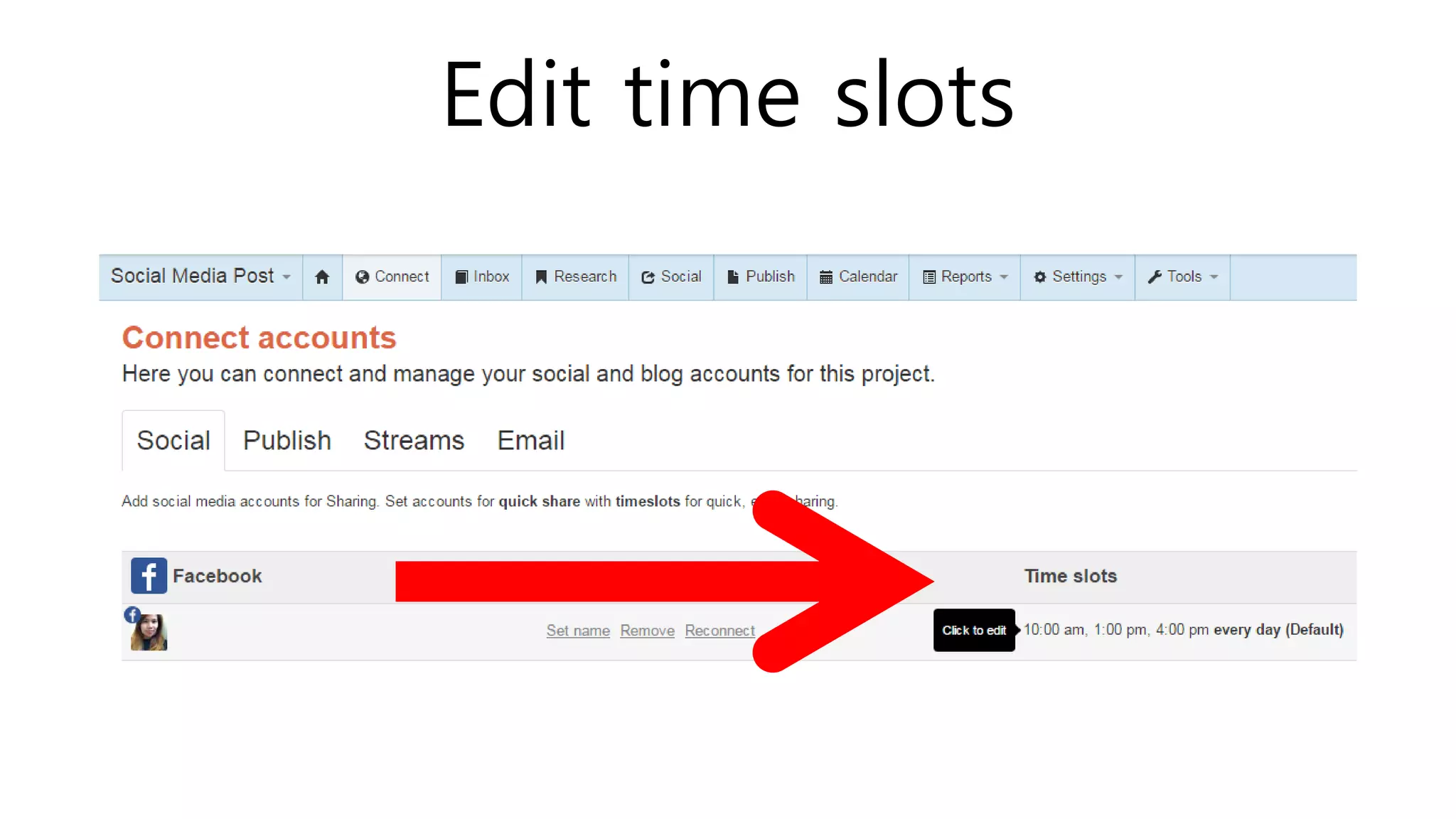
Edit time slots
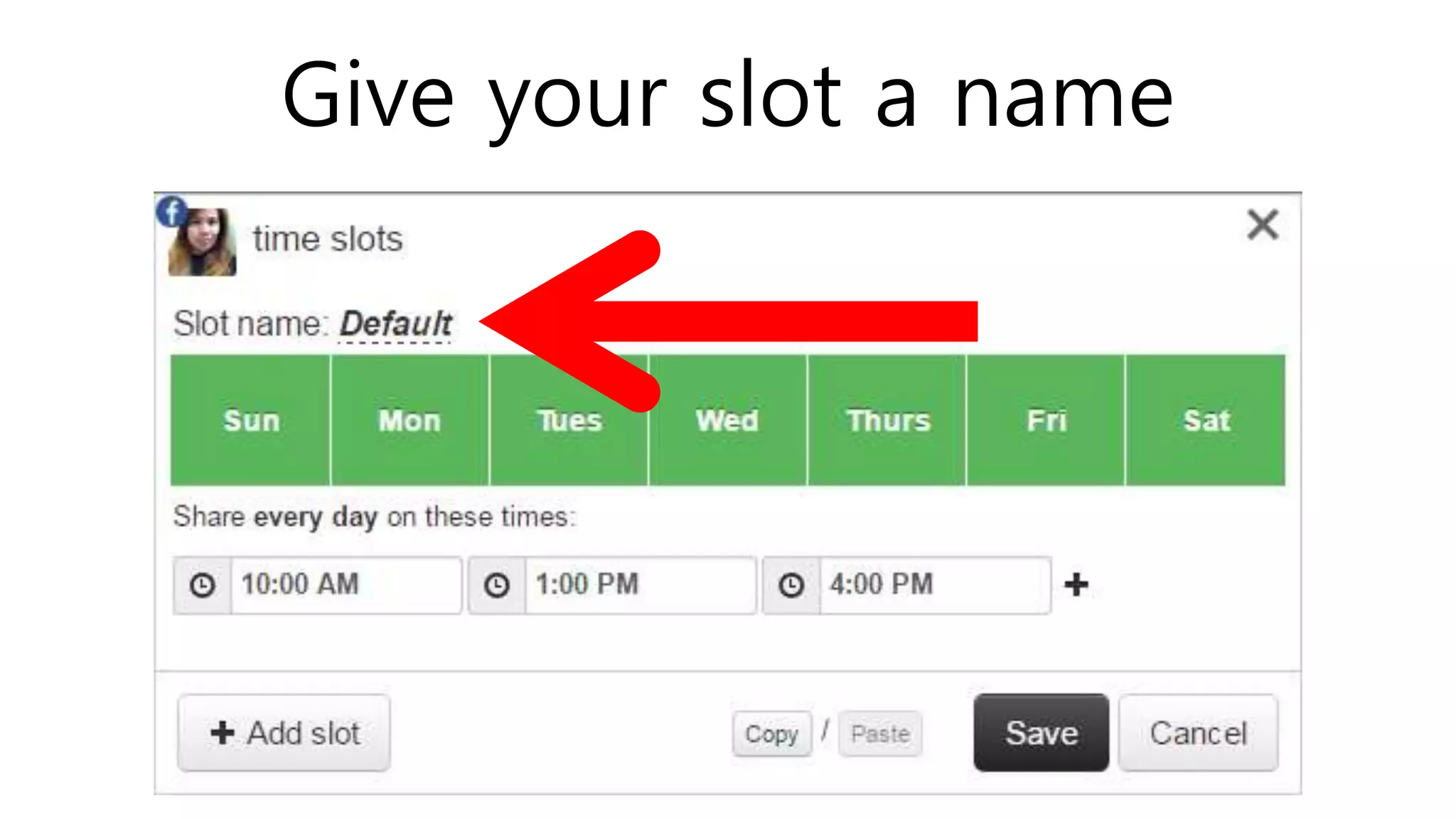
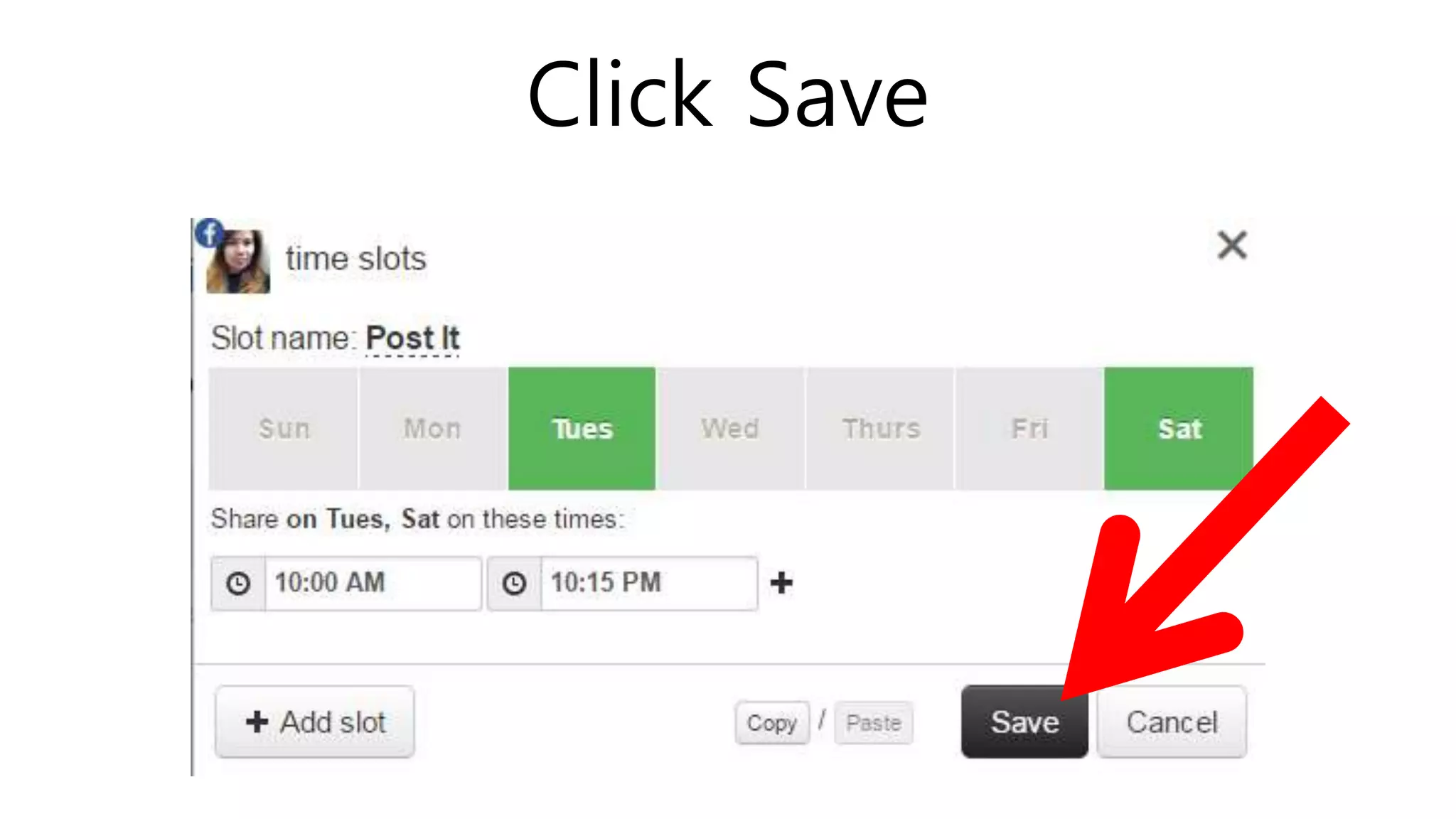
Give your slot a name
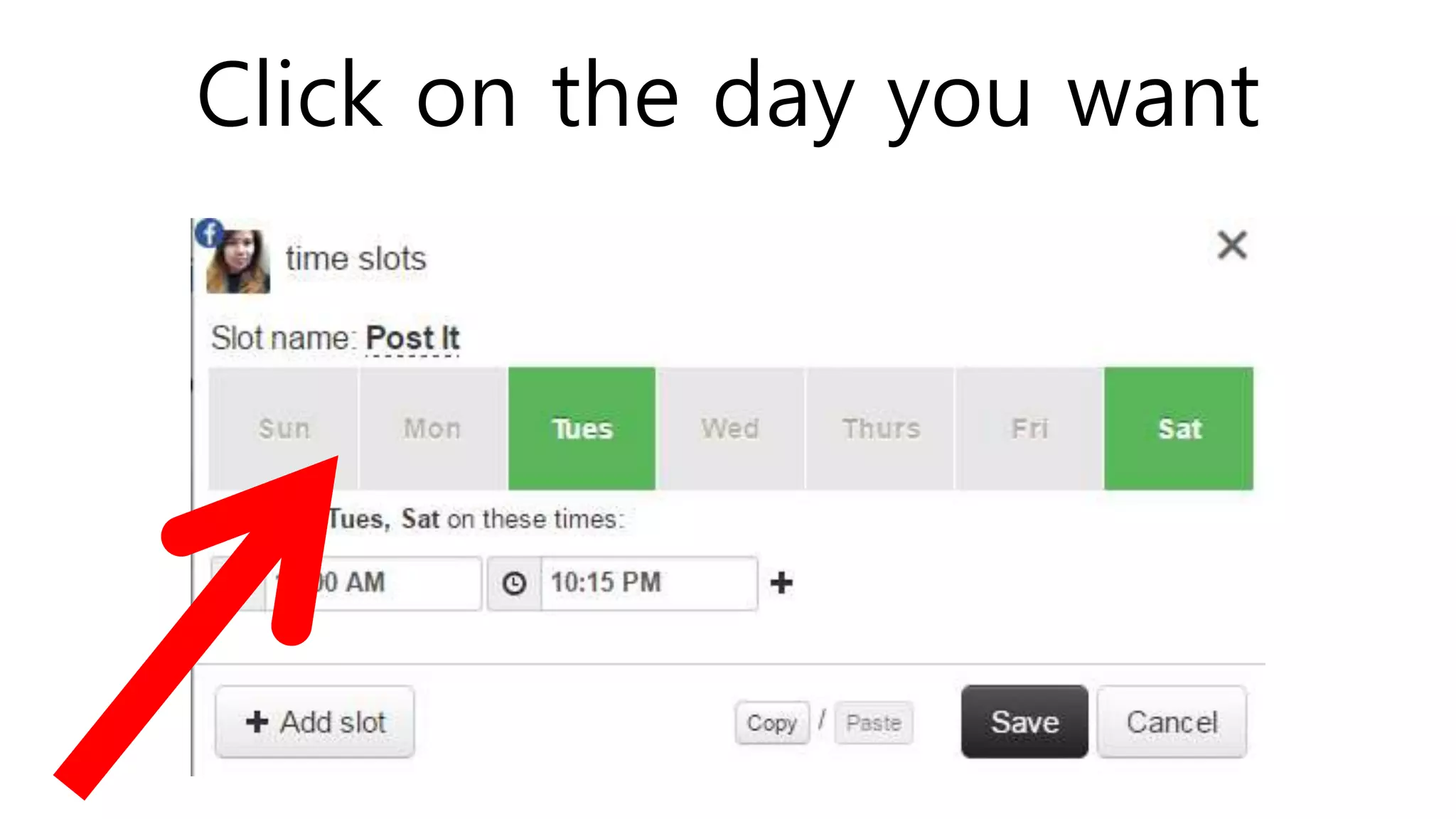
Click on the day you want
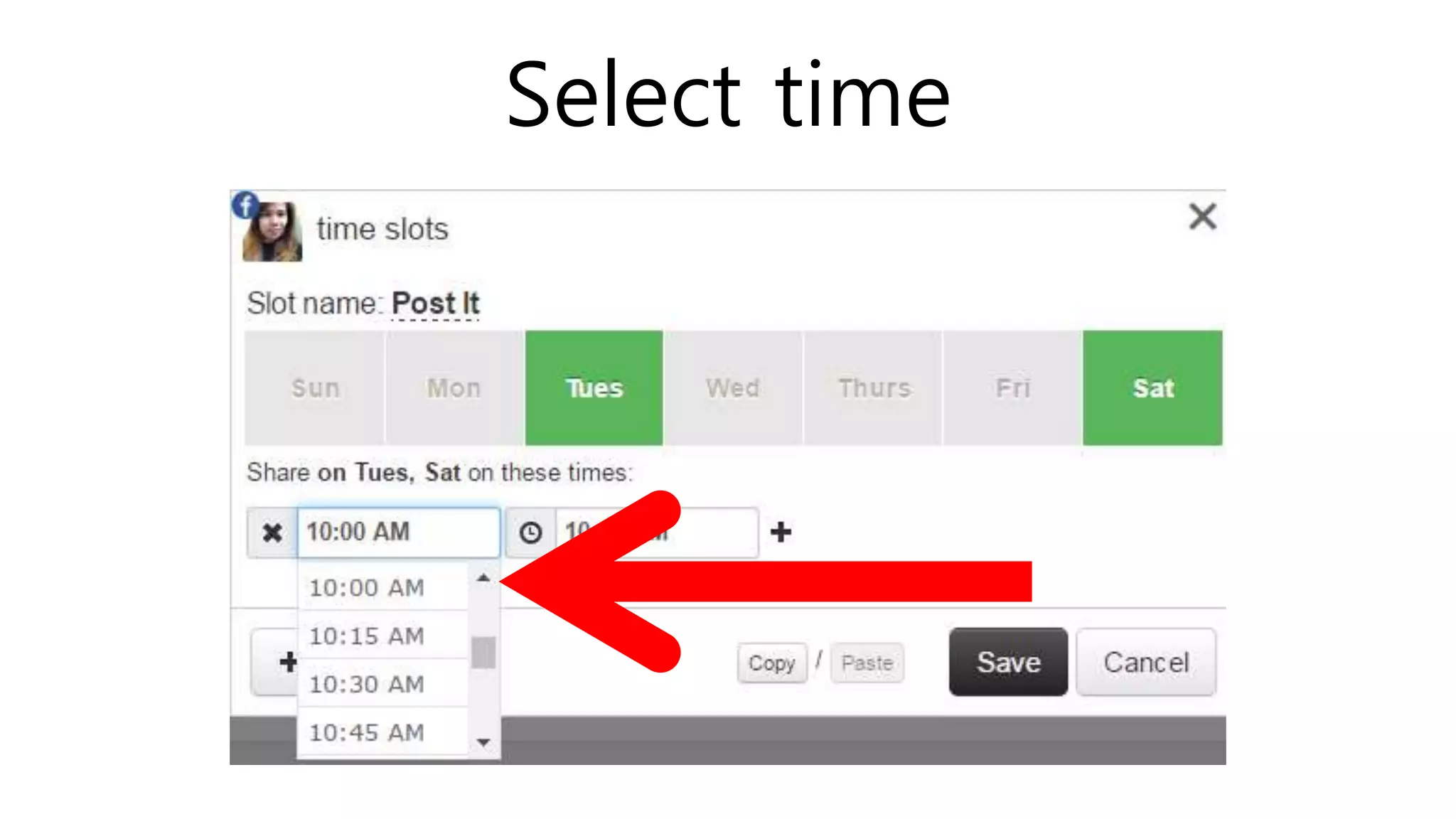
Select time
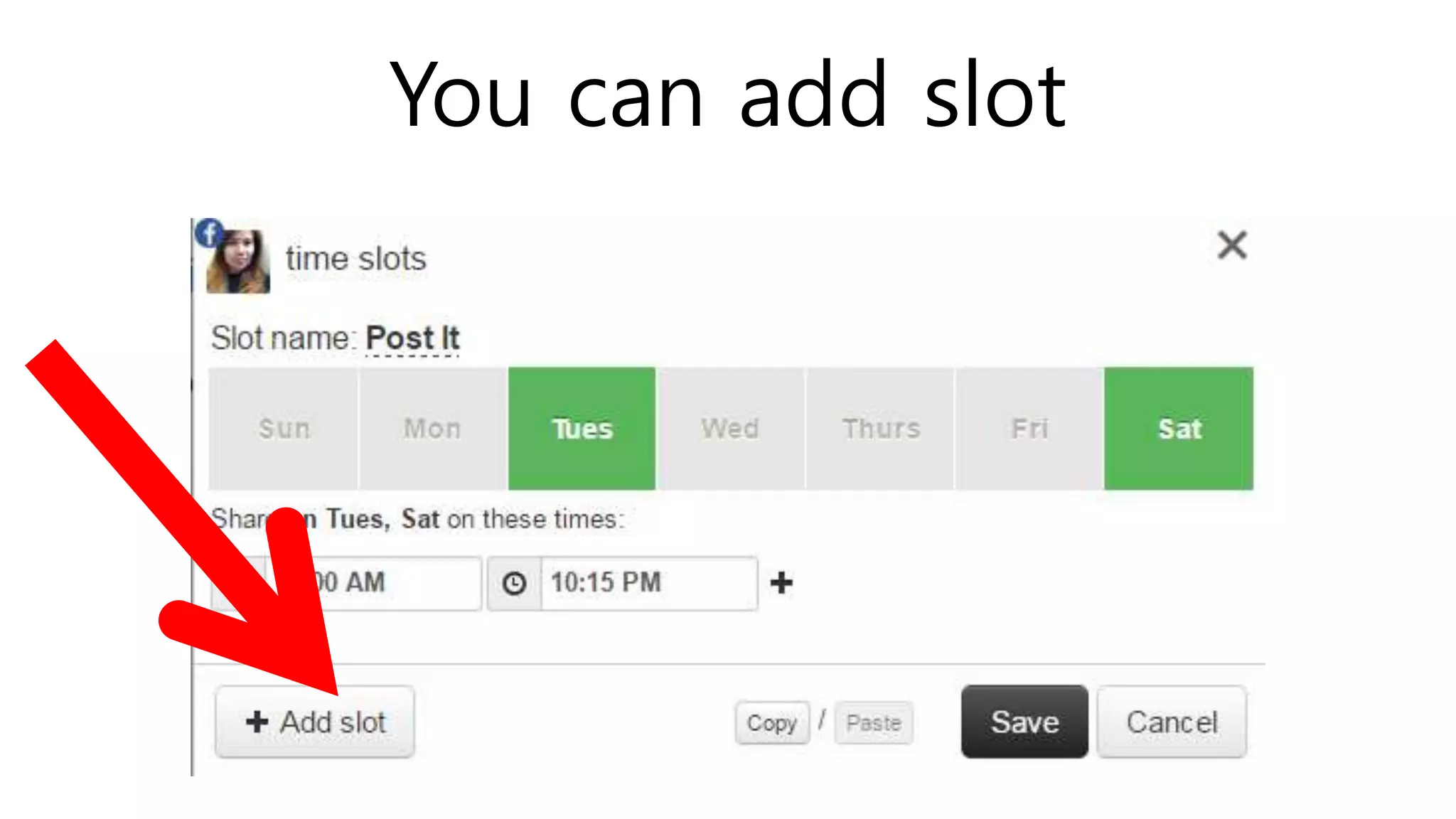
You can add slot
Click Save
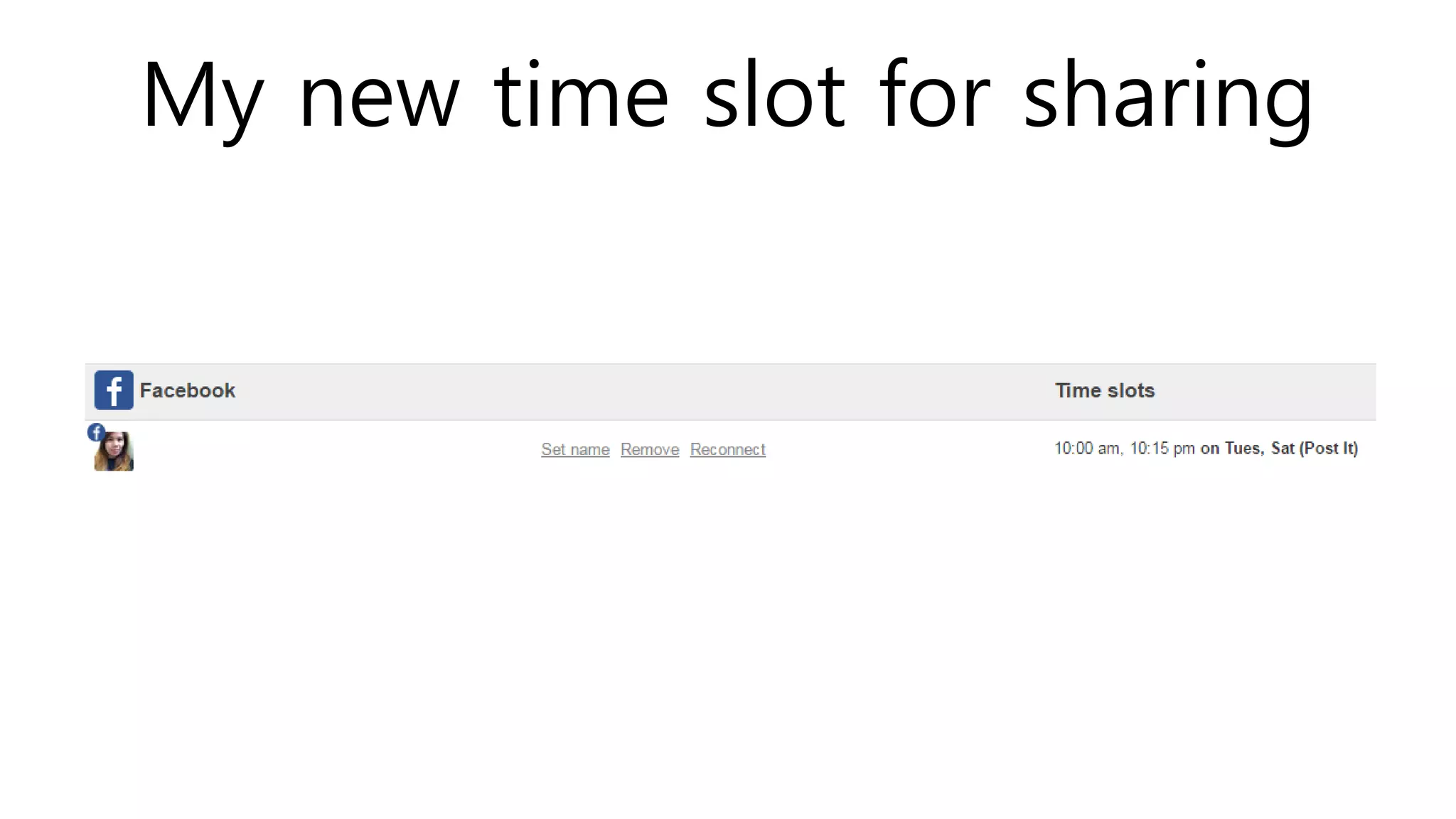
My new time slot for sharing
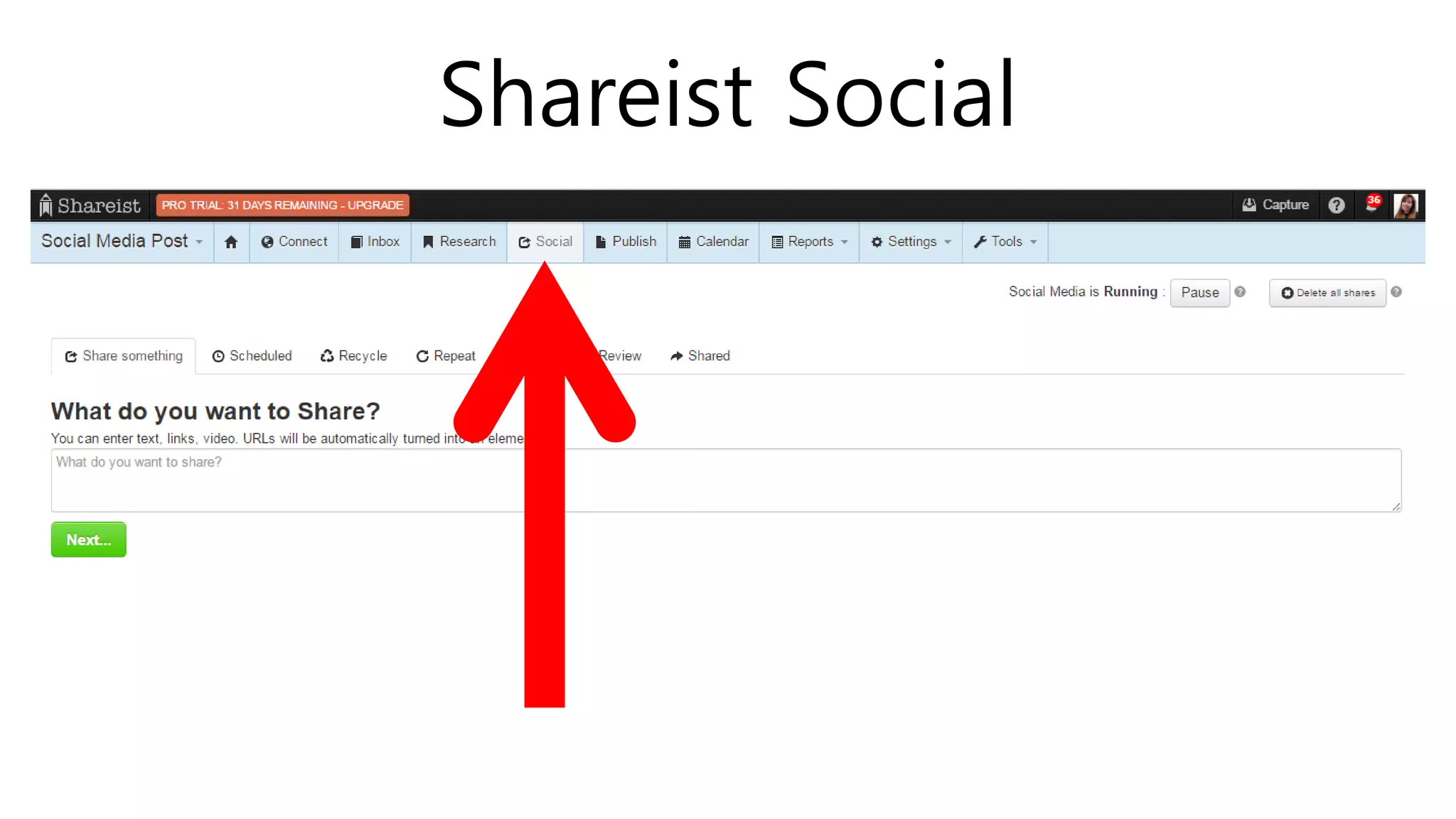
SHAREIST SOCIAL
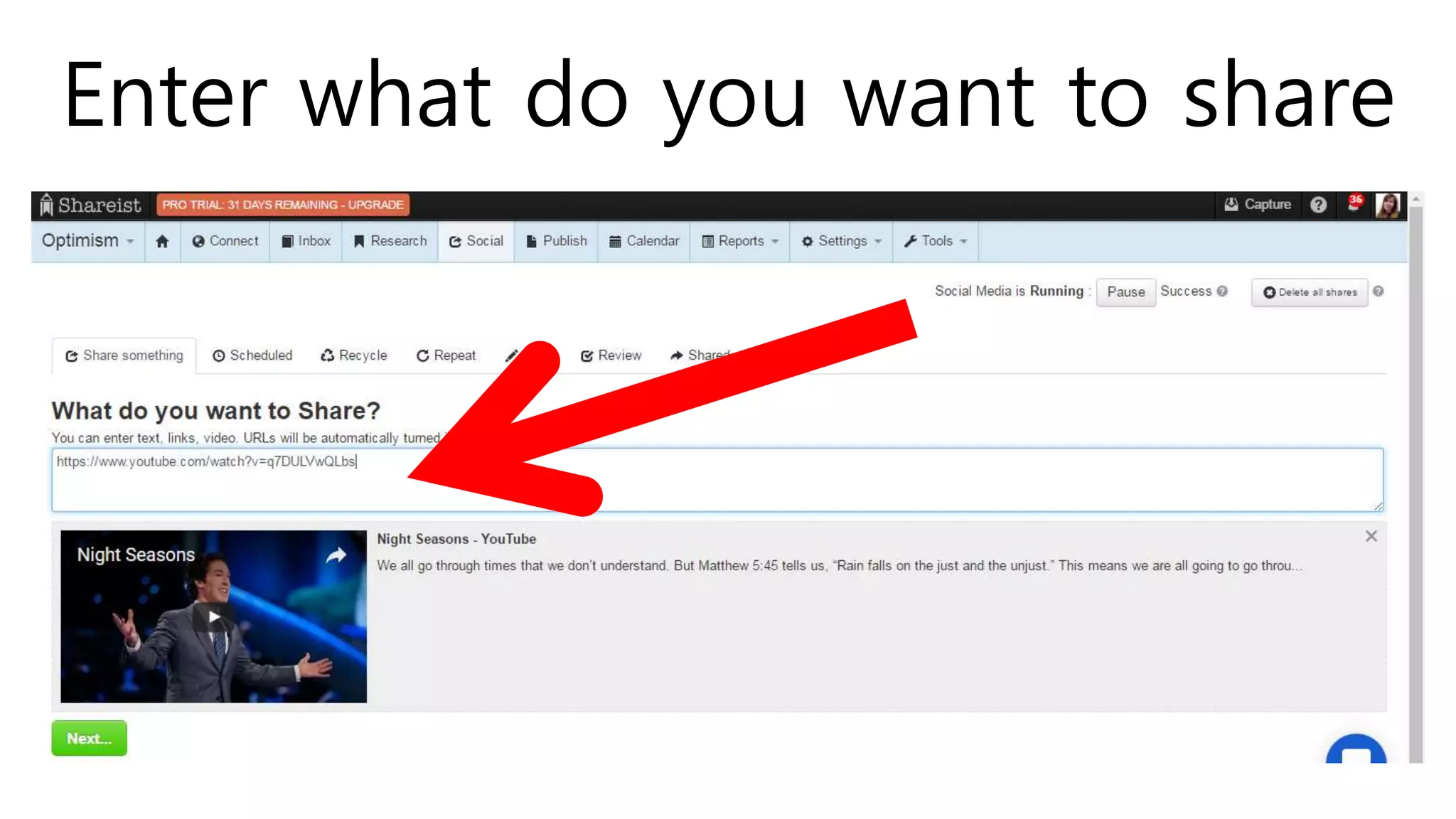
Enter what do you want to share
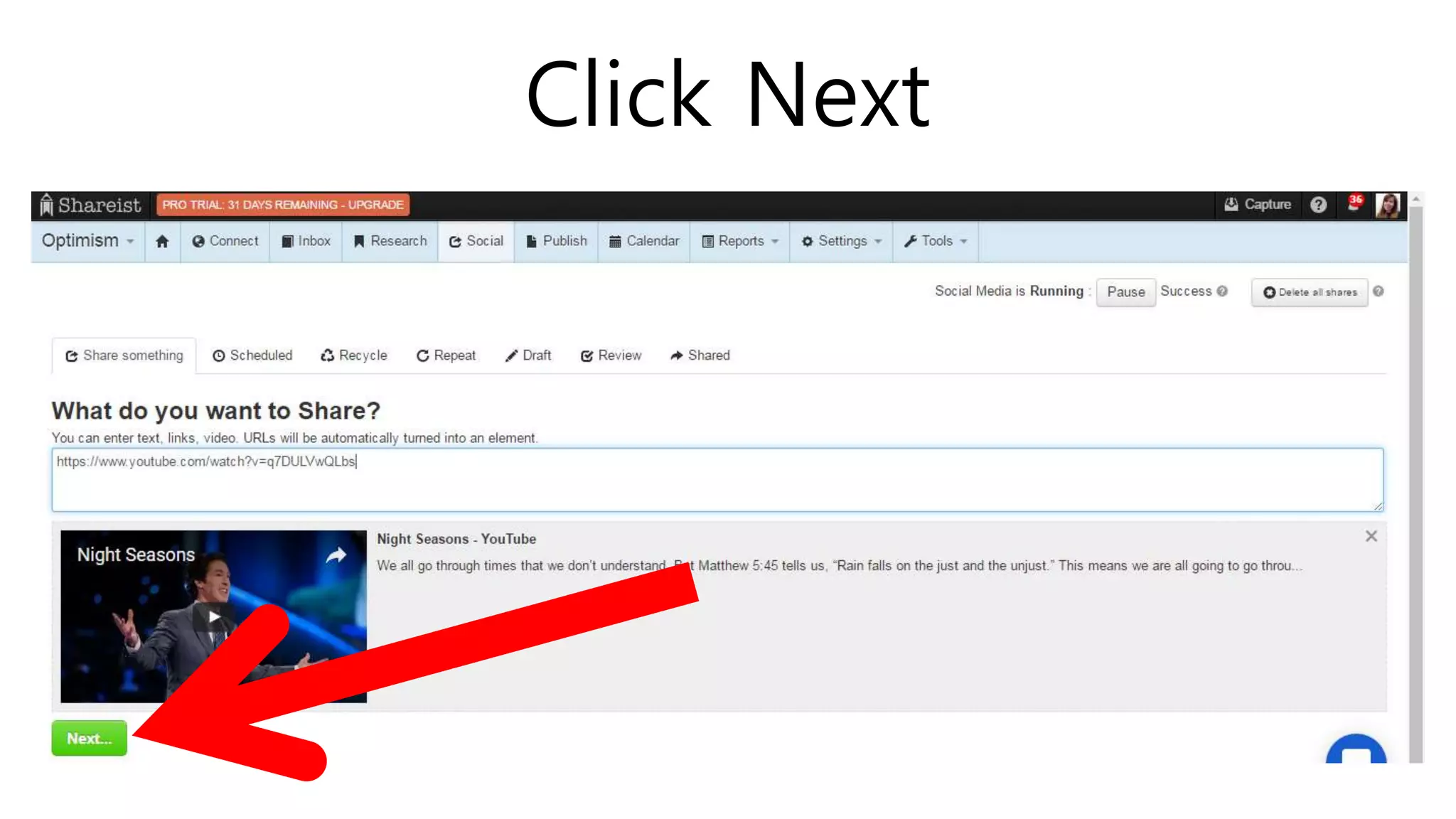
Click Next
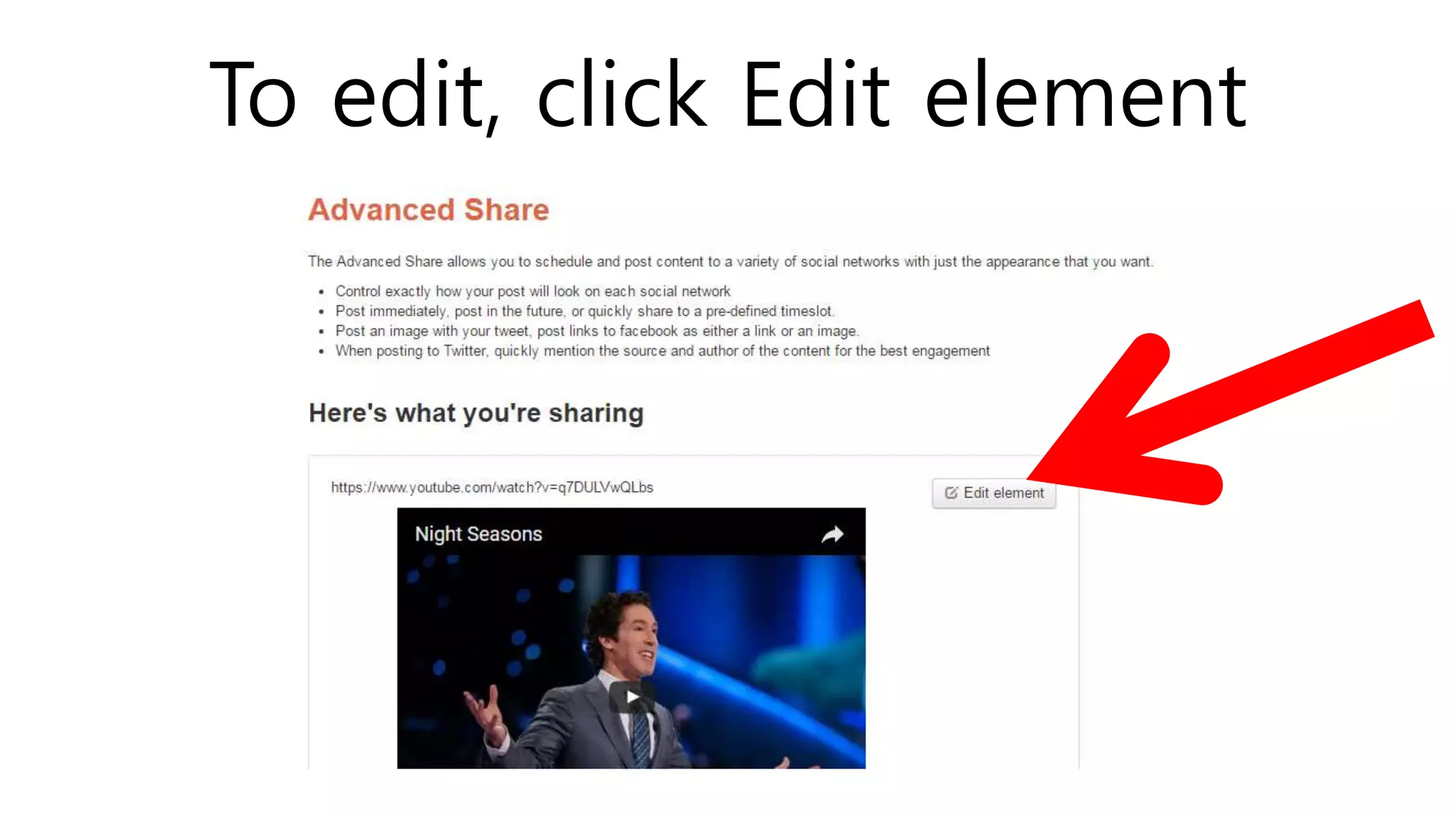
To edit, click Edit element
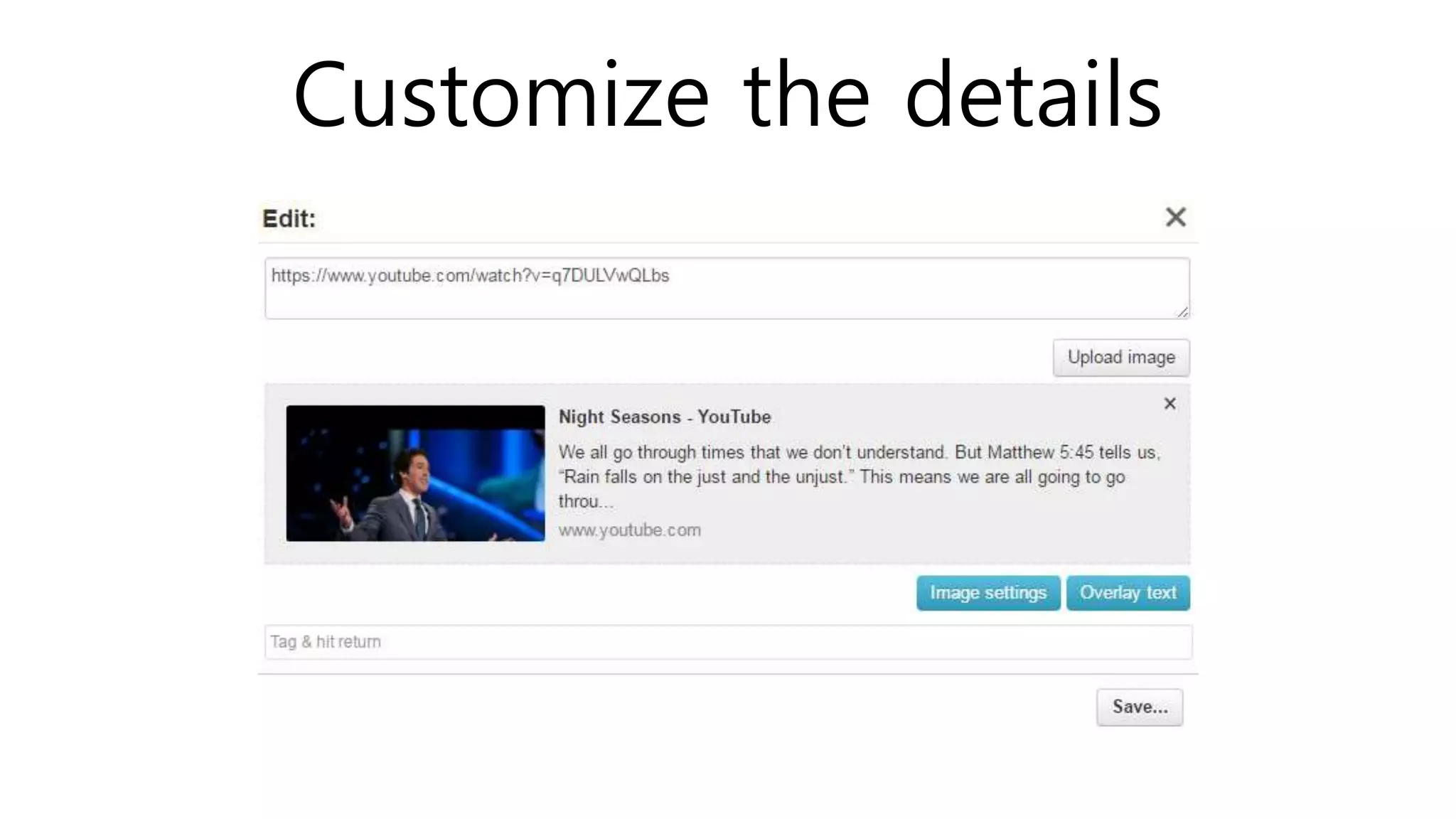
Customize the details
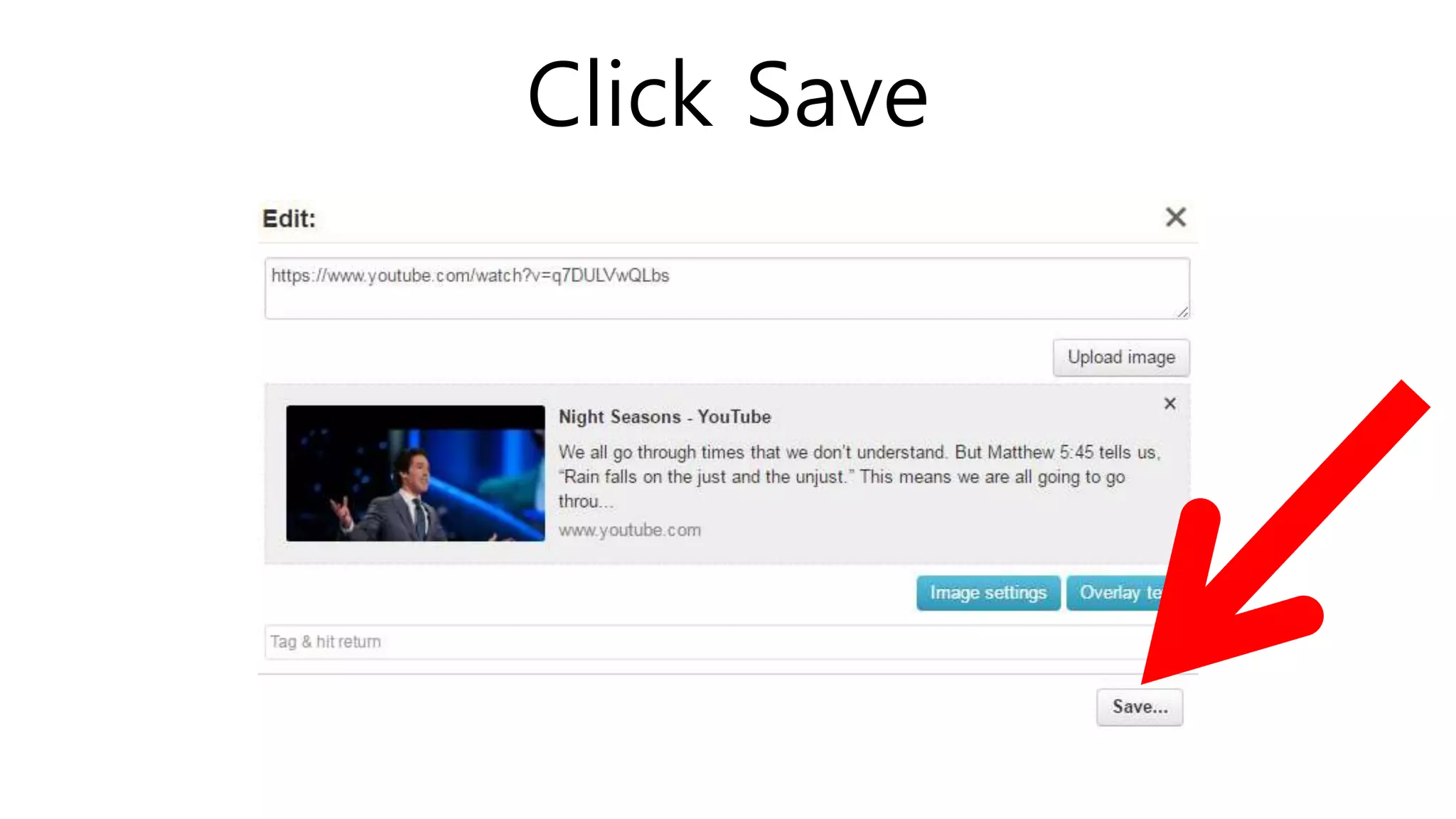
Click Save
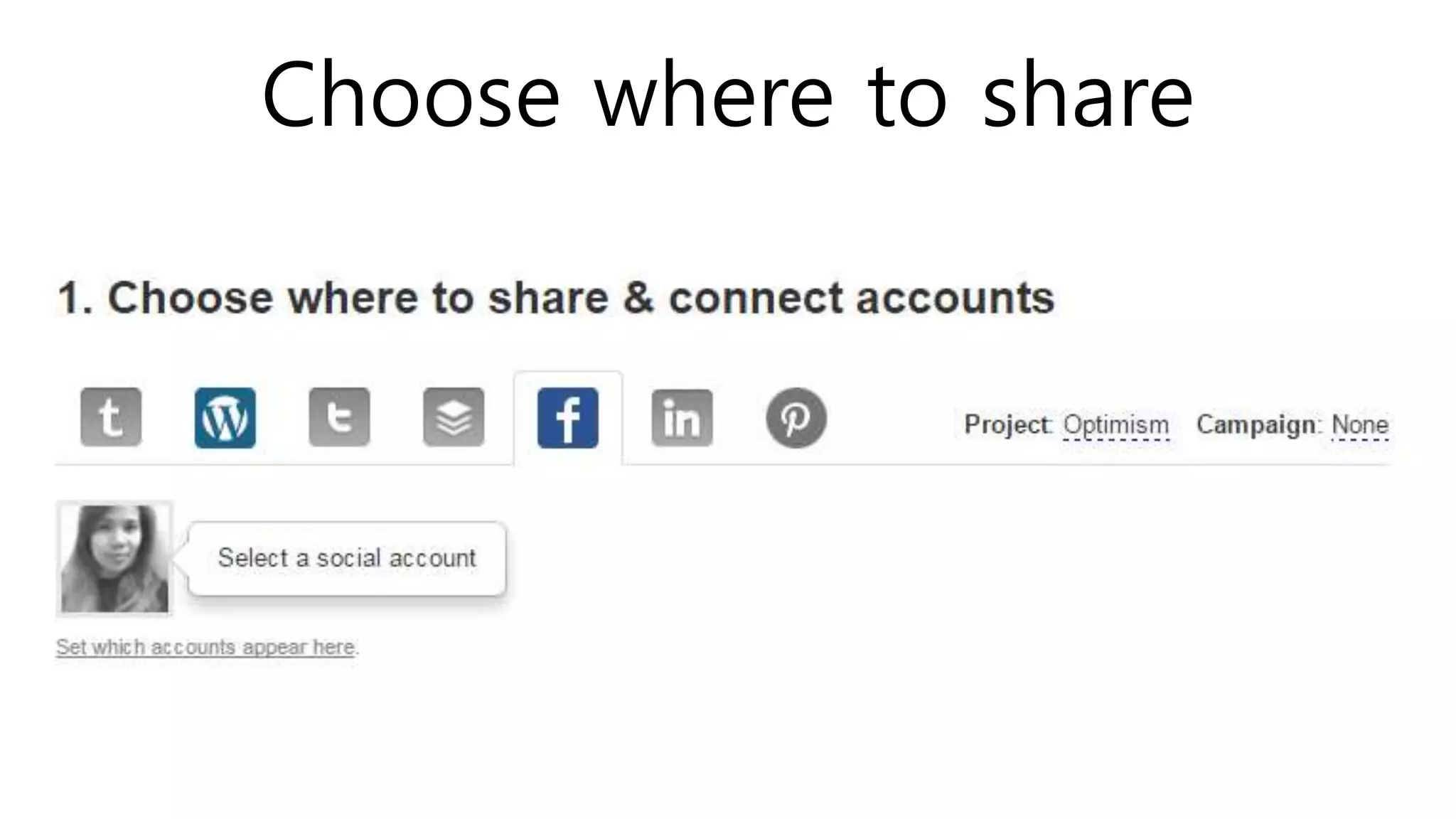
Choose where to share
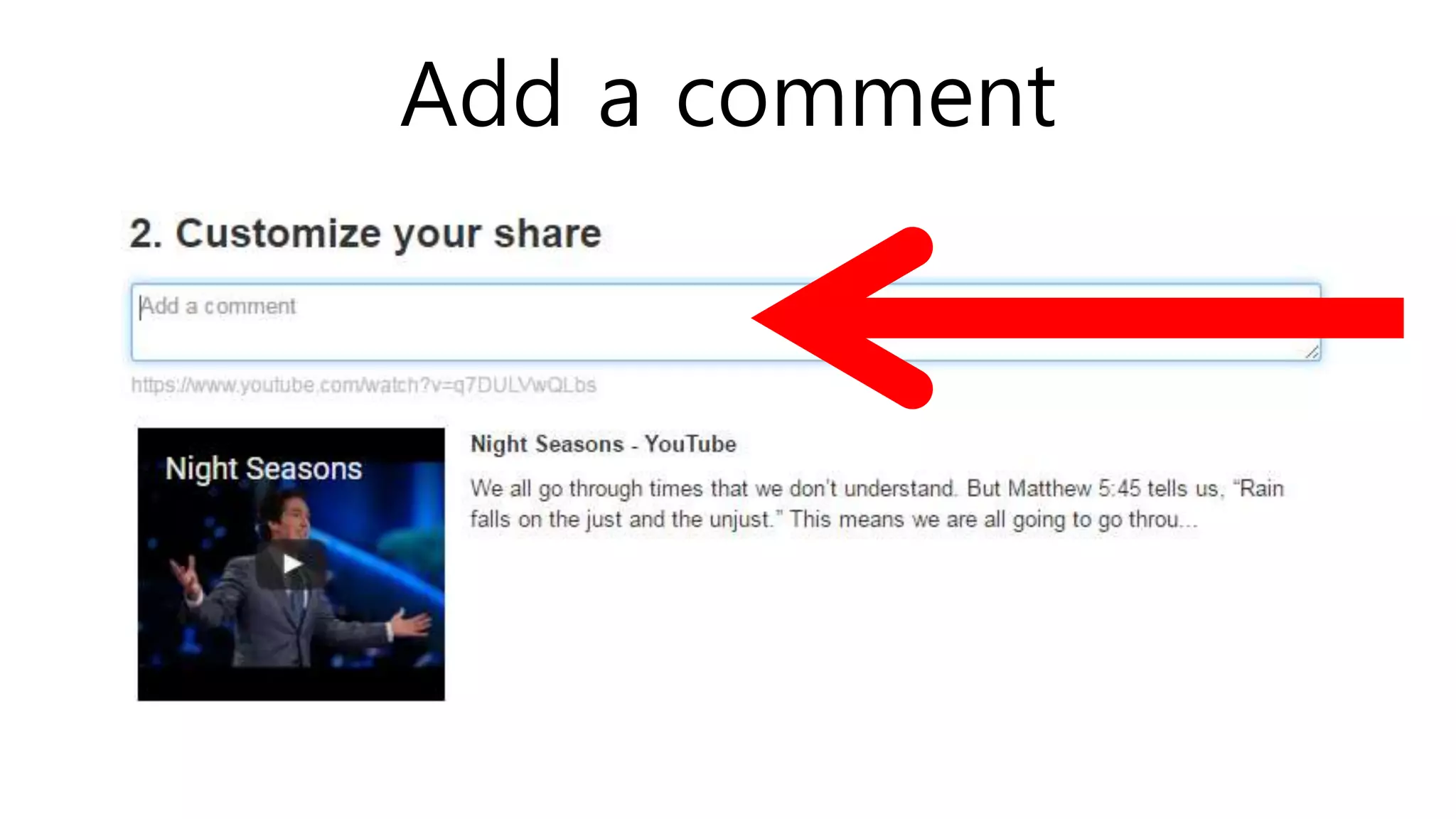
Add a comment
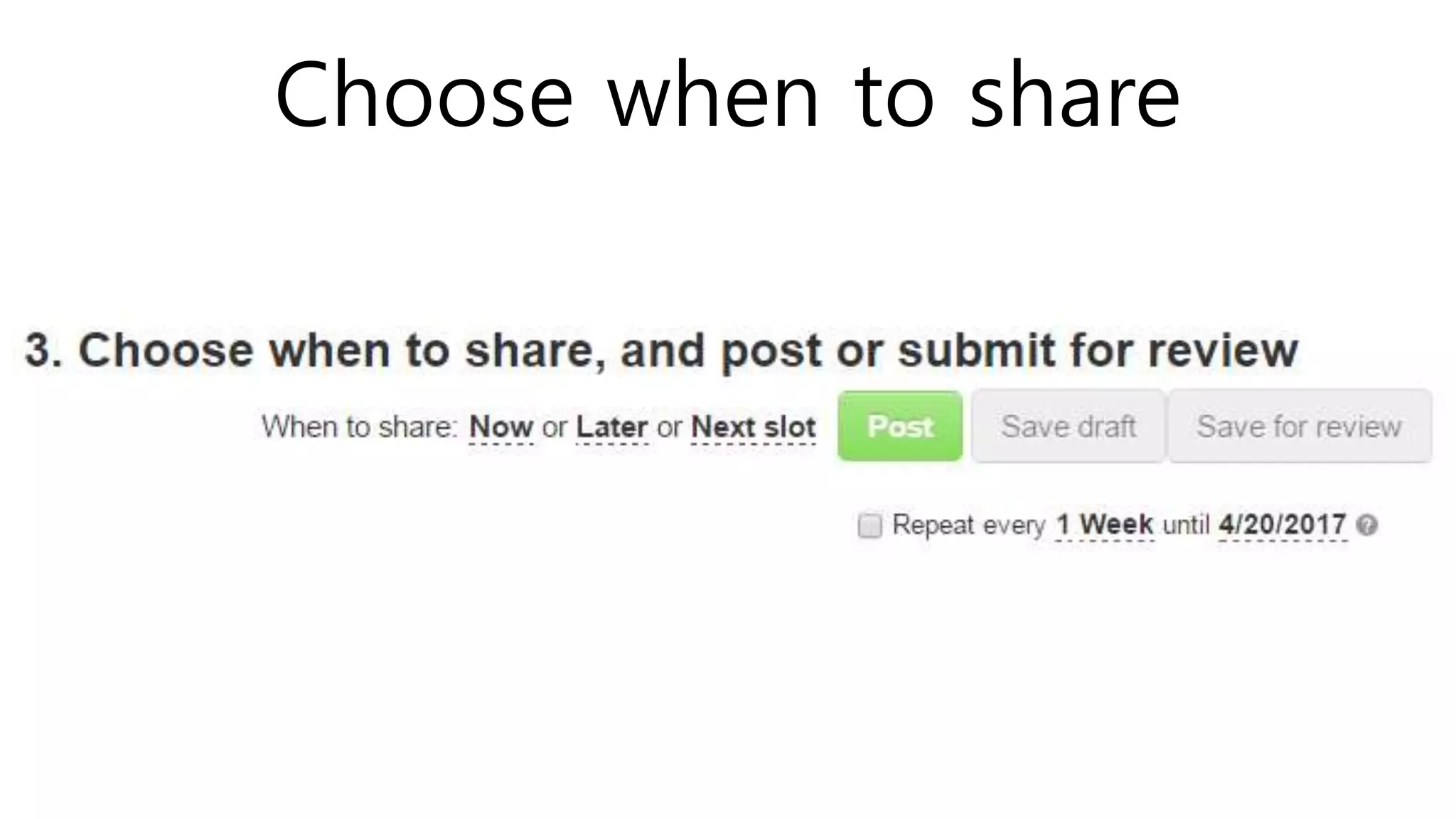
Choose when to share
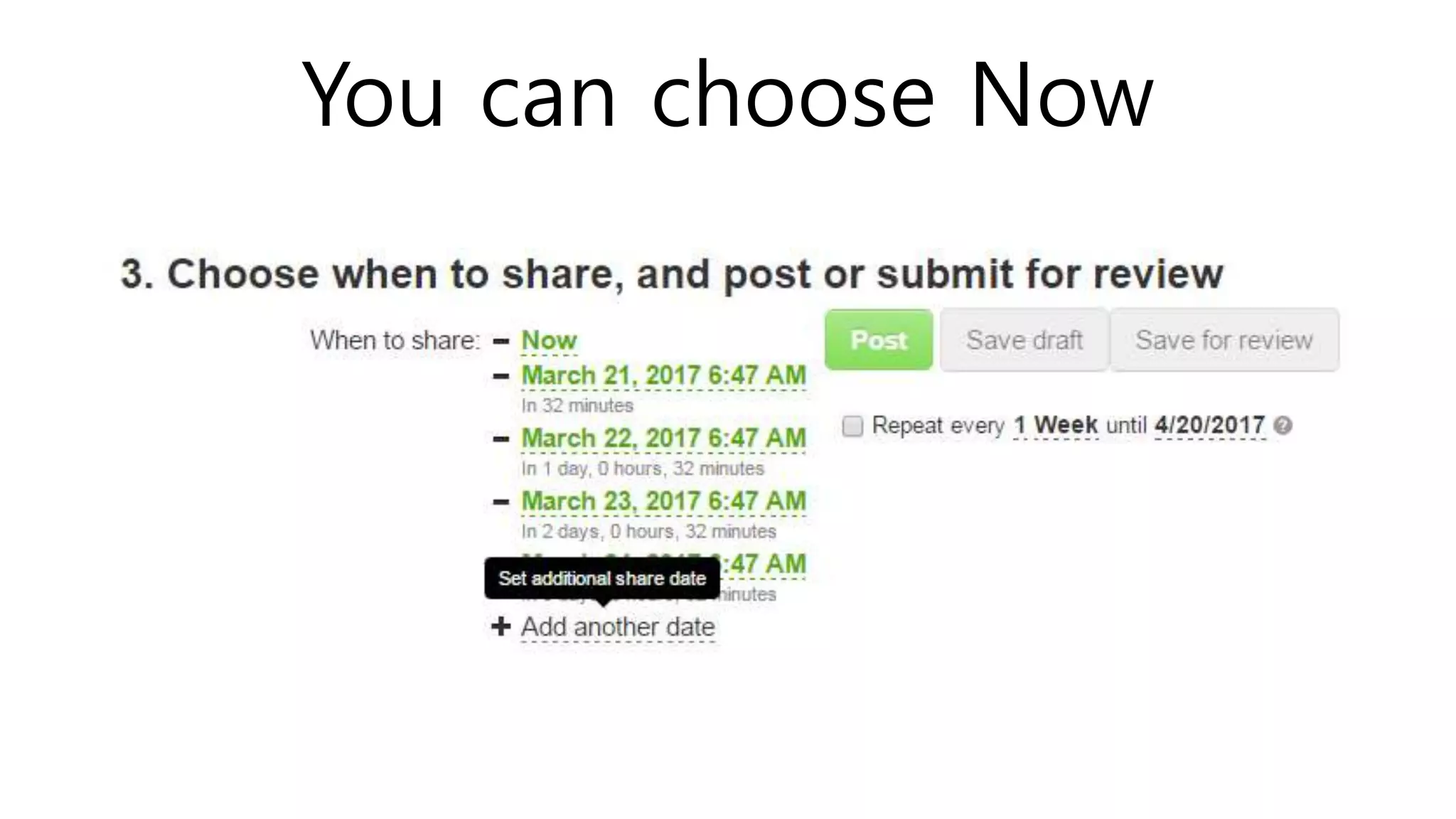
You can choose Now
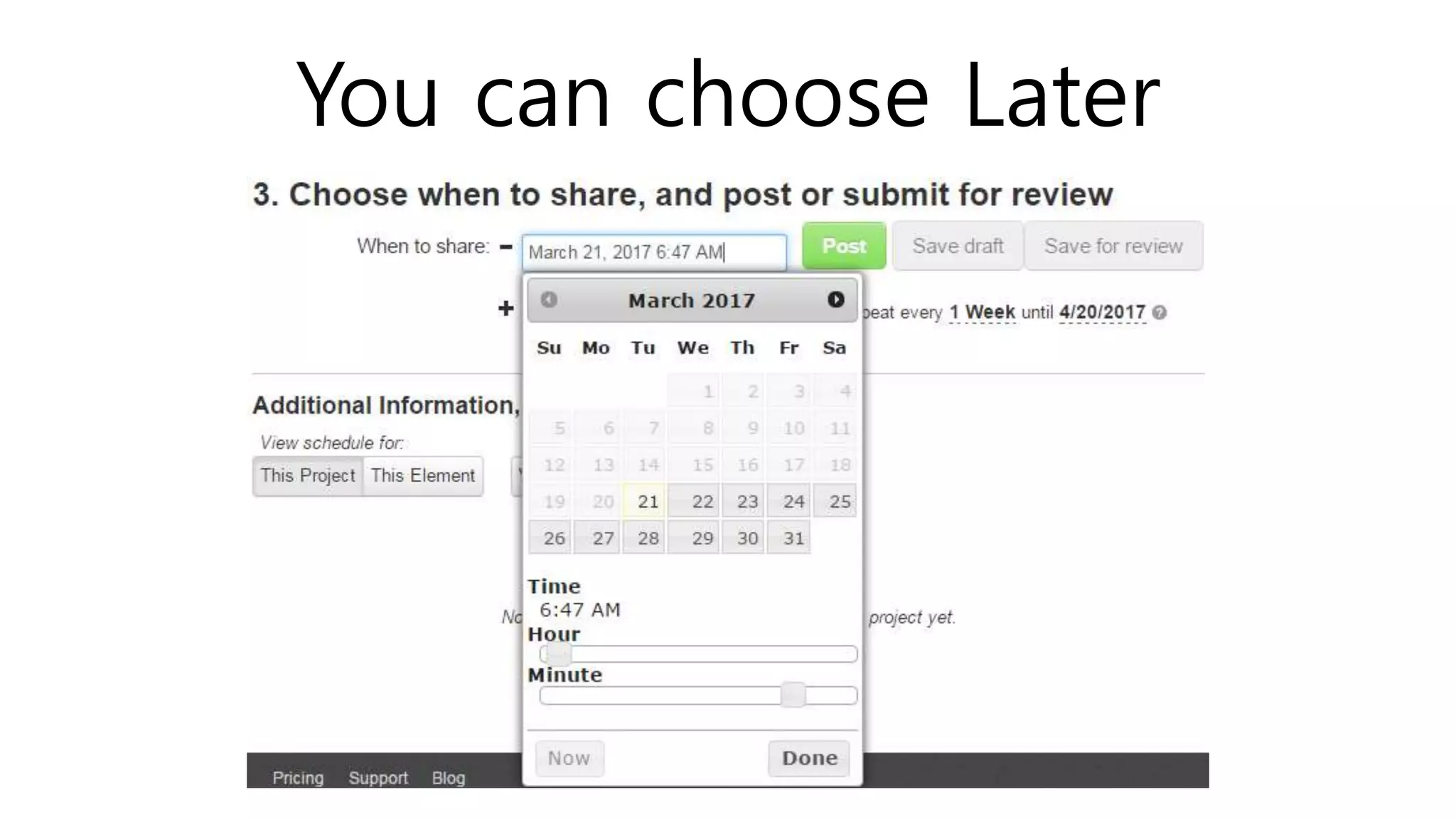
You can choose Later
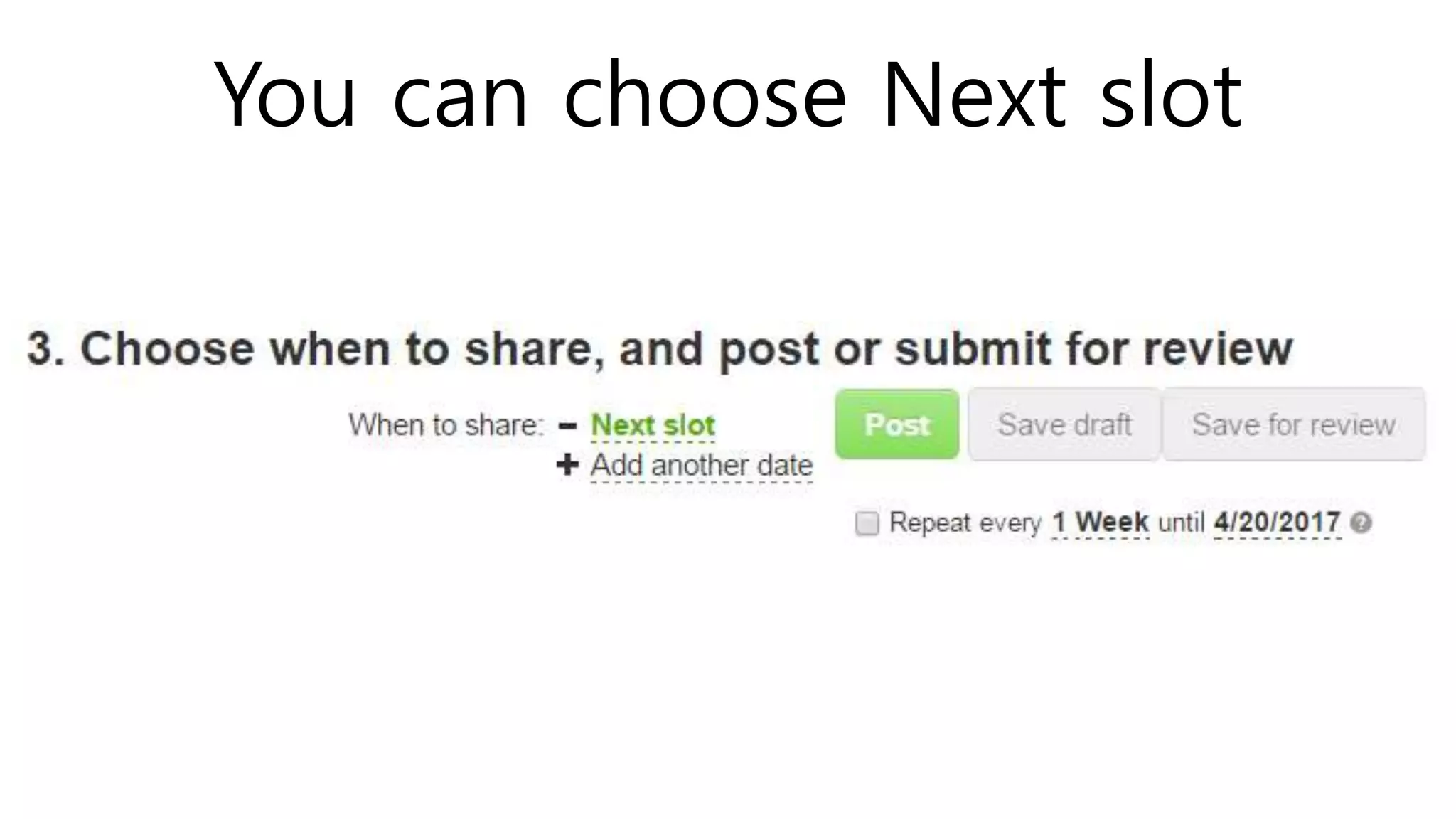
You can choose Next slot
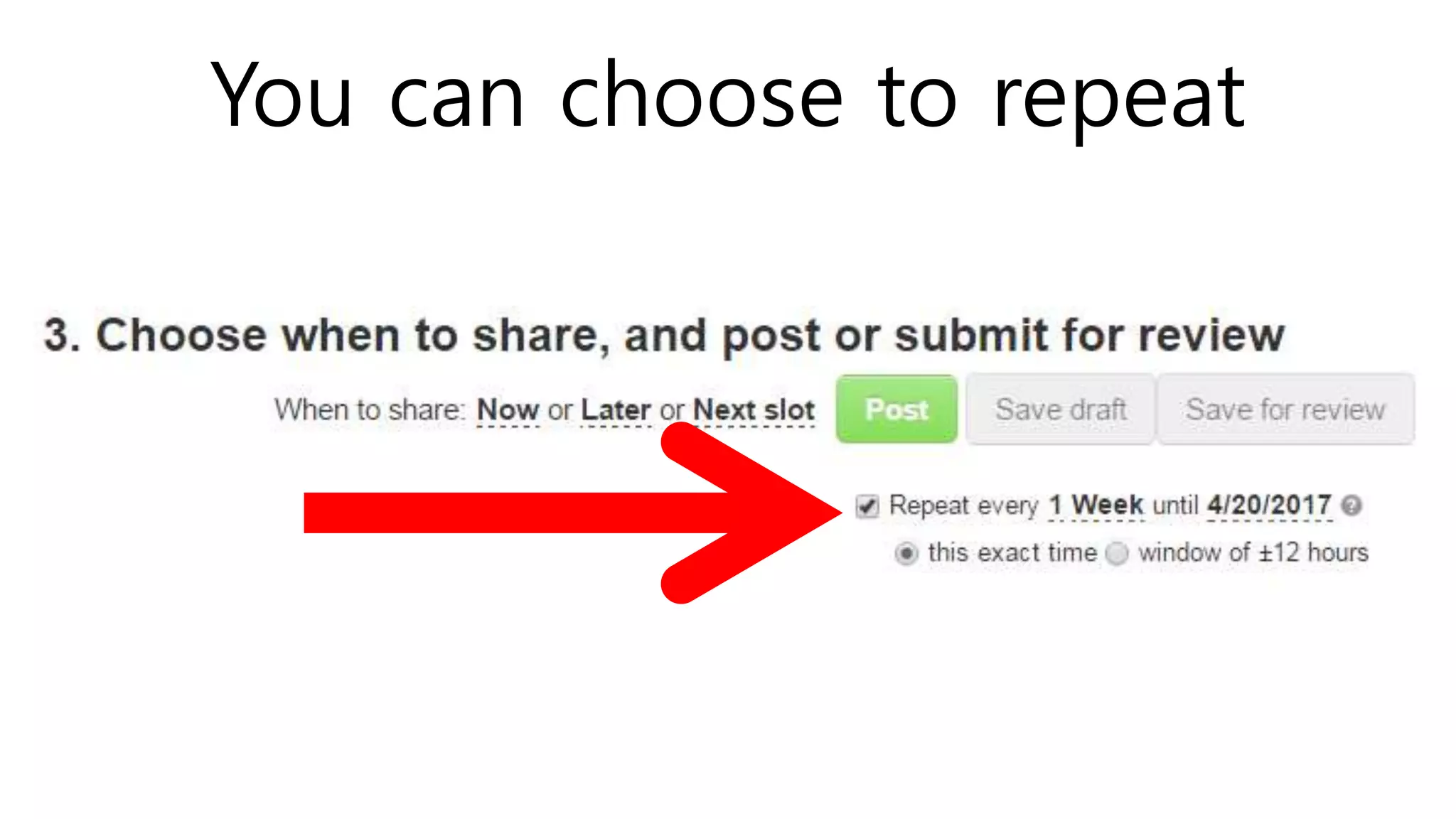
You can choose to repeat
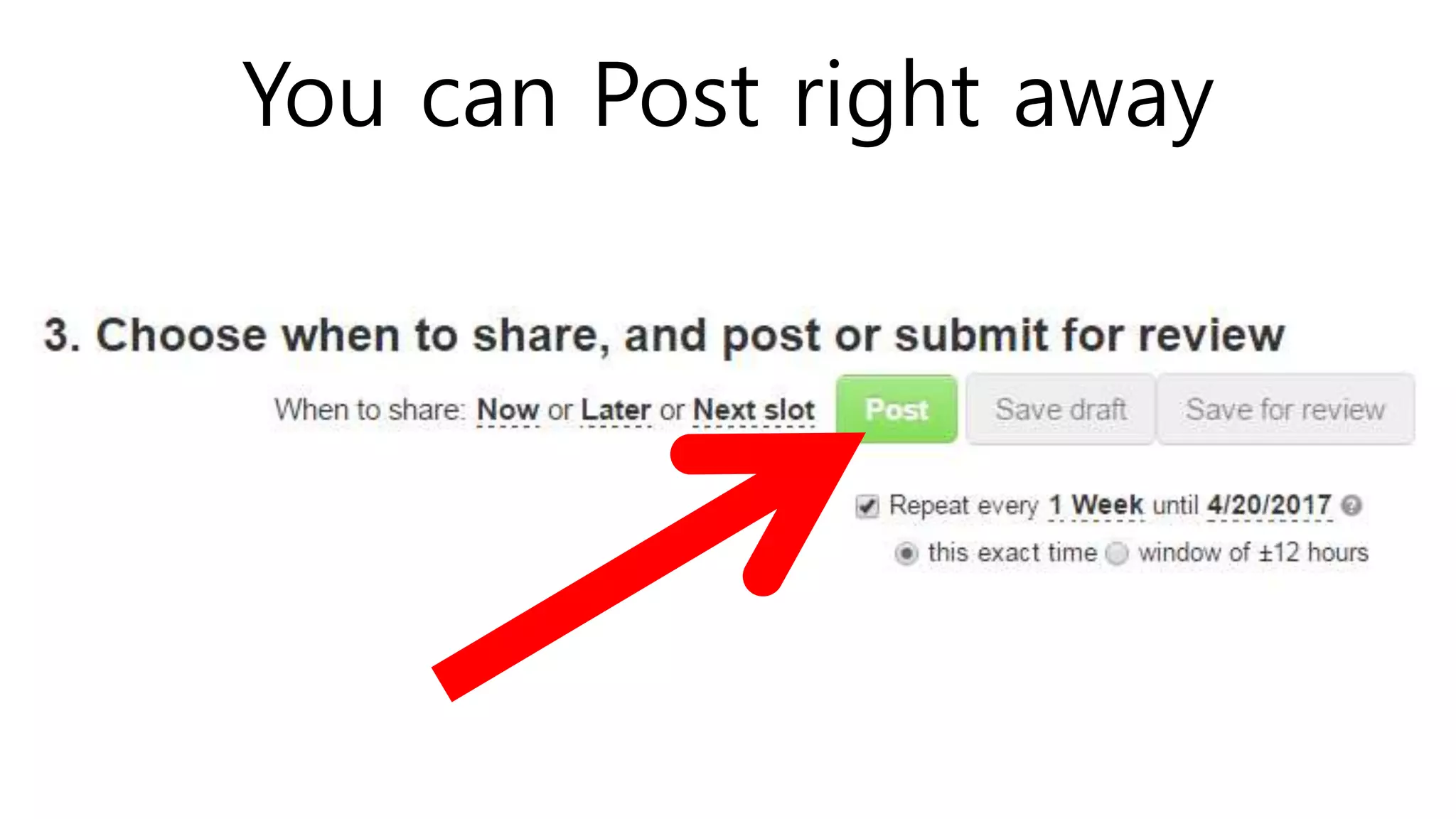
You can Post right away
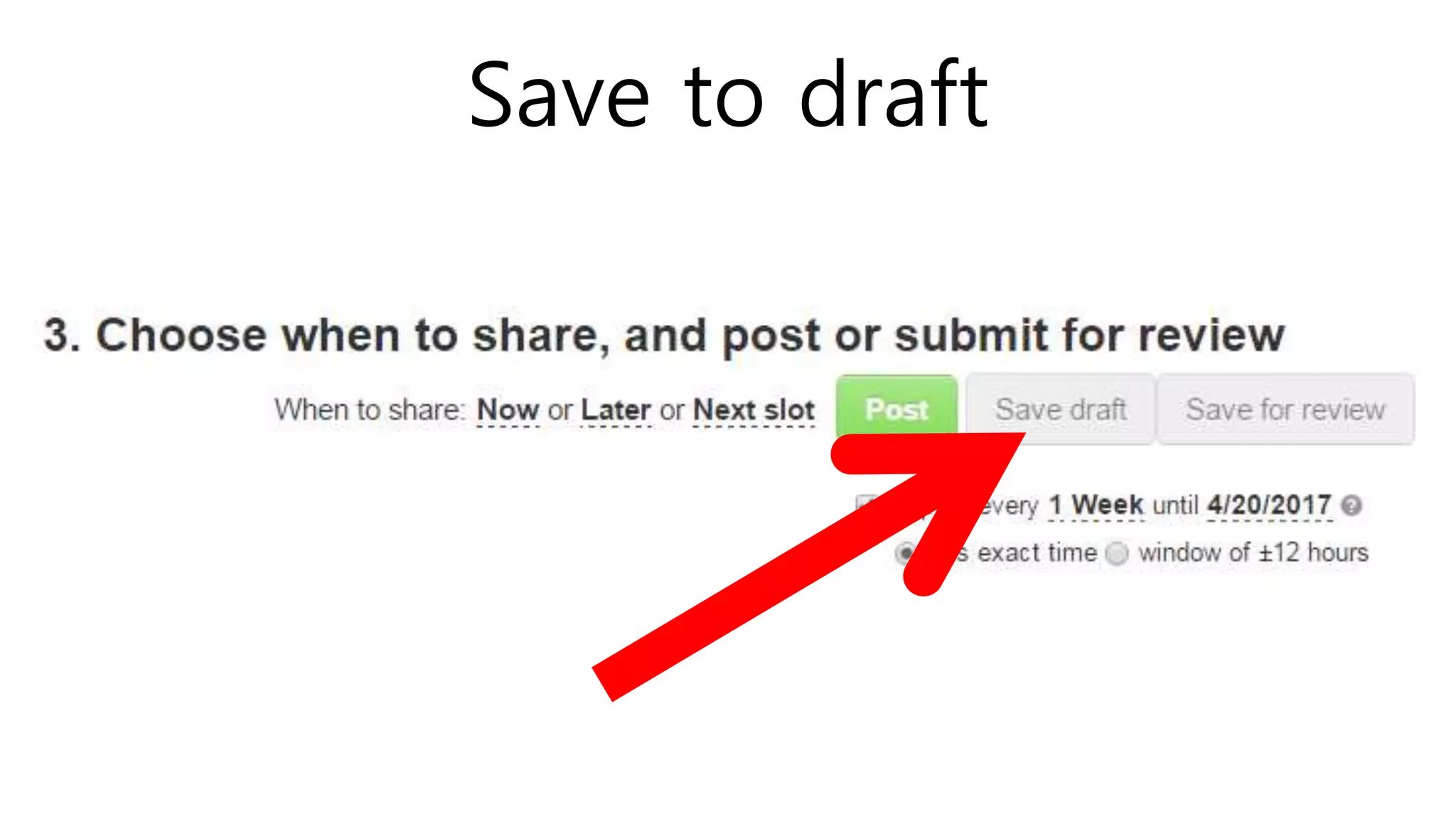
Save to draft
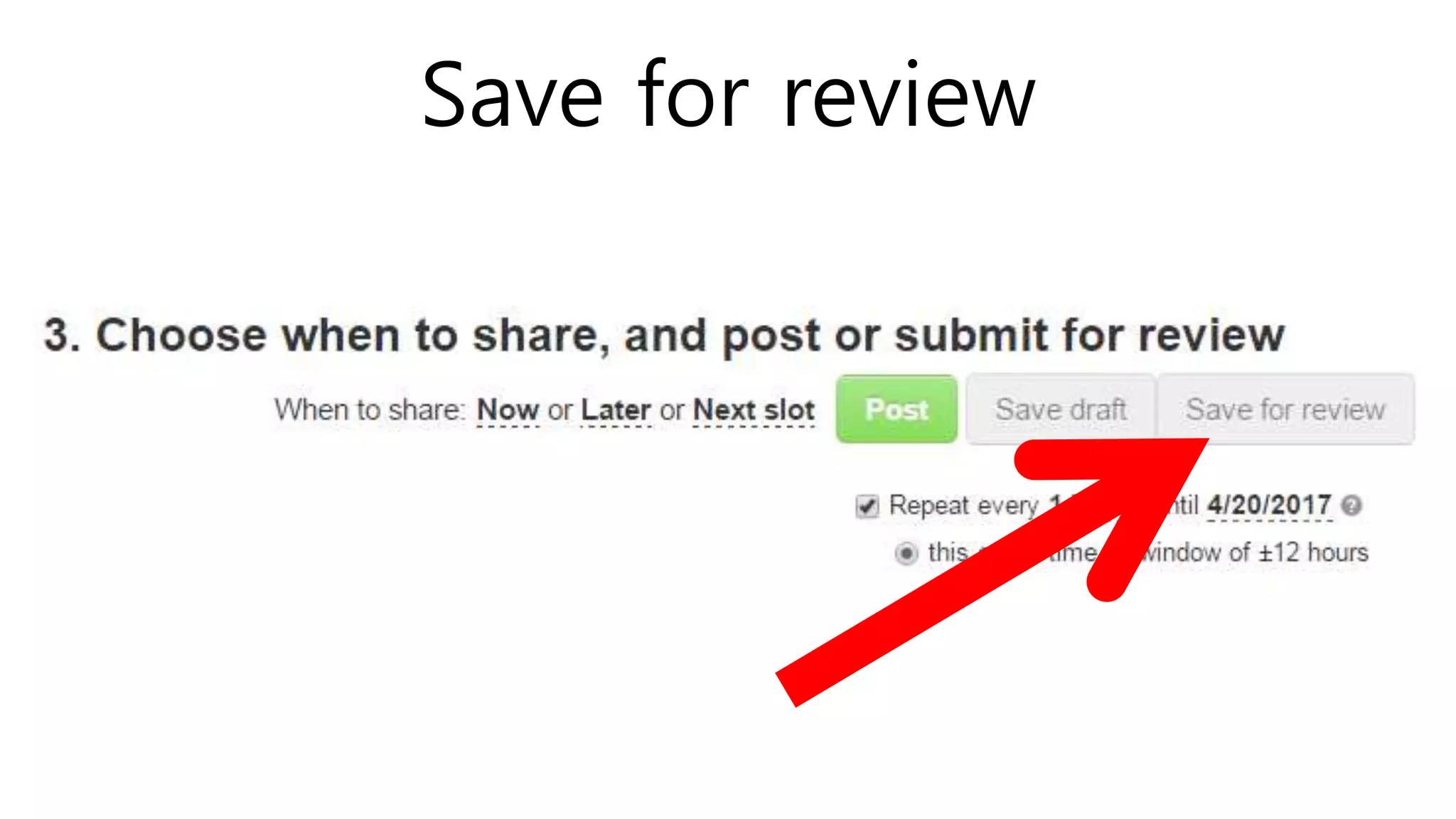
Save for review
PROJECT INBOX
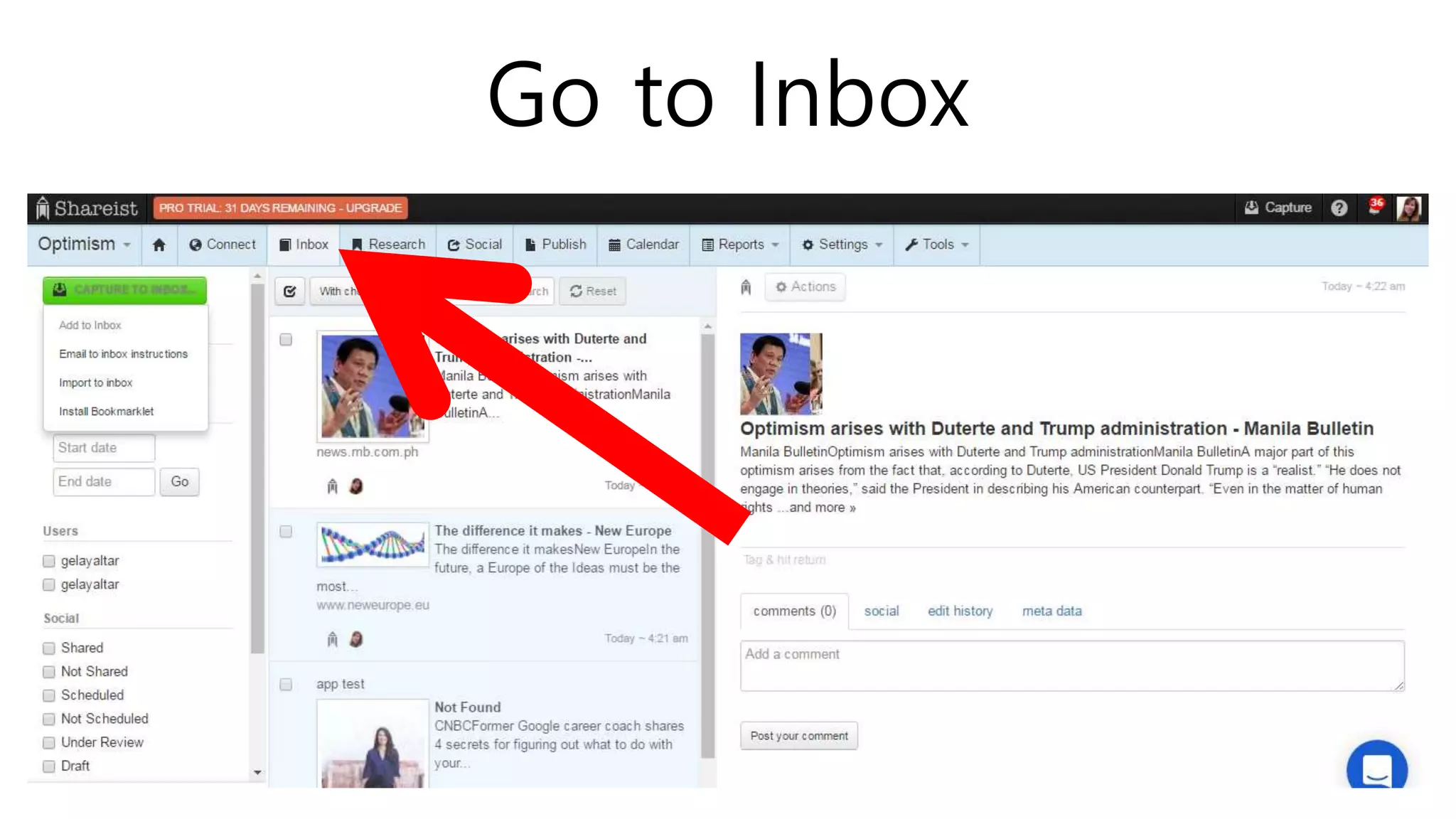
Go to Inbox
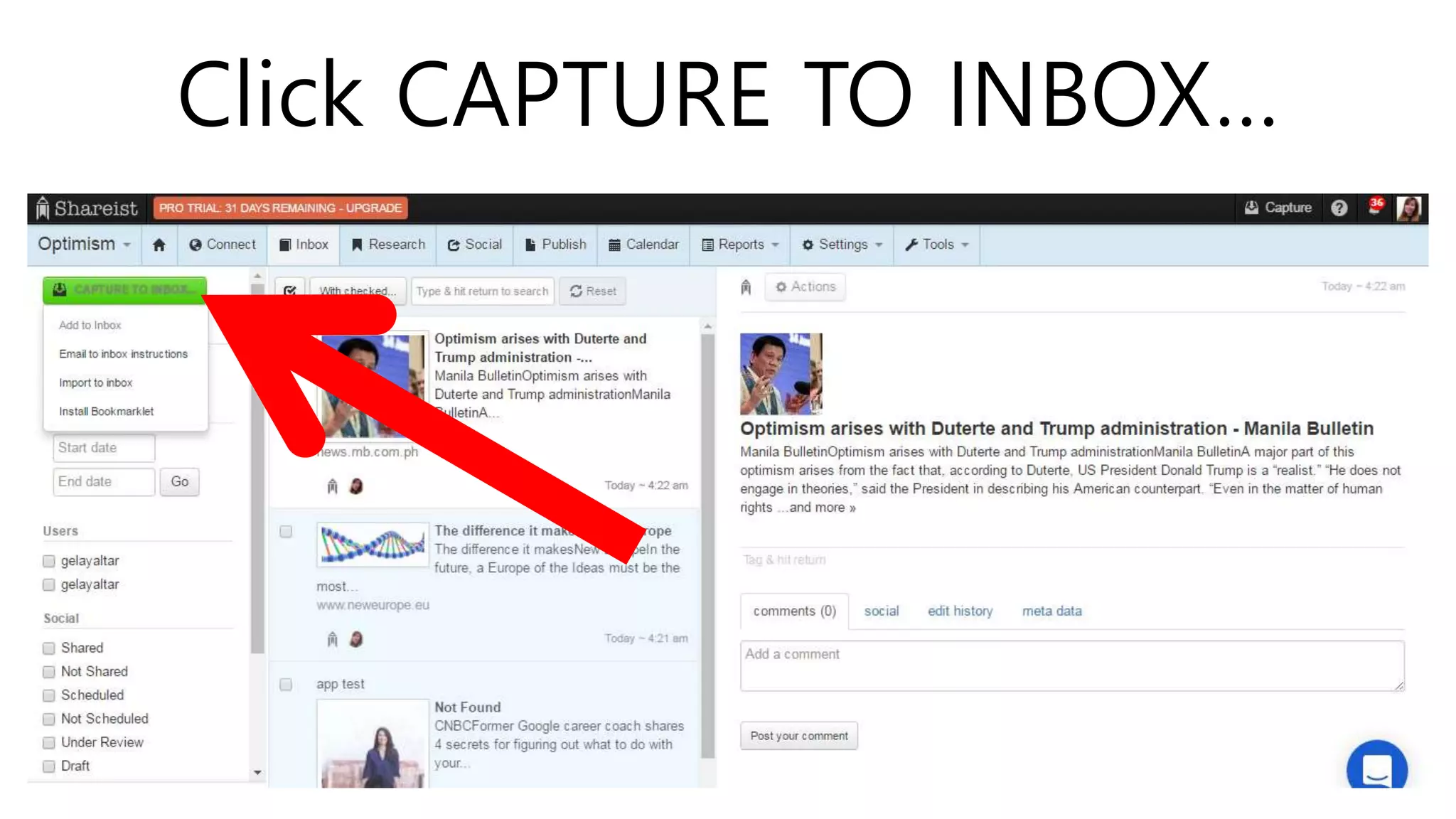
Click CAPTURE TO INBOX…
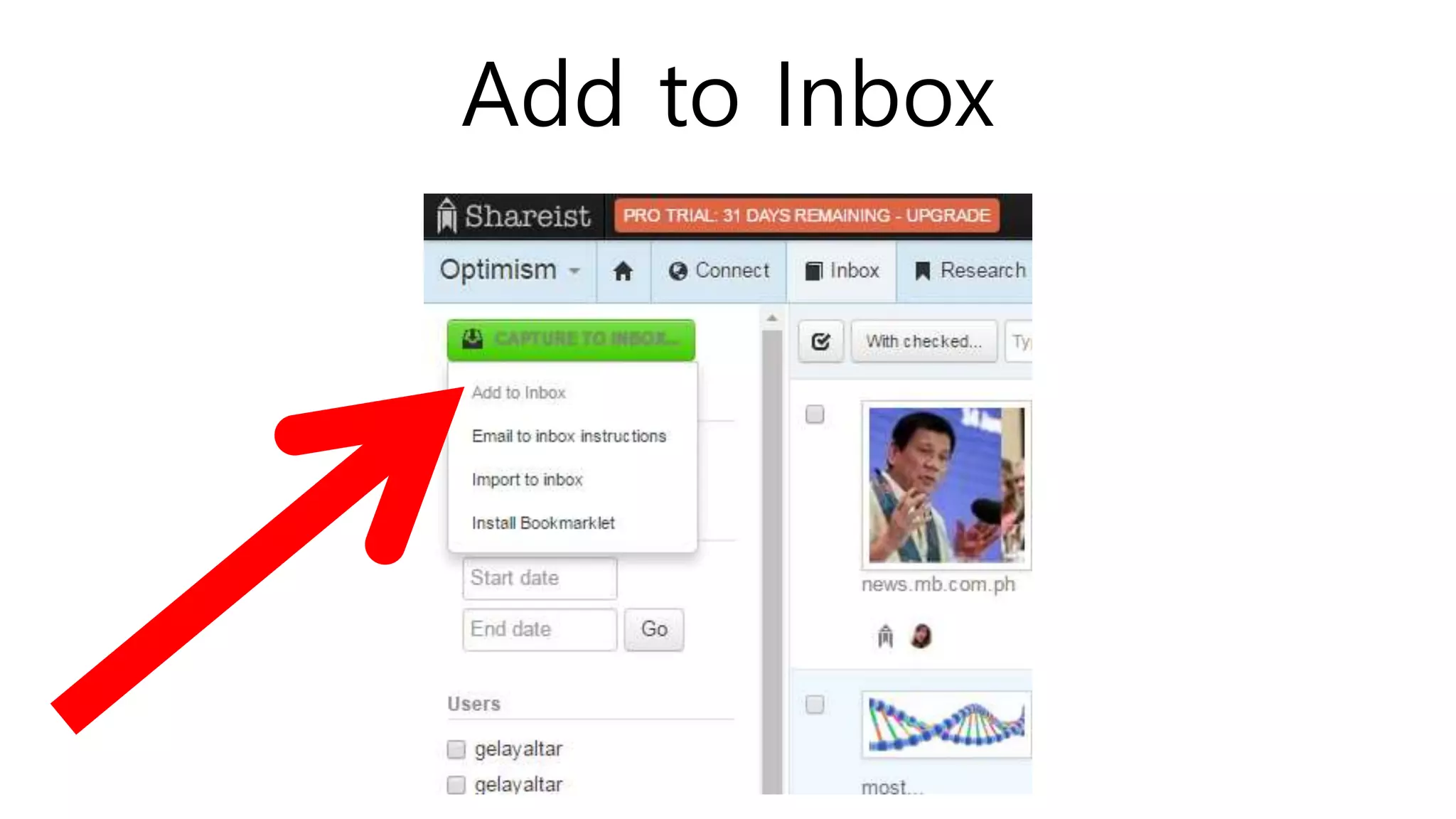
Add to Inbox
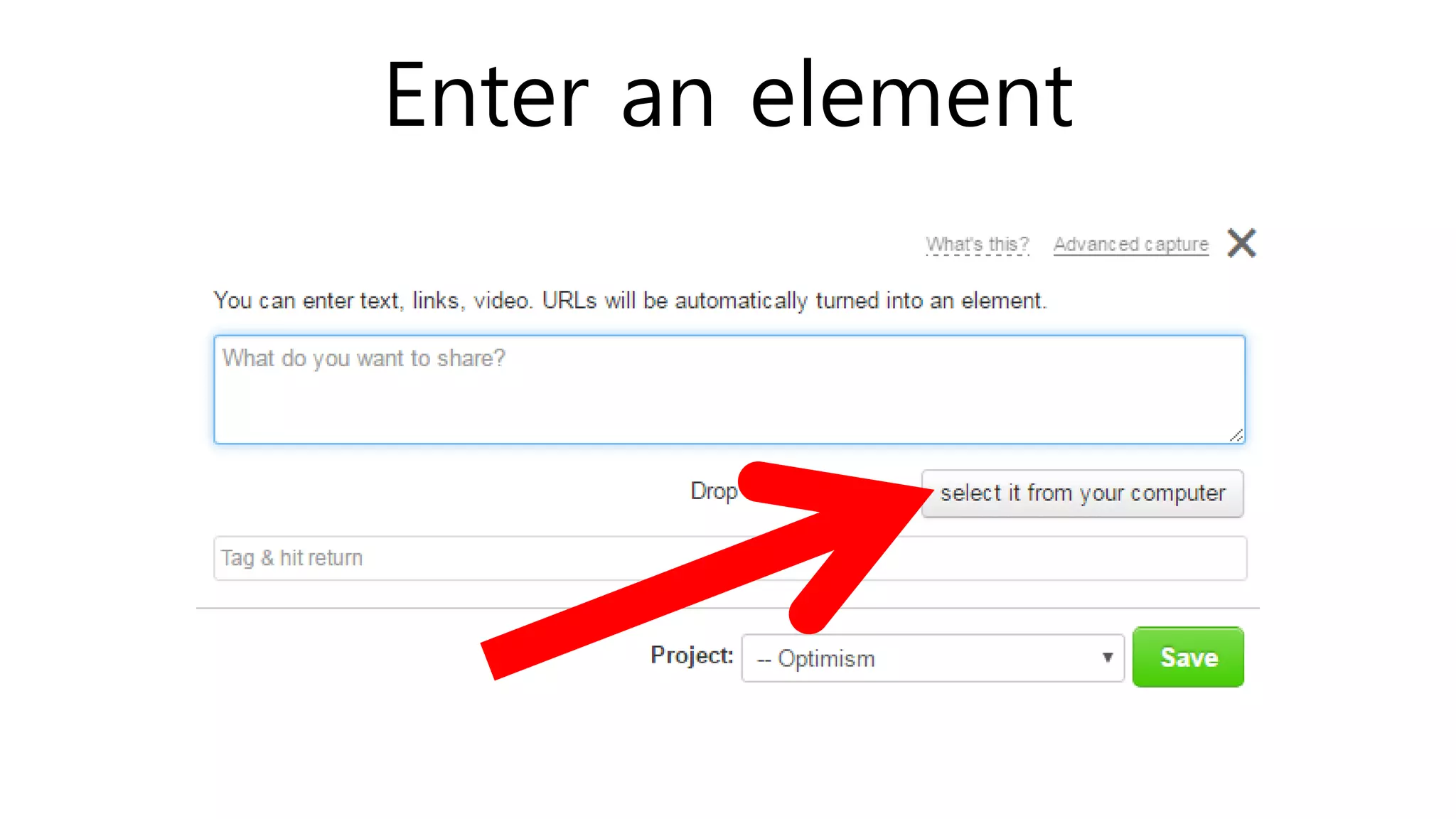
Enter an element
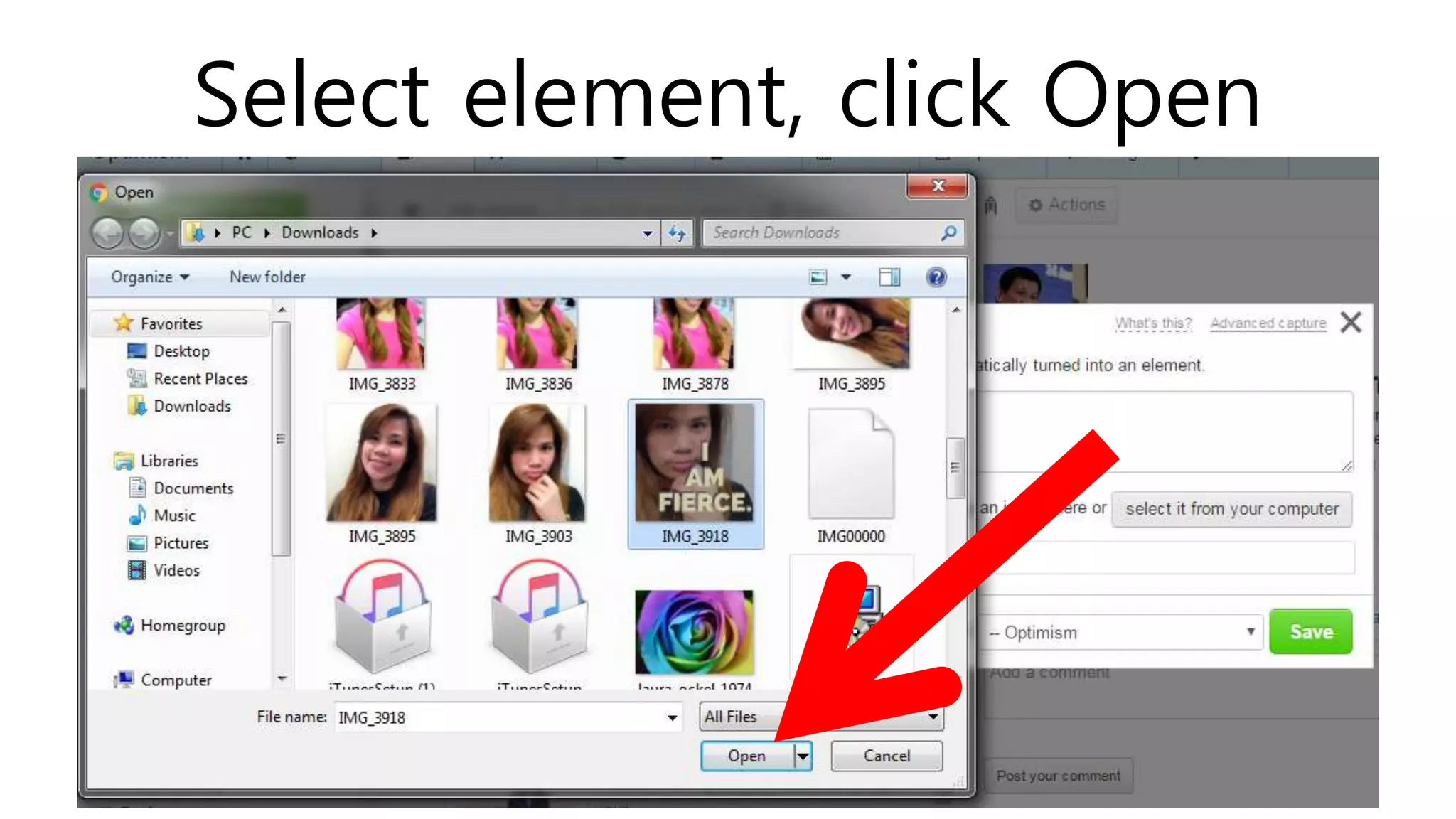
Select element, click Open
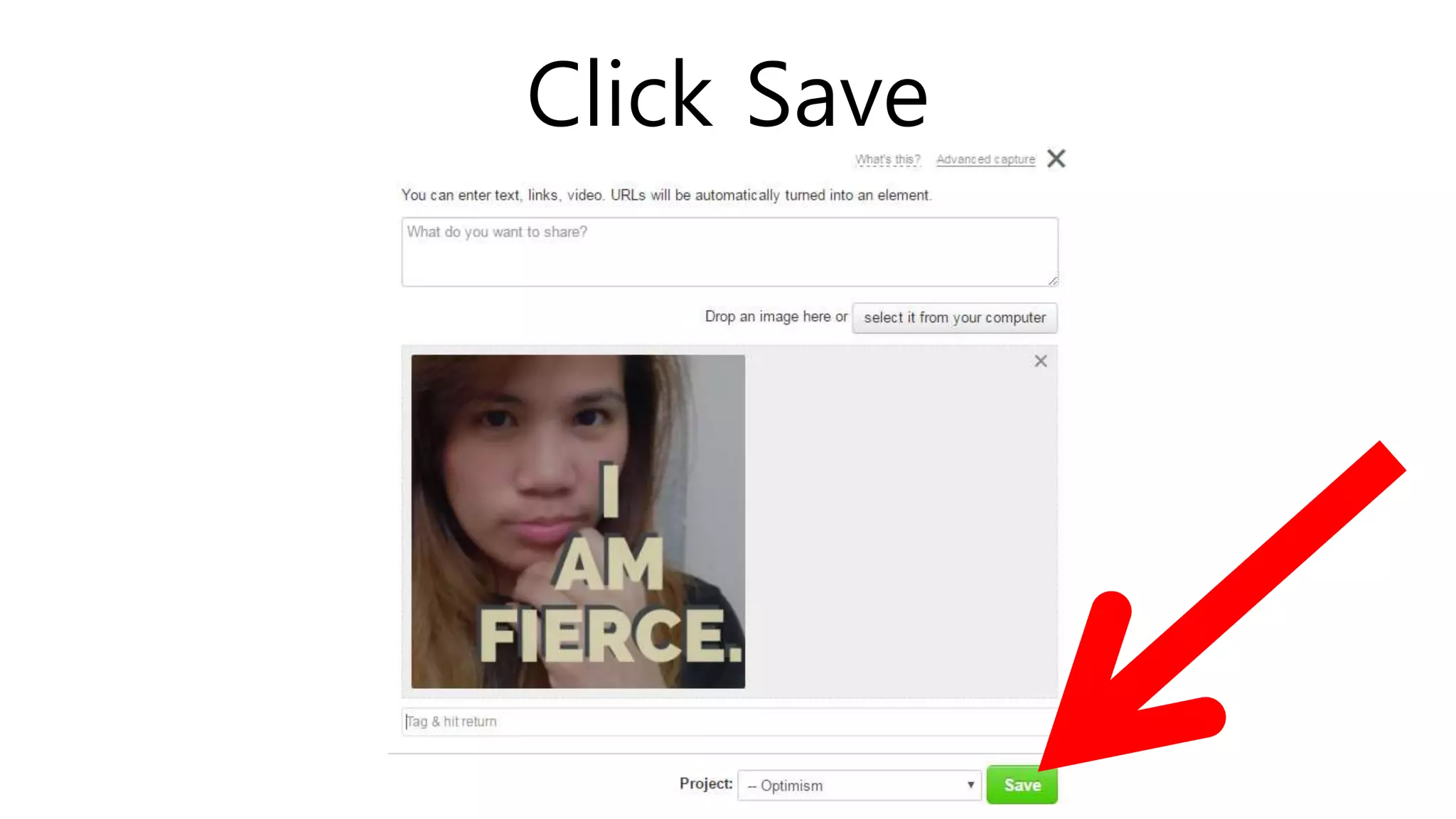
Click Save
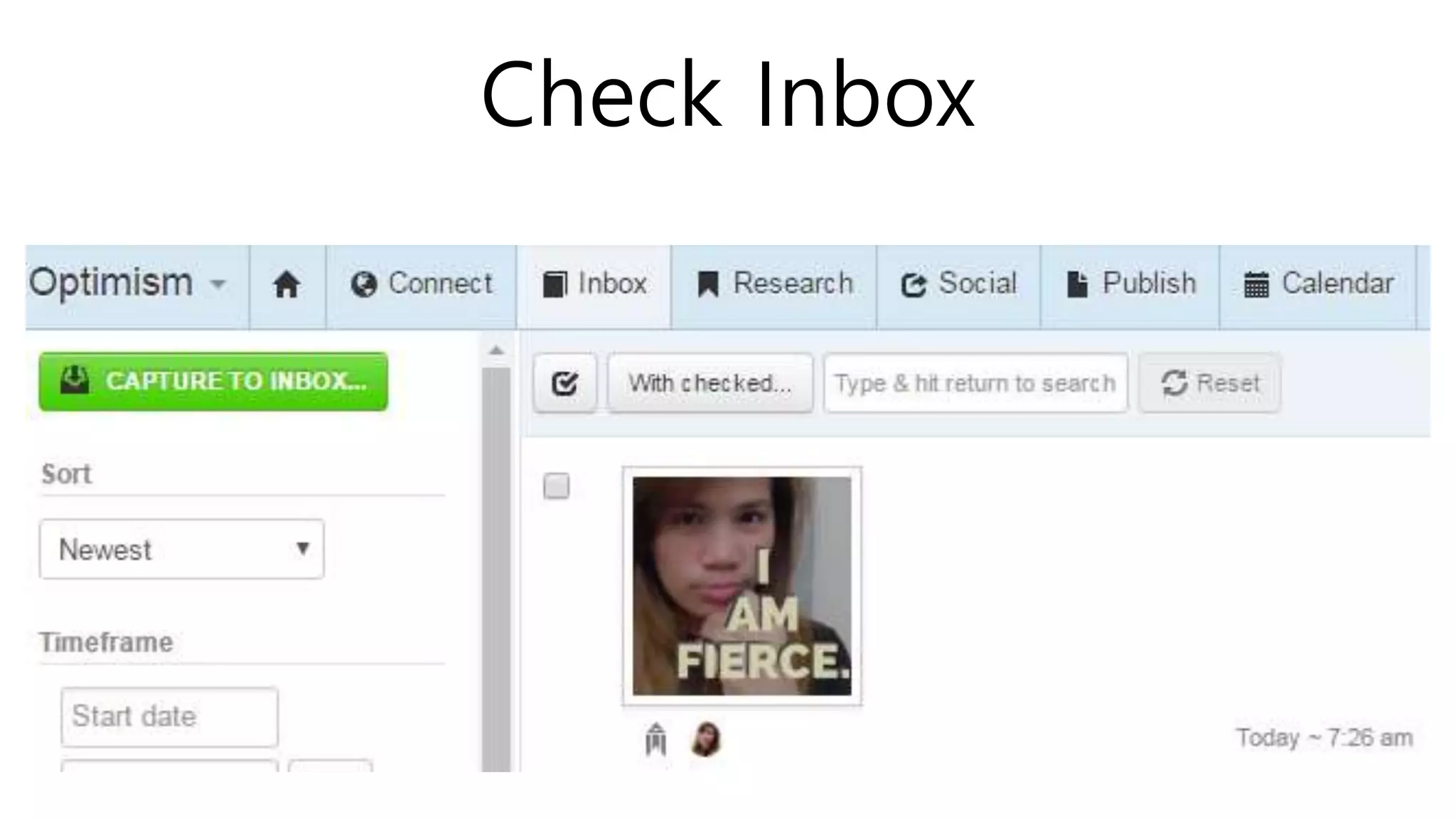
Check Inbox
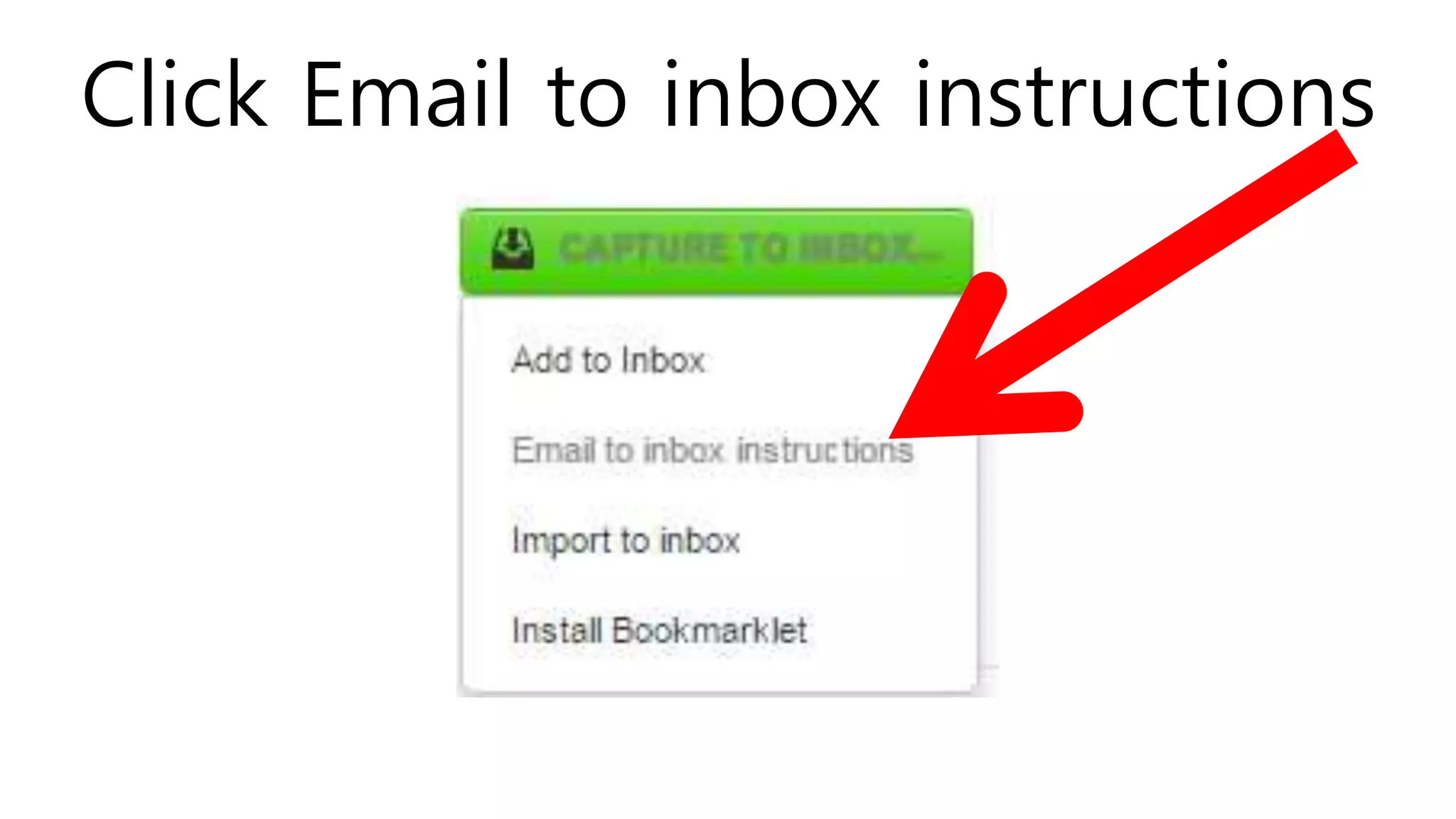
Click Email to inbox instructions
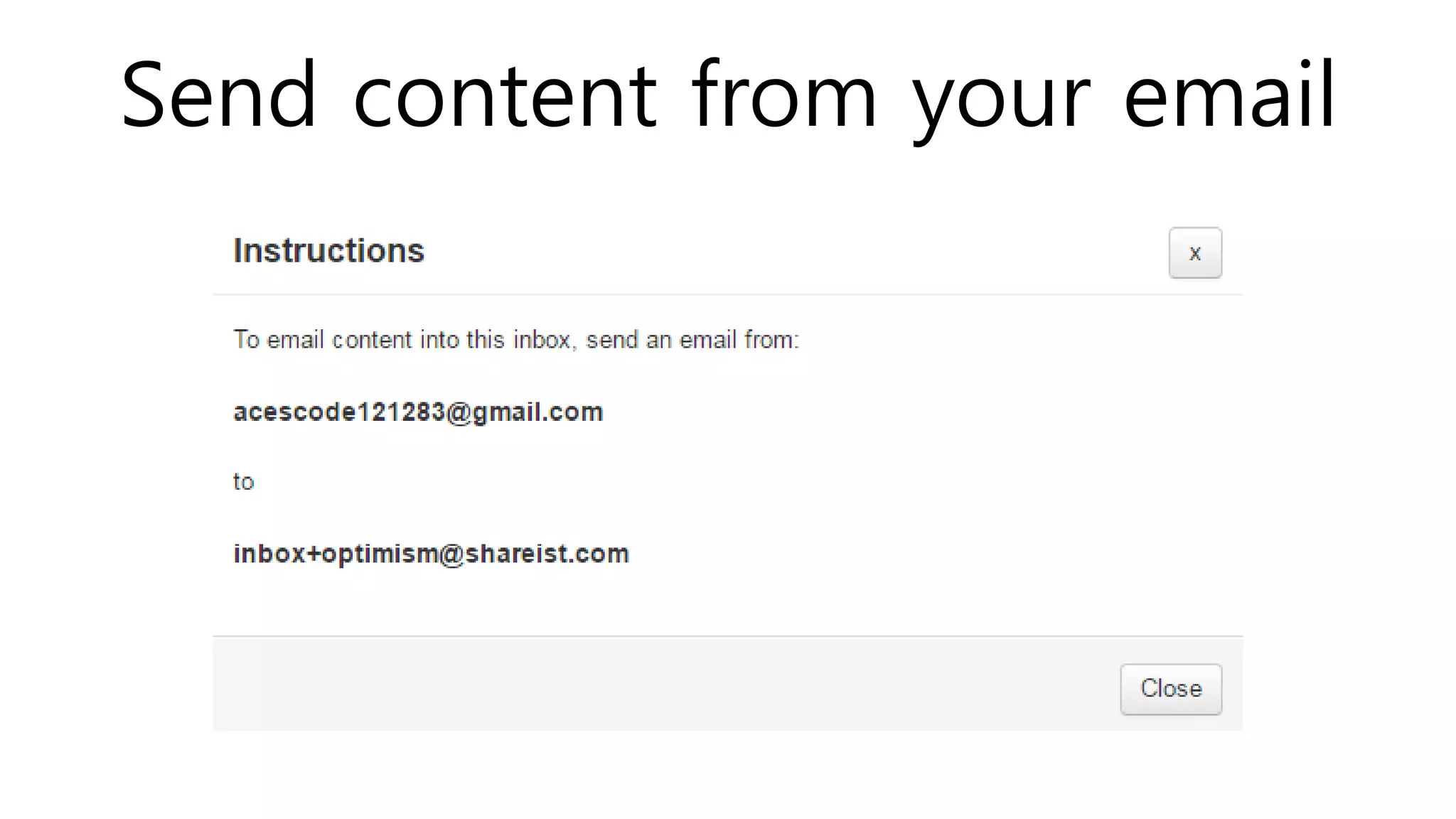
Send content from your email
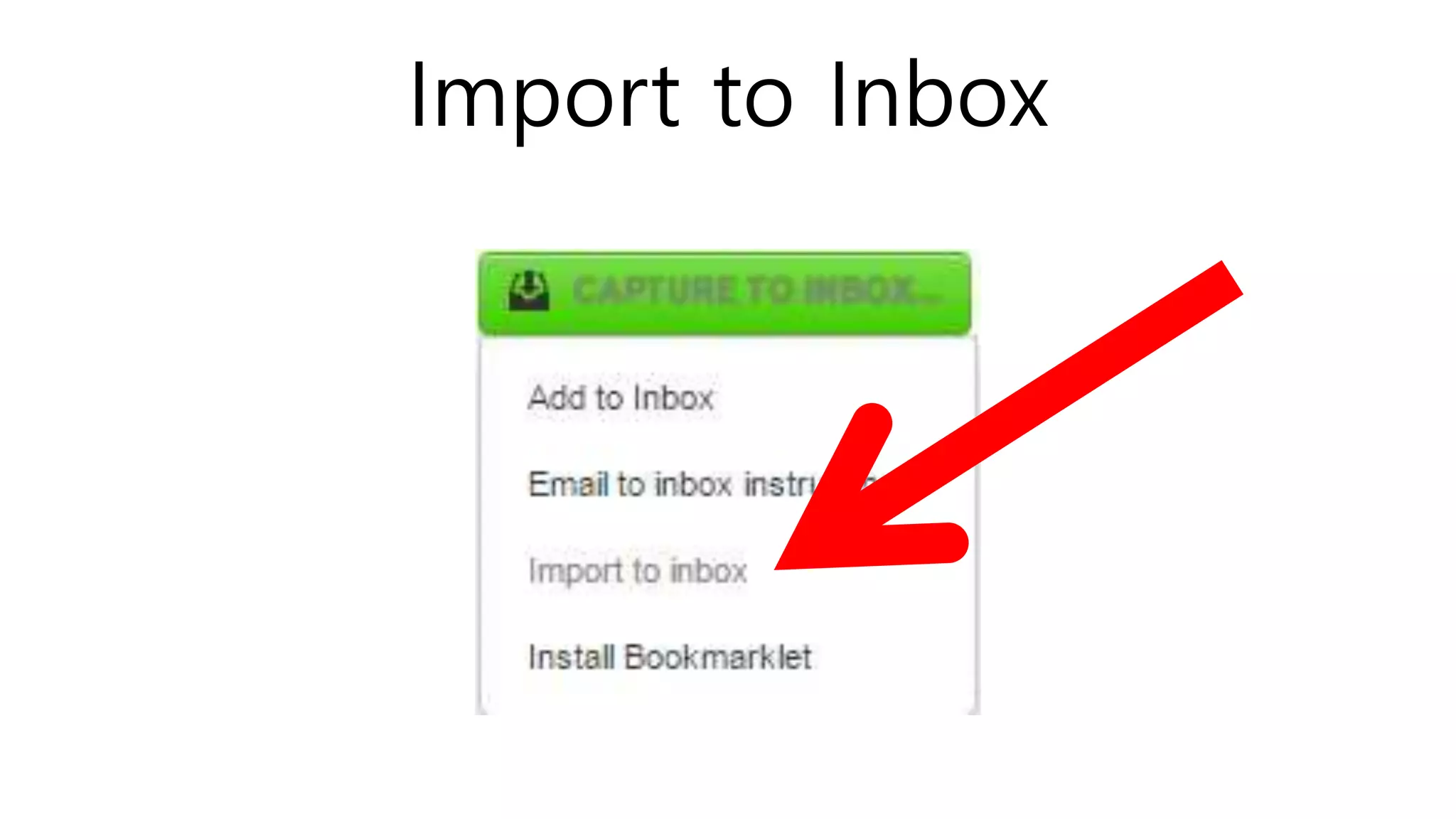
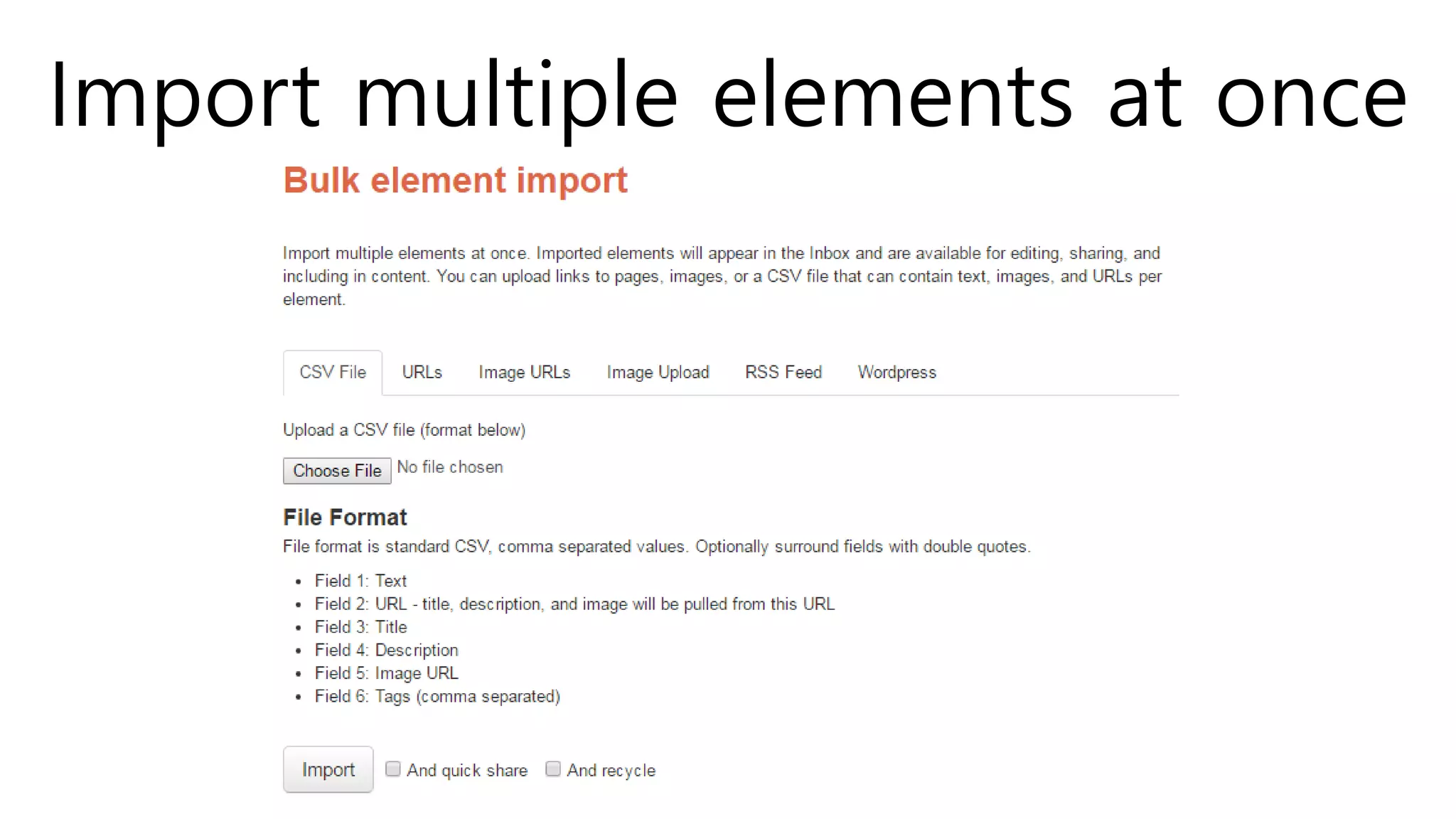
Import to Inbox
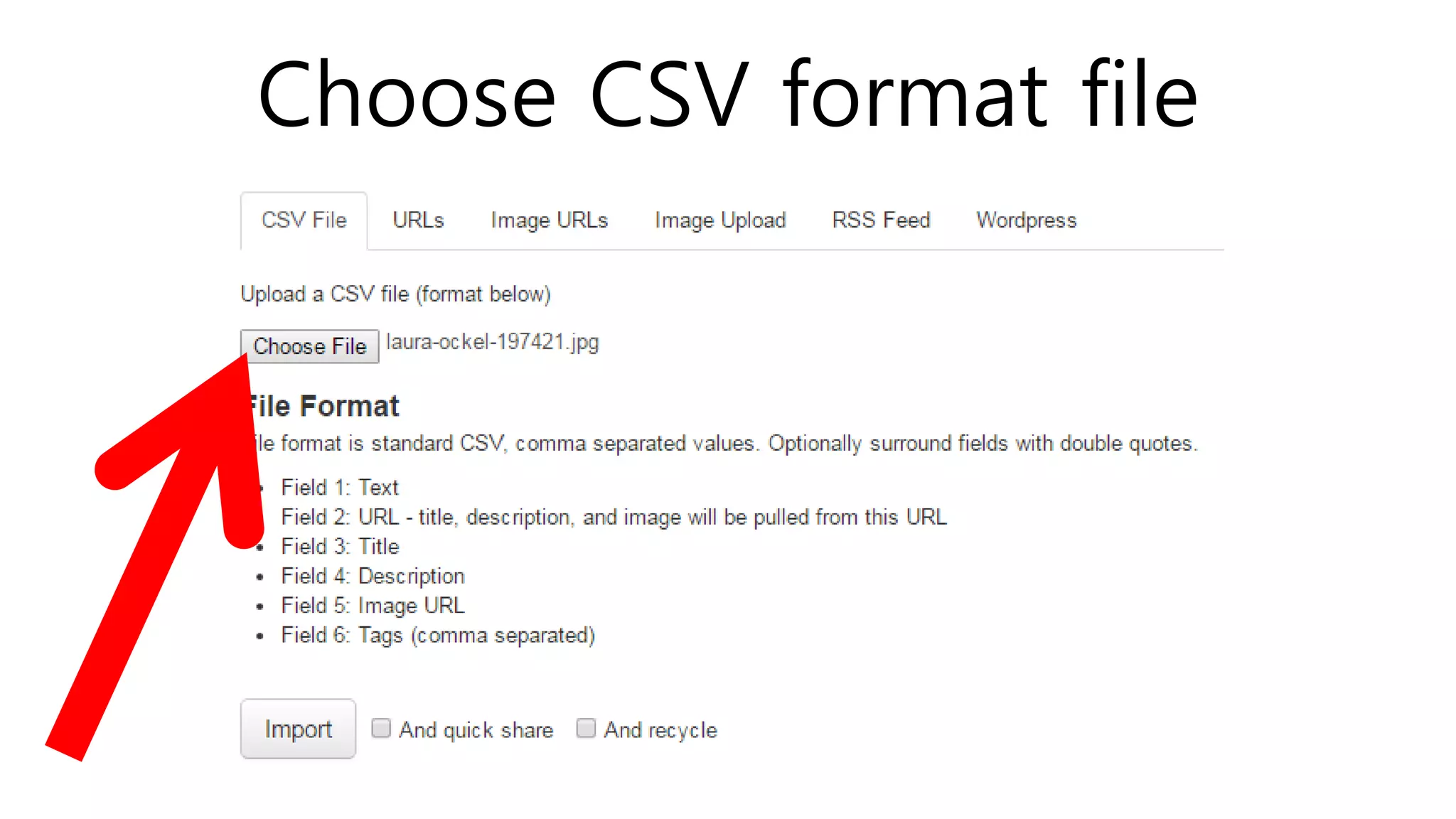
Import multiple elements at once
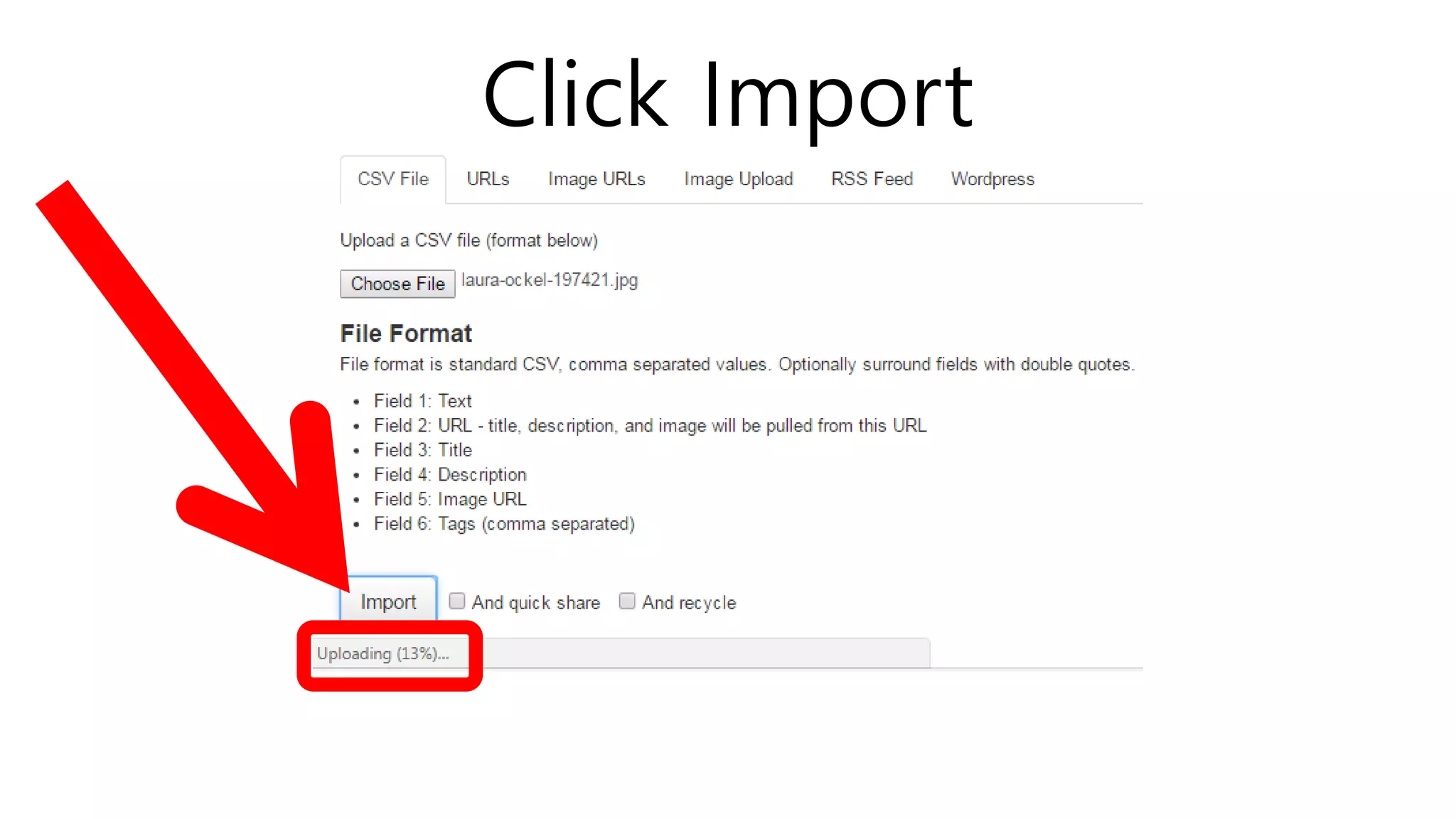
Choose CSV format file
Click Import
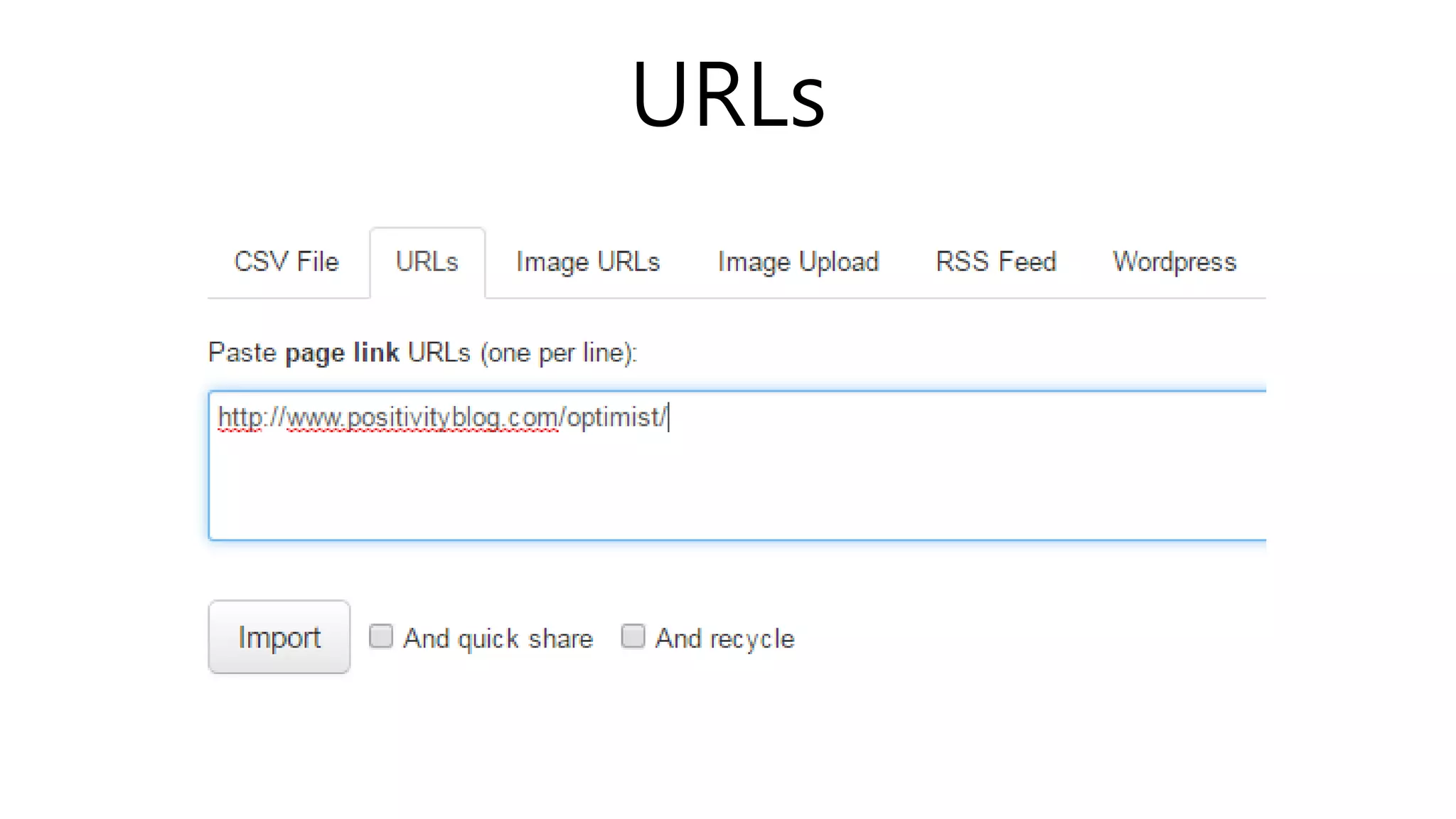
URLs
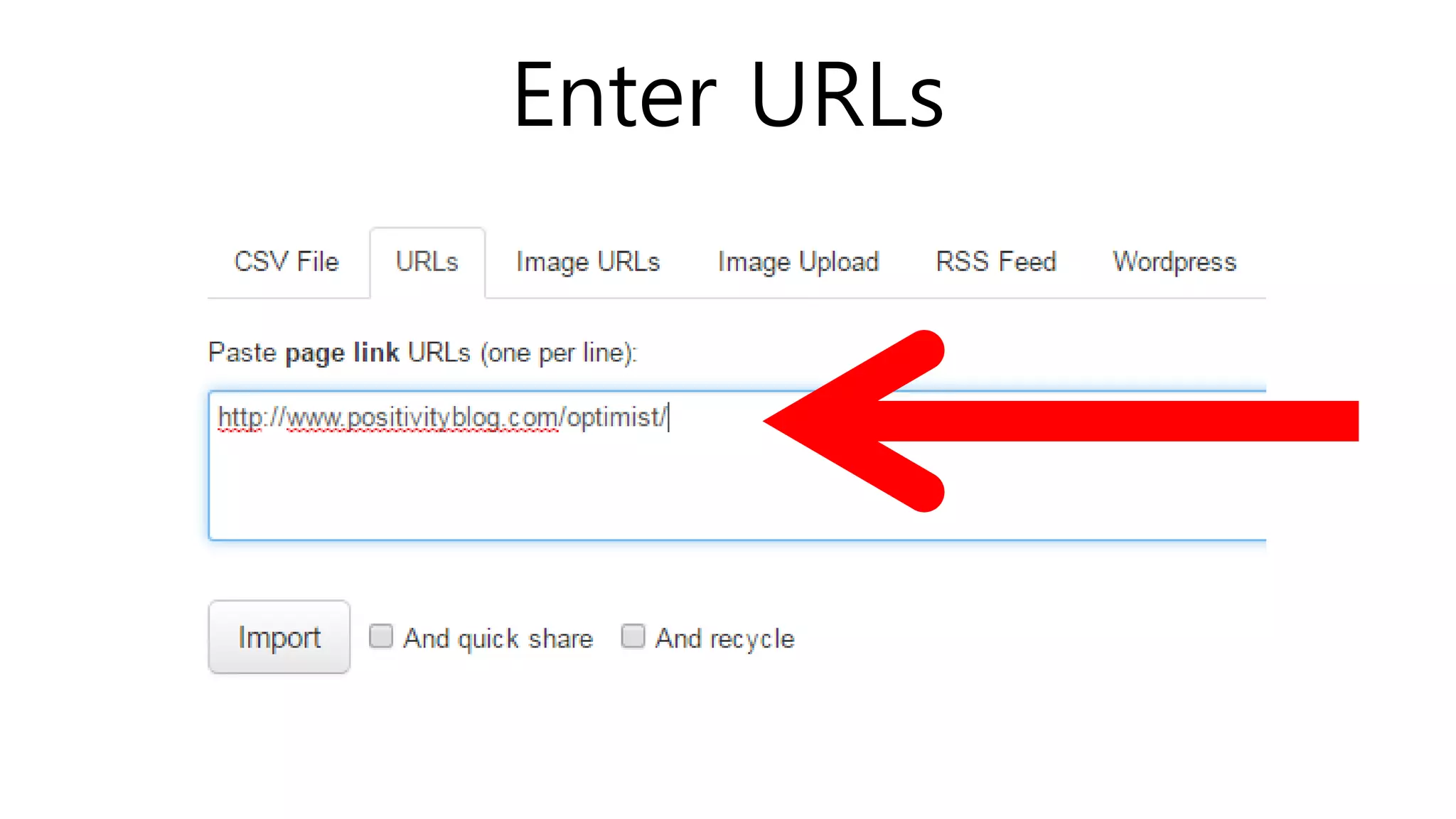
Enter URLs
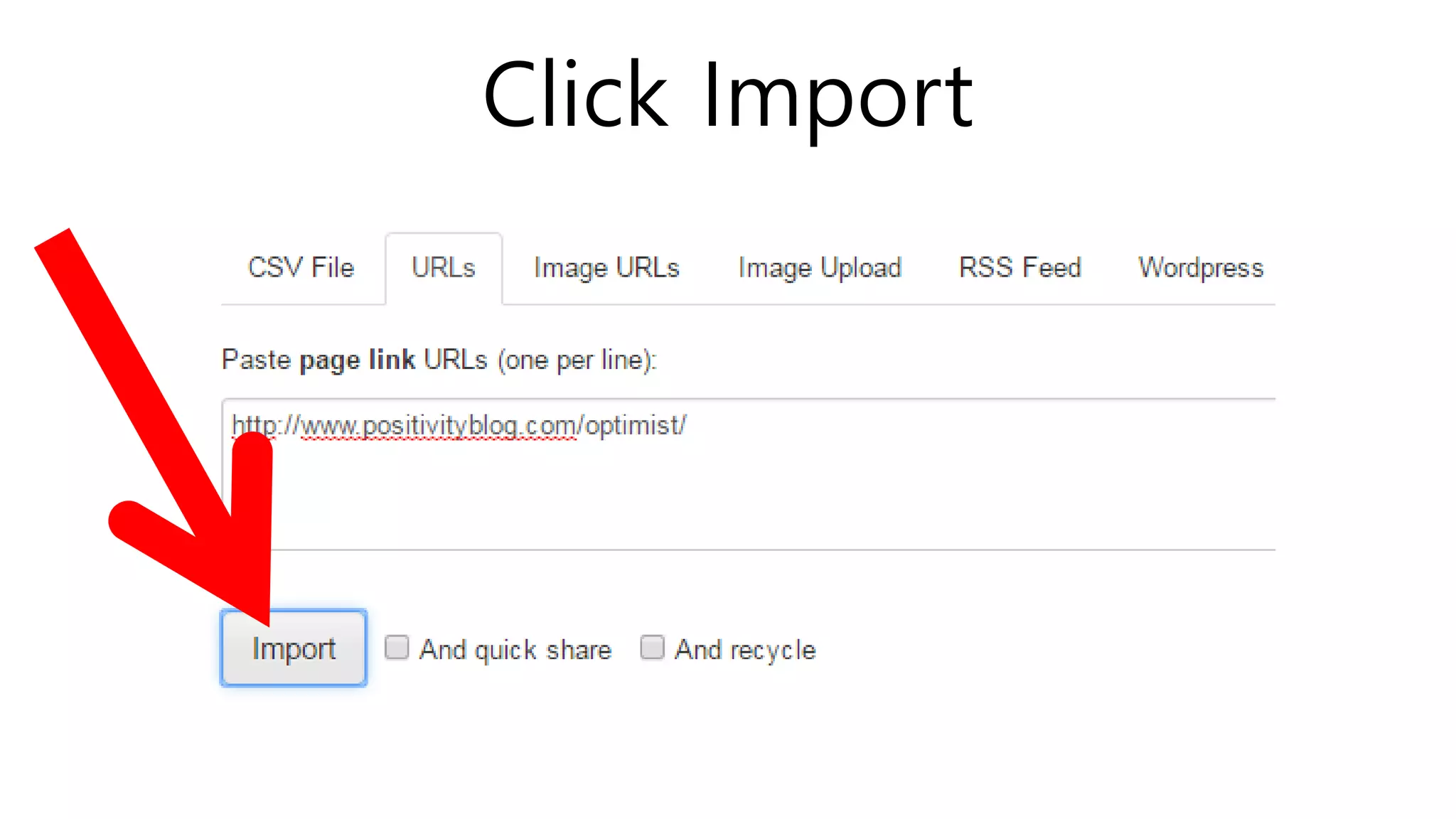
Click Import
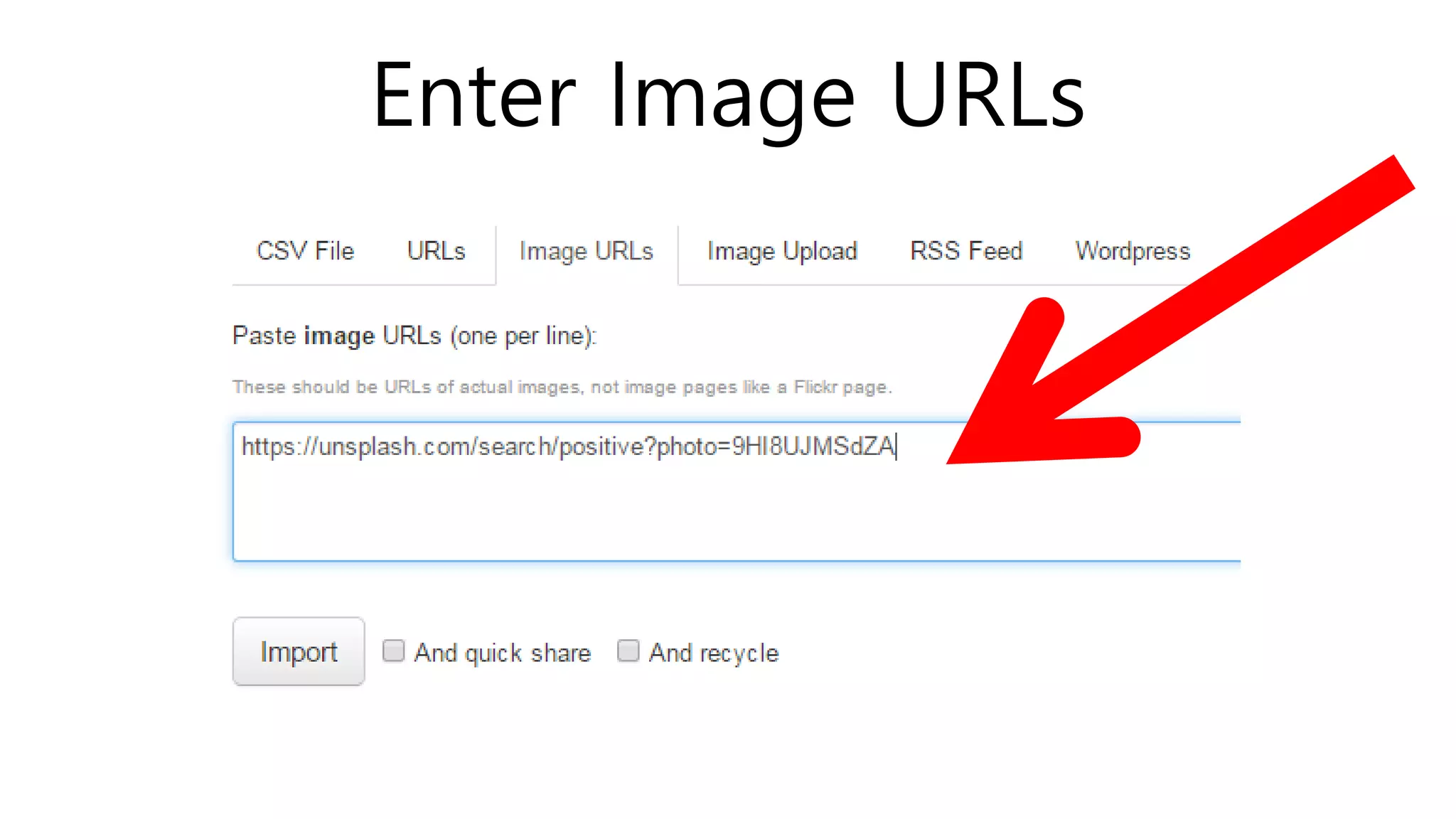
Enter Image URLs
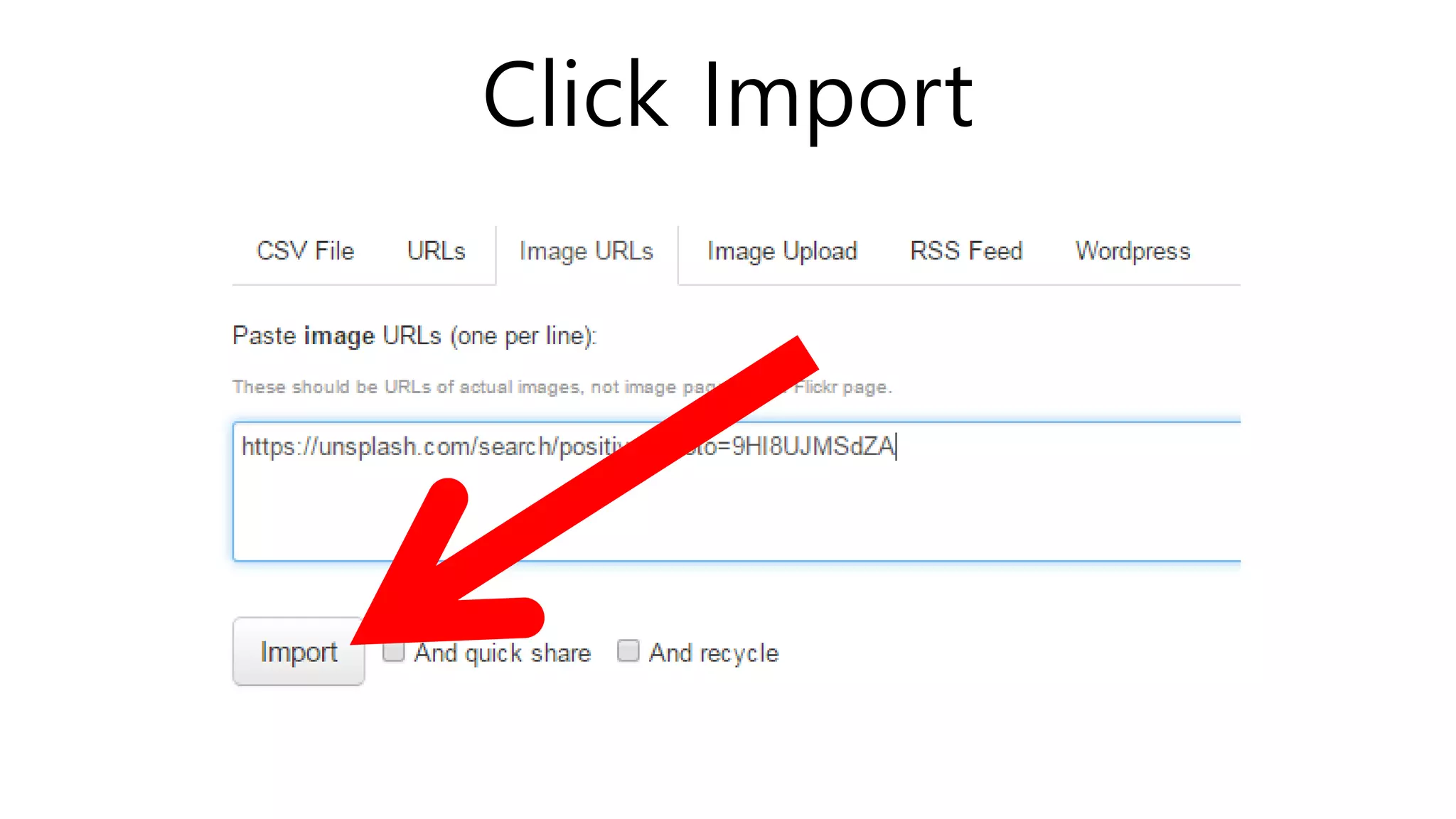
Click Import
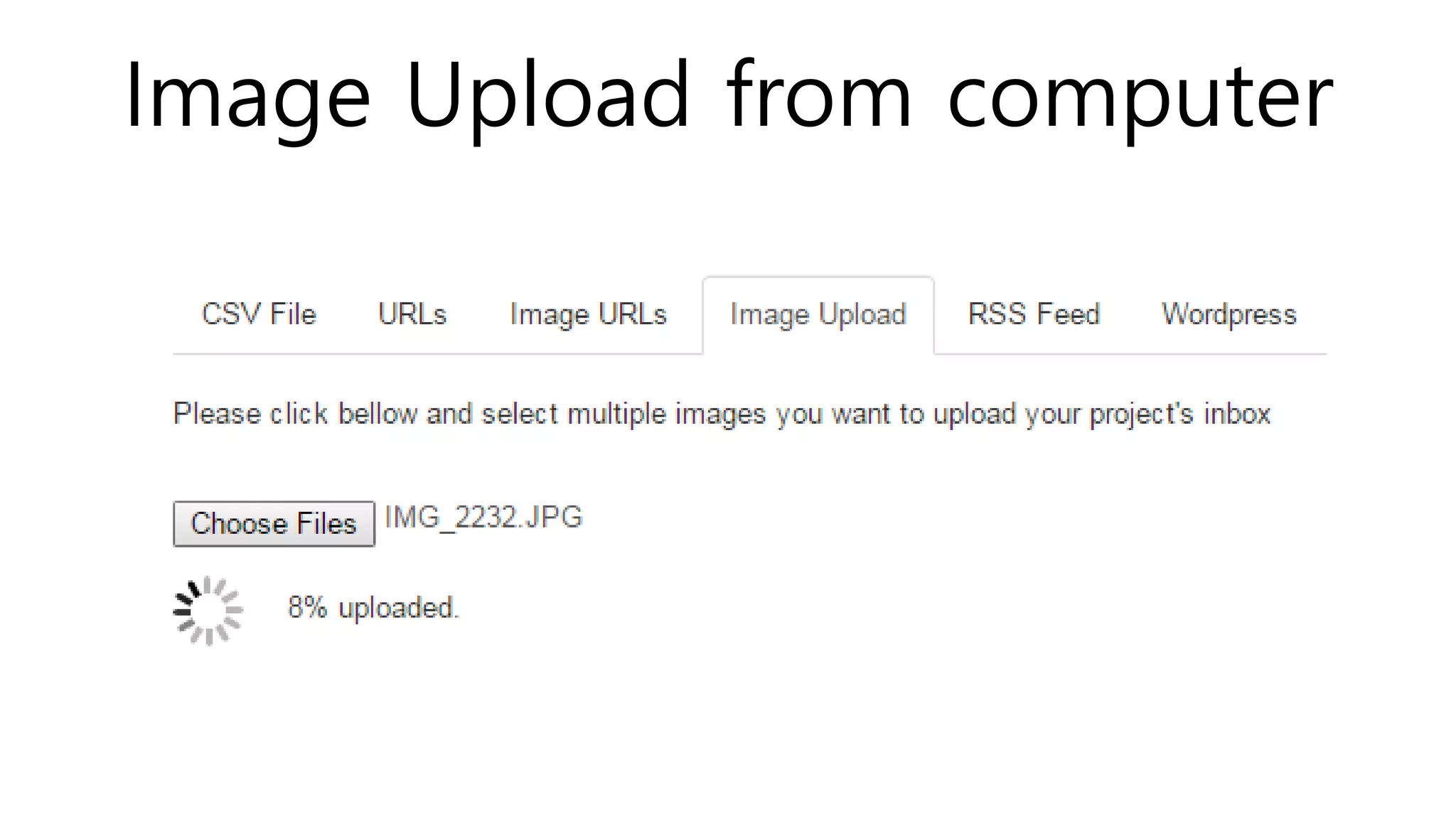
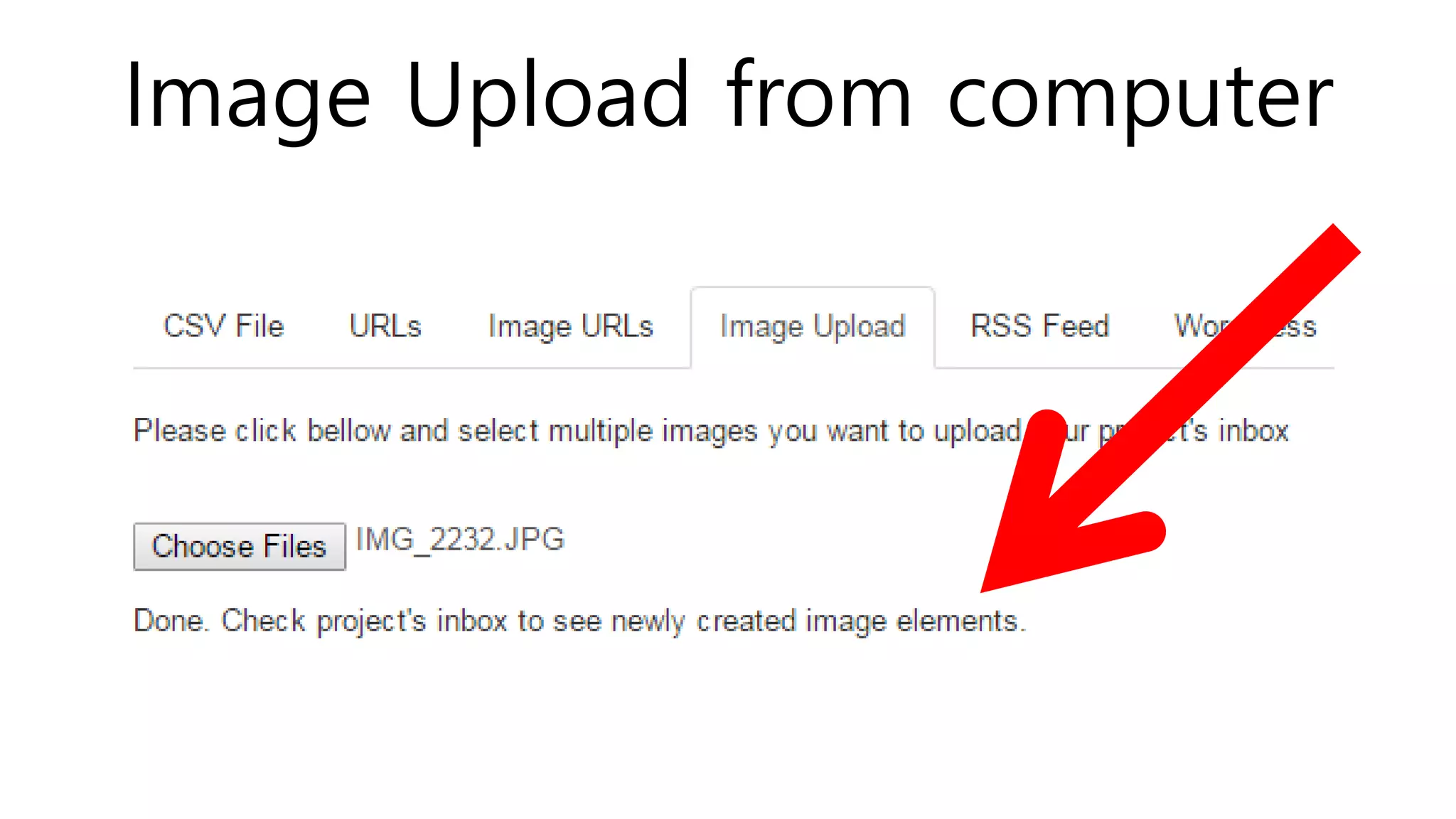
Image Upload from computer
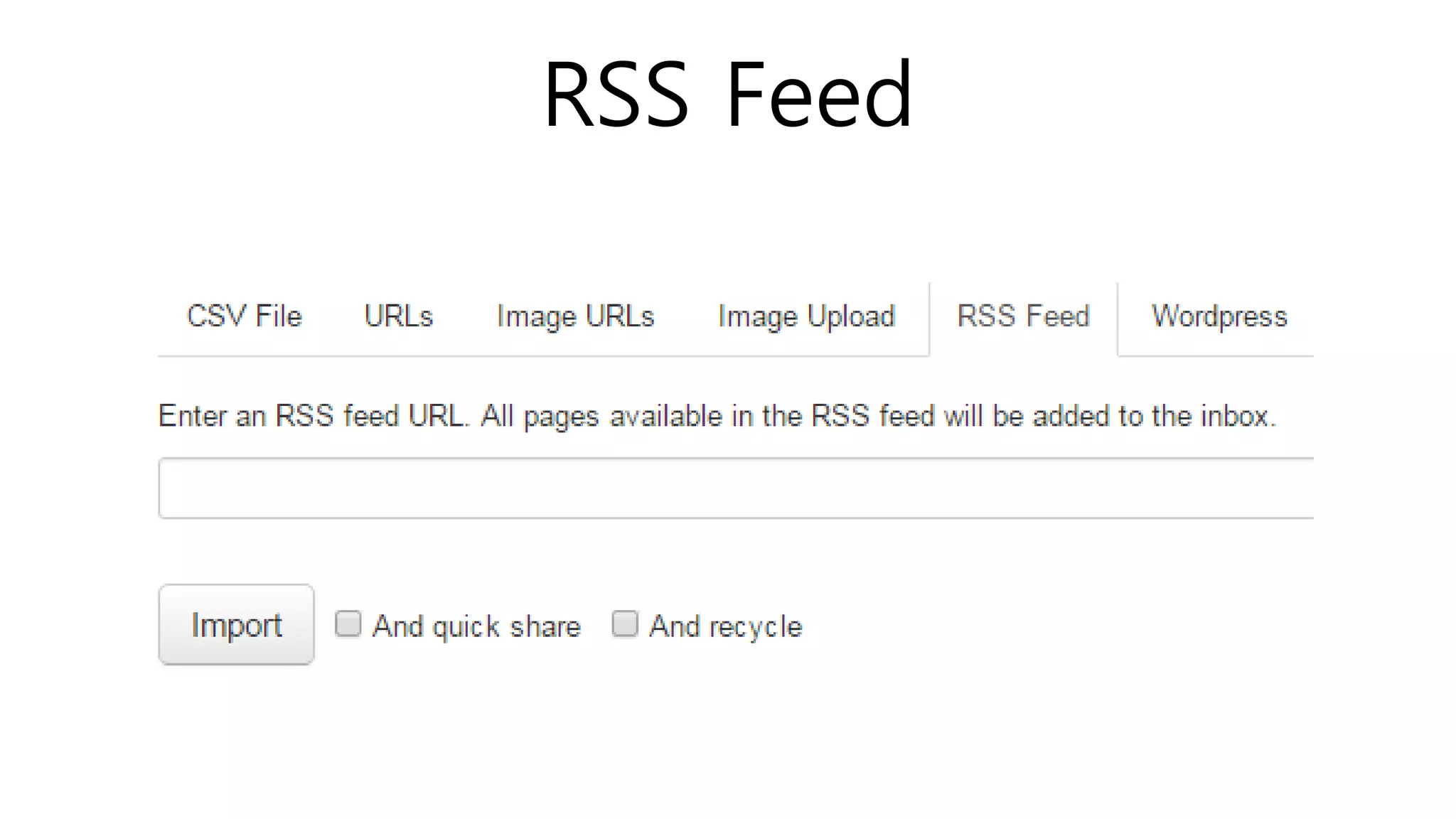
RSS Feed
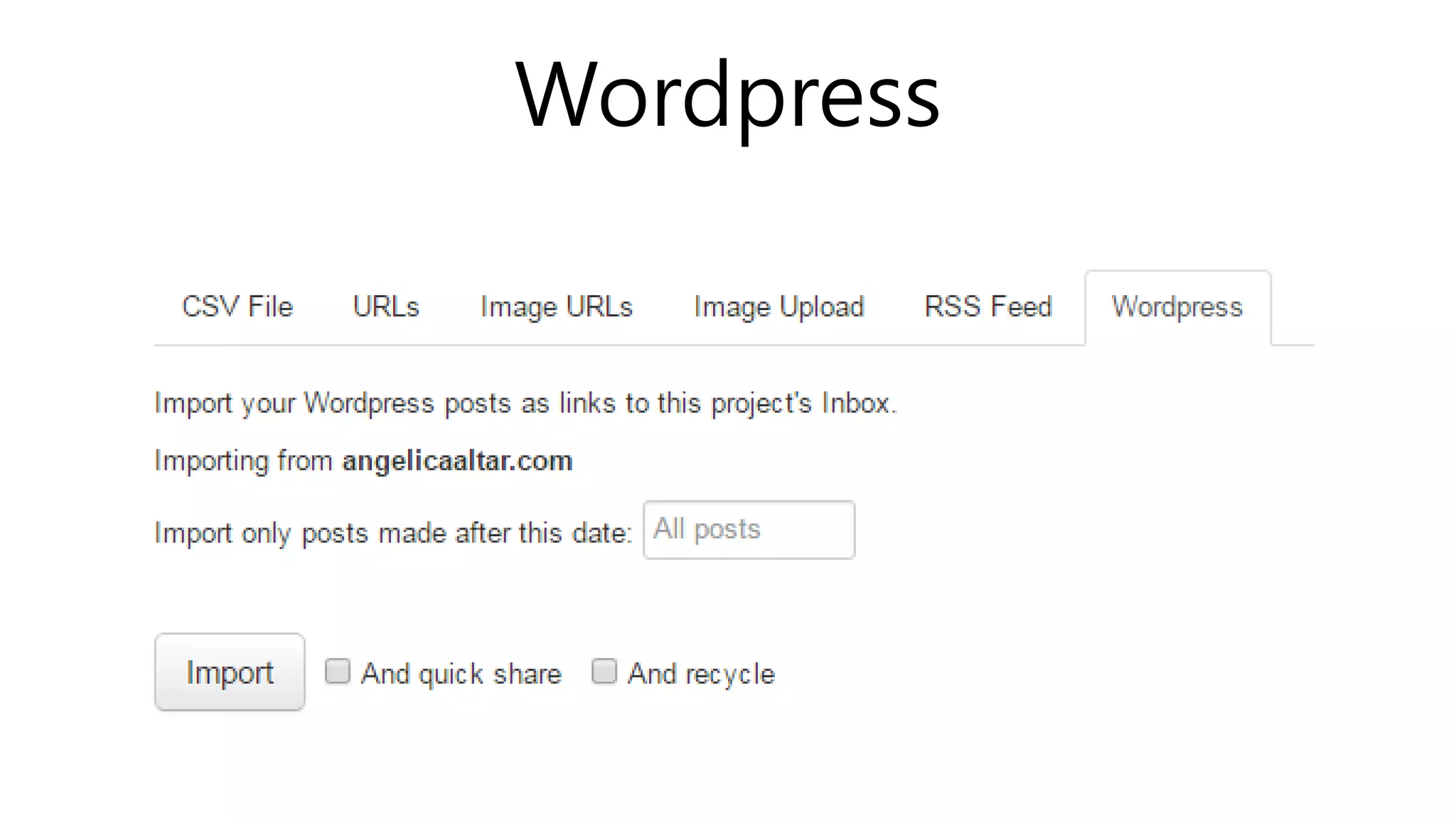
Wordpress
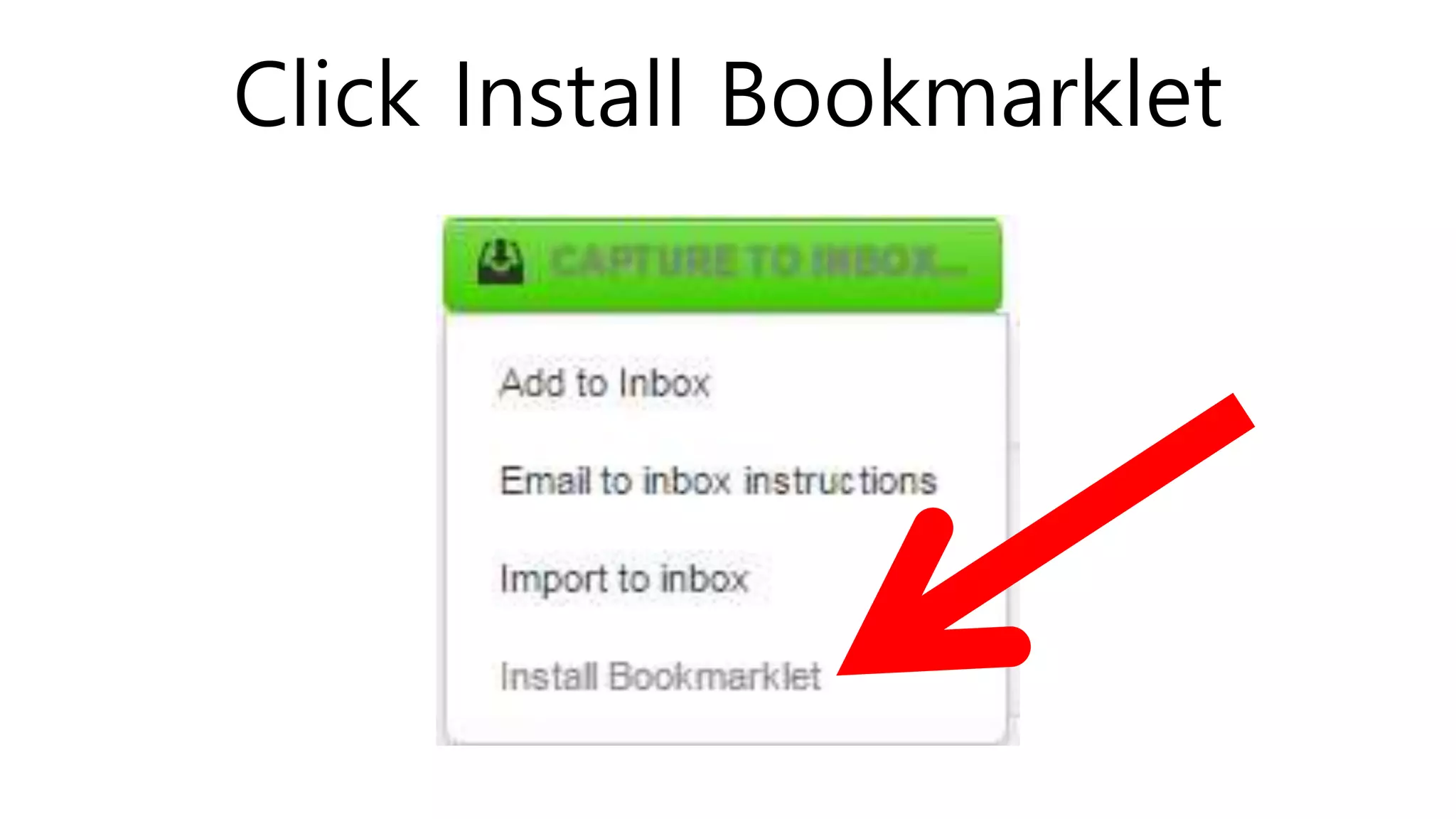
Click Install Bookmarklet
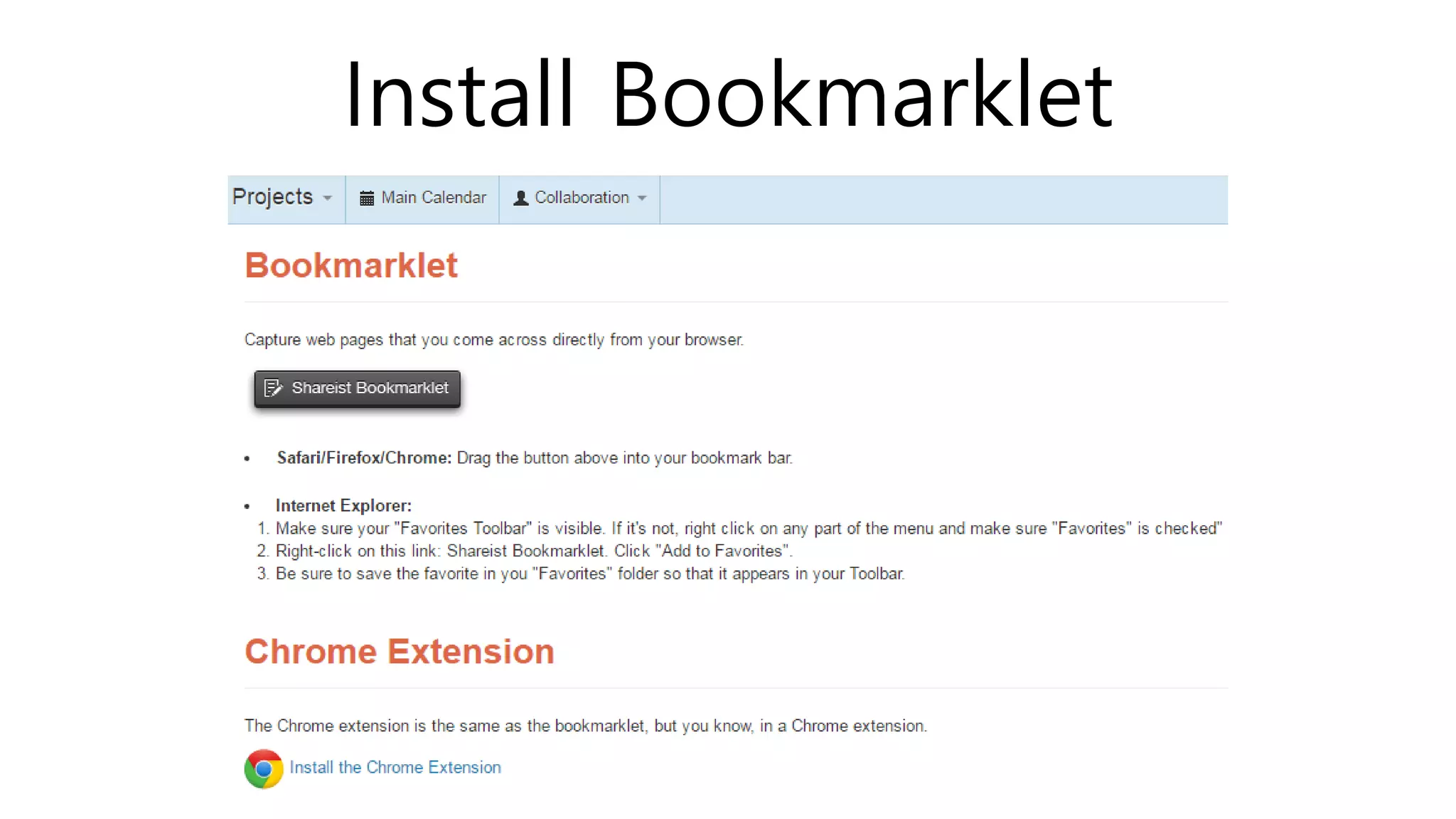
Install Bookmarklet
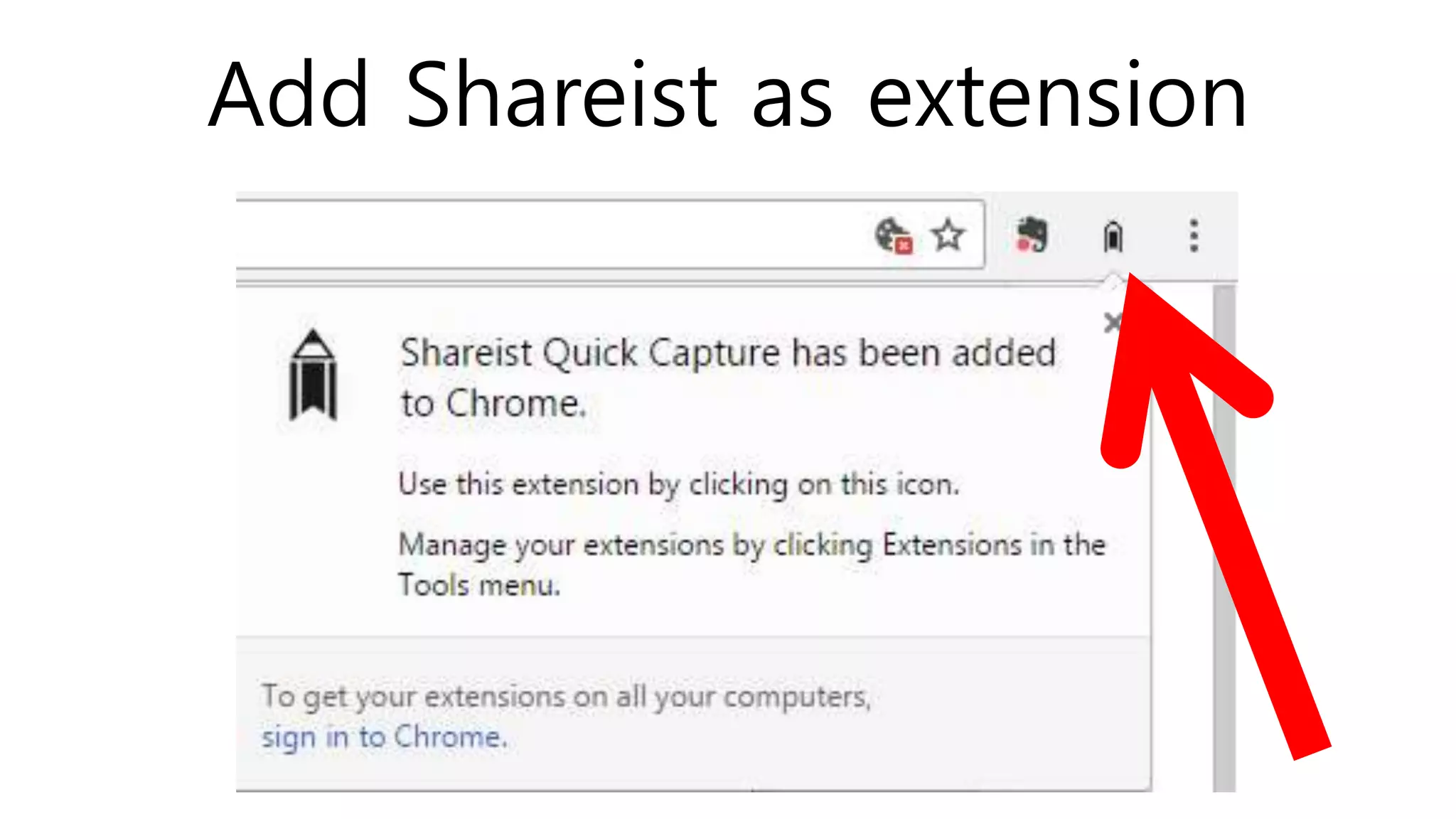
Add Shareist as extension
You can use the Shareist Quick
Capture Chrome Extension
to capture snippets directly from
any website.
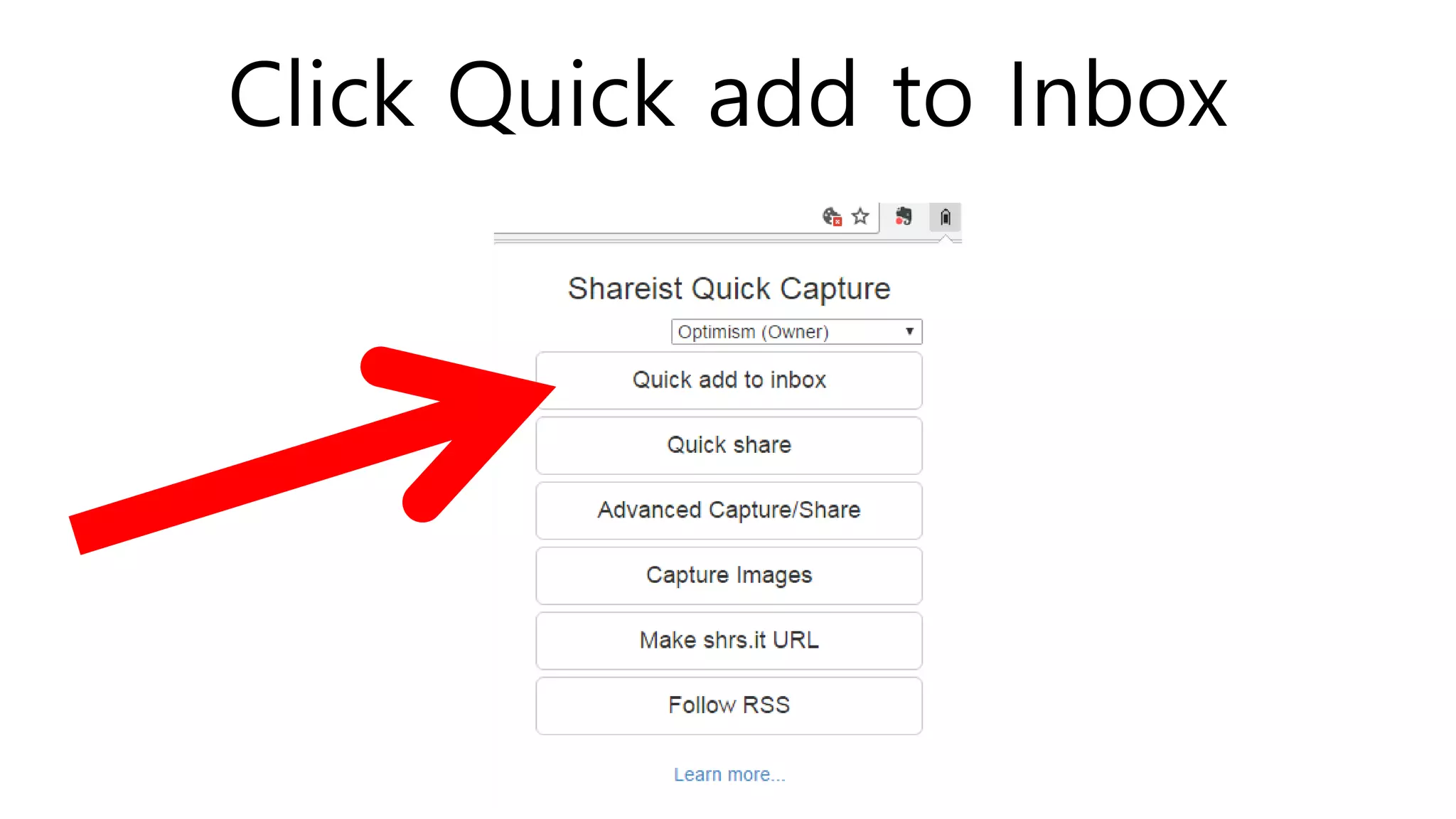
Click Quick add to Inbox
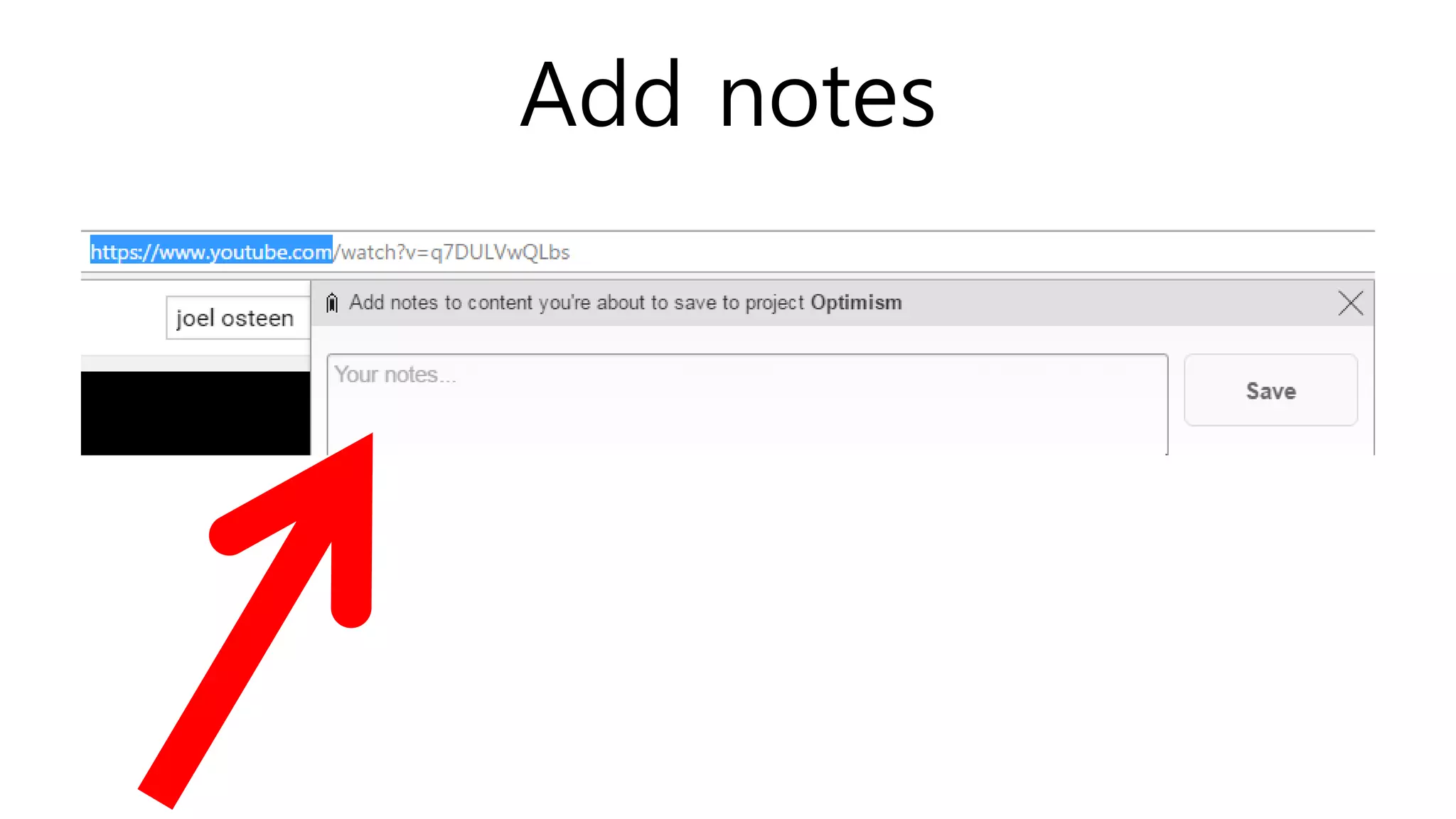
Add notes
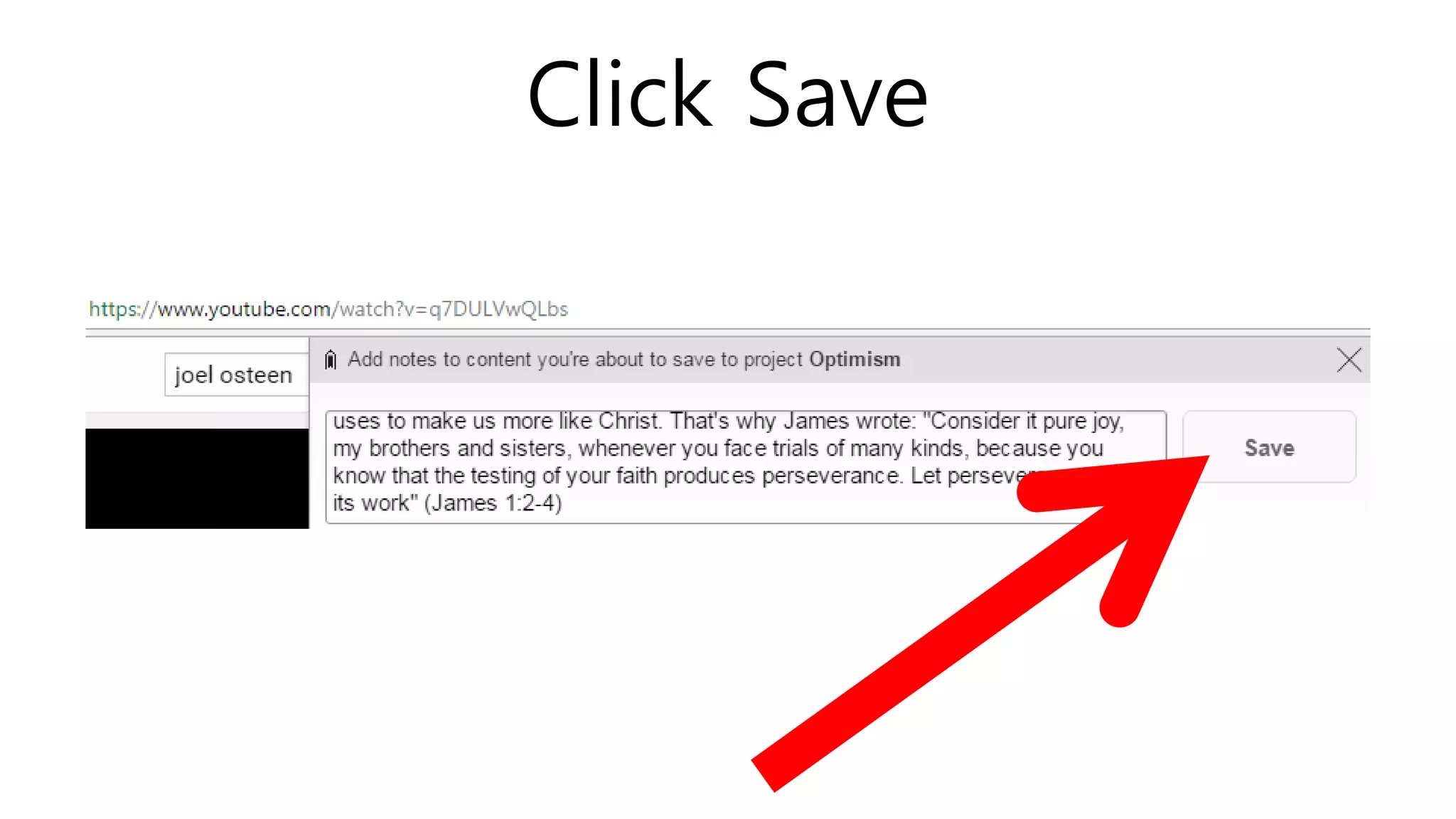
Click Save
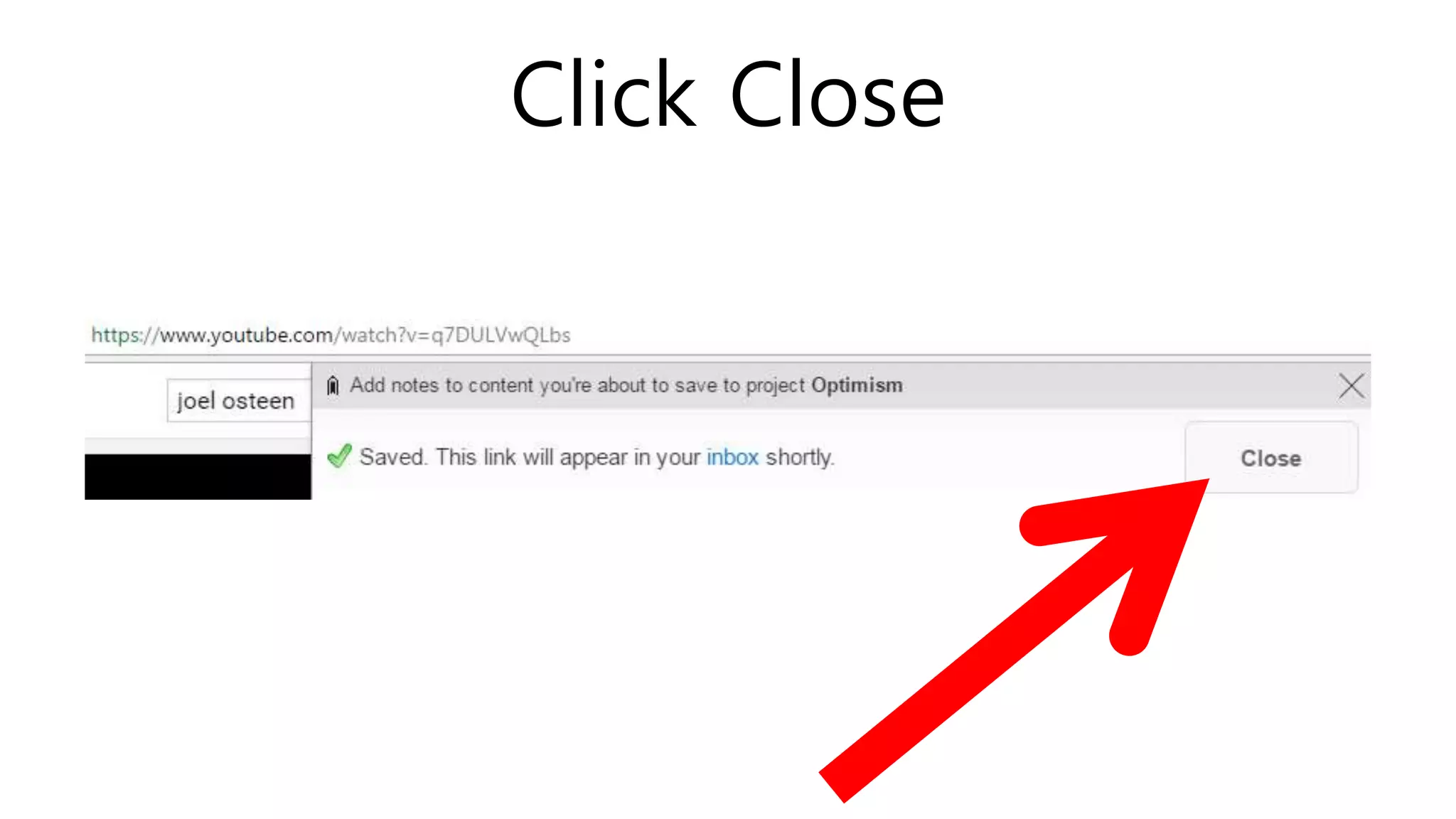
Click Close
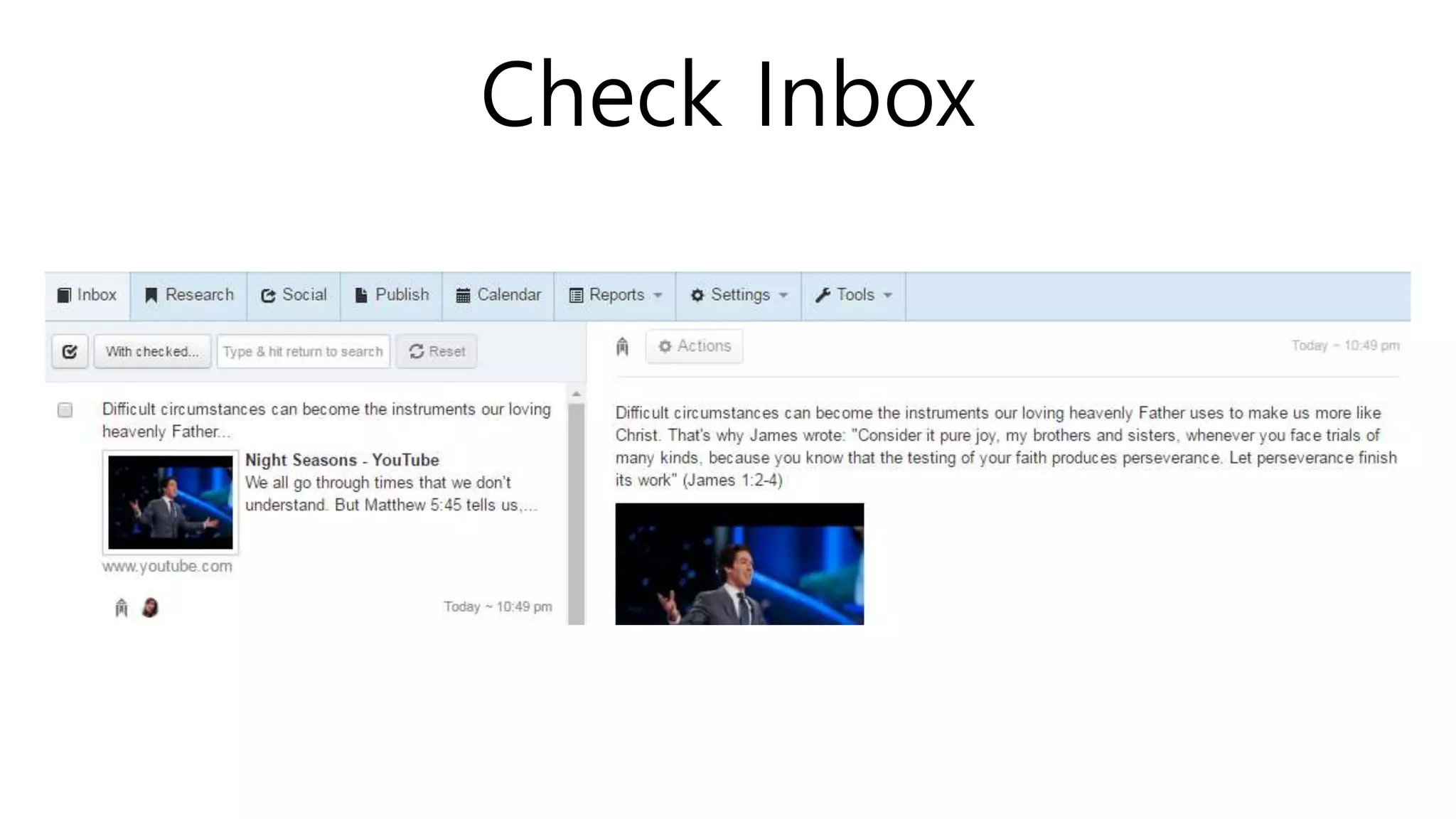
Check Inbox
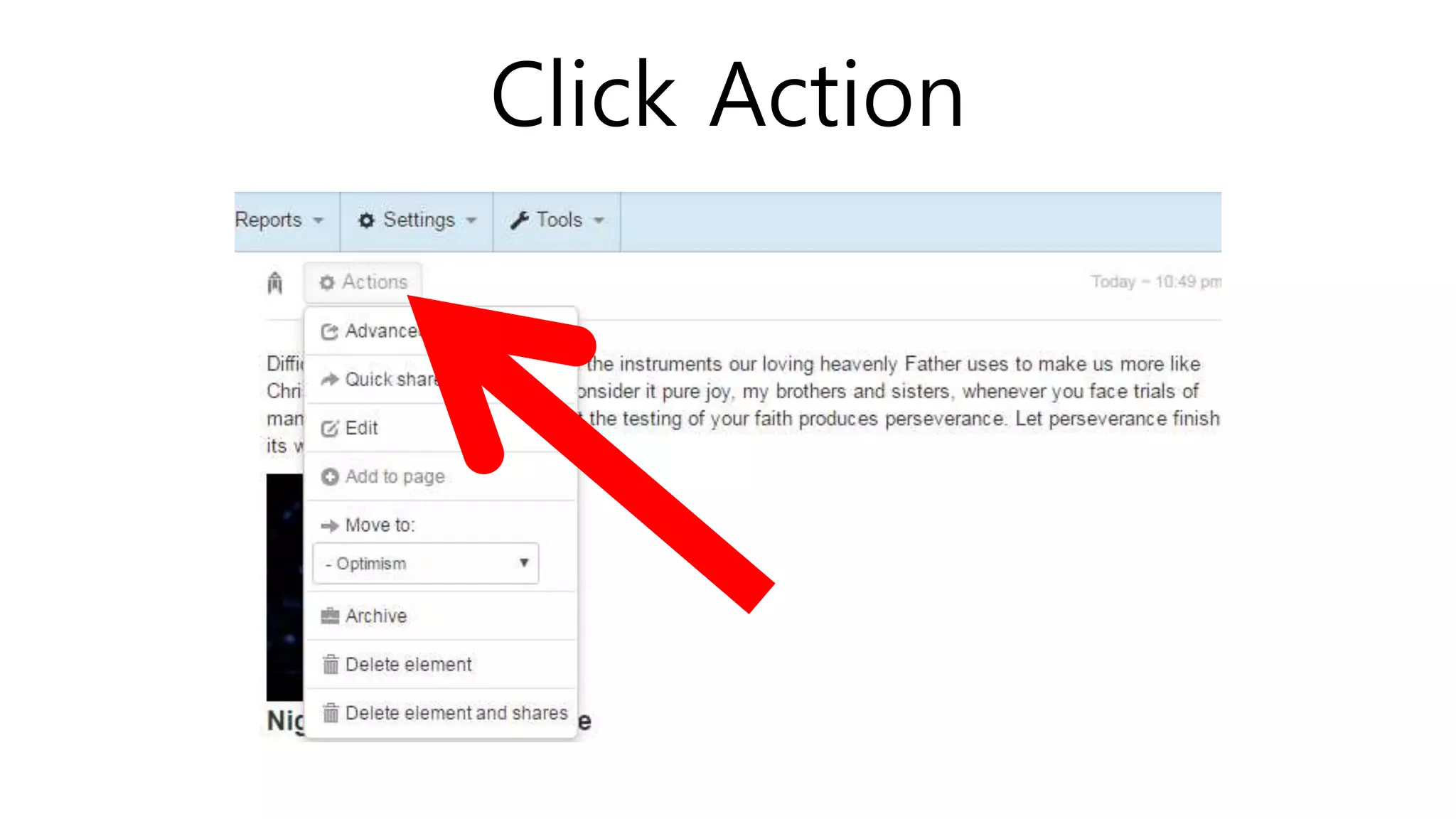
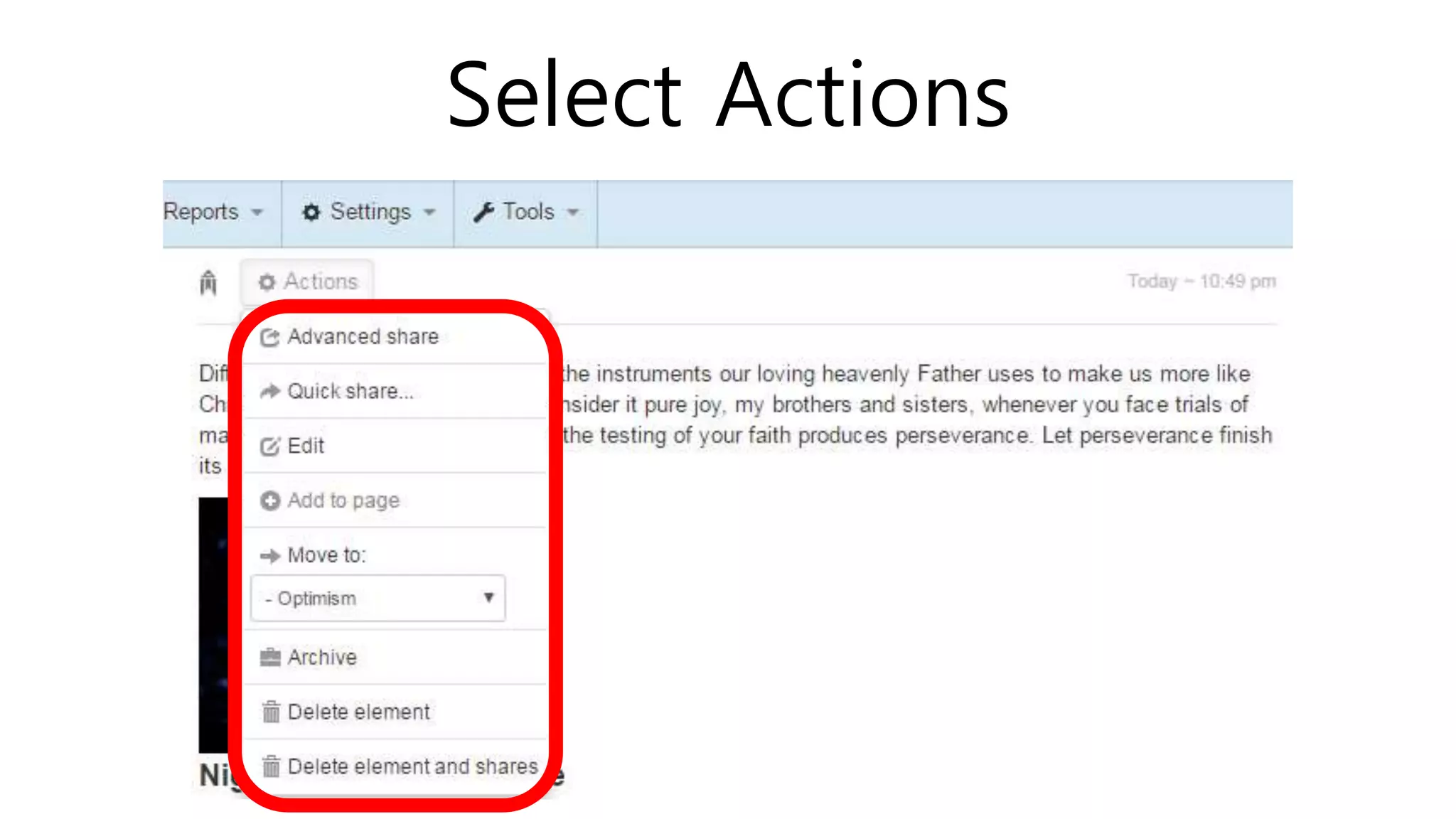
Click Action
Select Actions
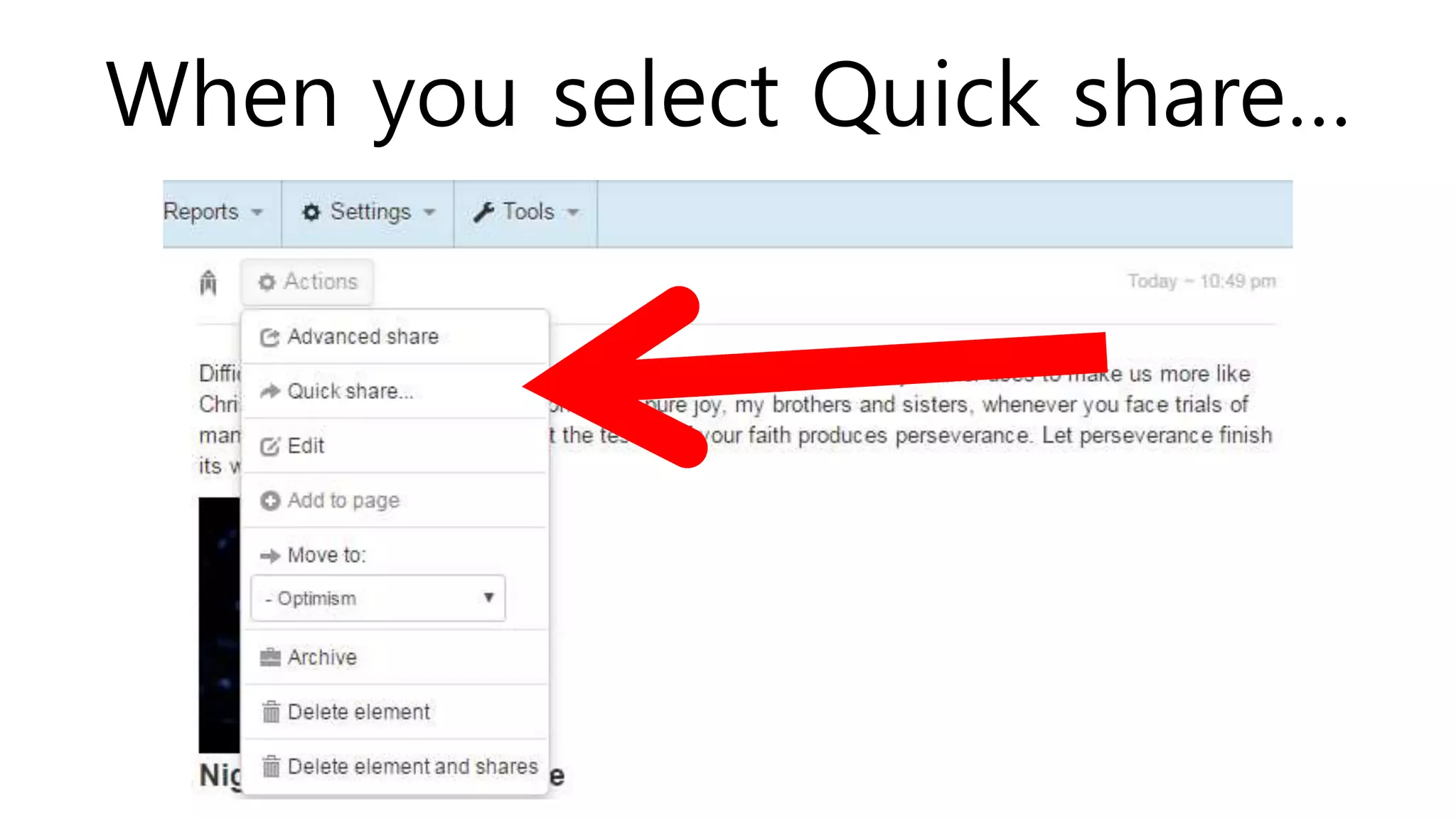
When you select Quick share…
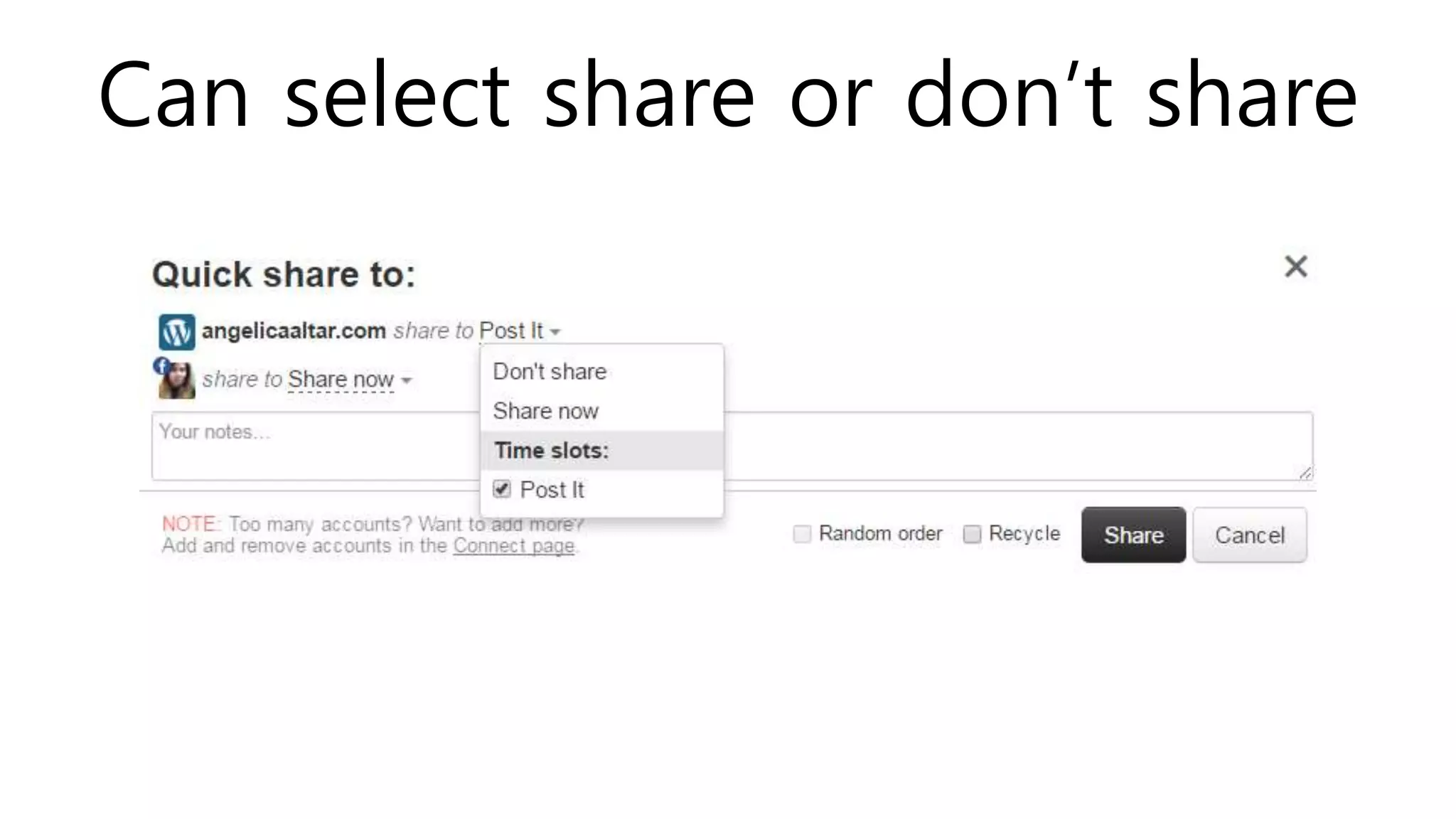
Can select share or don’t share
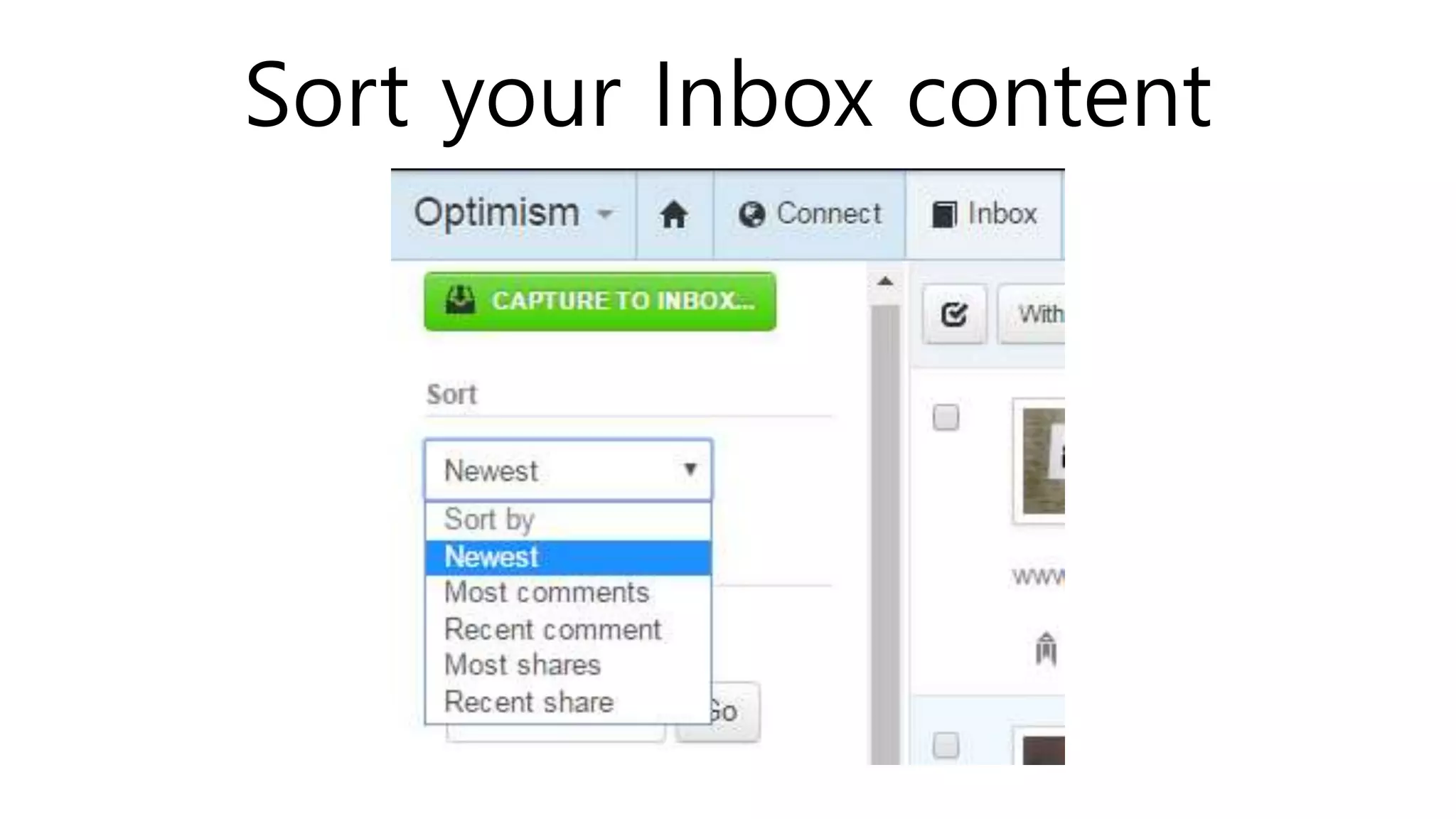
Sort your Inbox content
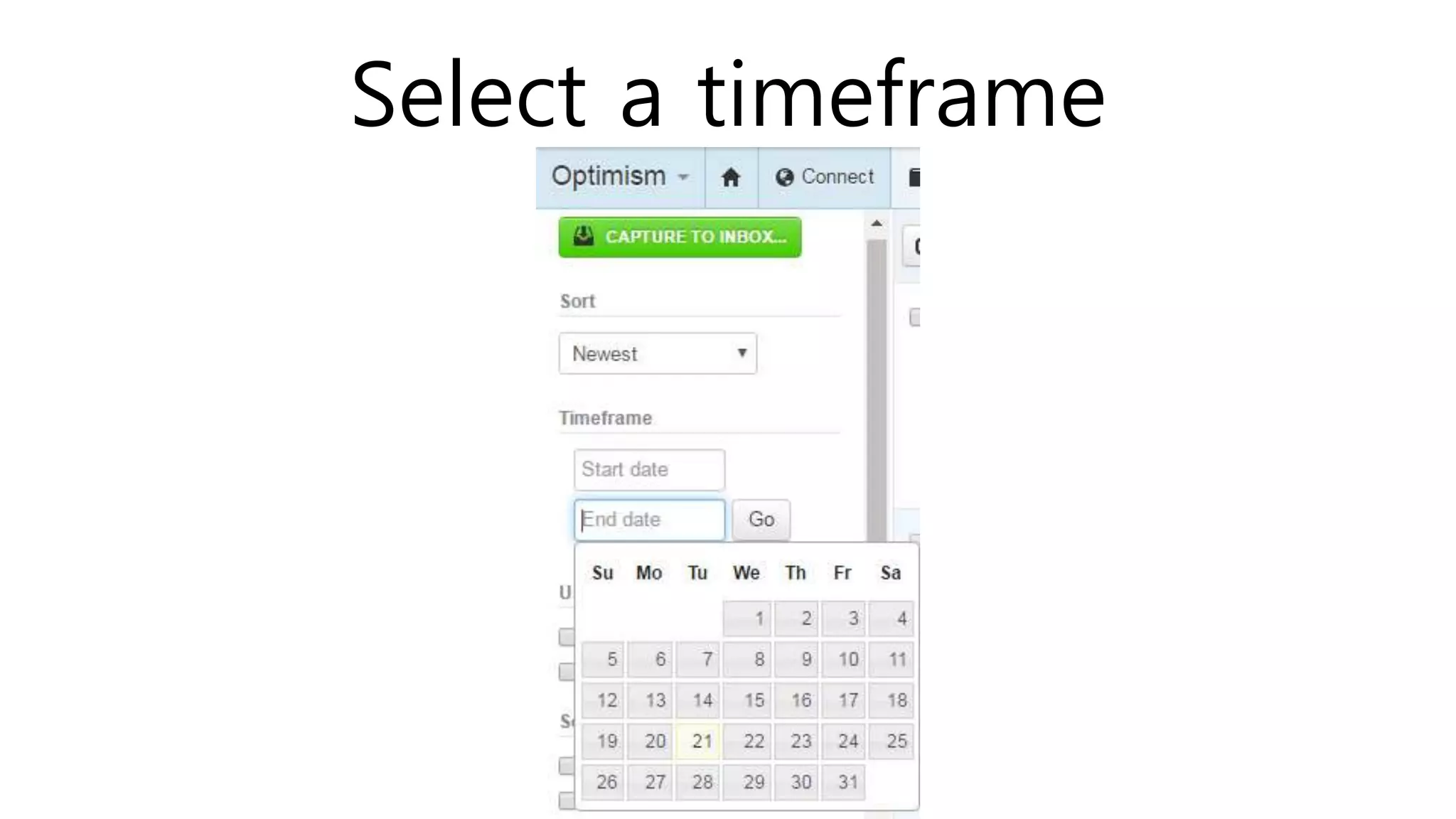
Select a timeframe
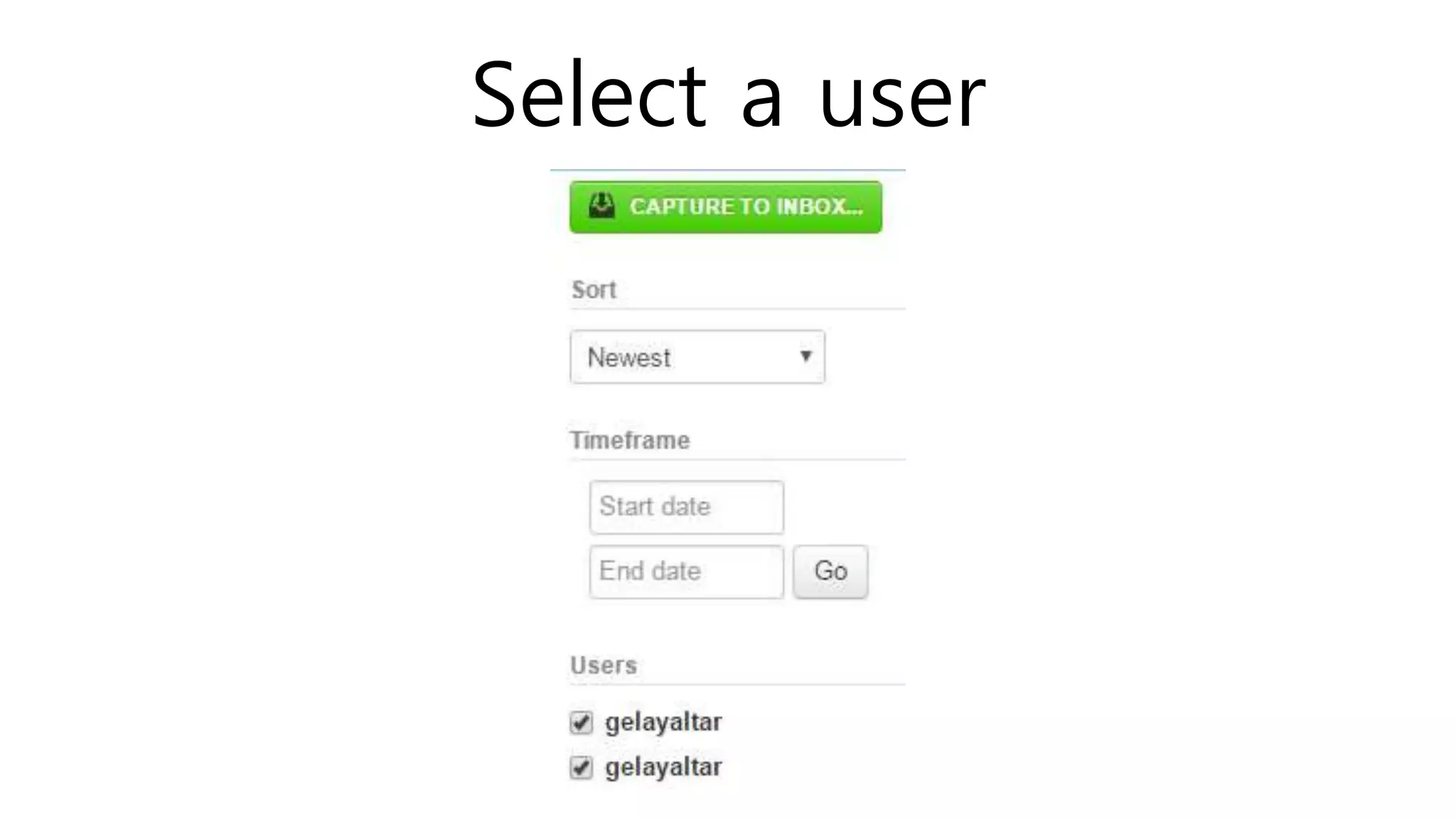
Select a user
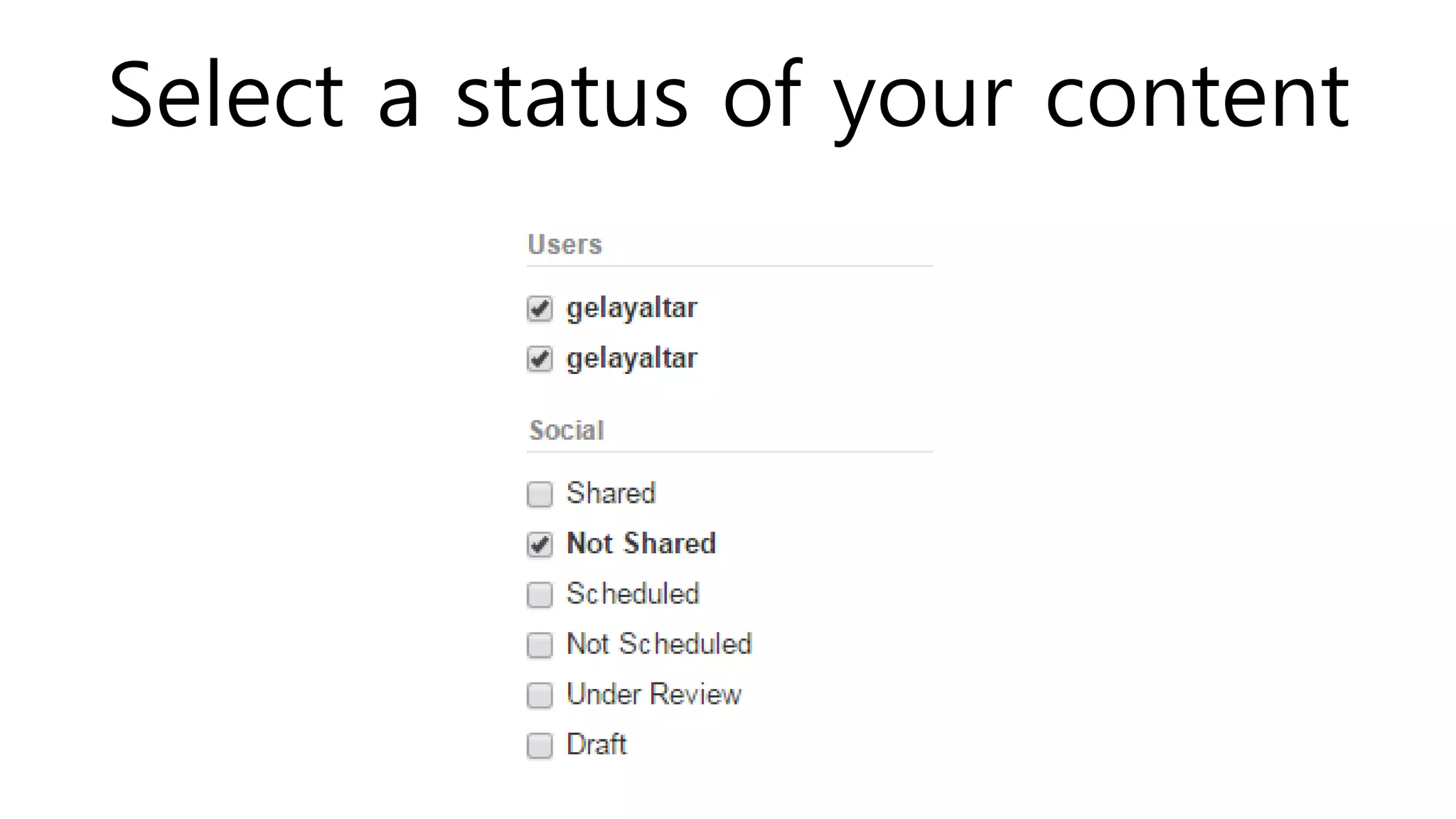
Select a status of your content
If it’s in a page or not
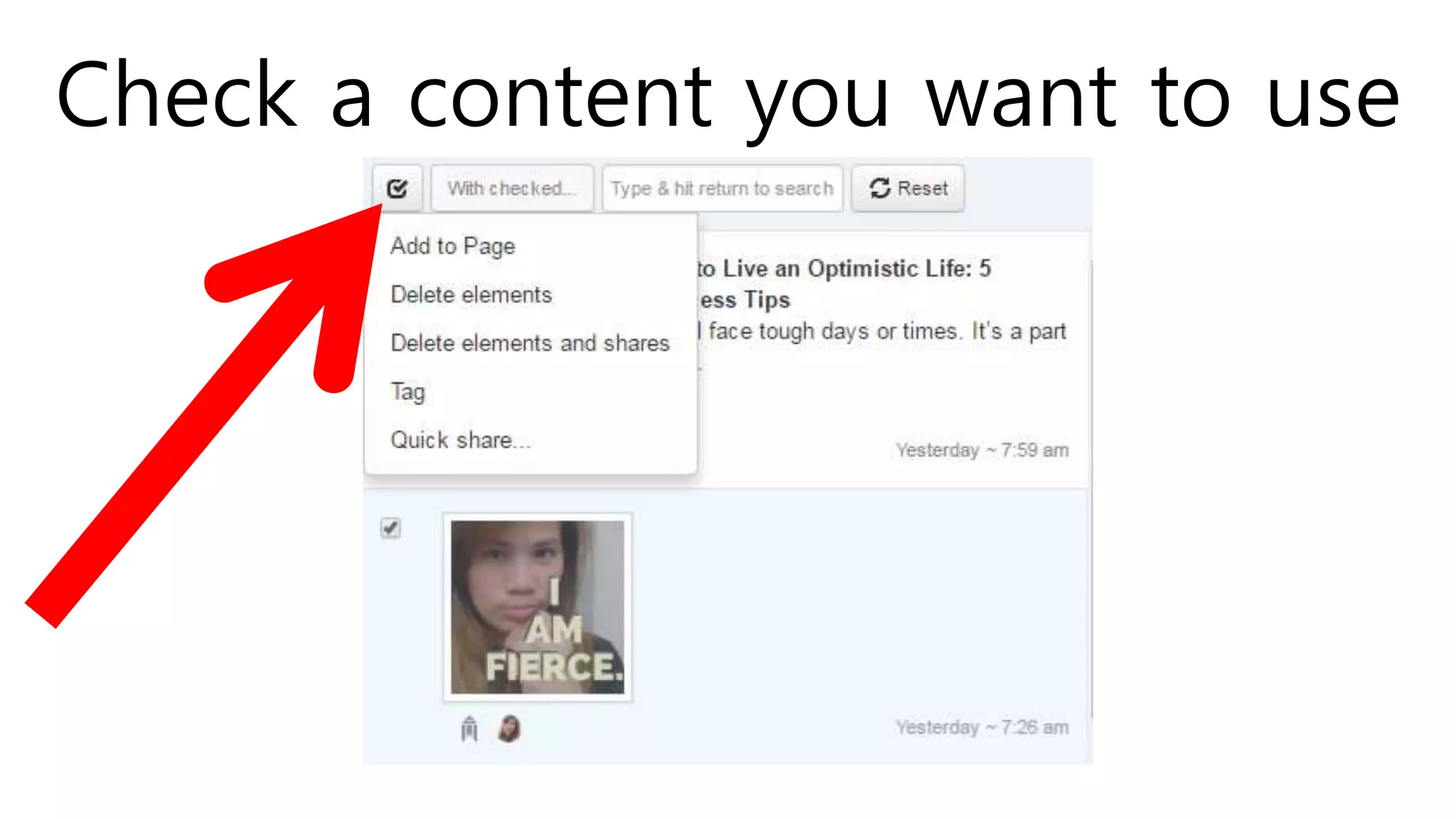
Check a content you want to use
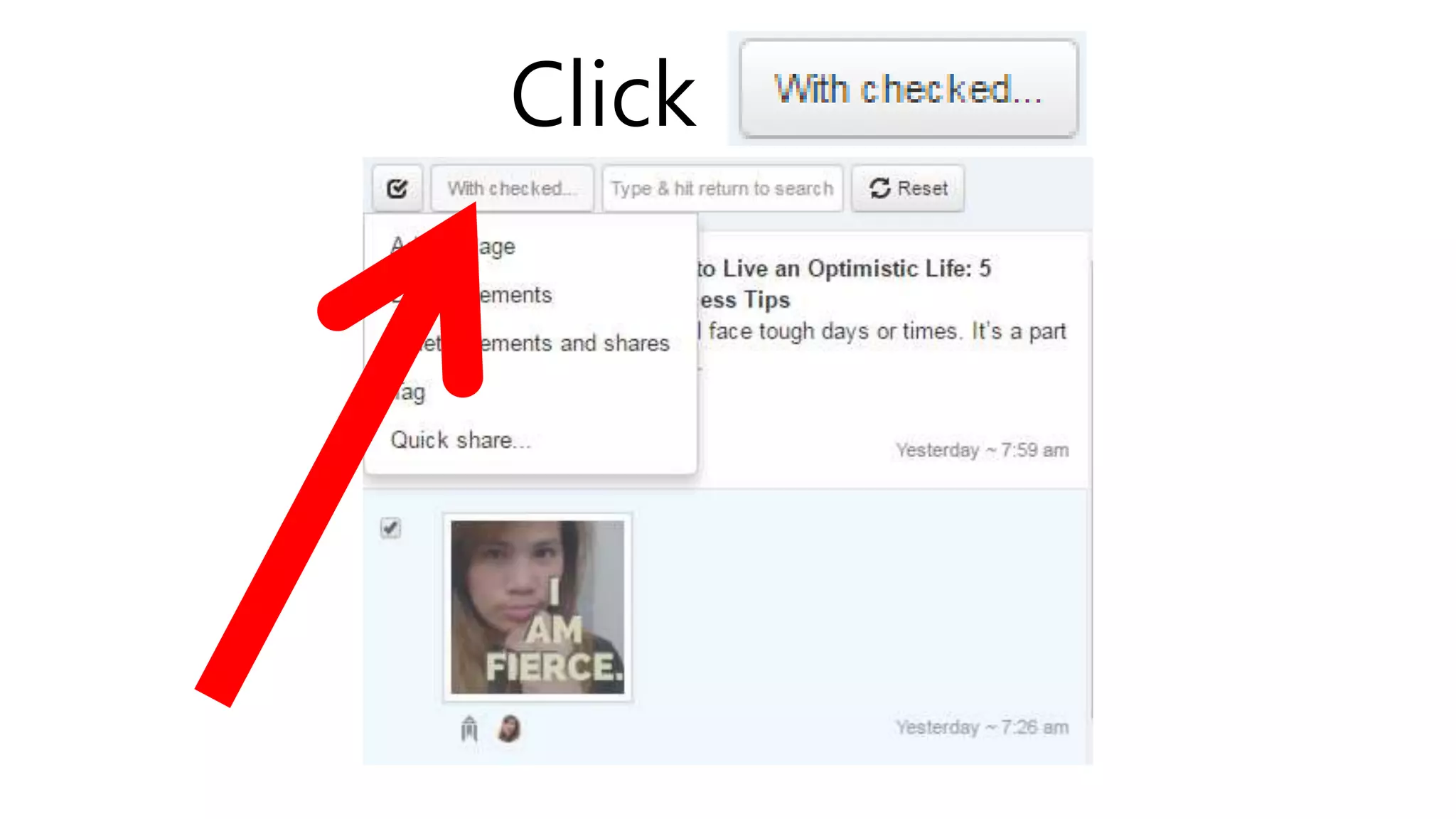
Click
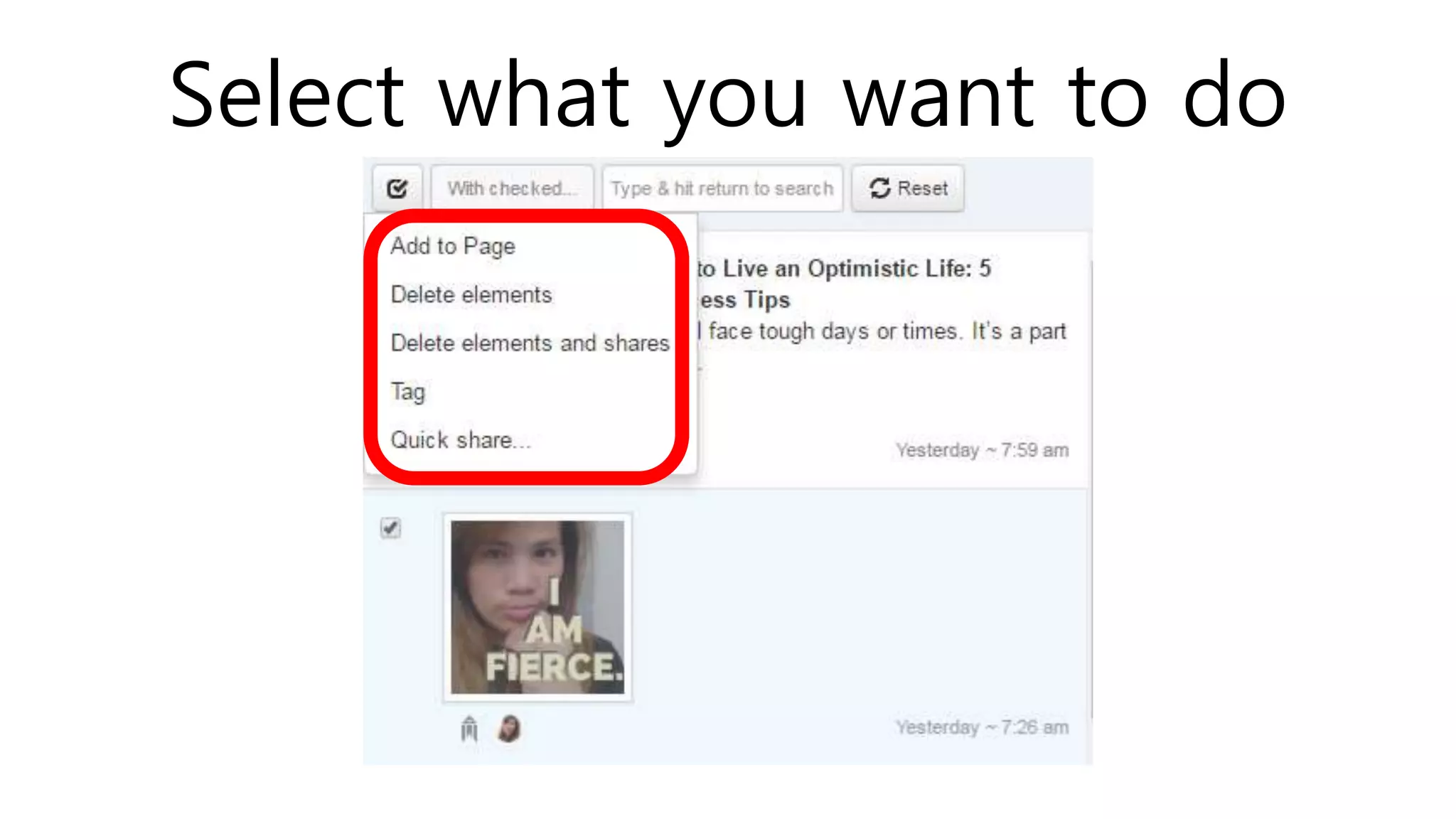
Select what you want to do
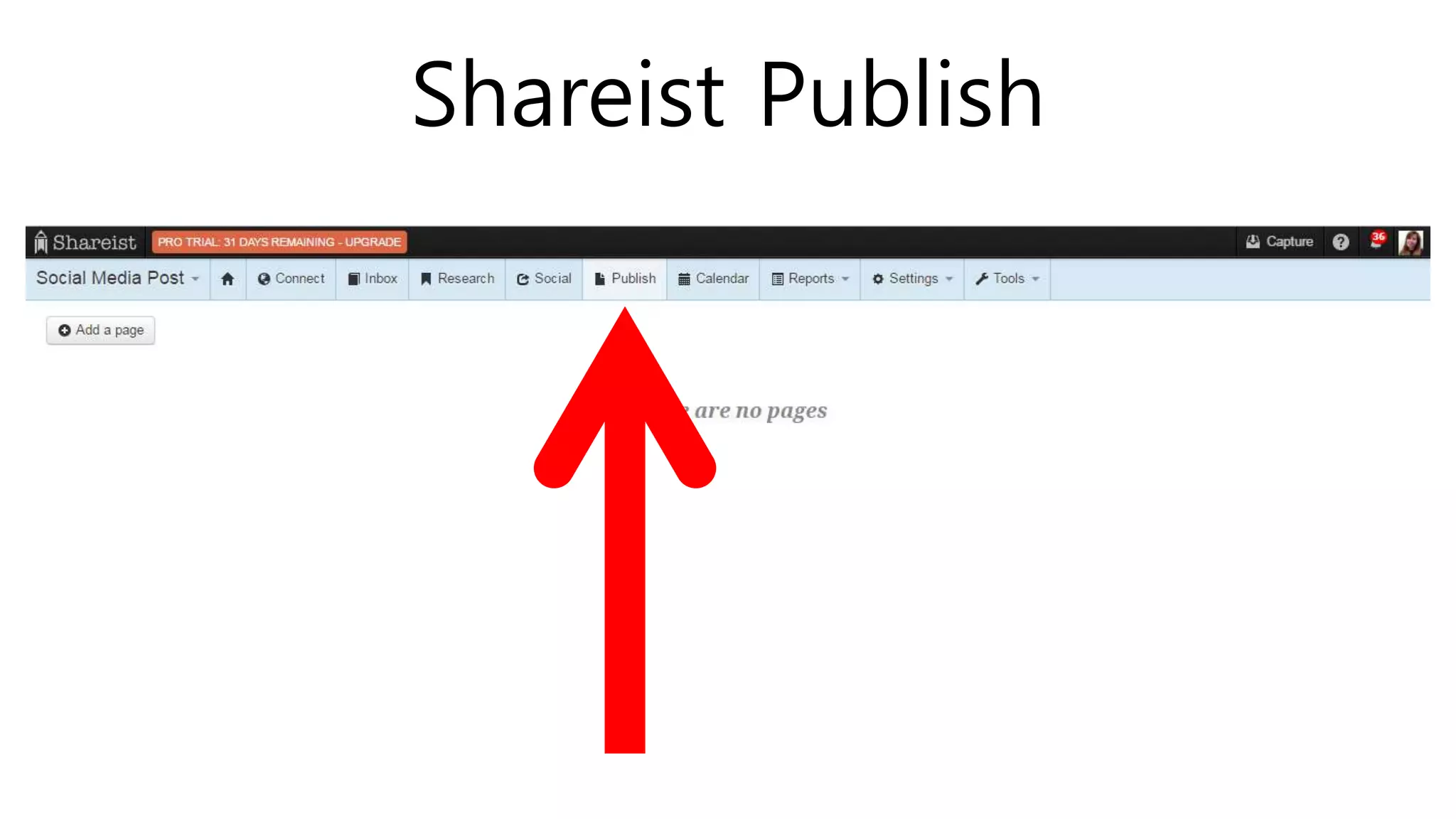
SHAREIST PUBLISH
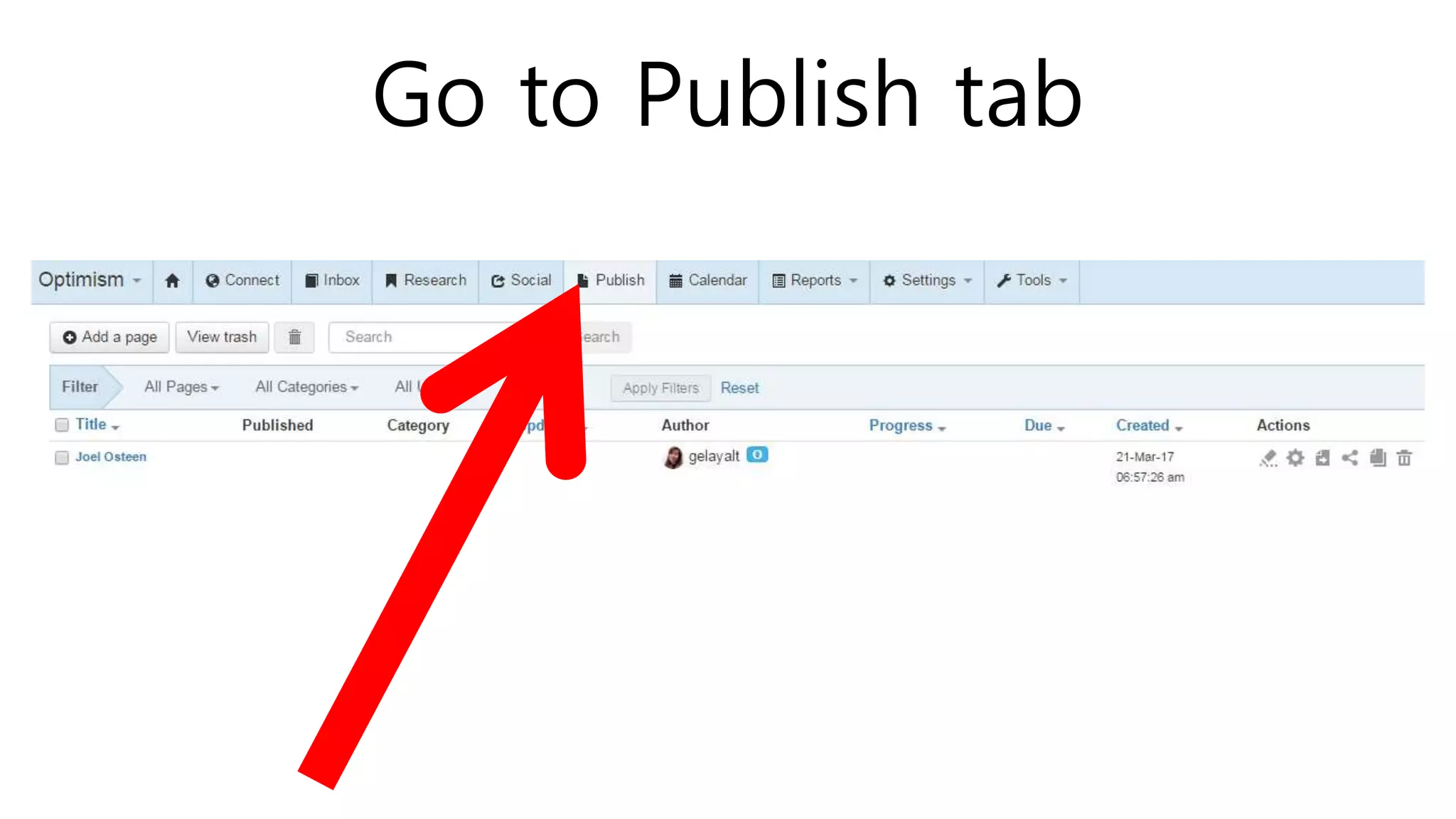
Go to Publish tab
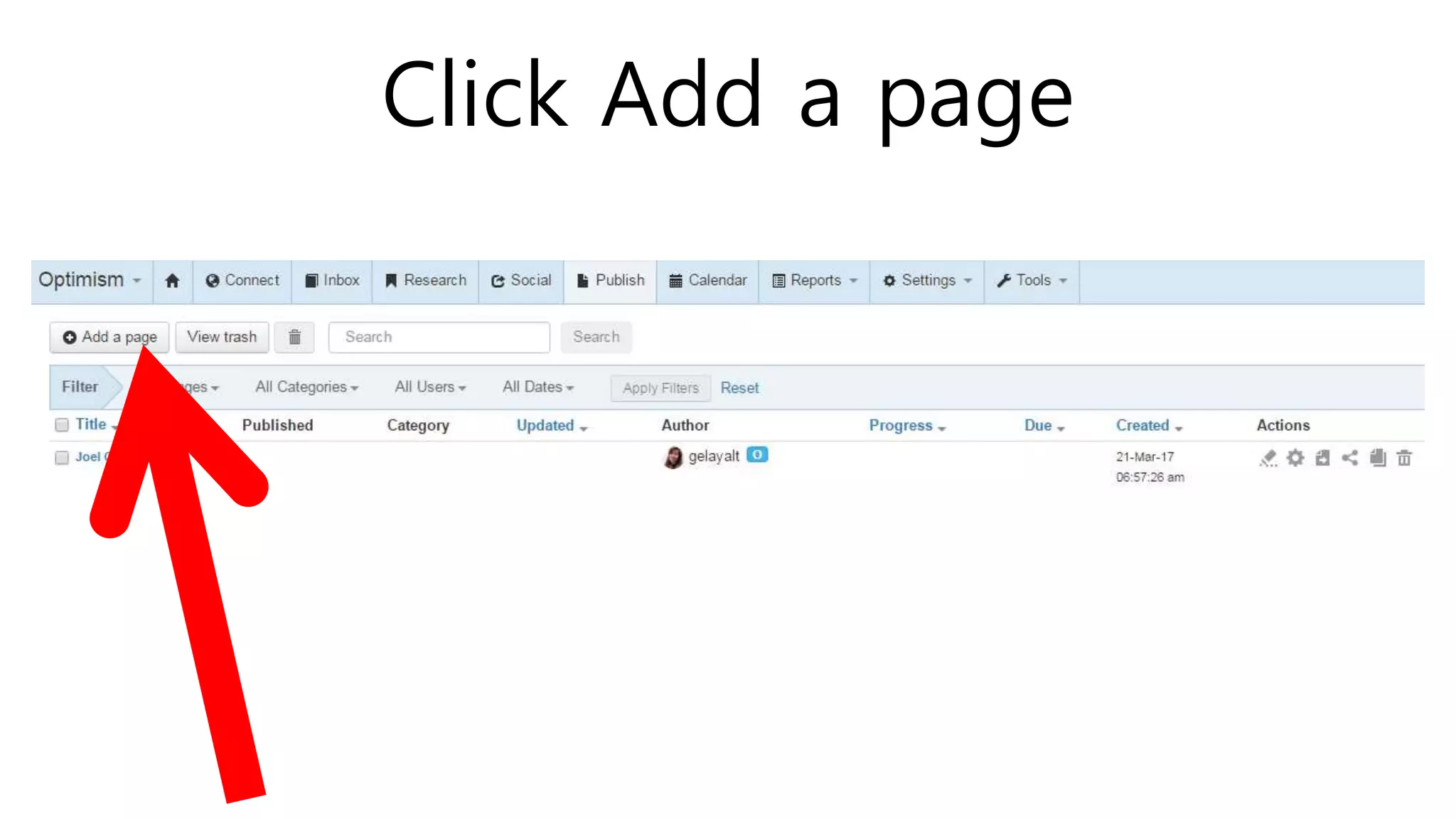
Click Add a page
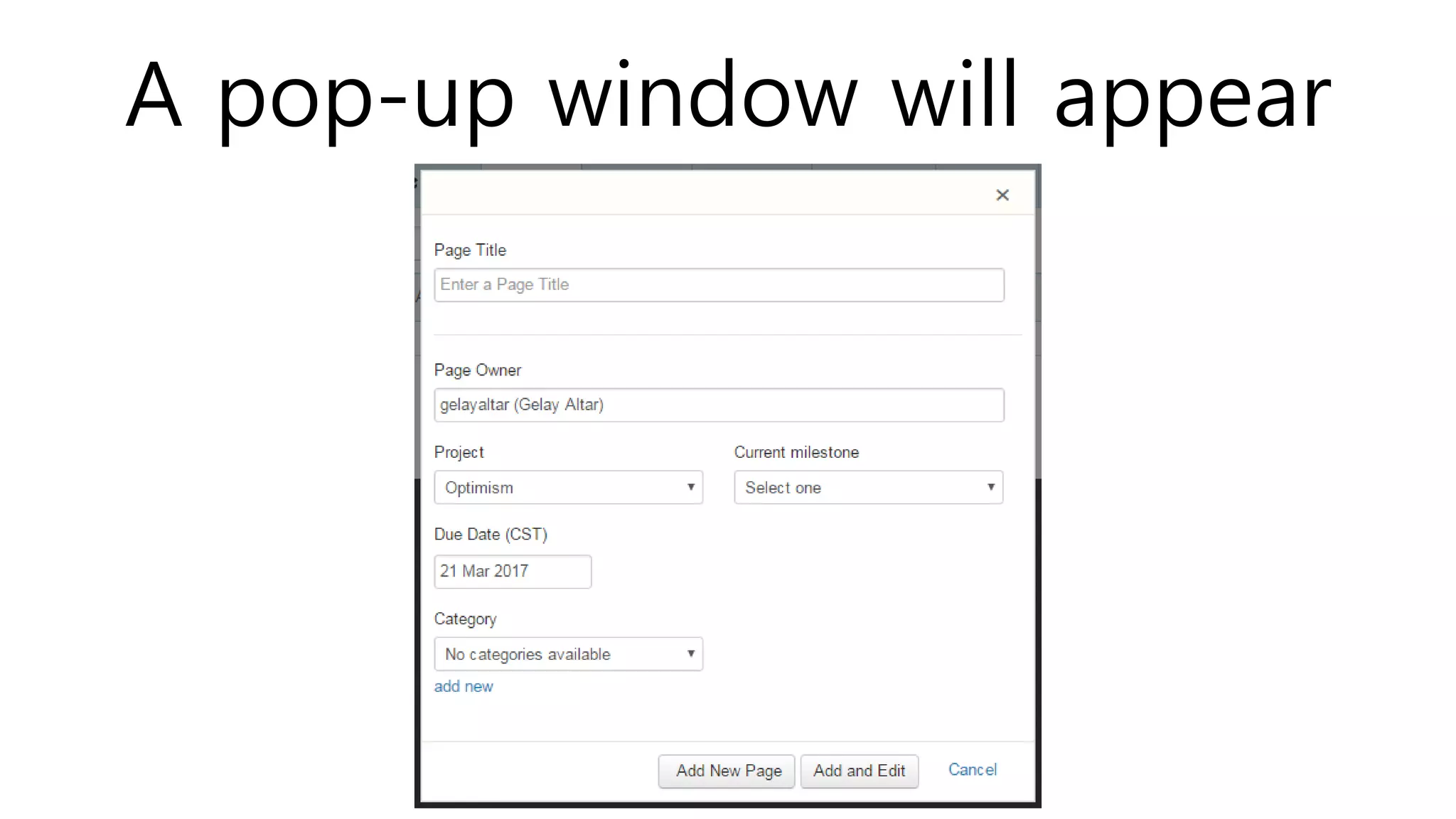
A pop-up window will appear
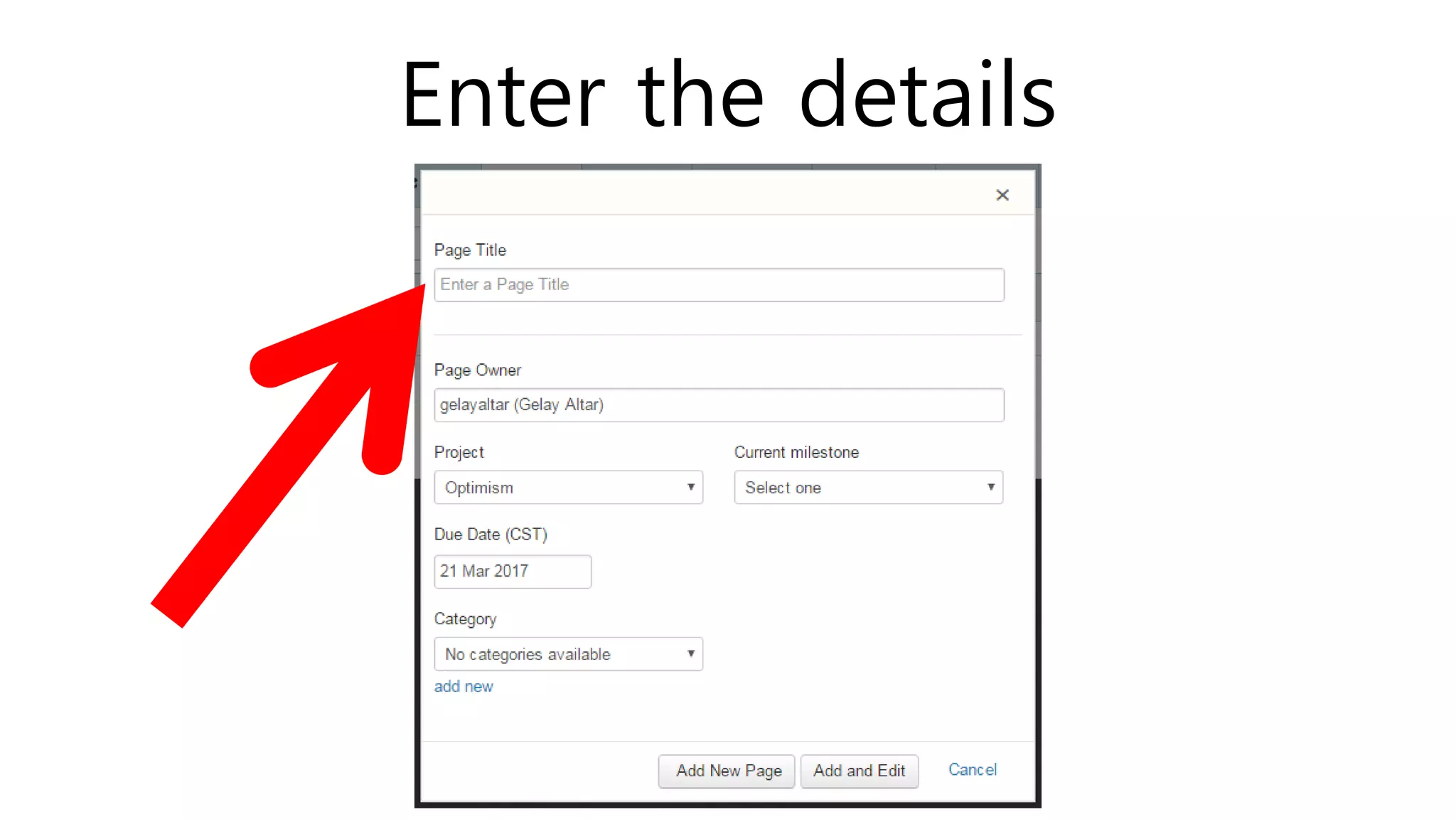
Enter the details
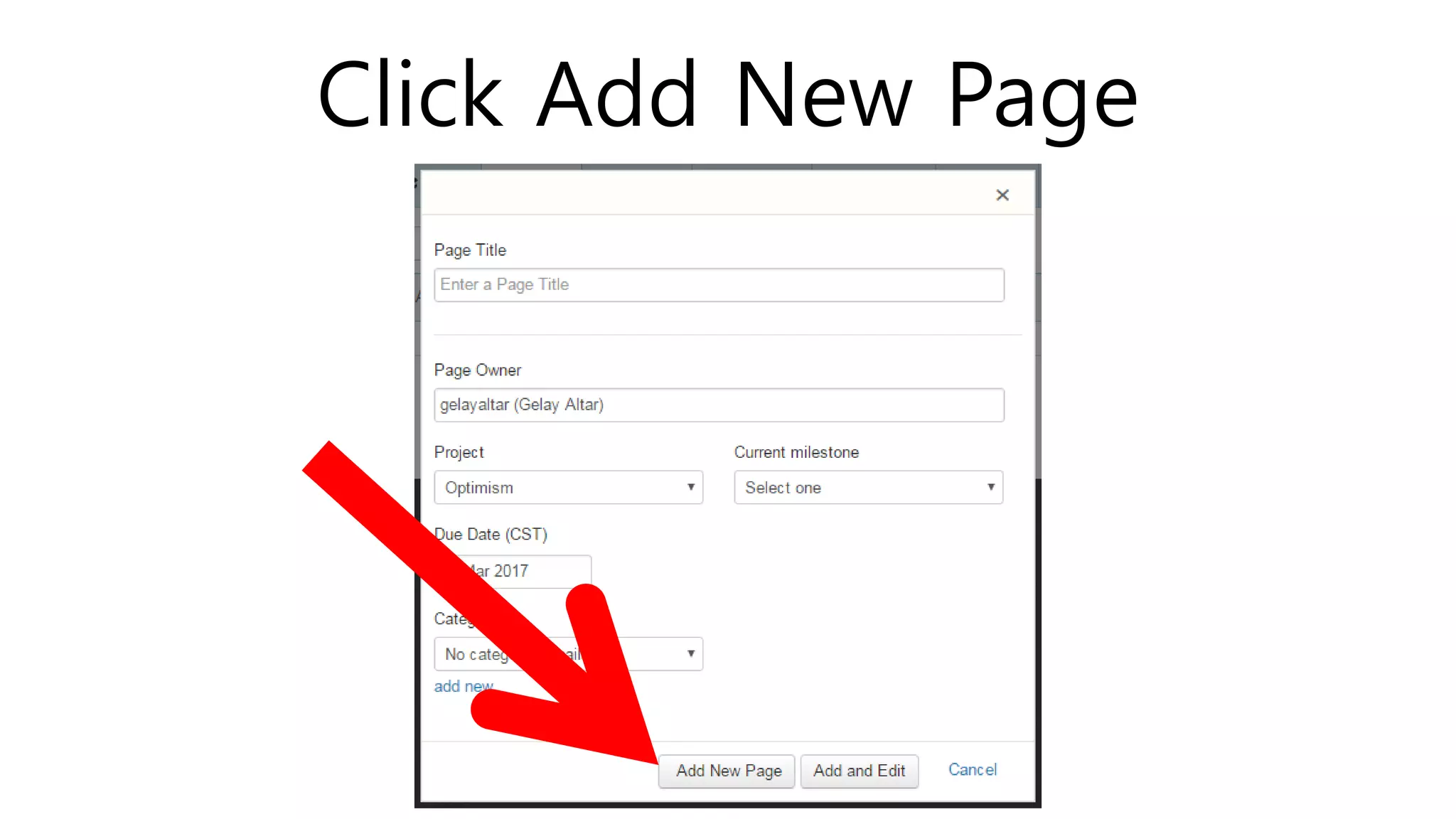
Click Add New Page
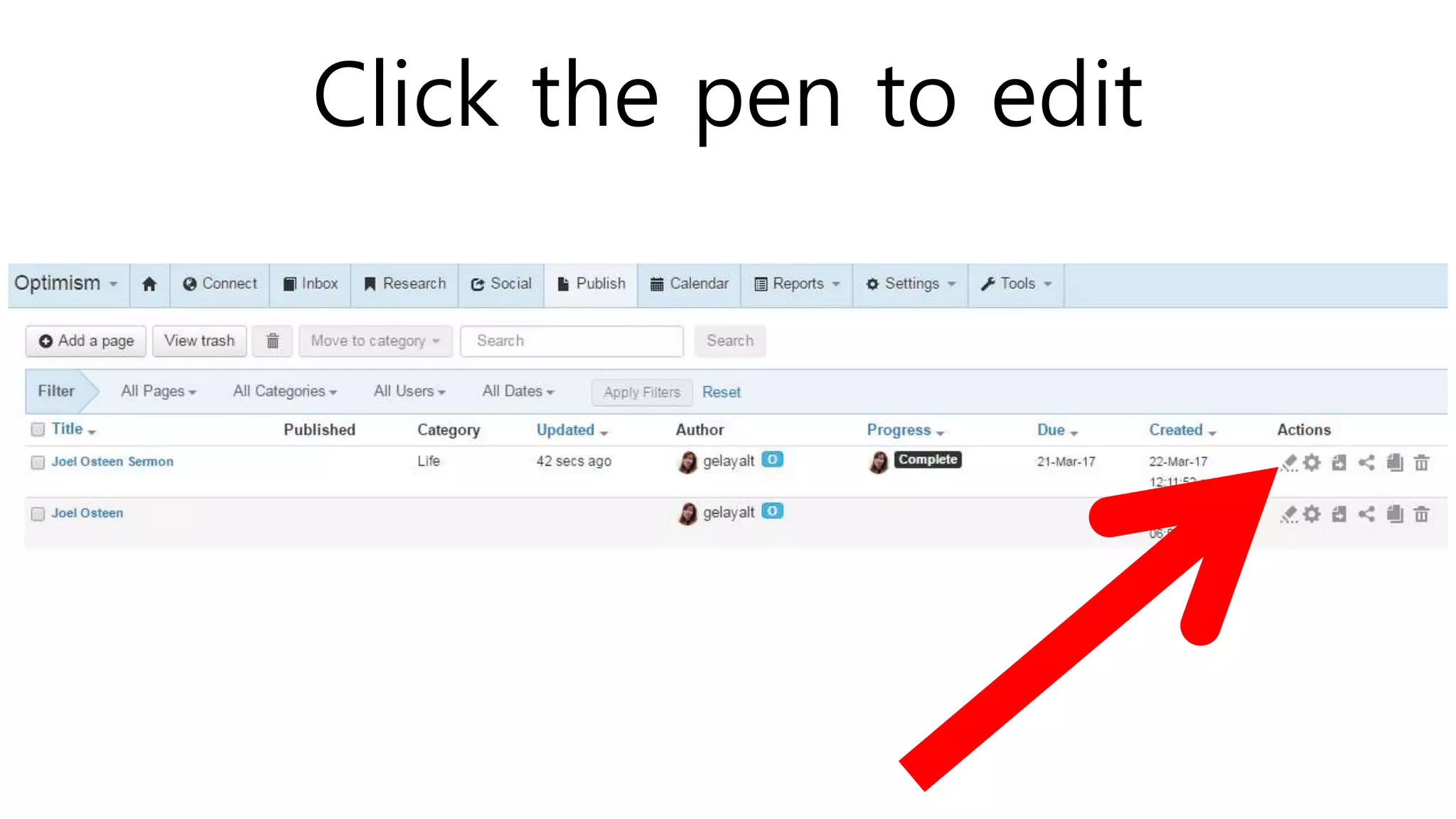
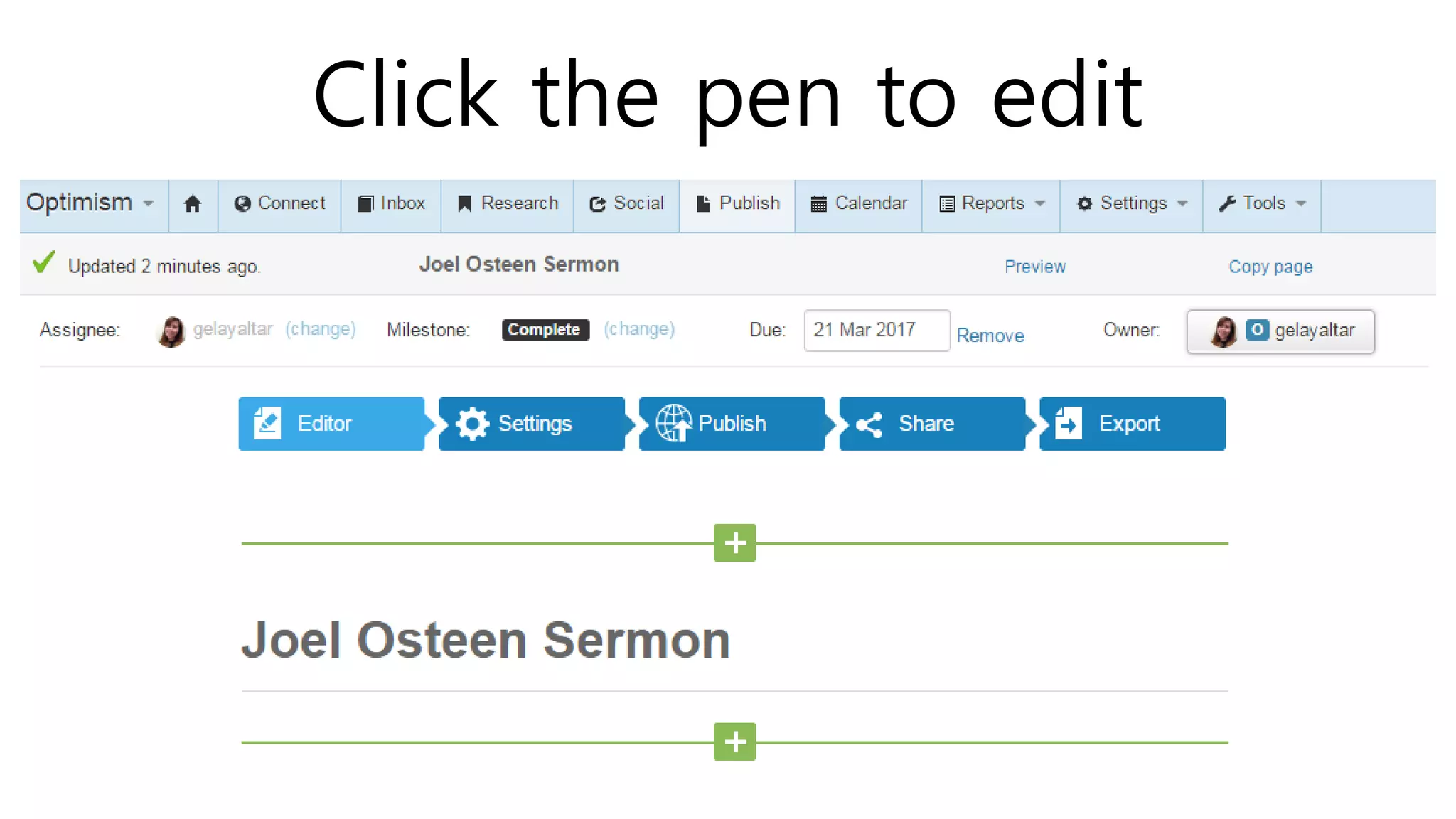
Click the pen to edit
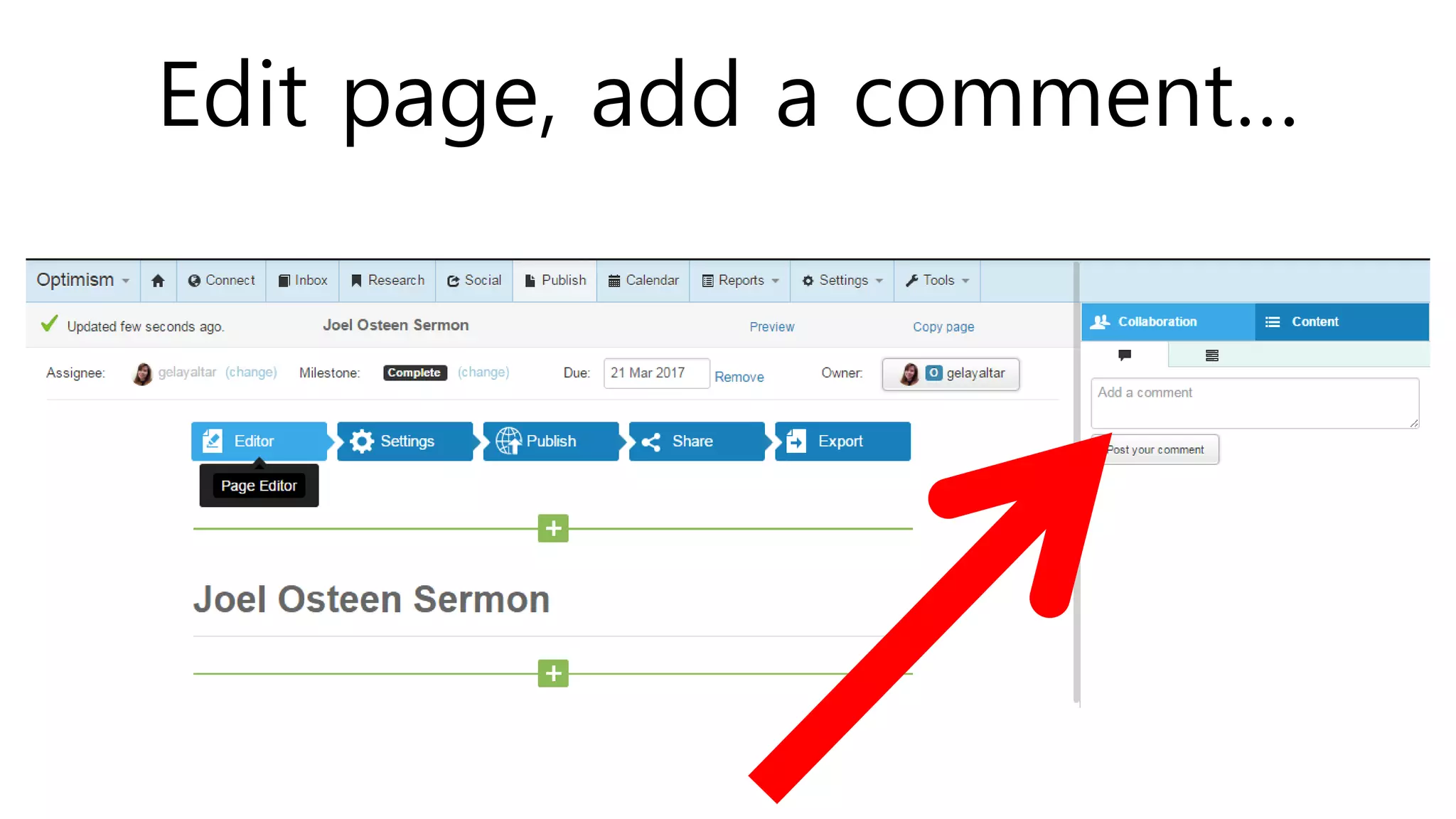
Edit page, add a comment…
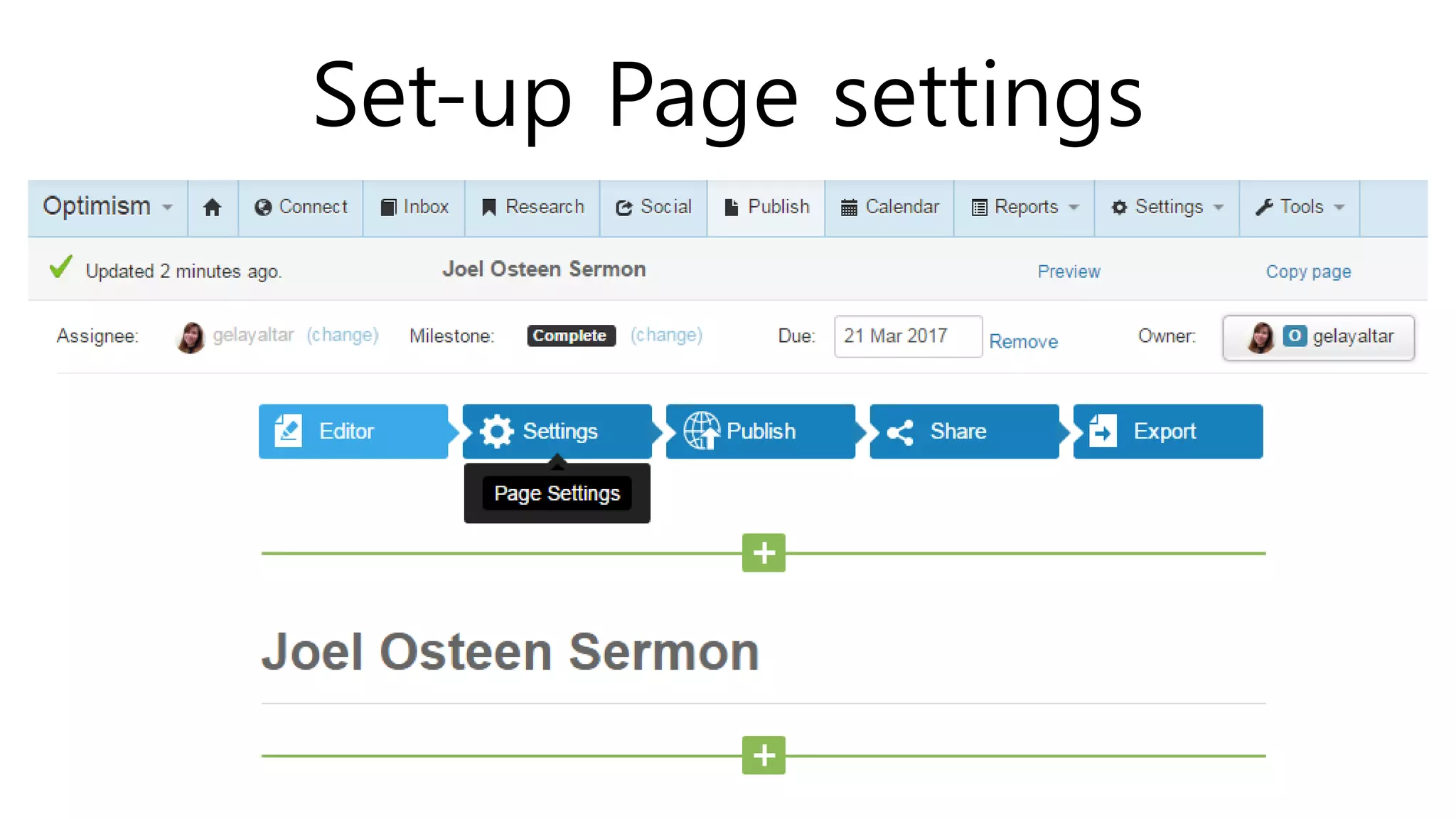
Set-up Page settings
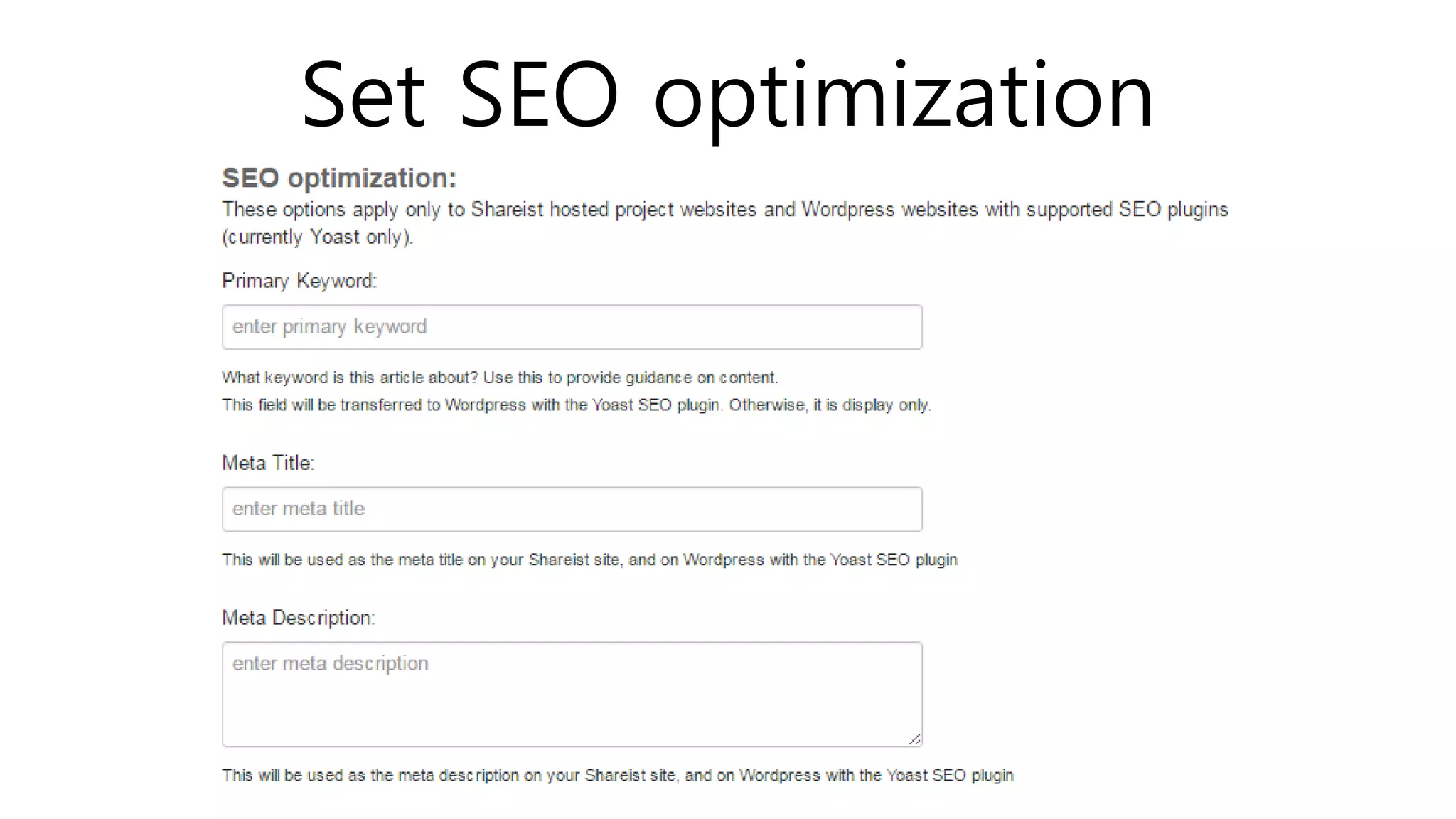
Set SEO optimization
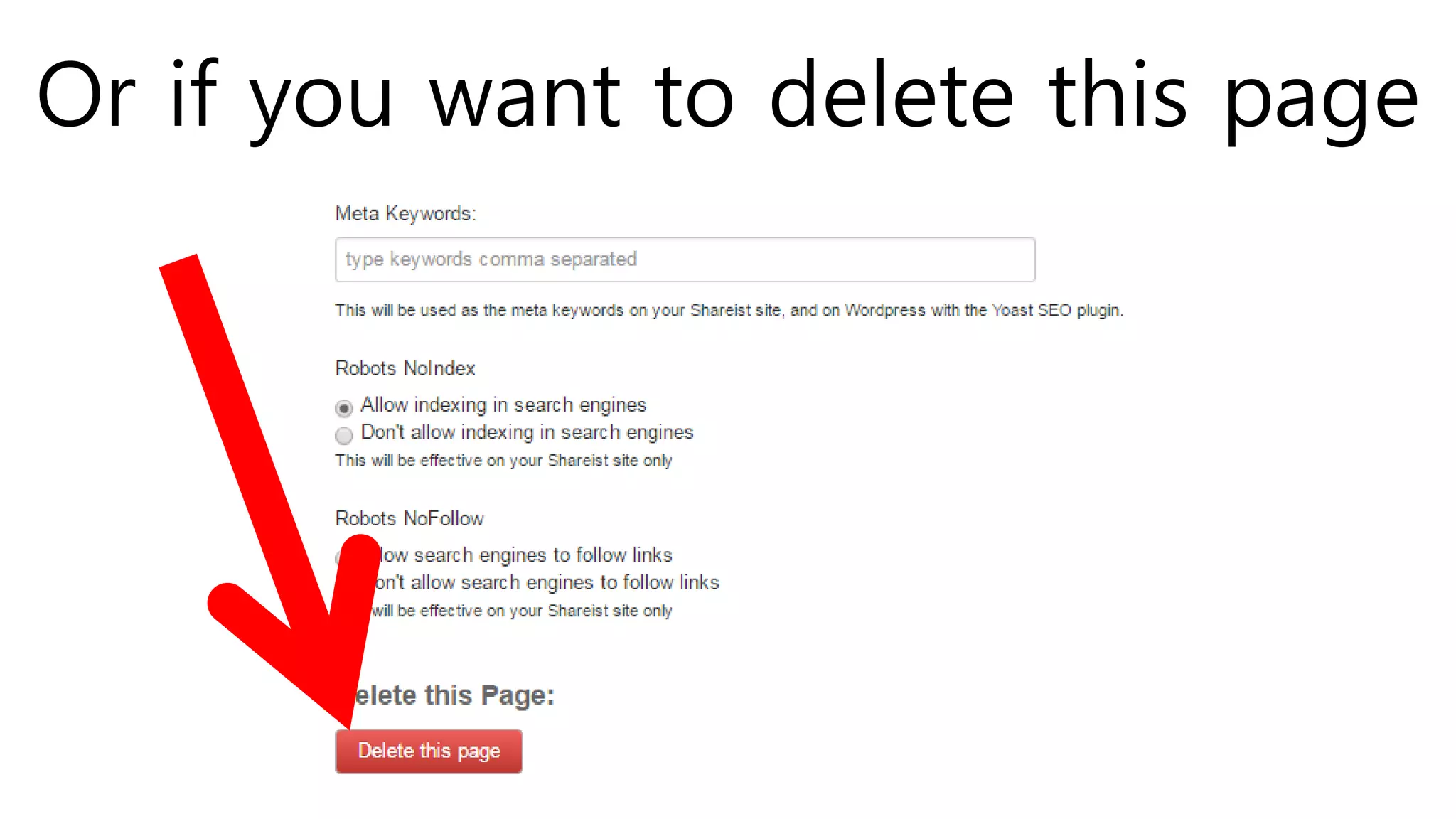
Or if you want to delete this page
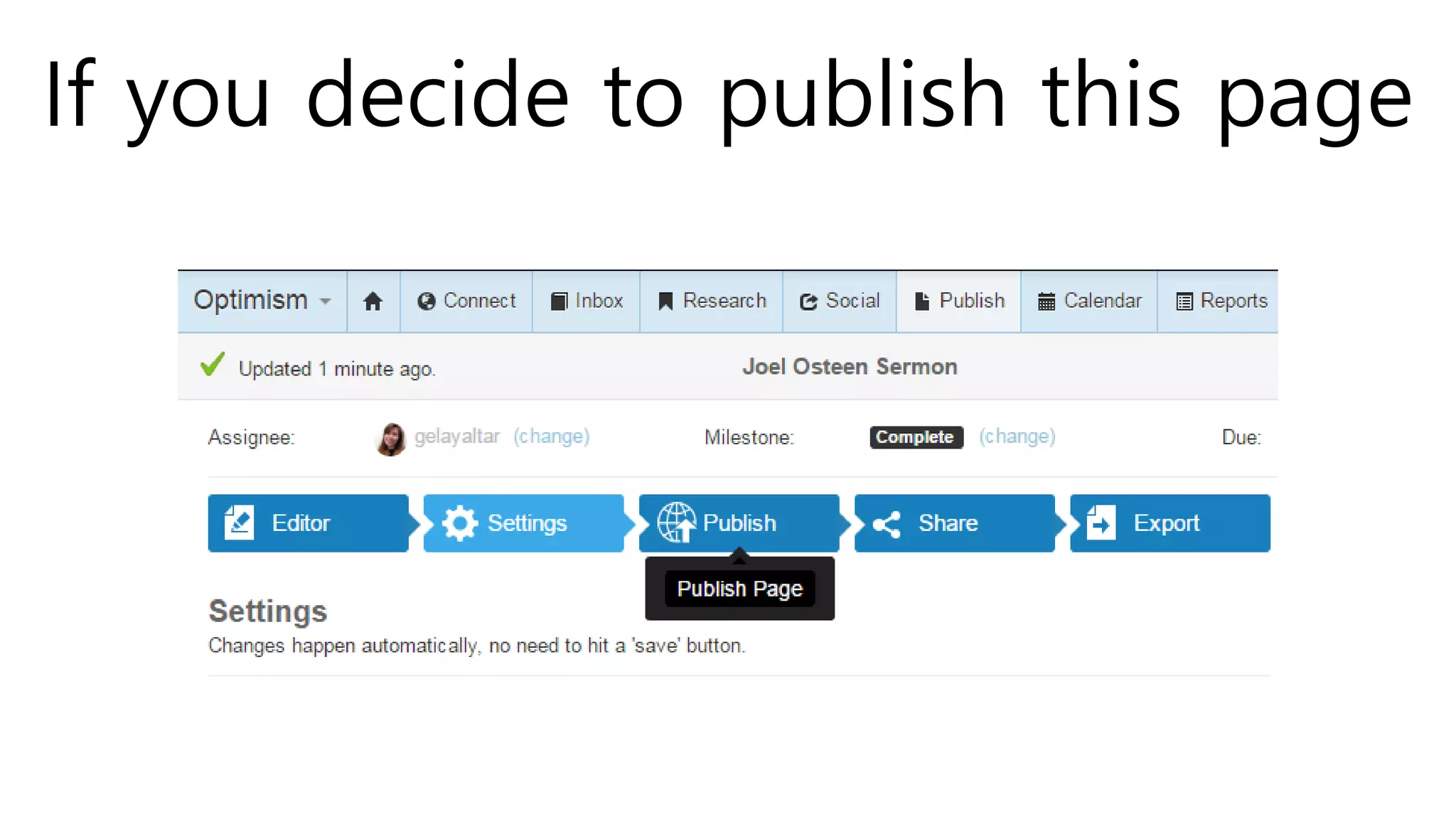
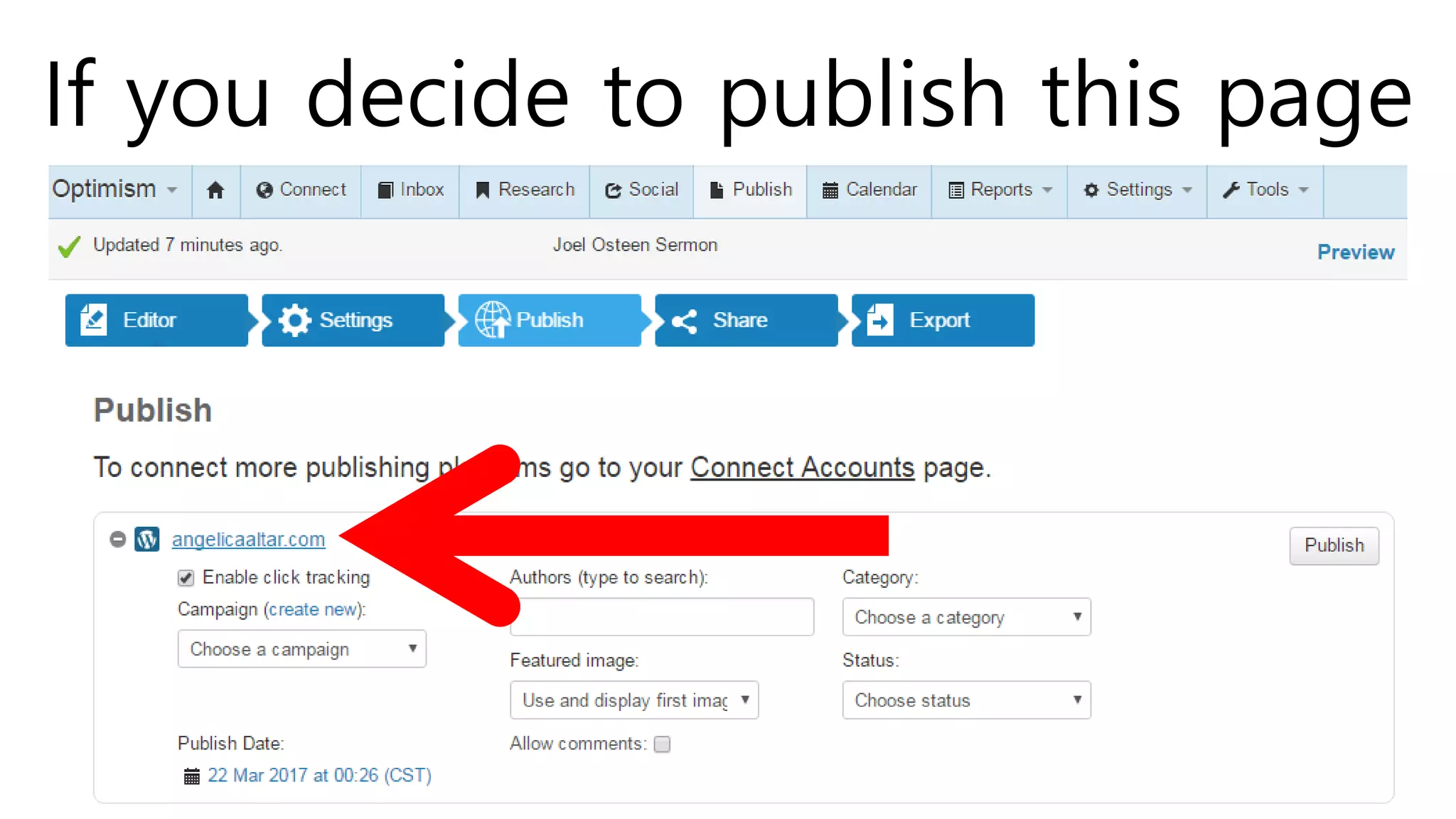
If you decide to publish this page
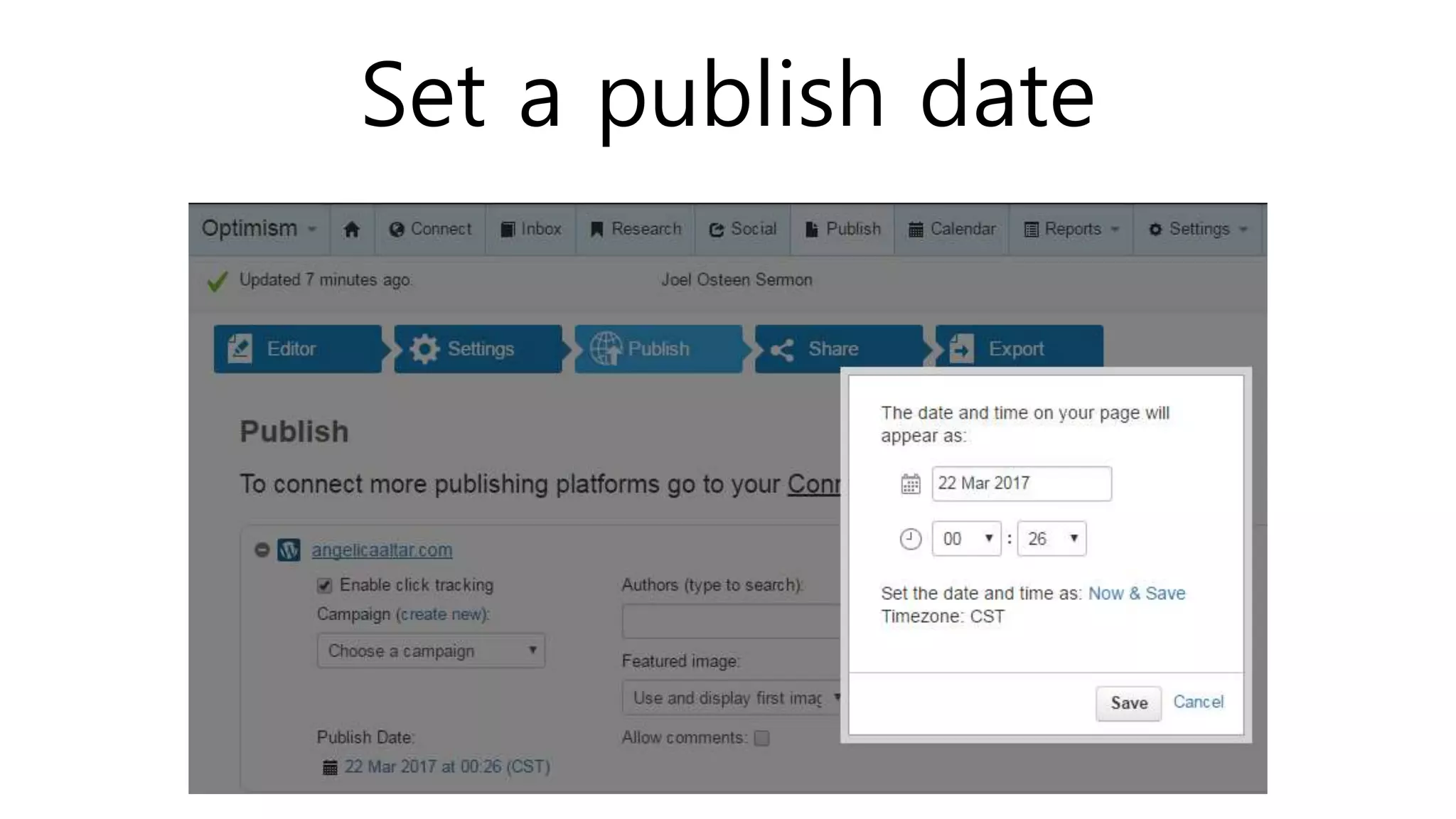
Set a publish date
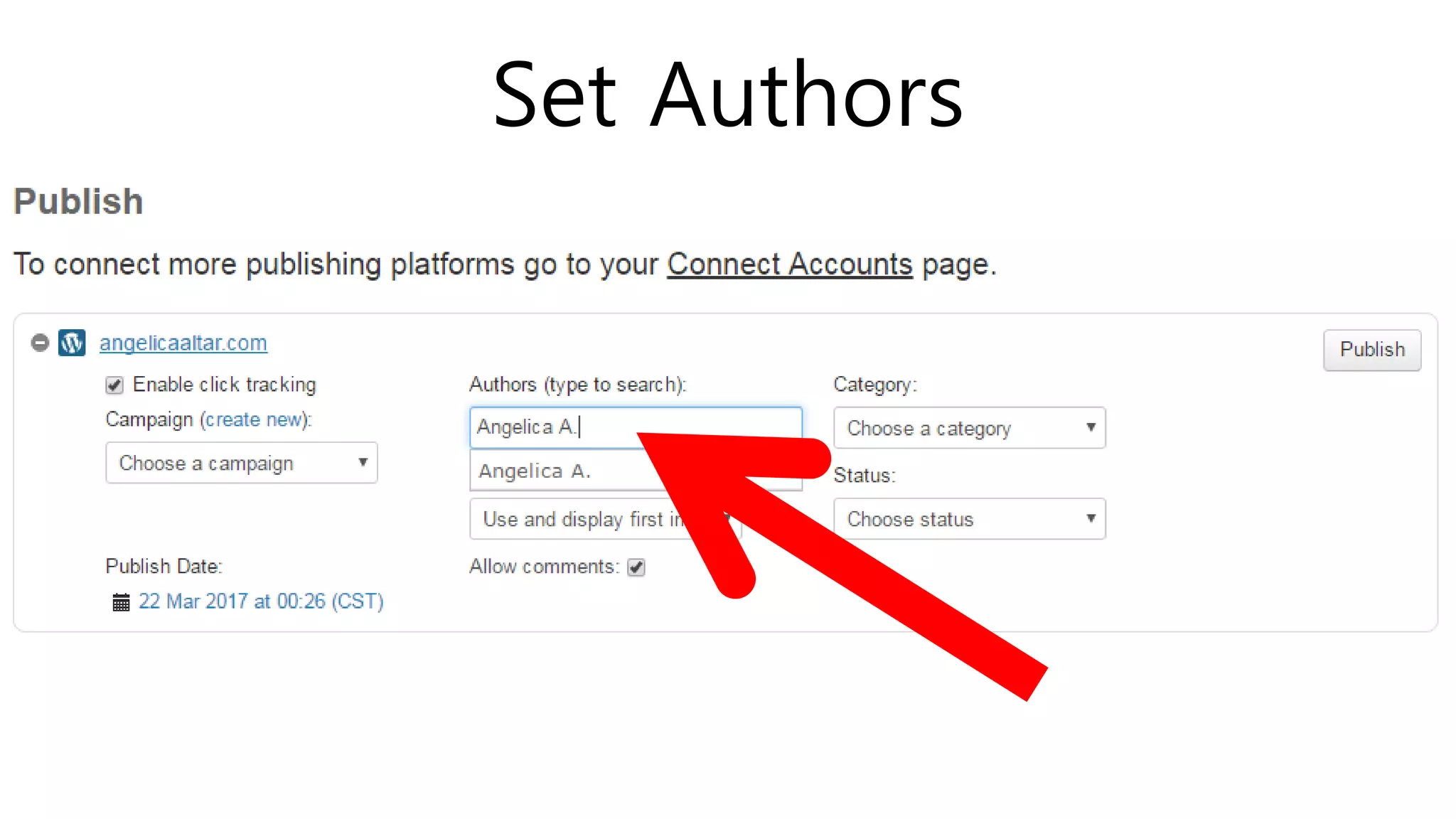
Set Authors
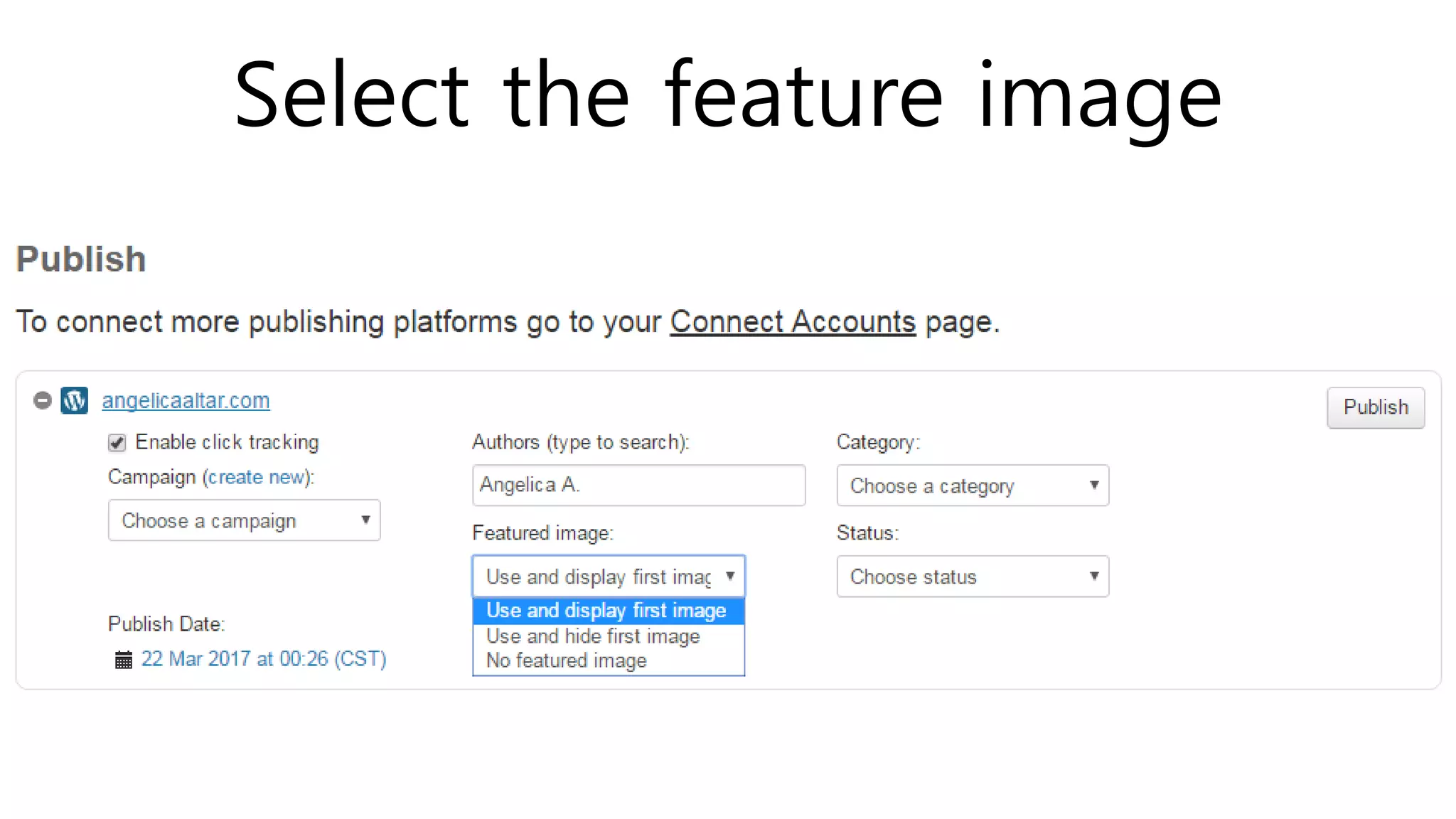
Select the feature image
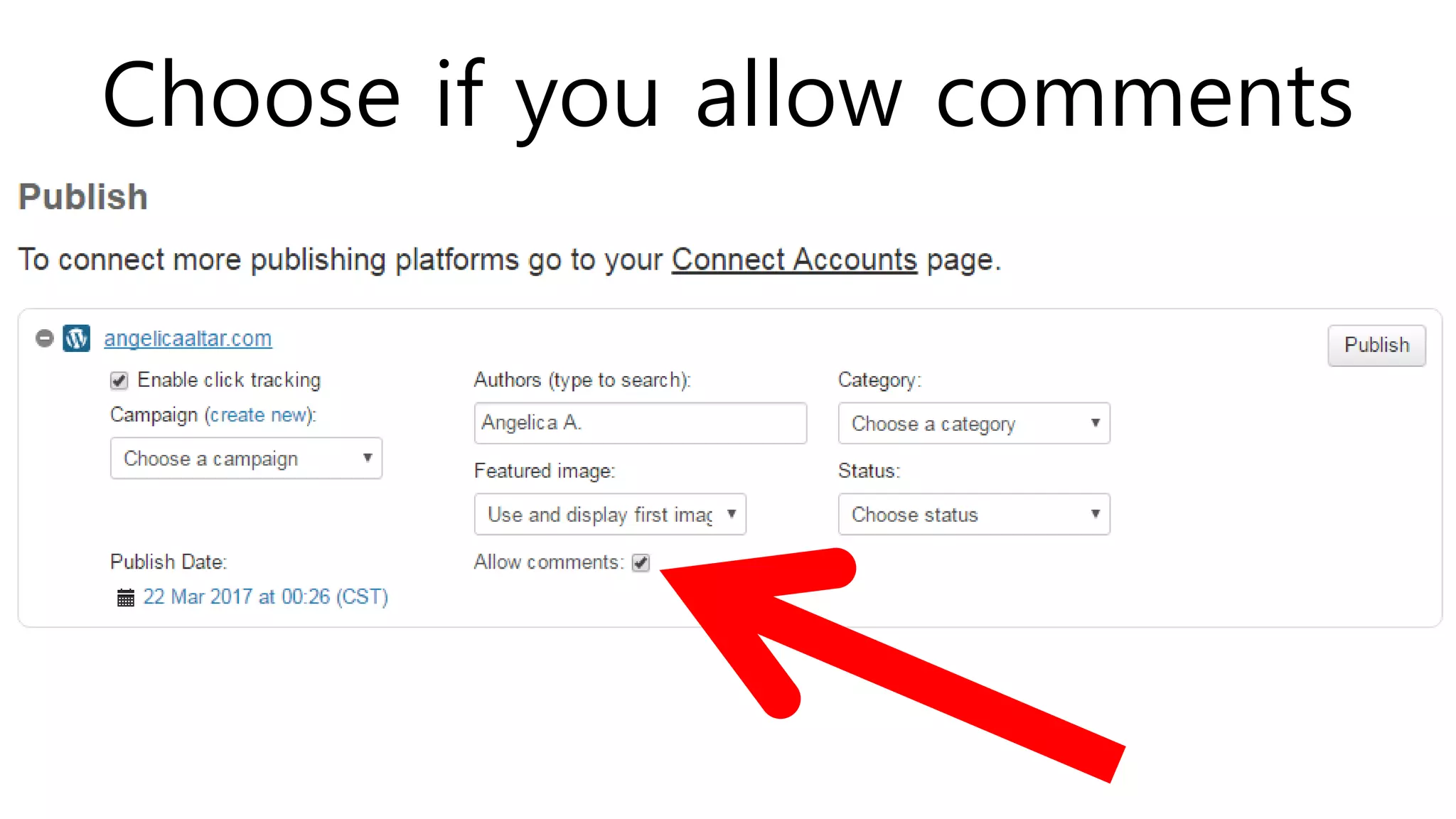
Choose if you allow comments
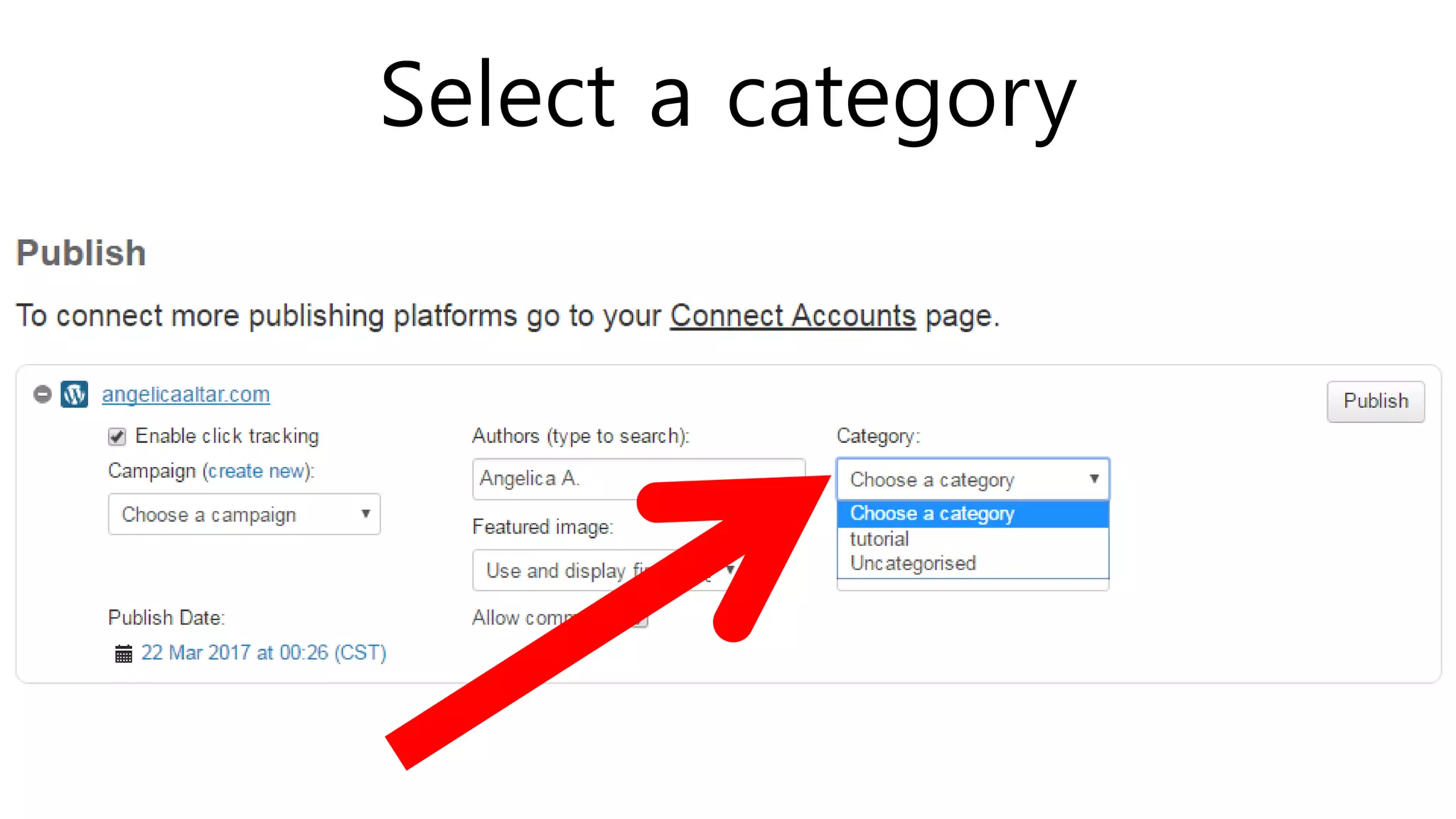
Select a category
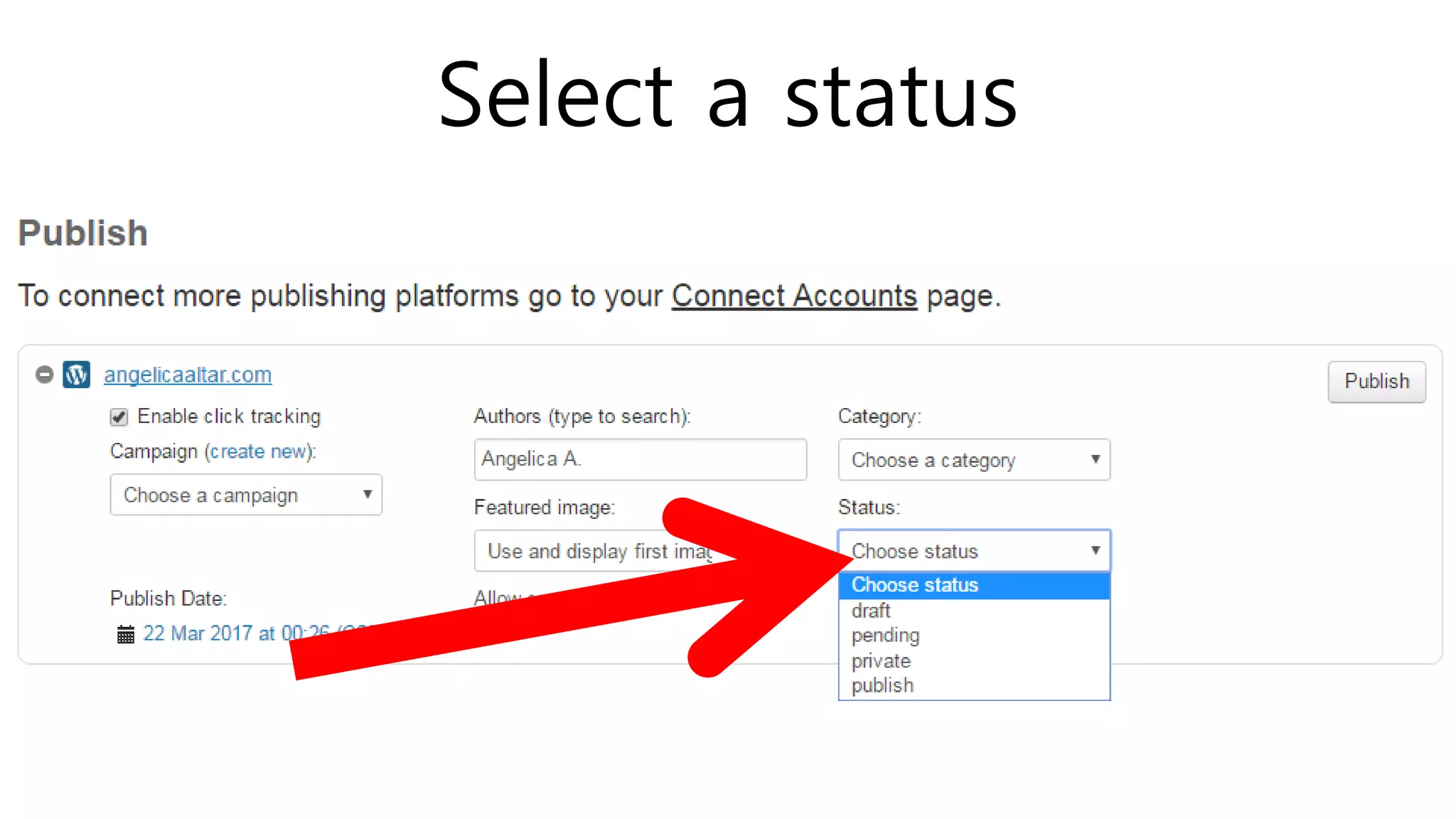
Select a status
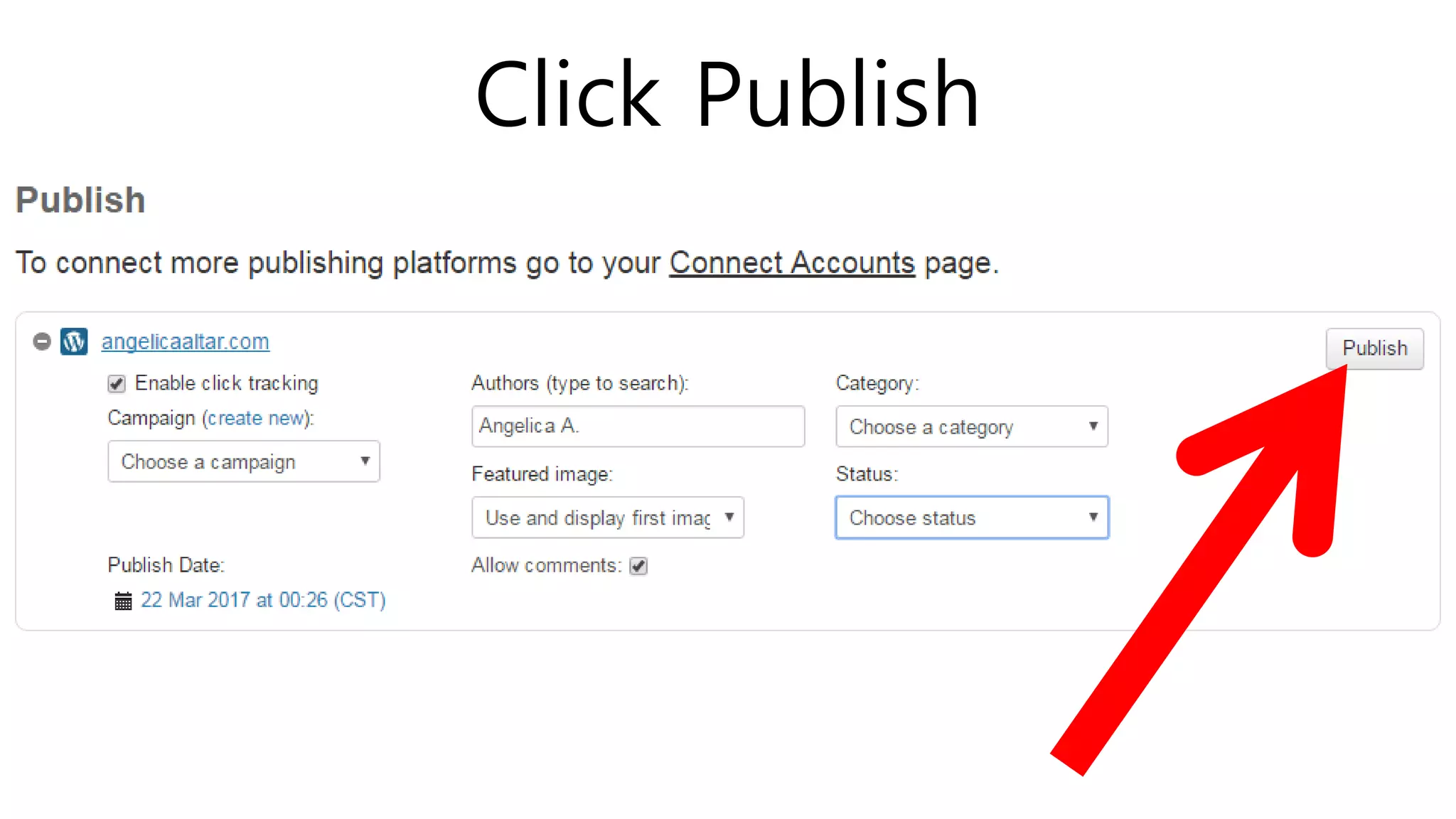
Click Publish
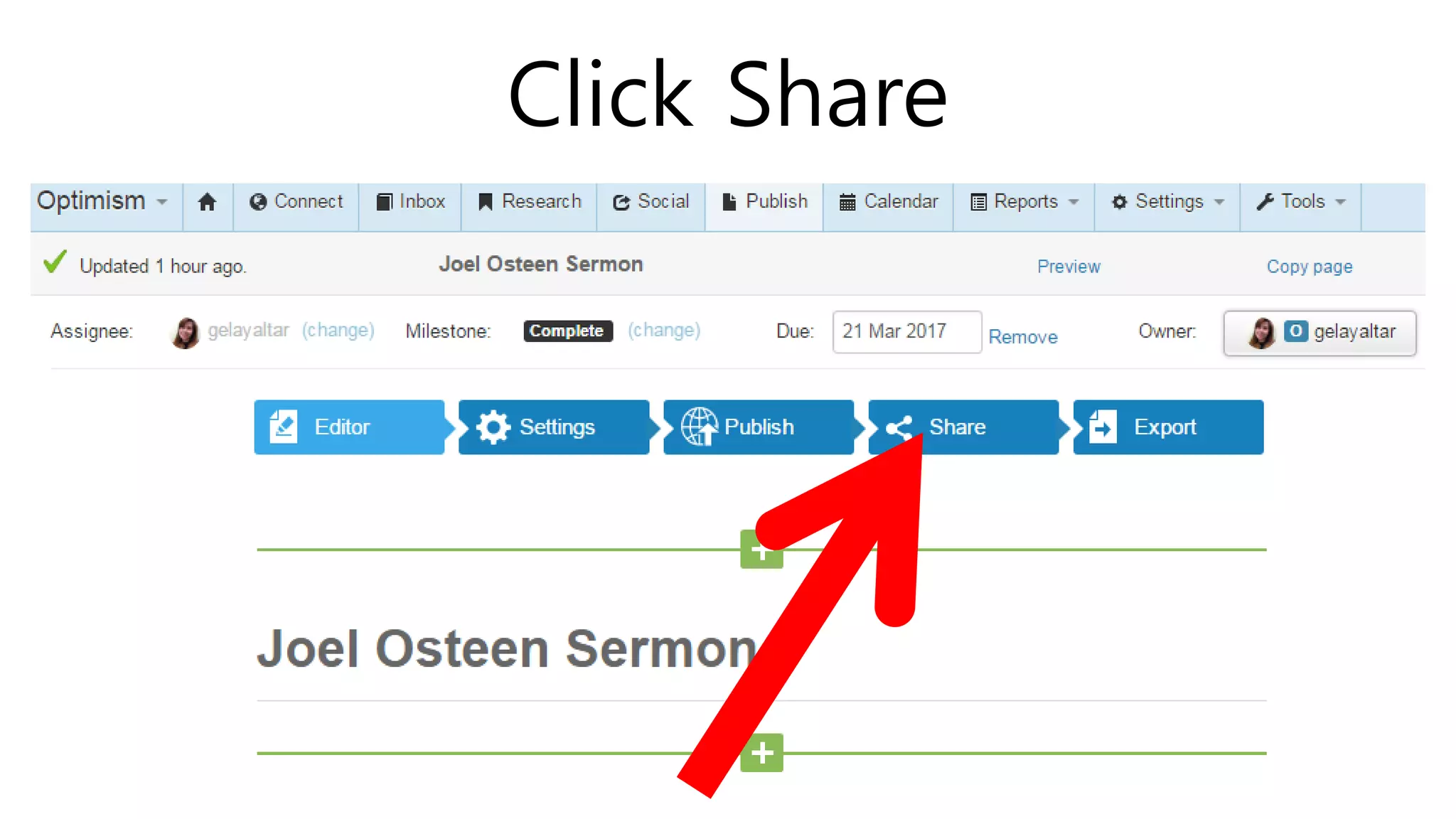
Click Share
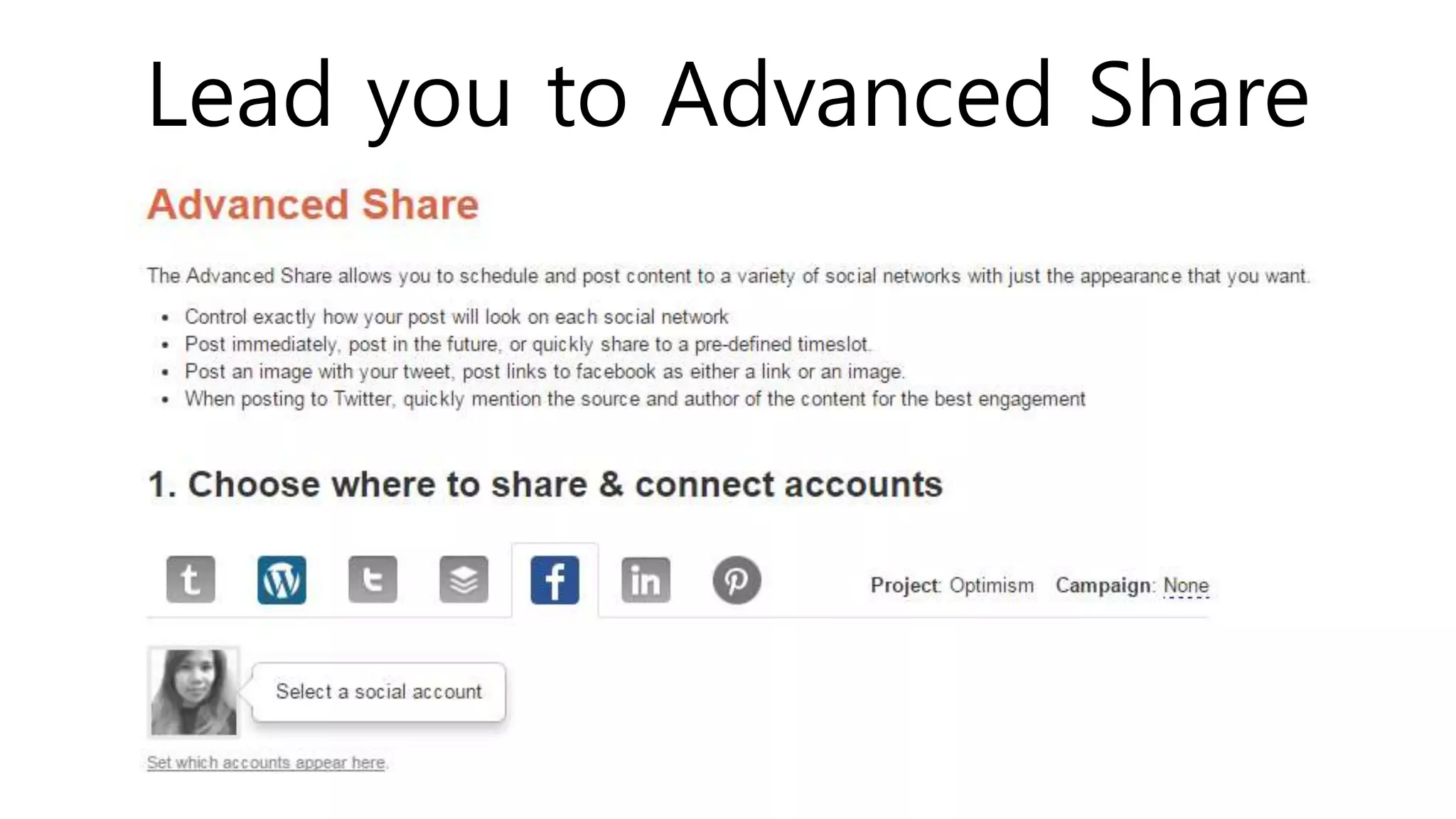
Lead you to Advanced Share
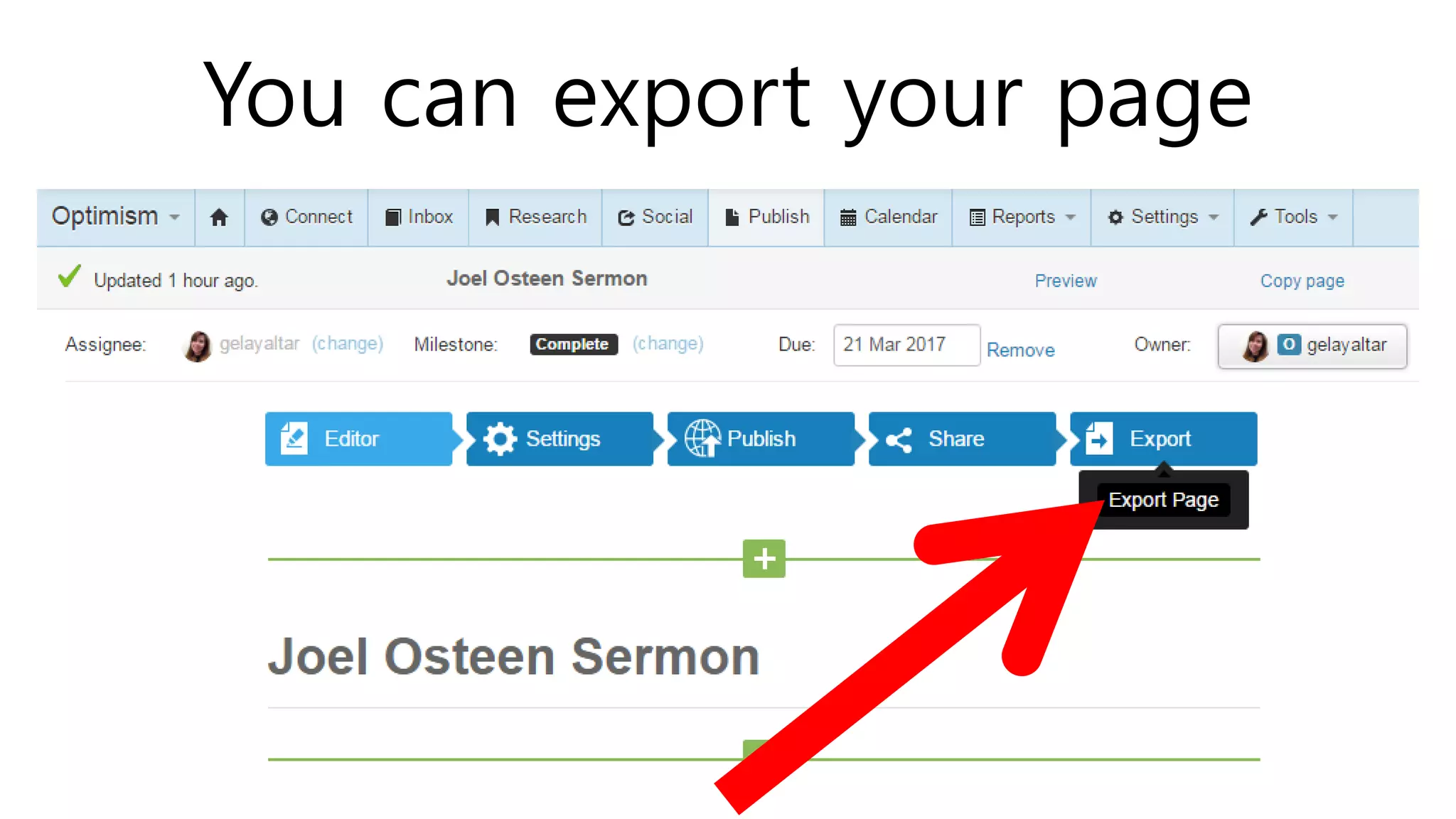
You can export your page
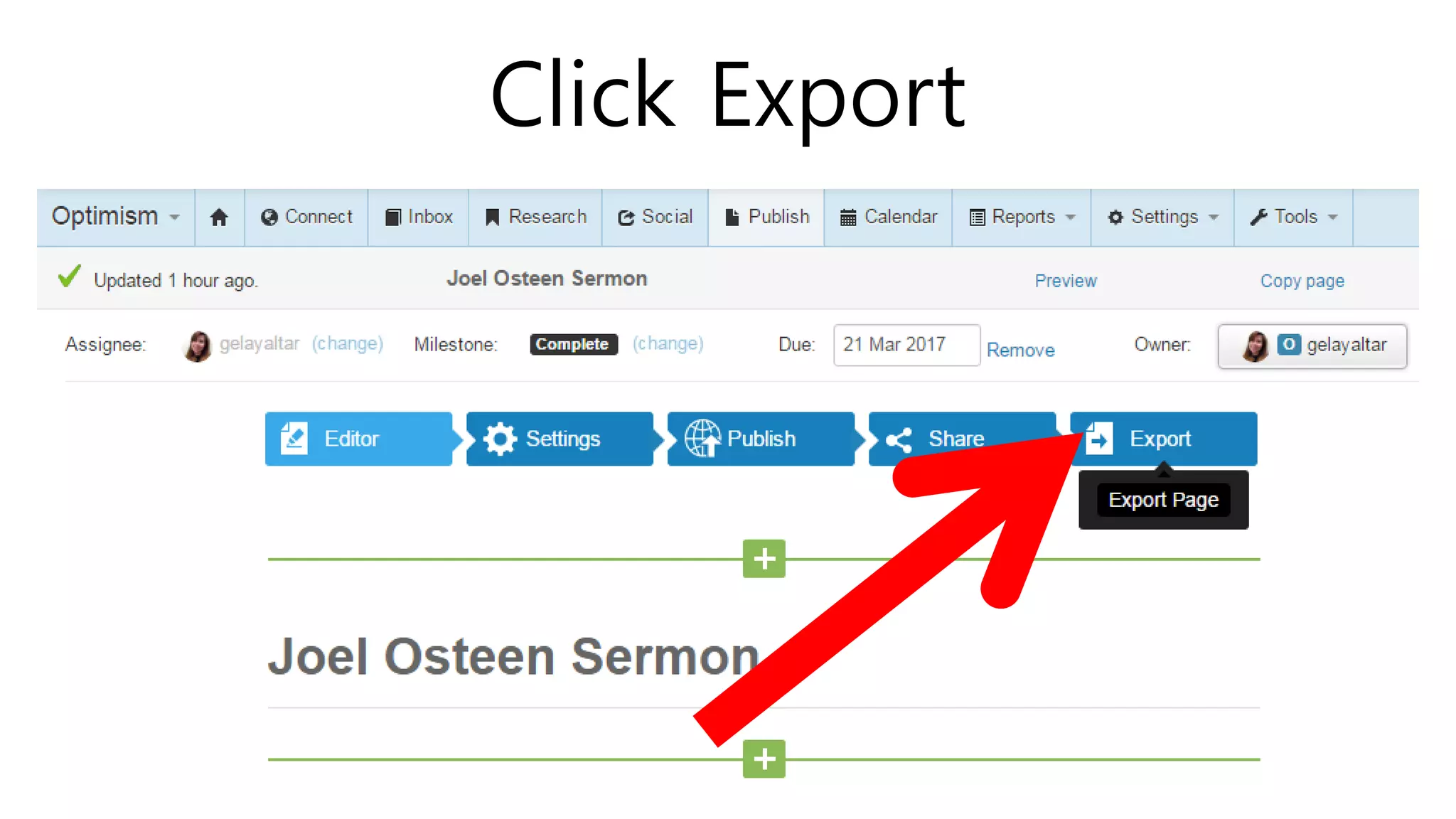
Click Export
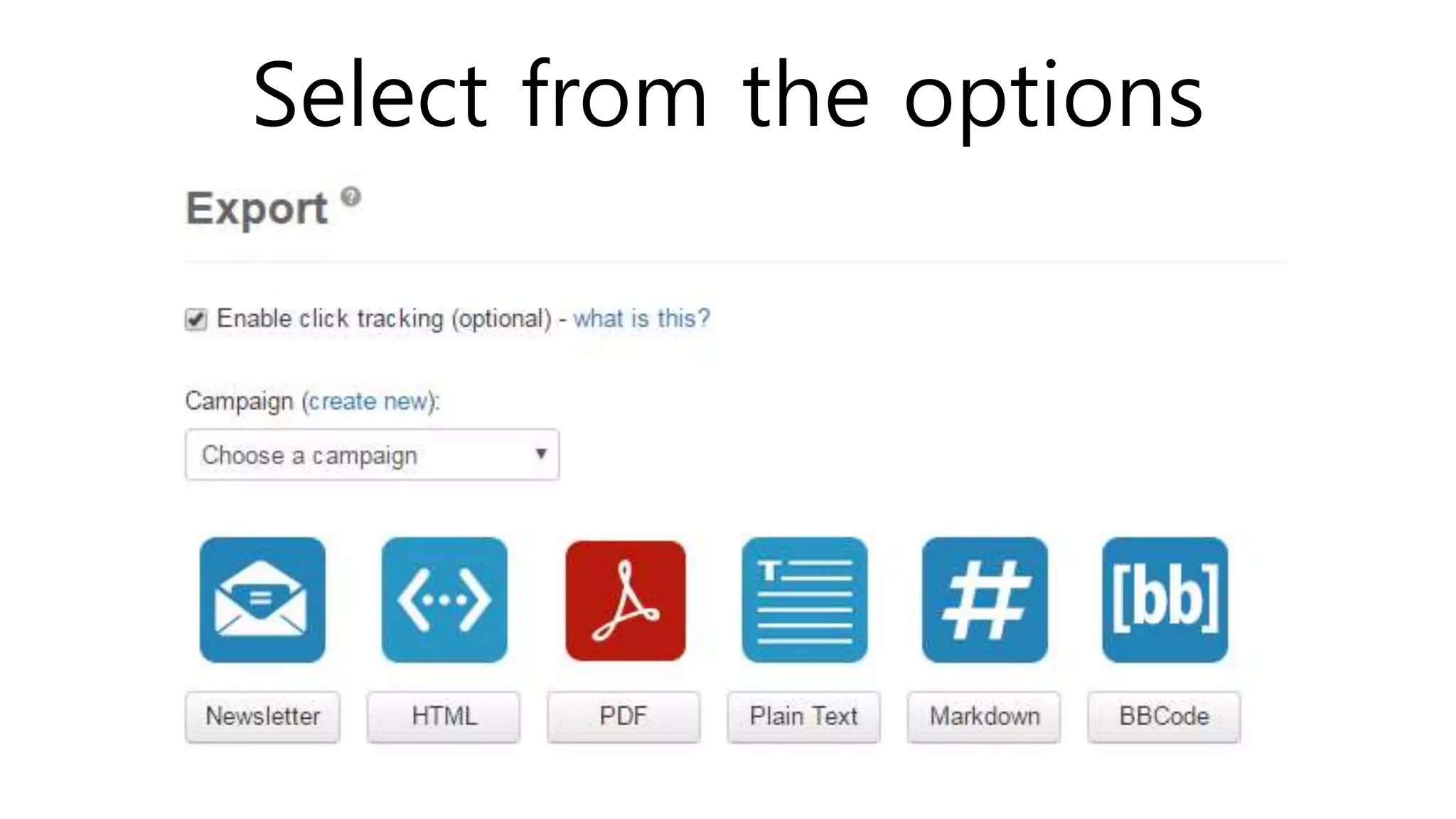
Select from the options
Shareist provide a quick and easy
way to share content across a
variety of social networks.
Once in the Inbox, content can be
directly posted to your blog.
Shareist contains a ton of features
that I have not yet explored,
like tools for tracking and
assessing Affiliate Marketing
campaigns.
Those will be the topic of the next
presentation.
Visit www.angelicaaltar.com
to learn more about this or you
can send an email at
acescode121283@gmail.com
March 2017angelicaaltar.com

Learn to work in a giant workspace of shareist