Laravel Forge: 
From Hello World to Hello Production
Step One: Hello World 
Step Two: CI, CD, OMG 
Step Three: ???? 
Step Four: Hello 
Production
Step One: Hello World
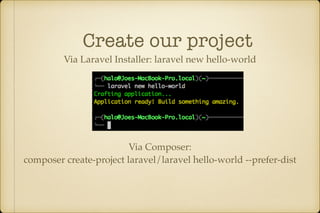
Create our project 
Via Laravel Installer: laravel new hello-world 
Via Composer: 
composer create-project laravel/laravel hello-world --prefer-dist
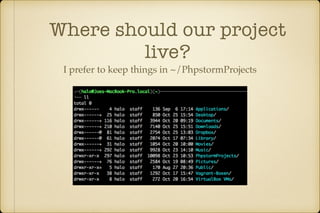
Where should our project 
live? 
I prefer to keep things in ~/PhpstormProjects
MAMP, LAMP, WAMP, 
WAT? 
Mac/Linux/Windows Apache MySQL PHP 
These are all great tools
Is your server running 
MAMP?
Why not develop ON 
the server?
Do not develop ON 
the server
Develop in the same 
environment
Servers are expensive
Virtual Machines are 
cheap
Our Use Case: 
Duplicate our server environment 
in a local virtual machine
Installing an OS takes time
Vagrant!
Vagrant allows you to: 
• Create a server 
• Configure a server 
• Delete a server 
…over and over and over..
Which Vagrant?
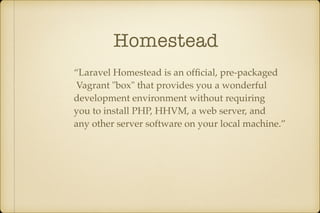
Homestead 
“Laravel Homestead is an official, pre-packaged 
Vagrant "box" that provides you a wonderful 
development environment without requiring 
you to install PHP, HHVM, a web server, and 
any other server software on your local machine.”
But I need…
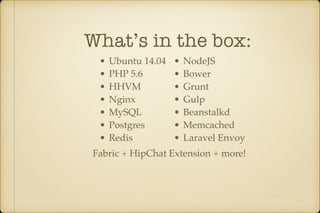
What’s in the box: 
• Ubuntu 14.04 
• PHP 5.6 
• HHVM 
• Nginx 
• MySQL 
• Postgres 
• Redis 
• NodeJS 
• Bower 
• Grunt 
• Gulp 
• Beanstalkd 
• Memcached 
• Laravel Envoy 
Fabric + HipChat Extension + more!
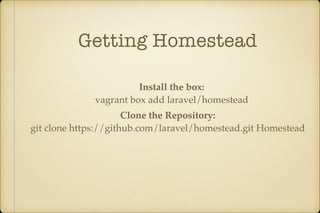
Getting Homestead 
Install the box: 
vagrant box add laravel/homestead 
Clone the Repository: 
git clone https://github.com/laravel/homestead.git Homestead
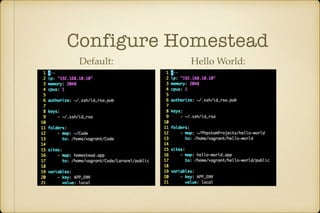
Configure Homestead 
Default: Hello World:
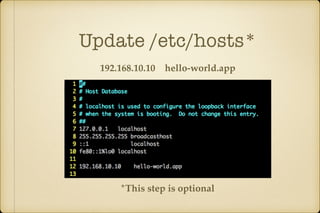
Update /etc/hosts* 
192.168.10.10 hello-world.app 
*This step is optional
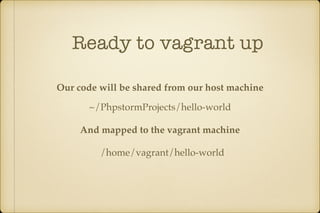
Ready to vagrant up 
Our code will be shared from our host machine 
~/PhpstormProjects/hello-world 
And mapped to the vagrant machine 
/home/vagrant/hello-world
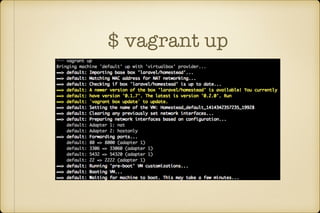
$ vagrant up
What now?
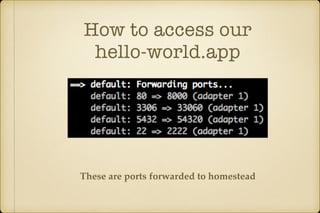
How to access our 
hello-world.app 
These are ports forwarded to homestead
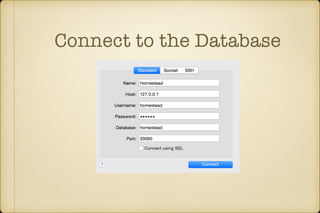
Connect to the Database
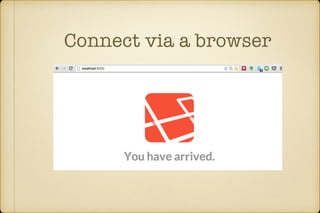
Connect via a browser
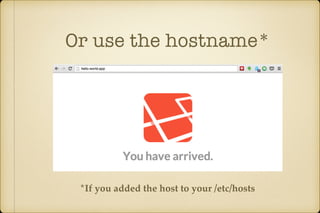
Or use the hostname* 
*If you added the host to your /etc/hosts
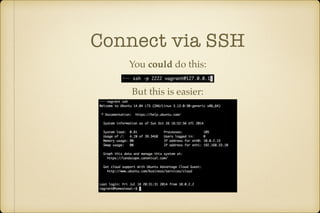
Connect via SSH 
You could do this: 
But this is easier:
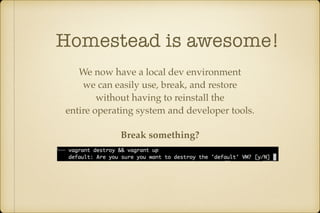
Homestead is awesome! 
We now have a local dev environment 
we can easily use, break, and restore 
without having to reinstall the 
entire operating system and developer tools. 
Break something?
Staking your own 
Homestead 
I like to customize homestead 
AND 
make sure I can easily update from upstream
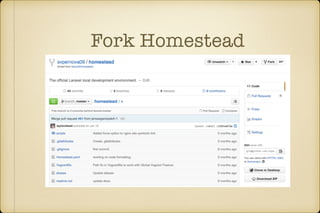
Fork Homestead
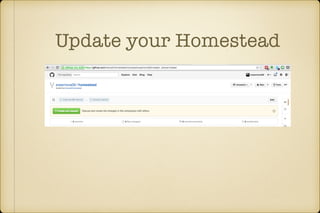
Update your Homestead
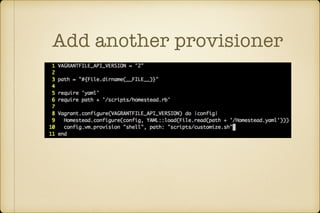
Add another provisioner
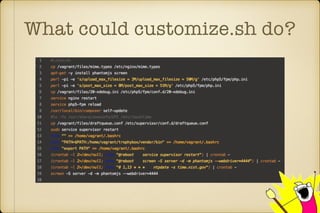
What could customize.sh do?
You may not need 
customize.sh 
It is important to have a way to easily 
reproduce your development environment 
so that those one off changes you make 
are documented and two months down the 
road you don’t destroy & up your environment 
to find out you have stuff missing
Step ??? 
Go make something great
Tests! 
You've written tests all along for your app right?
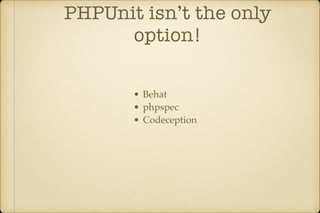
PHPUnit isn’t the only 
option! 
• Behat 
• phpspec 
• Codeception
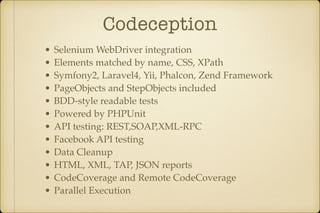
Codeception 
• Selenium WebDriver integration 
• Elements matched by name, CSS, XPath 
• Symfony2, Laravel4, Yii, Phalcon, Zend Framework 
• PageObjects and StepObjects included 
• BDD-style readable tests 
• Powered by PHPUnit 
• API testing: REST,SOAP,XML-RPC 
• Facebook API testing 
• Data Cleanup 
• HTML, XML, TAP, JSON reports 
• CodeCoverage and Remote CodeCoverage 
• Parallel Execution
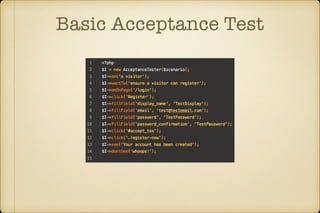
Basic Acceptance Test
Automate our Testing
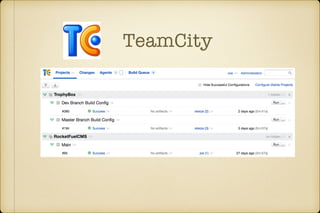
TeamCity
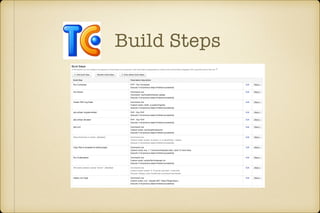
Build Steps
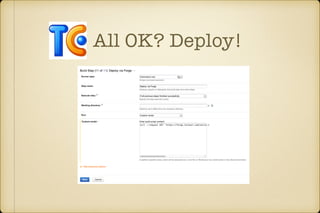
All OK? Deploy!
Step Four: 
Hello Production
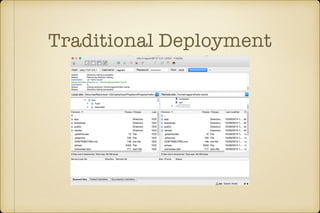
Traditional Deployment
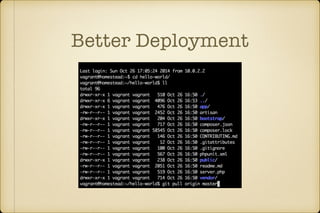
Better Deployment
But you still have to… 
• Update Dependencies 
• Run migrations 
• Update Assets
Continuous Delivery 
Production can be updated anytime
Continuous Delivery 
VS 
Continuous Deployment
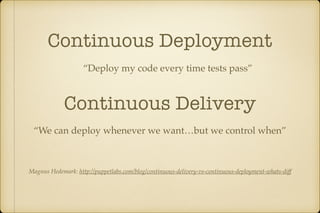
Continuous Deployment 
“Deploy my code every time tests pass” 
Continuous Delivery 
“We can deploy whenever we want…but we control when” 
Magnus Hedemark: http://puppetlabs.com/blog/continuous-delivery-vs-continuous-deployment-whats-diff
Laravel Forge 
“A simple way to deploy your laravel applications 
onto blazing fast servers”
Forge is Homestead 
and more in the cloud
Forge is not a server host
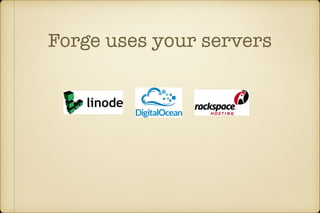
Forge uses your servers
Forge uses any* server 
*Any Internet accesible Ubuntu 14.04 x64 Server
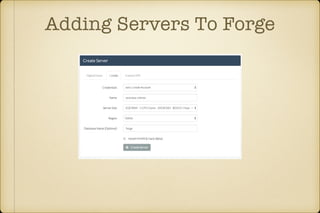
Adding Servers To Forge
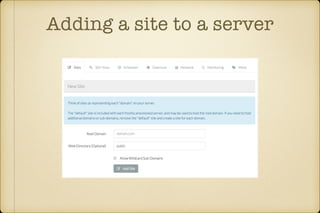
Adding a site to a server
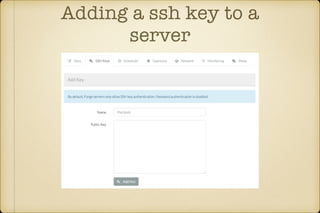
Adding a ssh key to a 
server
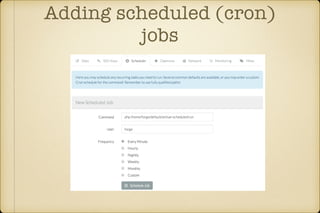
Adding scheduled (cron) 
jobs
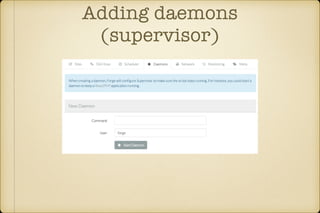
Adding daemons 
(supervisor)
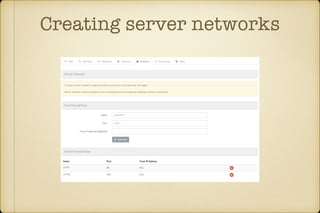
Creating server networks
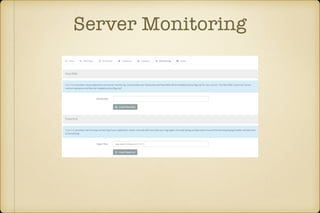
Server Monitoring
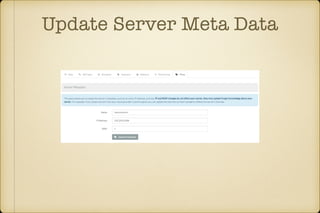
Update Server Meta Data
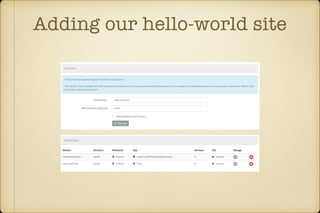
Adding our hello-world site
Forge can do more…
Add a WordPress Site
Ready to install
Removing WordPress 
Does NOT remove your WordPress Database!
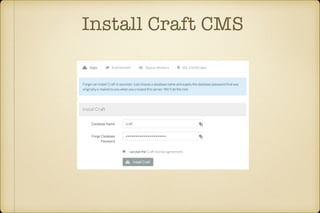
Install Craft CMS
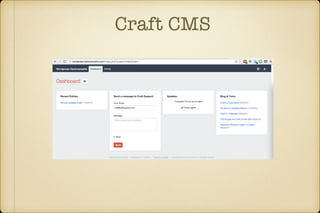
Craft CMS
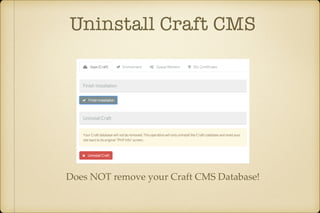
Uninstall Craft CMS 
Does NOT remove your Craft CMS Database!
Install our Git Repository
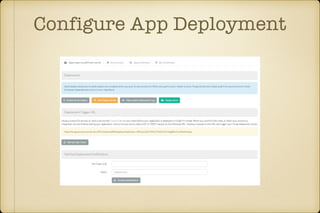
Configure App Deployment
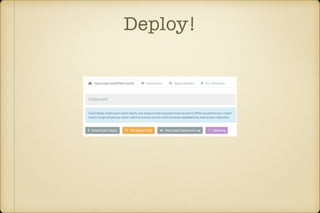
Deploy!
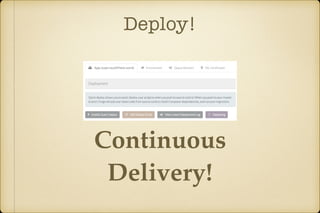
Deploy! 
Continuous 
Delivery!
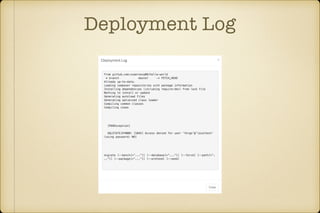
Deployment Log
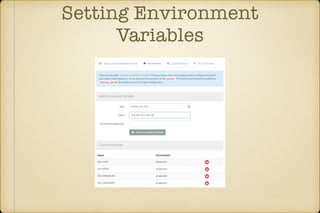
Setting Environment 
Variables
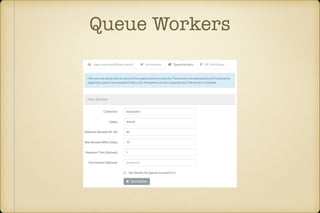
Queue Workers
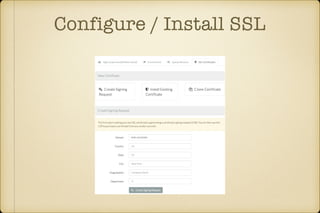
Configure / Install SSL
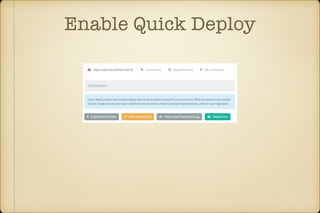
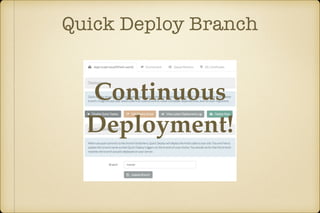
Enable Quick Deploy
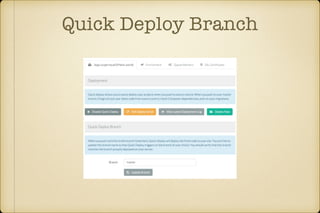
Quick Deploy Branch
Quick Deploy Branch 
Continuous 
Deployment!
Recipes 
Recipes a bash scripts that can be 
run on any of your Forge servers.
Cooking up Recipes 
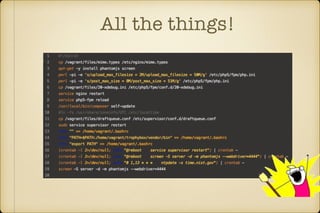
Think of recipes like our customize.sh in Homestead
All the things!
Not All The Things 
Some things we were doing in customize.sh 
we can do via Forge: 
• Queue Workers 
• Cron Jobs
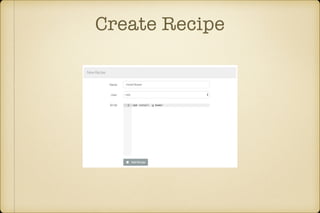
Create Recipe
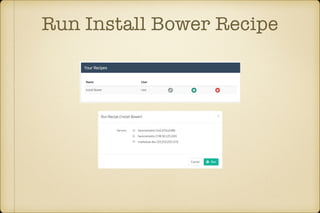
Run Install Bower Recipe
Forge Emails You Recipe 
Report
HipChat Notifications
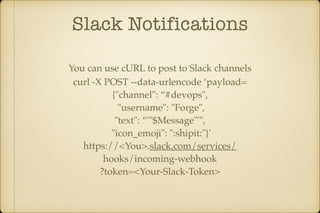
Slack Notifications 
You can use cURL to post to Slack channels 
curl -X POST --data-urlencode ‘payload= 
{"channel": “#devops", 
"username": "Forge", 
"text": “'"$Message"'", 
"icon_emoji": ":shipit:"}' 
https://<You>.slack.com/services/ 
hooks/incoming-webhook 
?token=<Your-Slack-Token>
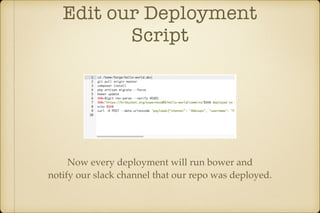
Edit our Deployment 
Script 
Now every deployment will run bower and 
notify our slack channel that our repo was deployed.
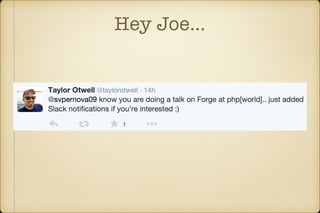
Hey Joe…
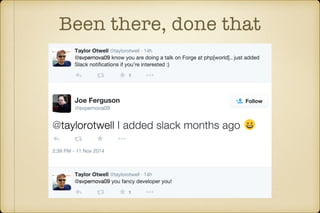
Been there, done that
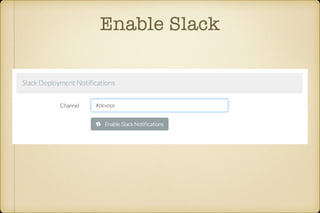
Enable Slack
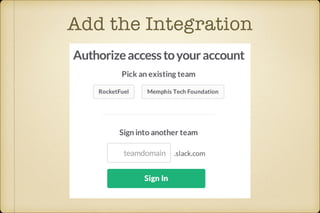
Add the Integration
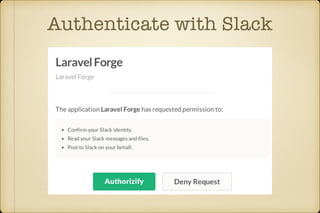
Authenticate with Slack
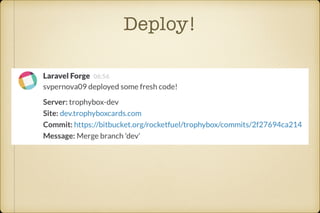
Deploy!
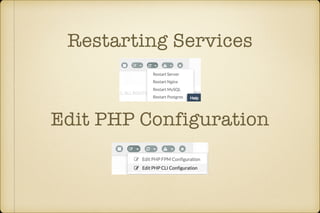
Restarting Services 
Edit PHP Configuration
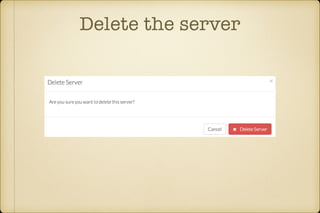
Delete the server
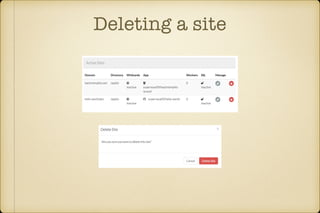
Deleting a site
Forge Circles* 
*Forge Plus Feature
Forge Circles* 
*Forge Plus Feature
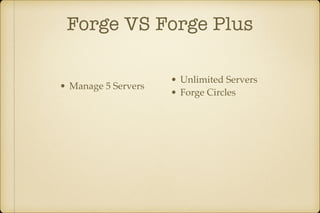
Forge VS Forge Plus 
• Manage 5 Servers 
• Unlimited Servers 
• Forge Circles
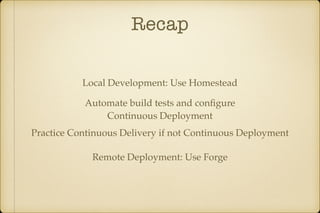
Recap 
Local Development: Use Homestead 
Automate build tests and configure 
Continuous Deployment 
Practice Continuous Delivery if not Continuous Deployment 
Remote Deployment: Use Forge
Feedback! 
https://joind.in/talk/view/11870 
Contact Info: 
Joe Ferguson 
Twitter: @Svpernova09 
Email: joe@joeferguson.me

Laravel Forge: Hello World to Hello Production