Page 1
LAB
for
PROGRAMMING IN C LAB
(BCA)
2nd
Semester
Bachelor in Computer Application
LOGO
Prepared by
……………..
Lecturer
Department of Computer Science
TU
Page 2
OBJECTIVES
1. To introduce students to the basic knowledge of programming
fundamentals of C language.
2. To impart writing skill of C programming to the students and solving problems.
3. To impart the concepts like looping, array, functions, pointers, file, structure.
COURSE OUTCOME
After completing this lab course you will be able to:
1. Understand the logic for a given problem.
2. Write the algorithm of a given problem.
3. Draw a flow chart of a given problem.
4. Recognize and understand the syntax and construction of C programming
code.
5. Gain experience of procedural language programming.
6. Know the steps involved in compiling, linking and debugging C code.
7. Understand using header files.
8. Learn the methods of iteration or looping and branching.
9. Make use of different data-structures like arrays, pointers, structures and files.
10. Understand how to access and use library functions.
11. Understand function declaration and definition.
12. Understand proper use of user defined functions.
13. Write programs to print output on the screen as well as in the files.
14. Apply all the concepts that have been covered in the theory course, and
15. Know the alternative ways of providing solution to a given problem.
Page 3
INTRODUCTION ABOUT LAB
Steps involved in program development: -
To develop the program in high level language and translate it into machine level
language following steps have to be practised.
1. Writing and editing the program.
2. Linking the program with the required library modules.
3. Compiling the program.
4. Executing the program.
Turbo C/C++
Open Turbo C/C++ from your Desktop or Programs menu. Select “File” from
Menu bar and select option “New” and Save C program with filename „.C‟
extension.
To do compiling – Select -> Compile from menu and click-> compile.
If the compilation is successful – you will see a “success” message. Else you
will see the number of errors.
To RUN the program – you may select ->Run from menu and click -> Run
Now you will see the output screen.
Page 4
Structure of “C Program” :
C program is a collection of several instructions where each instruction is written
as a separate statement. The C program starts with a main function followed by
the opening braces which indicates the start of the function. Then follows the
variable and constant declarations which are followed by the statements that
include input and output statements.
C program may contain one or more sections as shown below:
DOCUMENTATION SECTION
LINK SECTION
DEFINITION SECTION
GLOBAL DECLARATION SECTION
Main () Function section
{
Declaration part
Executable part
}
SUBPROGRAM SECTION
User defined functions
Page 5
INSTRUCTIONS TO STUDENTS FOR PREPARING
PROGRAMMING IN C LAB REPORT
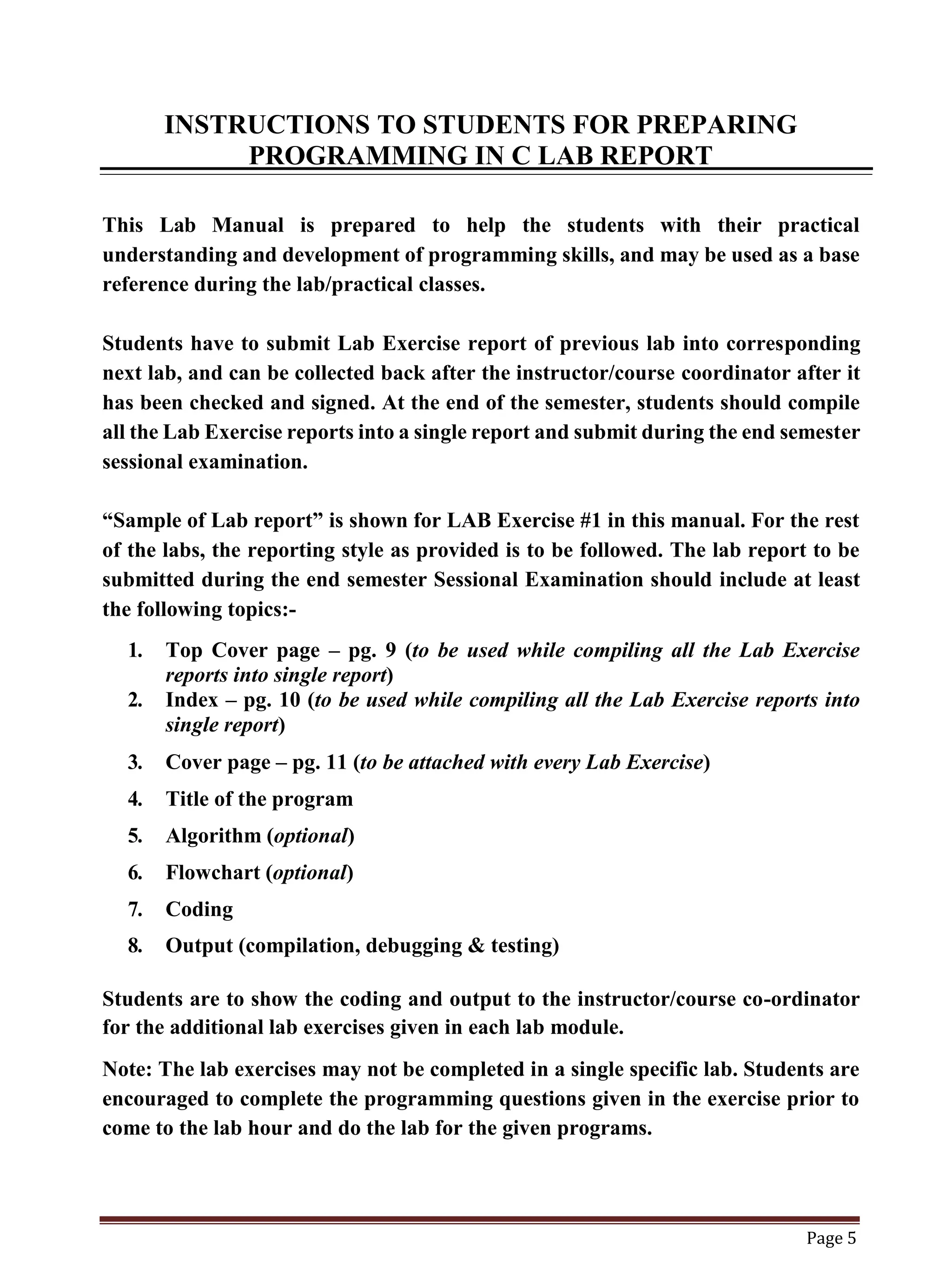
This Lab Manual is prepared to help the students with their practical
understanding and development of programming skills, and may be used as a base
reference during the lab/practical classes.
Students have to submit Lab Exercise report of previous lab into corresponding
next lab, and can be collected back after the instructor/course coordinator after it
has been checked and signed. At the end of the semester, students should compile
all the Lab Exercise reports into a single report and submit during the end semester
sessional examination.
“Sample of Lab report” is shown for LAB Exercise #1 in this manual. For the rest
of the labs, the reporting style as provided is to be followed. The lab report to be
submitted during the end semester Sessional Examination should include at least
the following topics:-
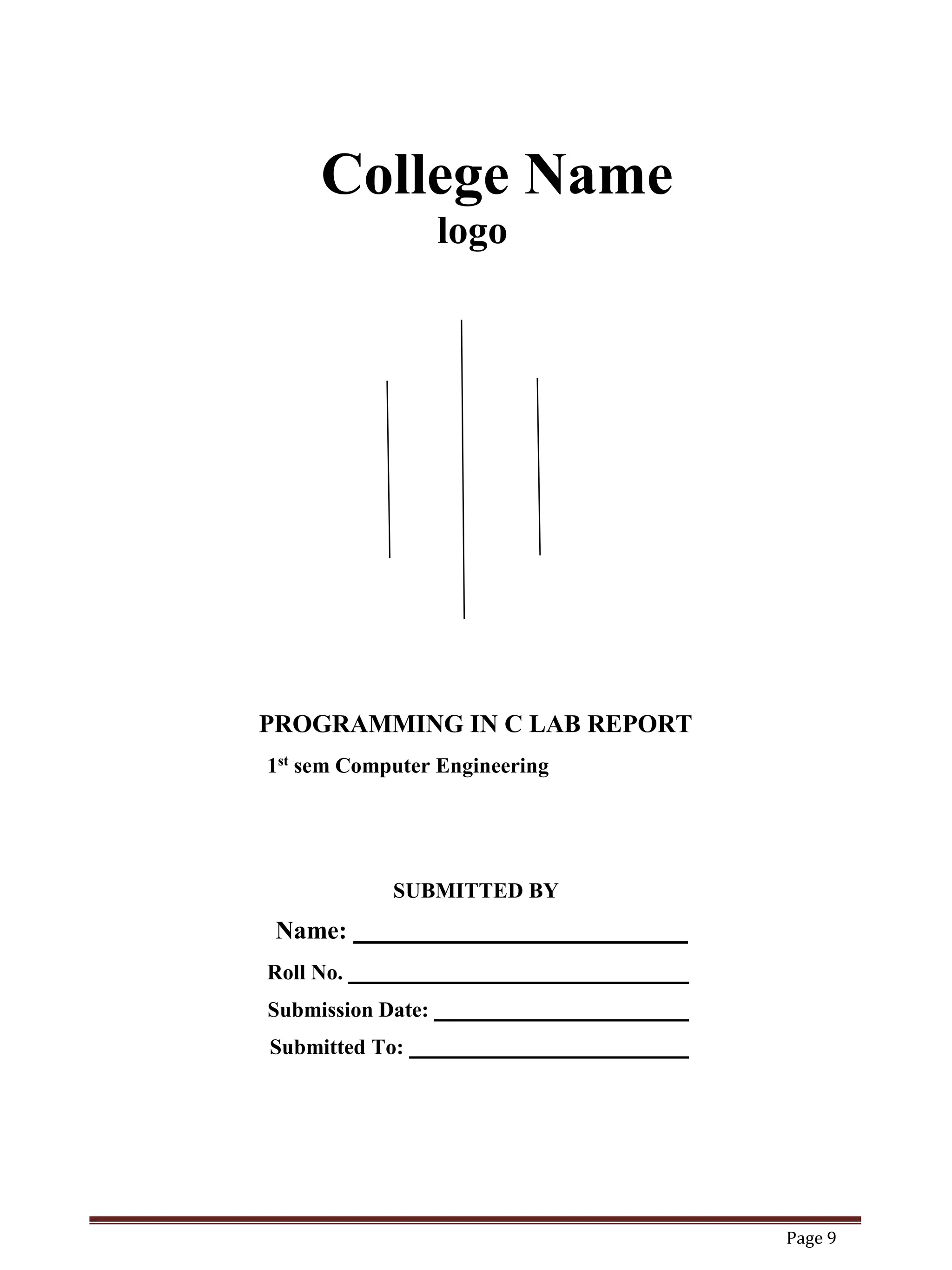
1. Top Cover page – pg. 9 (to be used while compiling all the Lab Exercise
reports into single report)
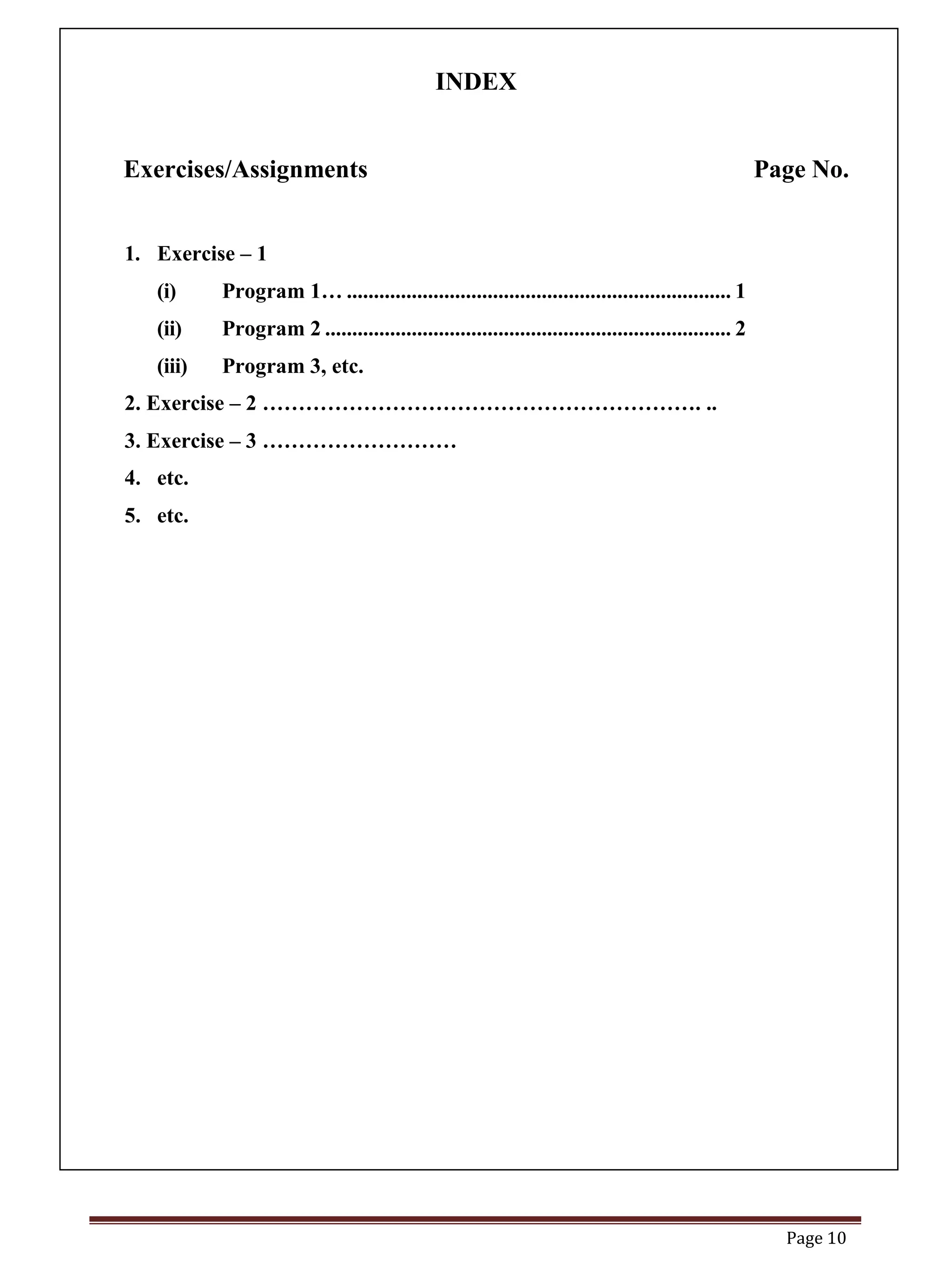
2. Index – pg. 10 (to be used while compiling all the Lab Exercise reports into
single report)
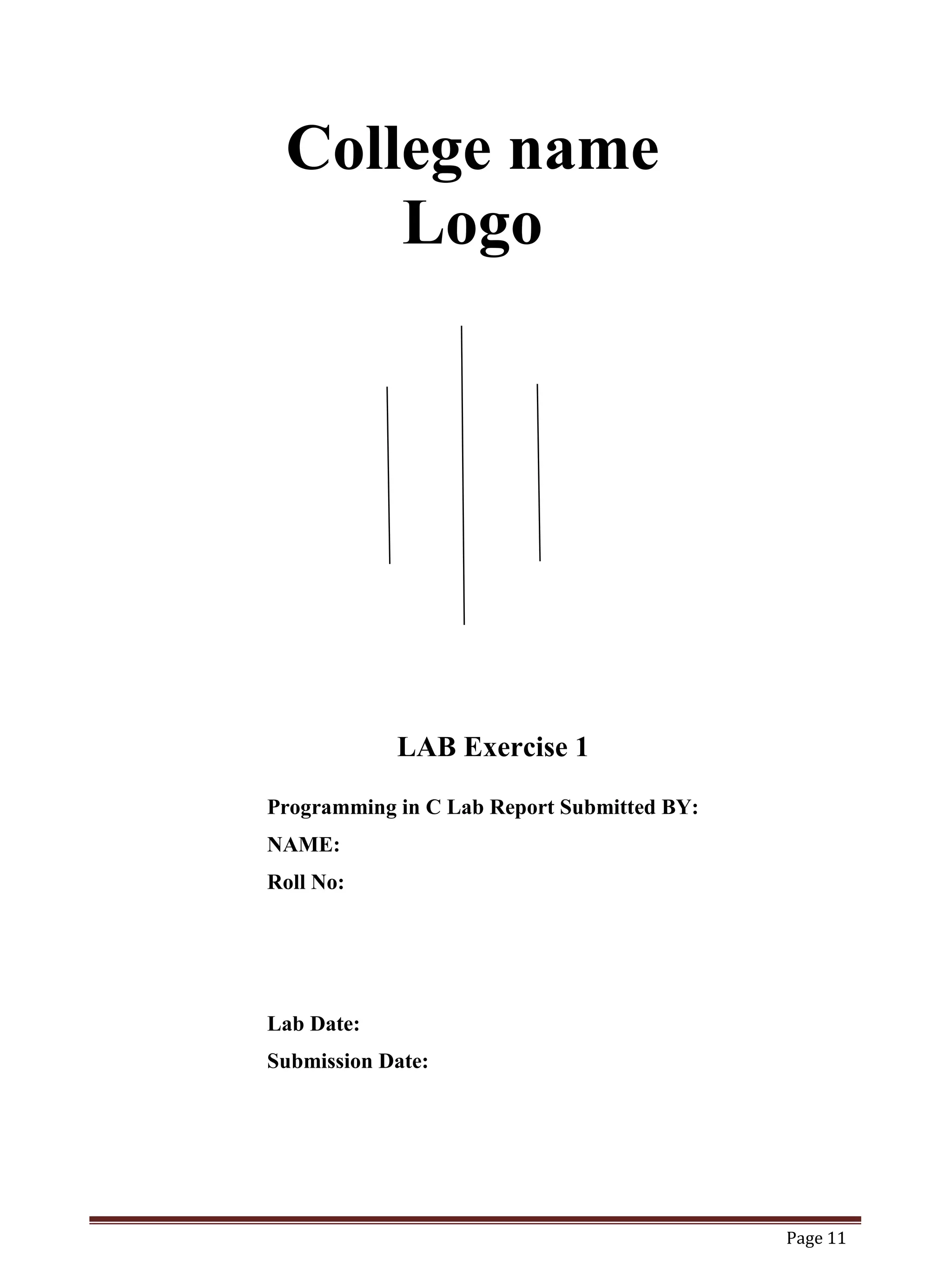
3. Cover page – pg. 11 (to be attached with every Lab Exercise)
4. Title of the program
5. Algorithm (optional)
6. Flowchart (optional)
7. Coding
8. Output (compilation, debugging & testing)
Students are to show the coding and output to the instructor/course co-ordinator
for the additional lab exercises given in each lab module.
Note: The lab exercises may not be completed in a single specific lab. Students are
encouraged to complete the programming questions given in the exercise prior to
come to the lab hour and do the lab for the given programs.
Page 9
College Name
logo
PROGRAMMING IN C LAB REPORT
1st sem Computer Engineering
SUBMITTED BY
Name:
Roll No.
Submission Date:
Submitted To:
Page 10
INDEX
Exercises/Assignments Page No.
1. Exercise – 1
(i) Program 1… ....................................................................... 1
(ii) Program 2 ........................................................................... 2
(iii) Program 3, etc.
2. Exercise – 2 ……………………………………………………. ..
3. Exercise – 3 ………………………
4. etc.
5. etc.
Page 11
College name
Logo
LAB Exercise 1
Programming in C Lab Report Submitted BY:
NAME:
Roll No:
Lab Date:
Submission Date:
Page 12
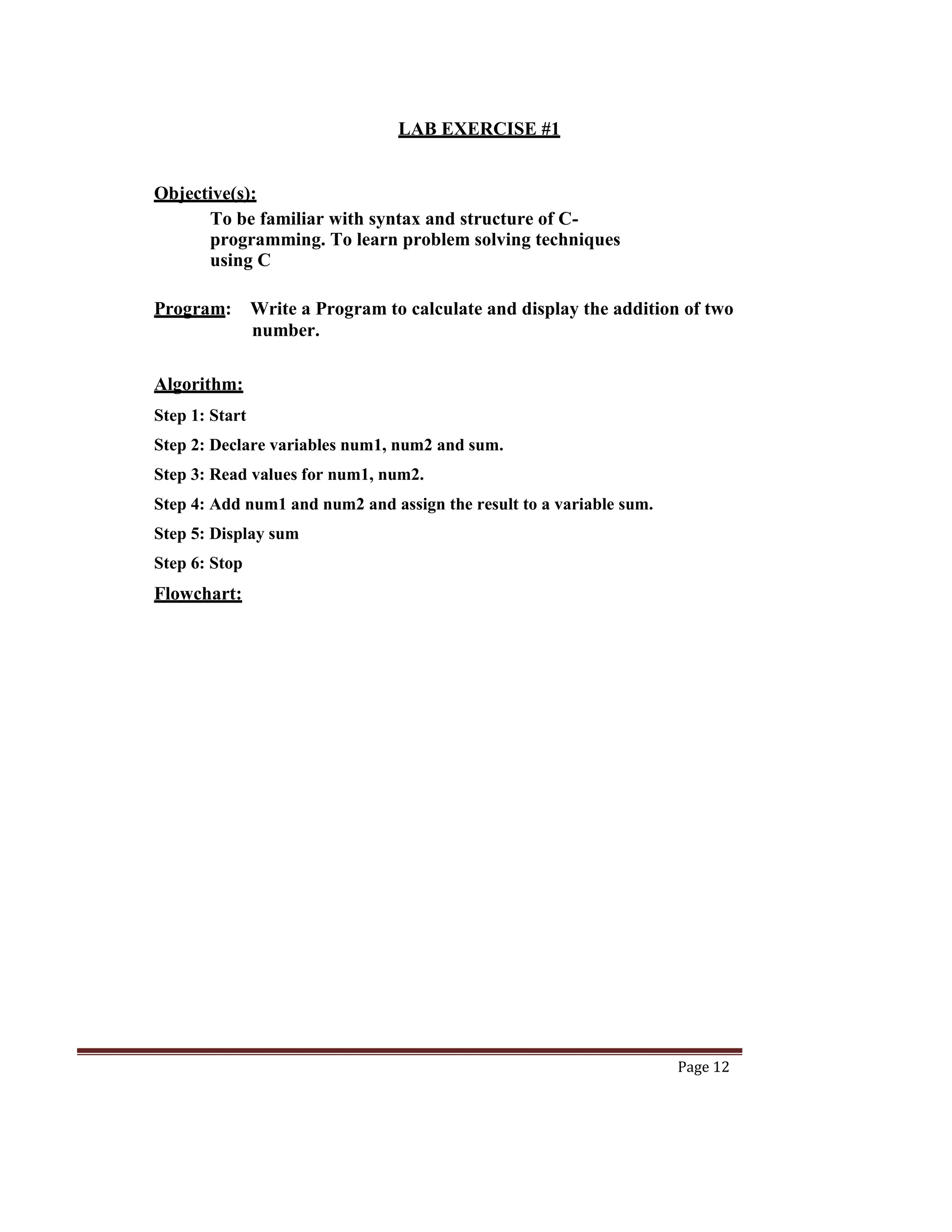
LAB EXERCISE #1
Objective(s):
To be familiar with syntax and structure of C-
programming. To learn problem solving techniques
using C
Program: Write a Program to calculate and display the addition of two
number.
Algorithm:
Step 1: Start
Step 2: Declare variables num1, num2 and sum.
Step 3: Read values for num1, num2.
Step 4: Add num1 and num2 and assign the result to a variable sum.
Step 5: Display sum
Step 6: Stop
Flowchart:
Page 13
Page 14
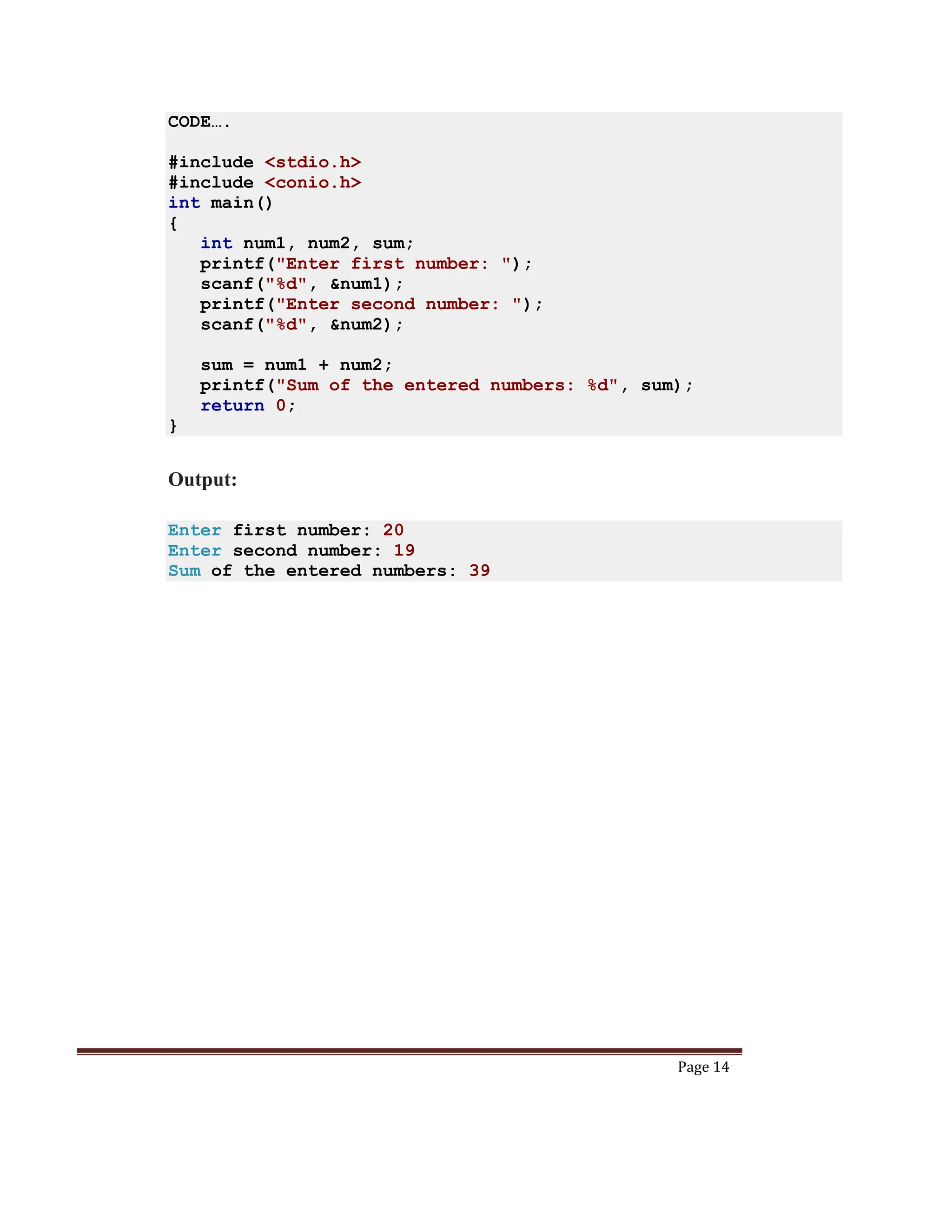
CODE….
#include <stdio.h>
#include <conio.h>
int main()
{
int num1, num2, sum;
printf("Enter first number: ");
scanf("%d", &num1);
printf("Enter second number: ");
scanf("%d", &num2);
sum = num1 + num2;
printf("Sum of the entered numbers: %d", sum);
return 0;
}
Output:
Enter first number: 20
Enter second number: 19
Sum of the entered numbers: 39

Lab Report sample of c programming.docx

  • 1.
    Page 1 LAB for PROGRAMMING INC LAB (BCA) 2nd Semester Bachelor in Computer Application LOGO Prepared by …………….. Lecturer Department of Computer Science TU
  • 2.
    Page 2 OBJECTIVES 1. Tointroduce students to the basic knowledge of programming fundamentals of C language. 2. To impart writing skill of C programming to the students and solving problems. 3. To impart the concepts like looping, array, functions, pointers, file, structure. COURSE OUTCOME After completing this lab course you will be able to: 1. Understand the logic for a given problem. 2. Write the algorithm of a given problem. 3. Draw a flow chart of a given problem. 4. Recognize and understand the syntax and construction of C programming code. 5. Gain experience of procedural language programming. 6. Know the steps involved in compiling, linking and debugging C code. 7. Understand using header files. 8. Learn the methods of iteration or looping and branching. 9. Make use of different data-structures like arrays, pointers, structures and files. 10. Understand how to access and use library functions. 11. Understand function declaration and definition. 12. Understand proper use of user defined functions. 13. Write programs to print output on the screen as well as in the files. 14. Apply all the concepts that have been covered in the theory course, and 15. Know the alternative ways of providing solution to a given problem.
  • 3.
    Page 3 INTRODUCTION ABOUTLAB Steps involved in program development: - To develop the program in high level language and translate it into machine level language following steps have to be practised. 1. Writing and editing the program. 2. Linking the program with the required library modules. 3. Compiling the program. 4. Executing the program. Turbo C/C++ Open Turbo C/C++ from your Desktop or Programs menu. Select “File” from Menu bar and select option “New” and Save C program with filename „.C‟ extension. To do compiling – Select -> Compile from menu and click-> compile. If the compilation is successful – you will see a “success” message. Else you will see the number of errors. To RUN the program – you may select ->Run from menu and click -> Run Now you will see the output screen.
  • 4.
    Page 4 Structure of“C Program” : C program is a collection of several instructions where each instruction is written as a separate statement. The C program starts with a main function followed by the opening braces which indicates the start of the function. Then follows the variable and constant declarations which are followed by the statements that include input and output statements. C program may contain one or more sections as shown below: DOCUMENTATION SECTION LINK SECTION DEFINITION SECTION GLOBAL DECLARATION SECTION Main () Function section { Declaration part Executable part } SUBPROGRAM SECTION User defined functions
  • 5.
    Page 5 INSTRUCTIONS TOSTUDENTS FOR PREPARING PROGRAMMING IN C LAB REPORT This Lab Manual is prepared to help the students with their practical understanding and development of programming skills, and may be used as a base reference during the lab/practical classes. Students have to submit Lab Exercise report of previous lab into corresponding next lab, and can be collected back after the instructor/course coordinator after it has been checked and signed. At the end of the semester, students should compile all the Lab Exercise reports into a single report and submit during the end semester sessional examination. “Sample of Lab report” is shown for LAB Exercise #1 in this manual. For the rest of the labs, the reporting style as provided is to be followed. The lab report to be submitted during the end semester Sessional Examination should include at least the following topics:- 1. Top Cover page – pg. 9 (to be used while compiling all the Lab Exercise reports into single report) 2. Index – pg. 10 (to be used while compiling all the Lab Exercise reports into single report) 3. Cover page – pg. 11 (to be attached with every Lab Exercise) 4. Title of the program 5. Algorithm (optional) 6. Flowchart (optional) 7. Coding 8. Output (compilation, debugging & testing) Students are to show the coding and output to the instructor/course co-ordinator for the additional lab exercises given in each lab module. Note: The lab exercises may not be completed in a single specific lab. Students are encouraged to complete the programming questions given in the exercise prior to come to the lab hour and do the lab for the given programs.
  • 6.
    Page 9 College Name logo PROGRAMMINGIN C LAB REPORT 1st sem Computer Engineering SUBMITTED BY Name: Roll No. Submission Date: Submitted To:
  • 7.
    Page 10 INDEX Exercises/Assignments PageNo. 1. Exercise – 1 (i) Program 1… ....................................................................... 1 (ii) Program 2 ........................................................................... 2 (iii) Program 3, etc. 2. Exercise – 2 ……………………………………………………. .. 3. Exercise – 3 ……………………… 4. etc. 5. etc.
  • 8.
    Page 11 College name Logo LABExercise 1 Programming in C Lab Report Submitted BY: NAME: Roll No: Lab Date: Submission Date:
  • 9.
    Page 12 LAB EXERCISE#1 Objective(s): To be familiar with syntax and structure of C- programming. To learn problem solving techniques using C Program: Write a Program to calculate and display the addition of two number. Algorithm: Step 1: Start Step 2: Declare variables num1, num2 and sum. Step 3: Read values for num1, num2. Step 4: Add num1 and num2 and assign the result to a variable sum. Step 5: Display sum Step 6: Stop Flowchart:
  • 10.
  • 11.
    Page 14 CODE…. #include <stdio.h> #include<conio.h> int main() { int num1, num2, sum; printf("Enter first number: "); scanf("%d", &num1); printf("Enter second number: "); scanf("%d", &num2); sum = num1 + num2; printf("Sum of the entered numbers: %d", sum); return 0; } Output: Enter first number: 20 Enter second number: 19 Sum of the entered numbers: 39