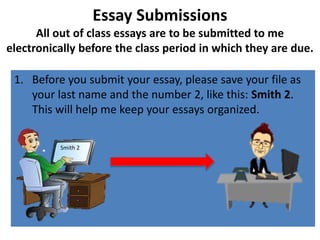
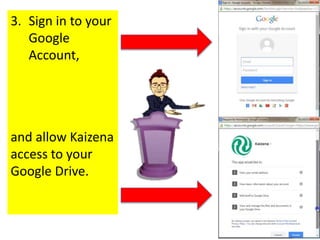
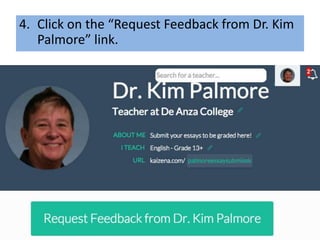
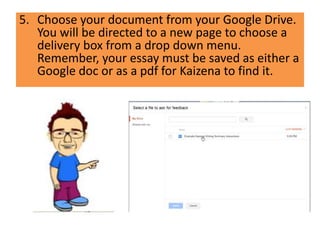
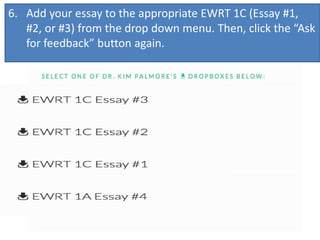
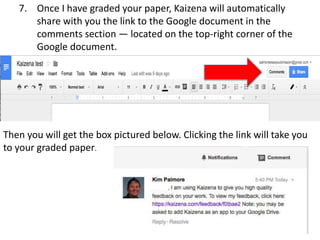
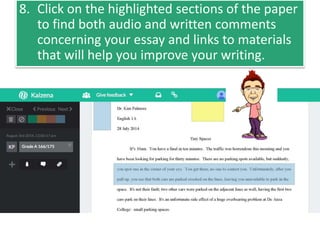
All out of class essays must be submitted electronically through Kaizena, a Google Drive add-on, before the class period in which they are due. Students should save their essay files as their last name followed by the number of the essay (e.g. "Smith 2") and submit it through the Kaizena link on the class website. This allows the instructor to provide both written and audio feedback and helpful links directly in the essay document. Students must sign into their Google account and allow Kaizena access to choose their essay document from Google Drive and select the appropriate assignment box to submit. Once graded, a link to the annotated essay will be available in the comments section for students to access the feedback.