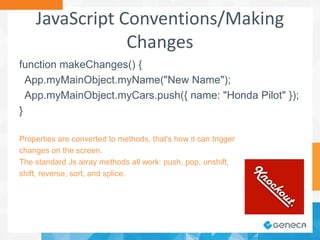
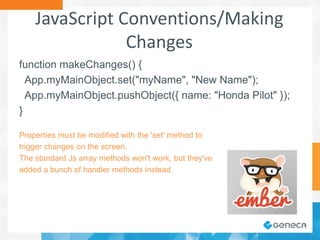
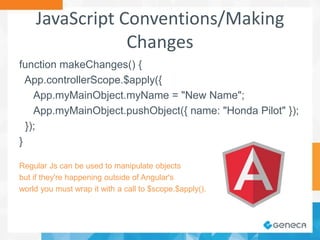
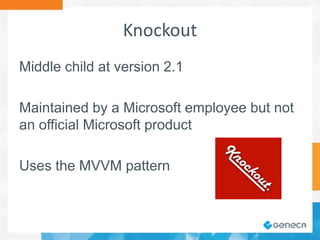
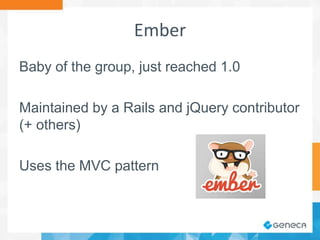
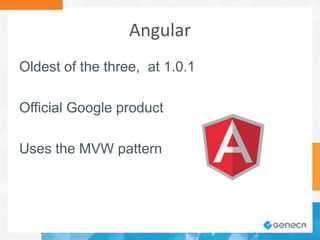
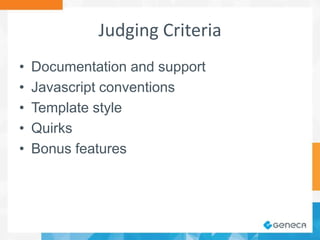
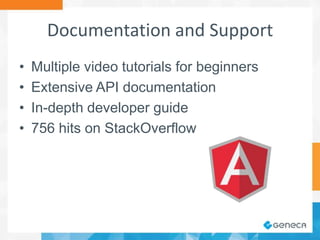
The document discusses a comparison of three JavaScript frameworks: Knockout, Ember, and Angular, highlighting their features, documentation quality, and development patterns. It emphasizes the importance of a good user experience and the MVC/MVVM design philosophies that each framework follows, along with their respective support and community engagement. The document also includes examples of JavaScript conventions used in each framework for managing data and making changes.






![JavaScript Conventions/Main Object
ViewModel object(s)
function ViewModel() {
this.myName = ko.observable("Knockout User");
this.myCars = ko.observableArray([
{ name: "Toyota Camry" }, { name: "Ford Taurus" }
]);
}
App.myMainObject = new ViewModel();
ko.applyBindings(App.myMainObject);](https://image.slidesharecdn.com/jsframeworksmackdown-140128130615-phpapp02/85/JavaScript-Framework-Smackdown-13-320.jpg)
![JavaScript Conventions/Main Object
Controller objects
App.myMainObject = Ember.ArrayController.create({
myName: "Ember User",
content: [ { name: "Toyota Camry" }, { name: "Ford
Taurus" } ]
});](https://image.slidesharecdn.com/jsframeworksmackdown-140128130615-phpapp02/85/JavaScript-Framework-Smackdown-14-320.jpg)
![JavaScript Conventions/Main Object
Controller object(s)
function myMainObject($scope) {
$scope.myName = "Angular User";
$scope.myCars = [
{ name: "Toyota Camry" }, { name: "Ford Taurus" }
];
App.controllerScope = $scope; // not required
}](https://image.slidesharecdn.com/jsframeworksmackdown-140128130615-phpapp02/85/JavaScript-Framework-Smackdown-15-320.jpg)