Performance testing
Обо мне
Горб Анна
Anna.gorb@gmail.com
В IT тестировании с 2007 года
Aquasoft (QA, QA lead)
Epam (Senior QA)
Luxoft (Test lead, Test Manager, Scrum Master)
C 2013 года тренер в тренинговом центре
Luxoft
http://www.luxoft-
training.ru/about/experts/gorb.html
(тестирование, арбитраж, метрики)
First of all?
Performance
or
Load
or
Stress
First of all
“
”
We need Requirements!
Clarify some questions
 How much users will work
with application?
 How much users should
have access to application
simultaneously?
Clarify some questions
 What quality of network will
application use?
 On what environment
should application work?
Clarify some questions
 Which response of
application is acceptable?
 How application should
react on overload?
Questions?
“
”
We need tools!
Popular tools
Free
 For loading
o Jmeter
o Yandex-Tank
o Gringer
o Webloadui
 For performance
o DevTools
Paid
 For loading
 Rational Performance Tester
 HP LoadRunner
 Silk Performer
 LoadComplete Web Load Testing
 For performace
 Fiddler
Questions?
Start with Apache Jmeter
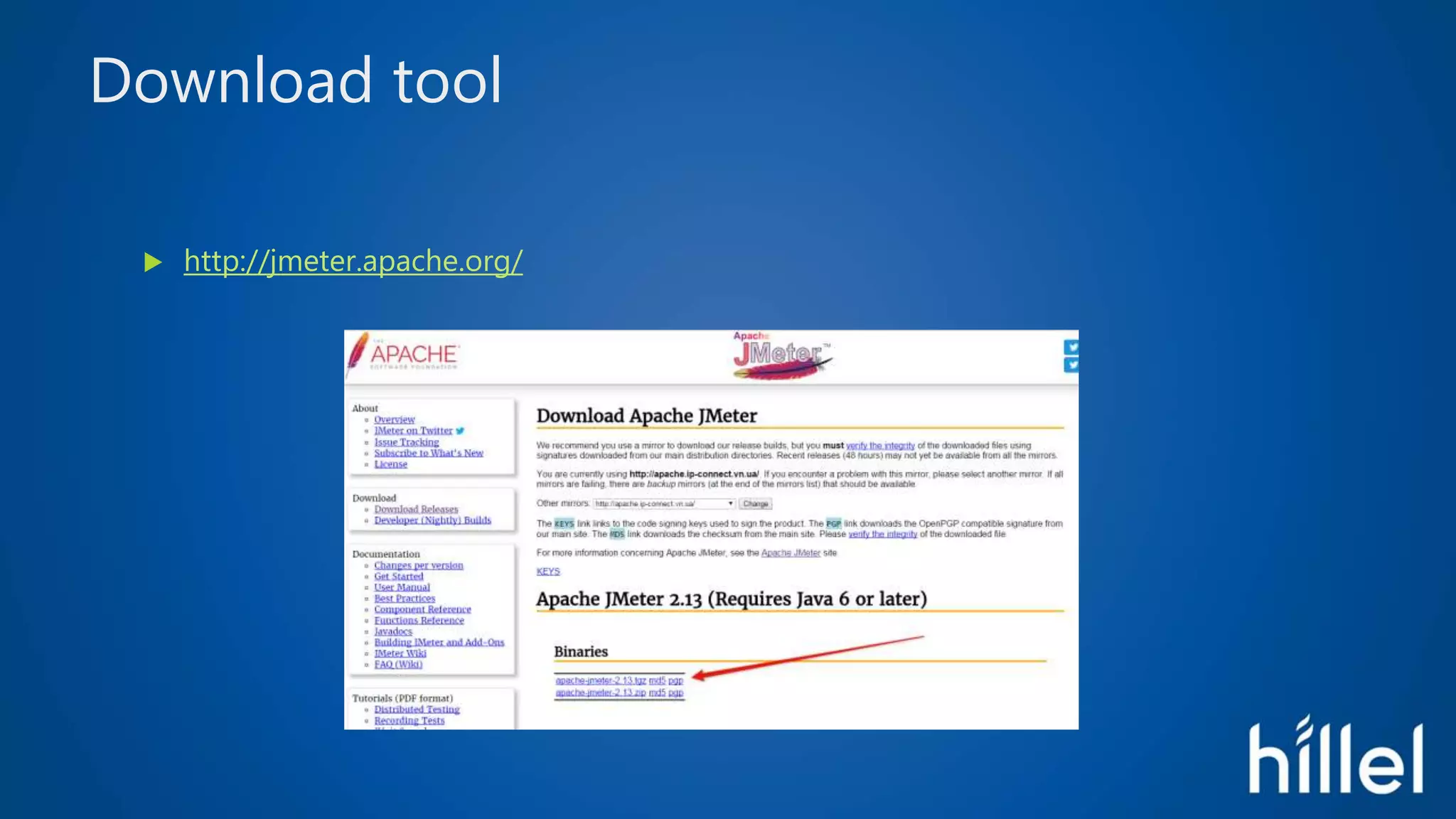
Download tool
 http://jmeter.apache.org/
Unpack tool
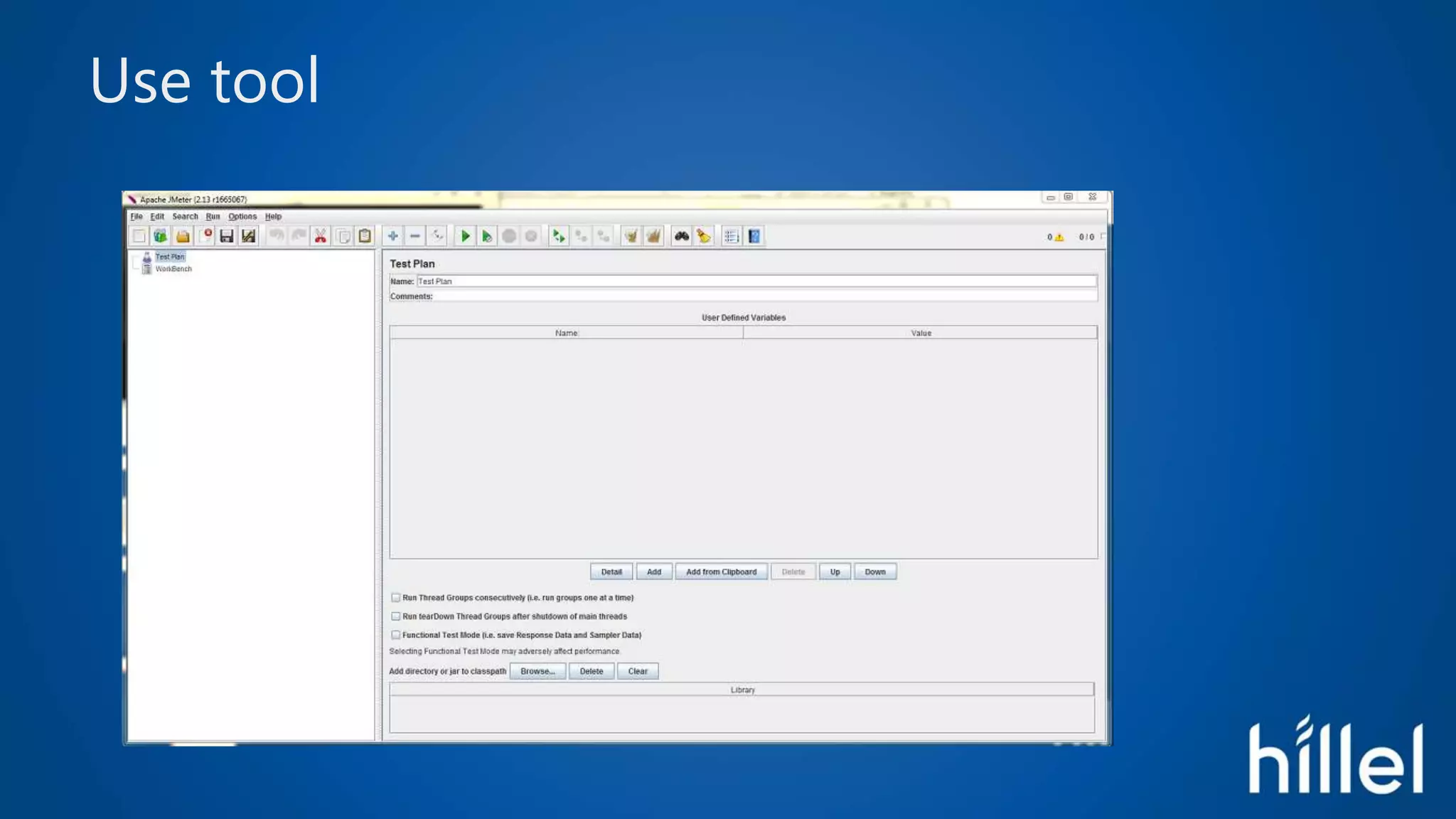
Run tool
 .binjmeter.bat
Use tool
Questions?
First Scenario
Recorder
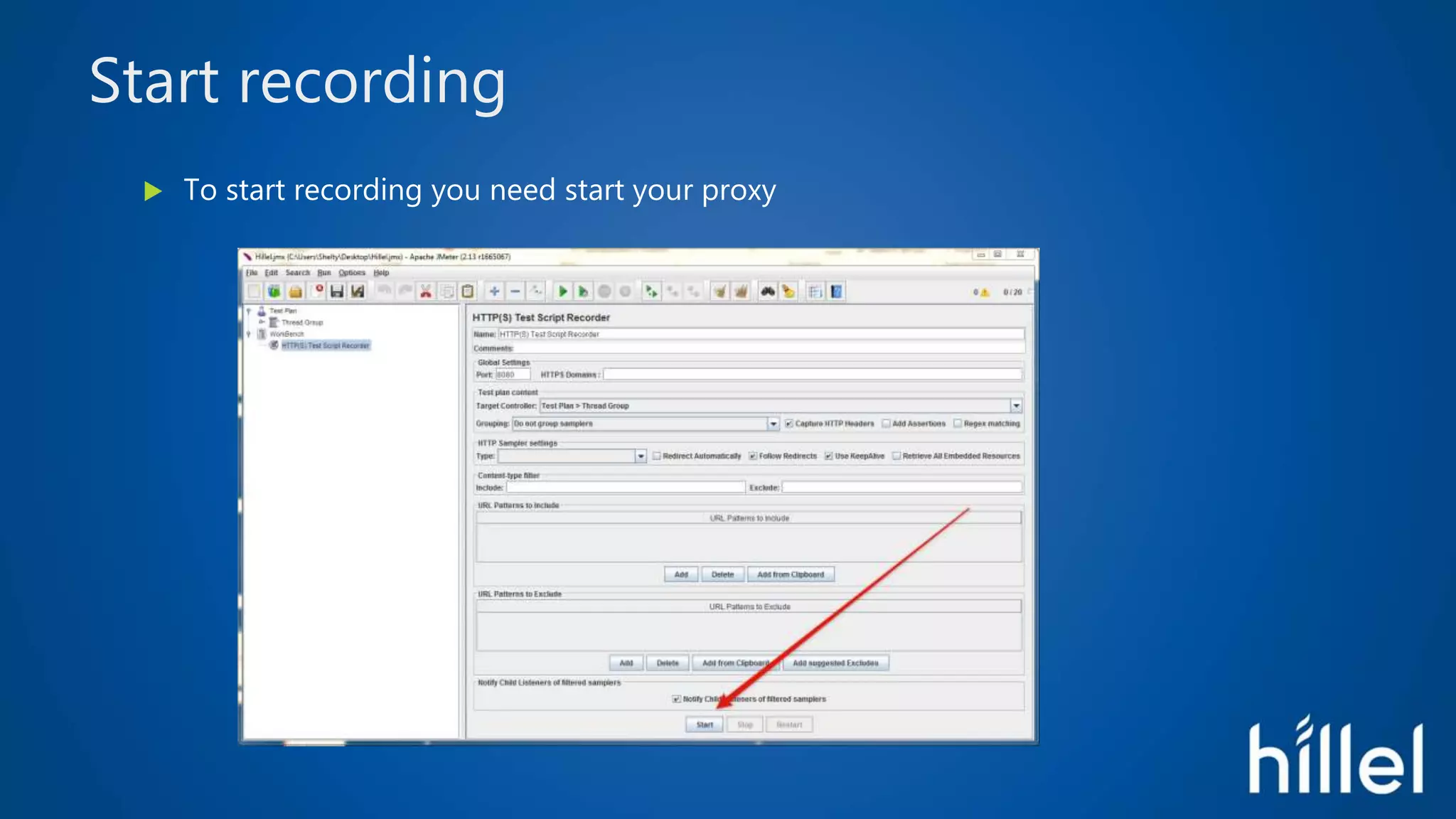
 Add to your workbench Test Script Recorder
Proxy
 Synchronize setting of proxy in recorder and your browser
Start recording
 To start recording you need start your proxy
Go to needed site
 Open needed site
 Step by step do your scenario to check
 Stop proxy when you finish
Here is your first script
First Run
After recording
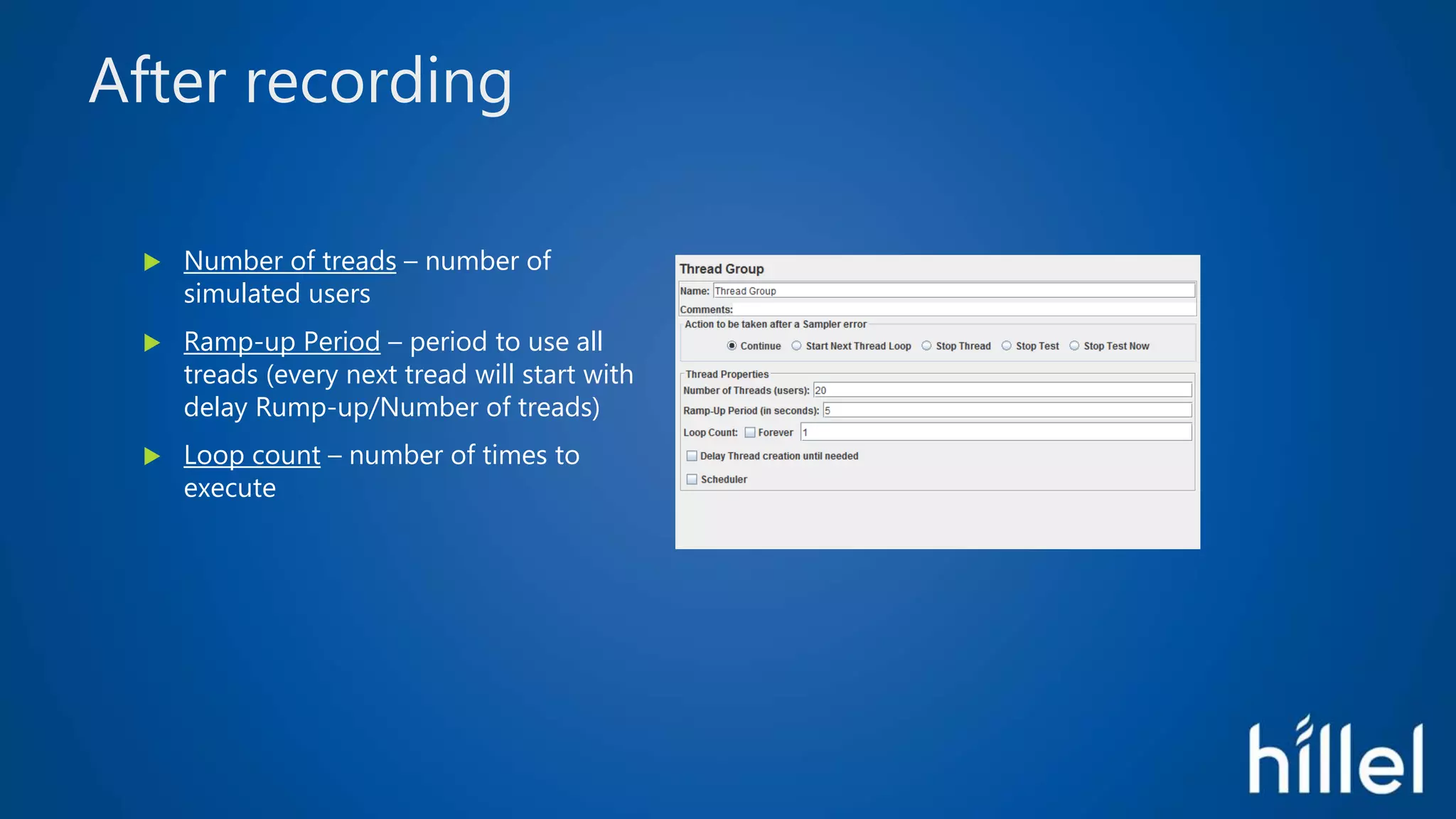
 Number of treads – number of
simulated users
 Ramp-up Period – period to use all
treads (every next tread will start with
delay Rump-up/Number of treads)
 Loop count – number of times to
execute
Start your test
Analysis
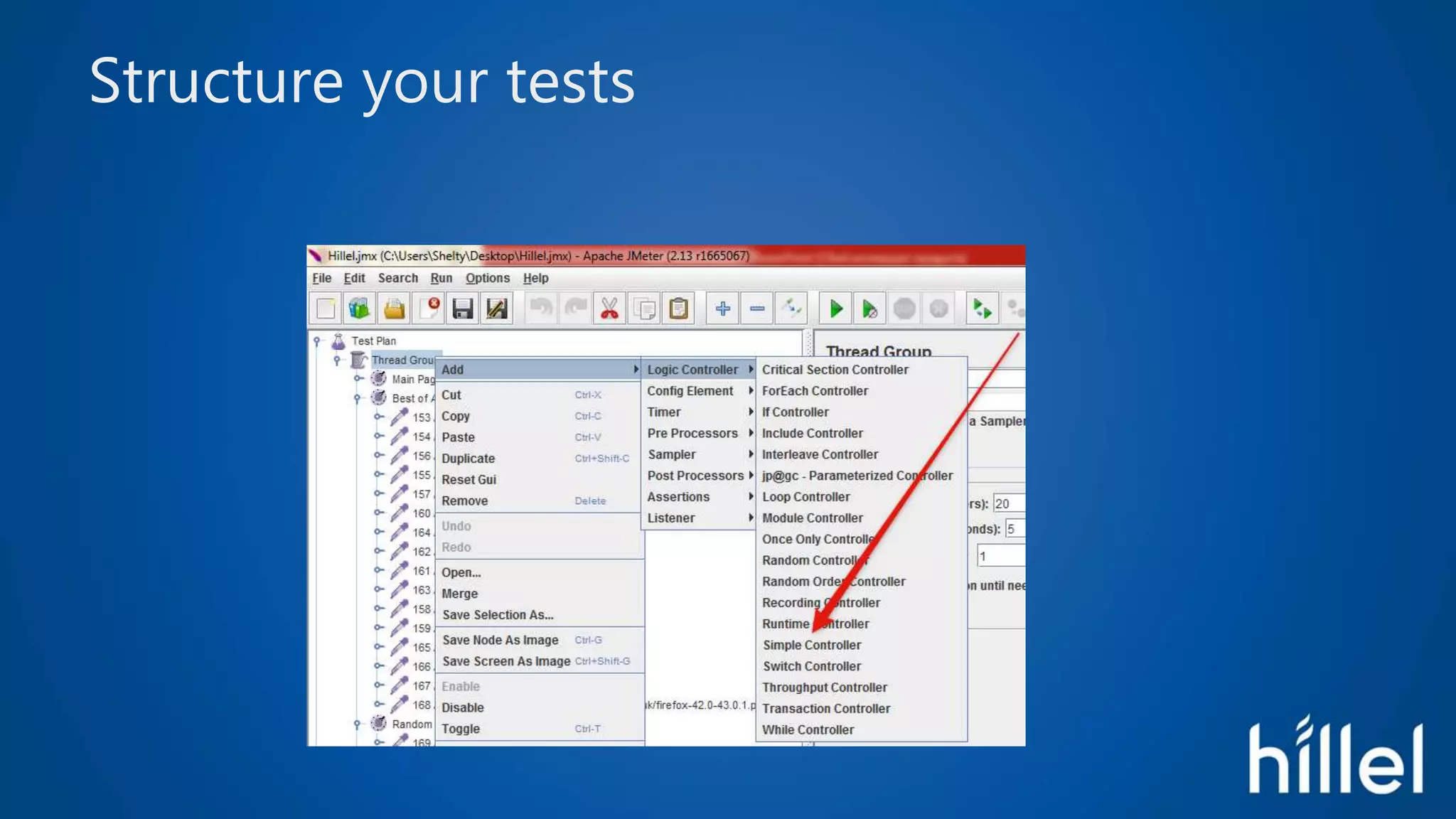
Structure your tests
Add some listener to your scenario
For example
And see result after run
Tips and Trics
Operate statistical
Use timer and scheduler
 Constant timer
 Gaussian Random Timer
 Uniform Random Timer
Use different controllers
 Loop Controller
 While Controller
 Switch Controller
 Random Controller
Additional info
Additional elements of Test Plan
 http://jmeter.apache.org/usermanual/build-web-test-plan.html
• 5.2 Adding Default HTTP Request Properties
• 5.3 Adding Cookie Support
• 5.6 Logging in to a web-site
Addons
 http://jmeter-plugins.org/
• I use Standart and Extra
Useful articles
 https://habrahabr.ru/post/126042/
 https://habrahabr.ru/post/140310/
 http://software-testing.ru/library/testing/performance-testing/1841-
jmeter-csv

Основы нагрузочного тестирования с инструментом Jmeter

Editor's Notes