Time-Saving Tips and Tricks for Building Quality
Java Applications
[CON5929]
Yusuke Yamamoto @yusuke
CON5929#
Yusuke Yamamoto
• Author of Samurai & Twitter4J
• 16 years in Java industry
@yusuke
@yusuke
http://junit.org/junit4/junit-lambda-contributors.html
.equals( )
Time-Saving Tips and Tricks for Building Quality
Java Applications
Quality Aplication
#CON5929
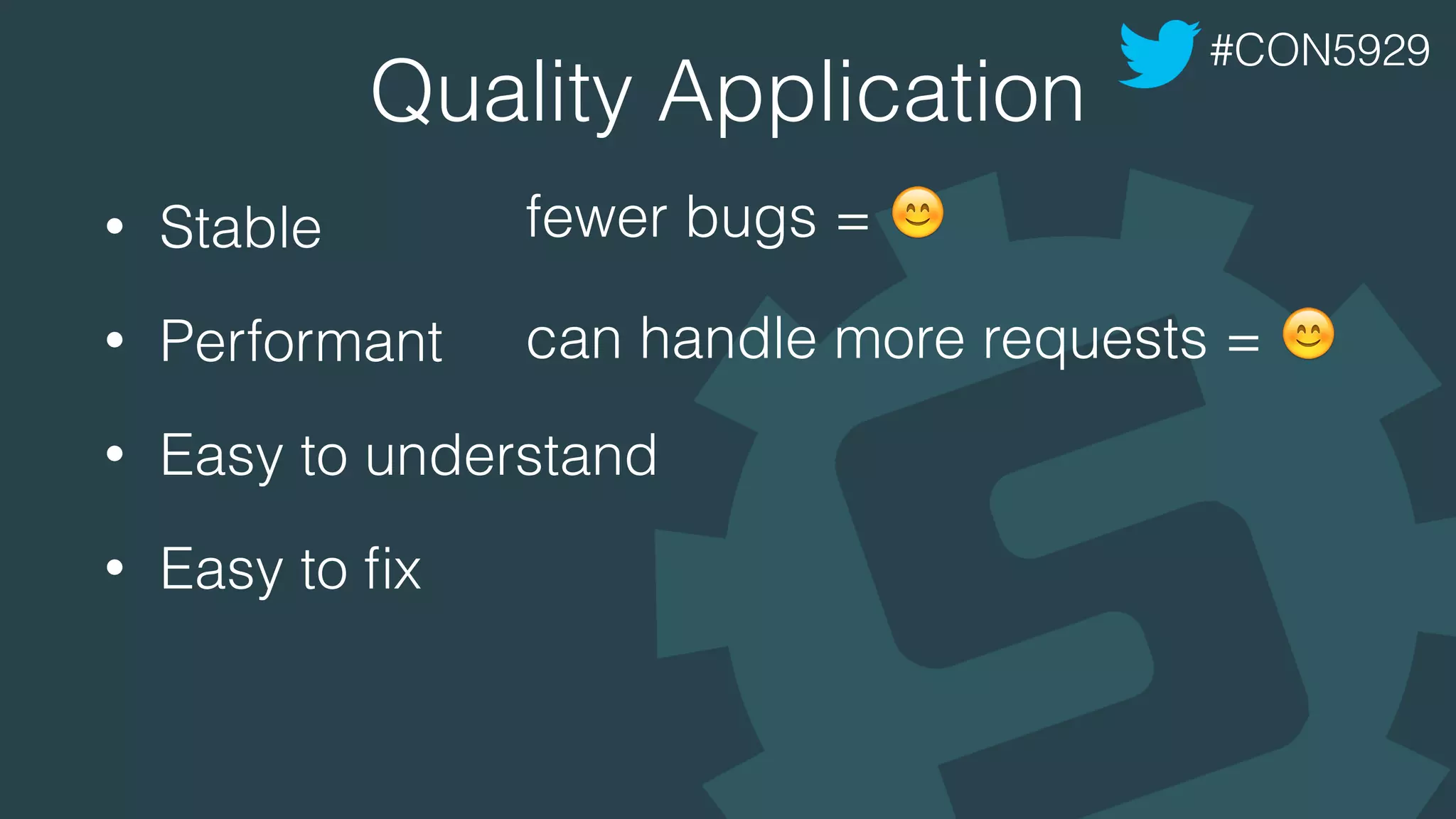
Quality Application
• Stable
• Performant
• Easy to understand
• Easy to fix
#CON5929
fewer bugs = !
can handle more requests = !
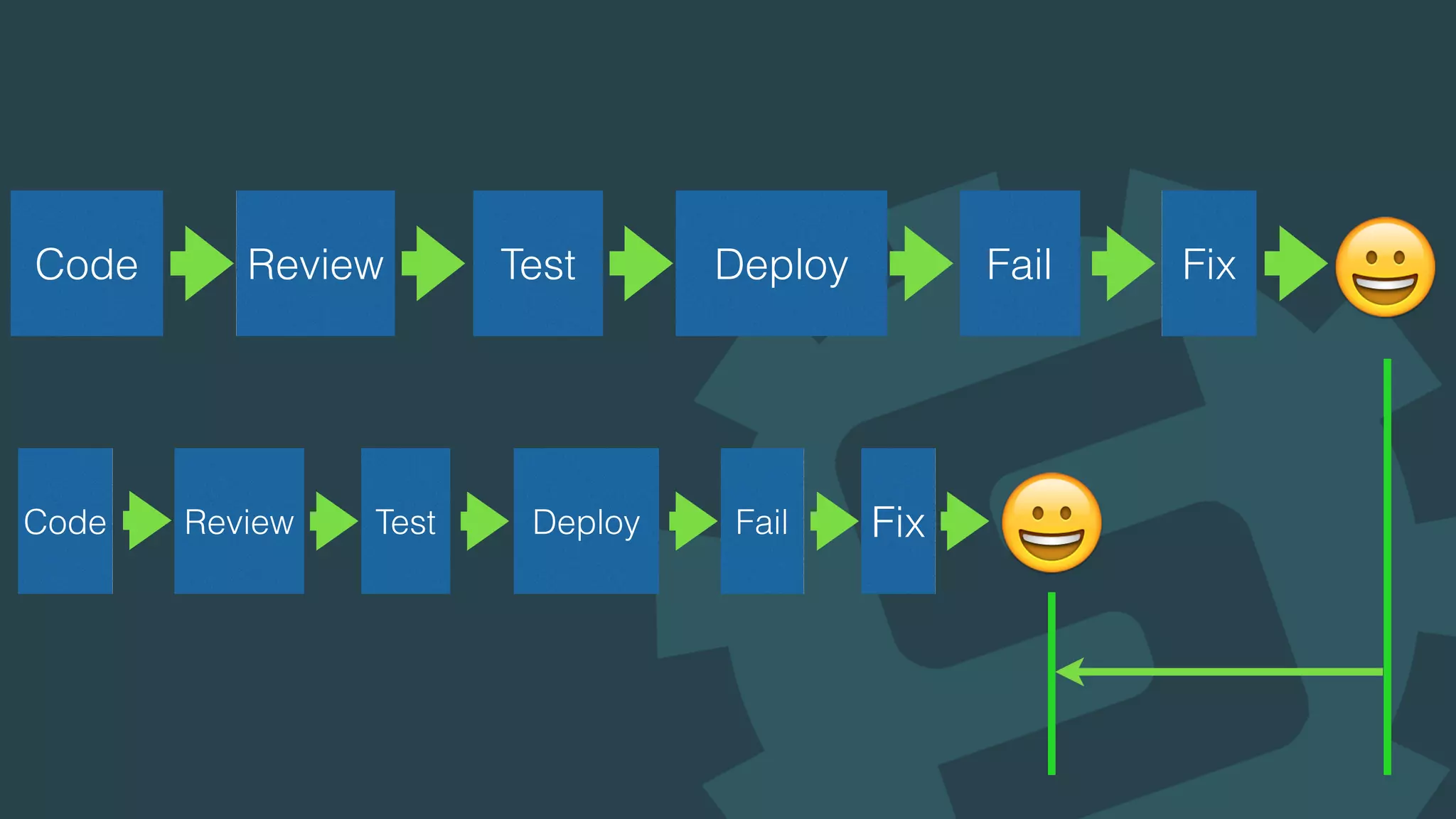
Code Review Test Deploy Fail Fix
"
"
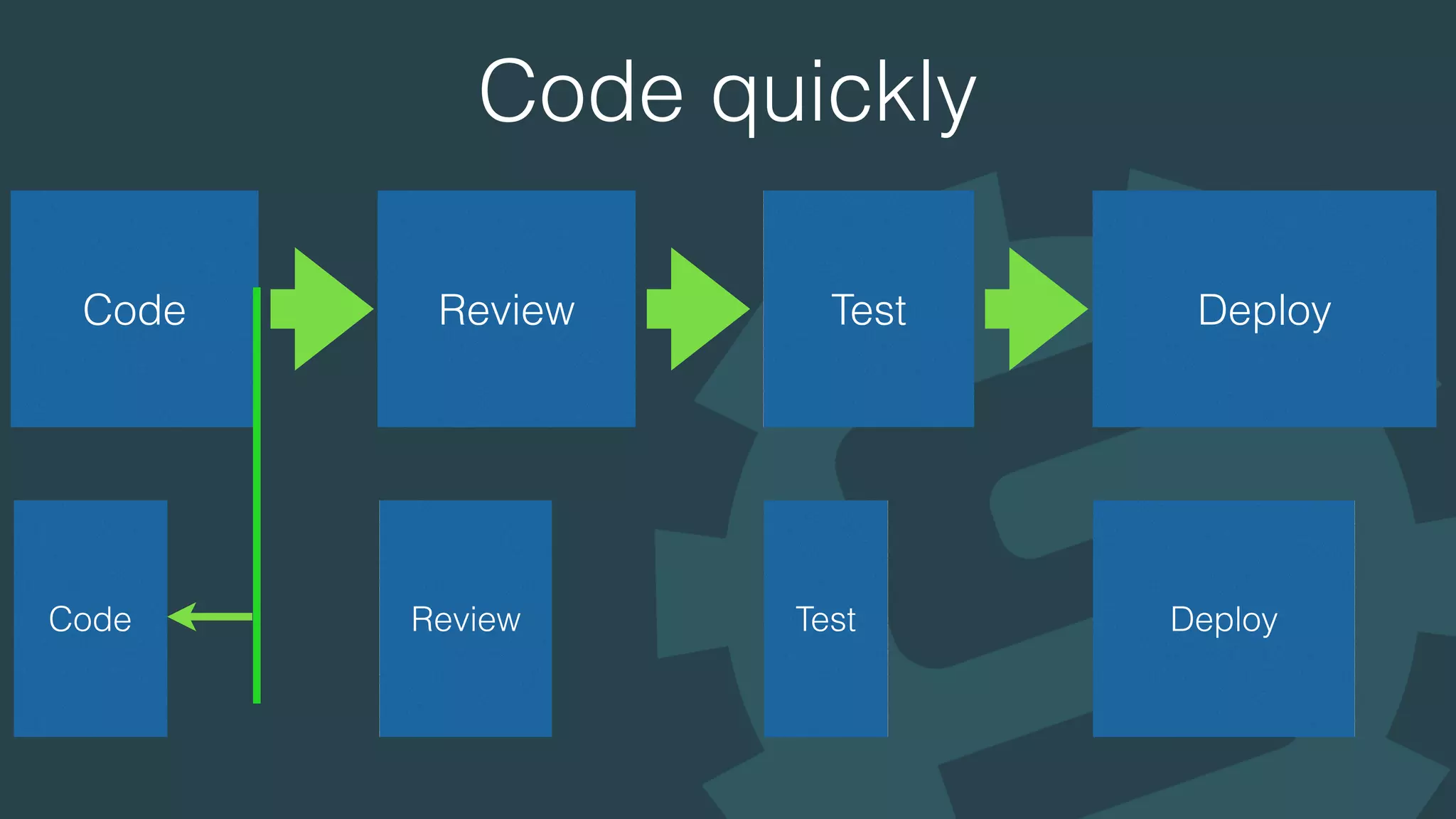
Code quickly
Code Review Test Deploy
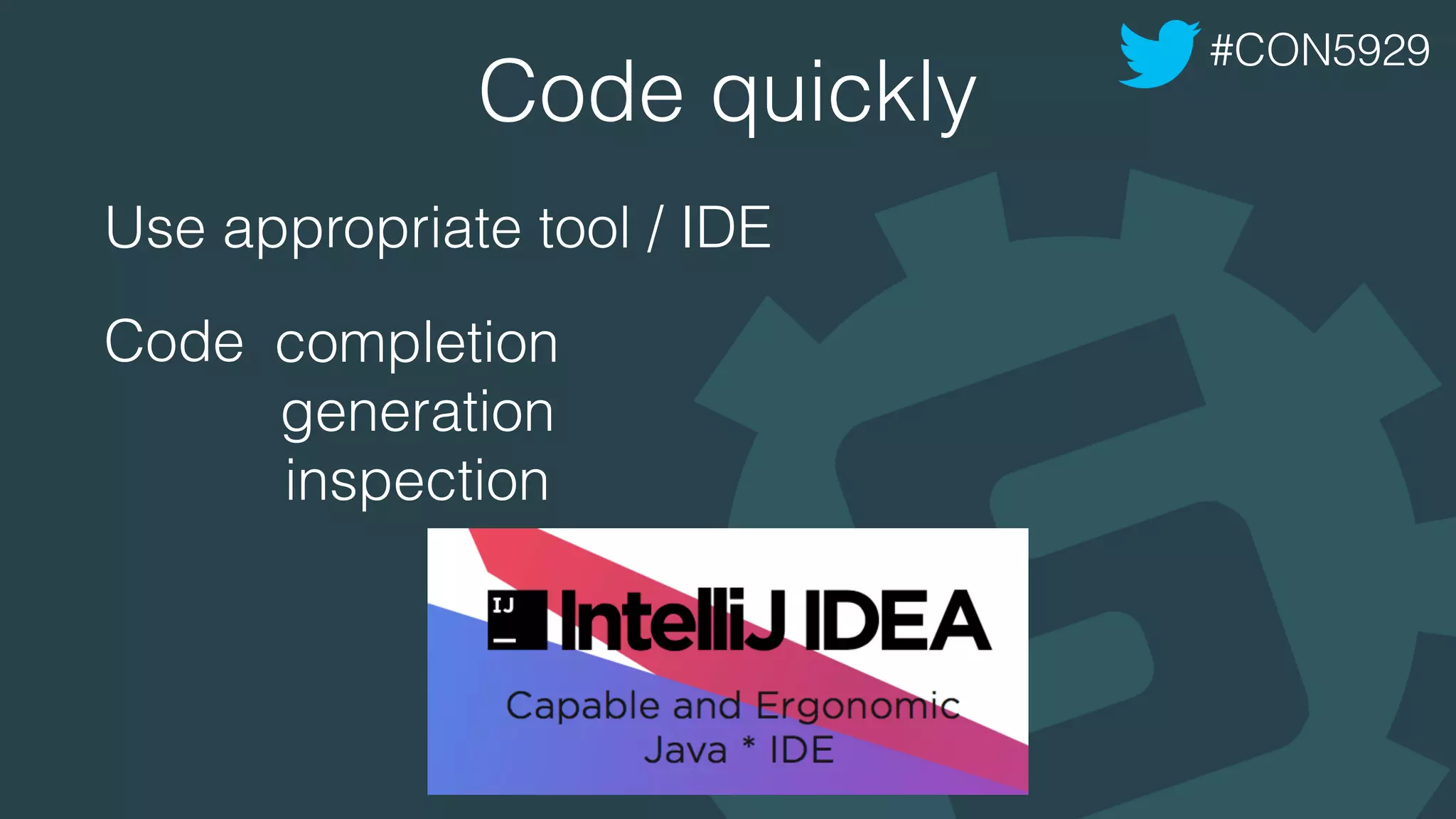
Code quickly
Use appropriate tool / IDE
Code
#CON5929
completion
generation
inspection
demo
Using Twitter4J
- retrieve my home timeline
- print status text with @username only if the
user is not @yusuke
#CON5929
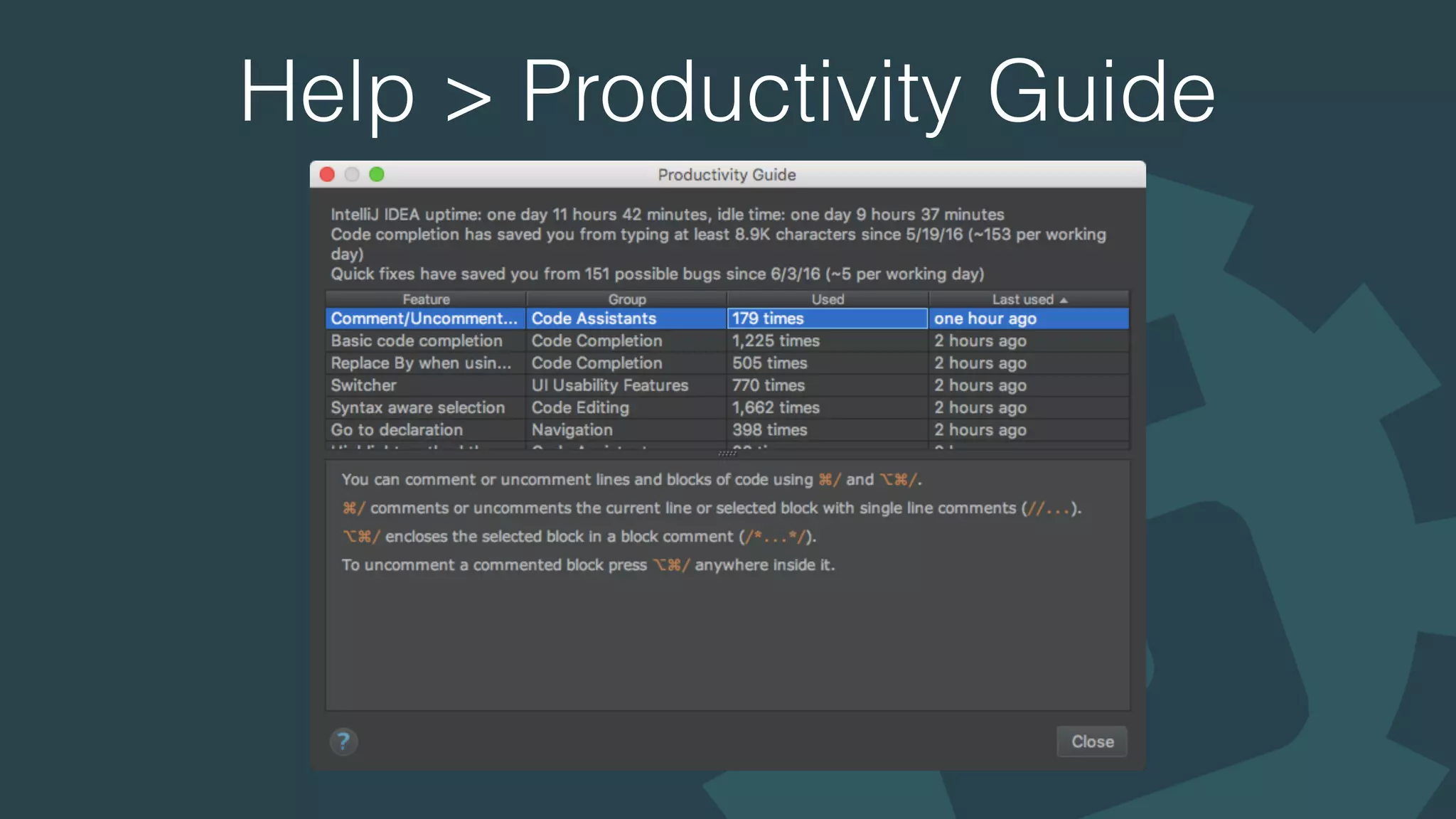
Help > Productivity Guide
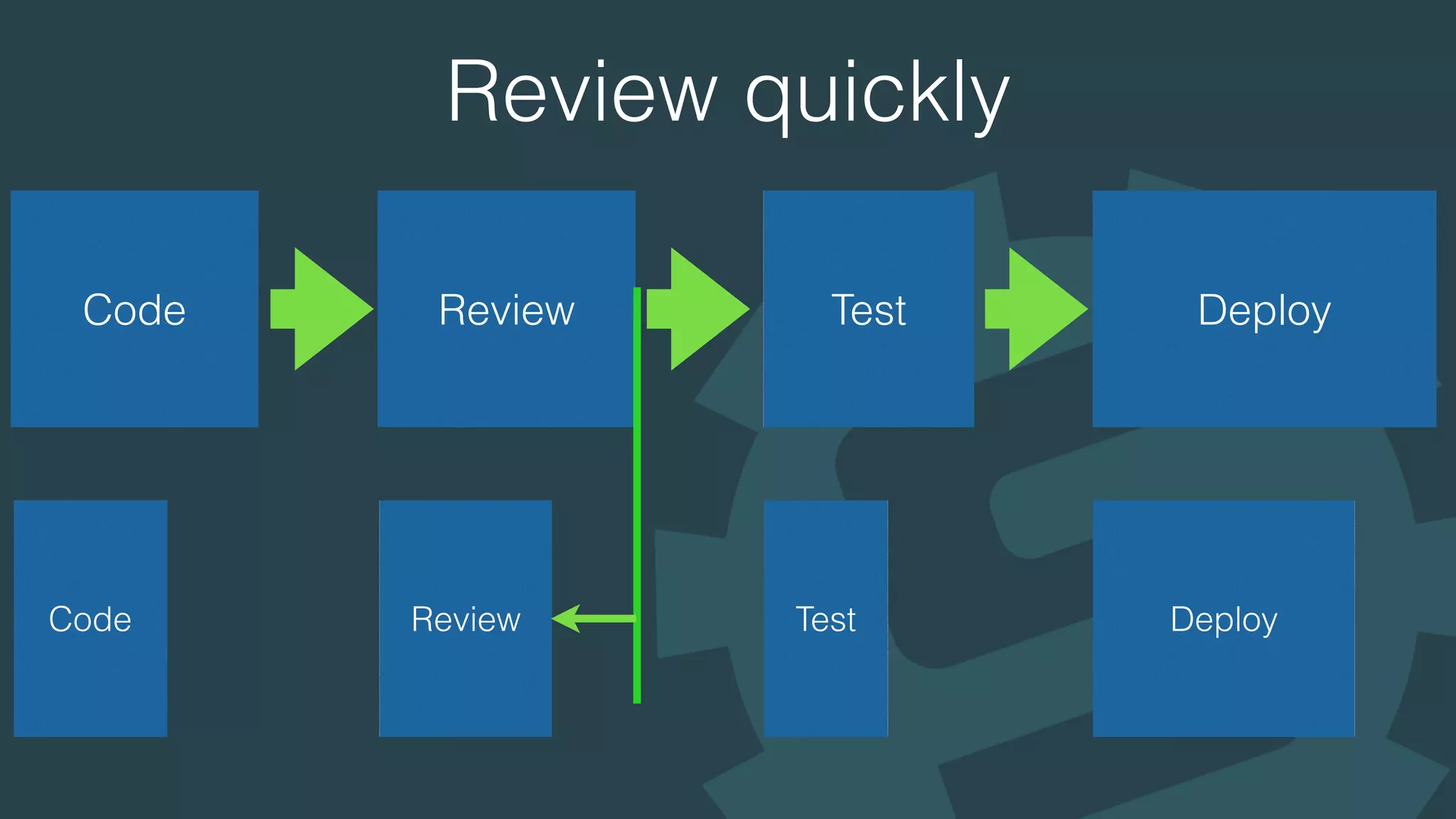
Review quickly
Code Review Test Deploy
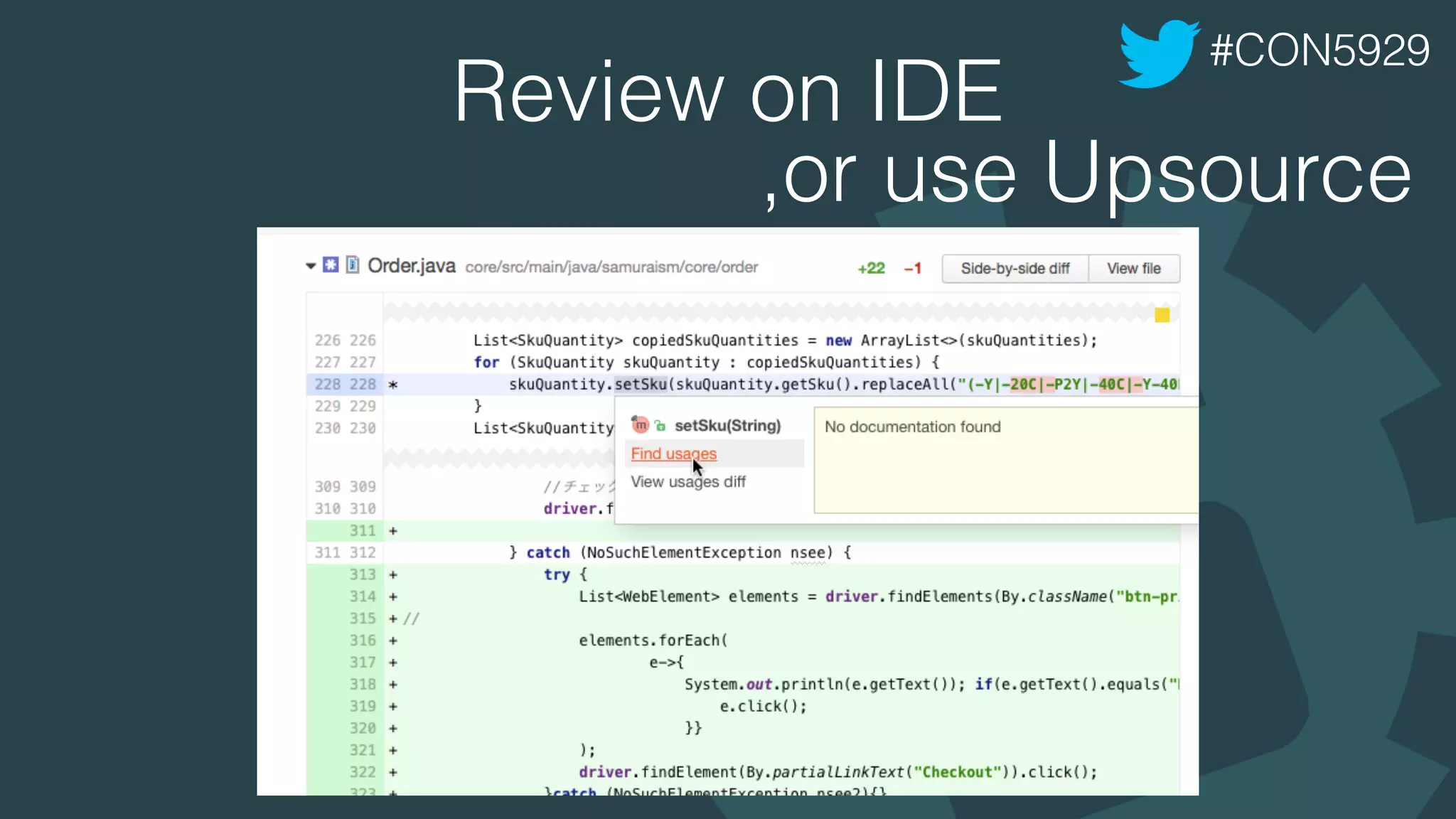
Review on IDE
Do Code reviews on IDE, NOT on browser
you cannot trace references / definitions
#CON5929
Review on IDE
#CON5929
,or use Upsource
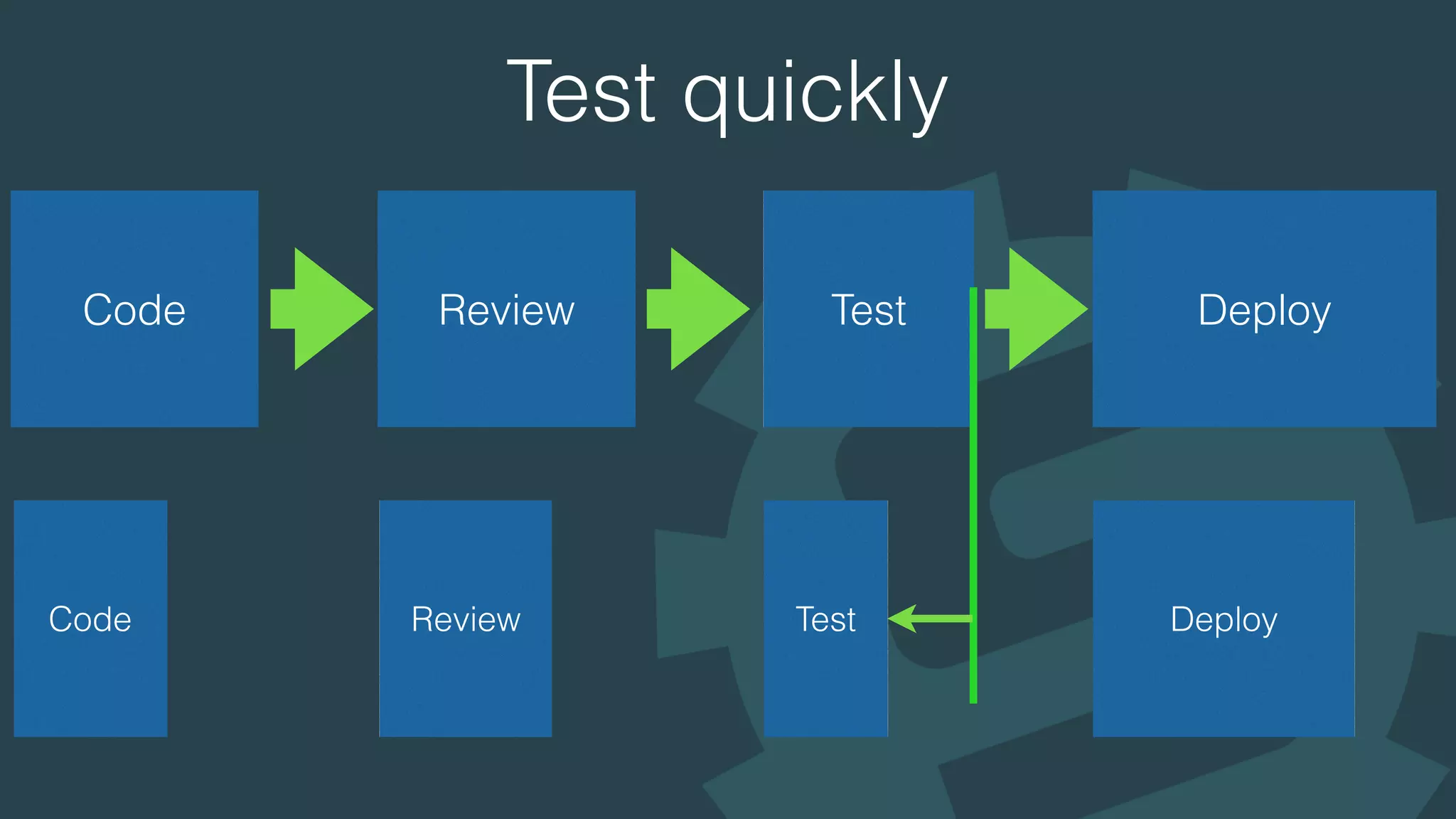
Test quickly
Code Review Test Deploy
Test UI as well as business logic
• UI tend to break easier
• More automated UI tests
• Less manual UI tests
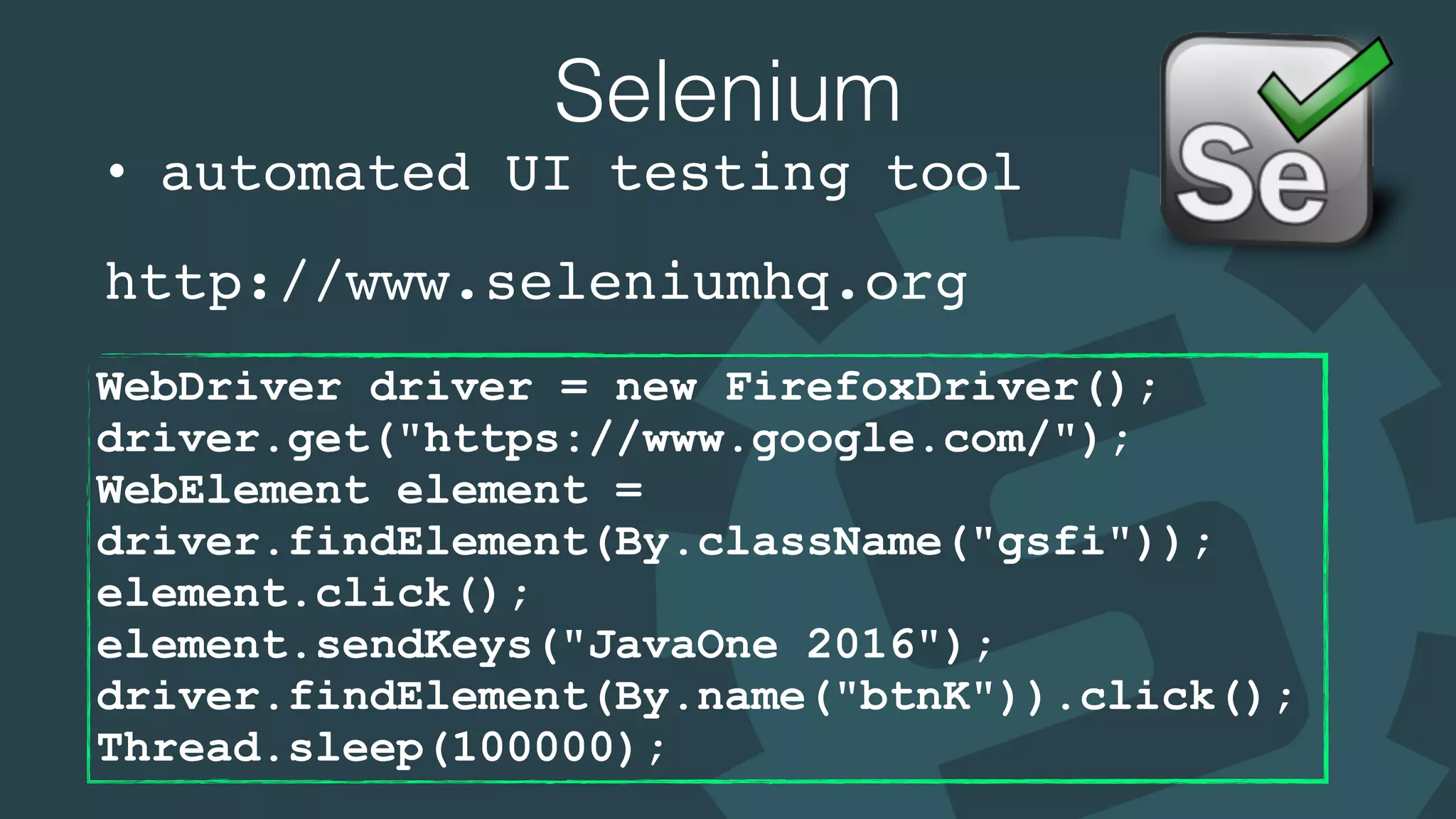
Selenium
• automated UI testing tool
http://www.seleniumhq.org
WebDriver driver = new FirefoxDriver();

driver.get("https://www.google.com/");

WebElement element =
driver.findElement(By.className("gsfi"));

element.click();

element.sendKeys("JavaOne 2016");

driver.findElement(By.name("btnK")).click();

Thread.sleep(100000);
Selenide
http://selenide.org
WebDriver driver = new FirefoxDriver();

driver.get("https://www.google.com/");

WebElement element =
driver.findElement(By.className("gsfi"));

element.click();

element.sendKeys("JavaOne 2016");

driver.findElement(By.name("btnK")).click();

Thread.sleep(100000);
Navigator navigator = new Navigator();

navigator.open("https://www.google.com/");

$(".gsfi").click();

$(".gsfi").sendKeys("JavaOne 2016");

$("[name='btnK']").click();
http://phantomjs.org
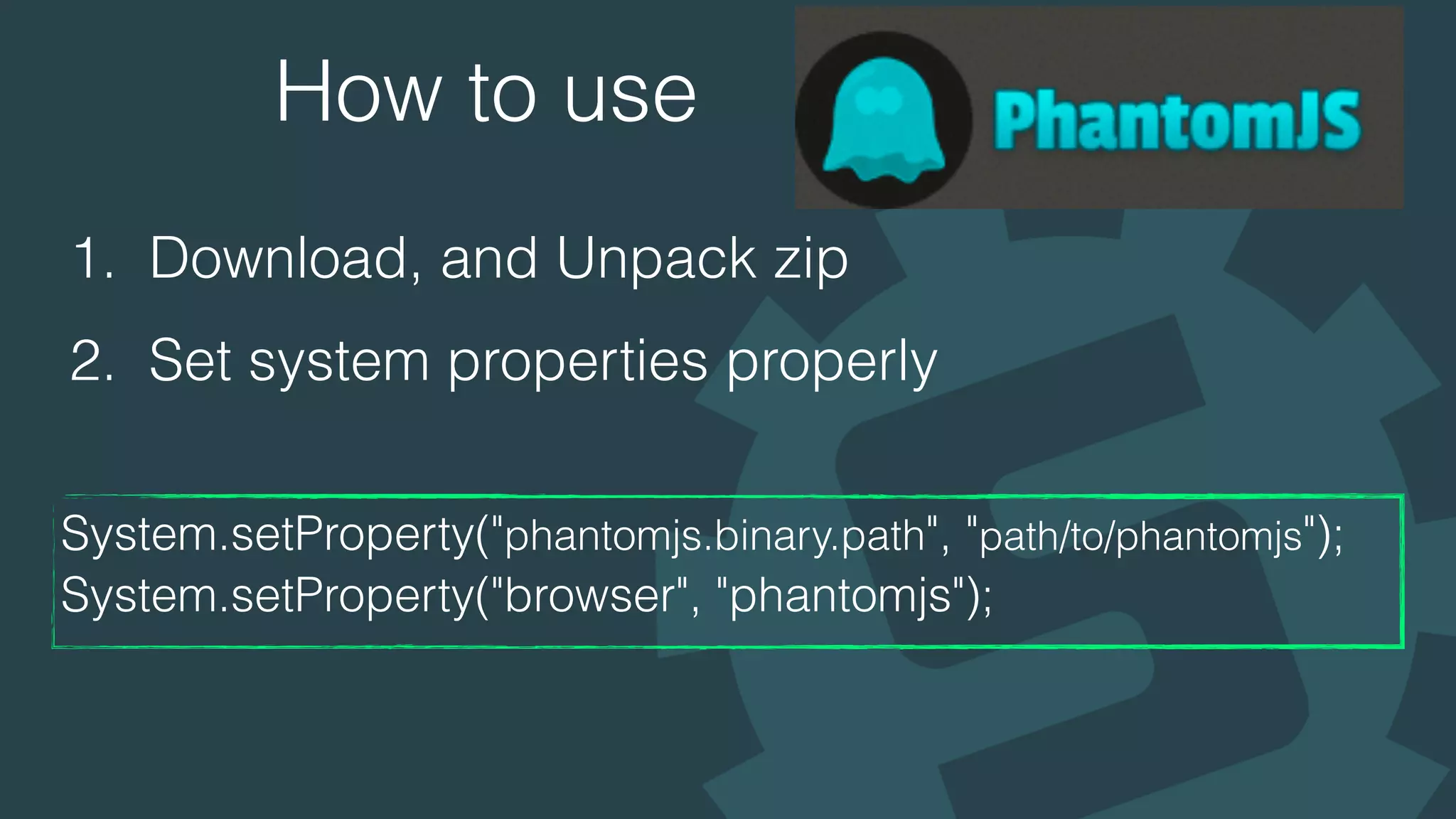
How to use
1. Download, and Unpack zip
2. Set system properties properly
System.setProperty("phantomjs.binary.path", "path/to/phantomjs");
System.setProperty("browser", "phantomjs");

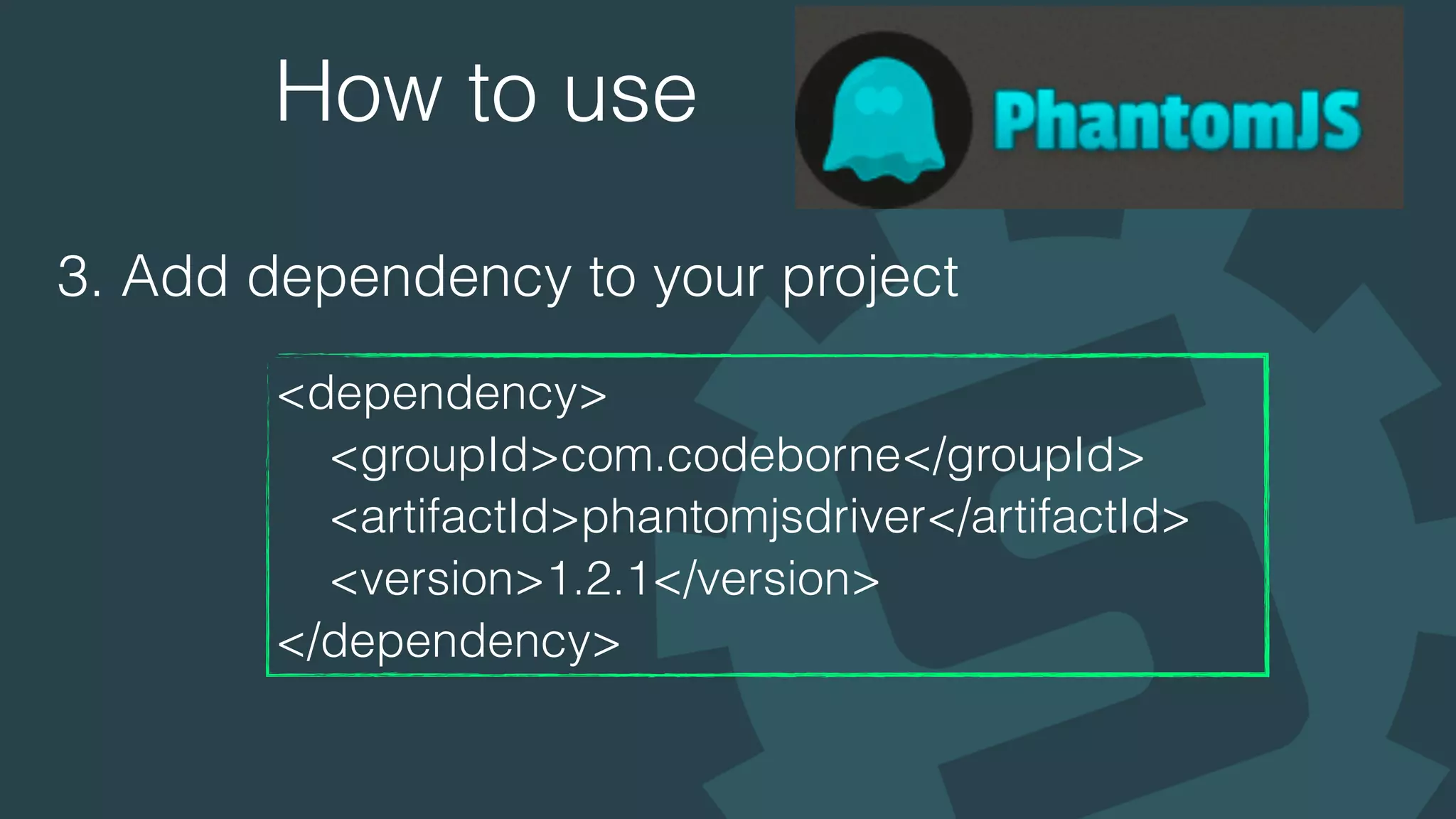
How to use
3. Add dependency to your project
<dependency>
<groupId>com.codeborne</groupId>
<artifactId>phantomjsdriver</artifactId>
<version>1.2.1</version>
</dependency>
How to use
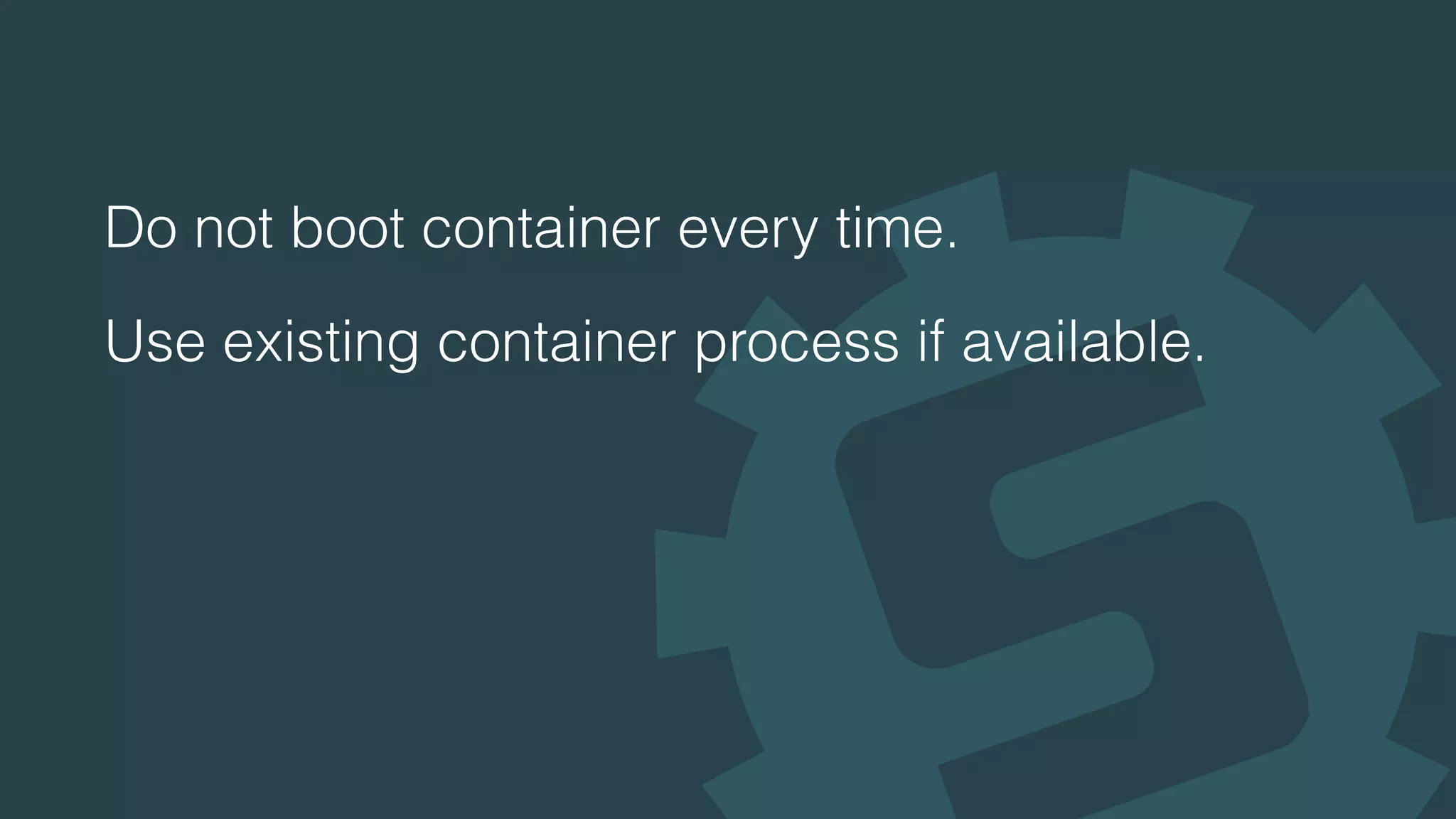
4. You're good to go
WebDriver driver = new PhantomJSDriver();

driver.get("https://www.google.com/");

WebElement element = driver.findElement(By.className("gsfi"));

element.click();

element.sendKeys("JavaOne 2016");

driver.findElement(By.name("btnK")).click();
PhantomJSInstaller
Check PhantomJS Installation
Download, unpack, install automatically
#CON5929
yusuke/javaone2016demo
Do not boot container every time.
Use existing container process if available.
Test quickly
Do not boot container every time.
Use existing container process if available.
#CON5929
Test quickly
#CON5929
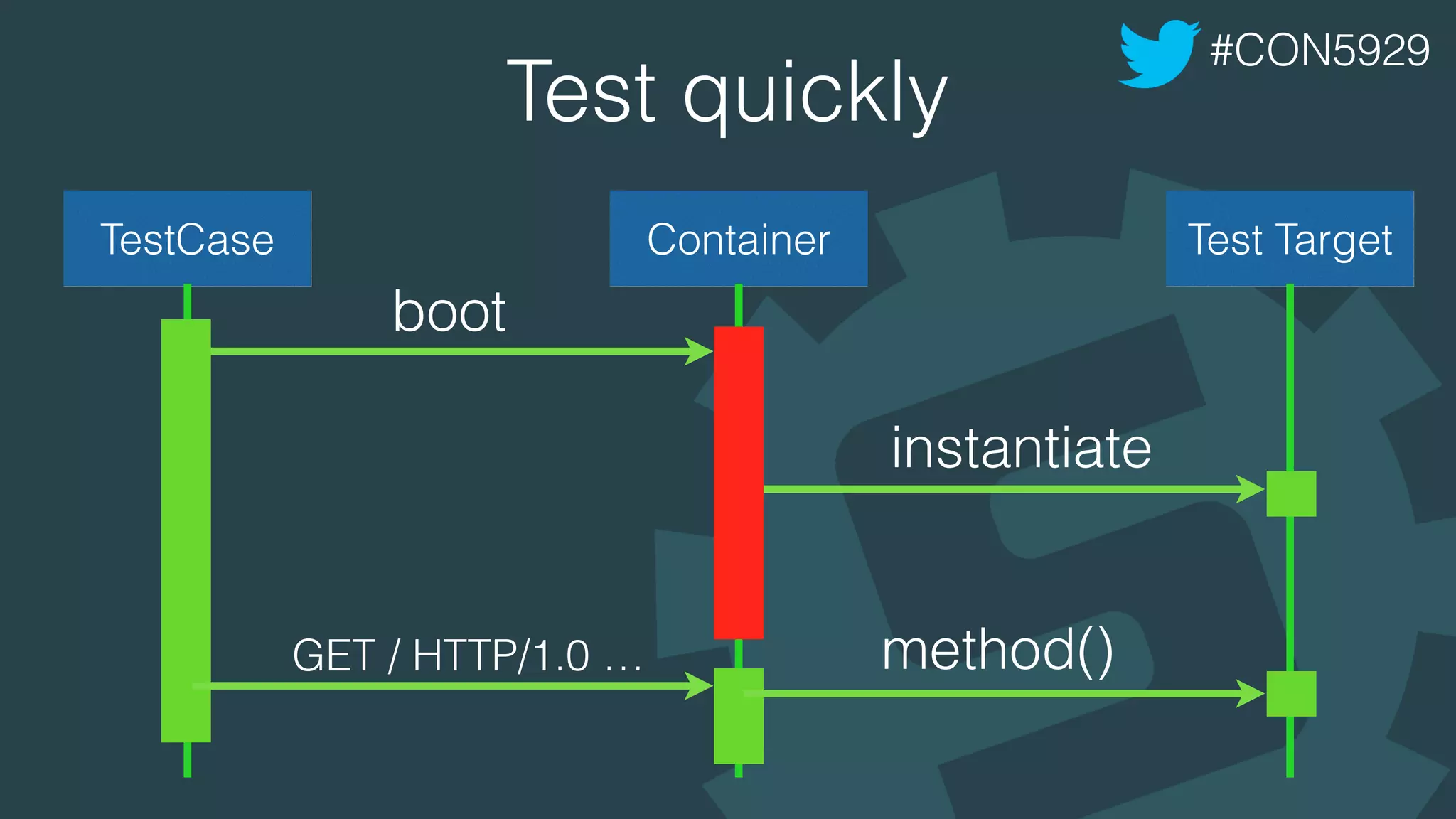
TestCase Container Test Target
boot
instantiate
GET / HTTP/1.0 … method()
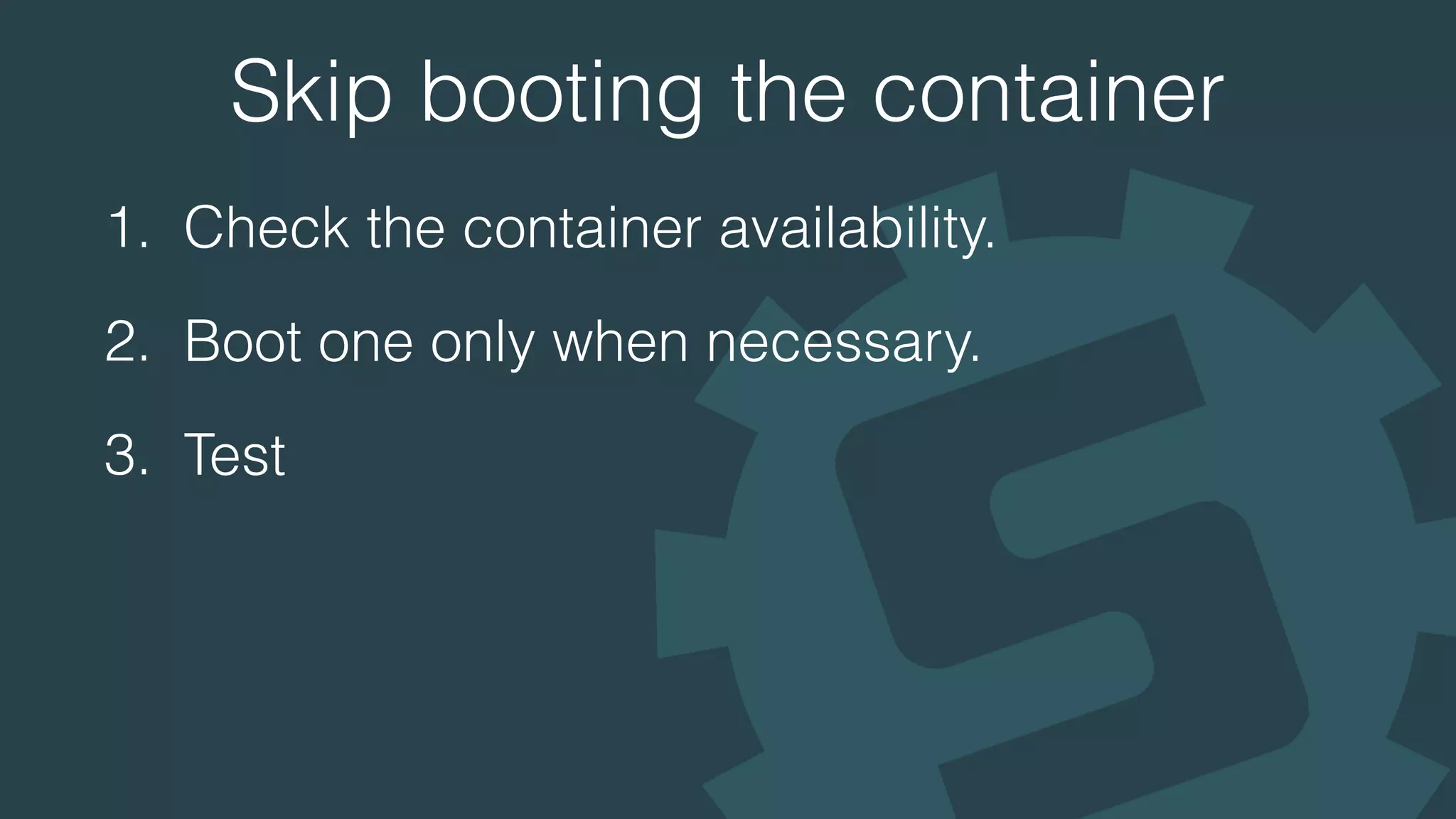
Skip booting the container
1. Check the container availability.
2. Boot one only when necessary.
3. Test
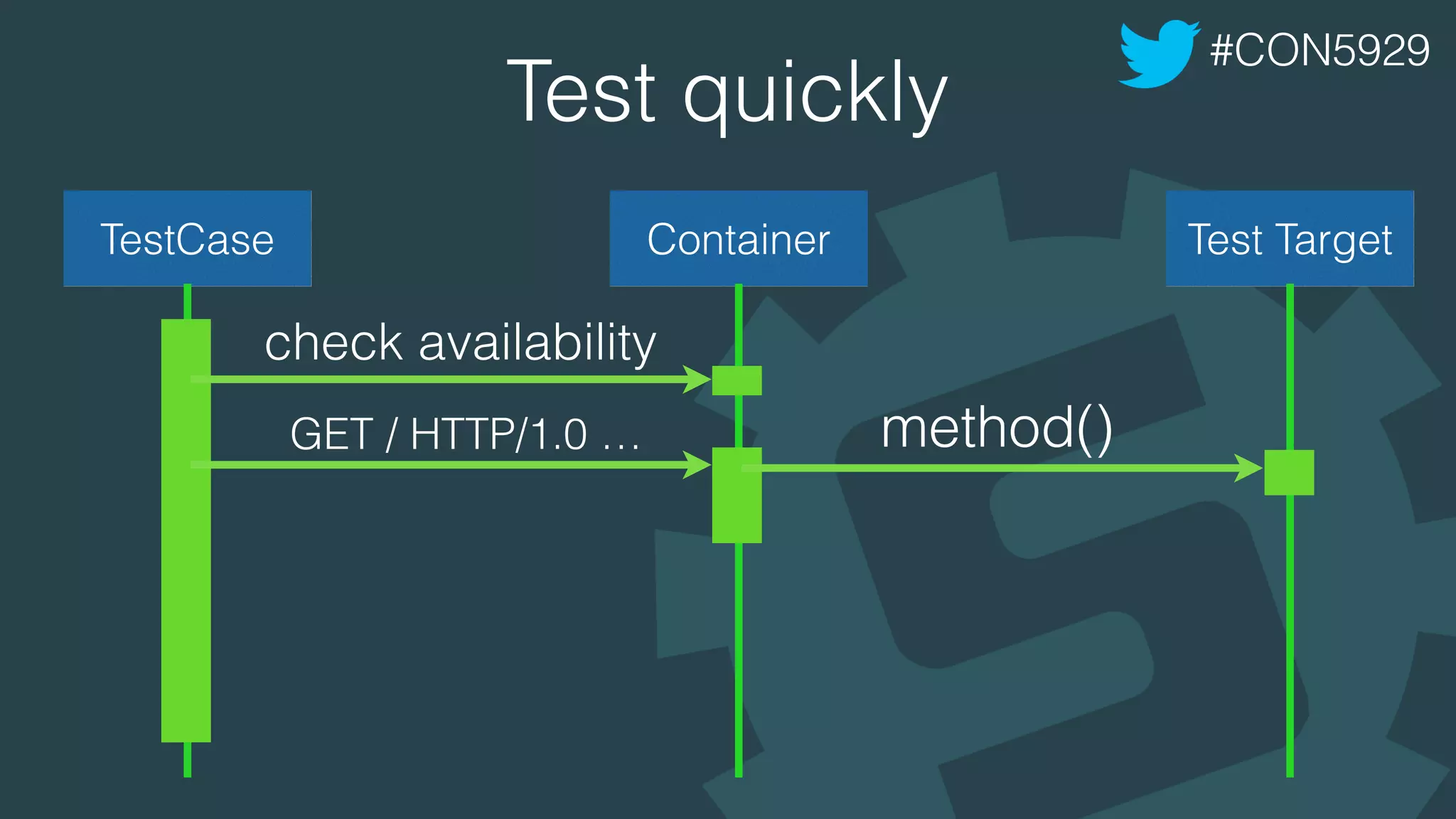
Test quickly
#CON5929
TestCase Container Test Target
GET / HTTP/1.0 … method()
check availability
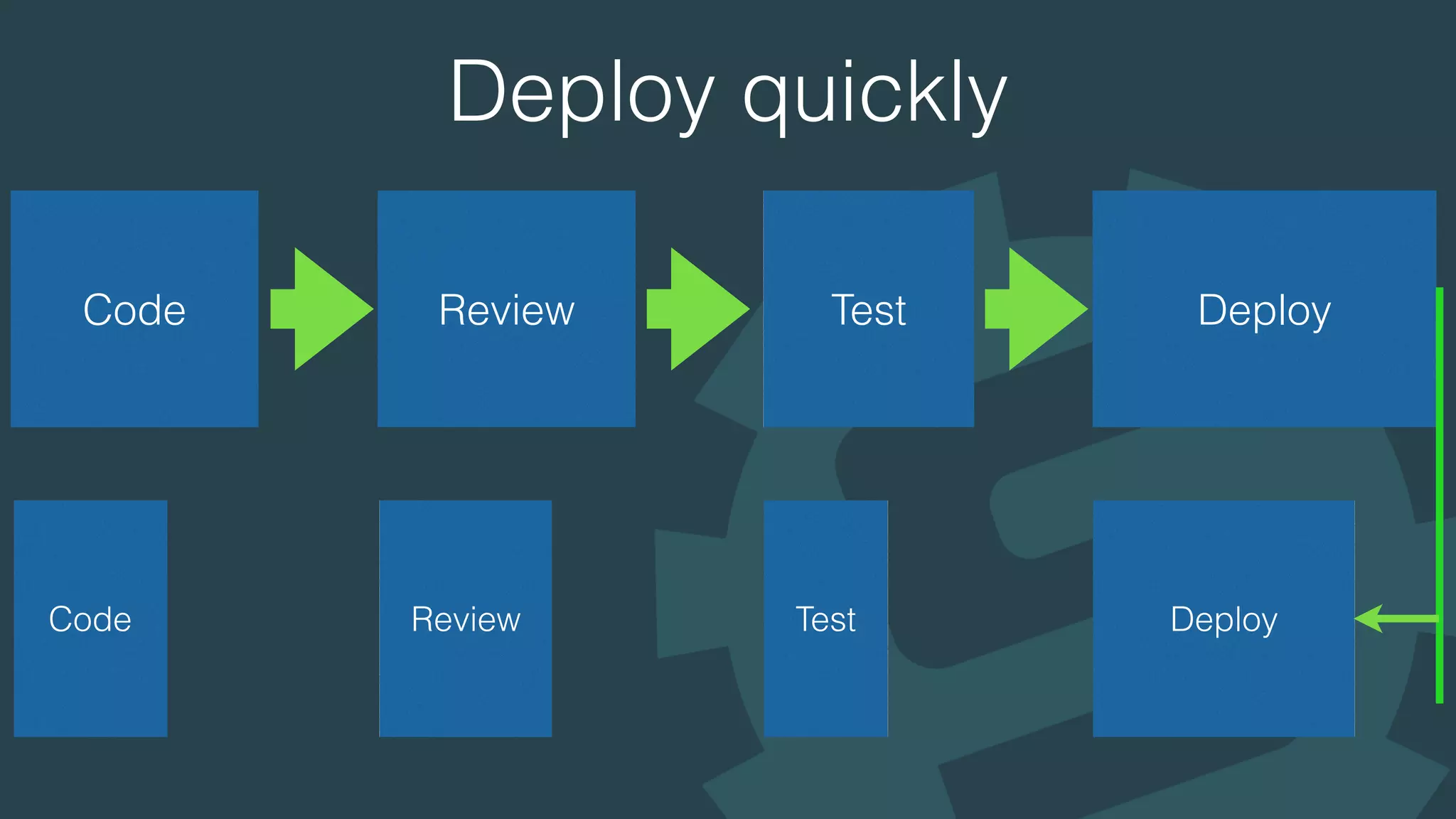
Deploy quickly
Code Review Test Deploy
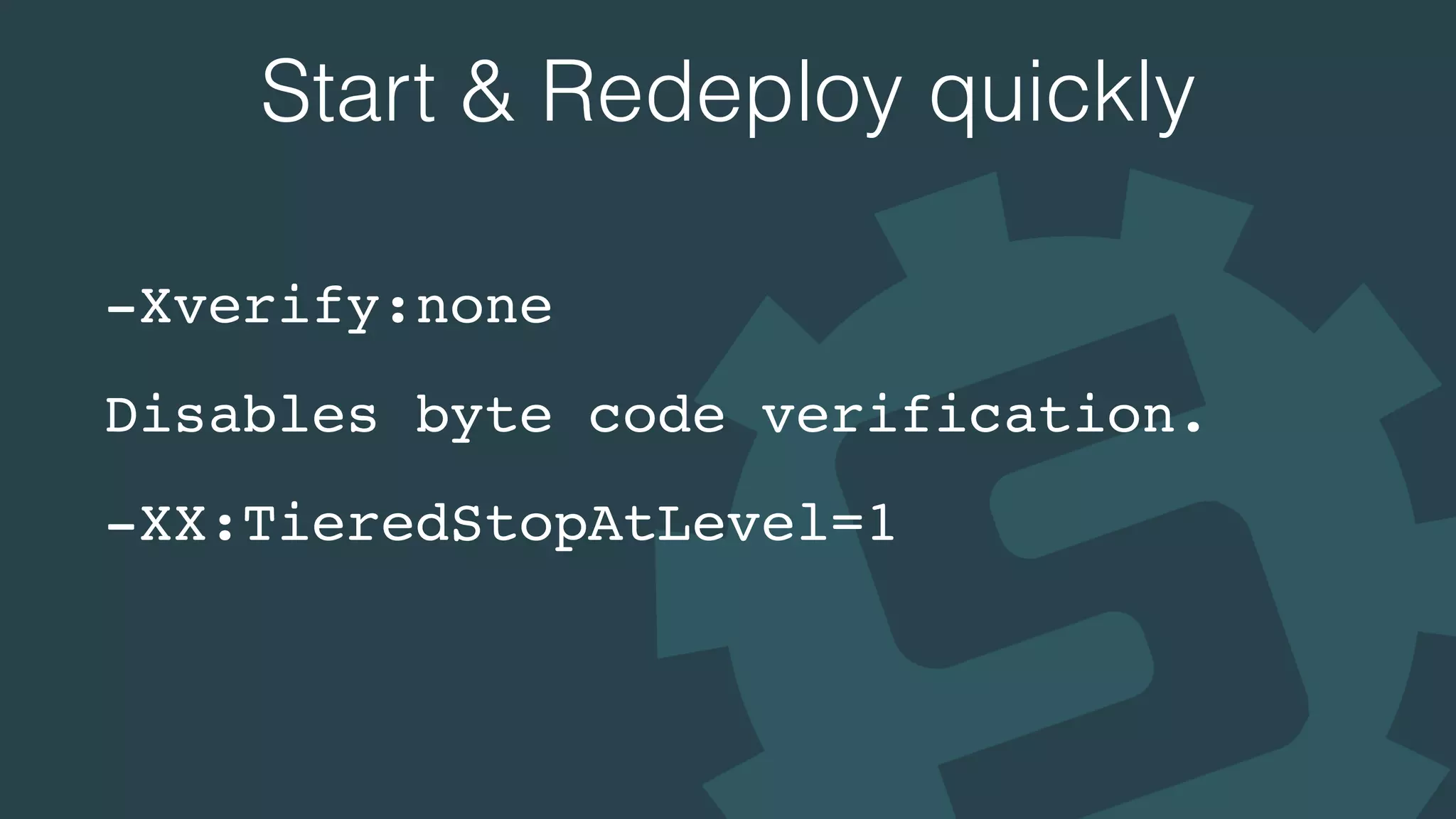
Start & Redeploy quickly
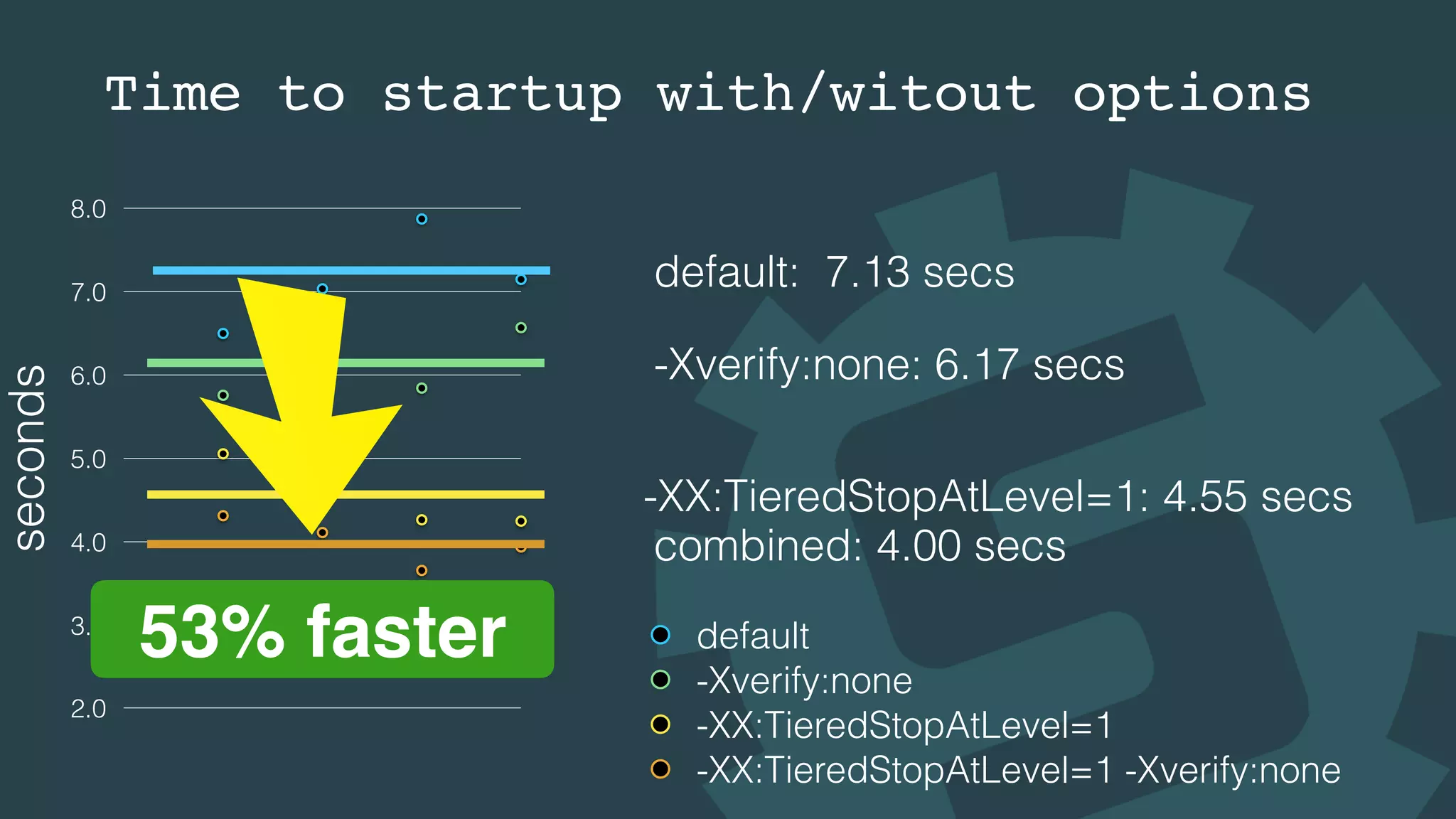
-Xverify:none
Disables byte code verification.
-XX:TieredStopAtLevel=1
Time to startup with/witout options
seconds
2.0
3.0
4.0
5.0
6.0
7.0
8.0
default
-Xverify:none
-XX:TieredStopAtLevel=1
-XX:TieredStopAtLevel=1 -Xverify:none
default: 7.13 secs
-Xverify:none: 6.17 secs
-XX:TieredStopAtLevel=1: 4.55 secs
combined: 4.00 secs
53% faster
HotSwap
#CON5929
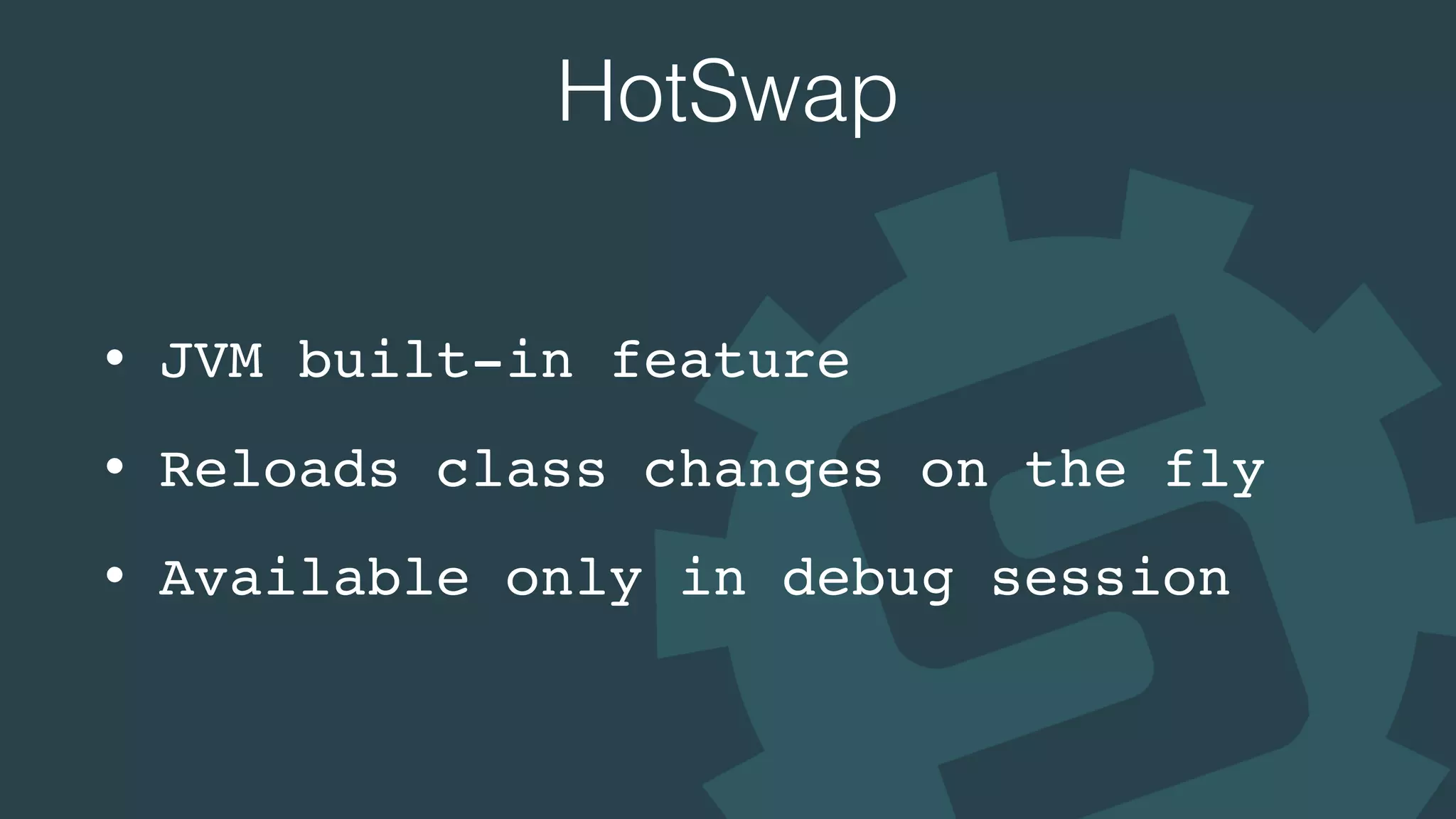
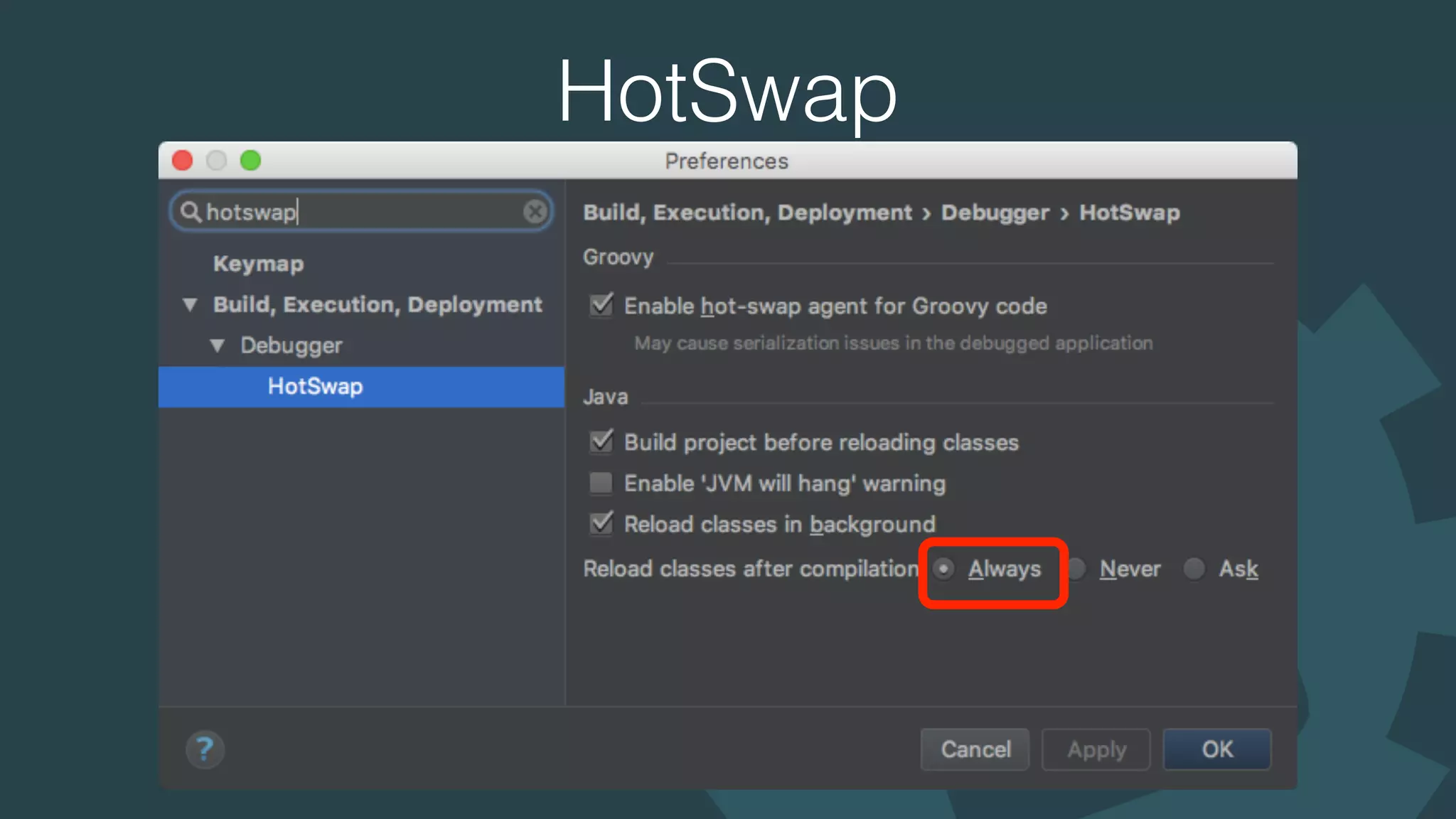
HotSwap
• JVM built-in feature
• Reloads class changes on the fly
• Available only in debug session
HotSwap
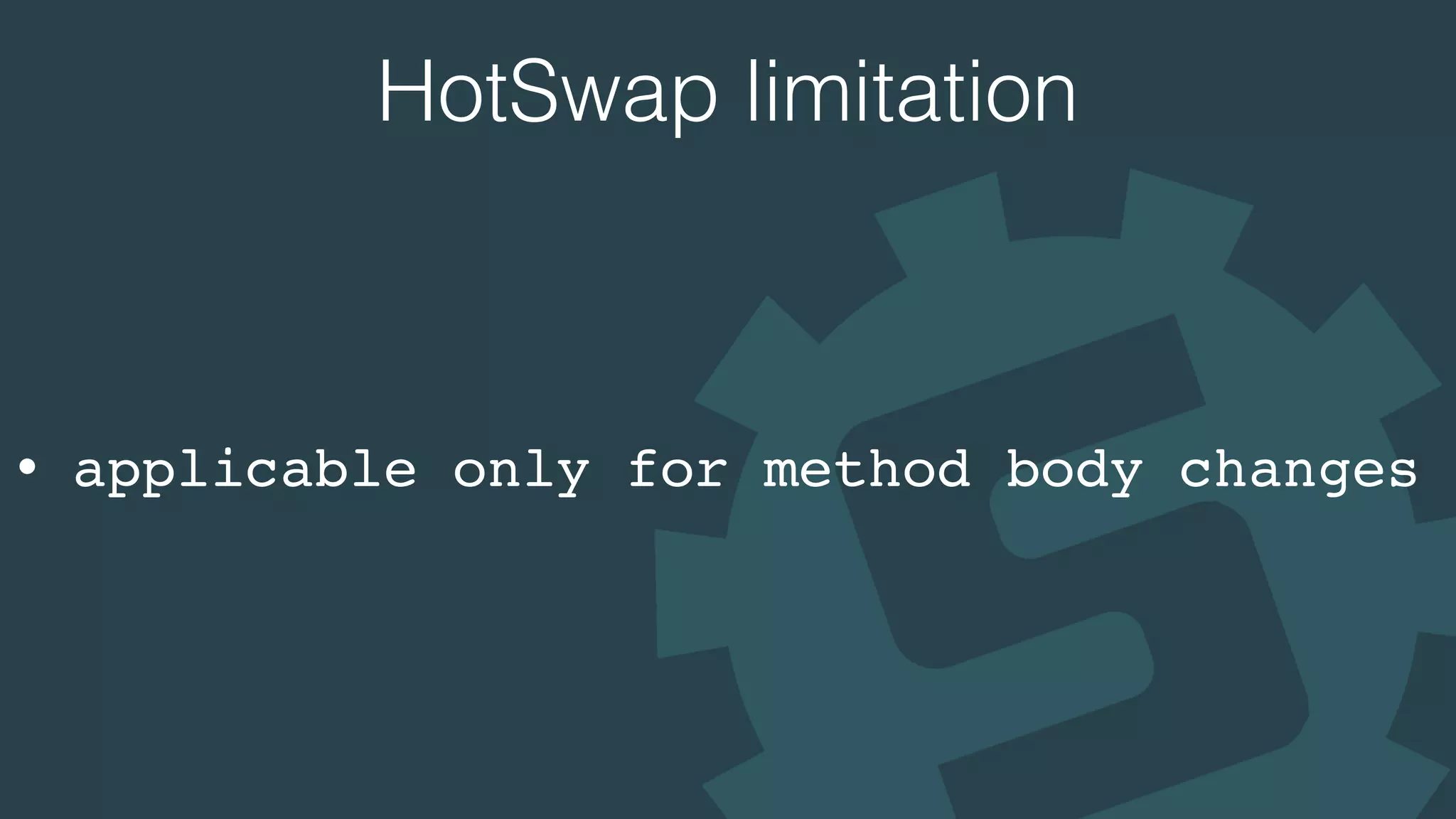
HotSwap limitation
• applicable only for method body changes
Unlimited dynamic swap
http://zeroturnaround.com/software/jrebel/
yusuke/javaone2016demo
#CON5929
JavaOne2016 #CON5929 Time-Saving Tips and Tricks for Building Quality Java Applications

JavaOne2016 #CON5929 Time-Saving Tips and Tricks for Building Quality Java Applications