Java Applet
• Applet is a special type of program that is
embedded in the webpage to generate the dynamic
content. It runs inside the browser and works at
client side.
Advantage of Applet
There are many advantages of applet.
They are as follows:
• It works at client side so less response time.
• Secured
• It can be executed by browsers running under many
plateforms, including Linux, Windows, Mac Os etc.
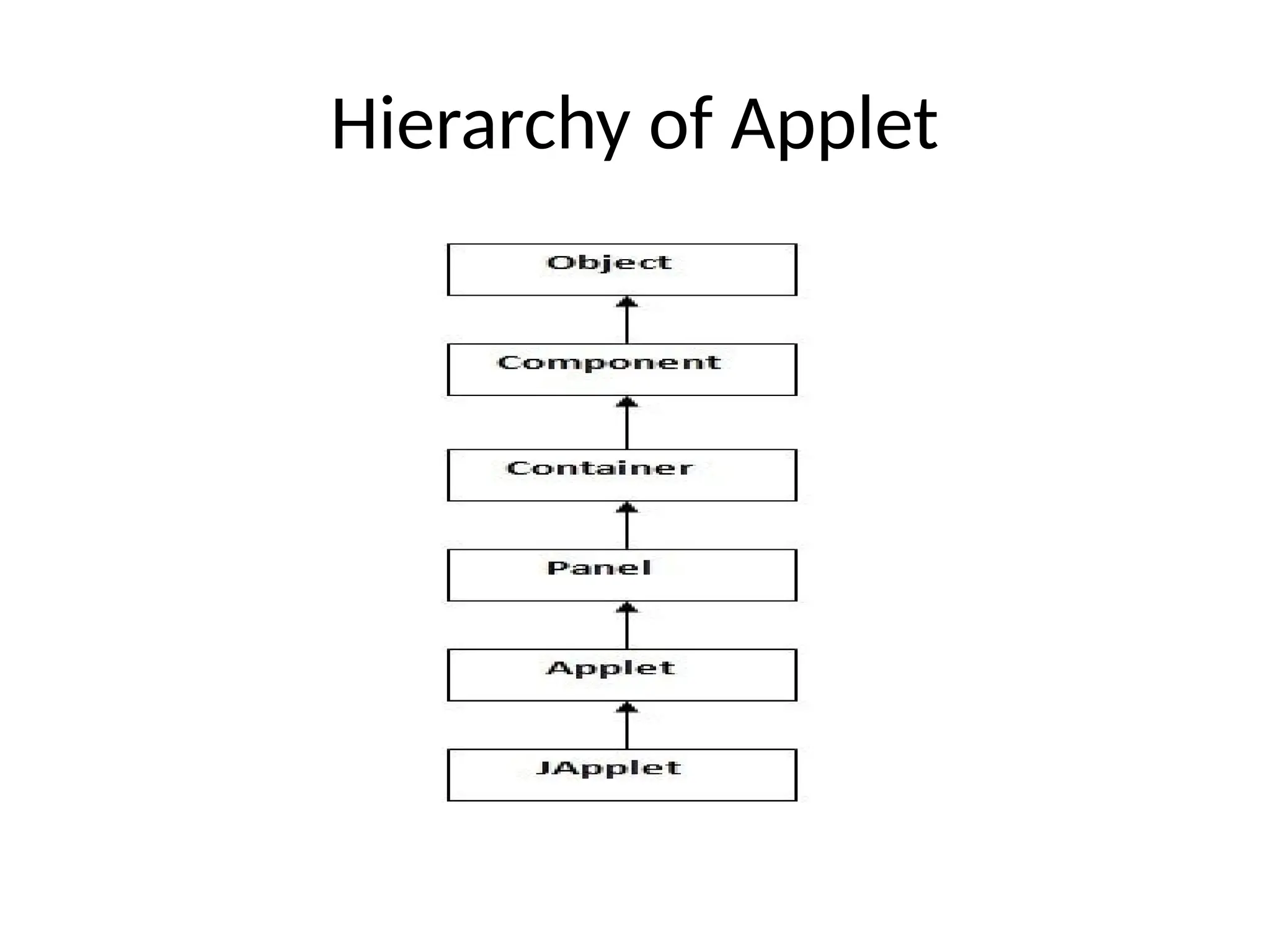
Hierarchy of Applet
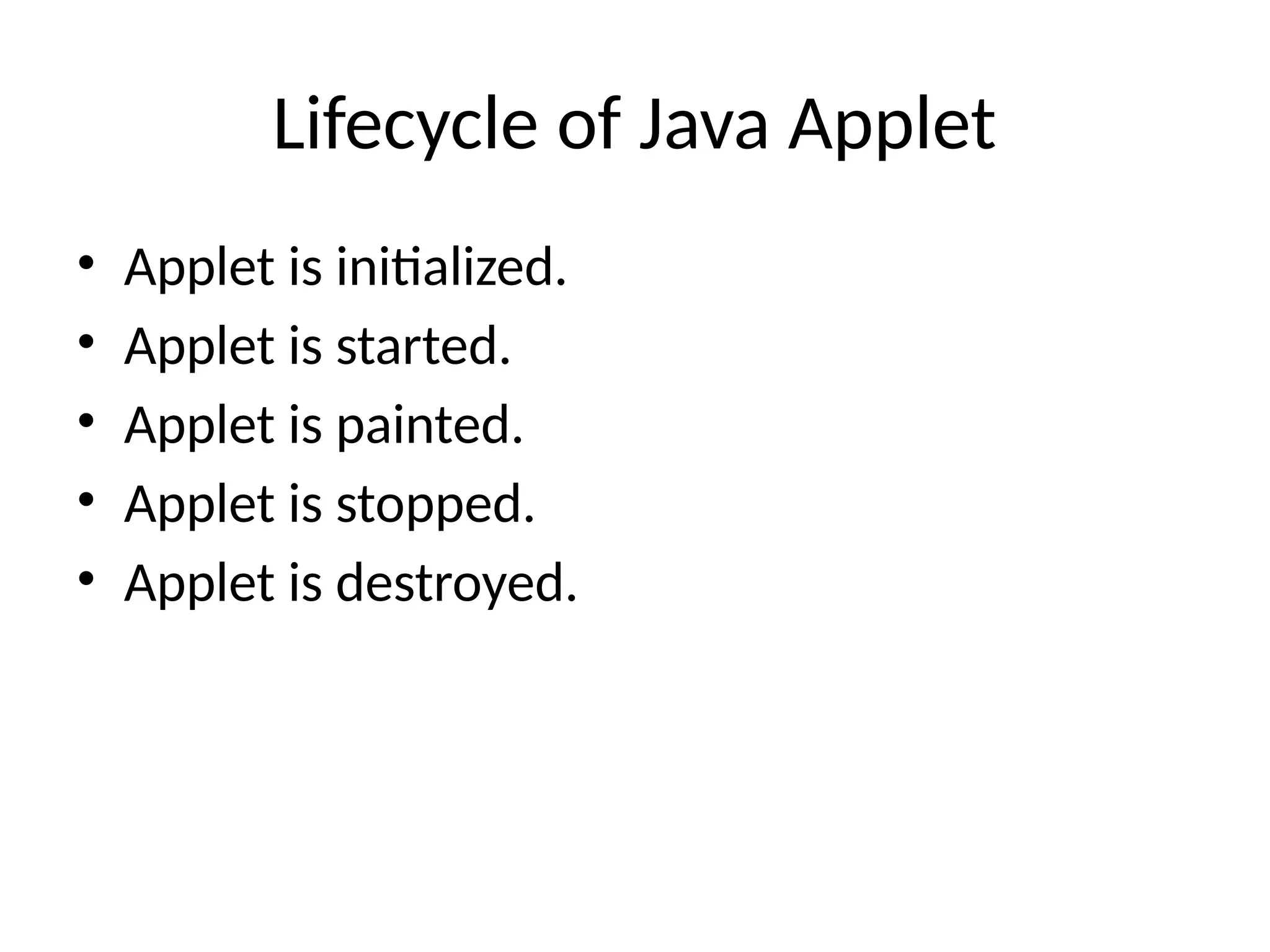
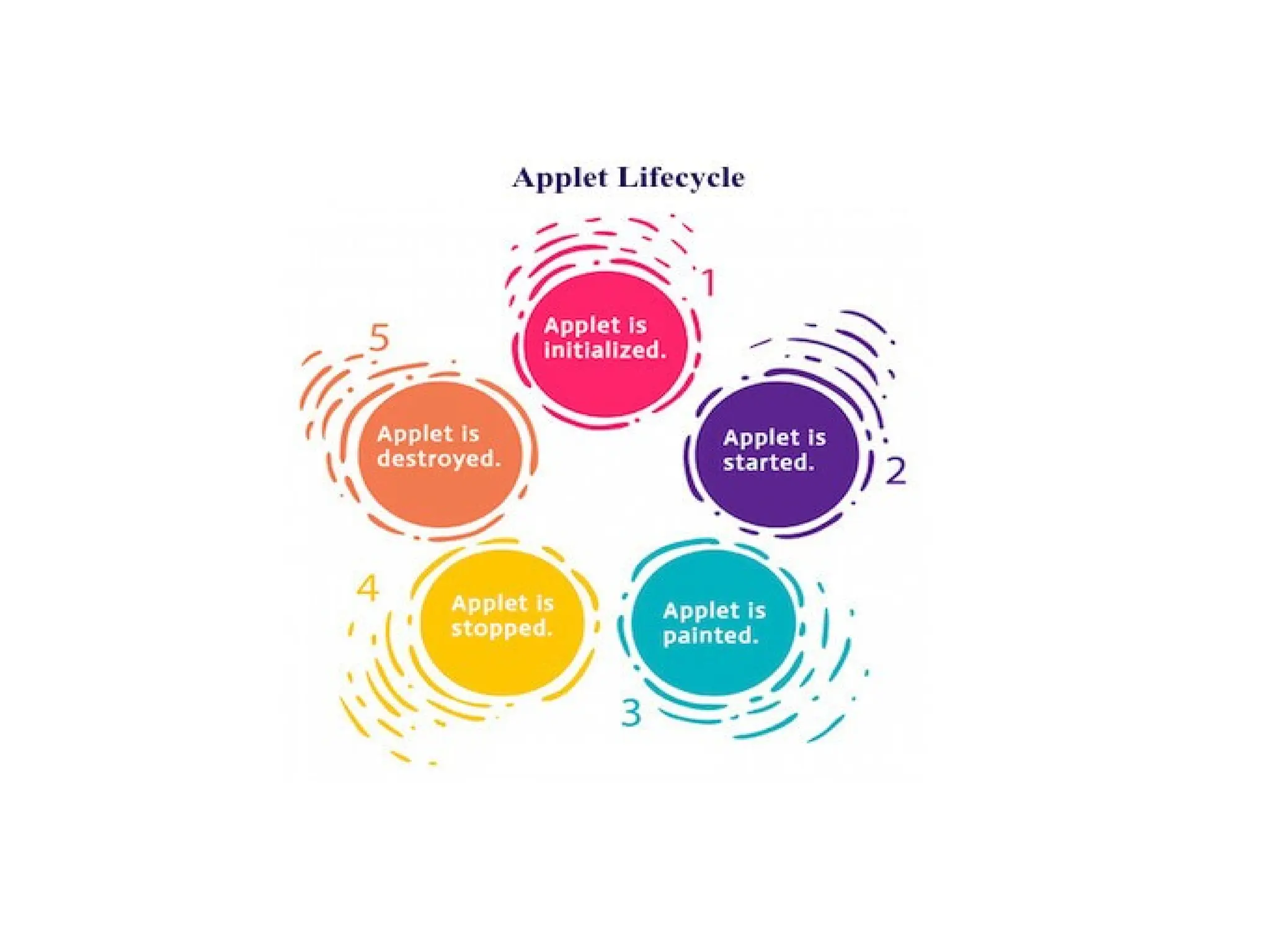
Lifecycle of Java Applet
• Applet is initialized.
• Applet is started.
• Applet is painted.
• Applet is stopped.
• Applet is destroyed.
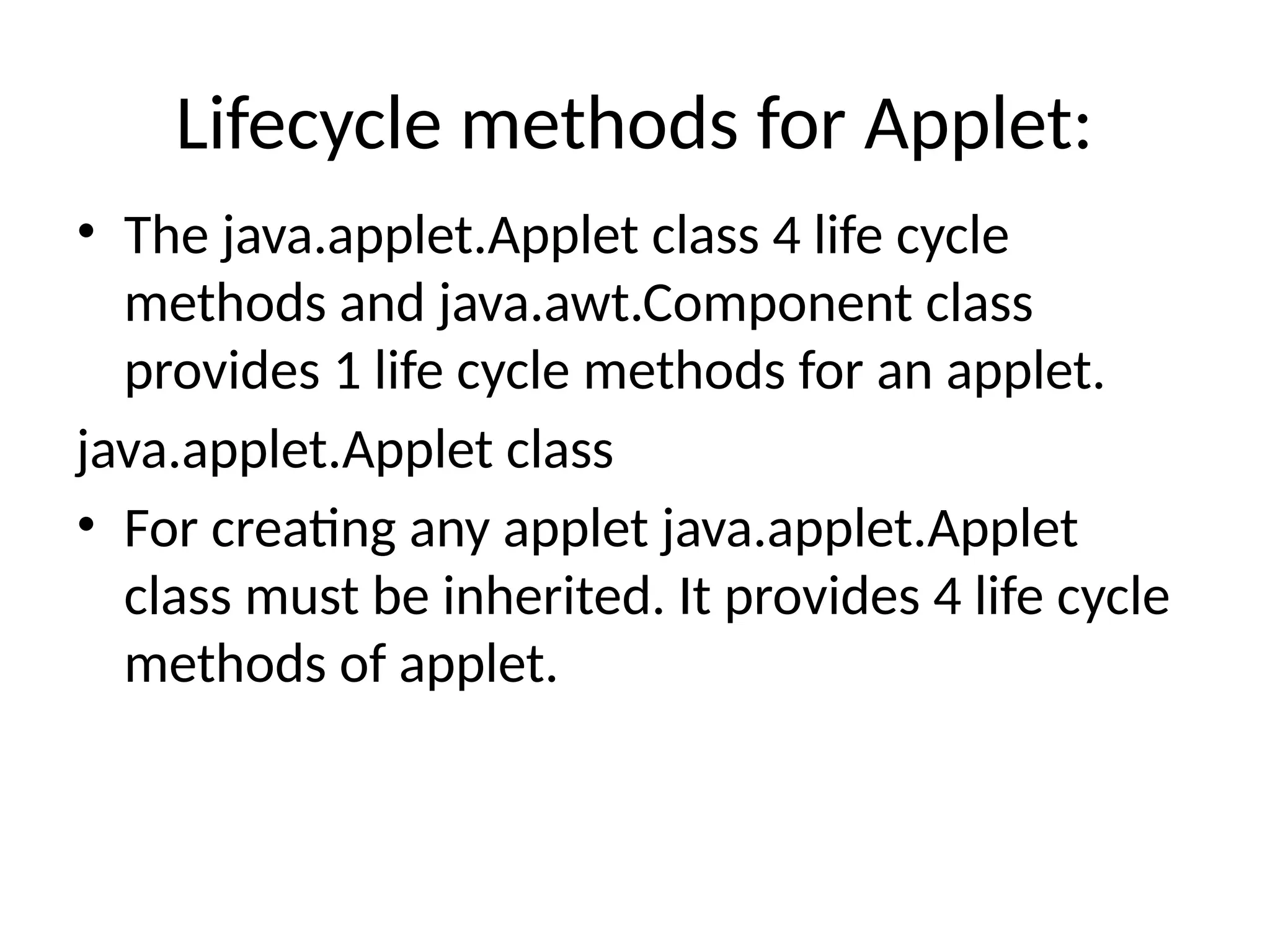
Lifecycle methods for Applet:
• The java.applet.Applet class 4 life cycle
methods and java.awt.Component class
provides 1 life cycle methods for an applet.
java.applet.Applet class
• For creating any applet java.applet.Applet
class must be inherited. It provides 4 life cycle
methods of applet.
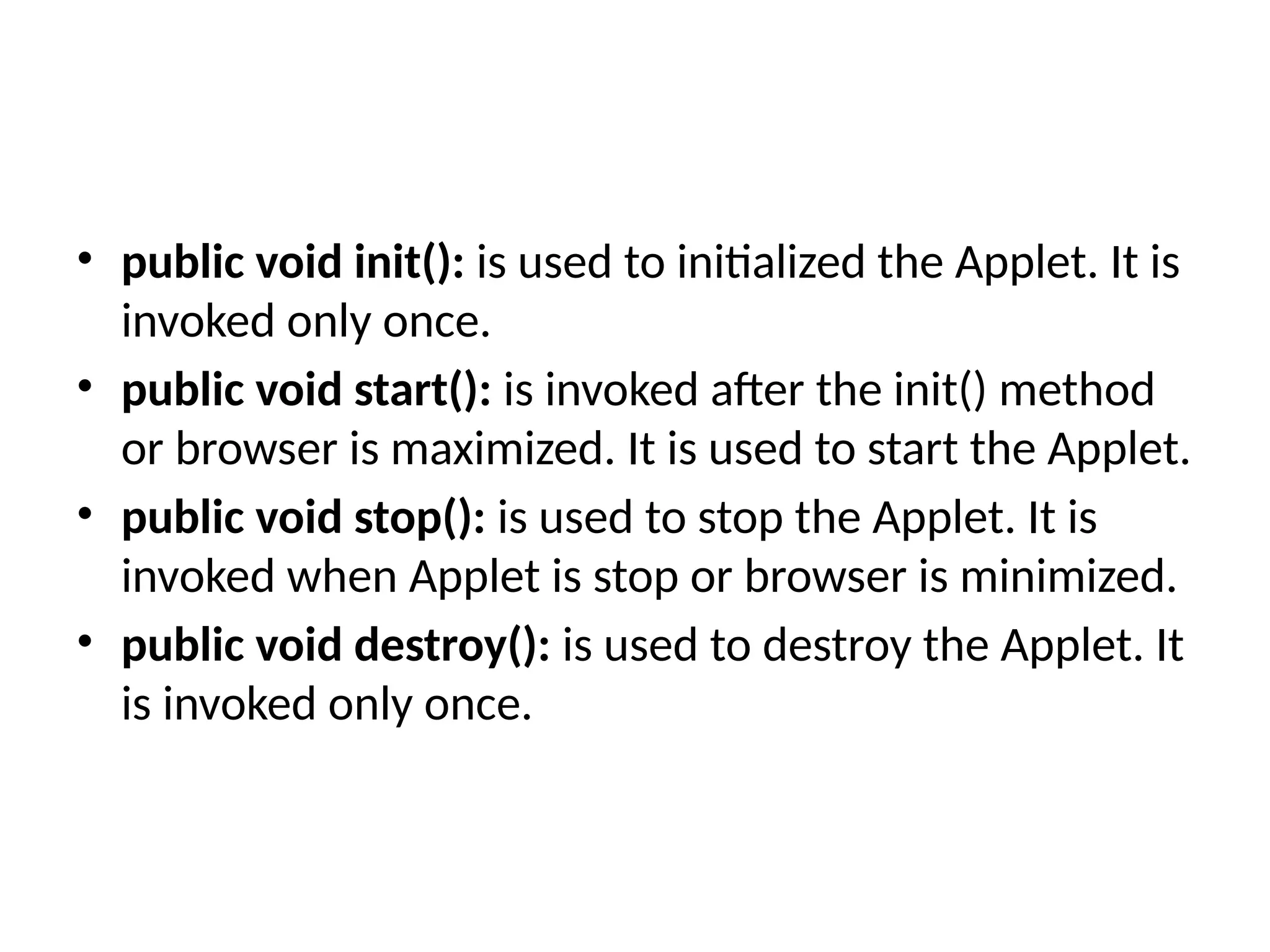
• public void init(): is used to initialized the Applet. It is
invoked only once.
• public void start(): is invoked after the init() method
or browser is maximized. It is used to start the Applet.
• public void stop(): is used to stop the Applet. It is
invoked when Applet is stop or browser is minimized.
• public void destroy(): is used to destroy the Applet. It
is invoked only once.
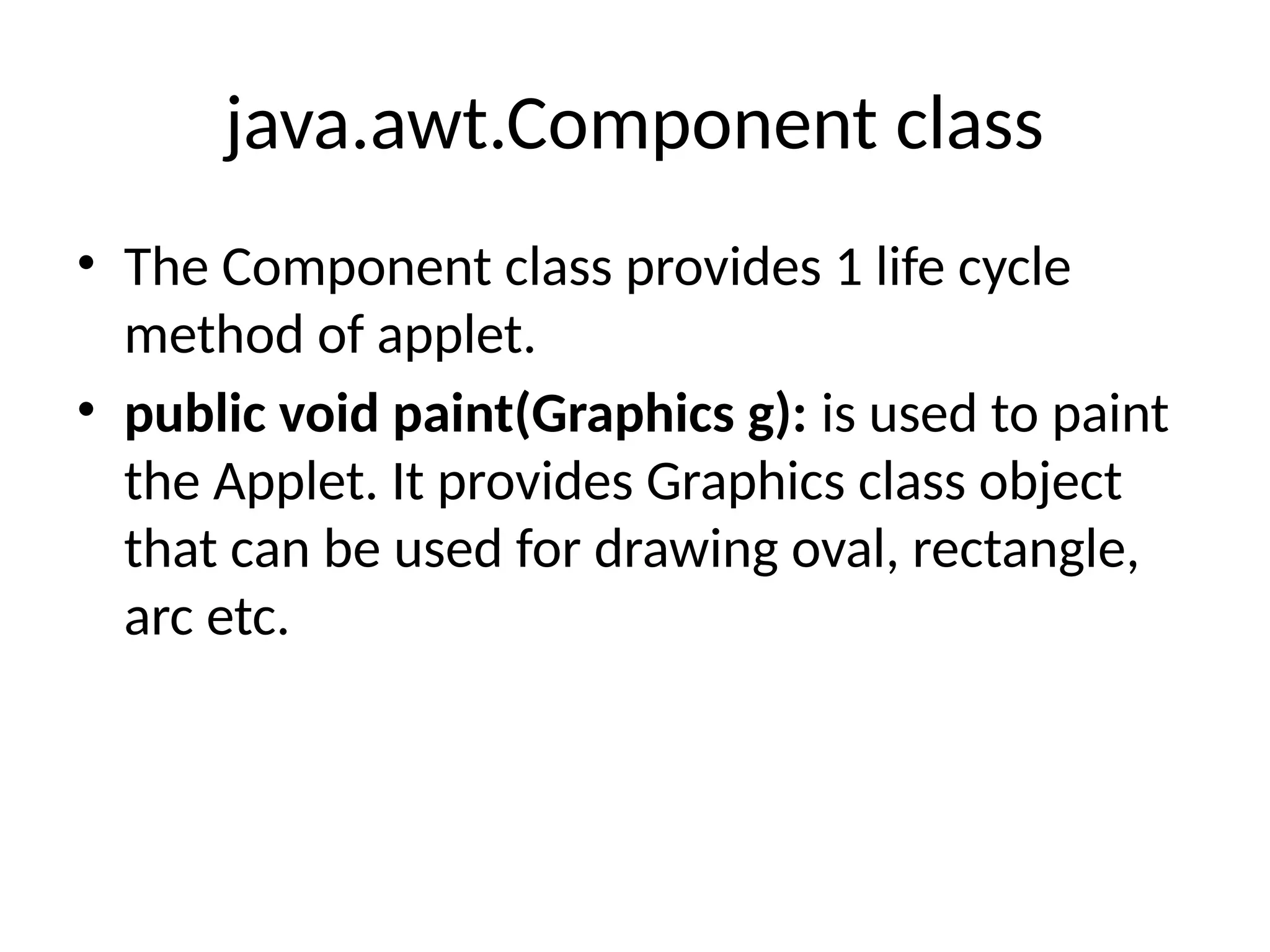
java.awt.Component class
• The Component class provides 1 life cycle
method of applet.
• public void paint(Graphics g): is used to paint
the Applet. It provides Graphics class object
that can be used for drawing oval, rectangle,
arc etc.
How to run an Applet?
There are two ways to run an applet
• By html file.
• By appletViewer tool (for testing purpose).
Simple example of Applet by html file:
• To execute the applet by html file, create an
applet and compile it. After that create an
html file and place the applet code in html file.
Now click the html file.
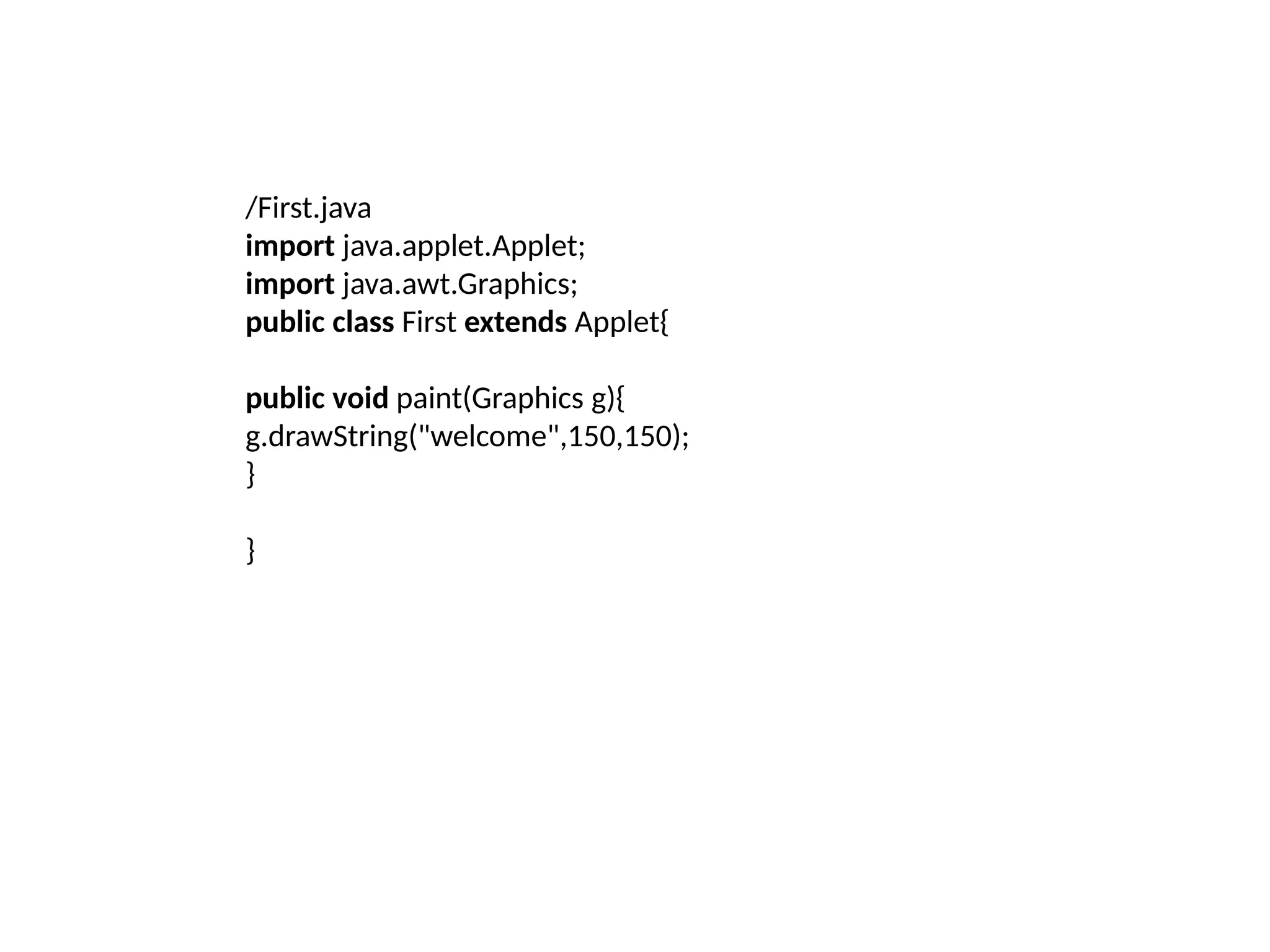
/First.java
import java.applet.Applet;
import java.awt.Graphics;
public class First extends Applet{
public void paint(Graphics g){
g.drawString("welcome",150,150);
}
}
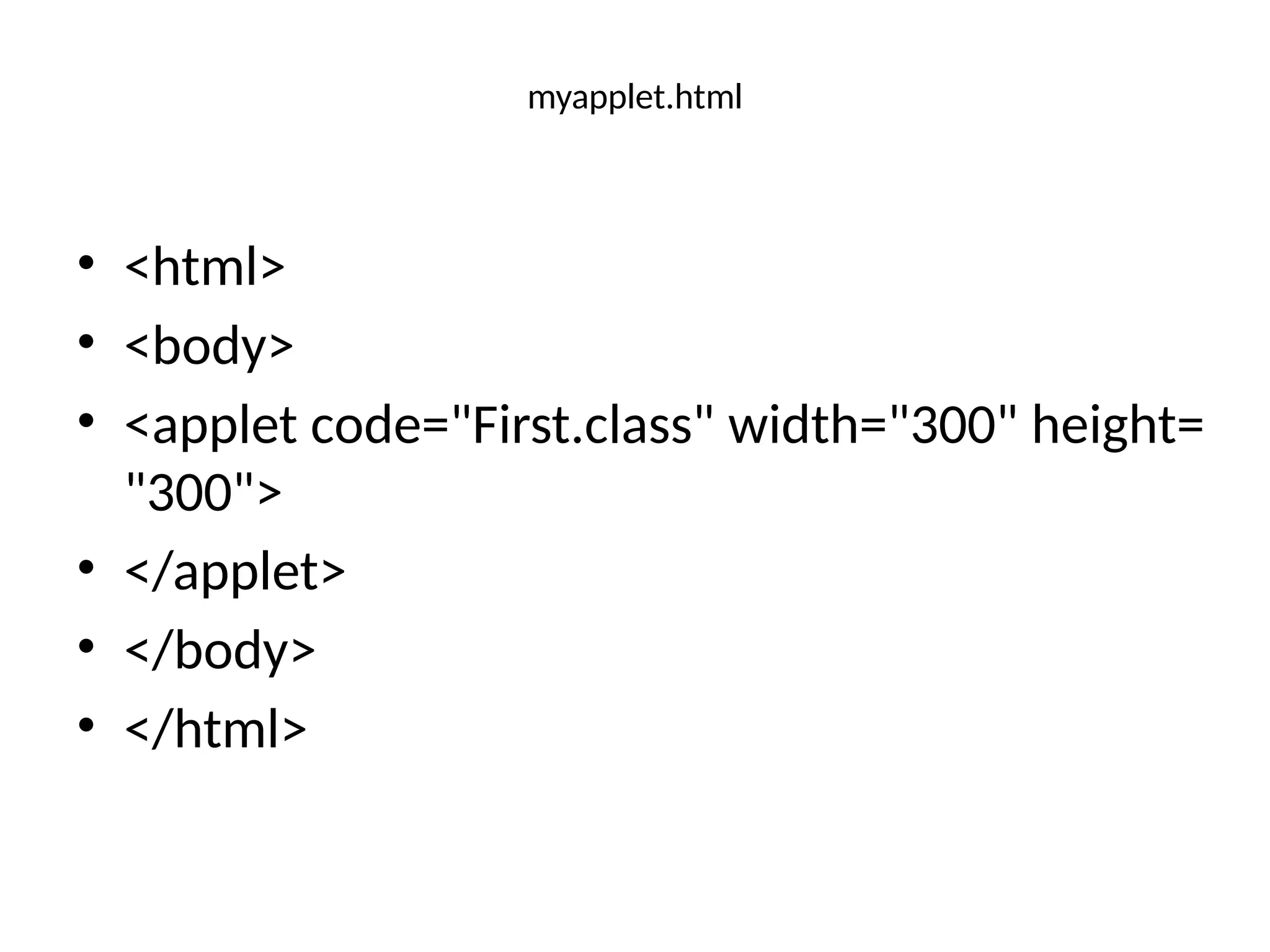
myapplet.html
• <html>
• <body>
• <applet code="First.class" width="300" height=
"300">
• </applet>
• </body>
• </html>
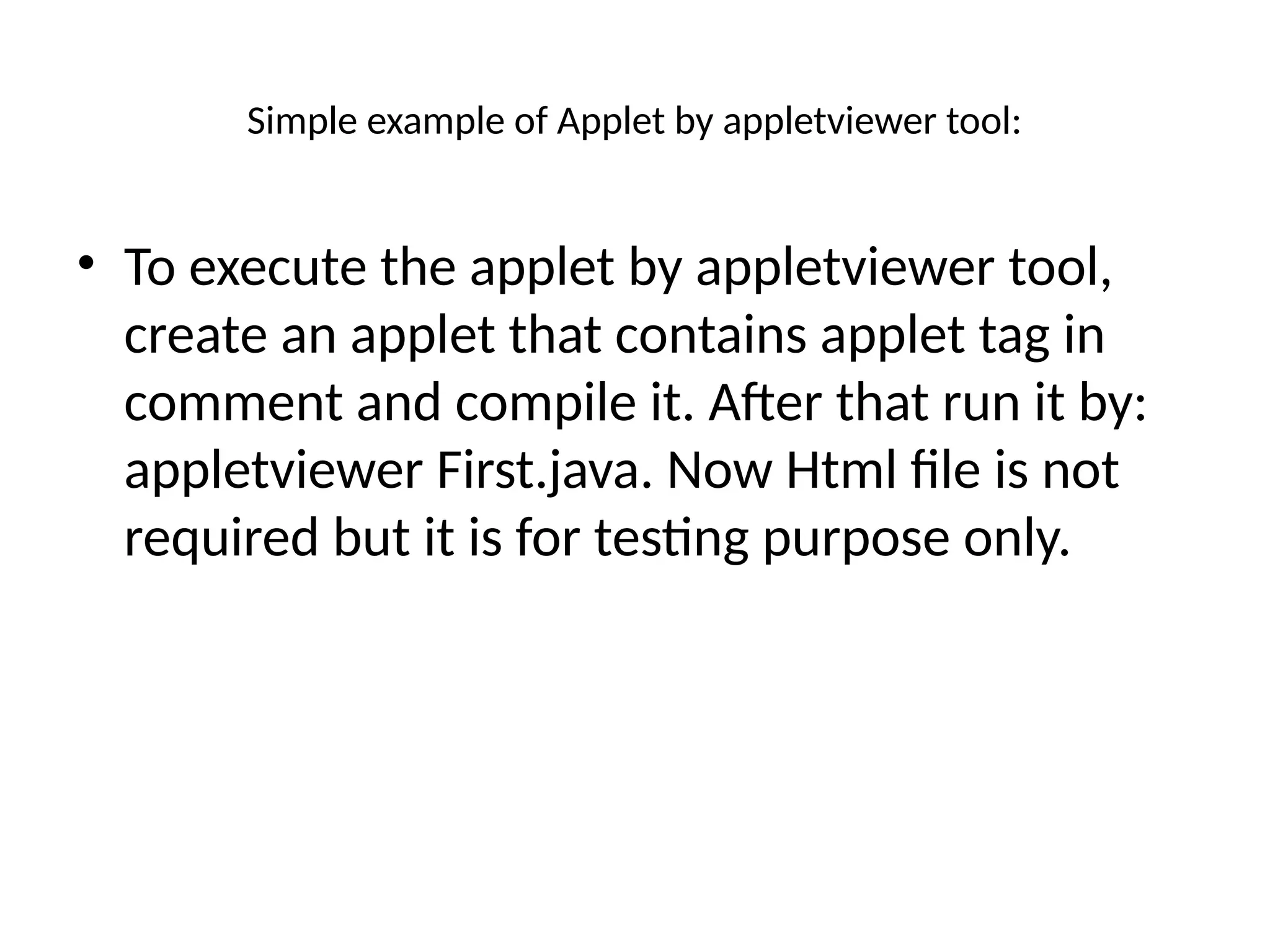
Simple example of Applet by appletviewer tool:
• To execute the applet by appletviewer tool,
create an applet that contains applet tag in
comment and compile it. After that run it by:
appletviewer First.java. Now Html file is not
required but it is for testing purpose only.
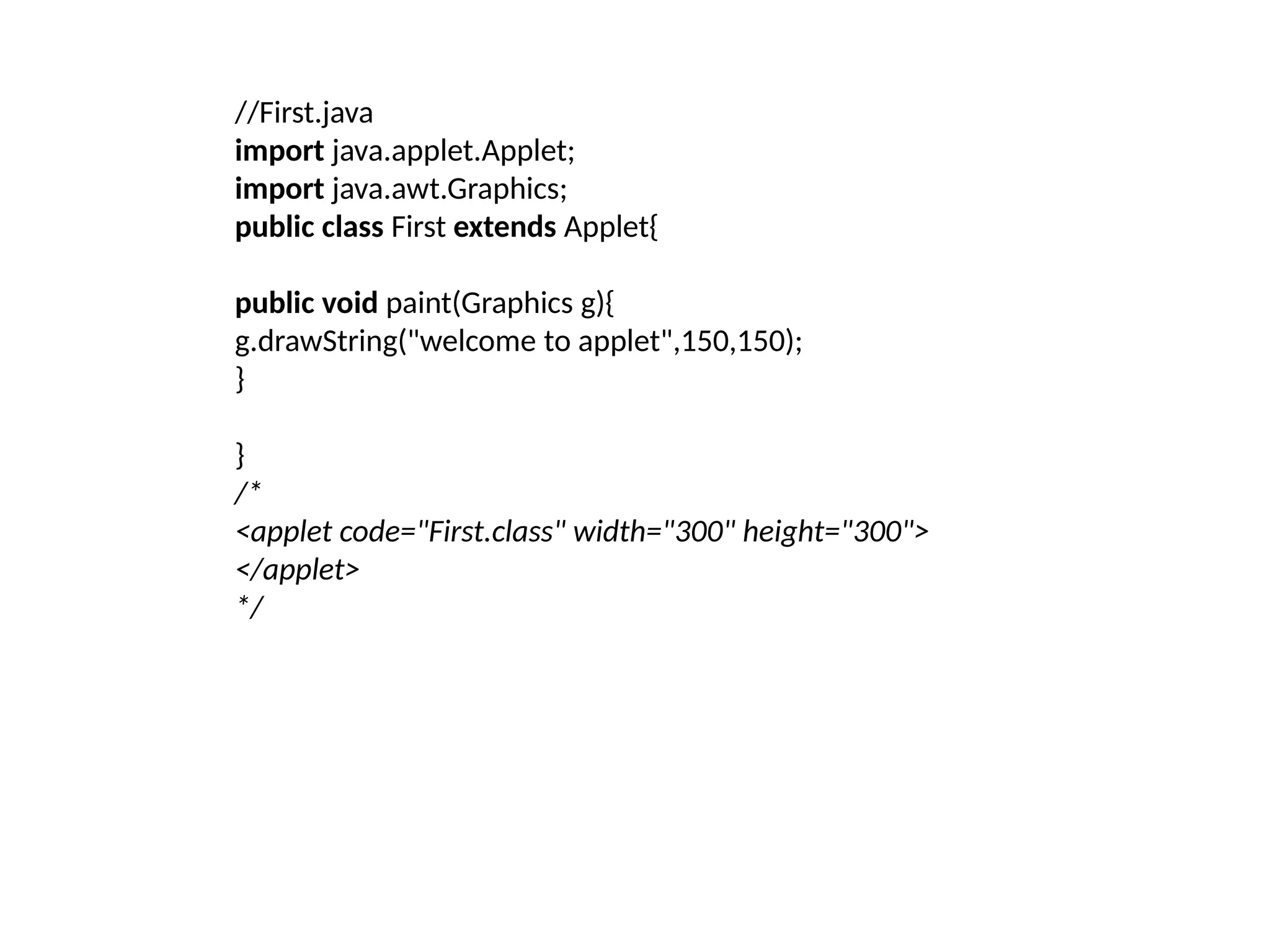
//First.java
import java.applet.Applet;
import java.awt.Graphics;
public class First extends Applet{
public void paint(Graphics g){
g.drawString("welcome to applet",150,150);
}
}
/*
<applet code="First.class" width="300" height="300">
</applet>
*/
To execute the applet by appletviewer tool, write in command prompt:
• c:>javac First.java
• c:>appletviewer First.java

Java Apple dndkorksnsbsjdkkdjejdjrdndjdj

  • 1.
  • 2.
    • Applet isa special type of program that is embedded in the webpage to generate the dynamic content. It runs inside the browser and works at client side. Advantage of Applet There are many advantages of applet. They are as follows: • It works at client side so less response time. • Secured • It can be executed by browsers running under many plateforms, including Linux, Windows, Mac Os etc.
  • 3.
  • 4.
    Lifecycle of JavaApplet • Applet is initialized. • Applet is started. • Applet is painted. • Applet is stopped. • Applet is destroyed.
  • 6.
    Lifecycle methods forApplet: • The java.applet.Applet class 4 life cycle methods and java.awt.Component class provides 1 life cycle methods for an applet. java.applet.Applet class • For creating any applet java.applet.Applet class must be inherited. It provides 4 life cycle methods of applet.
  • 7.
    • public voidinit(): is used to initialized the Applet. It is invoked only once. • public void start(): is invoked after the init() method or browser is maximized. It is used to start the Applet. • public void stop(): is used to stop the Applet. It is invoked when Applet is stop or browser is minimized. • public void destroy(): is used to destroy the Applet. It is invoked only once.
  • 8.
    java.awt.Component class • TheComponent class provides 1 life cycle method of applet. • public void paint(Graphics g): is used to paint the Applet. It provides Graphics class object that can be used for drawing oval, rectangle, arc etc.
  • 9.
    How to runan Applet? There are two ways to run an applet • By html file. • By appletViewer tool (for testing purpose).
  • 10.
    Simple example ofApplet by html file: • To execute the applet by html file, create an applet and compile it. After that create an html file and place the applet code in html file. Now click the html file.
  • 11.
    /First.java import java.applet.Applet; import java.awt.Graphics; publicclass First extends Applet{ public void paint(Graphics g){ g.drawString("welcome",150,150); } }
  • 12.
    myapplet.html • <html> • <body> •<applet code="First.class" width="300" height= "300"> • </applet> • </body> • </html>
  • 13.
    Simple example ofApplet by appletviewer tool: • To execute the applet by appletviewer tool, create an applet that contains applet tag in comment and compile it. After that run it by: appletviewer First.java. Now Html file is not required but it is for testing purpose only.
  • 14.
    //First.java import java.applet.Applet; import java.awt.Graphics; publicclass First extends Applet{ public void paint(Graphics g){ g.drawString("welcome to applet",150,150); } } /* <applet code="First.class" width="300" height="300"> </applet> */
  • 15.
    To execute theapplet by appletviewer tool, write in command prompt: • c:>javac First.java • c:>appletviewer First.java