Introduction to Java 8
Agenda
■ What is Java
■ Objective of Java version 8
■ Features
– Lambda Expression ( -> )
– Functional Interface
– Default and static methods
– Method and Constructor References ( ::)
What is Java ?
■ Java is platform independent , general purpose programming language used in almost
all the electronic devices around the world.
■ Examples where Java is used :
– Android Apps.
– JavaWeb applications
– SoftwareTools like IDE’s [ Netbeans, Eclipse, IntelliJ Idea etc. ].
– Trading Application like Murex, which is used in many banks for front to bank
connectivity, is also written inJava.
– EmbeddedSpace like sensors
– Big Data technologies like Hadoop
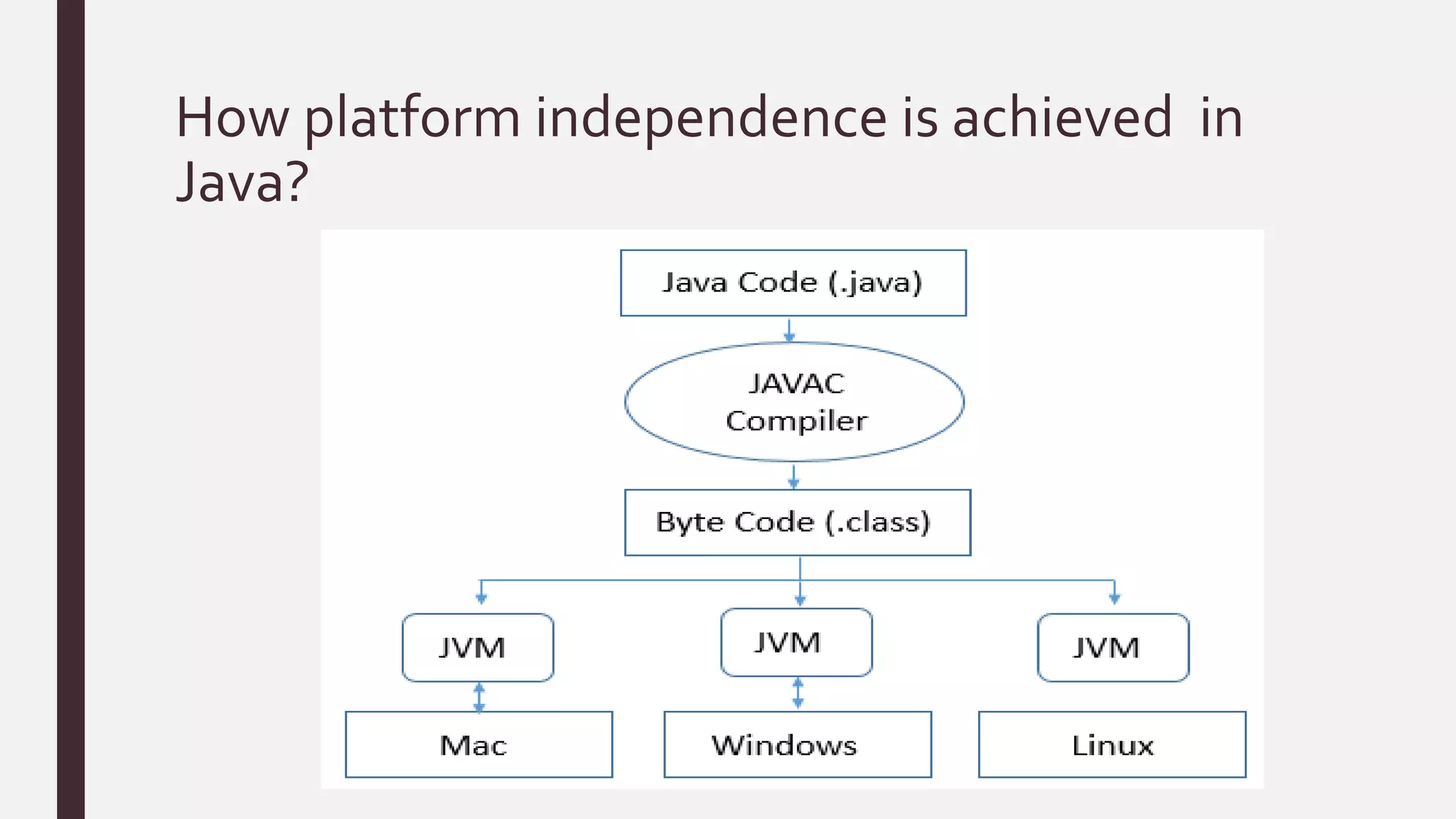
How platform independence is achieved in
Java?
Java 8 and its Objectives
Java 8 is the stable version post java version 5 .Below are the objectives of Java 8:
■ Simplify programming.
■ Utilize functional programming
■ Enable parallel processing
Features
1. Lambda Expression ( -> )
2. Functional Interface
3. Default and static methods
4. Method and Constructor References ( ::)
1. Lambda Expression ( -> )
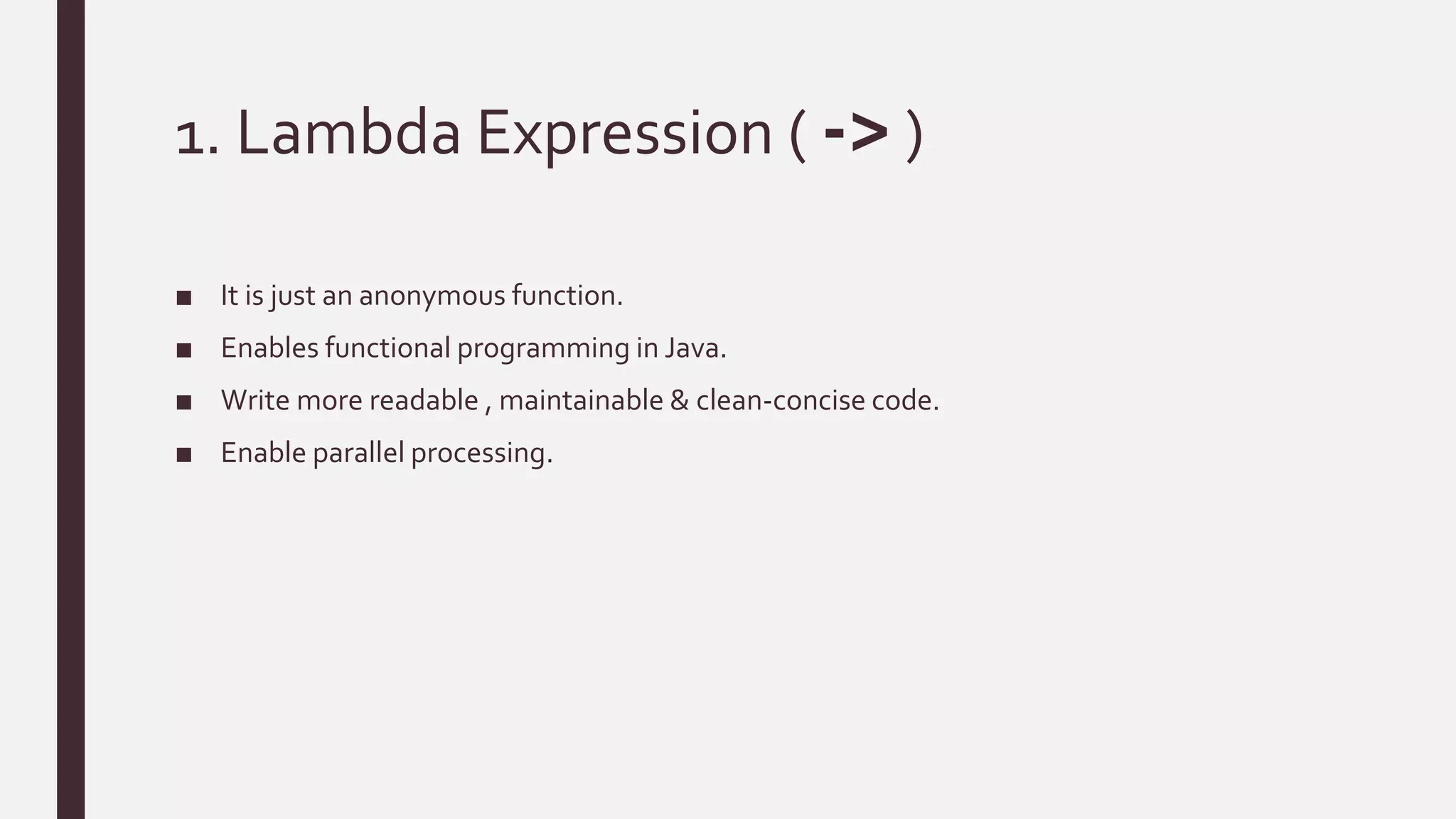
■ It is just an anonymous function.
■ Enables functional programming in Java.
■ Write more readable , maintainable & clean-concise code.
■ Enable parallel processing.
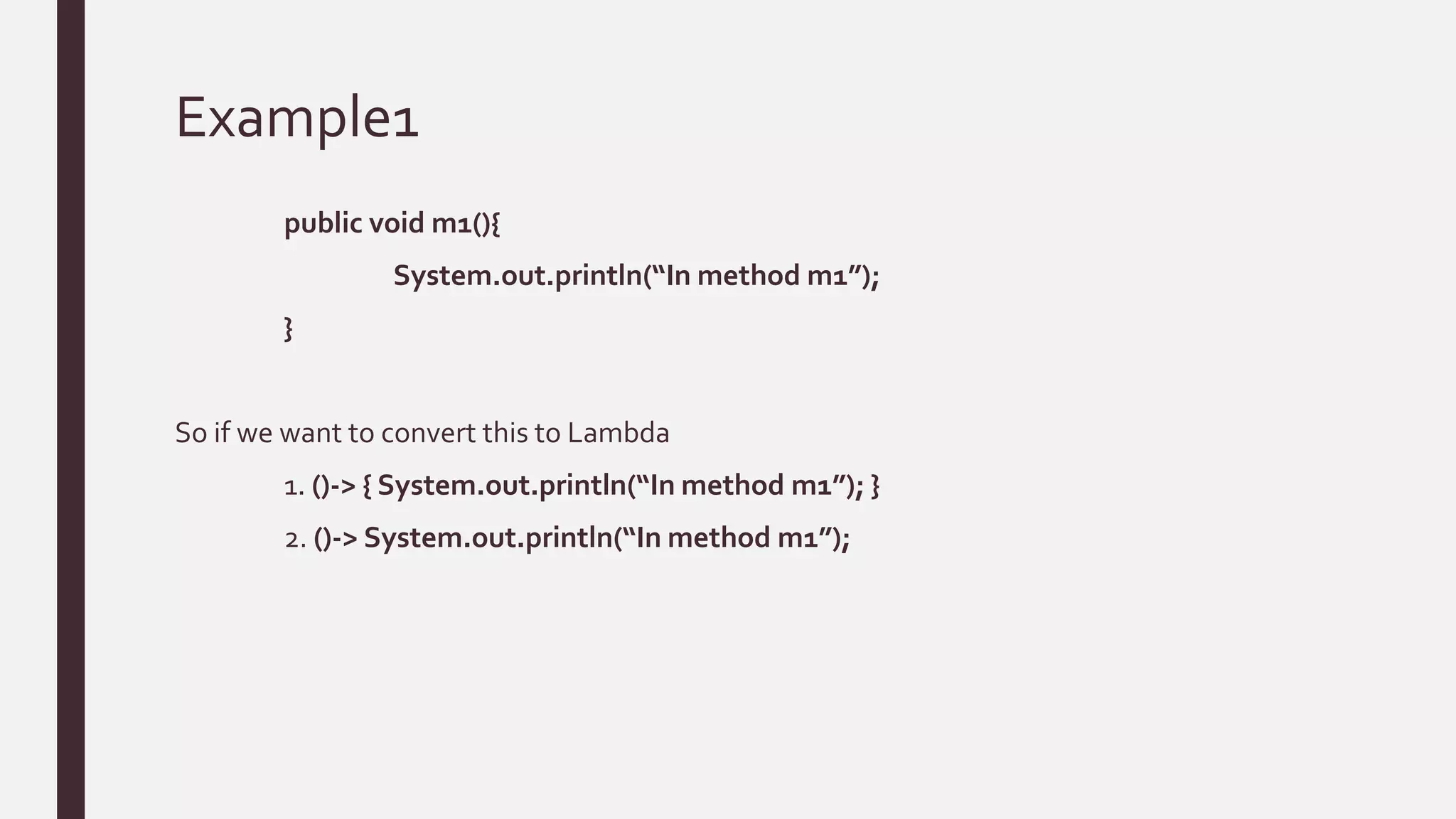
Example1
public void m1(){
System.out.println(“In method m1”);
}
So if we want to convert this to Lambda
1. ()-> { System.out.println(“In method m1”); }
2. ()-> System.out.println(“In method m1”);
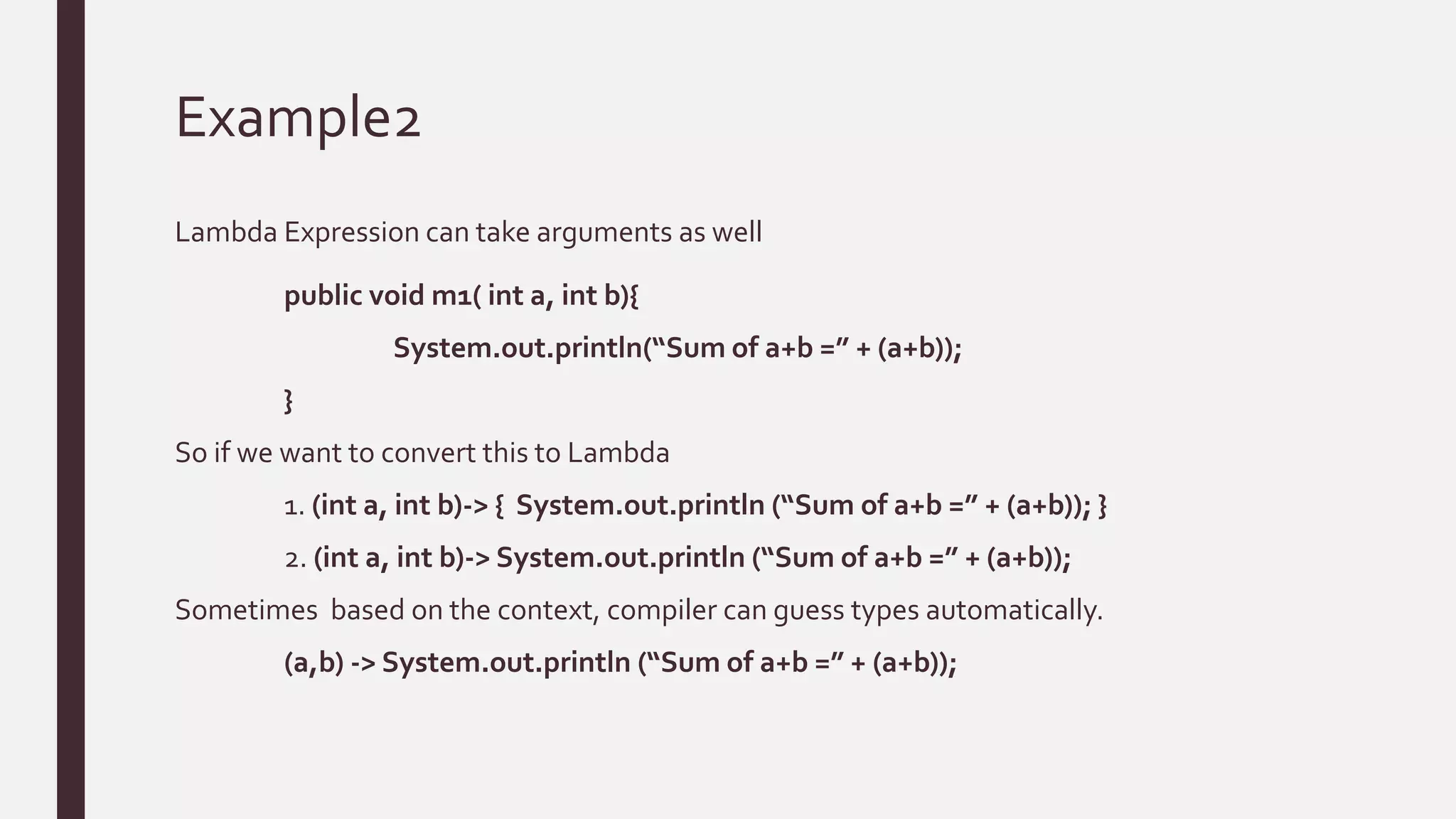
Example2
Lambda Expression can take arguments as well
public void m1( int a, int b){
System.out.println(“Sum of a+b =” + (a+b));
}
So if we want to convert this to Lambda
1. (int a, int b)-> { System.out.println (“Sum of a+b =” + (a+b)); }
2. (int a, int b)-> System.out.println (“Sum of a+b =” + (a+b));
Sometimes based on the context, compiler can guess types automatically.
(a,b) -> System.out.println (“Sum of a+b =” + (a+b));
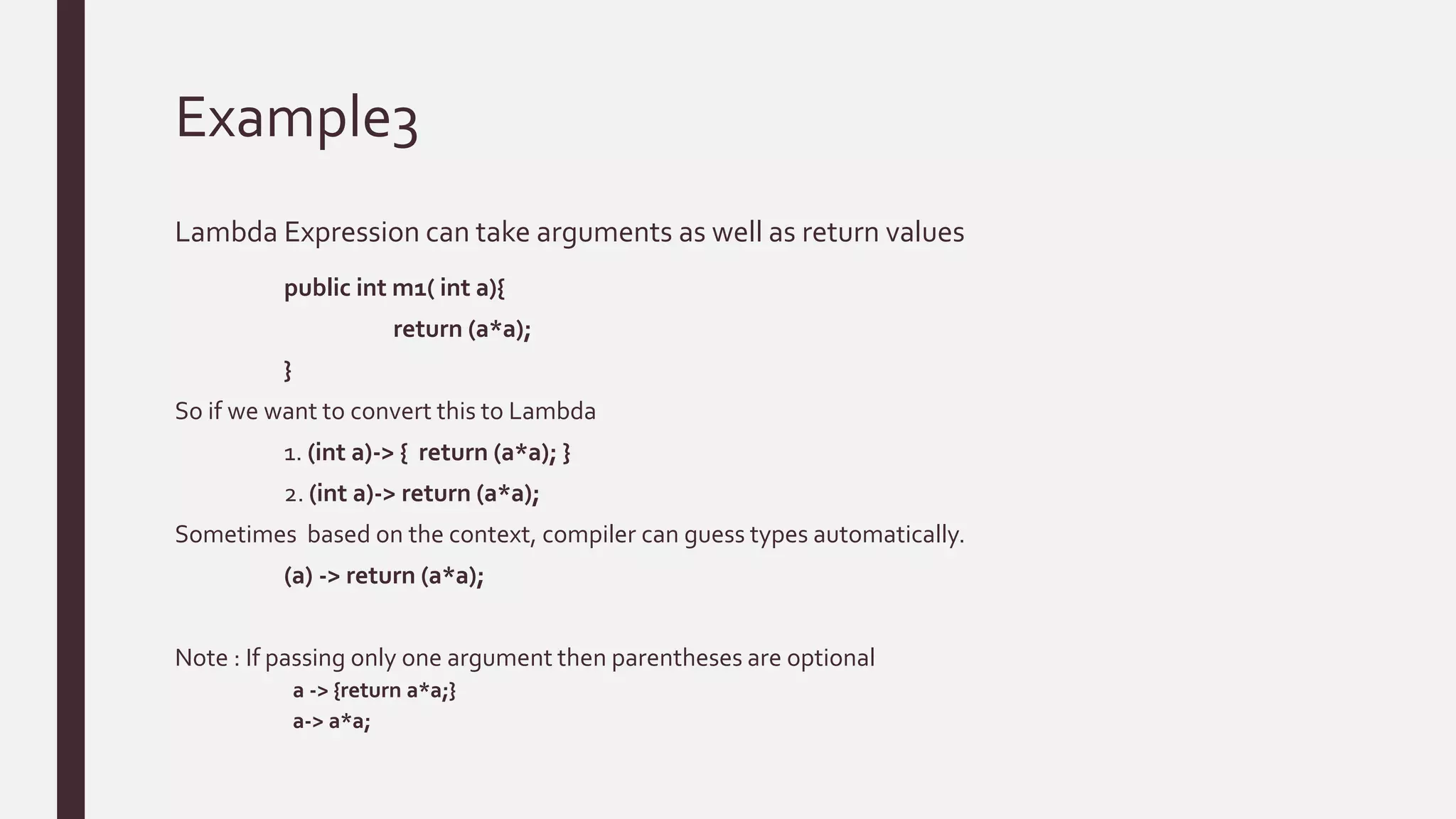
Example3
Lambda Expression can take arguments as well as return values
public int m1( int a){
return (a*a);
}
So if we want to convert this to Lambda
1. (int a)-> { return (a*a); }
2. (int a)-> return (a*a);
Sometimes based on the context, compiler can guess types automatically.
(a) -> return (a*a);
Note : If passing only one argument then parentheses are optional
a -> {return a*a;}
a-> a*a;
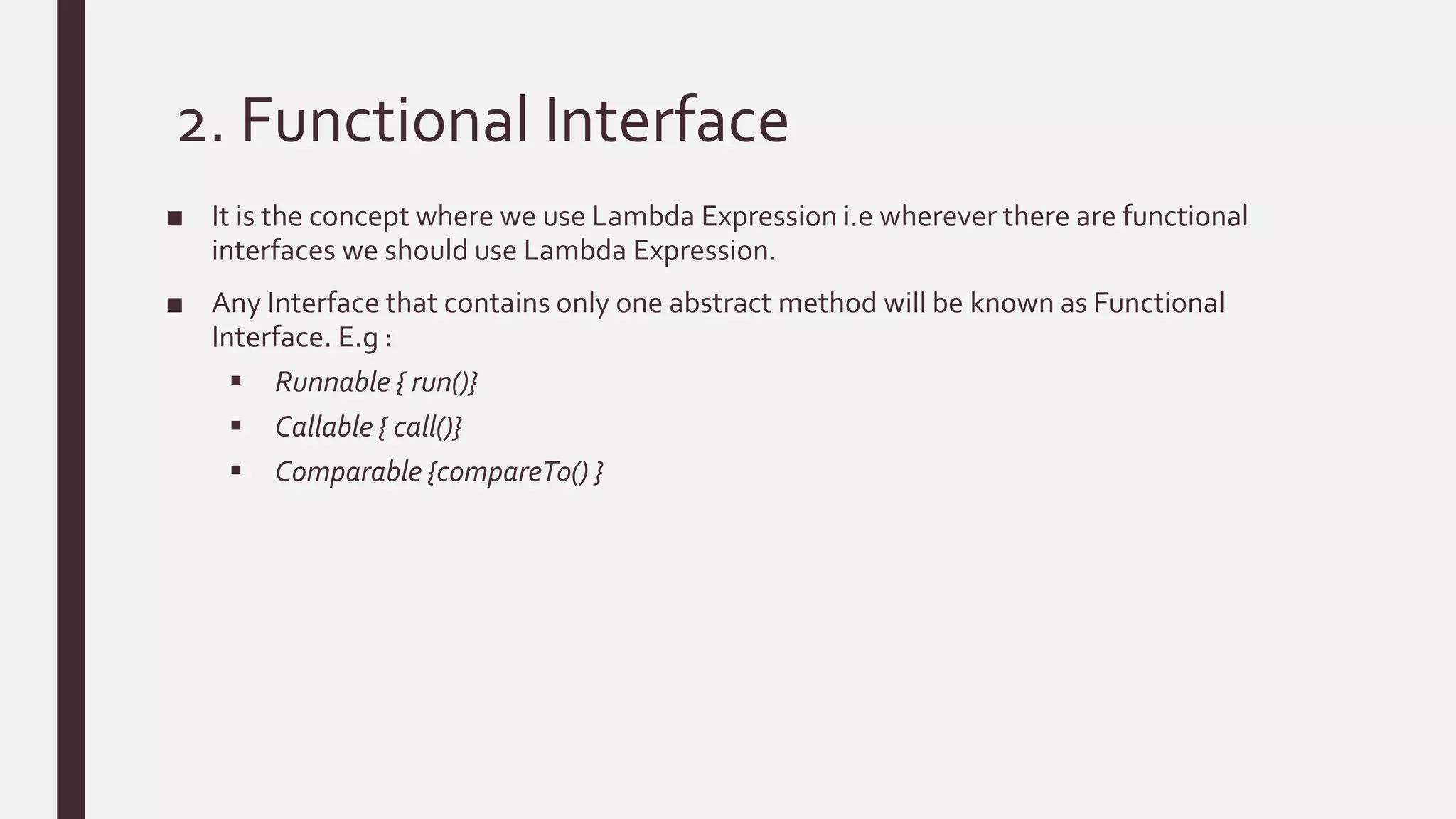
2. Functional Interface
■ It is the concept where we use Lambda Expression i.e wherever there are functional
interfaces we should use Lambda Expression.
■ Any Interface that contains only one abstract method will be known as Functional
Interface. E.g :
 Runnable { run()}
 Callable { call()}
 Comparable {compareTo() }
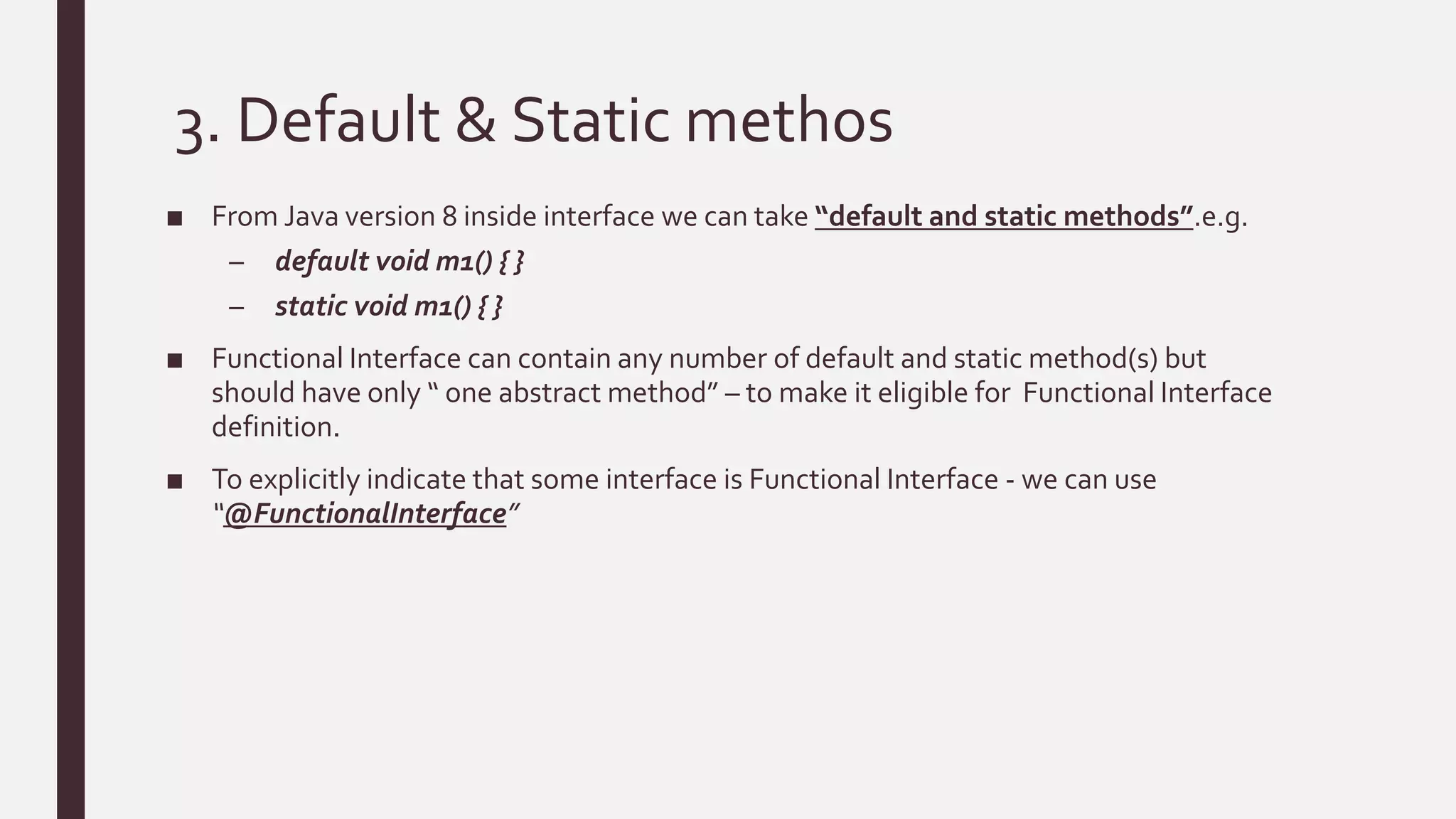
3. Default & Static methos
■ From Java version 8 inside interface we can take “default and static methods”.e.g.
– default void m1() { }
– static void m1() { }
■ Functional Interface can contain any number of default and static method(s) but
should have only “ one abstract method” – to make it eligible for Functional Interface
definition.
■ To explicitly indicate that some interface is Functional Interface - we can use
“@FunctionalInterface”
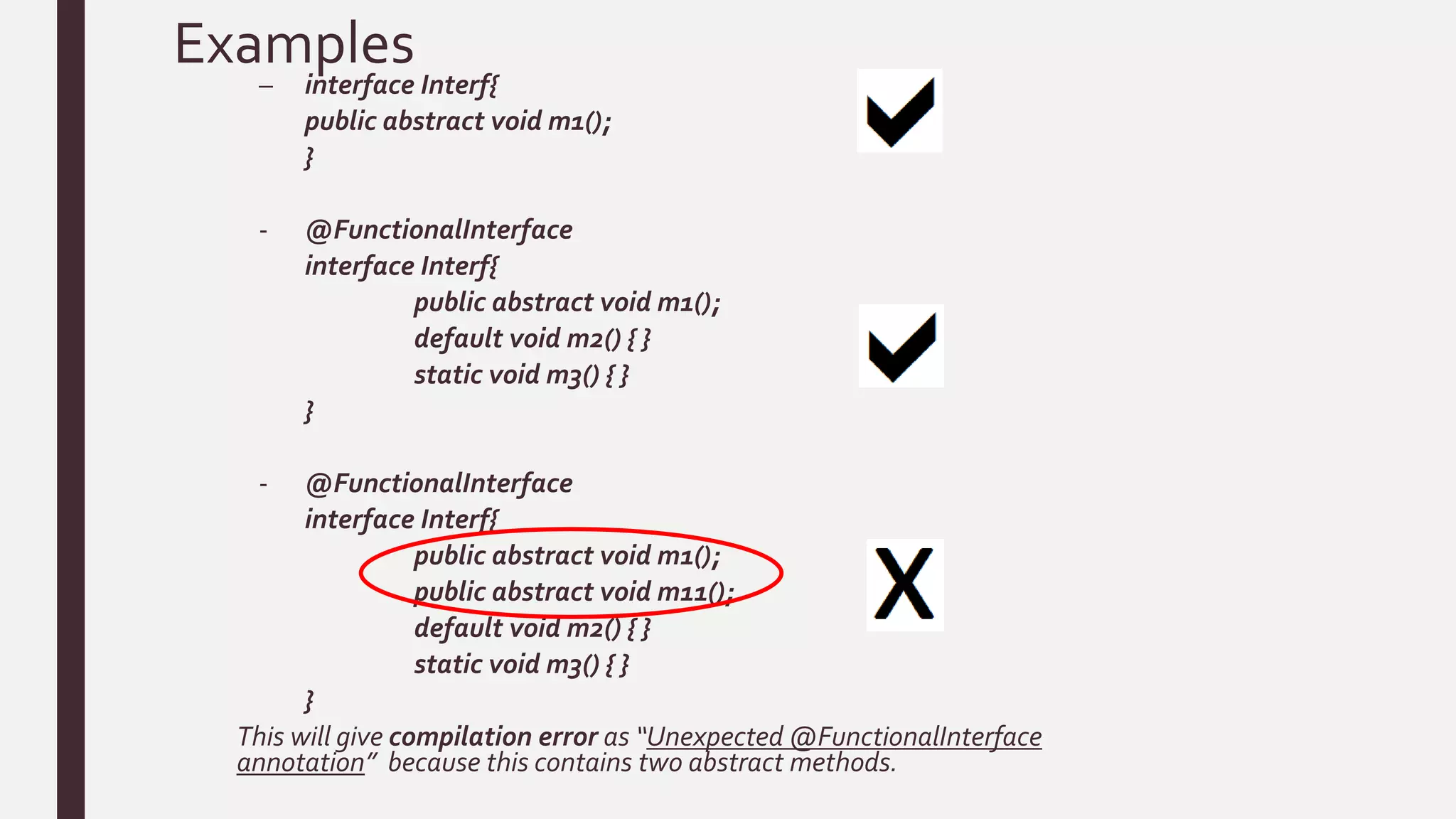
Examples
– interface Interf{
public abstract void m1();
}
- @FunctionalInterface
interface Interf{
public abstract void m1();
default void m2() { }
static void m3() { }
}
- @FunctionalInterface
interface Interf{
public abstract void m1();
public abstract void m11();
default void m2() { }
static void m3() { }
}
This will give compilation error as “Unexpected @FunctionalInterface
annotation” because this contains two abstract methods.
Functional Interface continues…
■ Wherever we have Functional Interface there only we can use Lambda Expression. e.g.
– Interface Interf{
public void m1();
}
class Demo implements Interf{
public void m1(){
System.out.println(“m1 implementation”);
}
}
classTest {
public static void main(String args[]){
Interf i = new Demo();
i.m1();
}
}
Functional Interface continues…
■ Now let us convert same to Lambda Expression. e.g.
– Interface Interf{
public void m1();
}
classTest {
public static void main(String args[]){
Interf i = ()-> System.out.println(“m1 implementation”);
i.m1();
}
}
 Thus there is no need of implementation of interface using class, so simply replace it with
Lambda Expression.
3. Method Reference
■ Provides syntax to refer directly to existing methods.
■ Alternate way of writing Lambda Expression.
■ Method Reference can point to :
– Static Methods
– Instance Methods
– Methods on particular instance
– Constructors
 It helps in code re-usability
 In Method Reference you should have same arguments and everything else is
optional.
 If Implementation is available there then go for Method Reference approach else
choose Lambda Expression.
Lambda
classTest{
public void m1() {
for(int i=0; i<10; i++) {
System.out.println(“ChildThread);
}
}
public static void main(String [] args){
Runnable r = ()-> { for(int i=0; i<10; i++) {
System.out.println(“Child
Thread);
}};
Thread t = newThread( r );
for(int i=0; i<10; i++) {
System.out.println(“MainThread);
}
}
}
classTest{
private int m1() {
for(int i=0; i<10; i++) {
System.out.println(“ChildThread);
}
return 0;
}
public static void main(String [] args){
Test test = newTest();
Runnable r = test :: m1;
Thread t = newThread( r );
for(int i=0; i<10; i++) {
System.out.println(“MainThread);
}
}
}
Method Reference
&
ThankYou!

Java 8

  • 1.
  • 2.
    Agenda ■ What isJava ■ Objective of Java version 8 ■ Features – Lambda Expression ( -> ) – Functional Interface – Default and static methods – Method and Constructor References ( ::)
  • 3.
    What is Java? ■ Java is platform independent , general purpose programming language used in almost all the electronic devices around the world. ■ Examples where Java is used : – Android Apps. – JavaWeb applications – SoftwareTools like IDE’s [ Netbeans, Eclipse, IntelliJ Idea etc. ]. – Trading Application like Murex, which is used in many banks for front to bank connectivity, is also written inJava. – EmbeddedSpace like sensors – Big Data technologies like Hadoop
  • 4.
    How platform independenceis achieved in Java?
  • 5.
    Java 8 andits Objectives Java 8 is the stable version post java version 5 .Below are the objectives of Java 8: ■ Simplify programming. ■ Utilize functional programming ■ Enable parallel processing
  • 6.
    Features 1. Lambda Expression( -> ) 2. Functional Interface 3. Default and static methods 4. Method and Constructor References ( ::)
  • 7.
    1. Lambda Expression( -> ) ■ It is just an anonymous function. ■ Enables functional programming in Java. ■ Write more readable , maintainable & clean-concise code. ■ Enable parallel processing.
  • 8.
    Example1 public void m1(){ System.out.println(“Inmethod m1”); } So if we want to convert this to Lambda 1. ()-> { System.out.println(“In method m1”); } 2. ()-> System.out.println(“In method m1”);
  • 9.
    Example2 Lambda Expression cantake arguments as well public void m1( int a, int b){ System.out.println(“Sum of a+b =” + (a+b)); } So if we want to convert this to Lambda 1. (int a, int b)-> { System.out.println (“Sum of a+b =” + (a+b)); } 2. (int a, int b)-> System.out.println (“Sum of a+b =” + (a+b)); Sometimes based on the context, compiler can guess types automatically. (a,b) -> System.out.println (“Sum of a+b =” + (a+b));
  • 10.
    Example3 Lambda Expression cantake arguments as well as return values public int m1( int a){ return (a*a); } So if we want to convert this to Lambda 1. (int a)-> { return (a*a); } 2. (int a)-> return (a*a); Sometimes based on the context, compiler can guess types automatically. (a) -> return (a*a); Note : If passing only one argument then parentheses are optional a -> {return a*a;} a-> a*a;
  • 11.
    2. Functional Interface ■It is the concept where we use Lambda Expression i.e wherever there are functional interfaces we should use Lambda Expression. ■ Any Interface that contains only one abstract method will be known as Functional Interface. E.g :  Runnable { run()}  Callable { call()}  Comparable {compareTo() }
  • 12.
    3. Default &Static methos ■ From Java version 8 inside interface we can take “default and static methods”.e.g. – default void m1() { } – static void m1() { } ■ Functional Interface can contain any number of default and static method(s) but should have only “ one abstract method” – to make it eligible for Functional Interface definition. ■ To explicitly indicate that some interface is Functional Interface - we can use “@FunctionalInterface”
  • 13.
    Examples – interface Interf{ publicabstract void m1(); } - @FunctionalInterface interface Interf{ public abstract void m1(); default void m2() { } static void m3() { } } - @FunctionalInterface interface Interf{ public abstract void m1(); public abstract void m11(); default void m2() { } static void m3() { } } This will give compilation error as “Unexpected @FunctionalInterface annotation” because this contains two abstract methods.
  • 14.
    Functional Interface continues… ■Wherever we have Functional Interface there only we can use Lambda Expression. e.g. – Interface Interf{ public void m1(); } class Demo implements Interf{ public void m1(){ System.out.println(“m1 implementation”); } } classTest { public static void main(String args[]){ Interf i = new Demo(); i.m1(); } }
  • 15.
    Functional Interface continues… ■Now let us convert same to Lambda Expression. e.g. – Interface Interf{ public void m1(); } classTest { public static void main(String args[]){ Interf i = ()-> System.out.println(“m1 implementation”); i.m1(); } }  Thus there is no need of implementation of interface using class, so simply replace it with Lambda Expression.
  • 16.
    3. Method Reference ■Provides syntax to refer directly to existing methods. ■ Alternate way of writing Lambda Expression. ■ Method Reference can point to : – Static Methods – Instance Methods – Methods on particular instance – Constructors  It helps in code re-usability  In Method Reference you should have same arguments and everything else is optional.  If Implementation is available there then go for Method Reference approach else choose Lambda Expression.
  • 17.
    Lambda classTest{ public void m1(){ for(int i=0; i<10; i++) { System.out.println(“ChildThread); } } public static void main(String [] args){ Runnable r = ()-> { for(int i=0; i<10; i++) { System.out.println(“Child Thread); }}; Thread t = newThread( r ); for(int i=0; i<10; i++) { System.out.println(“MainThread); } } } classTest{ private int m1() { for(int i=0; i<10; i++) { System.out.println(“ChildThread); } return 0; } public static void main(String [] args){ Test test = newTest(); Runnable r = test :: m1; Thread t = newThread( r ); for(int i=0; i<10; i++) { System.out.println(“MainThread); } } } Method Reference
  • 18.
  • 19.