IT’S A MOD WORLD
A PRACTICAL GUIDE TO
 ROCKING MODERNIZR
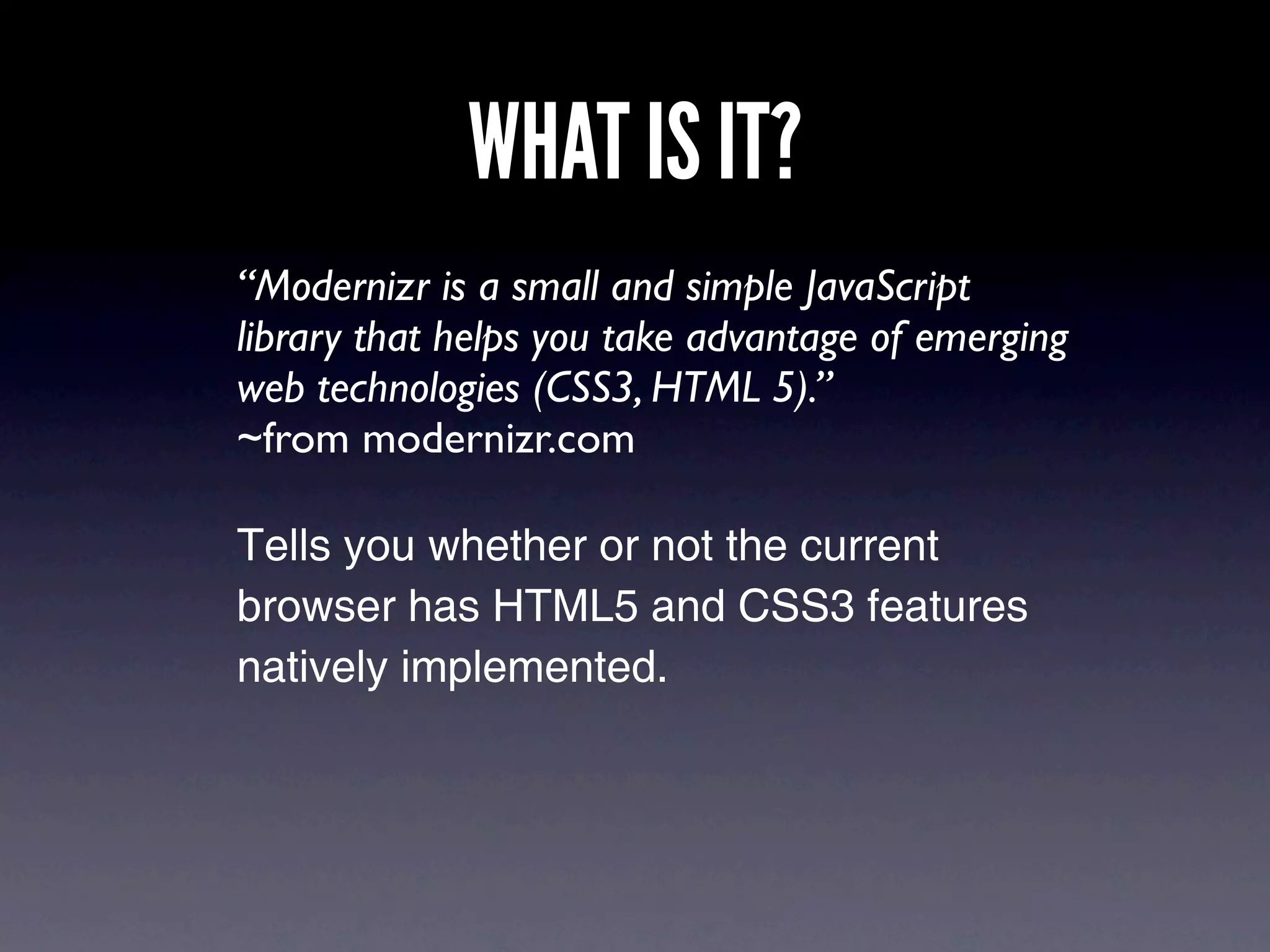
WHAT IS IT?
“Modernizr is a small and simple JavaScript
library that helps you take advantage of emerging
web technologies (CSS3, HTML 5).”
~from modernizr.com

Tells you whether or not the current
browser has HTML5 and CSS3 features
natively implemented.
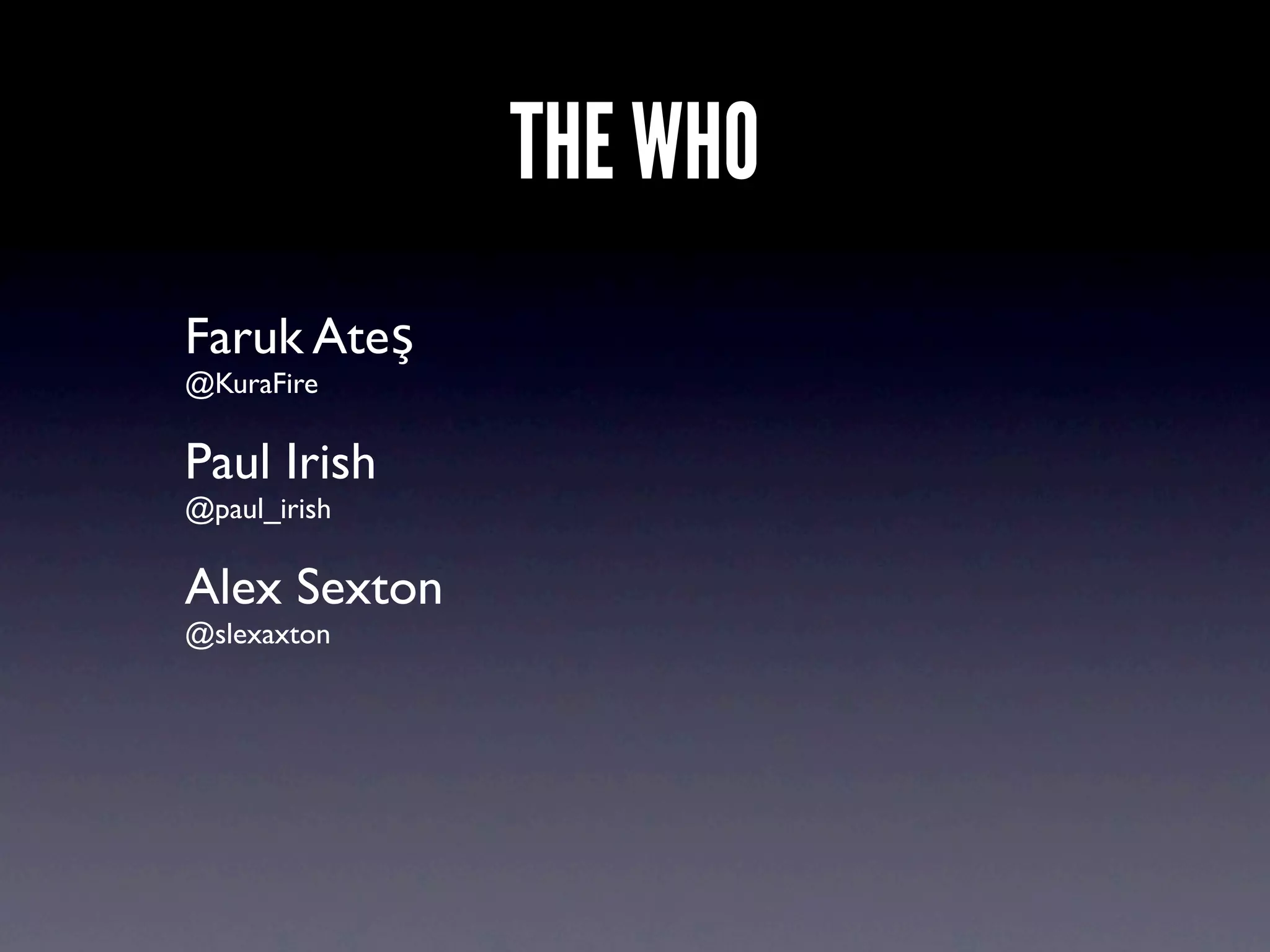
THE WHO
Faruk Ateş
@KuraFire

Paul Irish
@paul_irish

Alex Sexton
@slexaxton
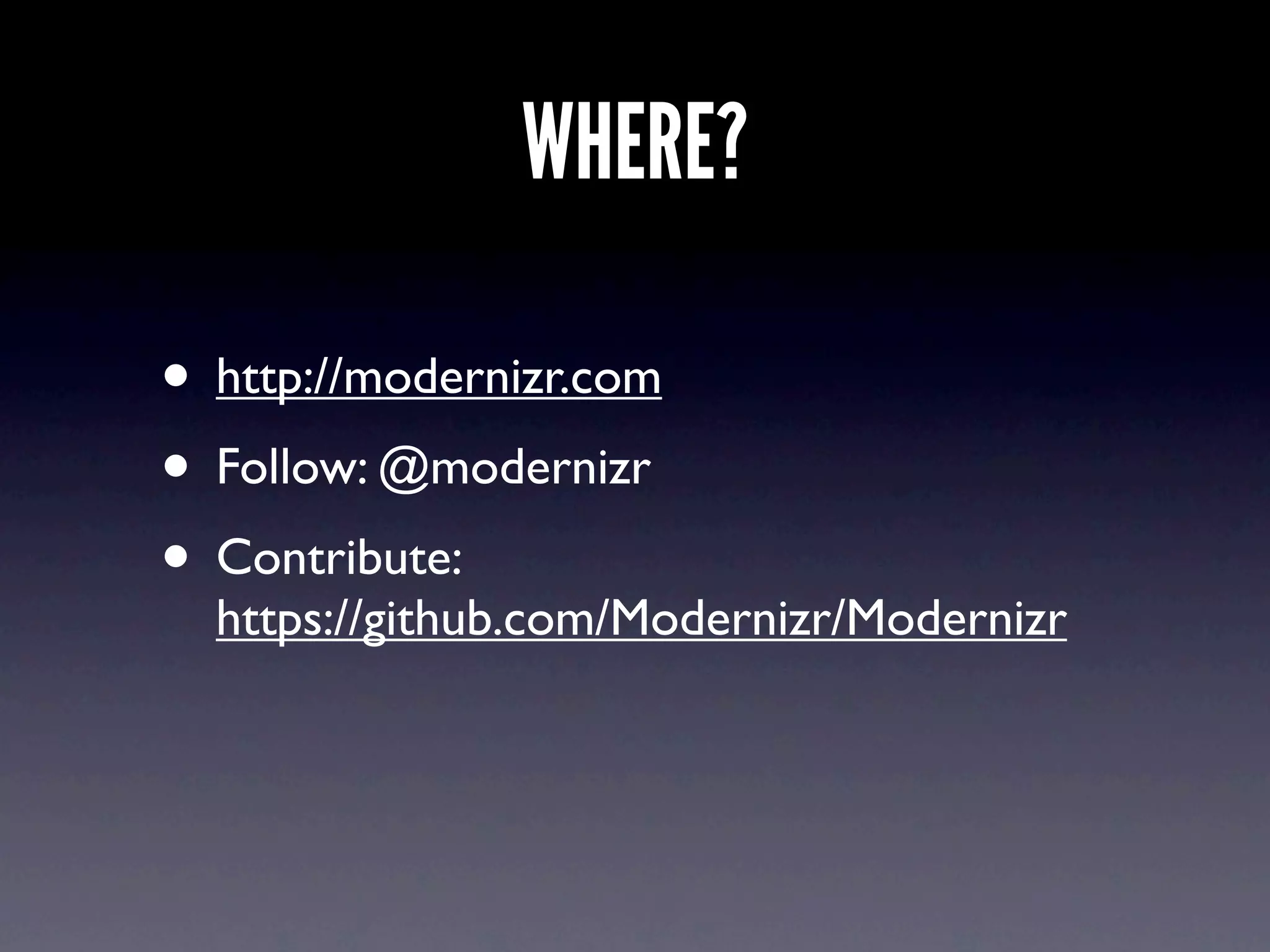
WHERE?

• http://modernizr.com
• Follow: @modernizr
• Contribute:
  https://github.com/Modernizr/Modernizr
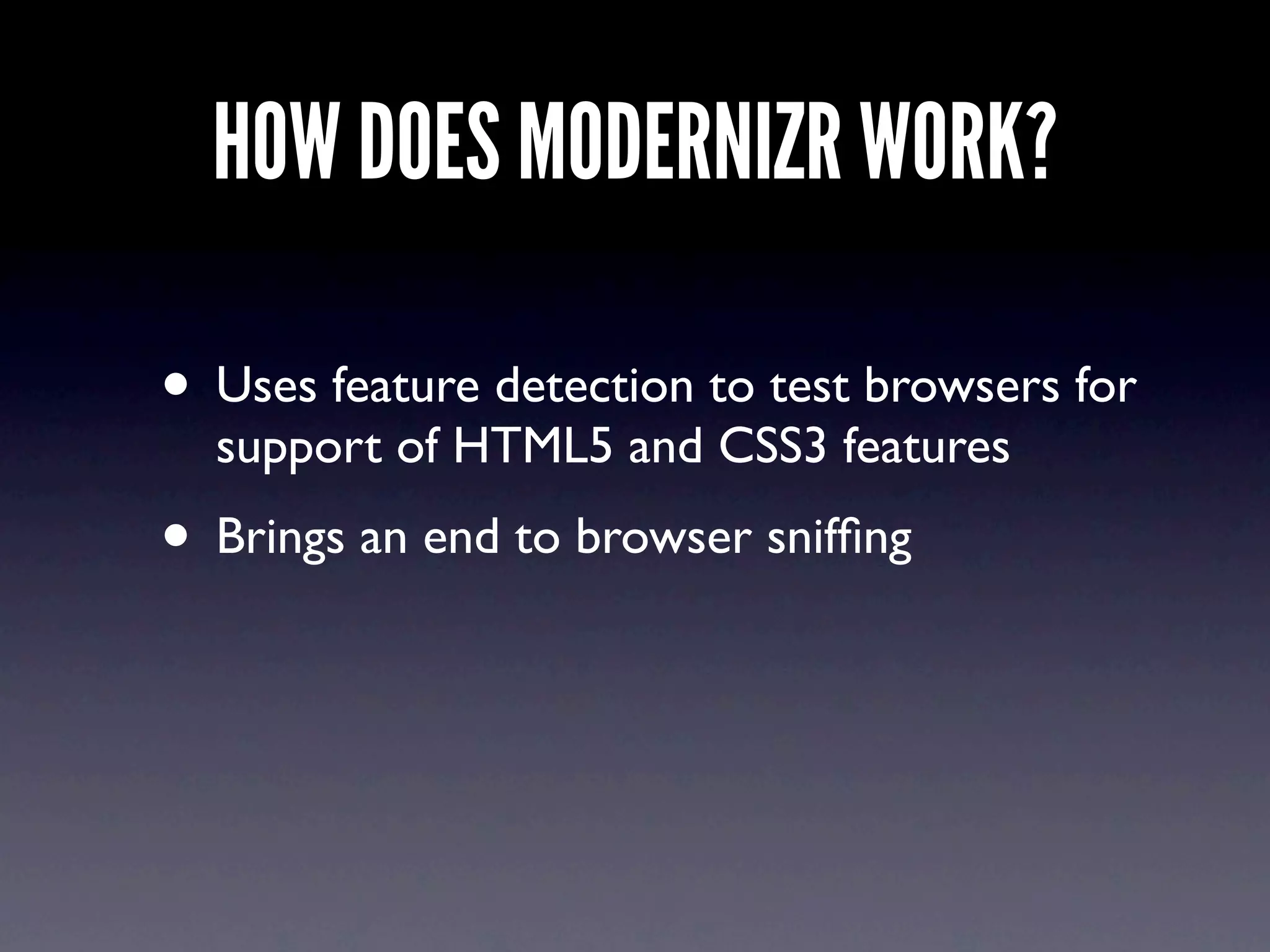
HOW DOES MODERNIZR WORK?

• Uses feature detection to test browsers for
  support of HTML5 and CSS3 features
• Brings an end to browser sniffing
WHAT DOES THAT MEAN?
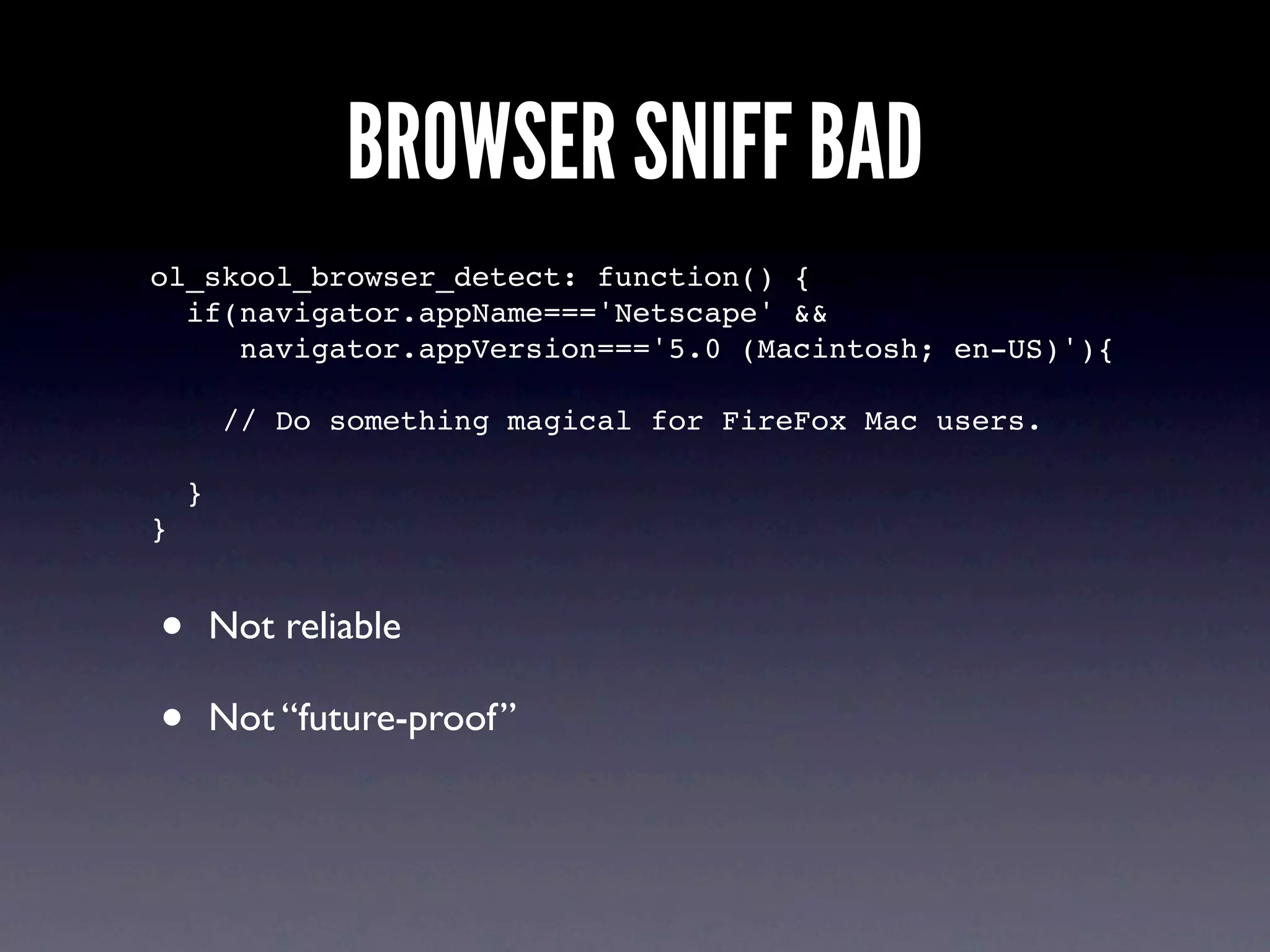
BROWSER SNIFF BAD
ol_skool_browser_detect: function() {
  if(navigator.appName==='Netscape' &&
     navigator.appVersion==='5.0 (Macintosh; en-US)'){

        // Do something magical for FireFox Mac users.

    }
}


•       Not reliable

•       Not “future-proof”
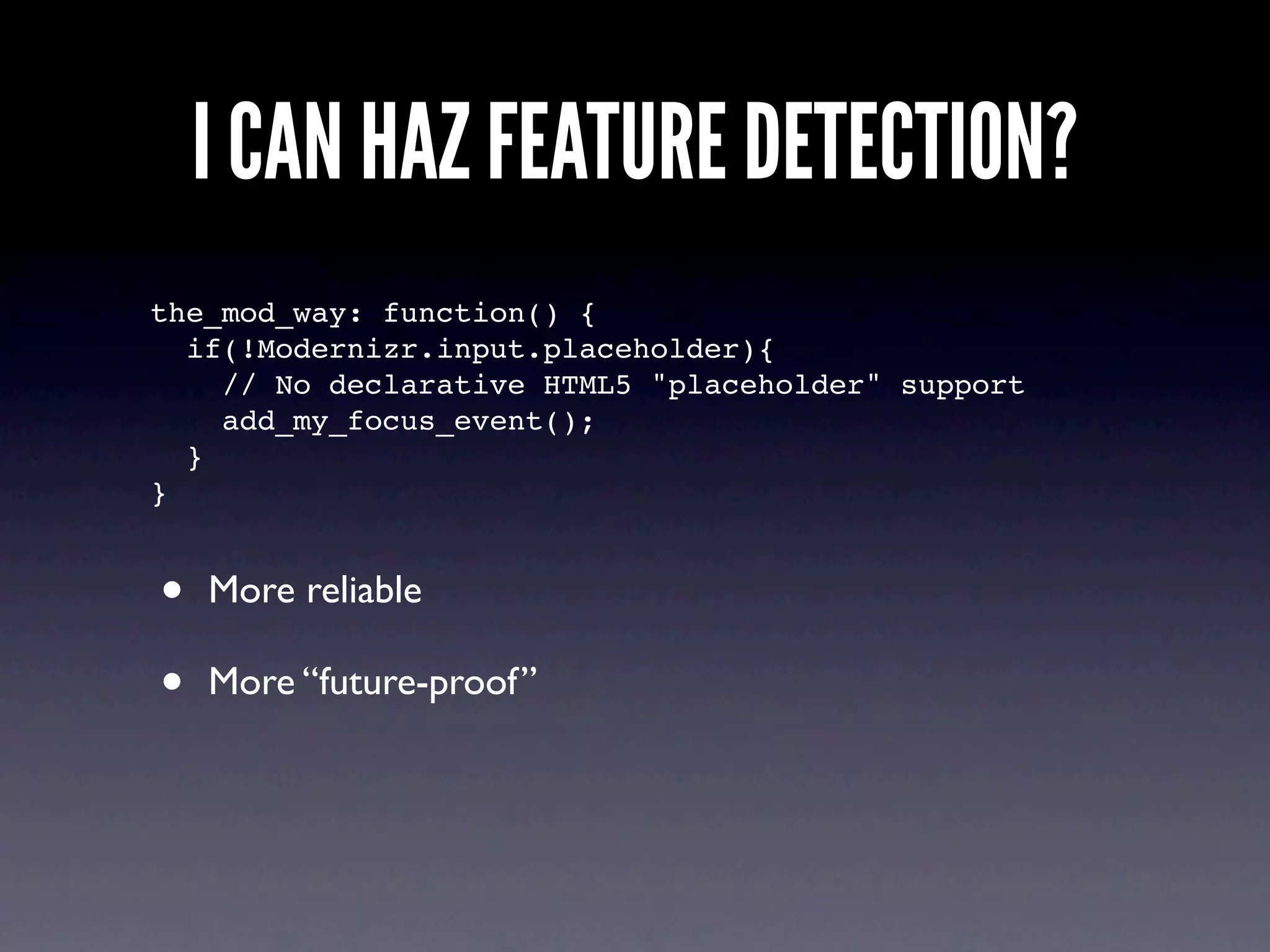
I CAN HAZ FEATURE DETECTION?
the_mod_way: function() {
  if(!Modernizr.input.placeholder){
    // No declarative HTML5 "placeholder" support
    add_my_focus_event();
  }
}


•   More reliable

•   More “future-proof”
USE HTML5 SEMANTIC ELEMENTS

• Allows you to use semantic HTML5
  elements (same as html5shim/html5shiv)
• Renders block level elements as divs in
  non-supporting browsers
• Allows you to style elements in your CSS
MODERNIZR DOES NOT

Modernizr does not add missing
  functionality to browsers
UNDER THE HOOD
 Tests over 20 HTML5 and CSS3 features

• Modernizr tries to create and do
  something with new features in the DOM
• Browser understands: yay support!
• Browser does not understand: ahhh
SOME PHILOSOPHY
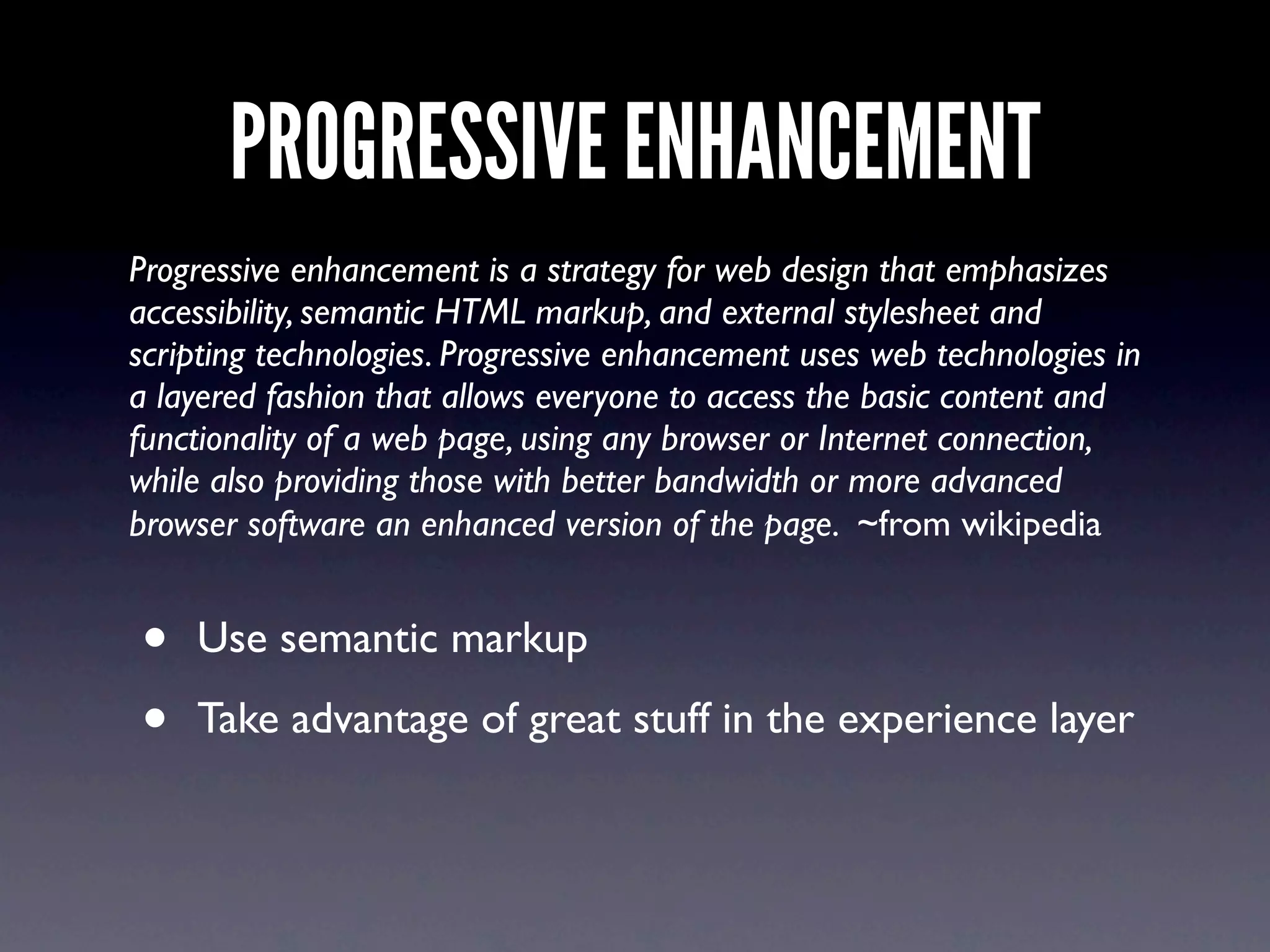
PROGRESSIVE ENHANCEMENT
Progressive enhancement is a strategy for web design that emphasizes
accessibility, semantic HTML markup, and external stylesheet and
scripting technologies. Progressive enhancement uses web technologies in
a layered fashion that allows everyone to access the basic content and
functionality of a web page, using any browser or Internet connection,
while also providing those with better bandwidth or more advanced
browser software an enhanced version of the page. ~from wikipedia


•   Use semantic markup

•   Take advantage of great stuff in the experience layer
DO WEBSITES NEED TO LOOK THE
   SAME IN ALL BROWSERS?
ANSWER
http://dowebsitesneedtolookexactlythesameineverybrowser.com/

                                Thanks Dan Cederholm @simplebits
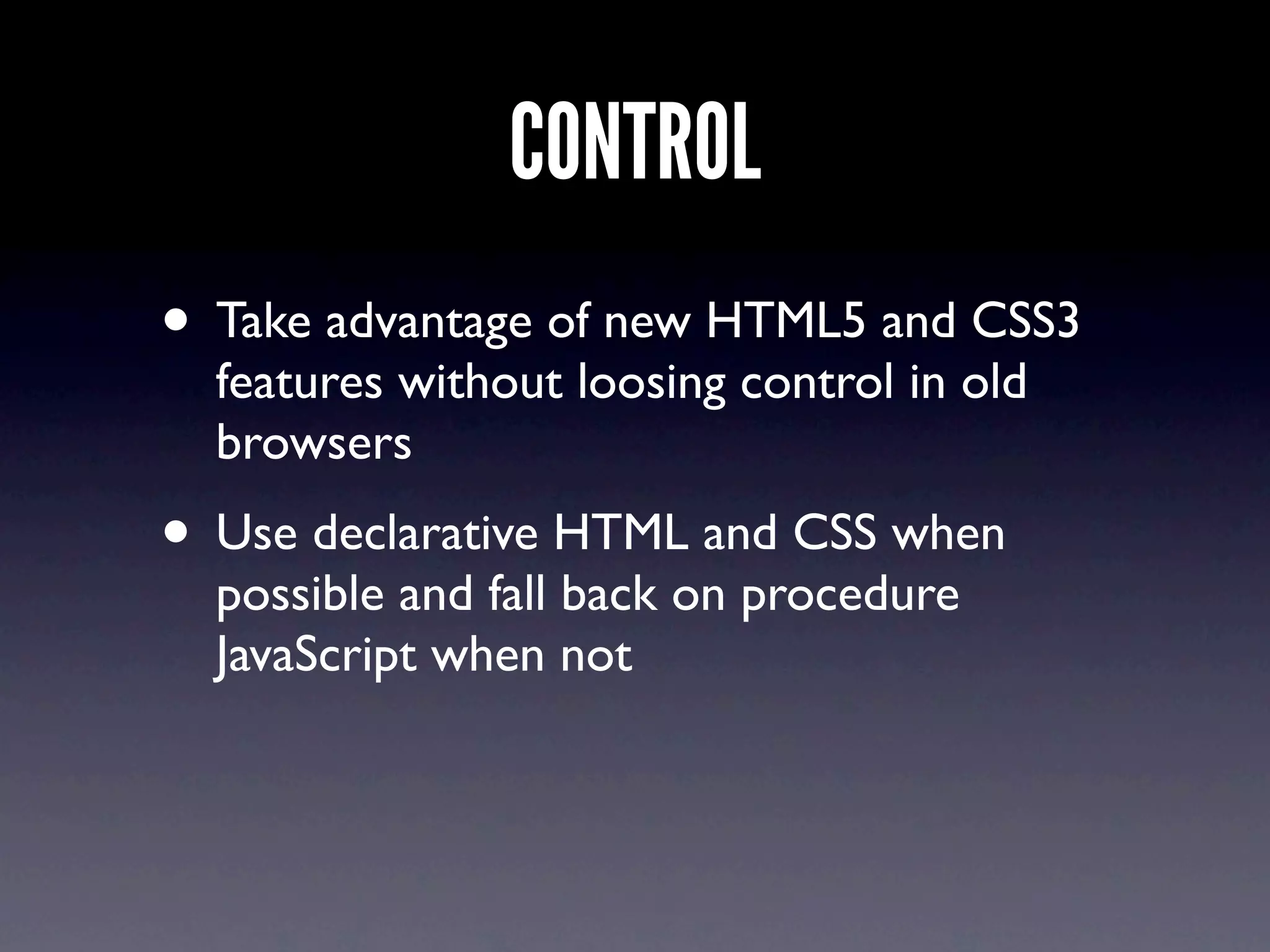
CONTROL
• Take advantage of new HTML5 and CSS3
  features without loosing control in old
  browsers
• Use declarative HTML and CSS when
  possible and fall back on procedure
  JavaScript when not
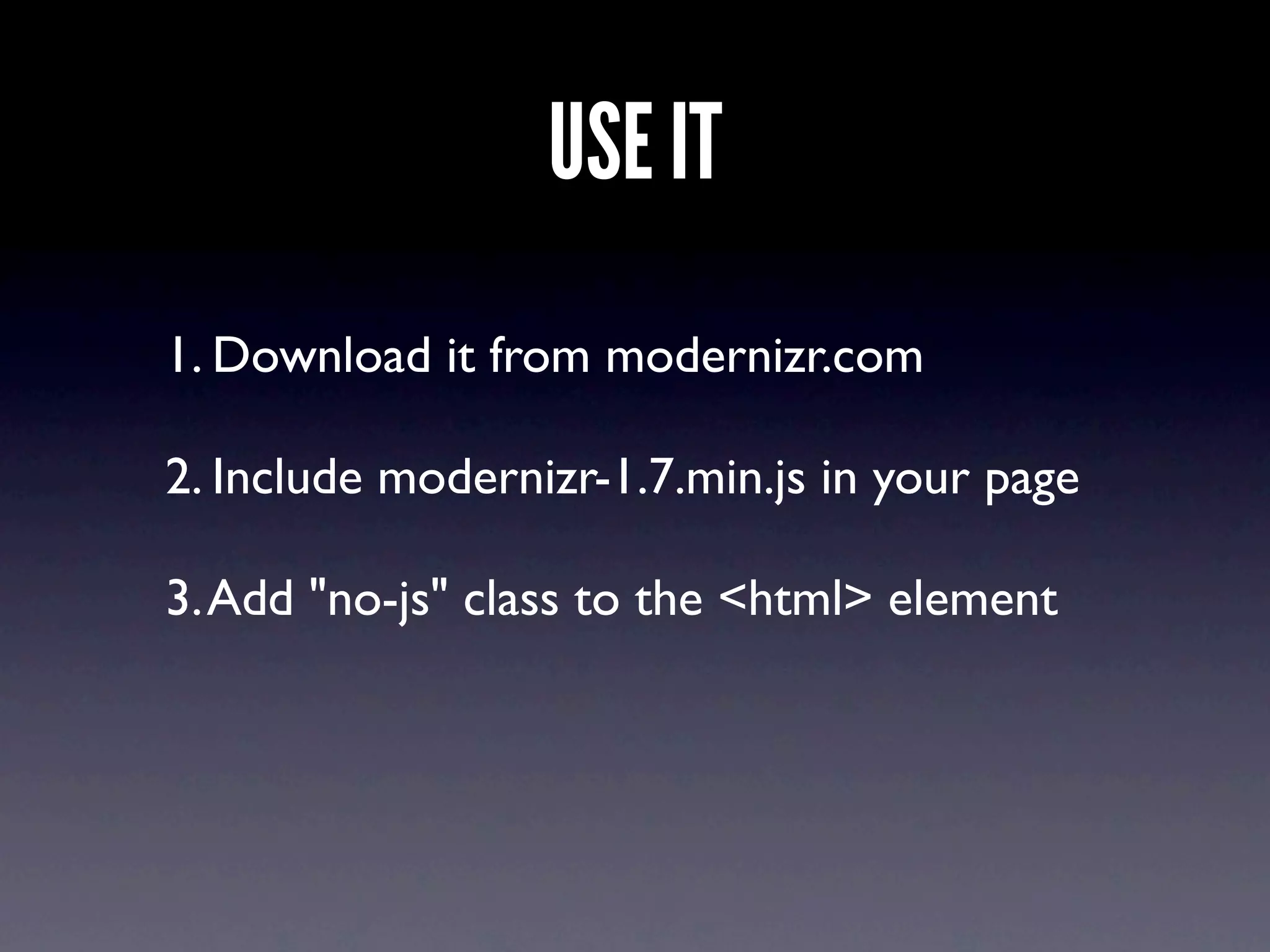
USE IT
1. Download it from modernizr.com

2. Include modernizr-1.7.min.js in your page

3. Add "no-js" class to the <html> element
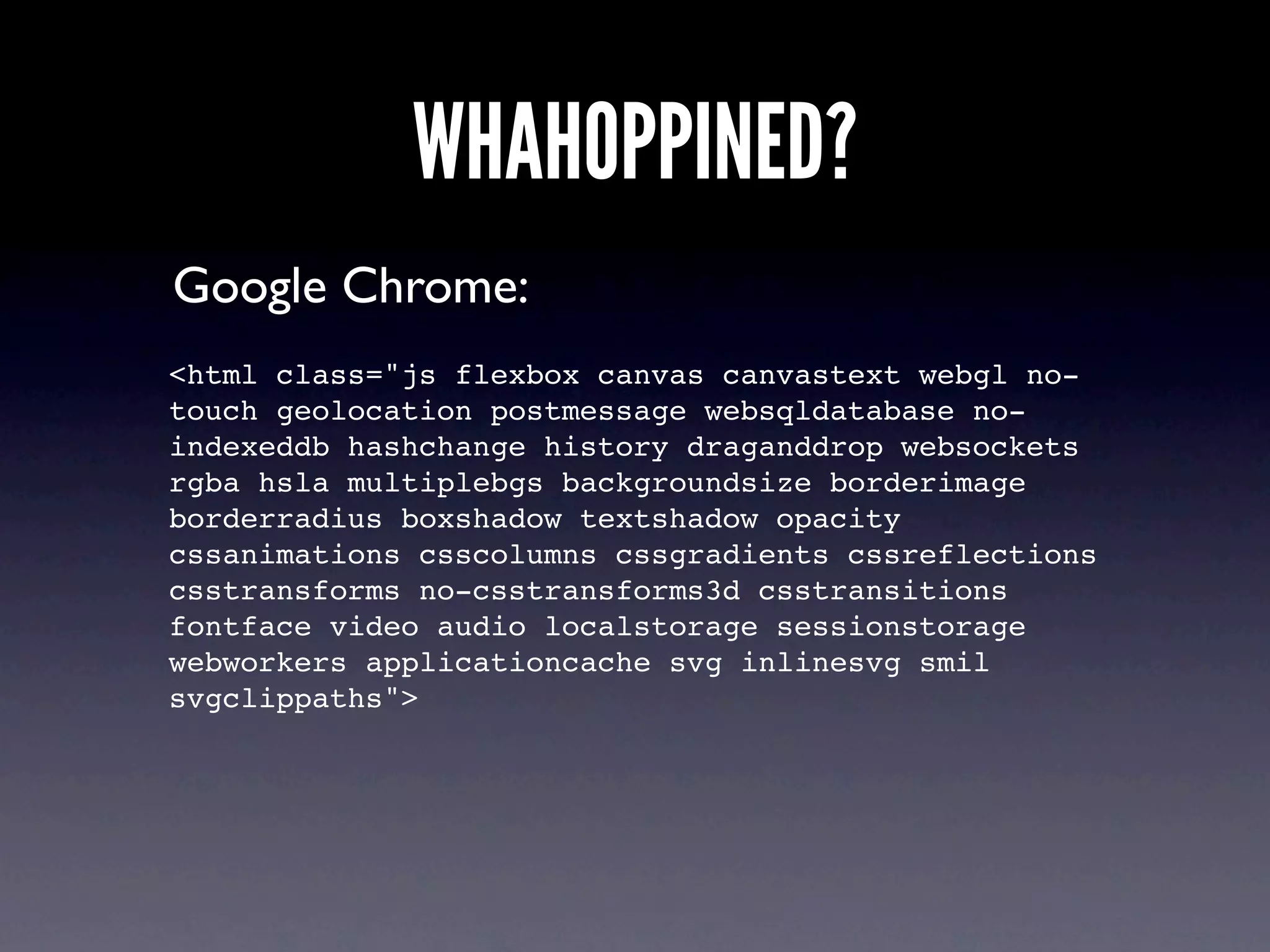
WHAHOPPINED?
Google Chrome:
<html class="js flexbox canvas canvastext webgl no-
touch geolocation postmessage websqldatabase no-
indexeddb hashchange history draganddrop websockets
rgba hsla multiplebgs backgroundsize borderimage
borderradius boxshadow textshadow opacity
cssanimations csscolumns cssgradients cssreflections
csstransforms no-csstransforms3d csstransitions
fontface video audio localstorage sessionstorage
webworkers applicationcache svg inlinesvg smil
svgclippaths">
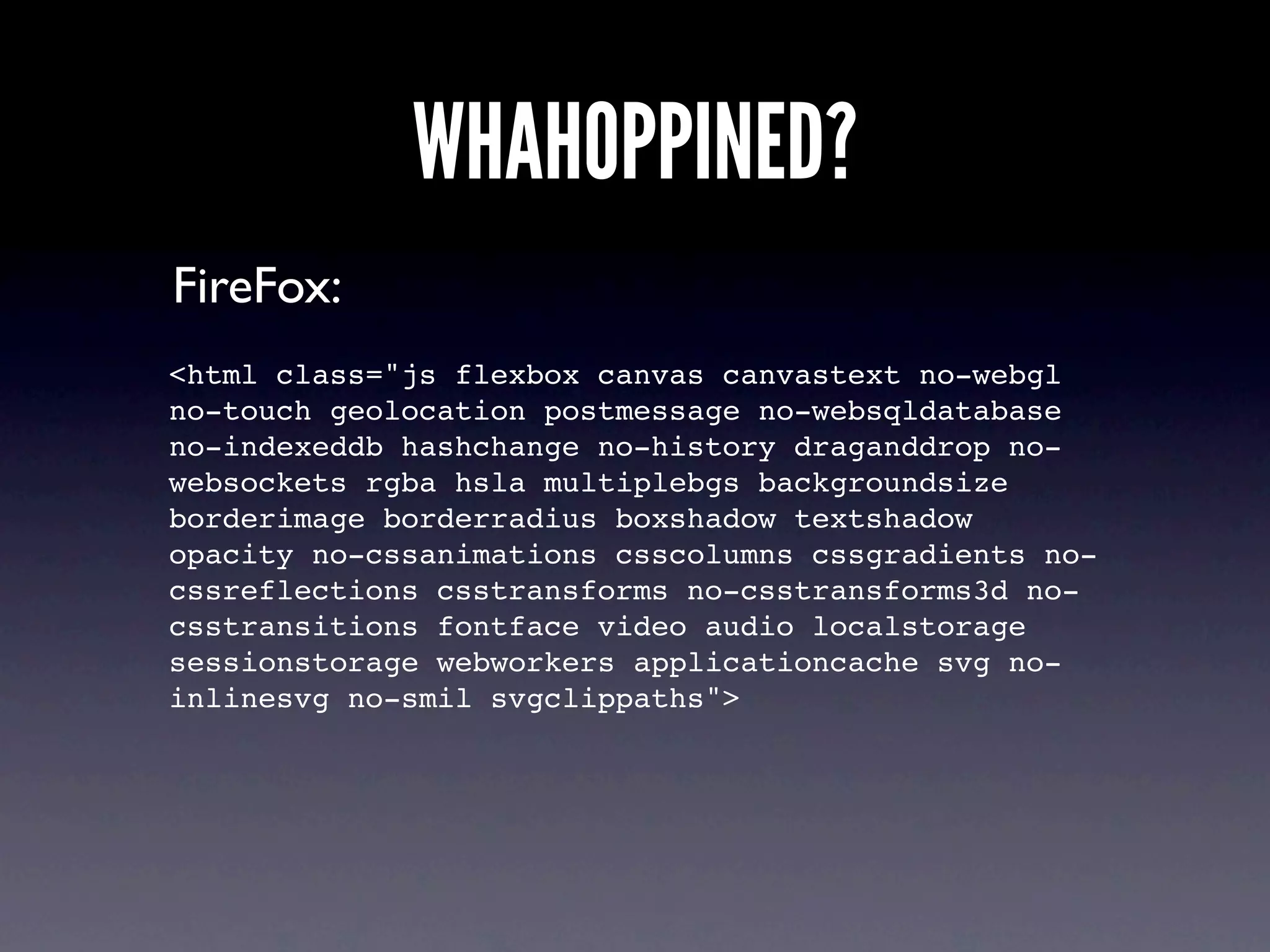
WHAHOPPINED?
FireFox:
<html class="js flexbox canvas canvastext no-webgl
no-touch geolocation postmessage no-websqldatabase
no-indexeddb hashchange no-history draganddrop no-
websockets rgba hsla multiplebgs backgroundsize
borderimage borderradius boxshadow textshadow
opacity no-cssanimations csscolumns cssgradients no-
cssreflections csstransforms no-csstransforms3d no-
csstransitions fontface video audio localstorage
sessionstorage webworkers applicationcache svg no-
inlinesvg no-smil svgclippaths">
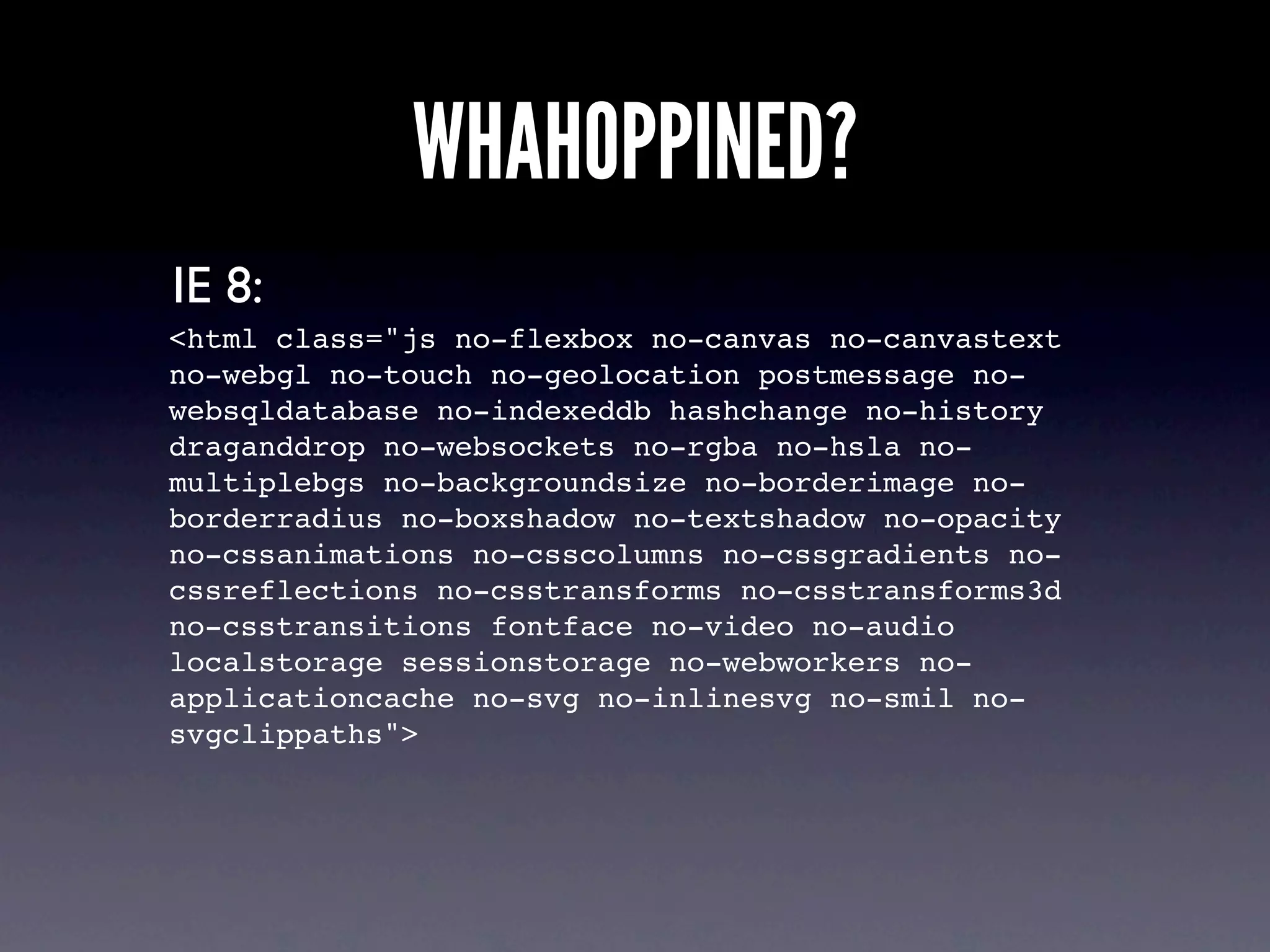
WHAHOPPINED?
IE 8:
<html class="js no-flexbox no-canvas no-canvastext
no-webgl no-touch no-geolocation postmessage no-
websqldatabase no-indexeddb hashchange no-history
draganddrop no-websockets no-rgba no-hsla no-
multiplebgs no-backgroundsize no-borderimage no-
borderradius no-boxshadow no-textshadow no-opacity
no-cssanimations no-csscolumns no-cssgradients no-
cssreflections no-csstransforms no-csstransforms3d
no-csstransitions fontface no-video no-audio
localstorage sessionstorage no-webworkers no-
applicationcache no-svg no-inlinesvg no-smil no-
svgclippaths">
A FEW EXAMPLES...
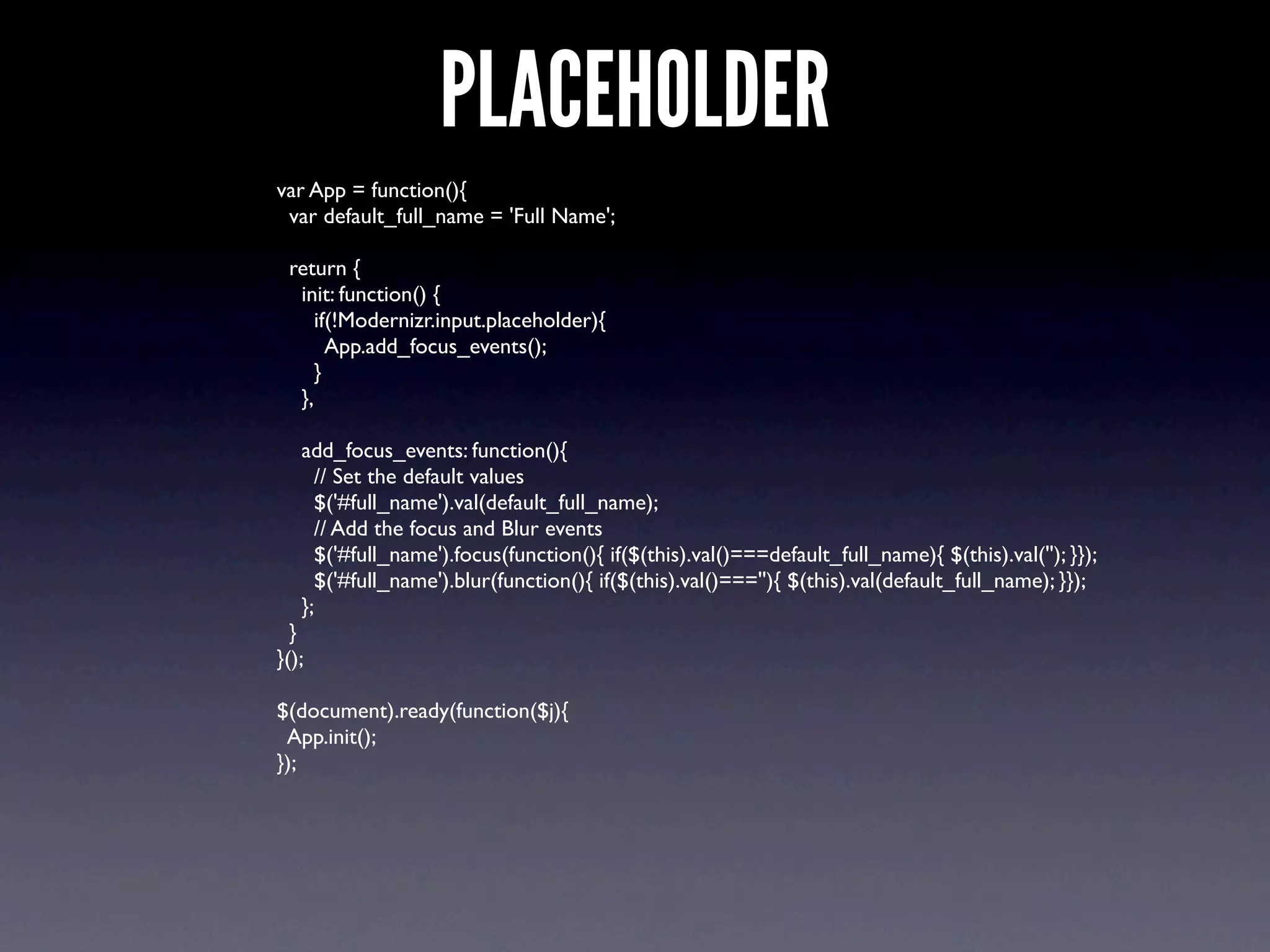
PLACEHOLDER
var App = function(){
 var default_full_name = 'Full Name';

 return {
  init: function() {
     if(!Modernizr.input.placeholder){
       App.add_focus_events();
     }
  },

   add_focus_events: function(){
     // Set the default values
     $('#full_name').val(default_full_name);
     // Add the focus and Blur events
     $('#full_name').focus(function(){ if($(this).val()===default_full_name){ $(this).val(''); }});
     $('#full_name').blur(function(){ if($(this).val()===''){ $(this).val(default_full_name); }});
   };
  }
}();

$(document).ready(function($j){
 App.init();
});
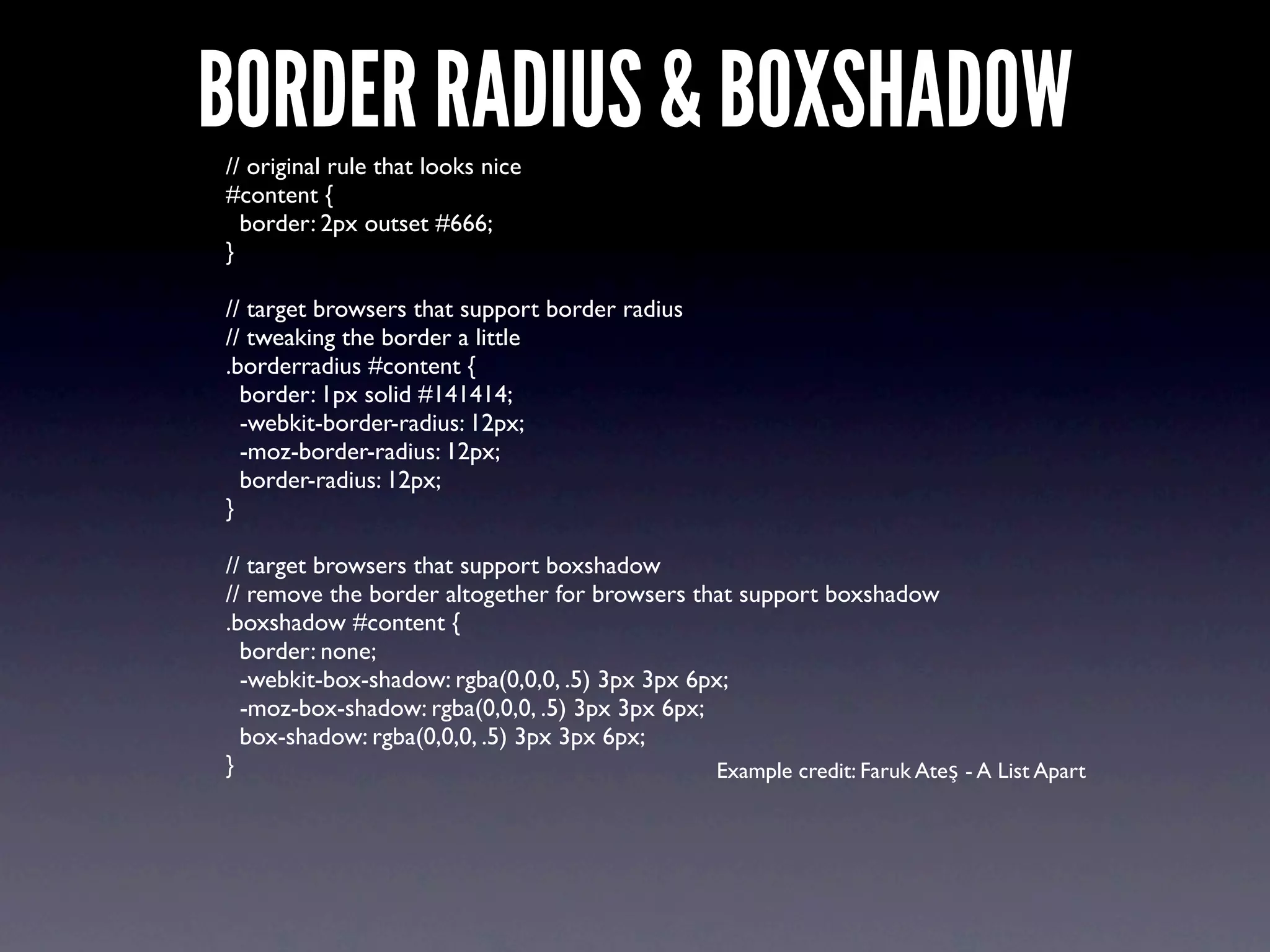
BORDER RADIUS & BOXSHADOW
// original rule that looks nice
#content {
  border: 2px outset #666;
}

// target browsers that support border radius
// tweaking the border a little
.borderradius #content {
  border: 1px solid #141414;
  -webkit-border-radius: 12px;
  -moz-border-radius: 12px;
  border-radius: 12px;
}

// target browsers that support boxshadow
// remove the border altogether for browsers that support boxshadow
.boxshadow #content {
  border: none;
  -webkit-box-shadow: rgba(0,0,0, .5) 3px 3px 6px;
  -moz-box-shadow: rgba(0,0,0, .5) 3px 3px 6px;
  box-shadow: rgba(0,0,0, .5) 3px 3px 6px;
}                                               Example credit: Faruk Ateş - A List Apart
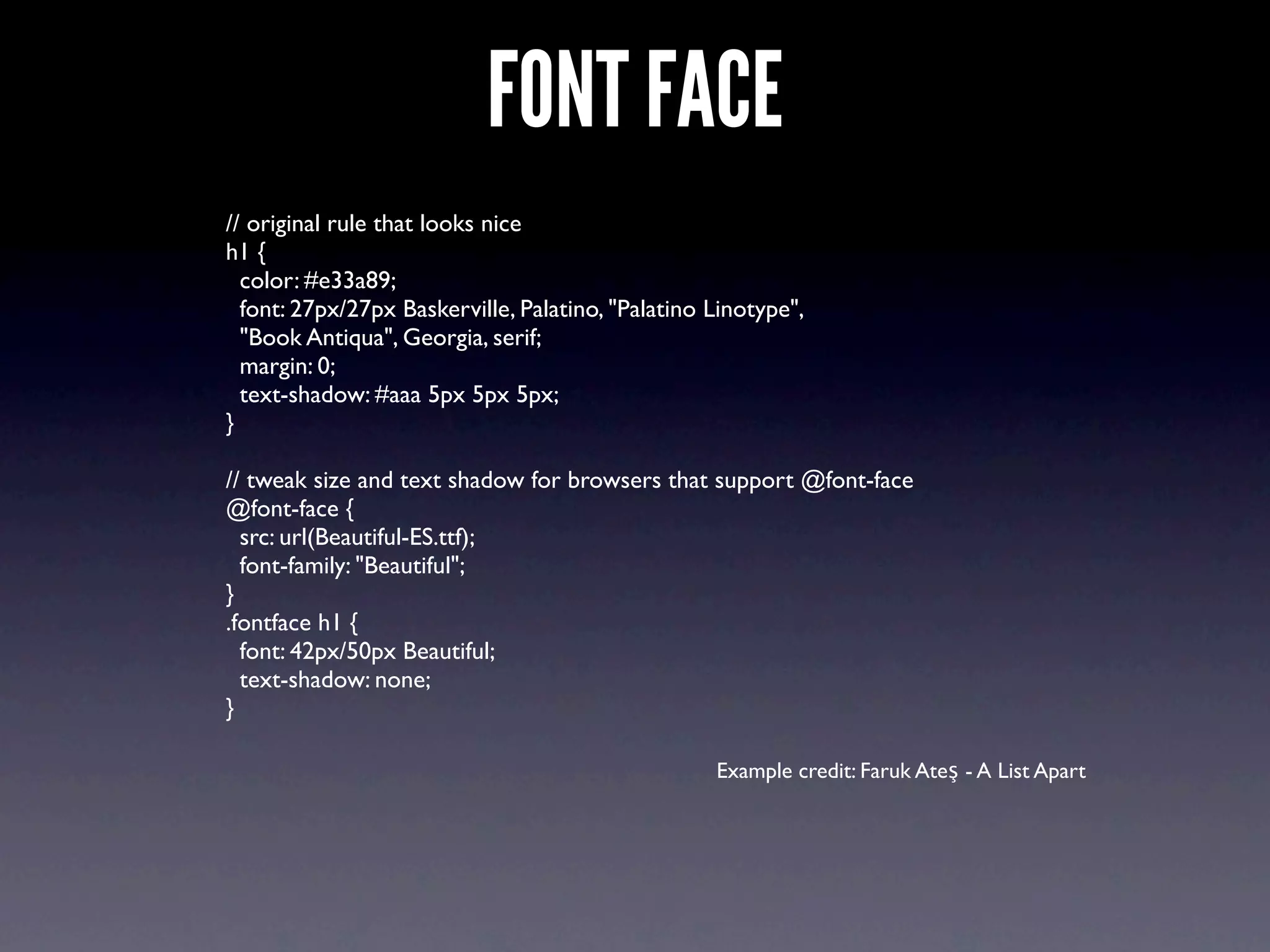
FONT FACE
// original rule that looks nice
h1 {
  color: #e33a89;
  font: 27px/27px Baskerville, Palatino, "Palatino Linotype",
  "Book Antiqua", Georgia, serif;
  margin: 0;
  text-shadow: #aaa 5px 5px 5px;
}

// tweak size and text shadow for browsers that support @font-face
@font-face {
  src: url(Beautiful-ES.ttf);
  font-family: "Beautiful";
}
.fontface h1 {
  font: 42px/50px Beautiful;
  text-shadow: none;
}

                                                   Example credit: Faruk Ateş - A List Apart
LEARN MORE & SOURCES
•   Modernizr (Download + Great Documentation):
    http://www.modernizr.com

•   Taking Advantage of HTML5 and CSS3 with
    Modernizr:
    http://www.alistapart.com/articles/taking-
    advantage-of-html5-and-css3-with-modernizr/

•   HTML5 Cross Browser Polyfills
    https://github.com/Modernizr/Modernizr/wiki/
    HTML5-Cross-browser-Polyfills
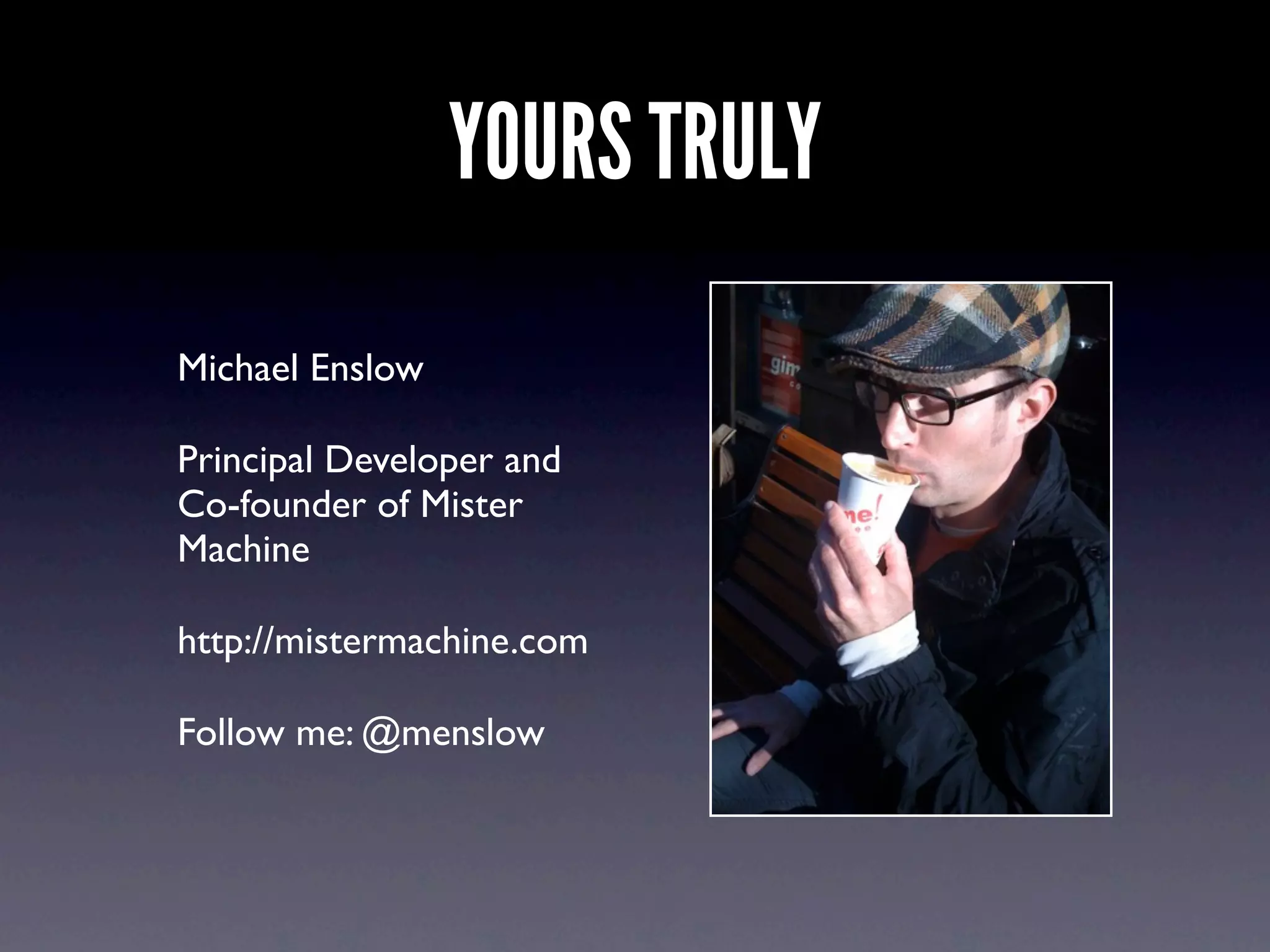
YOURS TRULY
Michael Enslow

Principal Developer and
Co-founder of Mister
Machine

http://mistermachine.com

Follow me: @menslow

It's a Mod World - A Practical Guide to Rocking Modernizr

  • 1.
    IT’S A MODWORLD A PRACTICAL GUIDE TO ROCKING MODERNIZR
  • 2.
    WHAT IS IT? “Modernizris a small and simple JavaScript library that helps you take advantage of emerging web technologies (CSS3, HTML 5).” ~from modernizr.com Tells you whether or not the current browser has HTML5 and CSS3 features natively implemented.
  • 3.
    THE WHO Faruk Ateş @KuraFire PaulIrish @paul_irish Alex Sexton @slexaxton
  • 4.
    WHERE? • http://modernizr.com • Follow:@modernizr • Contribute: https://github.com/Modernizr/Modernizr
  • 5.
    HOW DOES MODERNIZRWORK? • Uses feature detection to test browsers for support of HTML5 and CSS3 features • Brings an end to browser sniffing
  • 6.
  • 7.
    BROWSER SNIFF BAD ol_skool_browser_detect:function() { if(navigator.appName==='Netscape' && navigator.appVersion==='5.0 (Macintosh; en-US)'){ // Do something magical for FireFox Mac users. } } • Not reliable • Not “future-proof”
  • 8.
    I CAN HAZFEATURE DETECTION? the_mod_way: function() { if(!Modernizr.input.placeholder){ // No declarative HTML5 "placeholder" support add_my_focus_event(); } } • More reliable • More “future-proof”
  • 9.
    USE HTML5 SEMANTICELEMENTS • Allows you to use semantic HTML5 elements (same as html5shim/html5shiv) • Renders block level elements as divs in non-supporting browsers • Allows you to style elements in your CSS
  • 10.
    MODERNIZR DOES NOT Modernizrdoes not add missing functionality to browsers
  • 11.
    UNDER THE HOOD Tests over 20 HTML5 and CSS3 features • Modernizr tries to create and do something with new features in the DOM • Browser understands: yay support! • Browser does not understand: ahhh
  • 12.
  • 13.
    PROGRESSIVE ENHANCEMENT Progressive enhancementis a strategy for web design that emphasizes accessibility, semantic HTML markup, and external stylesheet and scripting technologies. Progressive enhancement uses web technologies in a layered fashion that allows everyone to access the basic content and functionality of a web page, using any browser or Internet connection, while also providing those with better bandwidth or more advanced browser software an enhanced version of the page. ~from wikipedia • Use semantic markup • Take advantage of great stuff in the experience layer
  • 14.
    DO WEBSITES NEEDTO LOOK THE SAME IN ALL BROWSERS?
  • 15.
  • 16.
    CONTROL • Take advantageof new HTML5 and CSS3 features without loosing control in old browsers • Use declarative HTML and CSS when possible and fall back on procedure JavaScript when not
  • 17.
    USE IT 1. Downloadit from modernizr.com 2. Include modernizr-1.7.min.js in your page 3. Add "no-js" class to the <html> element
  • 18.
    WHAHOPPINED? Google Chrome: <html class="jsflexbox canvas canvastext webgl no- touch geolocation postmessage websqldatabase no- indexeddb hashchange history draganddrop websockets rgba hsla multiplebgs backgroundsize borderimage borderradius boxshadow textshadow opacity cssanimations csscolumns cssgradients cssreflections csstransforms no-csstransforms3d csstransitions fontface video audio localstorage sessionstorage webworkers applicationcache svg inlinesvg smil svgclippaths">
  • 19.
    WHAHOPPINED? FireFox: <html class="js flexboxcanvas canvastext no-webgl no-touch geolocation postmessage no-websqldatabase no-indexeddb hashchange no-history draganddrop no- websockets rgba hsla multiplebgs backgroundsize borderimage borderradius boxshadow textshadow opacity no-cssanimations csscolumns cssgradients no- cssreflections csstransforms no-csstransforms3d no- csstransitions fontface video audio localstorage sessionstorage webworkers applicationcache svg no- inlinesvg no-smil svgclippaths">
  • 20.
    WHAHOPPINED? IE 8: <html class="jsno-flexbox no-canvas no-canvastext no-webgl no-touch no-geolocation postmessage no- websqldatabase no-indexeddb hashchange no-history draganddrop no-websockets no-rgba no-hsla no- multiplebgs no-backgroundsize no-borderimage no- borderradius no-boxshadow no-textshadow no-opacity no-cssanimations no-csscolumns no-cssgradients no- cssreflections no-csstransforms no-csstransforms3d no-csstransitions fontface no-video no-audio localstorage sessionstorage no-webworkers no- applicationcache no-svg no-inlinesvg no-smil no- svgclippaths">
  • 21.
  • 22.
    PLACEHOLDER var App =function(){ var default_full_name = 'Full Name'; return { init: function() { if(!Modernizr.input.placeholder){ App.add_focus_events(); } }, add_focus_events: function(){ // Set the default values $('#full_name').val(default_full_name); // Add the focus and Blur events $('#full_name').focus(function(){ if($(this).val()===default_full_name){ $(this).val(''); }}); $('#full_name').blur(function(){ if($(this).val()===''){ $(this).val(default_full_name); }}); }; } }(); $(document).ready(function($j){ App.init(); });
  • 23.
    BORDER RADIUS &BOXSHADOW // original rule that looks nice #content { border: 2px outset #666; } // target browsers that support border radius // tweaking the border a little .borderradius #content { border: 1px solid #141414; -webkit-border-radius: 12px; -moz-border-radius: 12px; border-radius: 12px; } // target browsers that support boxshadow // remove the border altogether for browsers that support boxshadow .boxshadow #content { border: none; -webkit-box-shadow: rgba(0,0,0, .5) 3px 3px 6px; -moz-box-shadow: rgba(0,0,0, .5) 3px 3px 6px; box-shadow: rgba(0,0,0, .5) 3px 3px 6px; } Example credit: Faruk Ateş - A List Apart
  • 24.
    FONT FACE // originalrule that looks nice h1 { color: #e33a89; font: 27px/27px Baskerville, Palatino, "Palatino Linotype", "Book Antiqua", Georgia, serif; margin: 0; text-shadow: #aaa 5px 5px 5px; } // tweak size and text shadow for browsers that support @font-face @font-face { src: url(Beautiful-ES.ttf); font-family: "Beautiful"; } .fontface h1 { font: 42px/50px Beautiful; text-shadow: none; } Example credit: Faruk Ateş - A List Apart
  • 25.
    LEARN MORE &SOURCES • Modernizr (Download + Great Documentation): http://www.modernizr.com • Taking Advantage of HTML5 and CSS3 with Modernizr: http://www.alistapart.com/articles/taking- advantage-of-html5-and-css3-with-modernizr/ • HTML5 Cross Browser Polyfills https://github.com/Modernizr/Modernizr/wiki/ HTML5-Cross-browser-Polyfills
  • 26.
    YOURS TRULY Michael Enslow PrincipalDeveloper and Co-founder of Mister Machine http://mistermachine.com Follow me: @menslow