Computer Software
Computer Software
Software ?
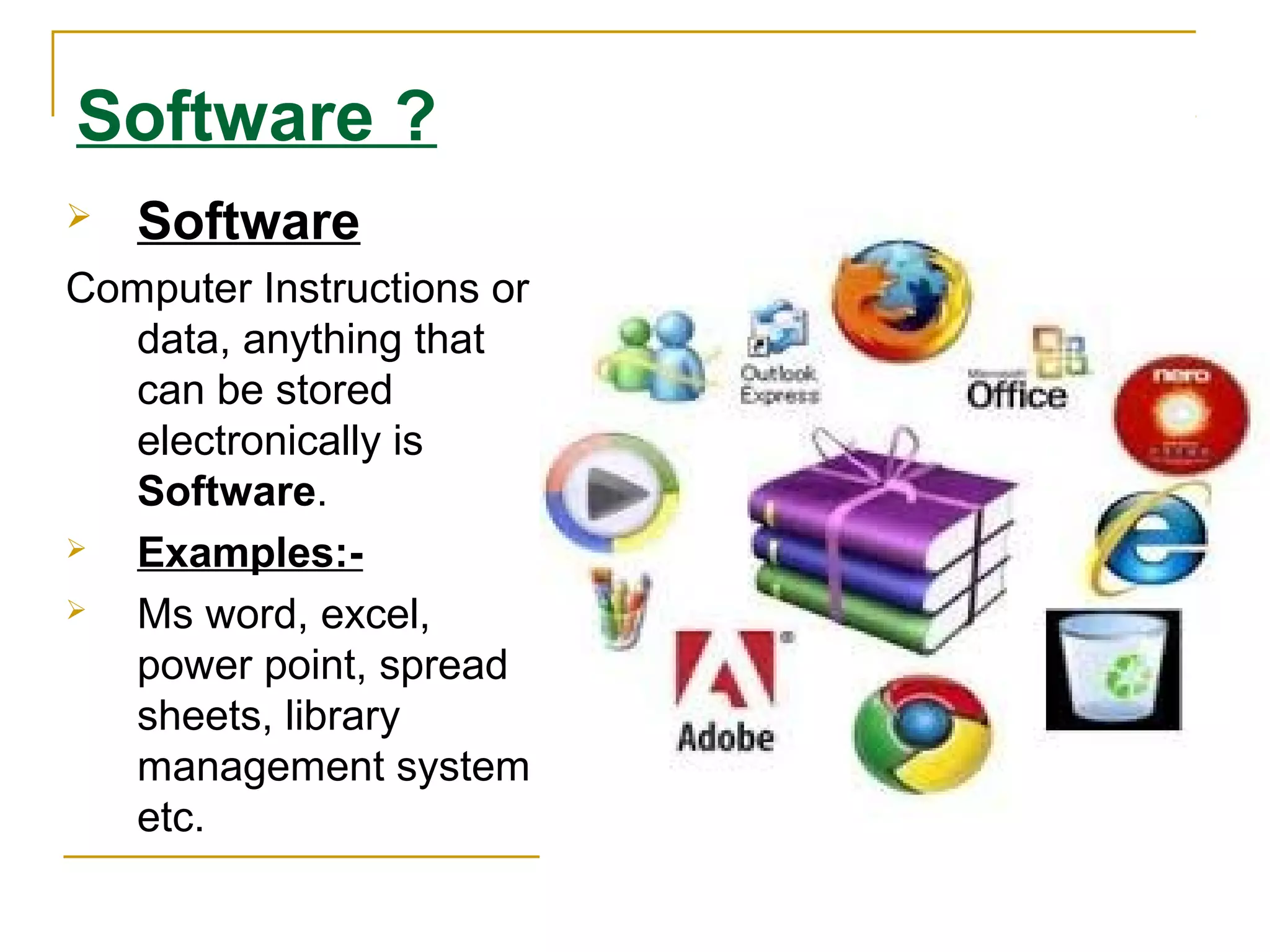
 Software
Computer Instructions or
data, anything that
can be stored
electronically is
Software.
 Examples:-
 Ms word, excel,
power point, spread
sheets, library
management system
etc.
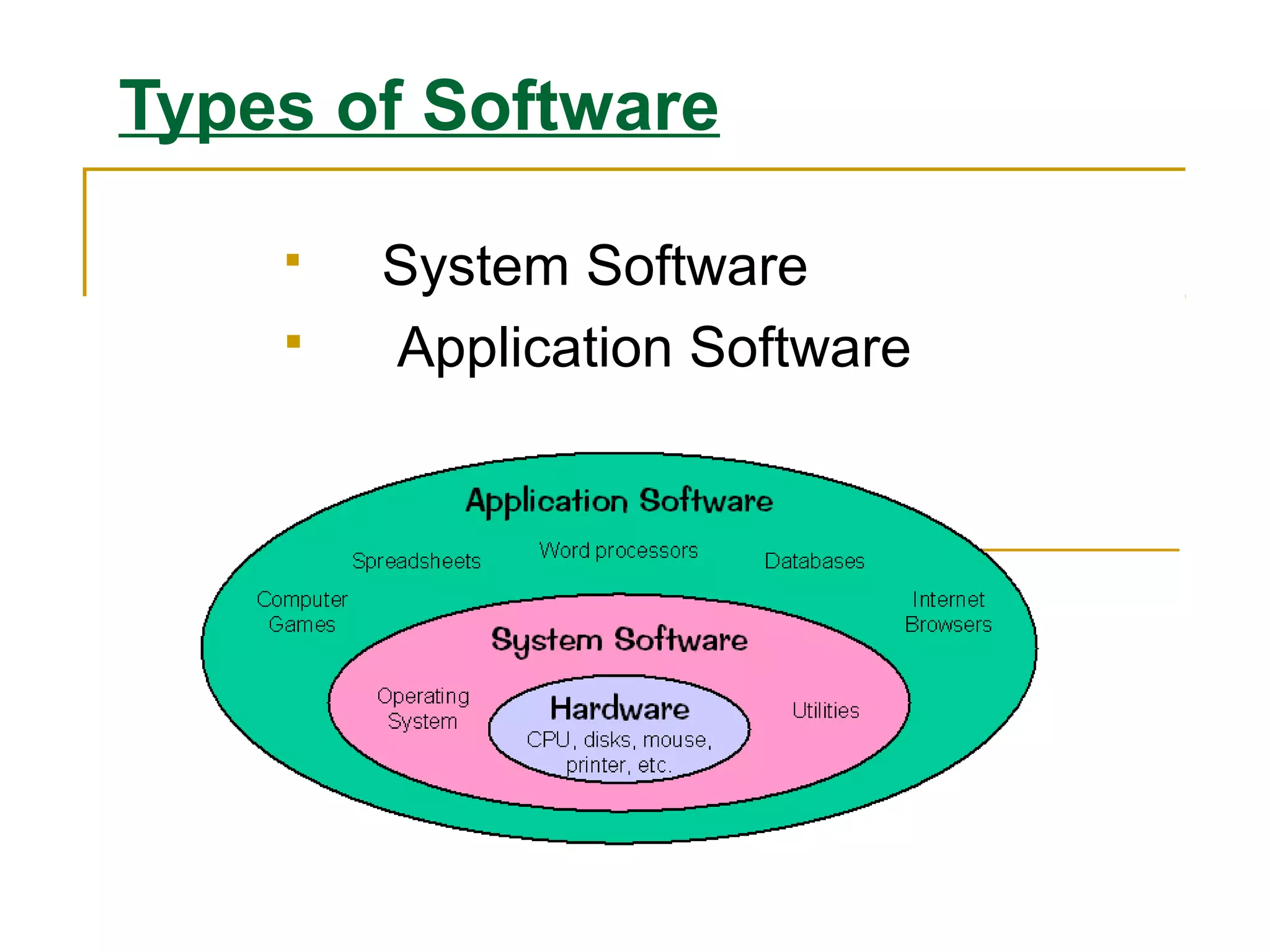
Types of Software
 System Software
 Application Software
System Software
 The System Software consist of the Operating System
and all the utilities that enable the computer to function.
 System software actually controls the hardware so that
application software can perform any action or task.
Example:
Operating Systems, Compiler, Loader, Linker, Interpreter
and etc
Types of System Software
 Operating System
 Utilities
 Device Drivers
 Language Translators
Application Software:
Application Software includes programs that do real work
for user.
Example:
Payroll systems, Inventory Control, Manage student
database, Word Processor, Spreadsheet and Database
Management System etc.,
Application Software
 Categories of Application Software
 Types of Application
 Forms of Application Software
Categories of Application
Software
 Business Software
 Graphic & Multimedia
 Home / Personal / Education
 Communication
Types of Application Software
 Proprietary
 In-house
 Contract
 Off-the-shelf
 Customized package
Forms of Application
Software
Software
 Packaged Software
 Custom Software
 Web Application
 Open Source
 Shareware
 Freeware
 Public-domain Software
Application Software
 Actually the application software consists of
programs that are designed to make users more
comfortable or productive to assist personal
tasks
 The application software is present on computer
hard disk
 Application software can also be stored on CDs,
DVDs, and flash or keychain storage devices
Type Of Application Software
 Proprietary
o Proprietary software is a licensed software under exclusive
legal right of owner.
 In-house
o In In-house software we develop application with the help of
company resources
 Off-the-shelf
o An existing software program that can be used without any
changes expected.
 Contract
o The software which is developed for a specific company for
their requirement.
Form Of Application
Software
 Package software
A software which is sold in a bundle due to
similar function of programs.
 Example
o Microsoft office, windows Cd
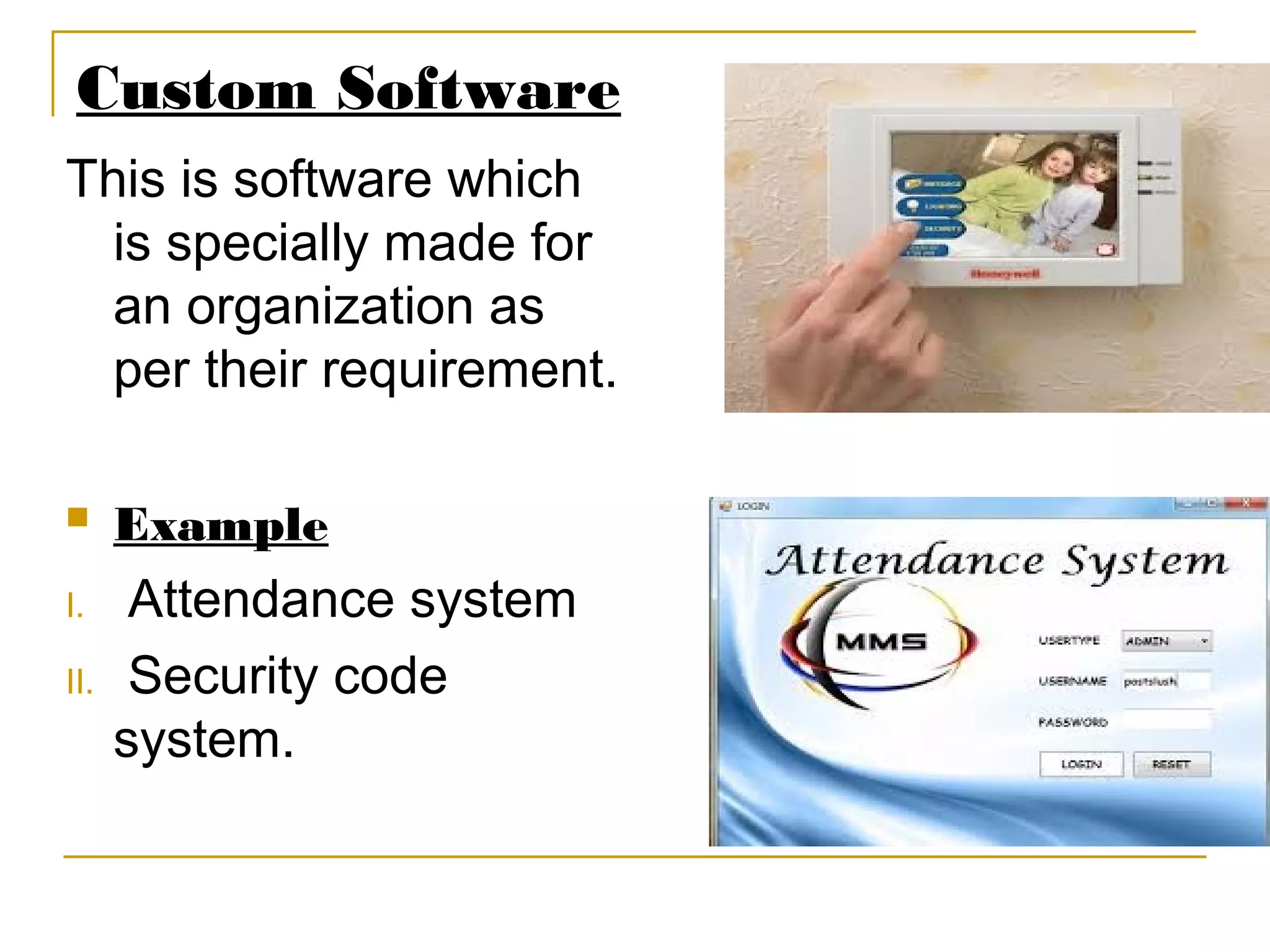
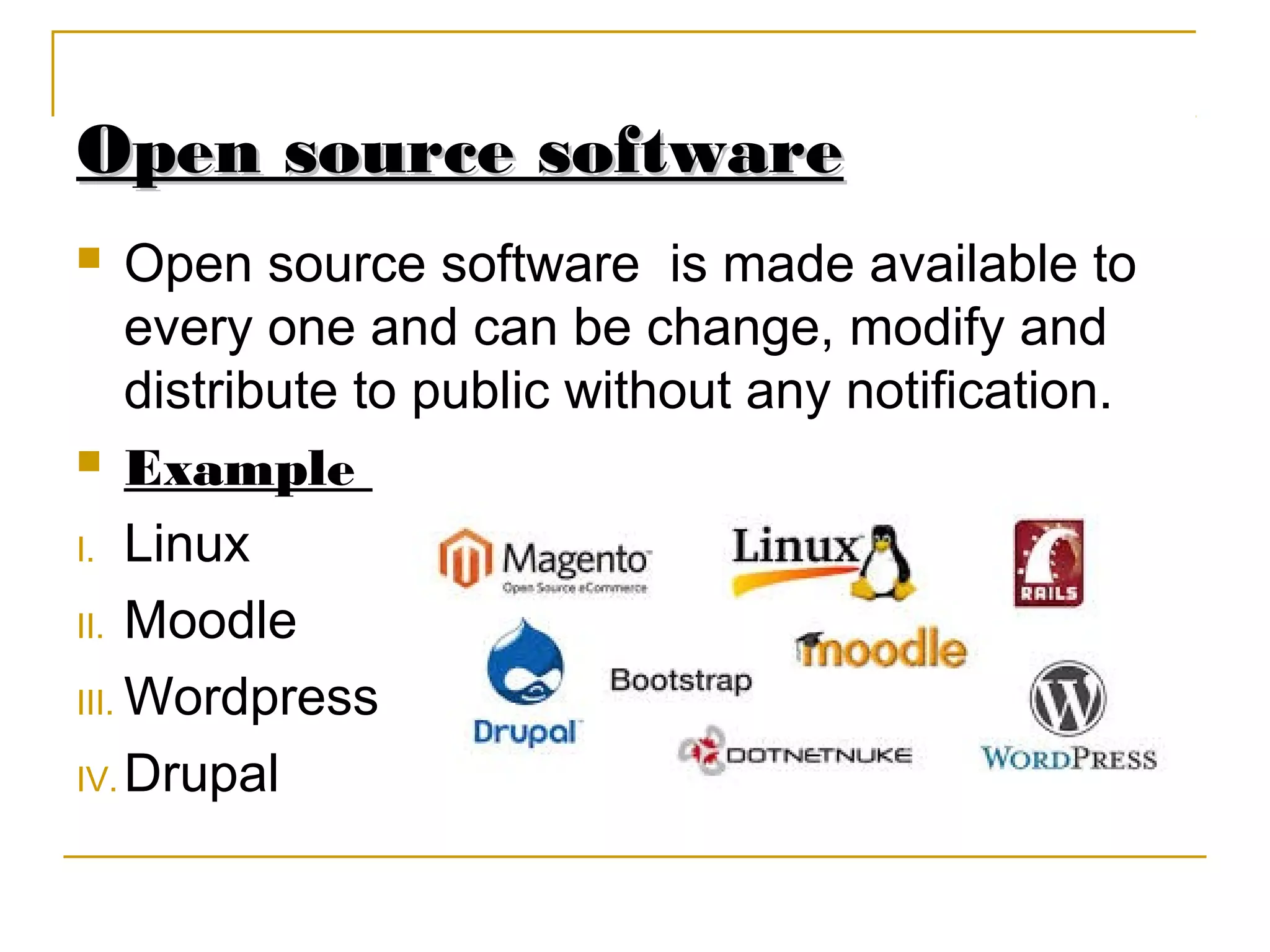
Custom Software
This is software which
is specially made for
an organization as
per their requirement.
 Example
I. Attendance system
II. Security code
system.
Web Application
Web Application
A web application is any
application that uses a web
browser.
Example
I. Google docs
II. Drop Box
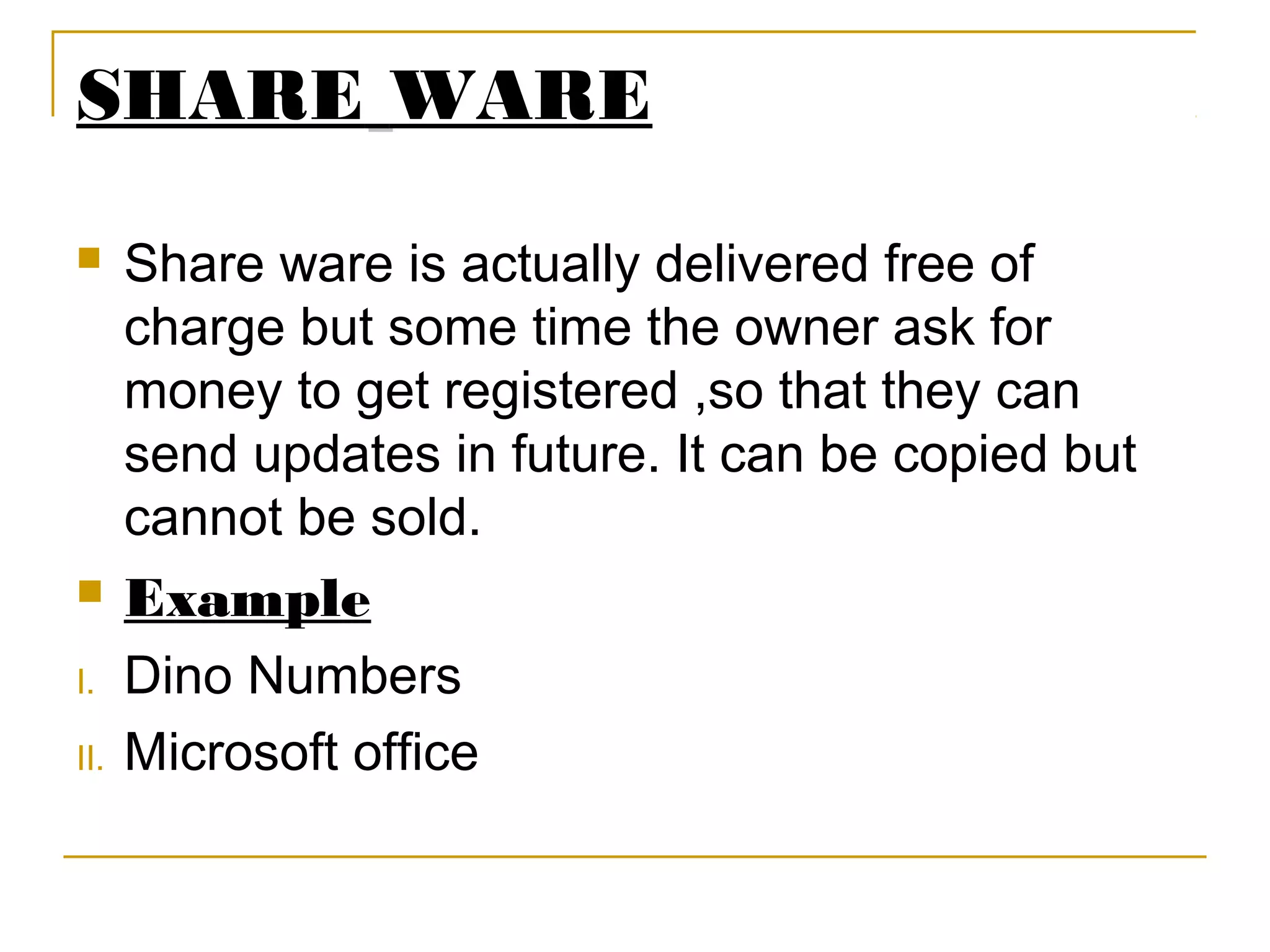
Open source software
 Open source software is made available to
every one and can be change, modify and
distribute to public without any notification.
 Example
I. Linux
II. Moodle
III. Wordpress
IV. Drupal
Free ware
Free ware
 Free ware is the software that is freely
available to public but author has a copy
right, means that you can only use it ,not sell
it.
 Example
Example
I. Antivirus
SHARE WARE
 Share ware is actually delivered free of
charge but some time the owner ask for
money to get registered ,so that they can
send updates in future. It can be copied but
cannot be sold.
 Example
I. Dino Numbers
II. Microsoft office
Public domain software
 Public domain software is
totally free and it is not
copyrighted plus it have no
restriction
Example
I. SQlite
II. Blast
III. I2P
System Software
 In System software programs are designed to operate,
control and enhances the processing capabilities of the
computer
 System software is developed by computer manufacturer
in low level language
 It also helps hardware components to work together and
provide support for the development and execution of
the application software
 Programs which are included in system software
package are known as system programs and the
programmers who develop those programs are known
as system programmer
(Reference: wikipedea & itc lectures)
Types of System Software
Operating System
 An operating system is software which manages computer
hardware and software resources. It also provides
common services to computer programs.
 The operating system is an essential component of
the system software in a computer system. Application
programs are dependent on operating system to function
Utilities
 Utilities software is system software which is
manufactured to help ,analyze, configure,
optimize or to maintain a computer.
 It also helps in maintenance and problem
solving of a computer.
Common types of utility programs
 Hardware utilities
 Virus-detection and recovery utilities
 File-compression utilities
 Spam and pop-up blocker utilities
 Backup
 Uninstall
Device Drivers
o Device driver is actually a communication device
between device and computer
o It loads every time in memory
o When a new device is added the driver should be
installed in order to run the program
Features of System Software
o Close to system
o Fast in speed
o Difficult to design
o Difficult to understand
o Less interactive
o Smaller in size
o Difficult to manipulate
o Generally written in low level language

itcpresentationnew-150929164902-lva1-app6891.pdf

  • 1.
  • 2.
    Software ?  Software ComputerInstructions or data, anything that can be stored electronically is Software.  Examples:-  Ms word, excel, power point, spread sheets, library management system etc.
  • 3.
    Types of Software System Software  Application Software
  • 4.
    System Software  TheSystem Software consist of the Operating System and all the utilities that enable the computer to function.  System software actually controls the hardware so that application software can perform any action or task. Example: Operating Systems, Compiler, Loader, Linker, Interpreter and etc
  • 5.
    Types of SystemSoftware  Operating System  Utilities  Device Drivers  Language Translators
  • 6.
    Application Software: Application Softwareincludes programs that do real work for user. Example: Payroll systems, Inventory Control, Manage student database, Word Processor, Spreadsheet and Database Management System etc.,
  • 7.
    Application Software  Categoriesof Application Software  Types of Application  Forms of Application Software
  • 8.
    Categories of Application Software Business Software  Graphic & Multimedia  Home / Personal / Education  Communication
  • 9.
    Types of ApplicationSoftware Types of Application Software  Proprietary  In-house  Contract  Off-the-shelf  Customized package
  • 10.
    Forms of Application Formsof Application Software Software  Packaged Software  Custom Software  Web Application  Open Source  Shareware  Freeware  Public-domain Software
  • 11.
    Application Software Application Software Actually the application software consists of programs that are designed to make users more comfortable or productive to assist personal tasks  The application software is present on computer hard disk  Application software can also be stored on CDs, DVDs, and flash or keychain storage devices
  • 12.
    Type Of ApplicationSoftware Type Of Application Software  Proprietary o Proprietary software is a licensed software under exclusive legal right of owner.  In-house o In In-house software we develop application with the help of company resources  Off-the-shelf o An existing software program that can be used without any changes expected.  Contract o The software which is developed for a specific company for their requirement.
  • 13.
    Form Of Application Software Package software A software which is sold in a bundle due to similar function of programs.  Example o Microsoft office, windows Cd
  • 14.
    Custom Software This issoftware which is specially made for an organization as per their requirement.  Example I. Attendance system II. Security code system.
  • 15.
    Web Application Web Application Aweb application is any application that uses a web browser. Example I. Google docs II. Drop Box
  • 16.
    Open source software Opensource software  Open source software is made available to every one and can be change, modify and distribute to public without any notification.  Example I. Linux II. Moodle III. Wordpress IV. Drupal
  • 17.
    Free ware Free ware Free ware is the software that is freely available to public but author has a copy right, means that you can only use it ,not sell it.  Example Example I. Antivirus
  • 18.
    SHARE WARE  Shareware is actually delivered free of charge but some time the owner ask for money to get registered ,so that they can send updates in future. It can be copied but cannot be sold.  Example I. Dino Numbers II. Microsoft office
  • 19.
    Public domain software Public domain software is totally free and it is not copyrighted plus it have no restriction Example I. SQlite II. Blast III. I2P
  • 20.
    System Software  InSystem software programs are designed to operate, control and enhances the processing capabilities of the computer  System software is developed by computer manufacturer in low level language  It also helps hardware components to work together and provide support for the development and execution of the application software  Programs which are included in system software package are known as system programs and the programmers who develop those programs are known as system programmer (Reference: wikipedea & itc lectures)
  • 21.
    Types of SystemSoftware Operating System  An operating system is software which manages computer hardware and software resources. It also provides common services to computer programs.  The operating system is an essential component of the system software in a computer system. Application programs are dependent on operating system to function
  • 22.
    Utilities  Utilities softwareis system software which is manufactured to help ,analyze, configure, optimize or to maintain a computer.  It also helps in maintenance and problem solving of a computer.
  • 23.
    Common types ofutility programs  Hardware utilities  Virus-detection and recovery utilities  File-compression utilities  Spam and pop-up blocker utilities  Backup  Uninstall
  • 24.
    Device Drivers o Devicedriver is actually a communication device between device and computer o It loads every time in memory o When a new device is added the driver should be installed in order to run the program
  • 25.
    Features of SystemSoftware o Close to system o Fast in speed o Difficult to design o Difficult to understand o Less interactive o Smaller in size o Difficult to manipulate o Generally written in low level language