PHOTO STORAGE
MANAGEMENT ON
YOUR IPHONE
CAPSULE PHOTOS
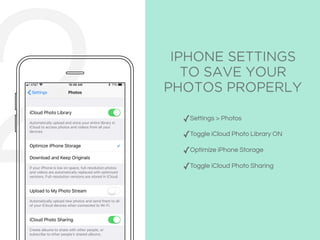
2 IPHONE SETTINGS
TO SAVE YOUR
PHOTOS PROPERLY
✓Settings > Photos
✓Toggle iCloud Photo Library ON
✓Optimize iPhone Storage
✓Toggle iCloud Photo Sharing
ICLOUD PHOTO LIBRARY
Full resolution images are stored in your iCloud
Photo Library and accessible from all your devices.
☁
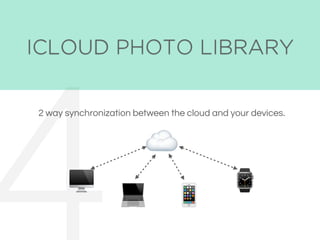
ICLOUD PHOTO LIBRARY
2 way synchronization between the cloud and your devices.
☁
"
#
$
⌚
ICLOUD PHOTO LIBRARY
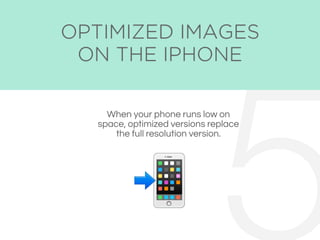
When your phone runs low on
space, optimized versions replace
the full resolution version.
5&
OPTIMIZED IMAGES
ON THE IPHONE
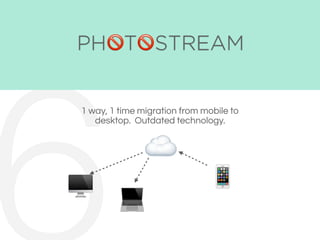
PHOTOSTREAM
1 way, 1 time migration from mobile to
desktop. Outdated technology.
☁
"
# $
' '
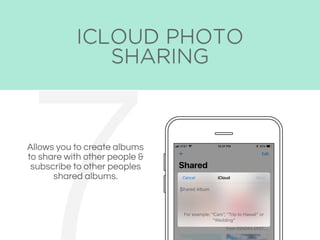
ICLOUD PHOTO
SHARING
Allows you to create albums
to share with other people &
subscribe to other peoples
shared albums.
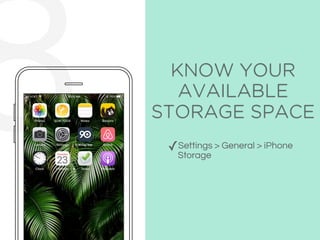
8 KNOW YOUR
AVAILABLE
STORAGE SPACE
✓Settings > General > iPhone
Storage
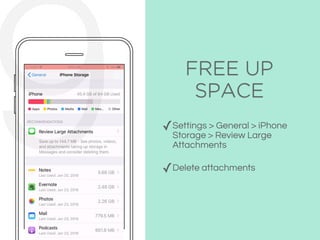
FREE UP
SPACE
✓Settings > General > iPhone
Storage > Review Large
Attachments
✓Delete attachments
9
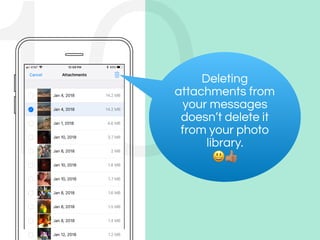
10Deleting
attachments from
your messages
doesn’t delete it
from your photo
library.
()
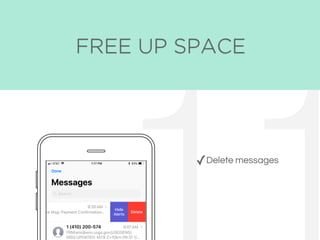
FREE UP SPACE
✓Delete messages
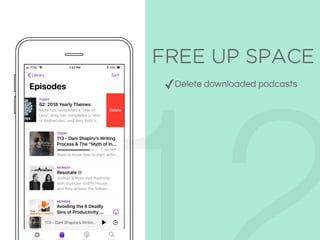
FREE UP SPACE
✓Delete downloaded podcasts
FREE UP
SPACE
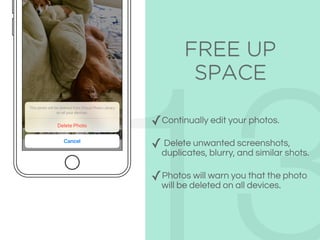
✓Continually edit your photos.
✓ Delete unwanted screenshots,
duplicates, blurry, and similar shots.
✓Photos will warn you that the photo
will be deleted on all devices.
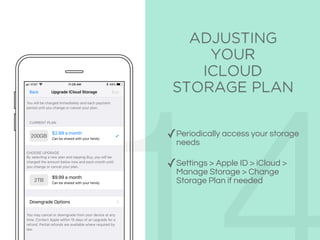
ADJUSTING
YOUR
ICLOUD
STORAGE PLAN
✓Periodically access your storage
needs
✓Settings > Apple ID > iCloud >
Manage Storage > Change
Storage Plan if needed
Thanks for watching!
I’m Vanessa and I help
apple users manage their
photo library.
Book a free consultation:
calendly.com/
capsulephotos

iPhone Photo Management