






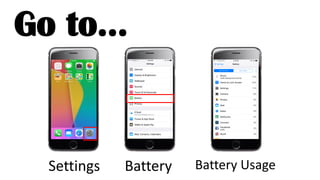





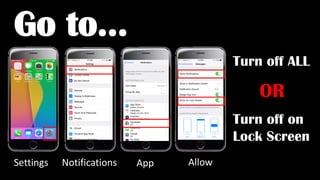
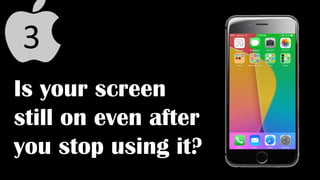
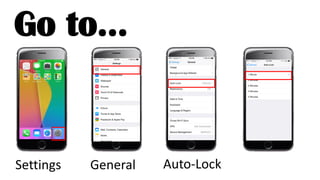

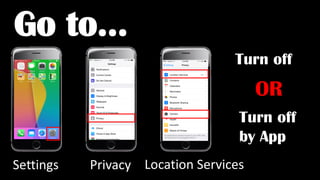



The document provides tips for extending iPhone battery life in 4 or fewer sentences. It states that the number one reason iPhone batteries die is because people use their phones constantly. It then lists four ways to make batteries last longer, such as checking battery usage settings, turning off unnecessary notifications and location services, and adjusting auto-lock settings.


![5G Explained! A High Level Overview [Introduction]](https://cdn.slidesharecdn.com/ss_thumbnails/5gexplainedahighleveloverview-260119165306-cc137a3e-thumbnail.jpg?width=640&height=640&fit=bounds)


