Introduction to Linux OS
What is Linux?
• - Linux is an open-source, Unix-like operating
system.
• - Created by Linus Torvalds in 1991.
• - Known for stability, security, and flexibility.
• - Used on servers, desktops, and embedded
systems.
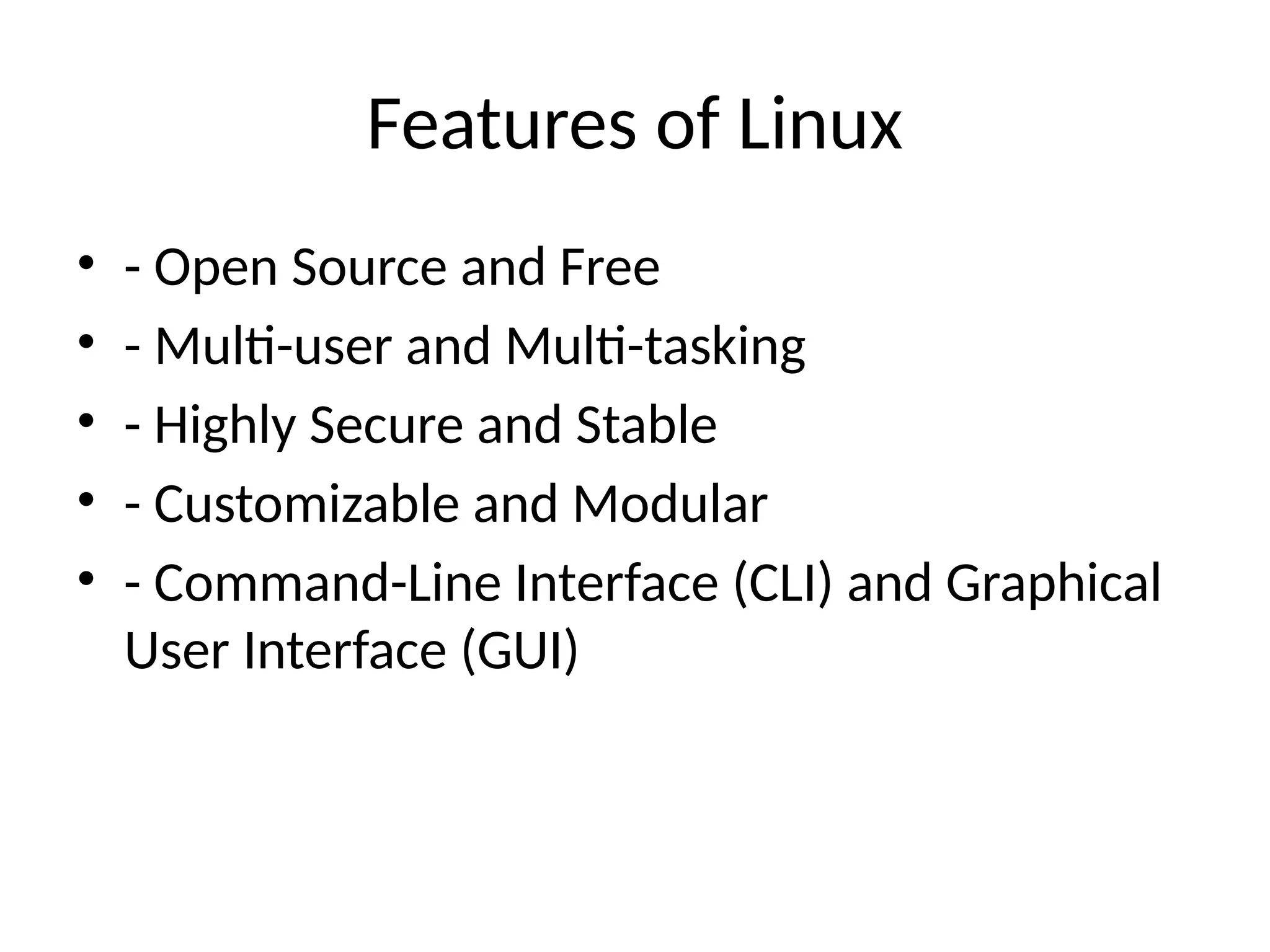
Features of Linux
• - Open Source and Free
• - Multi-user and Multi-tasking
• - Highly Secure and Stable
• - Customizable and Modular
• - Command-Line Interface (CLI) and Graphical
User Interface (GUI)
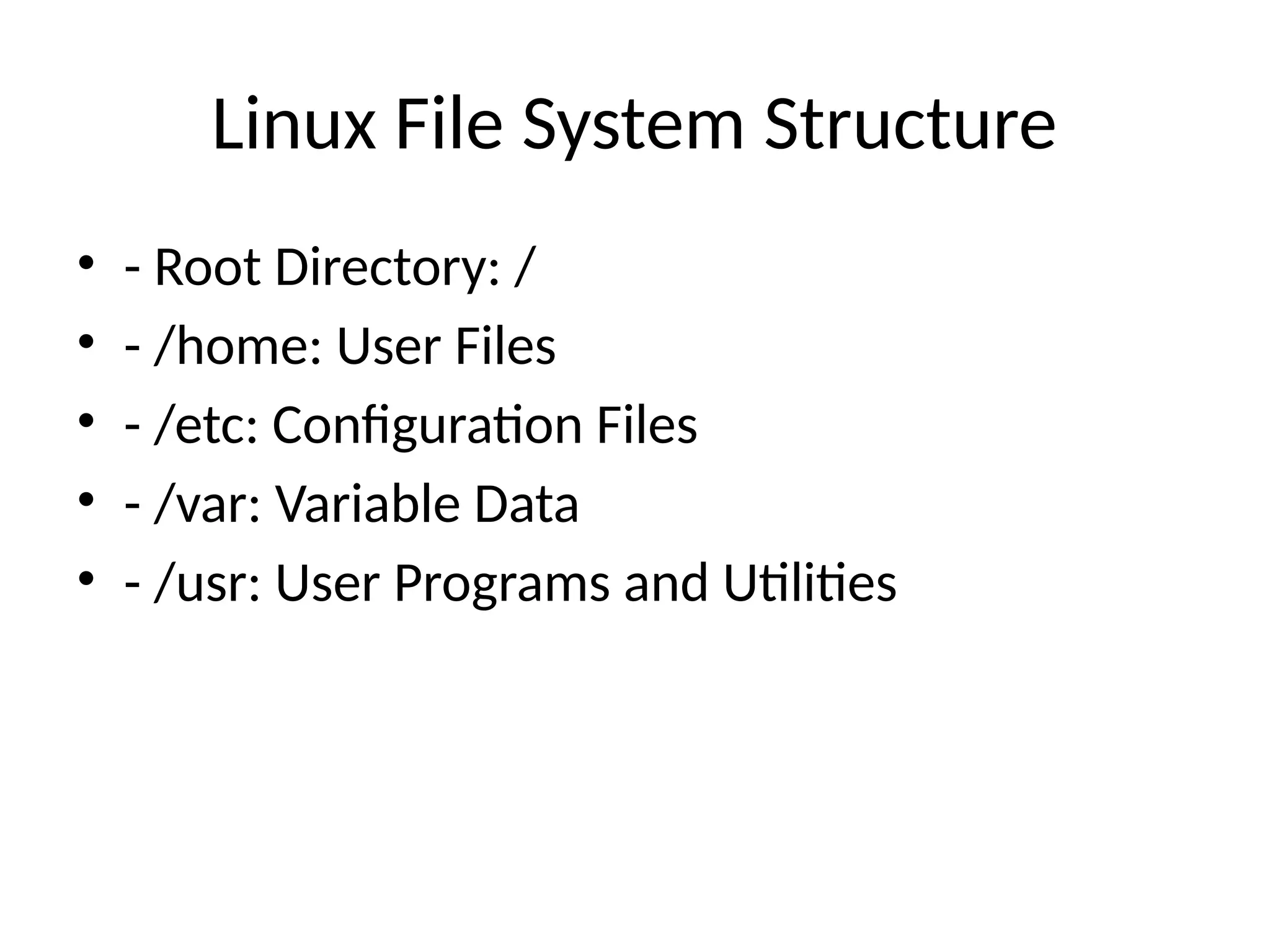
Linux File System Structure
• - Root Directory: /
• - /home: User Files
• - /etc: Configuration Files
• - /var: Variable Data
• - /usr: User Programs and Utilities
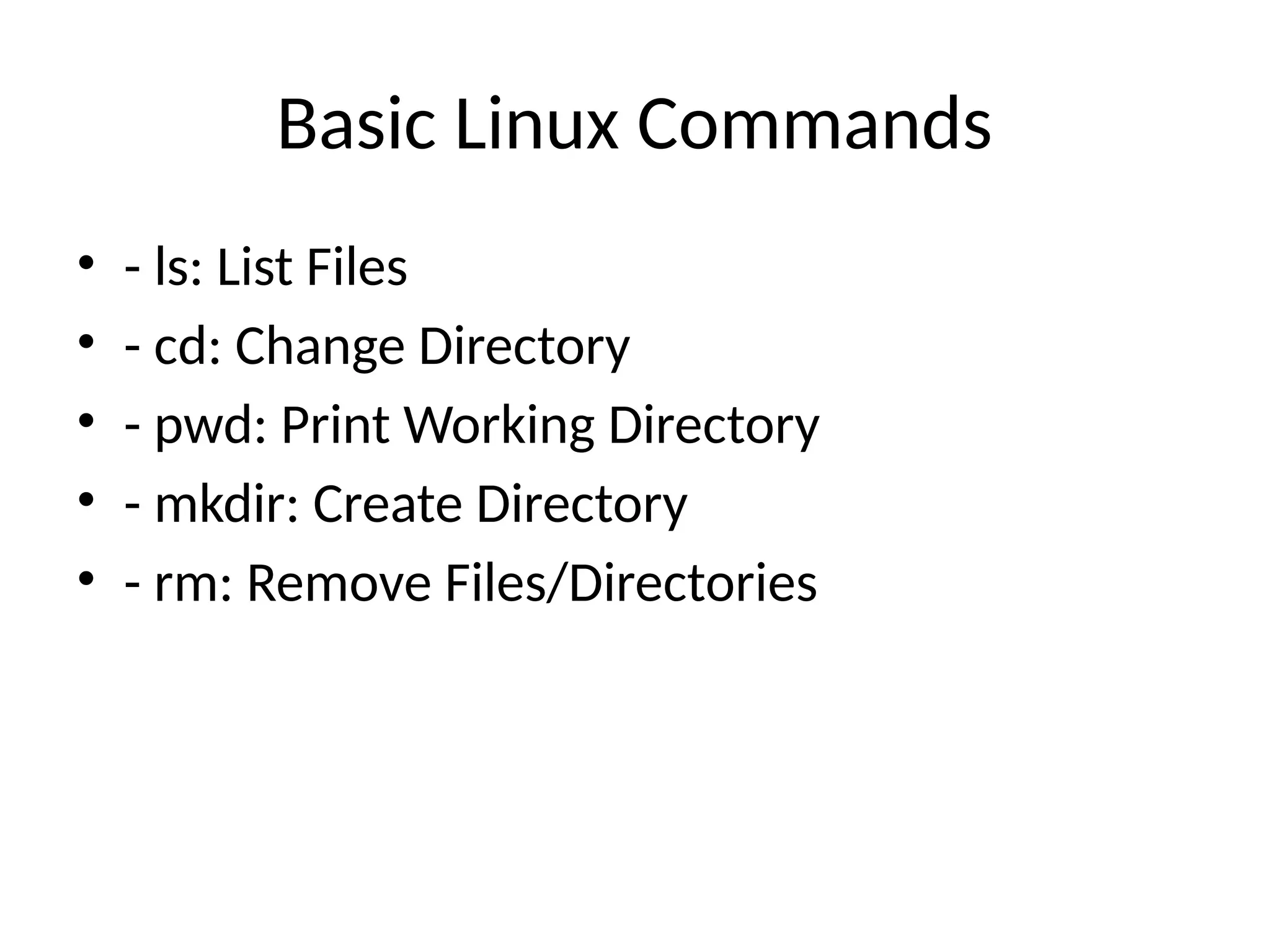
Basic Linux Commands
• - ls: List Files
• - cd: Change Directory
• - pwd: Print Working Directory
• - mkdir: Create Directory
• - rm: Remove Files/Directories
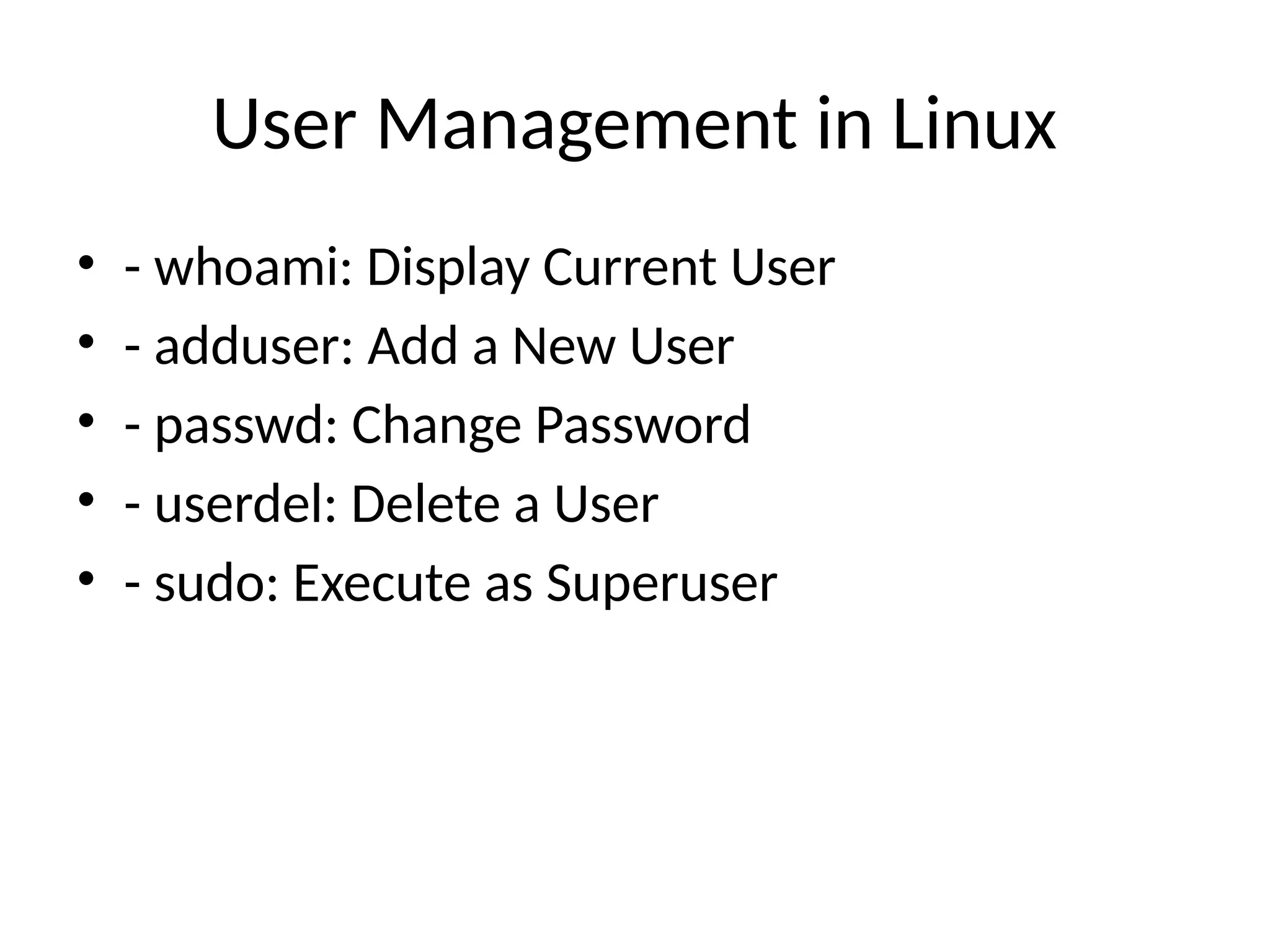
User Management in Linux
• - whoami: Display Current User
• - adduser: Add a New User
• - passwd: Change Password
• - userdel: Delete a User
• - sudo: Execute as Superuser
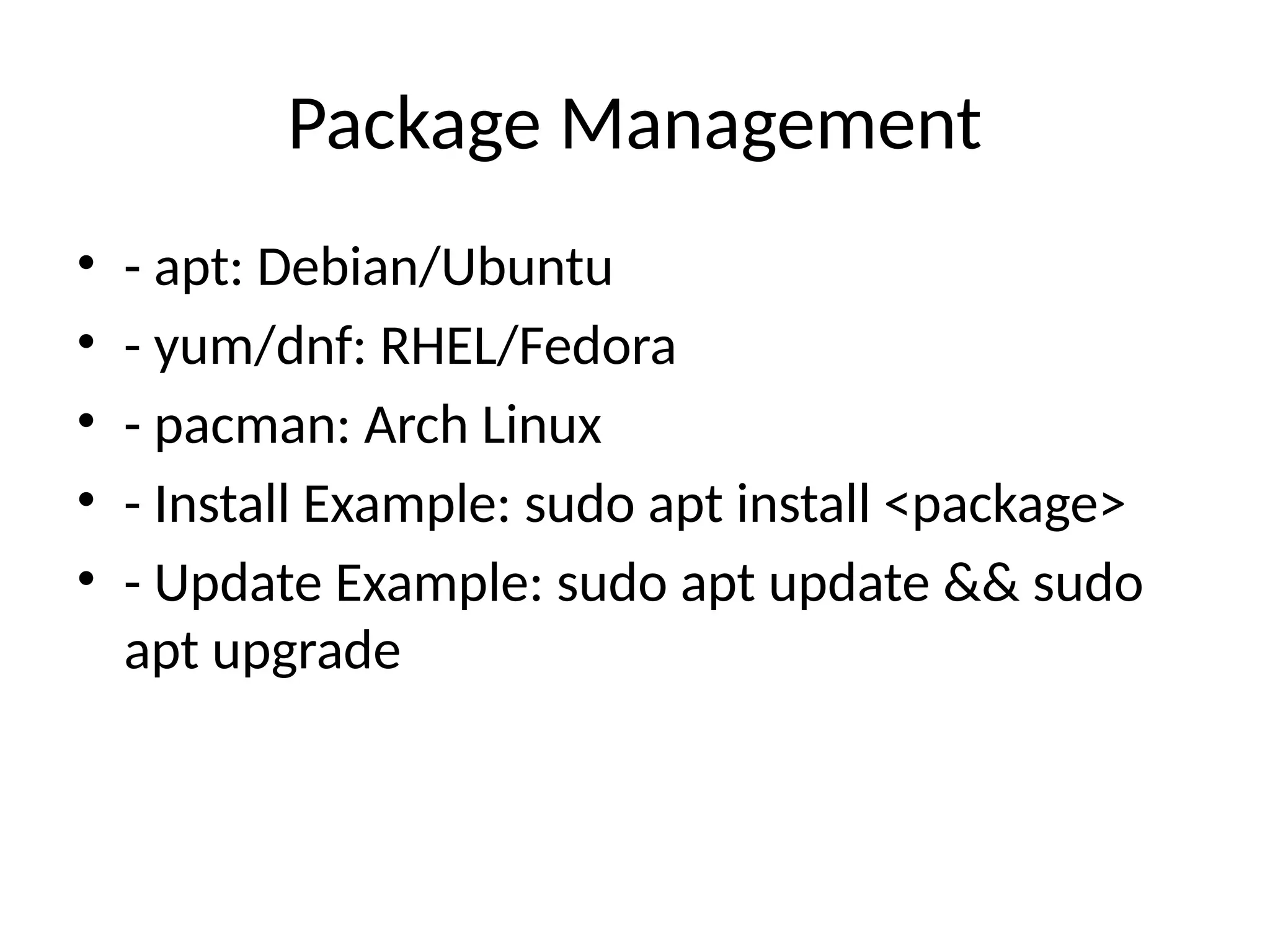
Package Management
• - apt: Debian/Ubuntu
• - yum/dnf: RHEL/Fedora
• - pacman: Arch Linux
• - Install Example: sudo apt install <package>
• - Update Example: sudo apt update && sudo
apt upgrade
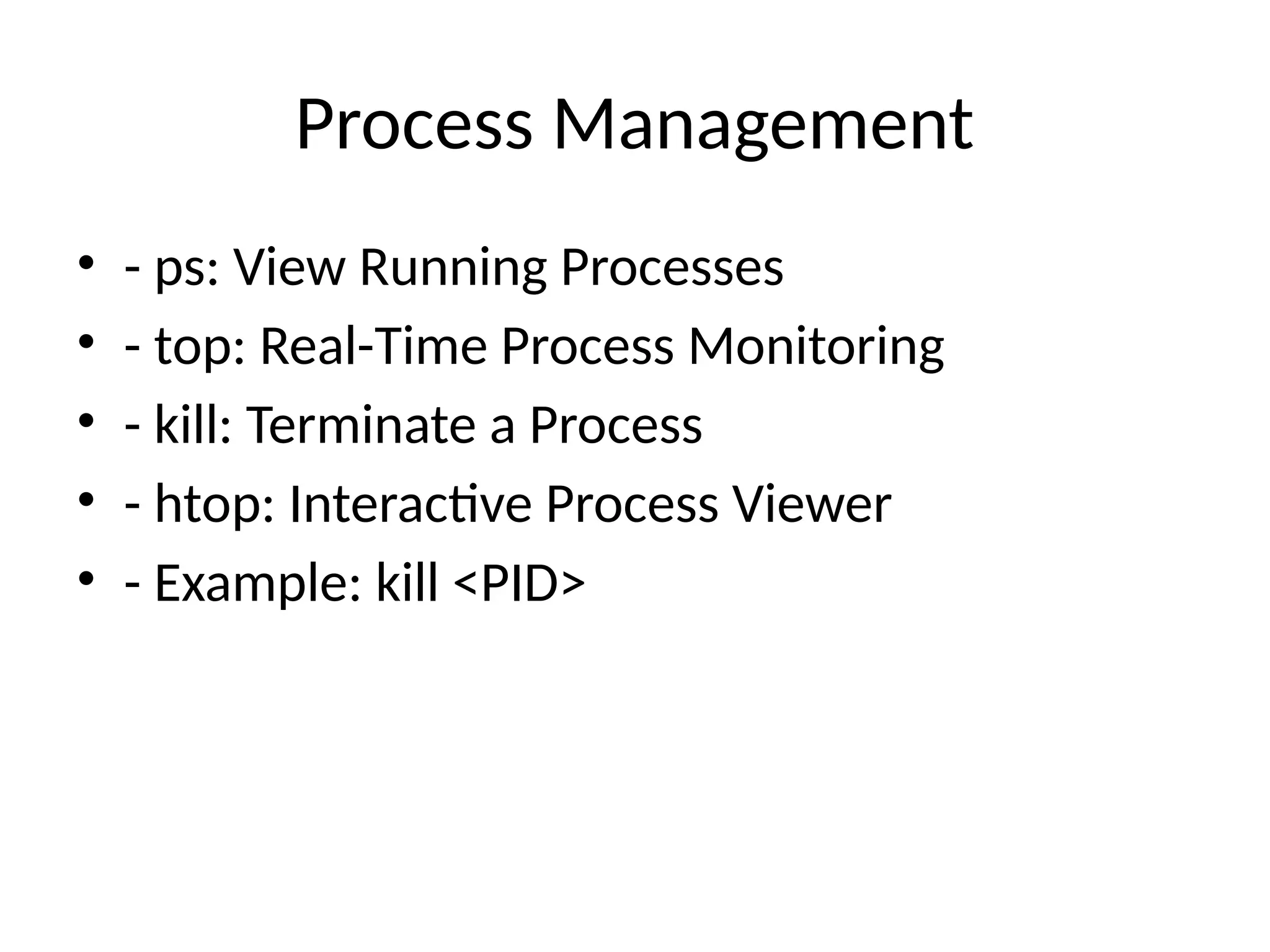
Process Management
• - ps: View Running Processes
• - top: Real-Time Process Monitoring
• - kill: Terminate a Process
• - htop: Interactive Process Viewer
• - Example: kill <PID>
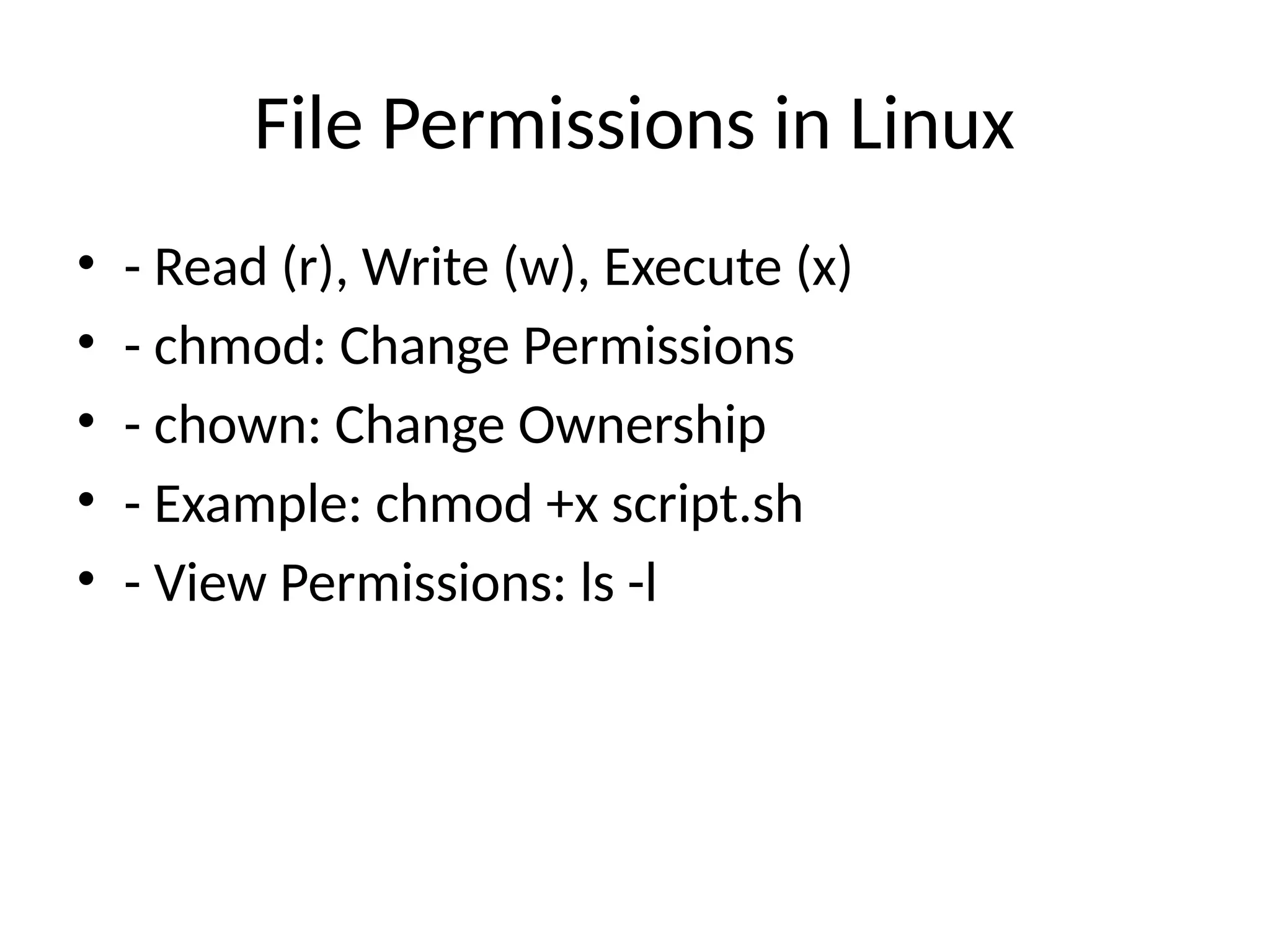
File Permissions in Linux
• - Read (r), Write (w), Execute (x)
• - chmod: Change Permissions
• - chown: Change Ownership
• - Example: chmod +x script.sh
• - View Permissions: ls -l
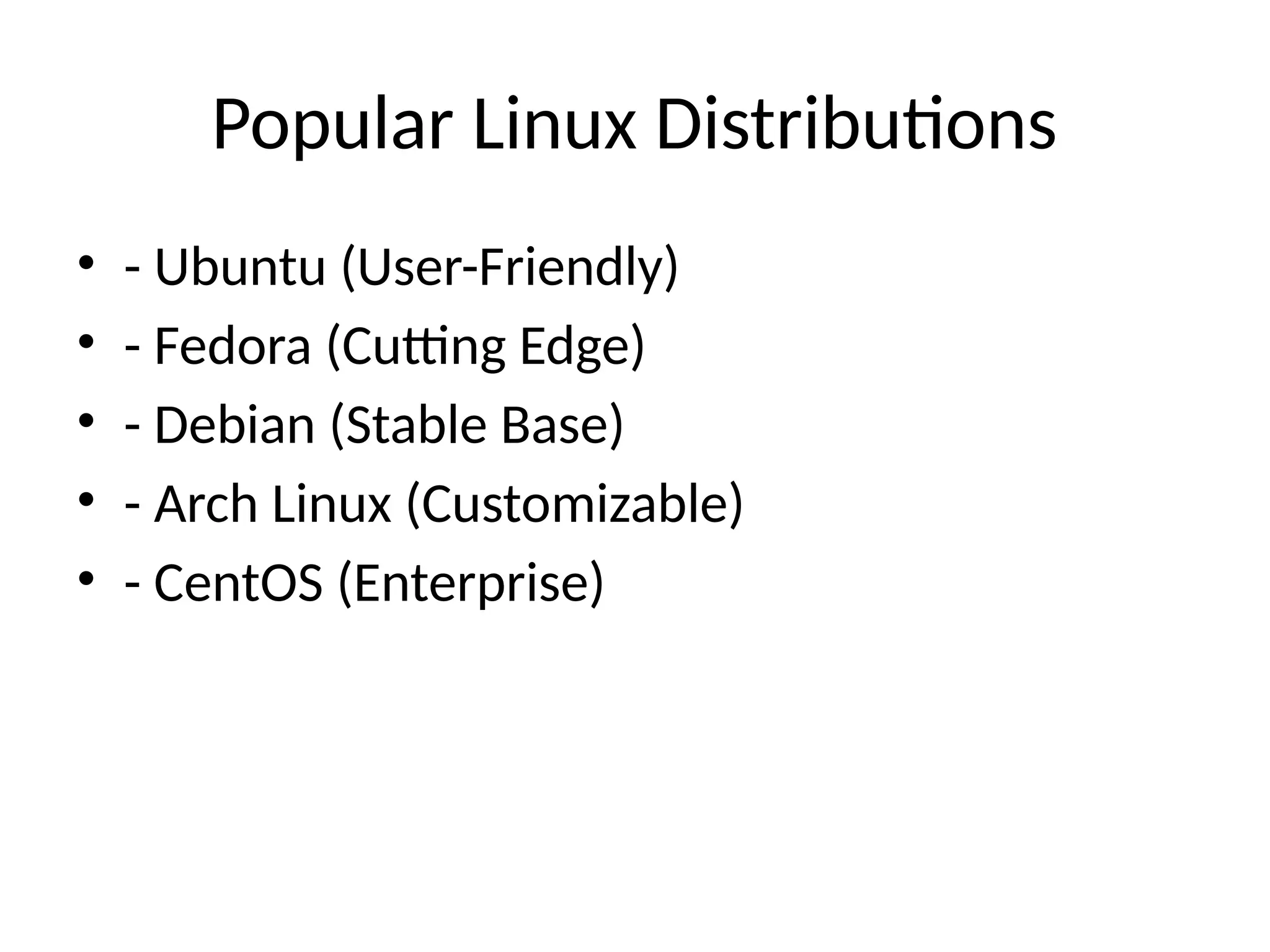
Popular Linux Distributions
• - Ubuntu (User-Friendly)
• - Fedora (Cutting Edge)
• - Debian (Stable Base)
• - Arch Linux (Customizable)
• - CentOS (Enterprise)
Why Use Linux?
• - Free and Open Source
• - Security and Privacy
• - Lightweight and Fast
• - Ideal for Servers and Development
• - Large Community Support
Introduction_to_Linux operating system for naive(1).pptx

  • 1.
  • 2.
    What is Linux? •- Linux is an open-source, Unix-like operating system. • - Created by Linus Torvalds in 1991. • - Known for stability, security, and flexibility. • - Used on servers, desktops, and embedded systems.
  • 3.
    Features of Linux •- Open Source and Free • - Multi-user and Multi-tasking • - Highly Secure and Stable • - Customizable and Modular • - Command-Line Interface (CLI) and Graphical User Interface (GUI)
  • 4.
    Linux File SystemStructure • - Root Directory: / • - /home: User Files • - /etc: Configuration Files • - /var: Variable Data • - /usr: User Programs and Utilities
  • 5.
    Basic Linux Commands •- ls: List Files • - cd: Change Directory • - pwd: Print Working Directory • - mkdir: Create Directory • - rm: Remove Files/Directories
  • 6.
    User Management inLinux • - whoami: Display Current User • - adduser: Add a New User • - passwd: Change Password • - userdel: Delete a User • - sudo: Execute as Superuser
  • 7.
    Package Management • -apt: Debian/Ubuntu • - yum/dnf: RHEL/Fedora • - pacman: Arch Linux • - Install Example: sudo apt install <package> • - Update Example: sudo apt update && sudo apt upgrade
  • 8.
    Process Management • -ps: View Running Processes • - top: Real-Time Process Monitoring • - kill: Terminate a Process • - htop: Interactive Process Viewer • - Example: kill <PID>
  • 9.
    File Permissions inLinux • - Read (r), Write (w), Execute (x) • - chmod: Change Permissions • - chown: Change Ownership • - Example: chmod +x script.sh • - View Permissions: ls -l
  • 10.
    Popular Linux Distributions •- Ubuntu (User-Friendly) • - Fedora (Cutting Edge) • - Debian (Stable Base) • - Arch Linux (Customizable) • - CentOS (Enterprise)
  • 11.
    Why Use Linux? •- Free and Open Source • - Security and Privacy • - Lightweight and Fast • - Ideal for Servers and Development • - Large Community Support