Downloaded 75 times


This document provides an overview of web content management systems (CMS). It defines what a CMS is and discusses key terms. It outlines common CMS requirements and scenarios they are used in. Finally, it briefly profiles different CMS vendors and products at various levels from entry to enterprise, as well as pricing models. The overall aim is to help understand which CMS may be best suited for different needs.
Introduction to CMS by Craig Bailey, presenting key information on web content management systems.
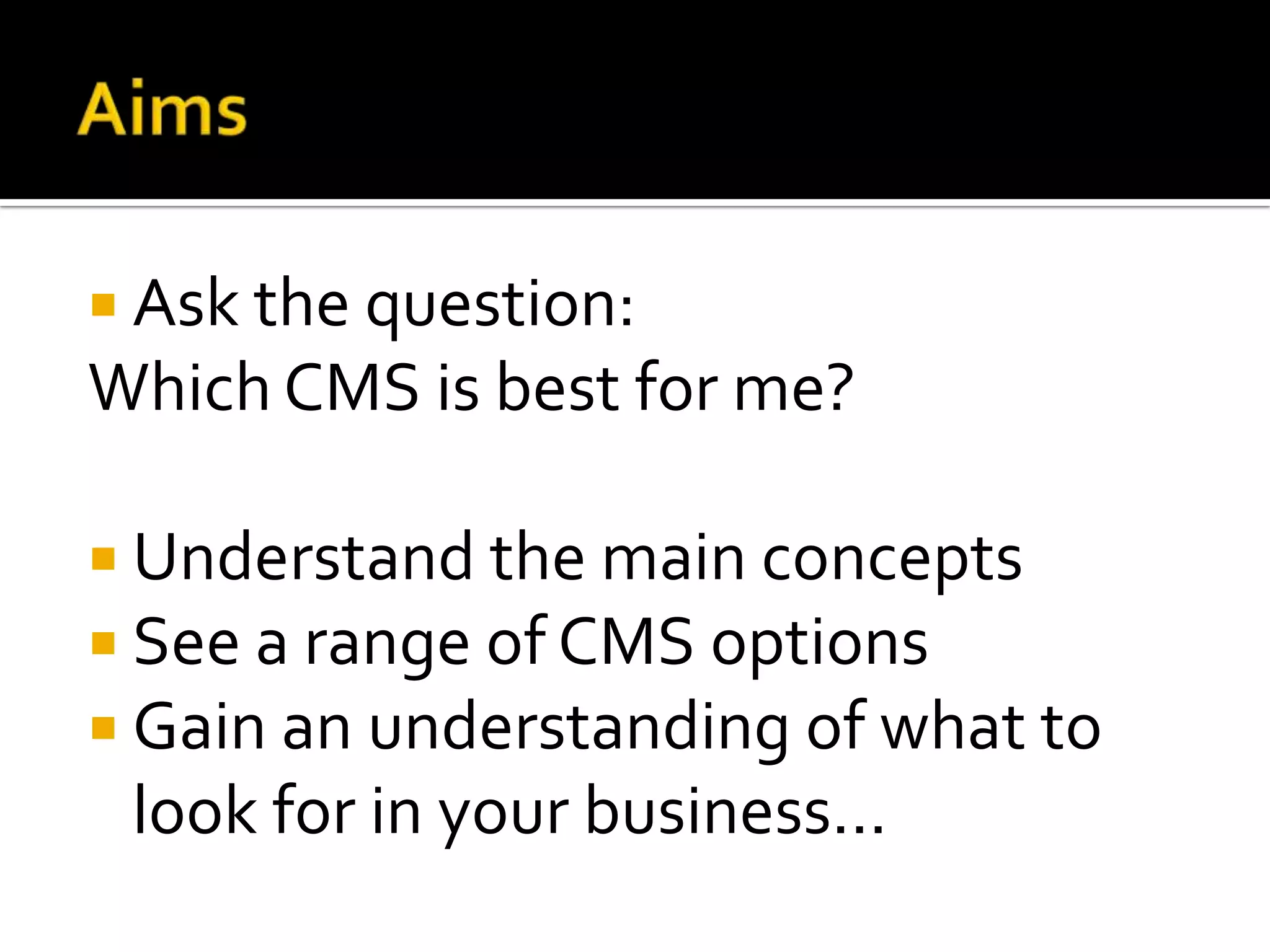
Aim to identify the best CMS options, understand concepts, explore options and key search criteria.
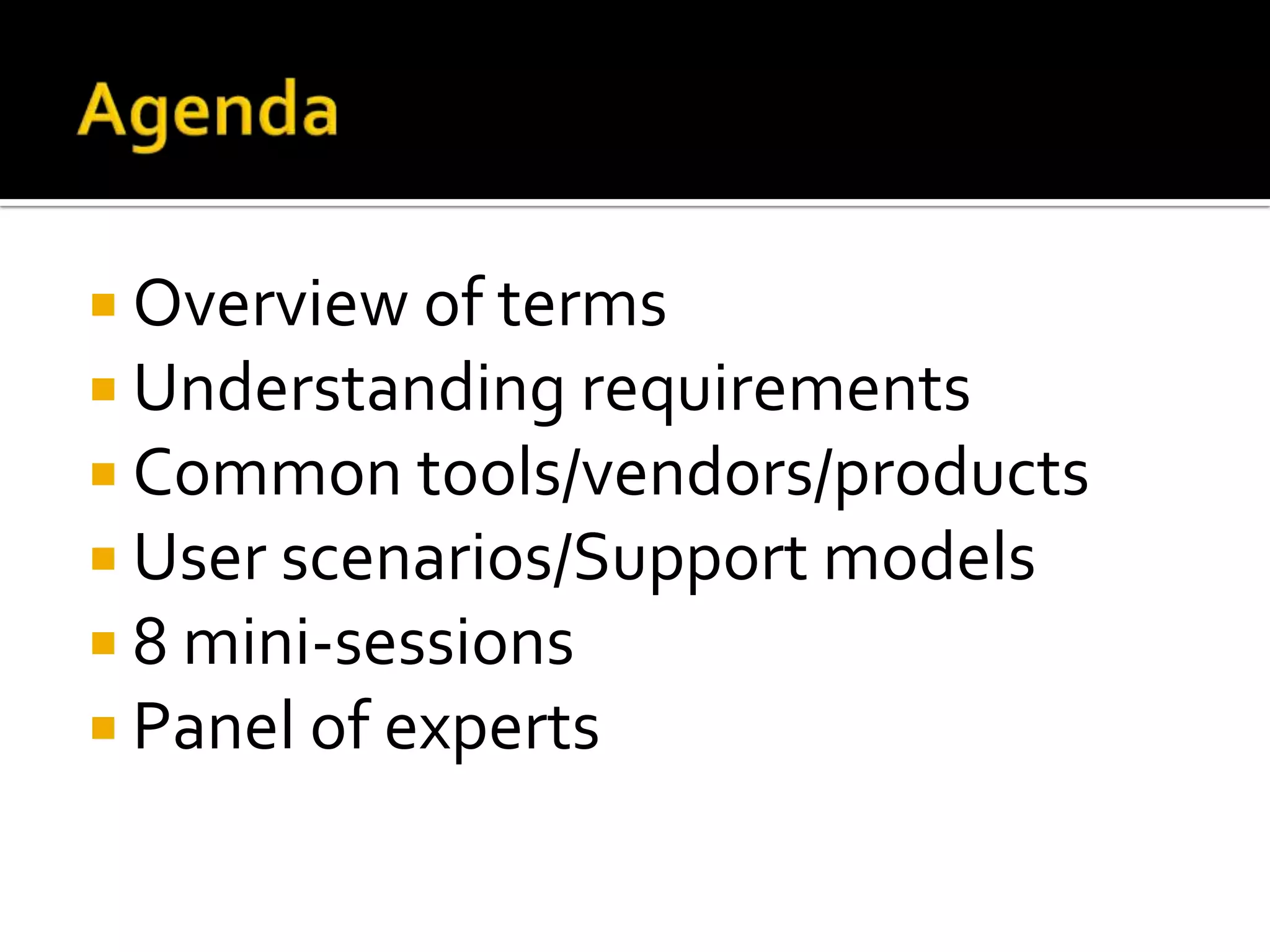
Overview of terminology and requirements, common tools, user scenarios and expert discussions.
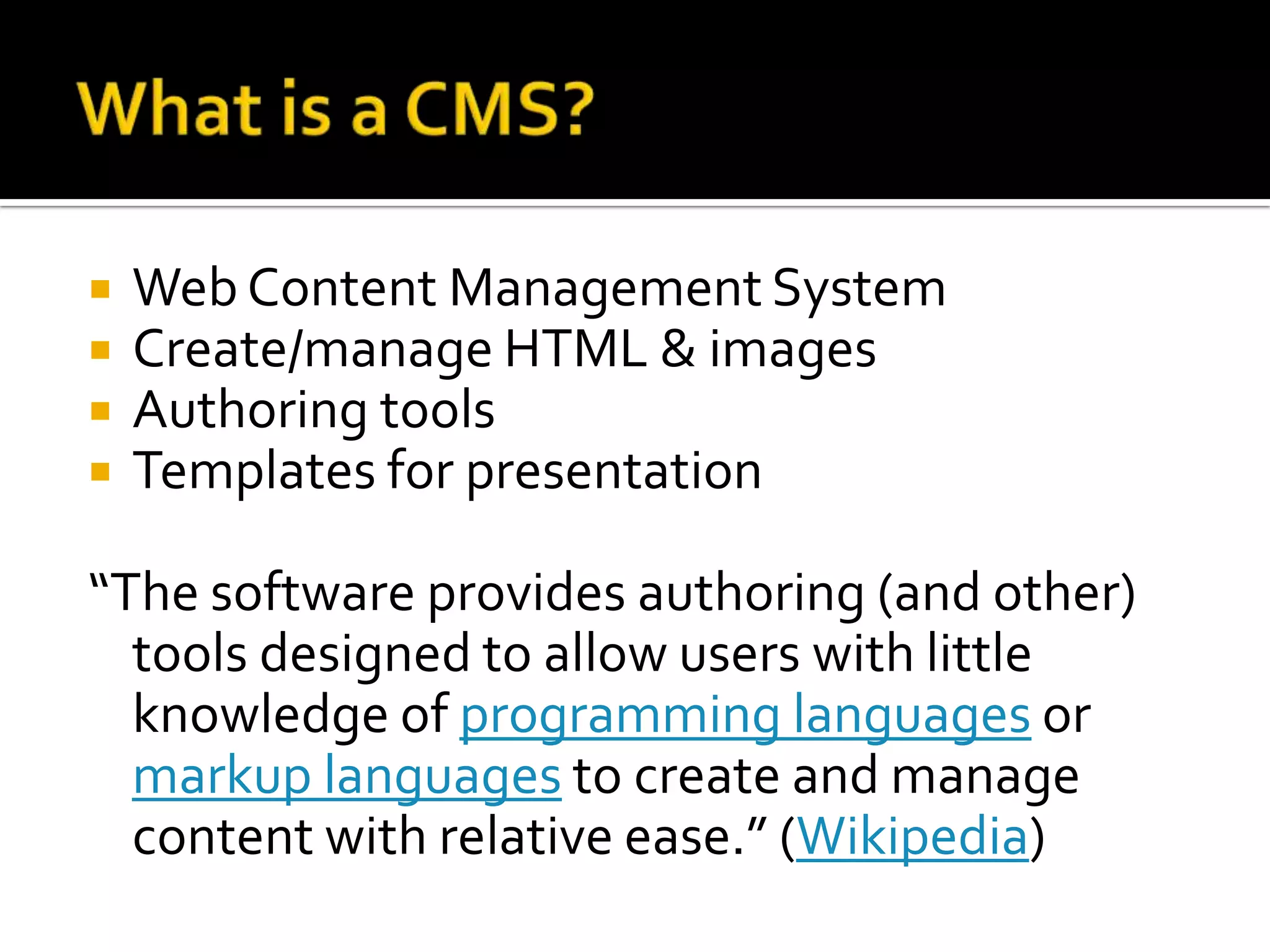
Definition of Web Content Management Systems and their features, including authoring and management tools.
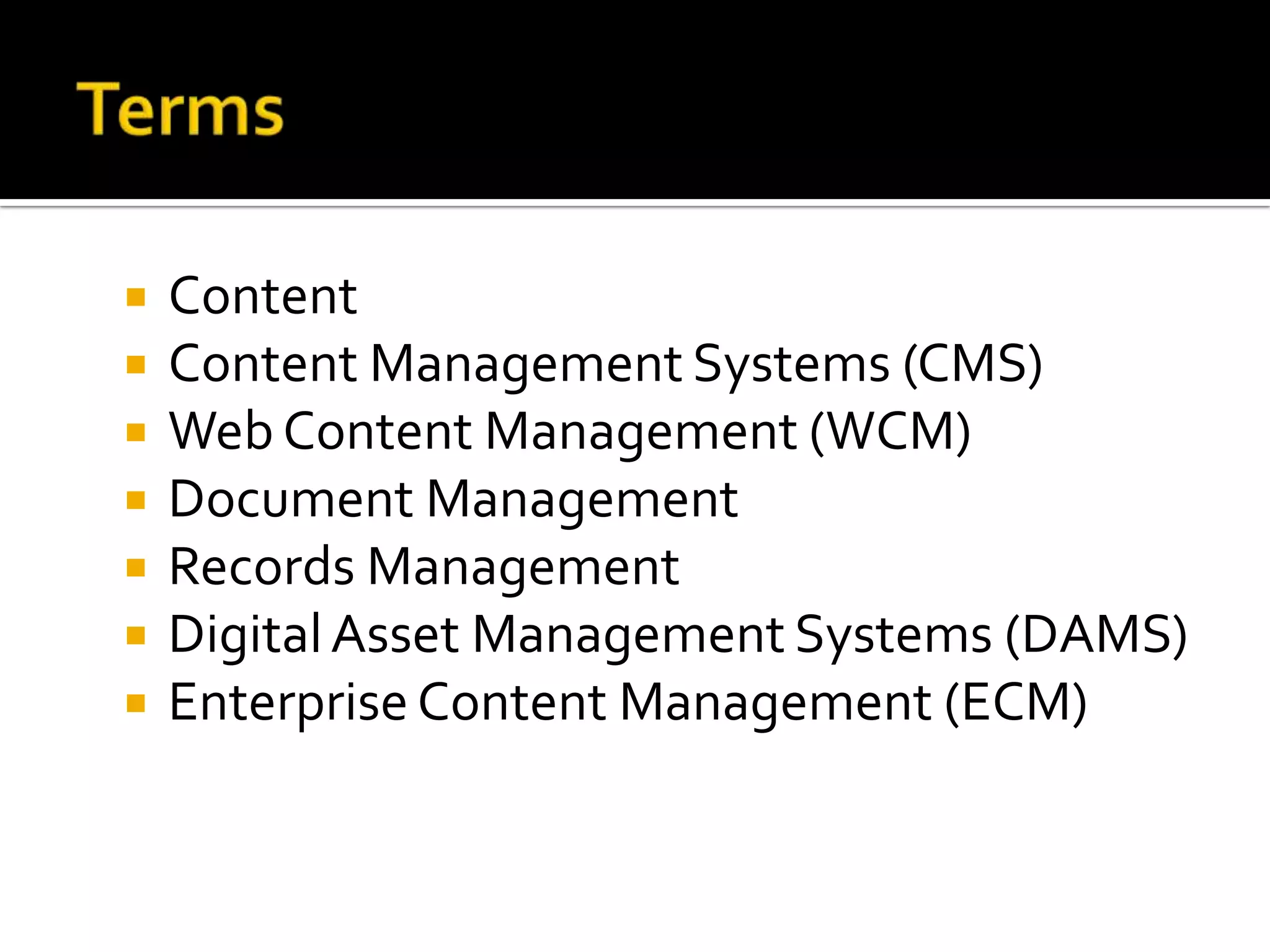
Explanation of important terms related to content and various management systems like CMS, WCM, ECM.
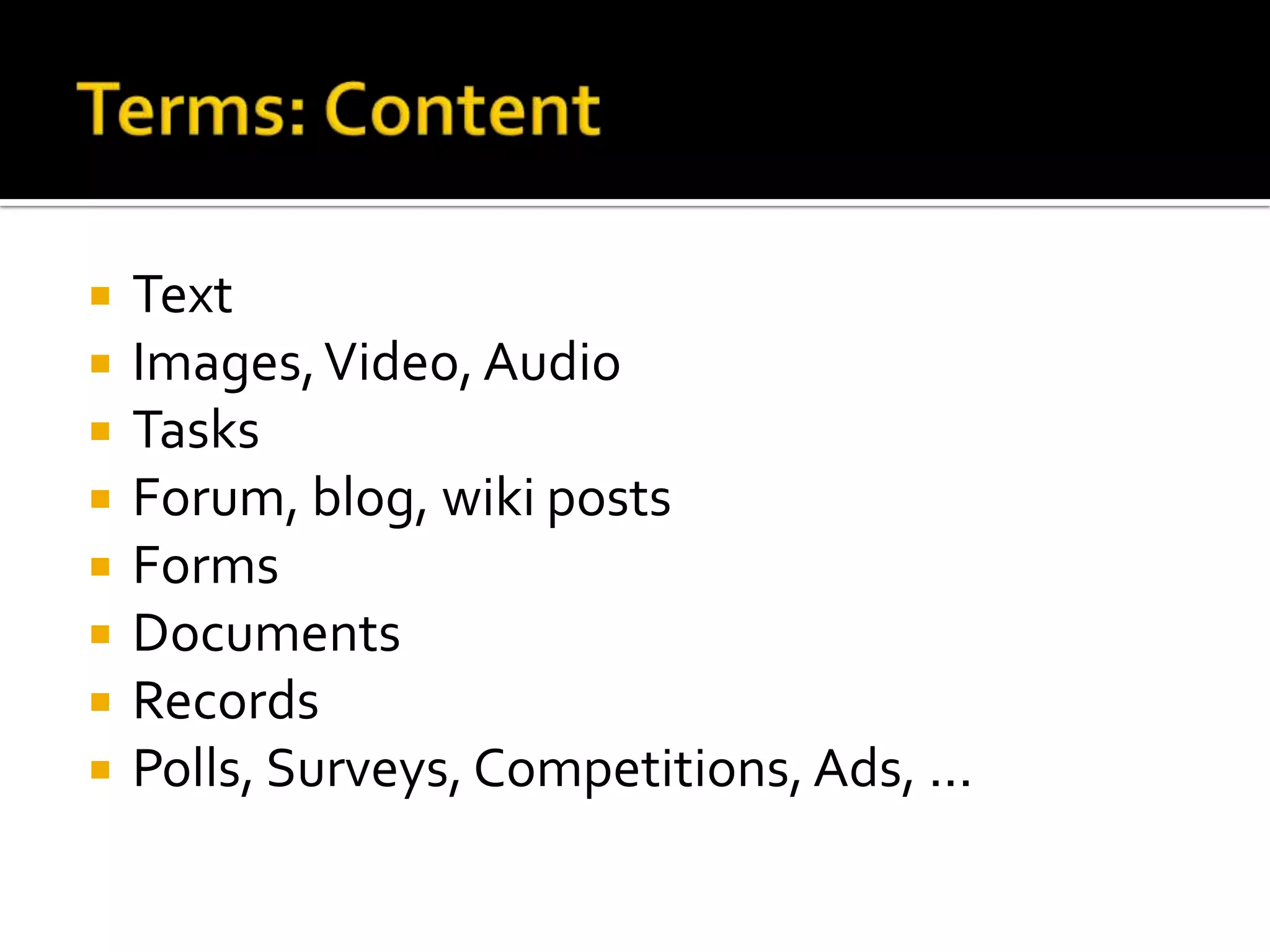
Different types of content that can be managed including text, media, documents, and interactive elements.
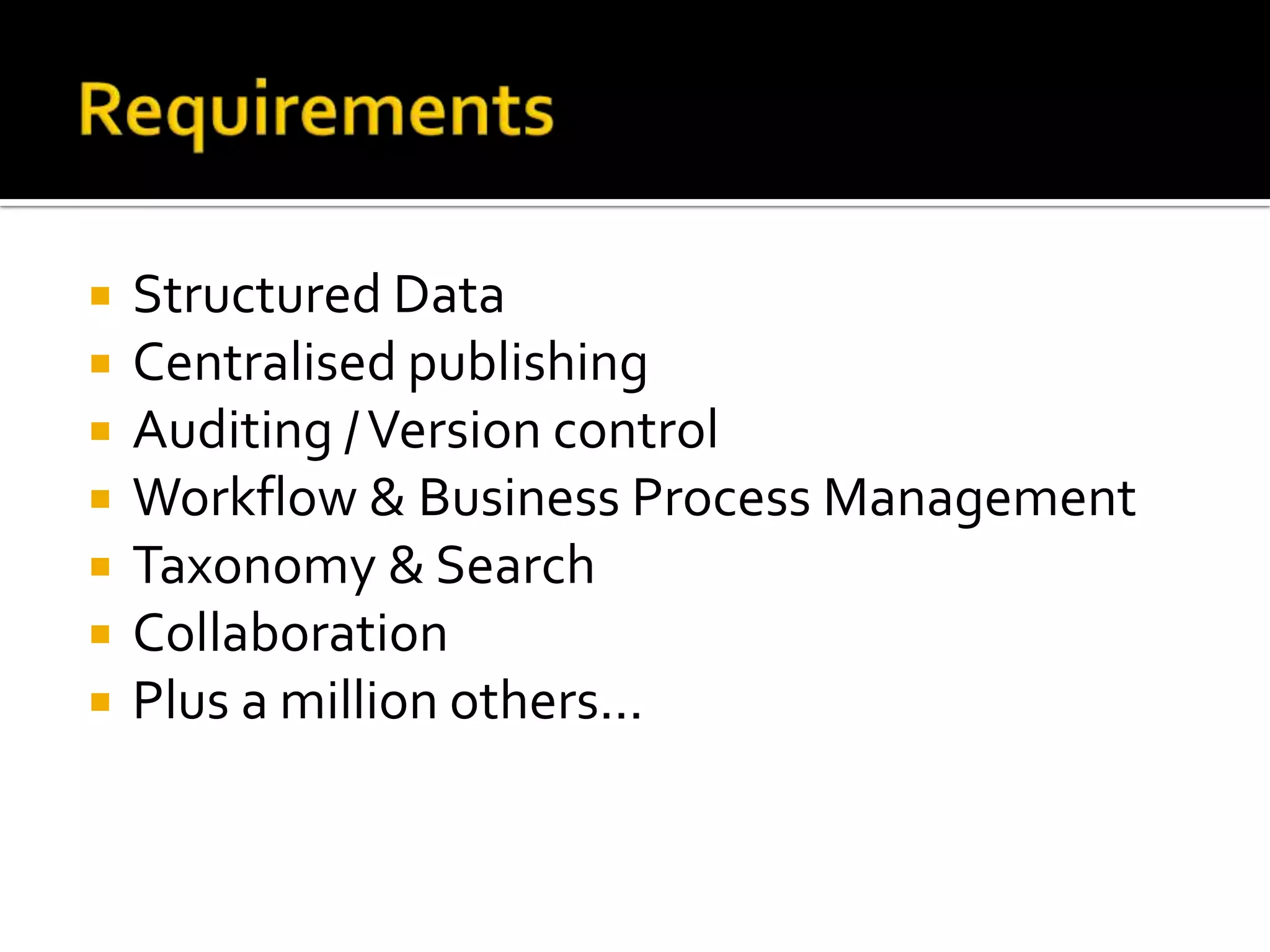
Key requirements for an effective CMS, such as structured data, publishing control, and collaboration.
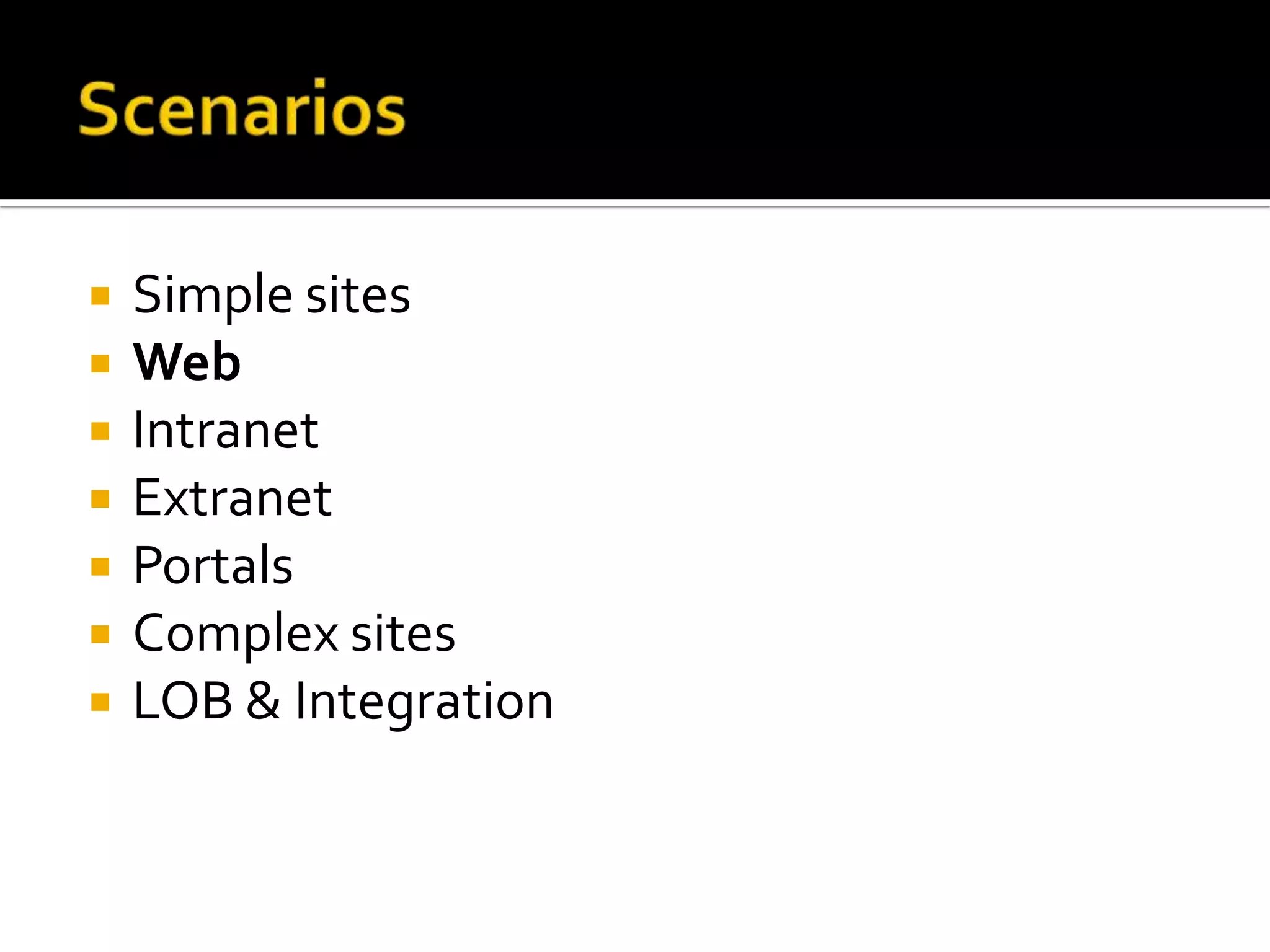
Different scenarios where CMS can be applied, spanning simple to complex sites like intranets and portals.
Various support models available for CMS including open source and consultative support.
Overview of pricing strategies for CMS, discussing freemium models and various development options.
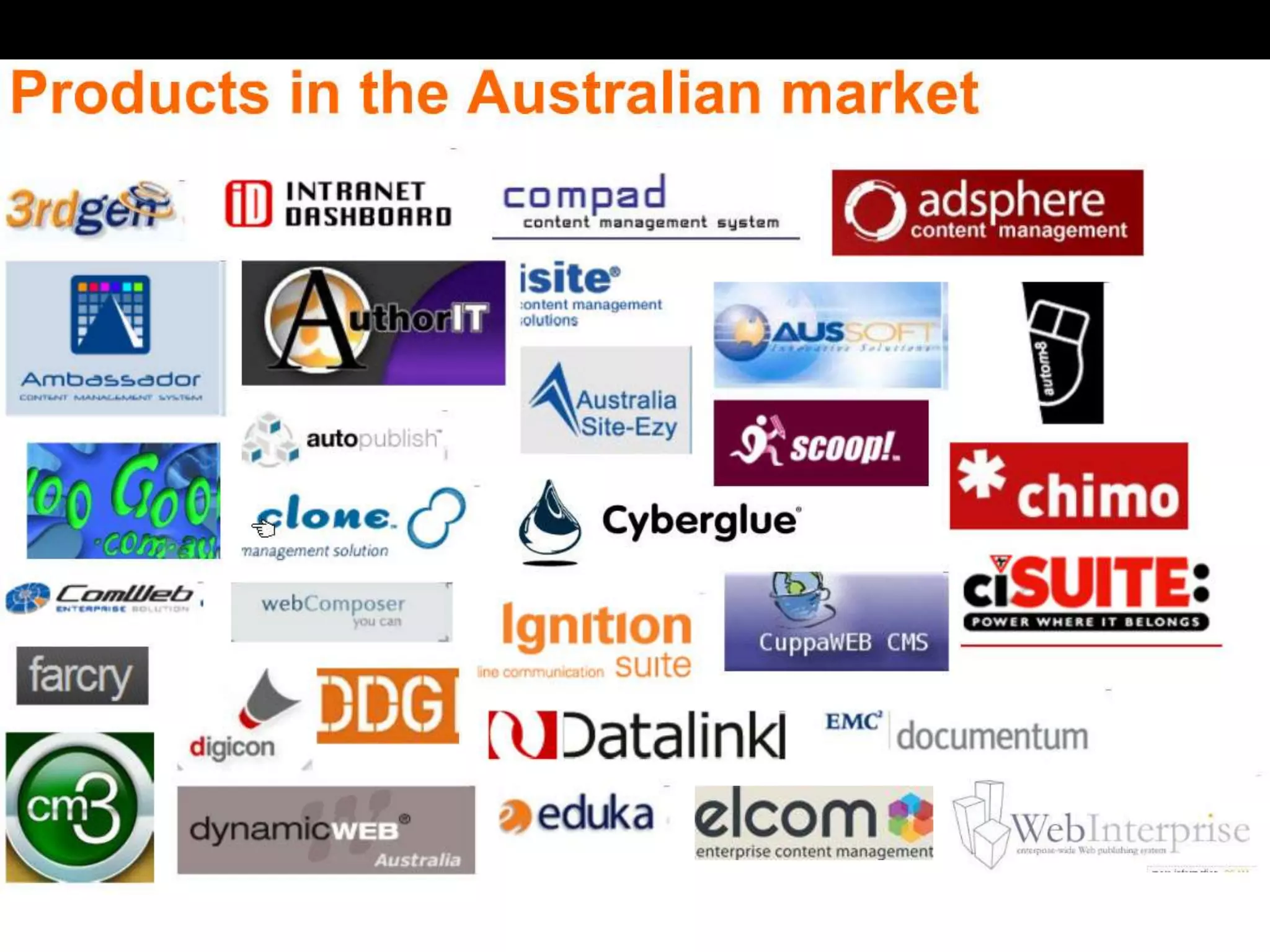
Description of different CMS vendors and products, categorized by source type and complexity.
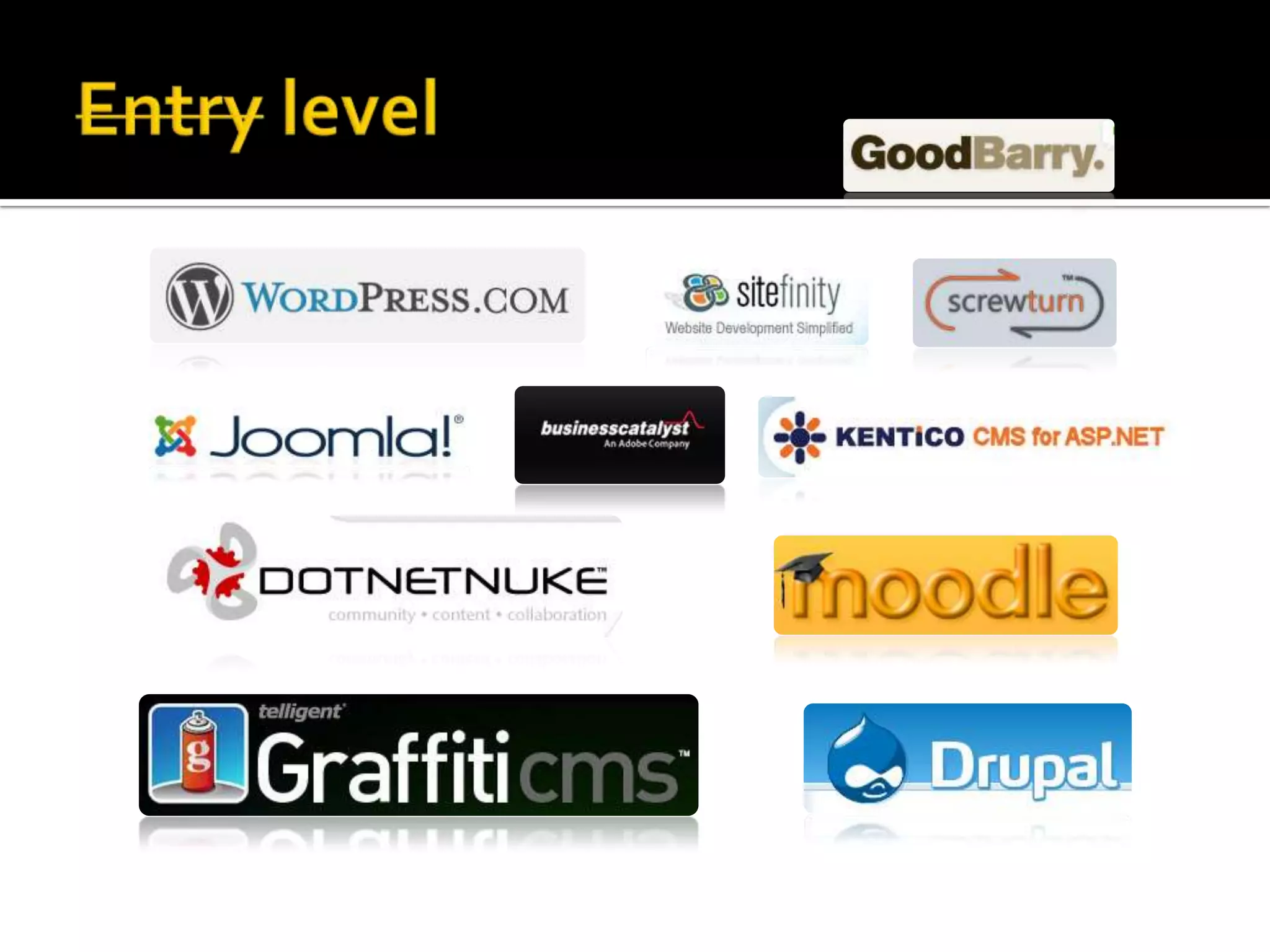
Discussion on entry-level CMS options suitable for basic needs.
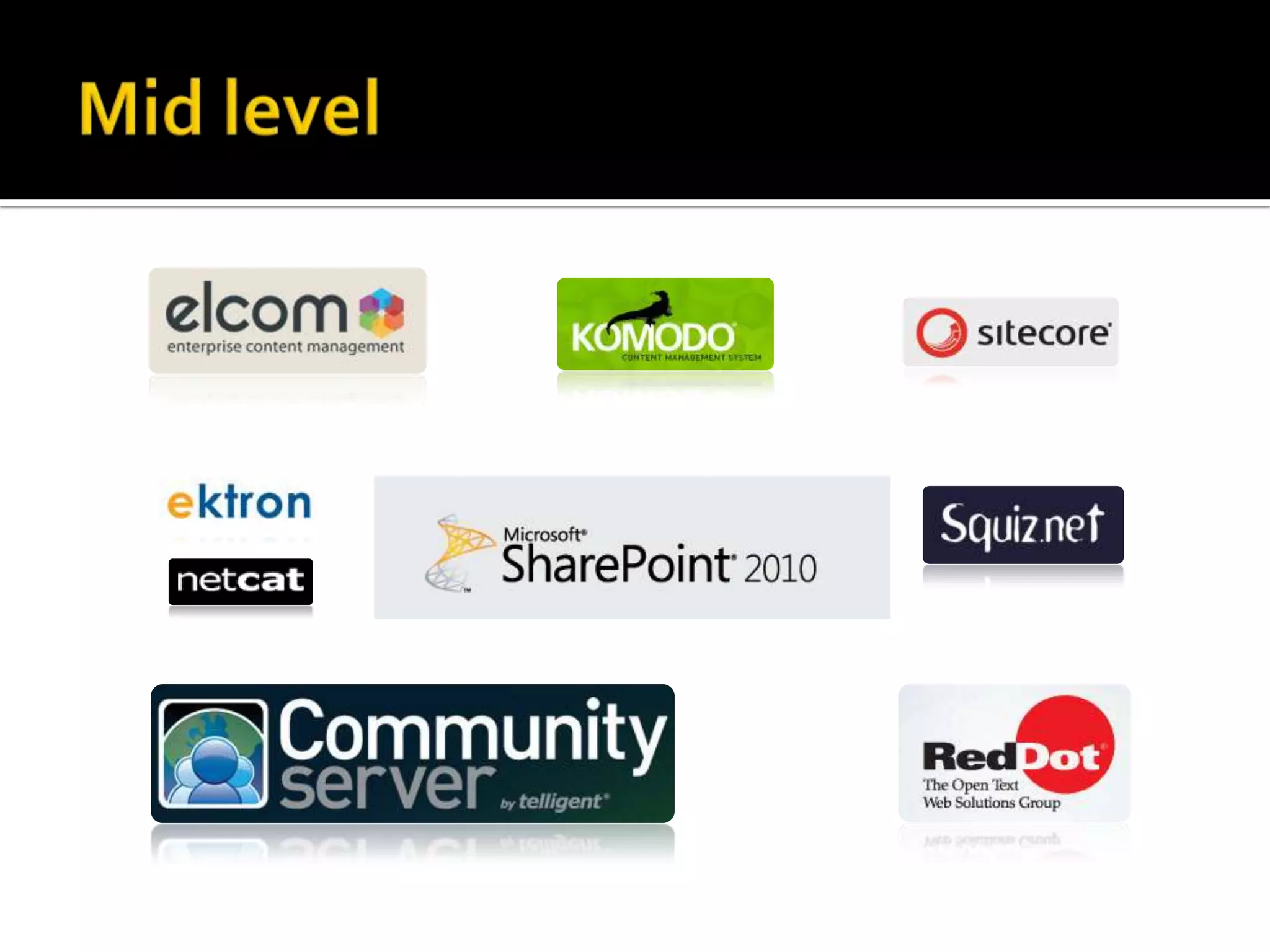
Overview of mid-level CMS solutions offering advanced features.
Exploring enterprise-level CMS systems designed for complex business requirements.
Presentation covering a spectrum of CMS options across various platforms, from ASP.NET to PHP.
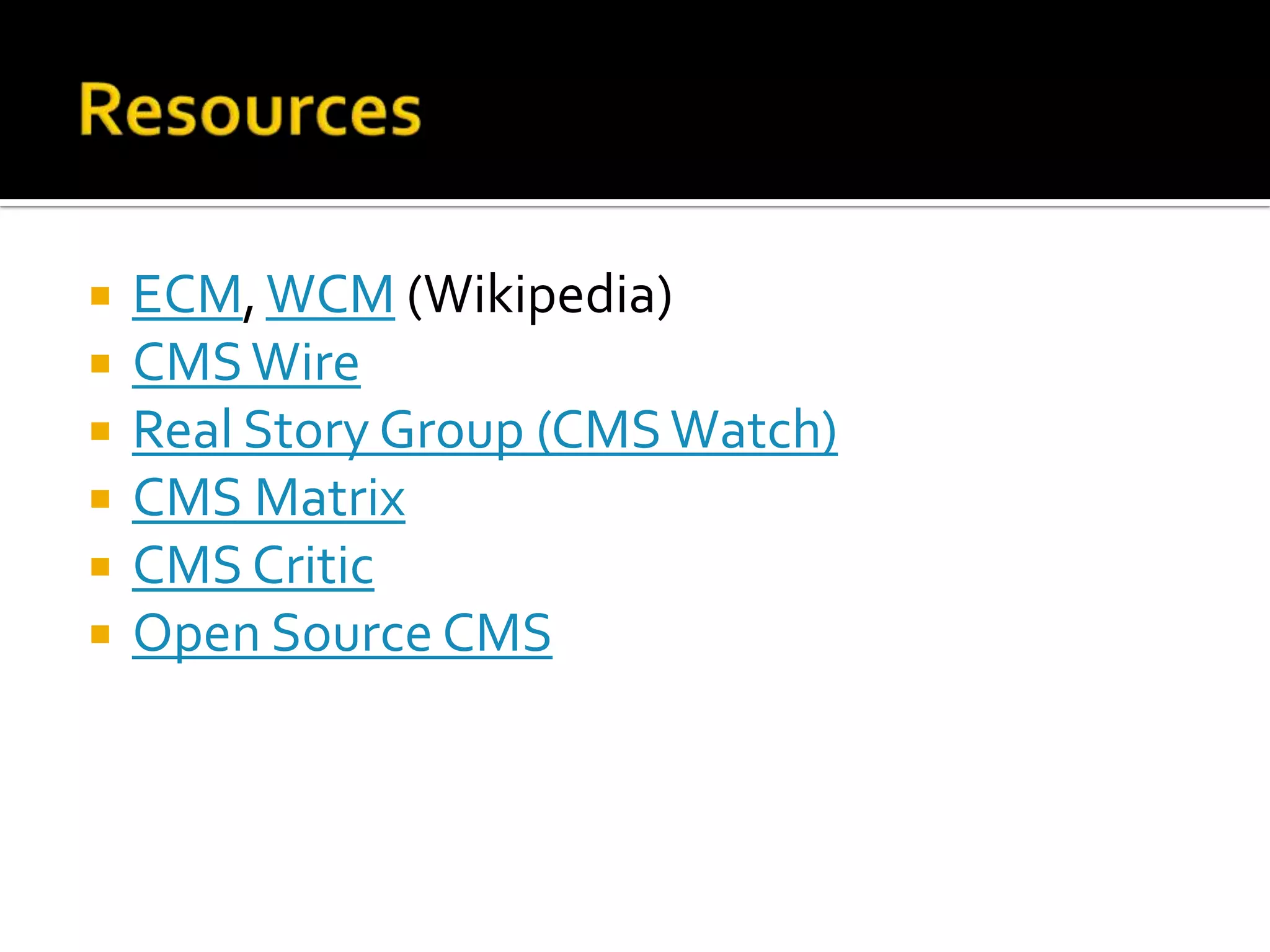
Suggested resources for further information on CMS, including reputable websites and guides.
Open floor for audience questions directed to presenter Craig Bailey, with contact details shared.


![Introduction-to-Content-Management-System_(1)[1]1.pptx](https://cdn.slidesharecdn.com/ss_thumbnails/introduction-to-content-management-system111-250709181255-41860a4c-thumbnail.jpg?width=640&height=640&fit=bounds)


