Introduction & motivation
Adapting Neural Networks
Process
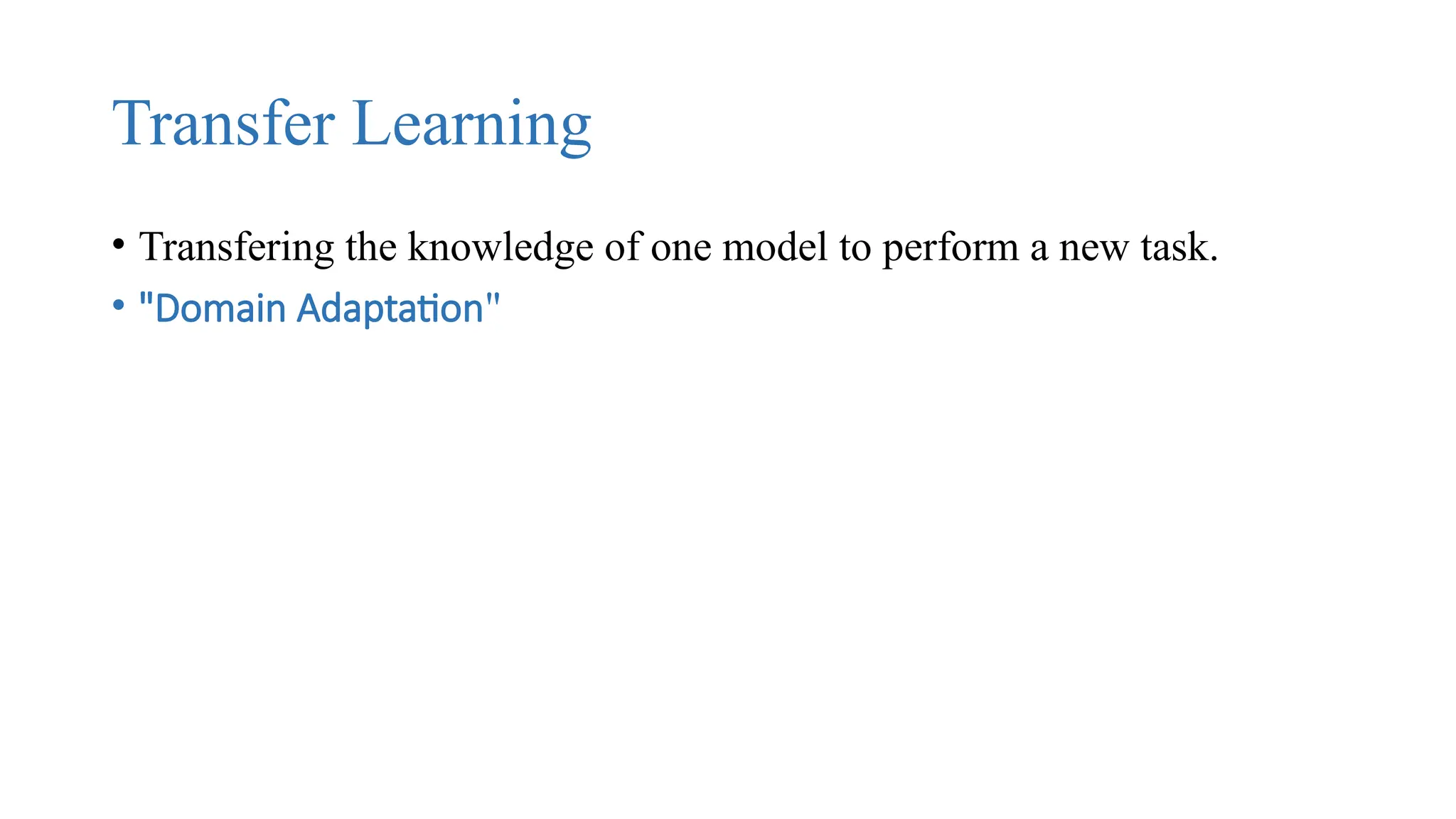
Transfer Learning
• Transfering the knowledge of one model to perform a new task.
• "Domain Adaptation"
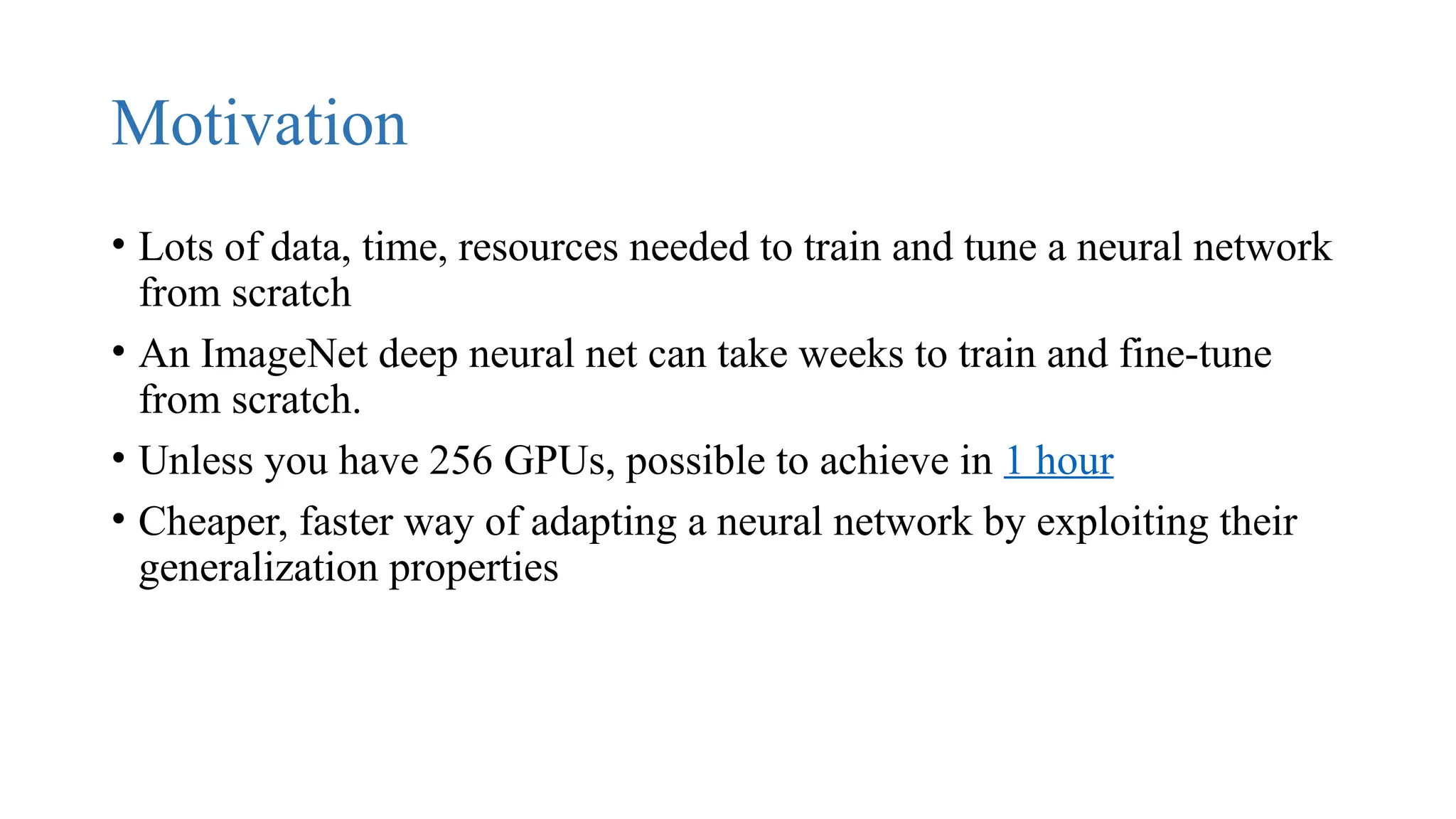
Motivation
• Lots of data, time, resources needed to train and tune a neural network
from scratch
• An ImageNet deep neural net can take weeks to train and fine-tune
from scratch.
• Unless you have 256 GPUs, possible to achieve in 1 hour
• Cheaper, faster way of adapting a neural network by exploiting their
generalization properties
Transfer Learning Types
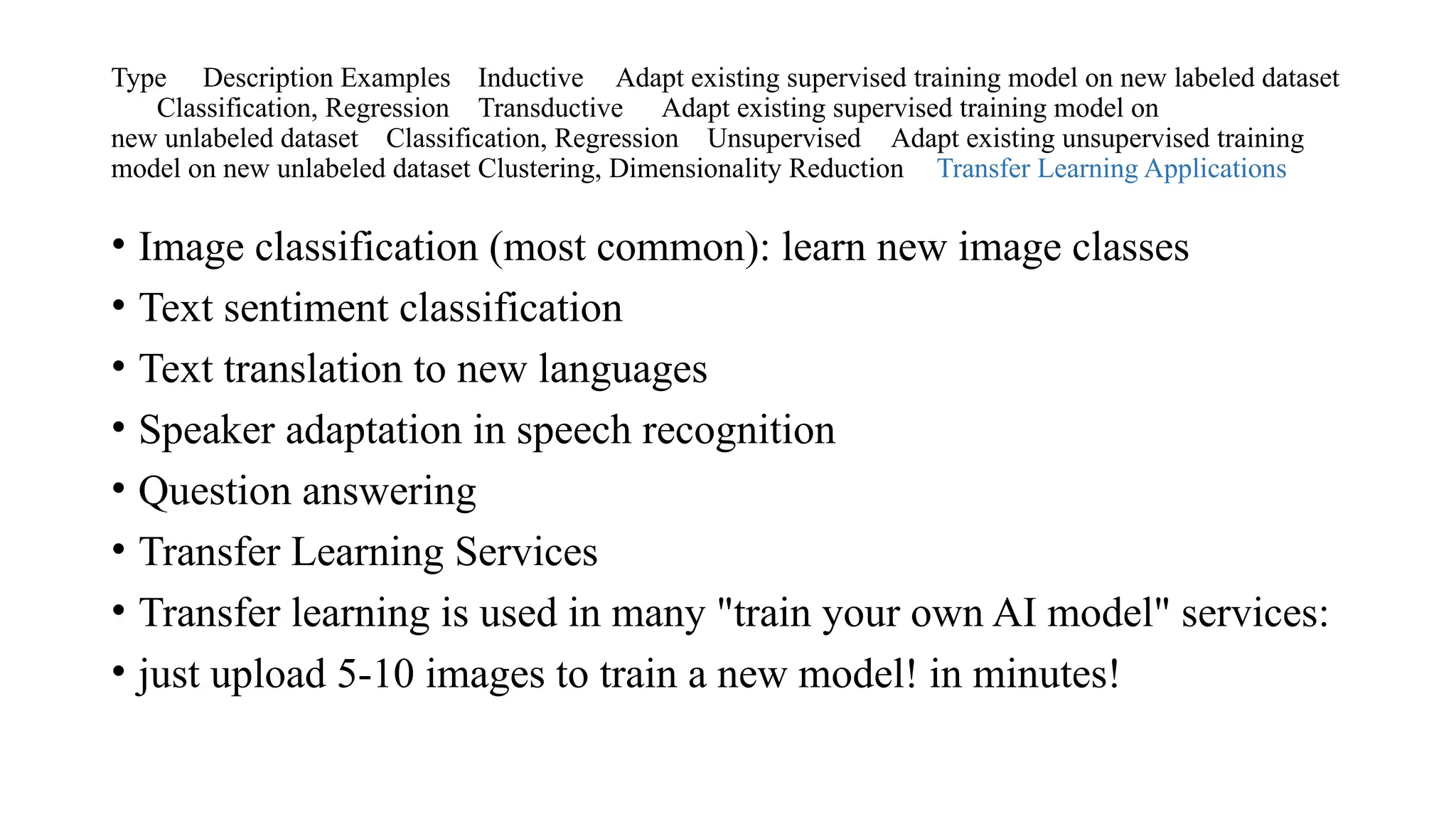
Type Description Examples Inductive Adapt existing supervised training model on new labeled dataset
Classification, Regression Transductive Adapt existing supervised training model on
new unlabeled dataset Classification, Regression Unsupervised Adapt existing unsupervised training
model on new unlabeled dataset Clustering, Dimensionality Reduction Transfer Learning Applications
• Image classification (most common): learn new image classes
• Text sentiment classification
• Text translation to new languages
• Speaker adaptation in speech recognition
• Question answering
• Transfer Learning Services
• Transfer learning is used in many "train your own AI model" services:
• just upload 5-10 images to train a new model! in minutes!
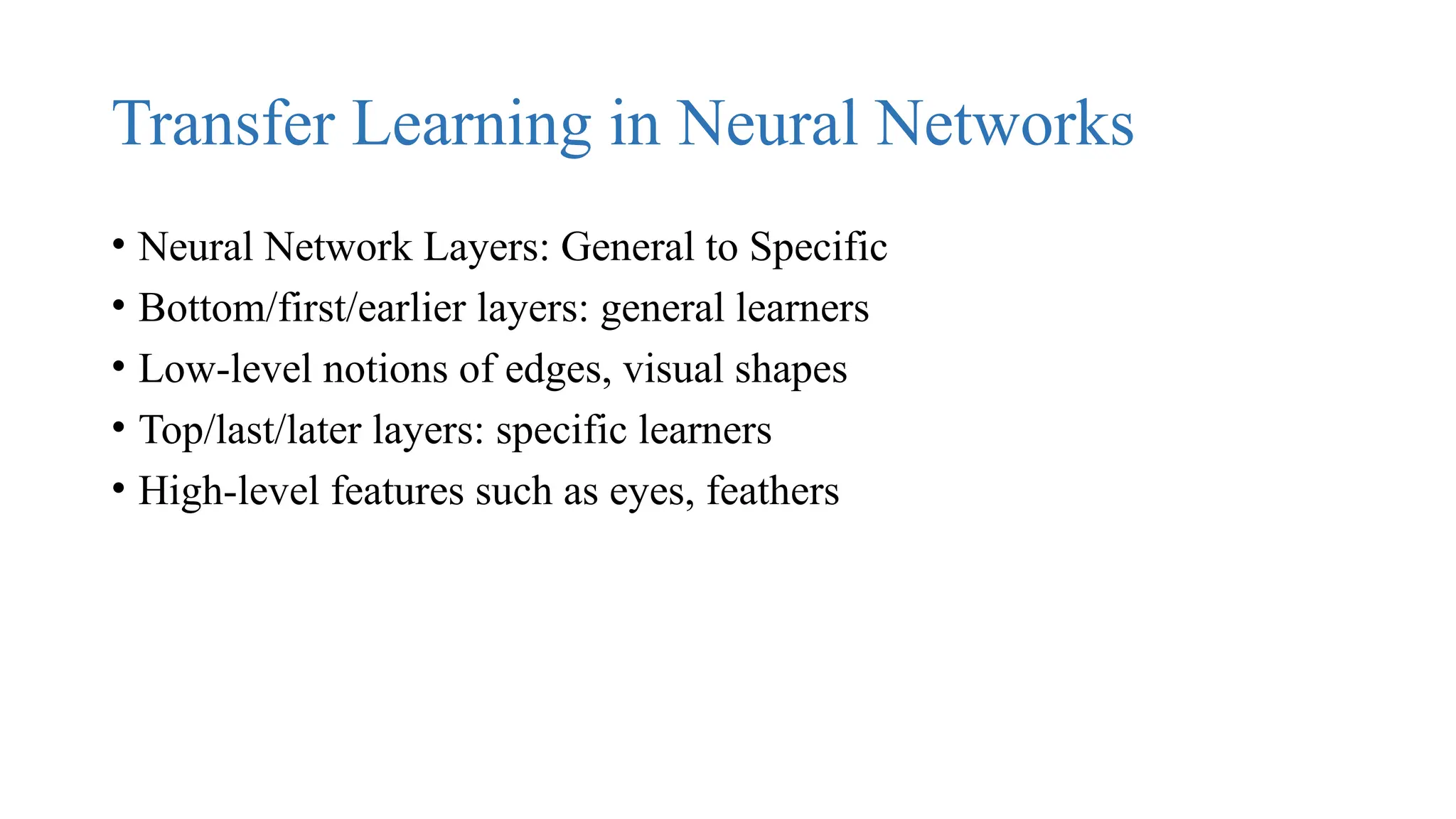
Transfer Learning in Neural Networks
• Neural Network Layers: General to Specific
• Bottom/first/earlier layers: general learners
• Low-level notions of edges, visual shapes
• Top/last/later layers: specific learners
• High-level features such as eyes, feathers
Process
• Start with pre-trained network
• Partition network into:
• Featurizers: identify which layers to keep
• Classifiers: identify which layers to replace
• Re-train classifier layers with new data
• Unfreeze weights and fine-tune whole network with smaller learning
rate
• Freezing and Fine-tuning
Step-by-Step Analysis: Transfer Learning with
VGG16
Which layers to re-train?
• Depends on the domain
• Start by re-training the last layers (last full-connected and last
convolutional)
• work backwards if performance is not satisfactory
Key Factors to Consider:
• Size of your dataset
• Similarity between the source (pretrained) task and your target task
• Model capacity and training time constraints
✅ General Strategy for Transfer Learning
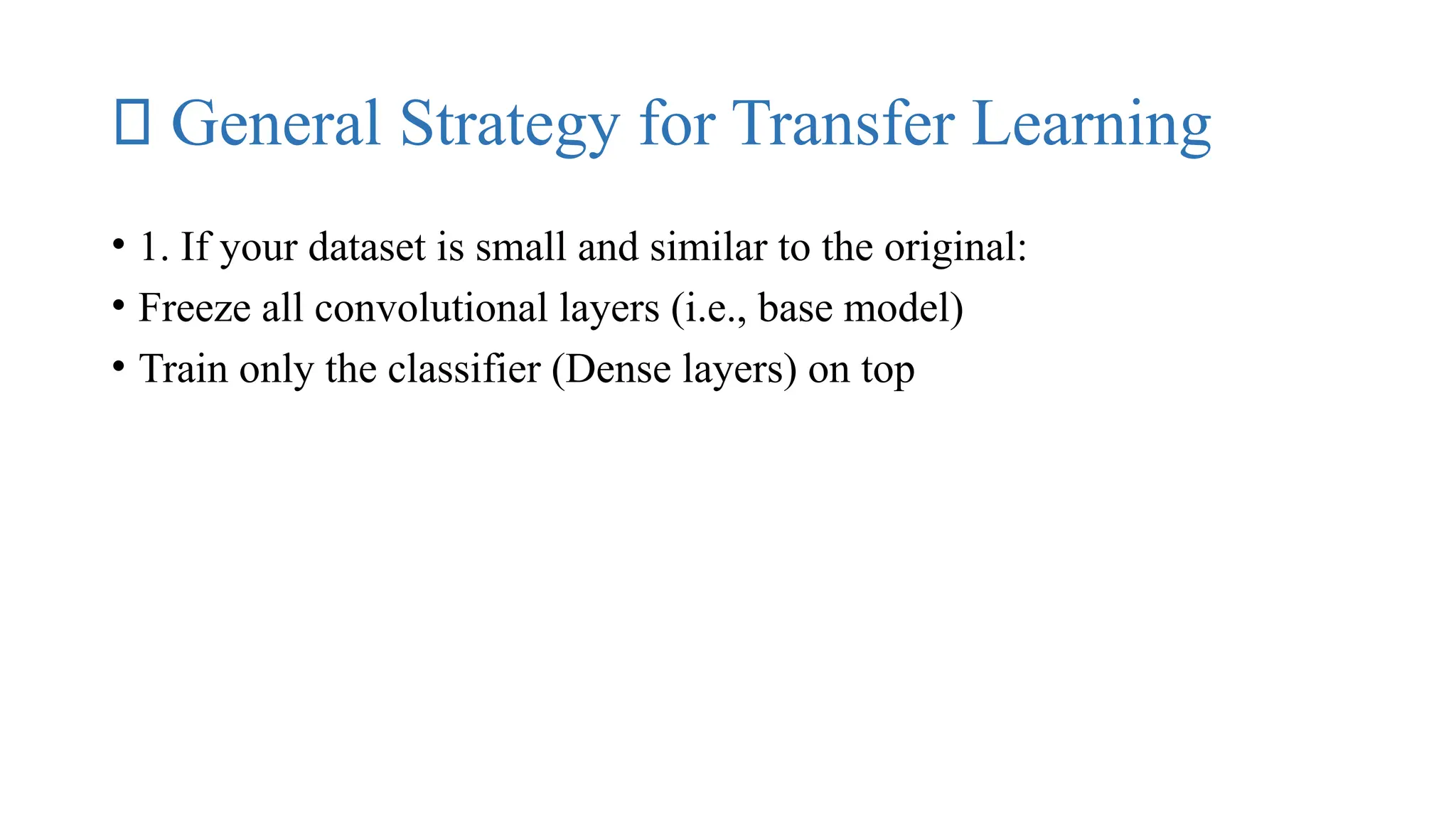
• 1. If your dataset is small and similar to the original:
• Freeze all convolutional layers (i.e., base model)
• Train only the classifier (Dense layers) on top
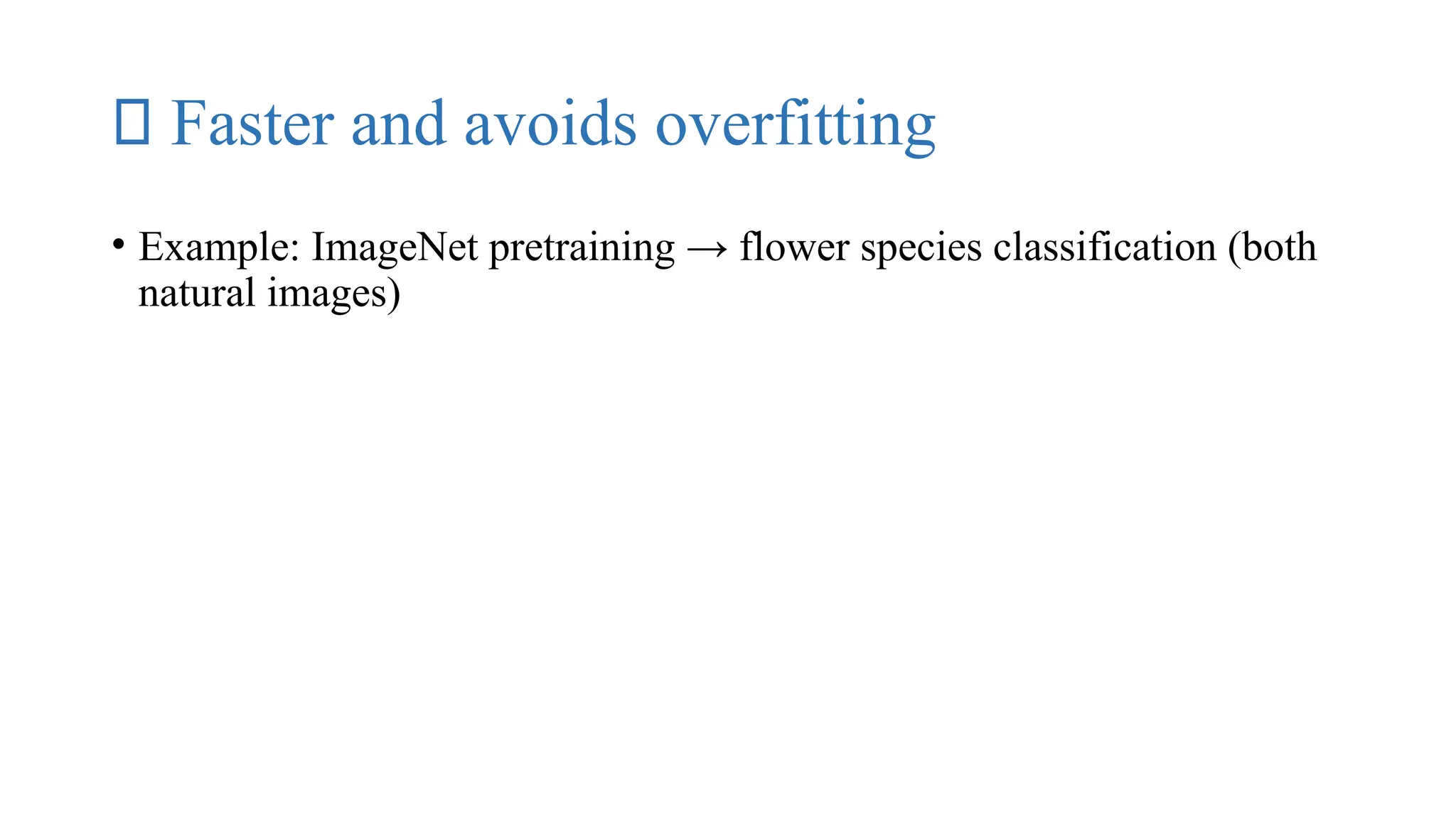
✅ Faster and avoids overfitting
• Example: ImageNet pretraining → flower species classification (both
natural images)
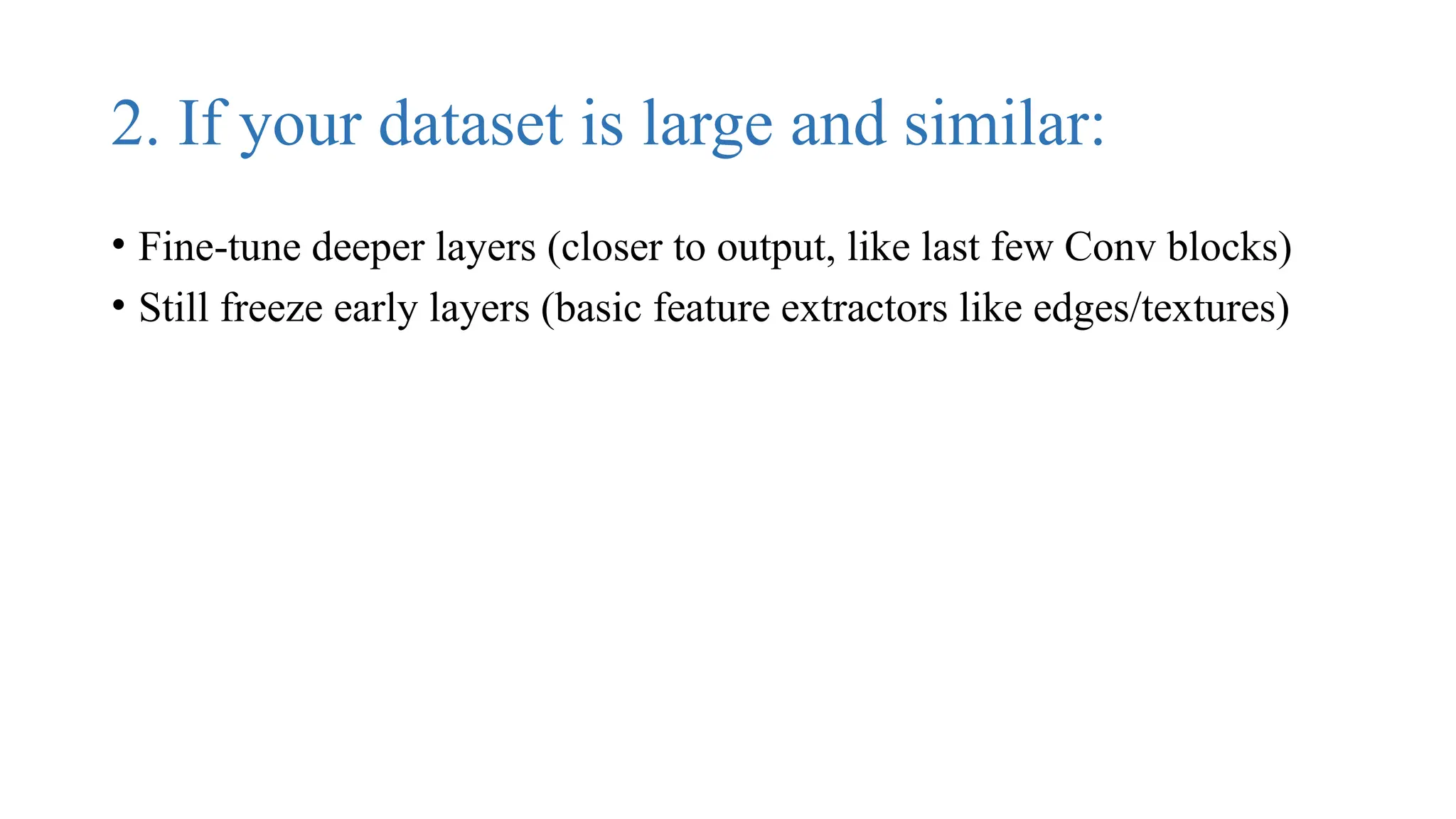
2. If your dataset is large and similar:
• Fine-tune deeper layers (closer to output, like last few Conv blocks)
• Still freeze early layers (basic feature extractors like edges/textures)
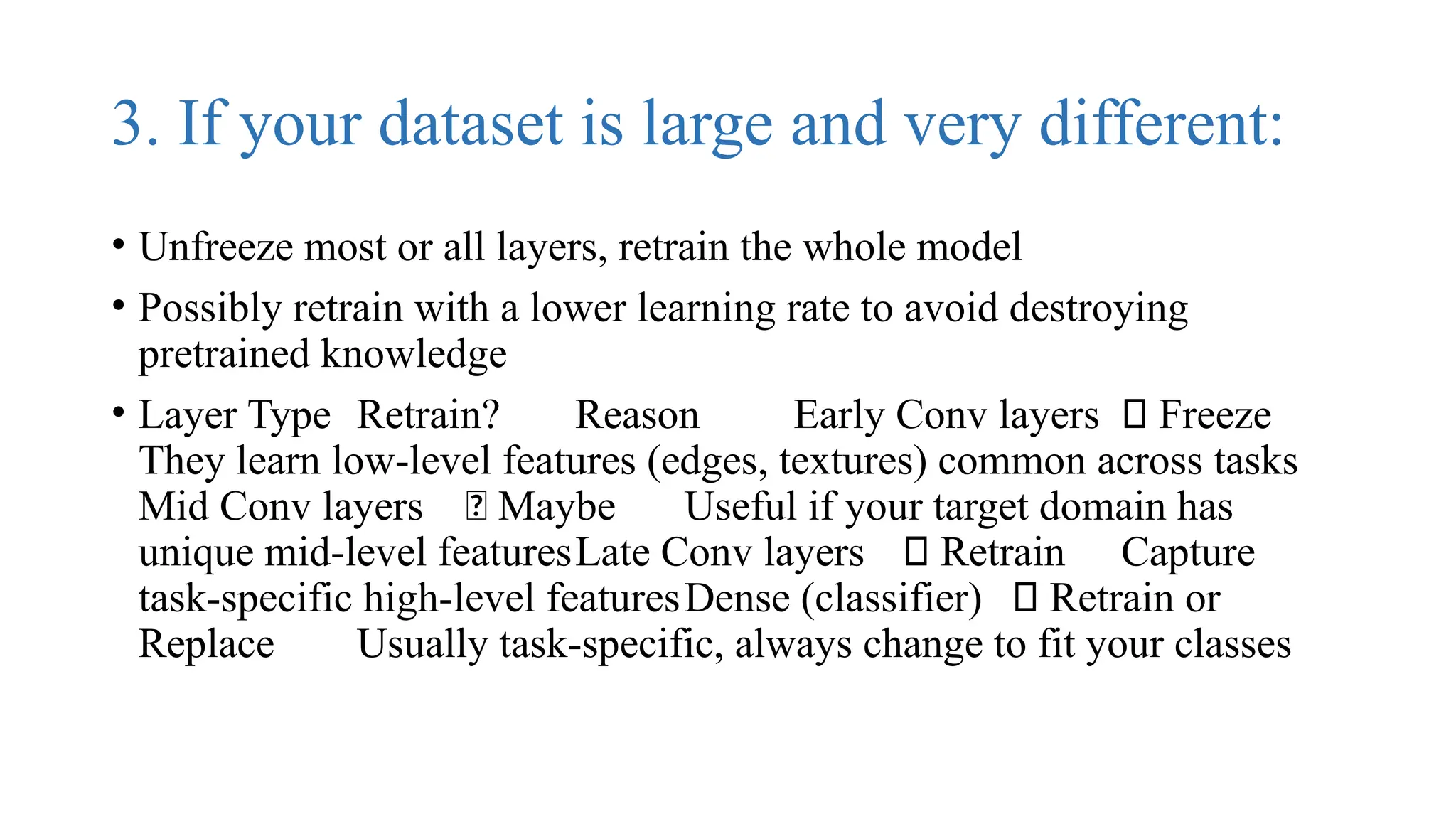
3. If your dataset is large and very different:
• Unfreeze most or all layers, retrain the whole model
• Possibly retrain with a lower learning rate to avoid destroying
pretrained knowledge
• Layer Type Retrain? Reason Early Conv layers ❌ Freeze
They learn low-level features (edges, textures) common across tasks
Mid Conv layers 🤔 Maybe Useful if your target domain has
unique mid-level featuresLate Conv layers ✅ Retrain Capture
task-specific high-level featuresDense (classifier) ✅ Retrain or
Replace Usually task-specific, always change to fit your classes
Key Factors to Consider:
• Size of your dataset
• Similarity between the source (pretrained) task and your target task
• Model capacity and training time constraints
✅ 1. Load VGG16 (Pretrained)
• 
• from tensorflow.keras.applications import VGG16
• base_model = VGG16(weights='imagenet', include_top=False,
input_shape=(224, 224, 3))
• weights='imagenet': Load pretrained weights
• include_top=False: Remove the original classification head
Why: So we can add our own classifier
(based on the number of classes in your task)
✅ 2. Freeze Base Layers (Initial Step)
• for layer in base_model.layers:
• layer.trainable = False
• Freeze all pretrained convolutional layers
• Use VGG16 as a feature extractor
• This is good for small datasets or when tasks are similar to ImageNet
✅ 3. Add Custom Classifier
• 
• from tensorflow.keras import layers, models
• model = models.Sequential([
• base_model,
• layers.Flatten(),
• layers.Dense(256, activation='relu'),
• layers.Dropout(0.5),
• layers.Dense(num_classes, activation='softmax') # num_classes = your number of categories
• ])
• Flatten() converts feature maps to a vector
• Dense(256): Learn complex features
• Dropout(0.5): Prevent overfitting
• Final Dense layer: Softmax for multi-class classification
✅ 4. Compile and Train
• 
• model.compile(optimizer='adam',
• loss='categorical_crossentropy',
• metrics=['accuracy'])
• model.fit(train_data, validation_data=val_data, epochs=10)
• Use Adam optimizer and categorical crossentropy
• Evaluate on validation set
🔁 Fine-Tuning (for Maximum Accuracy)
• After initial training, fine-tune by unfreezing the top layers of VGG16.
✅ 5. Unfreeze Some VGG16 Layers (e.g., last
4 blocks)
• 
• for layer in base_model.layers[-4:]: # Unfreeze last 4 layers
• layer.trainable = True
• Re-trains last few layers to adapt high-level features to your dataset
• Use a very small learning rate:
• 
• from tensorflow.keras.optimizers import Adam
• model.compile(optimizer=Adam(learning_rate=1e-5),
• loss='categorical_crossentropy',
• metrics=['accuracy'])
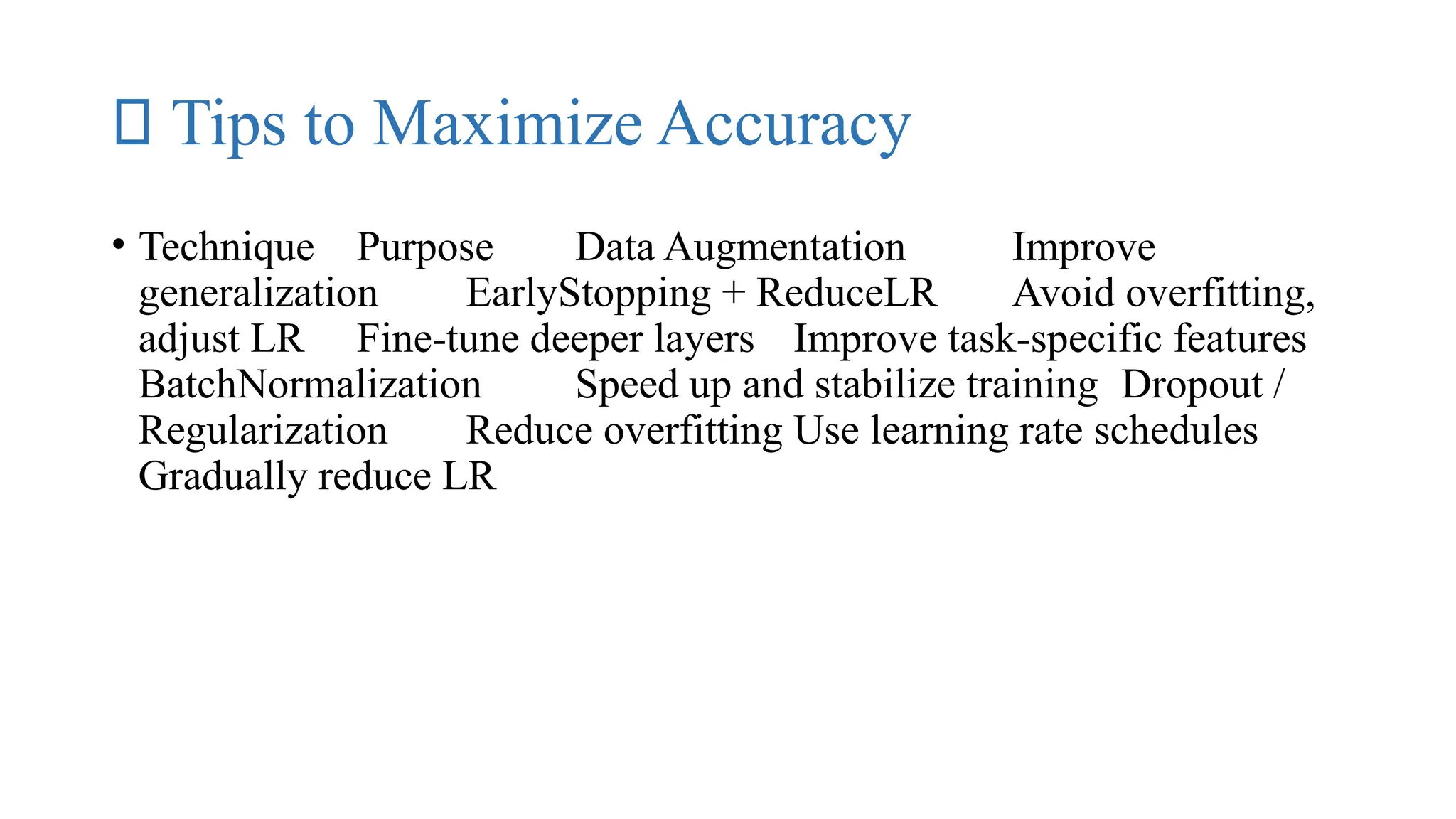
🔬 Tips to Maximize Accuracy
• Technique Purpose Data Augmentation Improve
generalization EarlyStopping + ReduceLR Avoid overfitting,
adjust LR Fine-tune deeper layers Improve task-specific features
BatchNormalization Speed up and stabilize training Dropout /
Regularization Reduce overfitting Use learning rate schedules
Gradually reduce LR
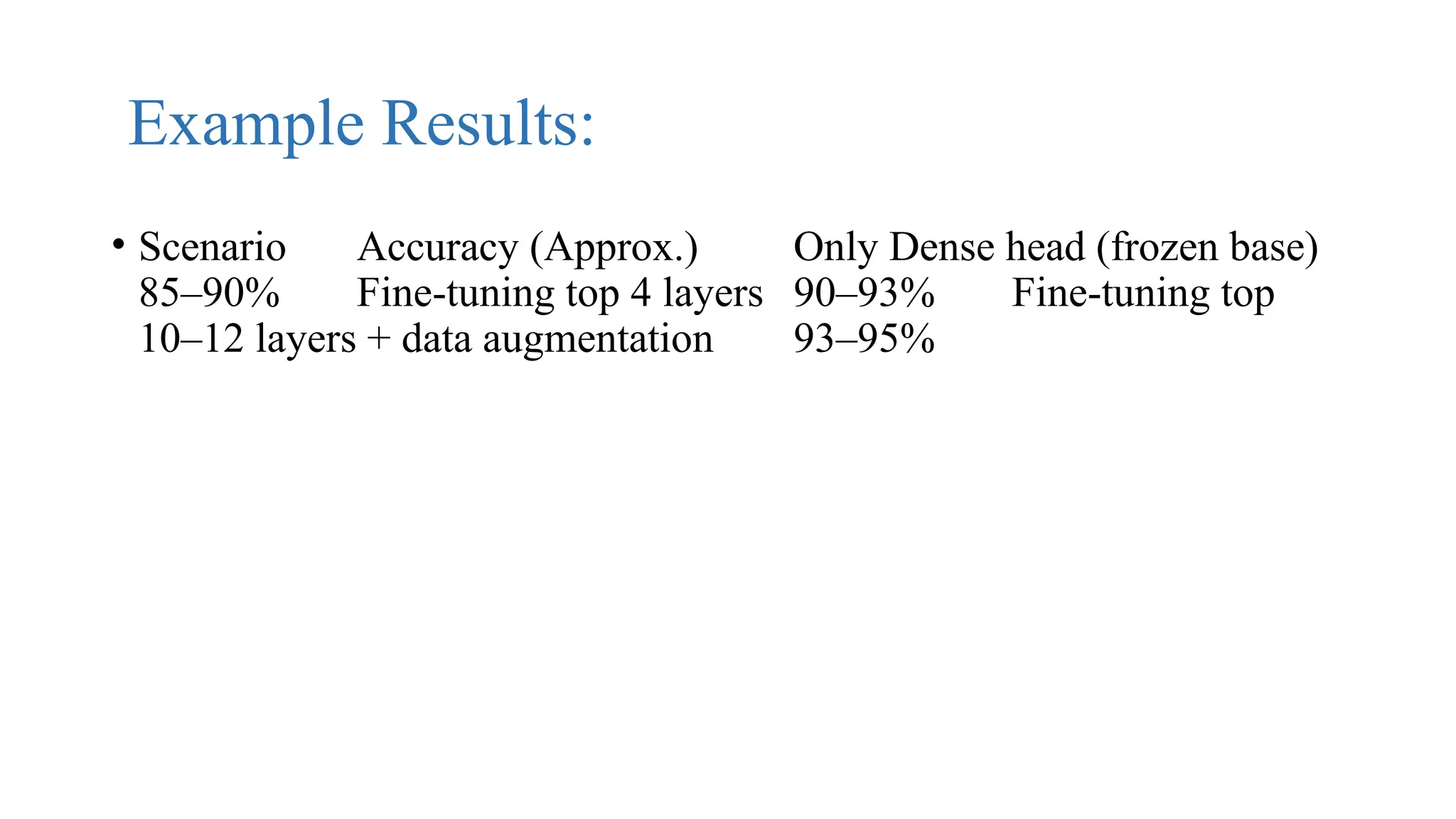
Example Results:
• Scenario Accuracy (Approx.) Only Dense head (frozen base)
85–90% Fine-tuning top 4 layers 90–93% Fine-tuning top
10–12 layers + data augmentation 93–95%
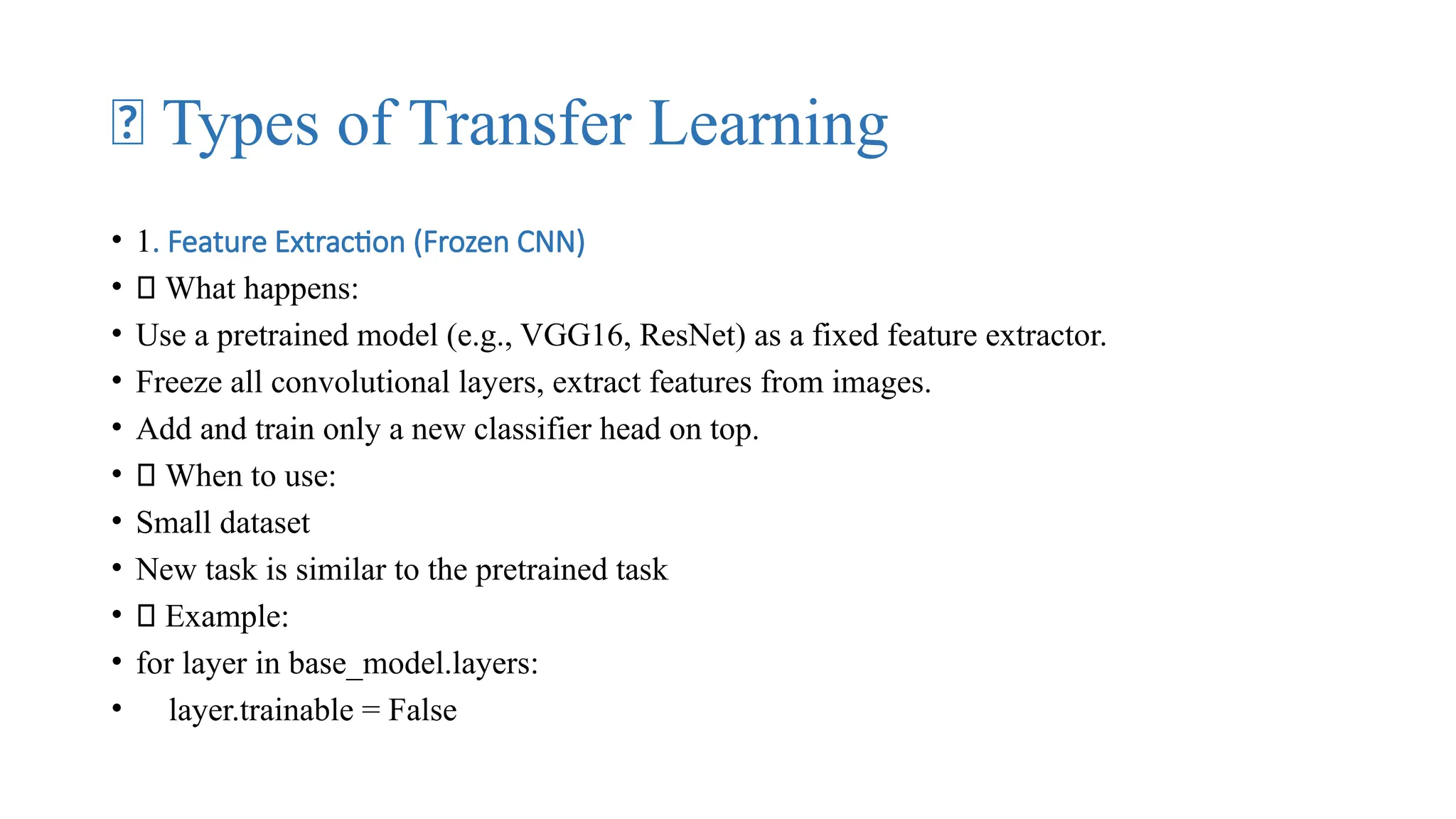
🧠 Types of Transfer Learning
• 1. Feature Extraction (Frozen CNN)
• 🔹 What happens:
• Use a pretrained model (e.g., VGG16, ResNet) as a fixed feature extractor.
• Freeze all convolutional layers, extract features from images.
• Add and train only a new classifier head on top.
• ✅ When to use:
• Small dataset
• New task is similar to the pretrained task
• 🏁 Example:
• for layer in base_model.layers:
• layer.trainable = False
2. Fine-Tuning
• 🔹 What happens:
• Start with a pretrained model.
• Unfreeze some deeper layers (usually last few blocks).
• Retrain both classifier and some conv layers with a low learning rate.
• ✅ When to use:
• Moderate or large dataset
• Your new task is somewhat similar, but needs adaptation
• Example:
• for layer in base_model.layers[-10:]:
• layer.trainable = True
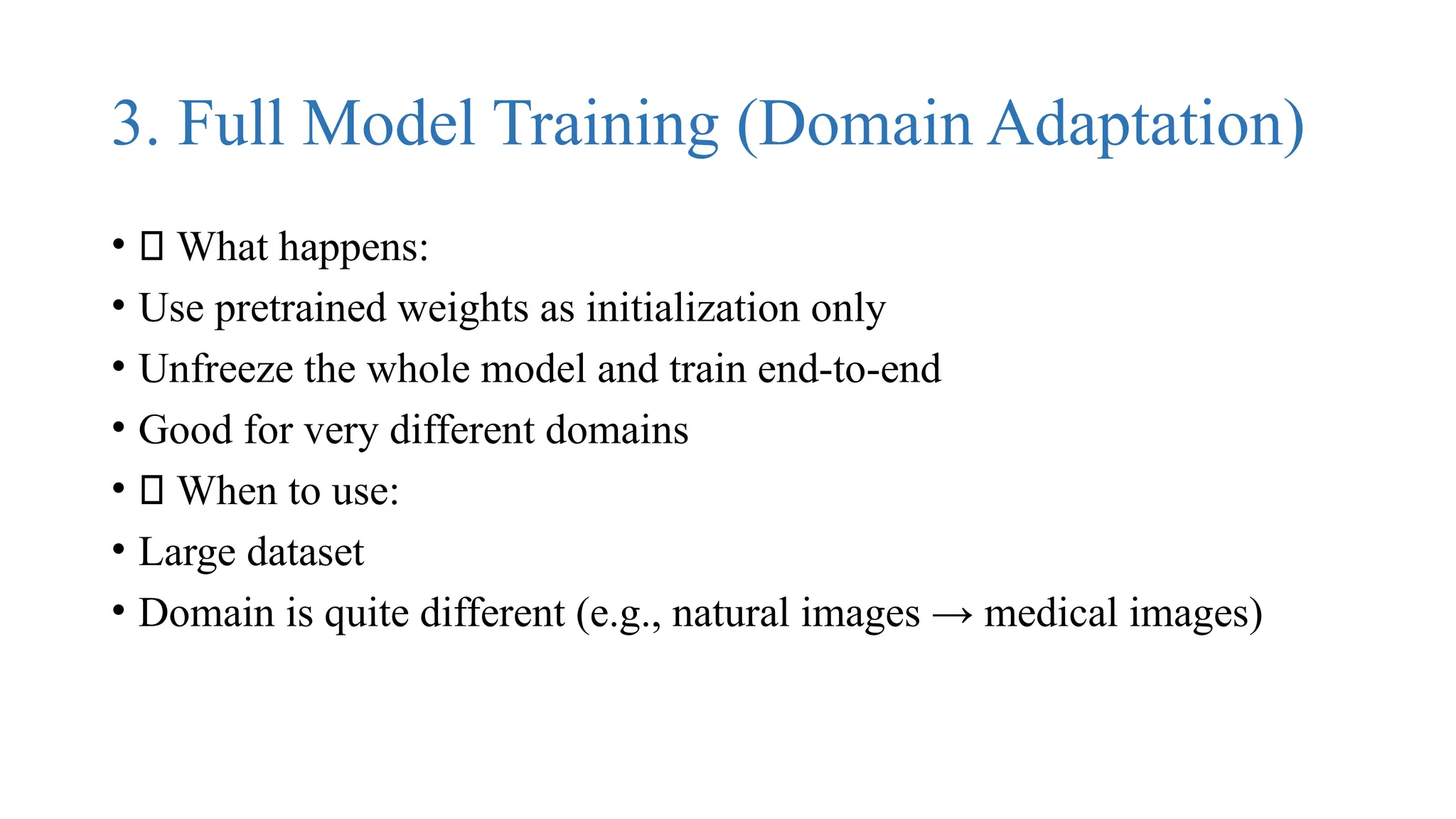
3. Full Model Training (Domain Adaptation)
• 🔹 What happens:
• Use pretrained weights as initialization only
• Unfreeze the whole model and train end-to-end
• Good for very different domains
• ✅ When to use:
• Large dataset
• Domain is quite different (e.g., natural images → medical images)
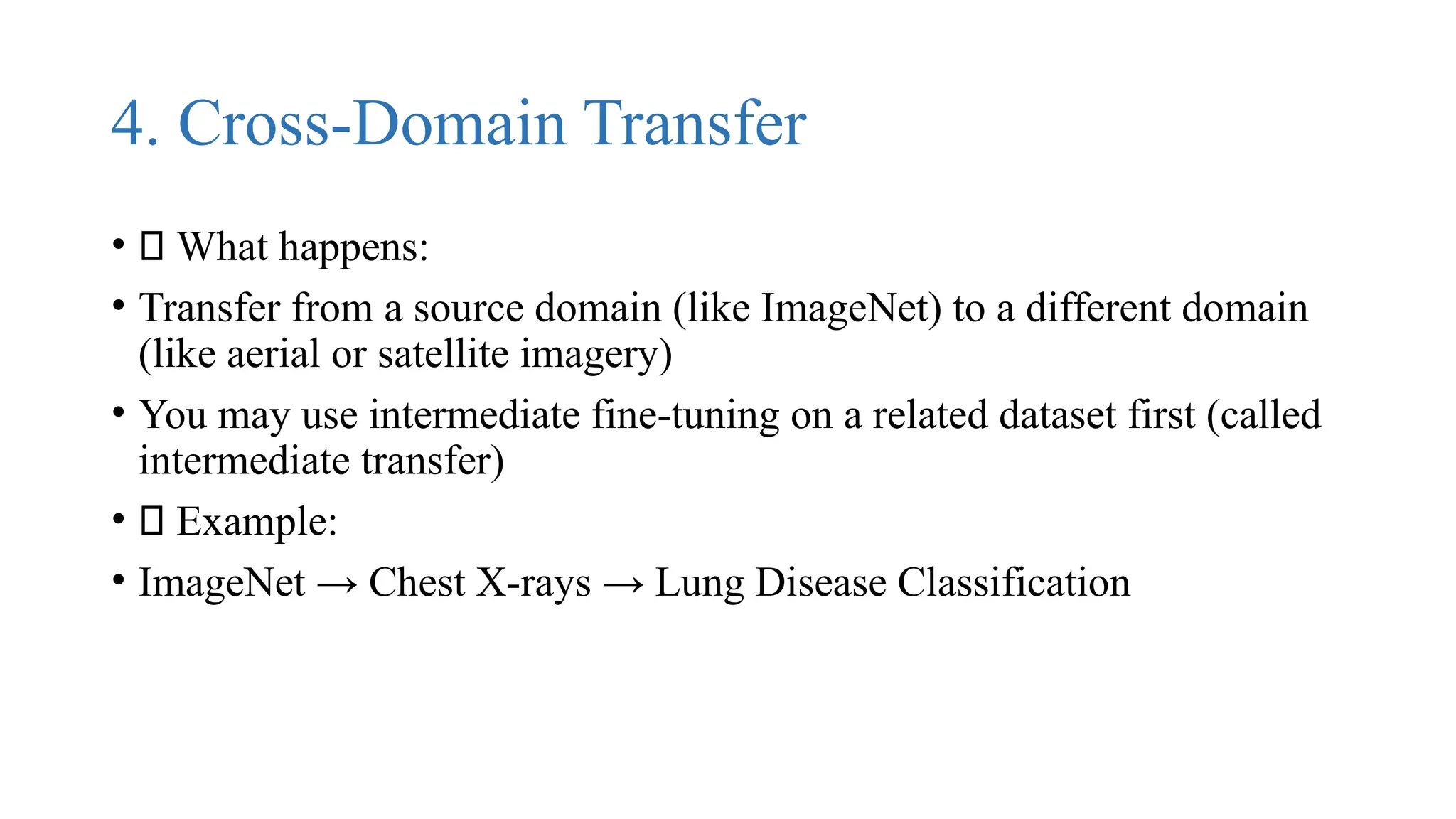
4. Cross-Domain Transfer
• 🔹 What happens:
• Transfer from a source domain (like ImageNet) to a different domain
(like aerial or satellite imagery)
• You may use intermediate fine-tuning on a related dataset first (called
intermediate transfer)
• ✅ Example:
• ImageNet → Chest X-rays → Lung Disease Classification
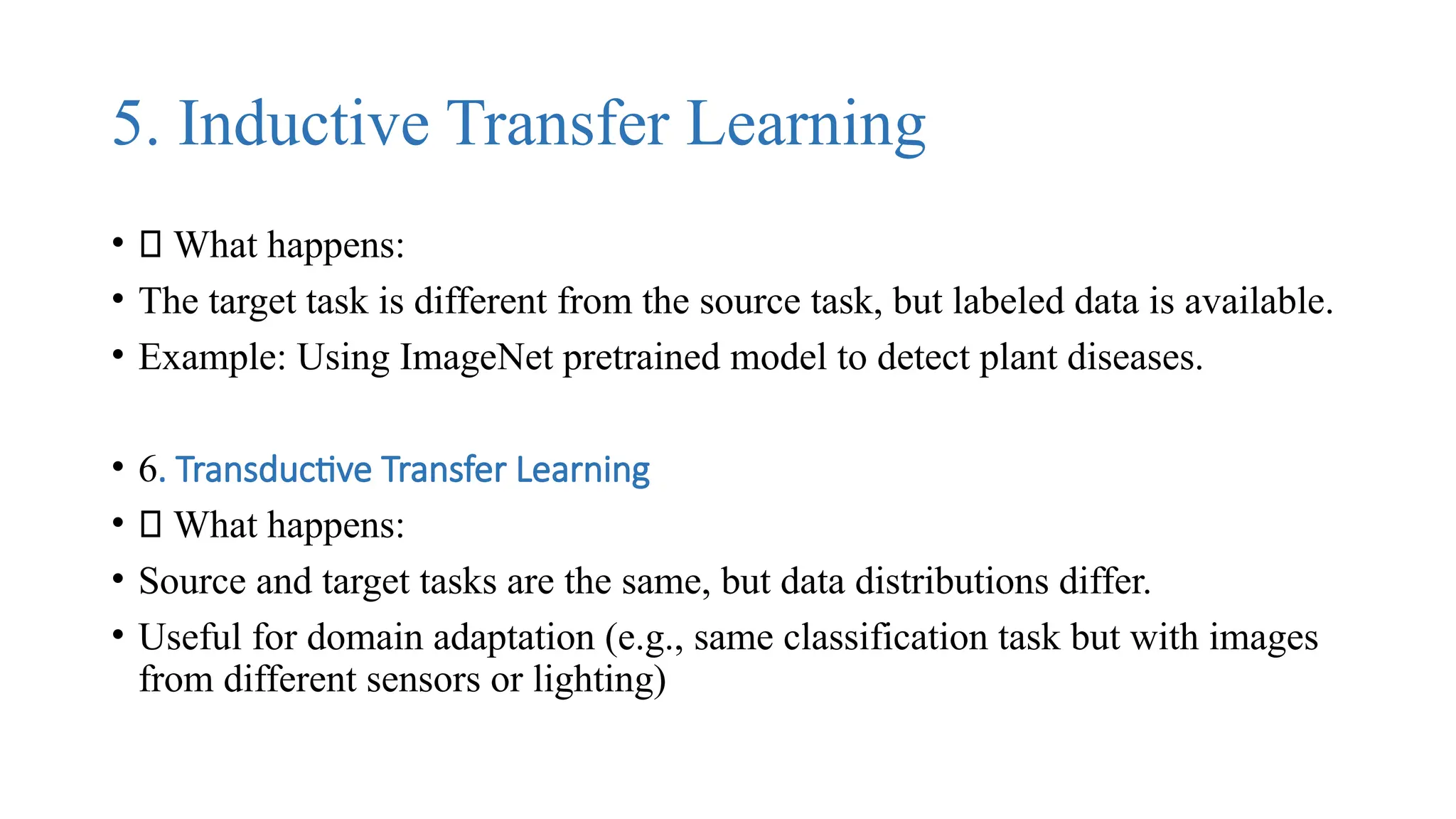
5. Inductive Transfer Learning
• 🔹 What happens:
• The target task is different from the source task, but labeled data is available.
• Example: Using ImageNet pretrained model to detect plant diseases.
• 6. Transductive Transfer Learning
• 🔹 What happens:
• Source and target tasks are the same, but data distributions differ.
• Useful for domain adaptation (e.g., same classification task but with images
from different sensors or lighting)
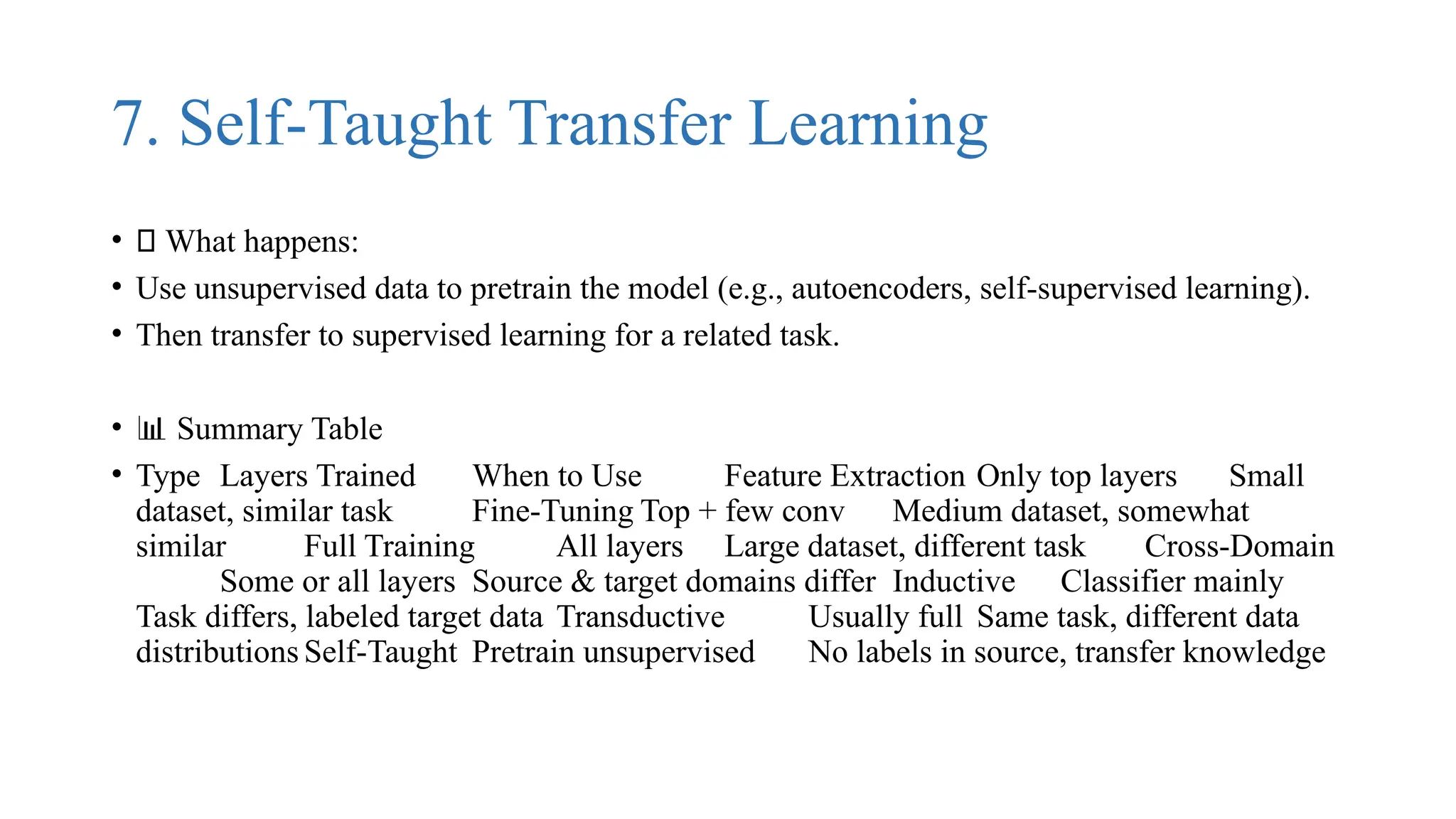
7. Self-Taught Transfer Learning
• 🔹 What happens:
• Use unsupervised data to pretrain the model (e.g., autoencoders, self-supervised learning).
• Then transfer to supervised learning for a related task.
• 📊 Summary Table
• Type Layers Trained When to Use Feature Extraction Only top layers Small
dataset, similar task Fine-Tuning Top + few conv Medium dataset, somewhat
similar Full Training All layers Large dataset, different task Cross-Domain
Some or all layers Source & target domains differ Inductive Classifier mainly
Task differs, labeled target data Transductive Usually full Same task, different data
distributions Self-Taught Pretrain unsupervised No labels in source, transfer knowledge

Introduction to transfer learning,aster way of adapting a neural network by exploiting their generalization properties.pptx

  • 1.
    Introduction & motivation AdaptingNeural Networks Process
  • 2.
    Transfer Learning • Transferingthe knowledge of one model to perform a new task. • "Domain Adaptation"
  • 3.
    Motivation • Lots ofdata, time, resources needed to train and tune a neural network from scratch • An ImageNet deep neural net can take weeks to train and fine-tune from scratch. • Unless you have 256 GPUs, possible to achieve in 1 hour • Cheaper, faster way of adapting a neural network by exploiting their generalization properties
  • 4.
  • 5.
    Type Description ExamplesInductive Adapt existing supervised training model on new labeled dataset Classification, Regression Transductive Adapt existing supervised training model on new unlabeled dataset Classification, Regression Unsupervised Adapt existing unsupervised training model on new unlabeled dataset Clustering, Dimensionality Reduction Transfer Learning Applications • Image classification (most common): learn new image classes • Text sentiment classification • Text translation to new languages • Speaker adaptation in speech recognition • Question answering • Transfer Learning Services • Transfer learning is used in many "train your own AI model" services: • just upload 5-10 images to train a new model! in minutes!
  • 6.
    Transfer Learning inNeural Networks • Neural Network Layers: General to Specific • Bottom/first/earlier layers: general learners • Low-level notions of edges, visual shapes • Top/last/later layers: specific learners • High-level features such as eyes, feathers
  • 7.
    Process • Start withpre-trained network • Partition network into: • Featurizers: identify which layers to keep • Classifiers: identify which layers to replace • Re-train classifier layers with new data • Unfreeze weights and fine-tune whole network with smaller learning rate • Freezing and Fine-tuning
  • 8.
  • 9.
    Which layers tore-train? • Depends on the domain • Start by re-training the last layers (last full-connected and last convolutional) • work backwards if performance is not satisfactory
  • 10.
    Key Factors toConsider: • Size of your dataset • Similarity between the source (pretrained) task and your target task • Model capacity and training time constraints
  • 11.
    ✅ General Strategyfor Transfer Learning • 1. If your dataset is small and similar to the original: • Freeze all convolutional layers (i.e., base model) • Train only the classifier (Dense layers) on top
  • 12.
    ✅ Faster andavoids overfitting • Example: ImageNet pretraining → flower species classification (both natural images)
  • 13.
    2. If yourdataset is large and similar: • Fine-tune deeper layers (closer to output, like last few Conv blocks) • Still freeze early layers (basic feature extractors like edges/textures)
  • 14.
    3. If yourdataset is large and very different: • Unfreeze most or all layers, retrain the whole model • Possibly retrain with a lower learning rate to avoid destroying pretrained knowledge • Layer Type Retrain? Reason Early Conv layers ❌ Freeze They learn low-level features (edges, textures) common across tasks Mid Conv layers 🤔 Maybe Useful if your target domain has unique mid-level featuresLate Conv layers ✅ Retrain Capture task-specific high-level featuresDense (classifier) ✅ Retrain or Replace Usually task-specific, always change to fit your classes
  • 15.
    Key Factors toConsider: • Size of your dataset • Similarity between the source (pretrained) task and your target task • Model capacity and training time constraints
  • 16.
    ✅ 1. LoadVGG16 (Pretrained) • • from tensorflow.keras.applications import VGG16 • base_model = VGG16(weights='imagenet', include_top=False, input_shape=(224, 224, 3)) • weights='imagenet': Load pretrained weights • include_top=False: Remove the original classification head
  • 17.
    Why: So wecan add our own classifier (based on the number of classes in your task)
  • 18.
    ✅ 2. FreezeBase Layers (Initial Step) • for layer in base_model.layers: • layer.trainable = False • Freeze all pretrained convolutional layers • Use VGG16 as a feature extractor • This is good for small datasets or when tasks are similar to ImageNet
  • 19.
    ✅ 3. AddCustom Classifier • • from tensorflow.keras import layers, models • model = models.Sequential([ • base_model, • layers.Flatten(), • layers.Dense(256, activation='relu'), • layers.Dropout(0.5), • layers.Dense(num_classes, activation='softmax') # num_classes = your number of categories • ]) • Flatten() converts feature maps to a vector • Dense(256): Learn complex features • Dropout(0.5): Prevent overfitting • Final Dense layer: Softmax for multi-class classification
  • 20.
    ✅ 4. Compileand Train • • model.compile(optimizer='adam', • loss='categorical_crossentropy', • metrics=['accuracy']) • model.fit(train_data, validation_data=val_data, epochs=10) • Use Adam optimizer and categorical crossentropy • Evaluate on validation set
  • 21.
    🔁 Fine-Tuning (forMaximum Accuracy) • After initial training, fine-tune by unfreezing the top layers of VGG16.
  • 22.
    ✅ 5. UnfreezeSome VGG16 Layers (e.g., last 4 blocks) • • for layer in base_model.layers[-4:]: # Unfreeze last 4 layers • layer.trainable = True • Re-trains last few layers to adapt high-level features to your dataset • Use a very small learning rate: • • from tensorflow.keras.optimizers import Adam • model.compile(optimizer=Adam(learning_rate=1e-5), • loss='categorical_crossentropy', • metrics=['accuracy'])
  • 24.
    🔬 Tips toMaximize Accuracy • Technique Purpose Data Augmentation Improve generalization EarlyStopping + ReduceLR Avoid overfitting, adjust LR Fine-tune deeper layers Improve task-specific features BatchNormalization Speed up and stabilize training Dropout / Regularization Reduce overfitting Use learning rate schedules Gradually reduce LR
  • 25.
    Example Results: • ScenarioAccuracy (Approx.) Only Dense head (frozen base) 85–90% Fine-tuning top 4 layers 90–93% Fine-tuning top 10–12 layers + data augmentation 93–95%
  • 26.
    🧠 Types ofTransfer Learning • 1. Feature Extraction (Frozen CNN) • 🔹 What happens: • Use a pretrained model (e.g., VGG16, ResNet) as a fixed feature extractor. • Freeze all convolutional layers, extract features from images. • Add and train only a new classifier head on top. • ✅ When to use: • Small dataset • New task is similar to the pretrained task • 🏁 Example: • for layer in base_model.layers: • layer.trainable = False
  • 28.
    2. Fine-Tuning • 🔹What happens: • Start with a pretrained model. • Unfreeze some deeper layers (usually last few blocks). • Retrain both classifier and some conv layers with a low learning rate. • ✅ When to use: • Moderate or large dataset • Your new task is somewhat similar, but needs adaptation • Example: • for layer in base_model.layers[-10:]: • layer.trainable = True
  • 30.
    3. Full ModelTraining (Domain Adaptation) • 🔹 What happens: • Use pretrained weights as initialization only • Unfreeze the whole model and train end-to-end • Good for very different domains • ✅ When to use: • Large dataset • Domain is quite different (e.g., natural images → medical images)
  • 31.
    4. Cross-Domain Transfer •🔹 What happens: • Transfer from a source domain (like ImageNet) to a different domain (like aerial or satellite imagery) • You may use intermediate fine-tuning on a related dataset first (called intermediate transfer) • ✅ Example: • ImageNet → Chest X-rays → Lung Disease Classification
  • 33.
    5. Inductive TransferLearning • 🔹 What happens: • The target task is different from the source task, but labeled data is available. • Example: Using ImageNet pretrained model to detect plant diseases. • 6. Transductive Transfer Learning • 🔹 What happens: • Source and target tasks are the same, but data distributions differ. • Useful for domain adaptation (e.g., same classification task but with images from different sensors or lighting)
  • 35.
    7. Self-Taught TransferLearning • 🔹 What happens: • Use unsupervised data to pretrain the model (e.g., autoencoders, self-supervised learning). • Then transfer to supervised learning for a related task. • 📊 Summary Table • Type Layers Trained When to Use Feature Extraction Only top layers Small dataset, similar task Fine-Tuning Top + few conv Medium dataset, somewhat similar Full Training All layers Large dataset, different task Cross-Domain Some or all layers Source & target domains differ Inductive Classifier mainly Task differs, labeled target data Transductive Usually full Same task, different data distributions Self-Taught Pretrain unsupervised No labels in source, transfer knowledge