Introduction to
Operating System
Security
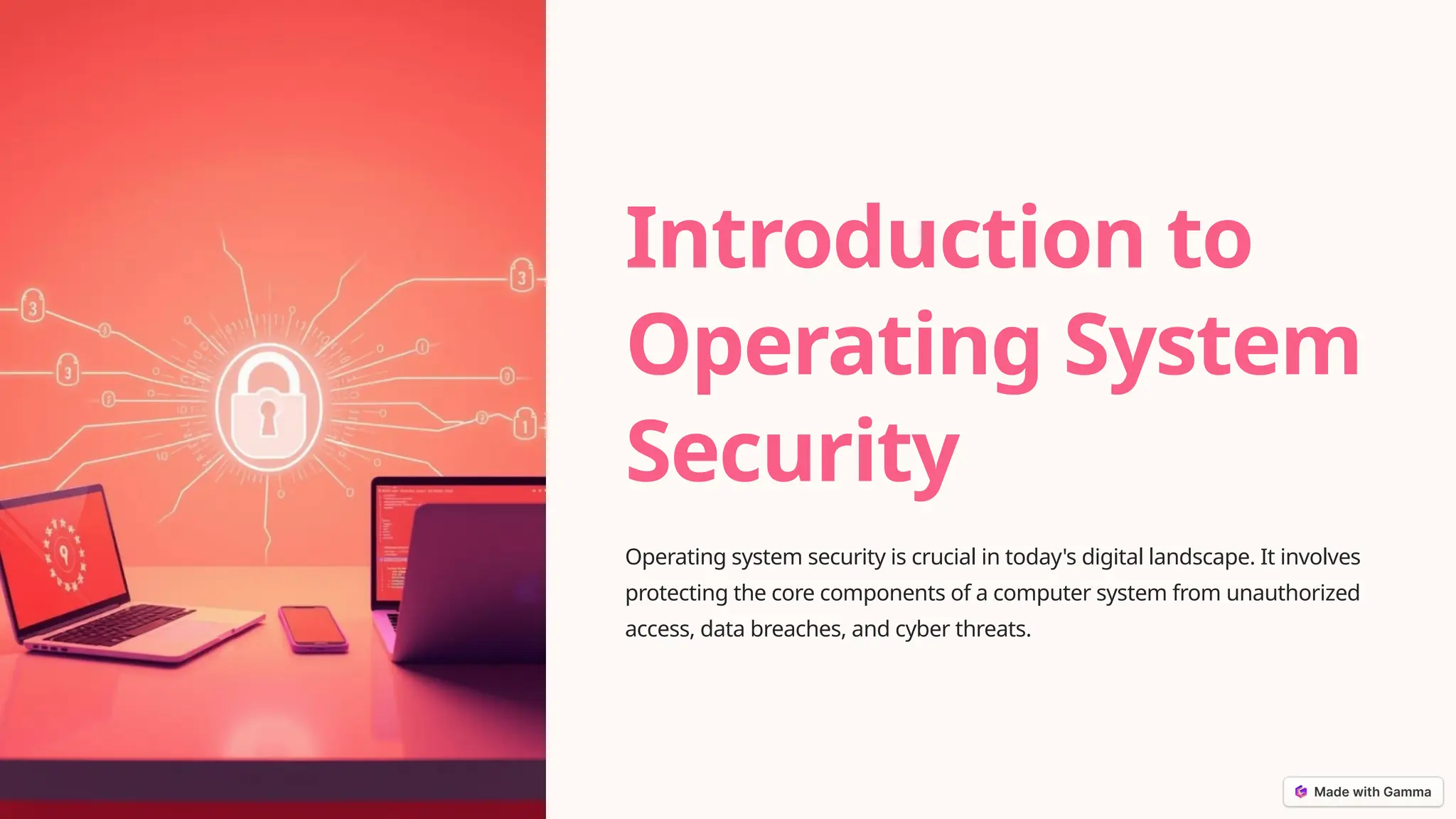
Operating system security is crucial in today's digital landscape. It involves
protecting the core components of a computer system from unauthorized
access, data breaches, and cyber threats.
Principles of Operating
System Security
1 Least Privilege
Granting users and
processes the minimum
required permissions to
perform their tasks, reducing
the risk of unauthorized
actions.
2 Defense in Depth
Implementing multiple
layers of security controls to
create a comprehensive
defense against threats.
3 Secure Configuration
Ensuring that the operating system and its components are
properly configured to minimize vulnerabilities.
Access Control Mechanisms
Authentication
Verifying the identity of a user or
process before granting access to the
system.
Authorization
Determining the specific permissions
and actions that a user or process is
allowed to perform.
Auditing
Monitoring and logging user activities
to detect and investigate potential
security breaches.
Authentication and
Authorization
Password-based
Authentication
Traditional method of verifying
user identity using a unique
username and password
combination.
Biometric
Authentication
Identifying users based on
unique physical or behavioral
characteristics, such as
fingerprints or facial features.
Multi-factor Authentication
Combining two or more authentication methods to enhance security
and reduce the risk of unauthorized access.
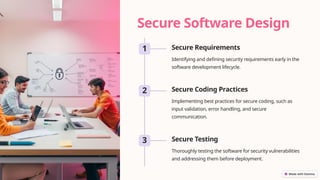
Secure Software Design
1 Secure Requirements
Identifying and defining security requirements early in the
software development lifecycle.
2 Secure Coding Practices
Implementing best practices for secure coding, such as
input validation, error handling, and secure
communication.
3 Secure Testing
Thoroughly testing the software for security vulnerabilities
and addressing them before deployment.
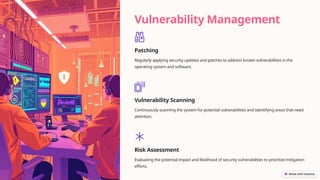
Vulnerability Management
Patching
Regularly applying security updates and patches to address known vulnerabilities in the
operating system and software.
Vulnerability Scanning
Continuously scanning the system for potential vulnerabilities and identifying areas that need
attention.
Risk Assessment
Evaluating the potential impact and likelihood of security vulnerabilities to prioritize mitigation
efforts.
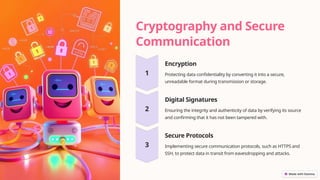
Cryptography and Secure
Communication
Encryption
Protecting data confidentiality by converting it into a secure,
unreadable format during transmission or storage.
Digital Signatures
Ensuring the integrity and authenticity of data by verifying its source
and confirming that it has not been tampered with.
Secure Protocols
Implementing secure communication protocols, such as HTTPS and
SSH, to protect data in transit from eavesdropping and attacks.
Conclusion and Best
Practices
1 Holistic Approach
Adopting a comprehensive
approach to operating
system security that
addresses multiple layers of
protection.
2 Continuous
Improvement
Regularly reviewing and
updating security measures
to stay ahead of evolving
threats and vulnerabilities.
3 User Awareness
Educating and training users on security best practices to create a
strong security culture.

Introduction-to-Operating-System-Security.pptx

  • 1.
    Introduction to Operating System Security Operatingsystem security is crucial in today's digital landscape. It involves protecting the core components of a computer system from unauthorized access, data breaches, and cyber threats.
  • 2.
    Principles of Operating SystemSecurity 1 Least Privilege Granting users and processes the minimum required permissions to perform their tasks, reducing the risk of unauthorized actions. 2 Defense in Depth Implementing multiple layers of security controls to create a comprehensive defense against threats. 3 Secure Configuration Ensuring that the operating system and its components are properly configured to minimize vulnerabilities.
  • 3.
    Access Control Mechanisms Authentication Verifyingthe identity of a user or process before granting access to the system. Authorization Determining the specific permissions and actions that a user or process is allowed to perform. Auditing Monitoring and logging user activities to detect and investigate potential security breaches.
  • 4.
    Authentication and Authorization Password-based Authentication Traditional methodof verifying user identity using a unique username and password combination. Biometric Authentication Identifying users based on unique physical or behavioral characteristics, such as fingerprints or facial features. Multi-factor Authentication Combining two or more authentication methods to enhance security and reduce the risk of unauthorized access.
  • 5.
    Secure Software Design 1Secure Requirements Identifying and defining security requirements early in the software development lifecycle. 2 Secure Coding Practices Implementing best practices for secure coding, such as input validation, error handling, and secure communication. 3 Secure Testing Thoroughly testing the software for security vulnerabilities and addressing them before deployment.
  • 6.
    Vulnerability Management Patching Regularly applyingsecurity updates and patches to address known vulnerabilities in the operating system and software. Vulnerability Scanning Continuously scanning the system for potential vulnerabilities and identifying areas that need attention. Risk Assessment Evaluating the potential impact and likelihood of security vulnerabilities to prioritize mitigation efforts.
  • 7.
    Cryptography and Secure Communication Encryption Protectingdata confidentiality by converting it into a secure, unreadable format during transmission or storage. Digital Signatures Ensuring the integrity and authenticity of data by verifying its source and confirming that it has not been tampered with. Secure Protocols Implementing secure communication protocols, such as HTTPS and SSH, to protect data in transit from eavesdropping and attacks.
  • 8.
    Conclusion and Best Practices 1Holistic Approach Adopting a comprehensive approach to operating system security that addresses multiple layers of protection. 2 Continuous Improvement Regularly reviewing and updating security measures to stay ahead of evolving threats and vulnerabilities. 3 User Awareness Educating and training users on security best practices to create a strong security culture.

Editor's Notes