Operating System Securityand
Privacy
Welcome to this presentation on operating system security and privacy. We'll explore the security features of various
OSes, common vulnerabilities, and how to manage privacy settings. This knowledge is essential for students studying
OS security and privacy. We will also discuss security-focused OSes and anonymity-focused OSes, giving an overview
of each one.
This presentation will give detailed information and examples to help the audience understand the options available
and how to approach security and privacy on different operating systems.
WP
by WTG Product
2.
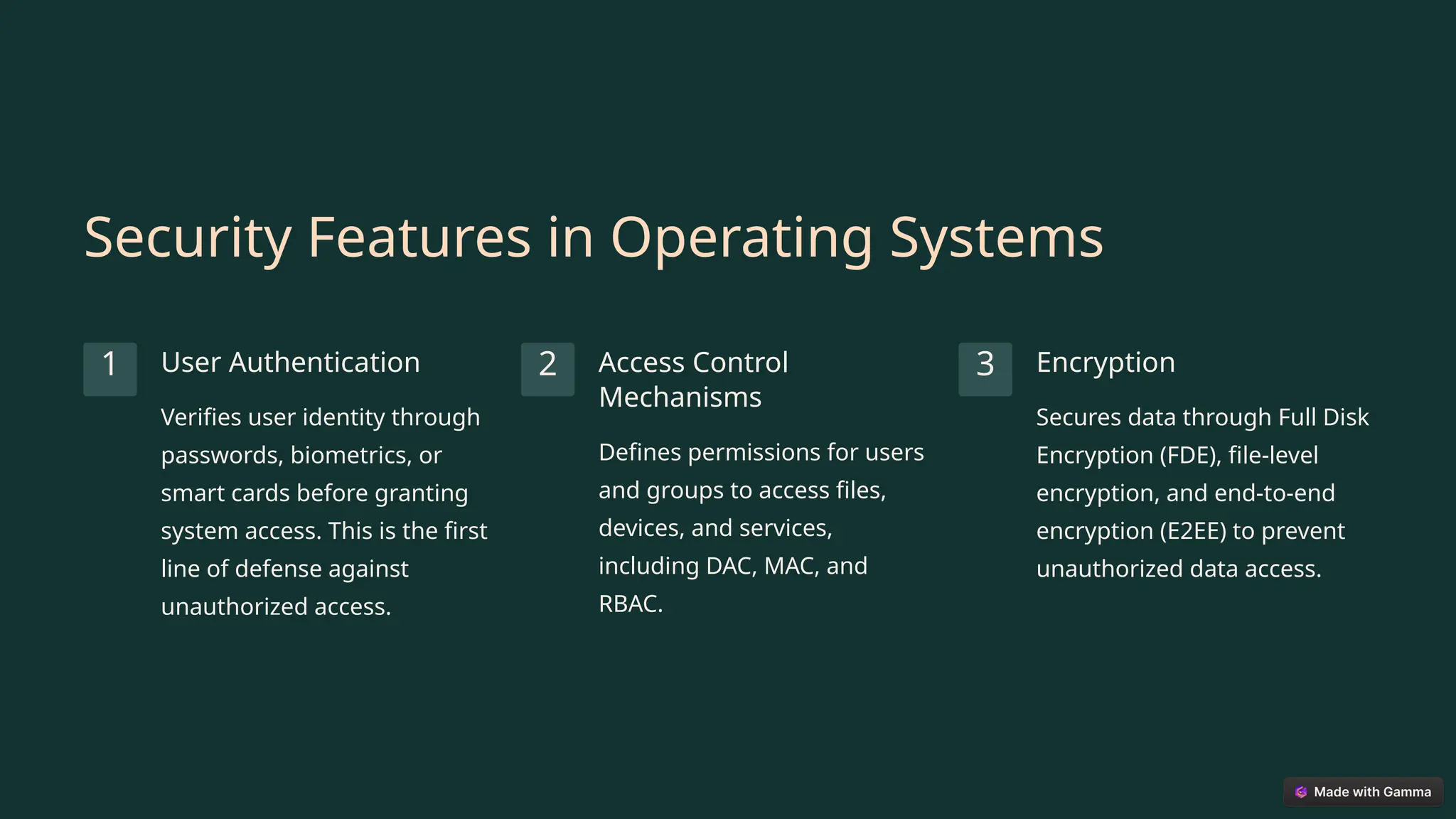
Security Features inOperating Systems
1 User Authentication
Verifies user identity through
passwords, biometrics, or
smart cards before granting
system access. This is the first
line of defense against
unauthorized access.
2 Access Control
Mechanisms
Defines permissions for users
and groups to access files,
devices, and services,
including DAC, MAC, and
RBAC.
3 Encryption
Secures data through Full Disk
Encryption (FDE), file-level
encryption, and end-to-end
encryption (E2EE) to prevent
unauthorized data access.
3.
More Security Featuresin Operating Systems
Firewalls
Monitors and controls incoming and outgoing network
traffic, blocking unauthorized connections and potential
threats. Examples include Windows Defender Firewall
and iptables on Linux.
System and Software Updates
OS vendors release patches to fix known vulnerabilities.
Regular updates are critical for maintaining system
security and preventing exploitation of known flaws.
Secure Boot prevents unauthorized operating systems or bootloaders from being loaded during system startup,
while virtualization and sandboxing isolate applications or system components to limit the impact of security
breaches.
4.
Security Bugs andVulnerabilities
Zero-Day Vulnerabilities
Flaws unknown to the vendor and
exploited by attackers before a patch
is available. Zero-day exploits are
particularly dangerous.
Privilege Escalation
Occurs when a user gains elevated
access to resources that are
normally protected, often due to a
bug or misconfiguration.
Buffer Overflows
Attackers inject more data than the
buffer can handle, potentially
leading to arbitrary code execution,
one of the oldest and most common
vulnerability types.
5.
Vulnerability Exploitation Techniques
1
OutdatedSoftware
2 Insecure APIs or System Calls
3 Code Injection
Code injection happens when malicious code is inserted into a program and executed. Insecure APIs or system calls
can be exploited to bypass security mechanisms. Using outdated software creates a weakness in a system by possibly
having known vulnerabilities.
6.
Operating System UsageShare
70-75%
Windows
Dominates the desktop market,
making it a primary target for cyber-
attacks.
15-20%
macOS
Growing in popularity, known for its
user-friendly interface and security
features.
2-5%
Linux/Unix
Favored by developers and security
enthusiasts for its customizability
and security.
The usage share of each operating system directly impacts the number of targeted attacks. More widely used
systems like Windows are more frequently targeted due to their larger user base.
7.
Windows 10: PrivacyConcerns
Cortana
Virtual assistant collects data
such as location, typing, speech,
and browsing history.
Telemetry Data
Microsoft collects diagnostic and
usage data in three levels: Basic,
Enhanced, and Full, including
app usage, system configuration,
and system health.
Advertising ID
Tracks user activity across apps
for targeted advertising. This
data can be used to create
detailed user profiles.
Windows 10 has been under scrutiny for its extensive data collection practices, raising significant privacy concerns
among users. These features often run by default, requiring users to actively manage their privacy settings to
mitigate data collection.
8.
macOS: Privacy andSecurity
1
iCloud
Syncs files, contacts, calendars, and app data to
Apple's servers, offering convenience but raising
privacy questions. 2 Gatekeeper
Ensures apps are signed by trusted developers,
reducing the risk of malware installation.
3
System Integrity Protection (SIP)
Prevents modification of critical system files,
protecting against malware and system
corruption.
Apple maintains a stronger privacy stance compared to Windows but still collects some user data. Features like
Transparency, Consent, and Control (TCC) alert users when apps access sensitive data like camera, microphone, or
location, enhancing user awareness and control.
9.
Security-Focused Operating Systems
QubesOS
Security by compartmentalization, runs each task in
isolated virtual machines (VMs), offering strong
protection against malware and espionage.
Subgraph OS
Hardened Linux distro with preconfigured Tor, secure
email, and sandboxed apps, providing enhanced
security and privacy features out of the box.
Trisquel OS is based on Ubuntu but strictly includes only free software, making it ideal for privacy advocates avoiding
proprietary software. These OSes are designed for users who prioritize security and privacy above all else.
10.
Conclusion: Choosing theRight OS
Choosing the right operating system depends on user priorities. General users can opt for macOS or Linux for better
privacy, while power users and developers may prefer Arch or Debian for control and transparency.
For high-risk users, Tails, Whonix, or Qubes OS offer ultimate security and anonymity. Security and privacy are not
just features but a mindset. Stay informed, update regularly, and apply best practices to stay protected.