Introduction toIntroduction to
Digital ImageDigital Image
ProcessingProcessing
Digital Image ProcessingDigital Image Processing
• Digital image processing is the use of computer
algorithms to perform image processing on
digital images.
Taken from Wikipedia
Why should we care?Why should we care?
• Everyone has a digital camera
• Everyone shares photos and videos
• Concepts can be used in videogames
• Robotics
• New technologies (Google Glass, Oculus Rift)
• Useful in other fields of science (medical
imaging, astronomy)
• Many frameworks for image processing
• It’s just fun
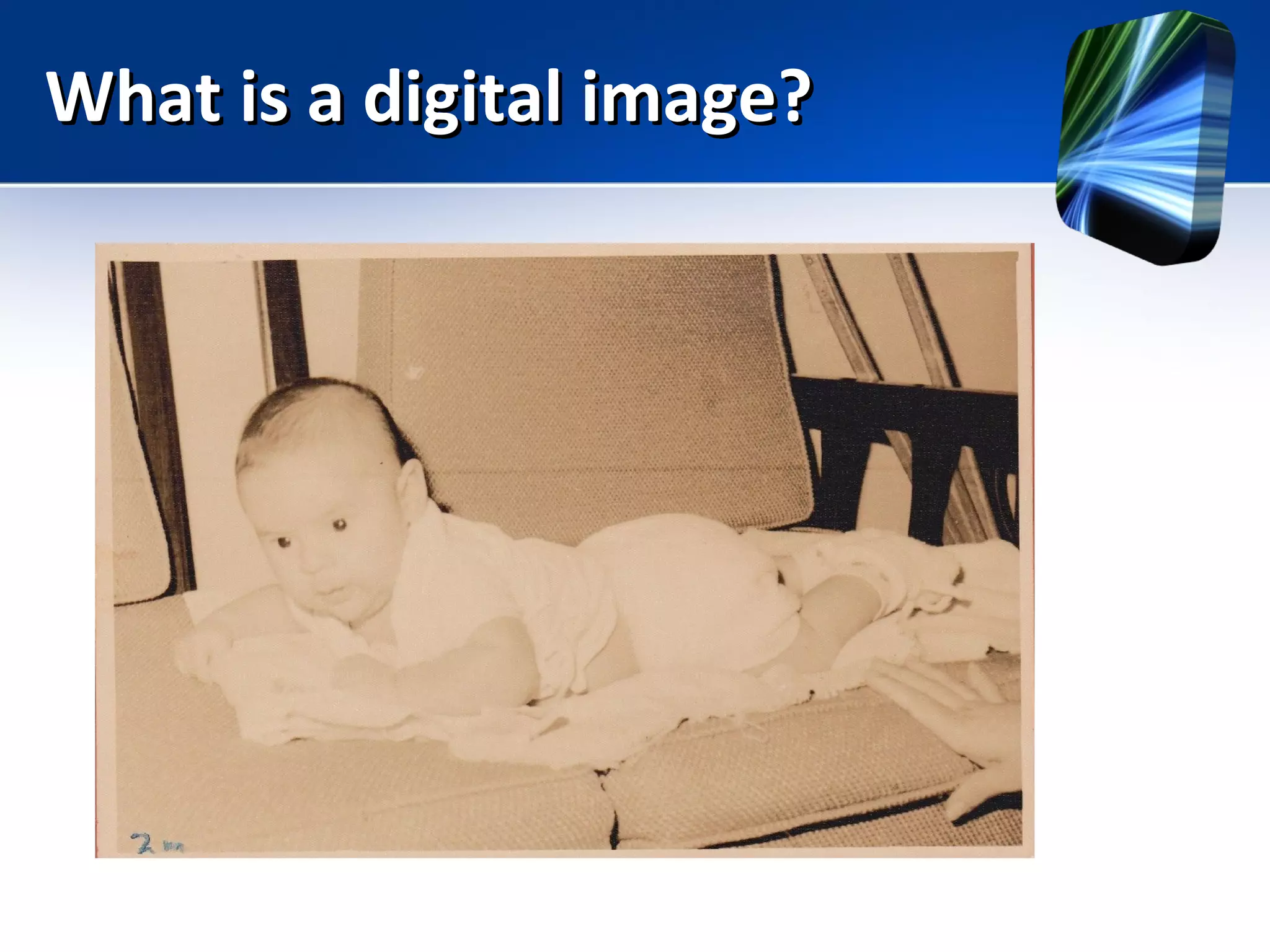
What is a digital image?What is a digital image?
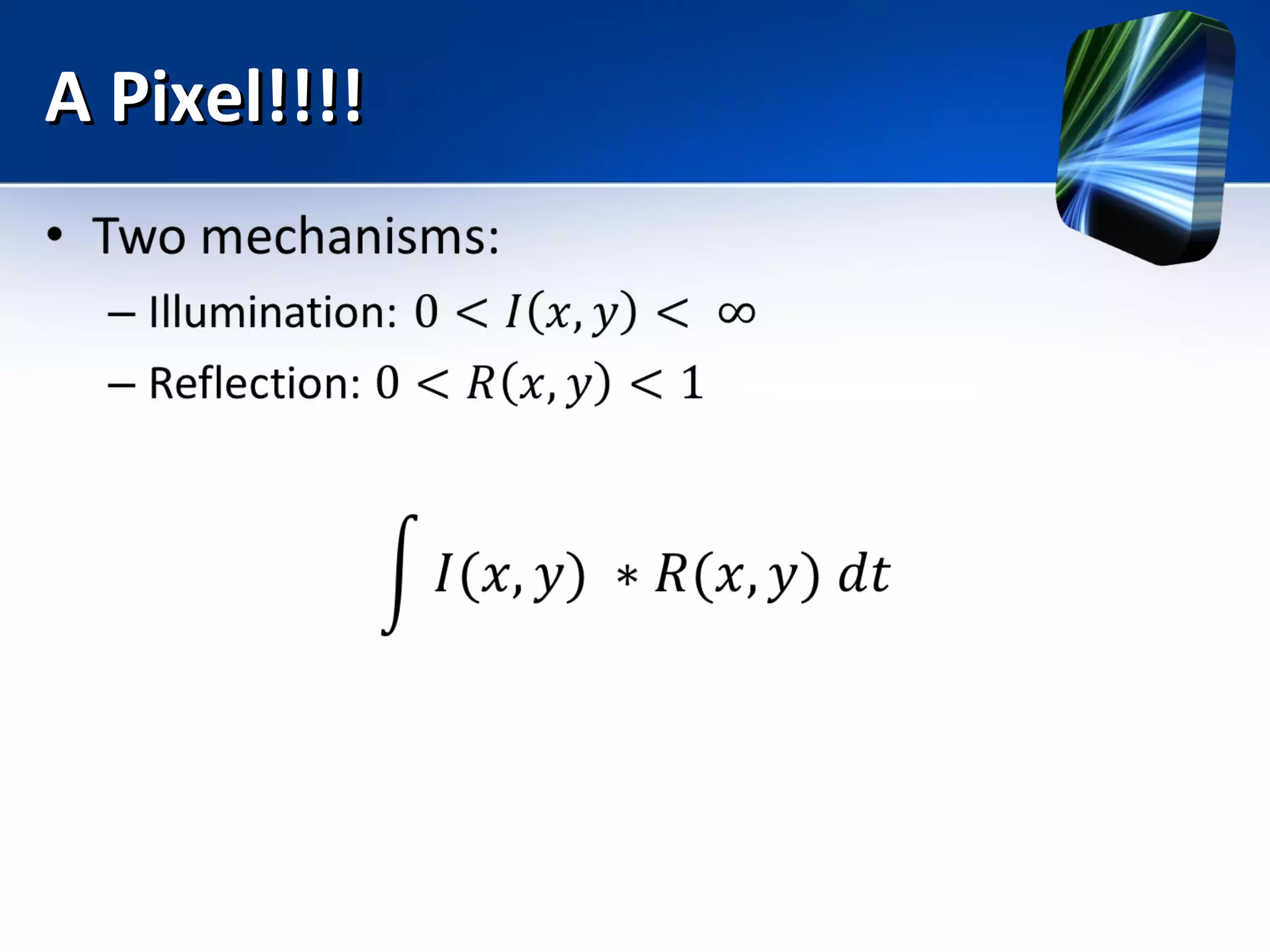
A Pixel!!!!A Pixel!!!!
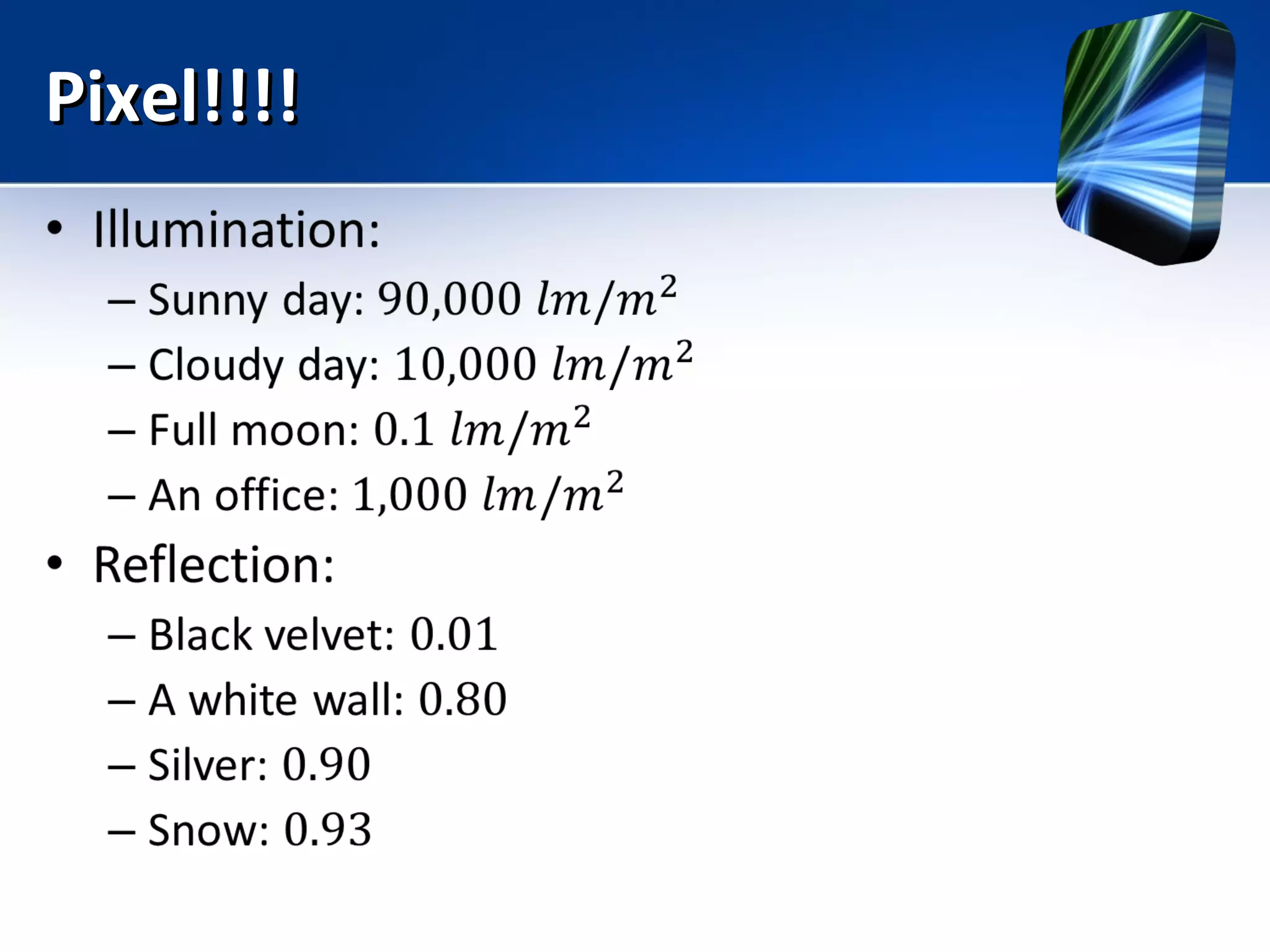
Pixel!!!!Pixel!!!!
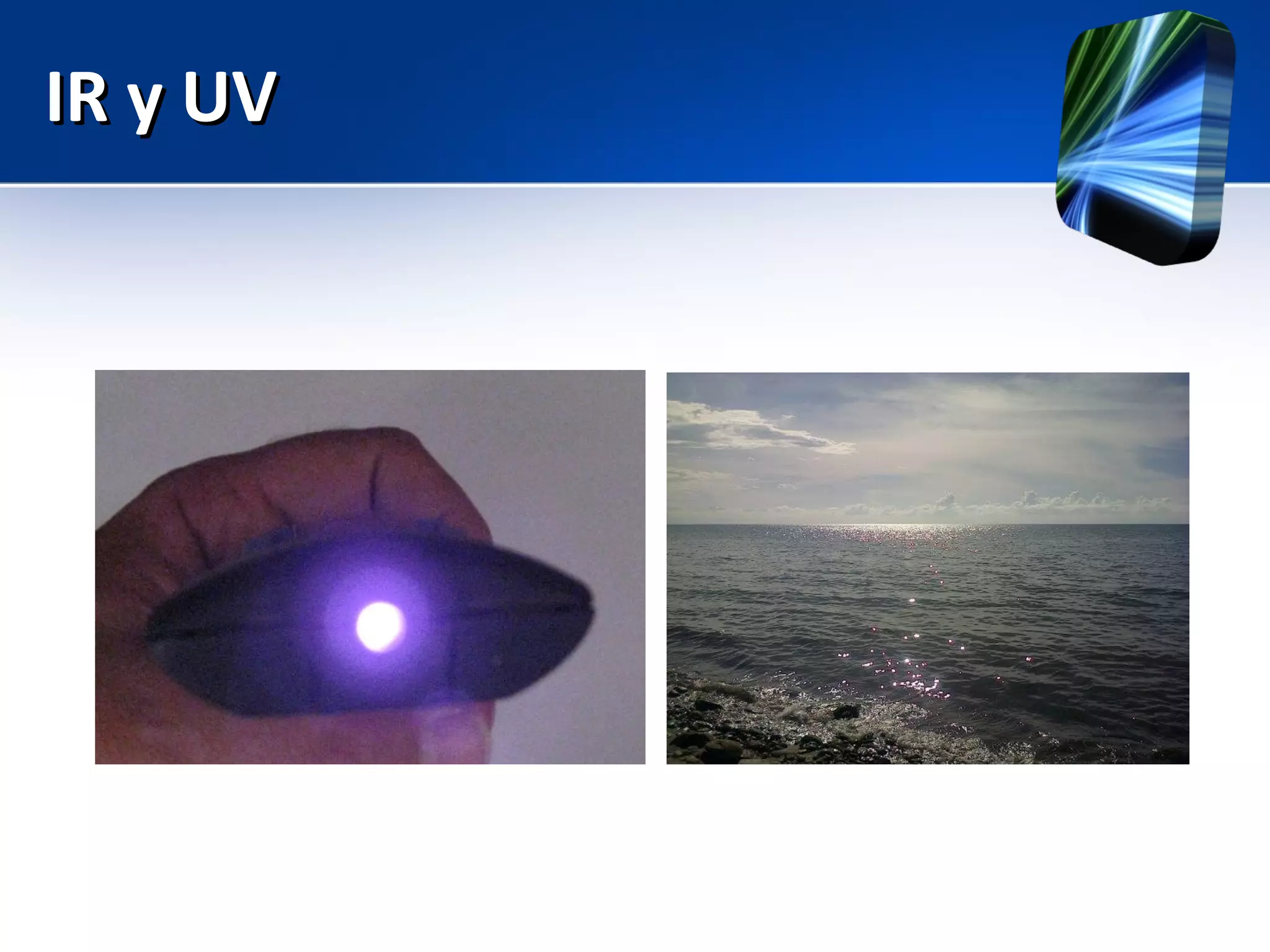
IR y UVIR y UV
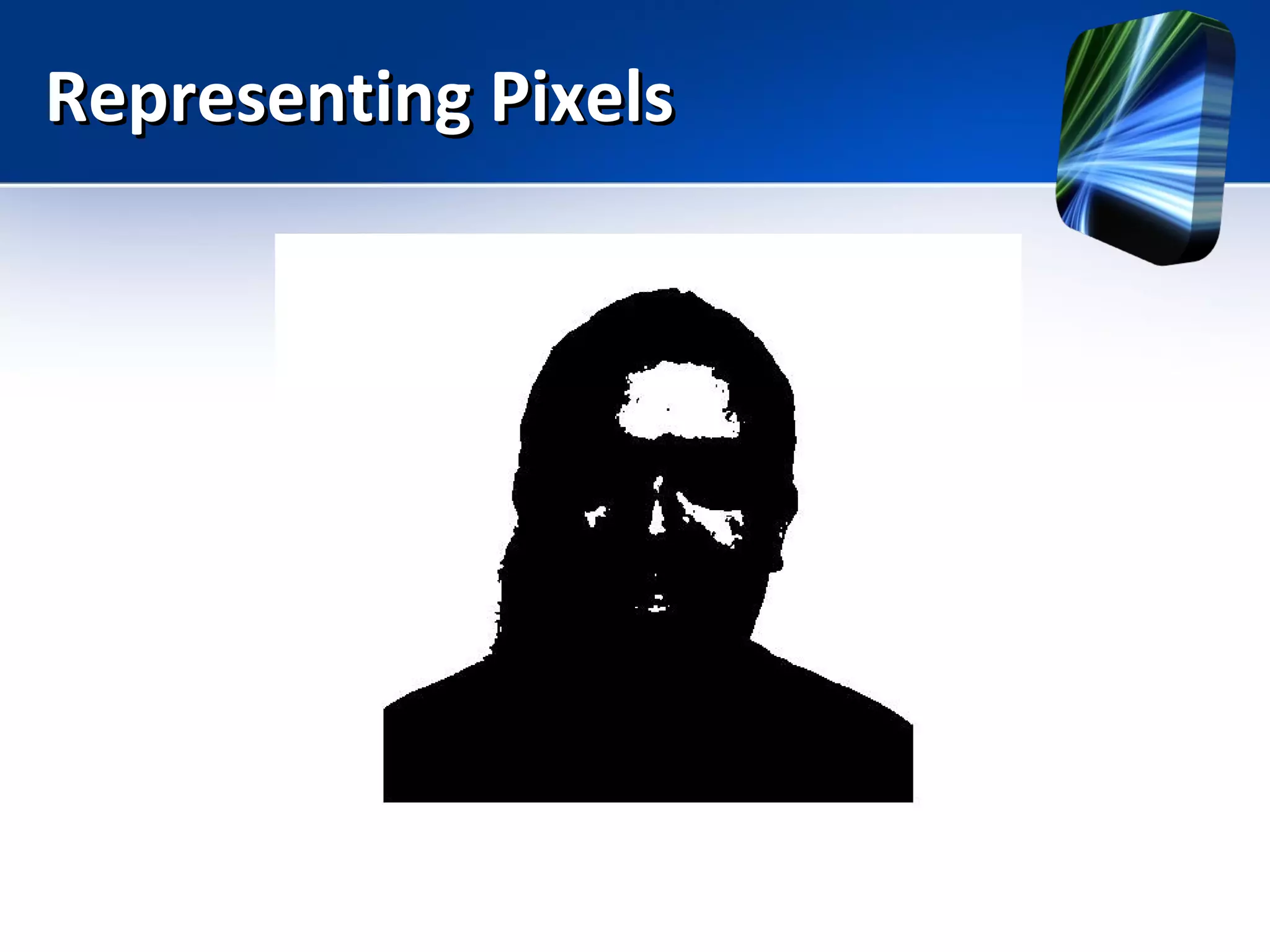
Representing PixelsRepresenting Pixels
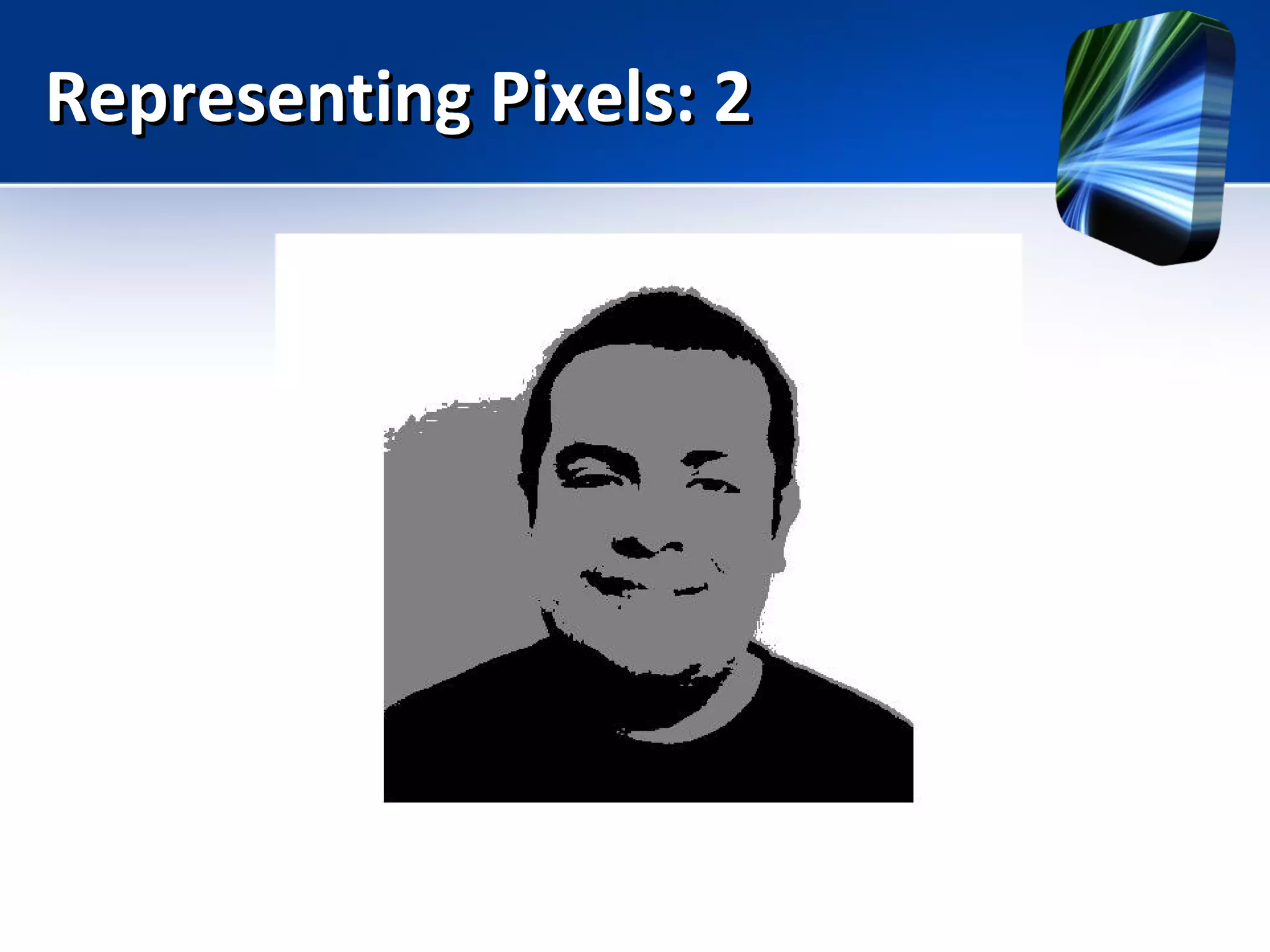
Representing Pixels: 2Representing Pixels: 2
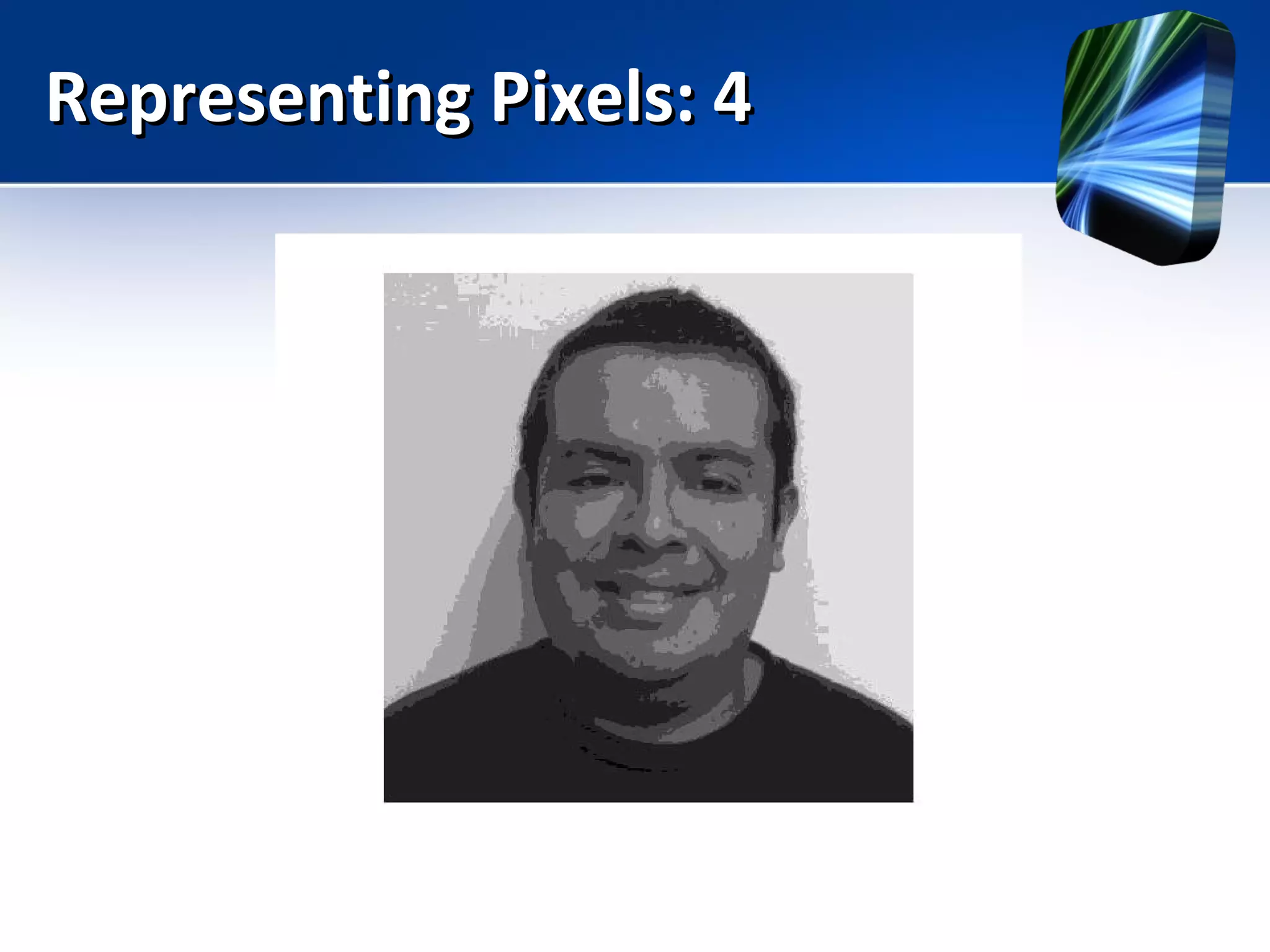
Representing Pixels: 4Representing Pixels: 4
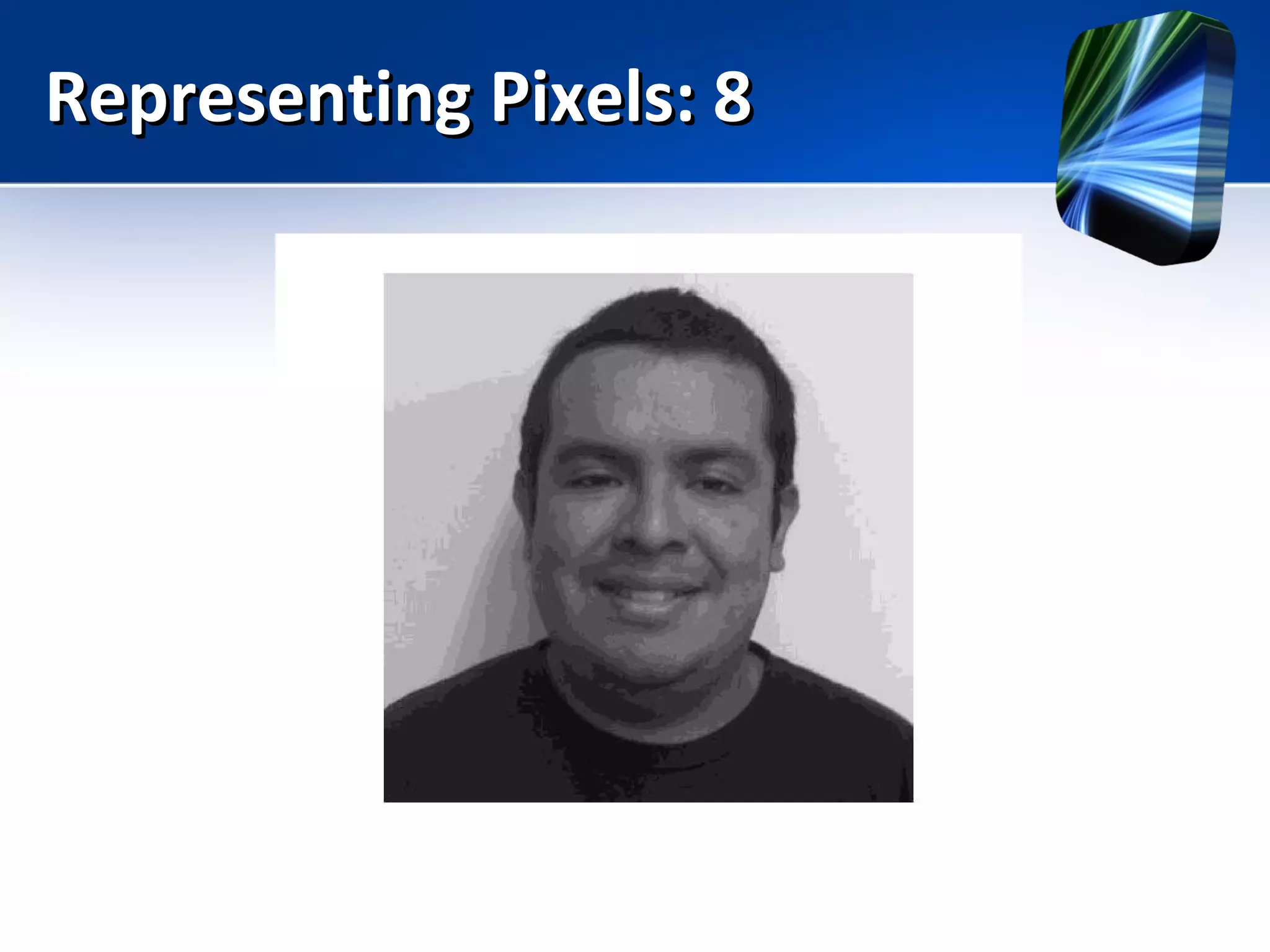
Representing Pixels: 8Representing Pixels: 8
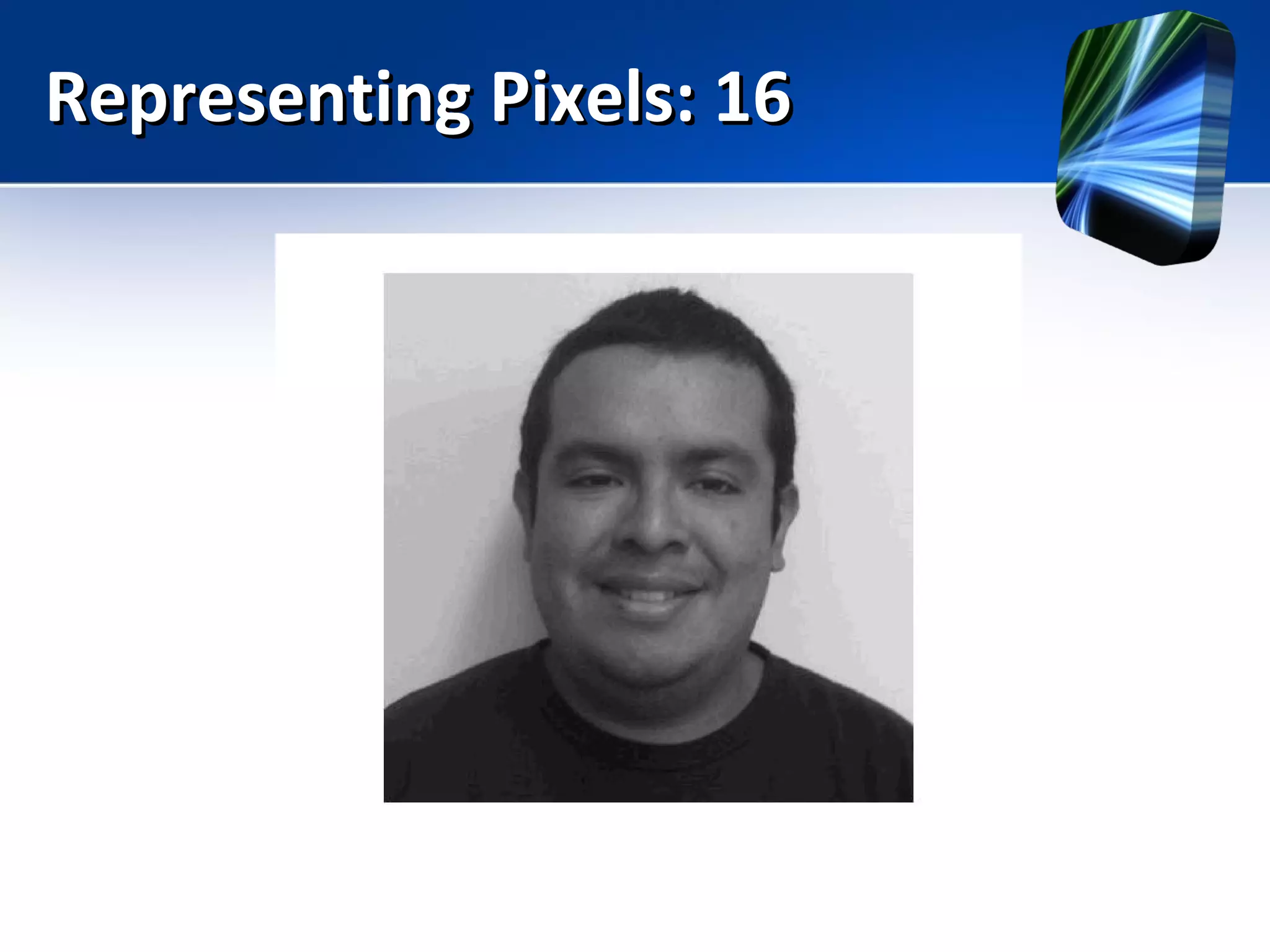
Representing Pixels: 16Representing Pixels: 16
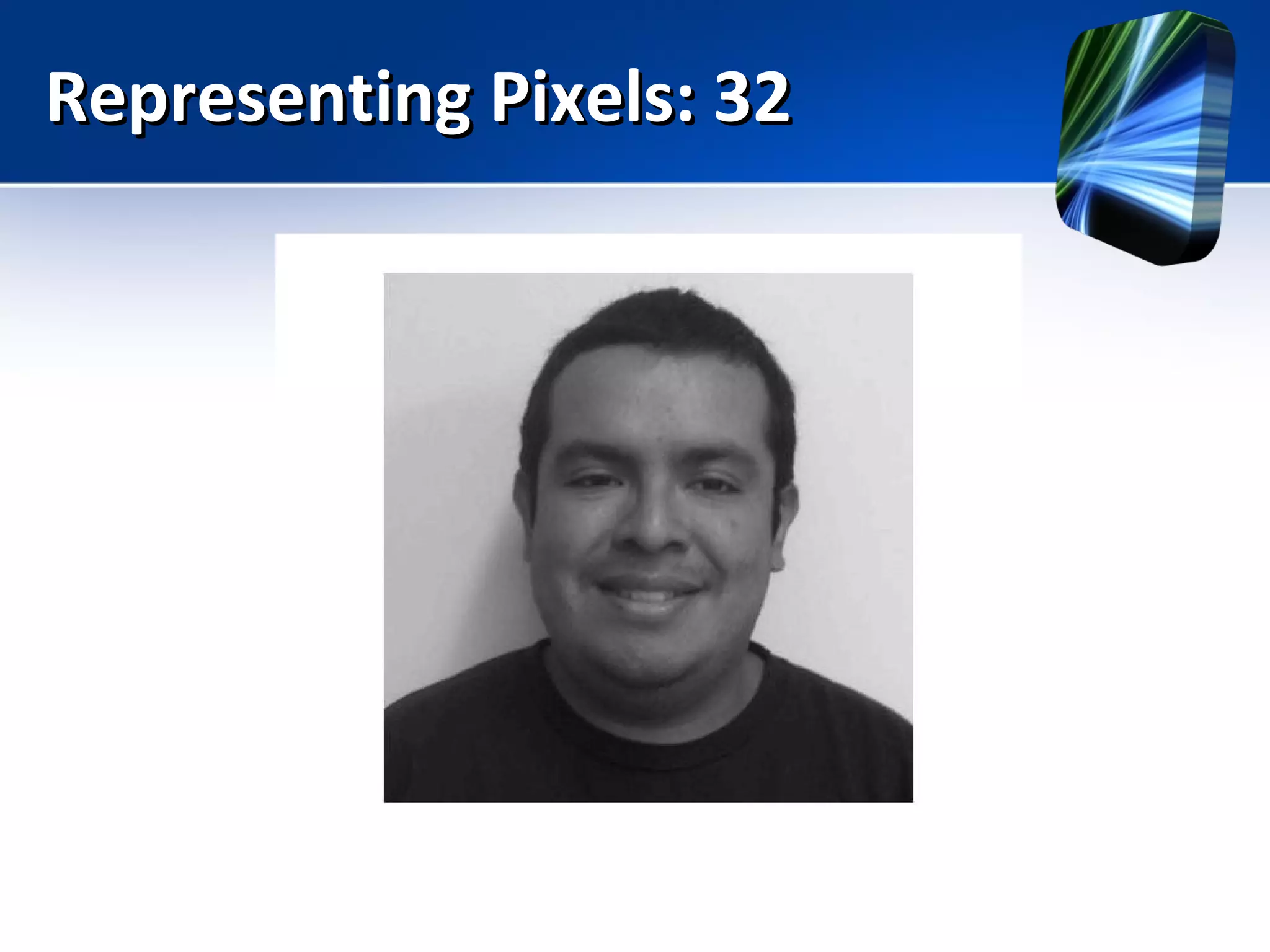
Representing Pixels: 32Representing Pixels: 32
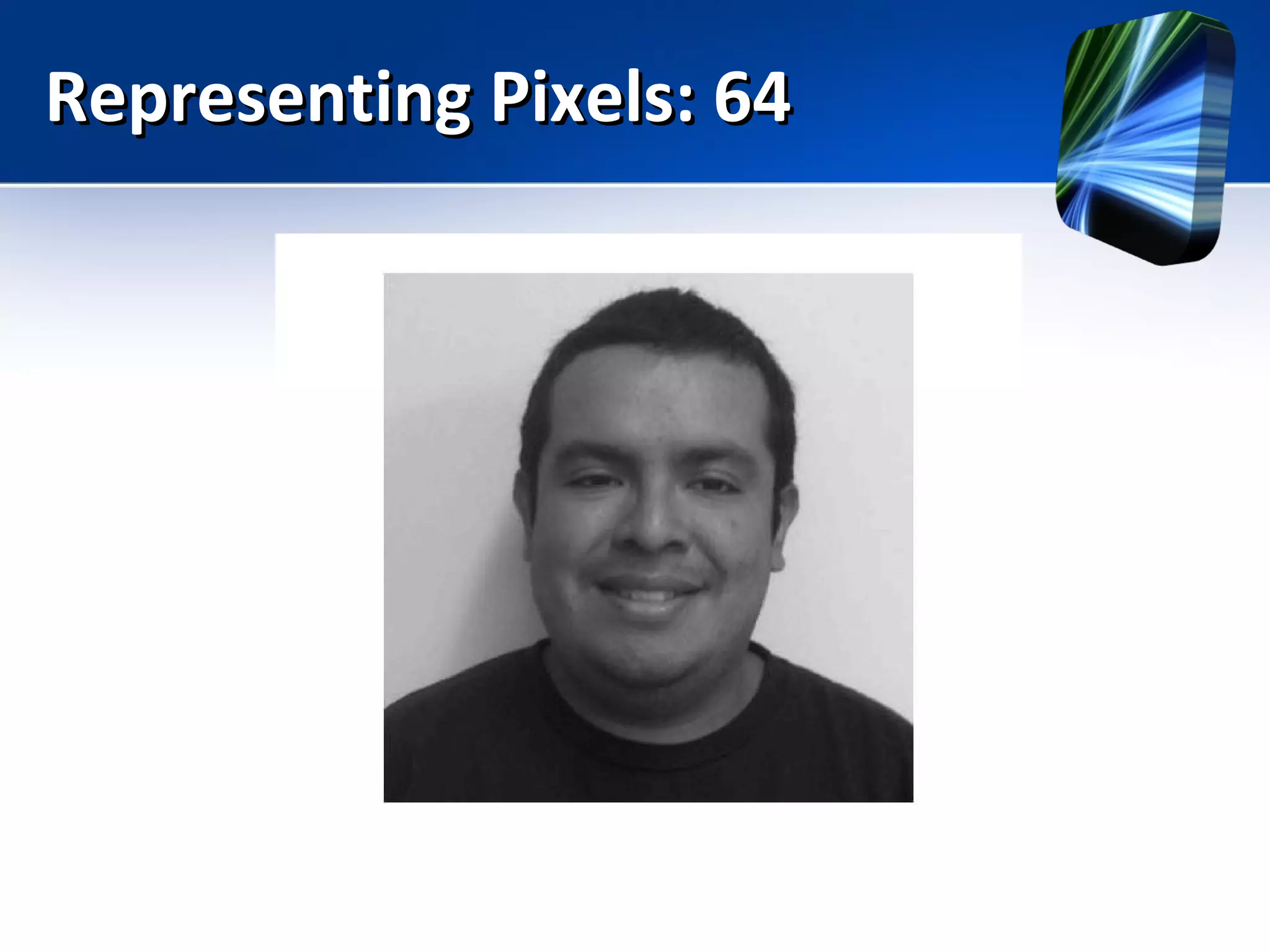
Representing Pixels: 64Representing Pixels: 64
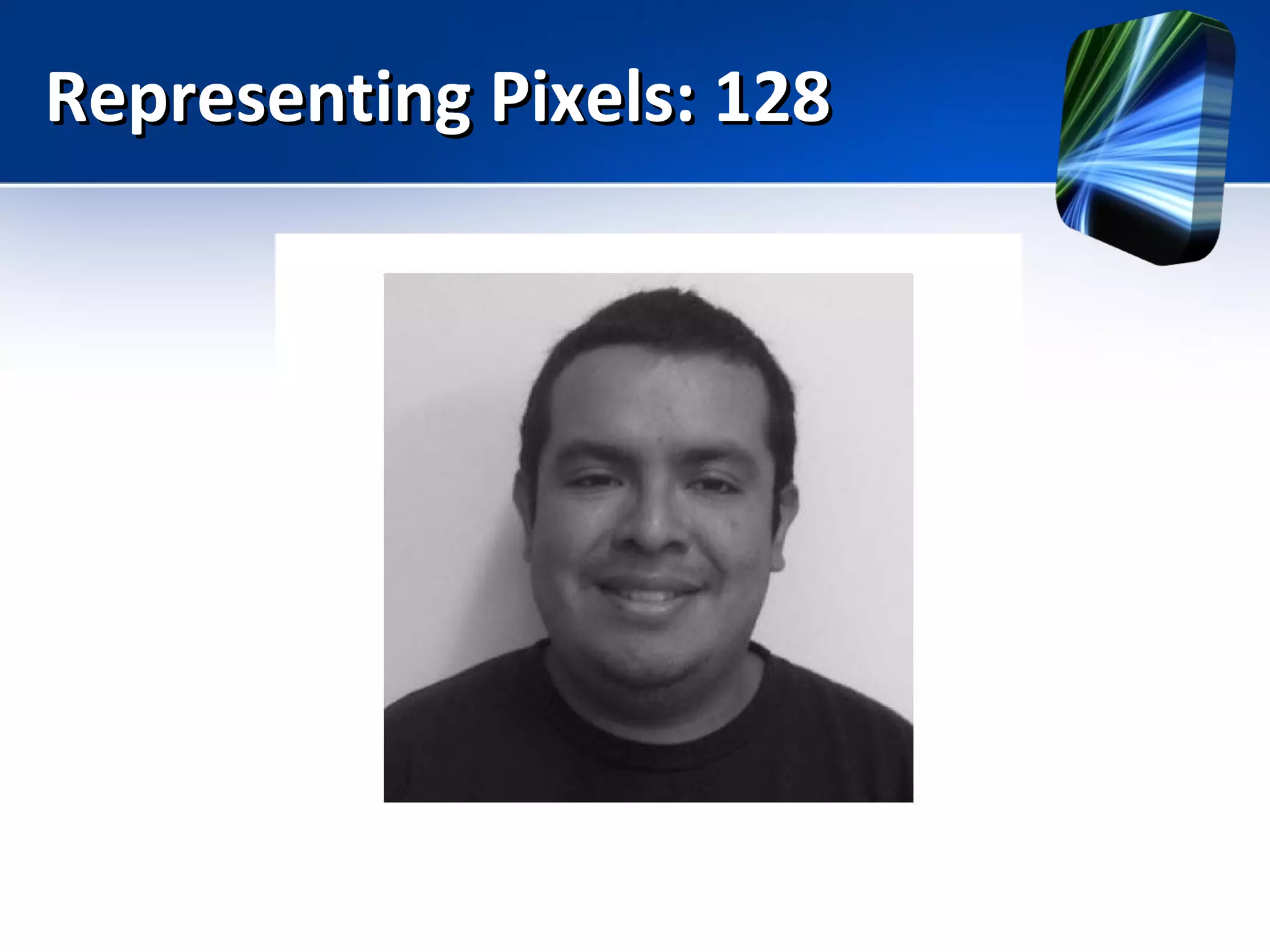
Representing Pixels: 128Representing Pixels: 128
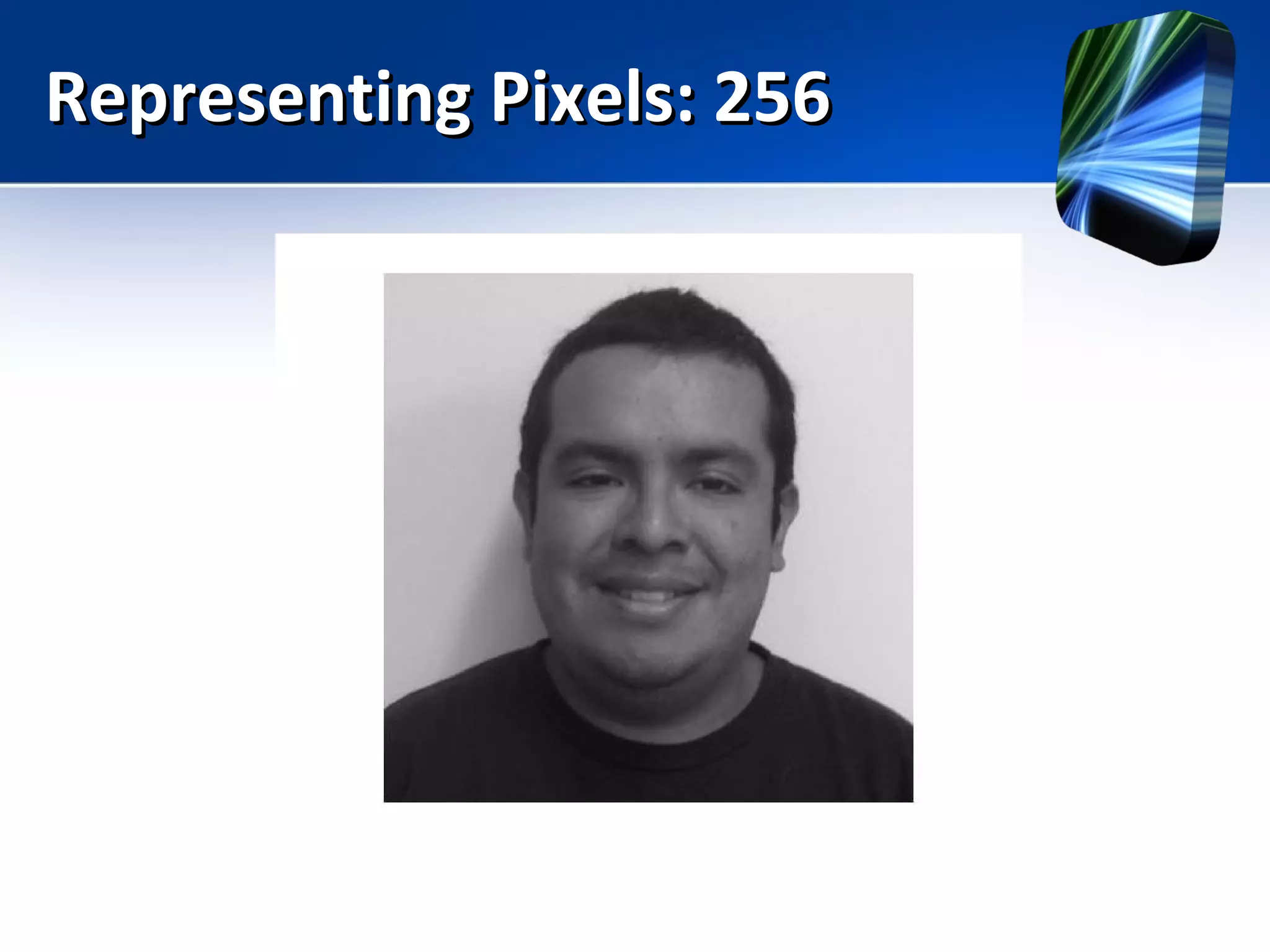
Representing Pixels: 256Representing Pixels: 256
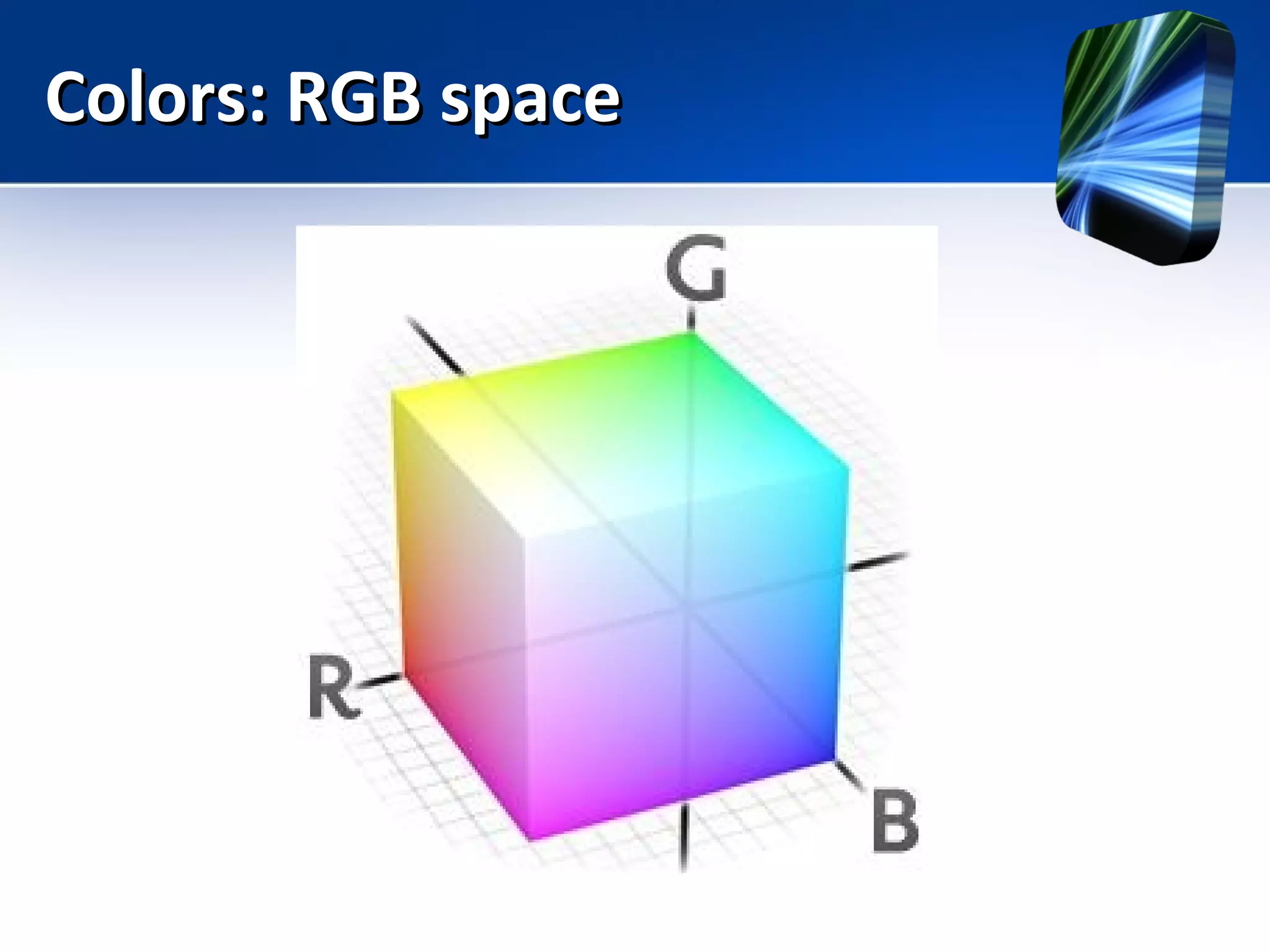
Colors: RGB spaceColors: RGB space
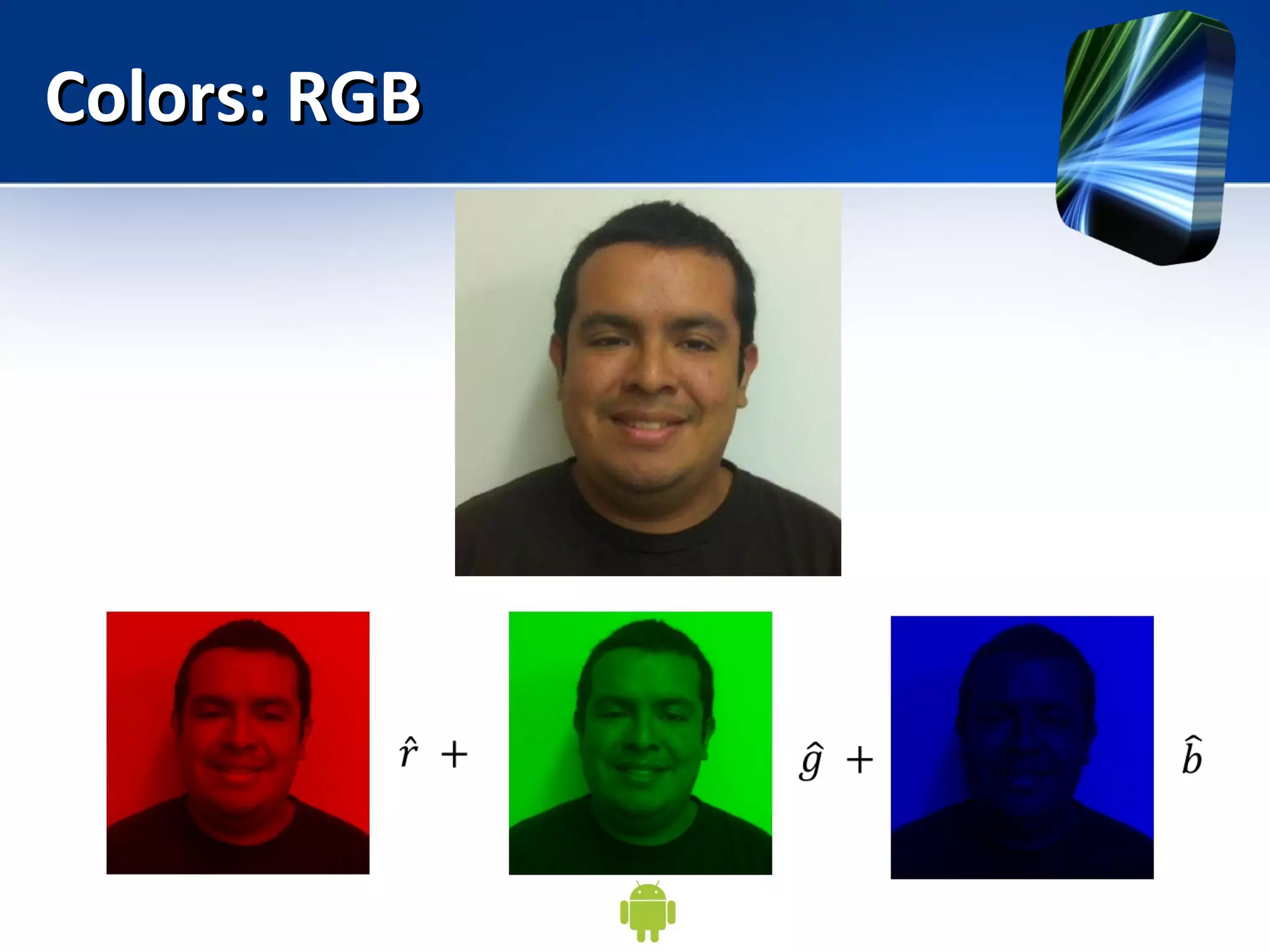
Colors: RGBColors: RGB
Lab: Image loading, colorLab: Image loading, color
channelschannels
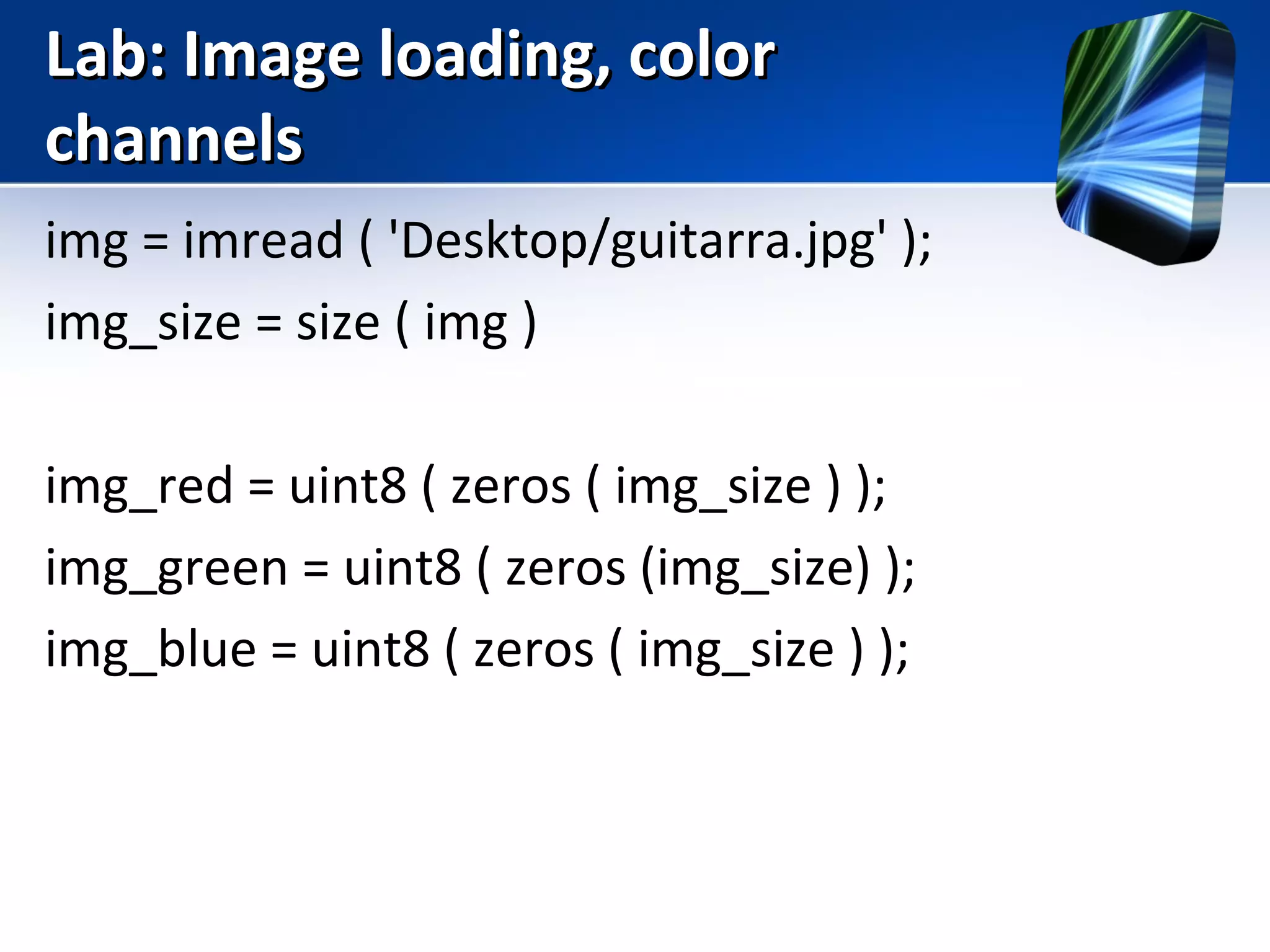
img = imread ( 'Desktop/guitarra.jpg' );
img_size = size ( img )
img_red = uint8 ( zeros ( img_size ) );
img_green = uint8 ( zeros (img_size) );
img_blue = uint8 ( zeros ( img_size ) );
Lab: Image loading, colorLab: Image loading, color
channelschannels
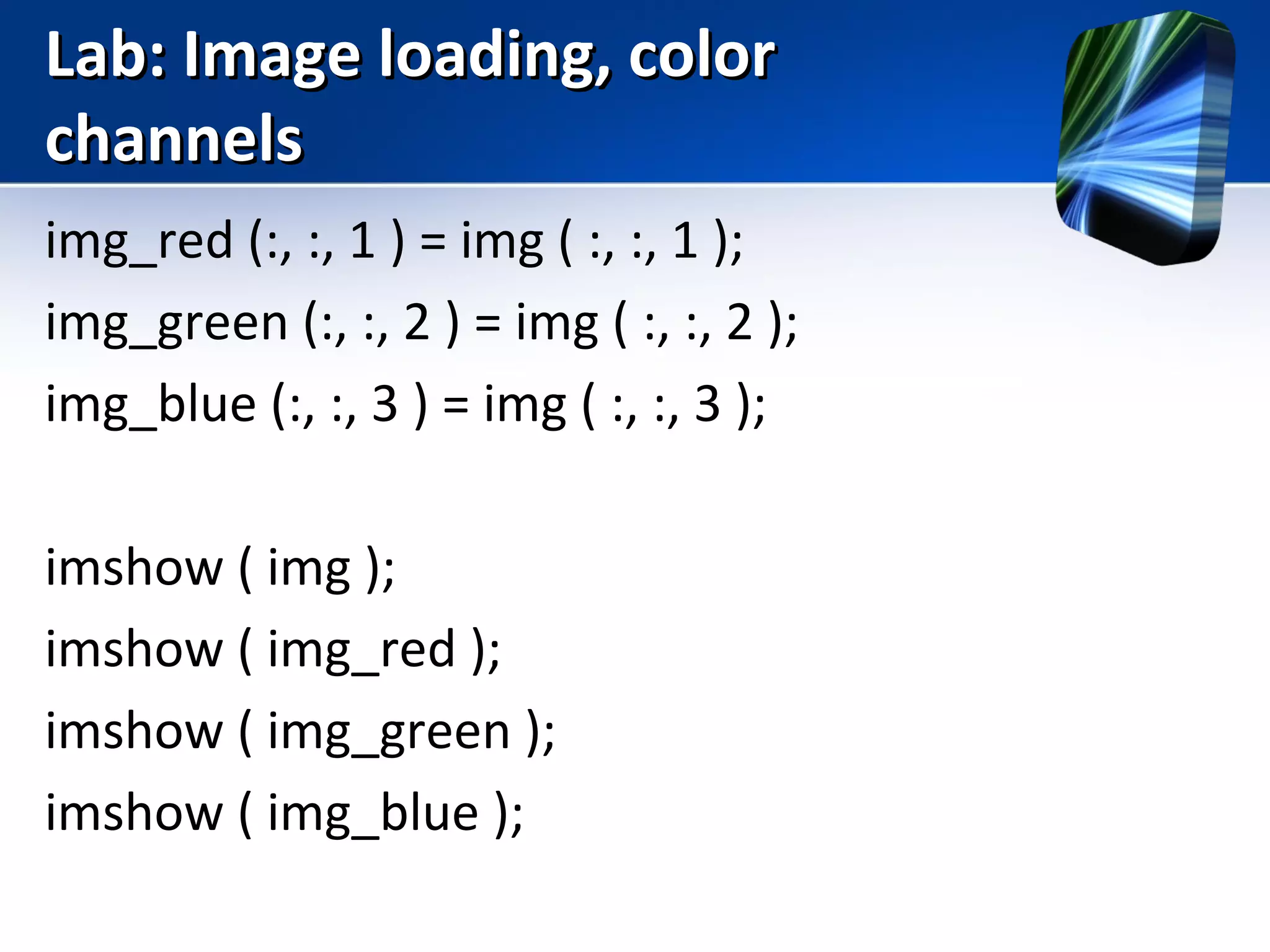
img_red (:, :, 1 ) = img ( :, :, 1 );
img_green (:, :, 2 ) = img ( :, :, 2 );
img_blue (:, :, 3 ) = img ( :, :, 3 );
imshow ( img );
imshow ( img_red );
imshow ( img_green );
imshow ( img_blue );
Lab: Image loading, colorLab: Image loading, color
channelschannels
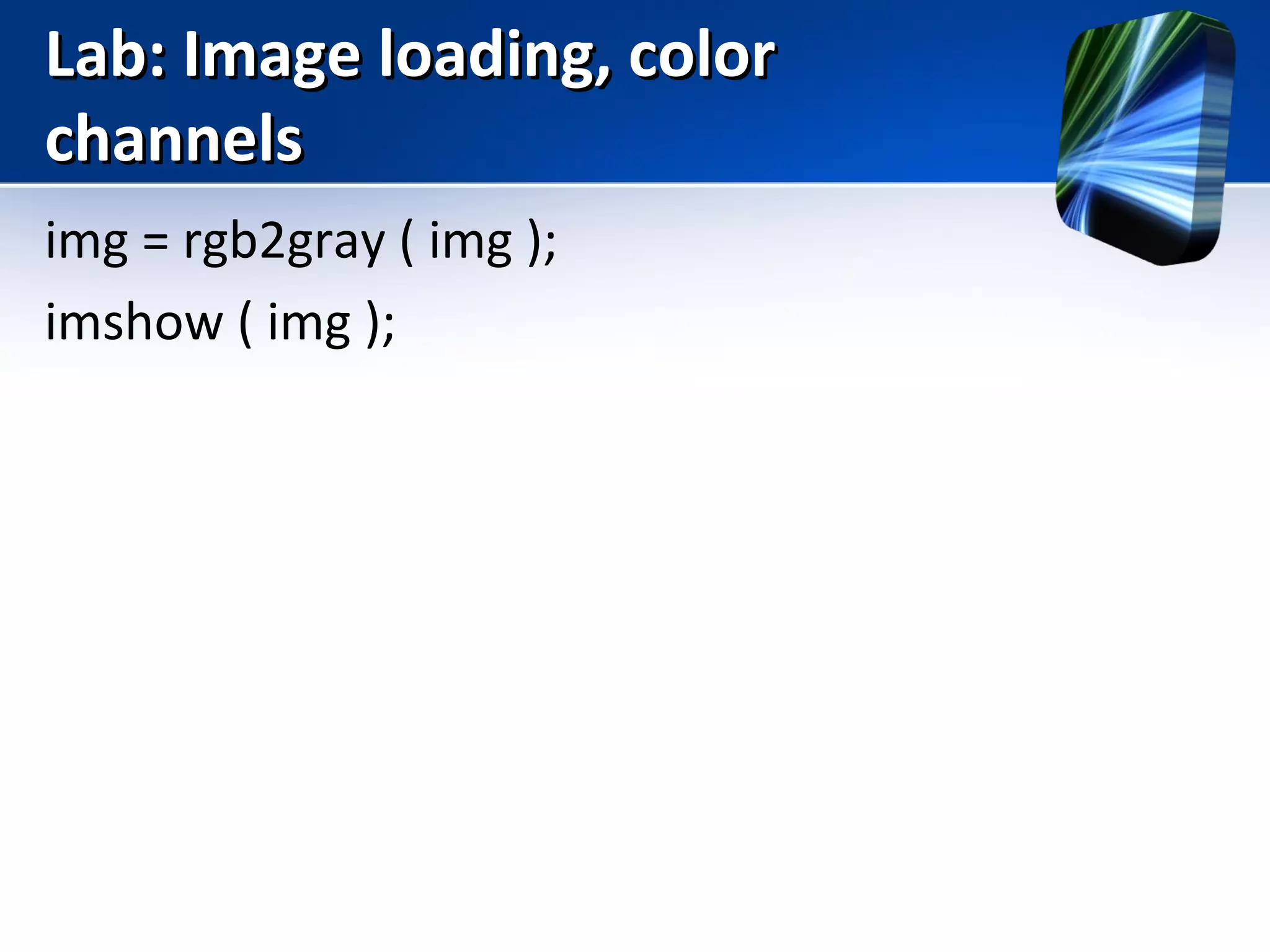
img = rgb2gray ( img );
imshow ( img );
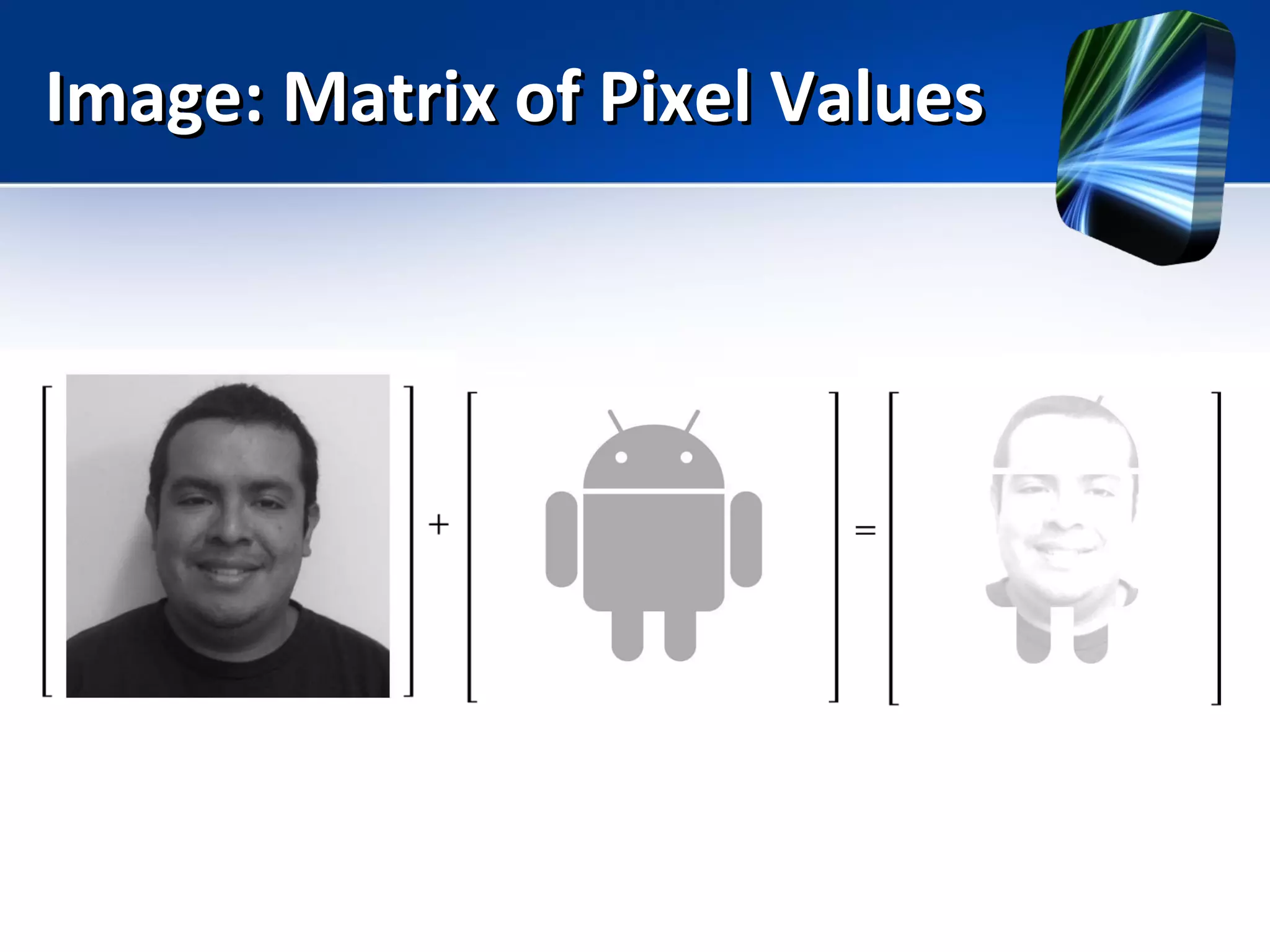
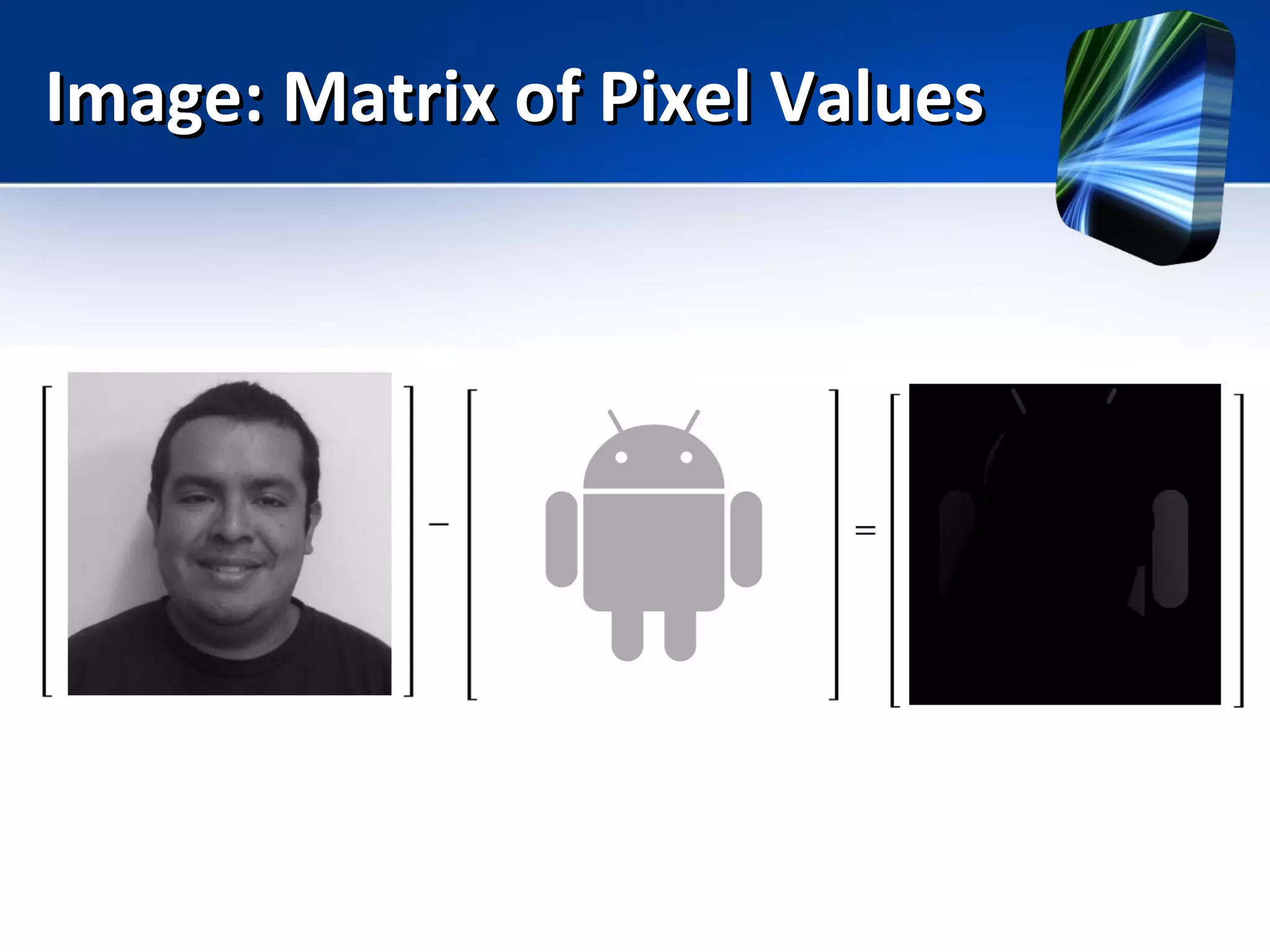
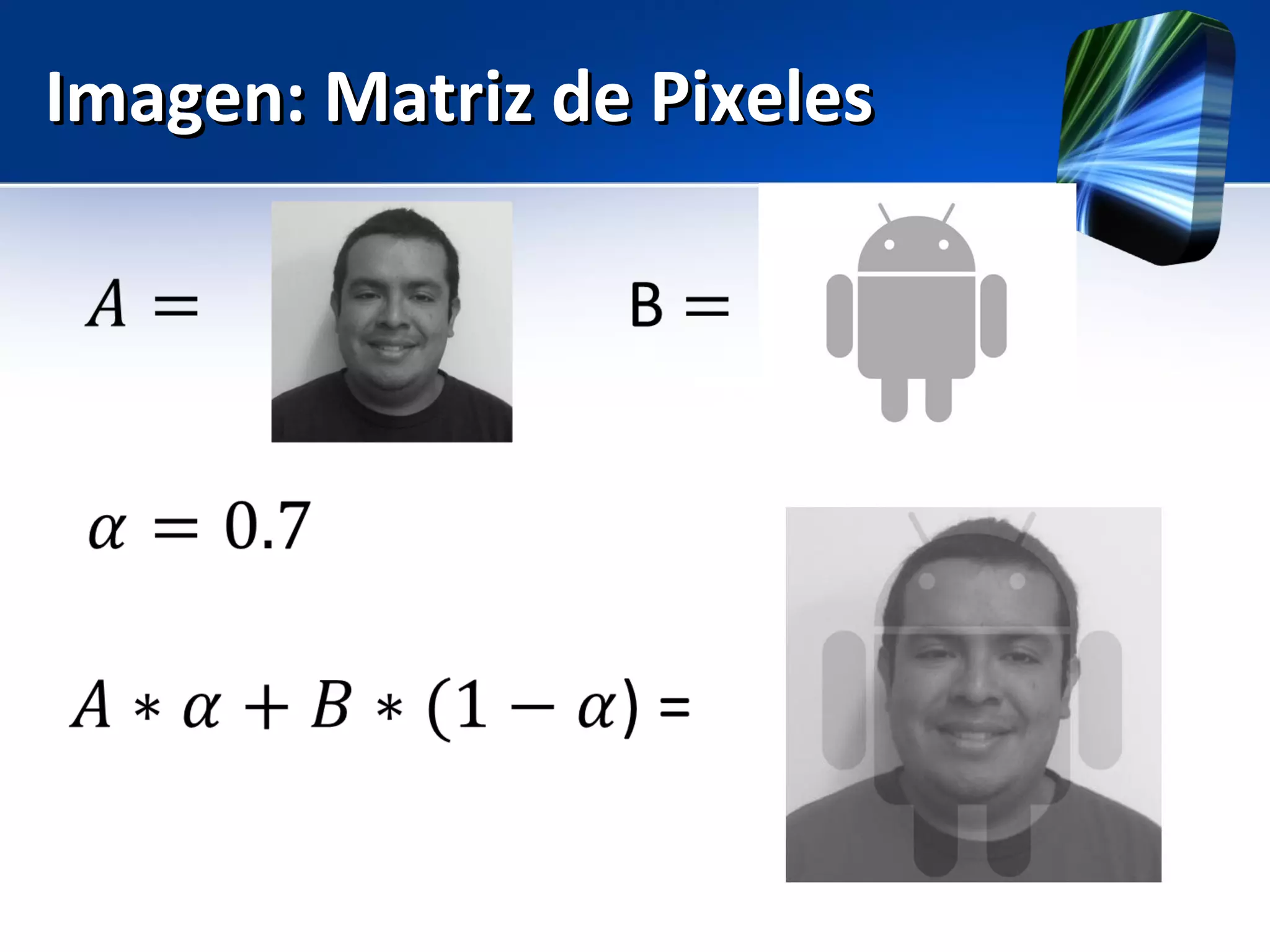
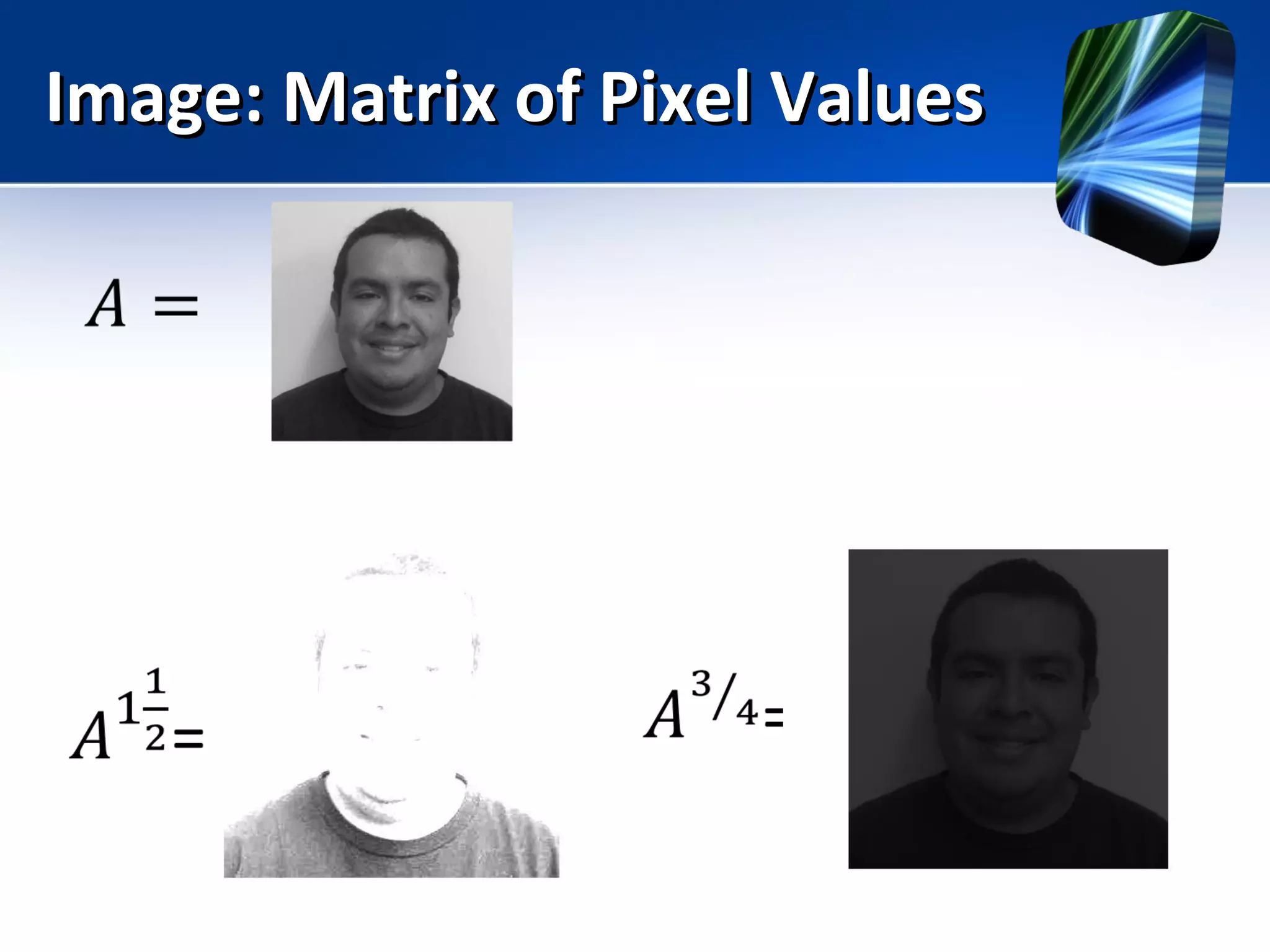
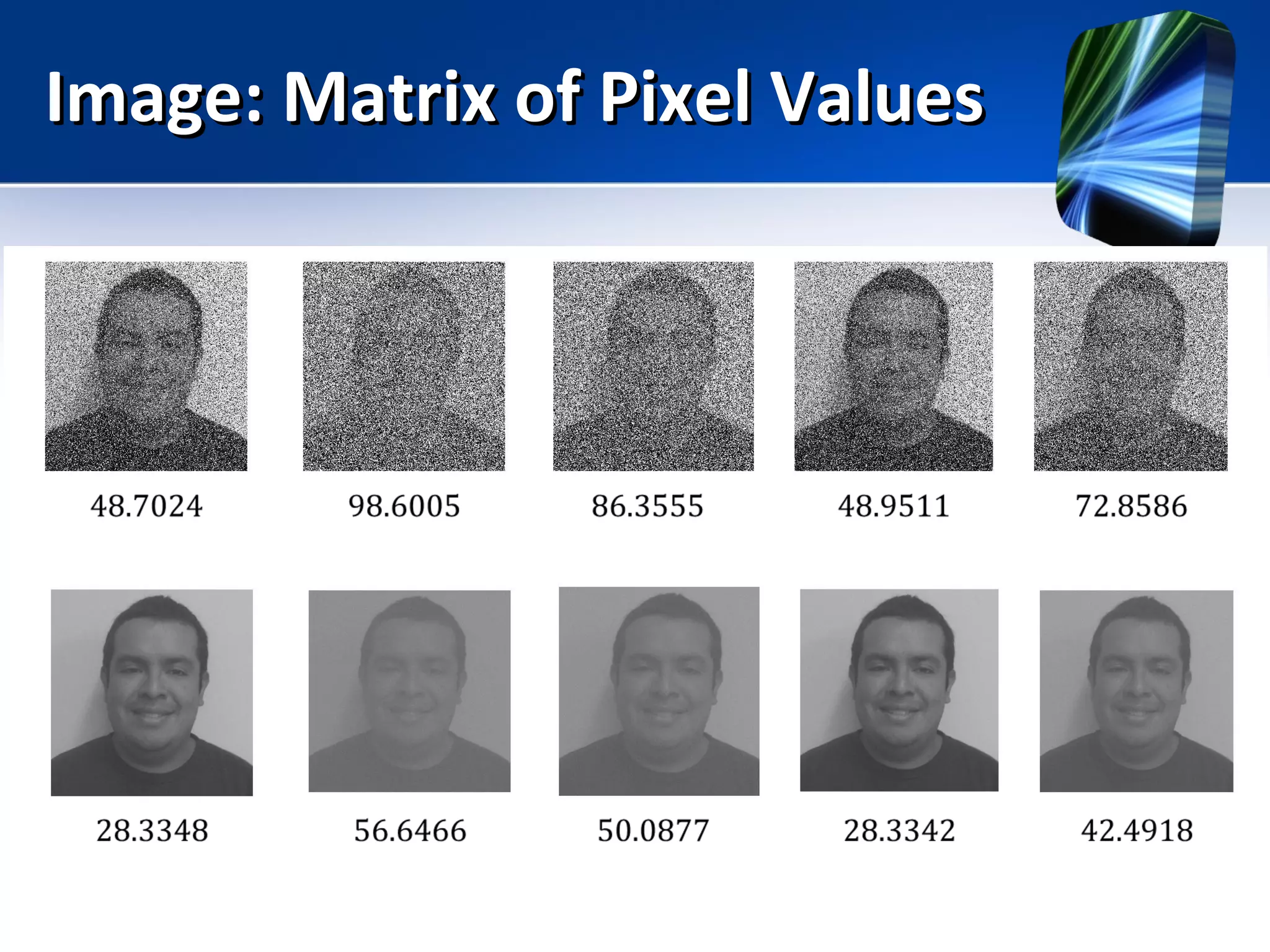
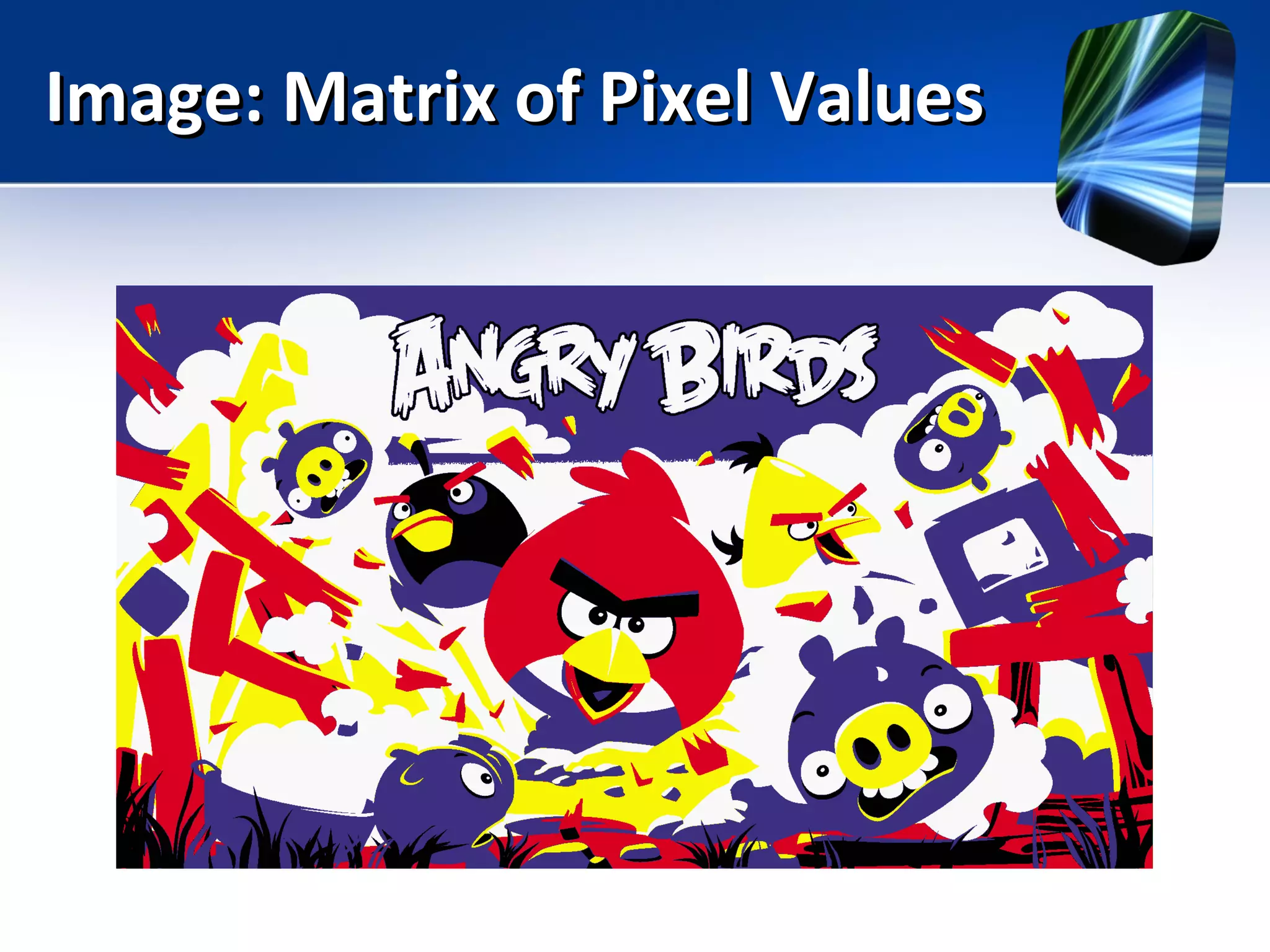
Image: Matrix of Pixel ValuesImage: Matrix of Pixel Values
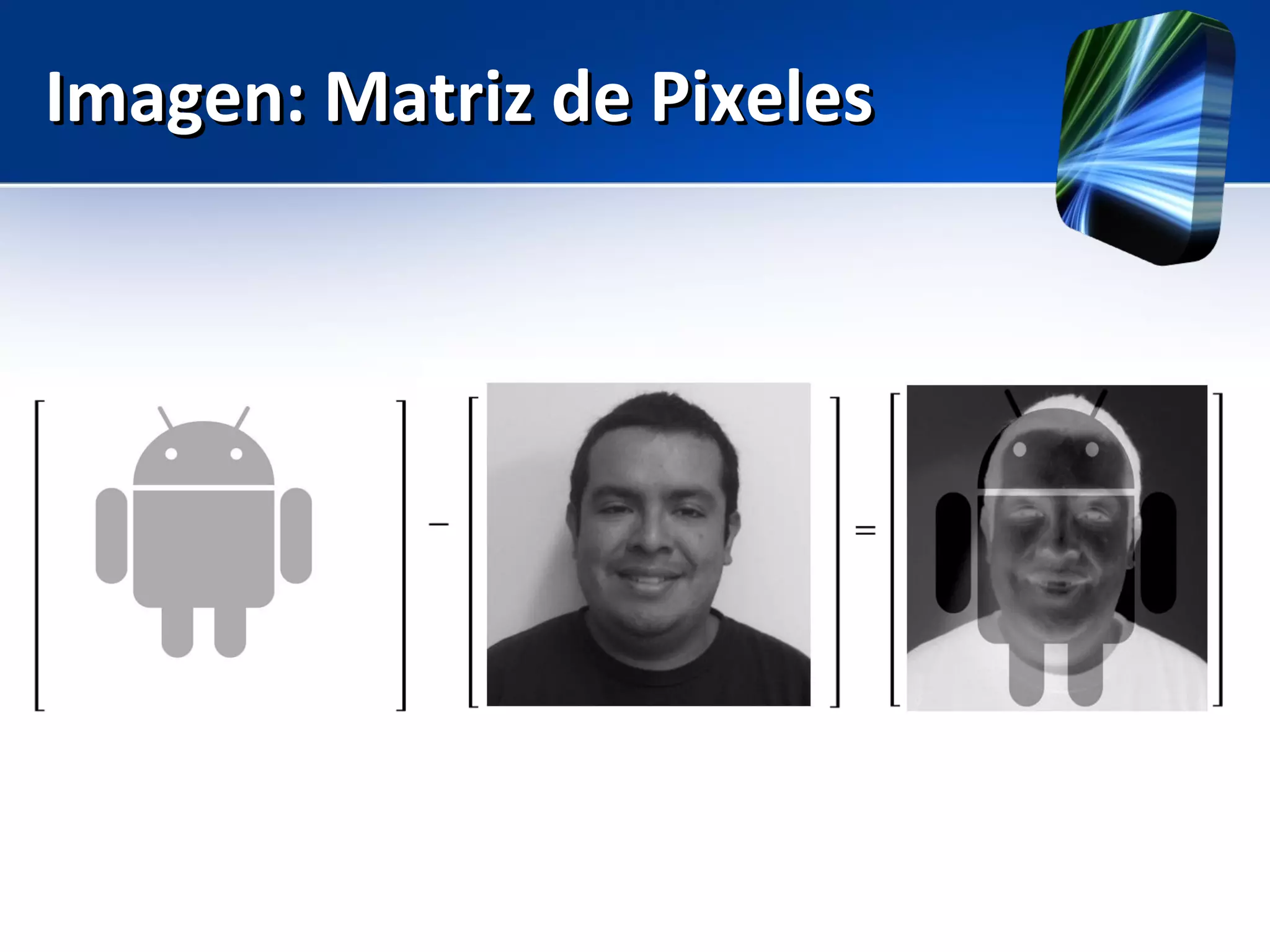
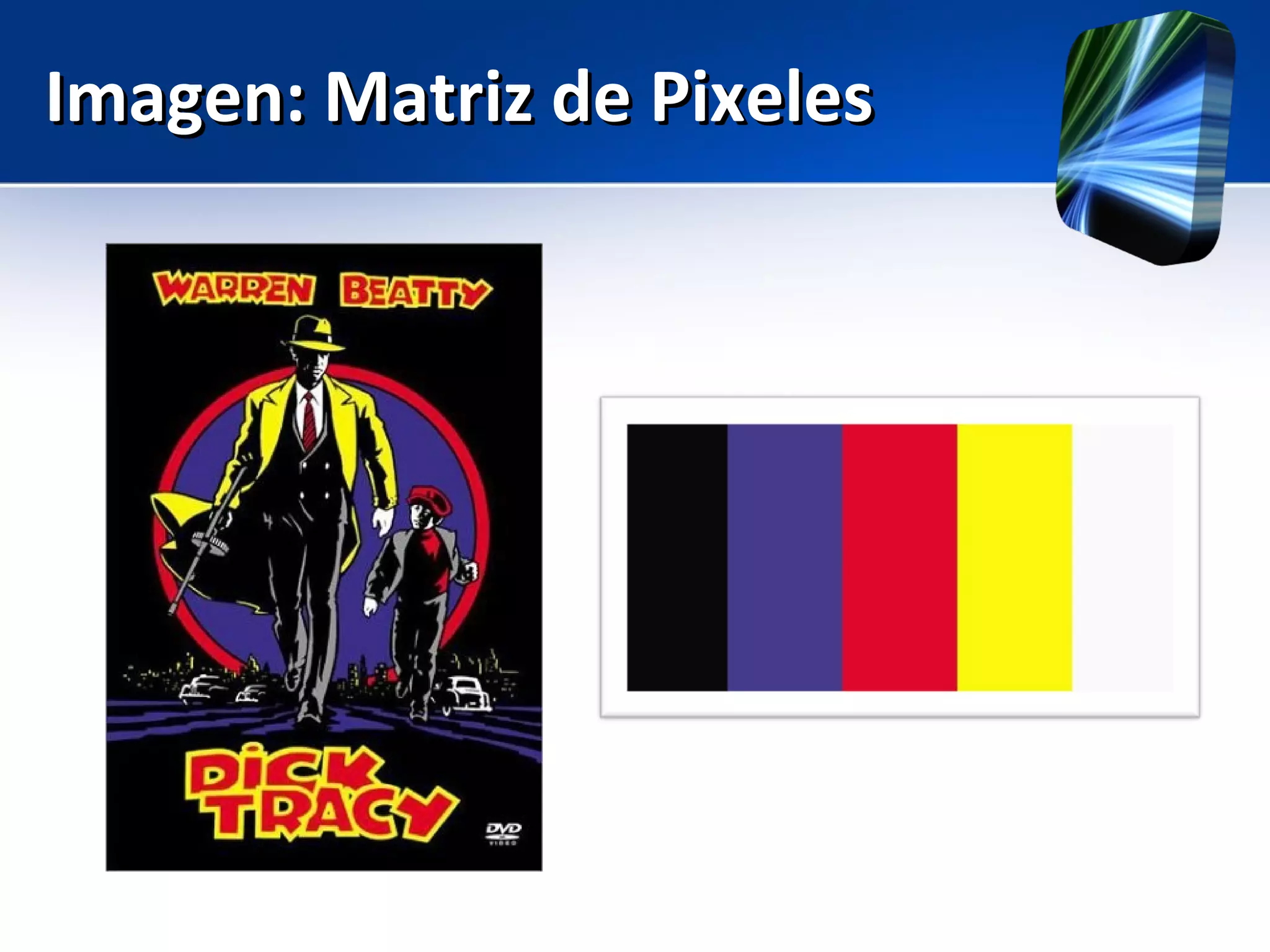
Imagen: Matriz de PixelesImagen: Matriz de Pixeles
Image: Matrix of Pixel ValuesImage: Matrix of Pixel Values
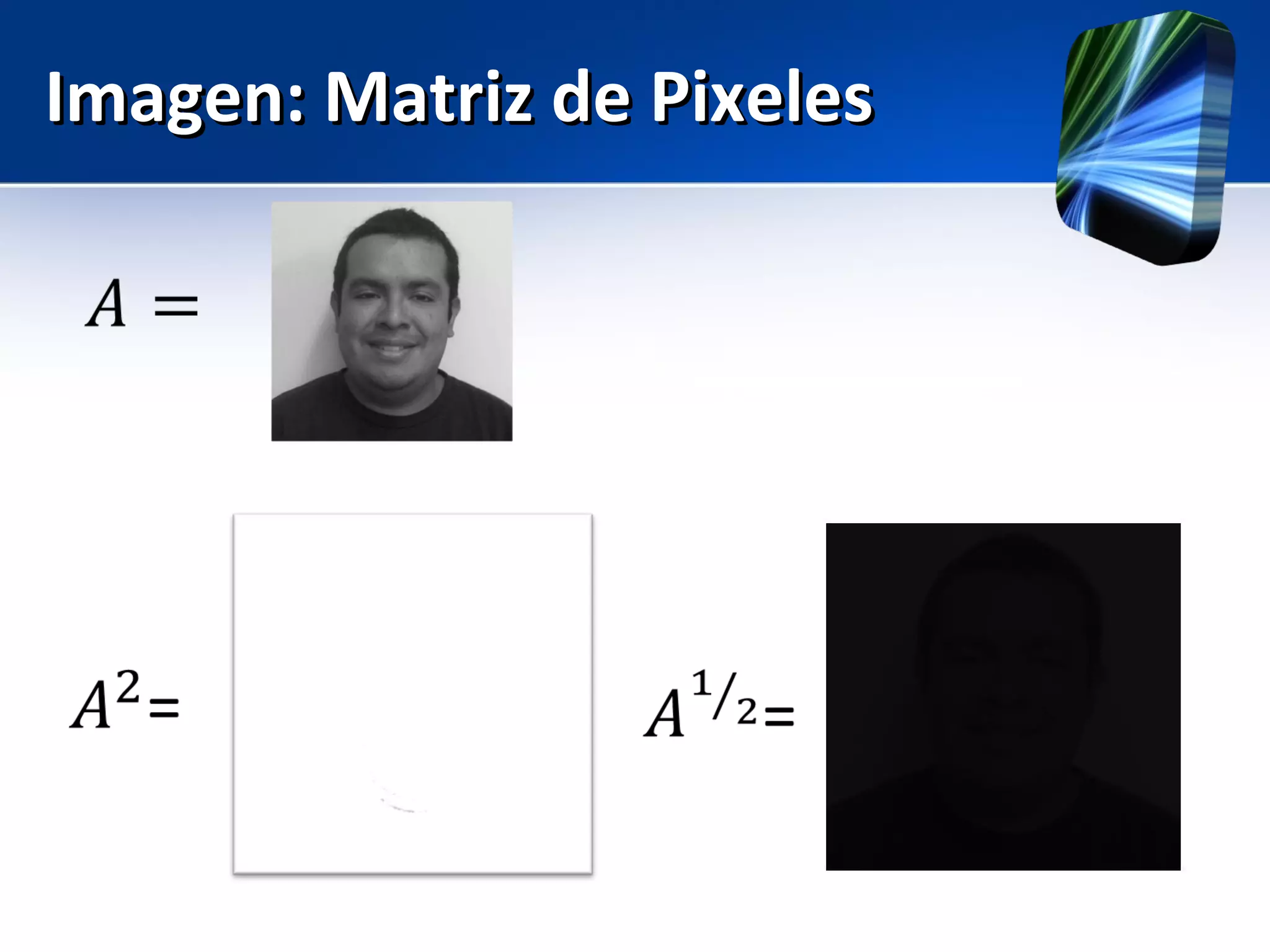
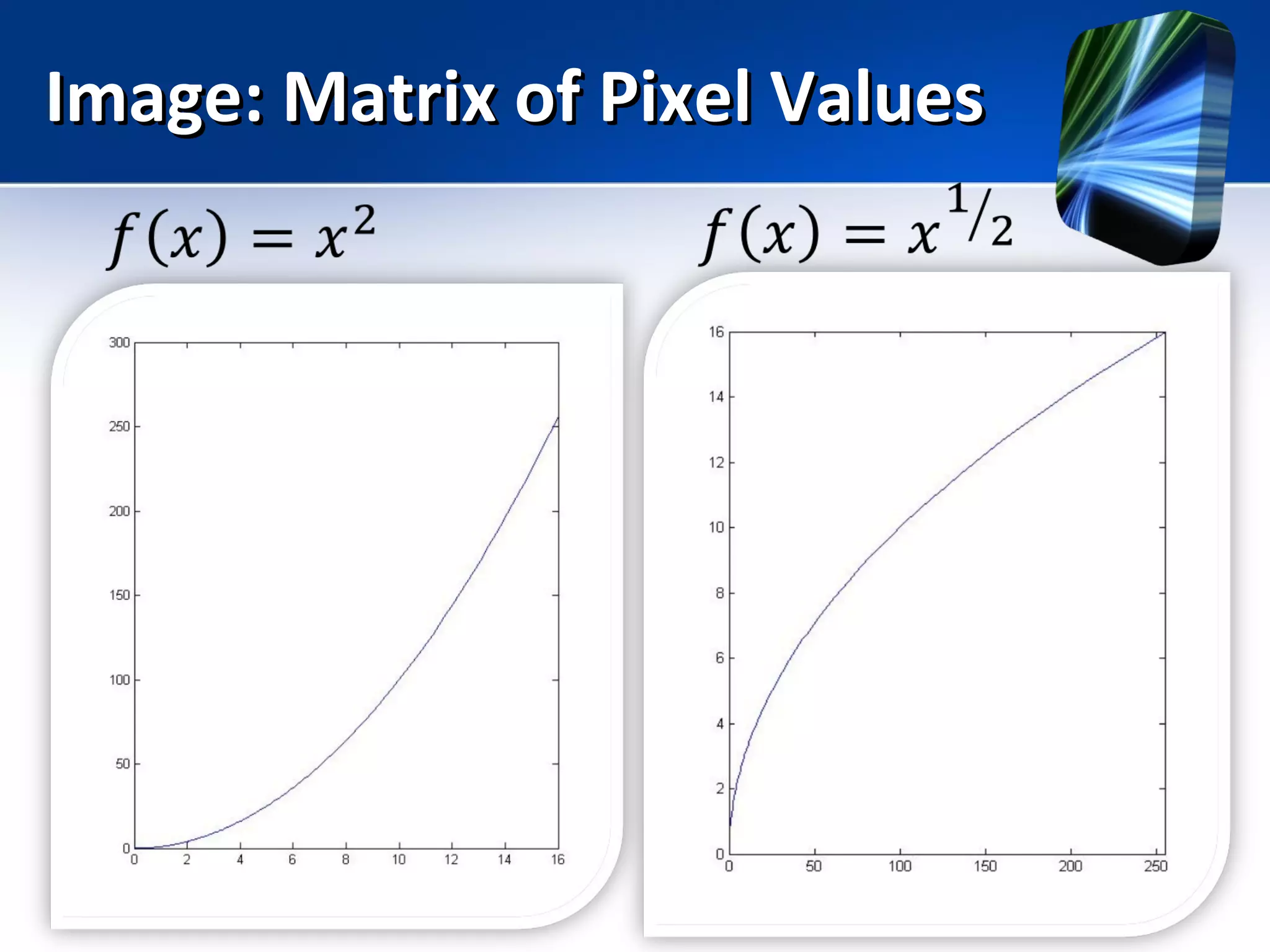
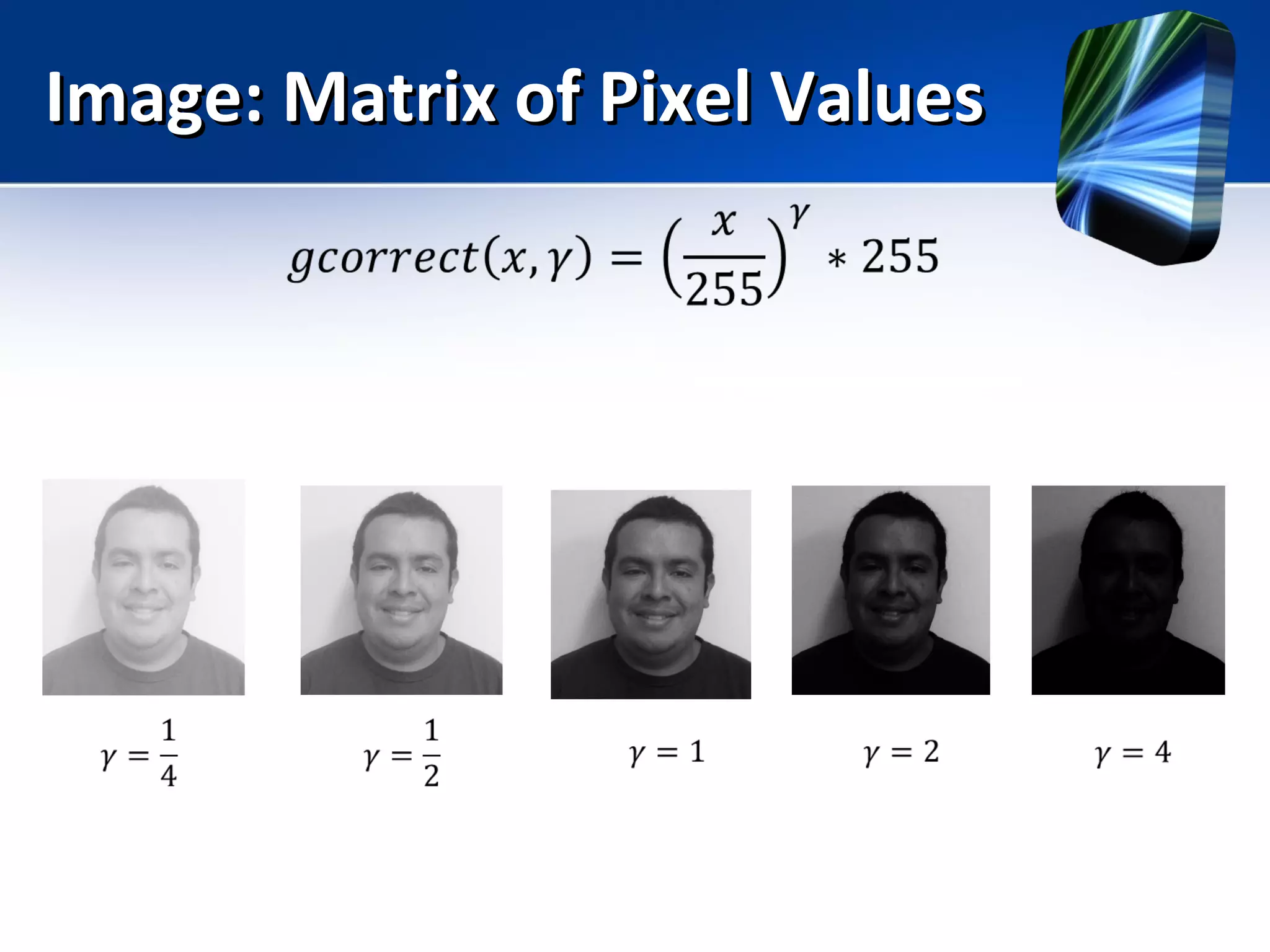
Lab: Gamma CorrectLab: Gamma Correct
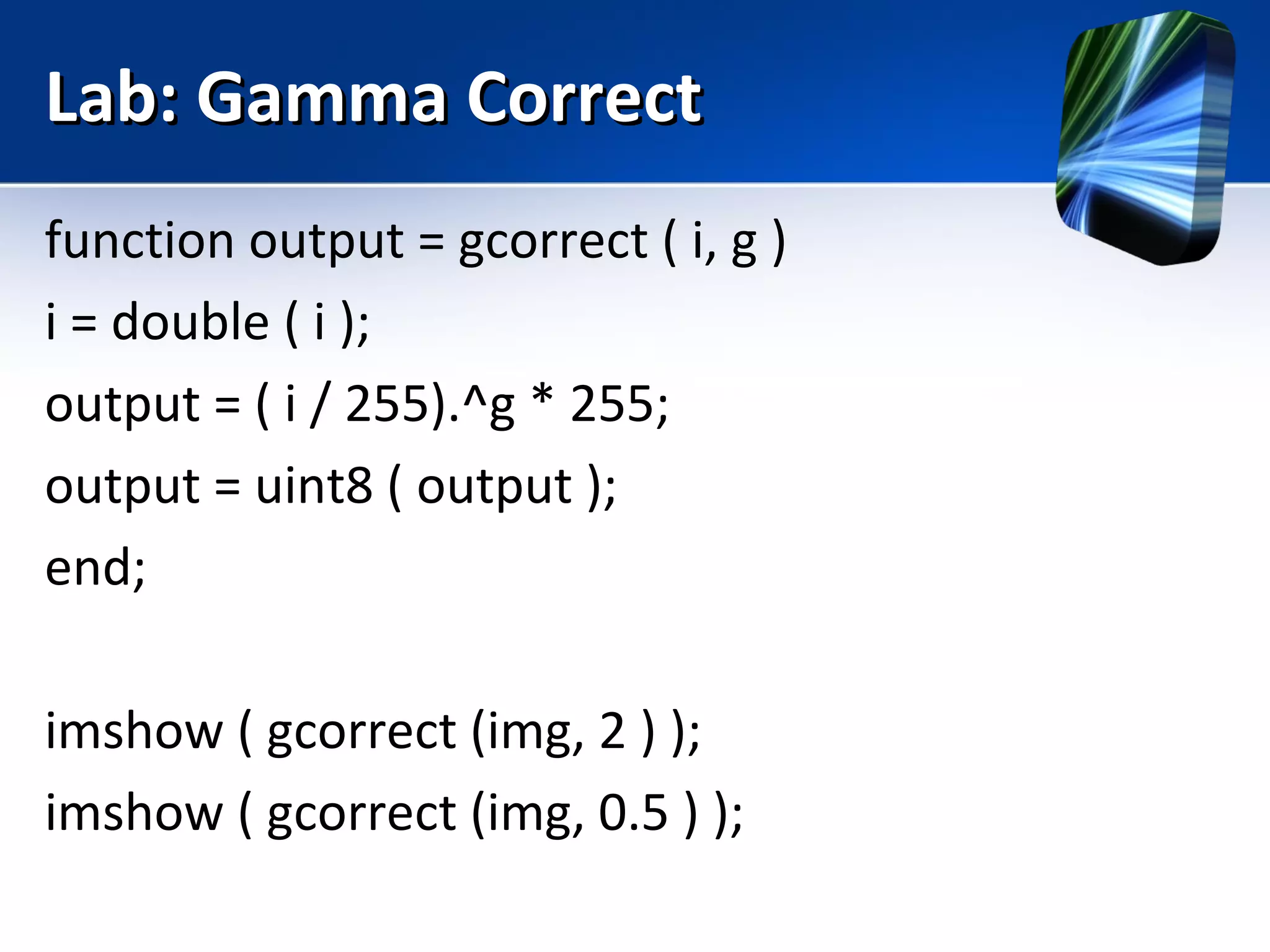
function output = gcorrect ( i, g )
i = double ( i );
output = ( i / 255).^g * 255;
output = uint8 ( output );
end;
imshow ( gcorrect (img, 2 ) );
imshow ( gcorrect (img, 0.5 ) );
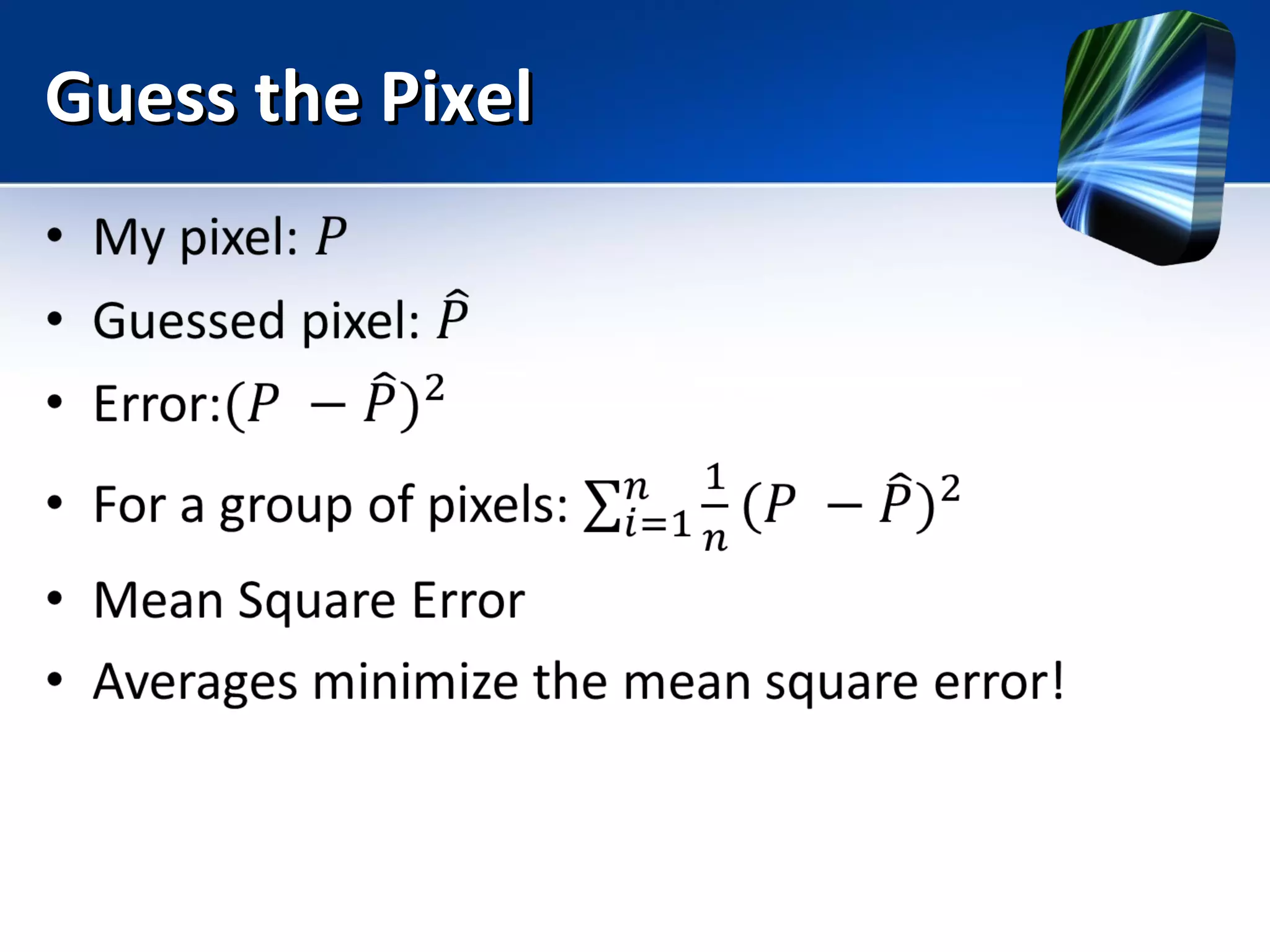
Guess the PixelGuess the Pixel
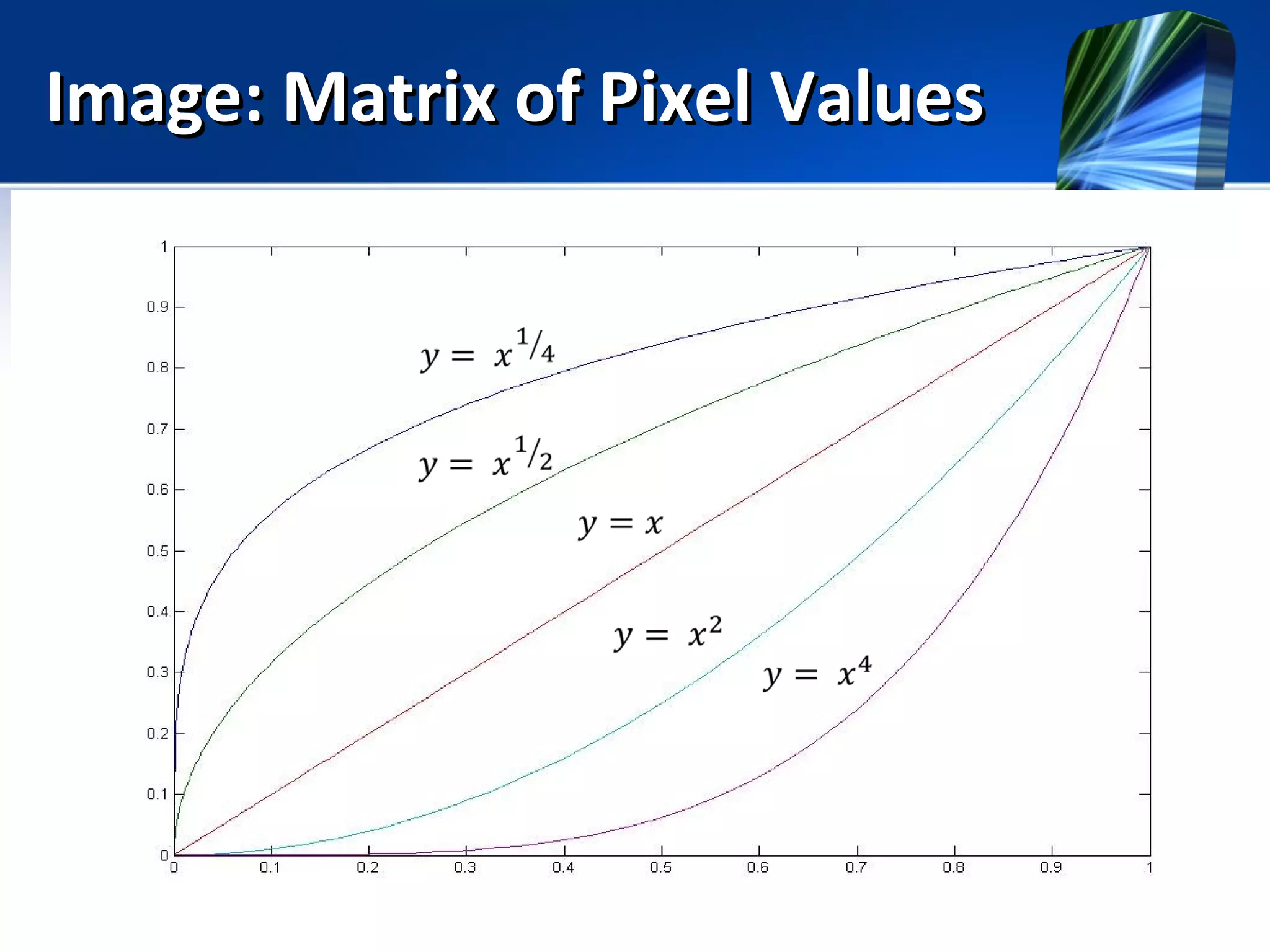
Image: Matrix of Pixel ValuesImage: Matrix of Pixel Values
Imagen: Matriz de PixelesImagen: Matriz de Pixeles
Image: Matrix of Pixel ValuesImage: Matrix of Pixel Values
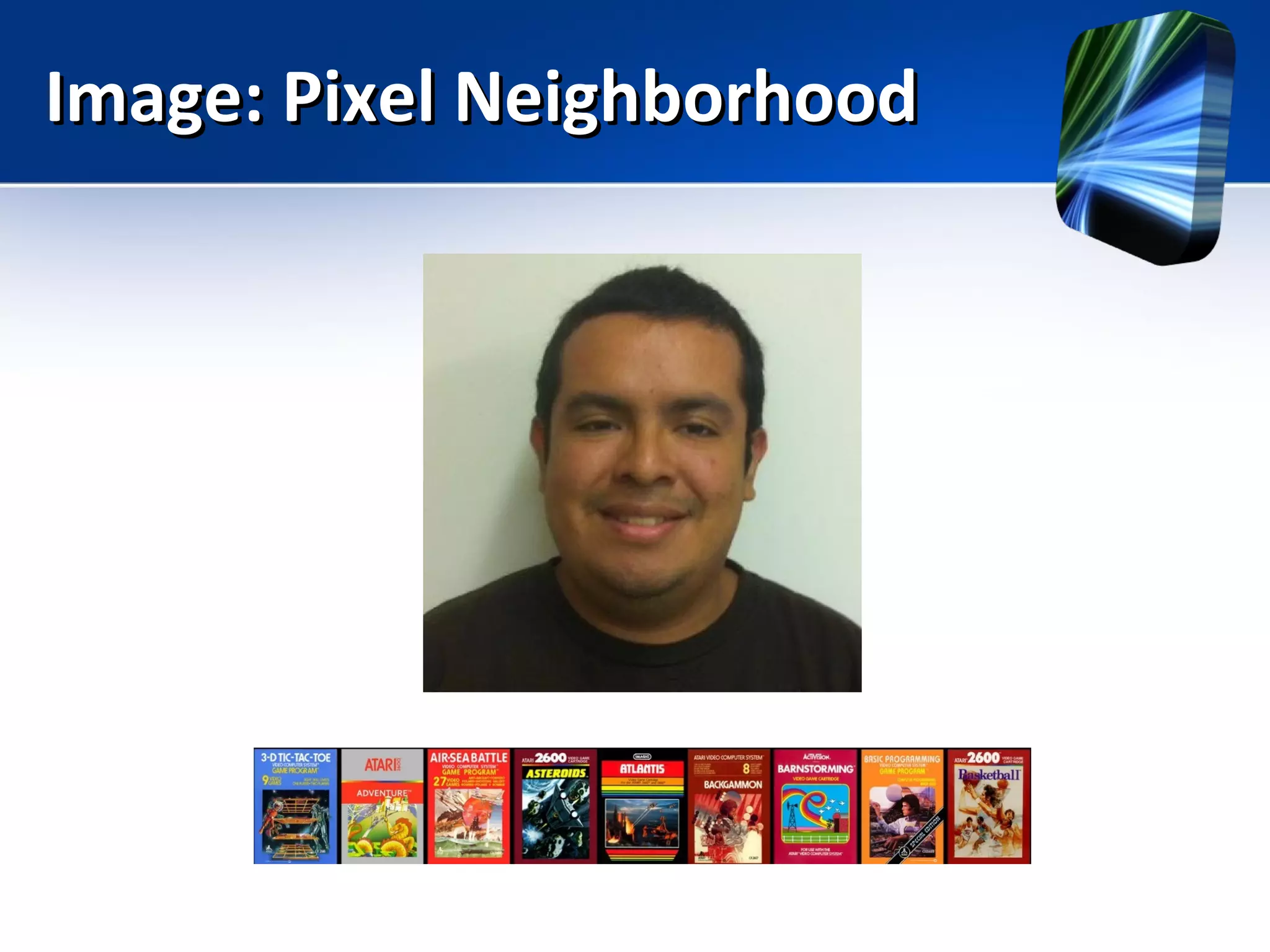
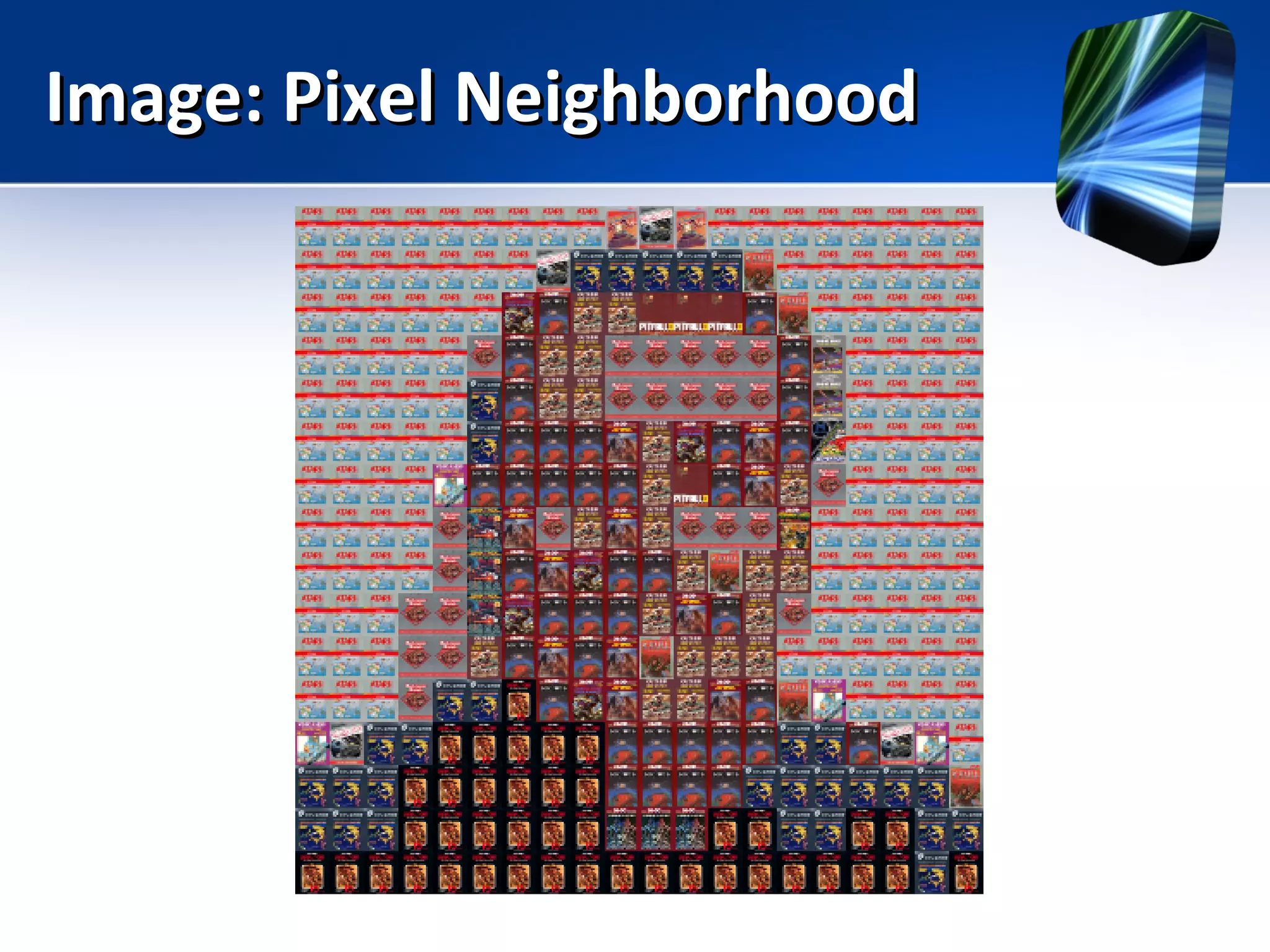
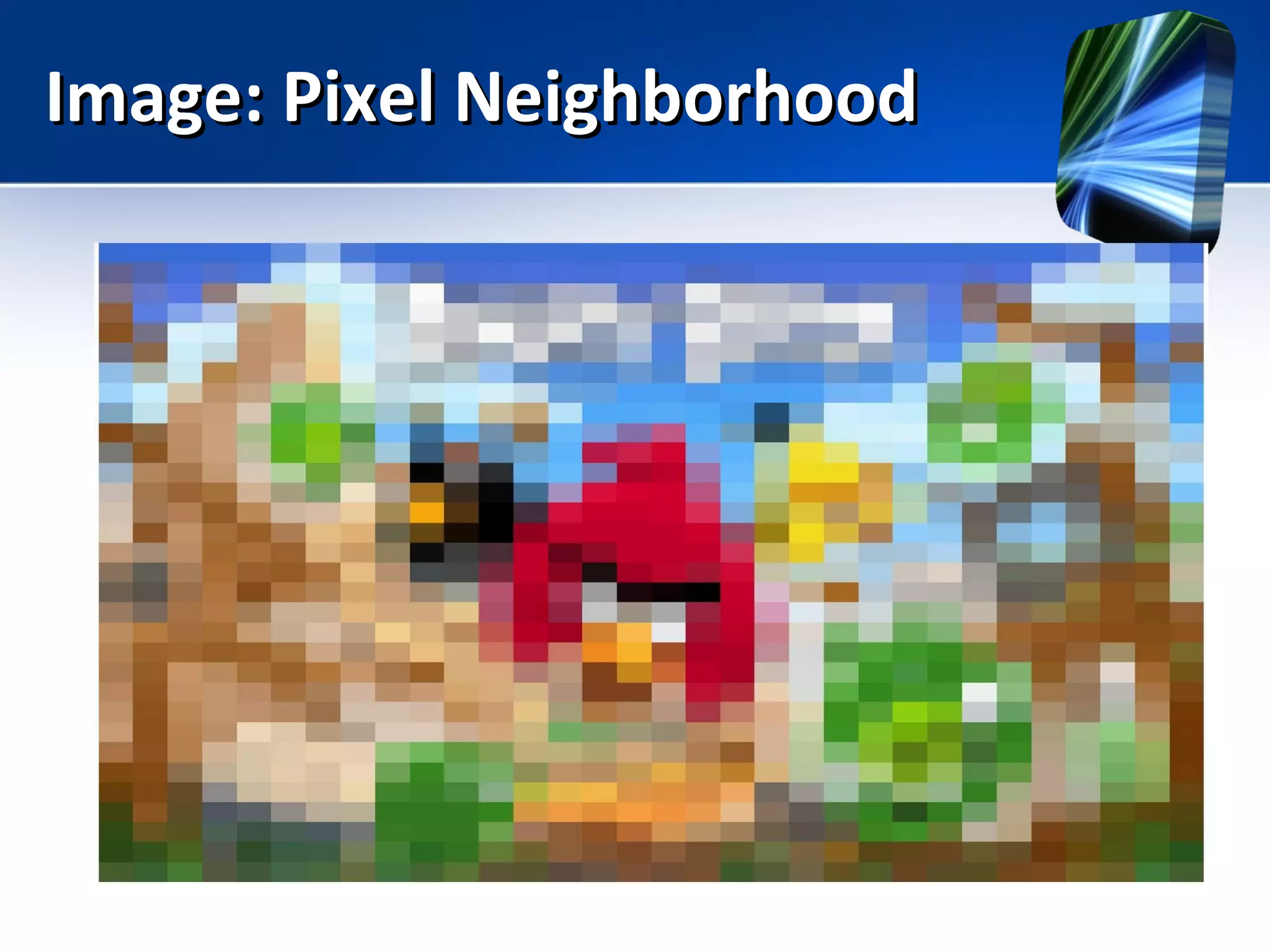
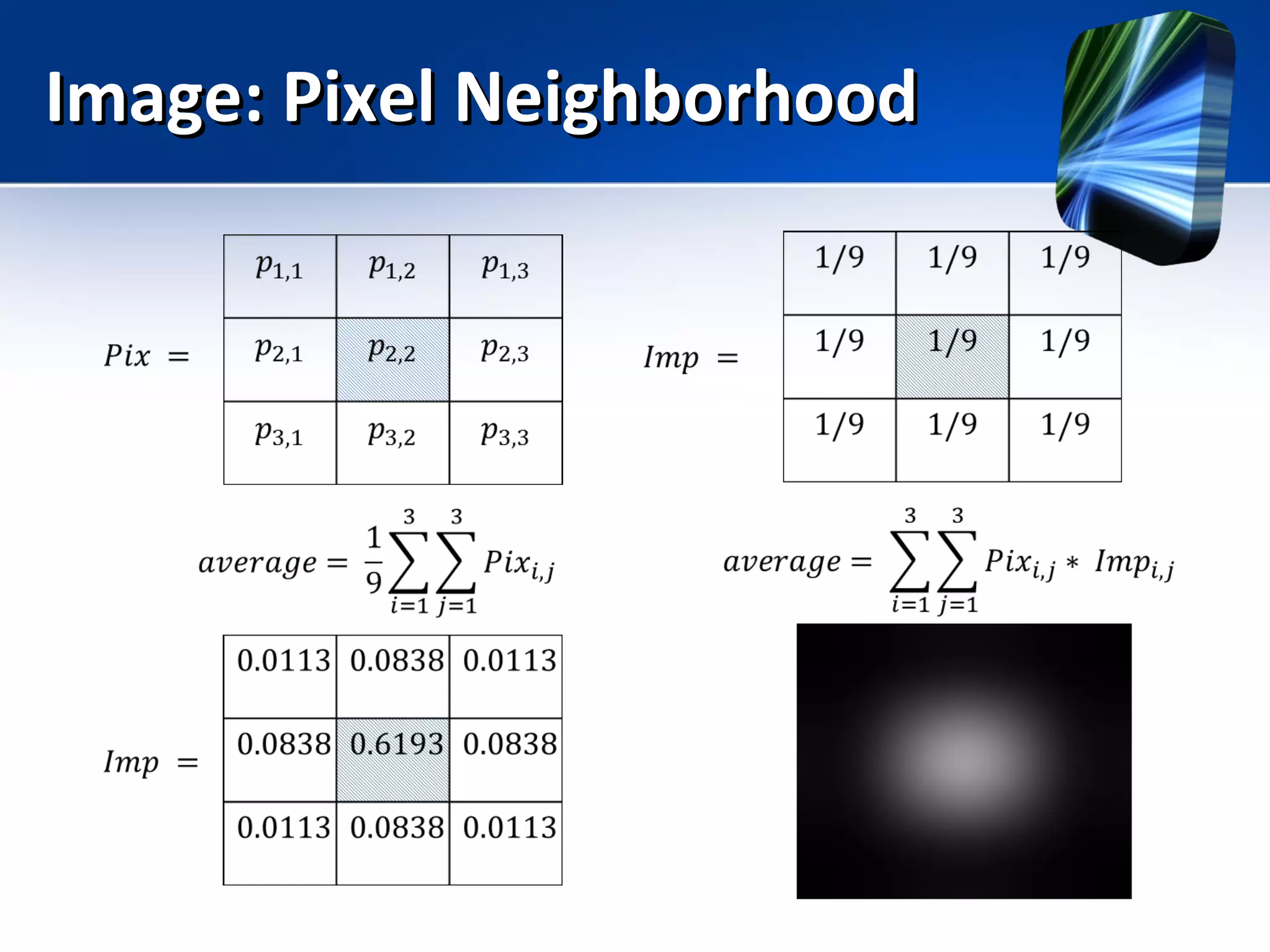
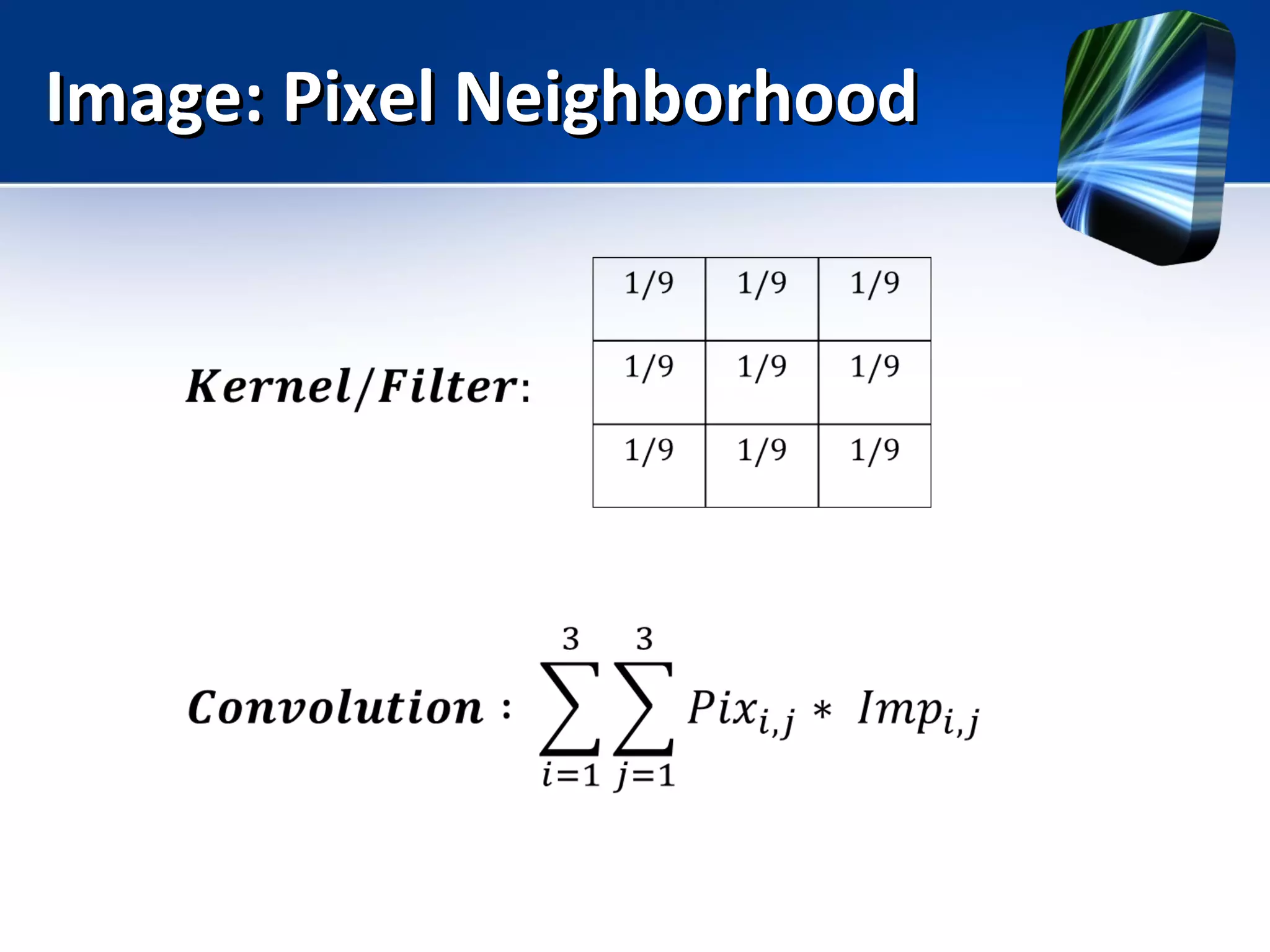
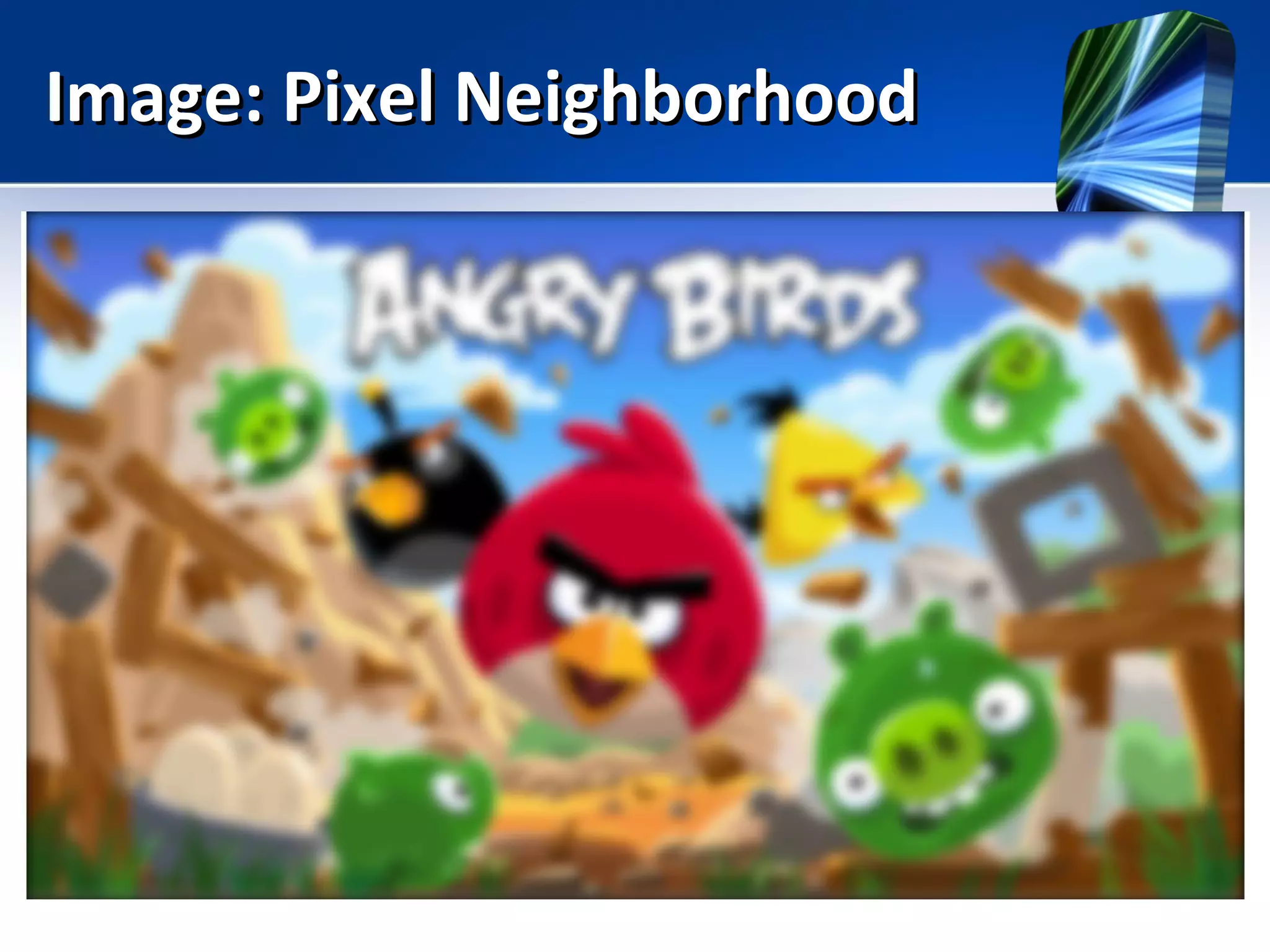
Image: Pixel NeighborhoodImage: Pixel Neighborhood
• Every pixel has neighbors
Image: Pixel NeighborhoodImage: Pixel Neighborhood
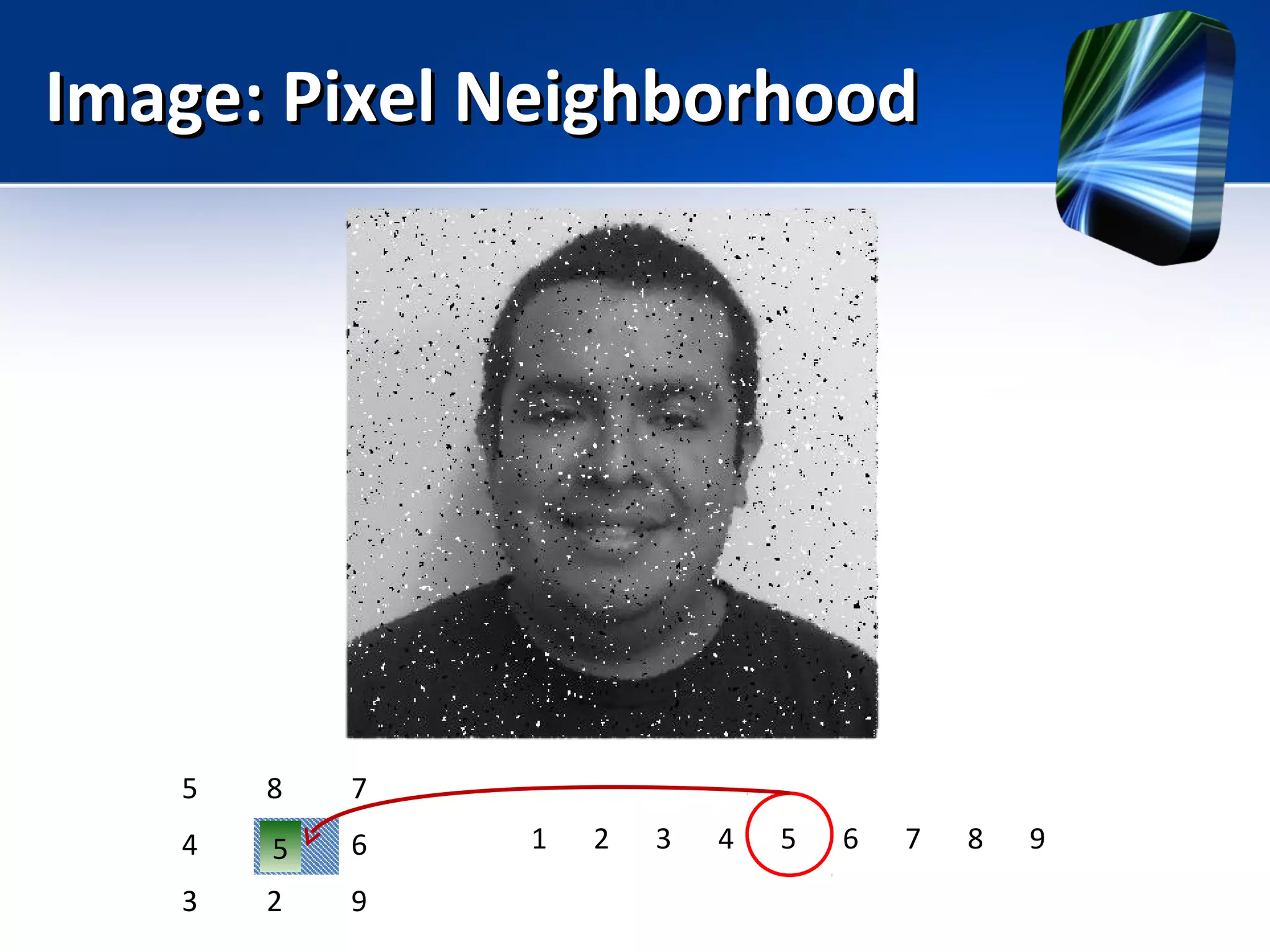
5 8 7
4 1 6
3 2 9
1 2 3 4 5 6 7 8 95
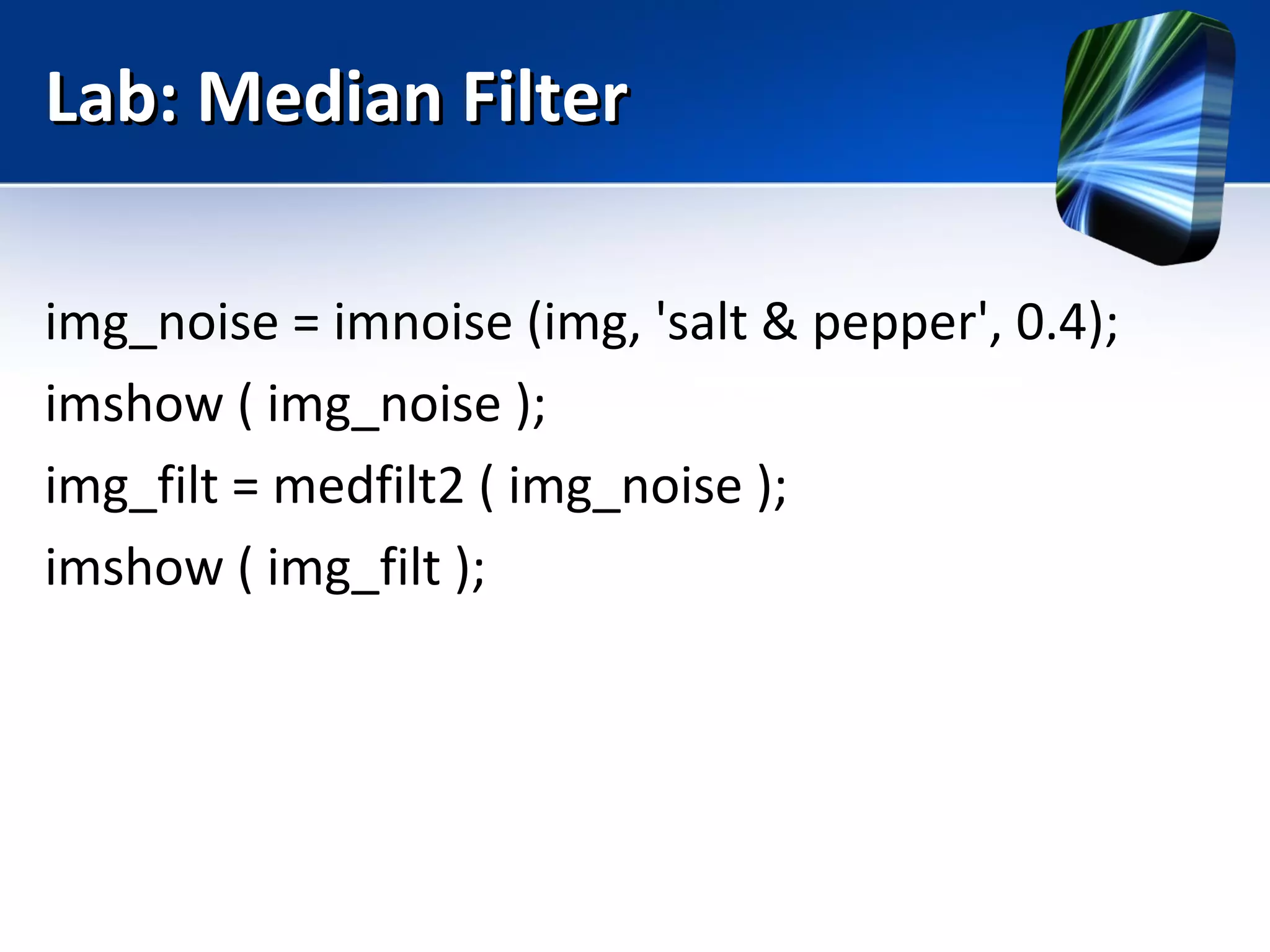
Lab: Median FilterLab: Median Filter
img_noise = imnoise (img, 'salt & pepper', 0.4);
imshow ( img_noise );
img_filt = medfilt2 ( img_noise );
imshow ( img_filt );
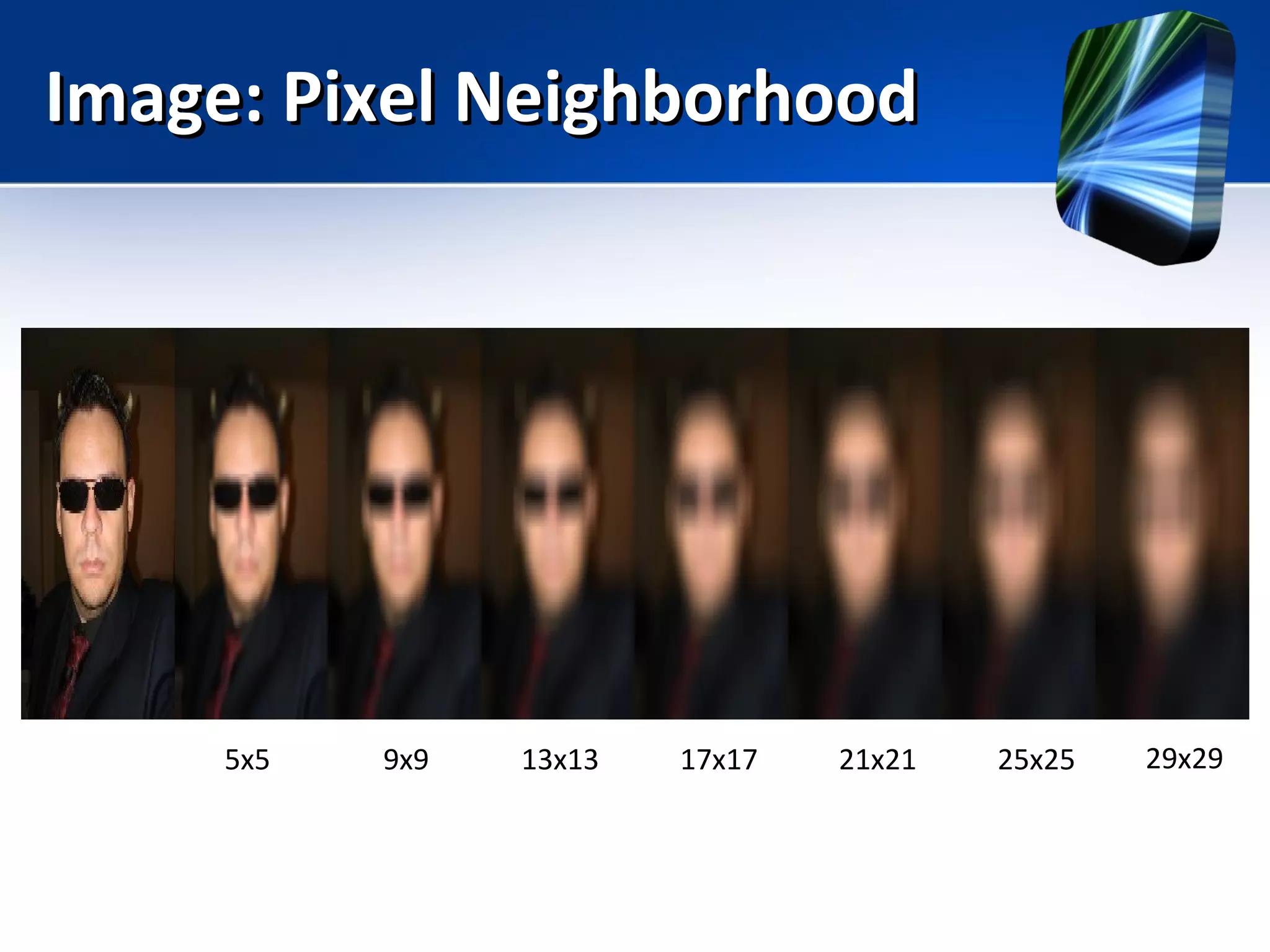
Image: Pixel NeighborhoodImage: Pixel Neighborhood
5x5 9x9 13x13 17x17 21x21 25x25 29x29
Image: Pixel NeighborhoodImage: Pixel Neighborhood
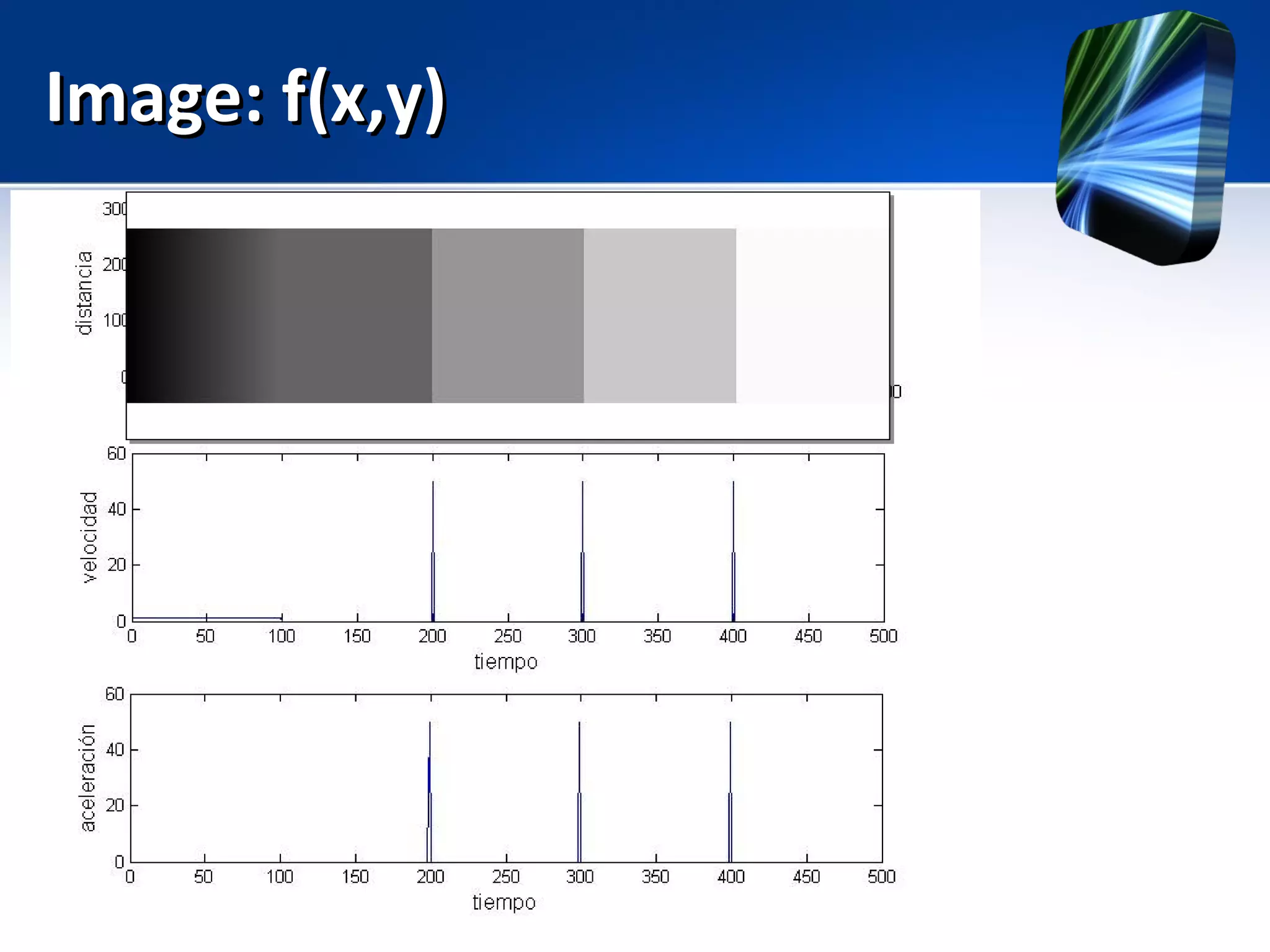
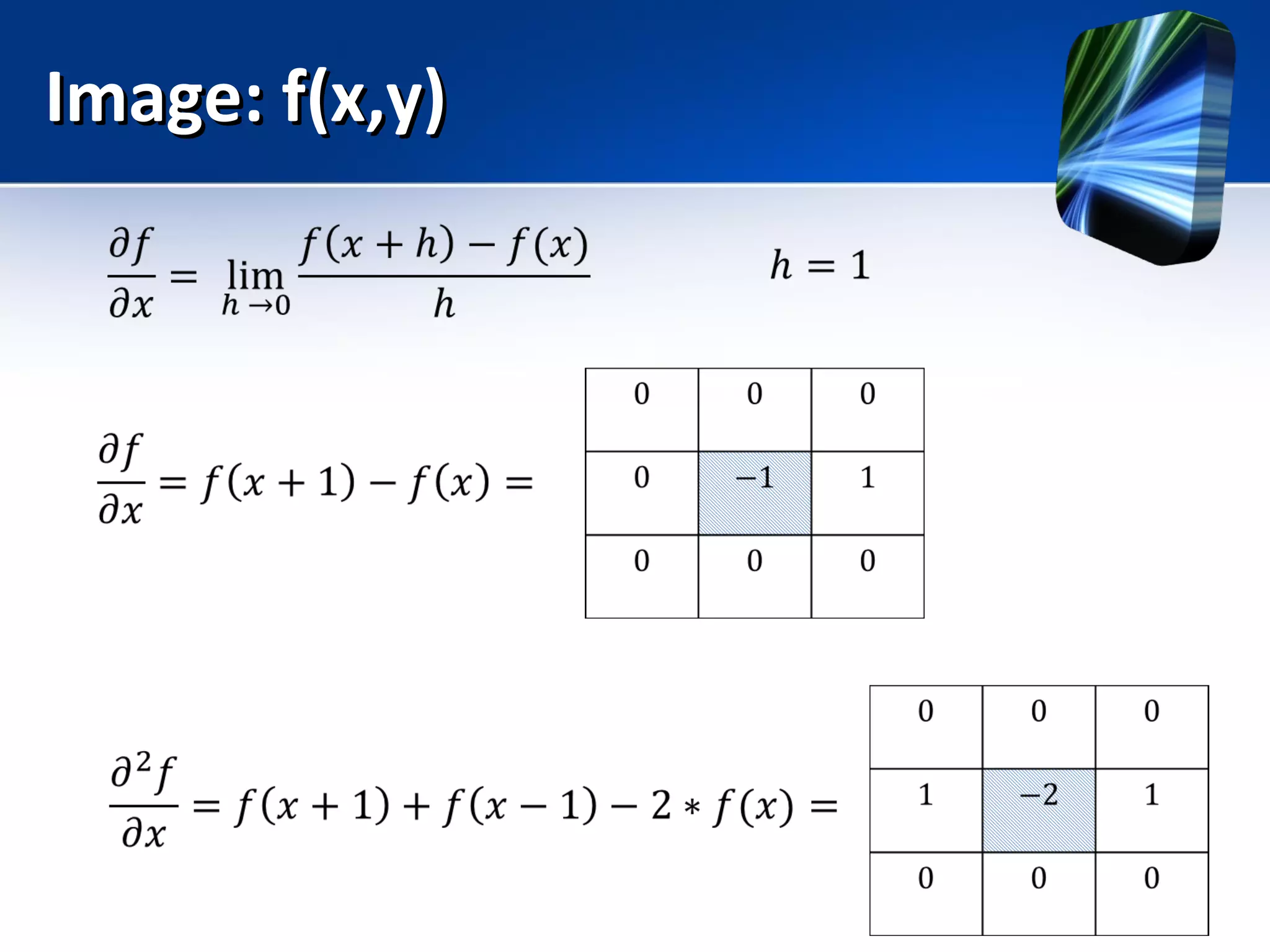
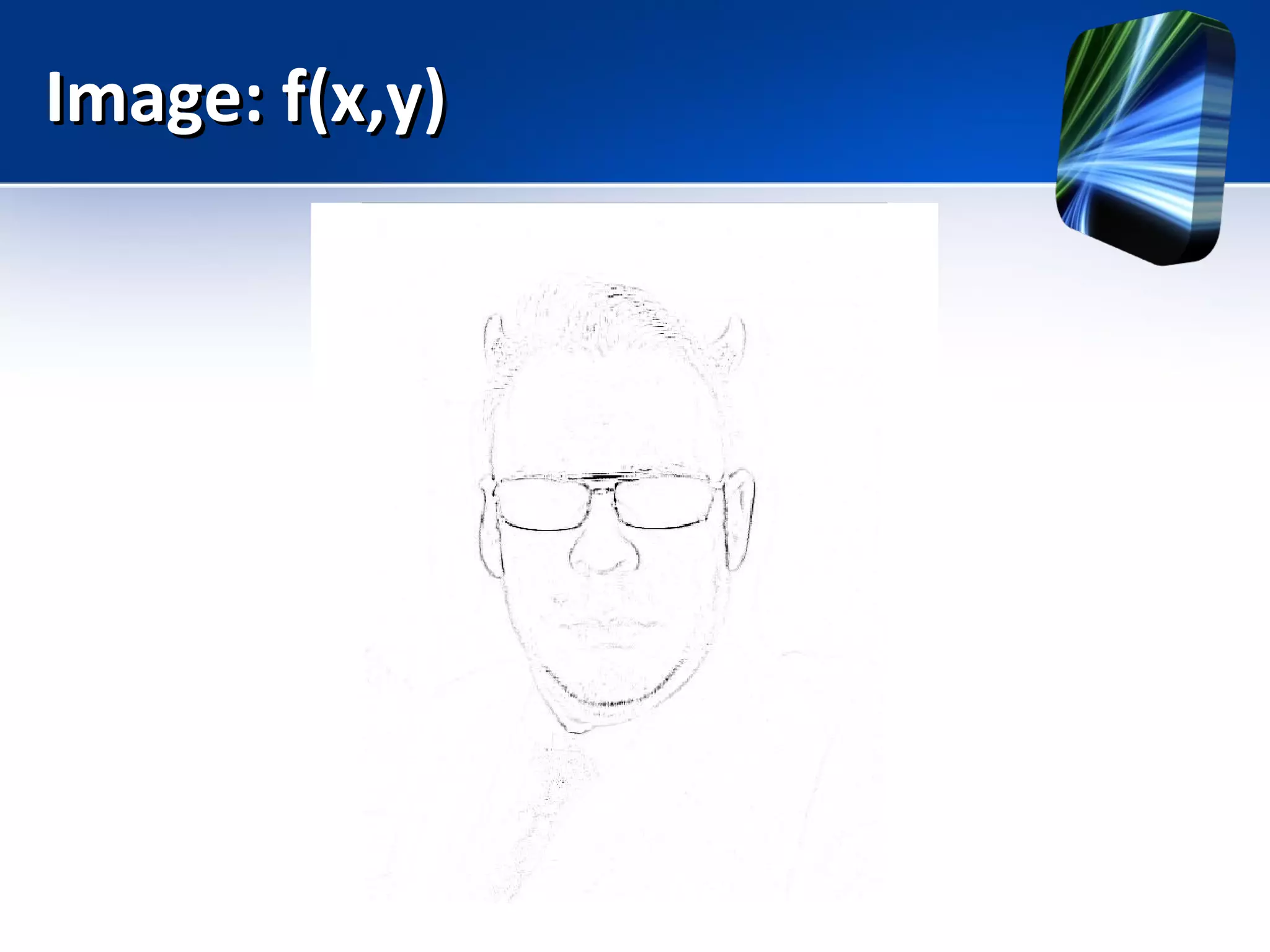
Image: f(x,y)Image: f(x,y)
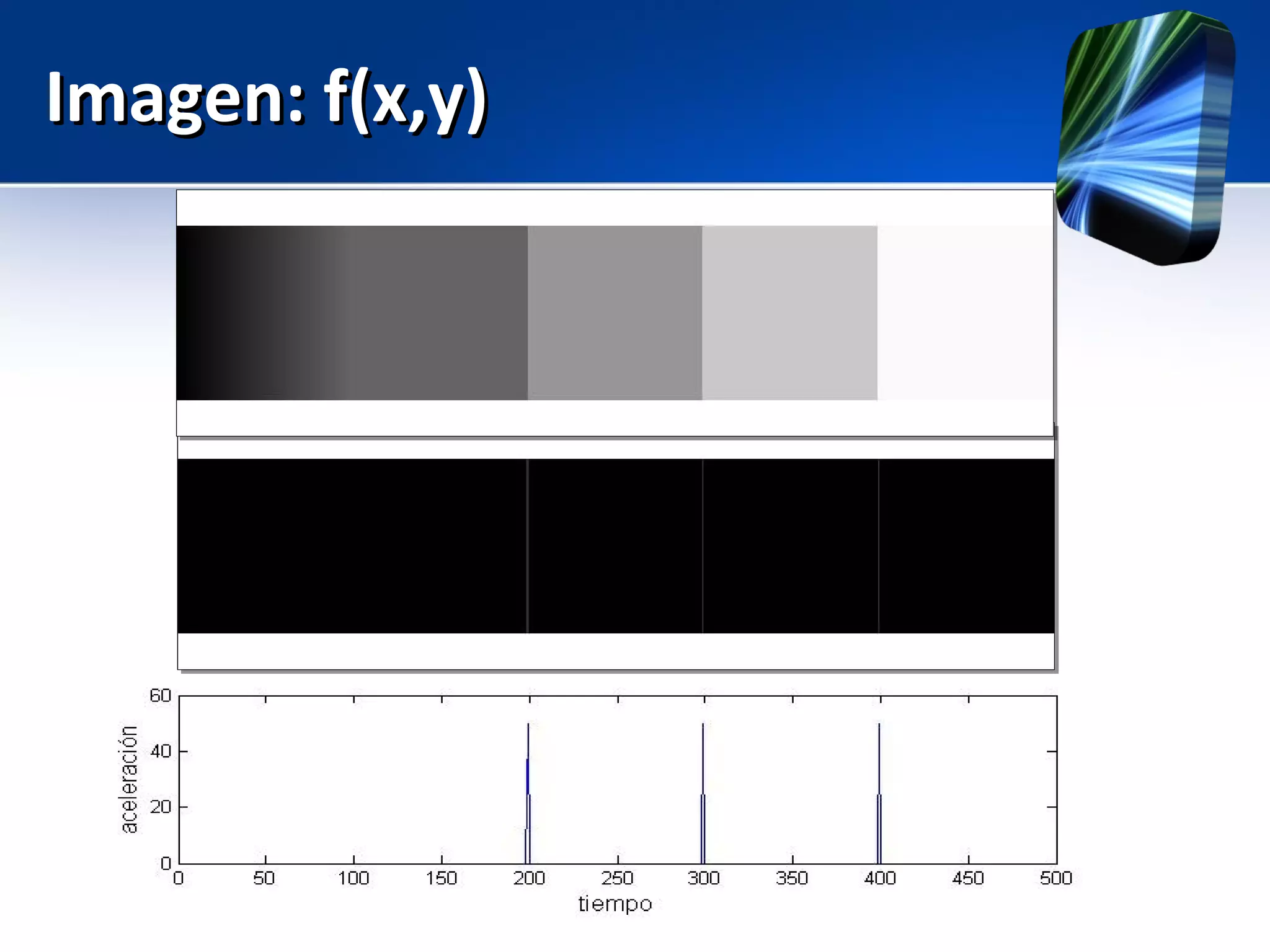
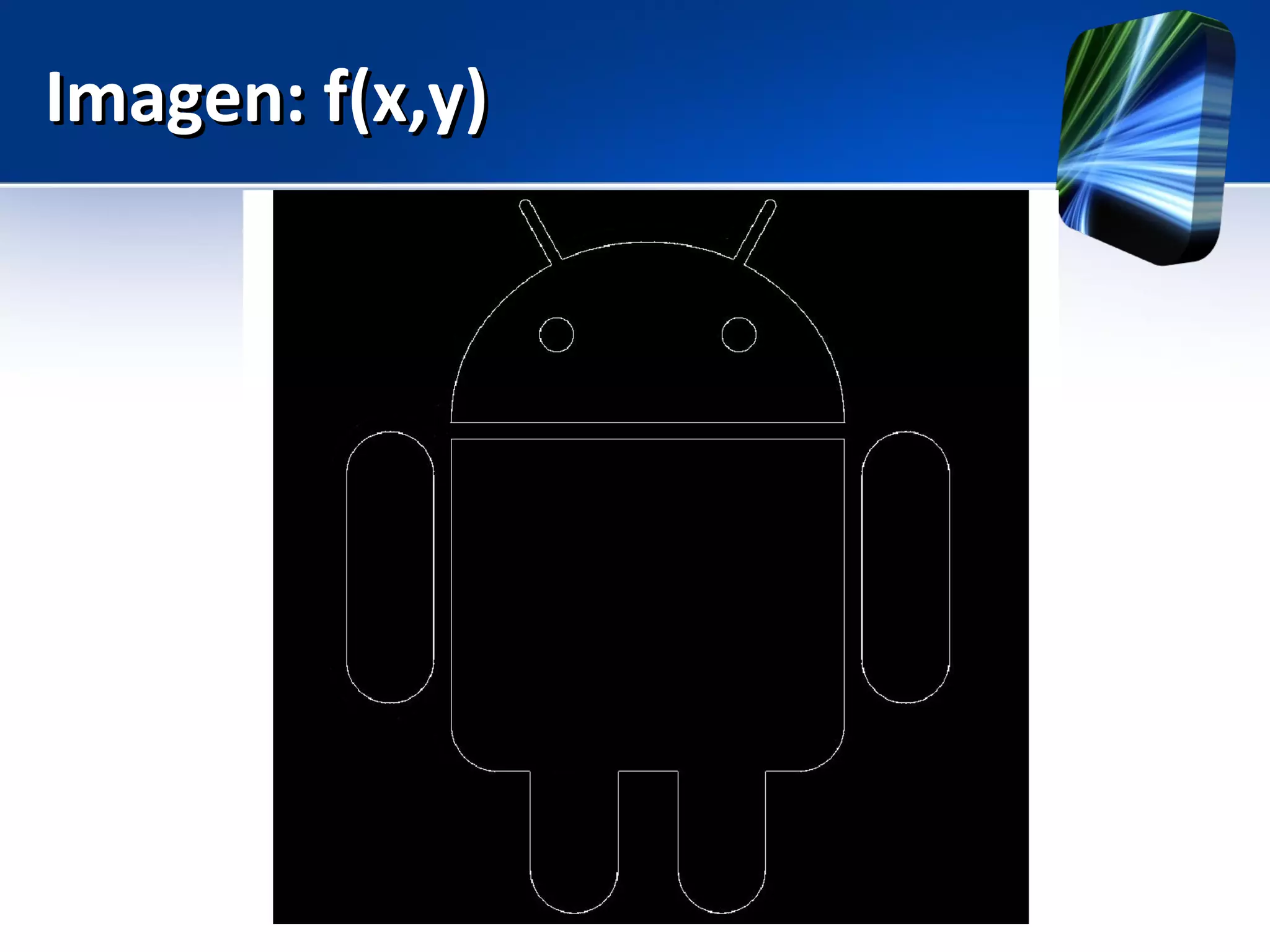
Imagen: f(x,y)Imagen: f(x,y)
Image: f(x,y)Image: f(x,y)
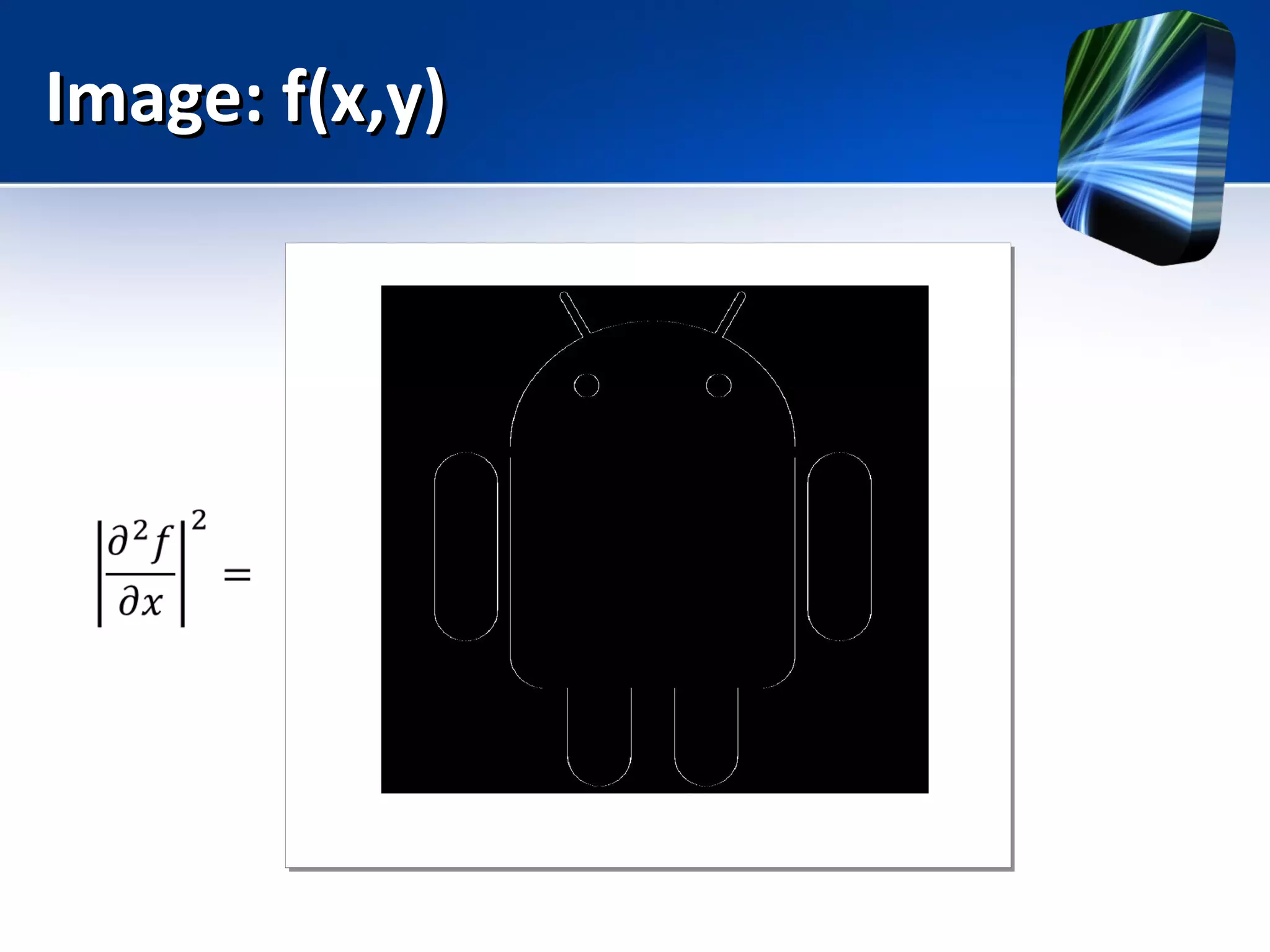
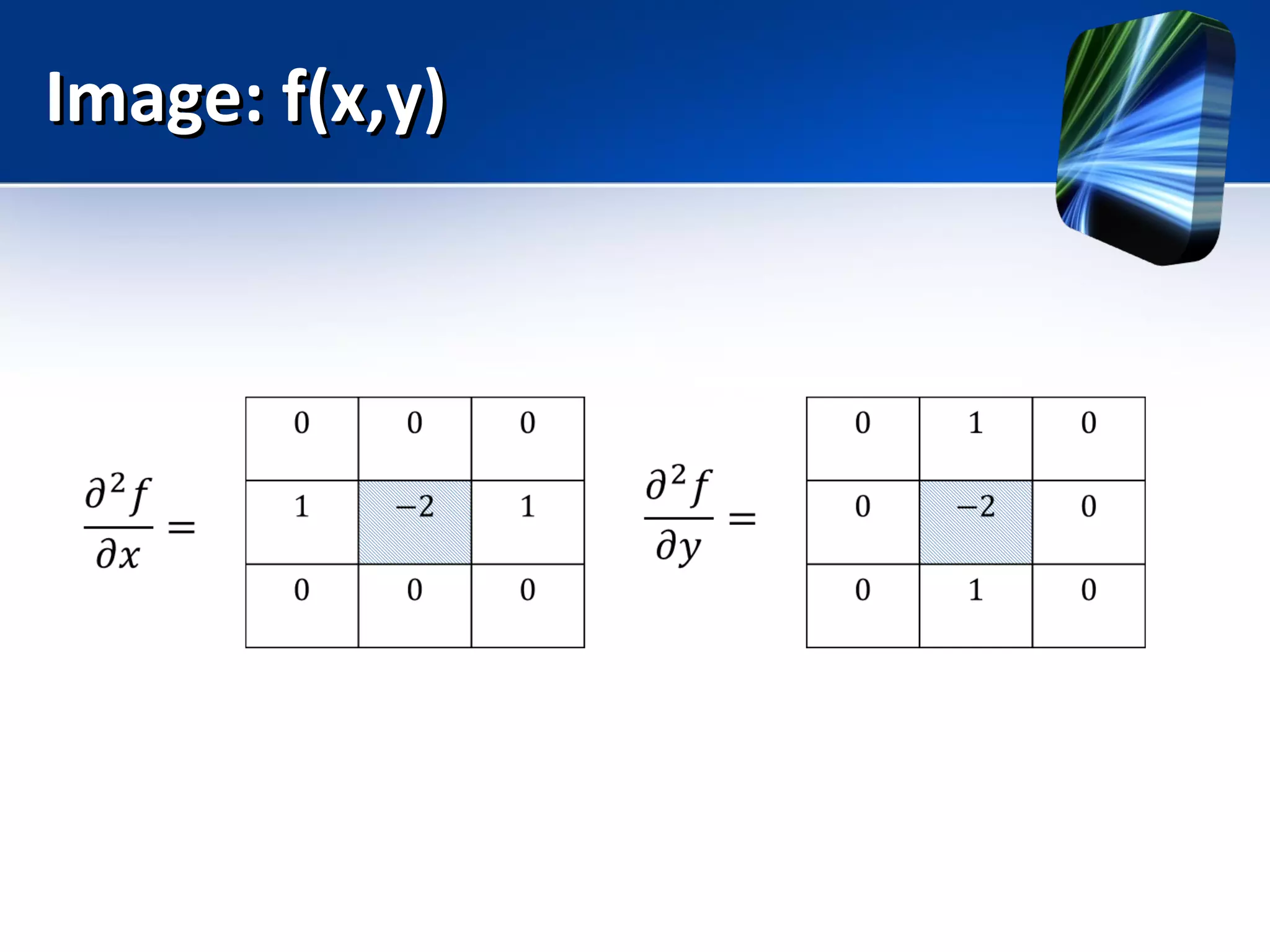
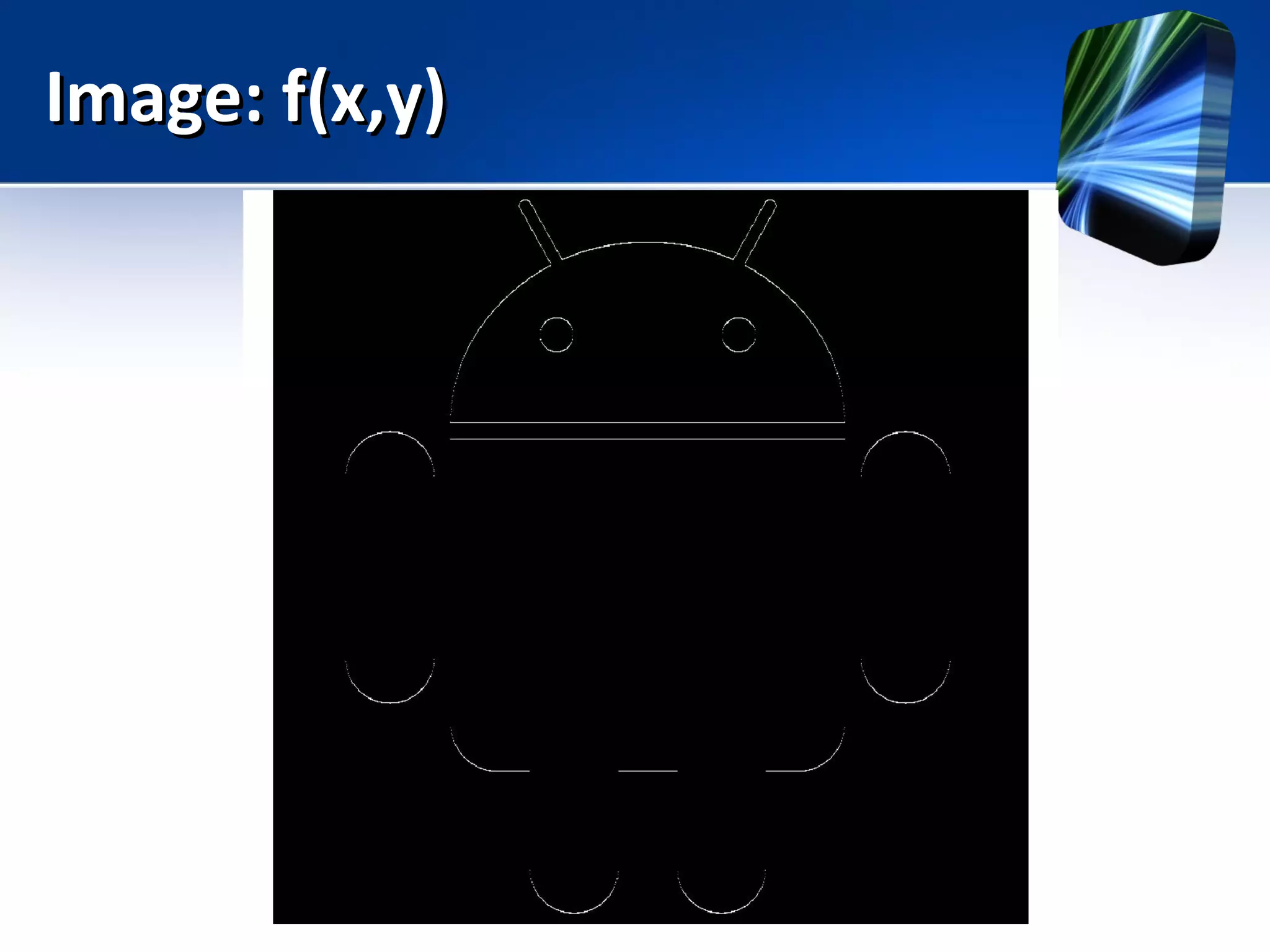
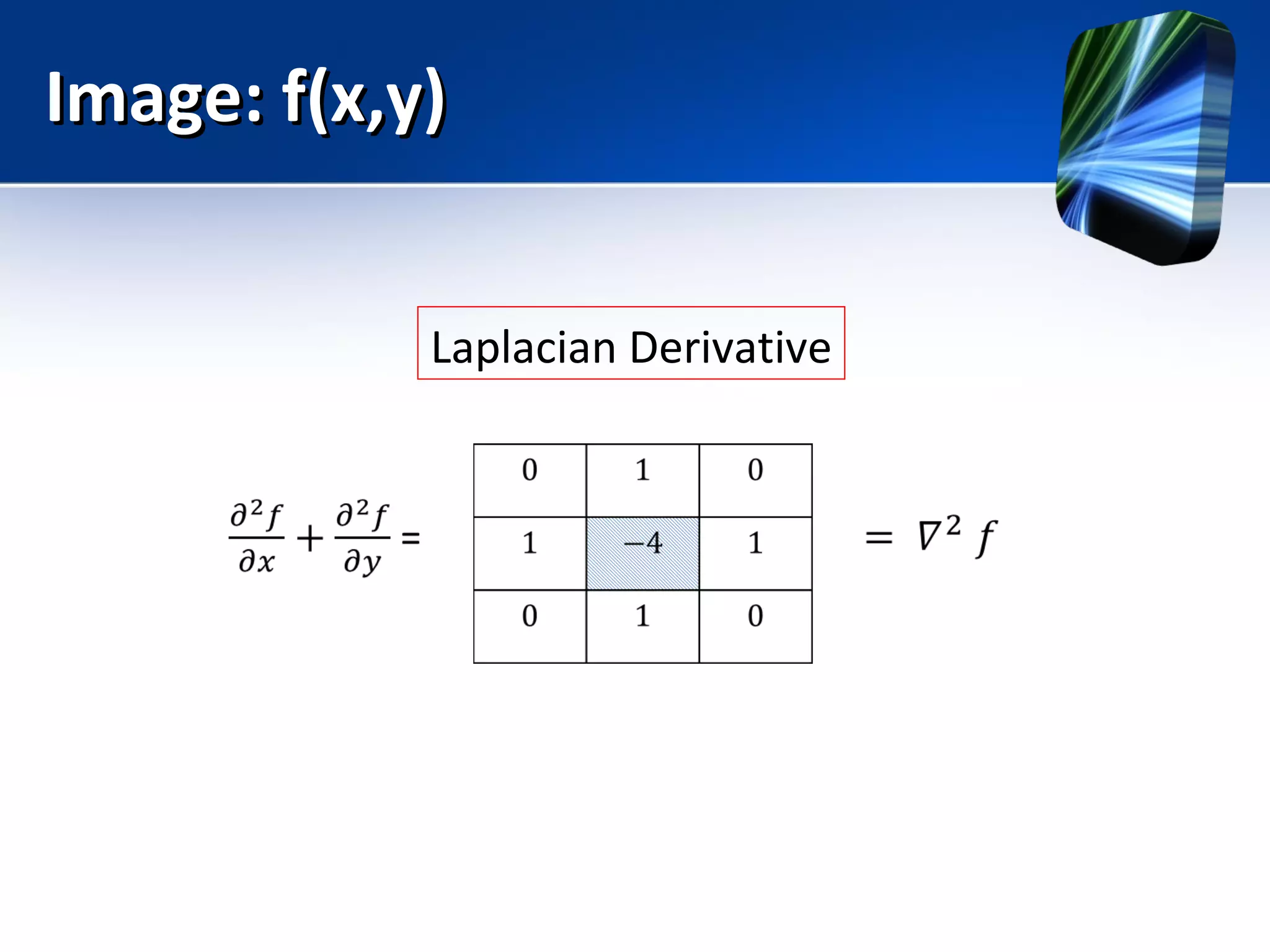
Laplacian Derivative
Imagen: f(x,y)Imagen: f(x,y)
Image: f(x,y)Image: f(x,y)
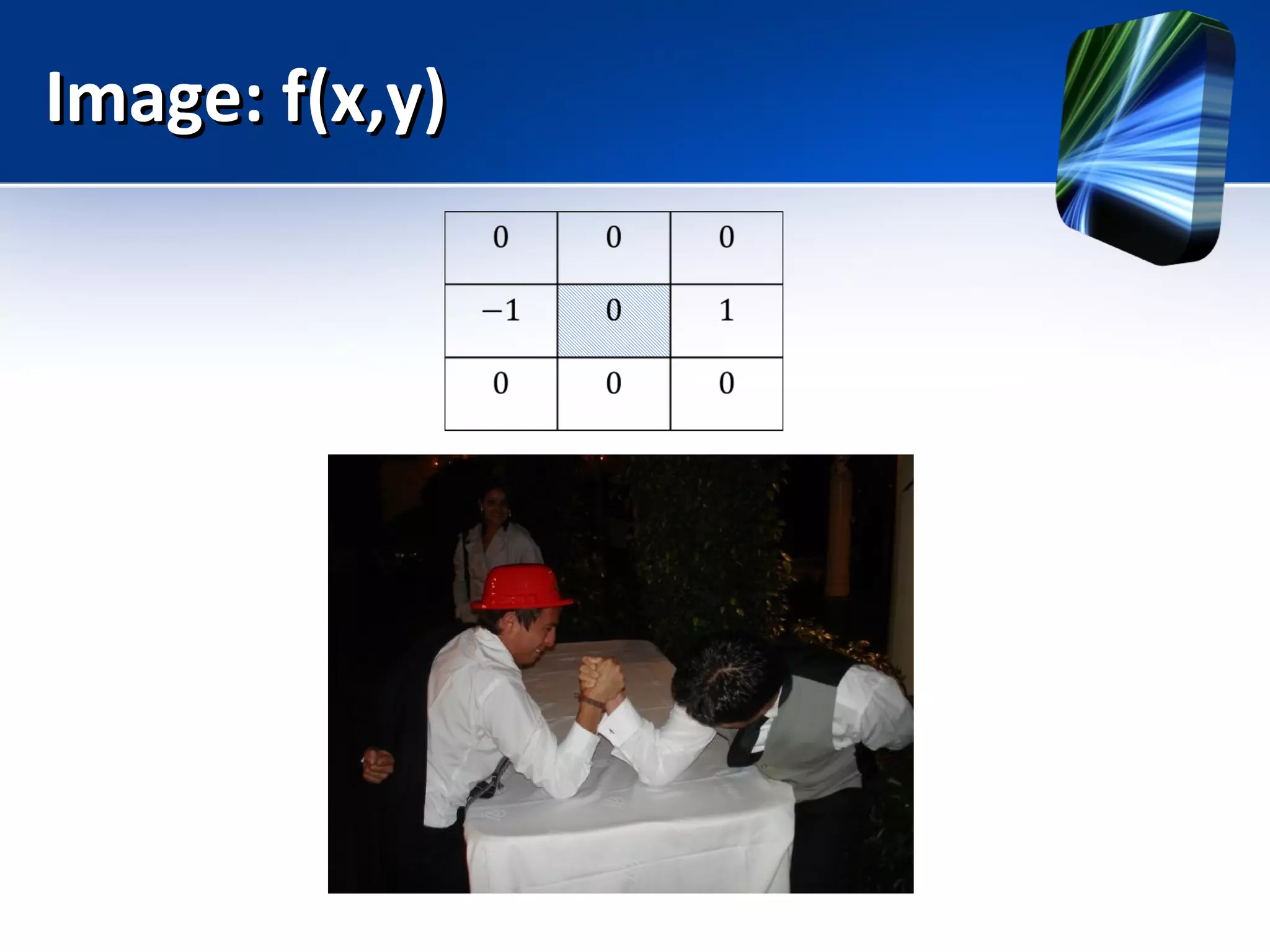
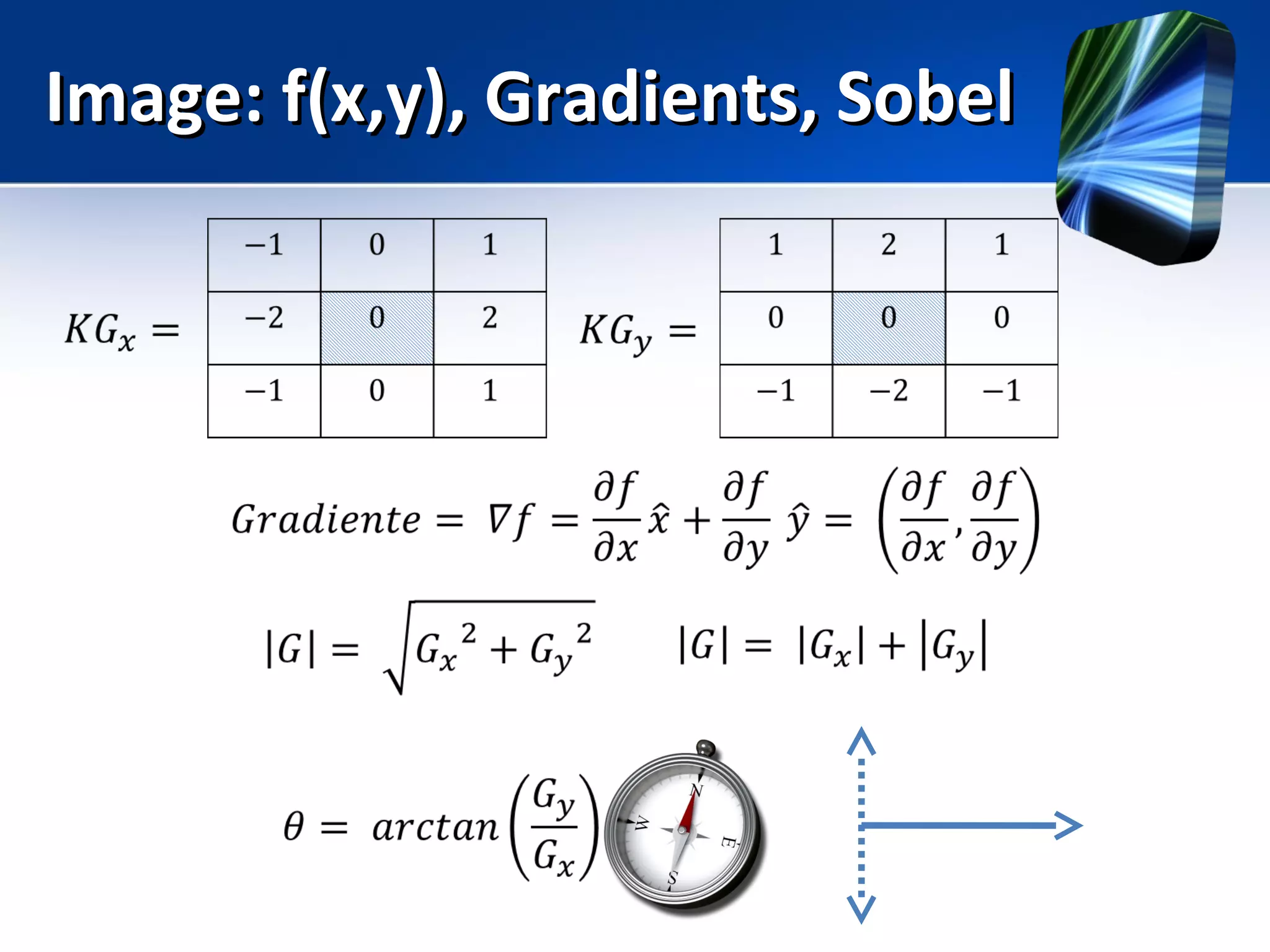
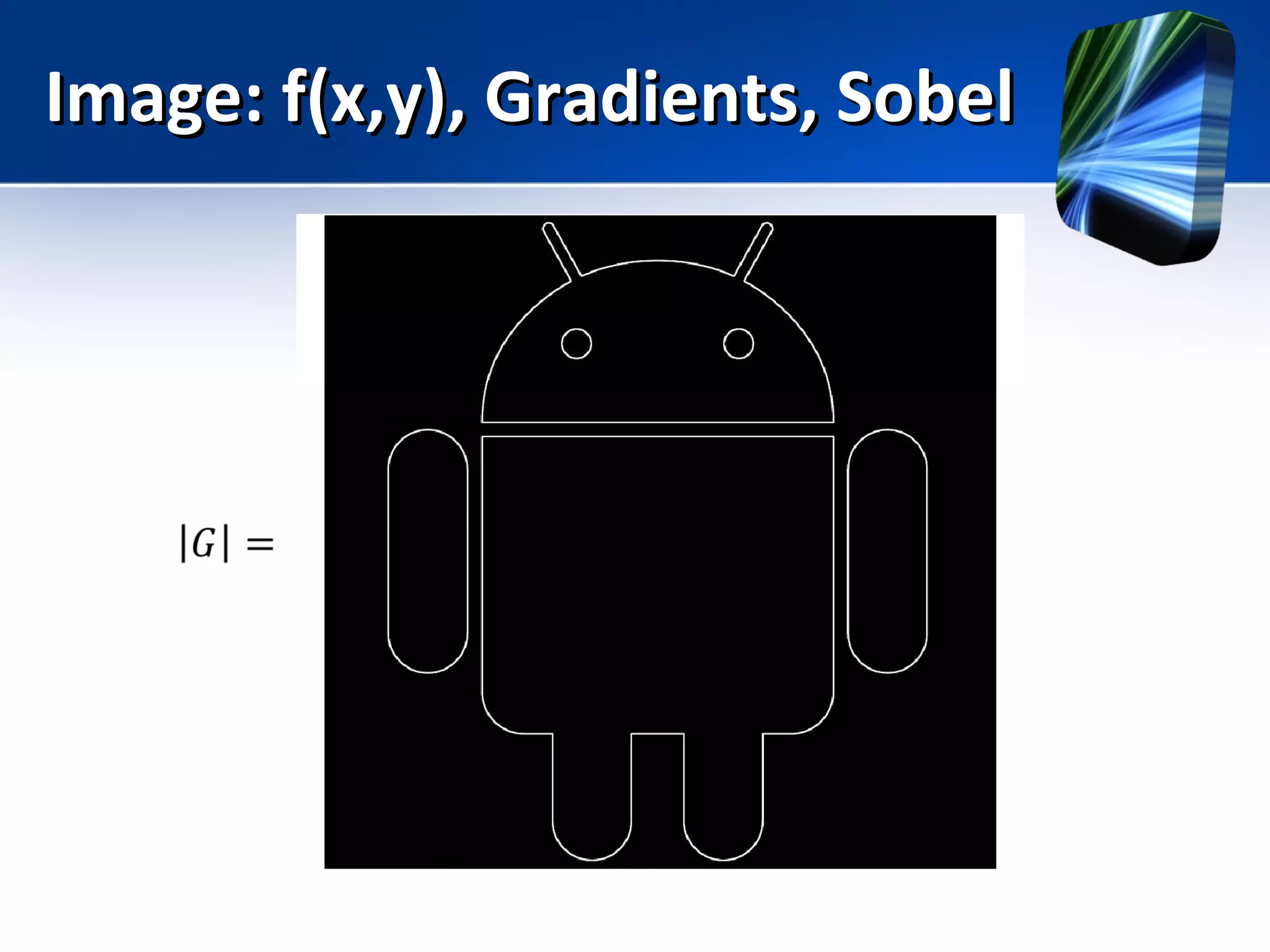
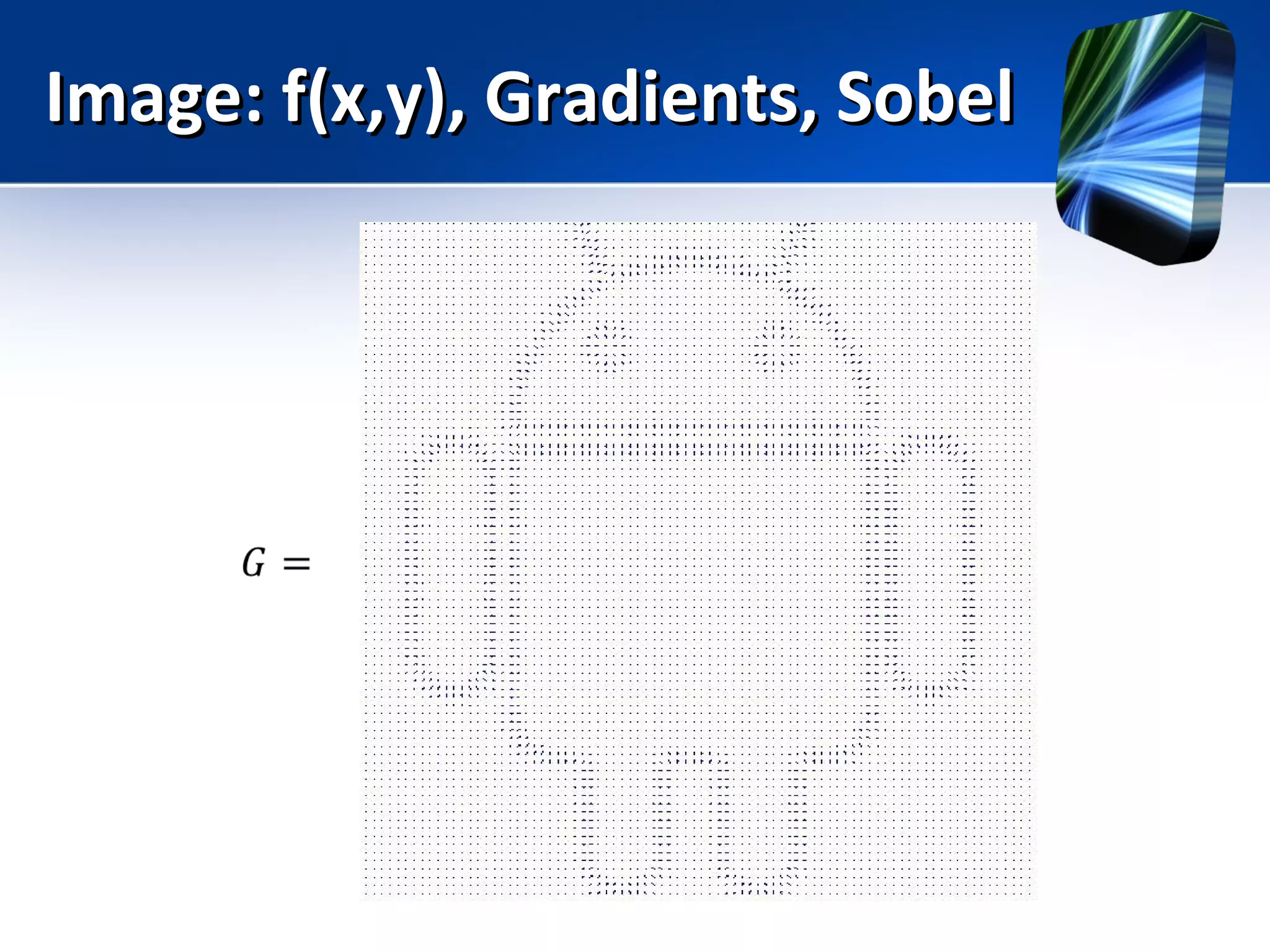
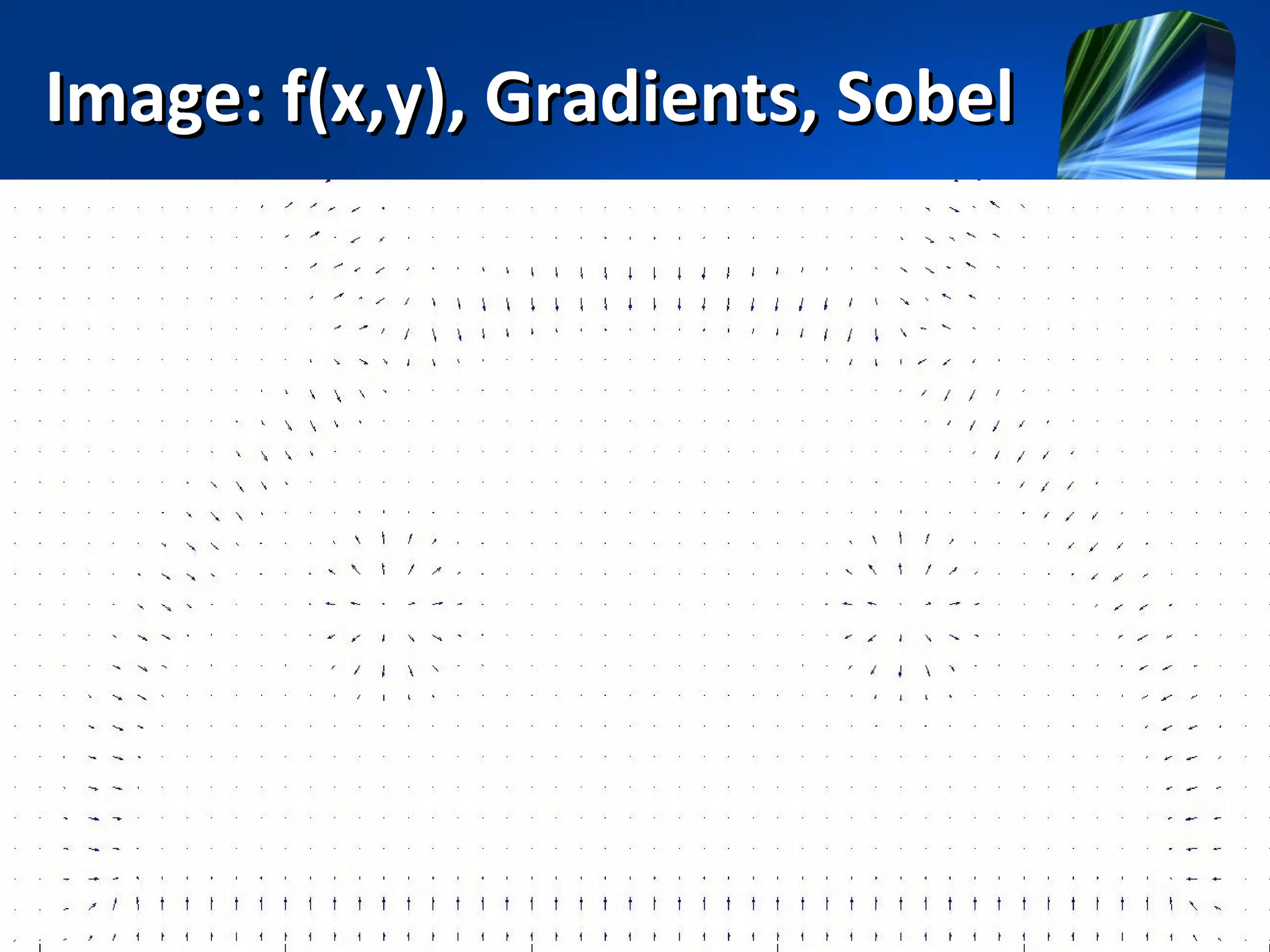
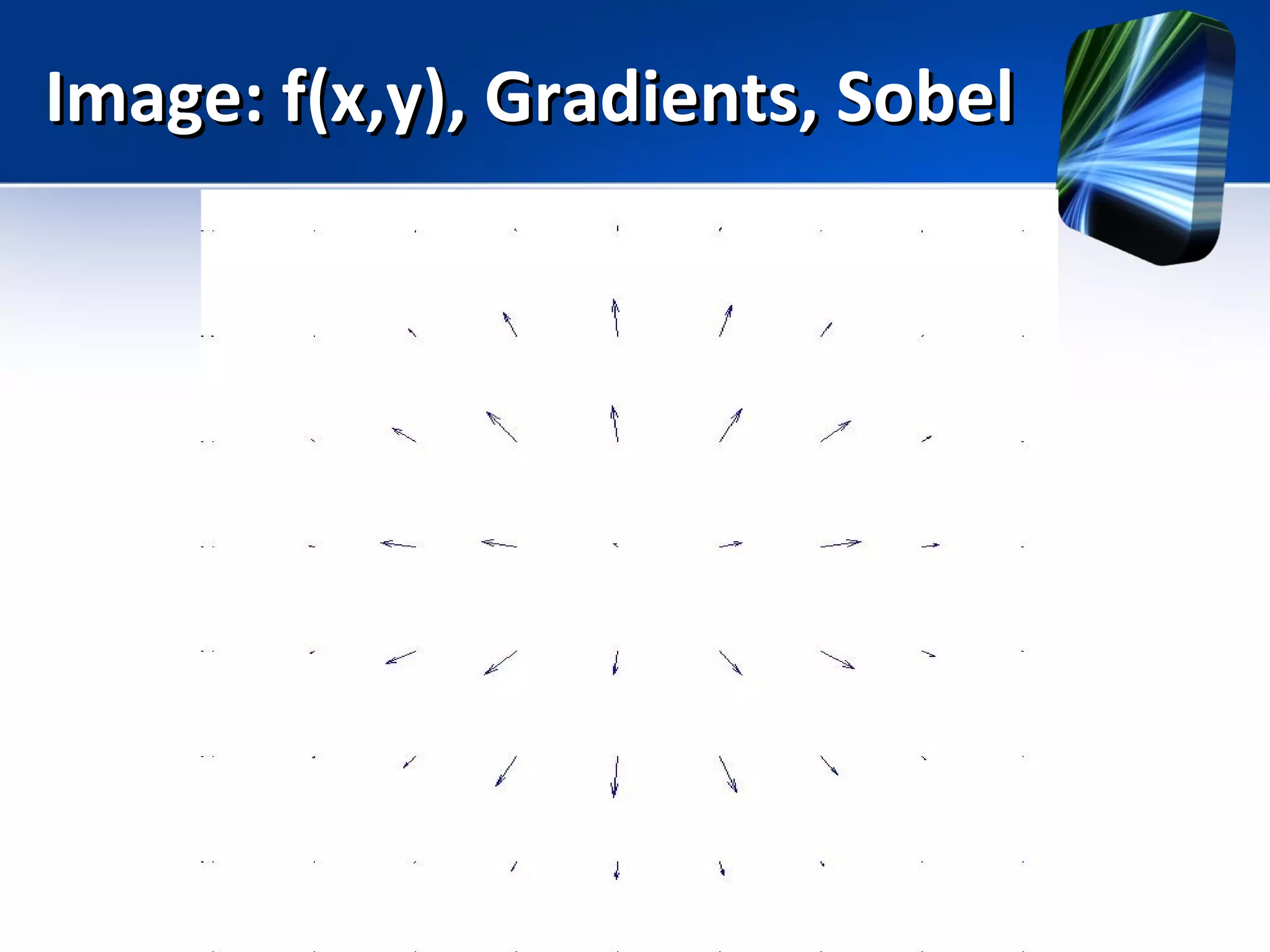
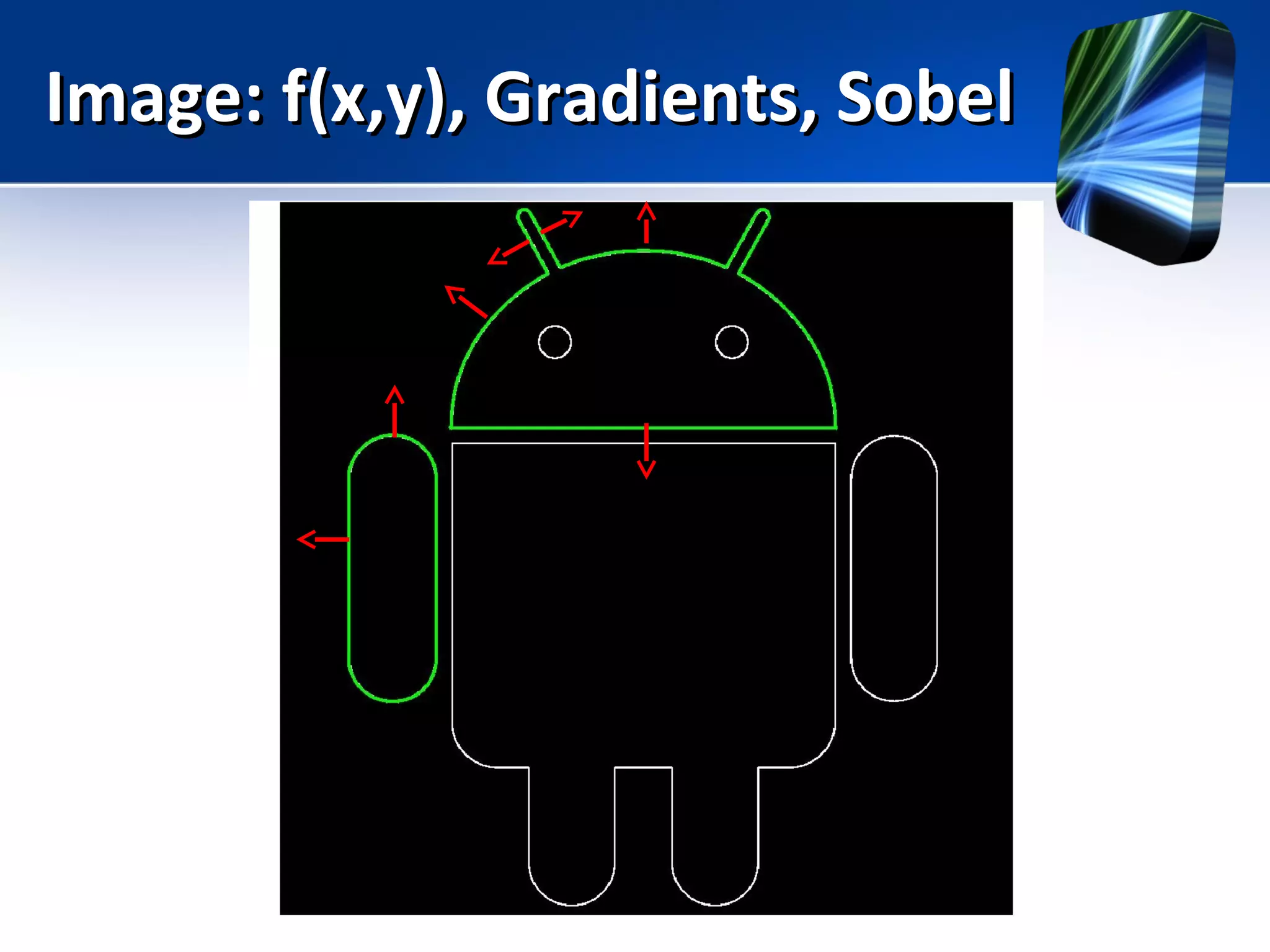
Image: f(x,y), Gradients, SobelImage: f(x,y), Gradients, Sobel
Lab: Edge DetectionLab: Edge Detection
Step 1: Create a Gauss filter
gauss_fil = [
2 4 5 4 2
4 9 12 9 4
5 12 15 12 5
4 9 12 9 4
2 4 5 4 2 ]
sum ( sum (gauss_fil ) )
gauss_fil = gauss_fil / 159
Lab: Edge DetectionLab: Edge Detection
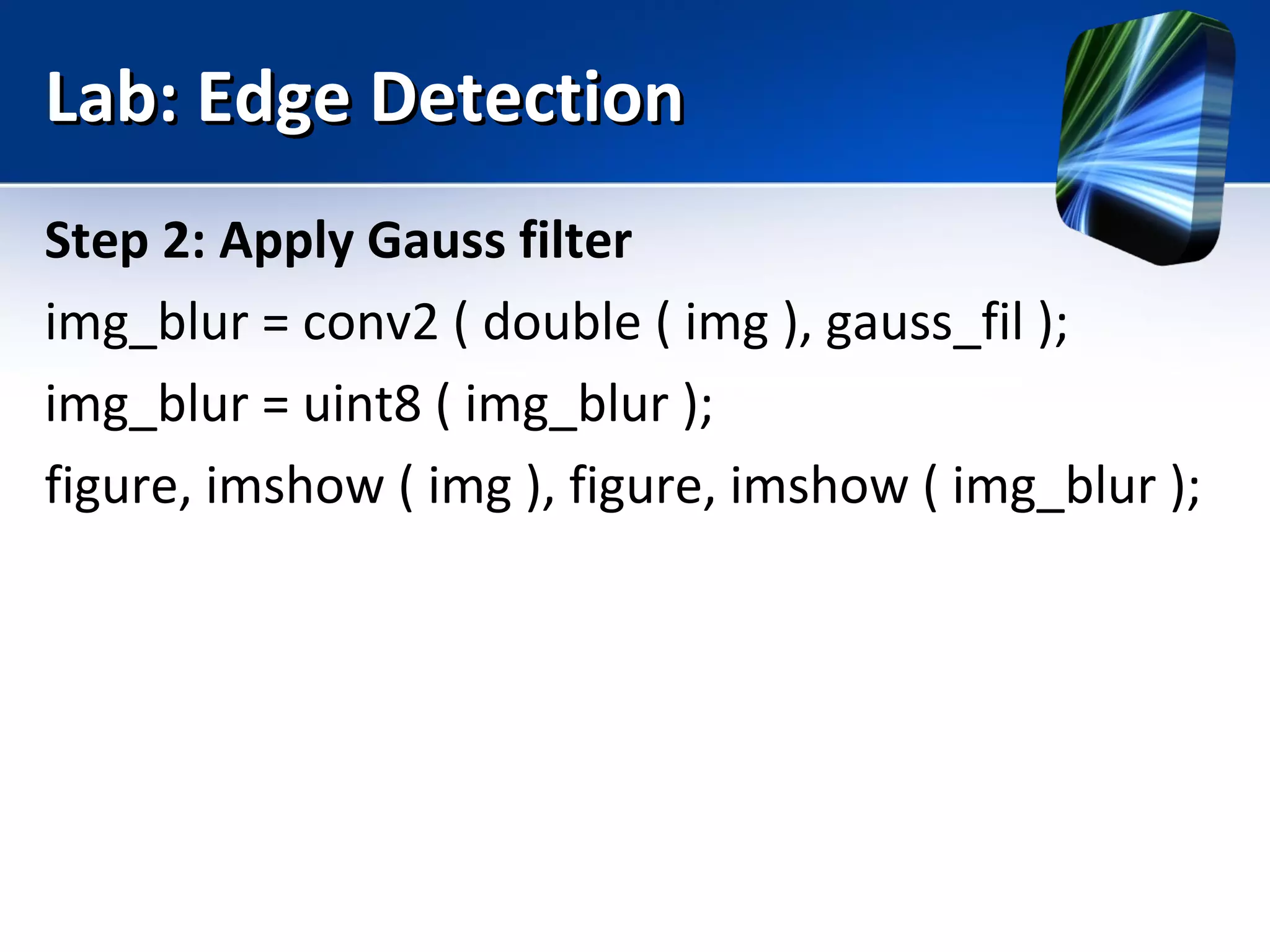
Step 2: Apply Gauss filter
img_blur = conv2 ( double ( img ), gauss_fil );
img_blur = uint8 ( img_blur );
figure, imshow ( img ), figure, imshow ( img_blur );
Lab: Edge DetectionLab: Edge Detection
Step 3: Create kernels to calculate gradient
ker_gx = [
-1 0 1
-2 0 2
-1 0 1 ]
ker_gy = [
1 2 1
0 0 0
-1 -2 -1]
Lab: Edge DetectionLab: Edge Detection
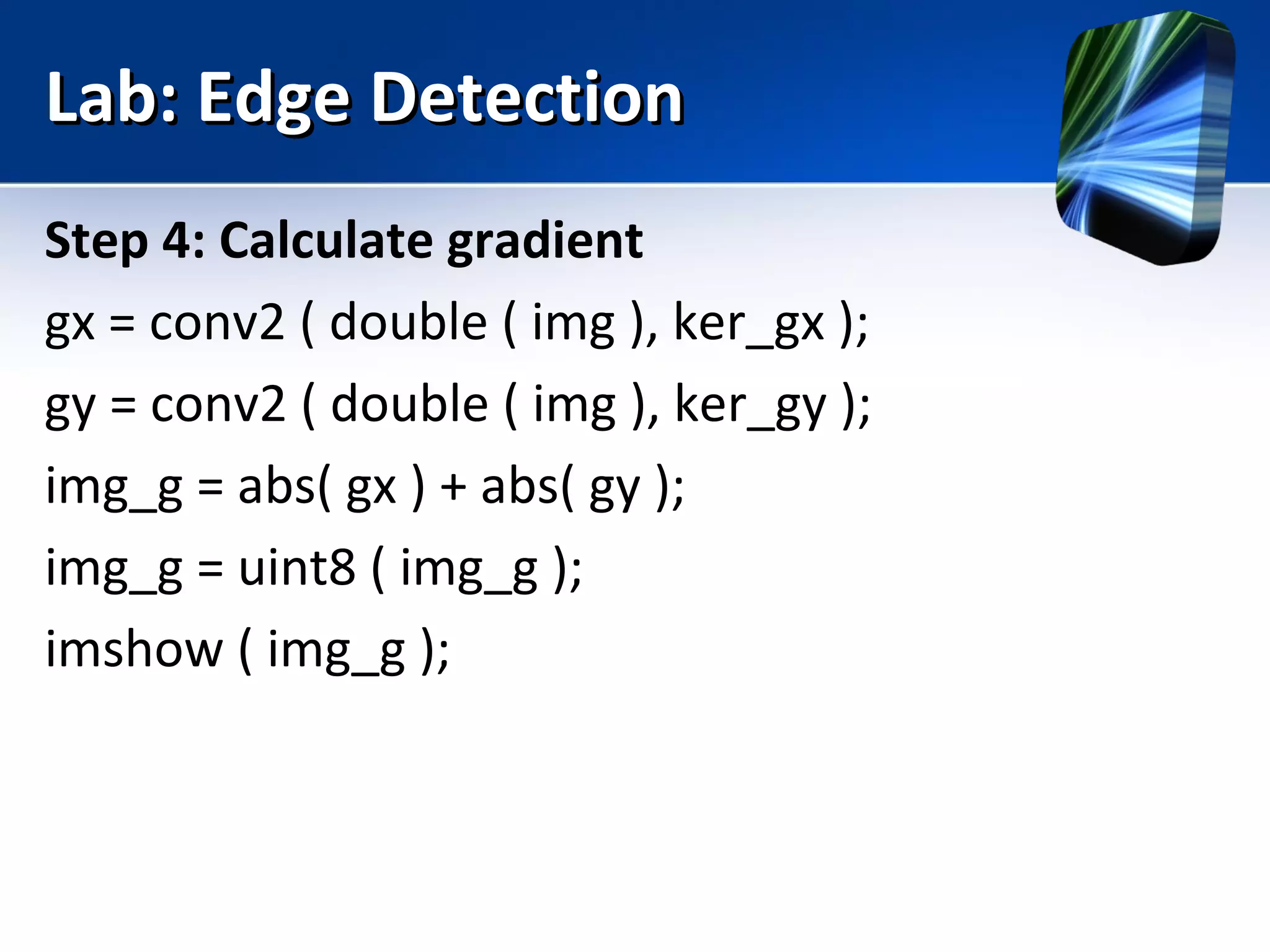
Step 4: Calculate gradient
gx = conv2 ( double ( img ), ker_gx );
gy = conv2 ( double ( img ), ker_gy );
img_g = abs( gx ) + abs( gy );
img_g = uint8 ( img_g );
imshow ( img_g );
Lab: Edge DetectionLab: Edge Detection
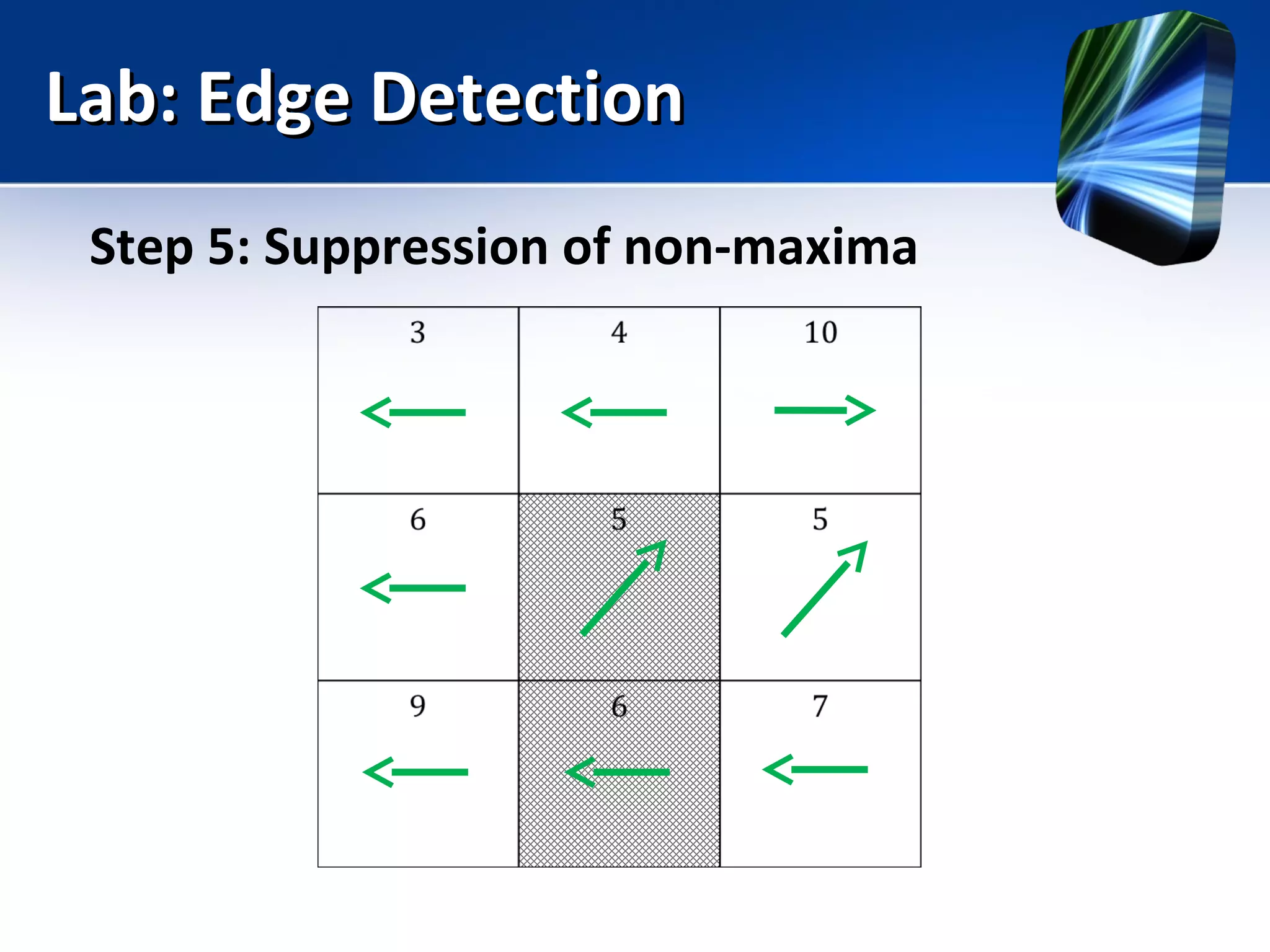
Step 5: Suppression of non-maxima
Lab: Edge DetectionLab: Edge Detection
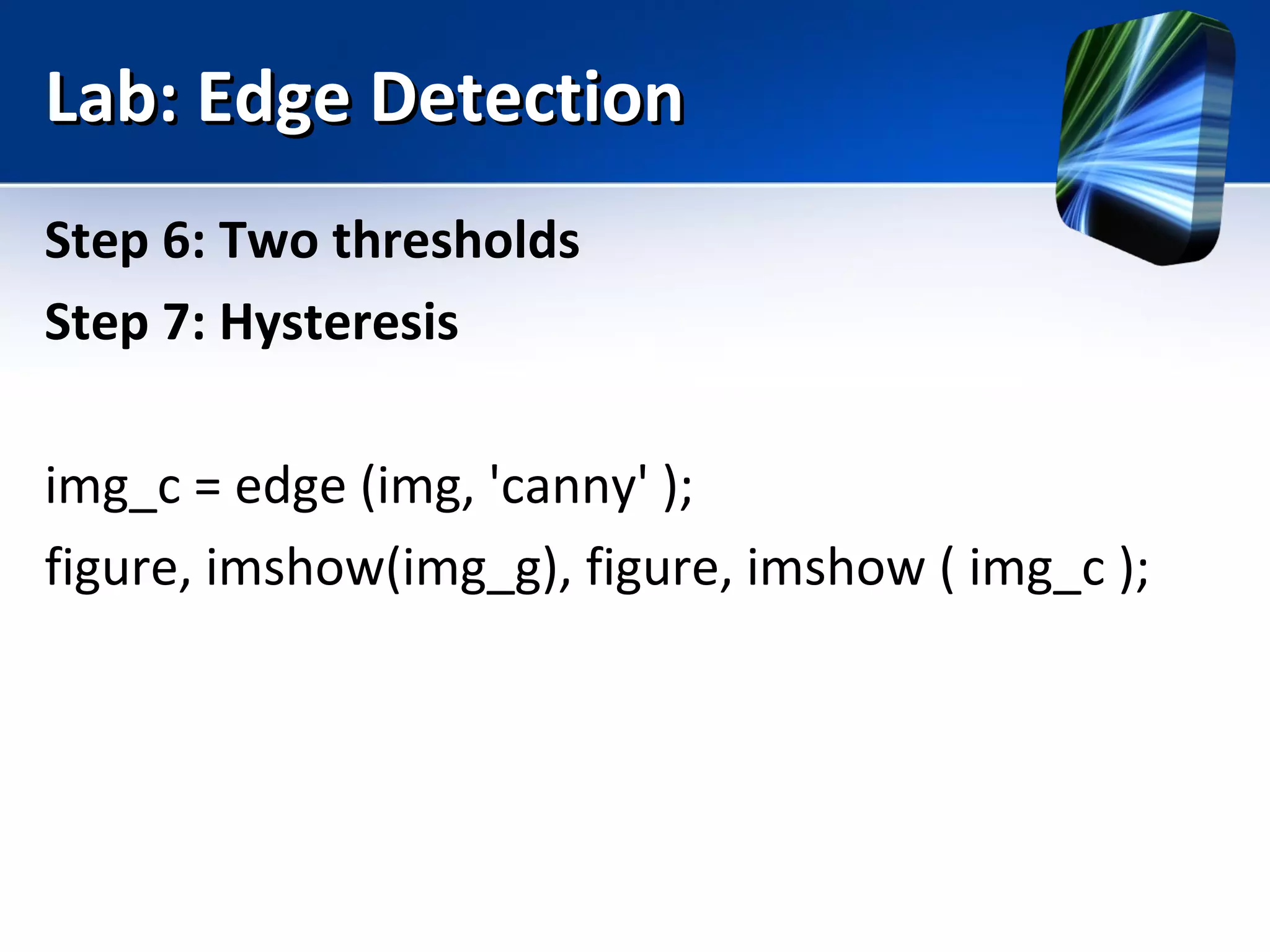
Step 6: Two thresholds
Step 7: Hysteresis
img_c = edge (img, 'canny' );
figure, imshow(img_g), figure, imshow ( img_c );
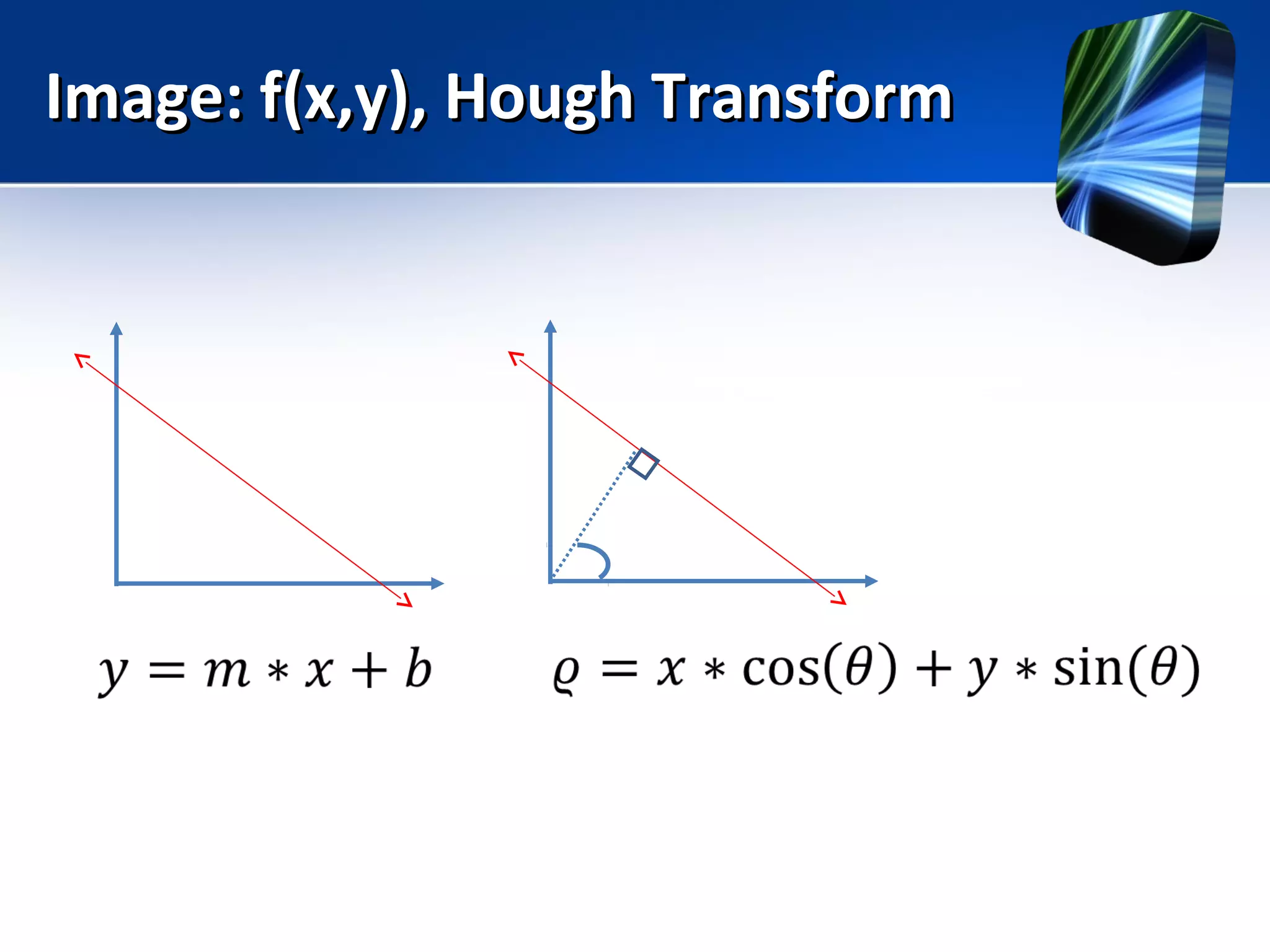
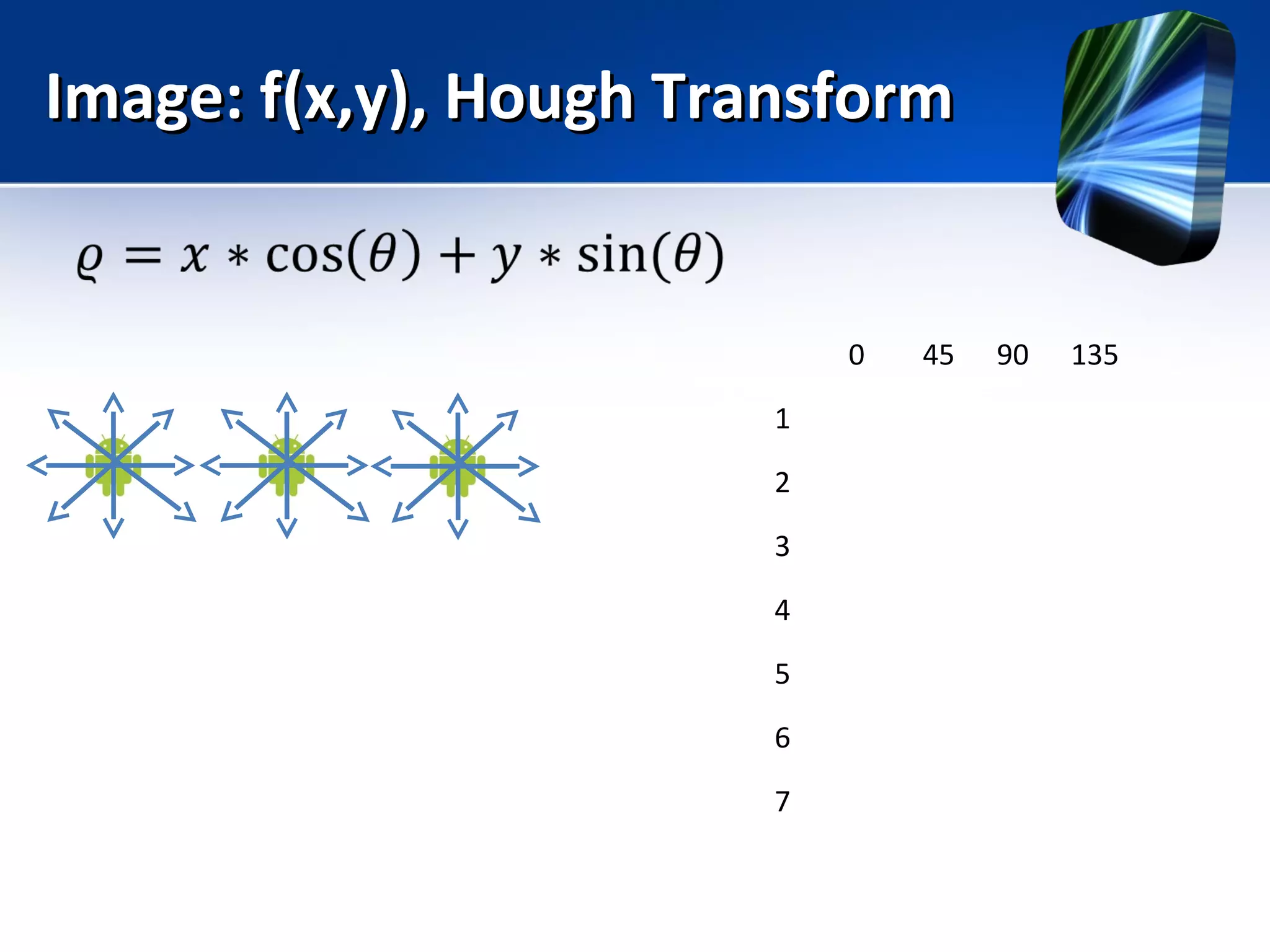
Image: f(x,y), Hough TransformImage: f(x,y), Hough Transform
0 45 90 135
1
2
3
4
5
6
7
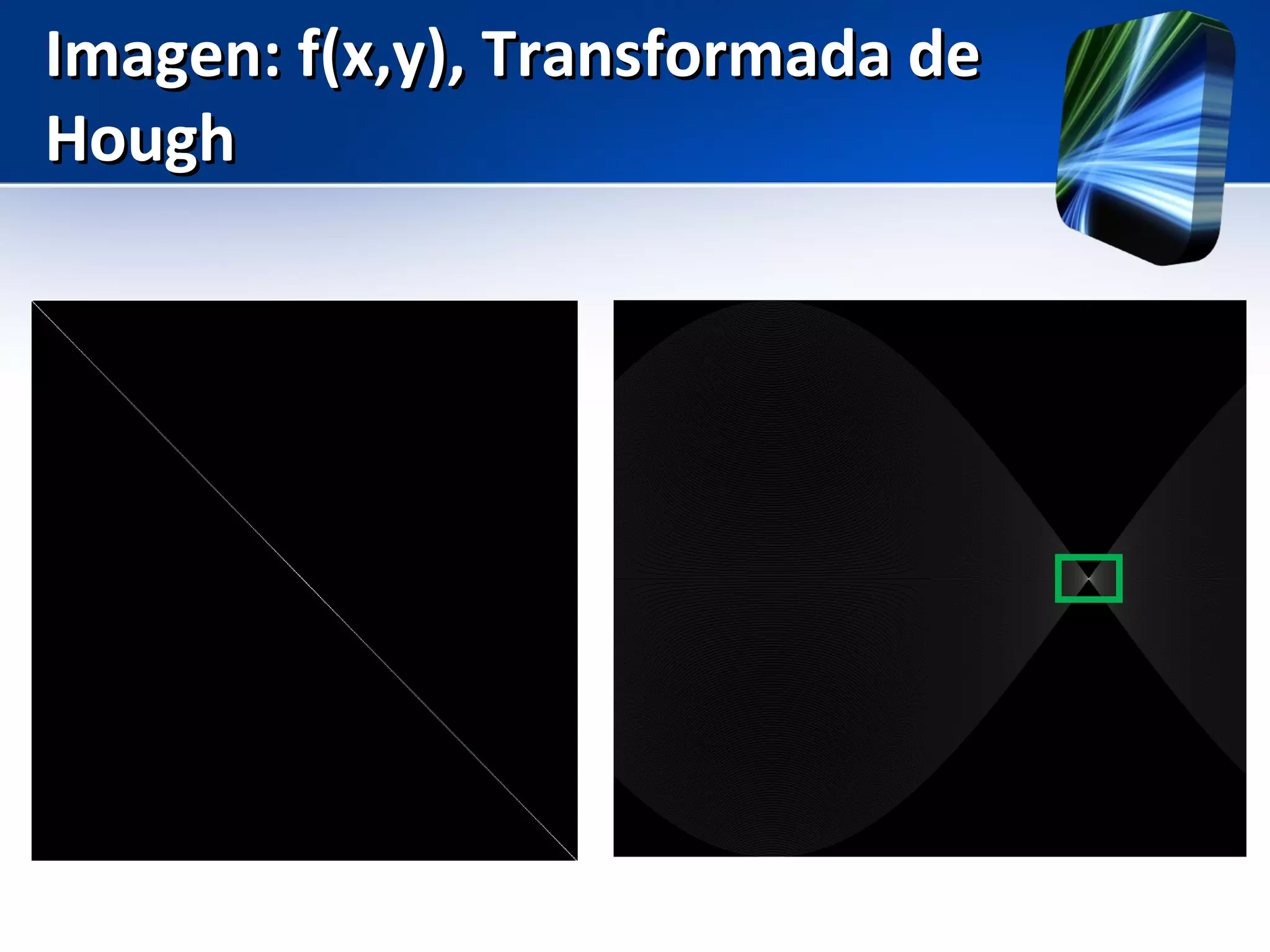
Imagen: f(x,y), Transformada deImagen: f(x,y), Transformada de
HoughHough
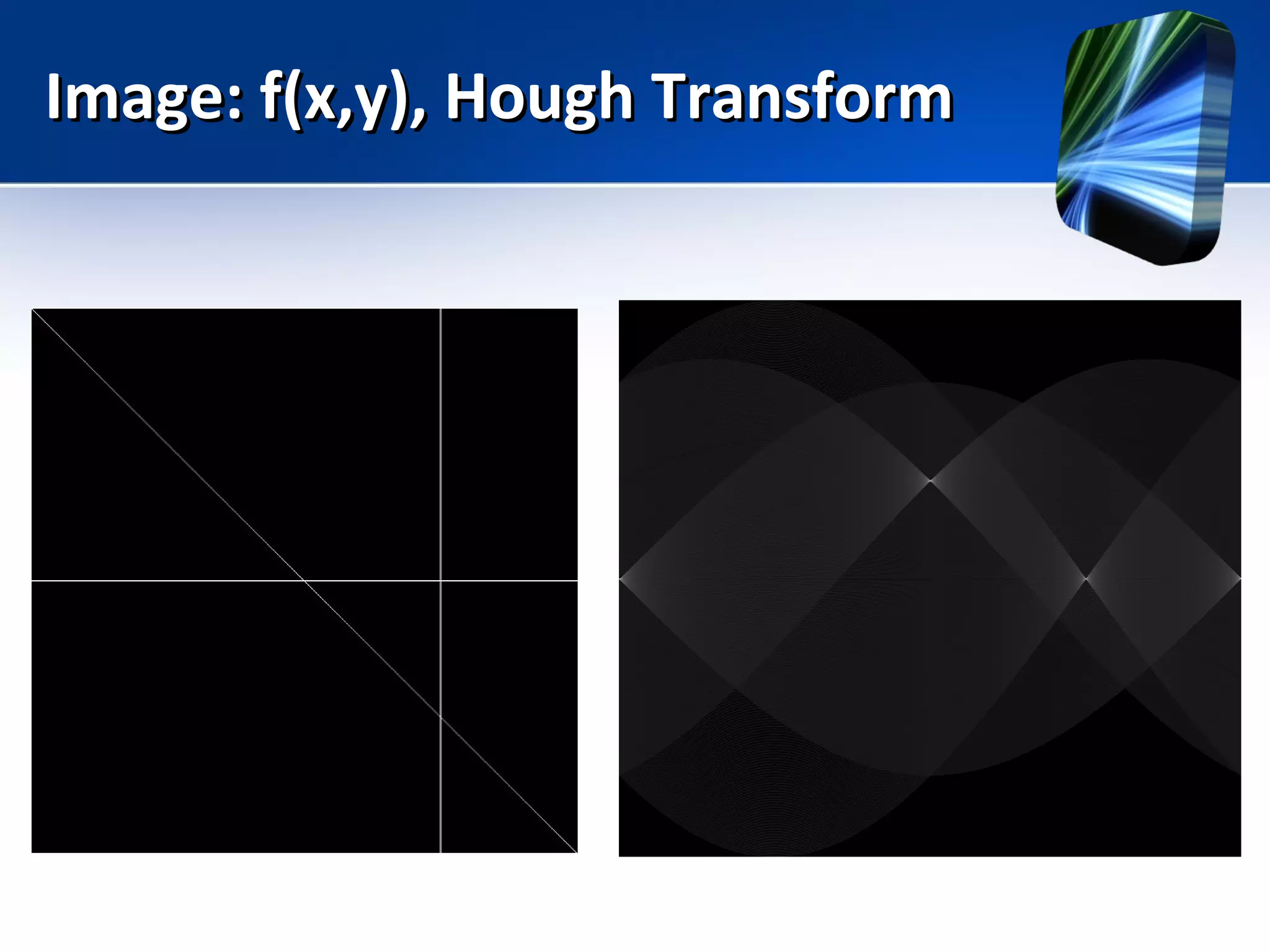
Image: f(x,y), Hough TransformImage: f(x,y), Hough Transform
Lab: Segment DetectionLab: Segment Detection
• Visit: www.ipol.im
• Segmentation and Edges
• LDS: a Line Segment Detector
Lab: SegmentationLab: Segmentation
• Visit: www.ipol.im
• Segmentation and Edges
• Chan-Vese Segmentation
• Consider: A Real Time Morphological Snakes
Algorithm
Things to ConsiderThings to Consider
• Quadtrees
• Review Graph Theory (Laplace, Gradiantes,
Watersheds)
– Strongly Connected Components
– Minimum Cut Algorithm
• Gather feedback from the user (make the user
select areas or faces)
• Sparse Modeling
• Machine Learning
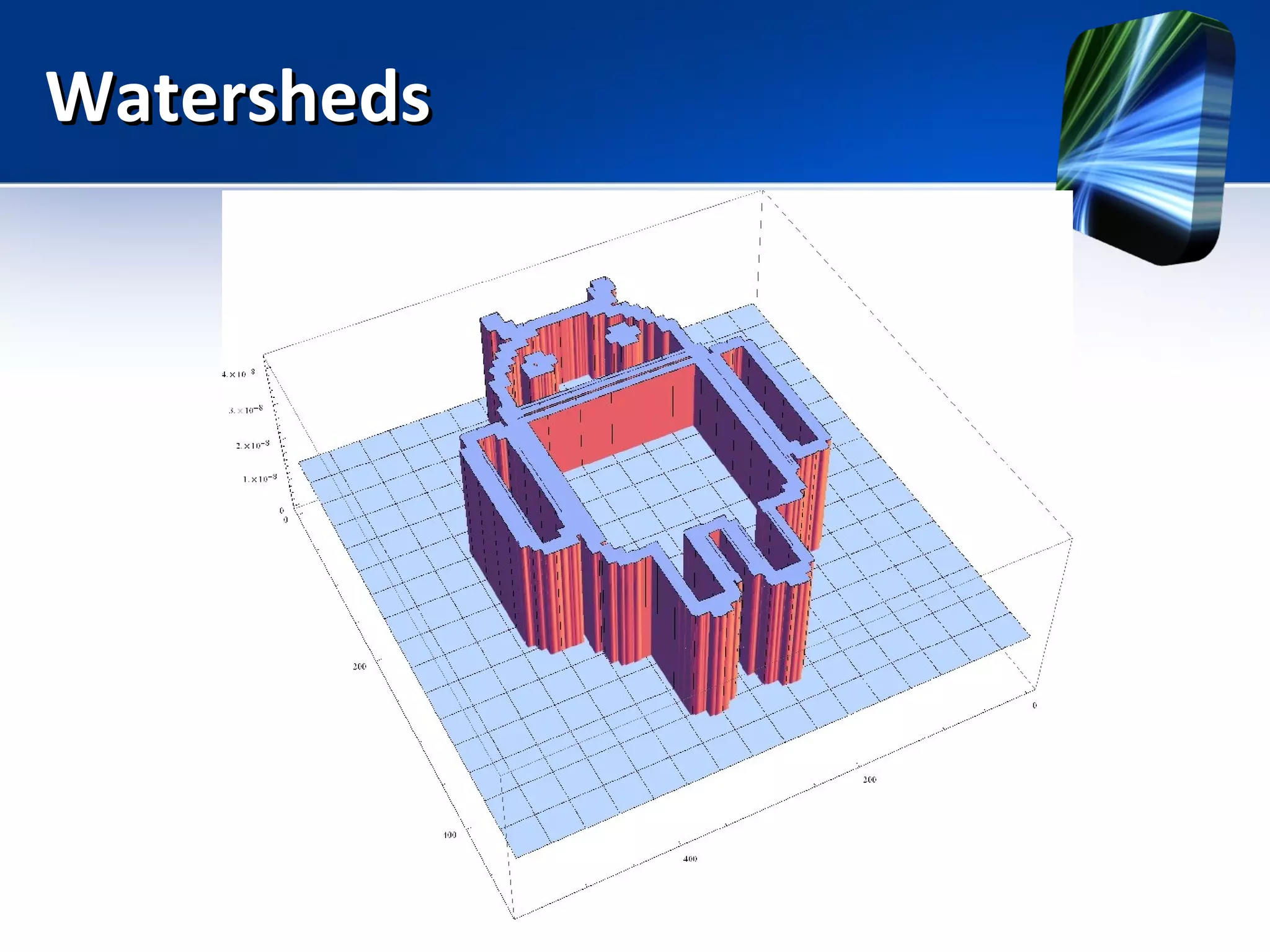
WatershedsWatersheds
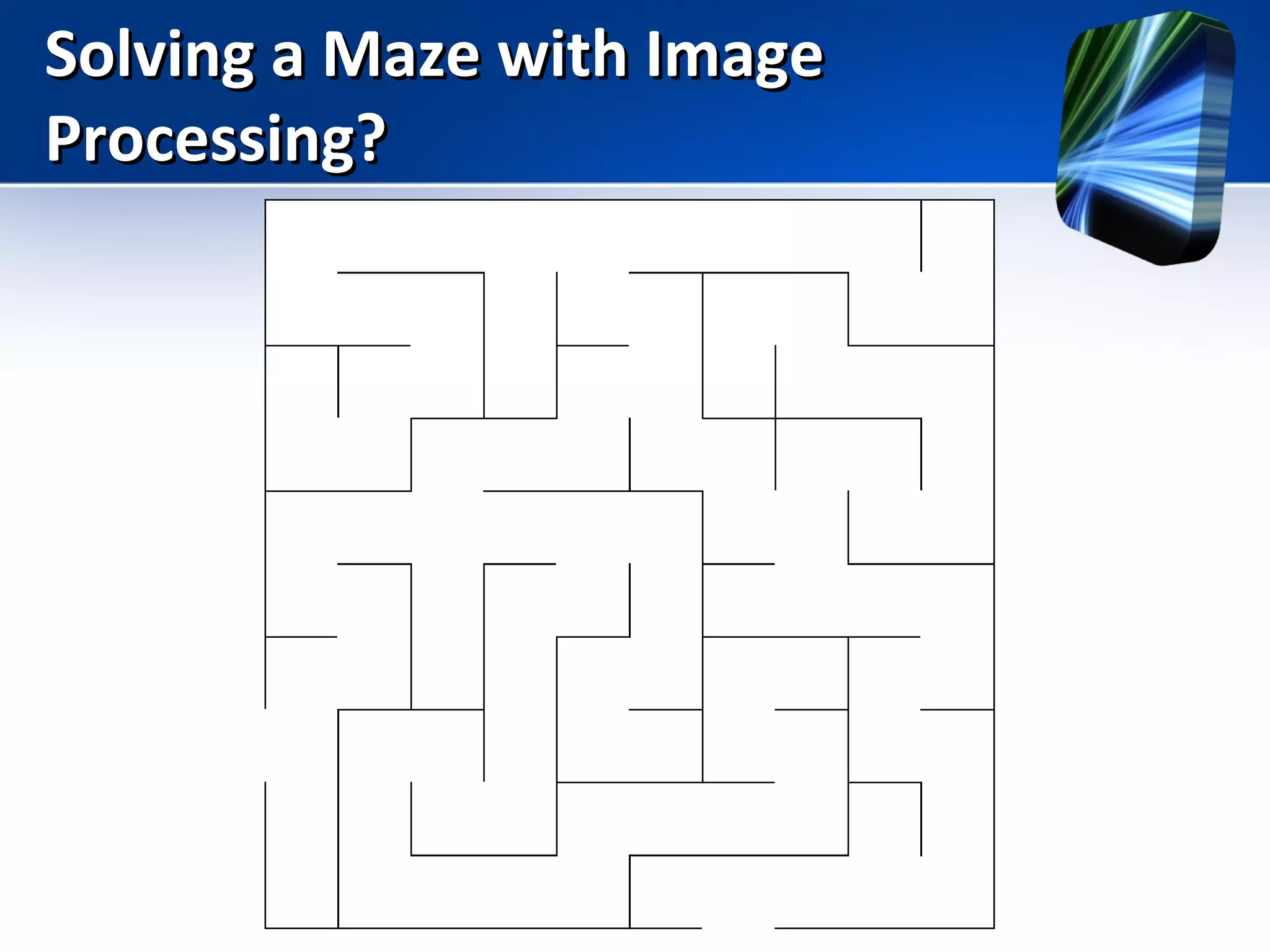
Solving a Maze with ImageSolving a Maze with Image
Processing?Processing?
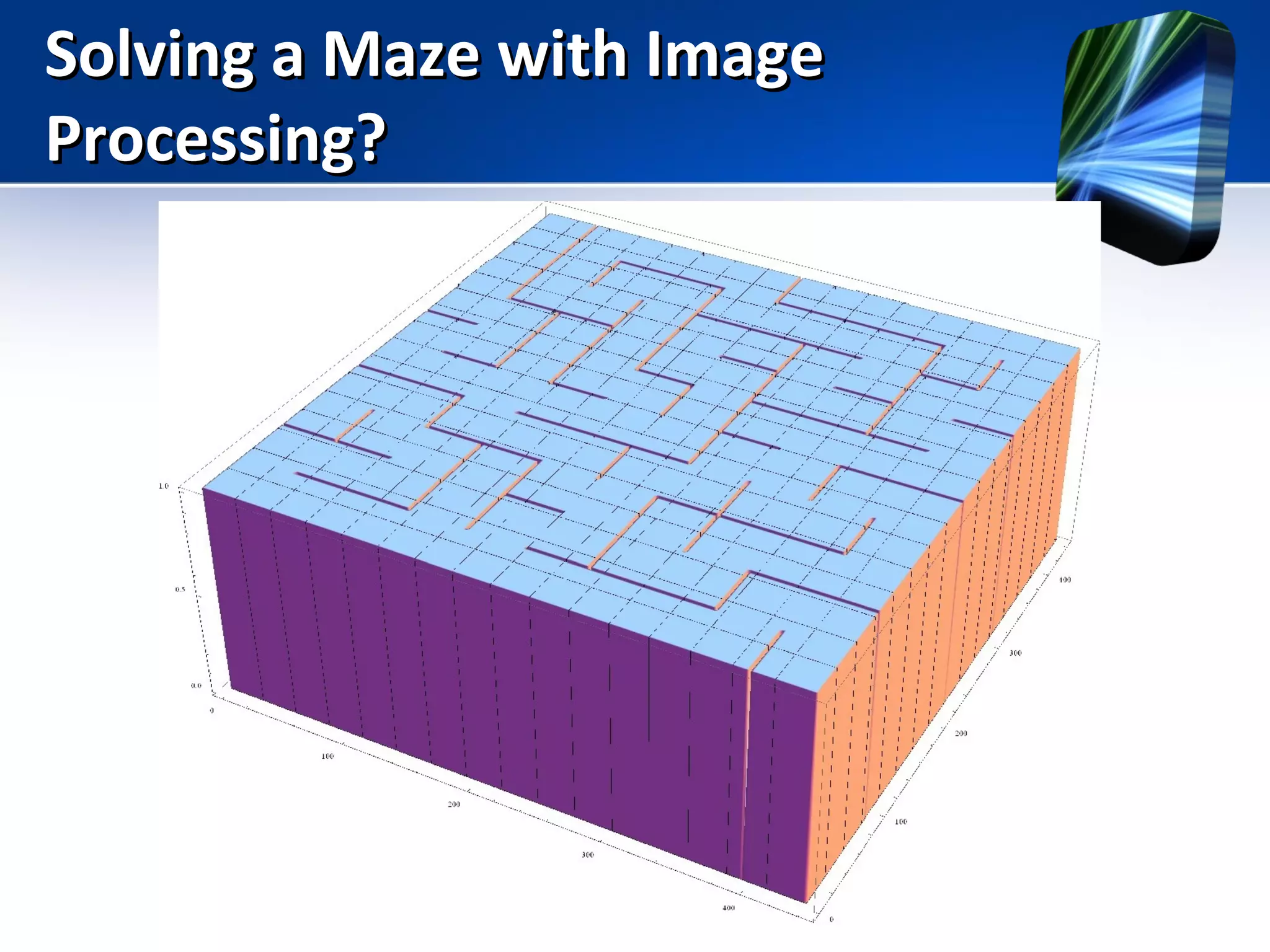
Solving a Maze with ImageSolving a Maze with Image
Processing?Processing?
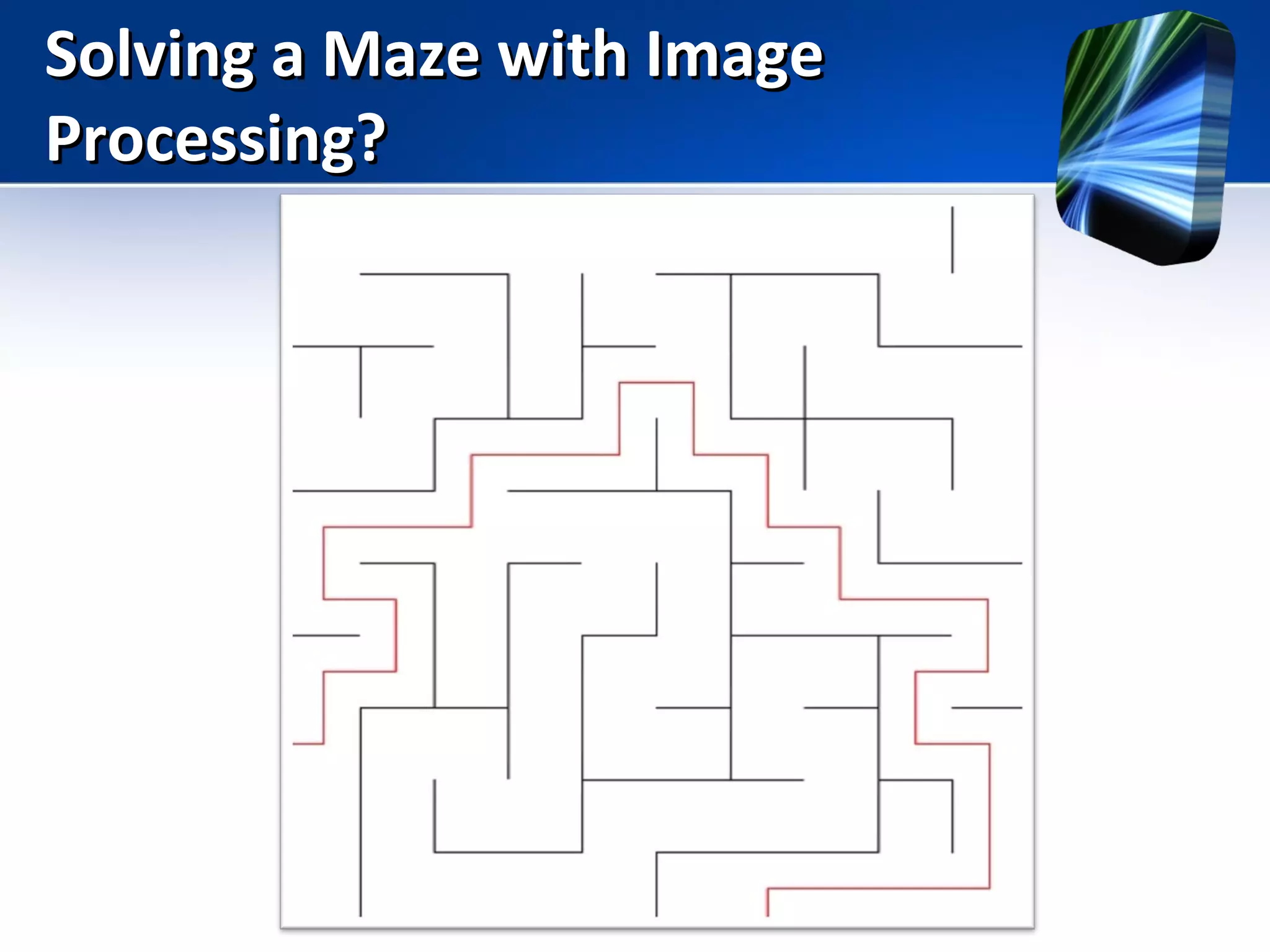
Solving a Maze with ImageSolving a Maze with Image
Processing?Processing?
Usefool ToolsUsefool Tools
• Matlab / Octave
• Mathematica
• OpenCV
• ipol.im
• Python
• Photoshop
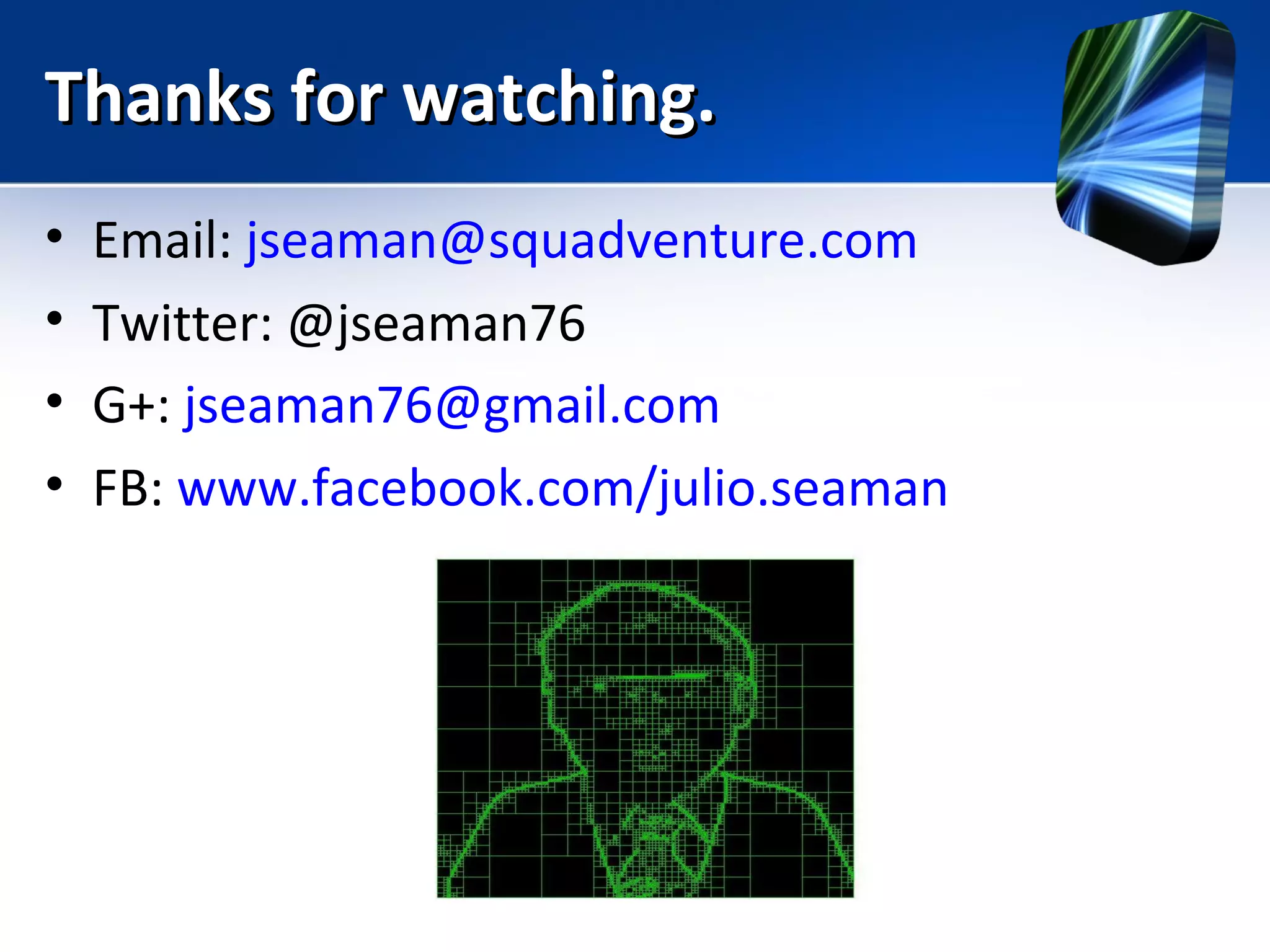
Thanks for watching.Thanks for watching.
• Email: jseaman@squadventure.com
• Twitter: @jseaman76
• G+: jseaman76@gmail.com
• FB: www.facebook.com/julio.seaman

Introduction to Digital Image Processing