COMPUTER
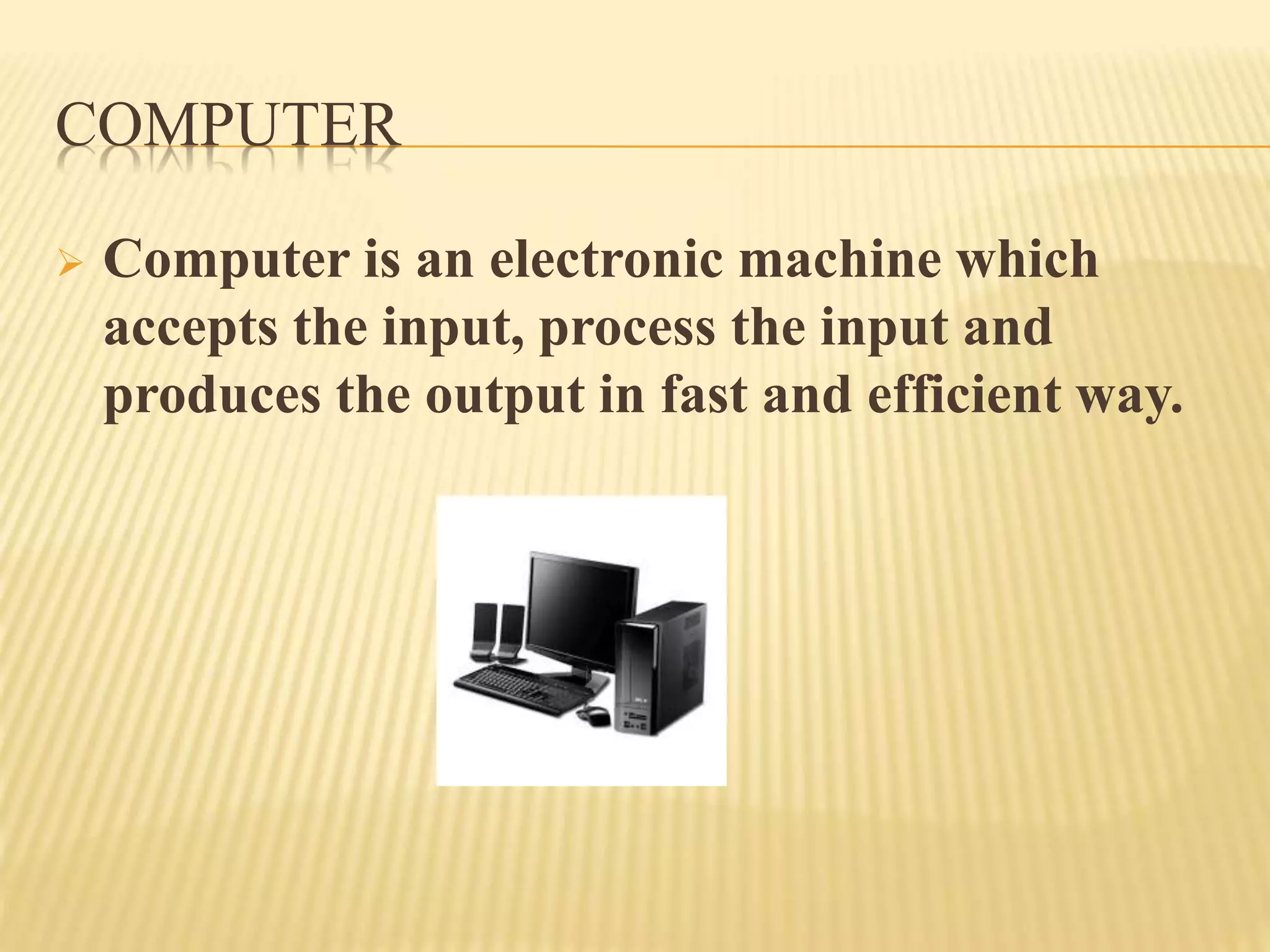
 Computer is an electronic machine which
accepts the input, process the input and
produces the output in fast and efficient way.
COMPONENTS OF COMPUTER
 Input Device
-Keyboard, Mouse, OMR(Optical Mark
Reader),OCR(Optical Character
Reader),MICR(Magnetic Ink Character
Recognition), Scanner
 Output Device
-Monitor, Printer
 Processing Device
-CPU(Central Processing Unit),ALU(Arithmetic &
Logic Unit),CU(Control Unit),MU(Memory Unit)
INPUT DEVICE
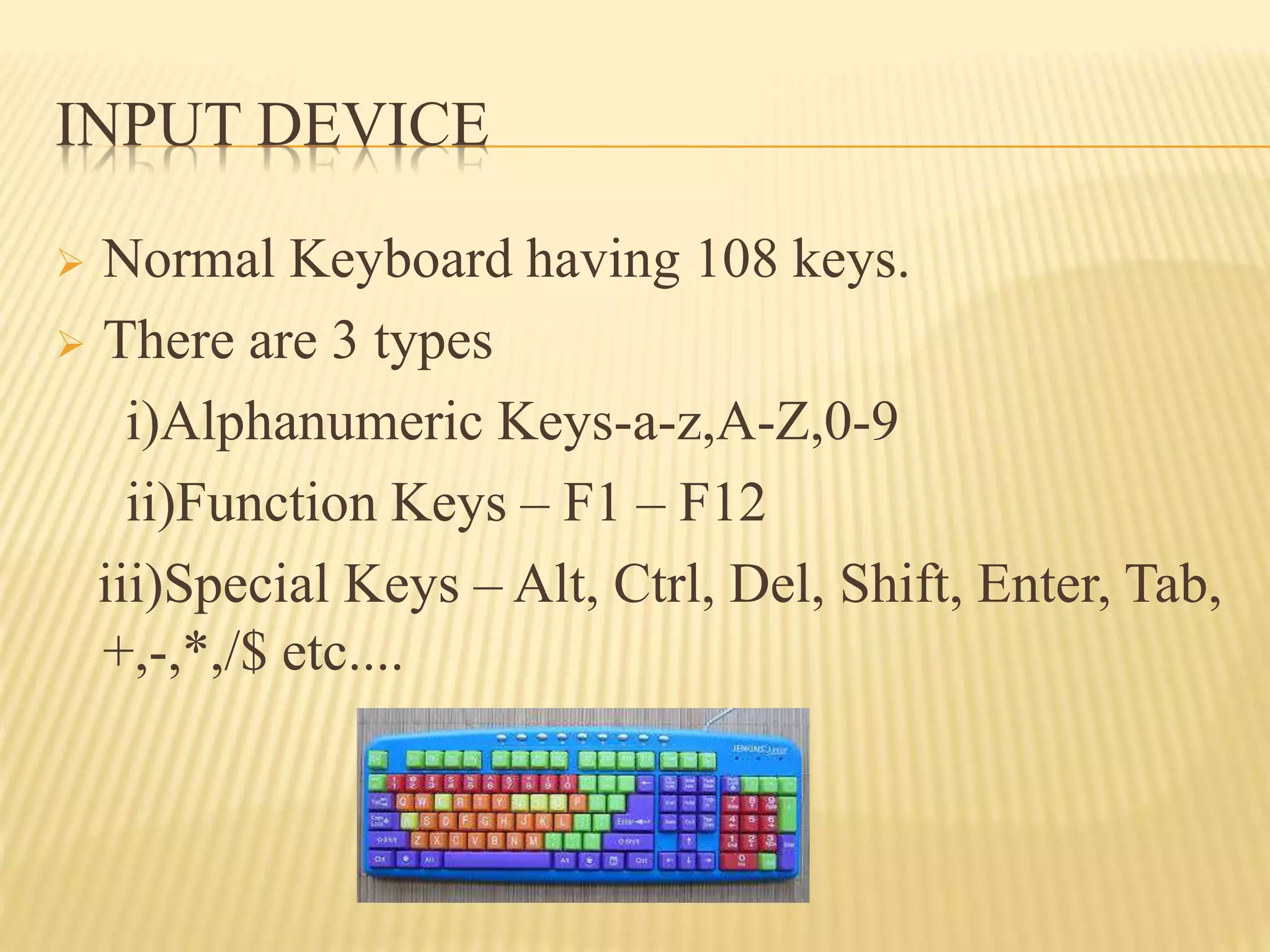
 Normal Keyboard having 108 keys.
 There are 3 types
i)Alphanumeric Keys-a-z,A-Z,0-9
ii)Function Keys – F1 – F12
iii)Special Keys – Alt, Ctrl, Del, Shift, Enter, Tab,
+,-,*,/$ etc....
MOUSE
(MECHANICALLY OPERATED USE SERIAL
ENGINE)
 Mouse was introduced in Stanford Research
Institute
 Types of Mouse
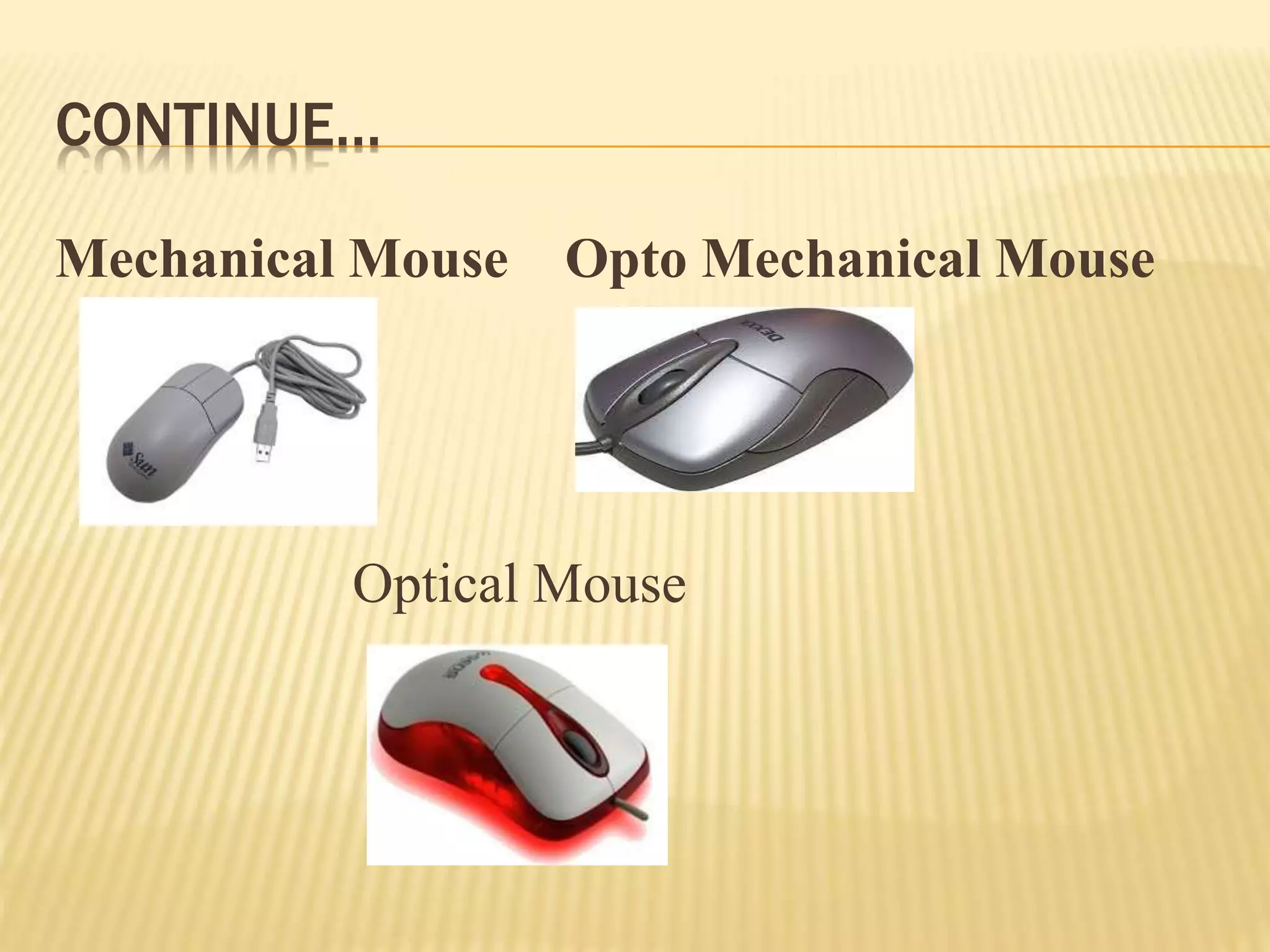
i)Mechanical Mouse-Movement is identified using
Roller ball
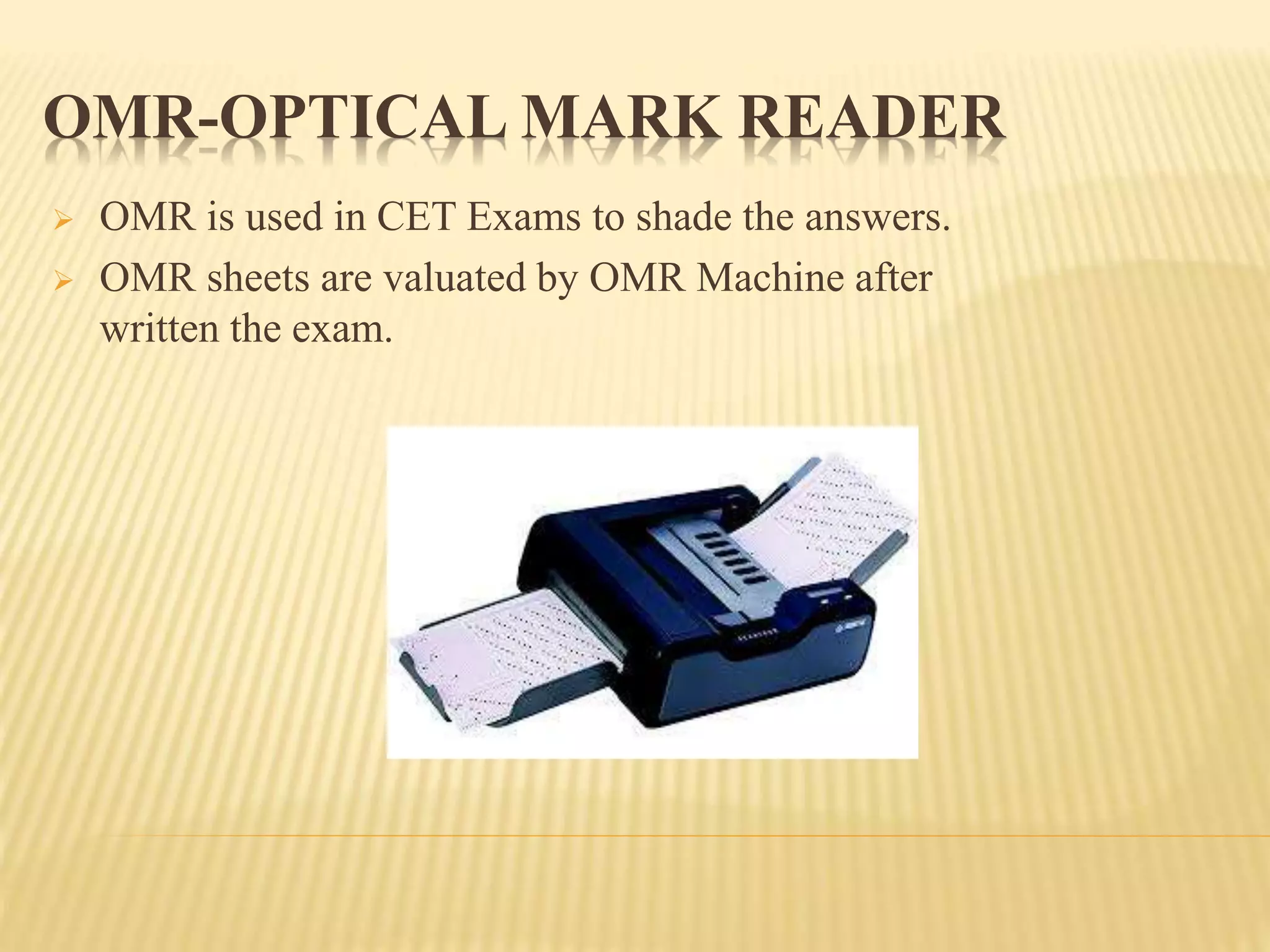
ii)Opto Mechanical Mouse-Movement is identified
using Light Sensitive optical device
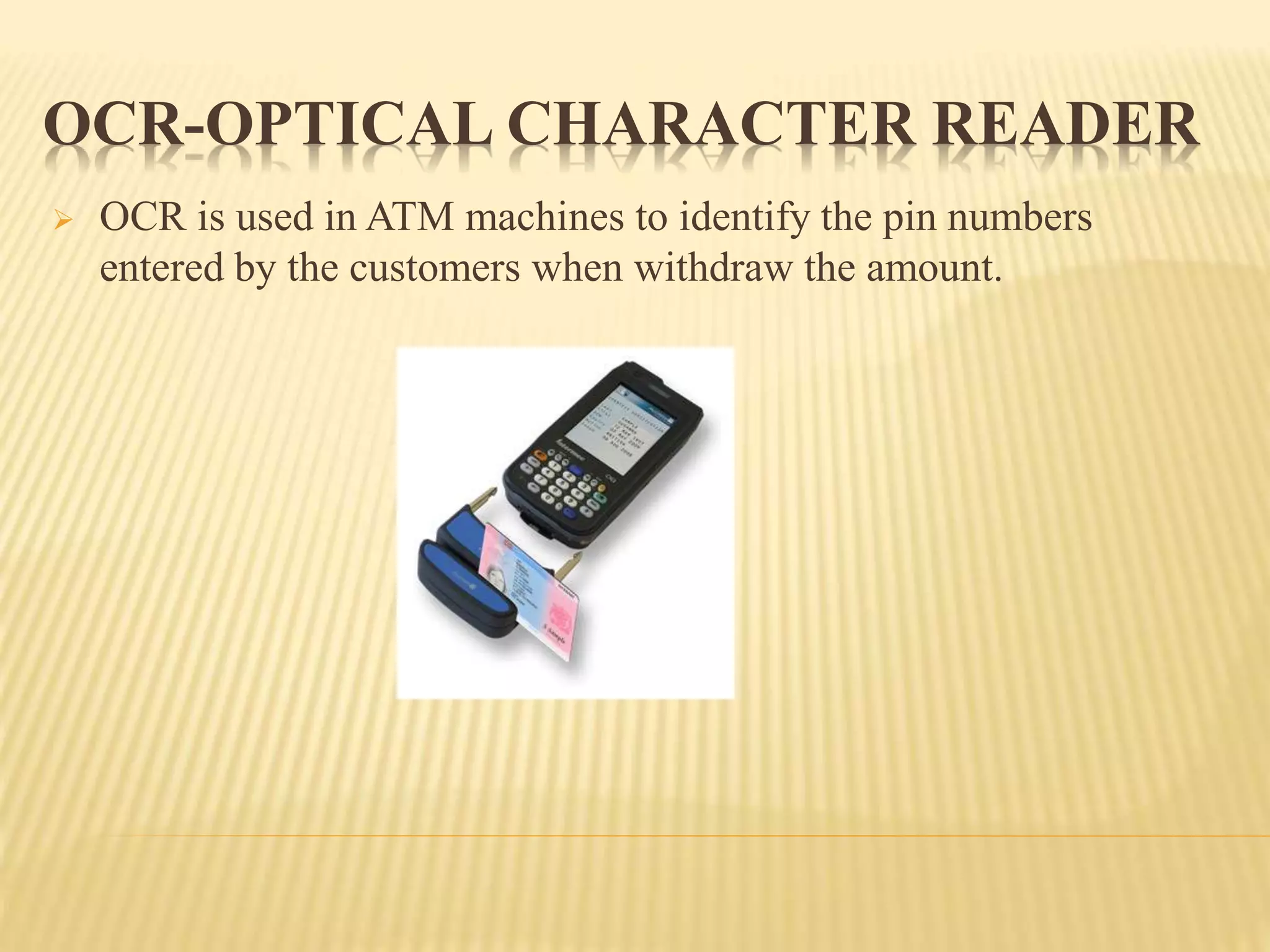
iii)Optical Mouse-Movement is identified using
Laser light
CONTINUE…
Mechanical Mouse Opto Mechanical Mouse
Optical Mouse
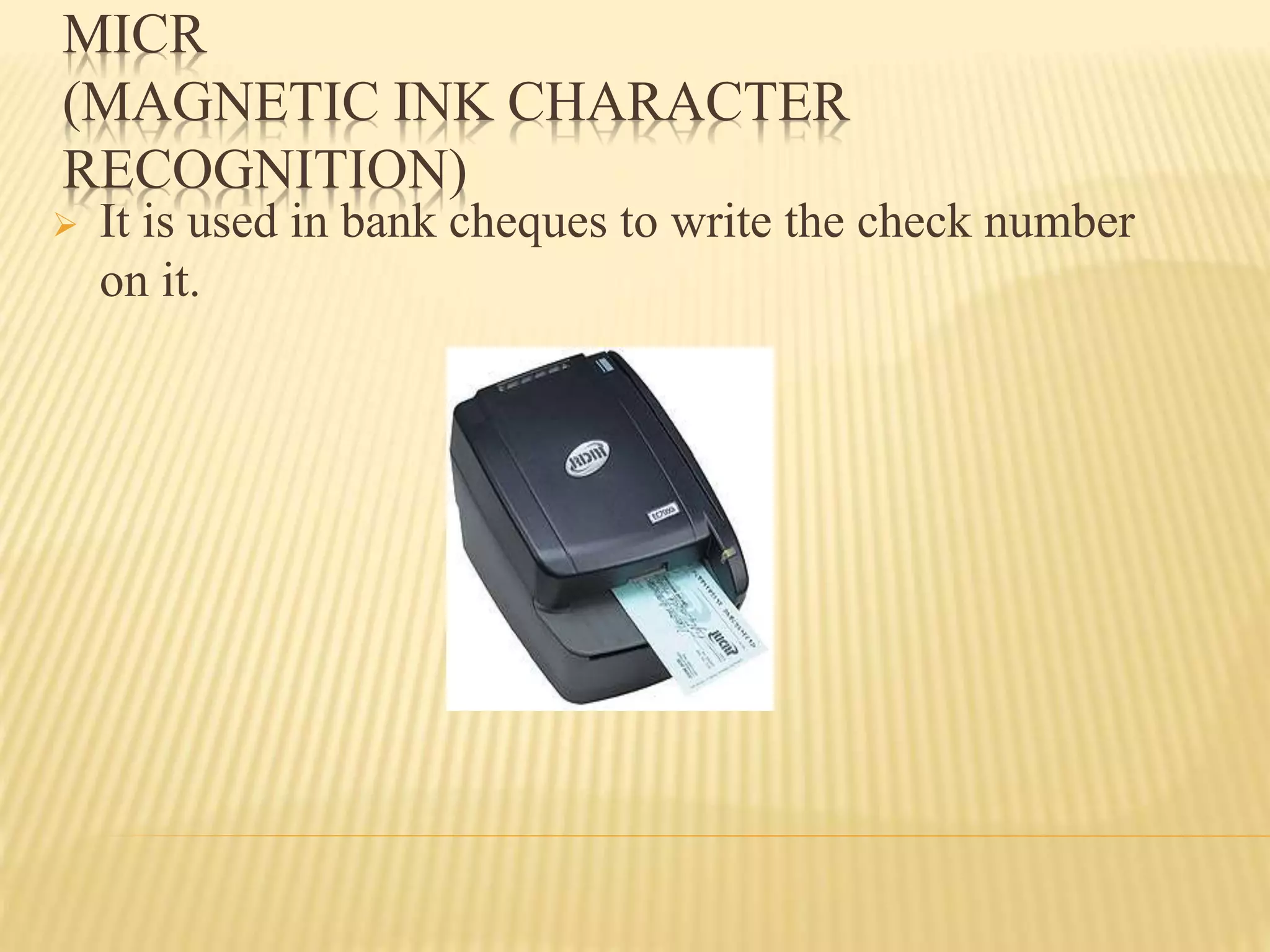
 OMR is used in CET Exams to shade the answers.
 OMR sheets are valuated by OMR Machine after
written the exam.
OMR-OPTICAL MARK READER
 OCR is used in ATM machines to identify the pin numbers
entered by the customers when withdraw the amount.
OCR-OPTICAL CHARACTER READER
MICR
(MAGNETIC INK CHARACTER
RECOGNITION)
 It is used in bank cheques to write the check number
on it.
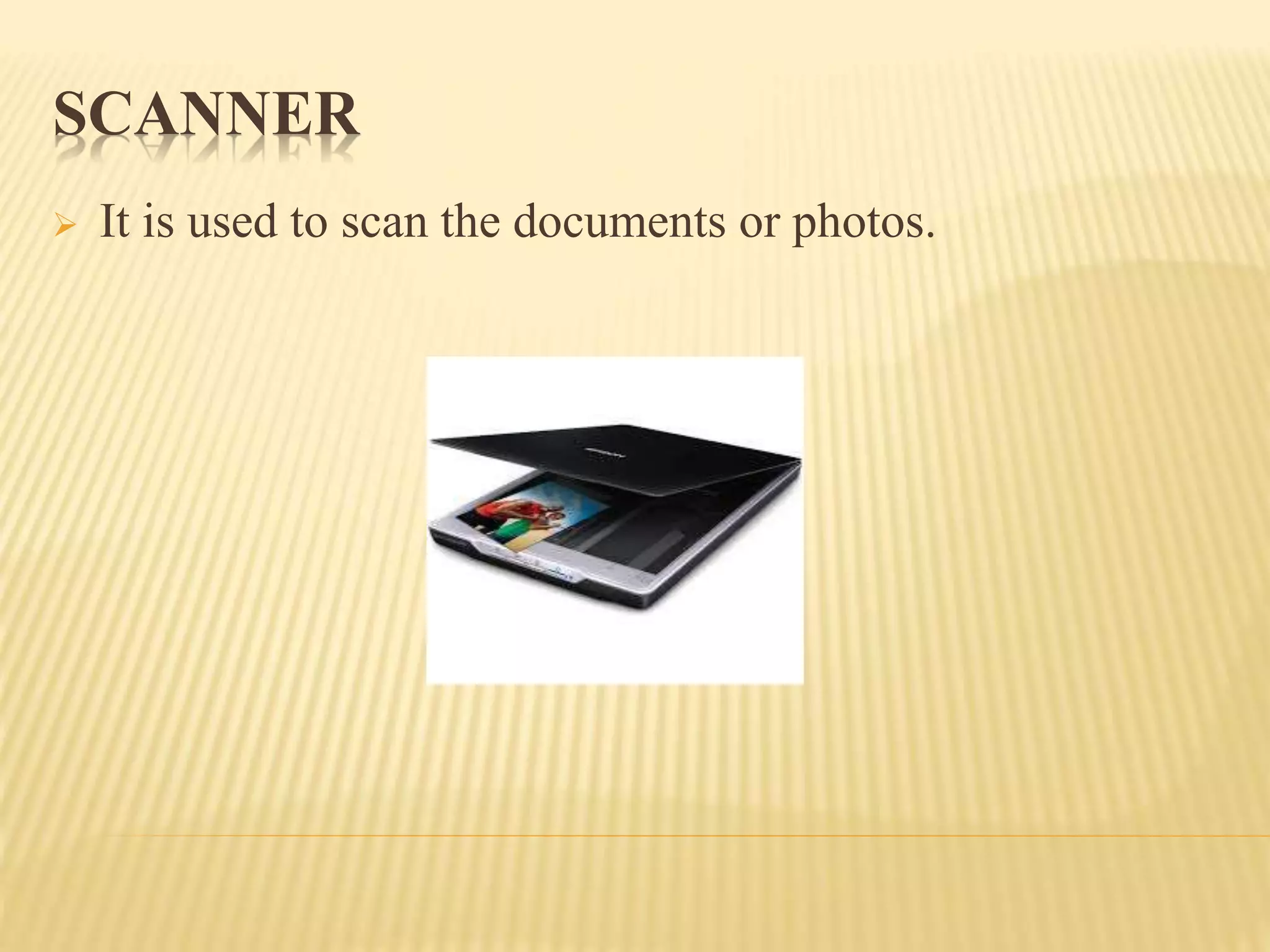
SCANNER
 It is used to scan the documents or photos.
OUTPUT DEVICE
MONITOR
 It is also called VDU(Visual Display Unit)
 It can be Monochrome or color Monitor
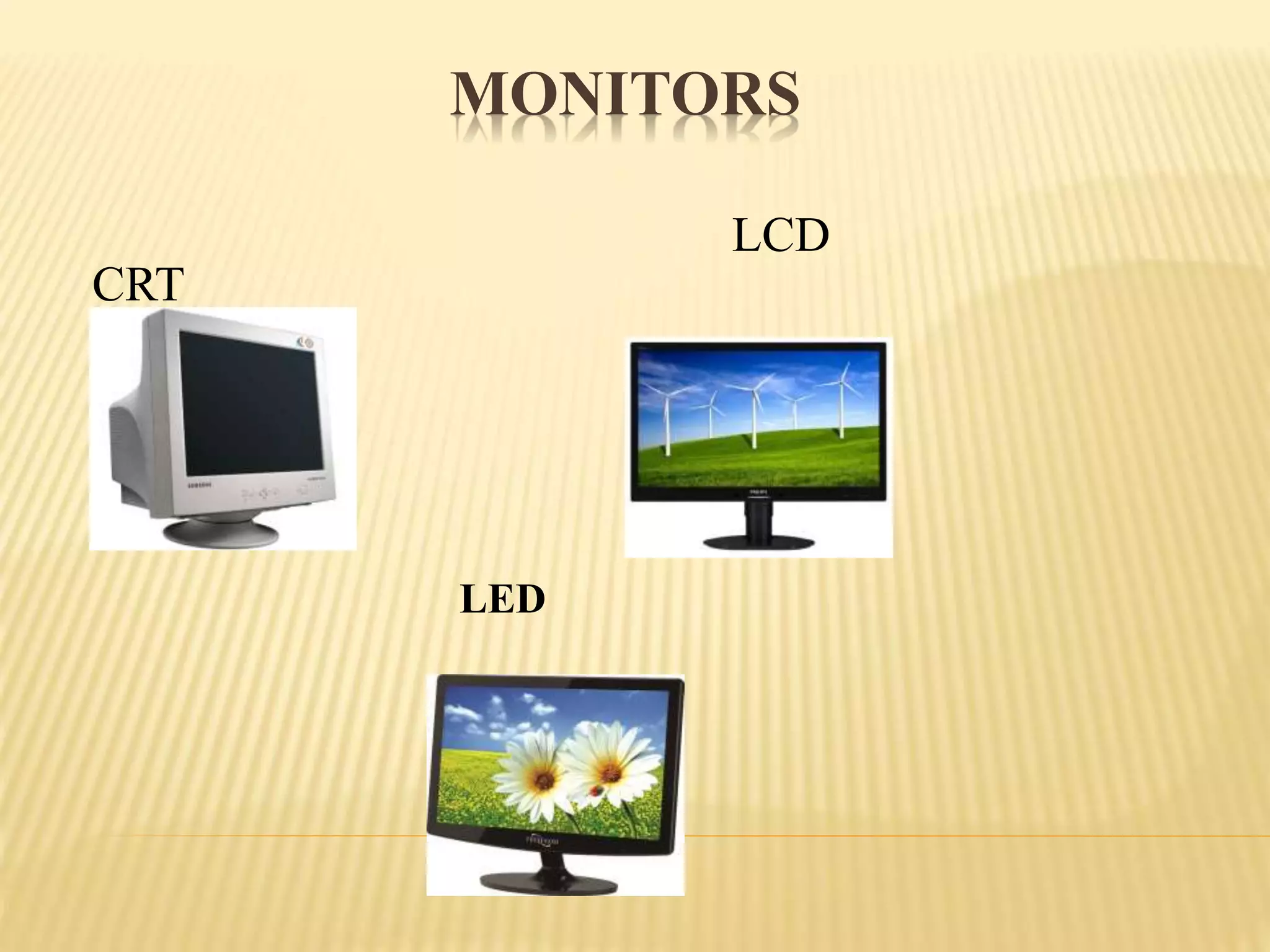
 CRT(Cathode Ray Tube),LCD(Liquid Crystal
Display),LED(Light Emitting Diode) are the types of
Monitor
 Resolution(Clarity), Size(17’,19’&20’) and Refresh
rate(Per minute how much of the image redrawn in
the monitor) are the 3 important things in Monitor
 Pixel(Picture Element) is used to support text based
and graphics based information.
MONITORS
CRT
LCD
LED
PRINTER
 It is used to give the output in paper format
 There are 2 types
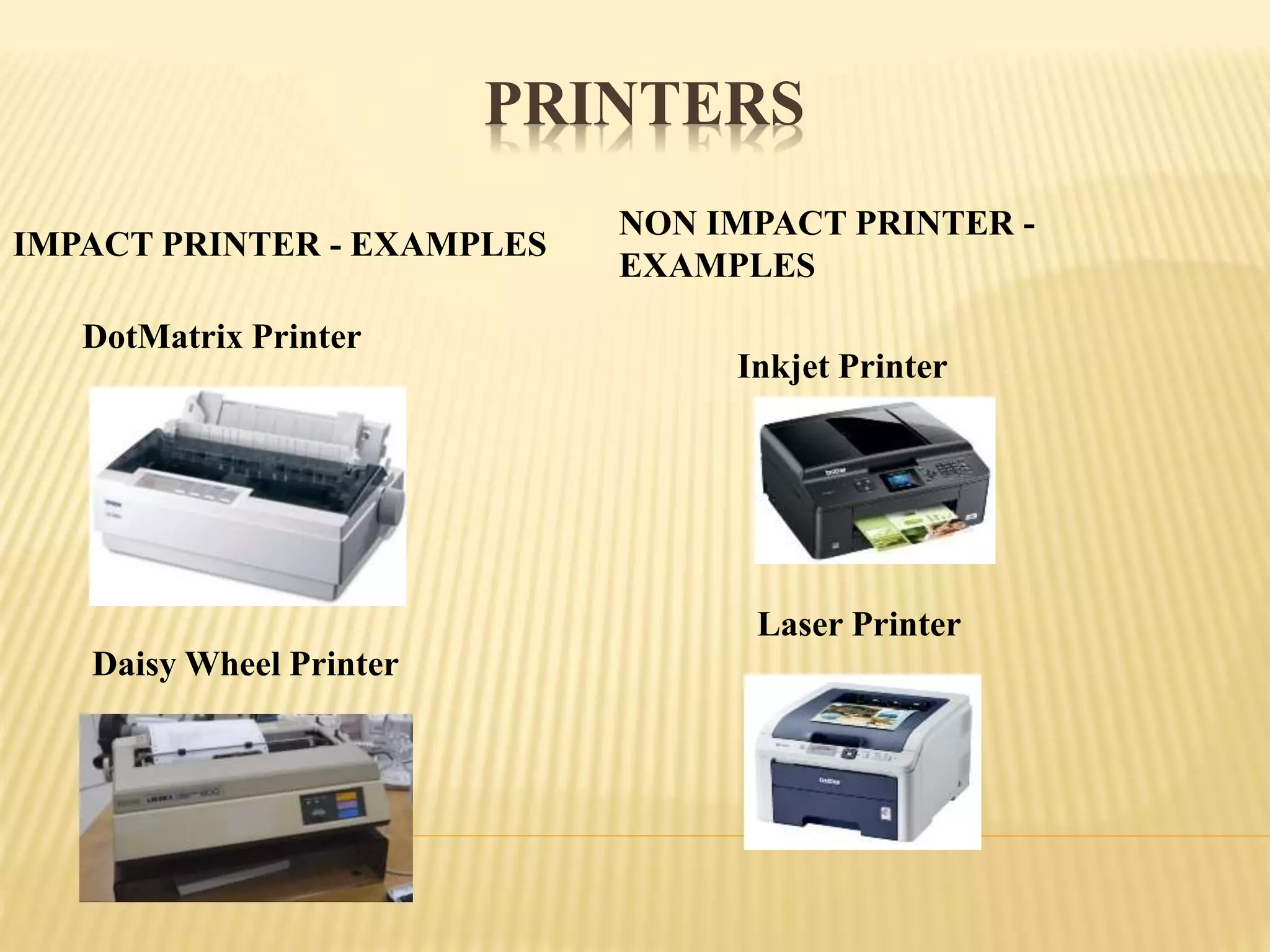
Impact Printer :
Print Head & Inked Ribbon will be there to print
Produces noise while printing character
No need to use better quality paper
Clarity will not be good
Ex: Dot net & Daisy Wheel Printer
Non Impact Printer
Print Head & Inked Ribbon will not be there to print
Not Produces noise while printing character
Need to use better quality paper
Clarity will be good
Ex: Inkjet & Laser Printer
PRINTERS
IMPACT PRINTER - EXAMPLES
NON IMPACT PRINTER -
EXAMPLES
DotMatrix Printer
Daisy Wheel Printer
Inkjet Printer
Laser Printer
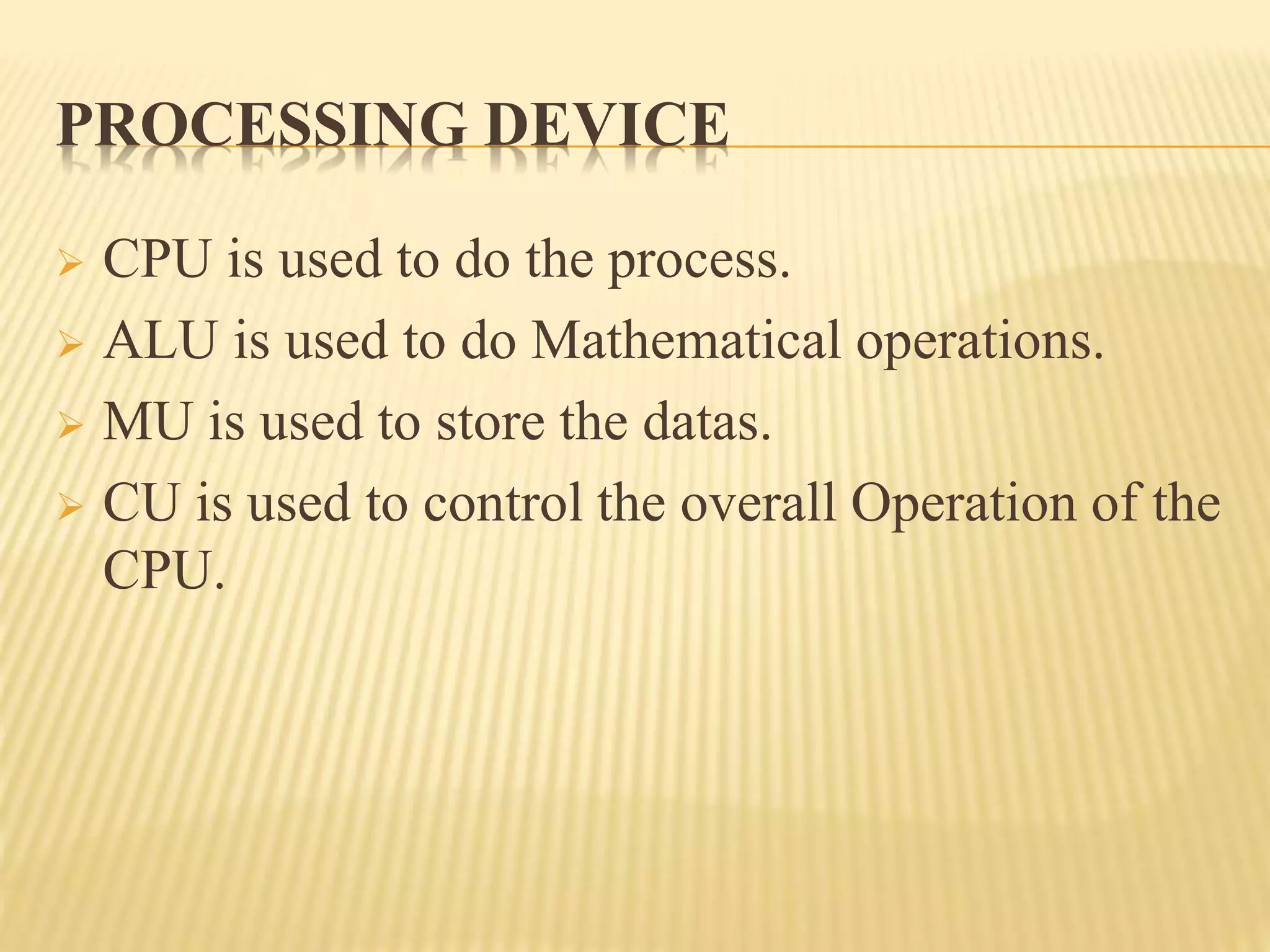
PROCESSING DEVICE
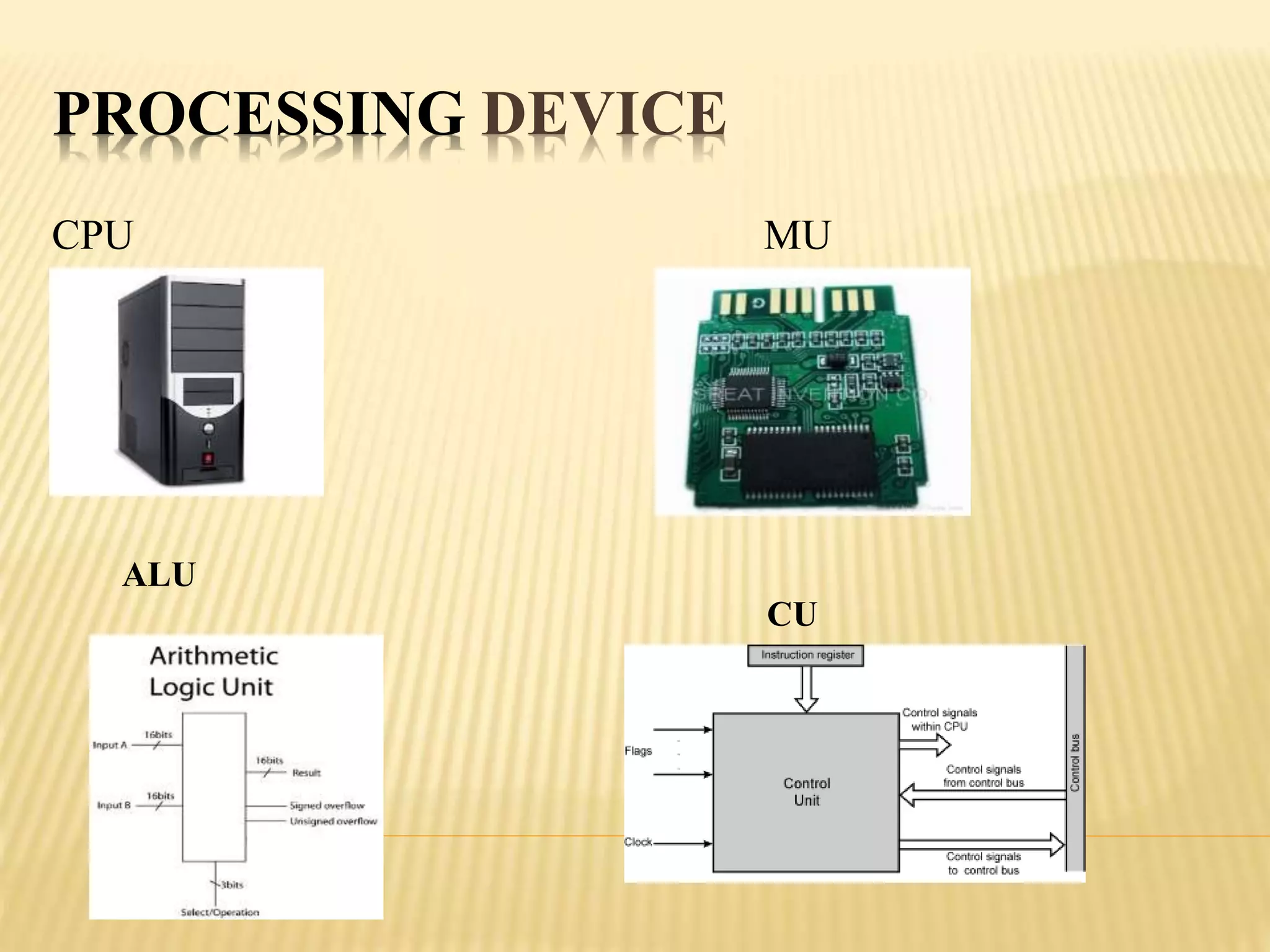
 CPU is used to do the process.
 ALU is used to do Mathematical operations.
 MU is used to store the datas.
 CU is used to control the overall Operation of the
CPU.
PROCESSING DEVICE
CPU MU
ALU
CU
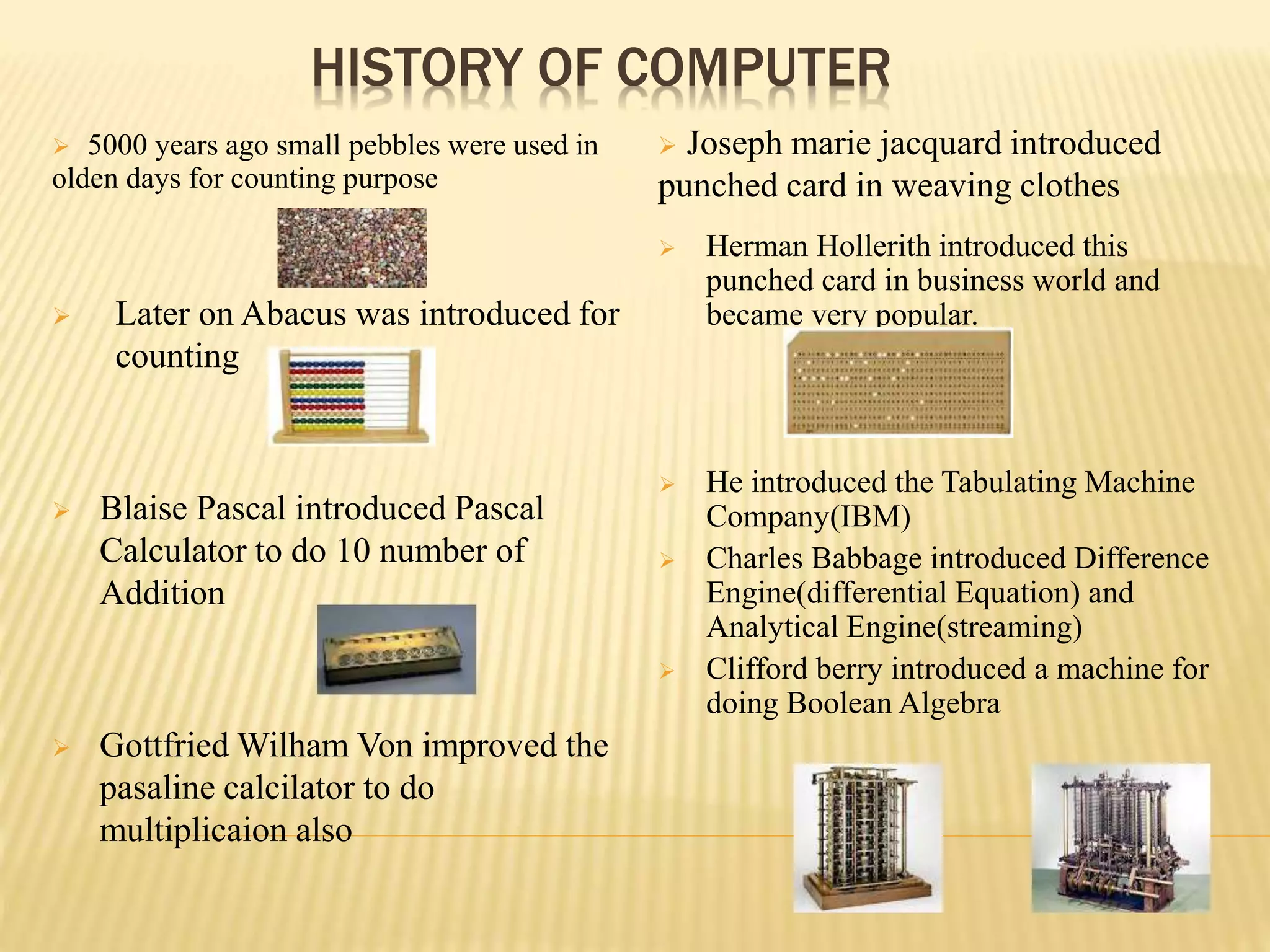
HISTORY OF COMPUTER
 5000 years ago small pebbles were used in
olden days for counting purpose
 Joseph marie jacquard introduced
punched card in weaving clothes
 Later on Abacus was introduced for
counting
 Blaise Pascal introduced Pascal
Calculator to do 10 number of
Addition
 Gottfried Wilham Von improved the
pasaline calcilator to do
multiplicaion also
 Herman Hollerith introduced this
punched card in business world and
became very popular.
 He introduced the Tabulating Machine
Company(IBM)
 Charles Babbage introduced Difference
Engine(differential Equation) and
Analytical Engine(streaming)
 Clifford berry introduced a machine for
doing Boolean Algebra
CHARACTERISTICS OF COMPUTER
 Accuracy
 Speed
 Diligence
 Versatility
 Power of remembering
 Intangible benefits
 Storage Capacity
 Reduced Cost
 Time Saving
GENERATIONS OF COMPUTER
 First Generation Computers
 Second Generation Computers
 Third Generation Computers
 Fourth Generation Computers
 Fifth Generation Computers
FIRST GENERATION COMPUTER
 In this generation mostly they were used vacuum
tubes in the computer.
 They introduced ENIAC,EDVAC & UNIVAC
Computers.
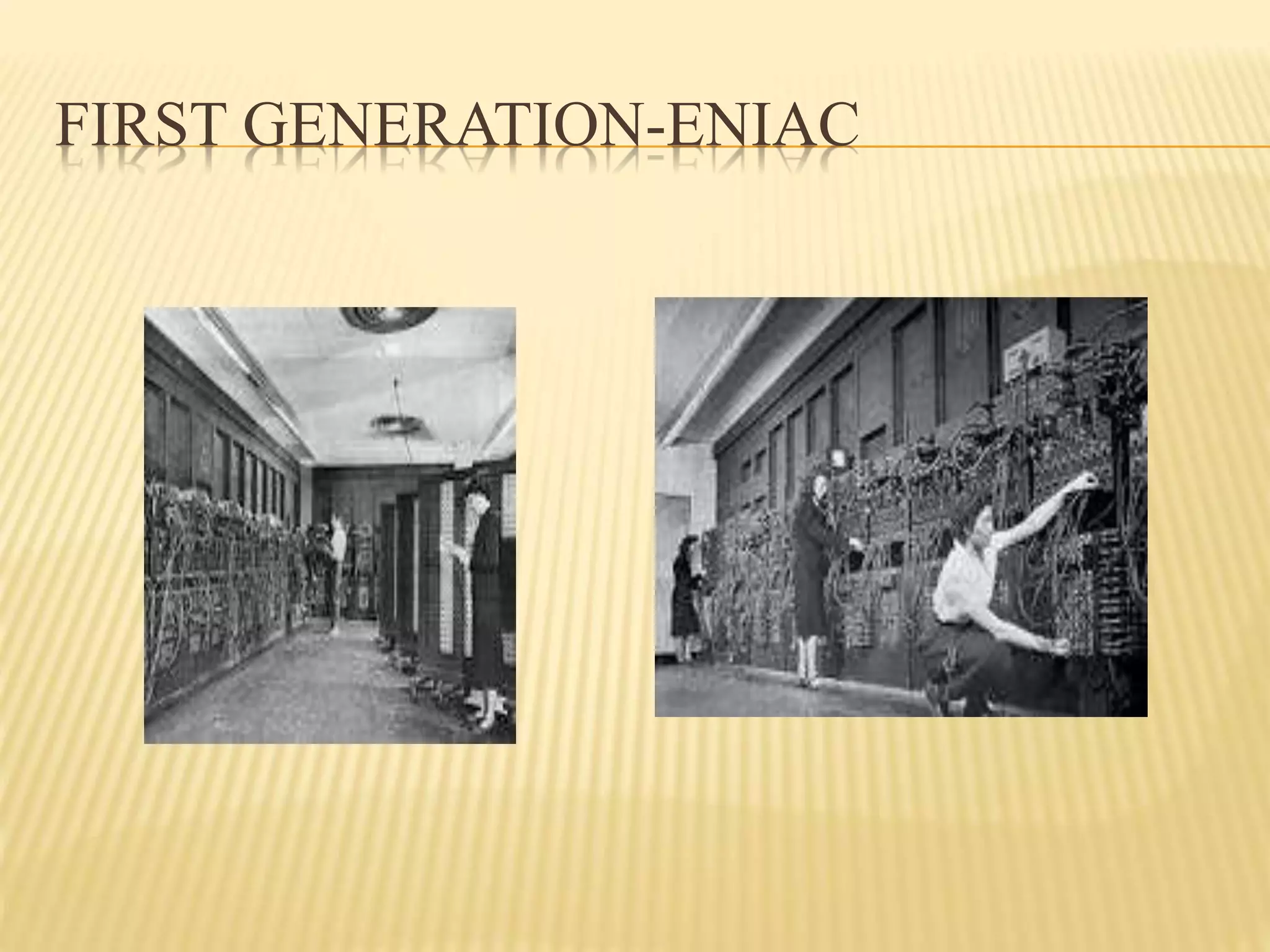
 ENIAC (Electronic Discrete Variable Automatic
Computer)was introduced by John prosper eckert&
john W.Mauchly. It consists of 18000 vaccum tubes,
70000 resistors and 5 million soldered joints. We
need to spend 160 KW of electricity every day to
maintain this computers.
CONTINUE ….
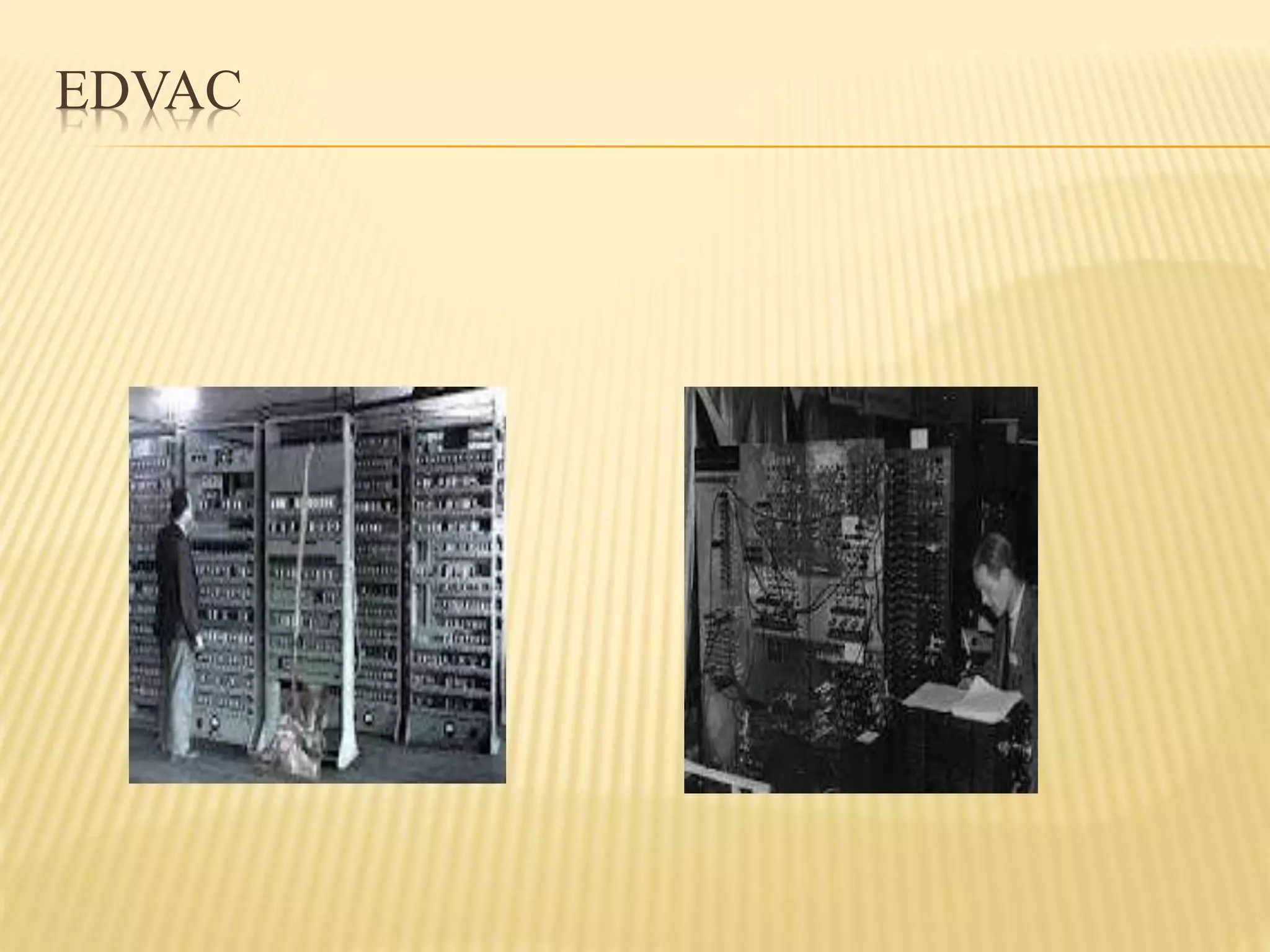
 EDVAC (Electronic Discrete Variable Automatic
Computer)was introduced by John Von Neuman.
It is used for stored the programs.
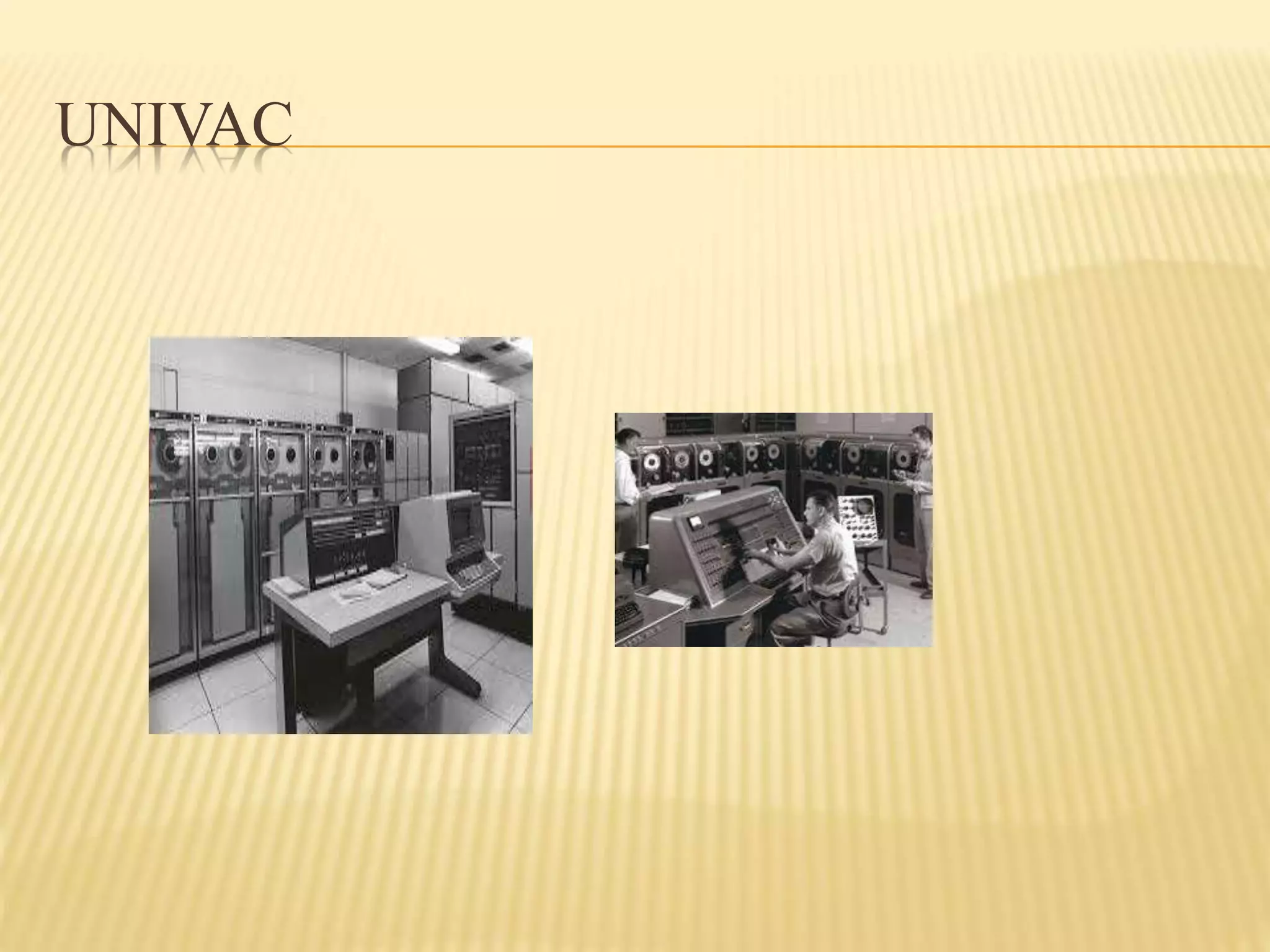
 UNIVAC(Universal Automatic Computer) was
introduced by Remington rand company. It was
the first commercially available computer.
FIRST GENERATION-ENIAC
EDVAC
UNIVAC
SECOND GENERATION
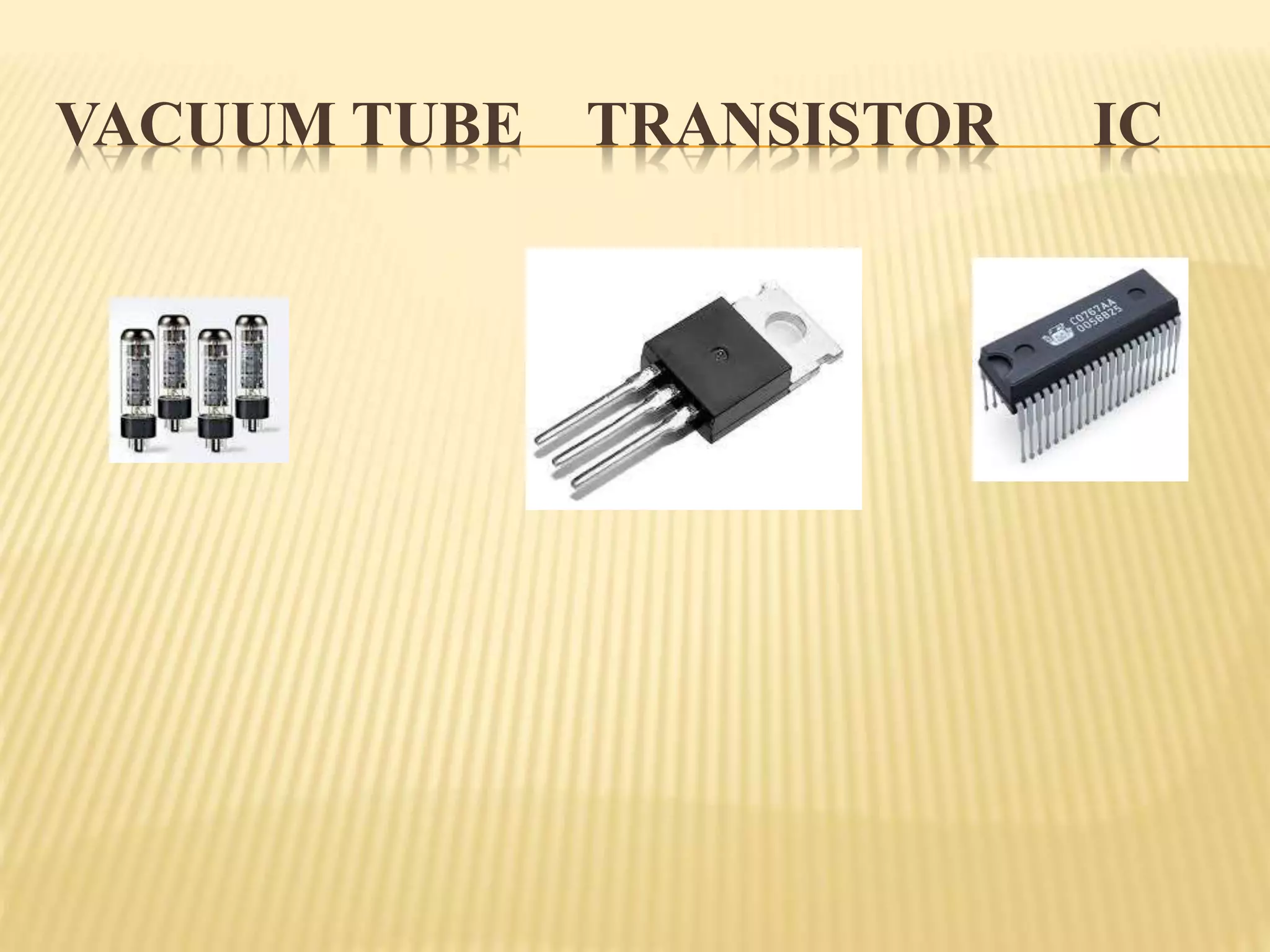
 In 2nd generation, they were used transistors instead
of vacuum tubes.
THIRD GENERATION
 In this generation they were used IC’s(Integrated
Circuits) in the computer. IC was introduced by Jack
Kilby. They were used semiconductors also. If we fit
3 components in single chip, then it is called IC.If we
fit more than 3 components in single chip then it is
called Semiconductor.
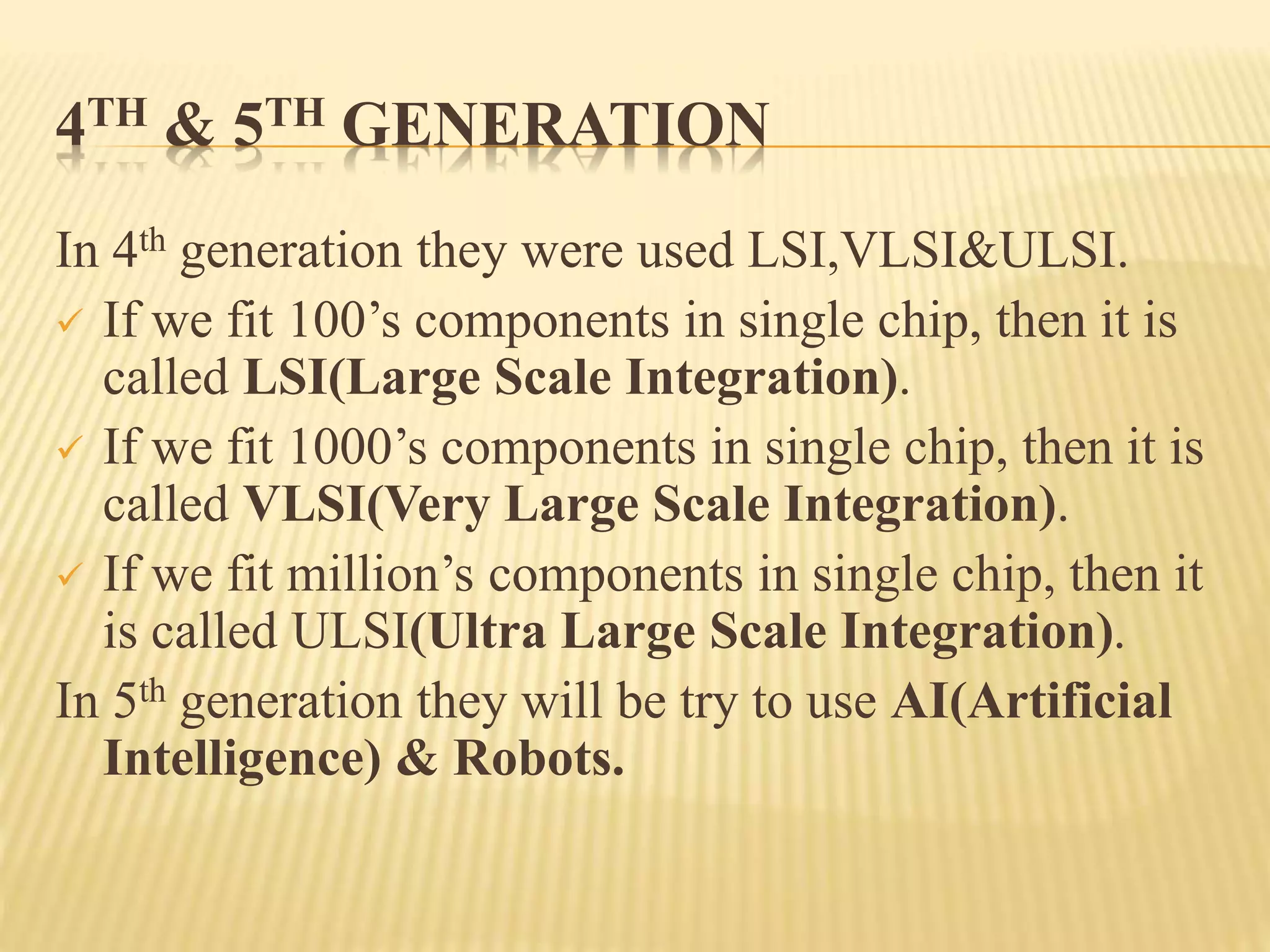
4TH & 5TH GENERATION
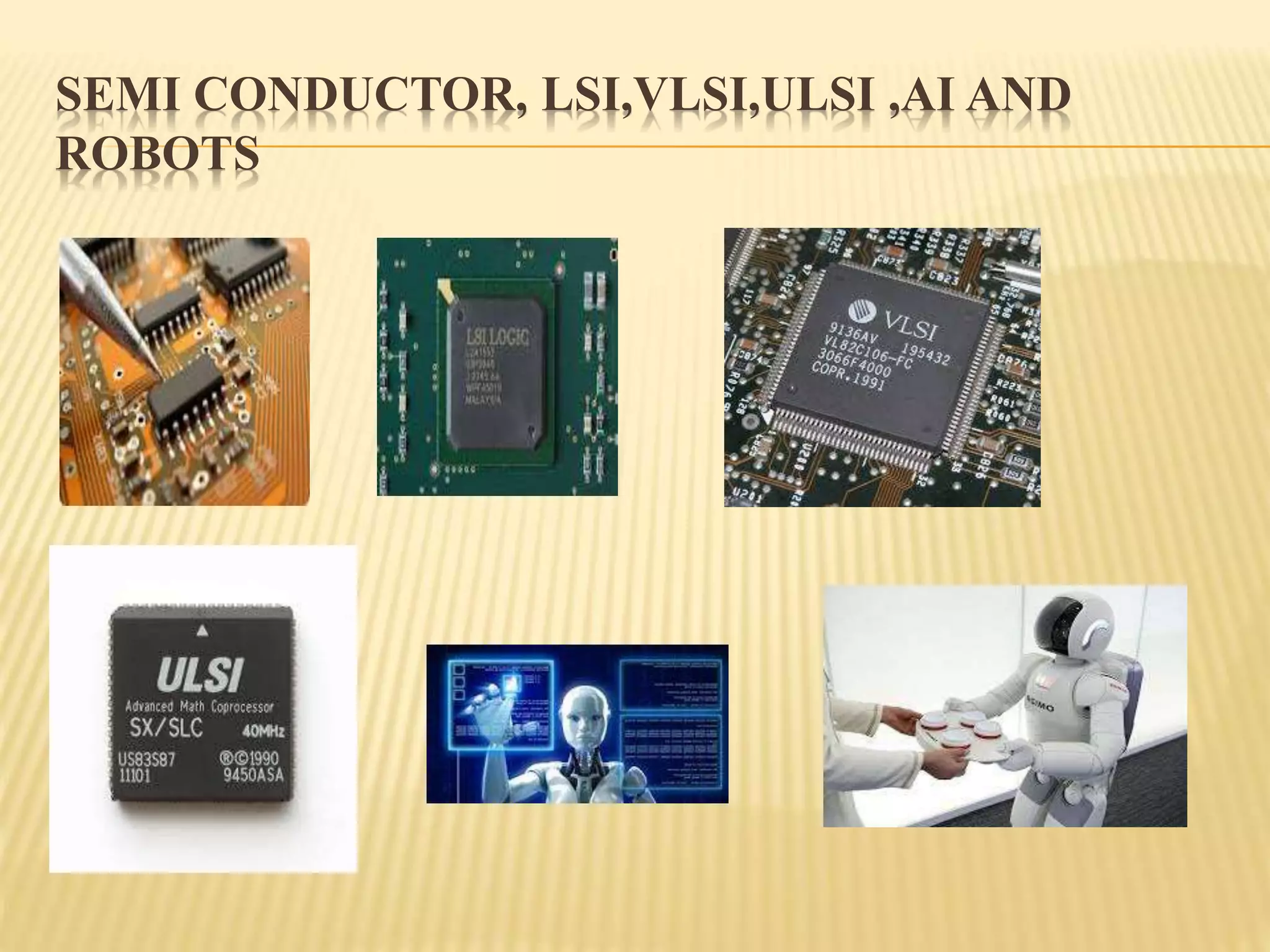
In 4th generation they were used LSI,VLSI&ULSI.
 If we fit 100’s components in single chip, then it is
called LSI(Large Scale Integration).
 If we fit 1000’s components in single chip, then it is
called VLSI(Very Large Scale Integration).
 If we fit million’s components in single chip, then it
is called ULSI(Ultra Large Scale Integration).
In 5th generation they will be try to use AI(Artificial
Intelligence) & Robots.
VACUUM TUBE TRANSISTOR IC
SEMI CONDUCTOR, LSI,VLSI,ULSI ,AI AND
ROBOTS
CLASSIFICATION OF COMPUTERS
1.Mini Computer.
2. Mainframe Computer.
3.Micro Computer – PC & Workstation
4.Super Computer.
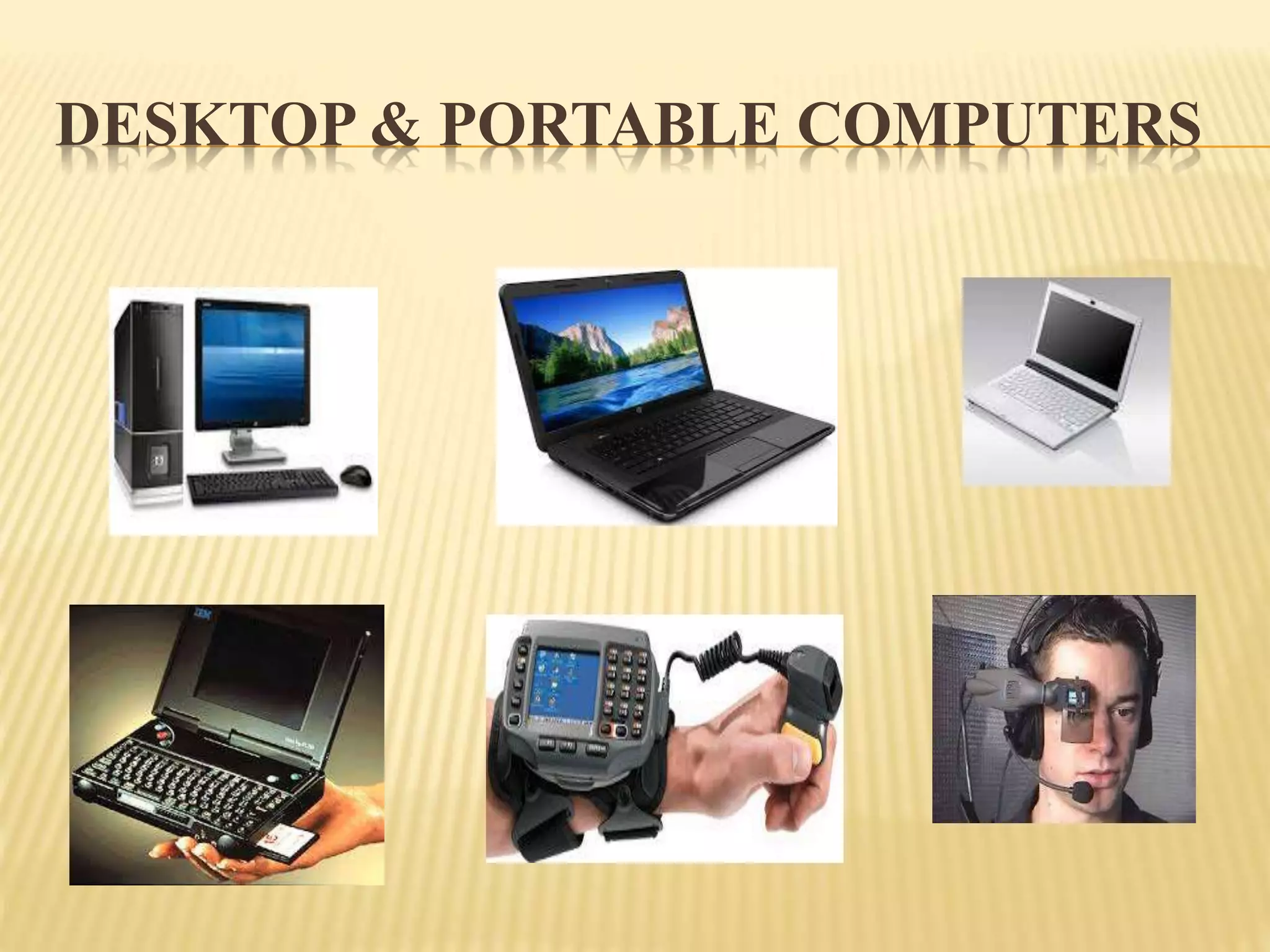
DESKTOP & PORTABLE COMPUTERS
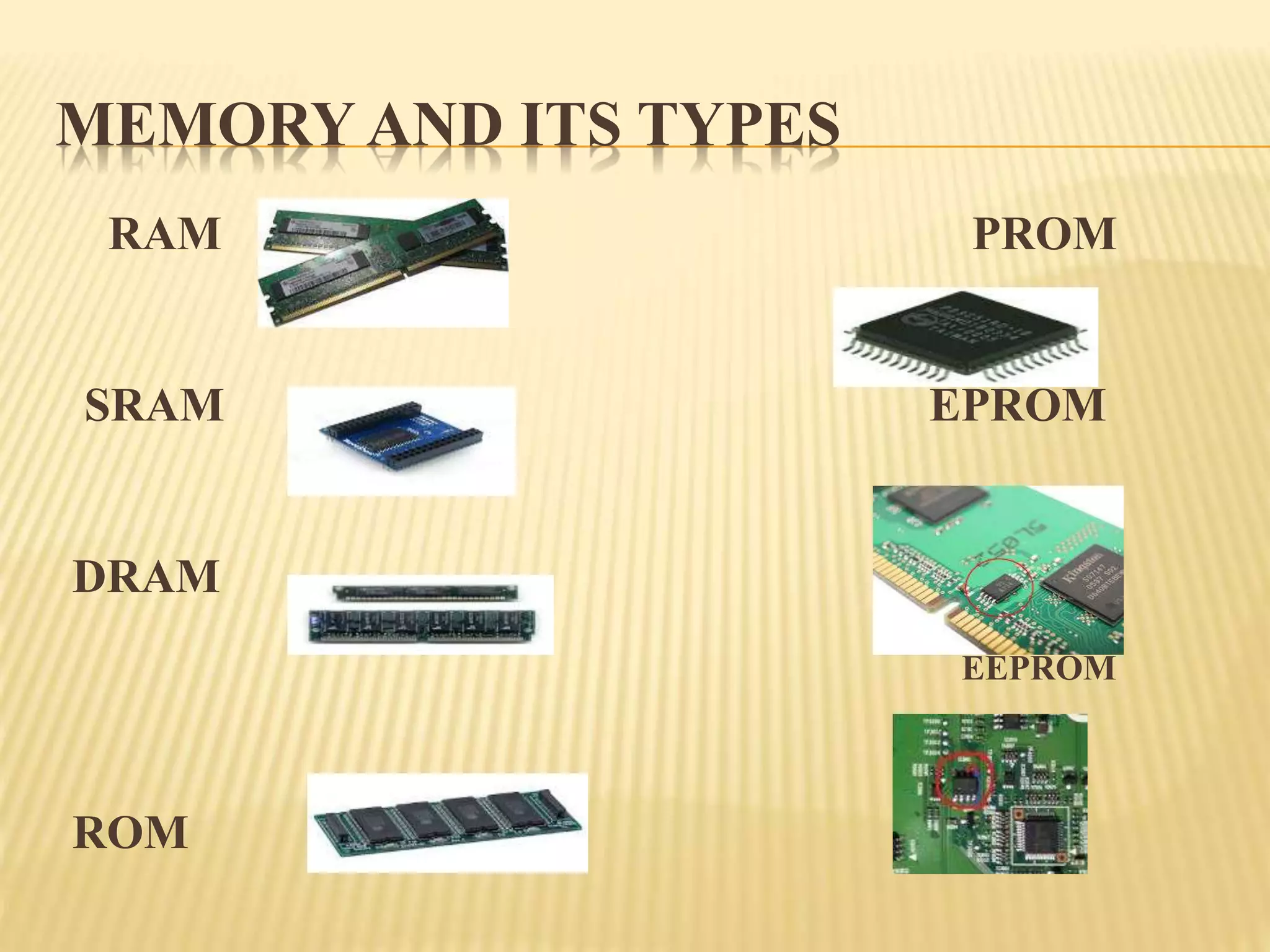
MEMORY AND ITS TYPES
RAM PROM
SRAM EPROM
DRAM
EEPROM
ROM

Introduction to computer.pptx

  • 1.
    COMPUTER  Computer isan electronic machine which accepts the input, process the input and produces the output in fast and efficient way.
  • 2.
    COMPONENTS OF COMPUTER Input Device -Keyboard, Mouse, OMR(Optical Mark Reader),OCR(Optical Character Reader),MICR(Magnetic Ink Character Recognition), Scanner  Output Device -Monitor, Printer  Processing Device -CPU(Central Processing Unit),ALU(Arithmetic & Logic Unit),CU(Control Unit),MU(Memory Unit)
  • 3.
    INPUT DEVICE  NormalKeyboard having 108 keys.  There are 3 types i)Alphanumeric Keys-a-z,A-Z,0-9 ii)Function Keys – F1 – F12 iii)Special Keys – Alt, Ctrl, Del, Shift, Enter, Tab, +,-,*,/$ etc....
  • 4.
    MOUSE (MECHANICALLY OPERATED USESERIAL ENGINE)  Mouse was introduced in Stanford Research Institute  Types of Mouse i)Mechanical Mouse-Movement is identified using Roller ball ii)Opto Mechanical Mouse-Movement is identified using Light Sensitive optical device iii)Optical Mouse-Movement is identified using Laser light
  • 5.
    CONTINUE… Mechanical Mouse OptoMechanical Mouse Optical Mouse
  • 6.
     OMR isused in CET Exams to shade the answers.  OMR sheets are valuated by OMR Machine after written the exam. OMR-OPTICAL MARK READER
  • 7.
     OCR isused in ATM machines to identify the pin numbers entered by the customers when withdraw the amount. OCR-OPTICAL CHARACTER READER
  • 8.
    MICR (MAGNETIC INK CHARACTER RECOGNITION) It is used in bank cheques to write the check number on it.
  • 9.
    SCANNER  It isused to scan the documents or photos.
  • 10.
    OUTPUT DEVICE MONITOR  Itis also called VDU(Visual Display Unit)  It can be Monochrome or color Monitor  CRT(Cathode Ray Tube),LCD(Liquid Crystal Display),LED(Light Emitting Diode) are the types of Monitor  Resolution(Clarity), Size(17’,19’&20’) and Refresh rate(Per minute how much of the image redrawn in the monitor) are the 3 important things in Monitor  Pixel(Picture Element) is used to support text based and graphics based information.
  • 11.
  • 12.
    PRINTER  It isused to give the output in paper format  There are 2 types Impact Printer : Print Head & Inked Ribbon will be there to print Produces noise while printing character No need to use better quality paper Clarity will not be good Ex: Dot net & Daisy Wheel Printer Non Impact Printer Print Head & Inked Ribbon will not be there to print Not Produces noise while printing character Need to use better quality paper Clarity will be good Ex: Inkjet & Laser Printer
  • 13.
    PRINTERS IMPACT PRINTER -EXAMPLES NON IMPACT PRINTER - EXAMPLES DotMatrix Printer Daisy Wheel Printer Inkjet Printer Laser Printer
  • 14.
    PROCESSING DEVICE  CPUis used to do the process.  ALU is used to do Mathematical operations.  MU is used to store the datas.  CU is used to control the overall Operation of the CPU.
  • 15.
  • 16.
    HISTORY OF COMPUTER 5000 years ago small pebbles were used in olden days for counting purpose  Joseph marie jacquard introduced punched card in weaving clothes  Later on Abacus was introduced for counting  Blaise Pascal introduced Pascal Calculator to do 10 number of Addition  Gottfried Wilham Von improved the pasaline calcilator to do multiplicaion also  Herman Hollerith introduced this punched card in business world and became very popular.  He introduced the Tabulating Machine Company(IBM)  Charles Babbage introduced Difference Engine(differential Equation) and Analytical Engine(streaming)  Clifford berry introduced a machine for doing Boolean Algebra
  • 17.
    CHARACTERISTICS OF COMPUTER Accuracy  Speed  Diligence  Versatility  Power of remembering  Intangible benefits  Storage Capacity  Reduced Cost  Time Saving
  • 18.
    GENERATIONS OF COMPUTER First Generation Computers  Second Generation Computers  Third Generation Computers  Fourth Generation Computers  Fifth Generation Computers
  • 19.
    FIRST GENERATION COMPUTER In this generation mostly they were used vacuum tubes in the computer.  They introduced ENIAC,EDVAC & UNIVAC Computers.  ENIAC (Electronic Discrete Variable Automatic Computer)was introduced by John prosper eckert& john W.Mauchly. It consists of 18000 vaccum tubes, 70000 resistors and 5 million soldered joints. We need to spend 160 KW of electricity every day to maintain this computers.
  • 20.
    CONTINUE ….  EDVAC(Electronic Discrete Variable Automatic Computer)was introduced by John Von Neuman. It is used for stored the programs.  UNIVAC(Universal Automatic Computer) was introduced by Remington rand company. It was the first commercially available computer.
  • 21.
  • 22.
  • 23.
  • 24.
    SECOND GENERATION  In2nd generation, they were used transistors instead of vacuum tubes. THIRD GENERATION  In this generation they were used IC’s(Integrated Circuits) in the computer. IC was introduced by Jack Kilby. They were used semiconductors also. If we fit 3 components in single chip, then it is called IC.If we fit more than 3 components in single chip then it is called Semiconductor.
  • 25.
    4TH & 5THGENERATION In 4th generation they were used LSI,VLSI&ULSI.  If we fit 100’s components in single chip, then it is called LSI(Large Scale Integration).  If we fit 1000’s components in single chip, then it is called VLSI(Very Large Scale Integration).  If we fit million’s components in single chip, then it is called ULSI(Ultra Large Scale Integration). In 5th generation they will be try to use AI(Artificial Intelligence) & Robots.
  • 26.
  • 27.
  • 28.
    CLASSIFICATION OF COMPUTERS 1.MiniComputer. 2. Mainframe Computer. 3.Micro Computer – PC & Workstation 4.Super Computer.
  • 29.
  • 30.
    MEMORY AND ITSTYPES RAM PROM SRAM EPROM DRAM EEPROM ROM