Introduction to
Computers
Tutor: Athman
What to expect?
In this unit, you will learn about:
● Definition, advantages, and limitations of computers.
● Overview of Computer Components and their Functions.
● The meaning of software, its function, and the type of computer software.
● The Meaning of Operating System, its function, and the types of operating system.
● The meaning Booting Process and its process.
● Introduction to Windows and its Component.
● Windows Operations.
The unit will have 5 lessons:
● 3 theoretical
● 2 Practicals
Lesson 1: Introduction to Computers
In this lesson, you will learn about:
● Definition, advantages, and limitations of computers.
● Overview of Computer Components and their Functions.
● The meaning of software, its function, and the type of
computer software.
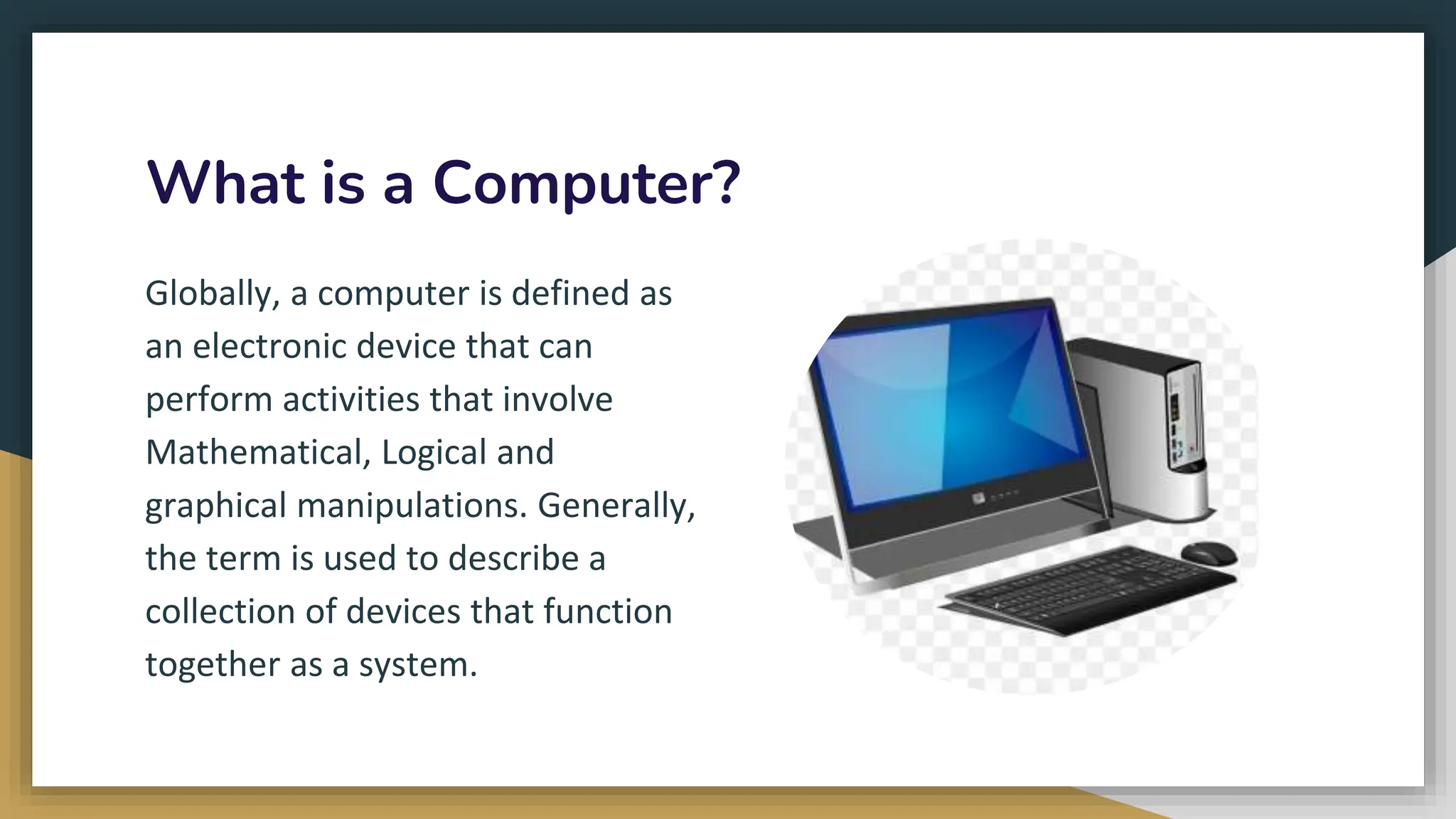
What is a Computer?
Globally, a computer is defined as
an electronic device that can
perform activities that involve
Mathematical, Logical and
graphical manipulations. Generally,
the term is used to describe a
collection of devices that function
together as a system.
Why do we need Computers?
Computers play a crucial role in various aspects of modern life due to their
versatility and ability to process information rapidly. Here are several reasons
why computers are essential:
● Information Processing: Computers can process vast amounts of
data quickly and accurately, enabling efficient information
management, analysis, and decision-making.
● Communication: Computers facilitate communication through email,
social media, video conferencing, and instant messaging, connecting
individuals globally.
● Automation: Computers automate repetitive tasks, increasing
efficiency and productivity in various industries, from manufacturing
to data entry.
● Education: Computers enhance learning by providing access to educational
resources, interactive learning materials, and online courses, making education
more accessible.
● Research: Computers are indispensable in research, aiding scientists, engineers,
and researchers in data analysis, simulations, and complex calculations.
● Business Operations: In business, computers are used for tasks such as
accounting, inventory management, customer relationship management (CRM),
and online transactions.
● Entertainment: Computers serve as platforms for gaming, streaming movies,
music, and other forms of digital entertainment, contributing to the
entertainment industry.
● Creative Expression: Through software applications, computers enable graphic
design, video editing, music composition, and various forms of artistic expression.
● Healthcare: Computers play a vital role in medical research, diagnostic
tools, patient record management, and the development of medical
technologies.
● Global Connectivity: Computers connect people worldwide, fostering a
global community where information and ideas can be shared
instantaneously.
● E-commerce: Computers facilitate online shopping, banking, and
financial transactions, contributing to the growth of e-commerce.
● Innovation: Computers are essential for innovation, driving
advancements in technology, science, and various fields.
In summary, computers are fundamental tools that have transformed the
way we live and work, touching nearly every aspect of modern society and
contributing to progress and efficiency in various domains.
Advantages of Computers
Computers offer numerous advantages across various aspects of personal and
professional life. Here are some key advantages of computers:
● Speed and Efficiency: Computers can process information at incredibly high
speeds, enabling rapid execution of tasks and calculations, thus increasing overall
efficiency.
● Automation: Computers can automate repetitive and time-consuming tasks,
freeing up human resources for more complex and creative activities.
● Storage and Retrieval of Information: Computers provide vast storage capacities,
allowing users to store, organize, and retrieve large amounts of data quickly and
easily.
● Accuracy: Computers perform tasks with high accuracy, reducing the likelihood of
errors in calculations, data processing, and other functions.
● Multitasking: Modern computers are capable of handling multiple tasks simultaneously,
allowing users to work on various applications or processes concurrently.
● Connectivity: Computers enable communication and collaboration through the internet,
email, social media, and various online platforms, fostering global connectivity.
● Information Access: Computers grant access to a wealth of information through the
internet, providing educational resources, news, research materials, and more.
● Digital Storage: Computers facilitate the creation and storage of digital files, including
documents, images, videos, and music, making it easy to organize and share
information.
● Communication: Computers support various forms of communication, including emails,
video conferencing, and instant messaging, enhancing both personal and business
communication.
● Entertainment: Computers serve as platforms for gaming, streaming, and other forms of
digital entertainment, offering a wide range of options for relaxation and leisure.
● Innovation: Computers are crucial for driving technological innovation in fields such
as science, engineering, healthcare, and business.
● Learning and Education: Computers enhance the learning experience through
interactive educational software, online courses, and access to a vast repository of
information.
● Globalization of Business: Computers facilitate global trade and business operations
by enabling online transactions, communication, and collaboration between
businesses worldwide.
● Scientific Research: Computers play a pivotal role in scientific research by aiding
simulations, data analysis, and complex calculations in various scientific disciplines.
● Customization and Personalization: Computers allow users to customize their
software environments, adapting them to individual preferences and needs.
Overall, the advantages of computers contribute significantly to efficiency, productivity,
connectivity, and innovation across diverse fields and industries.
Computer Components and their Functions
Computers are composed of various hardware components, each with specific functions
that contribute to the overall functionality of the system. Here are key computer
components and their functions:
● Central Processing Unit (CPU)
● Memory (RAM - Random Access
Memory)
● Storage (Hard Drive or SSD)
● Motherboard
● Power Supply Unit (PSU)
● Graphics Processing Unit (GPU)
● Input Devices
● Operating System
● Output Devices
● Networking Components
● Cooling System
● Peripheral Devices
● BIOS/UEFI
● Expansion Slots
● Bus System
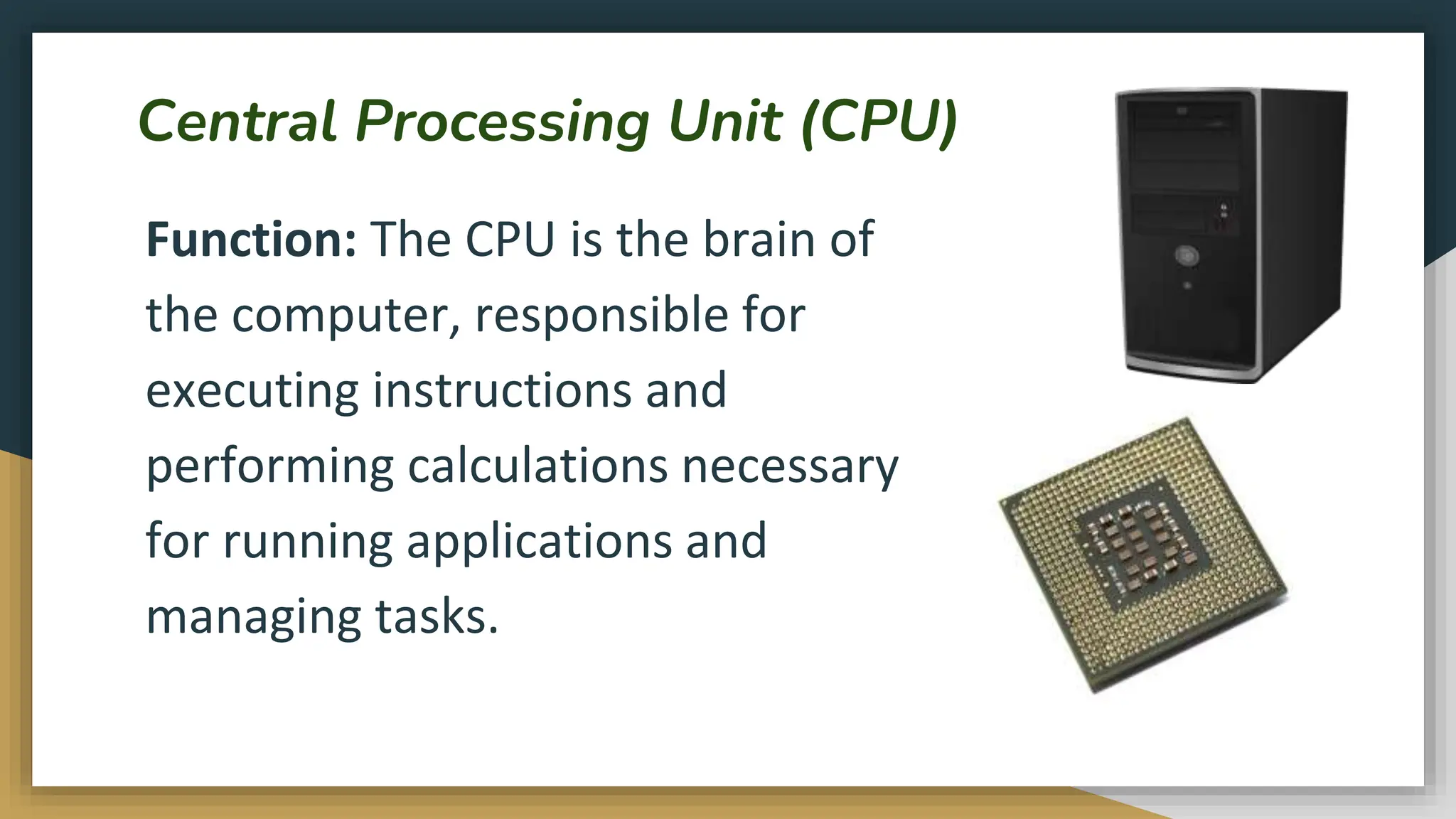
Central Processing Unit (CPU)
Function: The CPU is the brain of
the computer, responsible for
executing instructions and
performing calculations necessary
for running applications and
managing tasks.
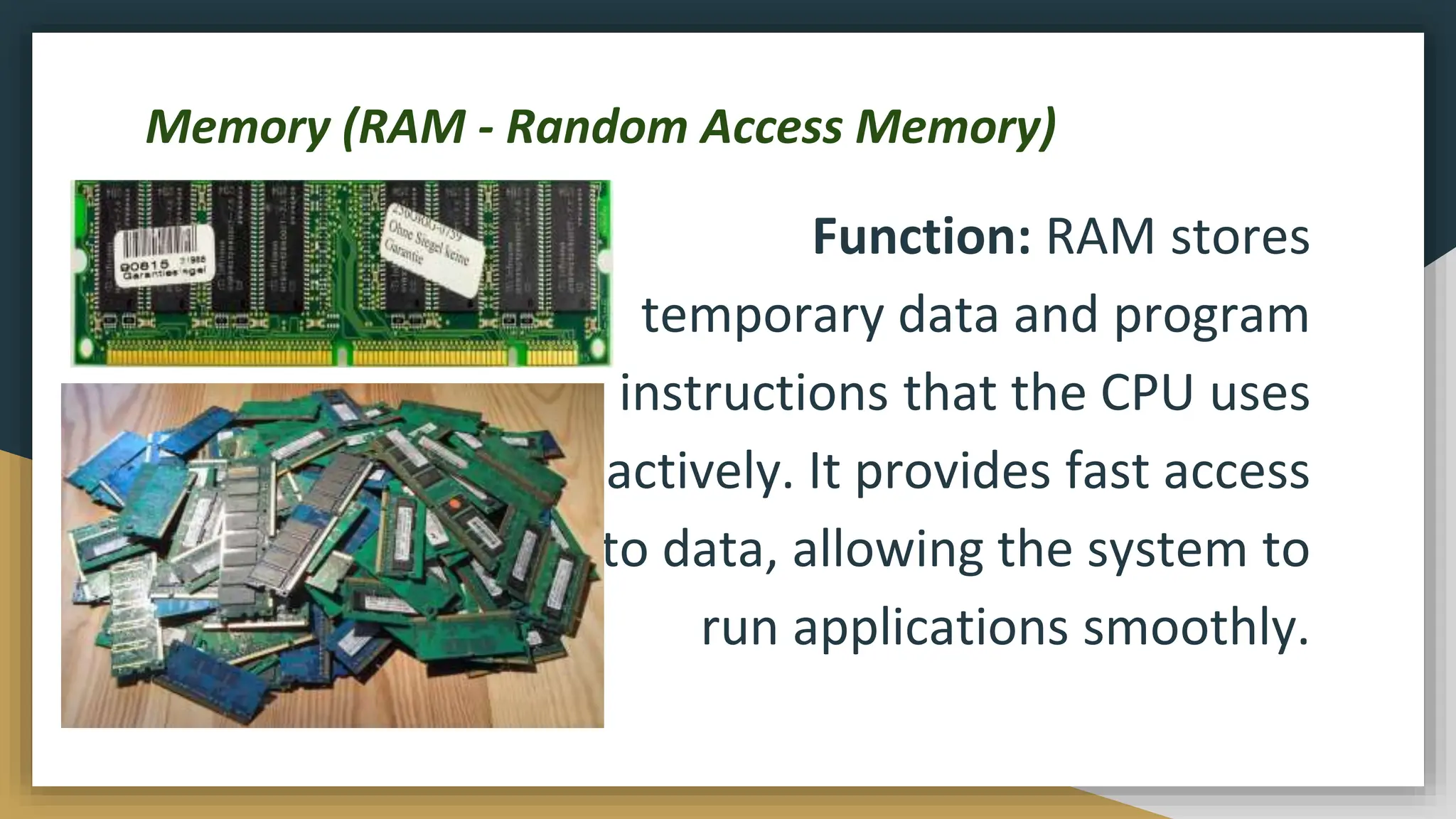
Memory (RAM - Random Access Memory)
Function: RAM stores
temporary data and program
instructions that the CPU uses
actively. It provides fast access
to data, allowing the system to
run applications smoothly.
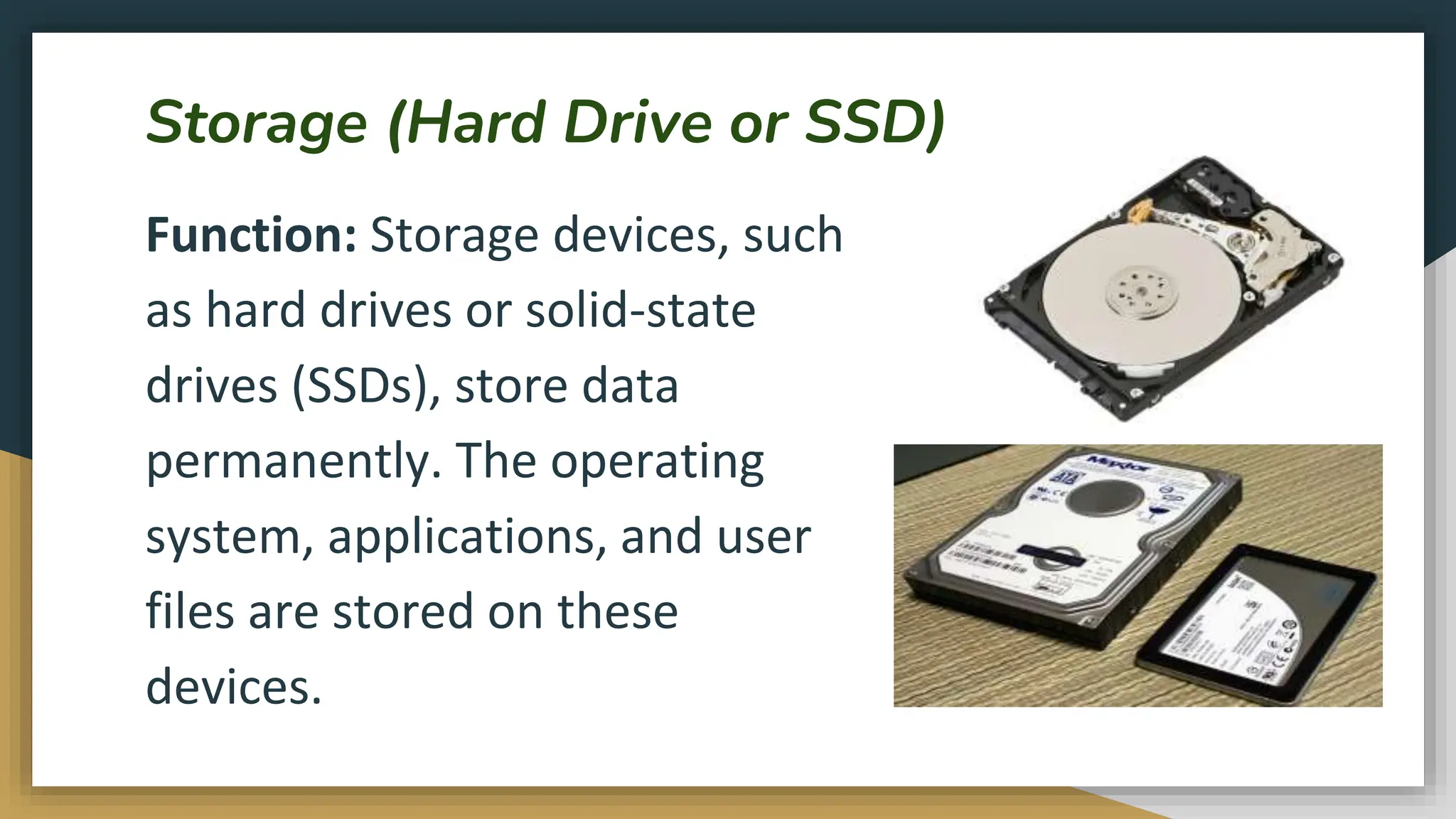
Storage (Hard Drive or SSD)
Function: Storage devices, such
as hard drives or solid-state
drives (SSDs), store data
permanently. The operating
system, applications, and user
files are stored on these
devices.
Introduction to Computer, Computer Basics.pptx

Introduction to Computer, Computer Basics.pptx

  • 1.
  • 2.
    What to expect? Inthis unit, you will learn about: ● Definition, advantages, and limitations of computers. ● Overview of Computer Components and their Functions. ● The meaning of software, its function, and the type of computer software. ● The Meaning of Operating System, its function, and the types of operating system. ● The meaning Booting Process and its process. ● Introduction to Windows and its Component. ● Windows Operations. The unit will have 5 lessons: ● 3 theoretical ● 2 Practicals
  • 3.
    Lesson 1: Introductionto Computers In this lesson, you will learn about: ● Definition, advantages, and limitations of computers. ● Overview of Computer Components and their Functions. ● The meaning of software, its function, and the type of computer software.
  • 4.
    What is aComputer? Globally, a computer is defined as an electronic device that can perform activities that involve Mathematical, Logical and graphical manipulations. Generally, the term is used to describe a collection of devices that function together as a system.
  • 5.
    Why do weneed Computers? Computers play a crucial role in various aspects of modern life due to their versatility and ability to process information rapidly. Here are several reasons why computers are essential: ● Information Processing: Computers can process vast amounts of data quickly and accurately, enabling efficient information management, analysis, and decision-making. ● Communication: Computers facilitate communication through email, social media, video conferencing, and instant messaging, connecting individuals globally. ● Automation: Computers automate repetitive tasks, increasing efficiency and productivity in various industries, from manufacturing to data entry.
  • 6.
    ● Education: Computersenhance learning by providing access to educational resources, interactive learning materials, and online courses, making education more accessible. ● Research: Computers are indispensable in research, aiding scientists, engineers, and researchers in data analysis, simulations, and complex calculations. ● Business Operations: In business, computers are used for tasks such as accounting, inventory management, customer relationship management (CRM), and online transactions. ● Entertainment: Computers serve as platforms for gaming, streaming movies, music, and other forms of digital entertainment, contributing to the entertainment industry. ● Creative Expression: Through software applications, computers enable graphic design, video editing, music composition, and various forms of artistic expression.
  • 7.
    ● Healthcare: Computersplay a vital role in medical research, diagnostic tools, patient record management, and the development of medical technologies. ● Global Connectivity: Computers connect people worldwide, fostering a global community where information and ideas can be shared instantaneously. ● E-commerce: Computers facilitate online shopping, banking, and financial transactions, contributing to the growth of e-commerce. ● Innovation: Computers are essential for innovation, driving advancements in technology, science, and various fields. In summary, computers are fundamental tools that have transformed the way we live and work, touching nearly every aspect of modern society and contributing to progress and efficiency in various domains.
  • 8.
    Advantages of Computers Computersoffer numerous advantages across various aspects of personal and professional life. Here are some key advantages of computers: ● Speed and Efficiency: Computers can process information at incredibly high speeds, enabling rapid execution of tasks and calculations, thus increasing overall efficiency. ● Automation: Computers can automate repetitive and time-consuming tasks, freeing up human resources for more complex and creative activities. ● Storage and Retrieval of Information: Computers provide vast storage capacities, allowing users to store, organize, and retrieve large amounts of data quickly and easily. ● Accuracy: Computers perform tasks with high accuracy, reducing the likelihood of errors in calculations, data processing, and other functions.
  • 9.
    ● Multitasking: Moderncomputers are capable of handling multiple tasks simultaneously, allowing users to work on various applications or processes concurrently. ● Connectivity: Computers enable communication and collaboration through the internet, email, social media, and various online platforms, fostering global connectivity. ● Information Access: Computers grant access to a wealth of information through the internet, providing educational resources, news, research materials, and more. ● Digital Storage: Computers facilitate the creation and storage of digital files, including documents, images, videos, and music, making it easy to organize and share information. ● Communication: Computers support various forms of communication, including emails, video conferencing, and instant messaging, enhancing both personal and business communication. ● Entertainment: Computers serve as platforms for gaming, streaming, and other forms of digital entertainment, offering a wide range of options for relaxation and leisure.
  • 10.
    ● Innovation: Computersare crucial for driving technological innovation in fields such as science, engineering, healthcare, and business. ● Learning and Education: Computers enhance the learning experience through interactive educational software, online courses, and access to a vast repository of information. ● Globalization of Business: Computers facilitate global trade and business operations by enabling online transactions, communication, and collaboration between businesses worldwide. ● Scientific Research: Computers play a pivotal role in scientific research by aiding simulations, data analysis, and complex calculations in various scientific disciplines. ● Customization and Personalization: Computers allow users to customize their software environments, adapting them to individual preferences and needs. Overall, the advantages of computers contribute significantly to efficiency, productivity, connectivity, and innovation across diverse fields and industries.
  • 11.
    Computer Components andtheir Functions Computers are composed of various hardware components, each with specific functions that contribute to the overall functionality of the system. Here are key computer components and their functions: ● Central Processing Unit (CPU) ● Memory (RAM - Random Access Memory) ● Storage (Hard Drive or SSD) ● Motherboard ● Power Supply Unit (PSU) ● Graphics Processing Unit (GPU) ● Input Devices ● Operating System ● Output Devices ● Networking Components ● Cooling System ● Peripheral Devices ● BIOS/UEFI ● Expansion Slots ● Bus System
  • 12.
    Central Processing Unit(CPU) Function: The CPU is the brain of the computer, responsible for executing instructions and performing calculations necessary for running applications and managing tasks.
  • 13.
    Memory (RAM -Random Access Memory) Function: RAM stores temporary data and program instructions that the CPU uses actively. It provides fast access to data, allowing the system to run applications smoothly.
  • 14.
    Storage (Hard Driveor SSD) Function: Storage devices, such as hard drives or solid-state drives (SSDs), store data permanently. The operating system, applications, and user files are stored on these devices.