

A brief description of the
Architecture Components Details & Important Concepts
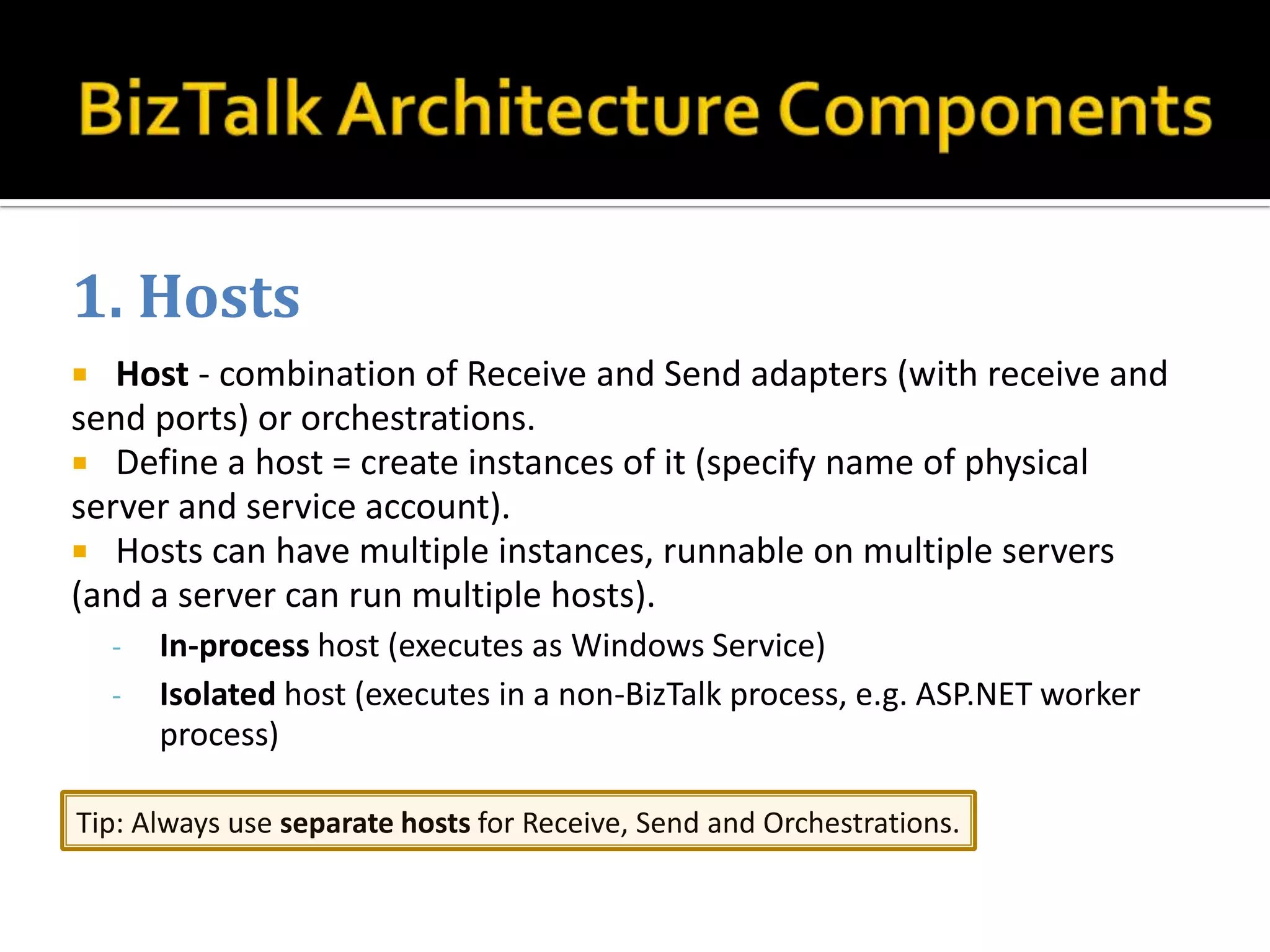
1. Hosts
  Host - combination of Receive and Send adapters (with receive and
send ports) or orchestrations.
 Define a host = create instances of it (specify name of physical
server and service account).
 Hosts can have multiple instances, runnable on multiple servers
(and a server can run multiple hosts).
    -   In-process host (executes as Windows Service)
    -   Isolated host (executes in a non-BizTalk process, e.g. ASP.NET worker
        process)

Tip: Always use separate hosts for Receive, Send and Orchestrations.
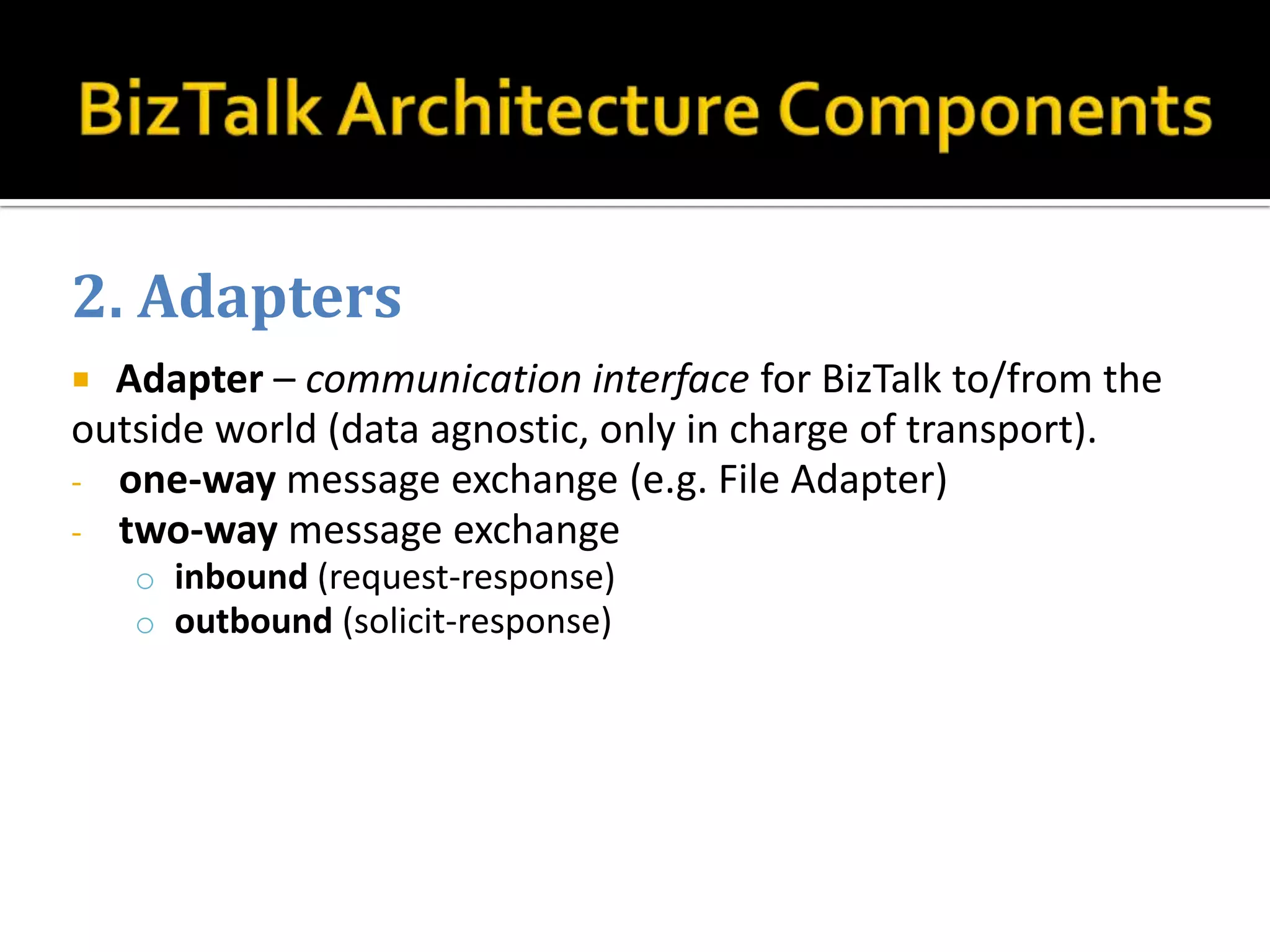
2. Adapters
 Adapter – communication interface for BizTalk to/from the
outside world (data agnostic, only in charge of transport).
- one-way message exchange (e.g. File Adapter)
- two-way message exchange
    o inbound (request-response)
    o outbound (solicit-response)
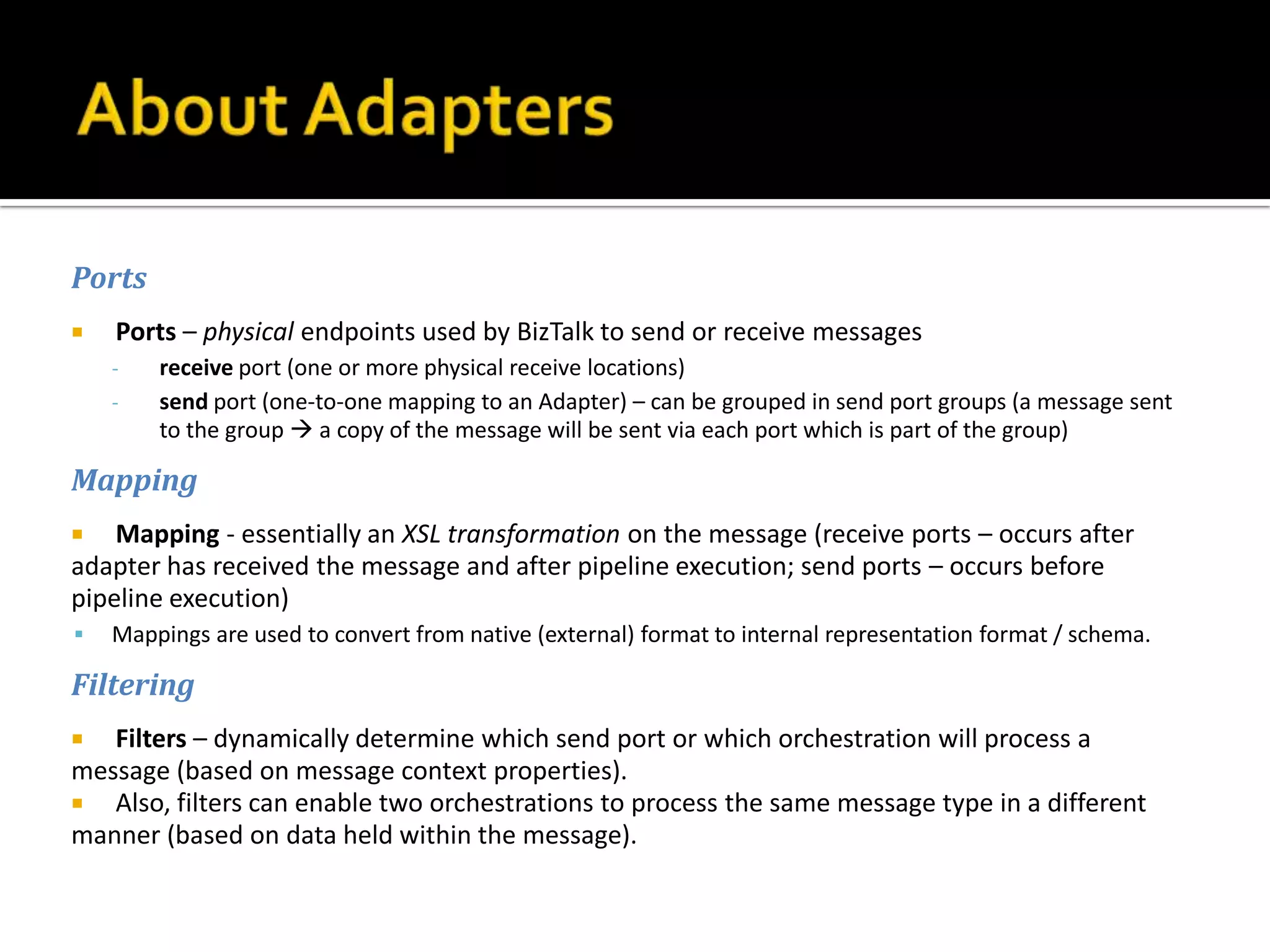
Ports
   Ports – physical endpoints used by BizTalk to send or receive messages
    -   receive port (one or more physical receive locations)
    -   send port (one-to-one mapping to an Adapter) – can be grouped in send port groups (a message sent
        to the group  a copy of the message will be sent via each port which is part of the group)

Mapping
   Mapping - essentially an XSL transformation on the message (receive ports – occurs after
adapter has received the message and after pipeline execution; send ports – occurs before
pipeline execution)
   Mappings are used to convert from native (external) format to internal representation format / schema.

Filtering
  Filters – dynamically determine which send port or which orchestration will process a
message (based on message context properties).
 Also, filters can enable two orchestrations to process the same message type in a different
manner (based on data held within the message).
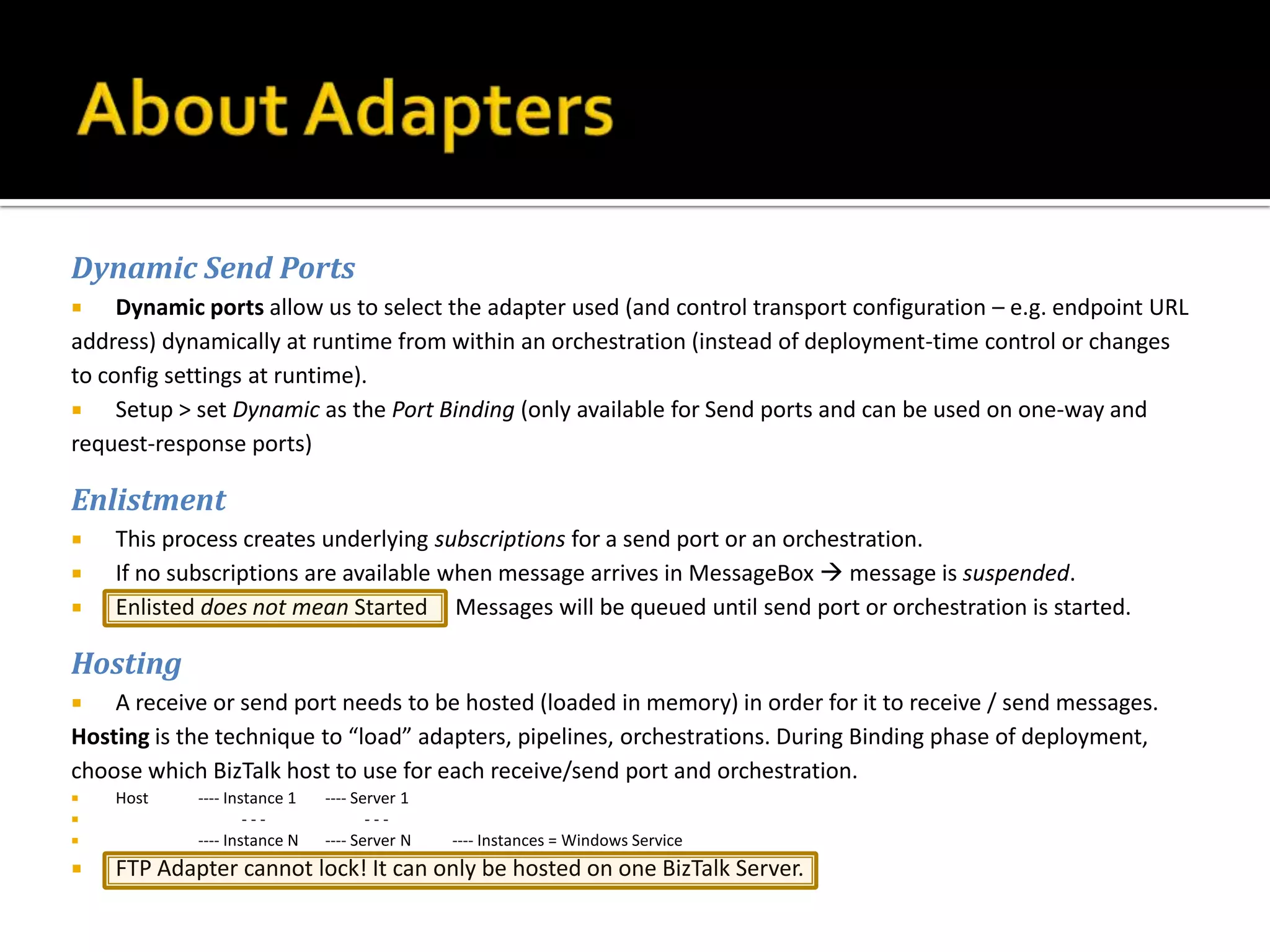
Dynamic Send Ports
    Dynamic ports allow us to select the adapter used (and control transport configuration – e.g. endpoint URL
address) dynamically at runtime from within an orchestration (instead of deployment-time control or changes
to config settings at runtime).
    Setup > set Dynamic as the Port Binding (only available for Send ports and can be used on one-way and
request-response ports)

Enlistment
   This process creates underlying subscriptions for a send port or an orchestration.
   If no subscriptions are available when message arrives in MessageBox  message is suspended.
   Enlisted does not mean Started Messages will be queued until send port or orchestration is started.

Hosting
   A receive or send port needs to be hosted (loaded in memory) in order for it to receive / send messages.
Hosting is the technique to “load” adapters, pipelines, orchestrations. During Binding phase of deployment,
choose which BizTalk host to use for each receive/send port and orchestration.
   Host    ---- Instance 1   ---- Server 1
                   ---              ---
           ---- Instance N   ---- Server N   ---- Instances = Windows Service
   FTP Adapter cannot lock! It can only be hosted on one BizTalk Server.
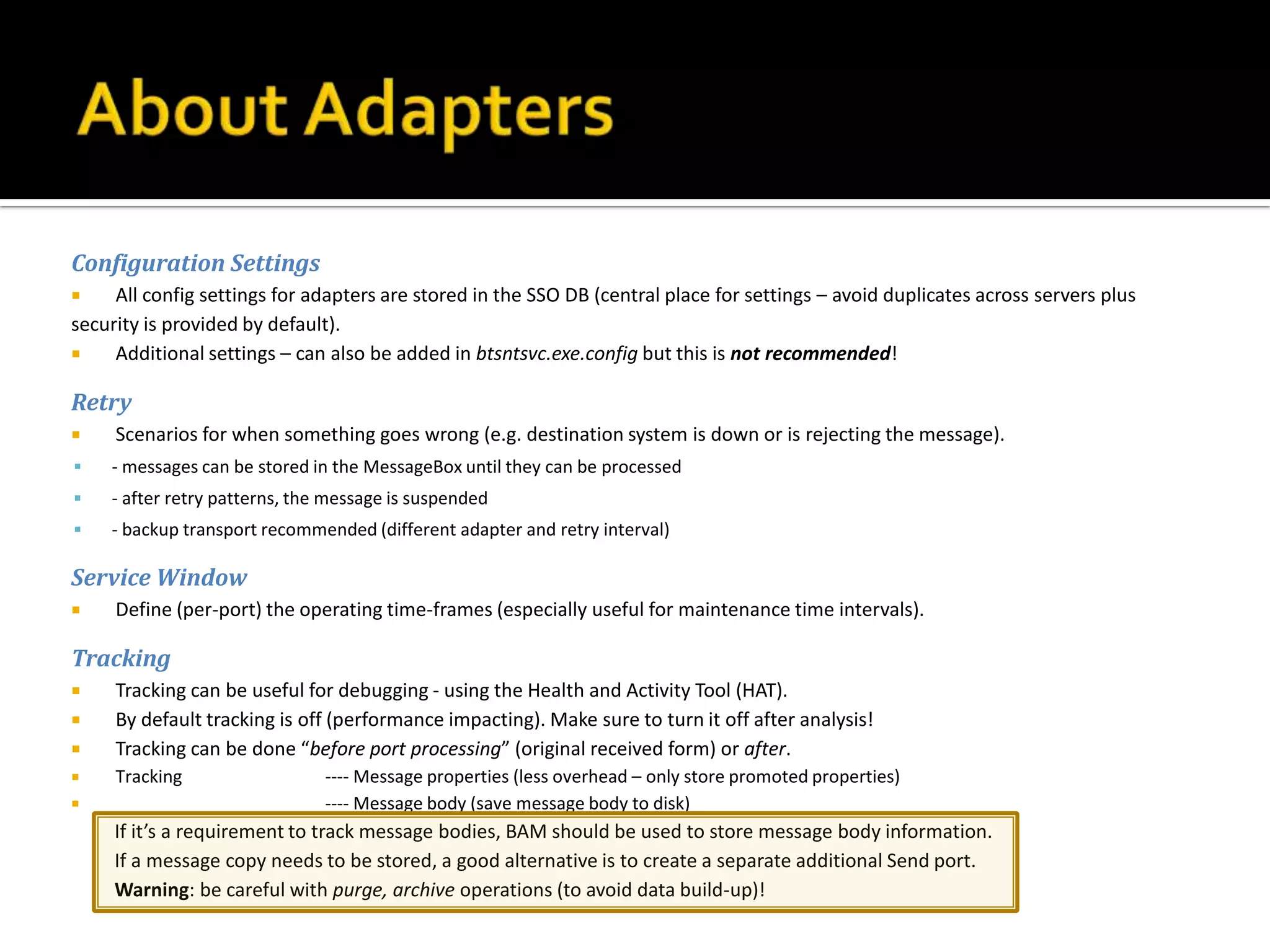
Configuration Settings
    All config settings for adapters are stored in the SSO DB (central place for settings – avoid duplicates across servers plus
security is provided by default).
    Additional settings – can also be added in btsntsvc.exe.config but this is not recommended!

Retry
    Scenarios for when something goes wrong (e.g. destination system is down or is rejecting the message).
   - messages can be stored in the MessageBox until they can be processed
   - after retry patterns, the message is suspended
   - backup transport recommended (different adapter and retry interval)

Service Window
    Define (per-port) the operating time-frames (especially useful for maintenance time intervals).

Tracking
    Tracking can be useful for debugging - using the Health and Activity Tool (HAT).
    By default tracking is off (performance impacting). Make sure to turn it off after analysis!
    Tracking can be done “before port processing” (original received form) or after.
    Tracking                  ---- Message properties (less overhead – only store promoted properties)
                              ---- Message body (save message body to disk)
     If it’s a requirement to track message bodies, BAM should be used to store message body information.
     If a message copy needs to be stored, a good alternative is to create a separate additional Send port.
     Warning: be careful with purge, archive operations (to avoid data build-up)!
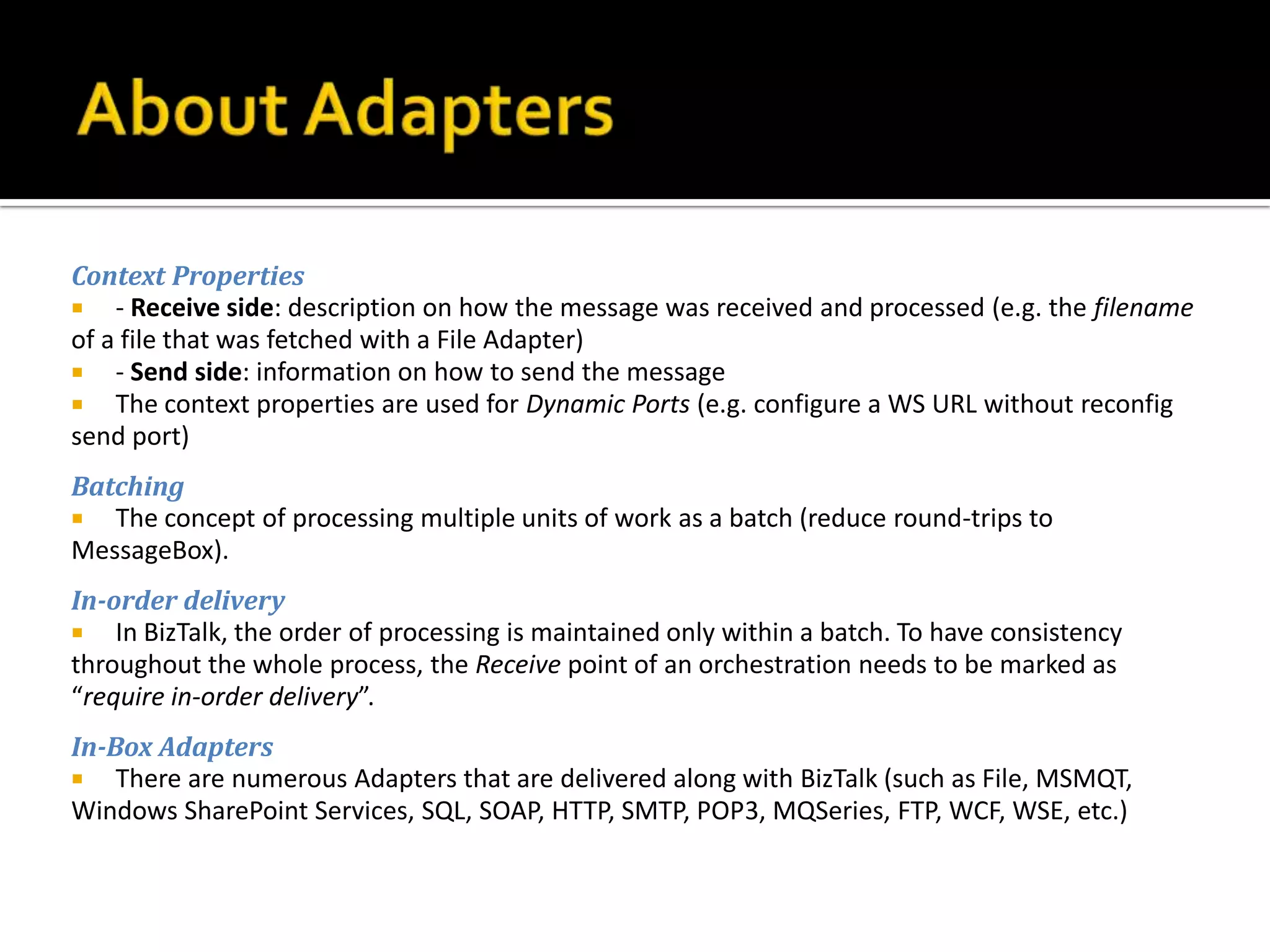
Context Properties
 - Receive side: description on how the message was received and processed (e.g. the filename
of a file that was fetched with a File Adapter)
 - Send side: information on how to send the message
 The context properties are used for Dynamic Ports (e.g. configure a WS URL without reconfig
send port)
Batching
 The concept of processing multiple units of work as a batch (reduce round-trips to
MessageBox).
In-order delivery
 In BizTalk, the order of processing is maintained only within a batch. To have consistency
throughout the whole process, the Receive point of an orchestration needs to be marked as
“require in-order delivery”.
In-Box Adapters
 There are numerous Adapters that are delivered along with BizTalk (such as File, MSMQT,
Windows SharePoint Services, SQL, SOAP, HTTP, SMTP, POP3, MQSeries, FTP, WCF, WSE, etc.)
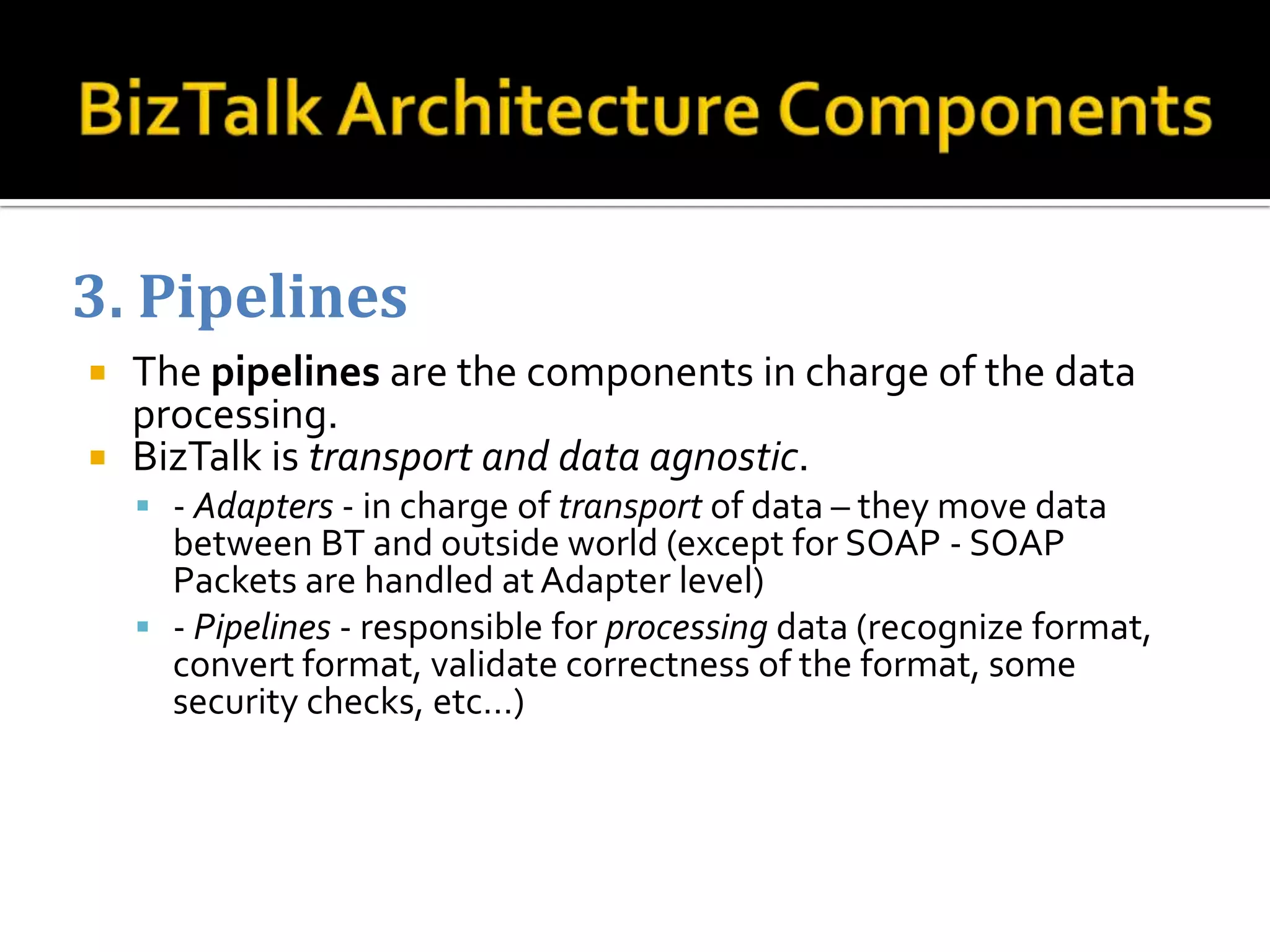
3. Pipelines
 The pipelines are the components in charge of the data
  processing.
 BizTalk is transport and data agnostic.
     - Adapters - in charge of transport of data – they move data
      between BT and outside world (except for SOAP - SOAP
      Packets are handled at Adapter level)
     - Pipelines - responsible for processing data (recognize format,
      convert format, validate correctness of the format, some
      security checks, etc…)
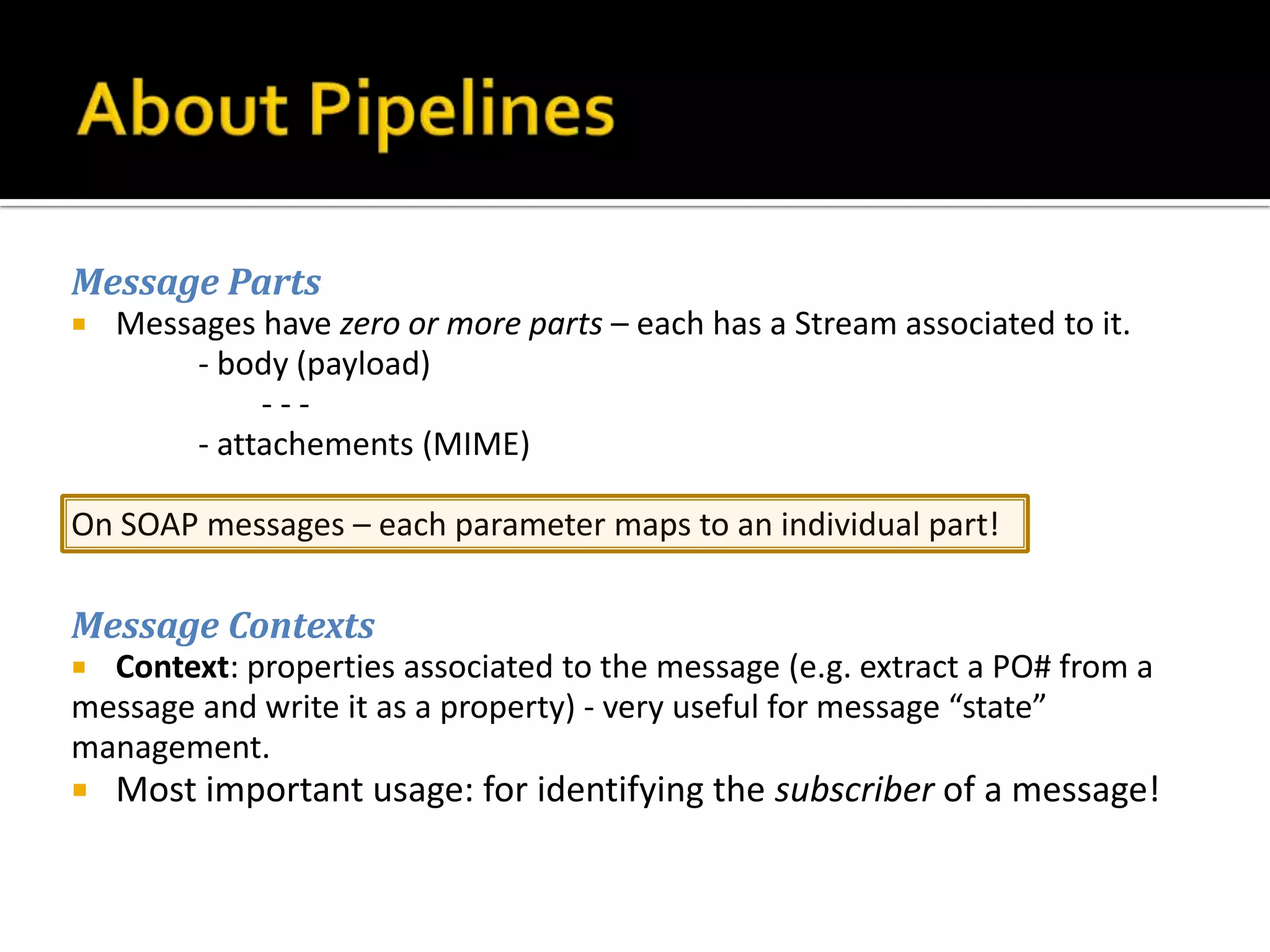
Message Parts
   Messages have zero or more parts – each has a Stream associated to it.
        - body (payload)
             ---
        - attachements (MIME)

On SOAP messages – each parameter maps to an individual part!

Message Contexts
 Context: properties associated to the message (e.g. extract a PO# from a
message and write it as a property) - very useful for message “state”
management.
   Most important usage: for identifying the subscriber of a message!
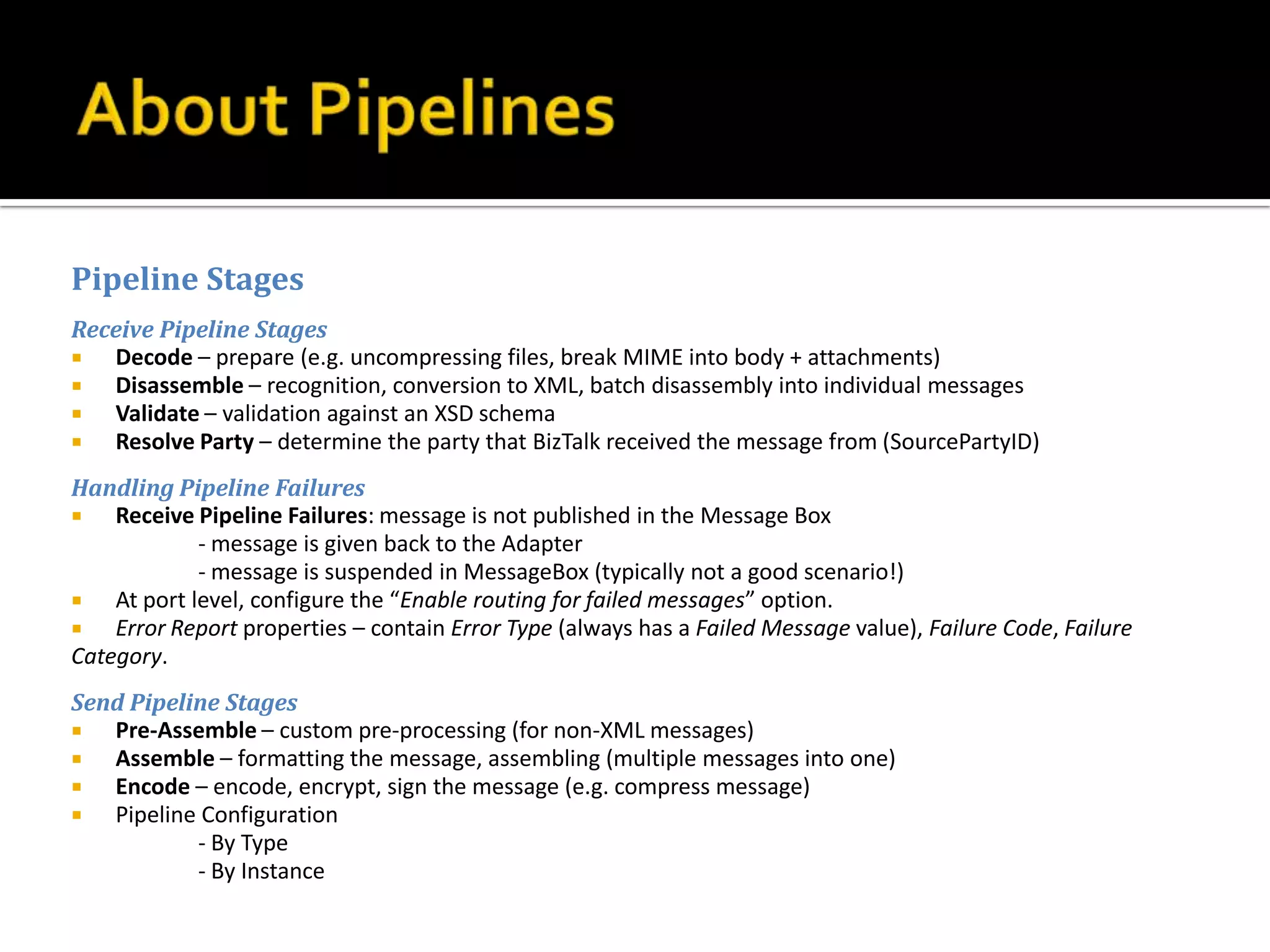
Pipeline Stages
Receive Pipeline Stages
  Decode – prepare (e.g. uncompressing files, break MIME into body + attachments)
  Disassemble – recognition, conversion to XML, batch disassembly into individual messages
  Validate – validation against an XSD schema
  Resolve Party – determine the party that BizTalk received the message from (SourcePartyID)
Handling Pipeline Failures
   Receive Pipeline Failures: message is not published in the Message Box
             - message is given back to the Adapter
             - message is suspended in MessageBox (typically not a good scenario!)
   At port level, configure the “Enable routing for failed messages” option.
   Error Report properties – contain Error Type (always has a Failed Message value), Failure Code, Failure
Category.
Send Pipeline Stages
  Pre-Assemble – custom pre-processing (for non-XML messages)
  Assemble – formatting the message, assembling (multiple messages into one)
  Encode – encode, encrypt, sign the message (e.g. compress message)
  Pipeline Configuration
           - By Type
           - By Instance
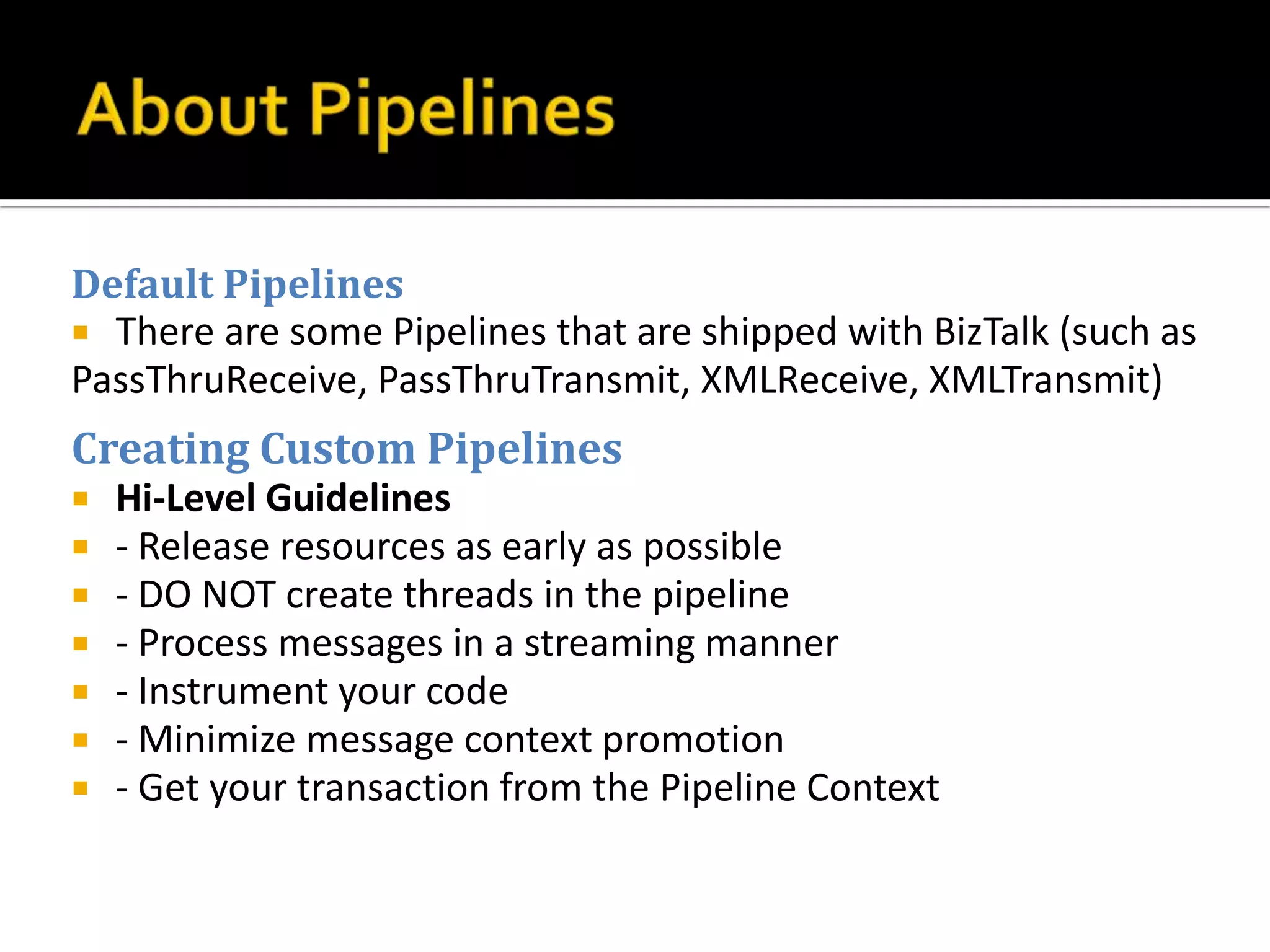
Default Pipelines
 There are some Pipelines that are shipped with BizTalk (such as
PassThruReceive, PassThruTransmit, XMLReceive, XMLTransmit)
Creating Custom Pipelines
   Hi-Level Guidelines
   - Release resources as early as possible
   - DO NOT create threads in the pipeline
   - Process messages in a streaming manner
   - Instrument your code
   - Minimize message context promotion
   - Get your transaction from the Pipeline Context
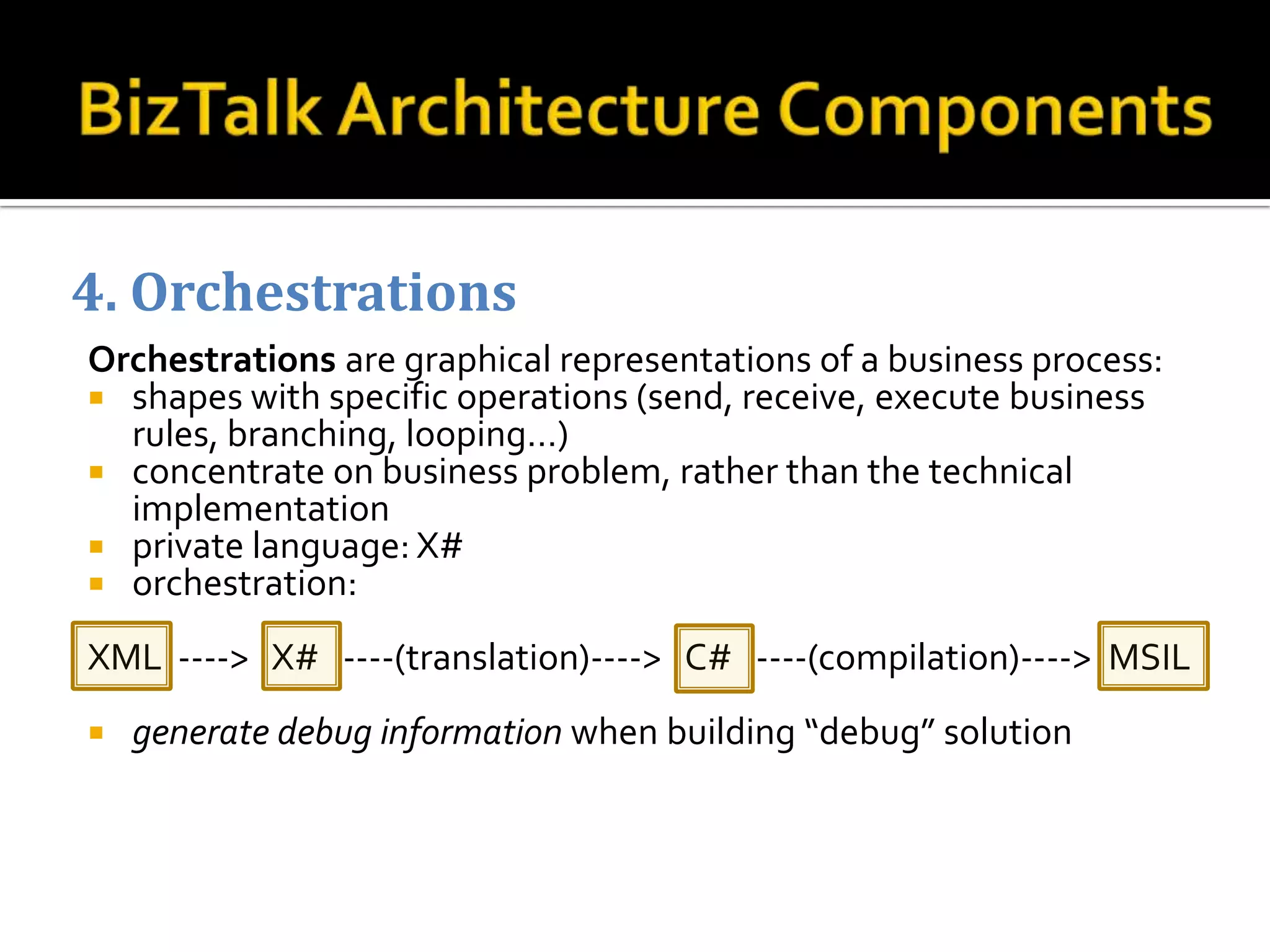
4. Orchestrations
Orchestrations are graphical representations of a business process:
 shapes with specific operations (send, receive, execute business
  rules, branching, looping…)
 concentrate on business problem, rather than the technical
  implementation
 private language: X#
 orchestration:

XML ----> X# ----(translation)----> C# ----(compilation)----> MSIL
   generate debug information when building “debug” solution
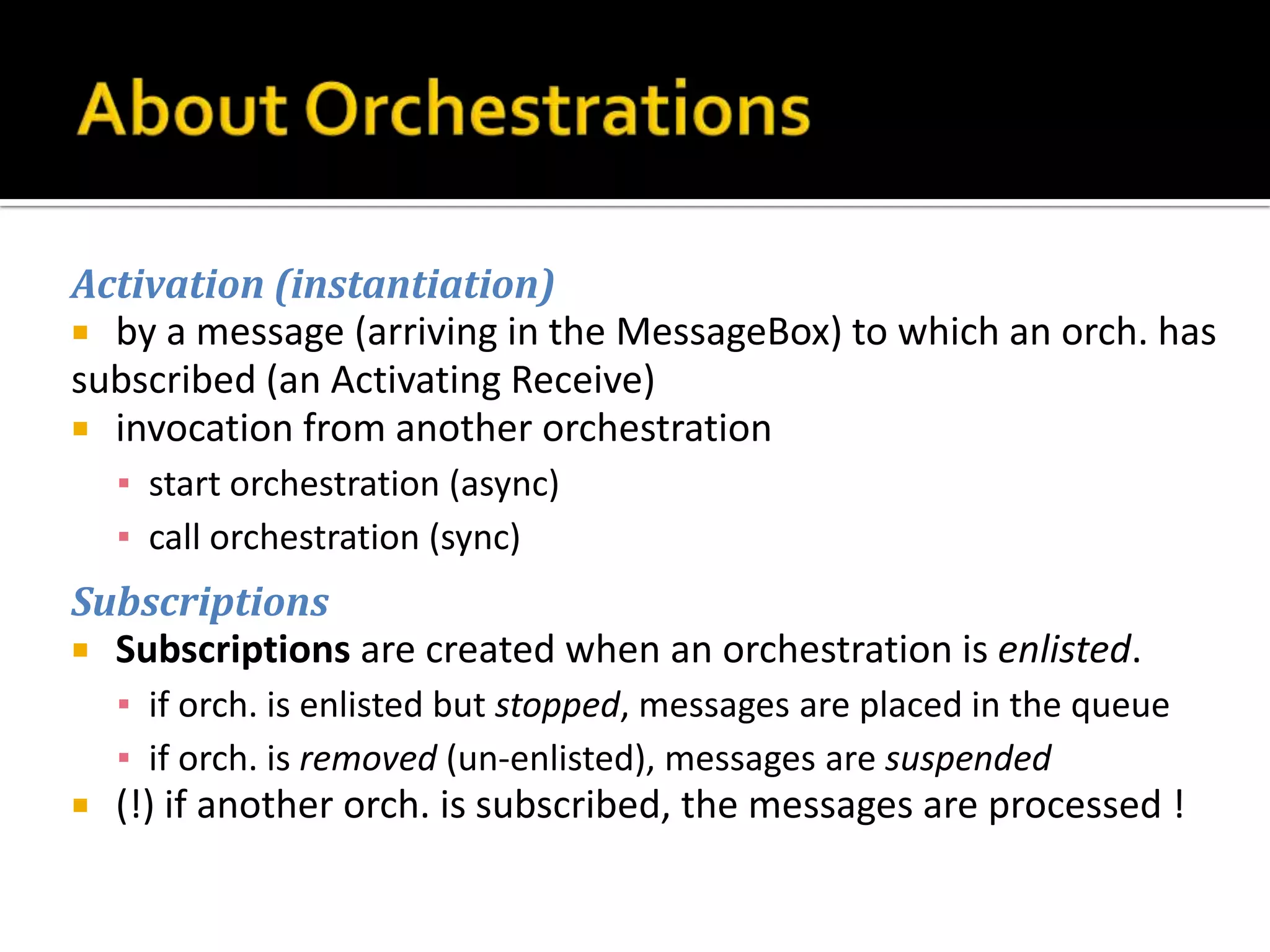
Activation (instantiation)
 by a message (arriving in the MessageBox) to which an orch. has
subscribed (an Activating Receive)
 invocation from another orchestration
    ▪ start orchestration (async)
    ▪ call orchestration (sync)
Subscriptions
 Subscriptions are created when an orchestration is enlisted.
    ▪ if orch. is enlisted but stopped, messages are placed in the queue
    ▪ if orch. is removed (un-enlisted), messages are suspended
   (!) if another orch. is subscribed, the messages are processed !
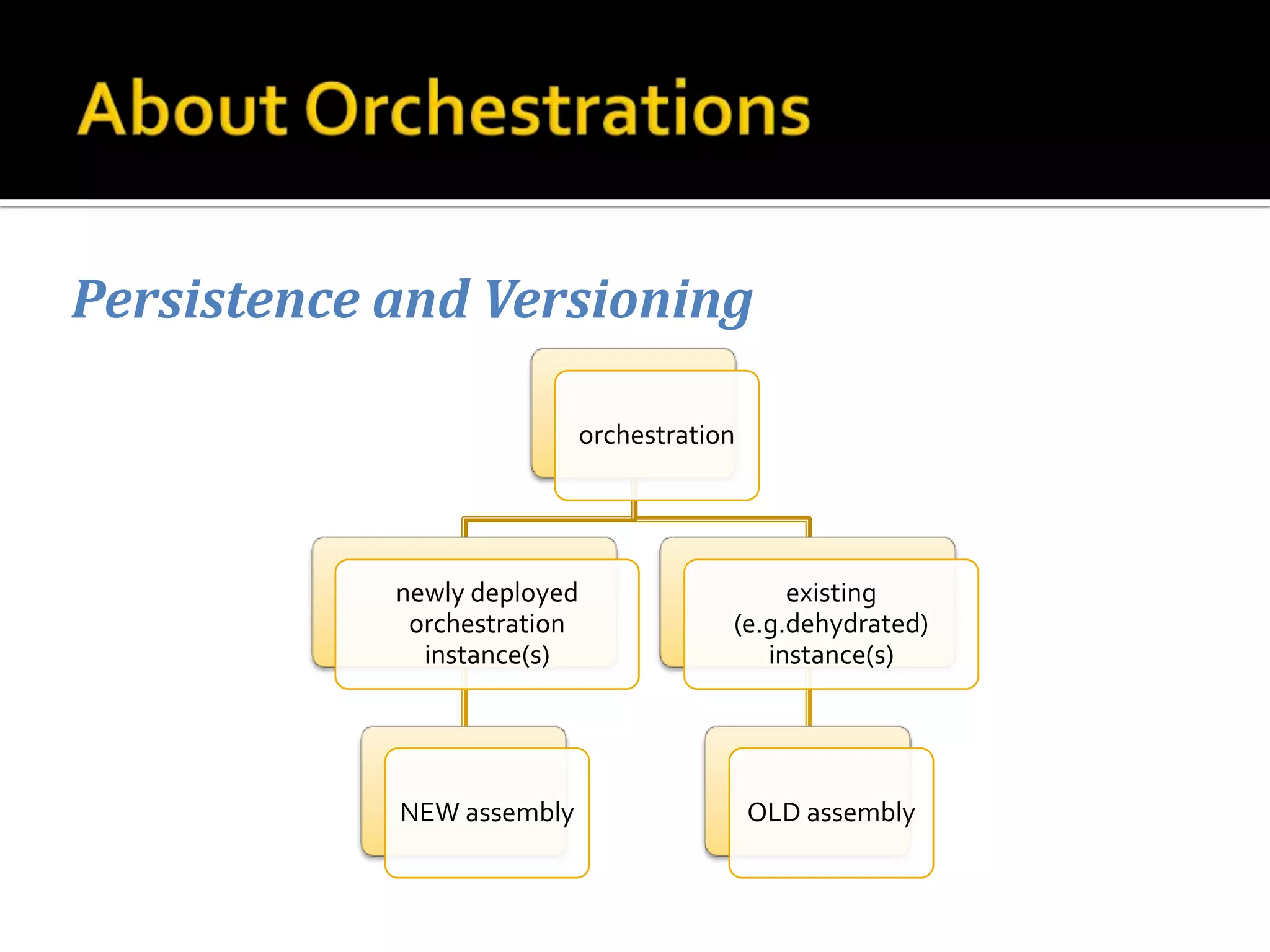
Persistence and Versioning

                             orchestration


            newly deployed                    existing
             orchestration               (e.g.dehydrated)
              instance(s)                   instance(s)


            NEW assembly                     OLD assembly
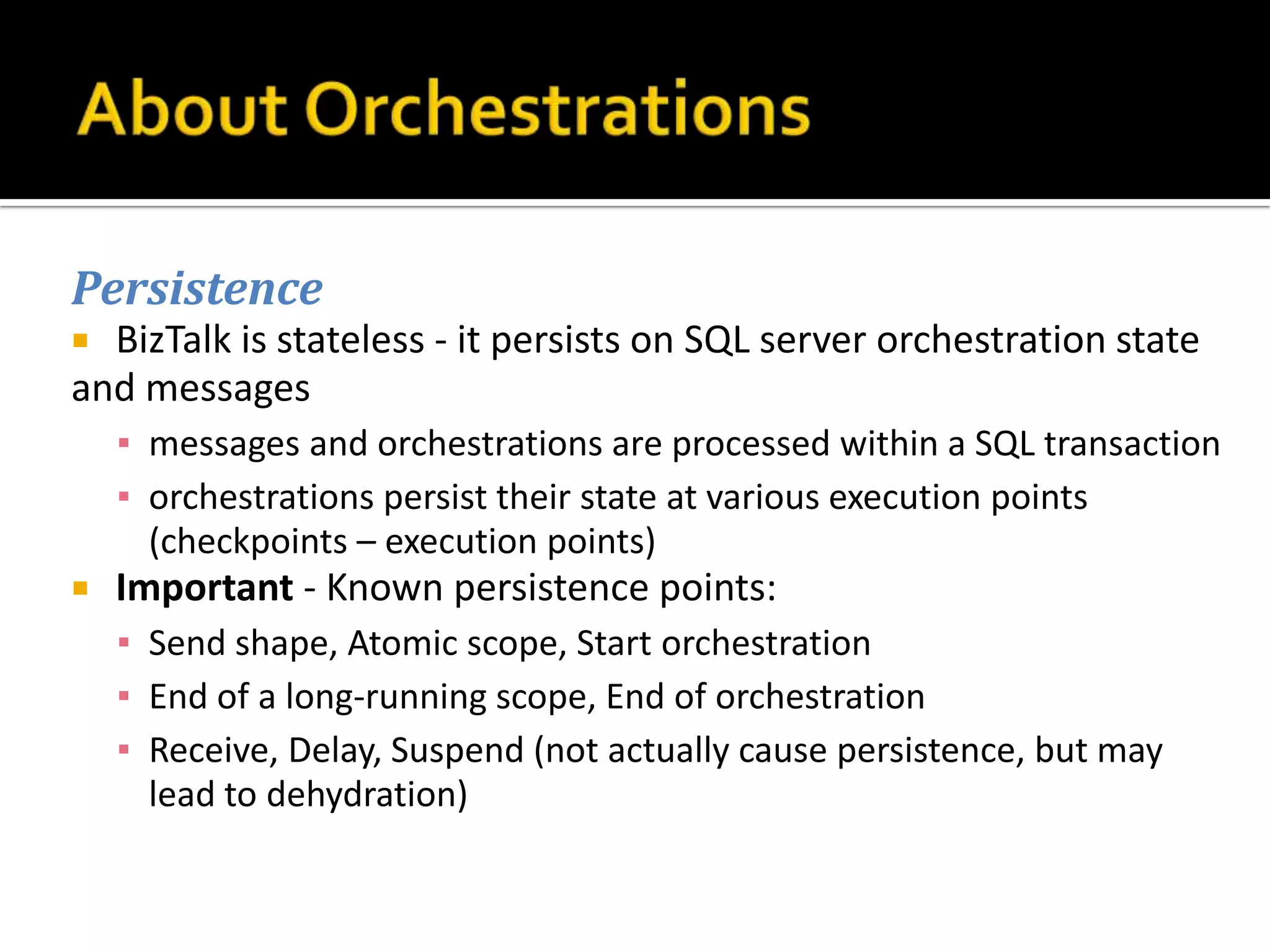
Persistence
 BizTalk is stateless - it persists on SQL server orchestration state
and messages
    ▪ messages and orchestrations are processed within a SQL transaction
    ▪ orchestrations persist their state at various execution points
      (checkpoints – execution points)
   Important - Known persistence points:
    ▪ Send shape, Atomic scope, Start orchestration
    ▪ End of a long-running scope, End of orchestration
    ▪ Receive, Delay, Suspend (not actually cause persistence, but may
      lead to dehydration)
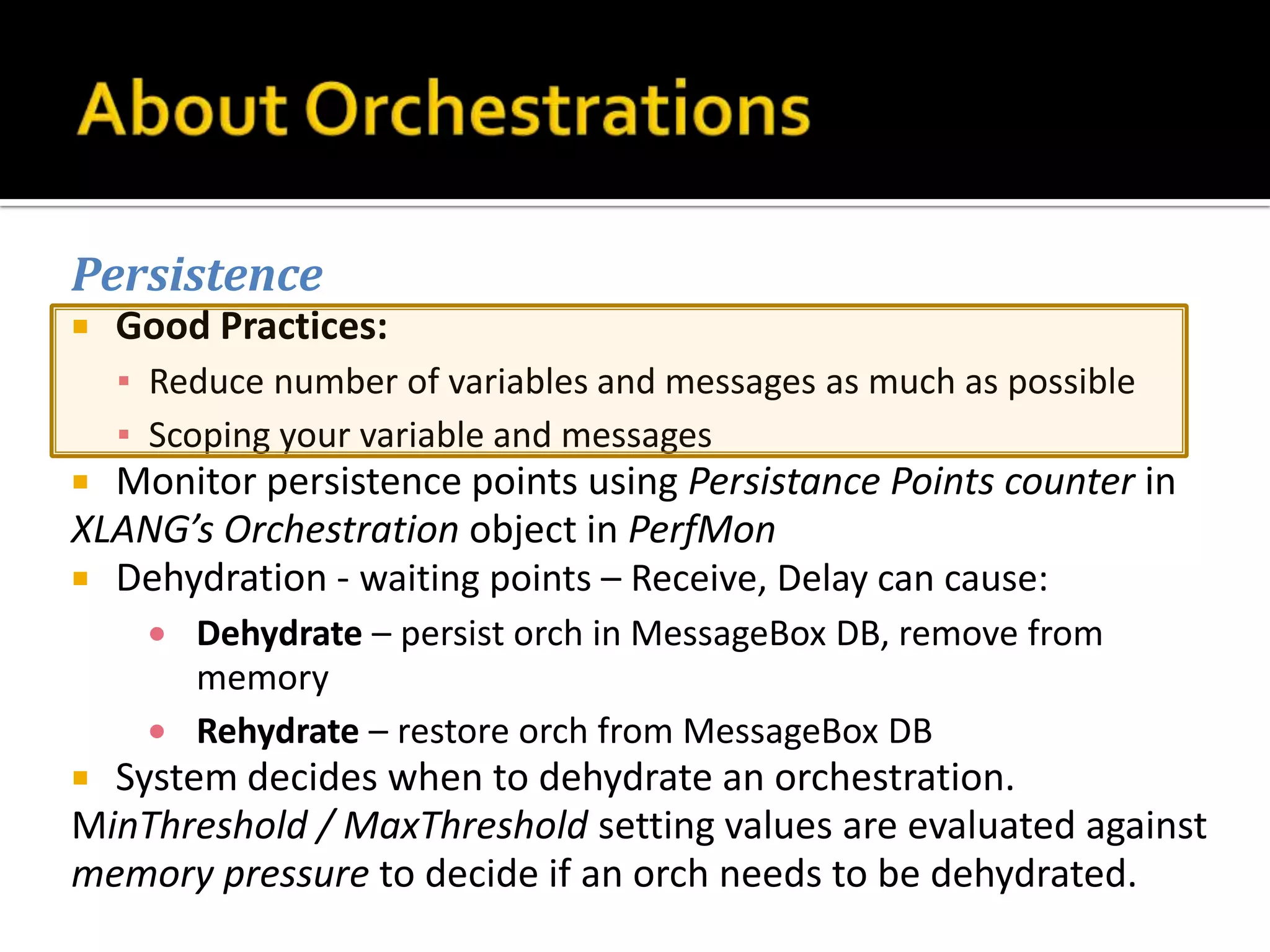
Persistence
   Good Practices:
    ▪ Reduce number of variables and messages as much as possible
    ▪ Scoping your variable and messages
 Monitor persistence points using Persistance Points counter in
XLANG’s Orchestration object in PerfMon
 Dehydration - waiting points – Receive, Delay can cause:
        Dehydrate – persist orch in MessageBox DB, remove from
        memory
        Rehydrate – restore orch from MessageBox DB
 System decides when to dehydrate an orchestration.
MinThreshold / MaxThreshold setting values are evaluated against
memory pressure to decide if an orch needs to be dehydrated.
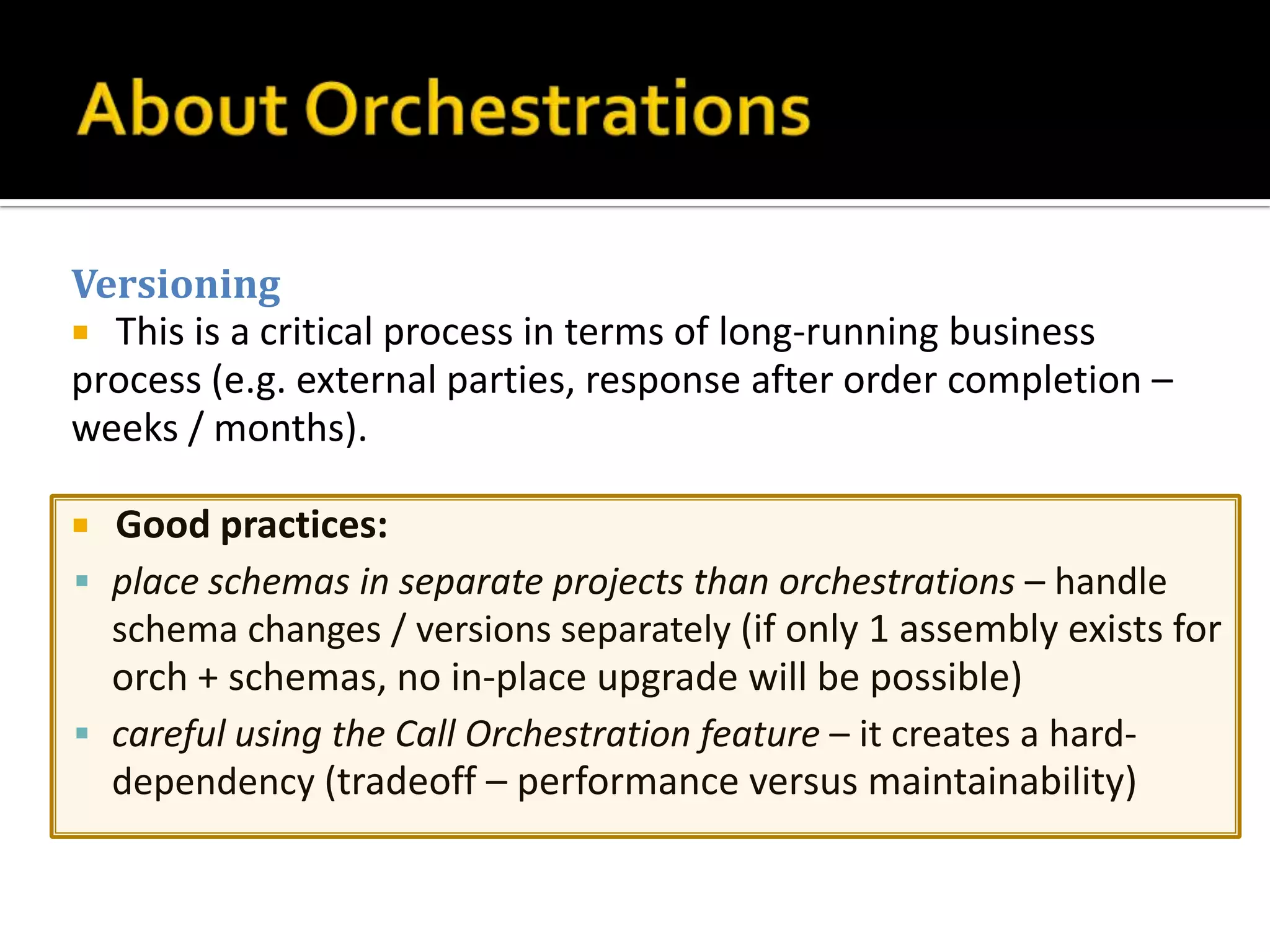
Versioning
 This is a critical process in terms of long-running business
process (e.g. external parties, response after order completion –
weeks / months).

 Good practices:
 place schemas in separate projects than orchestrations – handle
  schema changes / versions separately (if only 1 assembly exists for
  orch + schemas, no in-place upgrade will be possible)
 careful using the Call Orchestration feature – it creates a hard-
  dependency (tradeoff – performance versus maintainability)
Ports
 Port Types:
  ▪ Private (can be used in orchestration)
  ▪ Internal (can be used in project) – default
  ▪ Public (can be used by anyone referencing the assembly)
     e.g. Web Service
Port Binding
 Specify Later – bind logical and physical ports at deploy time
 Specify Now – hardcoding – a definite NO-NO!
 Direct Port Binding – loose coupling – rely on messages
 Self Correlating Ports – child orch. calls back the parent orch.
(Scatter & Gather pattern)
Professional BizTalk® Server 2006
   Darren Jefford, Kevin B. Smith, Ewan Fairweather
   Published by

   Wiley Publishing, Inc.

   10475 Crosspoint Boulevard

   Indianapolis, IN 46256

   www.wiley.com


   More details on Management & Monitoring
   Also see the Quick Install Guide
http://msdn.microsoft.com/en-us/library/aa577363(v=BTS.10).aspx
   Stay Tuned!

Introduction to Biz Talk - Part 2

  • 1.
    A brief descriptionof the Architecture Components Details & Important Concepts
  • 2.
    1. Hosts  Host - combination of Receive and Send adapters (with receive and send ports) or orchestrations.  Define a host = create instances of it (specify name of physical server and service account).  Hosts can have multiple instances, runnable on multiple servers (and a server can run multiple hosts). - In-process host (executes as Windows Service) - Isolated host (executes in a non-BizTalk process, e.g. ASP.NET worker process) Tip: Always use separate hosts for Receive, Send and Orchestrations.
  • 3.
    2. Adapters  Adapter– communication interface for BizTalk to/from the outside world (data agnostic, only in charge of transport). - one-way message exchange (e.g. File Adapter) - two-way message exchange o inbound (request-response) o outbound (solicit-response)
  • 4.
    Ports  Ports – physical endpoints used by BizTalk to send or receive messages - receive port (one or more physical receive locations) - send port (one-to-one mapping to an Adapter) – can be grouped in send port groups (a message sent to the group  a copy of the message will be sent via each port which is part of the group) Mapping  Mapping - essentially an XSL transformation on the message (receive ports – occurs after adapter has received the message and after pipeline execution; send ports – occurs before pipeline execution)  Mappings are used to convert from native (external) format to internal representation format / schema. Filtering  Filters – dynamically determine which send port or which orchestration will process a message (based on message context properties).  Also, filters can enable two orchestrations to process the same message type in a different manner (based on data held within the message).
  • 5.
    Dynamic Send Ports  Dynamic ports allow us to select the adapter used (and control transport configuration – e.g. endpoint URL address) dynamically at runtime from within an orchestration (instead of deployment-time control or changes to config settings at runtime).  Setup > set Dynamic as the Port Binding (only available for Send ports and can be used on one-way and request-response ports) Enlistment  This process creates underlying subscriptions for a send port or an orchestration.  If no subscriptions are available when message arrives in MessageBox  message is suspended.  Enlisted does not mean Started Messages will be queued until send port or orchestration is started. Hosting  A receive or send port needs to be hosted (loaded in memory) in order for it to receive / send messages. Hosting is the technique to “load” adapters, pipelines, orchestrations. During Binding phase of deployment, choose which BizTalk host to use for each receive/send port and orchestration.  Host ---- Instance 1 ---- Server 1  --- ---  ---- Instance N ---- Server N ---- Instances = Windows Service  FTP Adapter cannot lock! It can only be hosted on one BizTalk Server.
  • 6.
    Configuration Settings  All config settings for adapters are stored in the SSO DB (central place for settings – avoid duplicates across servers plus security is provided by default).  Additional settings – can also be added in btsntsvc.exe.config but this is not recommended! Retry  Scenarios for when something goes wrong (e.g. destination system is down or is rejecting the message).  - messages can be stored in the MessageBox until they can be processed  - after retry patterns, the message is suspended  - backup transport recommended (different adapter and retry interval) Service Window  Define (per-port) the operating time-frames (especially useful for maintenance time intervals). Tracking  Tracking can be useful for debugging - using the Health and Activity Tool (HAT).  By default tracking is off (performance impacting). Make sure to turn it off after analysis!  Tracking can be done “before port processing” (original received form) or after.  Tracking ---- Message properties (less overhead – only store promoted properties)  ---- Message body (save message body to disk) If it’s a requirement to track message bodies, BAM should be used to store message body information. If a message copy needs to be stored, a good alternative is to create a separate additional Send port. Warning: be careful with purge, archive operations (to avoid data build-up)!
  • 7.
    Context Properties  -Receive side: description on how the message was received and processed (e.g. the filename of a file that was fetched with a File Adapter)  - Send side: information on how to send the message  The context properties are used for Dynamic Ports (e.g. configure a WS URL without reconfig send port) Batching  The concept of processing multiple units of work as a batch (reduce round-trips to MessageBox). In-order delivery  In BizTalk, the order of processing is maintained only within a batch. To have consistency throughout the whole process, the Receive point of an orchestration needs to be marked as “require in-order delivery”. In-Box Adapters  There are numerous Adapters that are delivered along with BizTalk (such as File, MSMQT, Windows SharePoint Services, SQL, SOAP, HTTP, SMTP, POP3, MQSeries, FTP, WCF, WSE, etc.)
  • 8.
    3. Pipelines  Thepipelines are the components in charge of the data processing.  BizTalk is transport and data agnostic.  - Adapters - in charge of transport of data – they move data between BT and outside world (except for SOAP - SOAP Packets are handled at Adapter level)  - Pipelines - responsible for processing data (recognize format, convert format, validate correctness of the format, some security checks, etc…)
  • 9.
    Message Parts  Messages have zero or more parts – each has a Stream associated to it. - body (payload) --- - attachements (MIME) On SOAP messages – each parameter maps to an individual part! Message Contexts  Context: properties associated to the message (e.g. extract a PO# from a message and write it as a property) - very useful for message “state” management.  Most important usage: for identifying the subscriber of a message!
  • 10.
    Pipeline Stages Receive PipelineStages  Decode – prepare (e.g. uncompressing files, break MIME into body + attachments)  Disassemble – recognition, conversion to XML, batch disassembly into individual messages  Validate – validation against an XSD schema  Resolve Party – determine the party that BizTalk received the message from (SourcePartyID) Handling Pipeline Failures  Receive Pipeline Failures: message is not published in the Message Box - message is given back to the Adapter - message is suspended in MessageBox (typically not a good scenario!)  At port level, configure the “Enable routing for failed messages” option.  Error Report properties – contain Error Type (always has a Failed Message value), Failure Code, Failure Category. Send Pipeline Stages  Pre-Assemble – custom pre-processing (for non-XML messages)  Assemble – formatting the message, assembling (multiple messages into one)  Encode – encode, encrypt, sign the message (e.g. compress message)  Pipeline Configuration - By Type - By Instance
  • 11.
    Default Pipelines  Thereare some Pipelines that are shipped with BizTalk (such as PassThruReceive, PassThruTransmit, XMLReceive, XMLTransmit) Creating Custom Pipelines  Hi-Level Guidelines  - Release resources as early as possible  - DO NOT create threads in the pipeline  - Process messages in a streaming manner  - Instrument your code  - Minimize message context promotion  - Get your transaction from the Pipeline Context
  • 12.
    4. Orchestrations Orchestrations aregraphical representations of a business process:  shapes with specific operations (send, receive, execute business rules, branching, looping…)  concentrate on business problem, rather than the technical implementation  private language: X#  orchestration: XML ----> X# ----(translation)----> C# ----(compilation)----> MSIL  generate debug information when building “debug” solution
  • 13.
    Activation (instantiation)  bya message (arriving in the MessageBox) to which an orch. has subscribed (an Activating Receive)  invocation from another orchestration ▪ start orchestration (async) ▪ call orchestration (sync) Subscriptions  Subscriptions are created when an orchestration is enlisted. ▪ if orch. is enlisted but stopped, messages are placed in the queue ▪ if orch. is removed (un-enlisted), messages are suspended  (!) if another orch. is subscribed, the messages are processed !
  • 14.
    Persistence and Versioning orchestration newly deployed existing orchestration (e.g.dehydrated) instance(s) instance(s) NEW assembly OLD assembly
  • 15.
    Persistence  BizTalk isstateless - it persists on SQL server orchestration state and messages ▪ messages and orchestrations are processed within a SQL transaction ▪ orchestrations persist their state at various execution points (checkpoints – execution points)  Important - Known persistence points: ▪ Send shape, Atomic scope, Start orchestration ▪ End of a long-running scope, End of orchestration ▪ Receive, Delay, Suspend (not actually cause persistence, but may lead to dehydration)
  • 16.
    Persistence  Good Practices: ▪ Reduce number of variables and messages as much as possible ▪ Scoping your variable and messages  Monitor persistence points using Persistance Points counter in XLANG’s Orchestration object in PerfMon  Dehydration - waiting points – Receive, Delay can cause: Dehydrate – persist orch in MessageBox DB, remove from memory Rehydrate – restore orch from MessageBox DB  System decides when to dehydrate an orchestration. MinThreshold / MaxThreshold setting values are evaluated against memory pressure to decide if an orch needs to be dehydrated.
  • 17.
    Versioning  This isa critical process in terms of long-running business process (e.g. external parties, response after order completion – weeks / months).  Good practices:  place schemas in separate projects than orchestrations – handle schema changes / versions separately (if only 1 assembly exists for orch + schemas, no in-place upgrade will be possible)  careful using the Call Orchestration feature – it creates a hard- dependency (tradeoff – performance versus maintainability)
  • 18.
    Ports  Port Types: ▪ Private (can be used in orchestration) ▪ Internal (can be used in project) – default ▪ Public (can be used by anyone referencing the assembly) e.g. Web Service Port Binding  Specify Later – bind logical and physical ports at deploy time  Specify Now – hardcoding – a definite NO-NO!  Direct Port Binding – loose coupling – rely on messages  Self Correlating Ports – child orch. calls back the parent orch. (Scatter & Gather pattern)
  • 19.
    Professional BizTalk® Server2006  Darren Jefford, Kevin B. Smith, Ewan Fairweather  Published by  Wiley Publishing, Inc.  10475 Crosspoint Boulevard  Indianapolis, IN 46256  www.wiley.com  More details on Management & Monitoring  Also see the Quick Install Guide http://msdn.microsoft.com/en-us/library/aa577363(v=BTS.10).aspx
  • 20.
    Stay Tuned!