INTRODUCTION TO
FORTRAN
Kadin Tseng
Boston University
Scientific Computing and Visualization
Outline
• Goals
• Introduction
• Fortran History
• Basic syntax
• Makefiles
• Additional syntax
2
Introduction to FORTRAN
Goals are to be able to . . .
• write simple Fortran programs
• understand and modify existing Fortran code
• manage programming projects with makefiles
3
Introduction to FORTRAN
Introduction
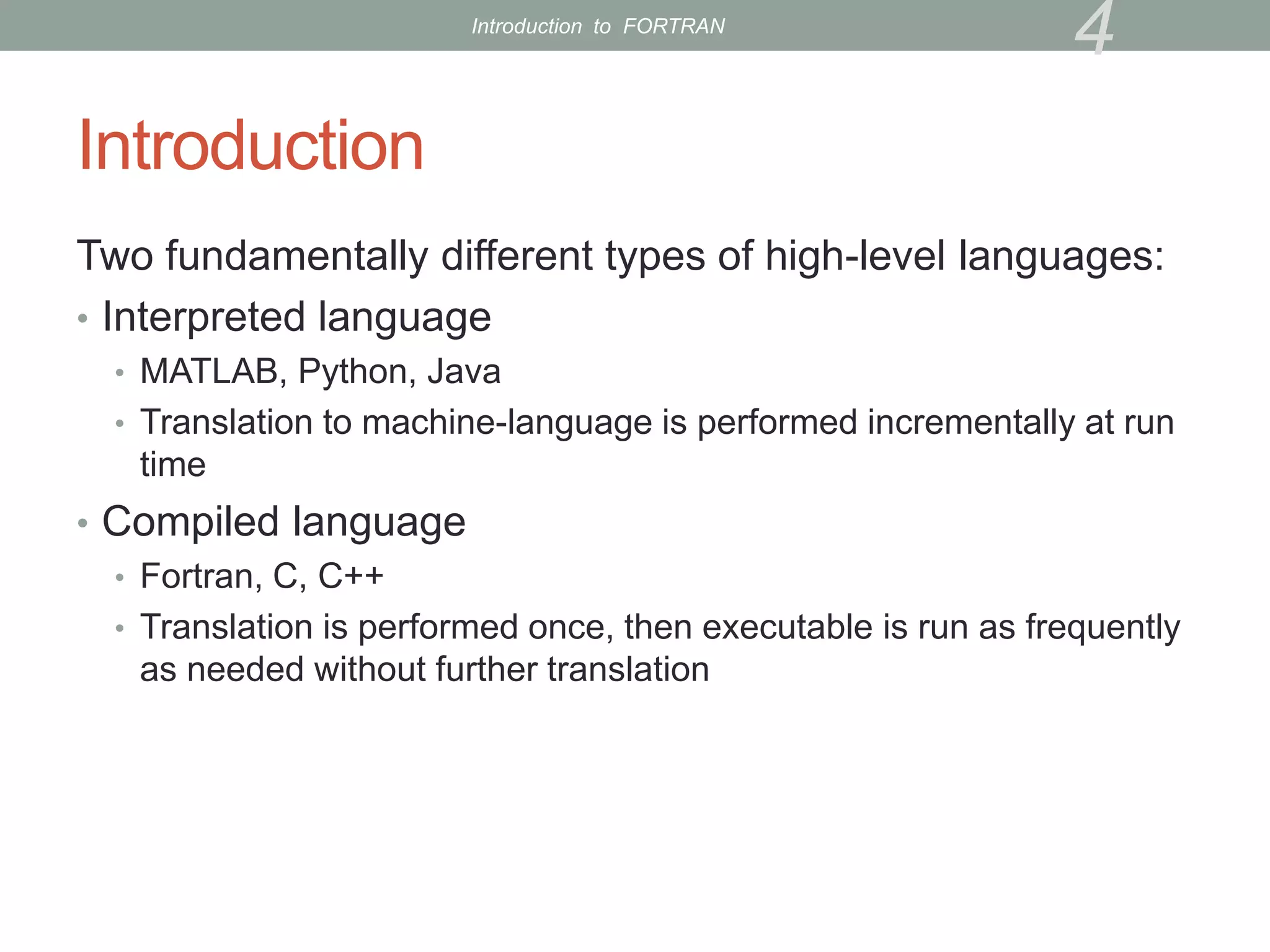
Two fundamentally different types of high-level languages:
• Interpreted language
• MATLAB, Python, Java
• Translation to machine-language is performed incrementally at run
time
• Compiled language
• Fortran, C, C++
• Translation is performed once, then executable is run as frequently
as needed without further translation
4
Introduction to FORTRAN
Introduction (cont’d)
• Compiled languages run faster.
• Large-scale computing is usually done with compiled language
• Interpreted languages more convenient but slower
• e.g., no need to declare variables; do things on-the-fly
• MATLAB can be an order of magnitude slower than C/fortran (code
dependent)
5
Introduction to FORTRAN
Fortran History
• Before Fortran, programs were written in assembly
language (very tedious to say the least)
• low-level commands such as “load x from memory into register 7”
or “add values in registers 10 and 11 and write result to register 4”
• Fortran was the first widely-used high-level computer
language
• 1957
• Developed by IBM for scientific applications
• Program written on a specially formatted green sheet, then entered
as punched cards
6
Introduction to FORTRAN
Fortran History
• Fortran 66 (1966)
• Fortran 77 (1978)
• Fortran 90 (1991)
• “fairly” modern (structures, etc.)
• Current “workhorse” Fortran
• Fortran 95 (minor tweaks to Fortran 90)
• Fortran 2003
• Gradually being implemented by compiler companies
• Object-oriented support
• Interoperability with C is in the standard
7
Introduction to FORTRAN
What Language Should I Use?
• Generally, use the language you know best
• Interpreted languages are great for
• Interactive applications
• Code development and debugging
• Algorithm development
• For major number crunching, compiled langauages are
preferred (Fortran, C, C++)
8
Introduction to FORTRAN
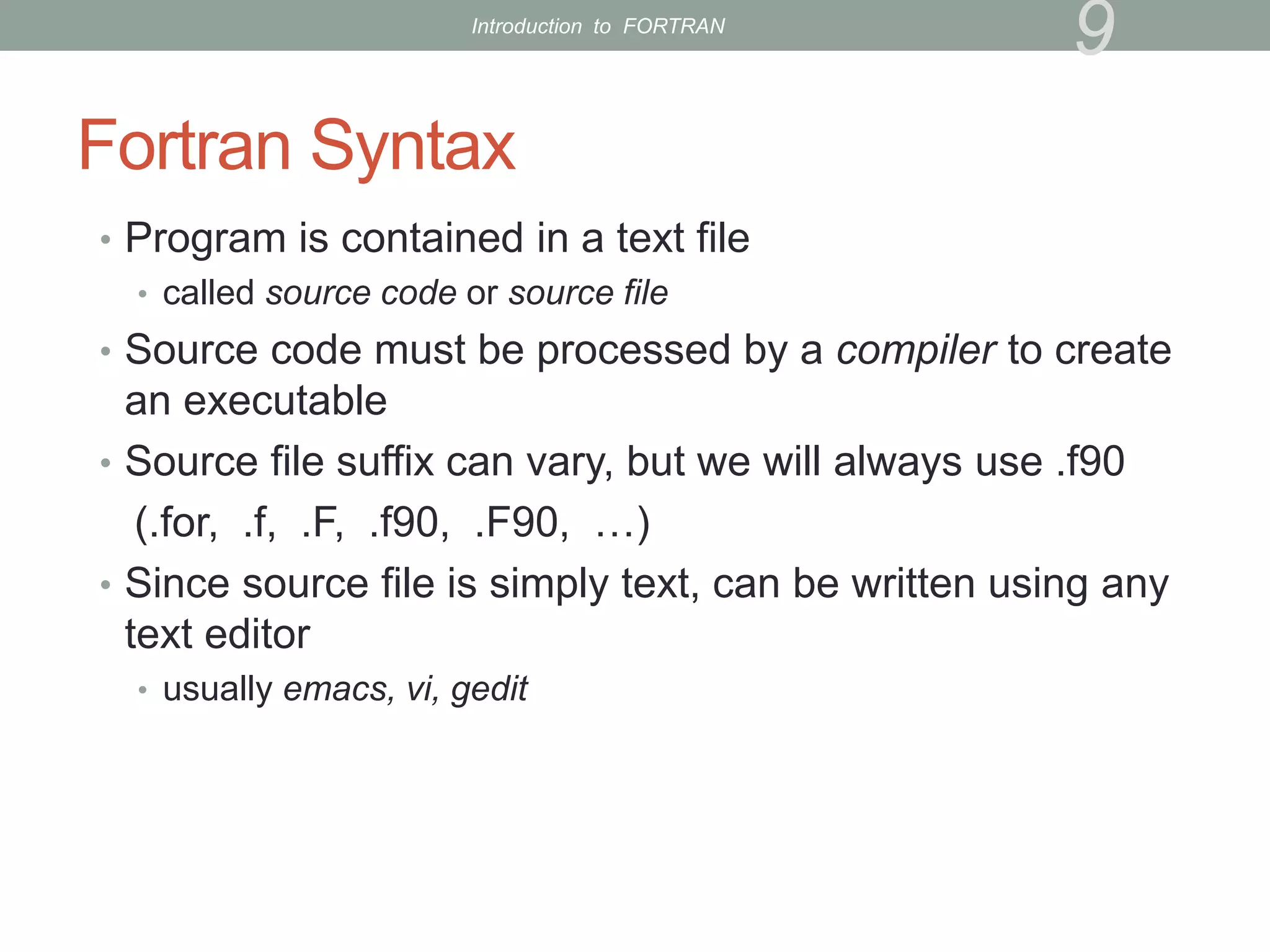
Fortran Syntax
• Program is contained in a text file
• called source code or source file
• Source code must be processed by a compiler to create
an executable
• Source file suffix can vary, but we will always use .f90
(.for, .f, .F, .f90, .F90, …)
• Since source file is simply text, can be written using any
text editor
• usually emacs, vi, gedit
9
Introduction to FORTRAN
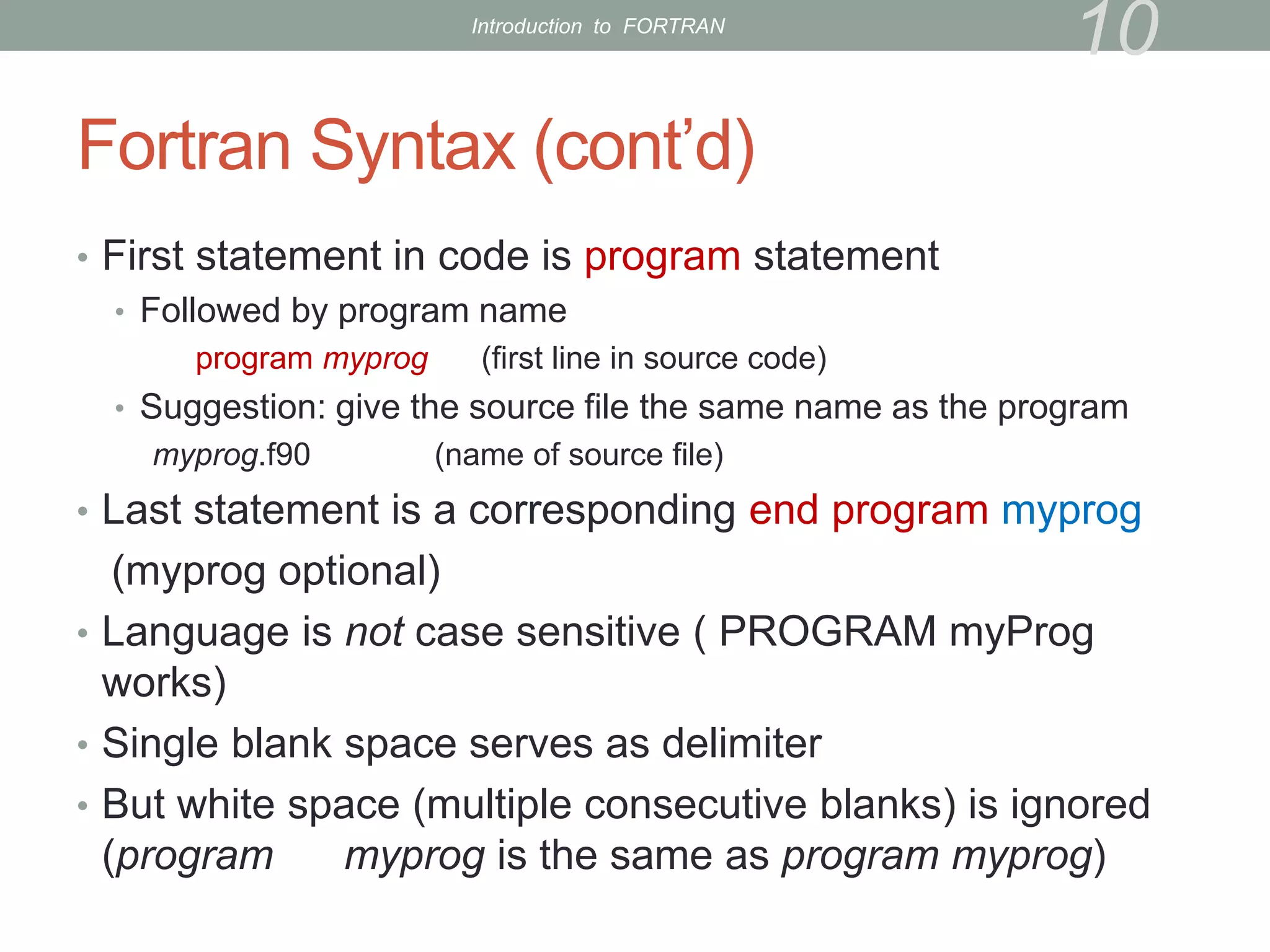
Fortran Syntax (cont’d)
• First statement in code is program statement
• Followed by program name
program myprog (first line in source code)
• Suggestion: give the source file the same name as the program
myprog.f90 (name of source file)
• Last statement is a corresponding end program myprog
(myprog optional)
• Language is not case sensitive ( PROGRAM myProg
works)
• Single blank space serves as delimiter
• But white space (multiple consecutive blanks) is ignored
(program myprog is the same as program myprog)
10
Introduction to FORTRAN
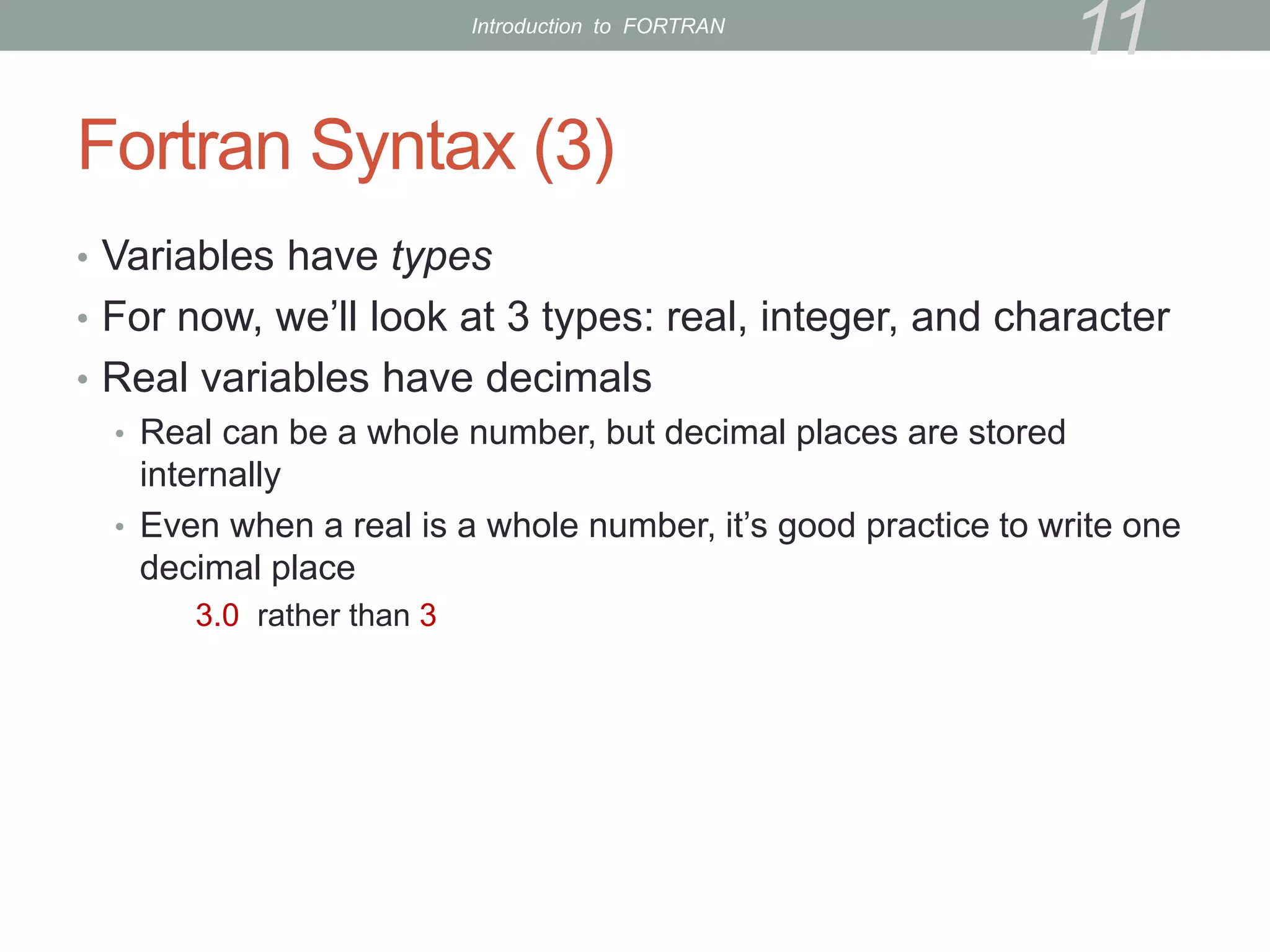
Fortran Syntax (3)
• Variables have types
• For now, we’ll look at 3 types: real, integer, and character
• Real variables have decimals
• Real can be a whole number, but decimal places are stored
internally
• Even when a real is a whole number, it’s good practice to write one
decimal place
3.0 rather than 3
11
Introduction to FORTRAN
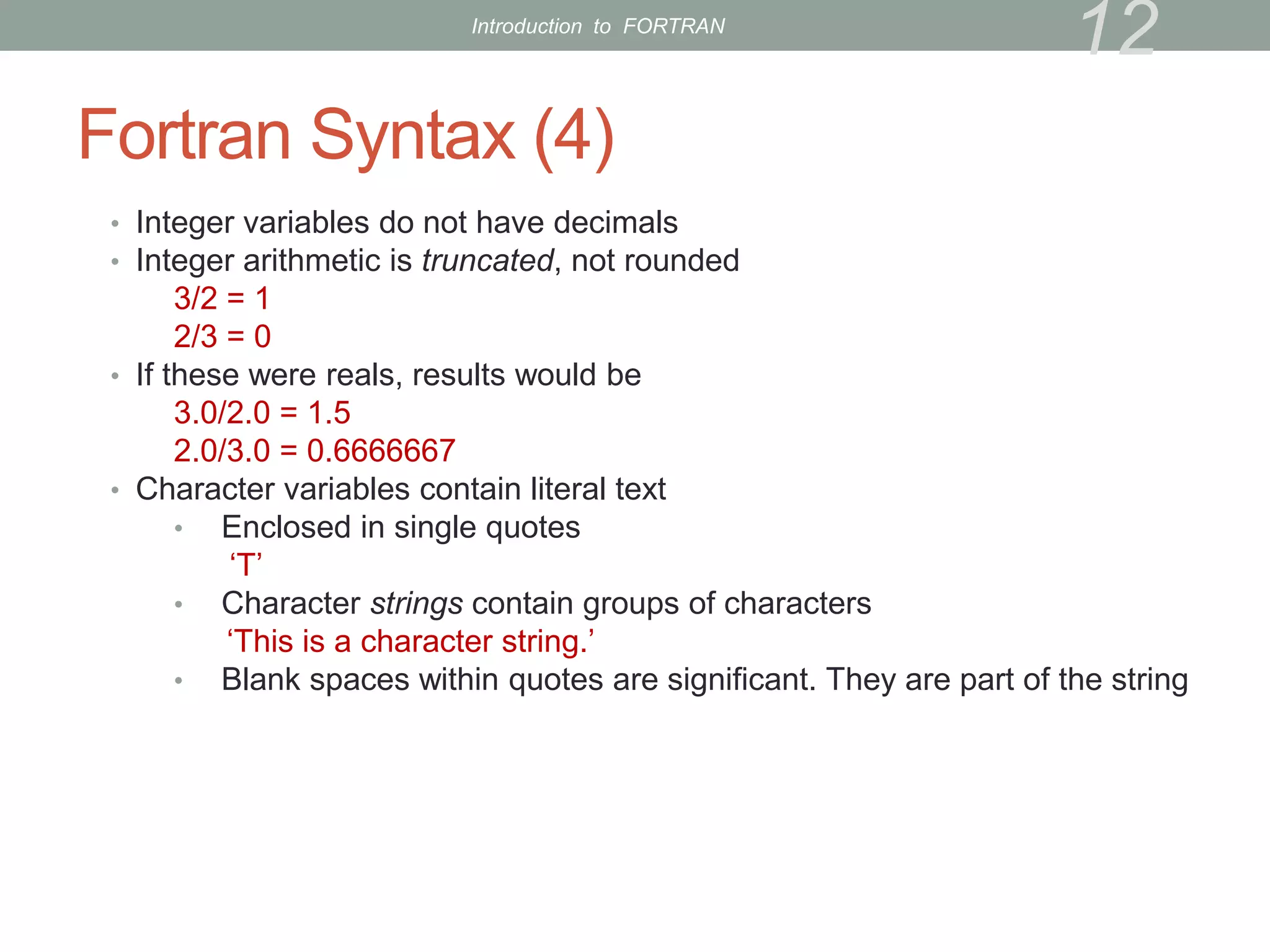
Fortran Syntax (4)
• Integer variables do not have decimals
• Integer arithmetic is truncated, not rounded
3/2 = 1
2/3 = 0
• If these were reals, results would be
3.0/2.0 = 1.5
2.0/3.0 = 0.6666667
• Character variables contain literal text
• Enclosed in single quotes
‘T’
• Character strings contain groups of characters
‘This is a character string.’
• Blank spaces within quotes are significant. They are part of the string
12
Introduction to FORTRAN
Fortran Syntax (5)
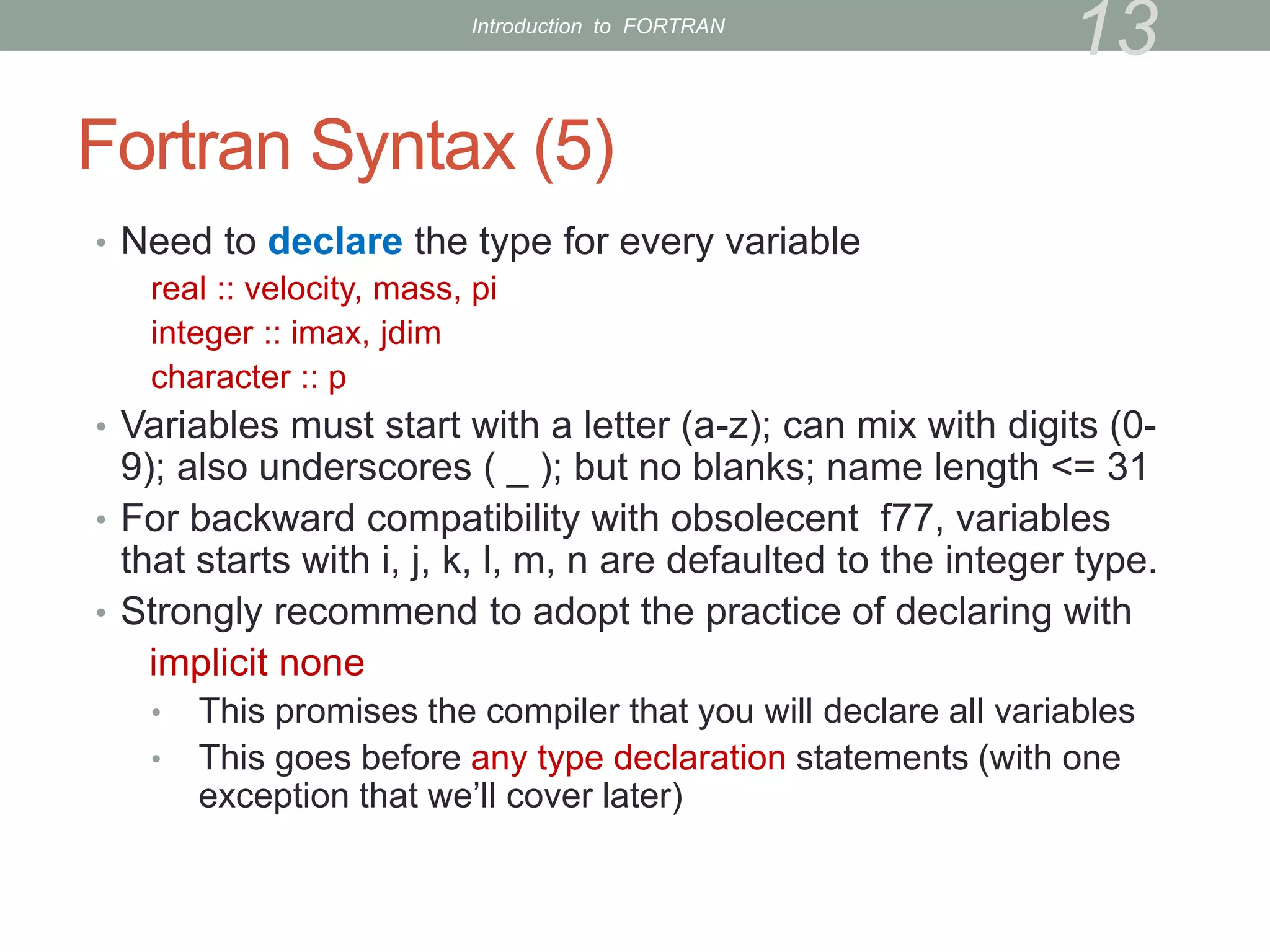
• Need to declare the type for every variable
real :: velocity, mass, pi
integer :: imax, jdim
character :: p
• Variables must start with a letter (a-z); can mix with digits (0-
9); also underscores ( _ ); but no blanks; name length <= 31
• For backward compatibility with obsolecent f77, variables
that starts with i, j, k, l, m, n are defaulted to the integer type.
• Strongly recommend to adopt the practice of declaring with
implicit none
• This promises the compiler that you will declare all variables
• This goes before any type declaration statements (with one
exception that we’ll cover later)
13
Introduction to FORTRAN
Fortran Syntax (6)
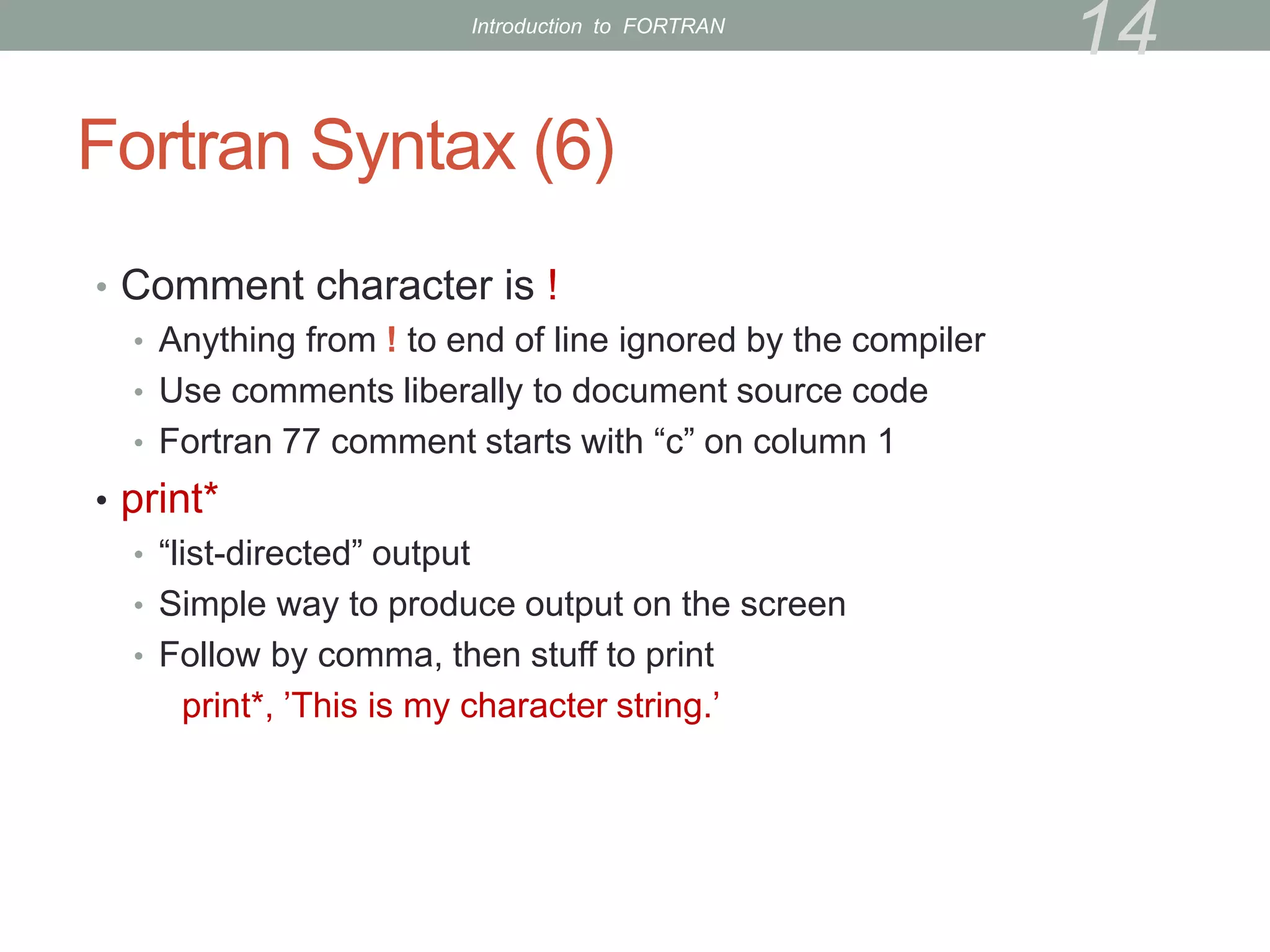
• Comment character is !
• Anything from ! to end of line ignored by the compiler
• Use comments liberally to document source code
• Fortran 77 comment starts with “c” on column 1
• print*
• “list-directed” output
• Simple way to produce output on the screen
• Follow by comma, then stuff to print
print*, ’This is my character string.’
14
Introduction to FORTRAN
Fortran Syntax (7)
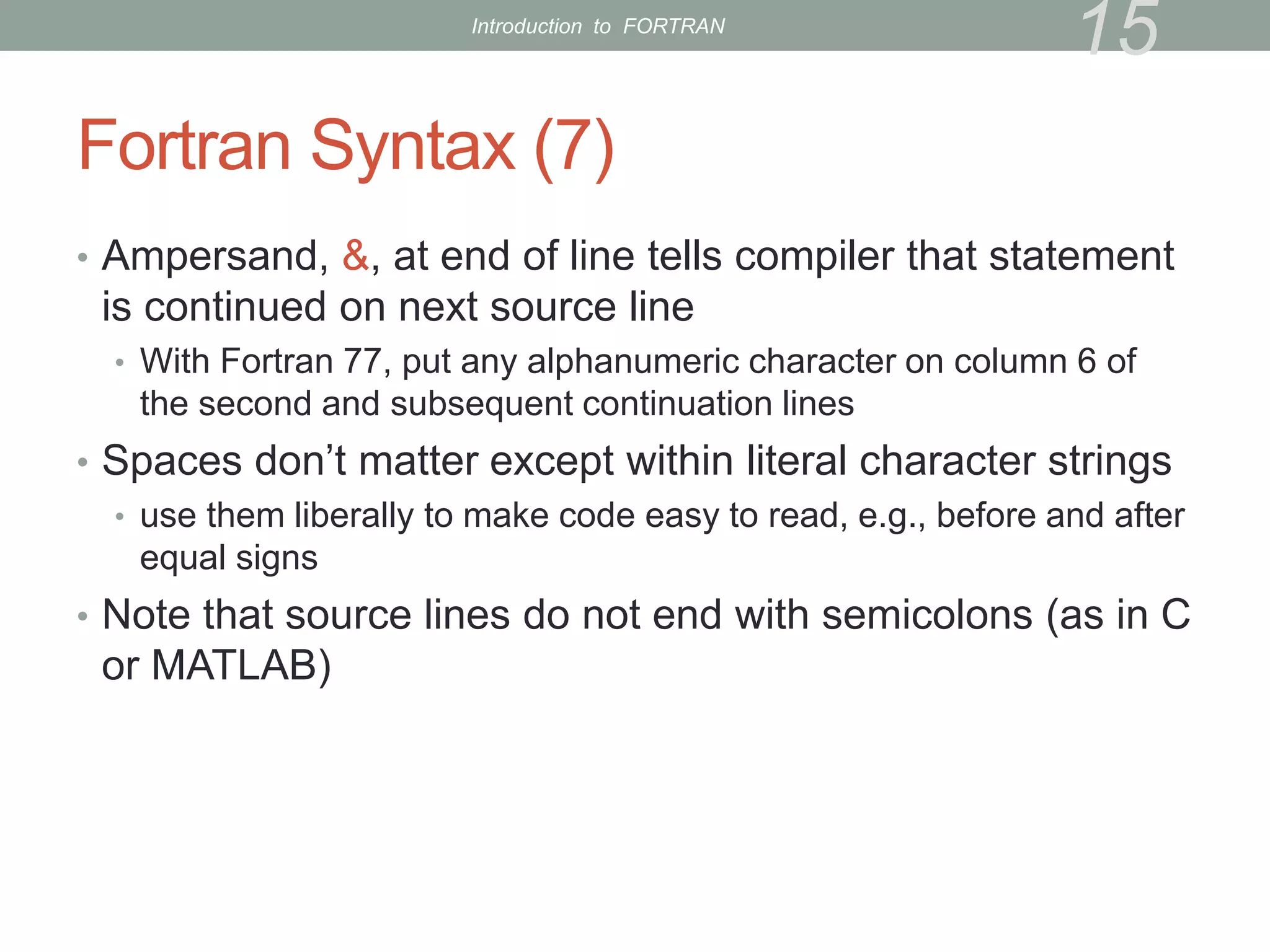
• Ampersand, &, at end of line tells compiler that statement
is continued on next source line
• With Fortran 77, put any alphanumeric character on column 6 of
the second and subsequent continuation lines
• Spaces don’t matter except within literal character strings
• use them liberally to make code easy to read, e.g., before and after
equal signs
• Note that source lines do not end with semicolons (as in C
or MATLAB)
15
Introduction to FORTRAN
Exercise 1
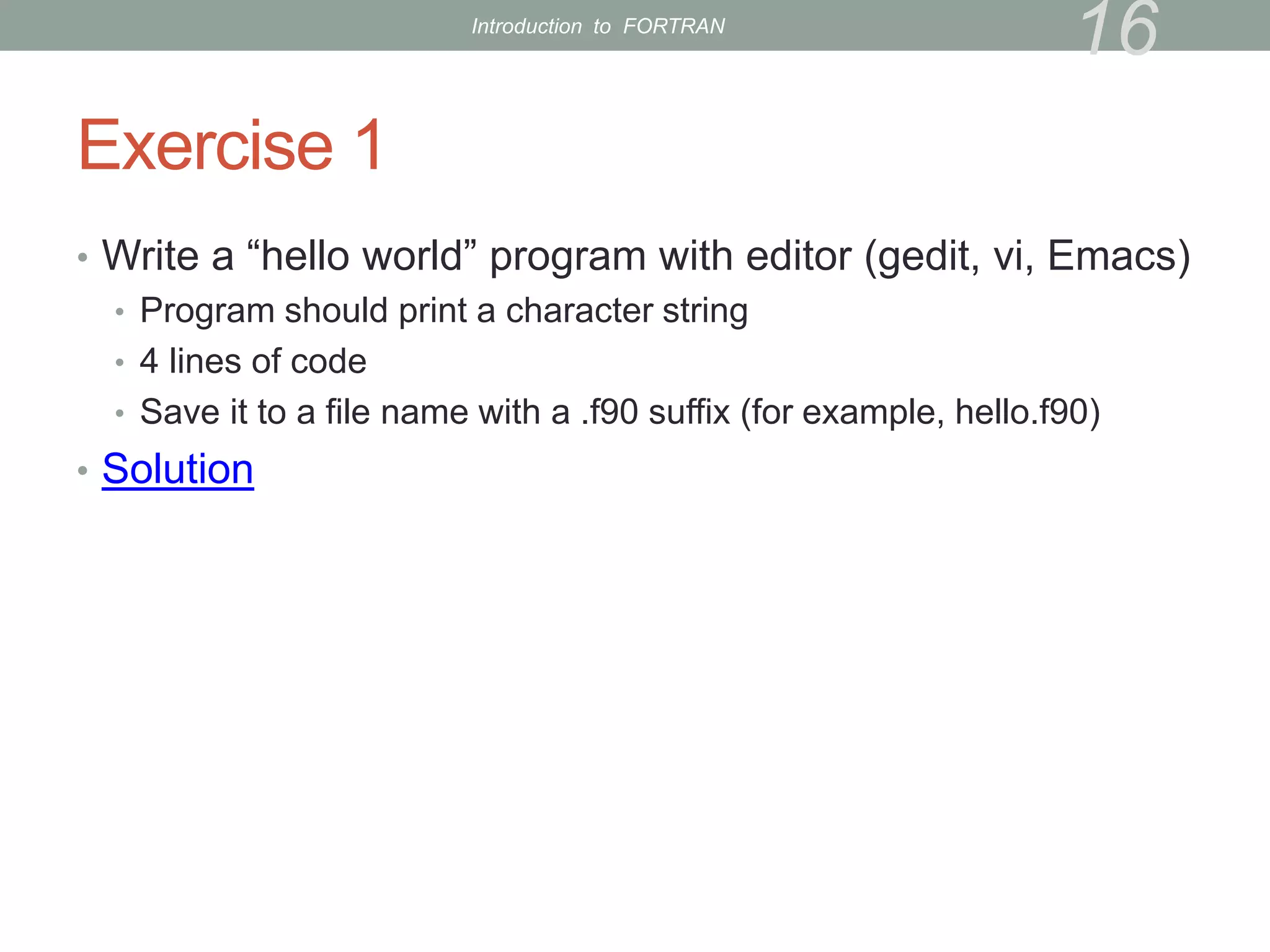
• Write a “hello world” program with editor (gedit, vi, Emacs)
• Program should print a character string
• 4 lines of code
• Save it to a file name with a .f90 suffix (for example, hello.f90)
• Solution
16
Introduction to FORTRAN
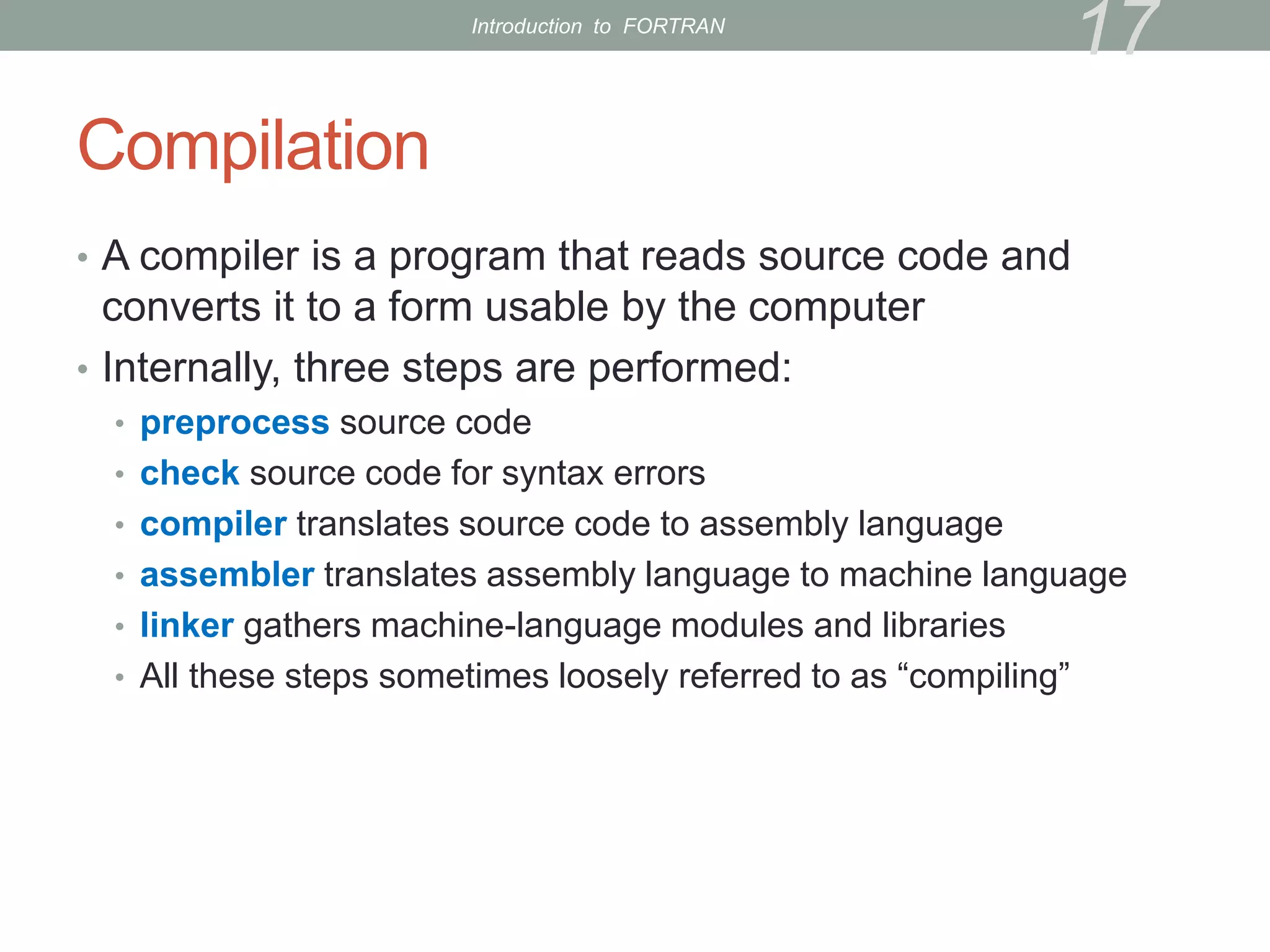
Compilation
• A compiler is a program that reads source code and
converts it to a form usable by the computer
• Internally, three steps are performed:
• preprocess source code
• check source code for syntax errors
• compiler translates source code to assembly language
• assembler translates assembly language to machine language
• linker gathers machine-language modules and libraries
• All these steps sometimes loosely referred to as “compiling”
17
Introduction to FORTRAN
Compilation (cont’d)
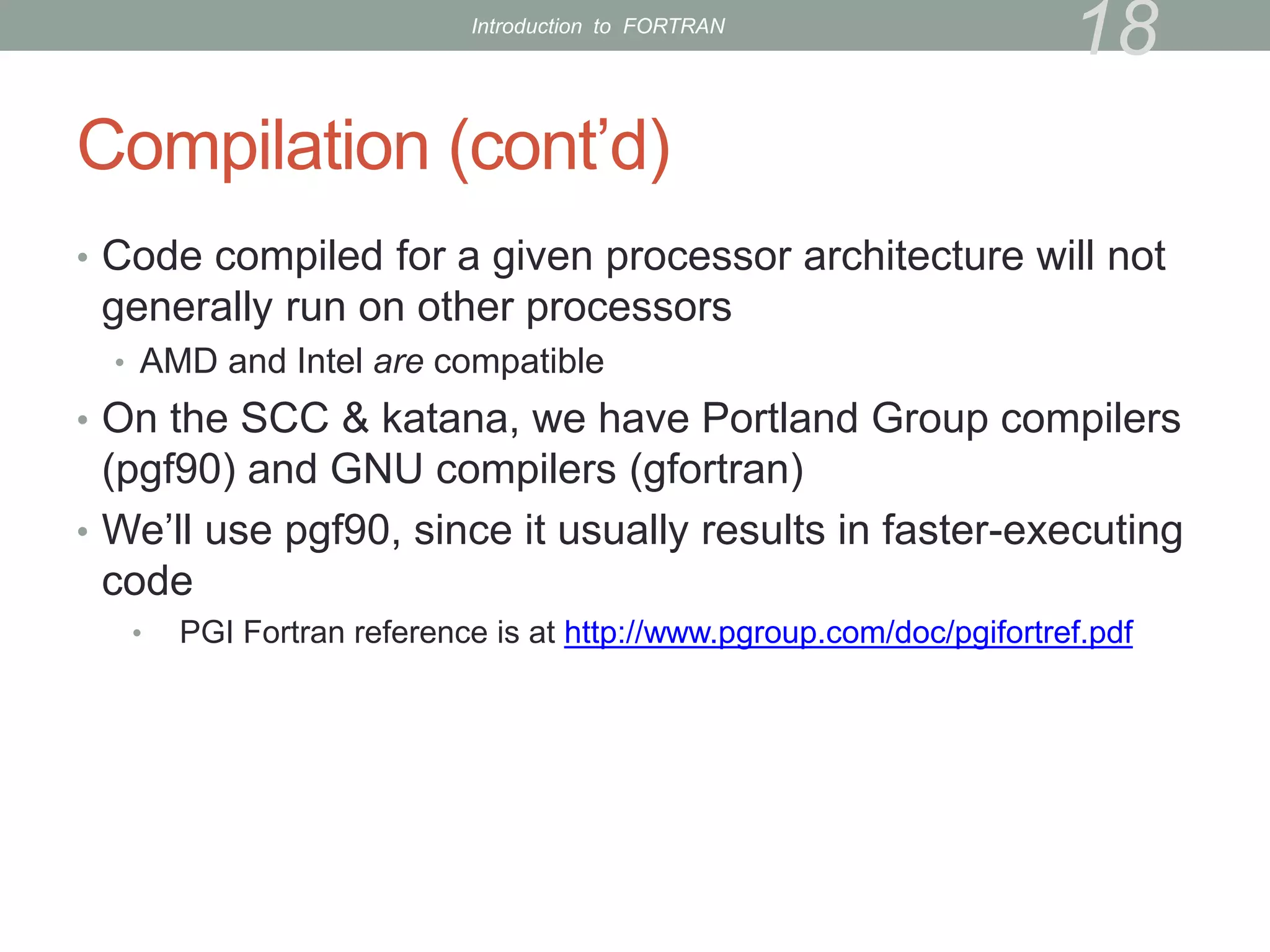
• Code compiled for a given processor architecture will not
generally run on other processors
• AMD and Intel are compatible
• On the SCC & katana, we have Portland Group compilers
(pgf90) and GNU compilers (gfortran)
• We’ll use pgf90, since it usually results in faster-executing
code
• PGI Fortran reference is at http://www.pgroup.com/doc/pgifortref.pdf
18
Introduction to FORTRAN
Compilation (3)
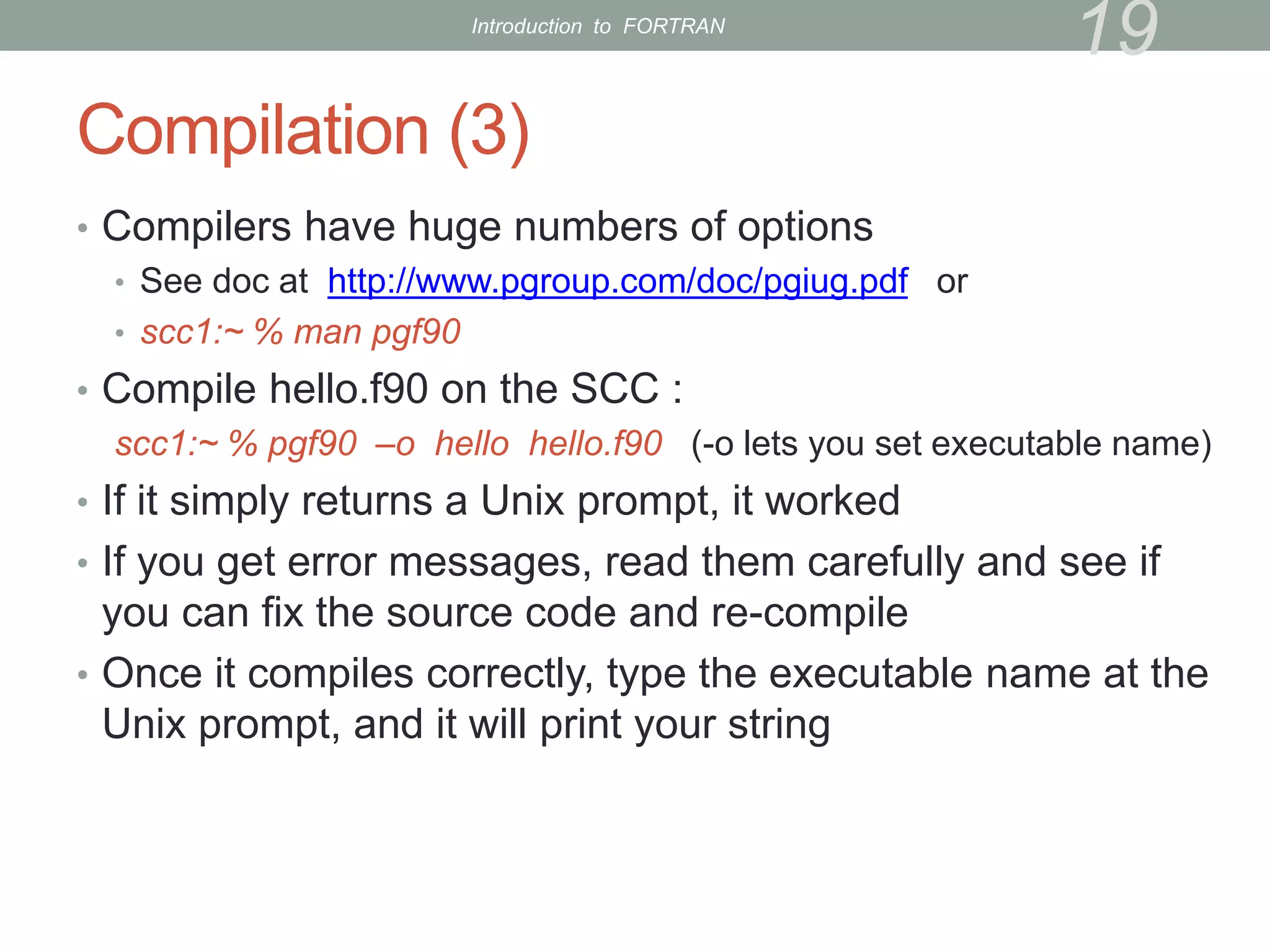
• Compilers have huge numbers of options
• See doc at http://www.pgroup.com/doc/pgiug.pdf or
• scc1:~ % man pgf90
• Compile hello.f90 on the SCC :
scc1:~ % pgf90 –o hello hello.f90 (-o lets you set executable name)
• If it simply returns a Unix prompt, it worked
• If you get error messages, read them carefully and see if
you can fix the source code and re-compile
• Once it compiles correctly, type the executable name at the
Unix prompt, and it will print your string
19
Introduction to FORTRAN
Arithmetic
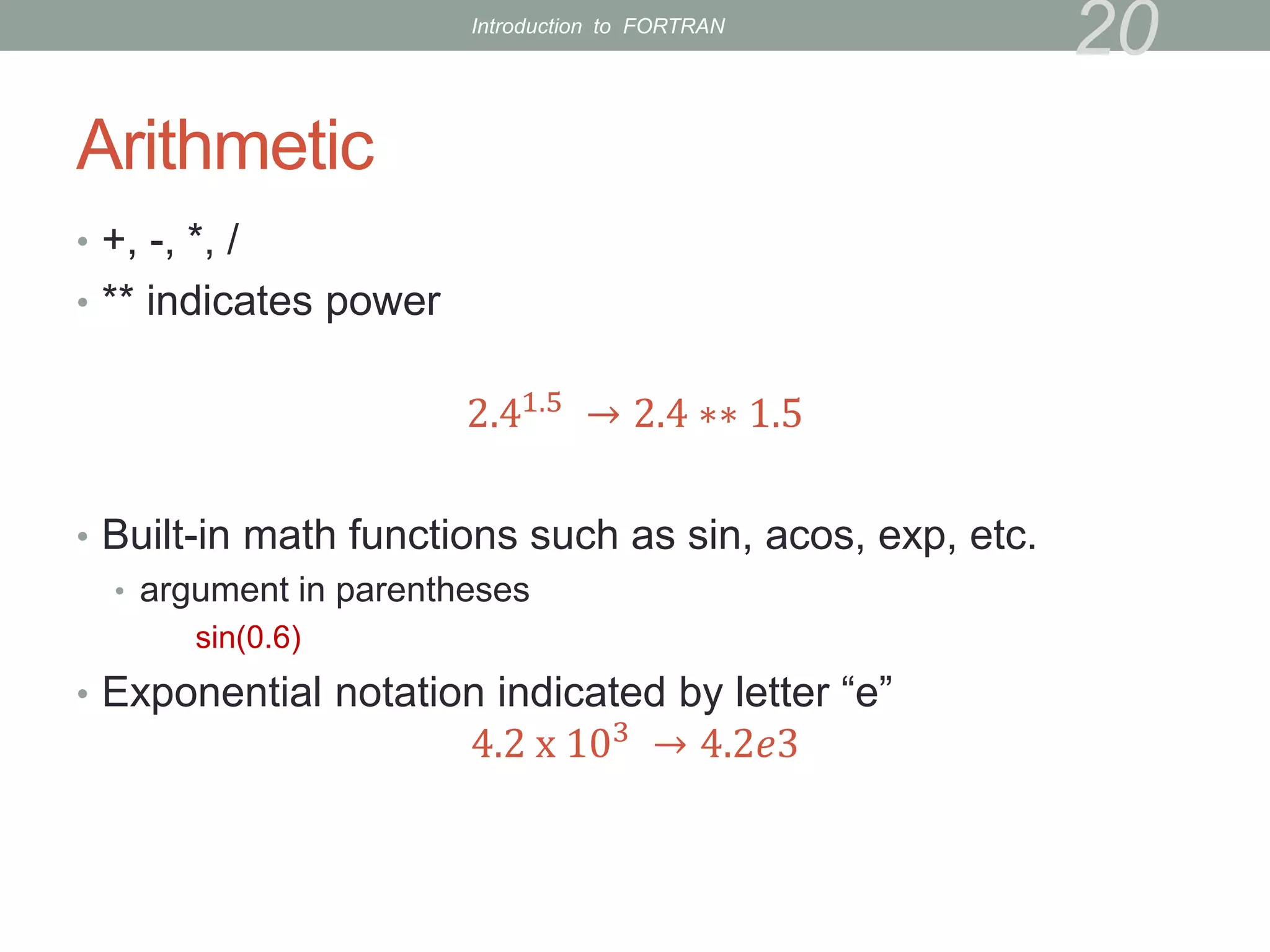
• +, -, *, /
• ** indicates power
2.41.5
→ 2.4 ∗∗ 1.5
• Built-in math functions such as sin, acos, exp, etc.
• argument in parentheses
sin(0.6)
• Exponential notation indicated by letter “e”
4.2 x 10³
→ 4.2𝑒3
20
Introduction to FORTRAN
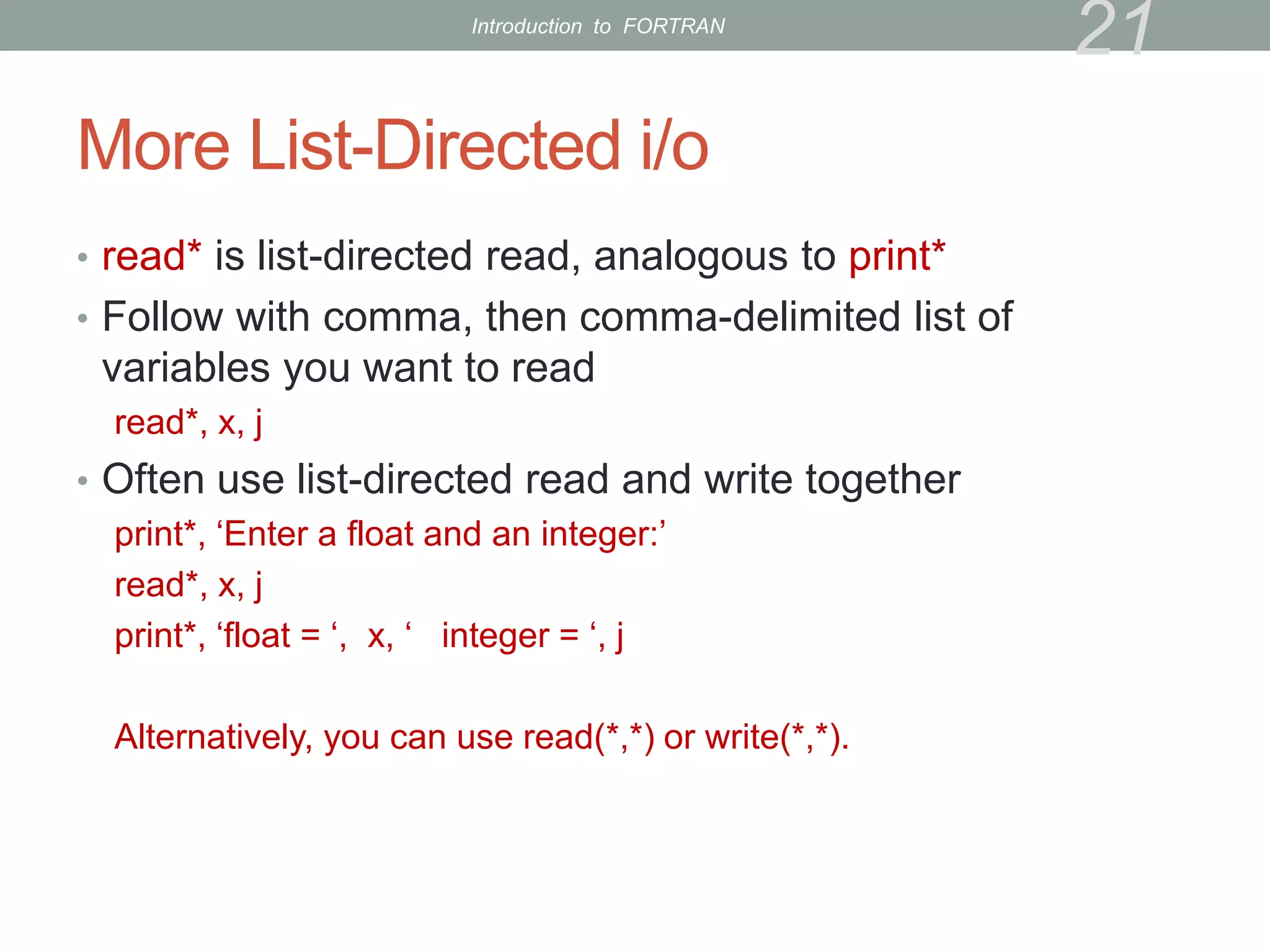
More List-Directed i/o
• read* is list-directed read, analogous to print*
• Follow with comma, then comma-delimited list of
variables you want to read
read*, x, j
• Often use list-directed read and write together
print*, ‘Enter a float and an integer:’
read*, x, j
print*, ‘float = ‘, x, ‘ integer = ‘, j
Alternatively, you can use read(*,*) or write(*,*).
21
Introduction to FORTRAN
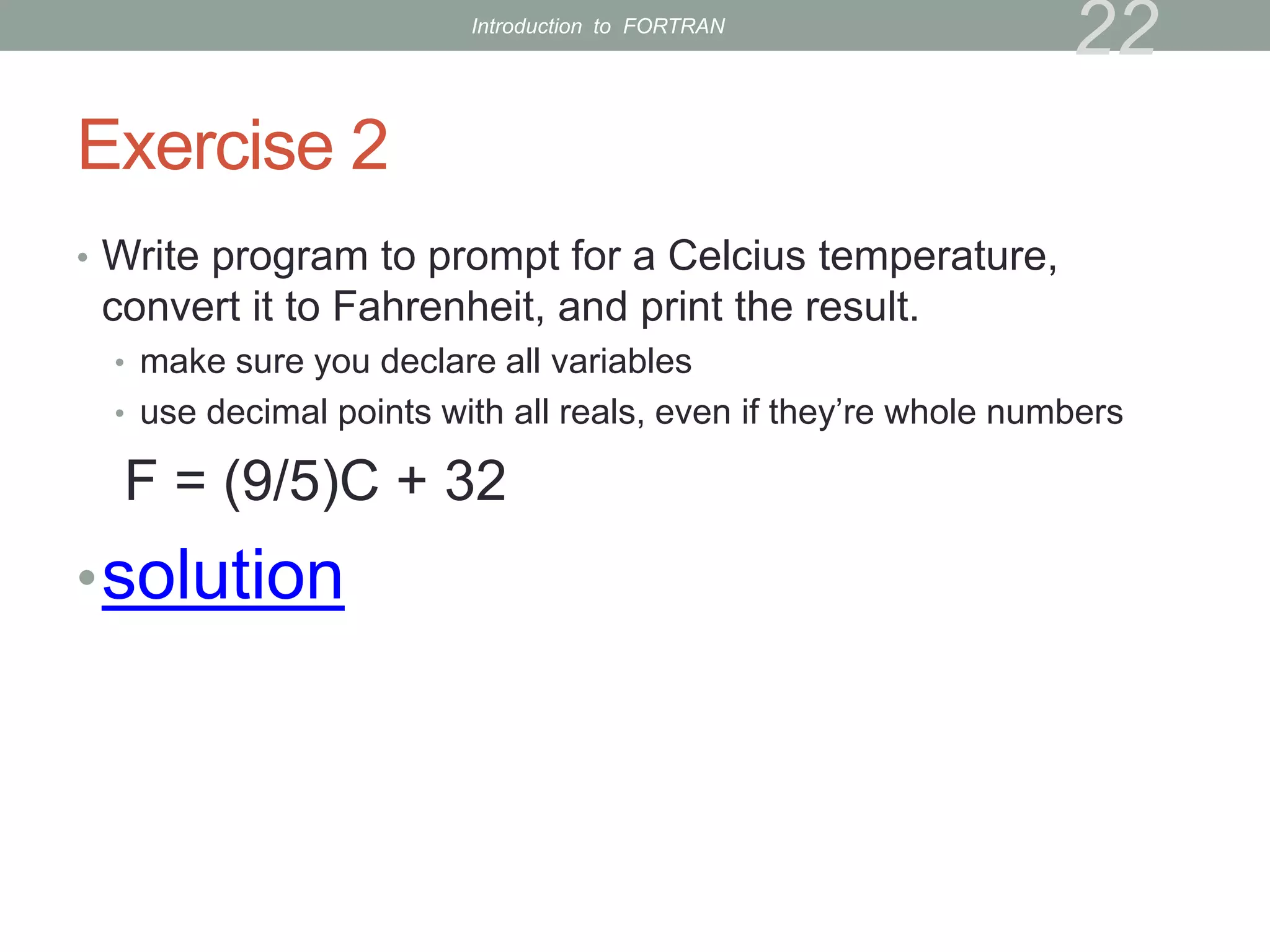
Exercise 2
• Write program to prompt for a Celcius temperature,
convert it to Fahrenheit, and print the result.
• make sure you declare all variables
• use decimal points with all reals, even if they’re whole numbers
F = (9/5)C + 32
•solution
22
Introduction to FORTRAN
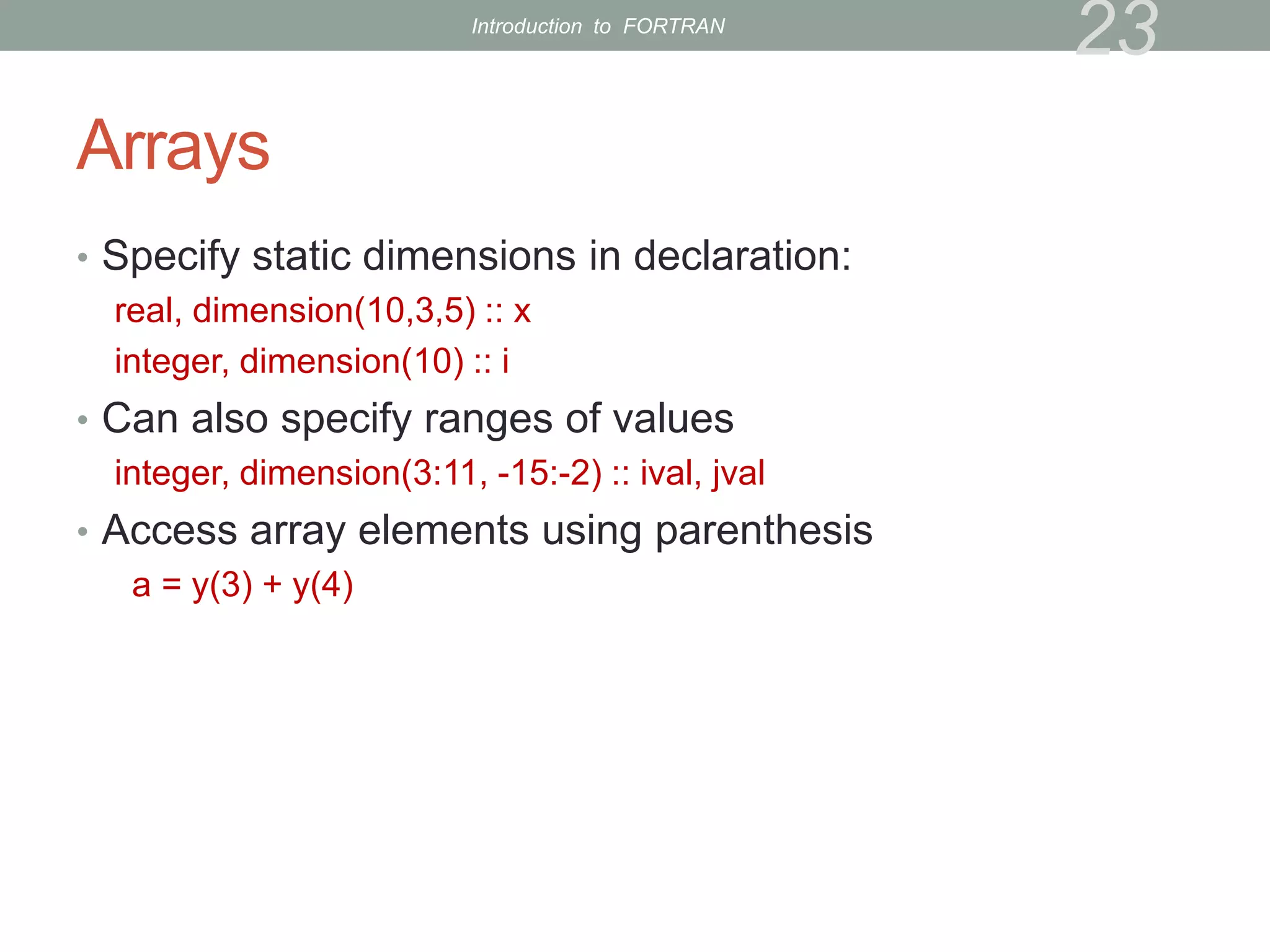
Arrays
• Specify static dimensions in declaration:
real, dimension(10,3,5) :: x
integer, dimension(10) :: i
• Can also specify ranges of values
integer, dimension(3:11, -15:-2) :: ival, jval
• Access array elements using parenthesis
a = y(3) + y(4)
23
Introduction to FORTRAN
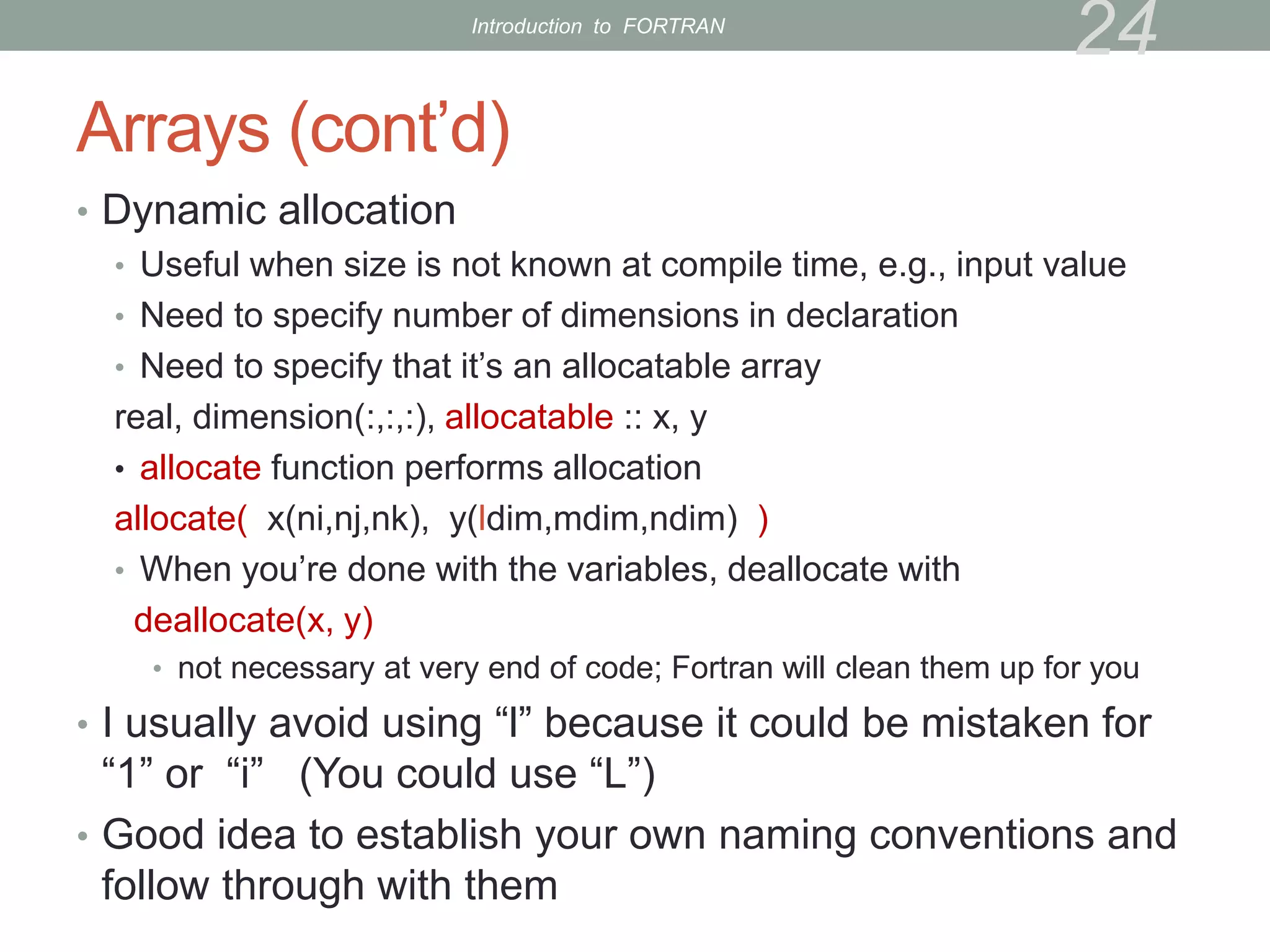
Arrays (cont’d)
• Dynamic allocation
• Useful when size is not known at compile time, e.g., input value
• Need to specify number of dimensions in declaration
• Need to specify that it’s an allocatable array
real, dimension(:,:,:), allocatable :: x, y
• allocate function performs allocation
allocate( x(ni,nj,nk), y(ldim,mdim,ndim) )
• When you’re done with the variables, deallocate with
deallocate(x, y)
• not necessary at very end of code; Fortran will clean them up for you
• I usually avoid using “l” because it could be mistaken for
“1” or “i” (You could use “L”)
• Good idea to establish your own naming conventions and
follow through with them
24
Introduction to FORTRAN
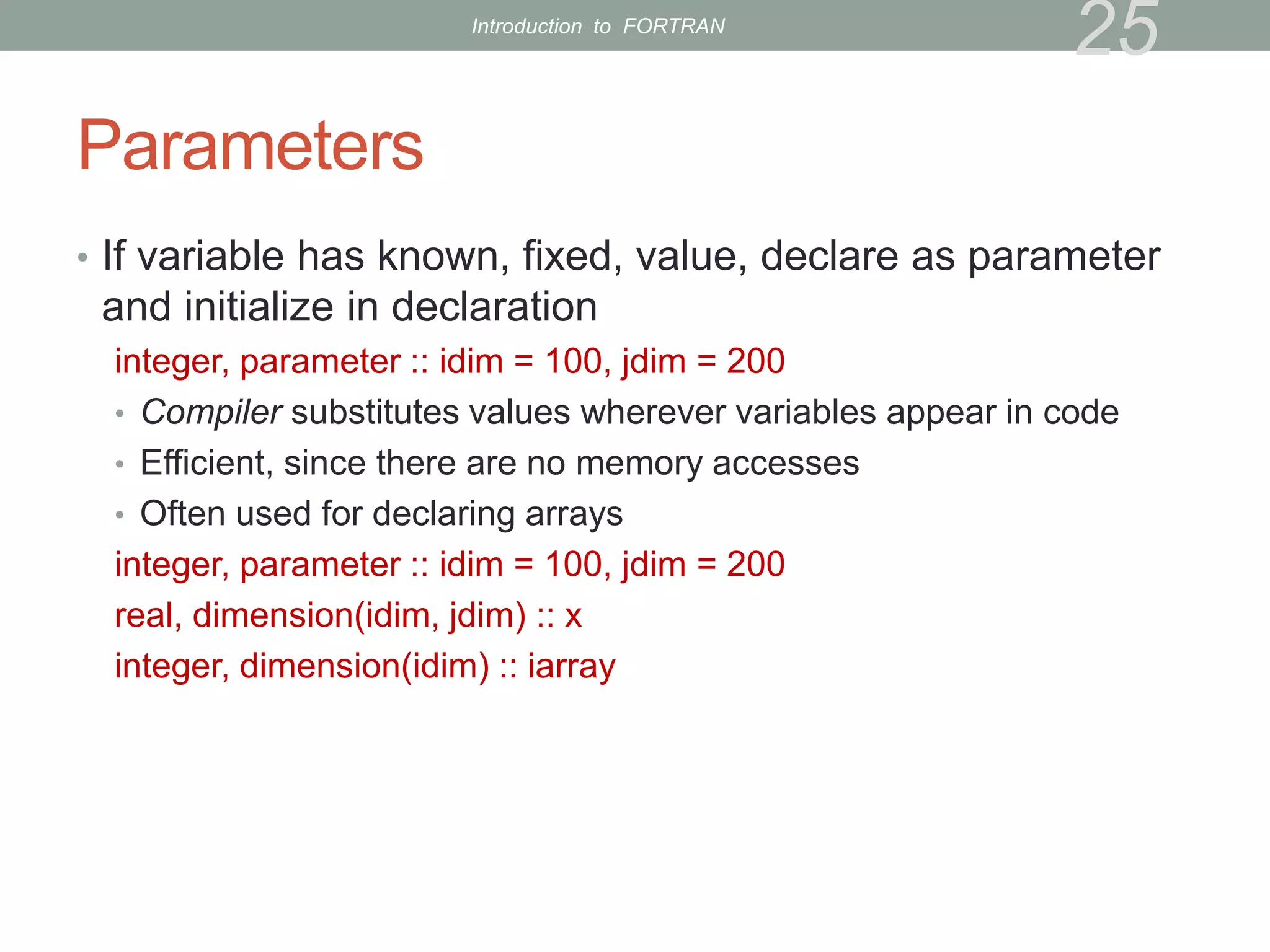
Parameters
• If variable has known, fixed, value, declare as parameter
and initialize in declaration
integer, parameter :: idim = 100, jdim = 200
• Compiler substitutes values wherever variables appear in code
• Efficient, since there are no memory accesses
• Often used for declaring arrays
integer, parameter :: idim = 100, jdim = 200
real, dimension(idim, jdim) :: x
integer, dimension(idim) :: iarray
25
Introduction to FORTRAN
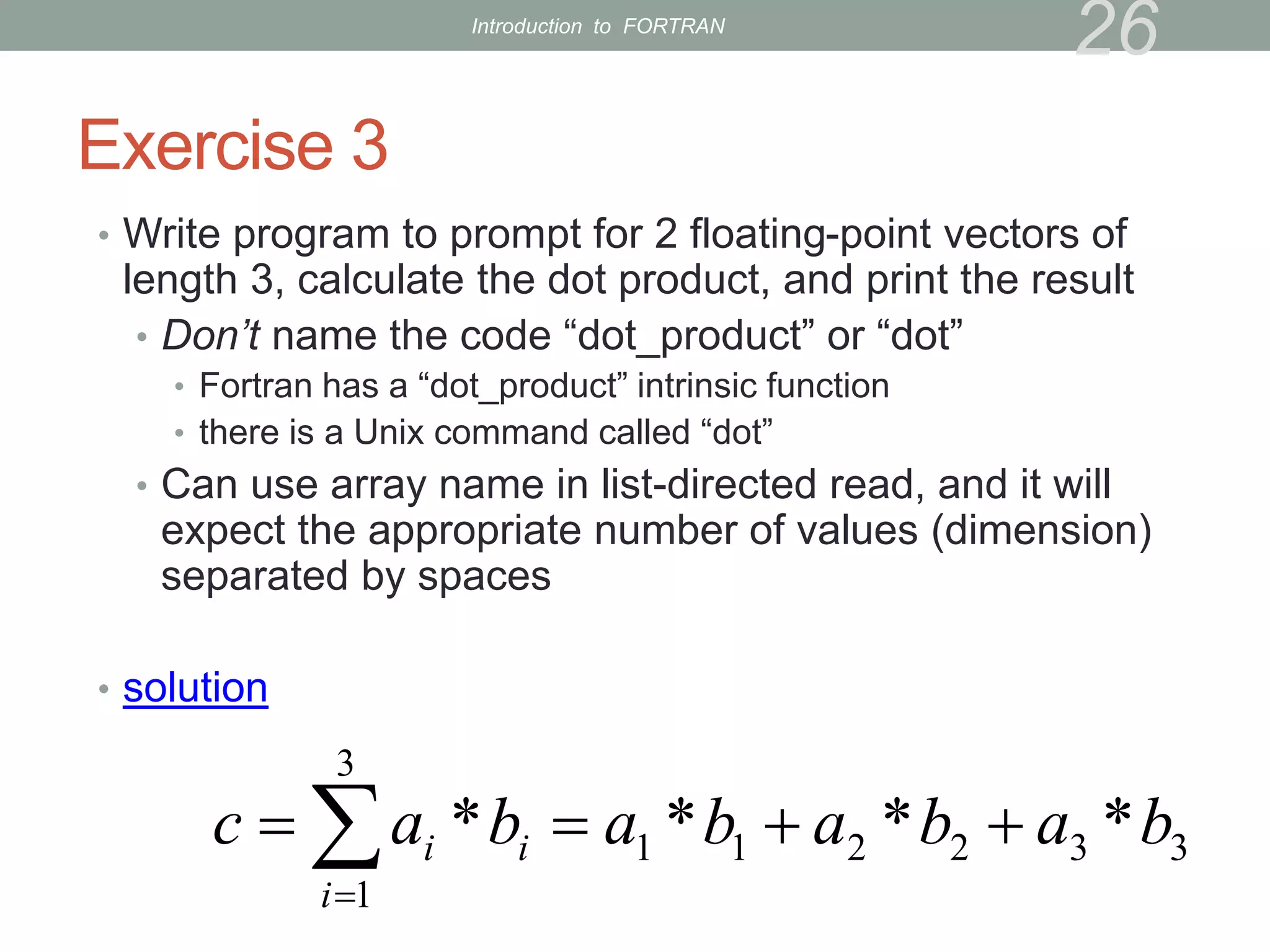
Exercise 3
• Write program to prompt for 2 floating-point vectors of
length 3, calculate the dot product, and print the result
• Don’t name the code “dot_product” or “dot”
• Fortran has a “dot_product” intrinsic function
• there is a Unix command called “dot”
• Can use array name in list-directed read, and it will
expect the appropriate number of values (dimension)
separated by spaces
• solution
26
3
3
2
2
1
1
3
1
*
*
*
* b
a
b
a
b
a
b
a
c i
i
i 


 

Introduction to FORTRAN
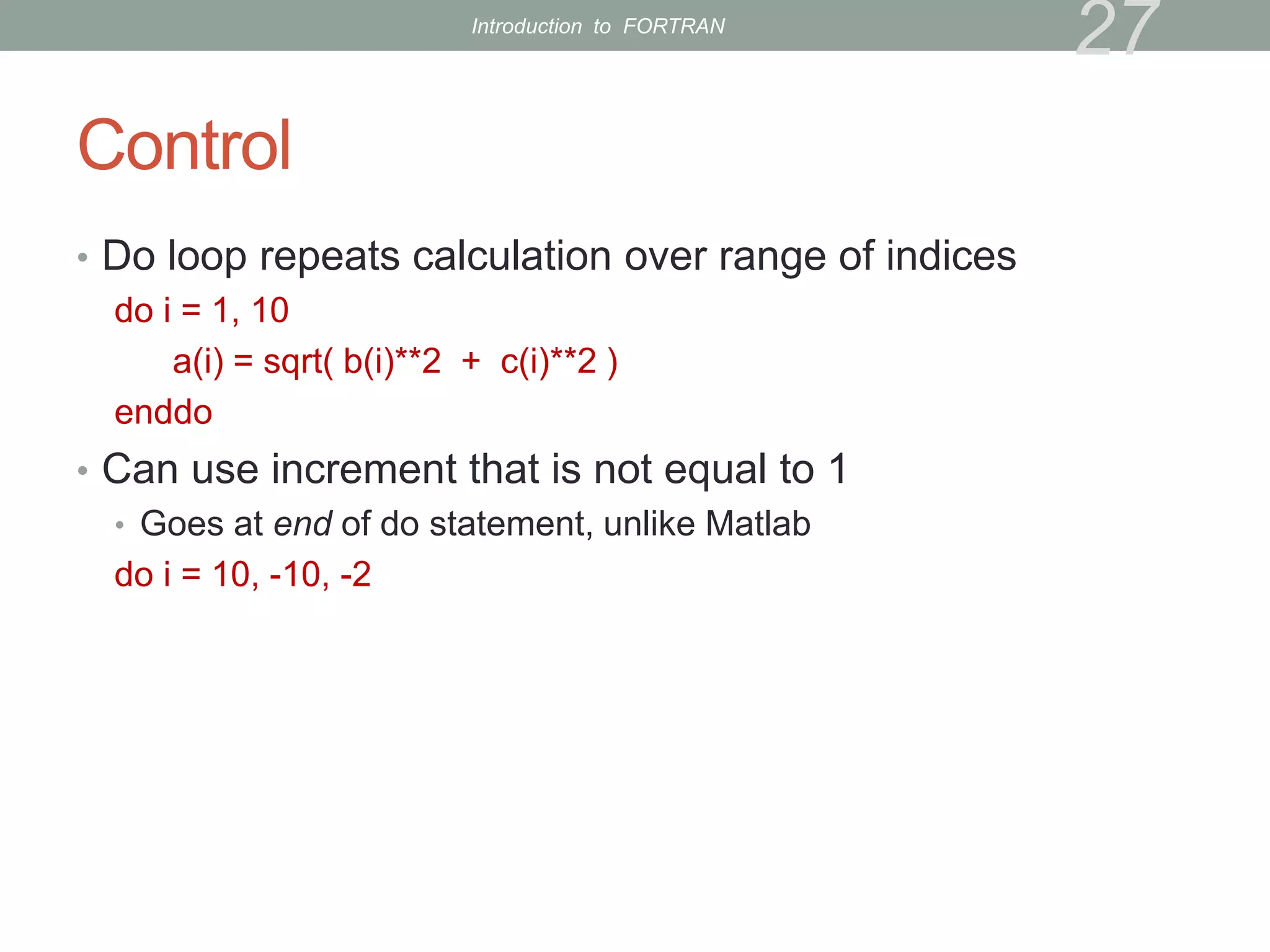
Control
• Do loop repeats calculation over range of indices
do i = 1, 10
a(i) = sqrt( b(i)**2 + c(i)**2 )
enddo
• Can use increment that is not equal to 1
• Goes at end of do statement, unlike Matlab
do i = 10, -10, -2
27
Introduction to FORTRAN
Exercise 4
• Modify dot product program to use a do loop
• Declare scalar real variable to hold the summation
• Initialize it to zero before the do loop
• solution
28
Introduction to FORTRAN
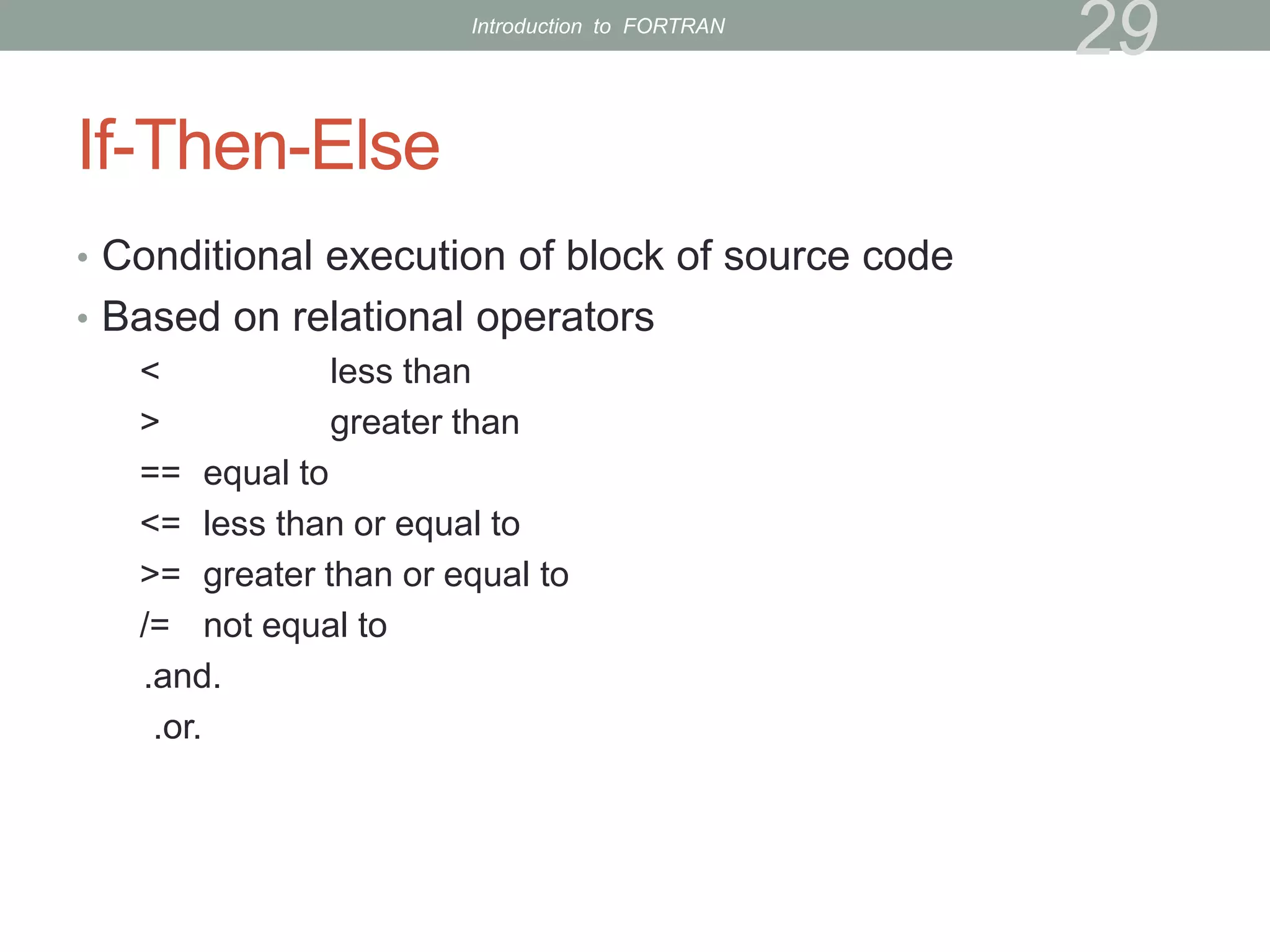
If-Then-Else
• Conditional execution of block of source code
• Based on relational operators
< less than
> greater than
== equal to
<= less than or equal to
>= greater than or equal to
/= not equal to
.and.
.or.
29
Introduction to FORTRAN
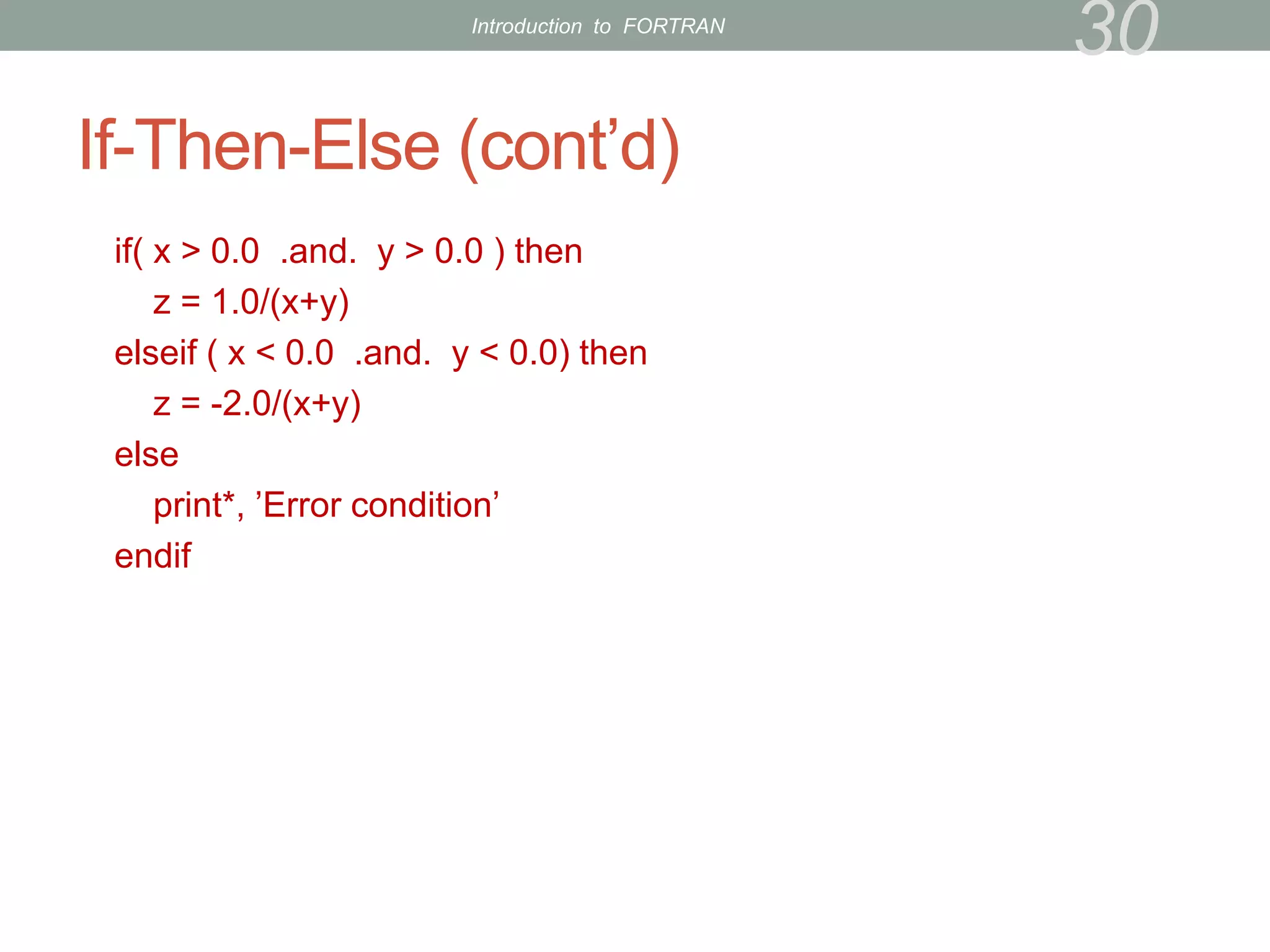
If-Then-Else (cont’d)
if( x > 0.0 .and. y > 0.0 ) then
z = 1.0/(x+y)
elseif ( x < 0.0 .and. y < 0.0) then
z = -2.0/(x+y)
else
print*, ’Error condition’
endif
30
Introduction to FORTRAN
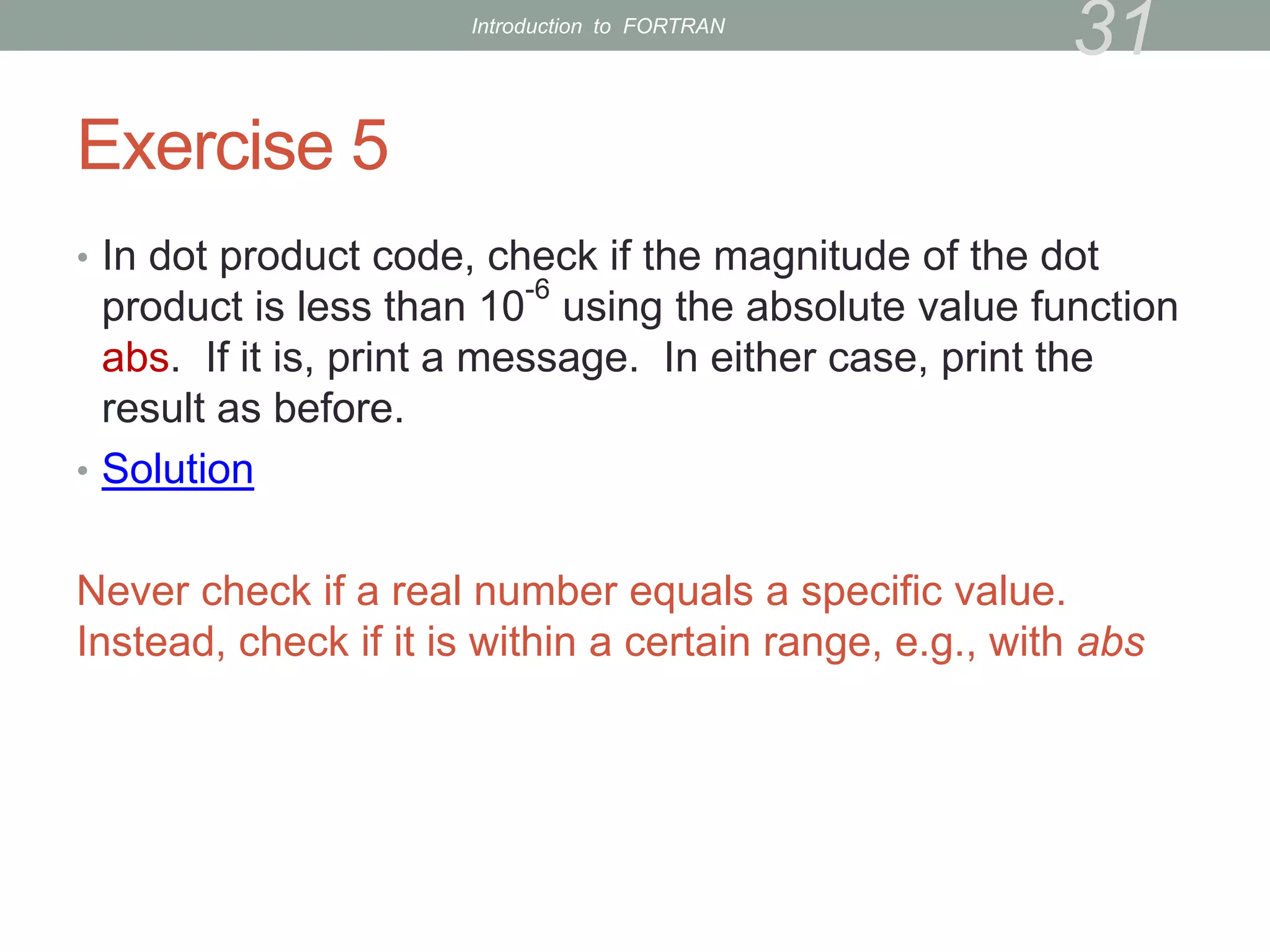
Exercise 5
• In dot product code, check if the magnitude of the dot
product is less than 10
-6
using the absolute value function
abs. If it is, print a message. In either case, print the
result as before.
• Solution
Never check if a real number equals a specific value.
Instead, check if it is within a certain range, e.g., with abs
31
Introduction to FORTRAN
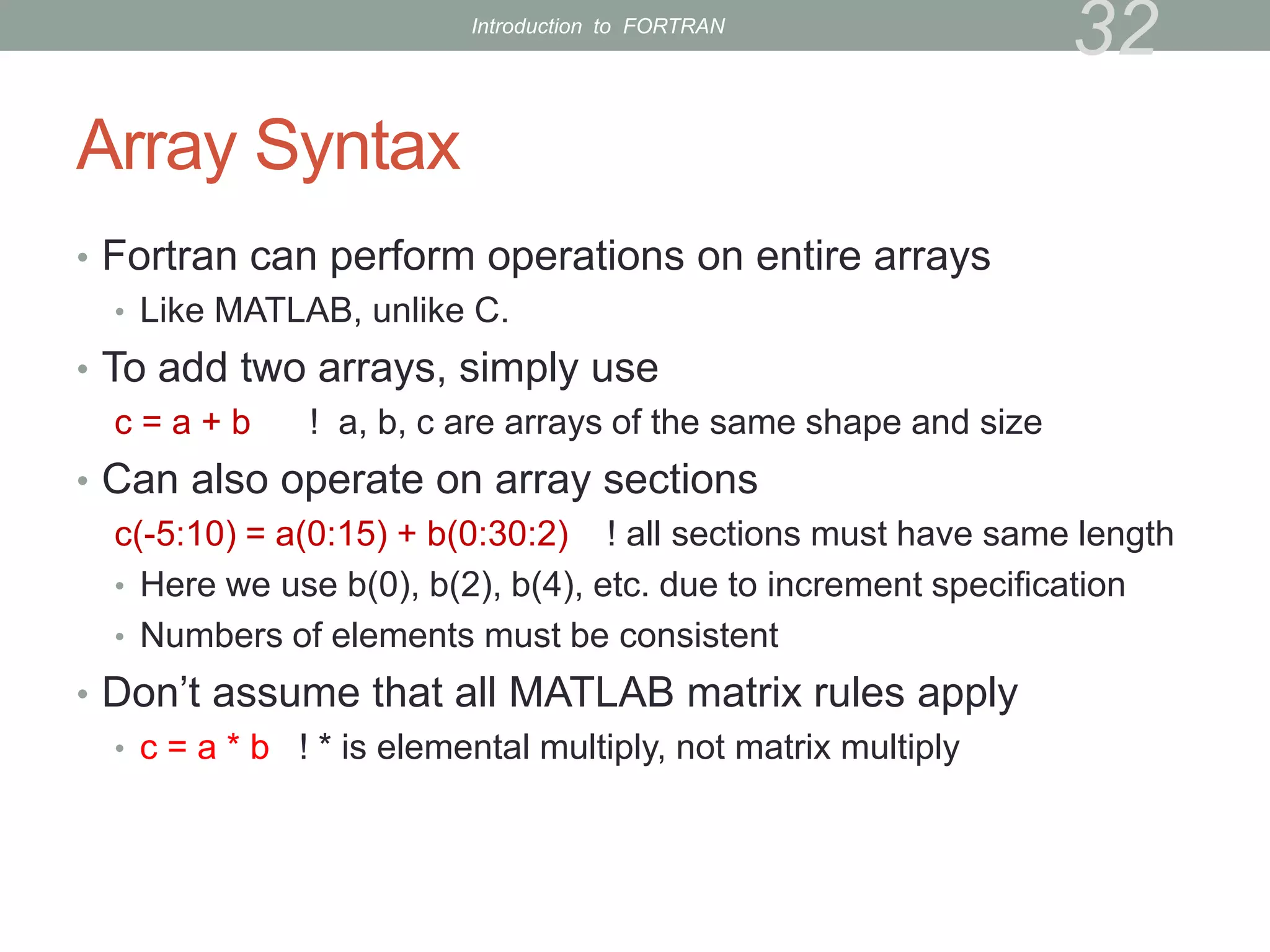
Array Syntax
• Fortran can perform operations on entire arrays
• Like MATLAB, unlike C.
• To add two arrays, simply use
c = a + b ! a, b, c are arrays of the same shape and size
• Can also operate on array sections
c(-5:10) = a(0:15) + b(0:30:2) ! all sections must have same length
• Here we use b(0), b(2), b(4), etc. due to increment specification
• Numbers of elements must be consistent
• Don’t assume that all MATLAB matrix rules apply
• c = a * b ! * is elemental multiply, not matrix multiply
32
Introduction to FORTRAN
Array Syntax (cont’d)
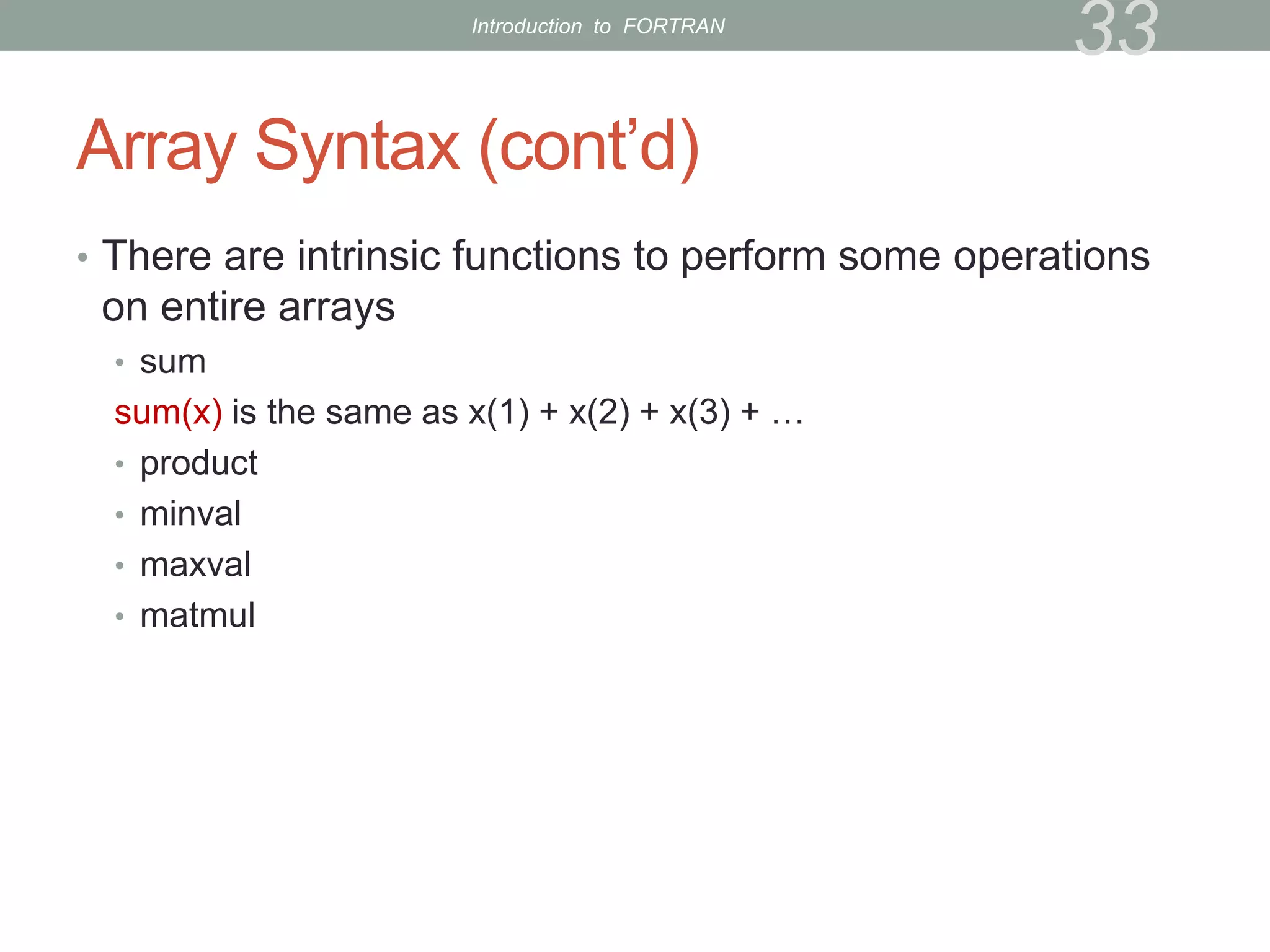
• There are intrinsic functions to perform some operations
on entire arrays
• sum
sum(x) is the same as x(1) + x(2) + x(3) + …
• product
• minval
• maxval
• matmul
33
Introduction to FORTRAN
Exercise 6
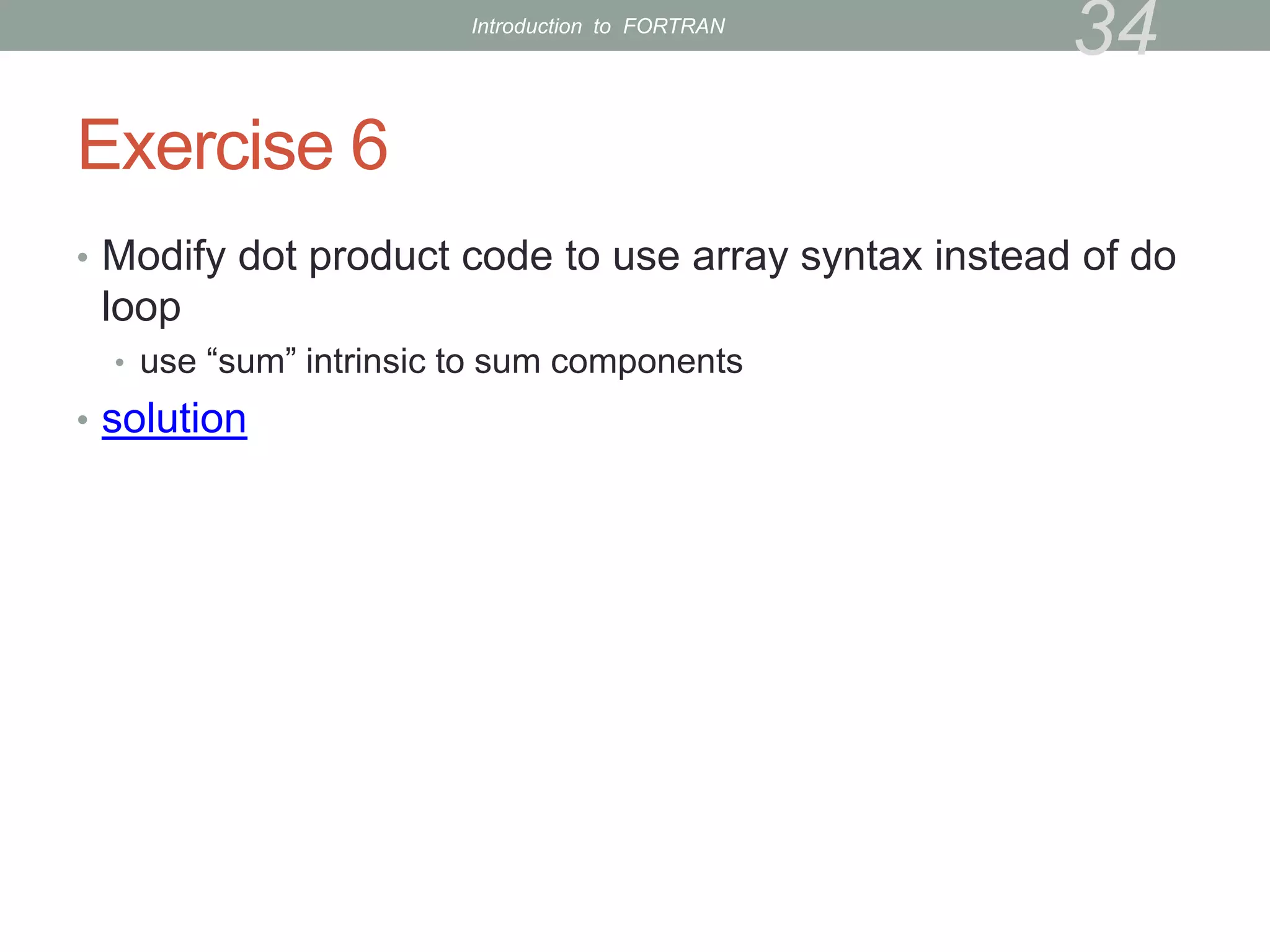
• Modify dot product code to use array syntax instead of do
loop
• use “sum” intrinsic to sum components
• solution
34
Introduction to FORTRAN
Subprograms
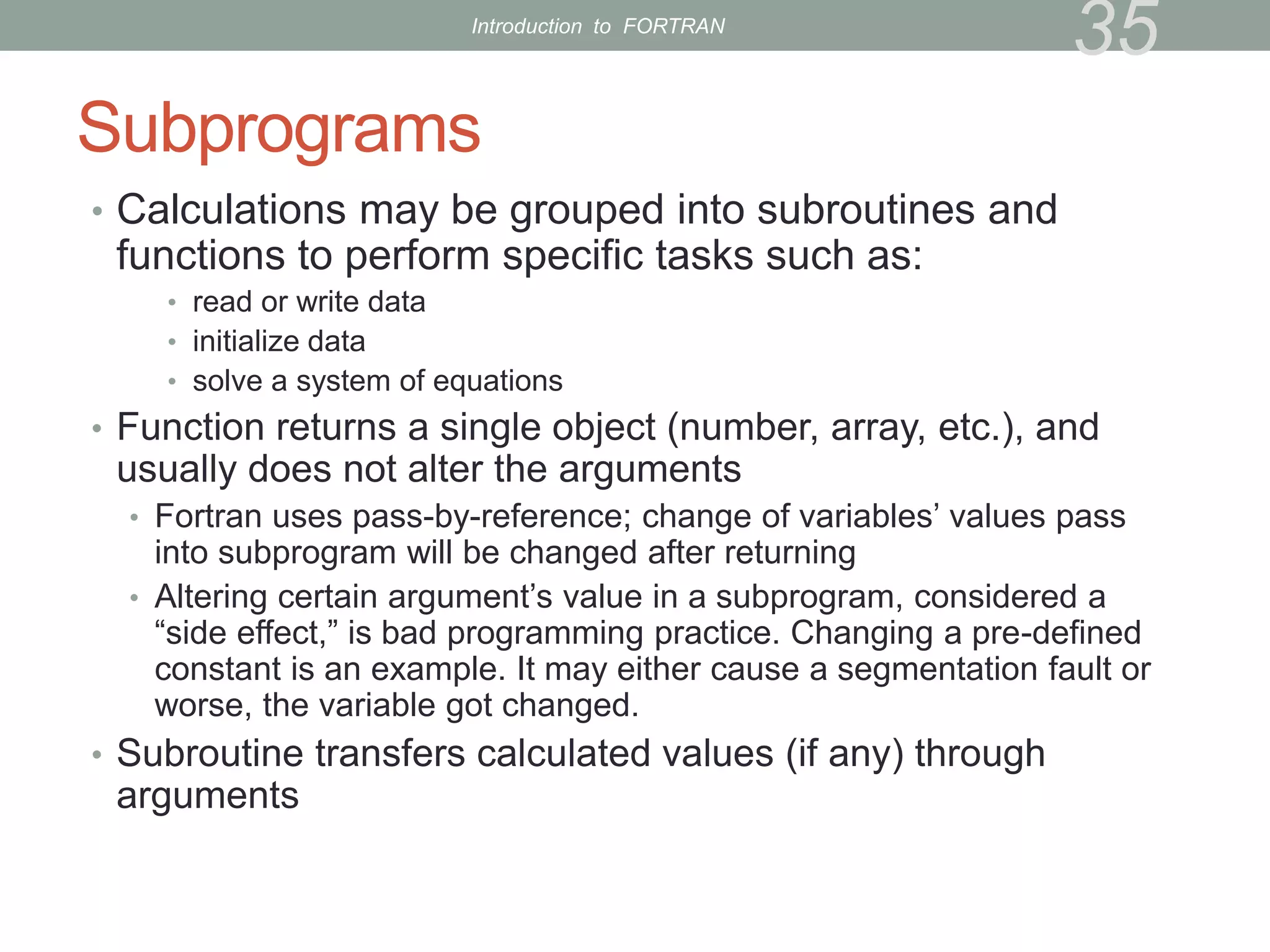
• Calculations may be grouped into subroutines and
functions to perform specific tasks such as:
• read or write data
• initialize data
• solve a system of equations
• Function returns a single object (number, array, etc.), and
usually does not alter the arguments
• Fortran uses pass-by-reference; change of variables’ values pass
into subprogram will be changed after returning
• Altering certain argument’s value in a subprogram, considered a
“side effect,” is bad programming practice. Changing a pre-defined
constant is an example. It may either cause a segmentation fault or
worse, the variable got changed.
• Subroutine transfers calculated values (if any) through
arguments
35
Introduction to FORTRAN
Functions
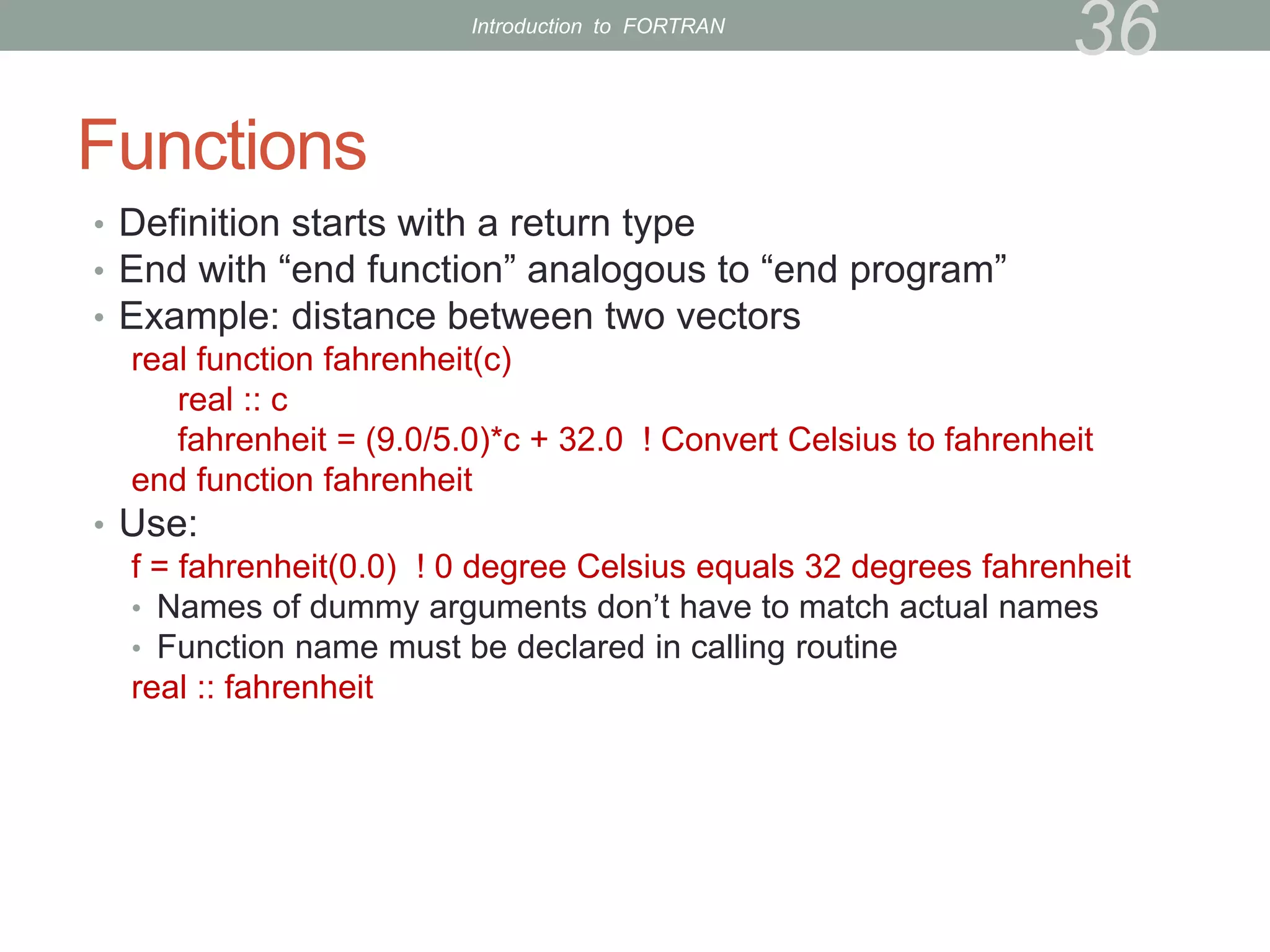
• Definition starts with a return type
• End with “end function” analogous to “end program”
• Example: distance between two vectors
real function fahrenheit(c)
real :: c
fahrenheit = (9.0/5.0)*c + 32.0 ! Convert Celsius to fahrenheit
end function fahrenheit
• Use:
f = fahrenheit(0.0) ! 0 degree Celsius equals 32 degrees fahrenheit
• Names of dummy arguments don’t have to match actual names
• Function name must be declared in calling routine
real :: fahrenheit
36
Introduction to FORTRAN
Subroutines
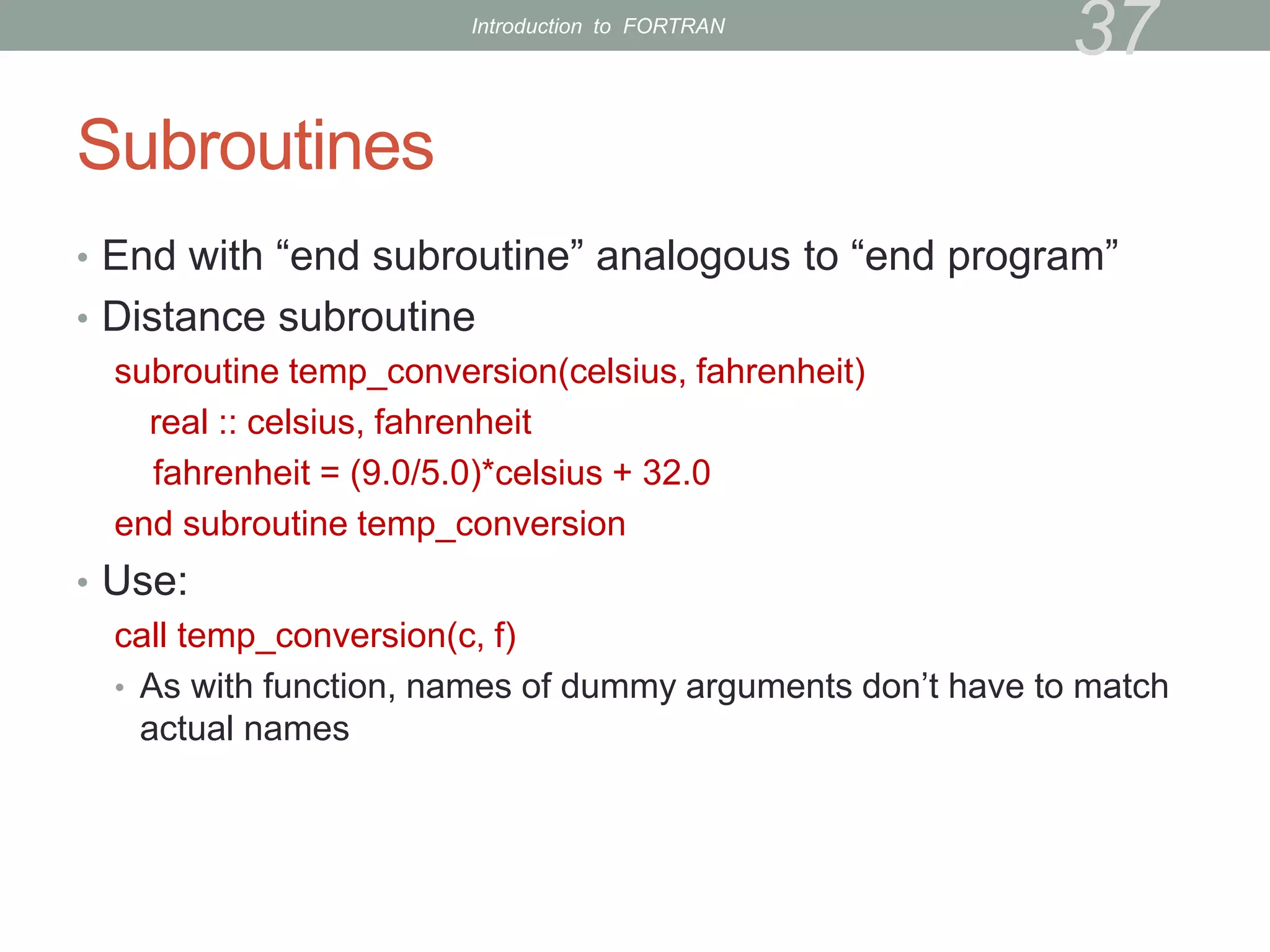
• End with “end subroutine” analogous to “end program”
• Distance subroutine
subroutine temp_conversion(celsius, fahrenheit)
real :: celsius, fahrenheit
fahrenheit = (9.0/5.0)*celsius + 32.0
end subroutine temp_conversion
• Use:
call temp_conversion(c, f)
• As with function, names of dummy arguments don’t have to match
actual names
37
Introduction to FORTRAN
Exercise 7
• Modify dot-product program to use a subroutine to
compute the dot product
• The subroutine definition may go before or after the main program
in source code
• Don’t forget to declare arguments
• Give the subroutine a name different than the program
• I called mine dp
• solution
38
Introduction to FORTRAN
Exercise 7a, 7b
• Modify dot-product program to use a function to compute
the dot product
• The function definition may go before or after the main program in
source code
• Don’t forget to declare arguments
• Name the function different than the program name, like dotp
• Solution
• Modify the fahrenheit function into a function, converts,
such that if input is in fahrenheit, it returns the Celsius
equivalence. If input is in Celsius, it returns fahrenheit.
(Hint: extra input parameter)
39
Introduction to FORTRAN
Basics of Code Management
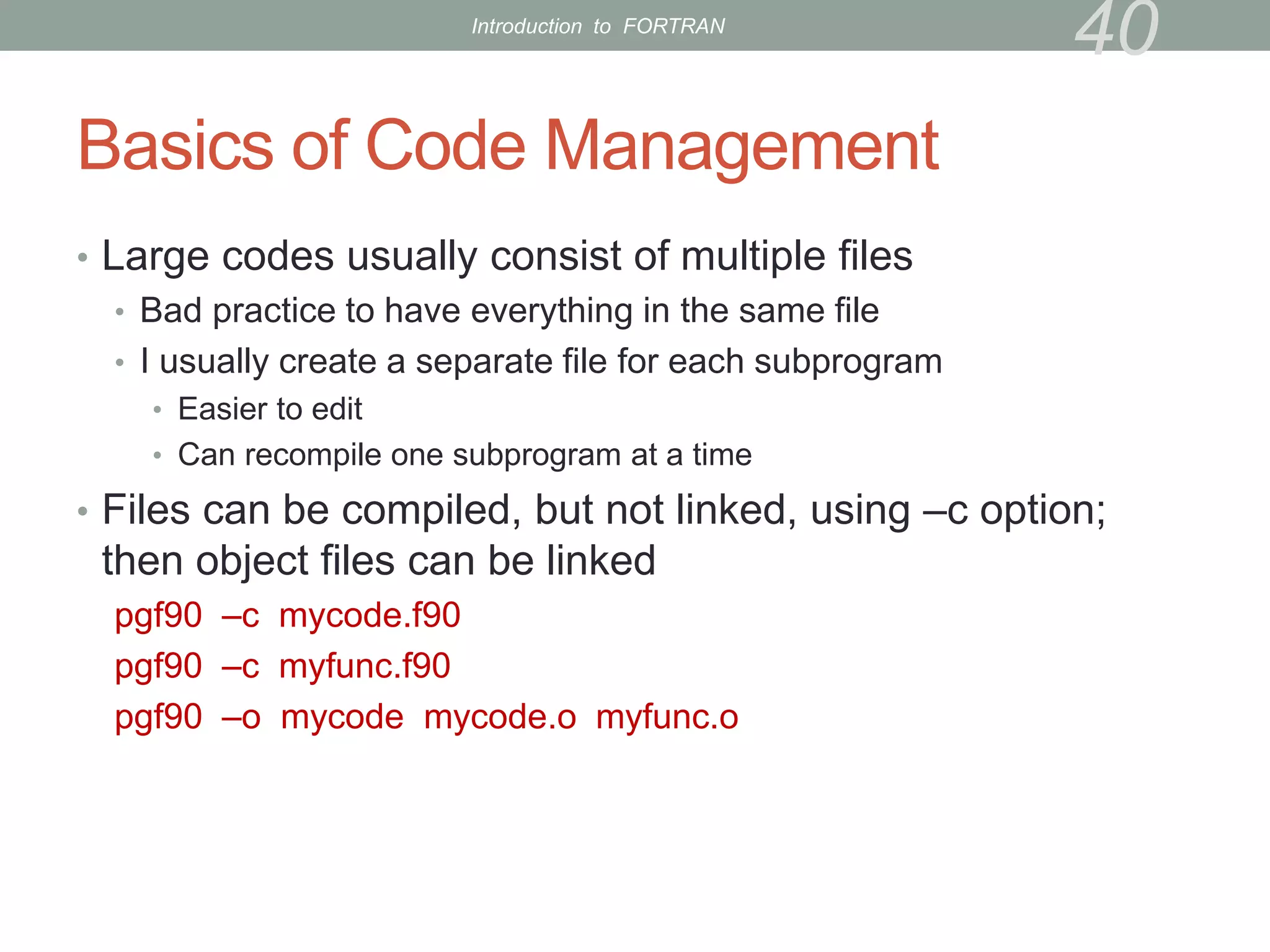
• Large codes usually consist of multiple files
• Bad practice to have everything in the same file
• I usually create a separate file for each subprogram
• Easier to edit
• Can recompile one subprogram at a time
• Files can be compiled, but not linked, using –c option;
then object files can be linked
pgf90 –c mycode.f90
pgf90 –c myfunc.f90
pgf90 –o mycode mycode.o myfunc.o
40
Introduction to FORTRAN
Exercise 8
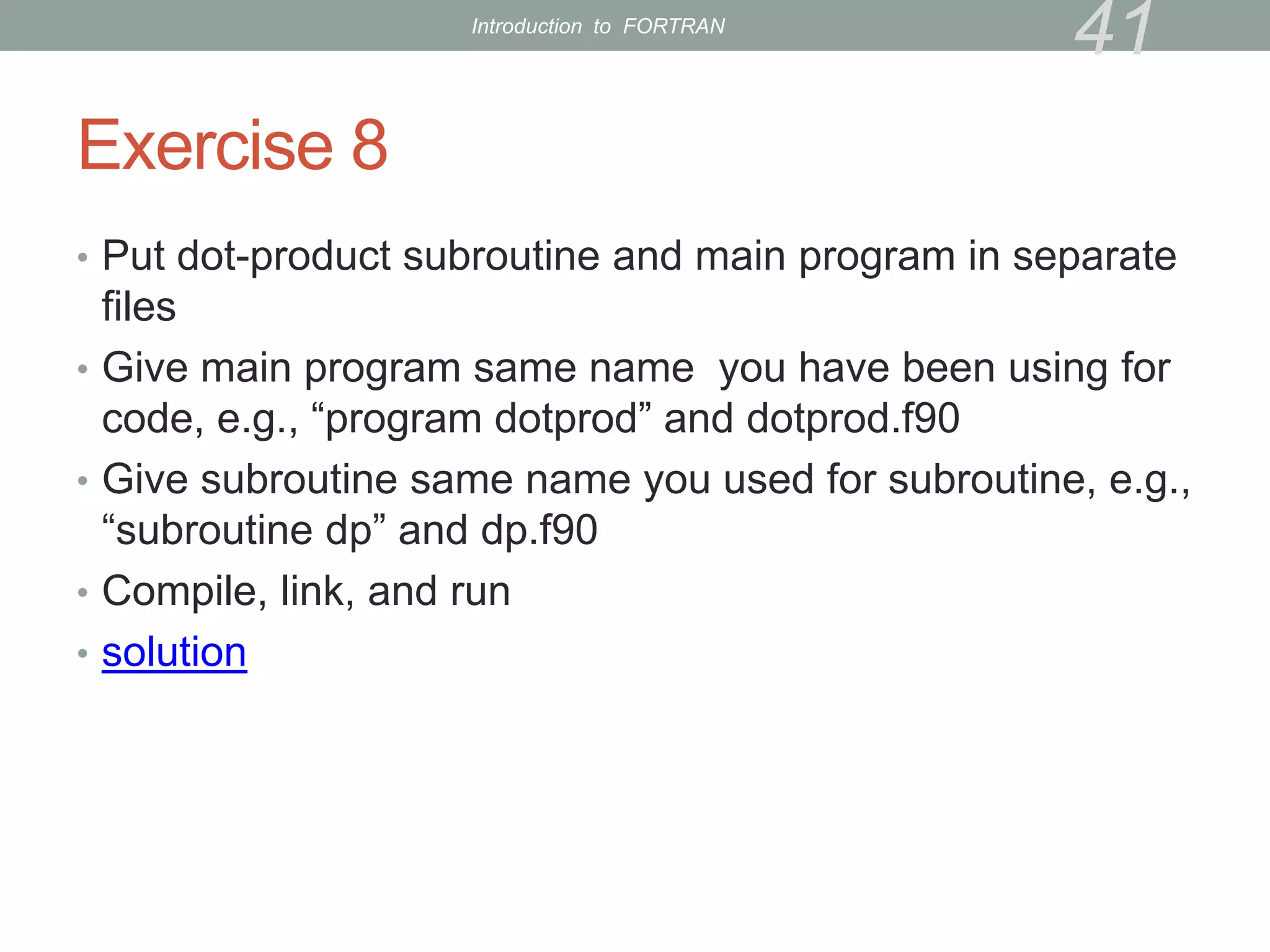
• Put dot-product subroutine and main program in separate
files
• Give main program same name you have been using for
code, e.g., “program dotprod” and dotprod.f90
• Give subroutine same name you used for subroutine, e.g.,
“subroutine dp” and dp.f90
• Compile, link, and run
• solution
41
Introduction to FORTRAN
Makefiles
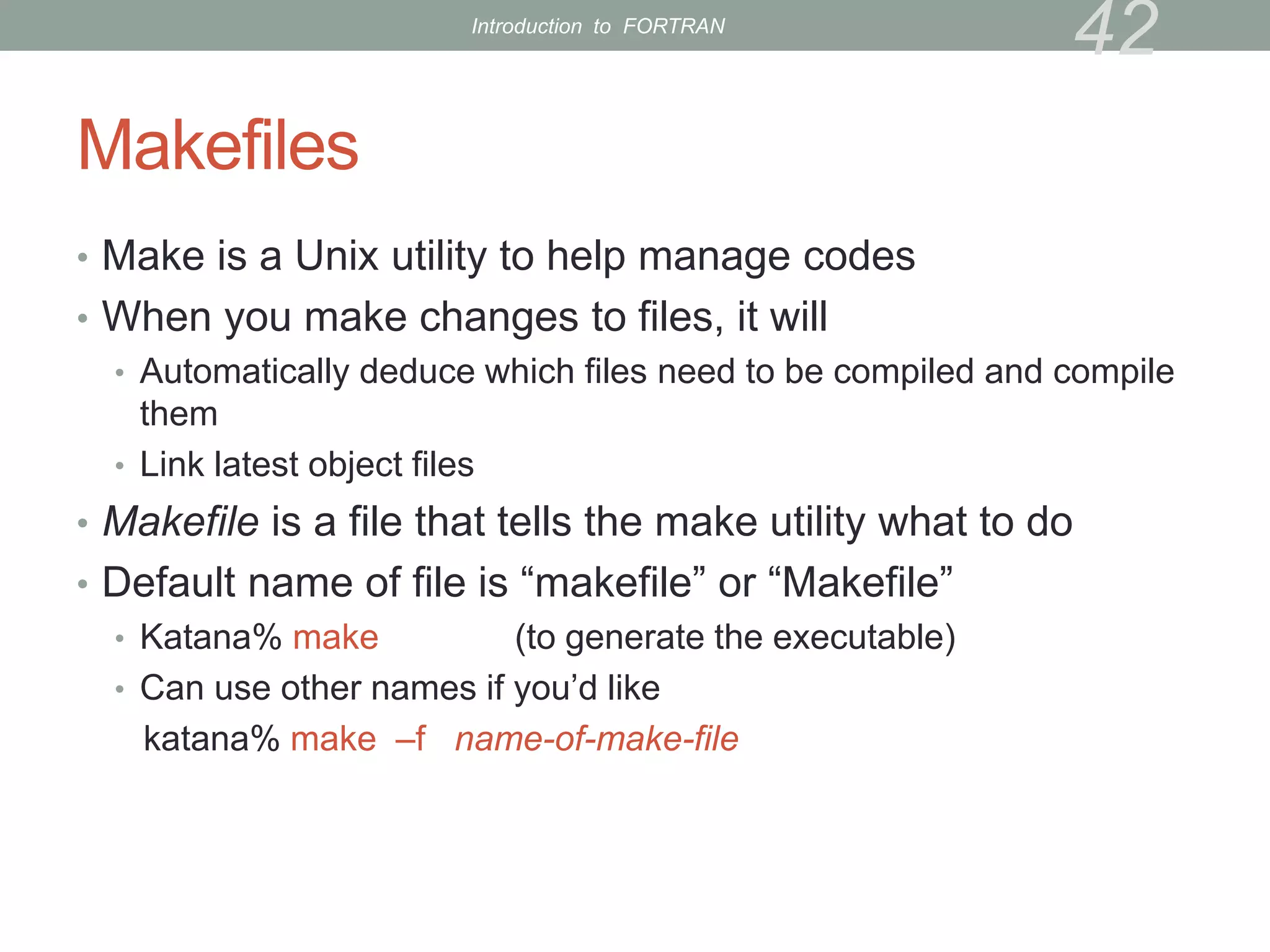
• Make is a Unix utility to help manage codes
• When you make changes to files, it will
• Automatically deduce which files need to be compiled and compile
them
• Link latest object files
• Makefile is a file that tells the make utility what to do
• Default name of file is “makefile” or “Makefile”
• Katana% make (to generate the executable)
• Can use other names if you’d like
katana% make –f name-of-make-file
42
Introduction to FORTRAN
Makefiles (cont’d)
• Makefile contains different sections with different functions
• The sections are not executed in order!
• Comment character is #
• There are defaults for some values, but I like to define
everything explicitly
43
Introduction to FORTRAN
Makefiles (3)
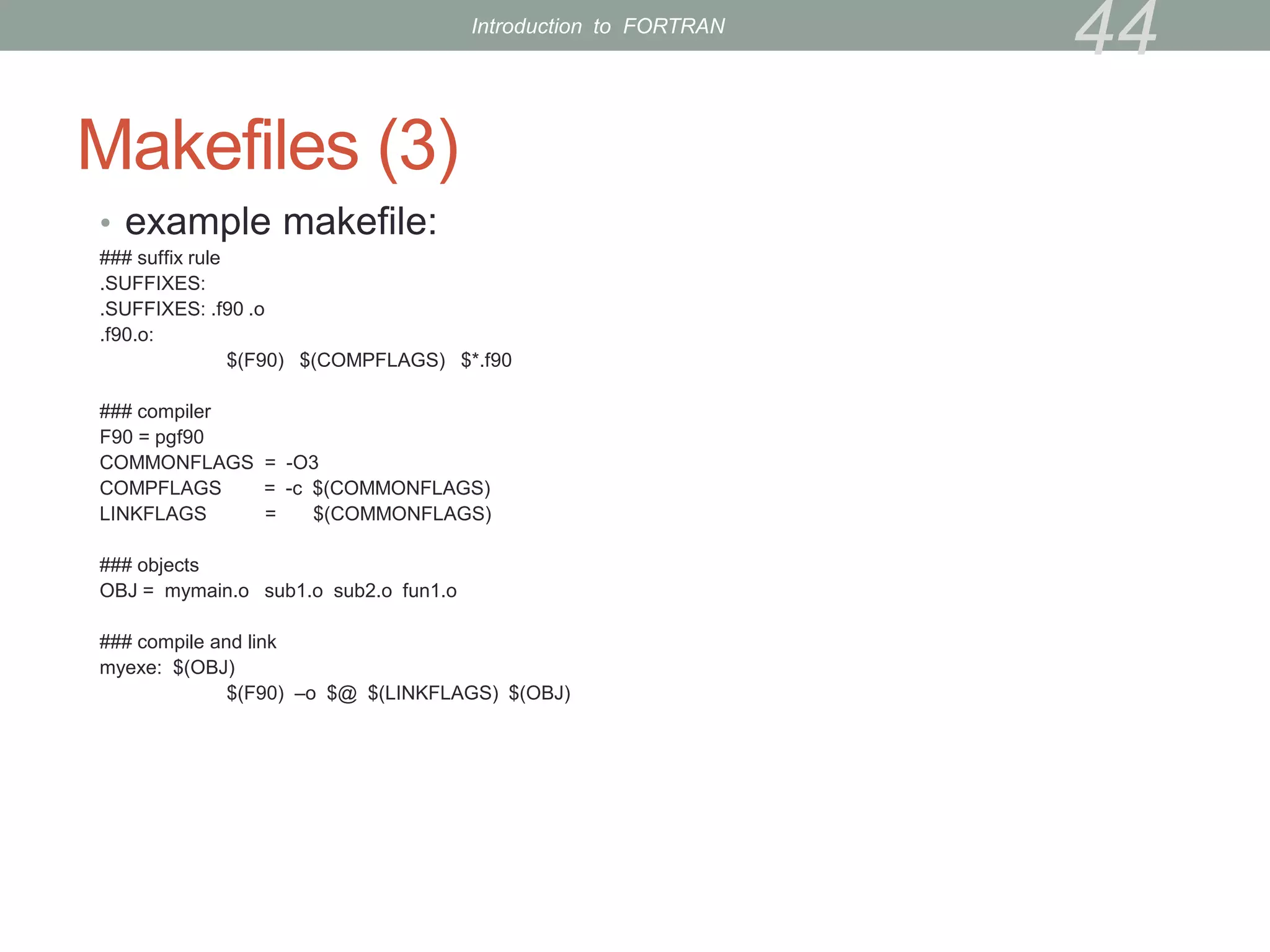
• example makefile:
### suffix rule
.SUFFIXES:
.SUFFIXES: .f90 .o
.f90.o:
$(F90) $(COMPFLAGS) $*.f90
### compiler
F90 = pgf90
COMMONFLAGS = -O3
COMPFLAGS = -c $(COMMONFLAGS)
LINKFLAGS = $(COMMONFLAGS)
### objects
OBJ = mymain.o sub1.o sub2.o fun1.o
### compile and link
myexe: $(OBJ)
$(F90) –o $@ $(LINKFLAGS) $(OBJ)
44
Introduction to FORTRAN
Makefiles (4)
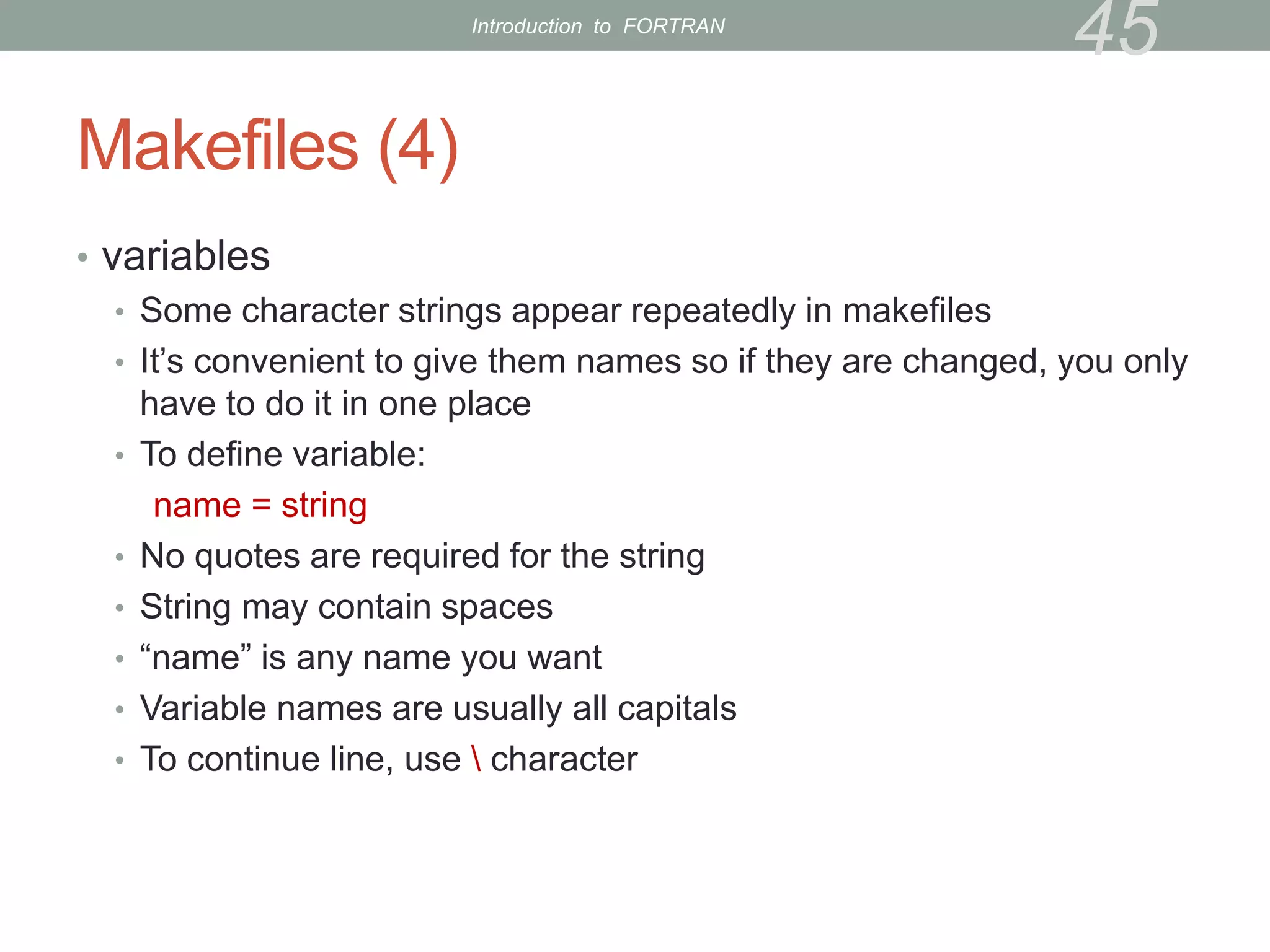
• variables
• Some character strings appear repeatedly in makefiles
• It’s convenient to give them names so if they are changed, you only
have to do it in one place
• To define variable:
name = string
• No quotes are required for the string
• String may contain spaces
• “name” is any name you want
• Variable names are usually all capitals
• To continue line, use  character
45
Introduction to FORTRAN
Makefiles (5)
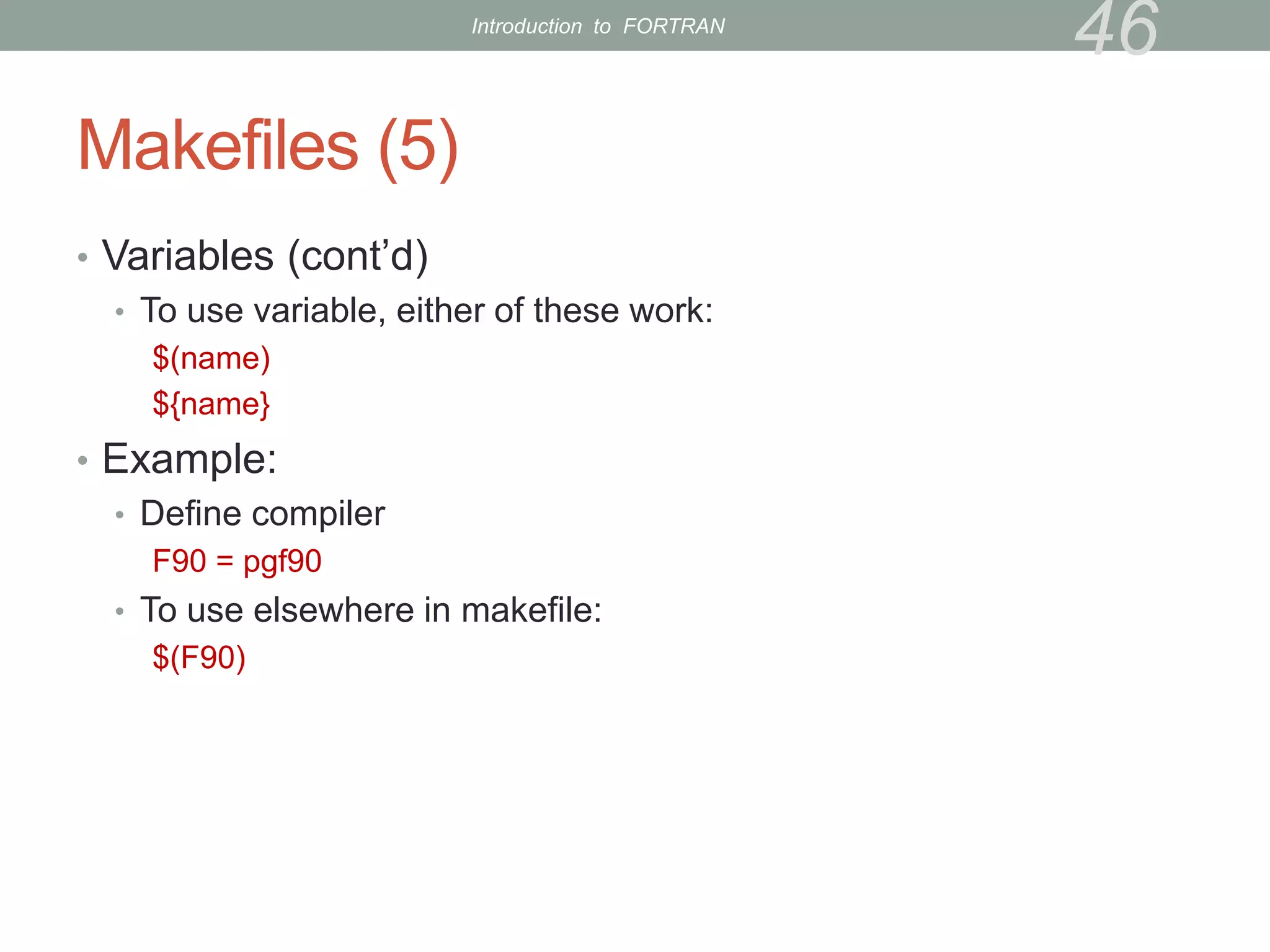
• Variables (cont’d)
• To use variable, either of these work:
$(name)
${name}
• Example:
• Define compiler
F90 = pgf90
• To use elsewhere in makefile:
$(F90)
46
Introduction to FORTRAN
Makefiles (6)
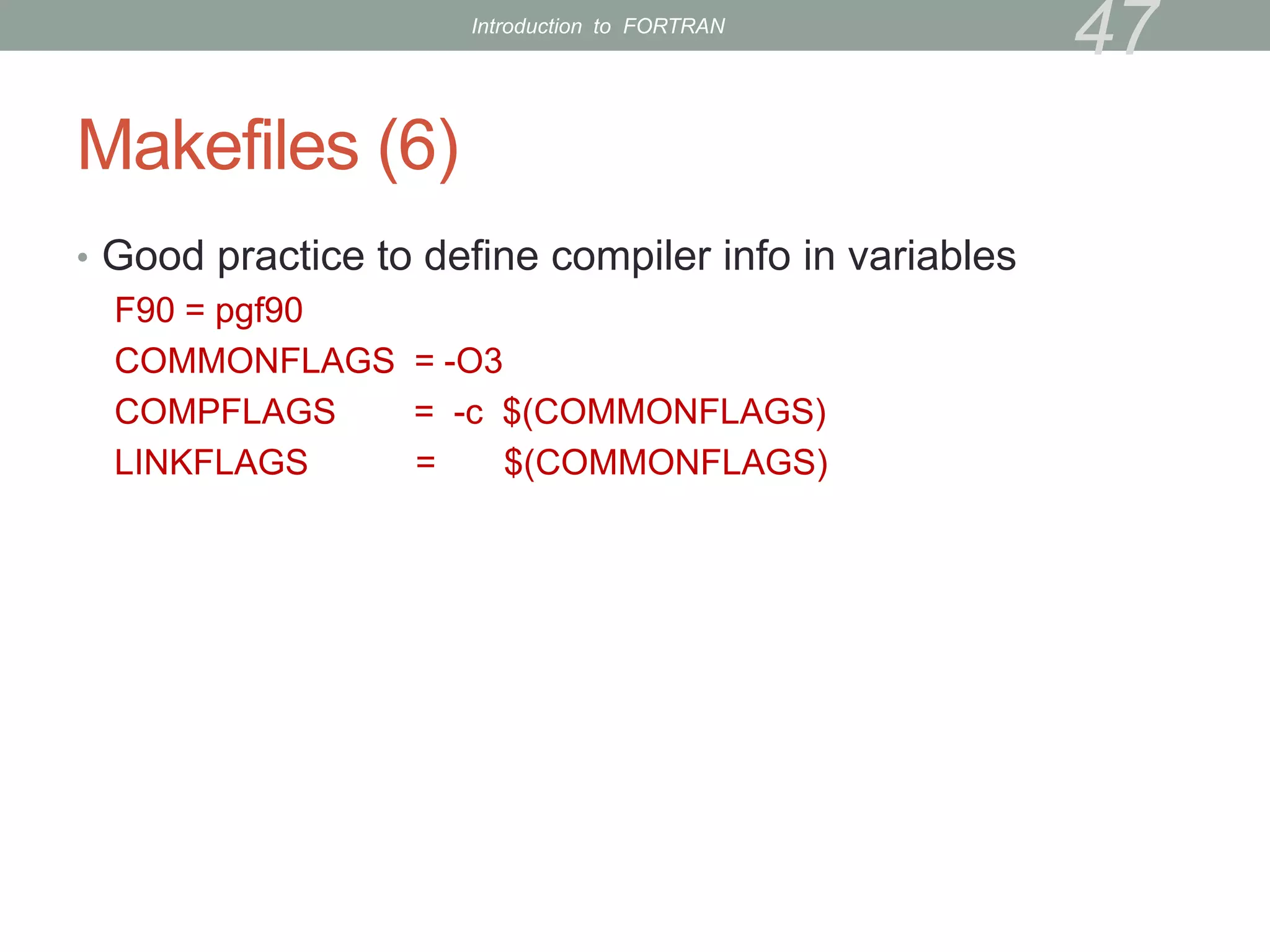
• Good practice to define compiler info in variables
F90 = pgf90
COMMONFLAGS = -O3
COMPFLAGS = -c $(COMMONFLAGS)
LINKFLAGS = $(COMMONFLAGS)
47
Introduction to FORTRAN
Makefiles (7)
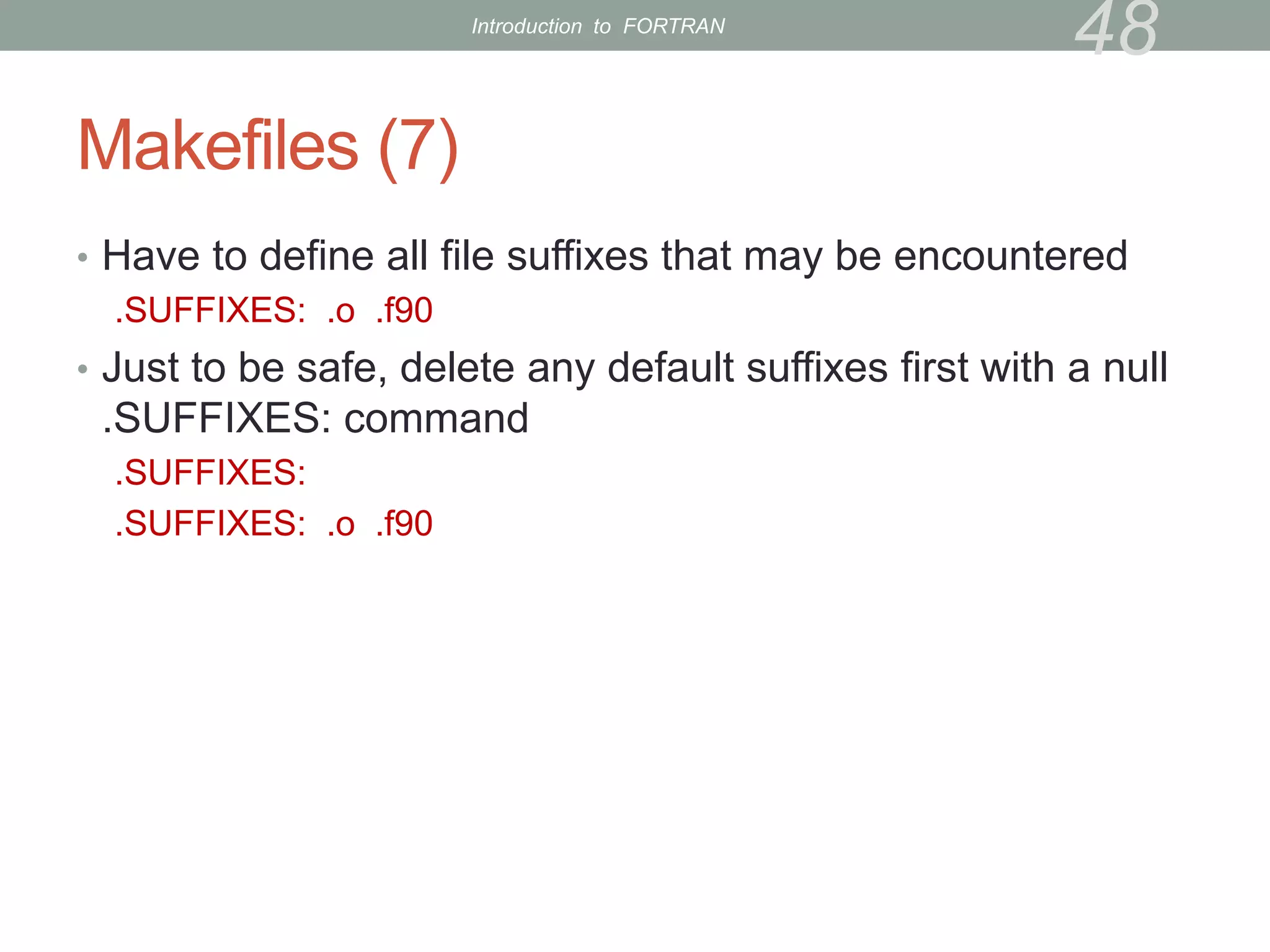
• Have to define all file suffixes that may be encountered
.SUFFIXES: .o .f90
• Just to be safe, delete any default suffixes first with a null
.SUFFIXES: command
.SUFFIXES:
.SUFFIXES: .o .f90
48
Introduction to FORTRAN
Makefiles (8)
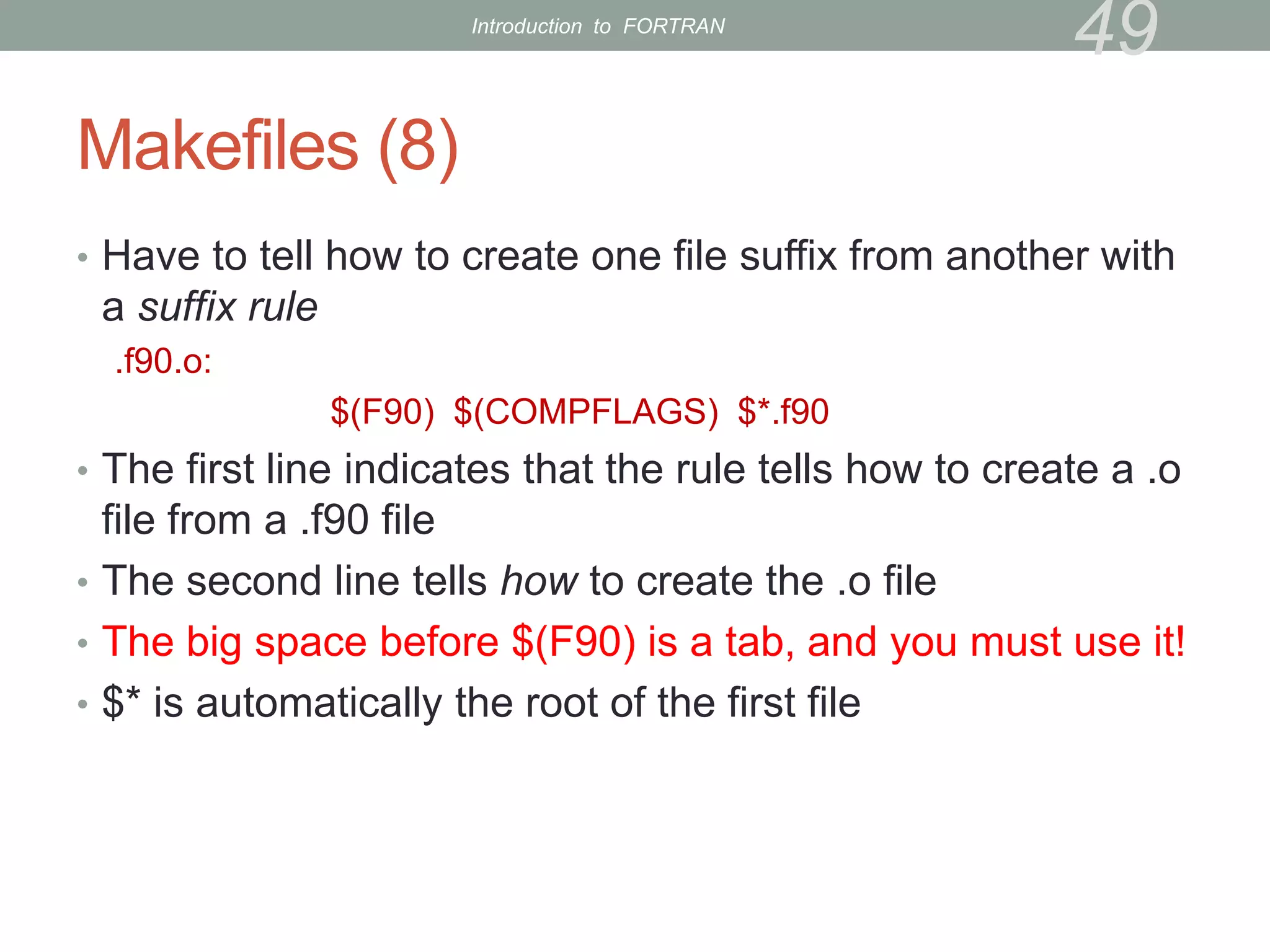
• Have to tell how to create one file suffix from another with
a suffix rule
.f90.o:
$(F90) $(COMPFLAGS) $*.f90
• The first line indicates that the rule tells how to create a .o
file from a .f90 file
• The second line tells how to create the .o file
• The big space before $(F90) is a tab, and you must use it!
• $* is automatically the root of the first file
49
Introduction to FORTRAN
Makefiles (9)
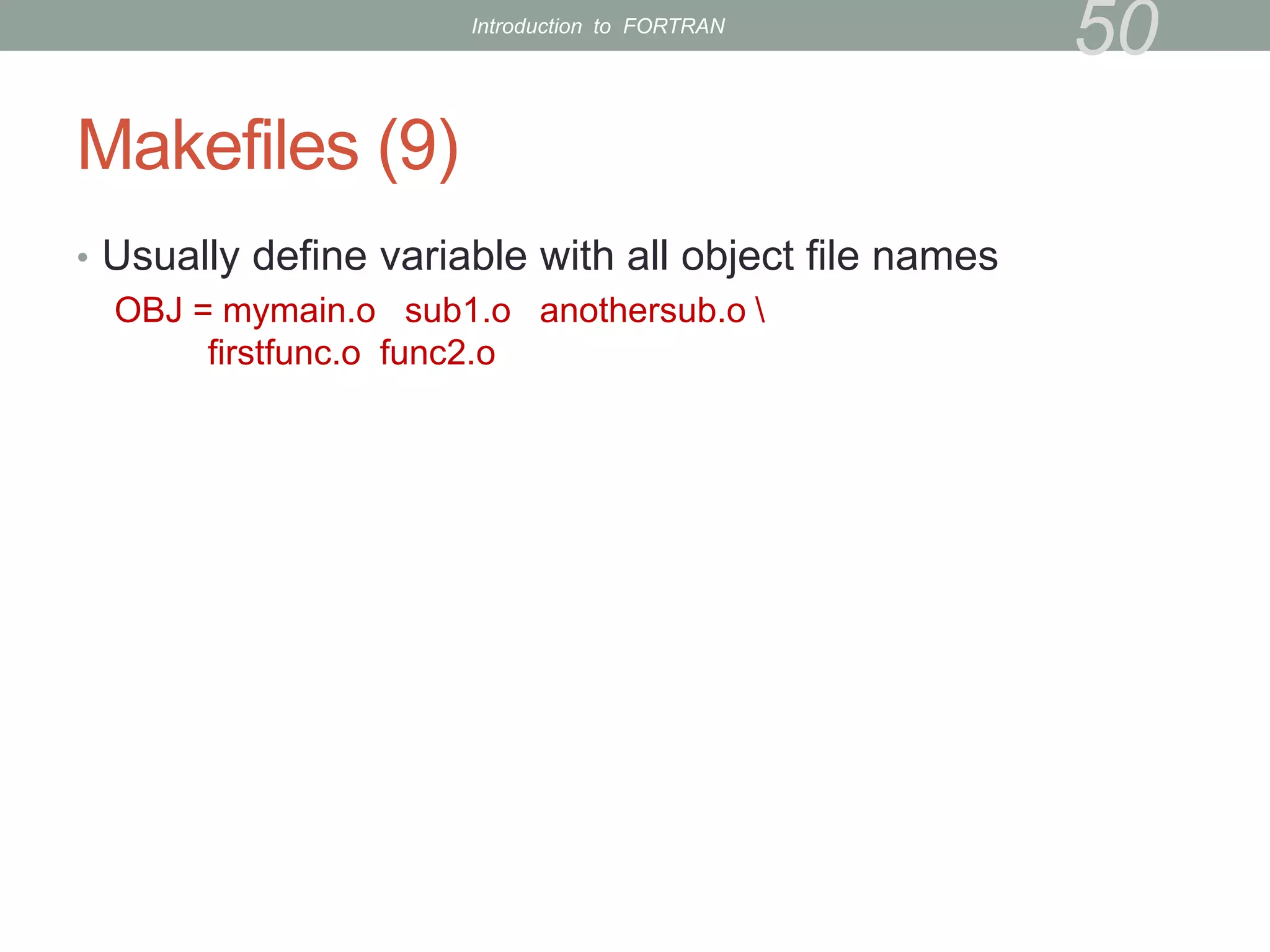
• Usually define variable with all object file names
OBJ = mymain.o sub1.o anothersub.o 
firstfunc.o func2.o
50
Introduction to FORTRAN
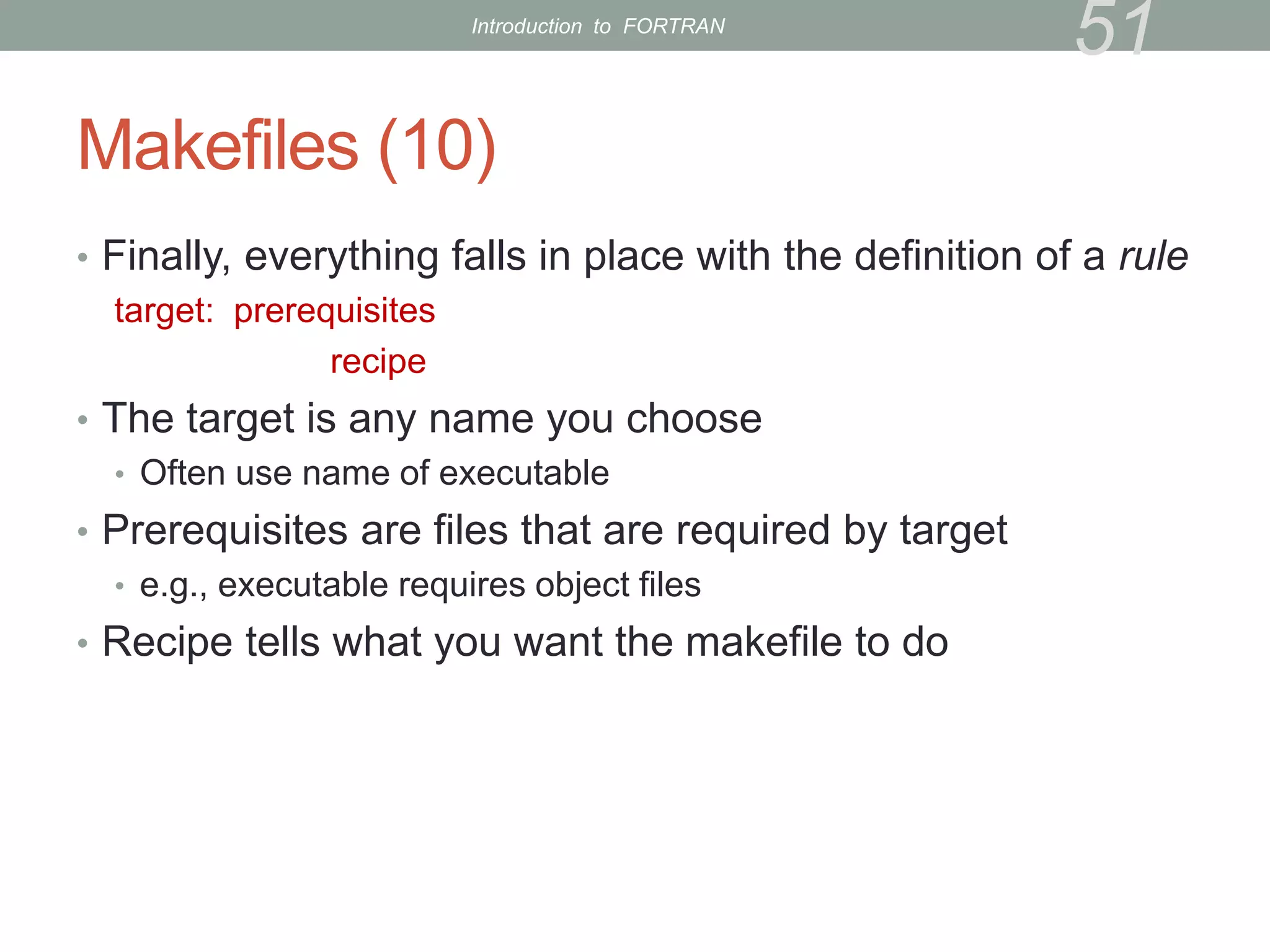
Makefiles (10)
• Finally, everything falls in place with the definition of a rule
target: prerequisites
recipe
• The target is any name you choose
• Often use name of executable
• Prerequisites are files that are required by target
• e.g., executable requires object files
• Recipe tells what you want the makefile to do
51
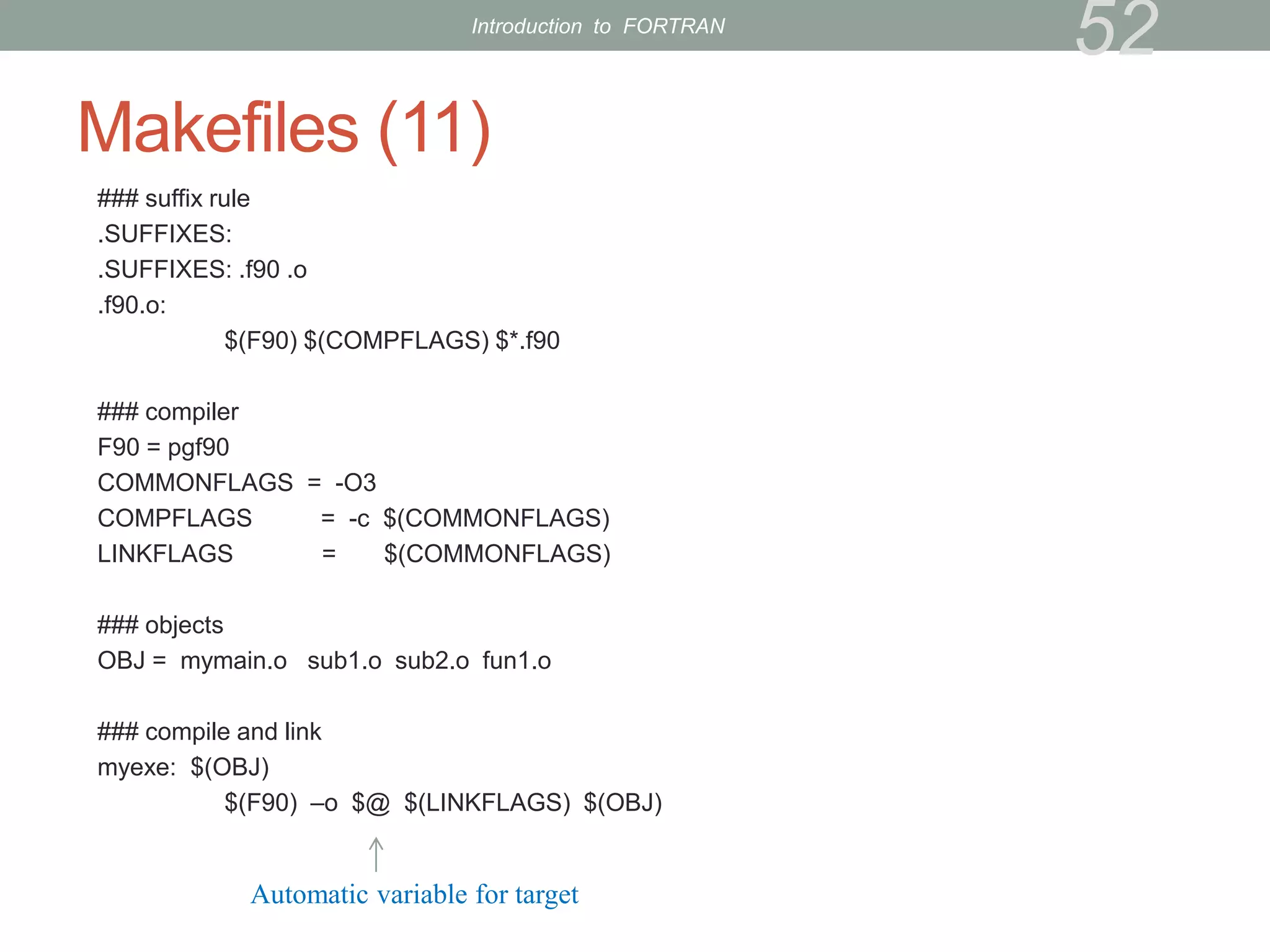
Introduction to FORTRAN
Makefiles (11)
### suffix rule
.SUFFIXES:
.SUFFIXES: .f90 .o
.f90.o:
$(F90) $(COMPFLAGS) $*.f90
### compiler
F90 = pgf90
COMMONFLAGS = -O3
COMPFLAGS = -c $(COMMONFLAGS)
LINKFLAGS = $(COMMONFLAGS)
### objects
OBJ = mymain.o sub1.o sub2.o fun1.o
### compile and link
myexe: $(OBJ)
$(F90) –o $@ $(LINKFLAGS) $(OBJ)
52
Automatic variable for target
Introduction to FORTRAN
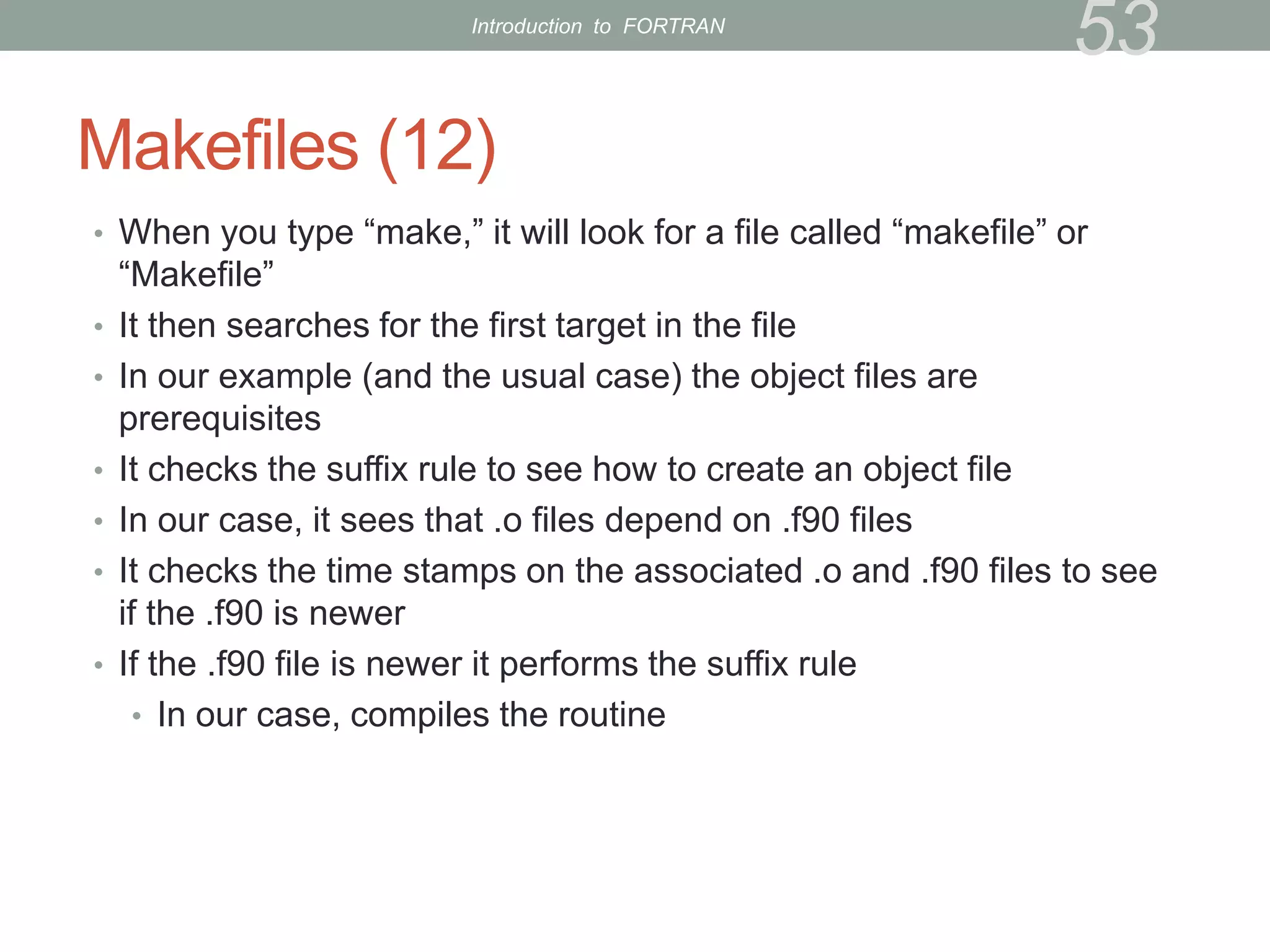
Makefiles (12)
• When you type “make,” it will look for a file called “makefile” or
“Makefile”
• It then searches for the first target in the file
• In our example (and the usual case) the object files are
prerequisites
• It checks the suffix rule to see how to create an object file
• In our case, it sees that .o files depend on .f90 files
• It checks the time stamps on the associated .o and .f90 files to see
if the .f90 is newer
• If the .f90 file is newer it performs the suffix rule
• In our case, compiles the routine
53
Introduction to FORTRAN
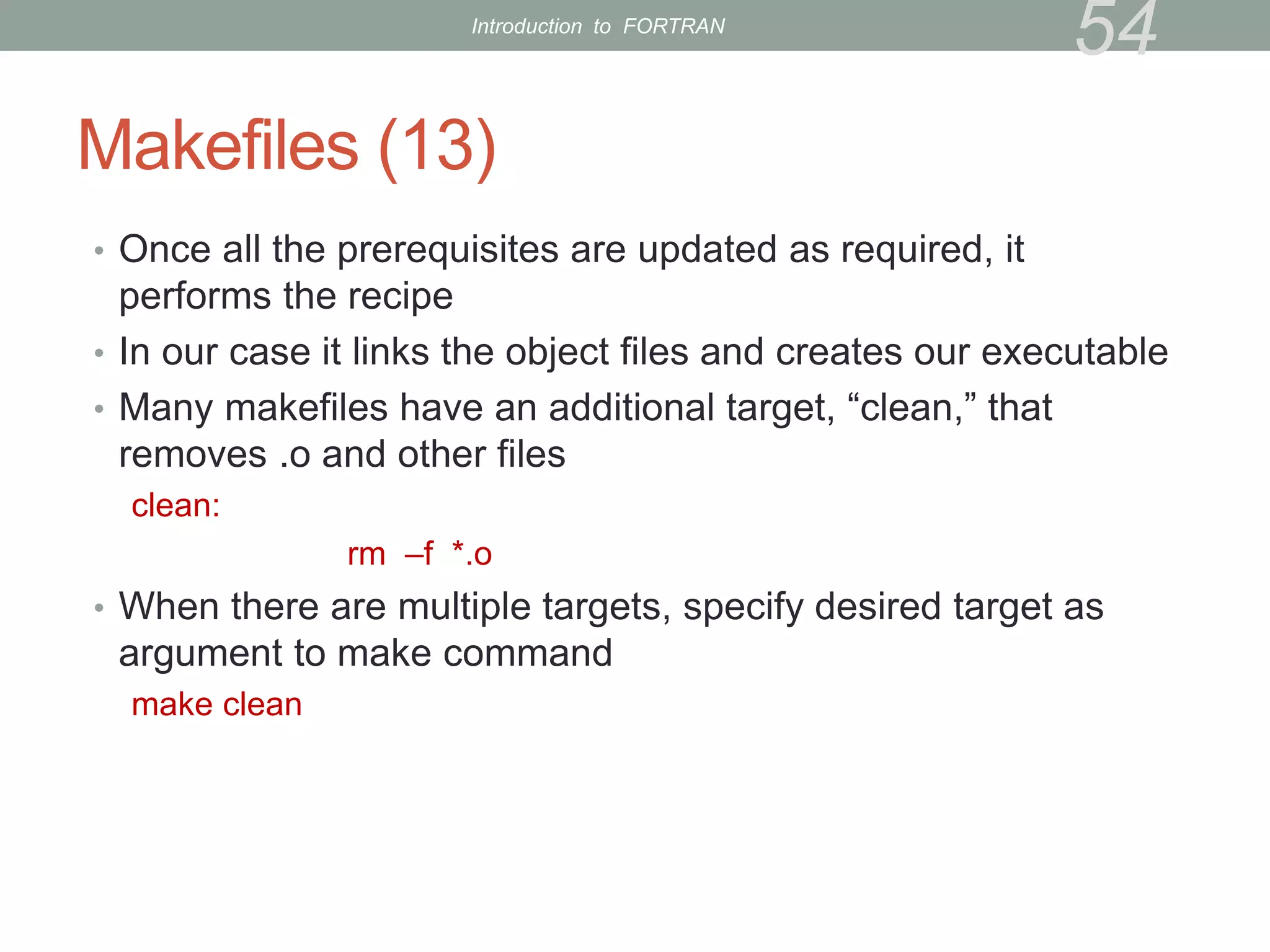
Makefiles (13)
• Once all the prerequisites are updated as required, it
performs the recipe
• In our case it links the object files and creates our executable
• Many makefiles have an additional target, “clean,” that
removes .o and other files
clean:
rm –f *.o
• When there are multiple targets, specify desired target as
argument to make command
make clean
54
Introduction to FORTRAN
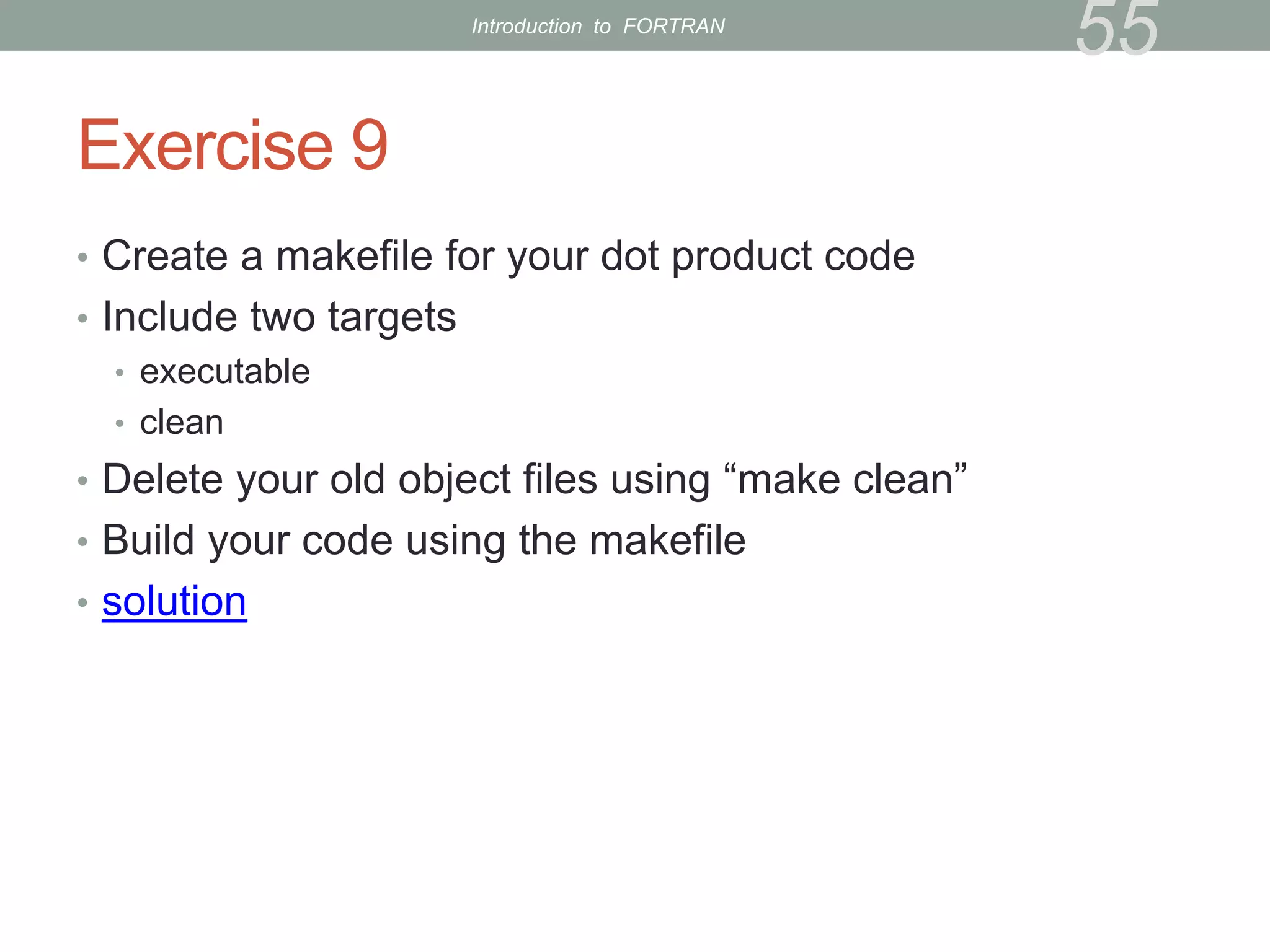
Exercise 9
• Create a makefile for your dot product code
• Include two targets
• executable
• clean
• Delete your old object files using “make clean”
• Build your code using the makefile
• solution
55
Introduction to FORTRAN
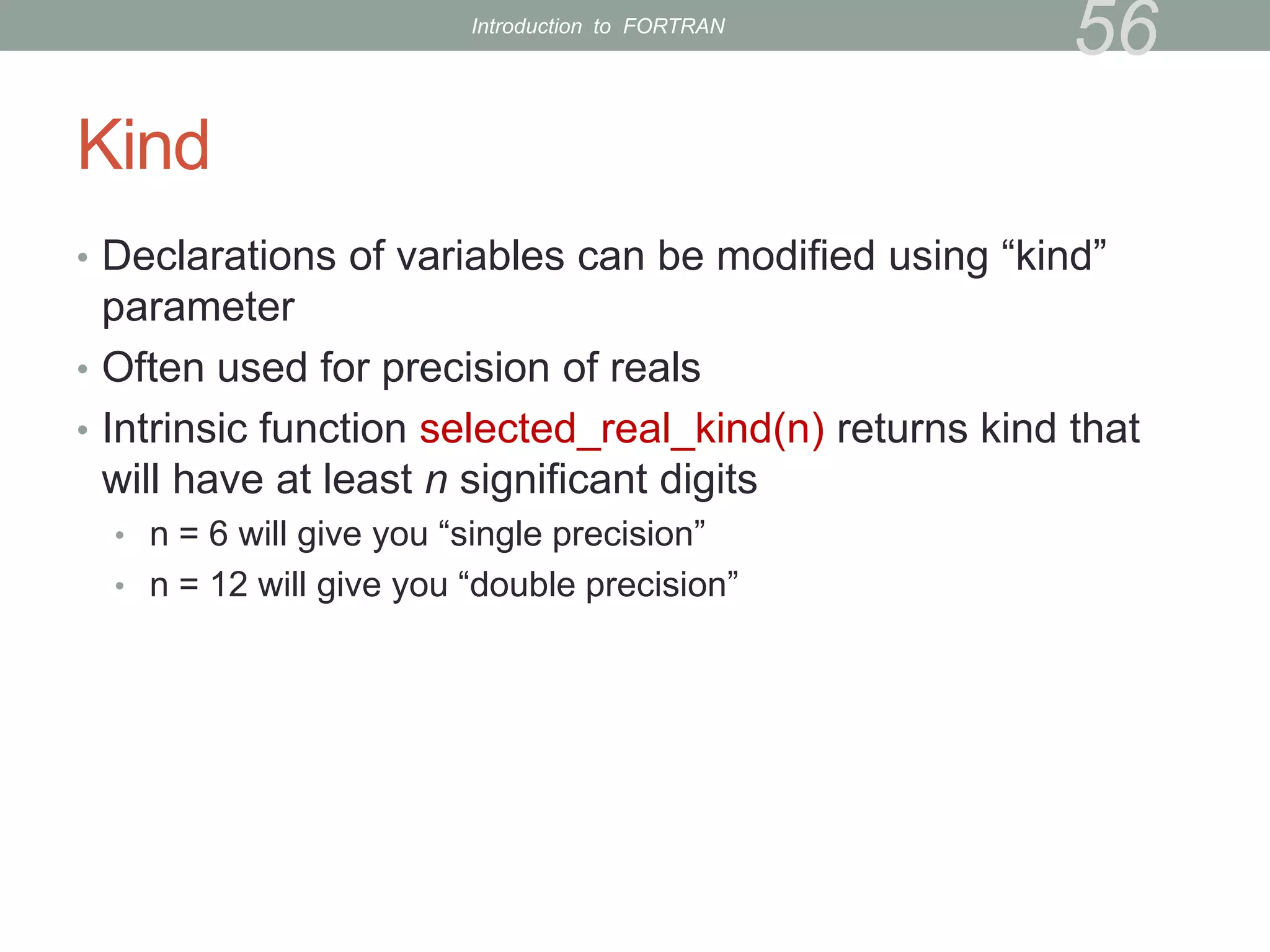
Kind
• Declarations of variables can be modified using “kind”
parameter
• Often used for precision of reals
• Intrinsic function selected_real_kind(n) returns kind that
will have at least n significant digits
• n = 6 will give you “single precision”
• n = 12 will give you “double precision”
56
Introduction to FORTRAN
Kind (cont’d)
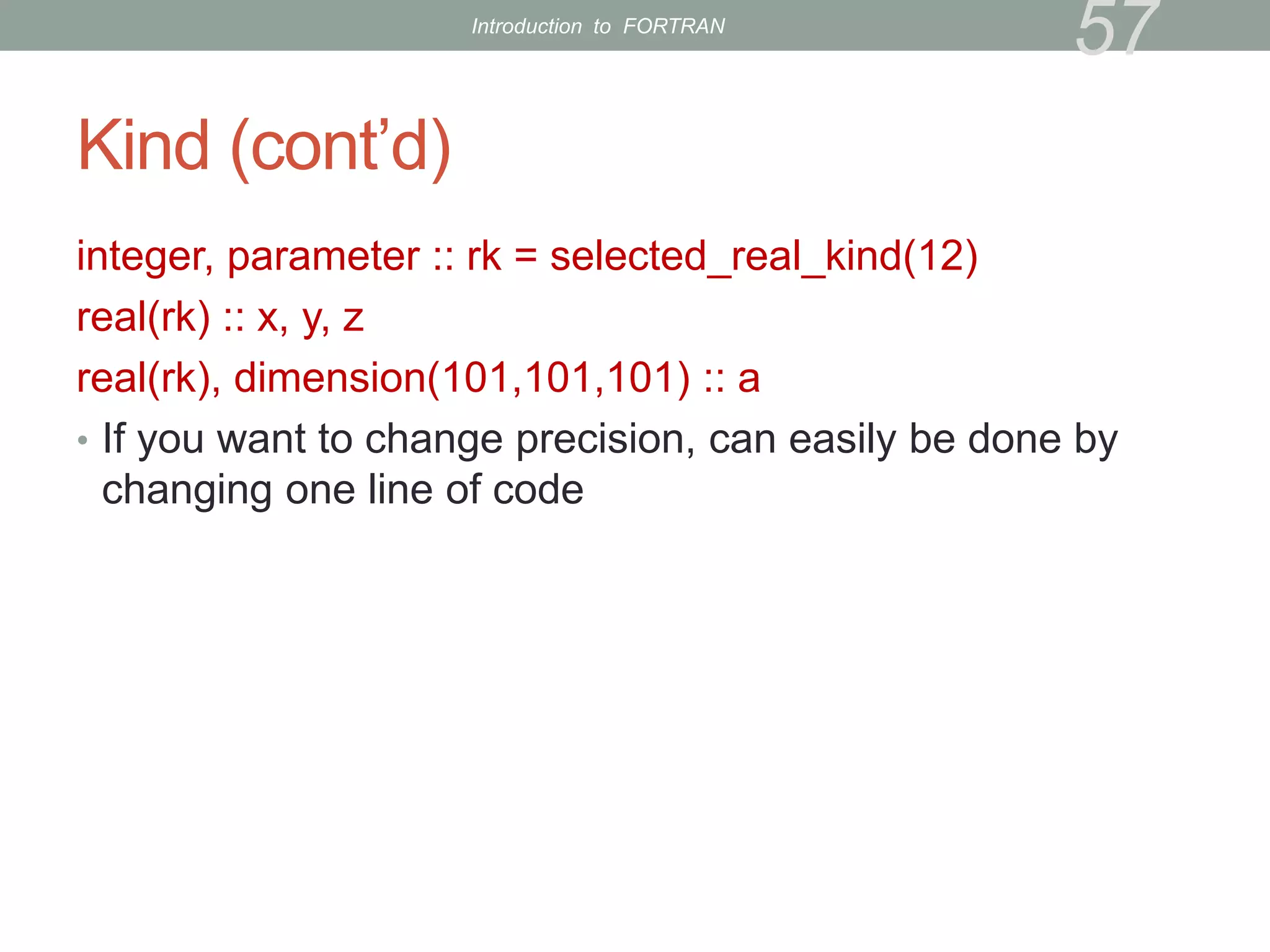
integer, parameter :: rk = selected_real_kind(12)
real(rk) :: x, y, z
real(rk), dimension(101,101,101) :: a
• If you want to change precision, can easily be done by
changing one line of code
57
Introduction to FORTRAN
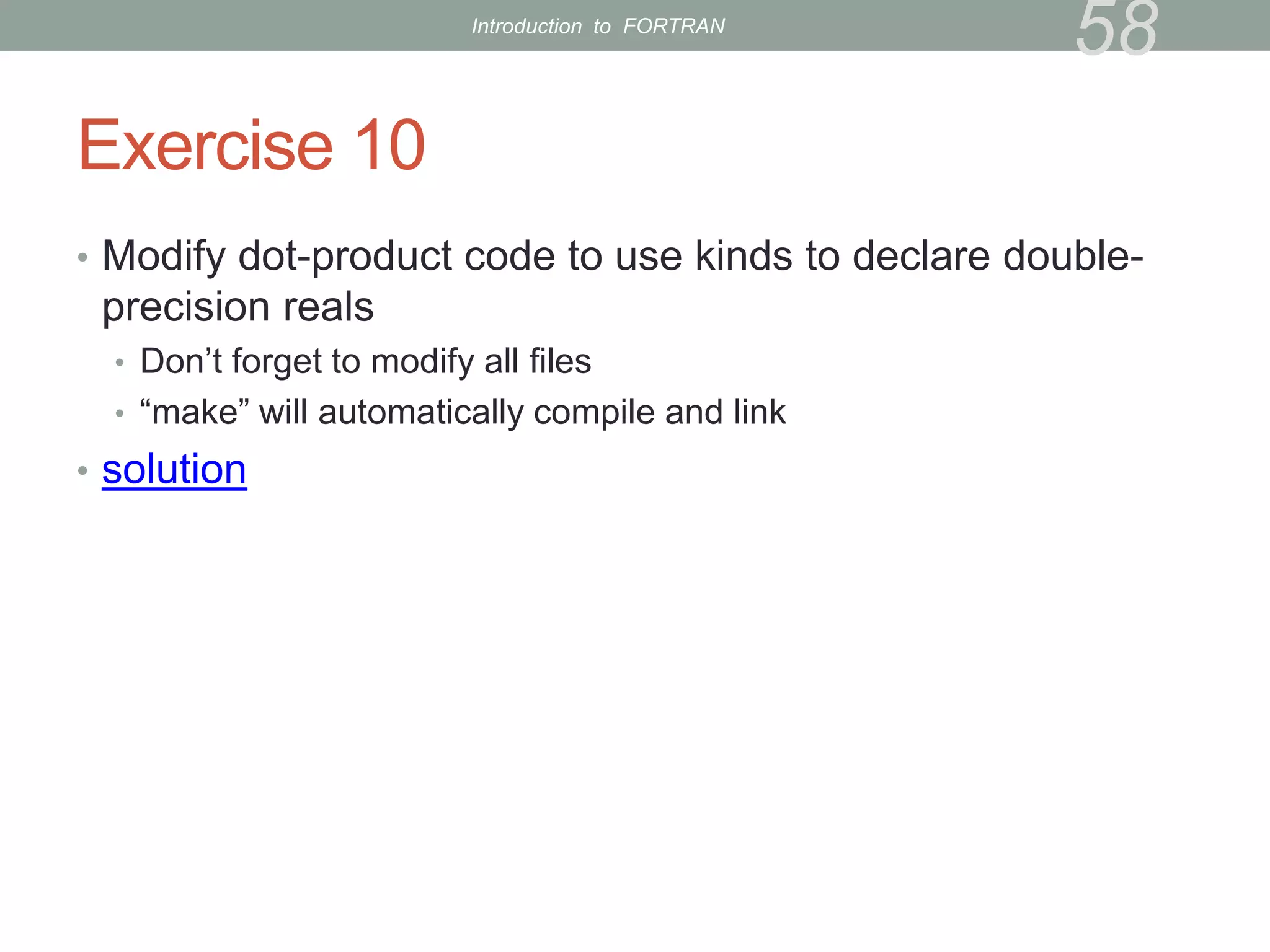
Exercise 10
• Modify dot-product code to use kinds to declare double-
precision reals
• Don’t forget to modify all files
• “make” will automatically compile and link
• solution
58
Introduction to FORTRAN
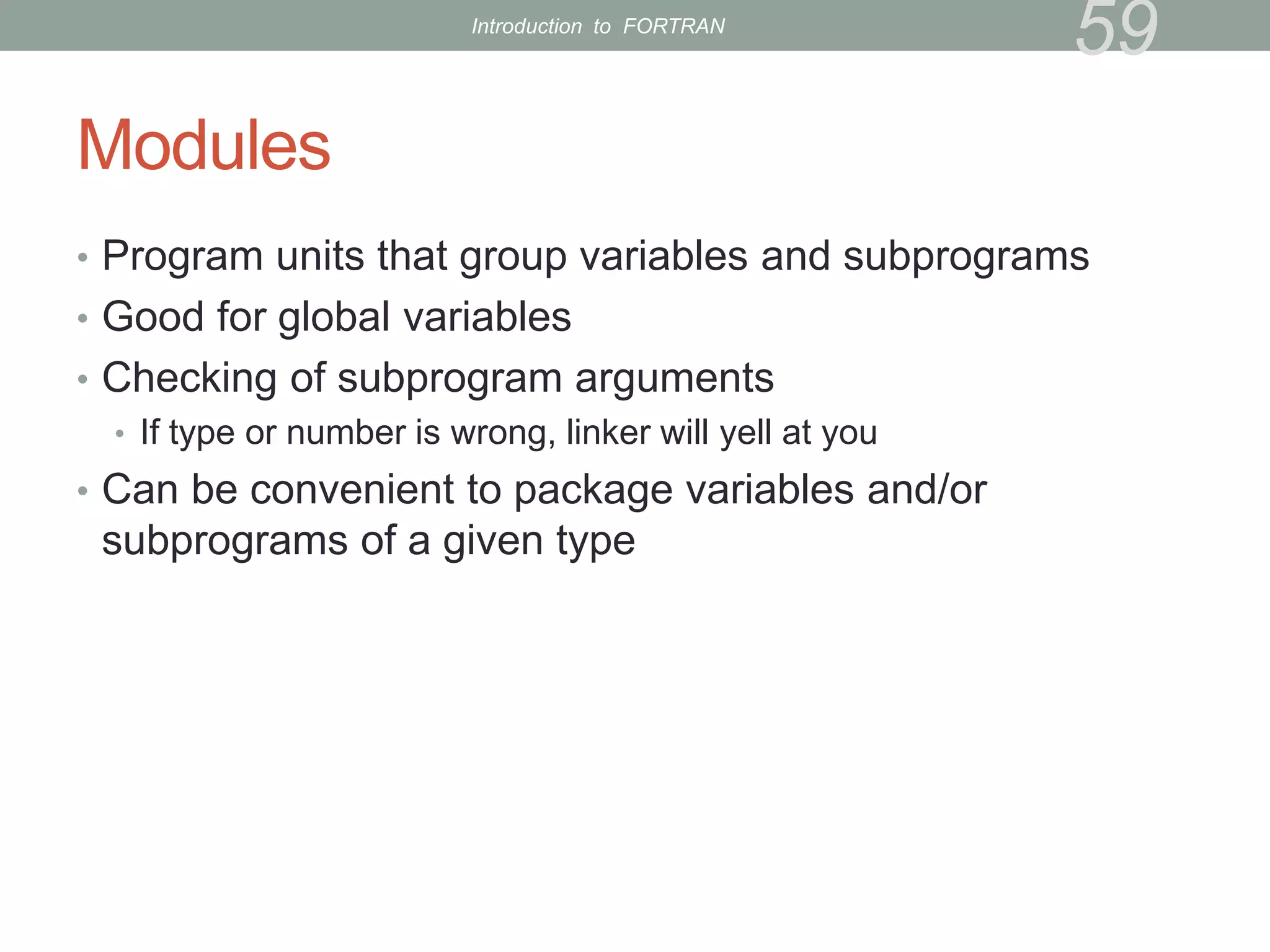
Modules
• Program units that group variables and subprograms
• Good for global variables
• Checking of subprogram arguments
• If type or number is wrong, linker will yell at you
• Can be convenient to package variables and/or
subprograms of a given type
59
Introduction to FORTRAN
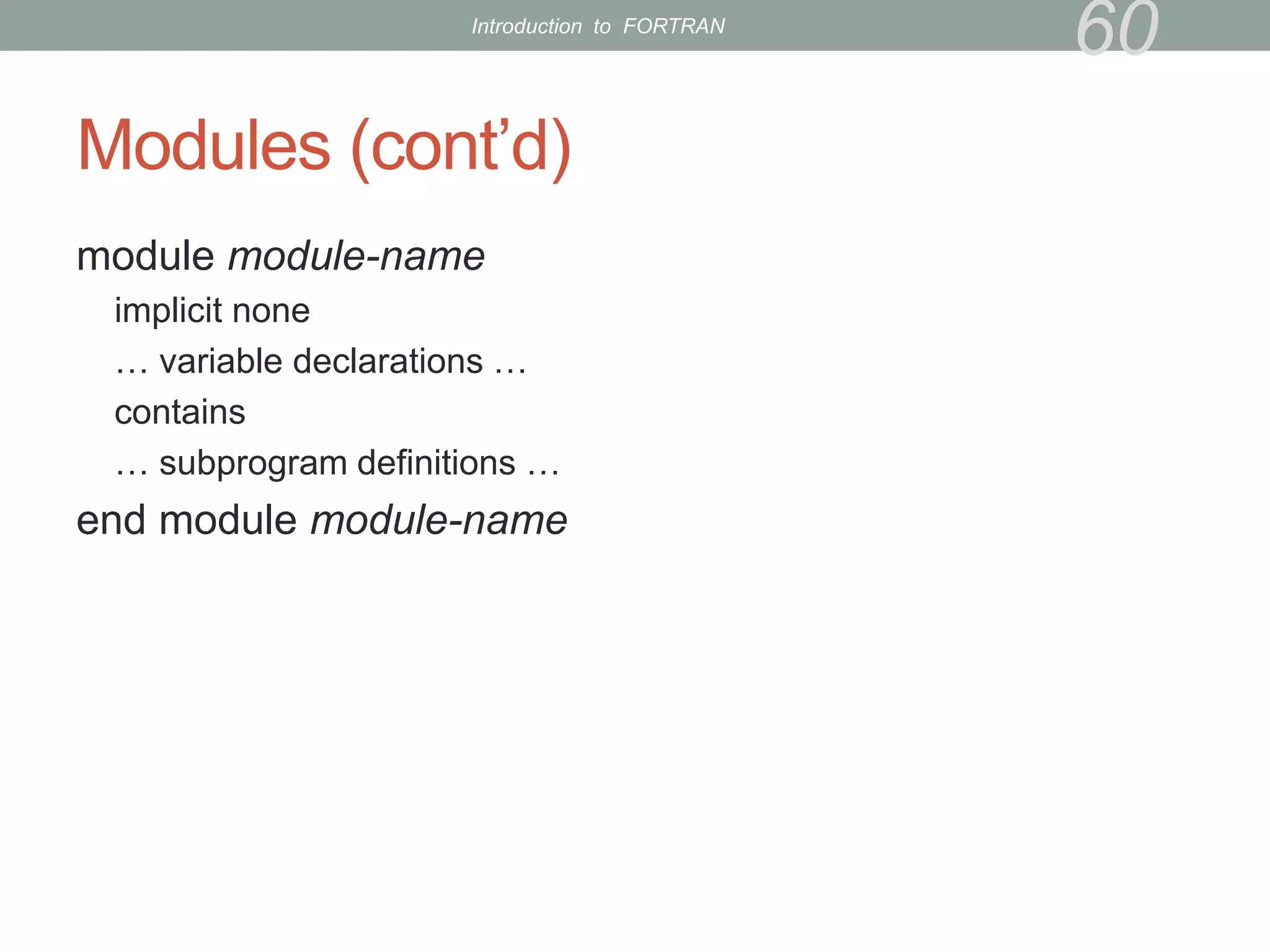
Modules (cont’d)
module module-name
implicit none
… variable declarations …
contains
… subprogram definitions …
end module module-name
60
Introduction to FORTRAN
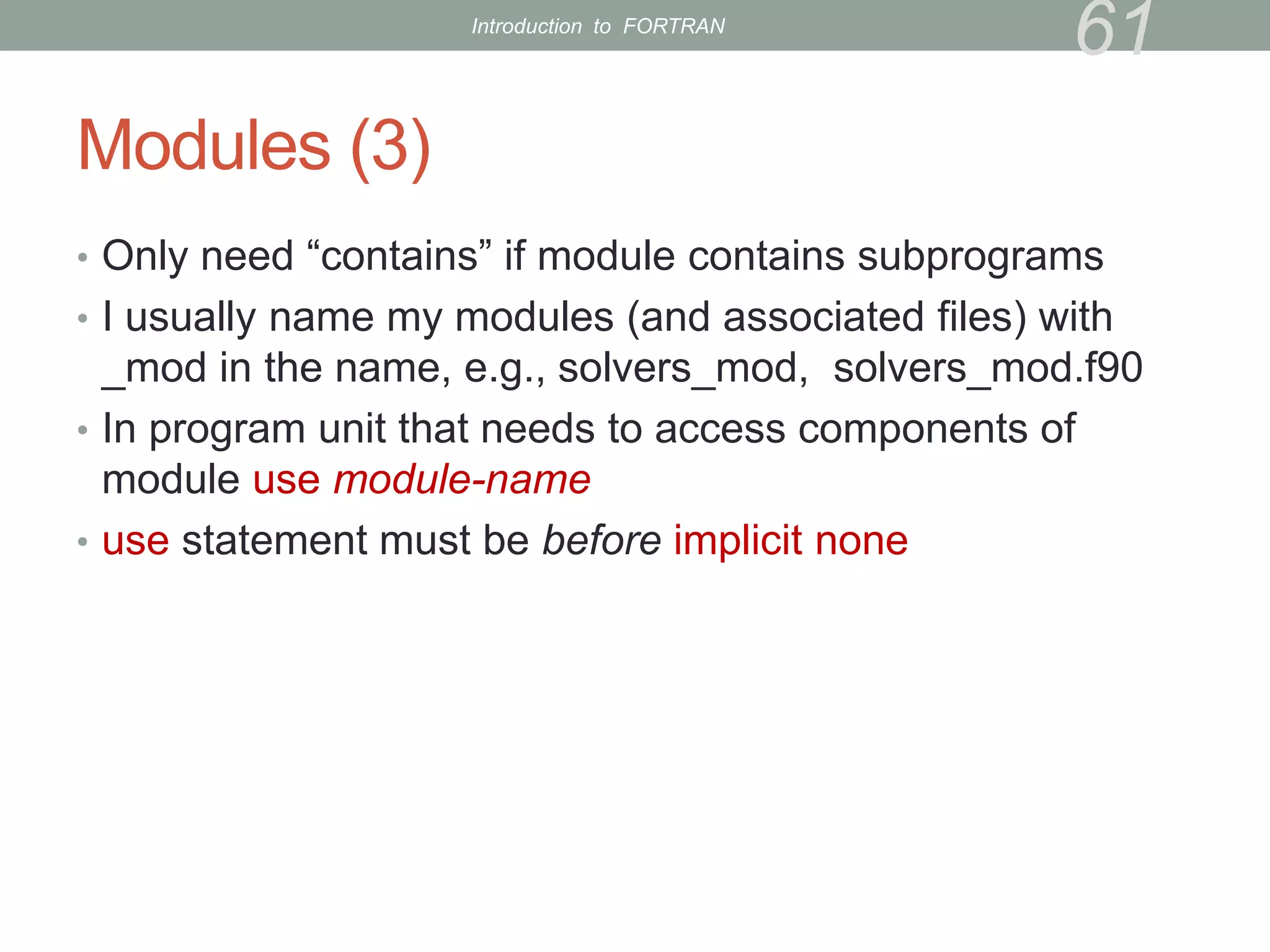
Modules (3)
• Only need “contains” if module contains subprograms
• I usually name my modules (and associated files) with
_mod in the name, e.g., solvers_mod, solvers_mod.f90
• In program unit that needs to access components of
module use module-name
• use statement must be before implicit none
61
Introduction to FORTRAN
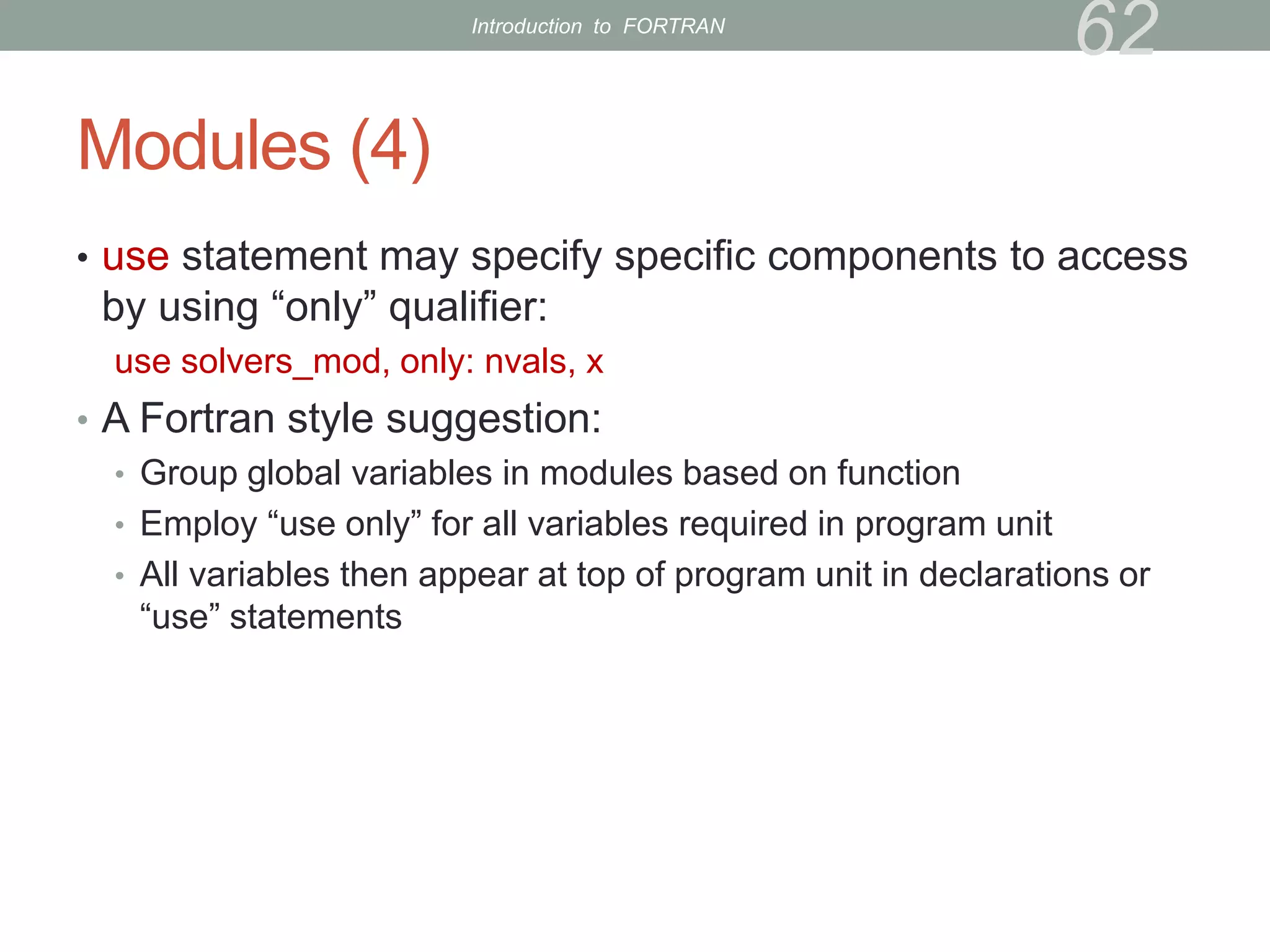
Modules (4)
• use statement may specify specific components to access
by using “only” qualifier:
use solvers_mod, only: nvals, x
• A Fortran style suggestion:
• Group global variables in modules based on function
• Employ “use only” for all variables required in program unit
• All variables then appear at top of program unit in declarations or
“use” statements
62
Introduction to FORTRAN
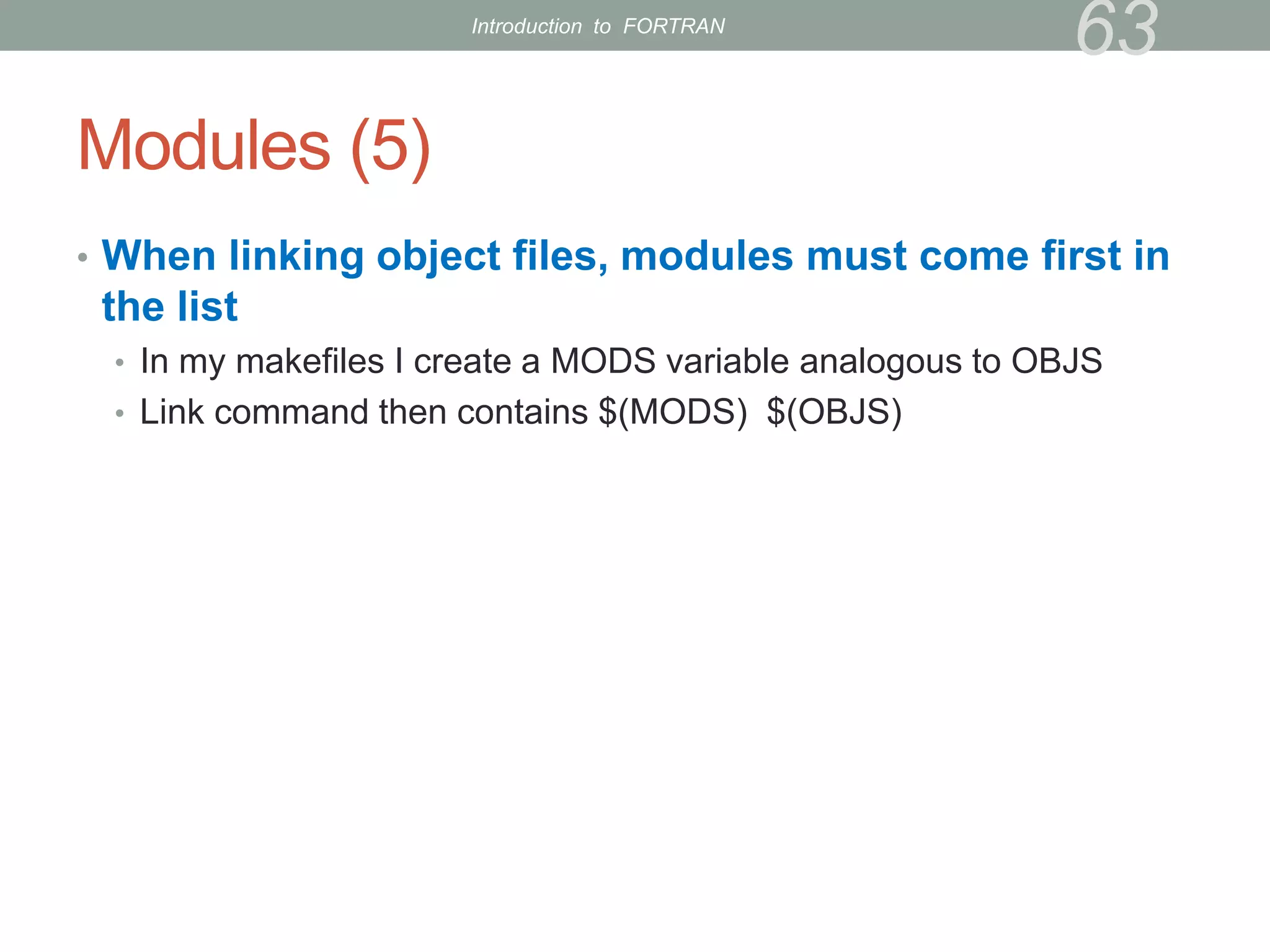
Modules (5)
• When linking object files, modules must come first in
the list
• In my makefiles I create a MODS variable analogous to OBJS
• Link command then contains $(MODS) $(OBJS)
63
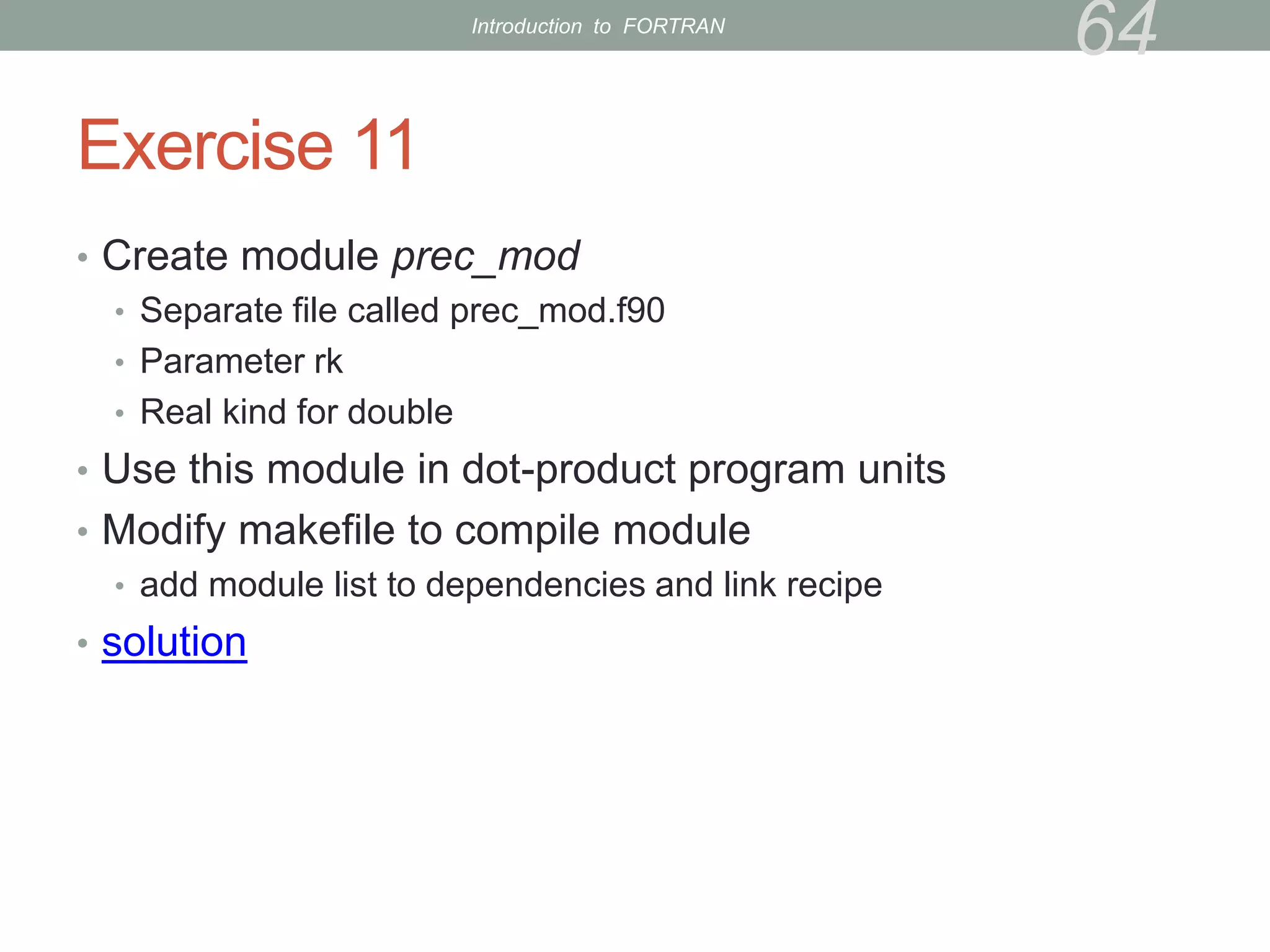
Introduction to FORTRAN
Exercise 11
• Create module prec_mod
• Separate file called prec_mod.f90
• Parameter rk
• Real kind for double
• Use this module in dot-product program units
• Modify makefile to compile module
• add module list to dependencies and link recipe
• solution
64
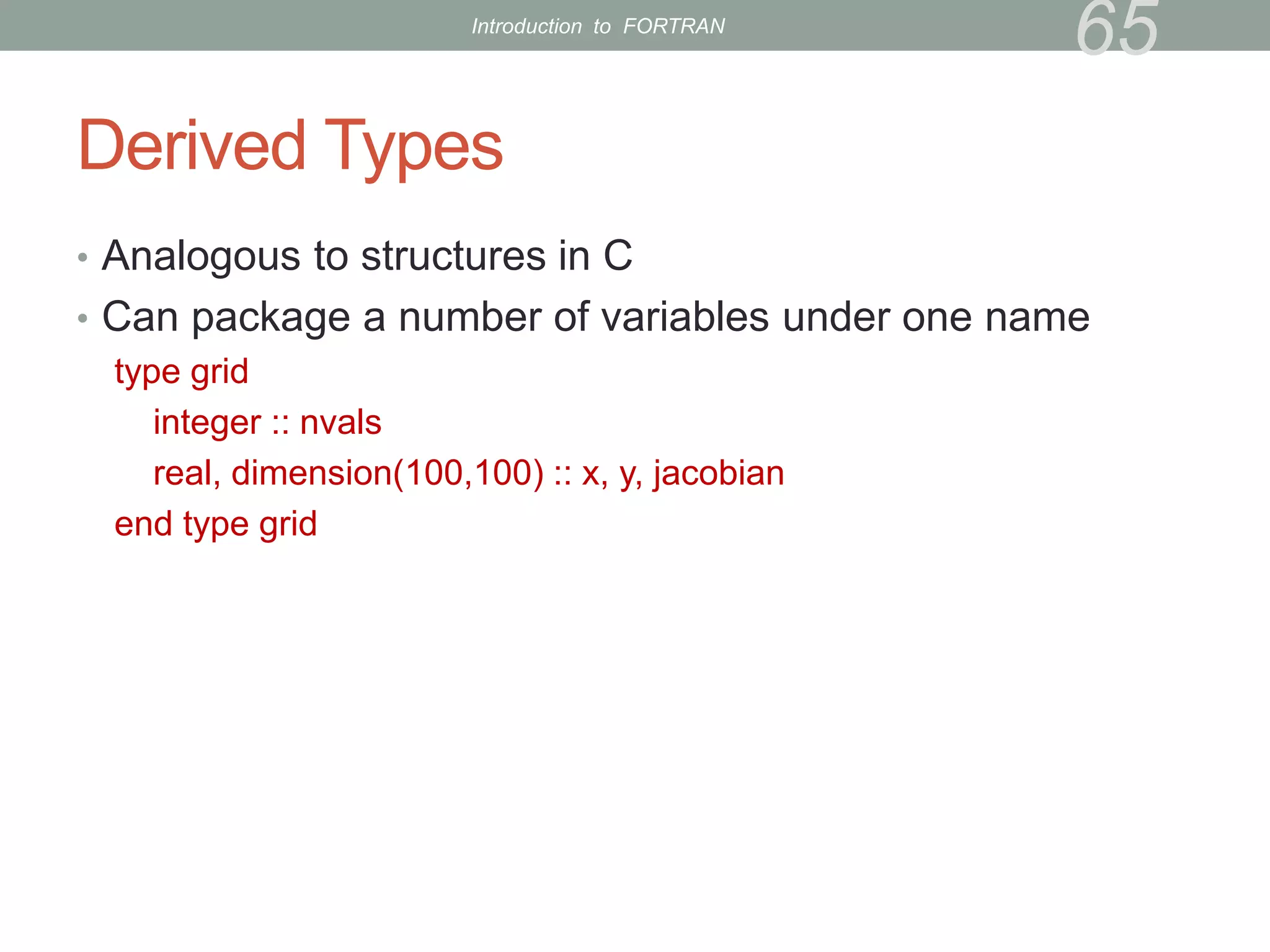
Introduction to FORTRAN
Derived Types
• Analogous to structures in C
• Can package a number of variables under one name
type grid
integer :: nvals
real, dimension(100,100) :: x, y, jacobian
end type grid
65
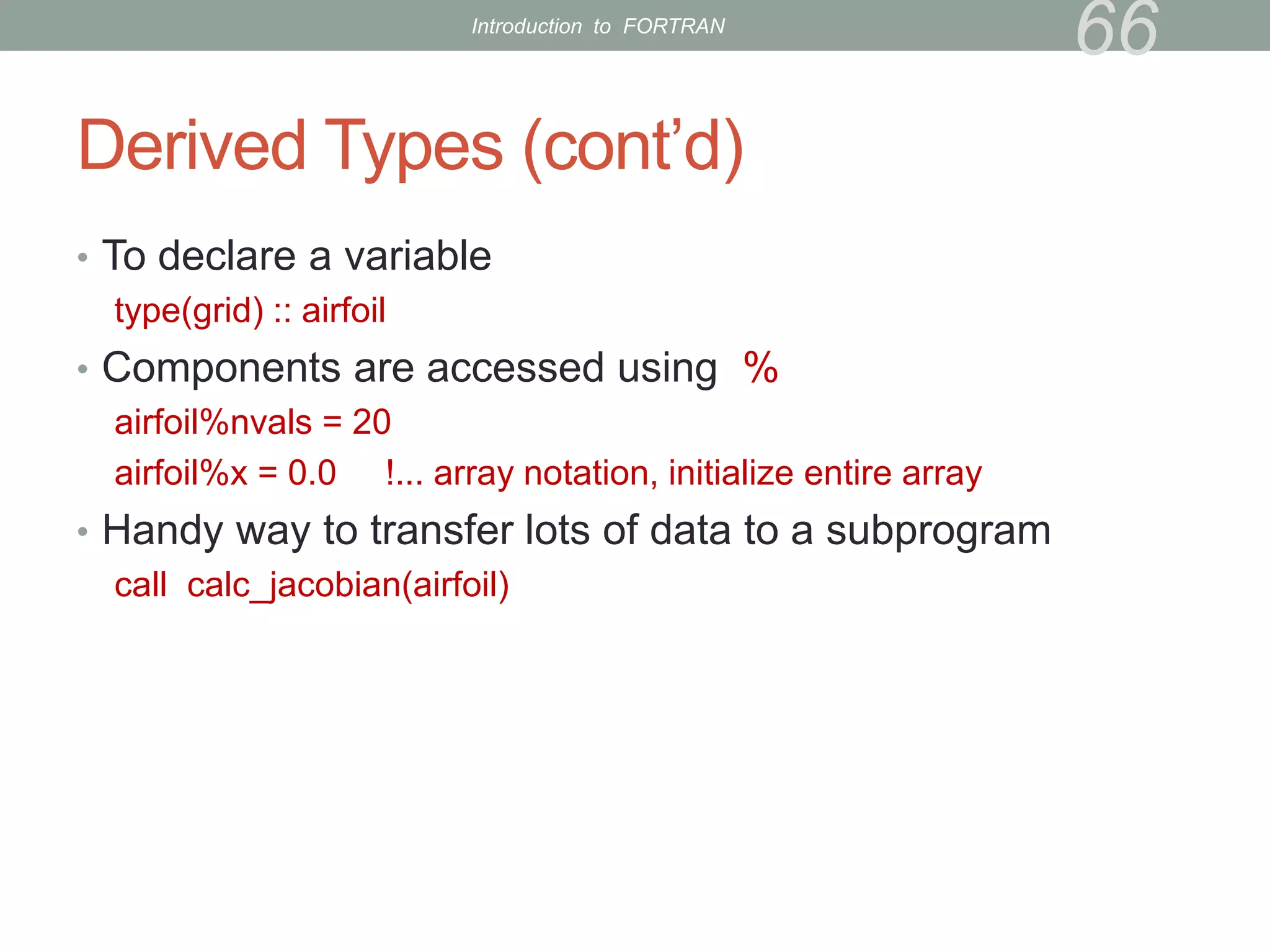
Introduction to FORTRAN
Derived Types (cont’d)
• To declare a variable
type(grid) :: airfoil
• Components are accessed using %
airfoil%nvals = 20
airfoil%x = 0.0 !... array notation, initialize entire array
• Handy way to transfer lots of data to a subprogram
call calc_jacobian(airfoil)
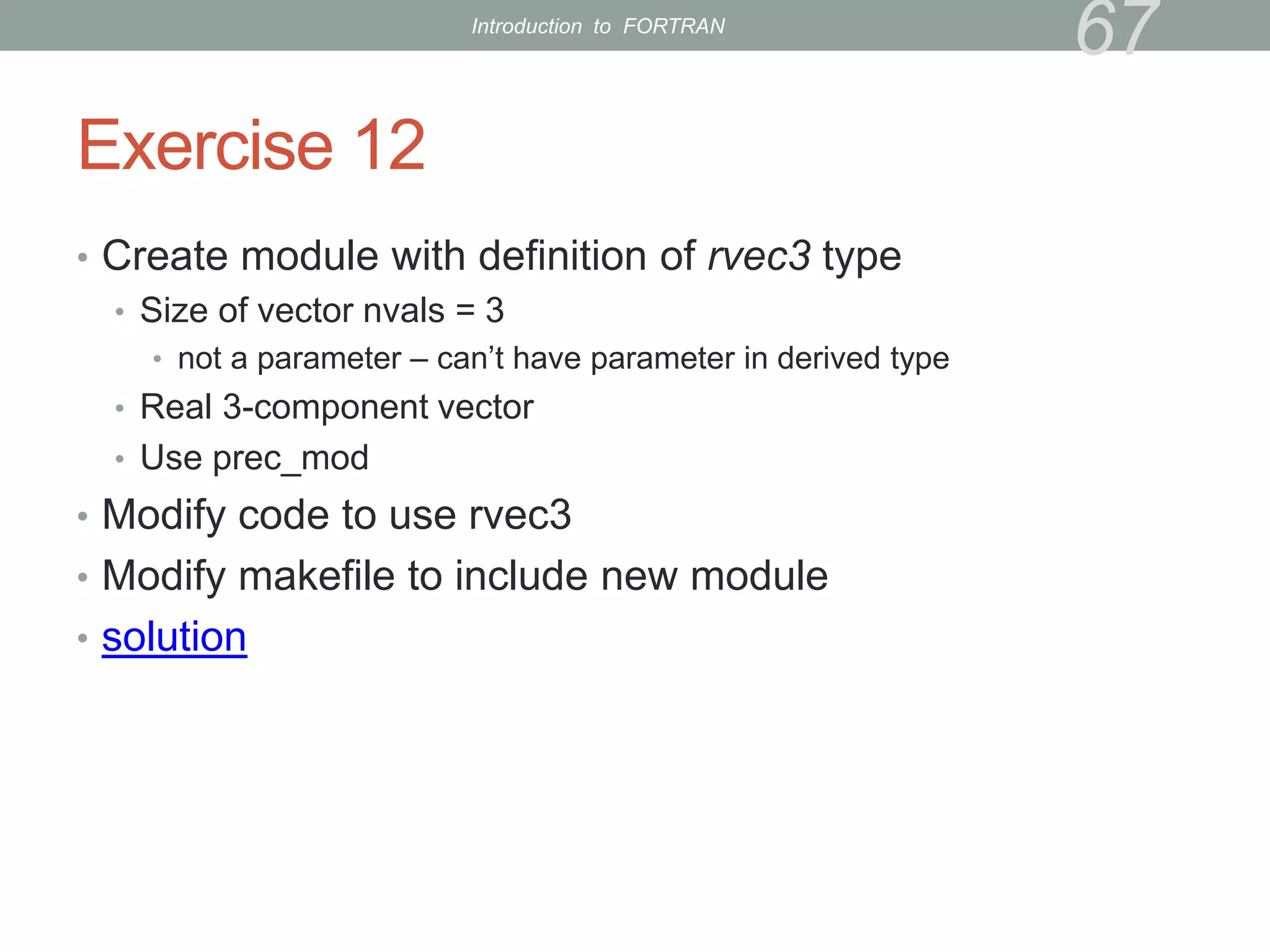
66
Introduction to FORTRAN
Exercise 12
• Create module with definition of rvec3 type
• Size of vector nvals = 3
• not a parameter – can’t have parameter in derived type
• Real 3-component vector
• Use prec_mod
• Modify code to use rvec3
• Modify makefile to include new module
• solution
67
Introduction to FORTRAN
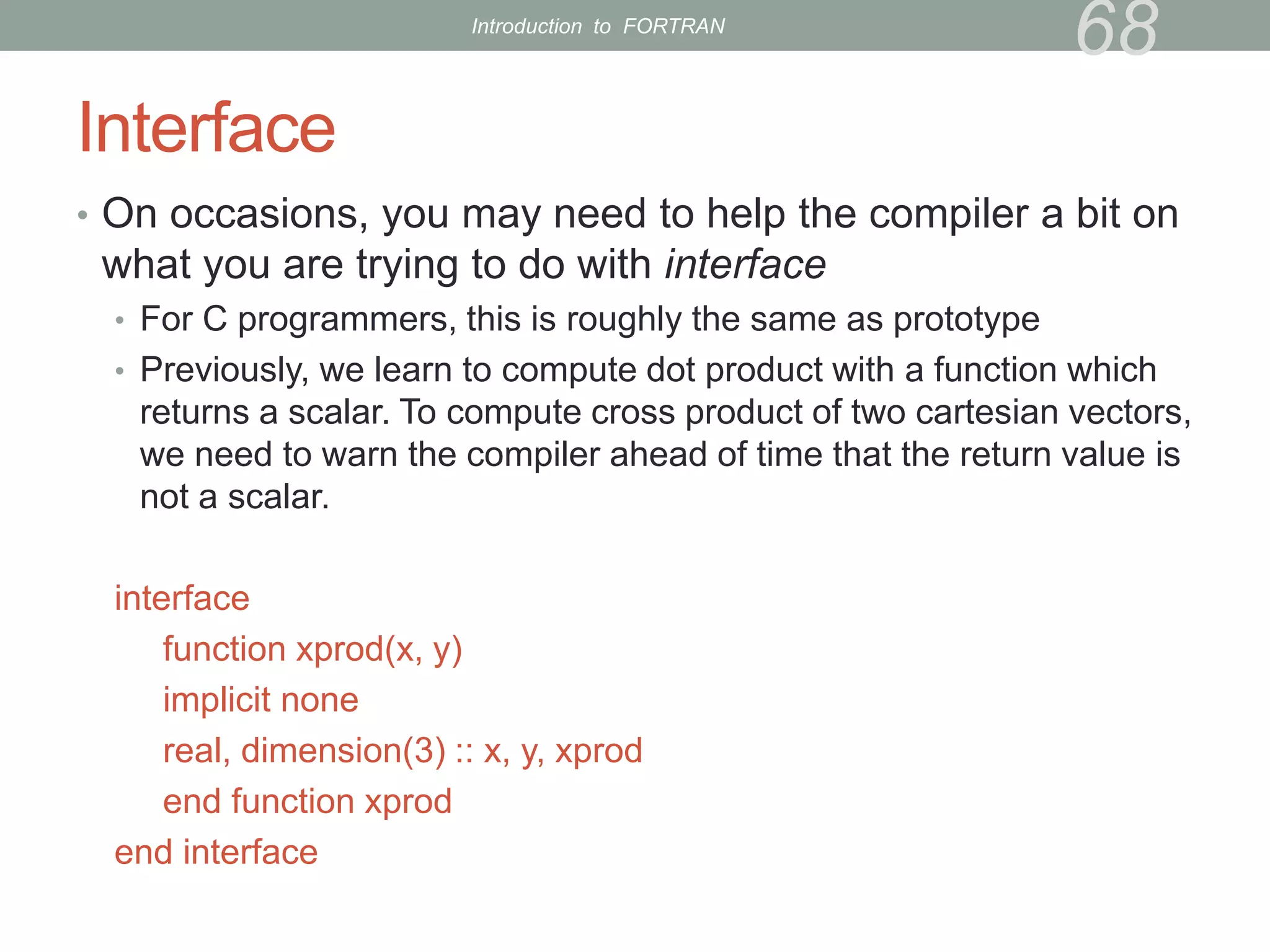
Interface
• On occasions, you may need to help the compiler a bit on
what you are trying to do with interface
• For C programmers, this is roughly the same as prototype
• Previously, we learn to compute dot product with a function which
returns a scalar. To compute cross product of two cartesian vectors,
we need to warn the compiler ahead of time that the return value is
not a scalar.
interface
function xprod(x, y)
implicit none
real, dimension(3) :: x, y, xprod
end function xprod
end interface
68
Introduction to FORTRAN
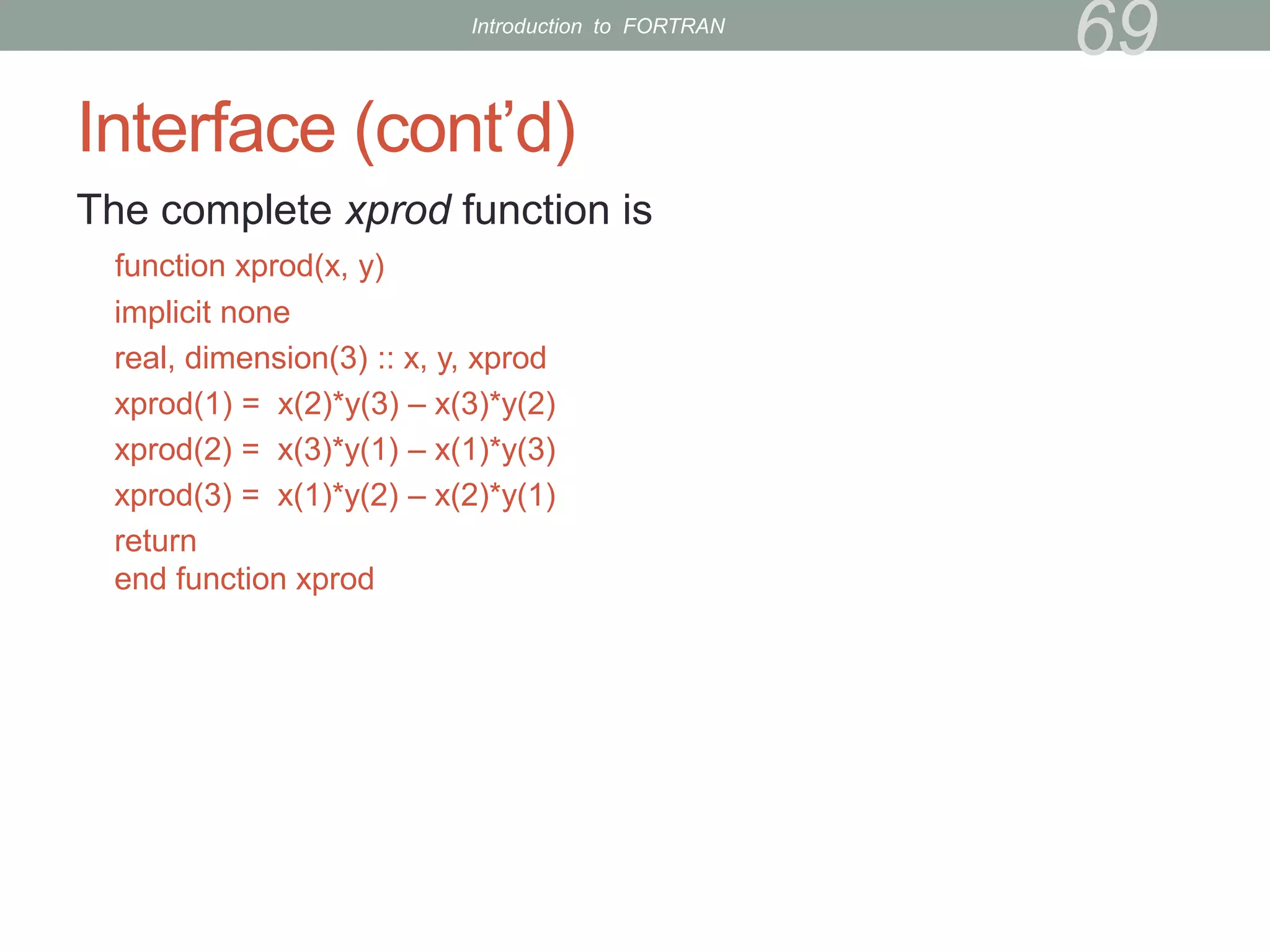
Interface (cont’d)
The complete xprod function is
function xprod(x, y)
implicit none
real, dimension(3) :: x, y, xprod
xprod(1) = x(2)*y(3) – x(3)*y(2)
xprod(2) = x(3)*y(1) – x(1)*y(3)
xprod(3) = x(1)*y(2) – x(2)*y(1)
return
end function xprod
69
Introduction to FORTRAN
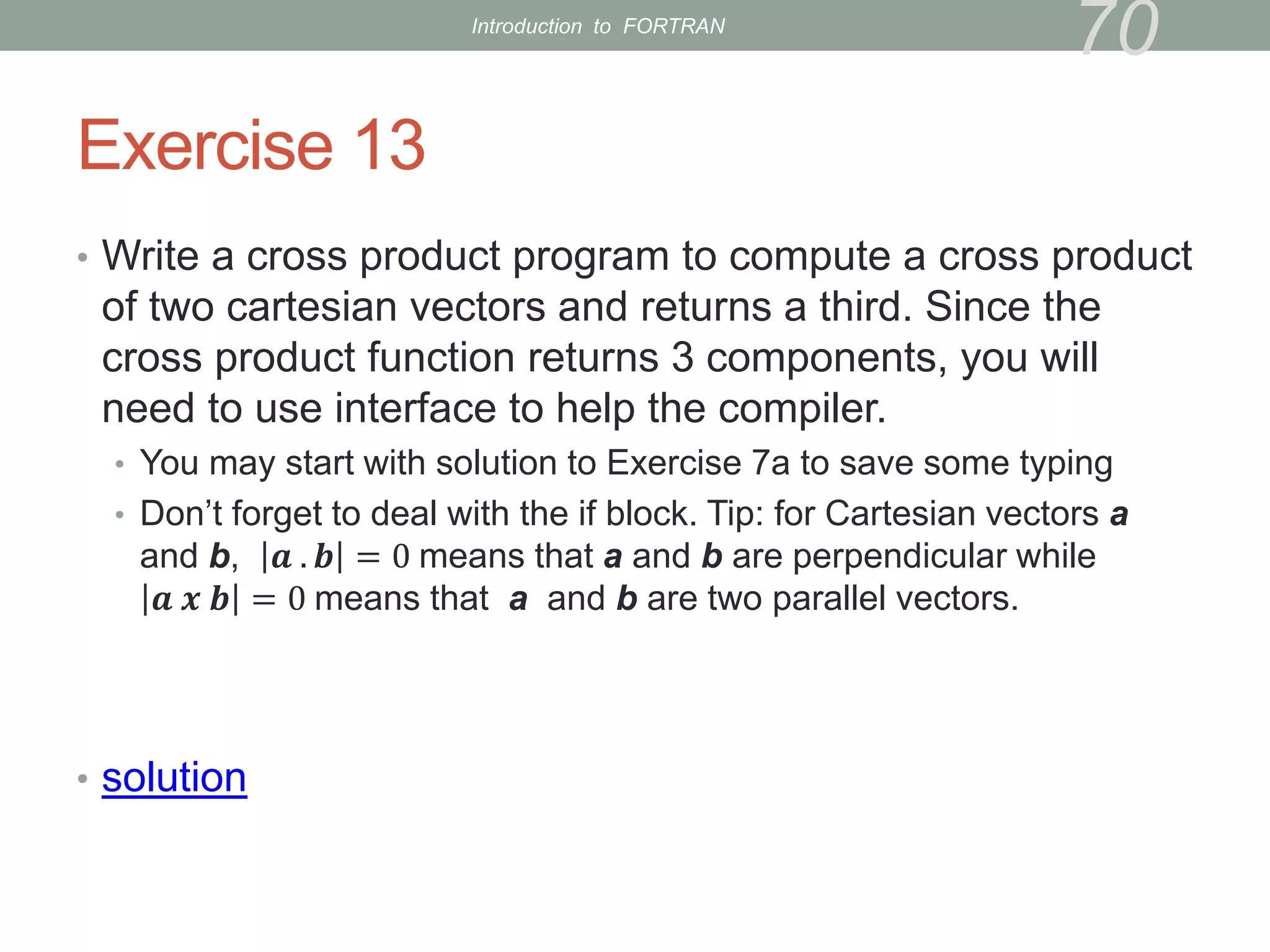
Exercise 13
• Write a cross product program to compute a cross product
of two cartesian vectors and returns a third. Since the
cross product function returns 3 components, you will
need to use interface to help the compiler.
• You may start with solution to Exercise 7a to save some typing
• Don’t forget to deal with the if block. Tip: for Cartesian vectors a
and b, 𝒂 . 𝒃 = 0 means that a and b are perpendicular while
𝒂 𝒙 𝒃 = 0 means that a and b are two parallel vectors.
• solution
70
Introduction to FORTRAN
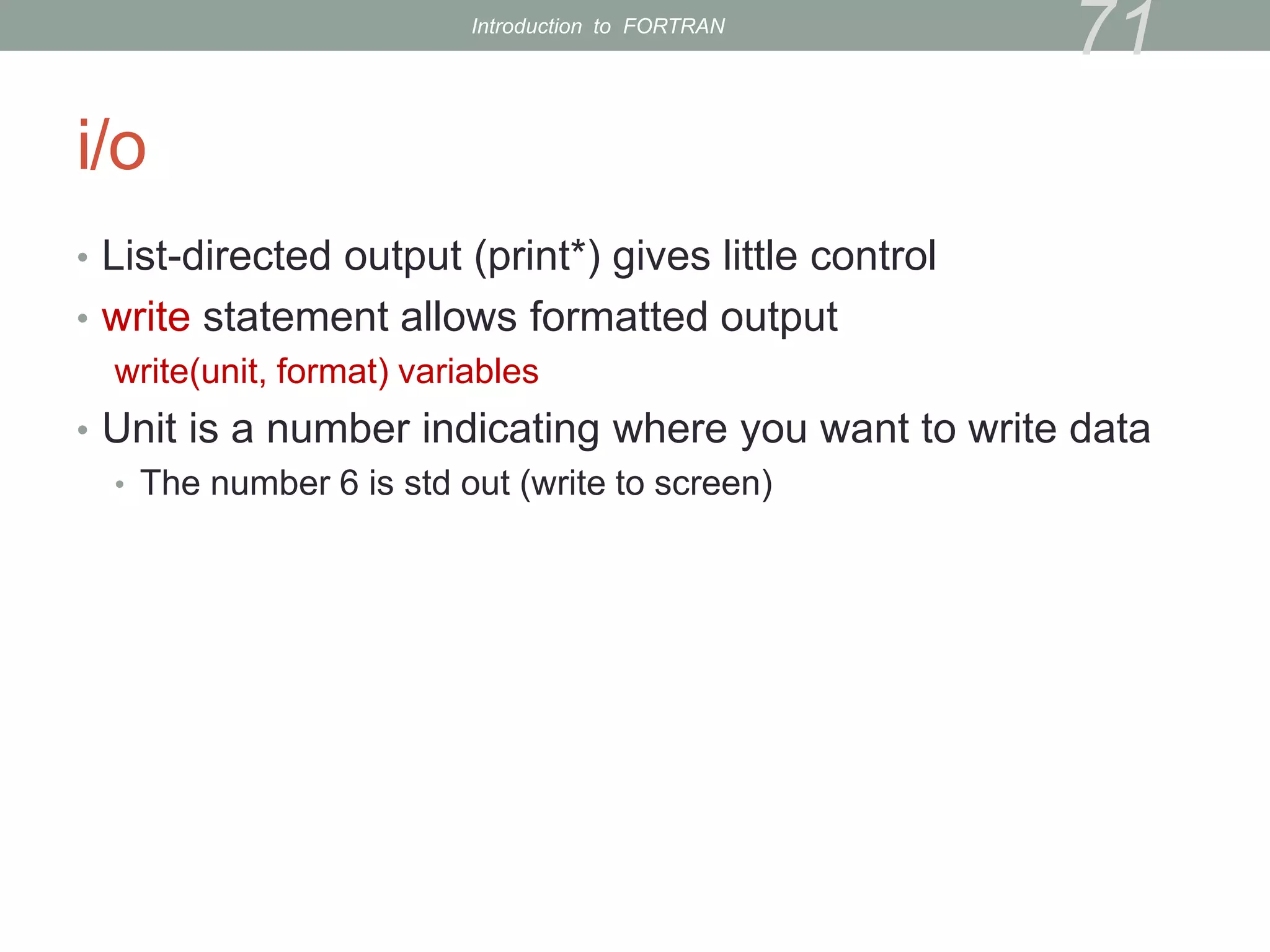
i/o
• List-directed output (print*) gives little control
• write statement allows formatted output
write(unit, format) variables
• Unit is a number indicating where you want to write data
• The number 6 is std out (write to screen)
71
Introduction to FORTRAN
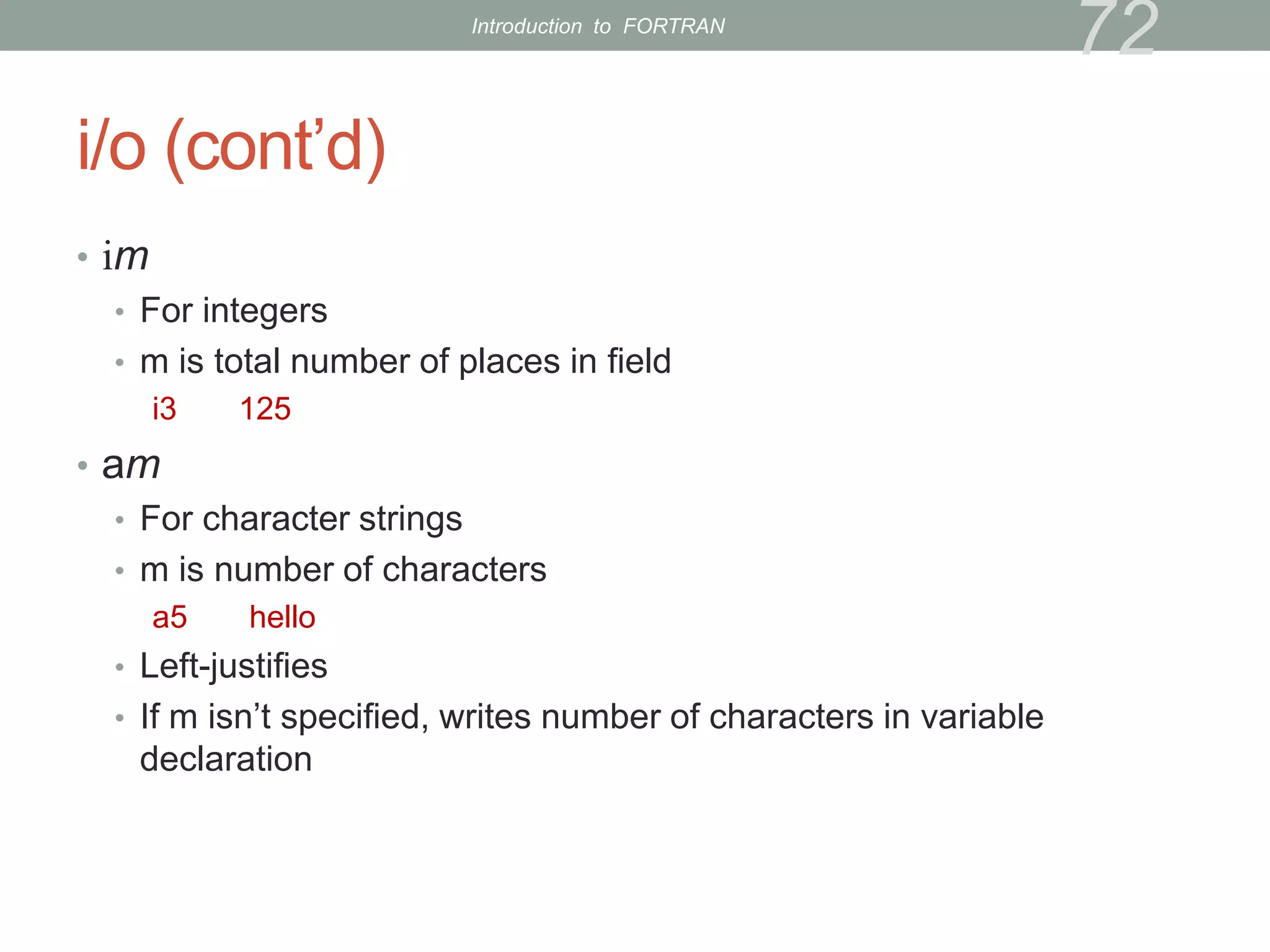
i/o (cont’d)
• im
• For integers
• m is total number of places in field
i3 125
• am
• For character strings
• m is number of characters
a5 hello
• Left-justifies
• If m isn’t specified, writes number of characters in variable
declaration
72
Introduction to FORTRAN
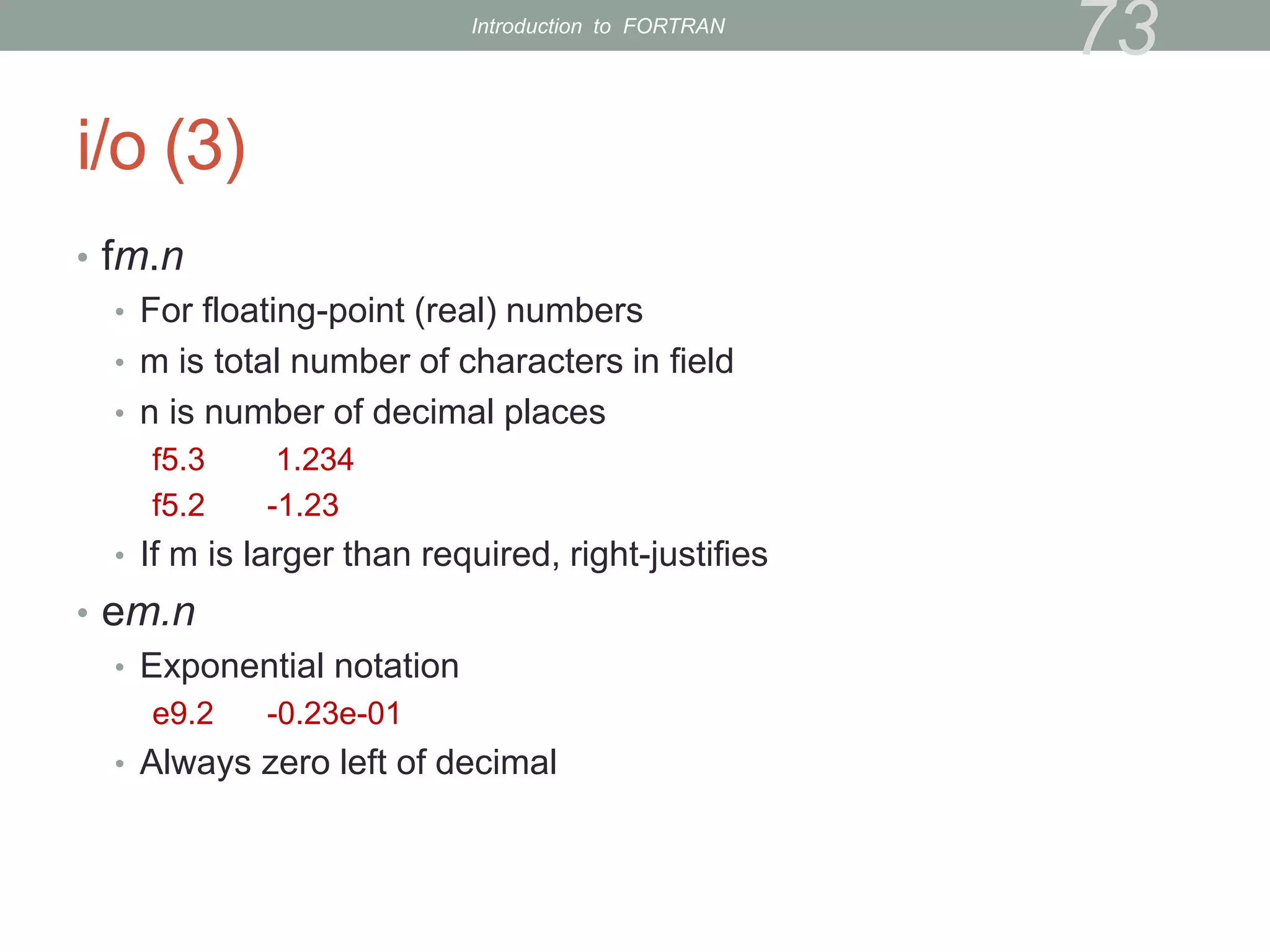
i/o (3)
• fm.n
• For floating-point (real) numbers
• m is total number of characters in field
• n is number of decimal places
f5.3 1.234
f5.2 -1.23
• If m is larger than required, right-justifies
• em.n
• Exponential notation
e9.2 -0.23e-01
• Always zero left of decimal
73
Introduction to FORTRAN
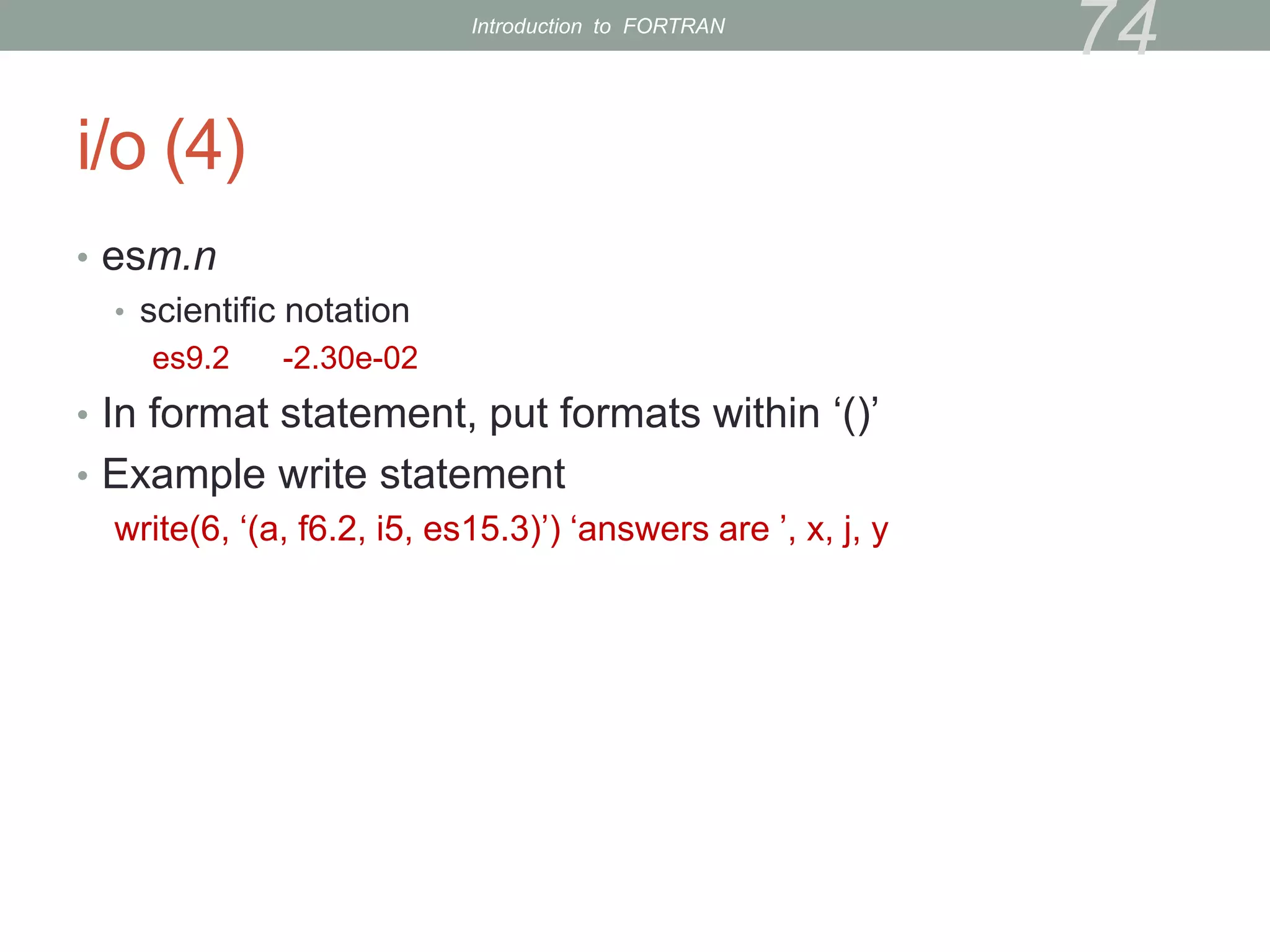
i/o (4)
• esm.n
• scientific notation
es9.2 -2.30e-02
• In format statement, put formats within ‘()’
• Example write statement
write(6, ‘(a, f6.2, i5, es15.3)’) ‘answers are ’, x, j, y
74
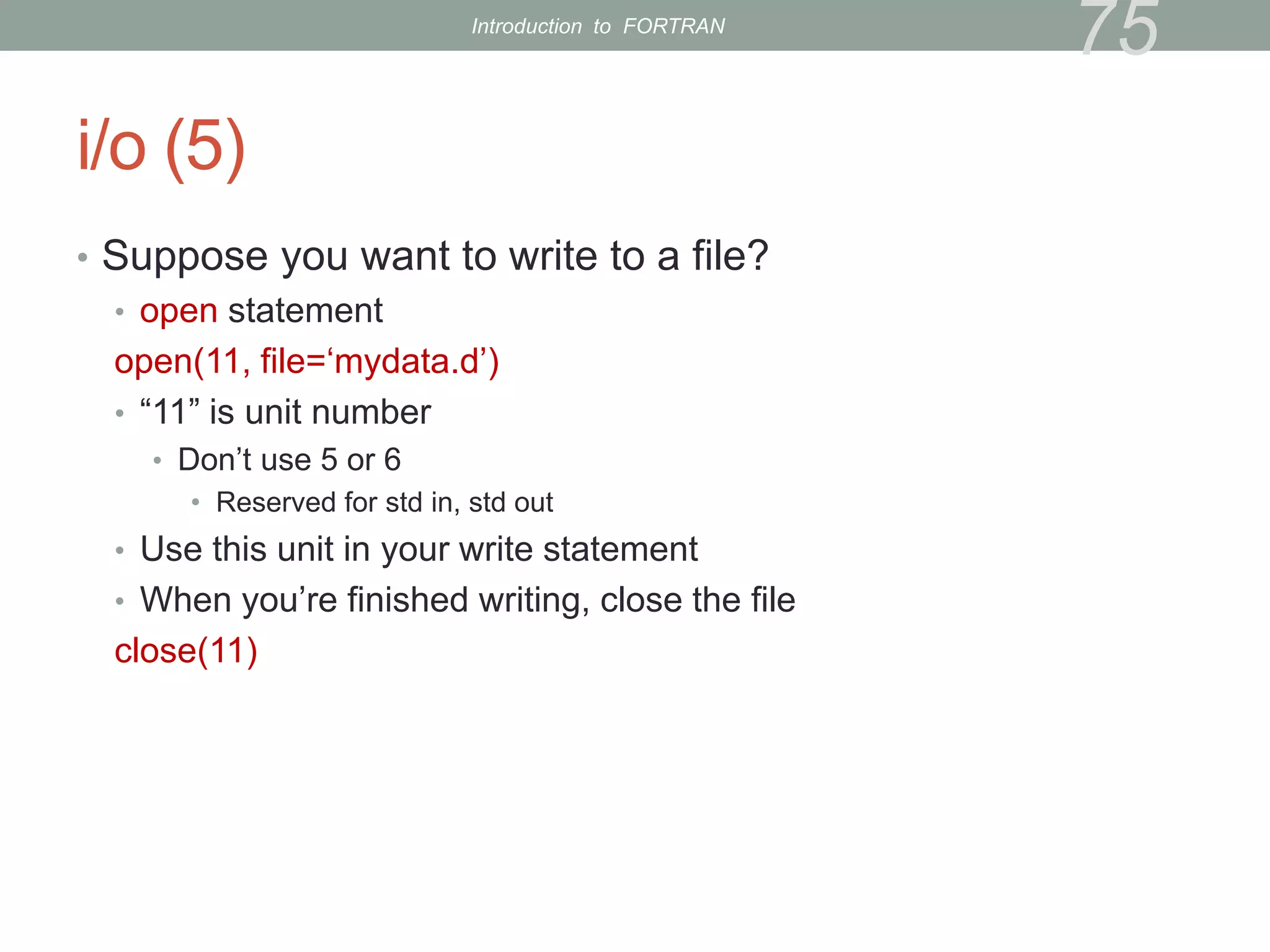
Introduction to FORTRAN
i/o (5)
• Suppose you want to write to a file?
• open statement
open(11, file=‘mydata.d’)
• “11” is unit number
• Don’t use 5 or 6
• Reserved for std in, std out
• Use this unit in your write statement
• When you’re finished writing, close the file
close(11)
75
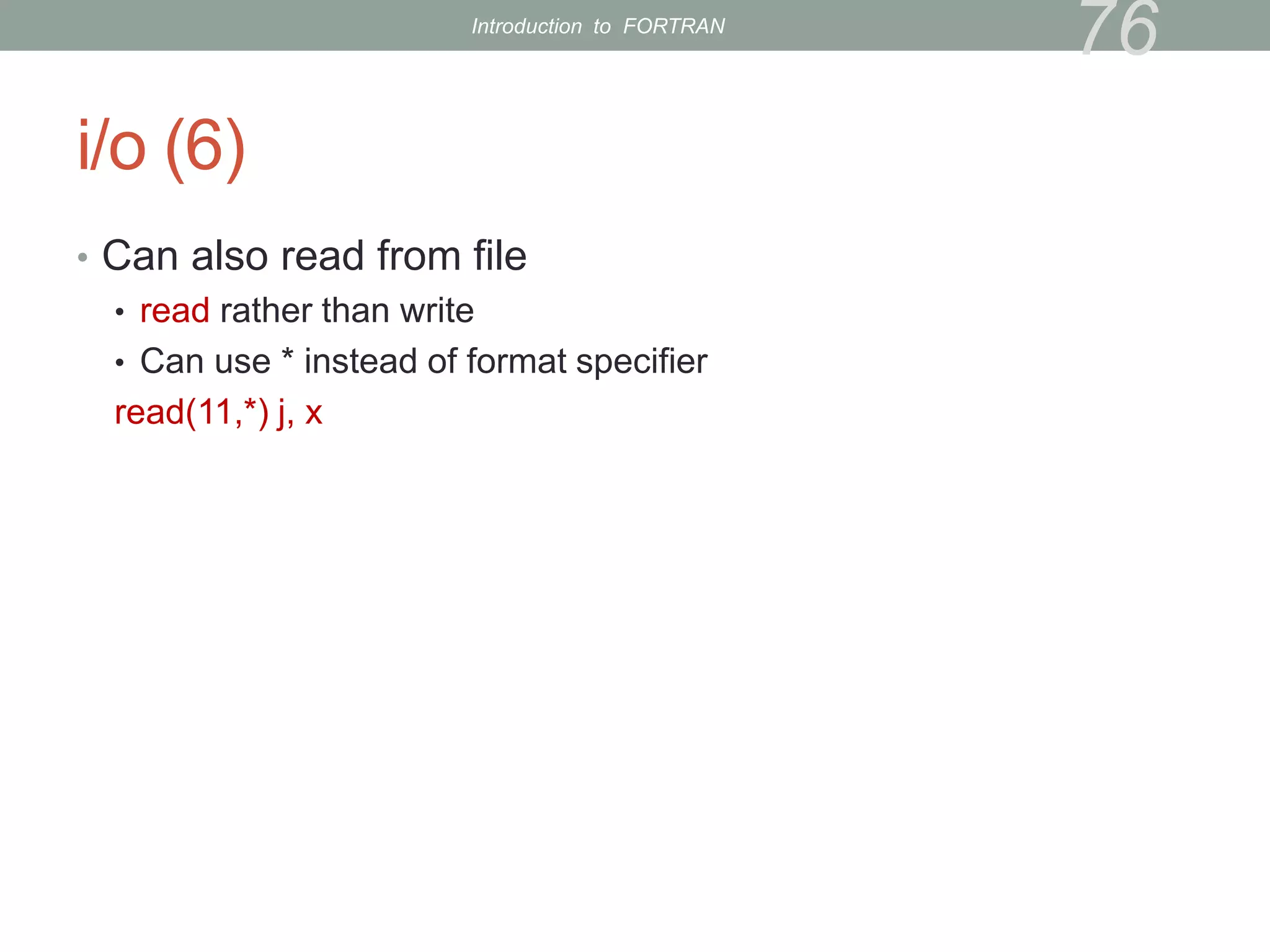
Introduction to FORTRAN
i/o (6)
• Can also read from file
• read rather than write
• Can use * instead of format specifier
read(11,*) j, x
76
Introduction to FORTRAN
Exercise 14
• Write your dot-product result to a file
• Only have to change very end of main program
• solution
77
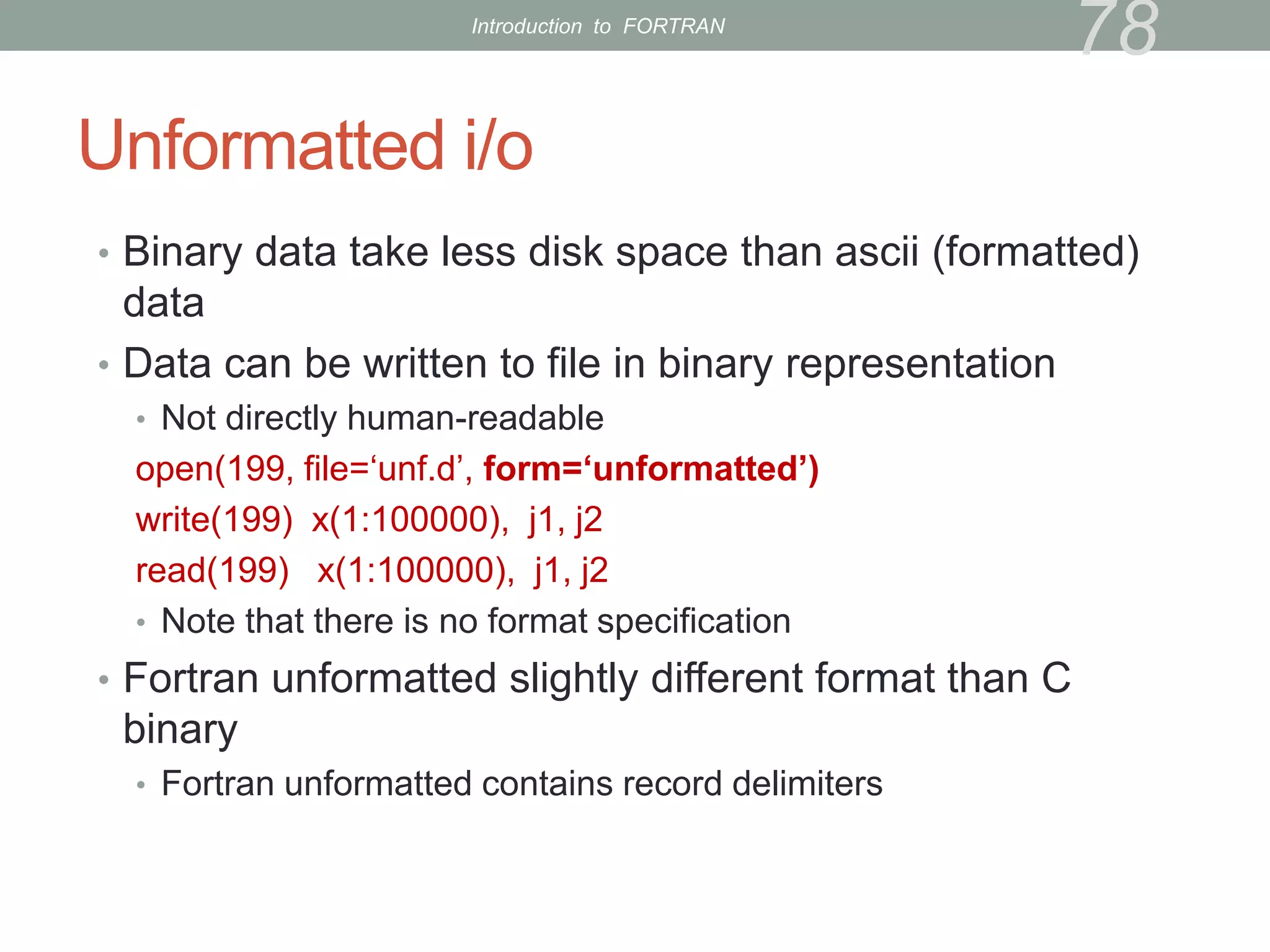
Introduction to FORTRAN
Unformatted i/o
• Binary data take less disk space than ascii (formatted)
data
• Data can be written to file in binary representation
• Not directly human-readable
open(199, file=‘unf.d’, form=‘unformatted’)
write(199) x(1:100000), j1, j2
read(199) x(1:100000), j1, j2
• Note that there is no format specification
• Fortran unformatted slightly different format than C
binary
• Fortran unformatted contains record delimiters
78
Introduction to FORTRAN
Exercise 15
• Modify dot-product program to:
• Write result to unformatted file
• don’t write character string, just number
• After file is closed, open it back up and read result
• Print result to make sure it wrote/read correctly
• solution
79
Introduction to FORTRAN
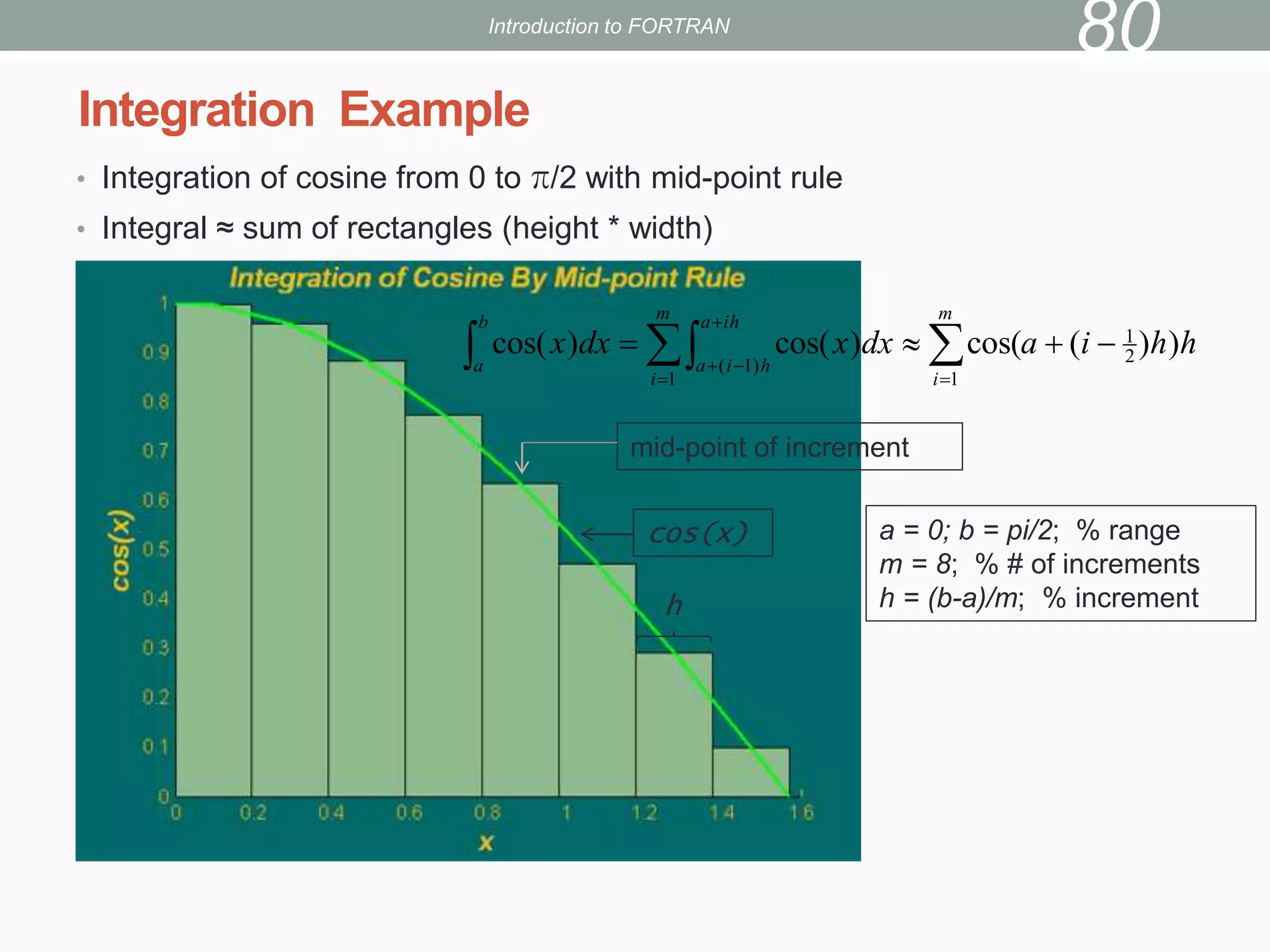
• Integration of cosine from 0 to π/2 with mid-point rule
• Integral ≈ sum of rectangles (height * width)
Integration Example
Introduction to FORTRAN
80
h
h
i
a
dx
x
dx
x
m
i
m
i
ih
a
h
i
a
b
a
)
)
(
cos(
)
cos(
)
cos( 2
1
1
1
)
1
(



 

 




mid-point of increment
cos(x)
h
a = 0; b = pi/2; % range
m = 8; % # of increments
h = (b-a)/m; % increment
Exercise 16
• Write a program to perform integration of cosine using the
mid-point rule
• Write a function integral to perform integration
• m, a, h are input to integral
• The main program calls integral a few times (using do loop), each
time with a larger m than the previous time. The purpose is to study
the convergence trend. (hint: m=25*2**n; n is the loop index)
• solution
81
Introduction to FORTRAN
References
• Lots of books available
• “Fortran 95/2003 Explained” by Metcalf, Reid, and Cohen is good
• PGI
• Compiler
http://www.pgroup.com/doc/pgiug.pdf
• Fortran language reference
http://www.pgroup.com/doc/pgifortref.pdf
• gfortran
http://gcc.gnu.org/wiki/GFortran
• Feel free to e-mail me with any questions
82
Introduction to FORTRAN

intro2fortran.pptx

  • 1.
    INTRODUCTION TO FORTRAN Kadin Tseng BostonUniversity Scientific Computing and Visualization
  • 2.
    Outline • Goals • Introduction •Fortran History • Basic syntax • Makefiles • Additional syntax 2 Introduction to FORTRAN
  • 3.
    Goals are tobe able to . . . • write simple Fortran programs • understand and modify existing Fortran code • manage programming projects with makefiles 3 Introduction to FORTRAN
  • 4.
    Introduction Two fundamentally differenttypes of high-level languages: • Interpreted language • MATLAB, Python, Java • Translation to machine-language is performed incrementally at run time • Compiled language • Fortran, C, C++ • Translation is performed once, then executable is run as frequently as needed without further translation 4 Introduction to FORTRAN
  • 5.
    Introduction (cont’d) • Compiledlanguages run faster. • Large-scale computing is usually done with compiled language • Interpreted languages more convenient but slower • e.g., no need to declare variables; do things on-the-fly • MATLAB can be an order of magnitude slower than C/fortran (code dependent) 5 Introduction to FORTRAN
  • 6.
    Fortran History • BeforeFortran, programs were written in assembly language (very tedious to say the least) • low-level commands such as “load x from memory into register 7” or “add values in registers 10 and 11 and write result to register 4” • Fortran was the first widely-used high-level computer language • 1957 • Developed by IBM for scientific applications • Program written on a specially formatted green sheet, then entered as punched cards 6 Introduction to FORTRAN
  • 7.
    Fortran History • Fortran66 (1966) • Fortran 77 (1978) • Fortran 90 (1991) • “fairly” modern (structures, etc.) • Current “workhorse” Fortran • Fortran 95 (minor tweaks to Fortran 90) • Fortran 2003 • Gradually being implemented by compiler companies • Object-oriented support • Interoperability with C is in the standard 7 Introduction to FORTRAN
  • 8.
    What Language ShouldI Use? • Generally, use the language you know best • Interpreted languages are great for • Interactive applications • Code development and debugging • Algorithm development • For major number crunching, compiled langauages are preferred (Fortran, C, C++) 8 Introduction to FORTRAN
  • 9.
    Fortran Syntax • Programis contained in a text file • called source code or source file • Source code must be processed by a compiler to create an executable • Source file suffix can vary, but we will always use .f90 (.for, .f, .F, .f90, .F90, …) • Since source file is simply text, can be written using any text editor • usually emacs, vi, gedit 9 Introduction to FORTRAN
  • 10.
    Fortran Syntax (cont’d) •First statement in code is program statement • Followed by program name program myprog (first line in source code) • Suggestion: give the source file the same name as the program myprog.f90 (name of source file) • Last statement is a corresponding end program myprog (myprog optional) • Language is not case sensitive ( PROGRAM myProg works) • Single blank space serves as delimiter • But white space (multiple consecutive blanks) is ignored (program myprog is the same as program myprog) 10 Introduction to FORTRAN
  • 11.
    Fortran Syntax (3) •Variables have types • For now, we’ll look at 3 types: real, integer, and character • Real variables have decimals • Real can be a whole number, but decimal places are stored internally • Even when a real is a whole number, it’s good practice to write one decimal place 3.0 rather than 3 11 Introduction to FORTRAN
  • 12.
    Fortran Syntax (4) •Integer variables do not have decimals • Integer arithmetic is truncated, not rounded 3/2 = 1 2/3 = 0 • If these were reals, results would be 3.0/2.0 = 1.5 2.0/3.0 = 0.6666667 • Character variables contain literal text • Enclosed in single quotes ‘T’ • Character strings contain groups of characters ‘This is a character string.’ • Blank spaces within quotes are significant. They are part of the string 12 Introduction to FORTRAN
  • 13.
    Fortran Syntax (5) •Need to declare the type for every variable real :: velocity, mass, pi integer :: imax, jdim character :: p • Variables must start with a letter (a-z); can mix with digits (0- 9); also underscores ( _ ); but no blanks; name length <= 31 • For backward compatibility with obsolecent f77, variables that starts with i, j, k, l, m, n are defaulted to the integer type. • Strongly recommend to adopt the practice of declaring with implicit none • This promises the compiler that you will declare all variables • This goes before any type declaration statements (with one exception that we’ll cover later) 13 Introduction to FORTRAN
  • 14.
    Fortran Syntax (6) •Comment character is ! • Anything from ! to end of line ignored by the compiler • Use comments liberally to document source code • Fortran 77 comment starts with “c” on column 1 • print* • “list-directed” output • Simple way to produce output on the screen • Follow by comma, then stuff to print print*, ’This is my character string.’ 14 Introduction to FORTRAN
  • 15.
    Fortran Syntax (7) •Ampersand, &, at end of line tells compiler that statement is continued on next source line • With Fortran 77, put any alphanumeric character on column 6 of the second and subsequent continuation lines • Spaces don’t matter except within literal character strings • use them liberally to make code easy to read, e.g., before and after equal signs • Note that source lines do not end with semicolons (as in C or MATLAB) 15 Introduction to FORTRAN
  • 16.
    Exercise 1 • Writea “hello world” program with editor (gedit, vi, Emacs) • Program should print a character string • 4 lines of code • Save it to a file name with a .f90 suffix (for example, hello.f90) • Solution 16 Introduction to FORTRAN
  • 17.
    Compilation • A compileris a program that reads source code and converts it to a form usable by the computer • Internally, three steps are performed: • preprocess source code • check source code for syntax errors • compiler translates source code to assembly language • assembler translates assembly language to machine language • linker gathers machine-language modules and libraries • All these steps sometimes loosely referred to as “compiling” 17 Introduction to FORTRAN
  • 18.
    Compilation (cont’d) • Codecompiled for a given processor architecture will not generally run on other processors • AMD and Intel are compatible • On the SCC & katana, we have Portland Group compilers (pgf90) and GNU compilers (gfortran) • We’ll use pgf90, since it usually results in faster-executing code • PGI Fortran reference is at http://www.pgroup.com/doc/pgifortref.pdf 18 Introduction to FORTRAN
  • 19.
    Compilation (3) • Compilershave huge numbers of options • See doc at http://www.pgroup.com/doc/pgiug.pdf or • scc1:~ % man pgf90 • Compile hello.f90 on the SCC : scc1:~ % pgf90 –o hello hello.f90 (-o lets you set executable name) • If it simply returns a Unix prompt, it worked • If you get error messages, read them carefully and see if you can fix the source code and re-compile • Once it compiles correctly, type the executable name at the Unix prompt, and it will print your string 19 Introduction to FORTRAN
  • 20.
    Arithmetic • +, -,*, / • ** indicates power 2.41.5 → 2.4 ∗∗ 1.5 • Built-in math functions such as sin, acos, exp, etc. • argument in parentheses sin(0.6) • Exponential notation indicated by letter “e” 4.2 x 10³ → 4.2𝑒3 20 Introduction to FORTRAN
  • 21.
    More List-Directed i/o •read* is list-directed read, analogous to print* • Follow with comma, then comma-delimited list of variables you want to read read*, x, j • Often use list-directed read and write together print*, ‘Enter a float and an integer:’ read*, x, j print*, ‘float = ‘, x, ‘ integer = ‘, j Alternatively, you can use read(*,*) or write(*,*). 21 Introduction to FORTRAN
  • 22.
    Exercise 2 • Writeprogram to prompt for a Celcius temperature, convert it to Fahrenheit, and print the result. • make sure you declare all variables • use decimal points with all reals, even if they’re whole numbers F = (9/5)C + 32 •solution 22 Introduction to FORTRAN
  • 23.
    Arrays • Specify staticdimensions in declaration: real, dimension(10,3,5) :: x integer, dimension(10) :: i • Can also specify ranges of values integer, dimension(3:11, -15:-2) :: ival, jval • Access array elements using parenthesis a = y(3) + y(4) 23 Introduction to FORTRAN
  • 24.
    Arrays (cont’d) • Dynamicallocation • Useful when size is not known at compile time, e.g., input value • Need to specify number of dimensions in declaration • Need to specify that it’s an allocatable array real, dimension(:,:,:), allocatable :: x, y • allocate function performs allocation allocate( x(ni,nj,nk), y(ldim,mdim,ndim) ) • When you’re done with the variables, deallocate with deallocate(x, y) • not necessary at very end of code; Fortran will clean them up for you • I usually avoid using “l” because it could be mistaken for “1” or “i” (You could use “L”) • Good idea to establish your own naming conventions and follow through with them 24 Introduction to FORTRAN
  • 25.
    Parameters • If variablehas known, fixed, value, declare as parameter and initialize in declaration integer, parameter :: idim = 100, jdim = 200 • Compiler substitutes values wherever variables appear in code • Efficient, since there are no memory accesses • Often used for declaring arrays integer, parameter :: idim = 100, jdim = 200 real, dimension(idim, jdim) :: x integer, dimension(idim) :: iarray 25 Introduction to FORTRAN
  • 26.
    Exercise 3 • Writeprogram to prompt for 2 floating-point vectors of length 3, calculate the dot product, and print the result • Don’t name the code “dot_product” or “dot” • Fortran has a “dot_product” intrinsic function • there is a Unix command called “dot” • Can use array name in list-directed read, and it will expect the appropriate number of values (dimension) separated by spaces • solution 26 3 3 2 2 1 1 3 1 * * * * b a b a b a b a c i i i       Introduction to FORTRAN
  • 27.
    Control • Do looprepeats calculation over range of indices do i = 1, 10 a(i) = sqrt( b(i)**2 + c(i)**2 ) enddo • Can use increment that is not equal to 1 • Goes at end of do statement, unlike Matlab do i = 10, -10, -2 27 Introduction to FORTRAN
  • 28.
    Exercise 4 • Modifydot product program to use a do loop • Declare scalar real variable to hold the summation • Initialize it to zero before the do loop • solution 28 Introduction to FORTRAN
  • 29.
    If-Then-Else • Conditional executionof block of source code • Based on relational operators < less than > greater than == equal to <= less than or equal to >= greater than or equal to /= not equal to .and. .or. 29 Introduction to FORTRAN
  • 30.
    If-Then-Else (cont’d) if( x> 0.0 .and. y > 0.0 ) then z = 1.0/(x+y) elseif ( x < 0.0 .and. y < 0.0) then z = -2.0/(x+y) else print*, ’Error condition’ endif 30 Introduction to FORTRAN
  • 31.
    Exercise 5 • Indot product code, check if the magnitude of the dot product is less than 10 -6 using the absolute value function abs. If it is, print a message. In either case, print the result as before. • Solution Never check if a real number equals a specific value. Instead, check if it is within a certain range, e.g., with abs 31 Introduction to FORTRAN
  • 32.
    Array Syntax • Fortrancan perform operations on entire arrays • Like MATLAB, unlike C. • To add two arrays, simply use c = a + b ! a, b, c are arrays of the same shape and size • Can also operate on array sections c(-5:10) = a(0:15) + b(0:30:2) ! all sections must have same length • Here we use b(0), b(2), b(4), etc. due to increment specification • Numbers of elements must be consistent • Don’t assume that all MATLAB matrix rules apply • c = a * b ! * is elemental multiply, not matrix multiply 32 Introduction to FORTRAN
  • 33.
    Array Syntax (cont’d) •There are intrinsic functions to perform some operations on entire arrays • sum sum(x) is the same as x(1) + x(2) + x(3) + … • product • minval • maxval • matmul 33 Introduction to FORTRAN
  • 34.
    Exercise 6 • Modifydot product code to use array syntax instead of do loop • use “sum” intrinsic to sum components • solution 34 Introduction to FORTRAN
  • 35.
    Subprograms • Calculations maybe grouped into subroutines and functions to perform specific tasks such as: • read or write data • initialize data • solve a system of equations • Function returns a single object (number, array, etc.), and usually does not alter the arguments • Fortran uses pass-by-reference; change of variables’ values pass into subprogram will be changed after returning • Altering certain argument’s value in a subprogram, considered a “side effect,” is bad programming practice. Changing a pre-defined constant is an example. It may either cause a segmentation fault or worse, the variable got changed. • Subroutine transfers calculated values (if any) through arguments 35 Introduction to FORTRAN
  • 36.
    Functions • Definition startswith a return type • End with “end function” analogous to “end program” • Example: distance between two vectors real function fahrenheit(c) real :: c fahrenheit = (9.0/5.0)*c + 32.0 ! Convert Celsius to fahrenheit end function fahrenheit • Use: f = fahrenheit(0.0) ! 0 degree Celsius equals 32 degrees fahrenheit • Names of dummy arguments don’t have to match actual names • Function name must be declared in calling routine real :: fahrenheit 36 Introduction to FORTRAN
  • 37.
    Subroutines • End with“end subroutine” analogous to “end program” • Distance subroutine subroutine temp_conversion(celsius, fahrenheit) real :: celsius, fahrenheit fahrenheit = (9.0/5.0)*celsius + 32.0 end subroutine temp_conversion • Use: call temp_conversion(c, f) • As with function, names of dummy arguments don’t have to match actual names 37 Introduction to FORTRAN
  • 38.
    Exercise 7 • Modifydot-product program to use a subroutine to compute the dot product • The subroutine definition may go before or after the main program in source code • Don’t forget to declare arguments • Give the subroutine a name different than the program • I called mine dp • solution 38 Introduction to FORTRAN
  • 39.
    Exercise 7a, 7b •Modify dot-product program to use a function to compute the dot product • The function definition may go before or after the main program in source code • Don’t forget to declare arguments • Name the function different than the program name, like dotp • Solution • Modify the fahrenheit function into a function, converts, such that if input is in fahrenheit, it returns the Celsius equivalence. If input is in Celsius, it returns fahrenheit. (Hint: extra input parameter) 39 Introduction to FORTRAN
  • 40.
    Basics of CodeManagement • Large codes usually consist of multiple files • Bad practice to have everything in the same file • I usually create a separate file for each subprogram • Easier to edit • Can recompile one subprogram at a time • Files can be compiled, but not linked, using –c option; then object files can be linked pgf90 –c mycode.f90 pgf90 –c myfunc.f90 pgf90 –o mycode mycode.o myfunc.o 40 Introduction to FORTRAN
  • 41.
    Exercise 8 • Putdot-product subroutine and main program in separate files • Give main program same name you have been using for code, e.g., “program dotprod” and dotprod.f90 • Give subroutine same name you used for subroutine, e.g., “subroutine dp” and dp.f90 • Compile, link, and run • solution 41 Introduction to FORTRAN
  • 42.
    Makefiles • Make isa Unix utility to help manage codes • When you make changes to files, it will • Automatically deduce which files need to be compiled and compile them • Link latest object files • Makefile is a file that tells the make utility what to do • Default name of file is “makefile” or “Makefile” • Katana% make (to generate the executable) • Can use other names if you’d like katana% make –f name-of-make-file 42 Introduction to FORTRAN
  • 43.
    Makefiles (cont’d) • Makefilecontains different sections with different functions • The sections are not executed in order! • Comment character is # • There are defaults for some values, but I like to define everything explicitly 43 Introduction to FORTRAN
  • 44.
    Makefiles (3) • examplemakefile: ### suffix rule .SUFFIXES: .SUFFIXES: .f90 .o .f90.o: $(F90) $(COMPFLAGS) $*.f90 ### compiler F90 = pgf90 COMMONFLAGS = -O3 COMPFLAGS = -c $(COMMONFLAGS) LINKFLAGS = $(COMMONFLAGS) ### objects OBJ = mymain.o sub1.o sub2.o fun1.o ### compile and link myexe: $(OBJ) $(F90) –o $@ $(LINKFLAGS) $(OBJ) 44 Introduction to FORTRAN
  • 45.
    Makefiles (4) • variables •Some character strings appear repeatedly in makefiles • It’s convenient to give them names so if they are changed, you only have to do it in one place • To define variable: name = string • No quotes are required for the string • String may contain spaces • “name” is any name you want • Variable names are usually all capitals • To continue line, use character 45 Introduction to FORTRAN
  • 46.
    Makefiles (5) • Variables(cont’d) • To use variable, either of these work: $(name) ${name} • Example: • Define compiler F90 = pgf90 • To use elsewhere in makefile: $(F90) 46 Introduction to FORTRAN
  • 47.
    Makefiles (6) • Goodpractice to define compiler info in variables F90 = pgf90 COMMONFLAGS = -O3 COMPFLAGS = -c $(COMMONFLAGS) LINKFLAGS = $(COMMONFLAGS) 47 Introduction to FORTRAN
  • 48.
    Makefiles (7) • Haveto define all file suffixes that may be encountered .SUFFIXES: .o .f90 • Just to be safe, delete any default suffixes first with a null .SUFFIXES: command .SUFFIXES: .SUFFIXES: .o .f90 48 Introduction to FORTRAN
  • 49.
    Makefiles (8) • Haveto tell how to create one file suffix from another with a suffix rule .f90.o: $(F90) $(COMPFLAGS) $*.f90 • The first line indicates that the rule tells how to create a .o file from a .f90 file • The second line tells how to create the .o file • The big space before $(F90) is a tab, and you must use it! • $* is automatically the root of the first file 49 Introduction to FORTRAN
  • 50.
    Makefiles (9) • Usuallydefine variable with all object file names OBJ = mymain.o sub1.o anothersub.o firstfunc.o func2.o 50 Introduction to FORTRAN
  • 51.
    Makefiles (10) • Finally,everything falls in place with the definition of a rule target: prerequisites recipe • The target is any name you choose • Often use name of executable • Prerequisites are files that are required by target • e.g., executable requires object files • Recipe tells what you want the makefile to do 51 Introduction to FORTRAN
  • 52.
    Makefiles (11) ### suffixrule .SUFFIXES: .SUFFIXES: .f90 .o .f90.o: $(F90) $(COMPFLAGS) $*.f90 ### compiler F90 = pgf90 COMMONFLAGS = -O3 COMPFLAGS = -c $(COMMONFLAGS) LINKFLAGS = $(COMMONFLAGS) ### objects OBJ = mymain.o sub1.o sub2.o fun1.o ### compile and link myexe: $(OBJ) $(F90) –o $@ $(LINKFLAGS) $(OBJ) 52 Automatic variable for target Introduction to FORTRAN
  • 53.
    Makefiles (12) • Whenyou type “make,” it will look for a file called “makefile” or “Makefile” • It then searches for the first target in the file • In our example (and the usual case) the object files are prerequisites • It checks the suffix rule to see how to create an object file • In our case, it sees that .o files depend on .f90 files • It checks the time stamps on the associated .o and .f90 files to see if the .f90 is newer • If the .f90 file is newer it performs the suffix rule • In our case, compiles the routine 53 Introduction to FORTRAN
  • 54.
    Makefiles (13) • Onceall the prerequisites are updated as required, it performs the recipe • In our case it links the object files and creates our executable • Many makefiles have an additional target, “clean,” that removes .o and other files clean: rm –f *.o • When there are multiple targets, specify desired target as argument to make command make clean 54 Introduction to FORTRAN
  • 55.
    Exercise 9 • Createa makefile for your dot product code • Include two targets • executable • clean • Delete your old object files using “make clean” • Build your code using the makefile • solution 55 Introduction to FORTRAN
  • 56.
    Kind • Declarations ofvariables can be modified using “kind” parameter • Often used for precision of reals • Intrinsic function selected_real_kind(n) returns kind that will have at least n significant digits • n = 6 will give you “single precision” • n = 12 will give you “double precision” 56 Introduction to FORTRAN
  • 57.
    Kind (cont’d) integer, parameter:: rk = selected_real_kind(12) real(rk) :: x, y, z real(rk), dimension(101,101,101) :: a • If you want to change precision, can easily be done by changing one line of code 57 Introduction to FORTRAN
  • 58.
    Exercise 10 • Modifydot-product code to use kinds to declare double- precision reals • Don’t forget to modify all files • “make” will automatically compile and link • solution 58 Introduction to FORTRAN
  • 59.
    Modules • Program unitsthat group variables and subprograms • Good for global variables • Checking of subprogram arguments • If type or number is wrong, linker will yell at you • Can be convenient to package variables and/or subprograms of a given type 59 Introduction to FORTRAN
  • 60.
    Modules (cont’d) module module-name implicitnone … variable declarations … contains … subprogram definitions … end module module-name 60 Introduction to FORTRAN
  • 61.
    Modules (3) • Onlyneed “contains” if module contains subprograms • I usually name my modules (and associated files) with _mod in the name, e.g., solvers_mod, solvers_mod.f90 • In program unit that needs to access components of module use module-name • use statement must be before implicit none 61 Introduction to FORTRAN
  • 62.
    Modules (4) • usestatement may specify specific components to access by using “only” qualifier: use solvers_mod, only: nvals, x • A Fortran style suggestion: • Group global variables in modules based on function • Employ “use only” for all variables required in program unit • All variables then appear at top of program unit in declarations or “use” statements 62 Introduction to FORTRAN
  • 63.
    Modules (5) • Whenlinking object files, modules must come first in the list • In my makefiles I create a MODS variable analogous to OBJS • Link command then contains $(MODS) $(OBJS) 63 Introduction to FORTRAN
  • 64.
    Exercise 11 • Createmodule prec_mod • Separate file called prec_mod.f90 • Parameter rk • Real kind for double • Use this module in dot-product program units • Modify makefile to compile module • add module list to dependencies and link recipe • solution 64 Introduction to FORTRAN
  • 65.
    Derived Types • Analogousto structures in C • Can package a number of variables under one name type grid integer :: nvals real, dimension(100,100) :: x, y, jacobian end type grid 65 Introduction to FORTRAN
  • 66.
    Derived Types (cont’d) •To declare a variable type(grid) :: airfoil • Components are accessed using % airfoil%nvals = 20 airfoil%x = 0.0 !... array notation, initialize entire array • Handy way to transfer lots of data to a subprogram call calc_jacobian(airfoil) 66 Introduction to FORTRAN
  • 67.
    Exercise 12 • Createmodule with definition of rvec3 type • Size of vector nvals = 3 • not a parameter – can’t have parameter in derived type • Real 3-component vector • Use prec_mod • Modify code to use rvec3 • Modify makefile to include new module • solution 67 Introduction to FORTRAN
  • 68.
    Interface • On occasions,you may need to help the compiler a bit on what you are trying to do with interface • For C programmers, this is roughly the same as prototype • Previously, we learn to compute dot product with a function which returns a scalar. To compute cross product of two cartesian vectors, we need to warn the compiler ahead of time that the return value is not a scalar. interface function xprod(x, y) implicit none real, dimension(3) :: x, y, xprod end function xprod end interface 68 Introduction to FORTRAN
  • 69.
    Interface (cont’d) The completexprod function is function xprod(x, y) implicit none real, dimension(3) :: x, y, xprod xprod(1) = x(2)*y(3) – x(3)*y(2) xprod(2) = x(3)*y(1) – x(1)*y(3) xprod(3) = x(1)*y(2) – x(2)*y(1) return end function xprod 69 Introduction to FORTRAN
  • 70.
    Exercise 13 • Writea cross product program to compute a cross product of two cartesian vectors and returns a third. Since the cross product function returns 3 components, you will need to use interface to help the compiler. • You may start with solution to Exercise 7a to save some typing • Don’t forget to deal with the if block. Tip: for Cartesian vectors a and b, 𝒂 . 𝒃 = 0 means that a and b are perpendicular while 𝒂 𝒙 𝒃 = 0 means that a and b are two parallel vectors. • solution 70 Introduction to FORTRAN
  • 71.
    i/o • List-directed output(print*) gives little control • write statement allows formatted output write(unit, format) variables • Unit is a number indicating where you want to write data • The number 6 is std out (write to screen) 71 Introduction to FORTRAN
  • 72.
    i/o (cont’d) • im •For integers • m is total number of places in field i3 125 • am • For character strings • m is number of characters a5 hello • Left-justifies • If m isn’t specified, writes number of characters in variable declaration 72 Introduction to FORTRAN
  • 73.
    i/o (3) • fm.n •For floating-point (real) numbers • m is total number of characters in field • n is number of decimal places f5.3 1.234 f5.2 -1.23 • If m is larger than required, right-justifies • em.n • Exponential notation e9.2 -0.23e-01 • Always zero left of decimal 73 Introduction to FORTRAN
  • 74.
    i/o (4) • esm.n •scientific notation es9.2 -2.30e-02 • In format statement, put formats within ‘()’ • Example write statement write(6, ‘(a, f6.2, i5, es15.3)’) ‘answers are ’, x, j, y 74 Introduction to FORTRAN
  • 75.
    i/o (5) • Supposeyou want to write to a file? • open statement open(11, file=‘mydata.d’) • “11” is unit number • Don’t use 5 or 6 • Reserved for std in, std out • Use this unit in your write statement • When you’re finished writing, close the file close(11) 75 Introduction to FORTRAN
  • 76.
    i/o (6) • Canalso read from file • read rather than write • Can use * instead of format specifier read(11,*) j, x 76 Introduction to FORTRAN
  • 77.
    Exercise 14 • Writeyour dot-product result to a file • Only have to change very end of main program • solution 77 Introduction to FORTRAN
  • 78.
    Unformatted i/o • Binarydata take less disk space than ascii (formatted) data • Data can be written to file in binary representation • Not directly human-readable open(199, file=‘unf.d’, form=‘unformatted’) write(199) x(1:100000), j1, j2 read(199) x(1:100000), j1, j2 • Note that there is no format specification • Fortran unformatted slightly different format than C binary • Fortran unformatted contains record delimiters 78 Introduction to FORTRAN
  • 79.
    Exercise 15 • Modifydot-product program to: • Write result to unformatted file • don’t write character string, just number • After file is closed, open it back up and read result • Print result to make sure it wrote/read correctly • solution 79 Introduction to FORTRAN
  • 80.
    • Integration ofcosine from 0 to π/2 with mid-point rule • Integral ≈ sum of rectangles (height * width) Integration Example Introduction to FORTRAN 80 h h i a dx x dx x m i m i ih a h i a b a ) ) ( cos( ) cos( ) cos( 2 1 1 1 ) 1 (             mid-point of increment cos(x) h a = 0; b = pi/2; % range m = 8; % # of increments h = (b-a)/m; % increment
  • 81.
    Exercise 16 • Writea program to perform integration of cosine using the mid-point rule • Write a function integral to perform integration • m, a, h are input to integral • The main program calls integral a few times (using do loop), each time with a larger m than the previous time. The purpose is to study the convergence trend. (hint: m=25*2**n; n is the loop index) • solution 81 Introduction to FORTRAN
  • 82.
    References • Lots ofbooks available • “Fortran 95/2003 Explained” by Metcalf, Reid, and Cohen is good • PGI • Compiler http://www.pgroup.com/doc/pgiug.pdf • Fortran language reference http://www.pgroup.com/doc/pgifortref.pdf • gfortran http://gcc.gnu.org/wiki/GFortran • Feel free to e-mail me with any questions 82 Introduction to FORTRAN