Intro to Facade.js
Drawing shapes, images and text
in HTML5 canvas made easy.
@neogeek
Scott Doxey
I’m a user experience
consultant at
Disclaimer:
I built Facade.js
In October of 2012
! GitHub hosted a
Game Jam.
The theme was
" forking,
# branching,
and $ cloning.
I didn’t build a game.
Instead I built a library
for drawing in canvas.
After three versions,
I’m ready to share.
Let’s talk about canvas.
It’s easy enough to use.
But it could be easier.
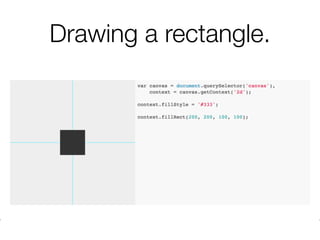
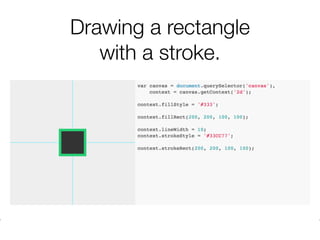
Drawing a rectangle.
Drawing a rectangle
with a stroke.
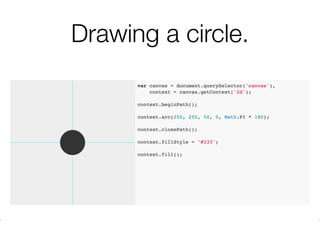
Drawing a circle.
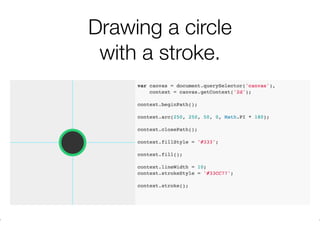
Drawing a circle
with a stroke.
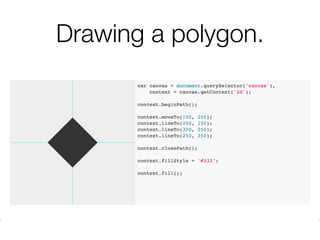
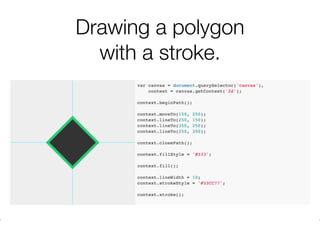
Drawing a polygon.
Drawing a polygon
with a stroke.
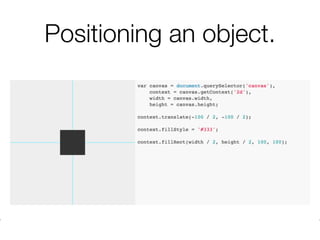
Positioning an object.
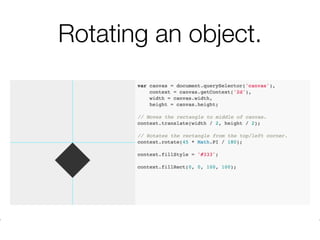
Rotating an object.
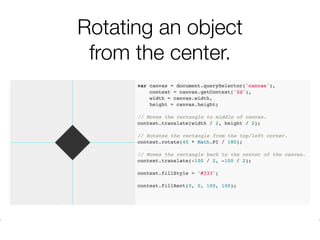
Rotating an object
from the center.
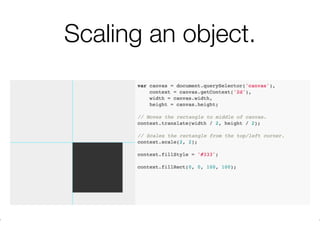
Scaling an object.
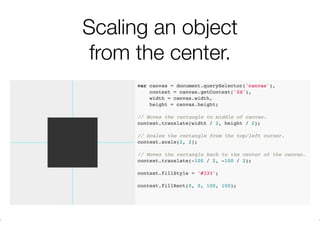
Scaling an object
from the center.
Now compare native
canvas and Facade.js
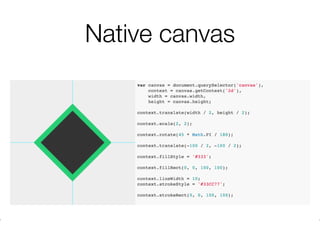
Native canvas
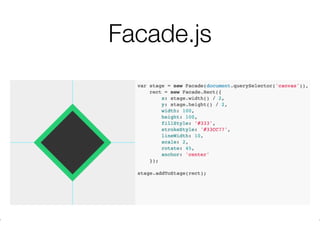
Facade.js
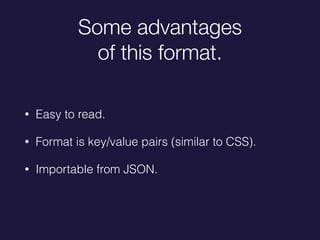
Some advantages
of this format.
• Easy to read.
• Format is key/value pairs (similar to CSS).
• Importable from JSON.
So what is Facade.js?
Facade.js is a wrapper
around the canvas 2d
rendering context.
What does that mean?
More drawing,
less coding.
How to get started
with Facade.js
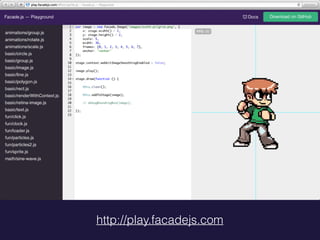
http://play.facadejs.com
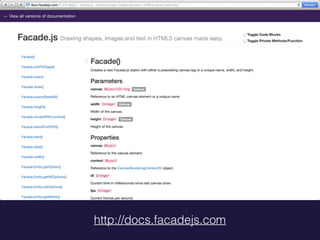
http://docs.facadejs.com
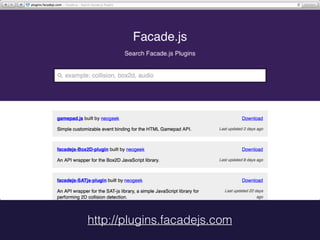
http://plugins.facadejs.com
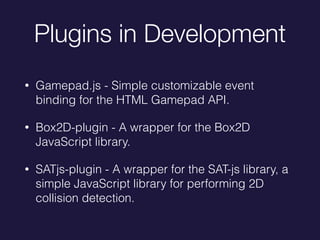
Plugins in Development
• Gamepad.js - Simple customizable event
binding for the HTML Gamepad API.
• Box2D-plugin - A wrapper for the Box2D
JavaScript library.
• SATjs-plugin - A wrapper for the SAT-js library, a
simple JavaScript library for performing 2D
collision detection.
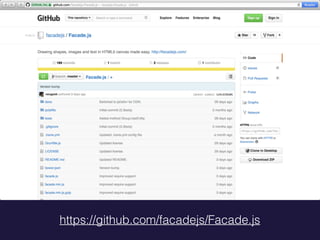
https://github.com/facadejs/Facade.js
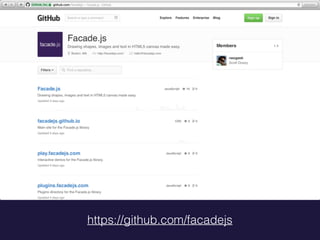
https://github.com/facadejs
• Interactive Demos: http://play.facadejs.com
• Documentation: http://docs.facadejs.com
• Plugins: http://plugins.facadejs.com
• ! Repo: http://github.com/facadejs/Facade.js
• ! Organization: http://github.com/facadejs
Questions?
DEMO
Thank you!
Scott Doxey
!
twitter.com/@neogeek
github.com/neogeek

Intro to facade