AWS –Amazon’s Cloud
Amazon Web Services.
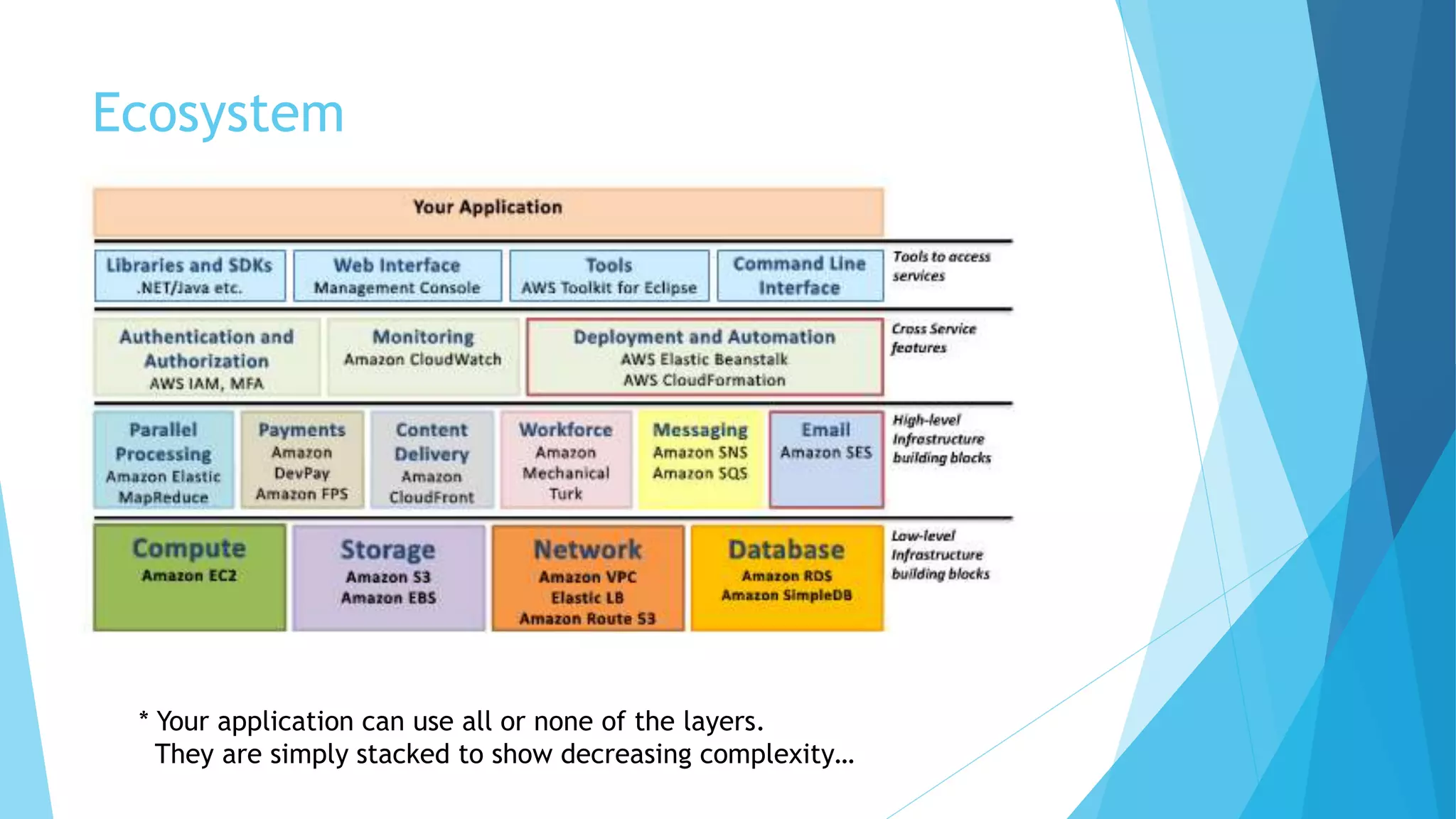
Ecosystem
* Your application can use all or none of the layers.
They are simply stacked to show decreasing complexity…
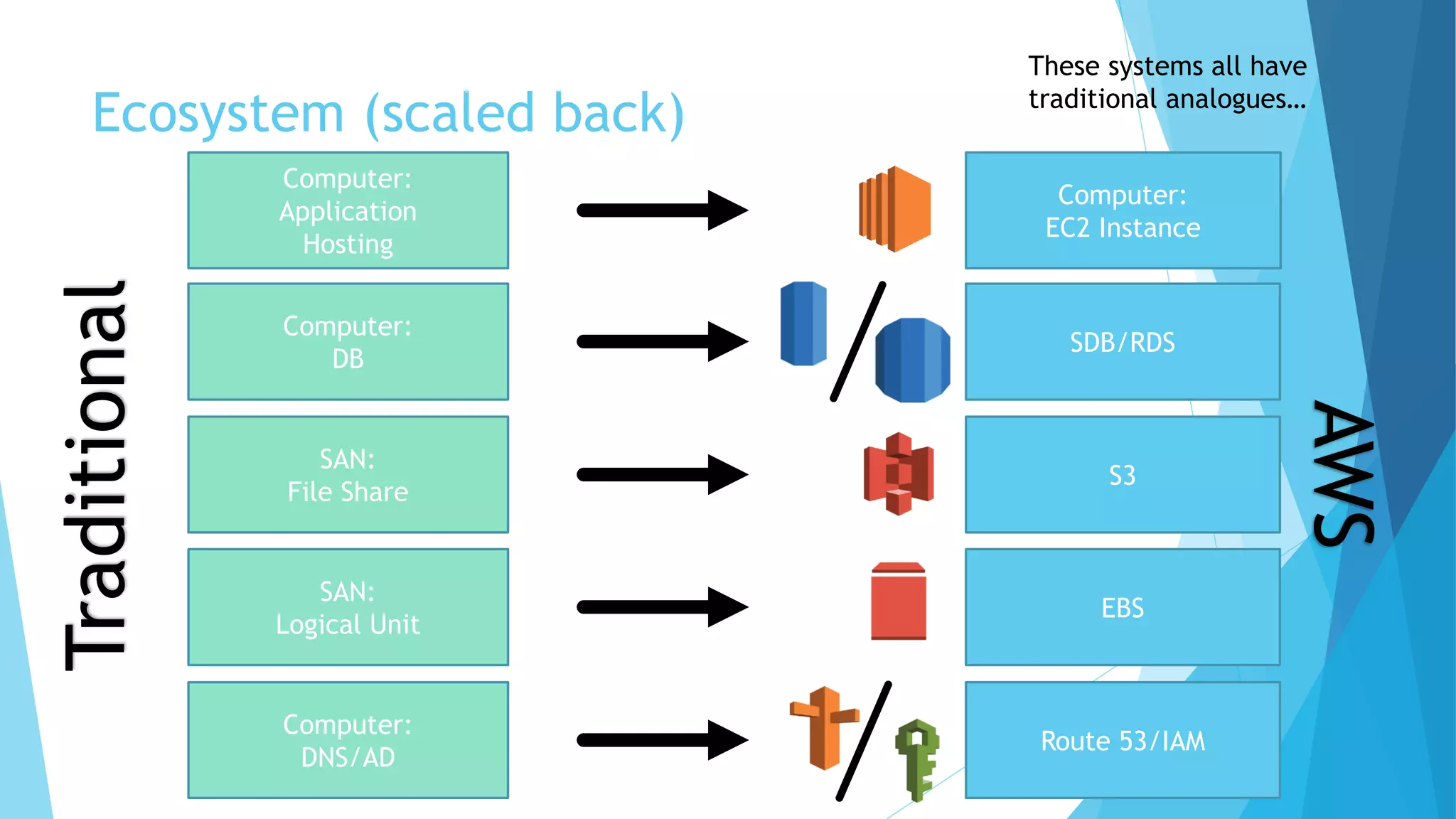
Ecosystem (scaled back)
Computer:
DB
SDB/RDS
Computer:
EC2 Instance
Computer:
Application
Hosting
SAN:
Logical Unit
EBS
S3
SAN:
File Share
Computer:
DNS/AD
Route 53/IAM
These systems all have
traditional analogues…
Traditional
AWS
EC2 – Elastic Compute Cloud
 AWS analogue to a server
 Physical or virtual “instance” of a computer
 Configurable memory, CPU power, and hard disk space
 Can change underlying machine configuration without re-installing
 Pre configured and patched version of Windows (or others) available [AMI –
Amazon Machine Instance]
 Can turn on and off as needed (only pay while running)
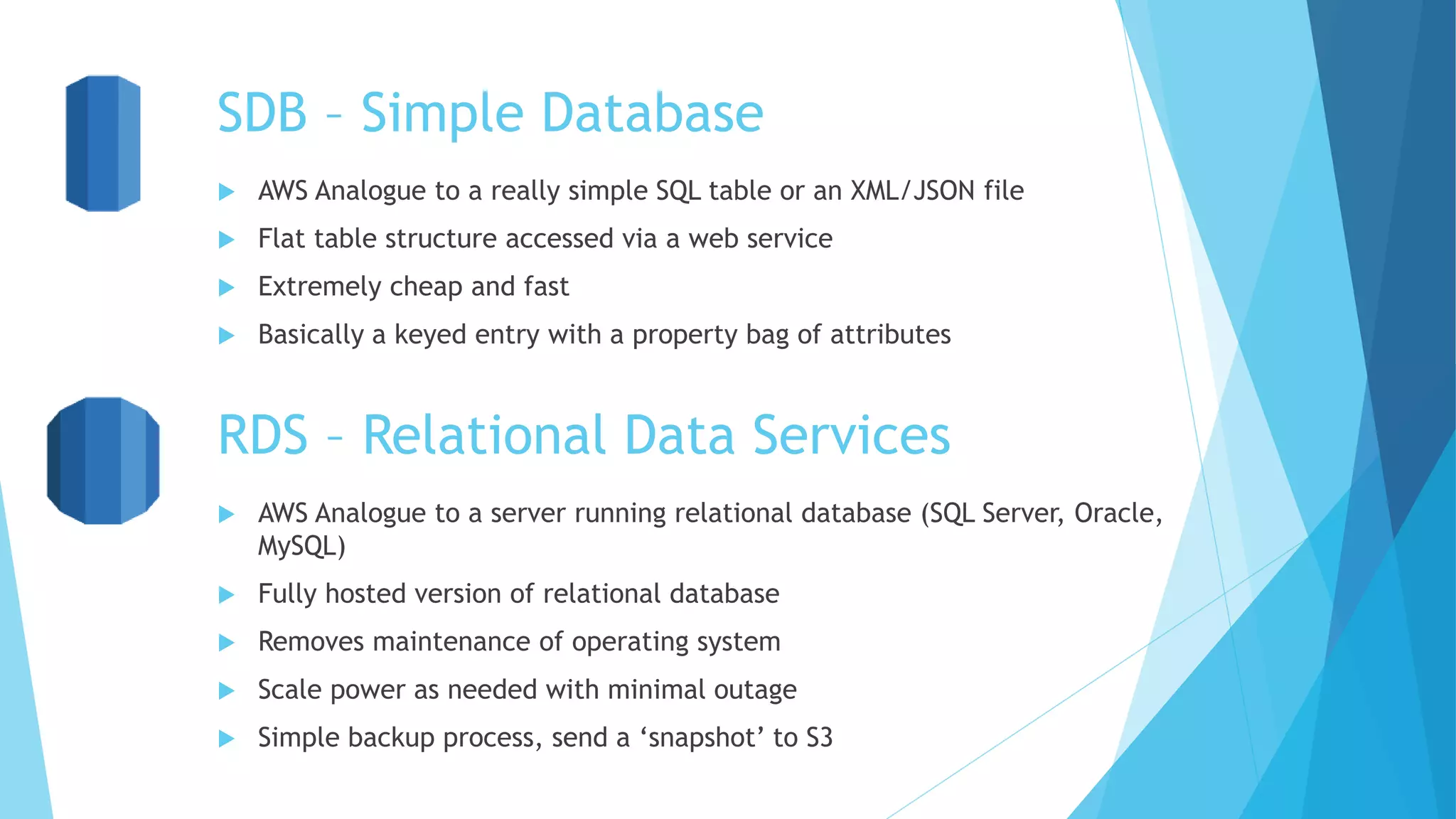
SDB – Simple Database
 AWS Analogue to a really simple SQL table or an XML/JSON file
 Flat table structure accessed via a web service
 Extremely cheap and fast
 Basically a keyed entry with a property bag of attributes
RDS – Relational Data Services
 AWS Analogue to a server running relational database (SQL Server, Oracle,
MySQL)
 Fully hosted version of relational database
 Removes maintenance of operating system
 Scale power as needed with minimal outage
 Simple backup process, send a ‘snapshot’ to S3
S3 – Simple Storage Service
 AWS Analogue to a SAN or server with a file share
 Shared file storage accessed via a web service
 Create ‘buckets’ which are like parent folders
 Create ‘items’ with keys to fetch later
 Items can be keyed with [group/]file.txt to create the illusion of folders
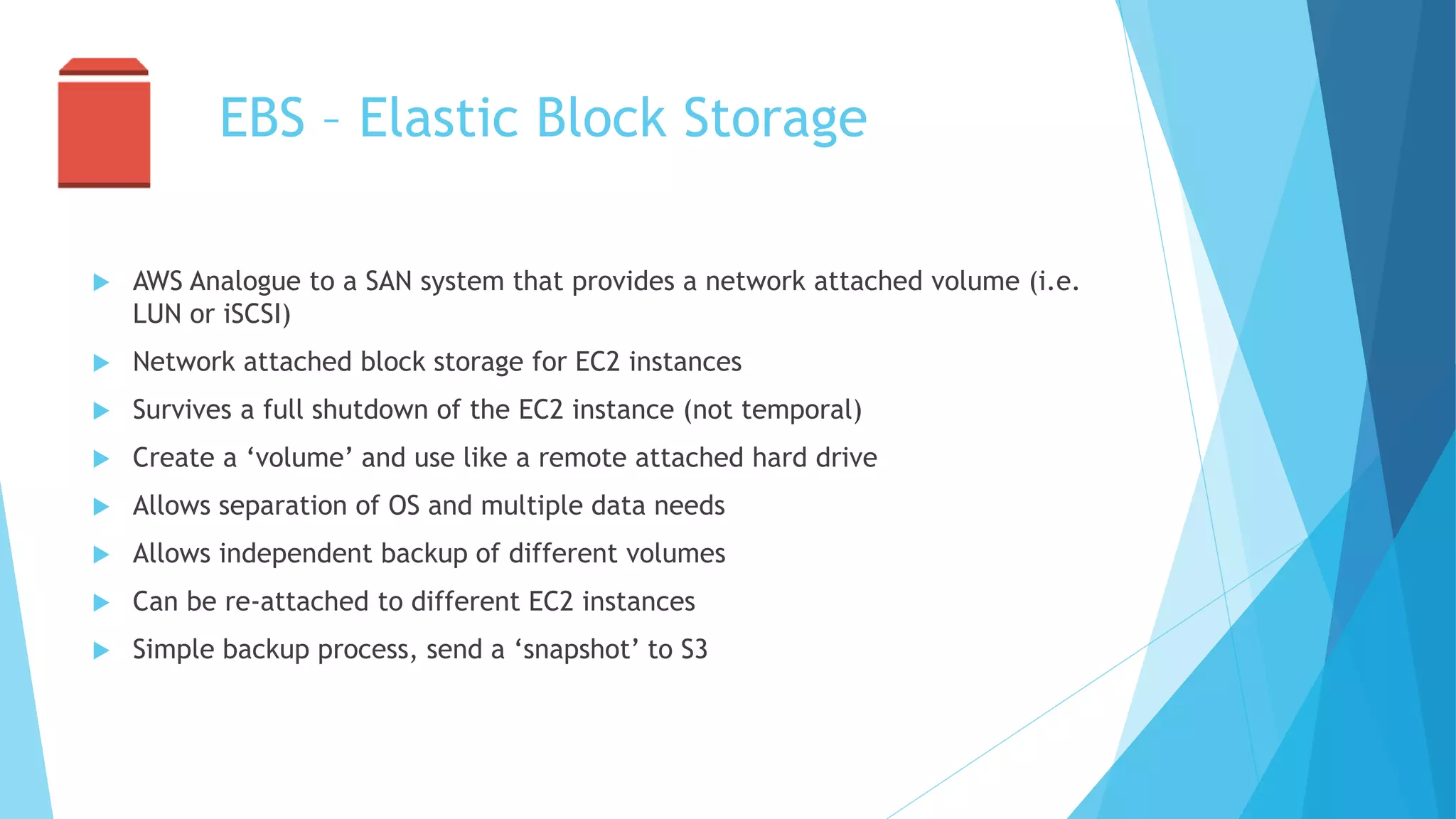
EBS – Elastic Block Storage
 AWS Analogue to a SAN system that provides a network attached volume (i.e.
LUN or iSCSI)
 Network attached block storage for EC2 instances
 Survives a full shutdown of the EC2 instance (not temporal)
 Create a ‘volume’ and use like a remote attached hard drive
 Allows separation of OS and multiple data needs
 Allows independent backup of different volumes
 Can be re-attached to different EC2 instances
 Simple backup process, send a ‘snapshot’ to S3
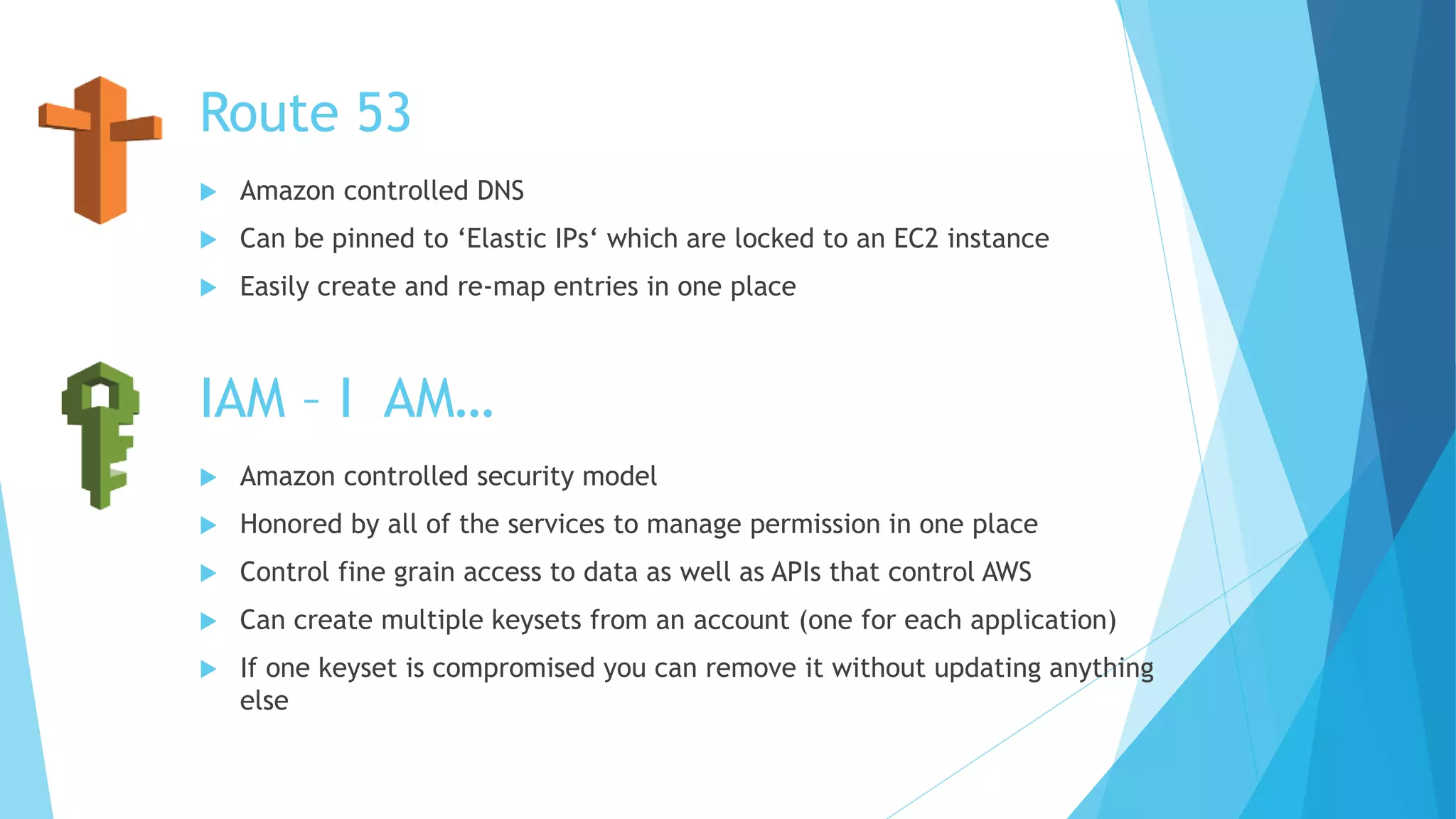
Route 53
 Amazon controlled DNS
 Can be pinned to ‘Elastic IPs‘ which are locked to an EC2 instance
 Easily create and re-map entries in one place
IAM – I AM…
 Amazon controlled security model
 Honored by all of the services to manage permission in one place
 Control fine grain access to data as well as APIs that control AWS
 Can create multiple keysets from an account (one for each application)
 If one keyset is compromised you can remove it without updating anything
else
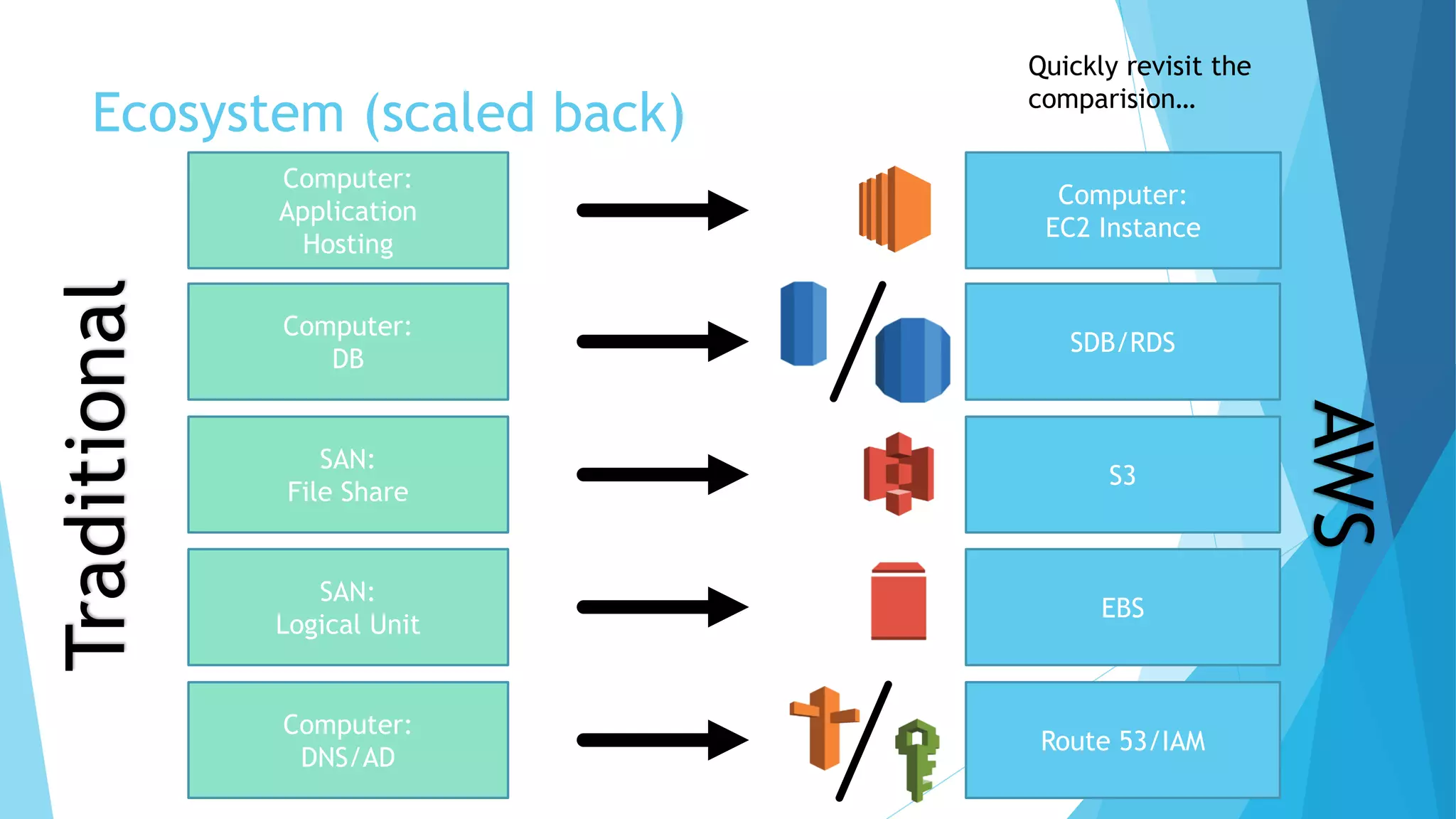
Ecosystem (scaled back)
Computer:
DB
Computer:
Application
Hosting
SAN:
Logical Unit
SAN:
File Share
Computer:
DNS/AD
Quickly revisit the
comparision…
Traditional
SDB/RDS
Computer:
EC2 Instance
EBS
S3
Route 53/IAM
AWS
Resources
 Amazon Web Services (AWS): http://aws.amazon.com
 AWS Overview Image: http://ramanalokanathan.com/ramana/wp-
content/uploads/2013/04/amazon-aws-cloud-diagram.png
 Author: Lawson Caudill – http://www.getthinktank.com

Intro to AWS

  • 1.
  • 2.
    Ecosystem * Your applicationcan use all or none of the layers. They are simply stacked to show decreasing complexity…
  • 3.
    Ecosystem (scaled back) Computer: DB SDB/RDS Computer: EC2Instance Computer: Application Hosting SAN: Logical Unit EBS S3 SAN: File Share Computer: DNS/AD Route 53/IAM These systems all have traditional analogues… Traditional AWS
  • 4.
    EC2 – ElasticCompute Cloud  AWS analogue to a server  Physical or virtual “instance” of a computer  Configurable memory, CPU power, and hard disk space  Can change underlying machine configuration without re-installing  Pre configured and patched version of Windows (or others) available [AMI – Amazon Machine Instance]  Can turn on and off as needed (only pay while running)
  • 5.
    SDB – SimpleDatabase  AWS Analogue to a really simple SQL table or an XML/JSON file  Flat table structure accessed via a web service  Extremely cheap and fast  Basically a keyed entry with a property bag of attributes RDS – Relational Data Services  AWS Analogue to a server running relational database (SQL Server, Oracle, MySQL)  Fully hosted version of relational database  Removes maintenance of operating system  Scale power as needed with minimal outage  Simple backup process, send a ‘snapshot’ to S3
  • 6.
    S3 – SimpleStorage Service  AWS Analogue to a SAN or server with a file share  Shared file storage accessed via a web service  Create ‘buckets’ which are like parent folders  Create ‘items’ with keys to fetch later  Items can be keyed with [group/]file.txt to create the illusion of folders
  • 7.
    EBS – ElasticBlock Storage  AWS Analogue to a SAN system that provides a network attached volume (i.e. LUN or iSCSI)  Network attached block storage for EC2 instances  Survives a full shutdown of the EC2 instance (not temporal)  Create a ‘volume’ and use like a remote attached hard drive  Allows separation of OS and multiple data needs  Allows independent backup of different volumes  Can be re-attached to different EC2 instances  Simple backup process, send a ‘snapshot’ to S3
  • 8.
    Route 53  Amazoncontrolled DNS  Can be pinned to ‘Elastic IPs‘ which are locked to an EC2 instance  Easily create and re-map entries in one place IAM – I AM…  Amazon controlled security model  Honored by all of the services to manage permission in one place  Control fine grain access to data as well as APIs that control AWS  Can create multiple keysets from an account (one for each application)  If one keyset is compromised you can remove it without updating anything else
  • 9.
    Ecosystem (scaled back) Computer: DB Computer: Application Hosting SAN: LogicalUnit SAN: File Share Computer: DNS/AD Quickly revisit the comparision… Traditional SDB/RDS Computer: EC2 Instance EBS S3 Route 53/IAM AWS
  • 10.
    Resources  Amazon WebServices (AWS): http://aws.amazon.com  AWS Overview Image: http://ramanalokanathan.com/ramana/wp- content/uploads/2013/04/amazon-aws-cloud-diagram.png  Author: Lawson Caudill – http://www.getthinktank.com