Using CocoaPods
Library Dependency Management for Xcode

with Jeffrey Sambells!
http://JeffreySambells.com
Why CocoaPods?
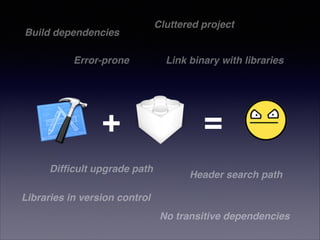
Build dependencies
Error-prone

+
Difficult upgrade path

Cluttered project

Link binary with libraries

=
Header search path

Libraries in version control
No transitive dependencies
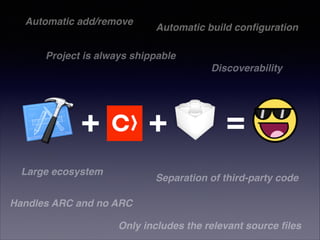
Automatic add/remove

Automatic build configuration

Project is always shippable!
Discoverability

+

+

Large ecosystem

=

Separation of third-party code

Handles ARC and no ARC
Only includes the relevant source files
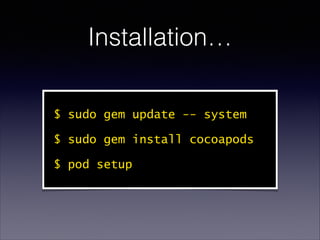
Installation…
$ sudo gem update -- system
$ sudo gem install cocoapods
$ pod setup
Using CocoaPods
in Xcode
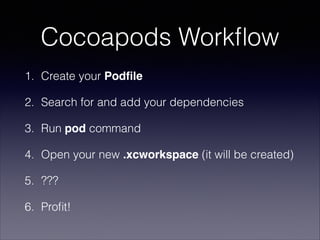
Cocoapods Workflow
1. Create your Podfile
2. Search for and add your dependencies
3. Run pod command
4. Open your new .xcworkspace (it will be created)
5. ???
6. Profit!
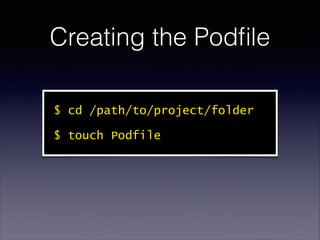
Creating the Podfile
$ cd /path/to/project/folder
$ touch Podfile
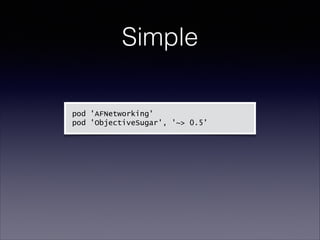
Simple
pod 'AFNetworking'
pod 'ObjectiveSugar', '~> 0.5'
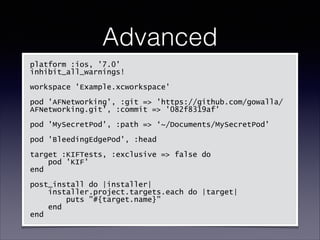
Advanced
platform :ios, '7.0'
inhibit_all_warnings!
!
workspace 'Example.xcworkspace'
!
pod 'AFNetworking', :git => 'https://github.com/gowalla/
AFNetworking.git', :commit => '082f8319af'
!
pod 'MySecretPod', :path => ‘~/Documents/MySecretPod'
!
pod 'BleedingEdgePod', :head
!
target :KIFTests, :exclusive => false do
pod 'KIF'
end
!
post_install do |installer|
installer.project.targets.each do |target|
puts "#{target.name}"
end
end
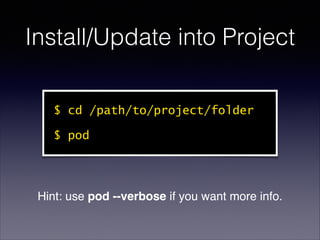
Install/Update into Project
$ cd /path/to/project/folder
$ pod

Hint: use pod --verbose if you want more info.
The Podfile and
Dependencies
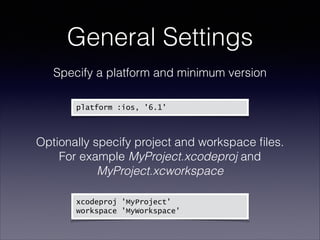
General Settings
Specify a platform and minimum version

platform :ios, '6.1'
!

Optionally specify project and workspace files.

For example MyProject.xcodeproj and
MyProject.xcworkspace

xcodeproj 'MyProject'
workspace 'MyWorkspace'
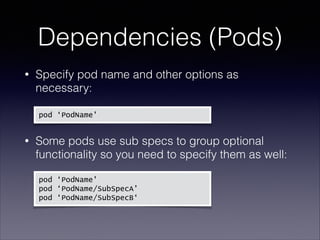
Dependencies (Pods)
Specify pod name and other options as
necessary:


•


pod ‘PodName'

Some pods use sub specs to group optional
functionality so you need to specify them as well:


•


 pod

‘PodName'
pod ‘PodName/SubSpecA’
pod ‘PodName/SubSpecB‘
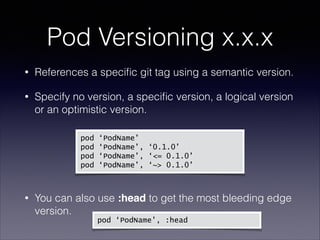
Pod Versioning x.x.x
•

References a specific git tag using a semantic version.

•

Specify no version, a specific version, a logical version
or an optimistic version.


pod
pod
pod
pod


•

‘PodName’
‘PodName’, ‘0.1.0’
‘PodName’, ‘<= 0.1.0’
‘PodName’, ‘~> 0.1.0’

You can also use :head to get the most bleeding edge
version.
pod ‘PodName’, :head
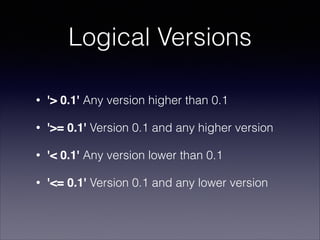
Logical Versions
•

'> 0.1' Any version higher than 0.1

•

'>= 0.1' Version 0.1 and any higher version

•

'< 0.1' Any version lower than 0.1

•

'<= 0.1' Version 0.1 and any lower version
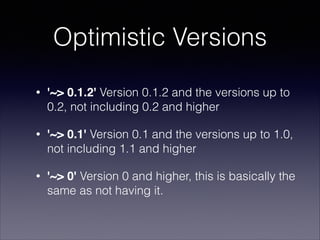
Optimistic Versions
•

'~> 0.1.2' Version 0.1.2 and the versions up to
0.2, not including 0.2 and higher

•

'~> 0.1' Version 0.1 and the versions up to 1.0,
not including 1.1 and higher

•

'~> 0' Version 0 and higher, this is basically the
same as not having it.
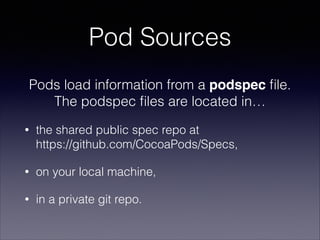
Pod Sources
Pods load information from a podspec file.

The podspec files are located in…
•

the shared public spec repo at 

https://github.com/CocoaPods/Specs,

•

on your local machine,

•

in a private git repo.
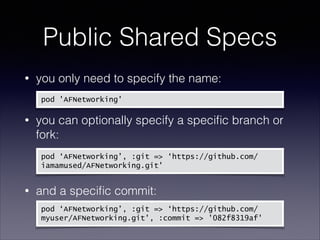
Public Shared Specs
you only need to specify the name:


•

pod 'AFNetworking'

you can optionally specify a specific branch or
fork:


•


•

pod ‘AFNetworking’, :git => ‘https://github.com/
iamamused/AFNetworking.git'

and a specific commit:

pod ‘AFNetworking’, :git => ‘https://github.com/
myuser/AFNetworking.git', :commit => '082f8319af'
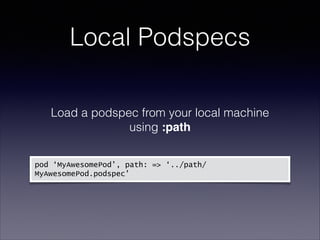
Local Podspecs
Load a podspec from your local machine
using :path


pod ‘MyAwesomePod’, path: => ‘../path/
MyAwesomePod.podspec’
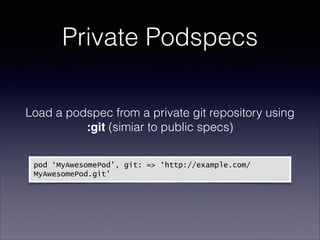
Private Podspecs
Load a podspec from a private git repository using
:git (simiar to public specs)


pod ‘MyAwesomePod’, git: => ‘http://example.com/
MyAwesomePod.git’
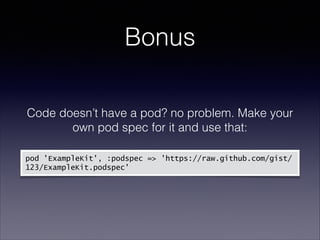
Bonus
Code doesn’t have a pod? no problem. Make your
own pod spec for it and use that:
!
pod 'ExampleKit', :podspec => !'https://raw.github.com/gist/
123/ExampleKit.podspec'
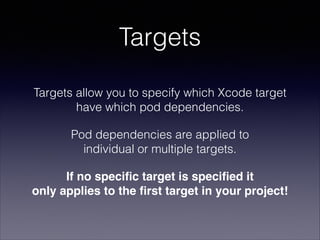
Targets
Targets allow you to specify which Xcode target
have which pod dependencies.
Pod dependencies are applied to 

individual or multiple targets.
If no specific target is specified it 

only applies to the first target in your project!
Targets
Use link_with to specify multiple targets for all
pod dependencies:


pod ‘PodName’
link_with [‘MyApp’,’MyAppDemo’]
Targets
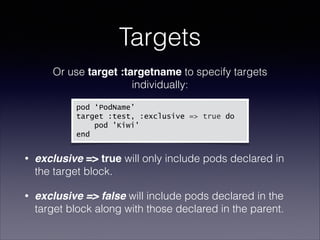
Or use target :targetname to specify targets
individually:
pod ‘PodName’
!
target :test, :exclusive => true do
pod 'Kiwi'
end
!

•

exclusive => true will only include pods declared in
the target block.

•

exclusive => false will include pods declared in the
target block along with those declared in the parent.
Hooks
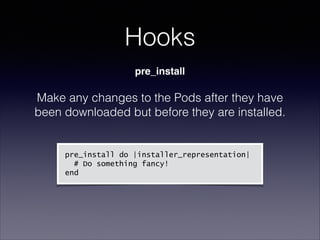
pre_install

Make any changes to the Pods after they have
been downloaded but before they are installed.
!
!

pre_install do |installer_representation|
# Do something fancy!
end
Hooks
post_install

Make any changes to the generated Pods project,
or any other tasks you might want to perform.
!

post_install do |installer_representation|
installer_representation.project.targets.each do |target|
target.build_configurations.each do |config|
config.build_settings['GCC_ENABLE_OBJC_GC'] = 'supported'
end
end
end
Pod Best Practices
•

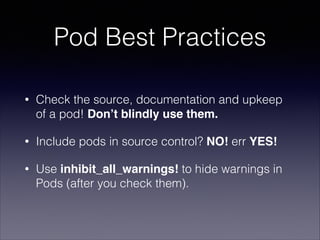
Check the source, documentation and upkeep
of a pod! Don’t blindly use them.

•

Include pods in source control? NO! err YES!

•

Use inhibit_all_warnings! to hide warnings in
Pods (after you check them).
DEMO TIME!
Thanks!
More Info"
cocoapods.org
JeffreySambells.com
@iamamused

Using Cocoapods

  • 1.
    Using CocoaPods Library DependencyManagement for Xcode with Jeffrey Sambells! http://JeffreySambells.com
  • 2.
  • 3.
    Build dependencies Error-prone + Difficult upgradepath Cluttered project Link binary with libraries = Header search path Libraries in version control No transitive dependencies
  • 4.
    Automatic add/remove Automatic buildconfiguration Project is always shippable! Discoverability + + Large ecosystem = Separation of third-party code Handles ARC and no ARC Only includes the relevant source files
  • 5.
    Installation… $ sudo gemupdate -- system $ sudo gem install cocoapods $ pod setup
  • 6.
  • 7.
    Cocoapods Workflow 1. Createyour Podfile 2. Search for and add your dependencies 3. Run pod command 4. Open your new .xcworkspace (it will be created) 5. ??? 6. Profit!
  • 8.
    Creating the Podfile $cd /path/to/project/folder $ touch Podfile
  • 9.
  • 10.
    Advanced platform :ios, '7.0' inhibit_all_warnings! ! workspace'Example.xcworkspace' ! pod 'AFNetworking', :git => 'https://github.com/gowalla/ AFNetworking.git', :commit => '082f8319af' ! pod 'MySecretPod', :path => ‘~/Documents/MySecretPod' ! pod 'BleedingEdgePod', :head ! target :KIFTests, :exclusive => false do pod 'KIF' end ! post_install do |installer| installer.project.targets.each do |target| puts "#{target.name}" end end
  • 11.
    Install/Update into Project $cd /path/to/project/folder $ pod Hint: use pod --verbose if you want more info.
  • 12.
  • 13.
    General Settings Specify aplatform and minimum version
 platform :ios, '6.1' ! Optionally specify project and workspace files.
 For example MyProject.xcodeproj and MyProject.xcworkspace
 xcodeproj 'MyProject' workspace 'MyWorkspace'
  • 14.
    Dependencies (Pods) Specify podname and other options as necessary:
 • 
 pod ‘PodName' Some pods use sub specs to group optional functionality so you need to specify them as well:
 • 
 
 
 pod ‘PodName' pod ‘PodName/SubSpecA’ pod ‘PodName/SubSpecB‘
  • 15.
    Pod Versioning x.x.x • Referencesa specific git tag using a semantic version. • Specify no version, a specific version, a logical version or an optimistic version.


 pod pod pod pod 
 • ‘PodName’ ‘PodName’, ‘0.1.0’ ‘PodName’, ‘<= 0.1.0’ ‘PodName’, ‘~> 0.1.0’ You can also use :head to get the most bleeding edge version. pod ‘PodName’, :head
  • 16.
    Logical Versions • '> 0.1'Any version higher than 0.1 • '>= 0.1' Version 0.1 and any higher version • '< 0.1' Any version lower than 0.1 • '<= 0.1' Version 0.1 and any lower version
  • 17.
    Optimistic Versions • '~> 0.1.2'Version 0.1.2 and the versions up to 0.2, not including 0.2 and higher • '~> 0.1' Version 0.1 and the versions up to 1.0, not including 1.1 and higher • '~> 0' Version 0 and higher, this is basically the same as not having it.
  • 18.
    Pod Sources Pods loadinformation from a podspec file.
 The podspec files are located in… • the shared public spec repo at 
 https://github.com/CocoaPods/Specs, • on your local machine, • in a private git repo.
  • 19.
    Public Shared Specs youonly need to specify the name:
 • pod 'AFNetworking' you can optionally specify a specific branch or fork:
 • 
 • pod ‘AFNetworking’, :git => ‘https://github.com/ iamamused/AFNetworking.git' and a specific commit:
 pod ‘AFNetworking’, :git => ‘https://github.com/ myuser/AFNetworking.git', :commit => '082f8319af'
  • 20.
    Local Podspecs Load apodspec from your local machine using :path
 
 
 pod ‘MyAwesomePod’, path: => ‘../path/ MyAwesomePod.podspec’
  • 21.
    Private Podspecs Load apodspec from a private git repository using :git (simiar to public specs)
 
 
 pod ‘MyAwesomePod’, git: => ‘http://example.com/ MyAwesomePod.git’
  • 22.
    Bonus Code doesn’t havea pod? no problem. Make your own pod spec for it and use that: ! pod 'ExampleKit', :podspec => !'https://raw.github.com/gist/ 123/ExampleKit.podspec'
  • 23.
    Targets Targets allow youto specify which Xcode target have which pod dependencies. Pod dependencies are applied to 
 individual or multiple targets. If no specific target is specified it 
 only applies to the first target in your project!
  • 24.
    Targets Use link_with tospecify multiple targets for all pod dependencies:
 
 pod ‘PodName’ link_with [‘MyApp’,’MyAppDemo’]
  • 25.
    Targets Or use target:targetname to specify targets individually: pod ‘PodName’ ! target :test, :exclusive => true do pod 'Kiwi' end ! • exclusive => true will only include pods declared in the target block. • exclusive => false will include pods declared in the target block along with those declared in the parent.
  • 26.
    Hooks pre_install Make any changesto the Pods after they have been downloaded but before they are installed. ! ! pre_install do |installer_representation| # Do something fancy! end
  • 27.
    Hooks post_install Make any changesto the generated Pods project, or any other tasks you might want to perform. ! post_install do |installer_representation| installer_representation.project.targets.each do |target| target.build_configurations.each do |config| config.build_settings['GCC_ENABLE_OBJC_GC'] = 'supported' end end end
  • 28.
    Pod Best Practices • Checkthe source, documentation and upkeep of a pod! Don’t blindly use them. • Include pods in source control? NO! err YES! • Use inhibit_all_warnings! to hide warnings in Pods (after you check them).
  • 29.
  • 30.