Integration of Neutron, Nova
and Designate: How to Use
It and How to Configure It
Miguel Lavalle, Software Developer, mlavalle @ irc.freenode.net
James Anziano, Software Developer, janzian @ irc.freenode.net
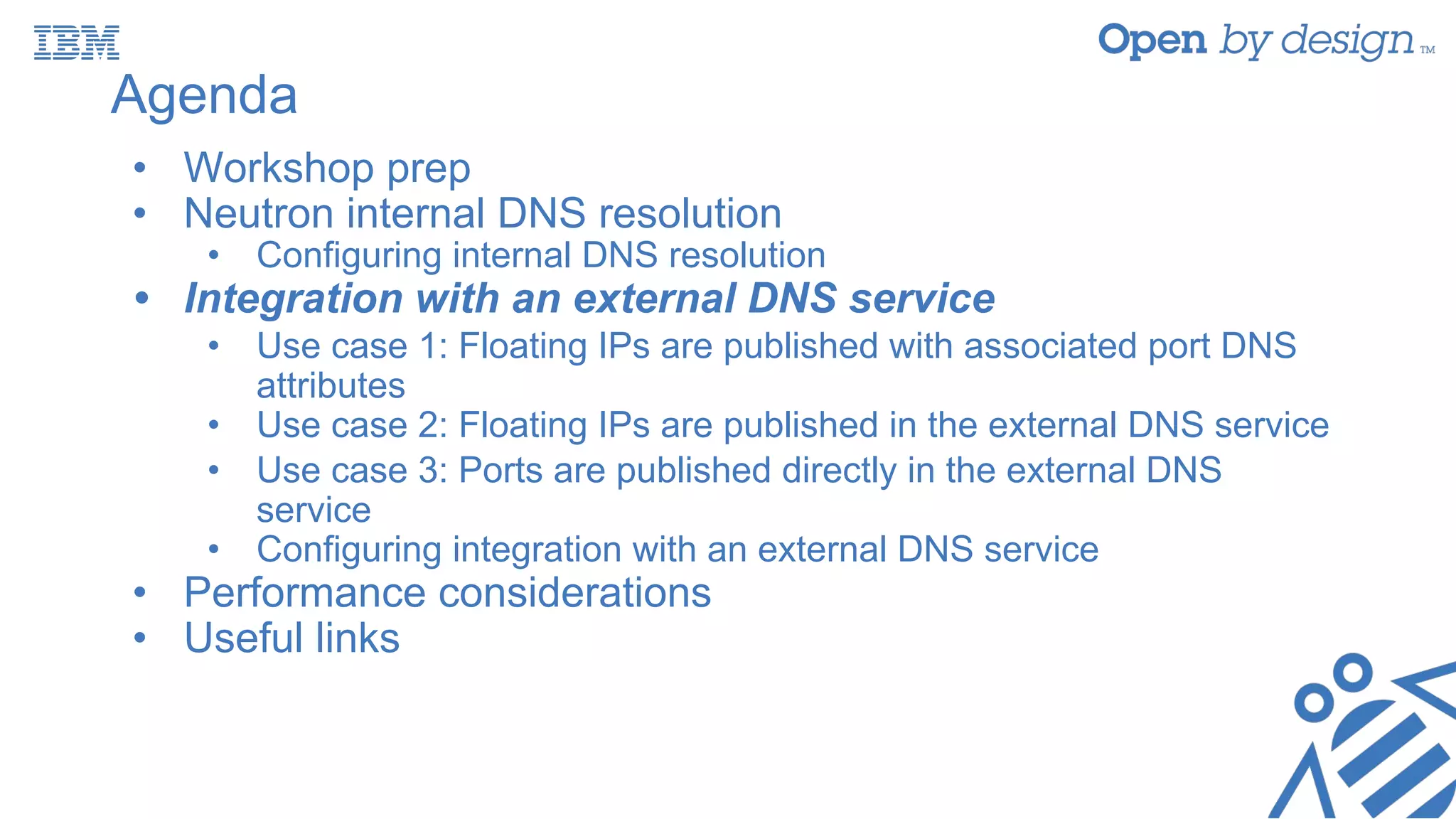
Agenda
• Workshop prep
• Neutron internal DNS resolution
• Configuring internal DNS resolution
• Integration with an external DNS service
• Use case 1: Floating IPs are published with associated port DNS
attributes
• Use case 2: Floating IPs are published in the external DNS service
• Use case 3: Ports are published directly in the external DNS
service
• Configuring integration with an external DNS service
• Performance considerations
• Useful links
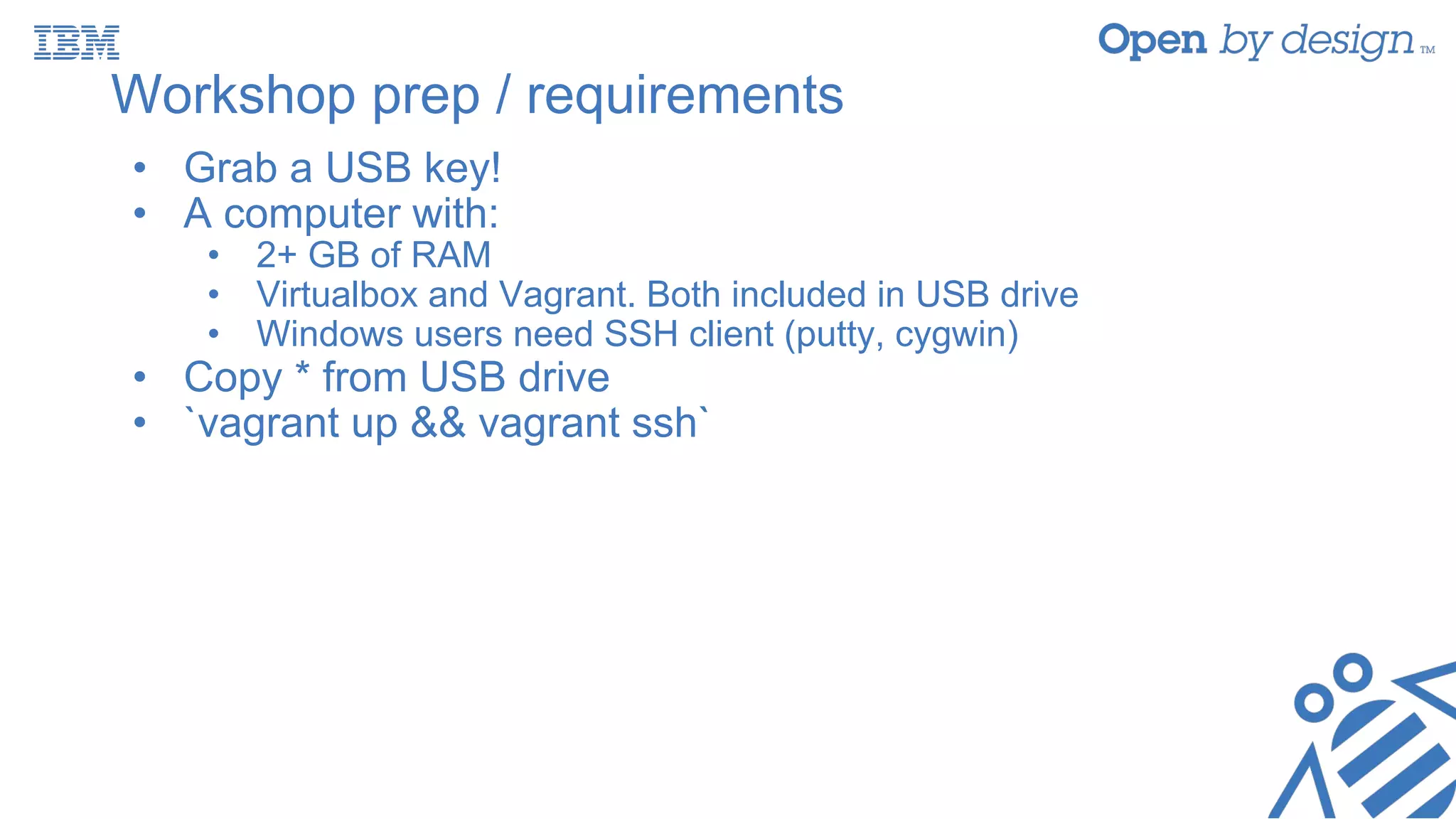
Workshop prep / requirements
• Grab a USB key!
• A computer with:
• 2+ GB of RAM
• Virtualbox and Vagrant. Both included in USB drive
• Windows users need SSH client (putty, cygwin)
• Copy * from USB drive
• `vagrant up && vagrant ssh`
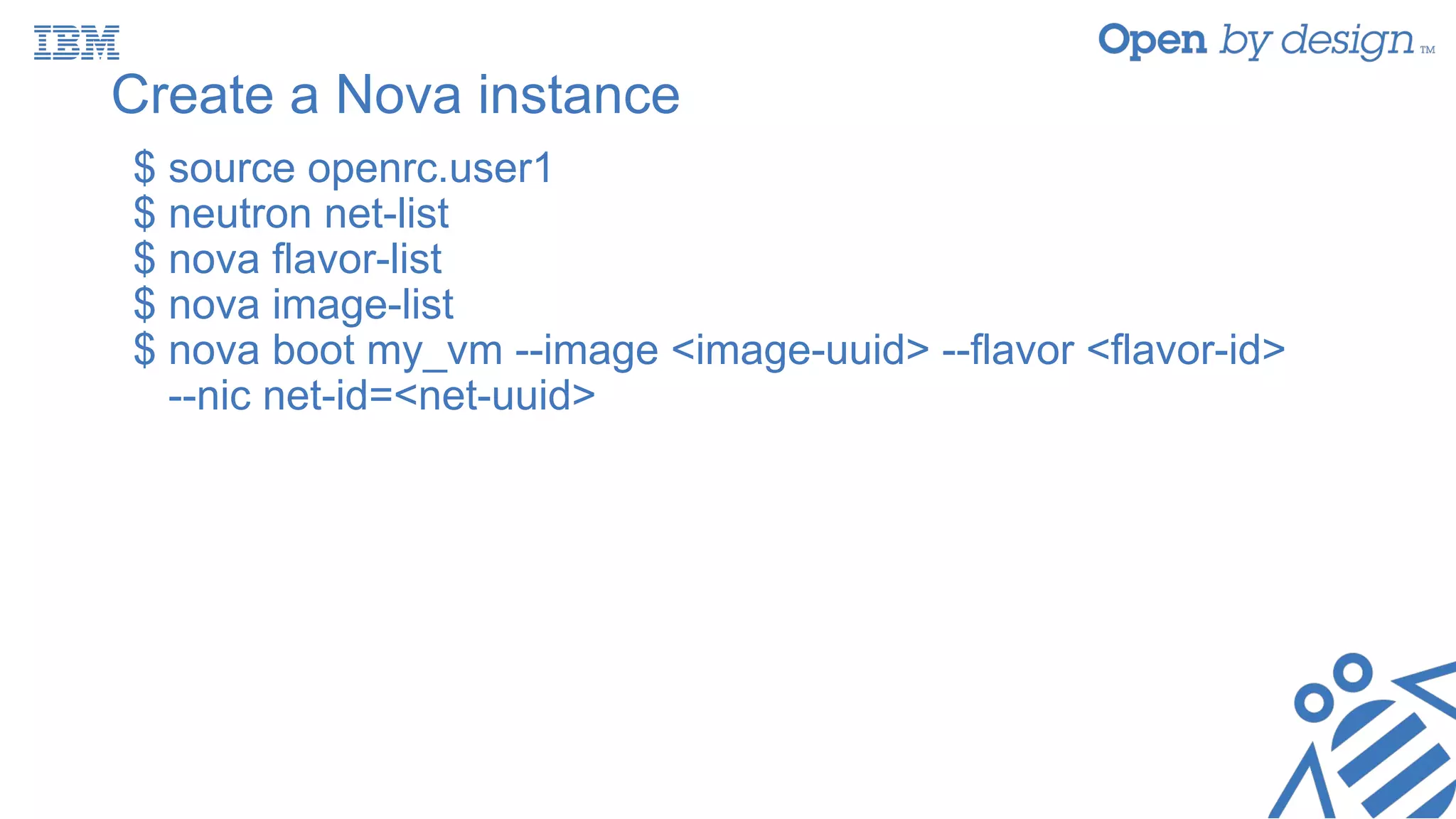
Create a Nova instance
$ source openrc.user1
$ neutron net-list
$ nova flavor-list
$ nova image-list
$ nova boot my_vm --image <image-uuid> --flavor <flavor-id>
--nic net-id=<net-uuid>
Agenda
• Workshop prep
• Neutron internal DNS resolution
• Configuring internal DNS resolution
• Integration with an external DNS service
• Use case 1: Floating IPs are published with associated port DNS
attributes
• Use case 2: Floating IPs are published in the external DNS service
• Use case 3: Ports are published directly in the external DNS
service
• Configuring integration with an external DNS service
• Performance considerations
• Useful links
Neutron’s internal DNS with Nova in Mitaka
$ neutron port-create …
--dns-name instance.hostname
ReST API Neutron
Server
DHCP
Agent
dnsmasq
SIGHUP
fa:16:3e:c9:cb:f0
172.31.252.4
my-vm
my-vm.my-domain.org.
dns_domain = my-domain.org.
neutron.conf
Nova compute manager
creating instance my_vm
RPC
{“port”:
“fixed_ips”: [
{“subnet_id”: ...
“ip_address”: “172.31.252.4”
}
],
“dns_name”: “my-vm”,
“dns_assignment”: [
{ “hostname”: “my-vm”,
“ip_address”: “172.31.252.4”,
“fqdn”: “my-vm.my-domain.org.”
}
]
}
Let’s confirm...
$ nova list
$ neutron port-list --device-id <instance-uuid>
$ neutron port-show <port-uuid>
Configuring Neutron’s internal DNS resolution
• Edit the /etc/neutron.conf file and assign a value different to
‘openstacklocal’ (its default value) to the dns_domain
parameter in the [default] section. As an example:
dns_domain = my-domain.org.
• Add ‘dns’ to extension_drivers in the [ml2] section of
/etc/neutron/plugins/ml2/ml2_conf.ini. The following is an
example:
[ml2]
extension_drivers = port_security,dns
Agenda
• Workshop prep
• Neutron internal DNS resolution
• Configuring internal DNS resolution
• Integration with an external DNS service
• Use case 1: Floating IPs are published with associated port DNS
attributes
• Use case 2: Floating IPs are published in the external DNS service
• Use case 3: Ports are published directly in the external DNS
service
• Configuring integration with an external DNS service
• Performance considerations
• Useful links
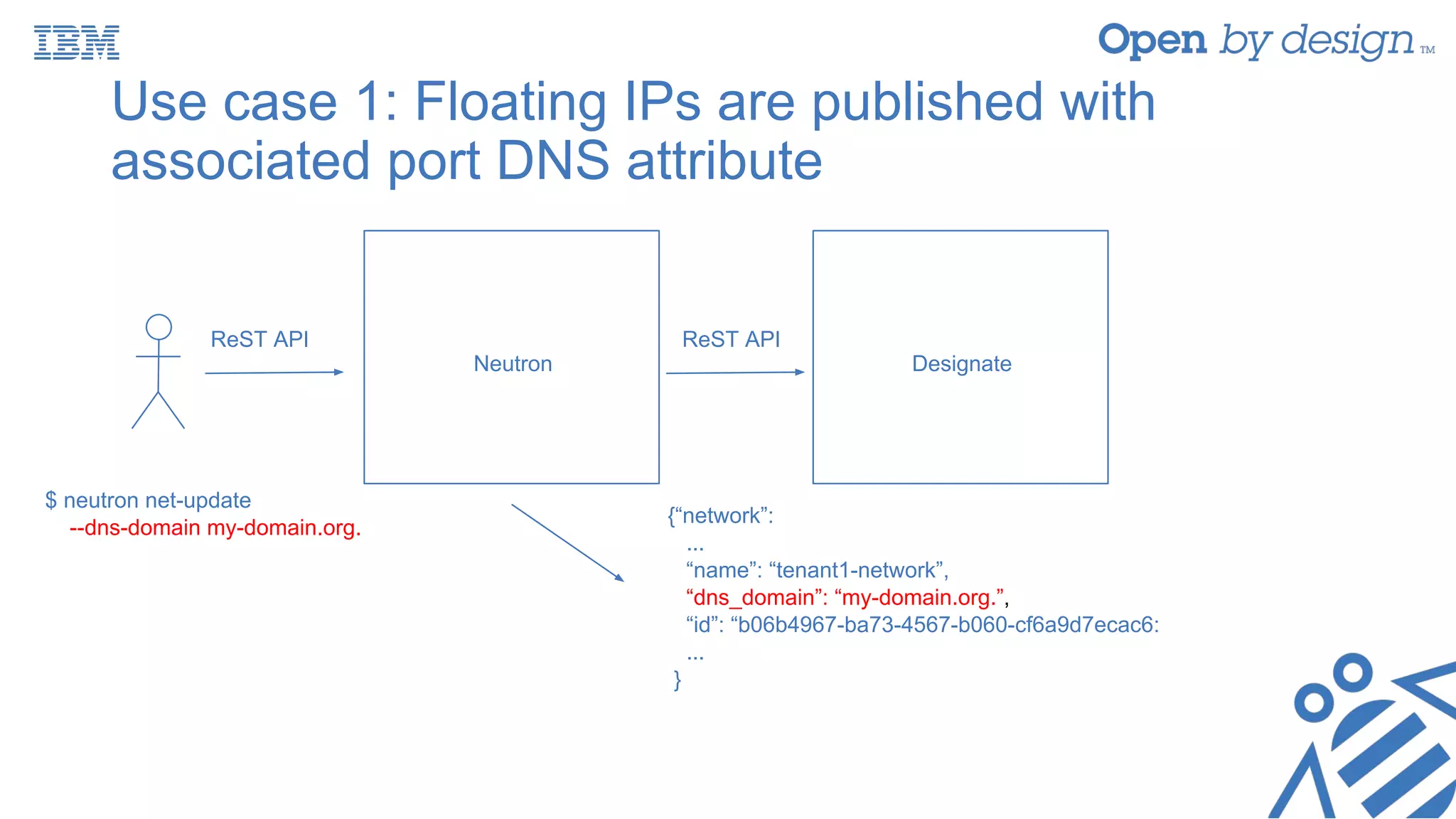
Use case 1: Floating IPs are published with
associated port DNS attribute
$ neutron net-update
--dns-domain my-domain.org.
ReST API
Neutron Designate
{“network”:
...
“name”: “tenant1-network”,
“dns_domain”: “my-domain.org.”,
“id”: “b06b4967-ba73-4567-b060-cf6a9d7ecac6:
...
}
ReST API
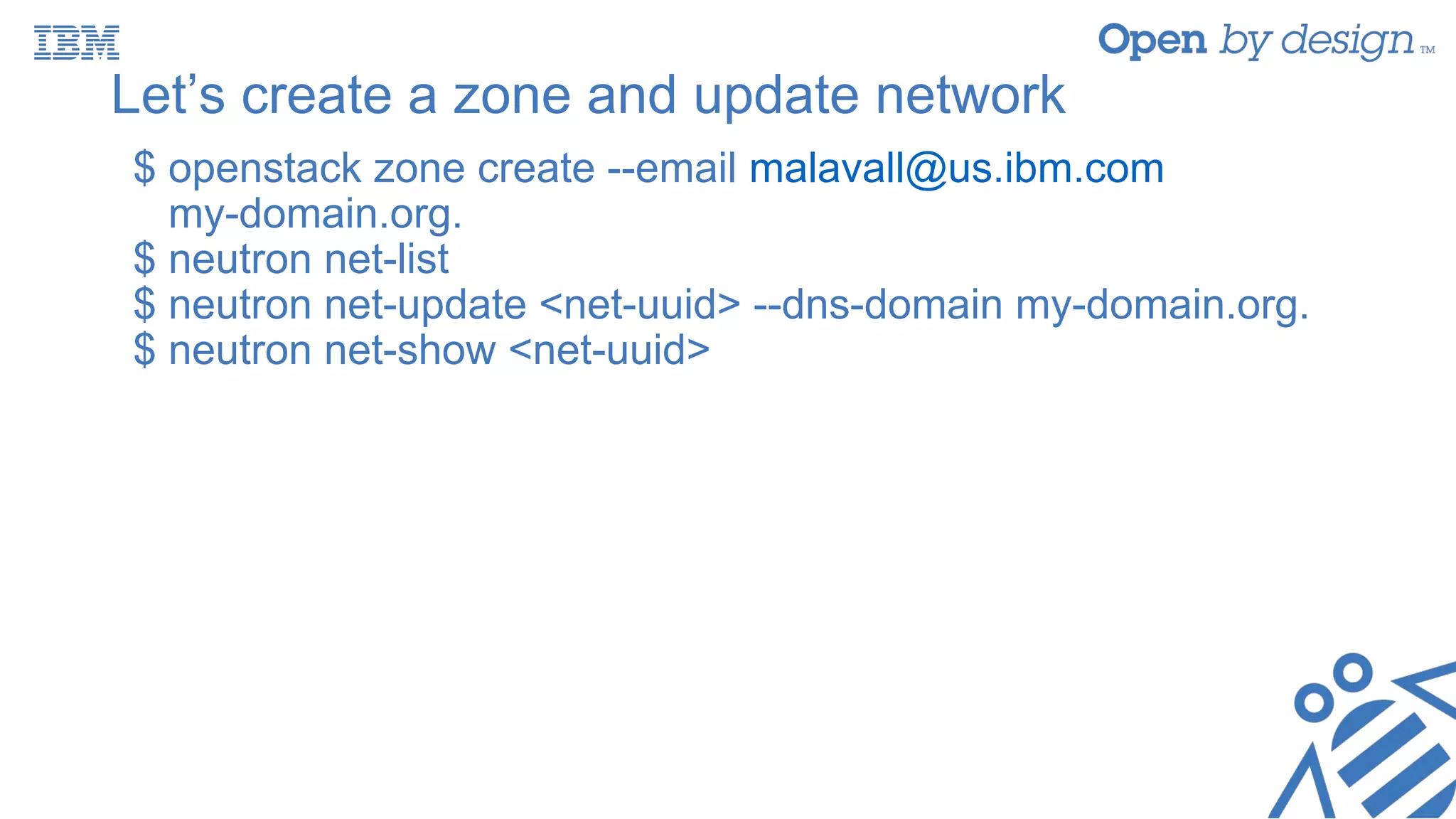
Let’s create a zone and update network
$ openstack zone create --email malavall@us.ibm.com
my-domain.org.
$ neutron net-list
$ neutron net-update <net-uuid> --dns-domain my-domain.org.
$ neutron net-show <net-uuid>
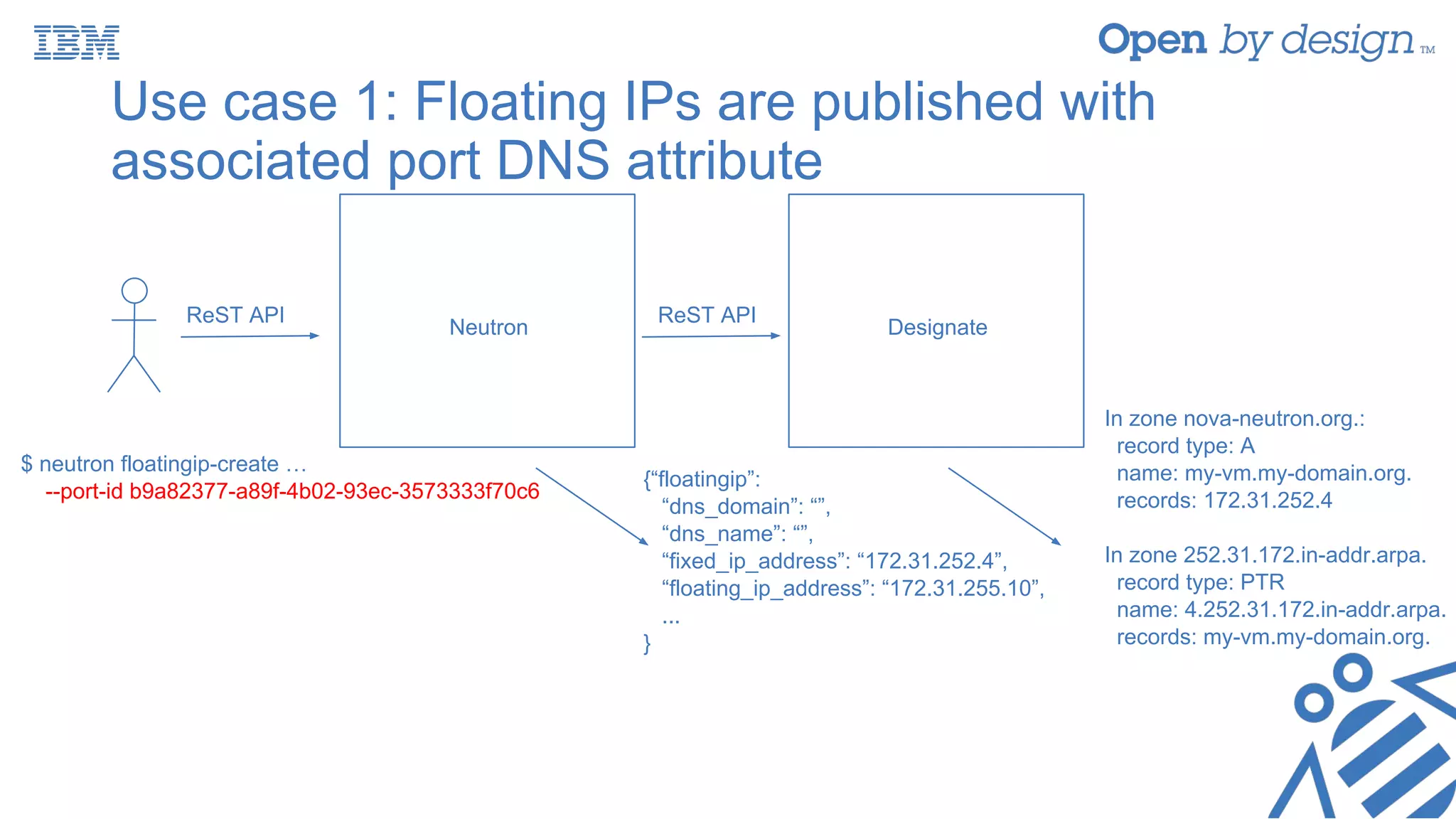
Use case 1: Floating IPs are published with
associated port DNS attribute
ReST API
Neutron Designate
ReST API
$ neutron floatingip-create …
--port-id b9a82377-a89f-4b02-93ec-3573333f70c6
{“floatingip”:
“dns_domain”: “”,
“dns_name”: “”,
“fixed_ip_address”: “172.31.252.4”,
“floating_ip_address”: “172.31.255.10”,
...
}
In zone nova-neutron.org.:
record type: A
name: my-vm.my-domain.org.
records: 172.31.252.4
In zone 252.31.172.in-addr.arpa.
record type: PTR
name: 4.252.31.172.in-addr.arpa.
records: my-vm.my-domain.org.
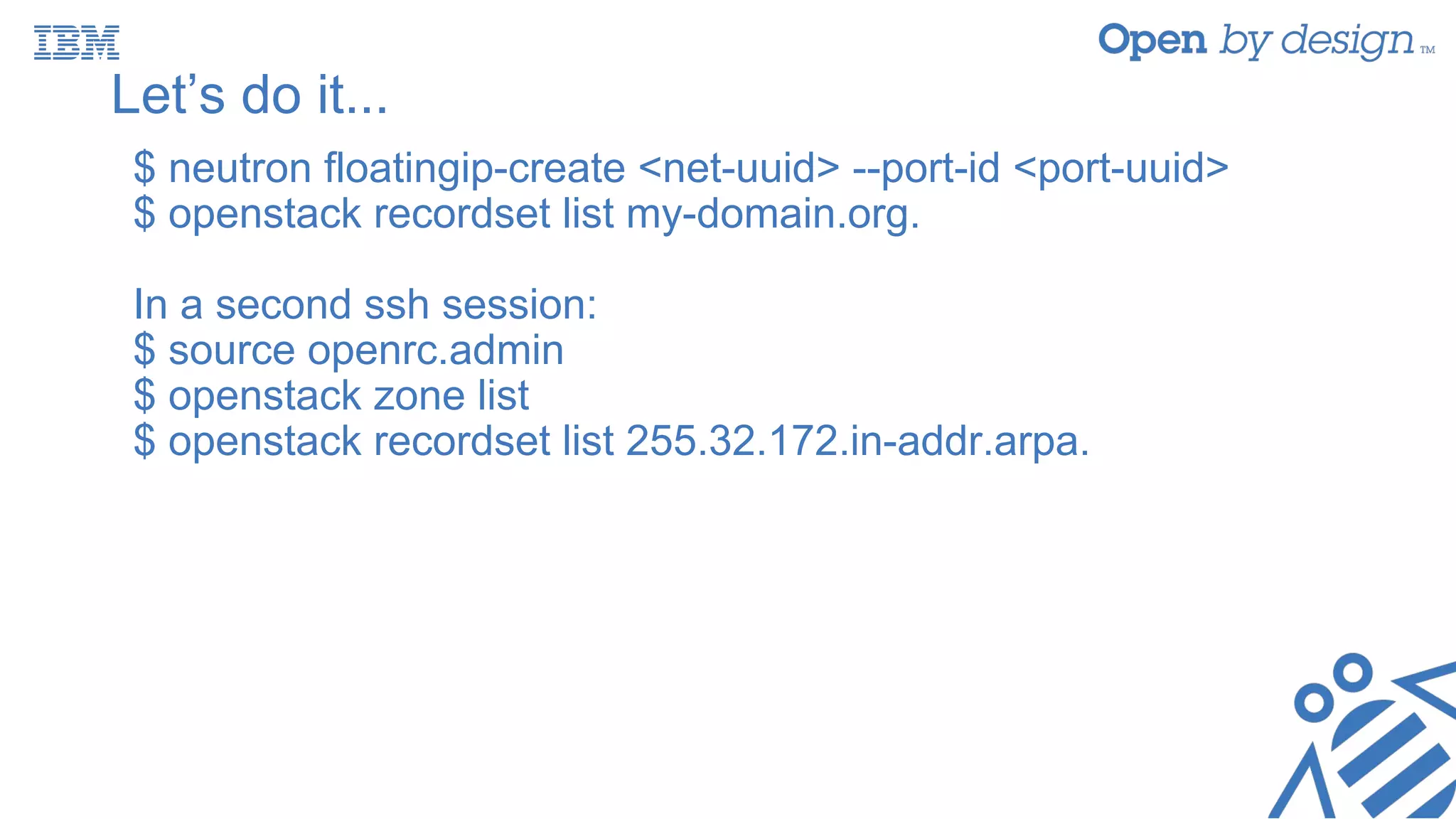
Let’s do it...
$ neutron floatingip-create <net-uuid> --port-id <port-uuid>
$ openstack recordset list my-domain.org.
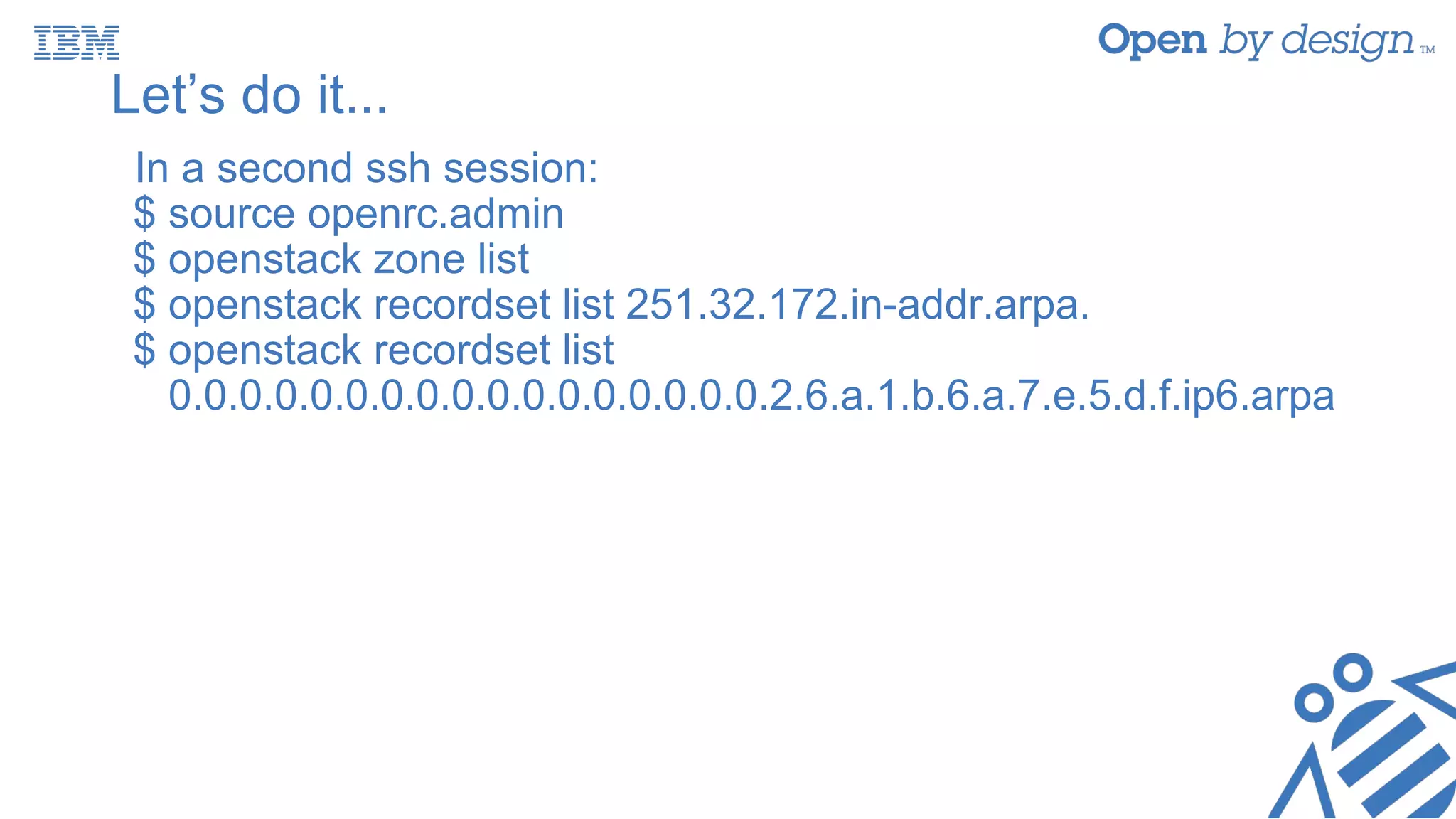
In a second ssh session:
$ source openrc.admin
$ openstack zone list
$ openstack recordset list 255.32.172.in-addr.arpa.
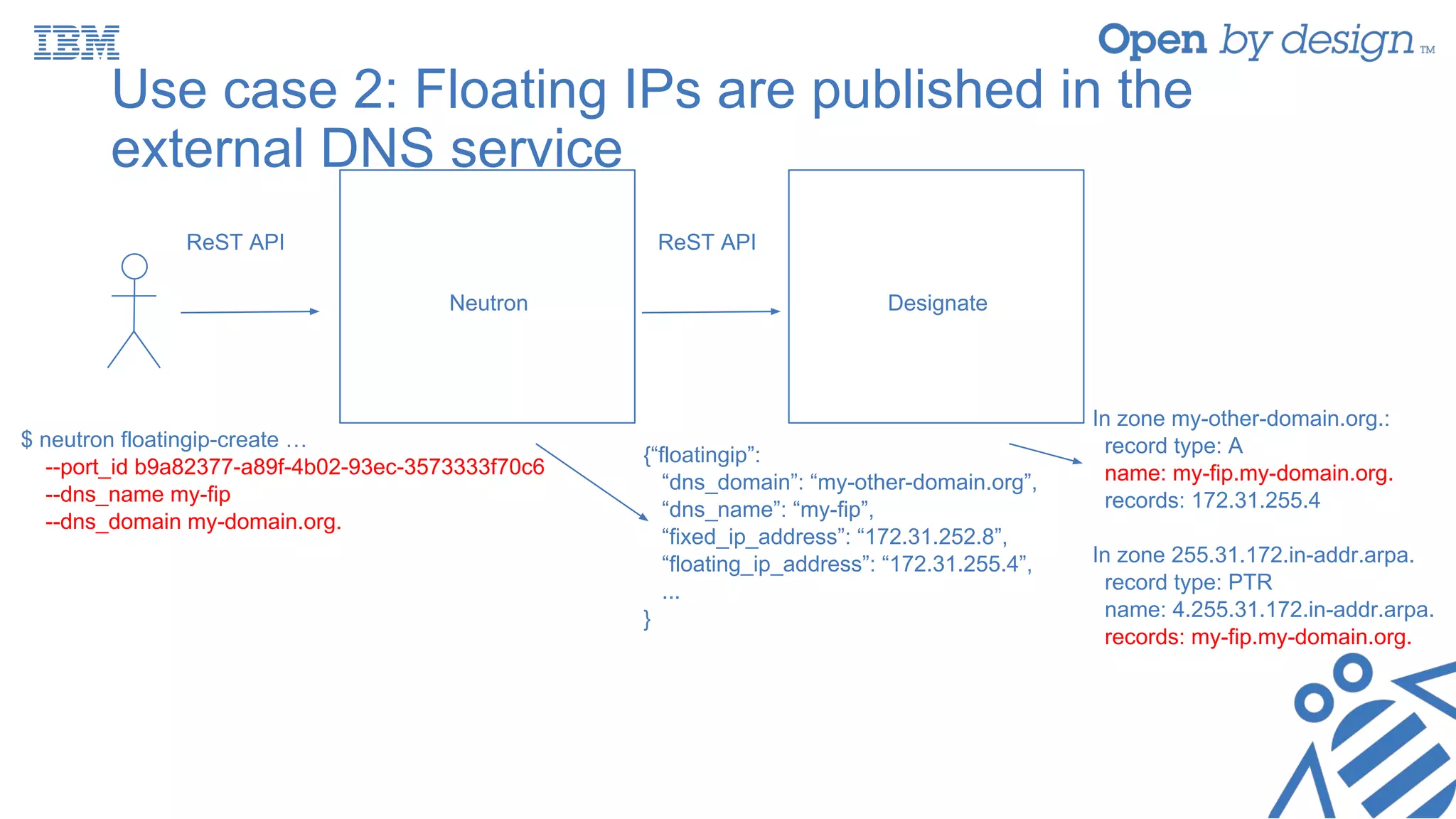
Use case 2: Floating IPs are published in the
external DNS service
ReST API
Neutron Designate
ReST API
$ neutron floatingip-create …
--port_id b9a82377-a89f-4b02-93ec-3573333f70c6
--dns_name my-fip
--dns_domain my-domain.org.
{“floatingip”:
“dns_domain”: “my-other-domain.org”,
“dns_name”: “my-fip”,
“fixed_ip_address”: “172.31.252.8”,
“floating_ip_address”: “172.31.255.4”,
...
}
In zone my-other-domain.org.:
record type: A
name: my-fip.my-domain.org.
records: 172.31.255.4
In zone 255.31.172.in-addr.arpa.
record type: PTR
name: 4.255.31.172.in-addr.arpa.
records: my-fip.my-domain.org.
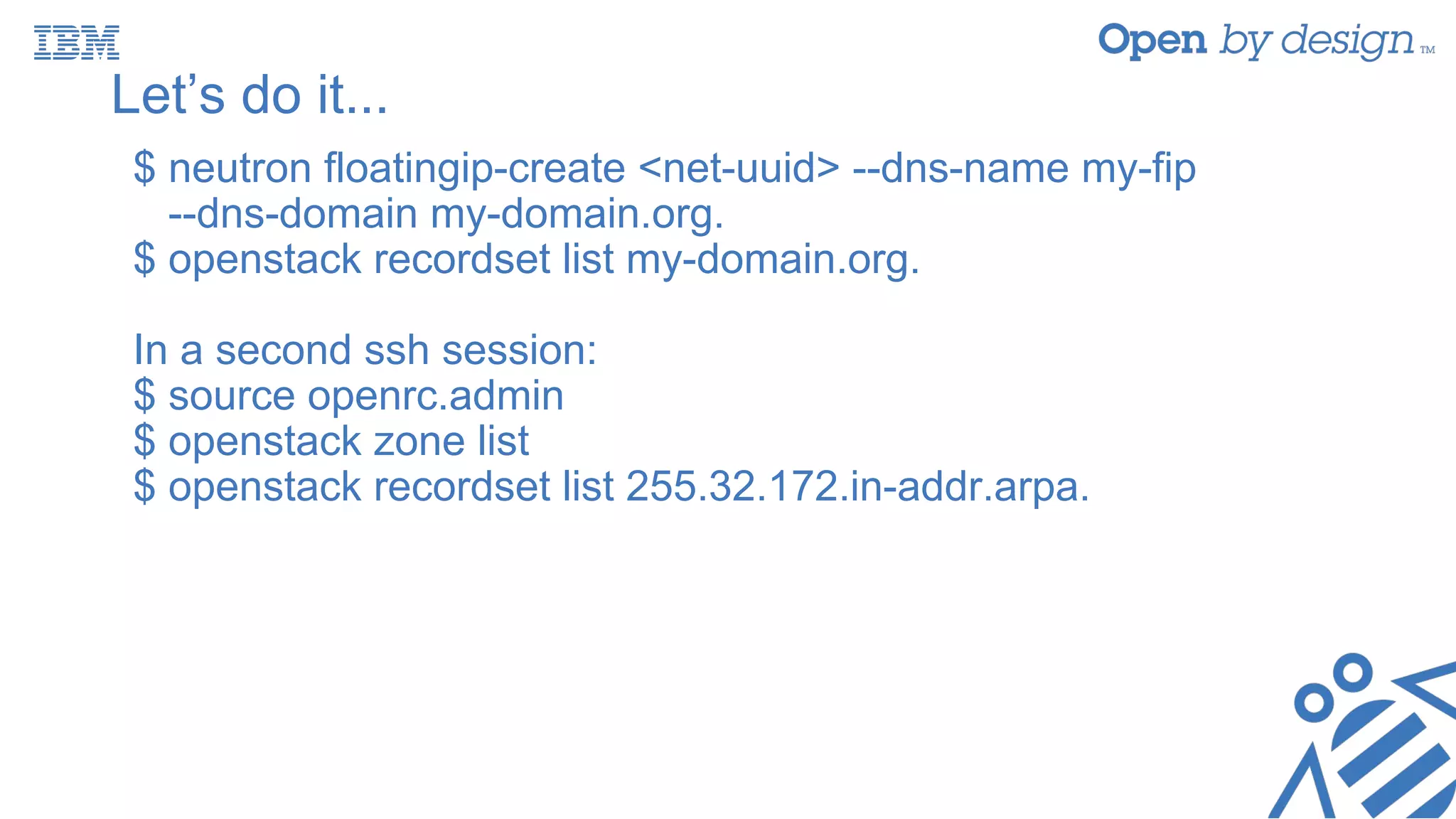
Let’s do it...
$ neutron floatingip-create <net-uuid> --dns-name my-fip
--dns-domain my-domain.org.
$ openstack recordset list my-domain.org.
In a second ssh session:
$ source openrc.admin
$ openstack zone list
$ openstack recordset list 255.32.172.in-addr.arpa.
Use case 3: Ports are published directly in the
external DNS service
$ neutron port-create …
--dns-name instance.hostname
ReST API Neutron
Server
Nova compute manager
creating instance my_vm_2
RPC
Designate
In zone my-other-domain.org.:
record type: A
name: my-vm-2.my-domain.org.
records: 172.31.255.4
record type: AAAA
name: my-vm-2.my-domain.org.
records: fd5e:7a6b:1a62::6
In zone 251.31.172.in-addr.arpa.
record type: PTR
name: 6.251.31.172.in-addr.arpa.
records: my-vm-2.my-domain.org.
In zone ip6.arpa.
record type: PTR
name: .ip6.arpa
records: my-vm-2.my-domain.org.
{“port”:
“dns_name”: “my-vm-2”,
“dns_assignment”: [
{ “hostname”: “my-vm-2”,
“ip_address”: “172.31.251.6”,
“fqdn”: “my-vm-2.my-domain.org.”
},
{ “hostname”: “my-vm-2”,
“ip_address”: “fd5e:7a6b:1a62::6”,
“fqdn”: “my-vm-2.my-domain.org.”
},
]
}
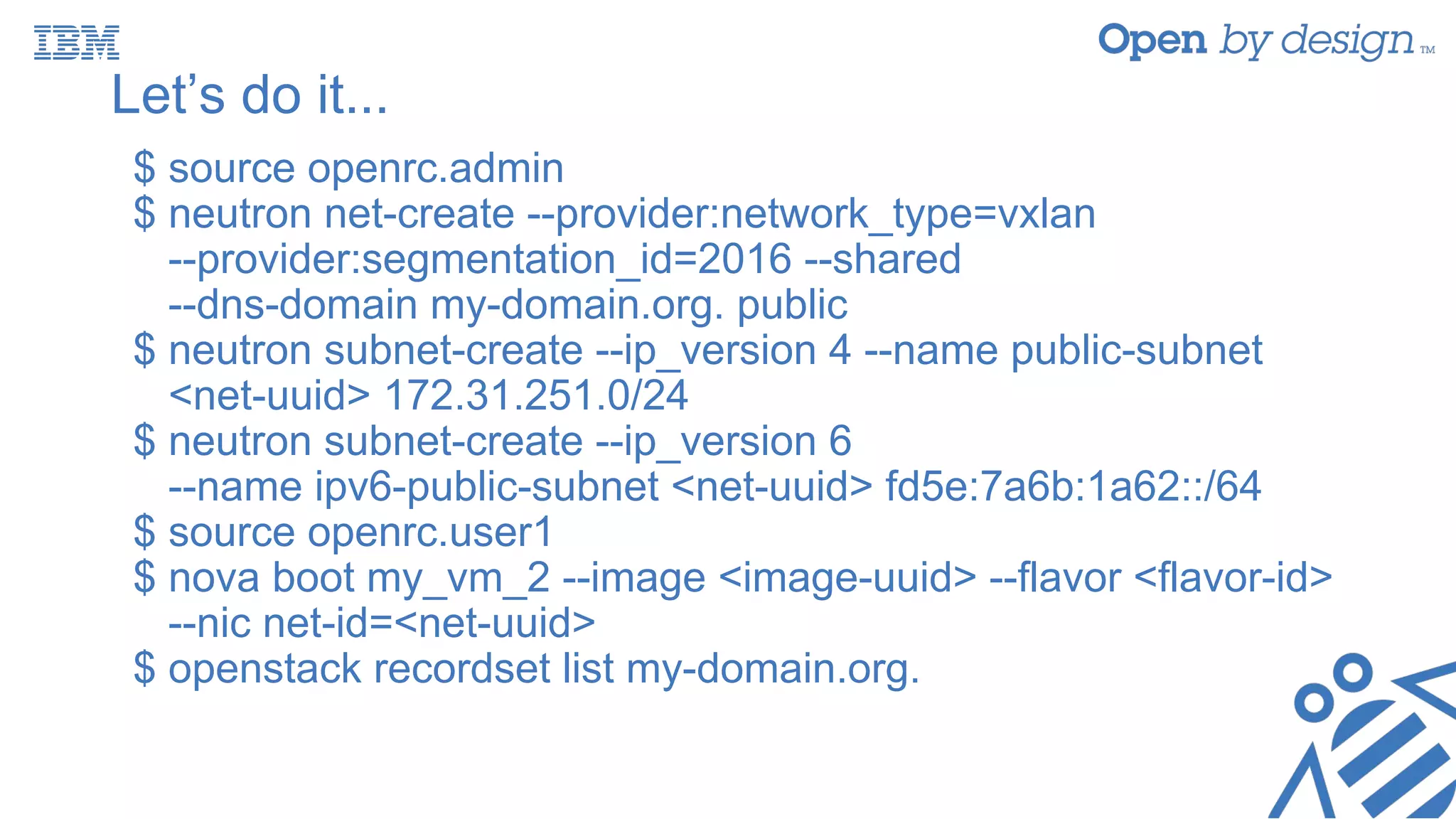
Let’s do it...
$ source openrc.admin
$ neutron net-create --provider:network_type=vxlan
--provider:segmentation_id=2016 --shared
--dns-domain my-domain.org. public
$ neutron subnet-create --ip_version 4 --name public-subnet
<net-uuid> 172.31.251.0/24
$ neutron subnet-create --ip_version 6
--name ipv6-public-subnet <net-uuid> fd5e:7a6b:1a62::/64
$ source openrc.user1
$ nova boot my_vm_2 --image <image-uuid> --flavor <flavor-id>
--nic net-id=<net-uuid>
$ openstack recordset list my-domain.org.
Let’s do it...
In a second ssh session:
$ source openrc.admin
$ openstack zone list
$ openstack recordset list 251.32.172.in-addr.arpa.
$ openstack recordset list
0.0.0.0.0.0.0.0.0.0.0.0.0.0.0.0.0.2.6.a.1.b.6.a.7.e.5.d.f.ip6.arpa
Configuring integration with an external DNS
service
• Edit the [default] section of /etc/neutron/neutron.conf and
specify the external DNS service driver to be used in
parameter external_dns_driver. Example for Designate:
external_dns_driver = designate
• Valid options are defined in the following namespace:
neutron.services.external_dns_drivers
Configuring integration with an external DNS
service
• For Designate, create a [designate] section in
/etc/neutron/neutron.conf with following parameters:
[designate]
url = http://127.0.0.1:9001/v2
admin_auth_url = http://127.0.0.1:35357/v2.0
admin_username = admin
admin_password = password
admin_tenant_name = admin
allow_reverse_dns_lookup = True
ipv4_ptr_zone_prefix_size = 24
ipv6_ptr_zone_prefix_size = 116
Agenda
• Workshop prep
• Neutron internal DNS resolution
• Configuring internal DNS resolution
• Integration with an external DNS service
• Use case 1: Floating IPs are published with associated port DNS
attributes
• Use case 2: Floating IPs are published in the external DNS service
• Use case 3: Ports are published directly in the external DNS
service
• Configuring integration with an external DNS service
• Performance considerations
• Useful links
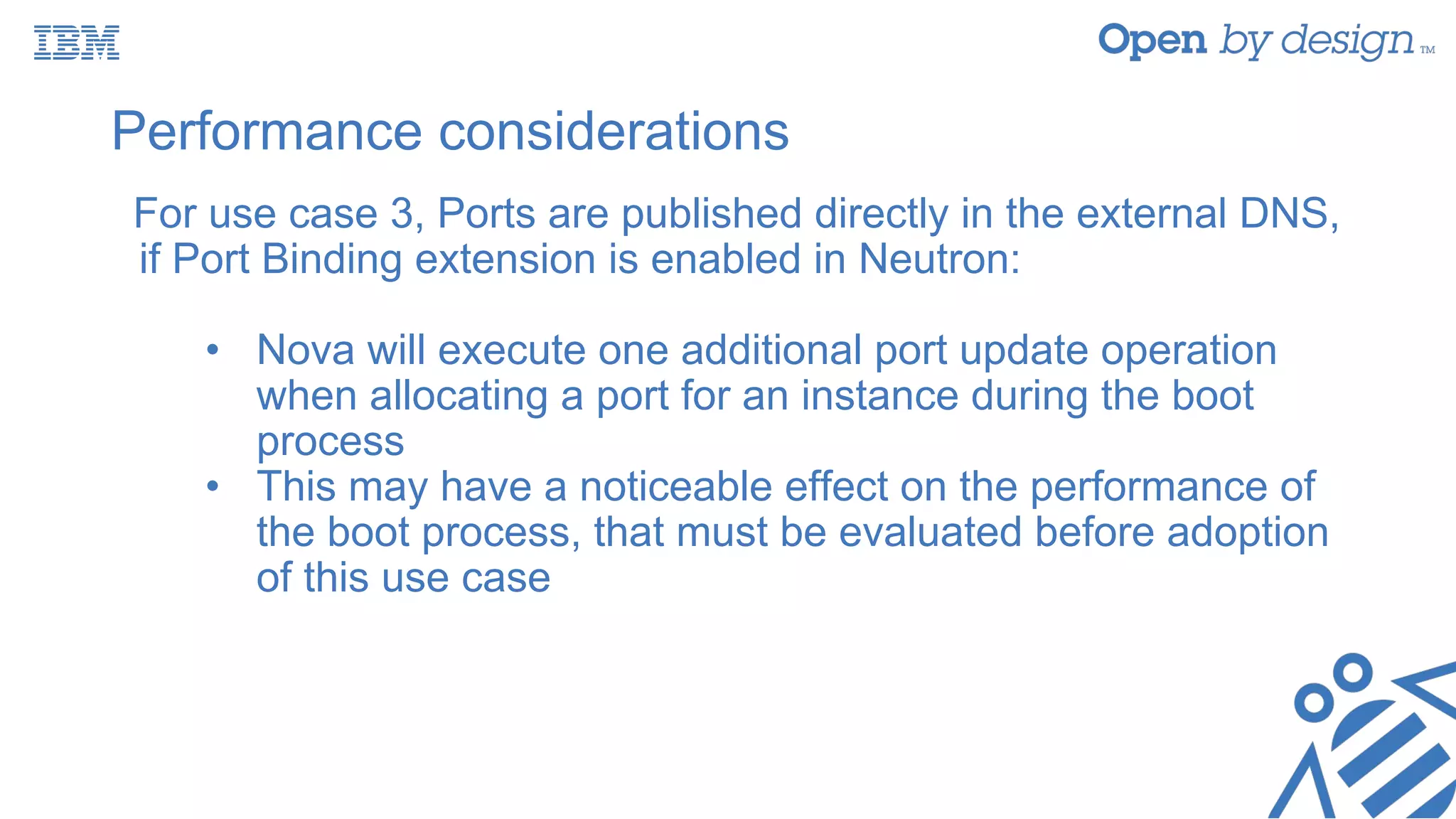
Performance considerations
For use case 3, Ports are published directly in the external DNS,
if Port Binding extension is enabled in Neutron:
• Nova will execute one additional port update operation
when allocating a port for an instance during the boot
process
• This may have a noticeable effect on the performance of
the boot process, that must be evaluated before adoption
of this use case
Useful links
• DNS Integration in OpenStack Networking:
• http://docs.openstack.org/mitaka/networking-guide/adv-config-dns.
html
Thank You
Visit the IBM Booth in the Marketplace

Integration of neutron, nova and designate how to use it and how to configure it

  • 1.
    Integration of Neutron,Nova and Designate: How to Use It and How to Configure It Miguel Lavalle, Software Developer, mlavalle @ irc.freenode.net James Anziano, Software Developer, janzian @ irc.freenode.net
  • 2.
    Agenda • Workshop prep •Neutron internal DNS resolution • Configuring internal DNS resolution • Integration with an external DNS service • Use case 1: Floating IPs are published with associated port DNS attributes • Use case 2: Floating IPs are published in the external DNS service • Use case 3: Ports are published directly in the external DNS service • Configuring integration with an external DNS service • Performance considerations • Useful links
  • 3.
    Workshop prep /requirements • Grab a USB key! • A computer with: • 2+ GB of RAM • Virtualbox and Vagrant. Both included in USB drive • Windows users need SSH client (putty, cygwin) • Copy * from USB drive • `vagrant up && vagrant ssh`
  • 4.
    Create a Novainstance $ source openrc.user1 $ neutron net-list $ nova flavor-list $ nova image-list $ nova boot my_vm --image <image-uuid> --flavor <flavor-id> --nic net-id=<net-uuid>
  • 5.
    Agenda • Workshop prep •Neutron internal DNS resolution • Configuring internal DNS resolution • Integration with an external DNS service • Use case 1: Floating IPs are published with associated port DNS attributes • Use case 2: Floating IPs are published in the external DNS service • Use case 3: Ports are published directly in the external DNS service • Configuring integration with an external DNS service • Performance considerations • Useful links
  • 6.
    Neutron’s internal DNSwith Nova in Mitaka $ neutron port-create … --dns-name instance.hostname ReST API Neutron Server DHCP Agent dnsmasq SIGHUP fa:16:3e:c9:cb:f0 172.31.252.4 my-vm my-vm.my-domain.org. dns_domain = my-domain.org. neutron.conf Nova compute manager creating instance my_vm RPC {“port”: “fixed_ips”: [ {“subnet_id”: ... “ip_address”: “172.31.252.4” } ], “dns_name”: “my-vm”, “dns_assignment”: [ { “hostname”: “my-vm”, “ip_address”: “172.31.252.4”, “fqdn”: “my-vm.my-domain.org.” } ] }
  • 7.
    Let’s confirm... $ novalist $ neutron port-list --device-id <instance-uuid> $ neutron port-show <port-uuid>
  • 8.
    Configuring Neutron’s internalDNS resolution • Edit the /etc/neutron.conf file and assign a value different to ‘openstacklocal’ (its default value) to the dns_domain parameter in the [default] section. As an example: dns_domain = my-domain.org. • Add ‘dns’ to extension_drivers in the [ml2] section of /etc/neutron/plugins/ml2/ml2_conf.ini. The following is an example: [ml2] extension_drivers = port_security,dns
  • 9.
    Agenda • Workshop prep •Neutron internal DNS resolution • Configuring internal DNS resolution • Integration with an external DNS service • Use case 1: Floating IPs are published with associated port DNS attributes • Use case 2: Floating IPs are published in the external DNS service • Use case 3: Ports are published directly in the external DNS service • Configuring integration with an external DNS service • Performance considerations • Useful links
  • 10.
    Use case 1:Floating IPs are published with associated port DNS attribute $ neutron net-update --dns-domain my-domain.org. ReST API Neutron Designate {“network”: ... “name”: “tenant1-network”, “dns_domain”: “my-domain.org.”, “id”: “b06b4967-ba73-4567-b060-cf6a9d7ecac6: ... } ReST API
  • 11.
    Let’s create azone and update network $ openstack zone create --email malavall@us.ibm.com my-domain.org. $ neutron net-list $ neutron net-update <net-uuid> --dns-domain my-domain.org. $ neutron net-show <net-uuid>
  • 12.
    Use case 1:Floating IPs are published with associated port DNS attribute ReST API Neutron Designate ReST API $ neutron floatingip-create … --port-id b9a82377-a89f-4b02-93ec-3573333f70c6 {“floatingip”: “dns_domain”: “”, “dns_name”: “”, “fixed_ip_address”: “172.31.252.4”, “floating_ip_address”: “172.31.255.10”, ... } In zone nova-neutron.org.: record type: A name: my-vm.my-domain.org. records: 172.31.252.4 In zone 252.31.172.in-addr.arpa. record type: PTR name: 4.252.31.172.in-addr.arpa. records: my-vm.my-domain.org.
  • 13.
    Let’s do it... $neutron floatingip-create <net-uuid> --port-id <port-uuid> $ openstack recordset list my-domain.org. In a second ssh session: $ source openrc.admin $ openstack zone list $ openstack recordset list 255.32.172.in-addr.arpa.
  • 14.
    Use case 2:Floating IPs are published in the external DNS service ReST API Neutron Designate ReST API $ neutron floatingip-create … --port_id b9a82377-a89f-4b02-93ec-3573333f70c6 --dns_name my-fip --dns_domain my-domain.org. {“floatingip”: “dns_domain”: “my-other-domain.org”, “dns_name”: “my-fip”, “fixed_ip_address”: “172.31.252.8”, “floating_ip_address”: “172.31.255.4”, ... } In zone my-other-domain.org.: record type: A name: my-fip.my-domain.org. records: 172.31.255.4 In zone 255.31.172.in-addr.arpa. record type: PTR name: 4.255.31.172.in-addr.arpa. records: my-fip.my-domain.org.
  • 15.
    Let’s do it... $neutron floatingip-create <net-uuid> --dns-name my-fip --dns-domain my-domain.org. $ openstack recordset list my-domain.org. In a second ssh session: $ source openrc.admin $ openstack zone list $ openstack recordset list 255.32.172.in-addr.arpa.
  • 16.
    Use case 3:Ports are published directly in the external DNS service $ neutron port-create … --dns-name instance.hostname ReST API Neutron Server Nova compute manager creating instance my_vm_2 RPC Designate In zone my-other-domain.org.: record type: A name: my-vm-2.my-domain.org. records: 172.31.255.4 record type: AAAA name: my-vm-2.my-domain.org. records: fd5e:7a6b:1a62::6 In zone 251.31.172.in-addr.arpa. record type: PTR name: 6.251.31.172.in-addr.arpa. records: my-vm-2.my-domain.org. In zone ip6.arpa. record type: PTR name: .ip6.arpa records: my-vm-2.my-domain.org. {“port”: “dns_name”: “my-vm-2”, “dns_assignment”: [ { “hostname”: “my-vm-2”, “ip_address”: “172.31.251.6”, “fqdn”: “my-vm-2.my-domain.org.” }, { “hostname”: “my-vm-2”, “ip_address”: “fd5e:7a6b:1a62::6”, “fqdn”: “my-vm-2.my-domain.org.” }, ] }
  • 17.
    Let’s do it... $source openrc.admin $ neutron net-create --provider:network_type=vxlan --provider:segmentation_id=2016 --shared --dns-domain my-domain.org. public $ neutron subnet-create --ip_version 4 --name public-subnet <net-uuid> 172.31.251.0/24 $ neutron subnet-create --ip_version 6 --name ipv6-public-subnet <net-uuid> fd5e:7a6b:1a62::/64 $ source openrc.user1 $ nova boot my_vm_2 --image <image-uuid> --flavor <flavor-id> --nic net-id=<net-uuid> $ openstack recordset list my-domain.org.
  • 18.
    Let’s do it... Ina second ssh session: $ source openrc.admin $ openstack zone list $ openstack recordset list 251.32.172.in-addr.arpa. $ openstack recordset list 0.0.0.0.0.0.0.0.0.0.0.0.0.0.0.0.0.2.6.a.1.b.6.a.7.e.5.d.f.ip6.arpa
  • 19.
    Configuring integration withan external DNS service • Edit the [default] section of /etc/neutron/neutron.conf and specify the external DNS service driver to be used in parameter external_dns_driver. Example for Designate: external_dns_driver = designate • Valid options are defined in the following namespace: neutron.services.external_dns_drivers
  • 20.
    Configuring integration withan external DNS service • For Designate, create a [designate] section in /etc/neutron/neutron.conf with following parameters: [designate] url = http://127.0.0.1:9001/v2 admin_auth_url = http://127.0.0.1:35357/v2.0 admin_username = admin admin_password = password admin_tenant_name = admin allow_reverse_dns_lookup = True ipv4_ptr_zone_prefix_size = 24 ipv6_ptr_zone_prefix_size = 116
  • 21.
    Agenda • Workshop prep •Neutron internal DNS resolution • Configuring internal DNS resolution • Integration with an external DNS service • Use case 1: Floating IPs are published with associated port DNS attributes • Use case 2: Floating IPs are published in the external DNS service • Use case 3: Ports are published directly in the external DNS service • Configuring integration with an external DNS service • Performance considerations • Useful links
  • 22.
    Performance considerations For usecase 3, Ports are published directly in the external DNS, if Port Binding extension is enabled in Neutron: • Nova will execute one additional port update operation when allocating a port for an instance during the boot process • This may have a noticeable effect on the performance of the boot process, that must be evaluated before adoption of this use case
  • 23.
    Useful links • DNSIntegration in OpenStack Networking: • http://docs.openstack.org/mitaka/networking-guide/adv-config-dns. html
  • 24.
    Thank You Visit theIBM Booth in the Marketplace