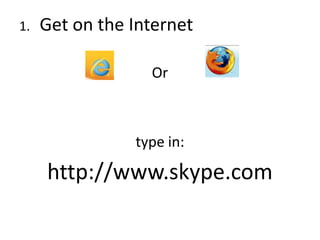
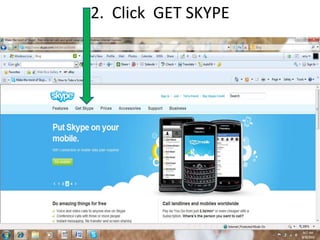
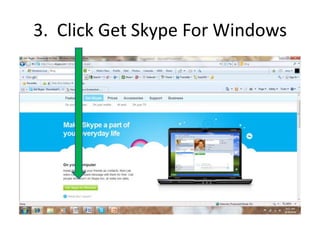
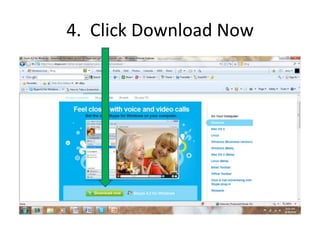
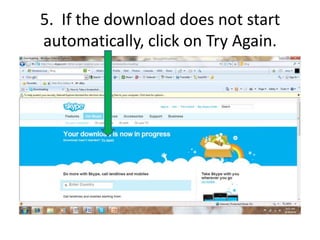
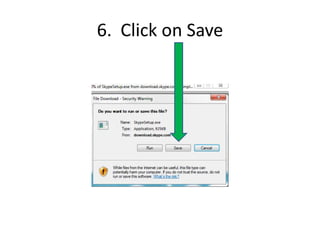
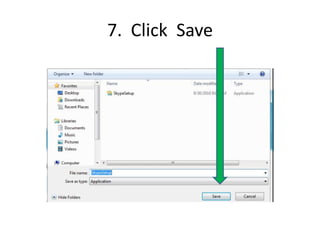
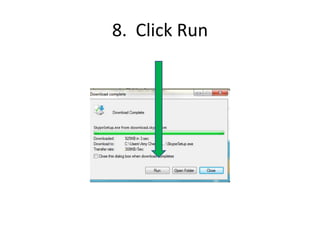
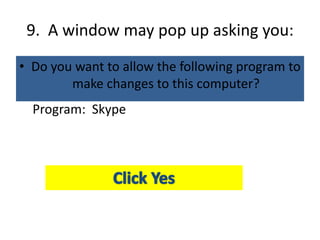
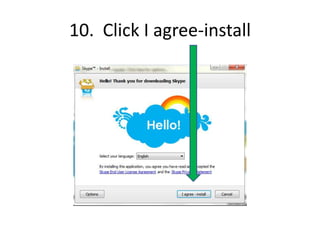
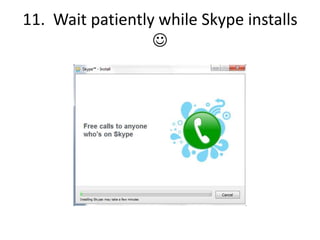
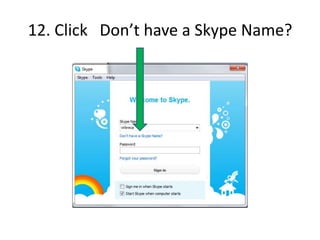
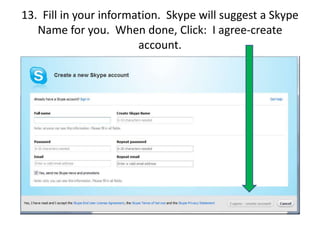
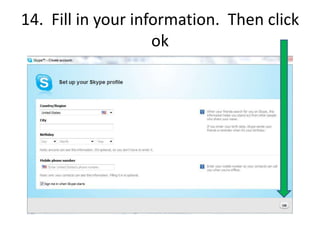
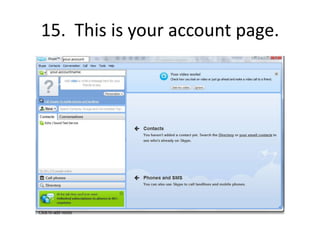
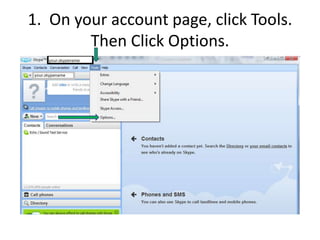
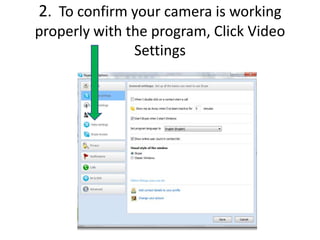
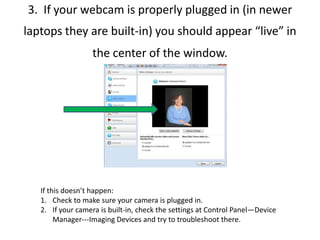
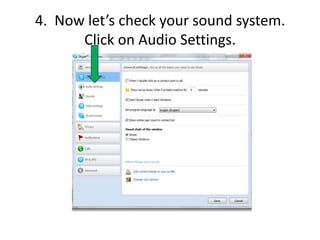
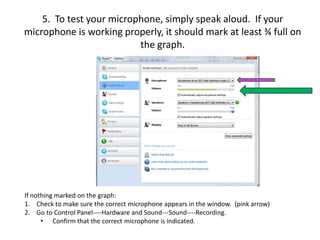
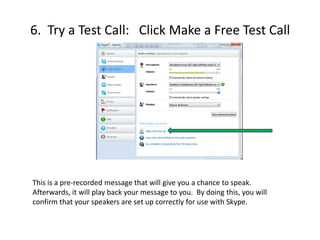
This document provides instructions for downloading and setting up Skype in order to facilitate online tutoring sessions between a trainer and a child. It outlines 15 steps to download and install Skype, create an account, and test the camera, microphone, and speakers. The goal is to ensure the family is ready for video calls with the trainer to help the child find success through the tutoring program.



![Epson wf 2830 wireless setup [simple guide]](https://cdn.slidesharecdn.com/ss_thumbnails/epsonwf-2830wirelesssetupsimpleguide-210327100350-thumbnail.jpg?width=640&height=640&fit=bounds)


![[Pdf ready]go rated-ecommerce](https://cdn.slidesharecdn.com/ss_thumbnails/pdf-readygorated-ecommerce-130423103302-phpapp01-thumbnail.jpg?width=640&height=640&fit=bounds)


