Download to read offline
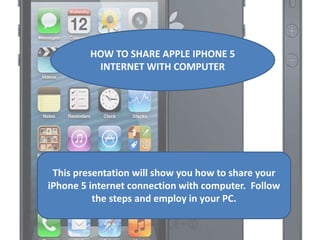
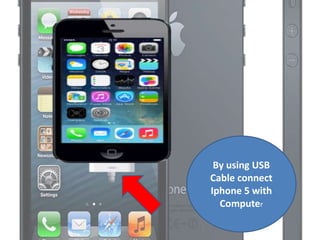

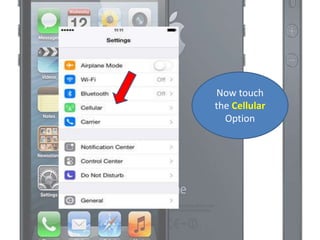
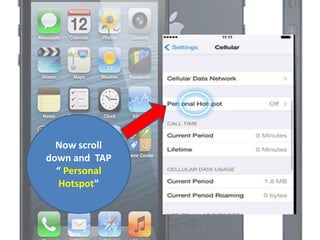
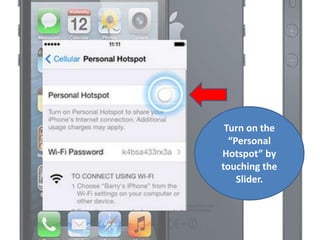
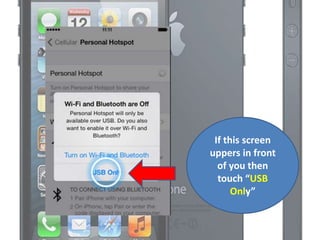
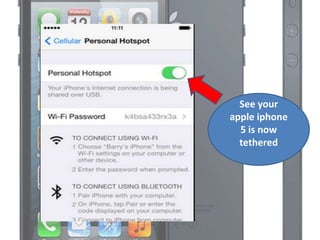
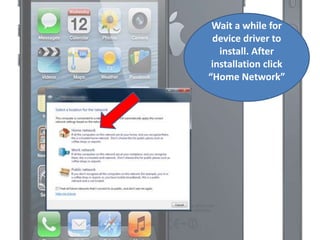
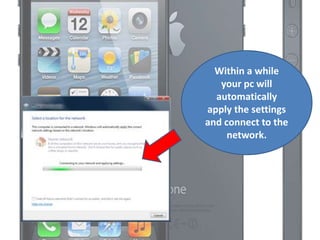
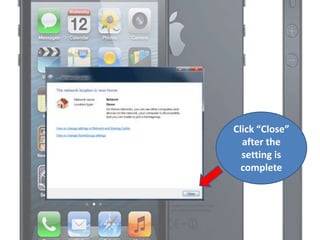

This document provides steps to share an iPhone 5's internet connection with a computer by using the iPhone as a personal hotspot. It instructs the user to connect the iPhone to the computer with a USB cable, go to the Settings menu on the iPhone, turn on the Personal Hotspot option under Cellular, and wait for the computer to automatically connect to the hotspot network. Once connected, the computer will be able to access the internet using the iPhone's data connection.


