Setting Up
Local Host Server
(WAMP, LAMP, MAMP, or XAMPP)
Download XAMPP
- https://www.apachefriends.org/download.html
Before you proceed:
- Disable any Antivirus temporarily
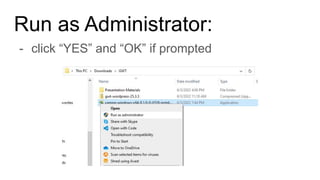
Run as Administrator:
- click “YES” and “OK” if prompted
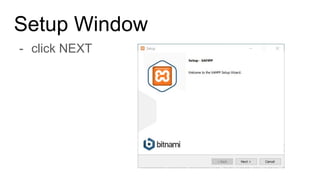
Setup Window
- click NEXT
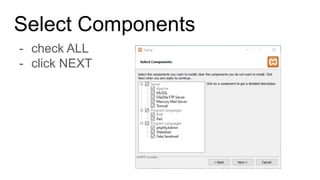
Select Components
- check ALL
- click NEXT
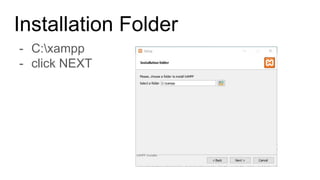
Installation Folder
- C:xampp
- click NEXT
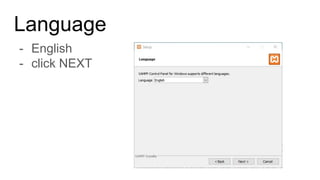
Language
- English
- click NEXT
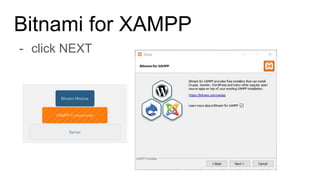
Bitnami for XAMPP
- click NEXT
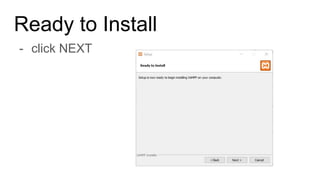
Ready to Install
- click NEXT
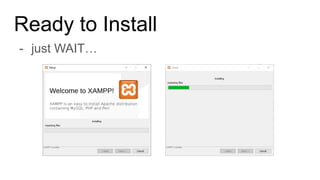
Ready to Install
- just WAIT…
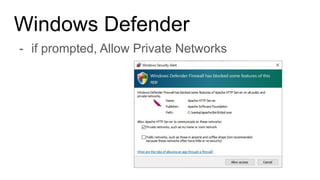
Windows Defender
- if prompted, Allow Private Networks
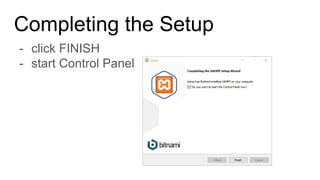
Completing the Setup
- click FINISH
- start Control Panel
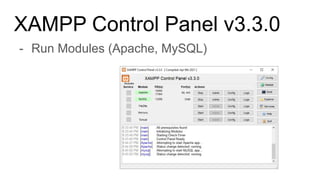
XAMPP Control Panel v3.3.0
- Run Modules (Apache, MySQL)
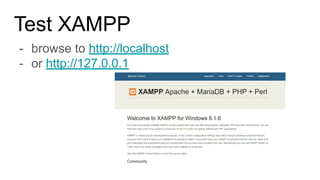
Test XAMPP
- browse to http://localhost
- or http://127.0.0.1
Debugging if with Errors:
- Check if Antivirus is deactivated;
- Change User Account Control setting
- run msconfig.exe
- GoTo Tools > Change UAC Settings > Launch

Installing of XAMPP - Local PC Server.pdf