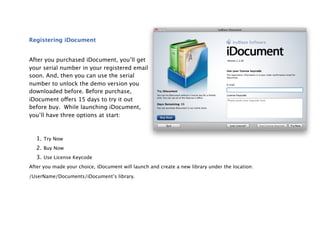
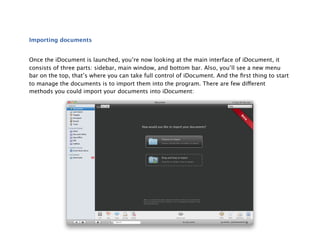
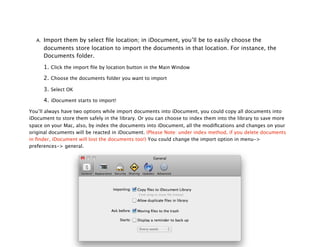
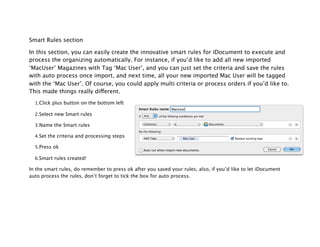
This document provides instructions for using the iDocument document management software. It begins with a welcome message and contact information. The document then outlines how to install iDocument, use the global menu bar, register the software, import documents, browse documents, and organize documents into collections, folders, and smart folders. It also briefly discusses backing up documents and keyboard shortcuts. The overall purpose is to guide new users on the basic functions and features of the iDocument software.