Donatella Nucci 
NSS Italy
Some common tools 
photo editing - super lame 
- pizap.com 
flash animation – voki.com (speaking avatars) 
playing with words - wordle.net 
Puzzle photo -jigsawplanet.com 
video - tripwow.tripadvisor.com 
9
Some useful websites 
www.superlame.com 
www.voki.com 
www.jigsawplanet.com 
www.wordle.net 
www.tripwow.tripadvisor.com 
10
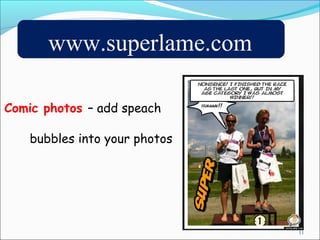
www.superlame.com 
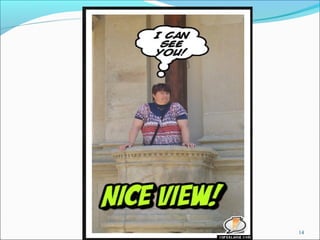
Comic photos – add speach 
bubbles into your photos 
11
29.8.2014 12
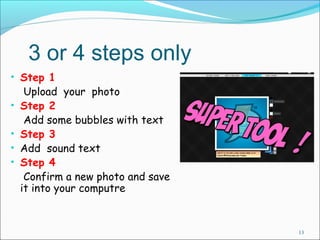
3 or 4 steps only 
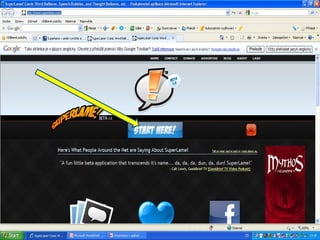
• Step 1 
Upload your photo 
• Step 2 
Add some bubbles with text 
• Step 3 
• Add sound text 
• Step 4 
Confirm a new photo and save 
it into your computre 
13
14
Time to practice 
15 
www.superlame.com
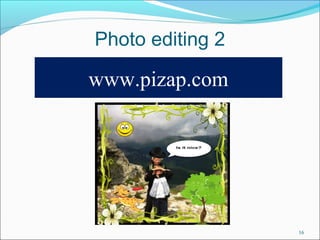
Photo editing 2 
16 
www.pizap.com
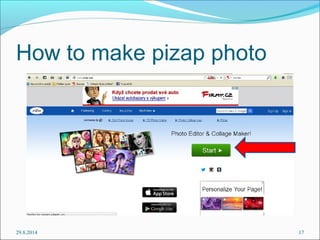
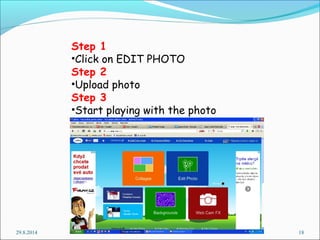
How to make pizap photo 
29.8.2014 17
Step 1 
•Click on EDIT PHOTO 
Step 2 
•Upload photo 
Step 3 
•Start playing with the photo 
29.8.2014 18
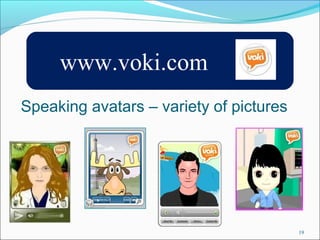
www.voki.com 
Speaking avatars – variety of pictures 
19
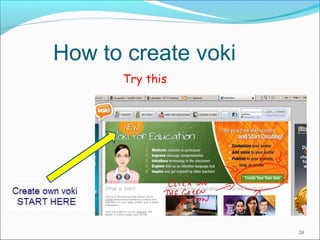
How to create voki 
Try this 
20
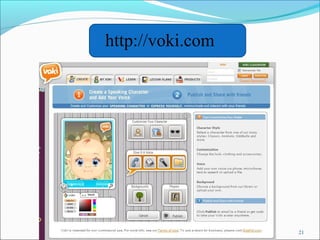
http://voki.com 
21
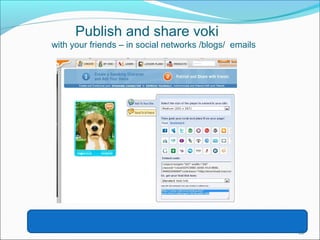
Publish and share voki 
with your friends – in social networks /blogs/ emails 
22
Time to practice 
23 
www.voki.com
www.wordle.net 
24 
Playing with the words 
Wordle is a toy for generating 
“word clouds” from text that you provide
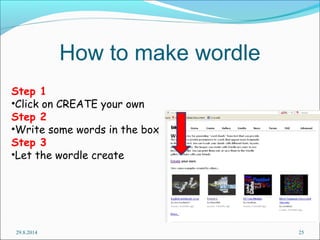
How to make wordle 
Step 1 
•Click on CREATE your own 
Step 2 
•Write some words in the box 
Step 3 
•Let the wordle create 
29.8.2014 25
Time to practice 
26 
www.wordle.net
tripwow.tripadvisor.com 
27 
It’s a jaw-dropping slideshow featuring your vacation 
pictures and your trip on a map. 
In minutes, create an amazing slideshow using your 
vacation pictures from your computer or Facebook 
albums and easily share it with family and friends.
28 
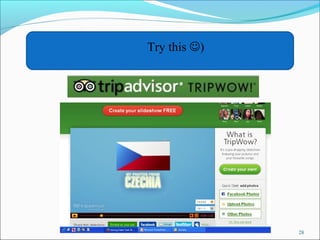
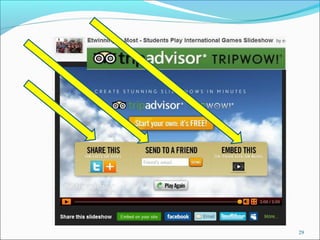
Try this )
29
http://tripwow.tripadvisor.com 
30 
Time to practice
Donatella Nucci with thanks to 
Eva Münchova a Stepanka Vopatova 
eTwinning ambassadors 
Czech Republic for some slides 
31

ICT tools