Wireframing /Prototyping with HTML
@DeeSadler Adobe ACI, ACP, UGM and UX geek
AGENDA
Frameworks DemosWho i am? Wires Software
@DeeSadler Types Adobe Usual Suspects Reflow, more
1. 2. 3. 4. 5.
What are
wireframes?
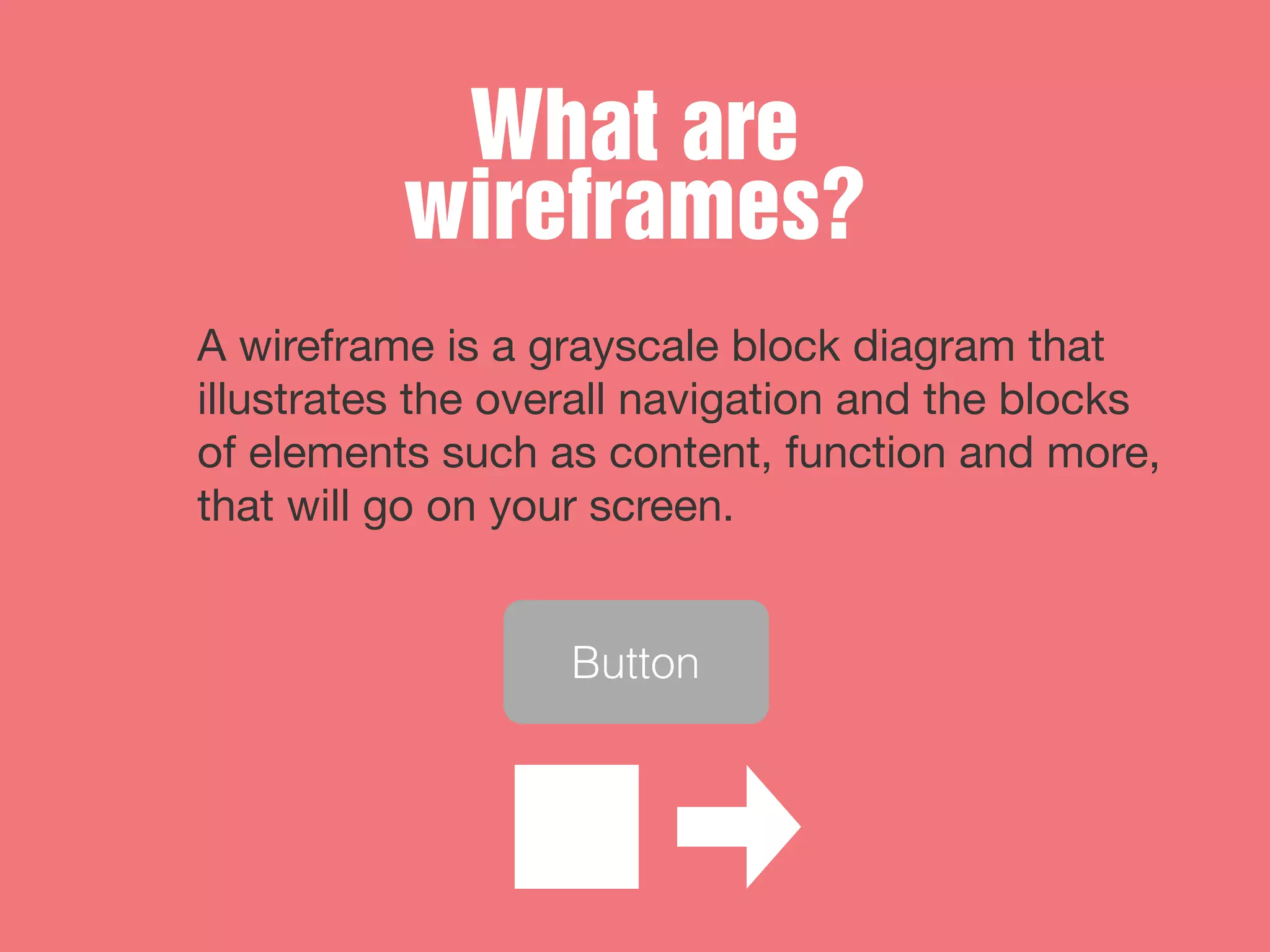
A wireframe is a grayscale block diagram that
illustrates the overall navigation and the blocks
of elements such as content, function and more,
that will go on your screen.
Button
Clarity
Clients
Quick
Adjustable
Testing
User
Iterate
Feedback Loops
Why Wireframe?
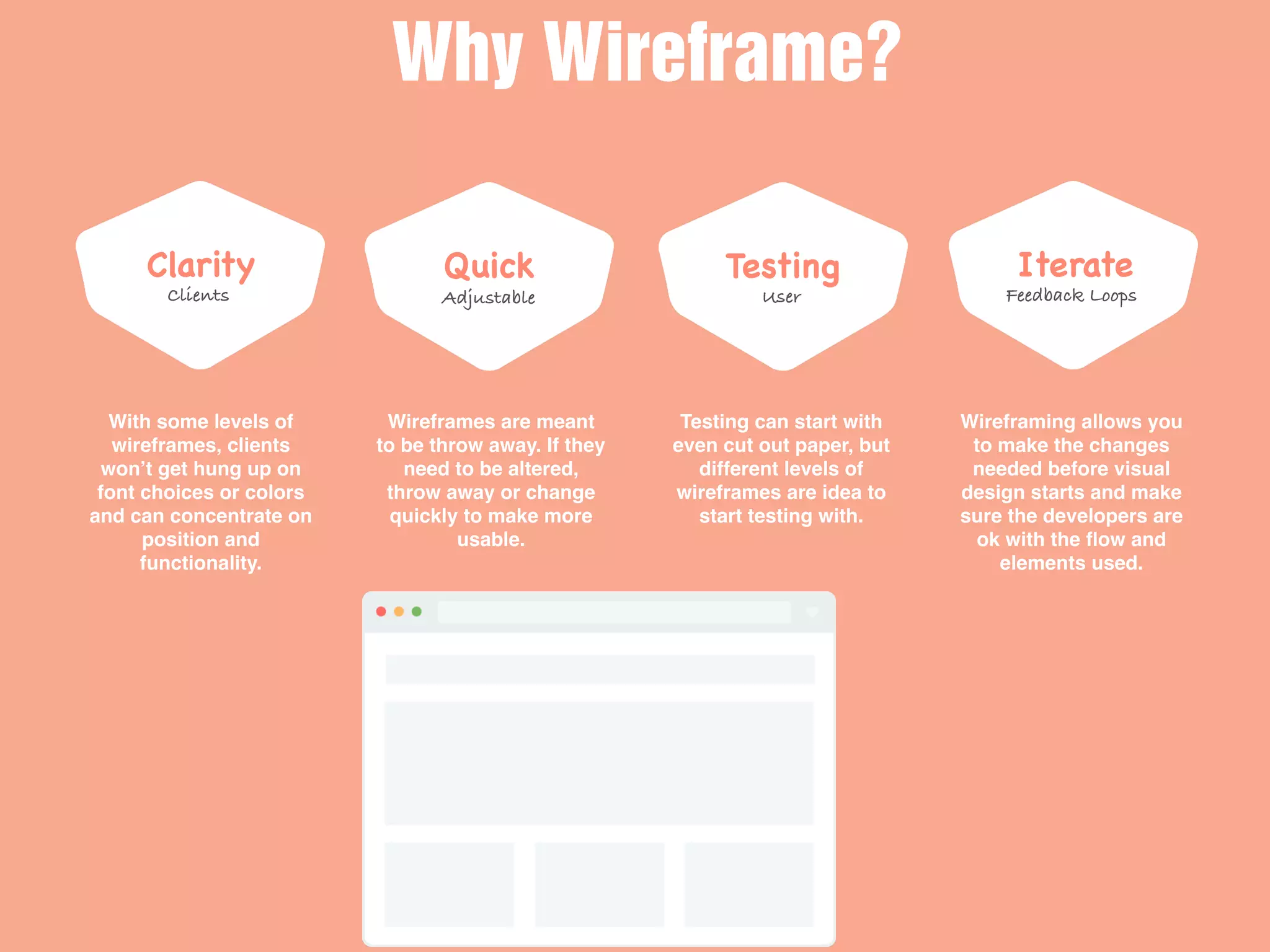
With some levels of
wireframes, clients
won’t get hung up on
font choices or colors
and can concentrate on
position and
functionality.
Wireframes are meant
to be throw away. If they
need to be altered,
throw away or change
quickly to make more
usable.
Testing can start with
even cut out paper, but
different levels of
wireframes are idea to
start testing with.
Wireframing allows you
to make the changes
needed before visual
design starts and make
sure the developers are
ok with the flow and
elements used.
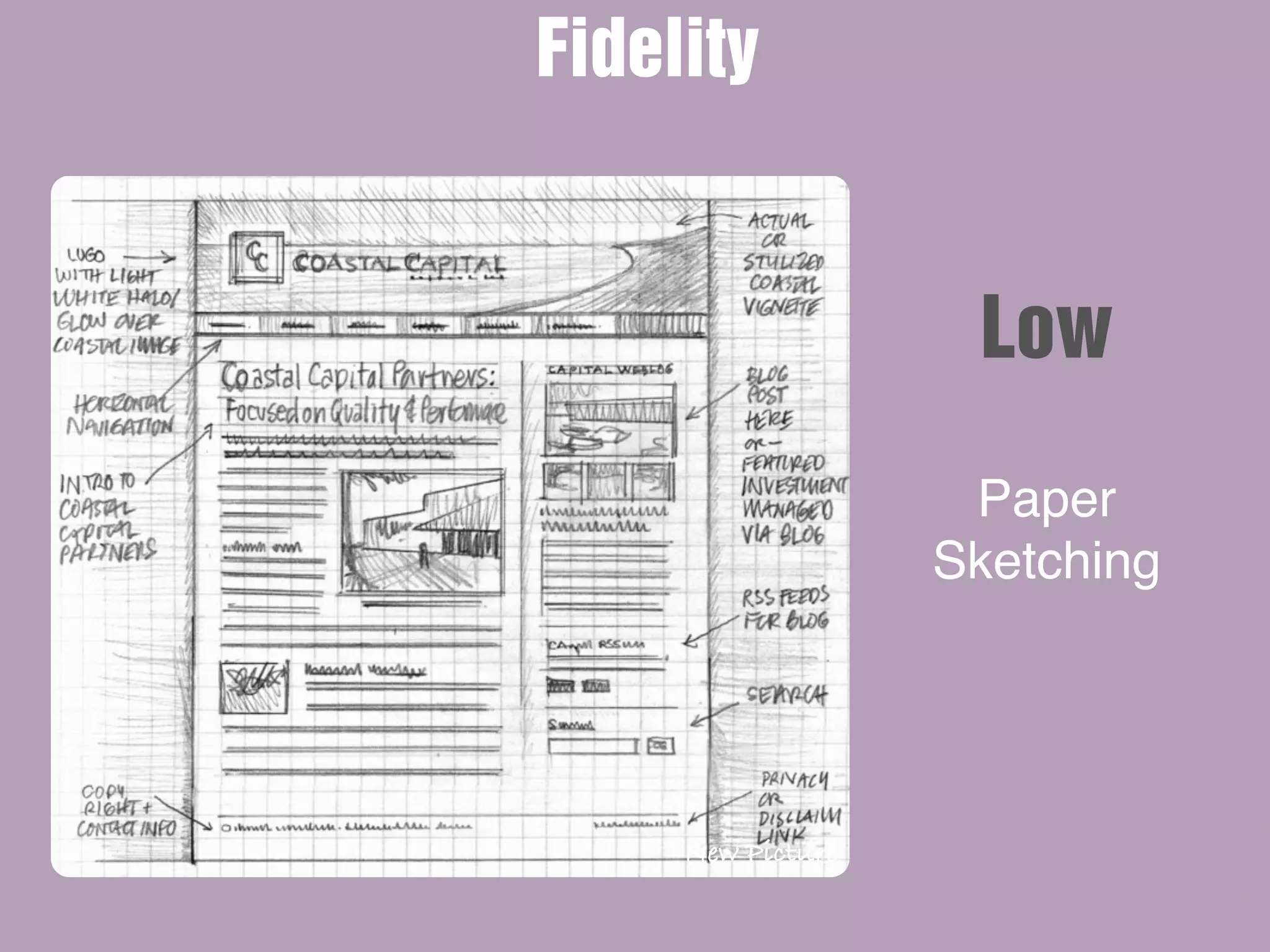
New Picture
Paper
Sketching
Fidelity
Low
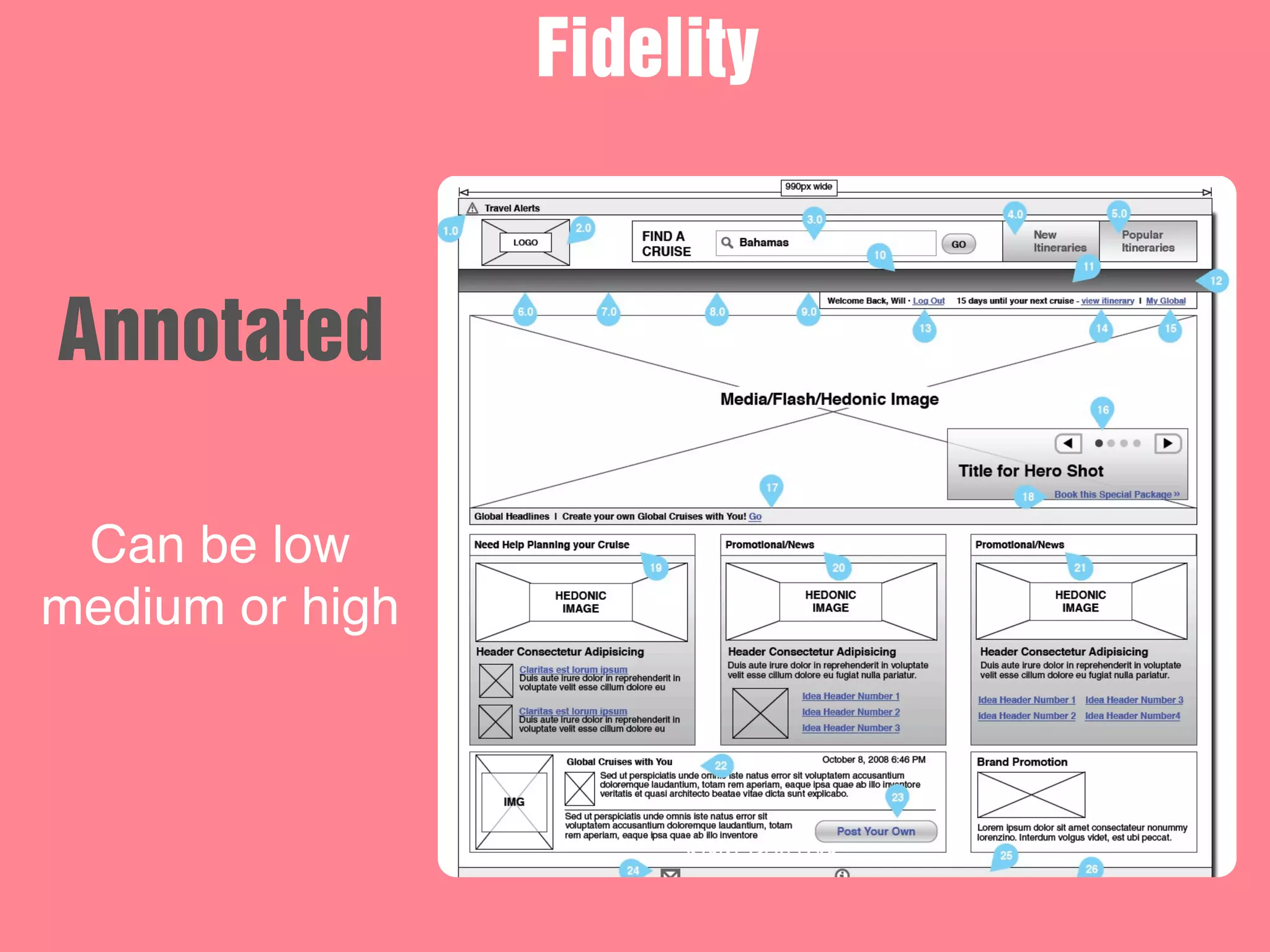
New Picture
Can be low
medium or high
Fidelity
Annotated
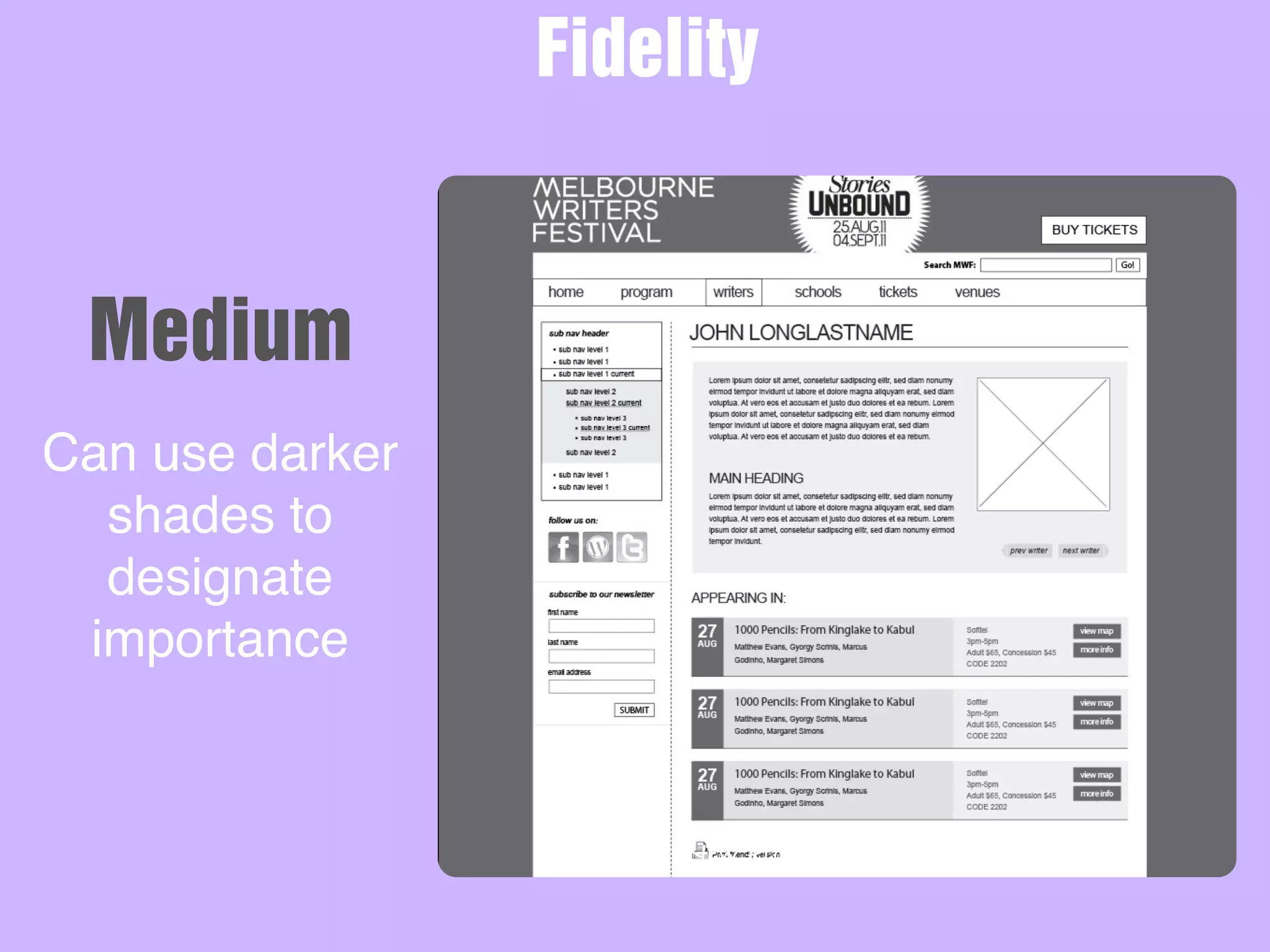
New Picture
Can use darker
shades to
designate
importance
Fidelity
Medium
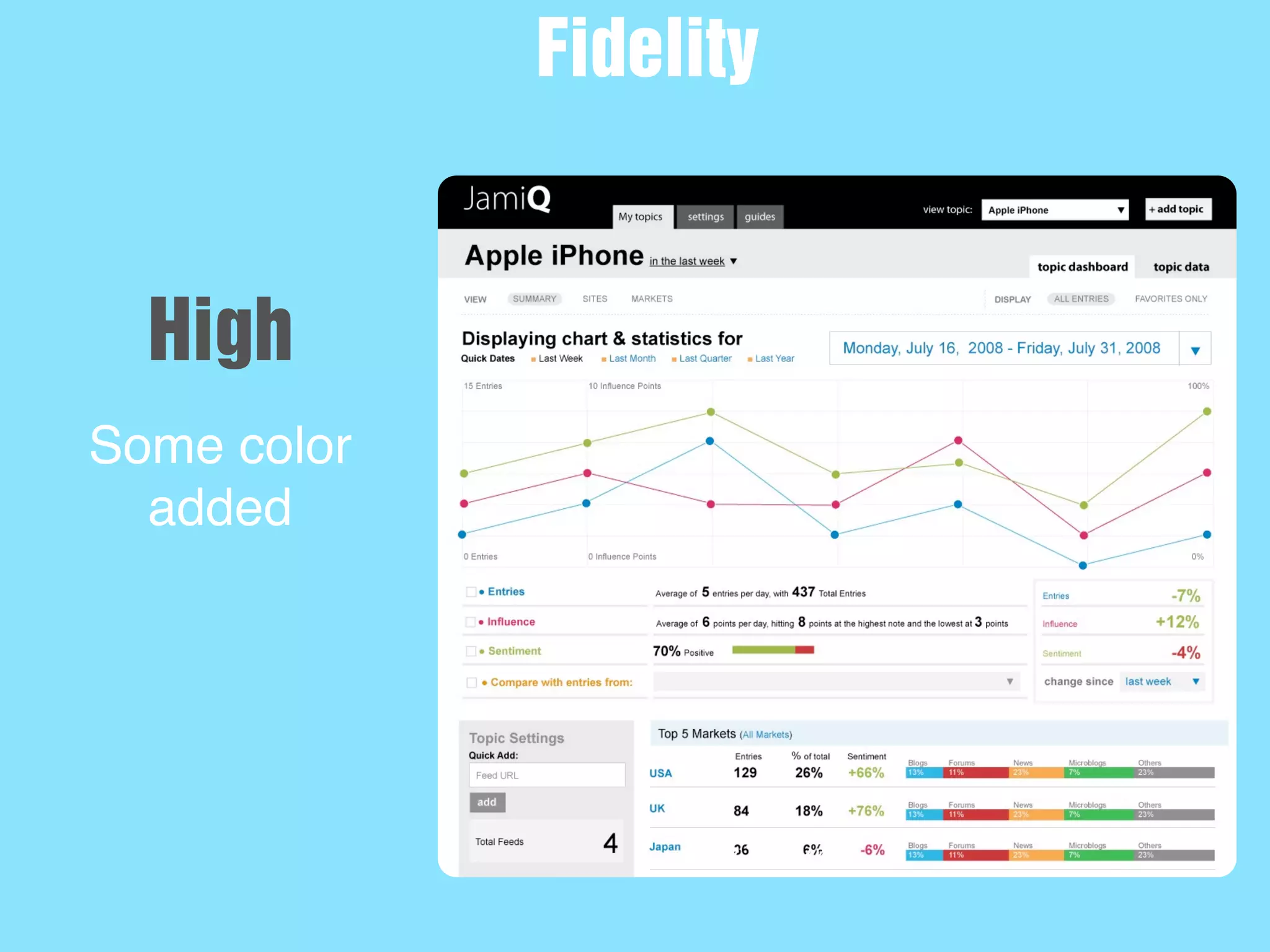
New Picture
Some color
added
Fidelity
High
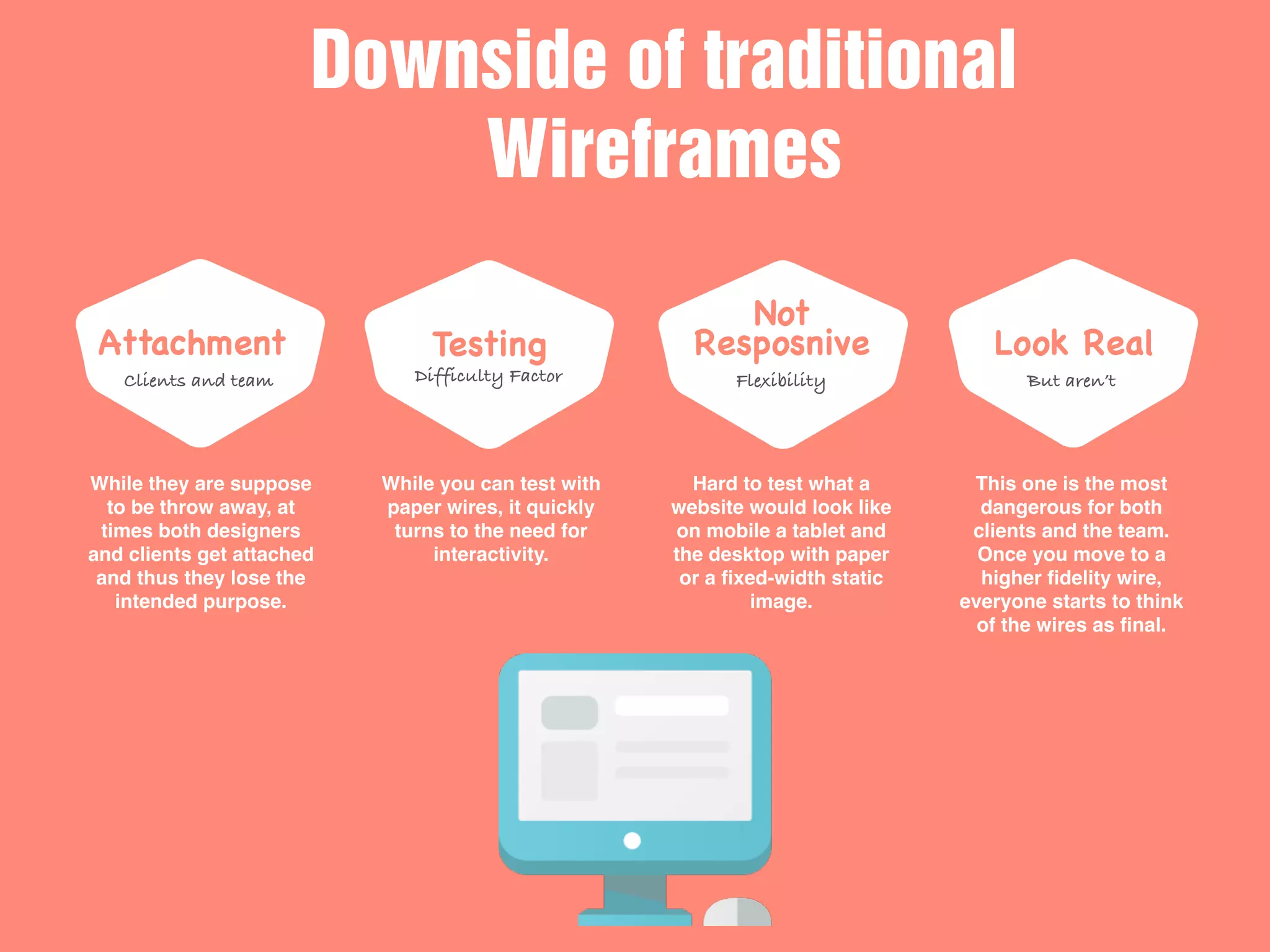
Attachment
Clients and team
Testing
Difficulty Factor
Not
Resposnive
Flexibility
Look Real
But aren’t
Downside of traditional
Wireframes
While they are suppose
to be throw away, at
times both designers
and clients get attached
and thus they lose the
intended purpose.
While you can test with
paper wires, it quickly
turns to the need for
interactivity.
Hard to test what a
website would look like
on mobile a tablet and
the desktop with paper
or a fixed-width static
image.
This one is the most
dangerous for both
clients and the team.
Once you move to a
higher fidelity wire,
everyone starts to think
of the wires as final.
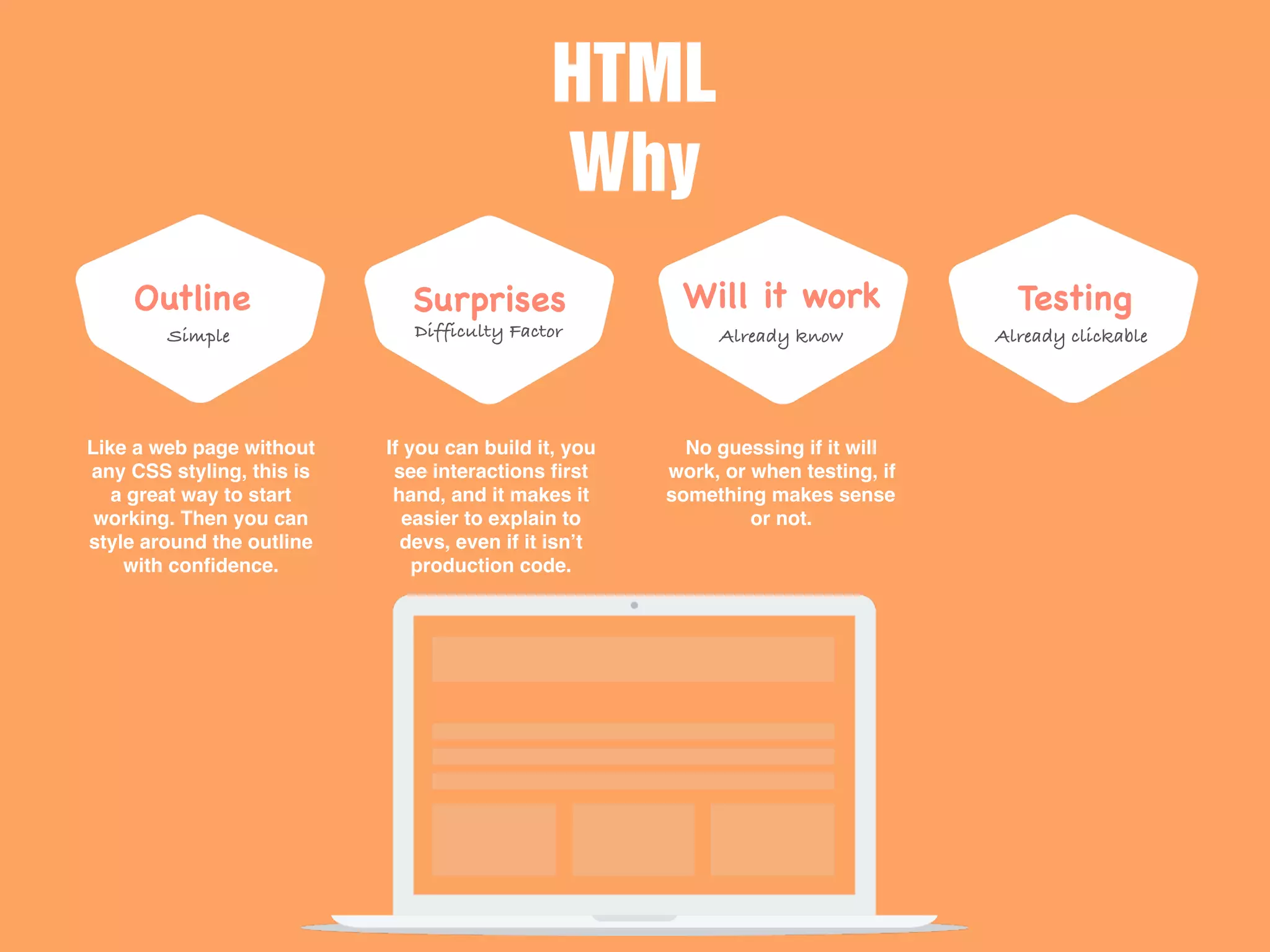
Outline
Simple
Surprises
Difficulty Factor
Will it work
Already know
Testing
Already clickable
HTML
Why
Like a web page without
any CSS styling, this is
a great way to start
working. Then you can
style around the outline
with confidence.
If you can build it, you
see interactions first
hand, and it makes it
easier to explain to
devs, even if it isn’t
production code.
No guessing if it will
work, or when testing, if
something makes sense
or not.
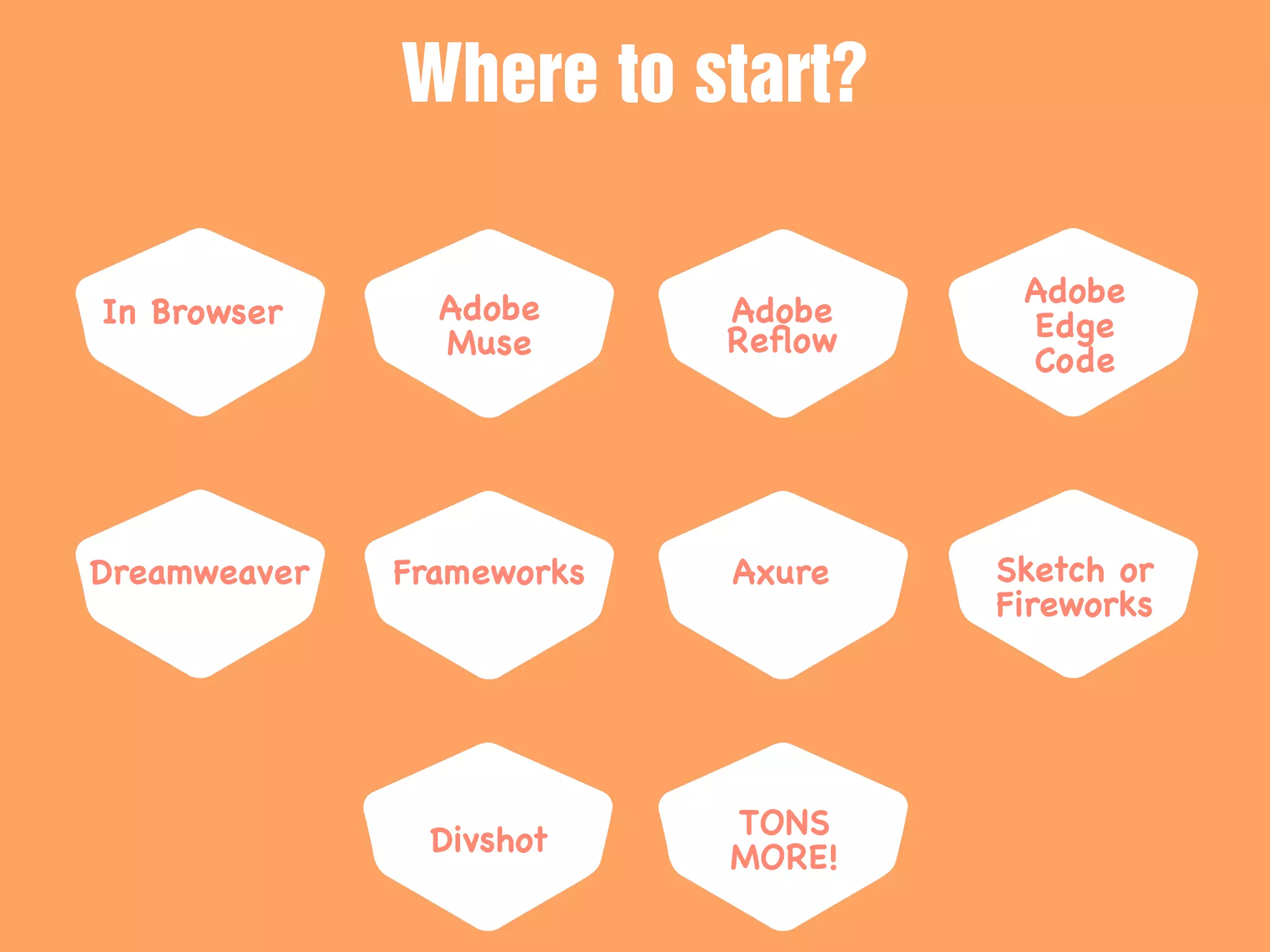
In Browser Adobe
Muse
Adobe
Reflow
Adobe
Edge
Code
Where to start?
Dreamweaver Frameworks Axure Sketch or
Fireworks
Divshot
TONS
MORE!
HTML Wireframes/Prototypes
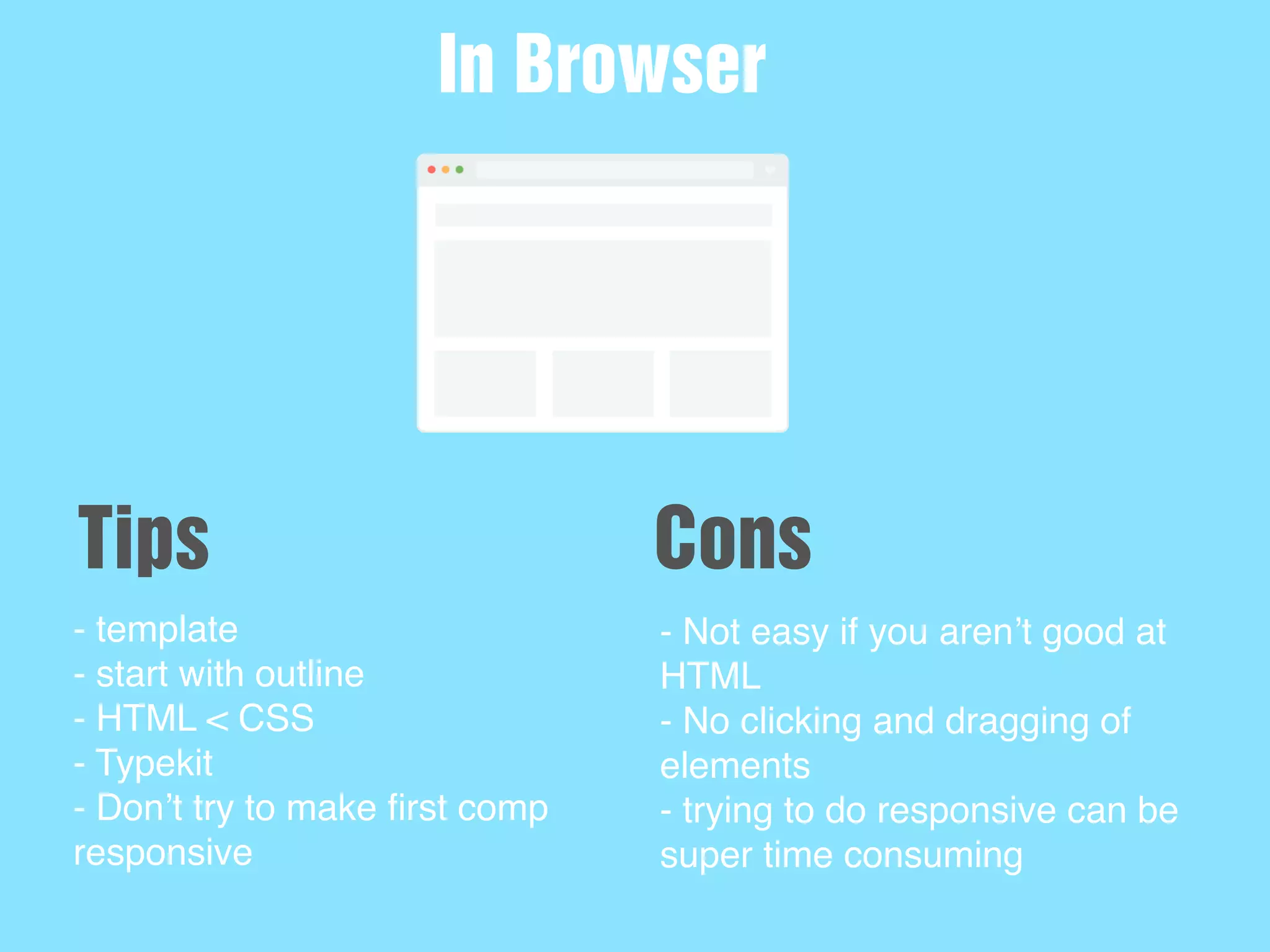
- template
- start with outline
- HTML < CSS
- Typekit
- Don’t try to make first comp
responsive
In Browser
Tips
- Not easy if you aren’t good at
HTML
- No clicking and dragging of
elements
- trying to do responsive can be
super time consuming
Cons
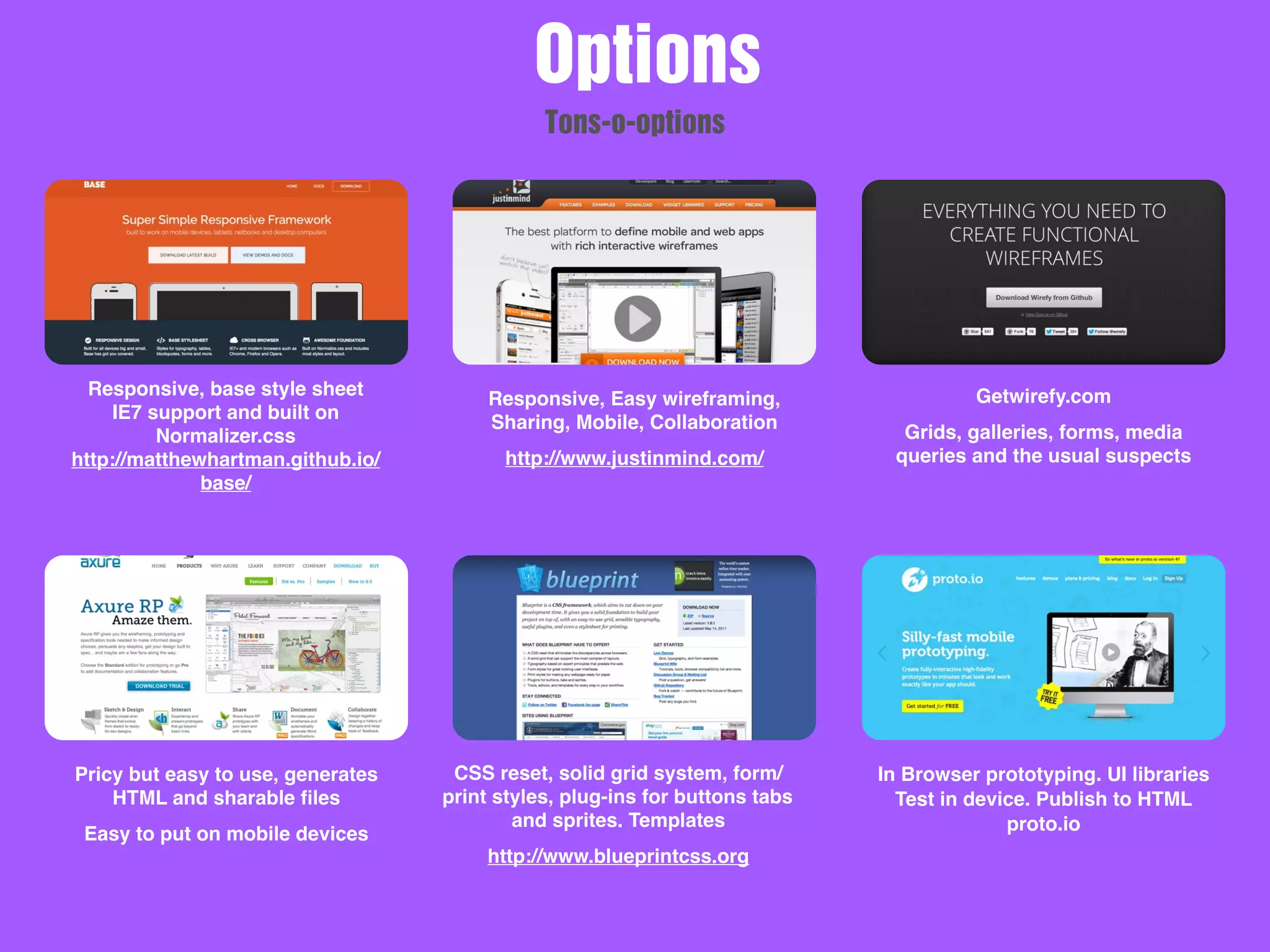
Responsive, base style sheet
IE7 support and built on
Normalizer.css
http://matthewhartman.github.io/
base/
Responsive, Easy wireframing,
Sharing, Mobile, Collaboration
http://www.justinmind.com/
Getwirefy.com
Grids, galleries, forms, media
queries and the usual suspects
Pricy but easy to use, generates
HTML and sharable files
Easy to put on mobile devices
CSS reset, solid grid system, form/
print styles, plug-ins for buttons tabs
and sprites. Templates
http://www.blueprintcss.org
In Browser prototyping. UI libraries
Test in device. Publish to HTML
proto.io
Options
Tons-o-options
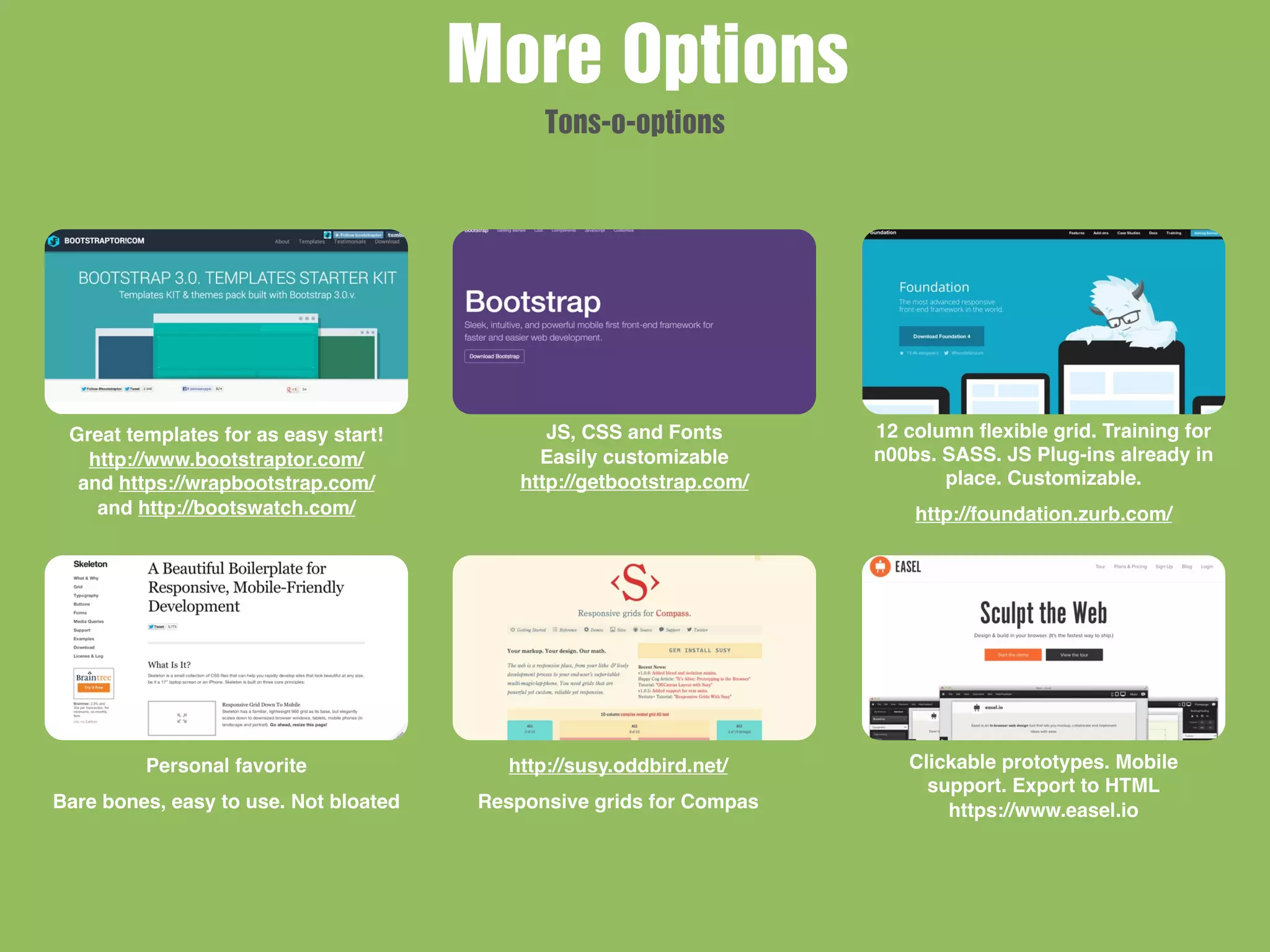
Great templates for as easy start!
http://www.bootstraptor.com/
and https://wrapbootstrap.com/
and http://bootswatch.com/
JS, CSS and Fonts
Easily customizable
http://getbootstrap.com/
12 column flexible grid. Training for
n00bs. SASS. JS Plug-ins already in
place. Customizable.
http://foundation.zurb.com/
Personal favorite
Bare bones, easy to use. Not bloated
http://susy.oddbird.net/
Responsive grids for Compas
Clickable prototypes. Mobile
support. Export to HTML
https://www.easel.io
More Options
Tons-o-options
New Picture
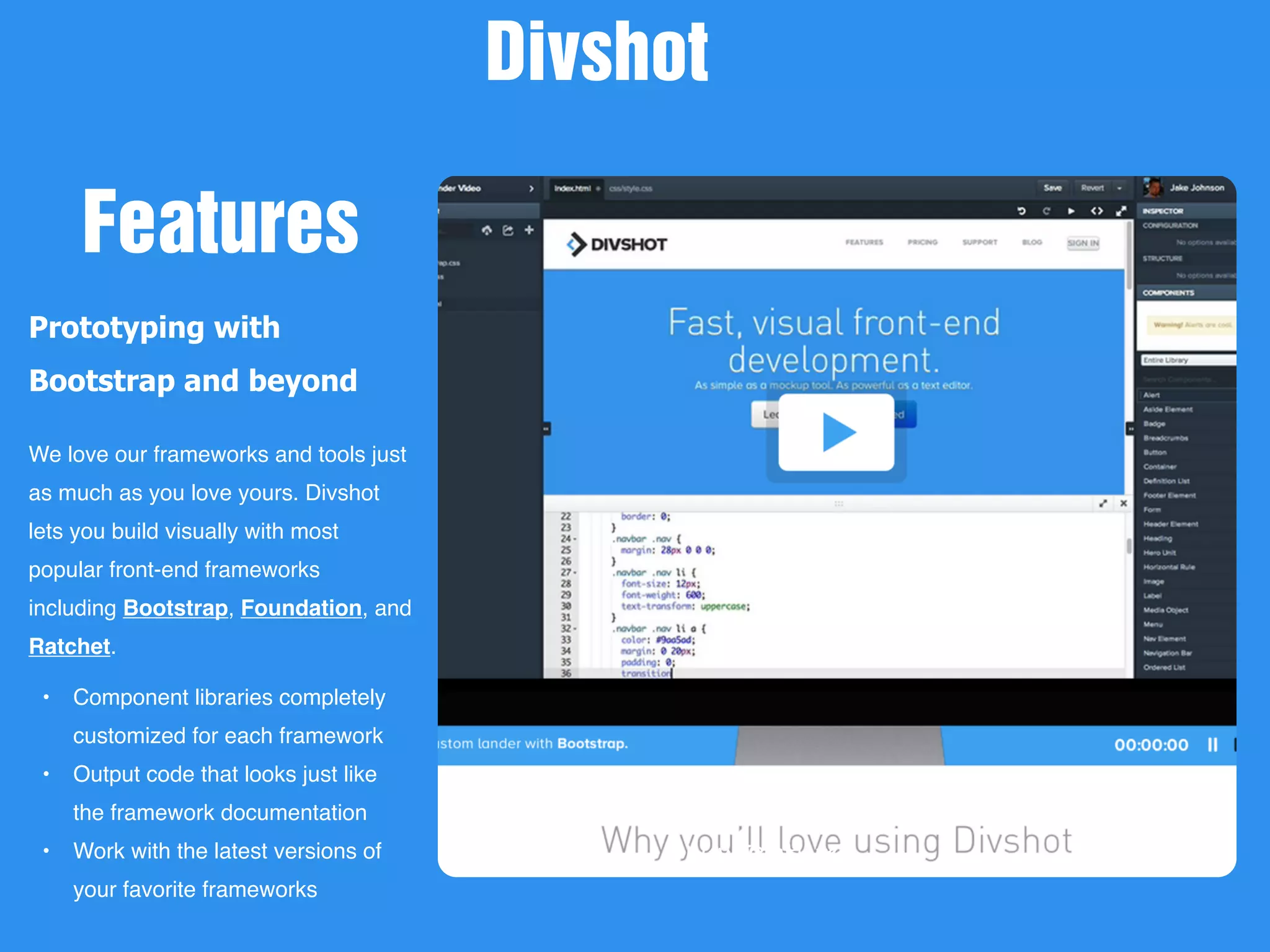
Prototyping with
Bootstrap and beyond
We love our frameworks and tools just
as much as you love yours. Divshot
lets you build visually with most
popular front-end frameworks
including Bootstrap, Foundation, and
Ratchet.
• Component libraries completely
customized for each framework
• Output code that looks just like
the framework documentation
• Work with the latest versions of
your favorite frameworks
Divshot
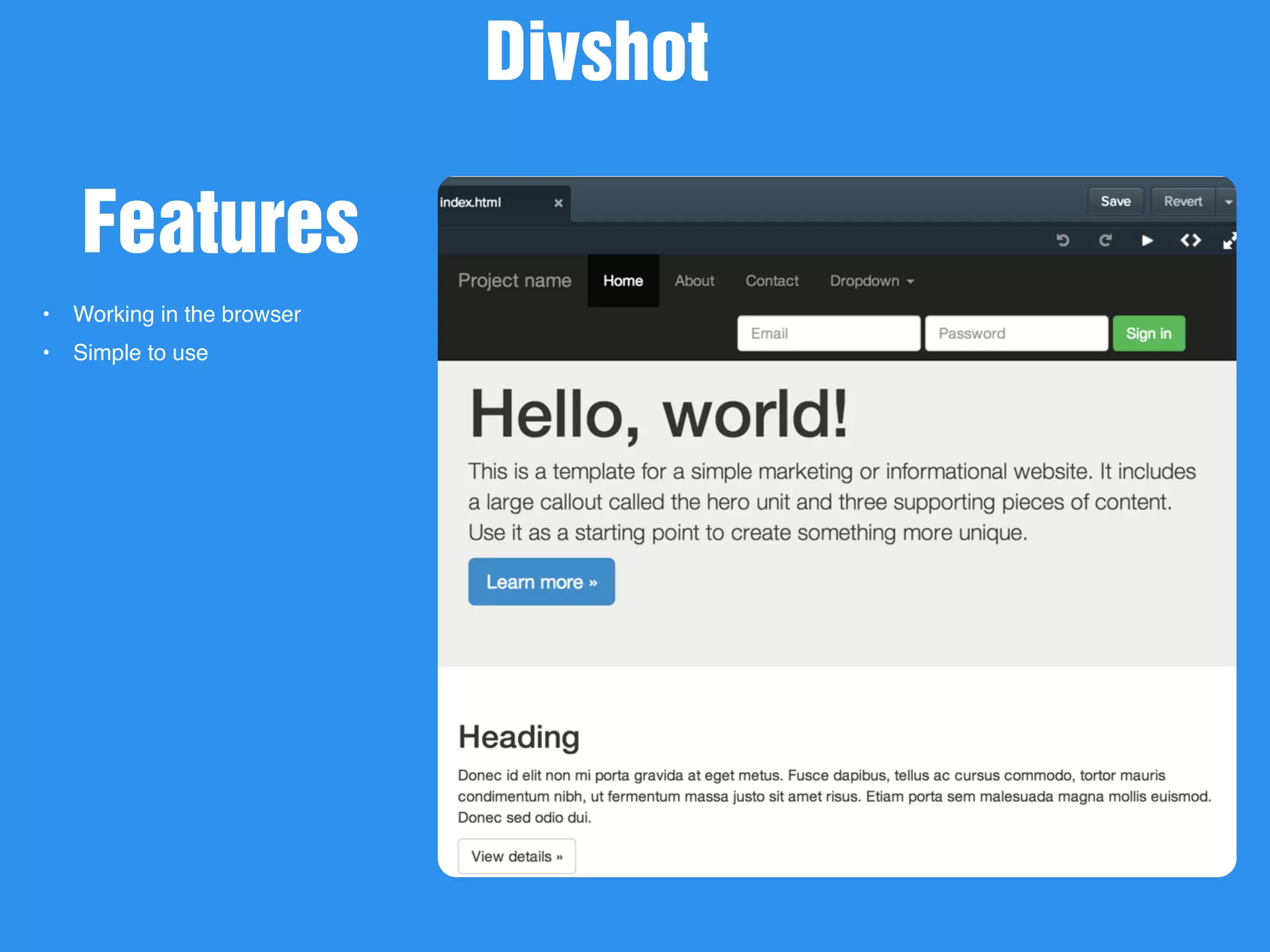
Features
New Picture
• Working in the browser
• Simple to use
Divshot
Features
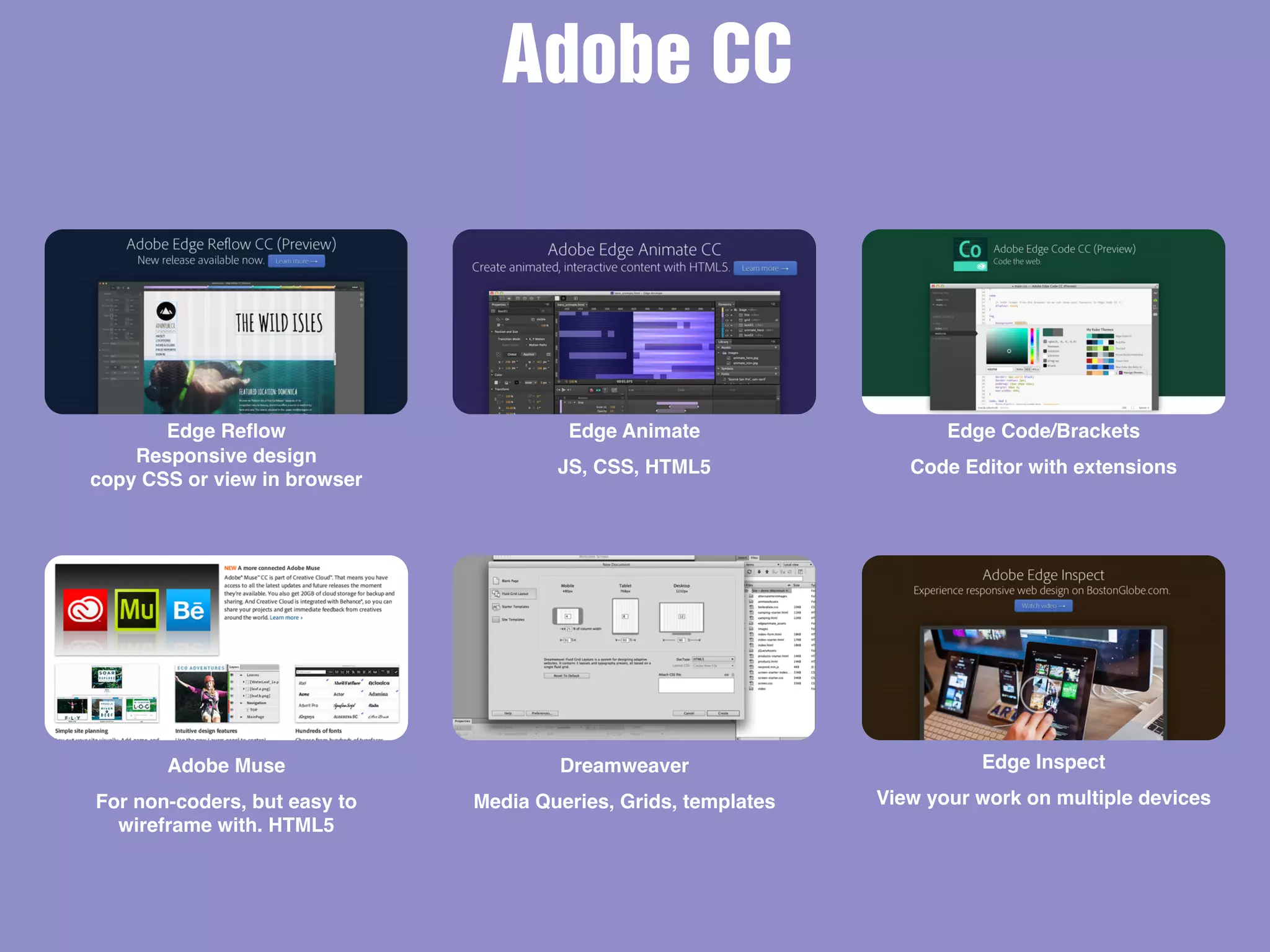
Edge Reflow
Responsive design
copy CSS or view in browser
Edge Animate
JS, CSS, HTML5
Edge Code/Brackets
Code Editor with extensions
Adobe Muse
For non-coders, but easy to
wireframe with. HTML5
Edge Inspect
View your work on multiple devices
Adobe CC
Dreamweaver
Media Queries, Grids, templates
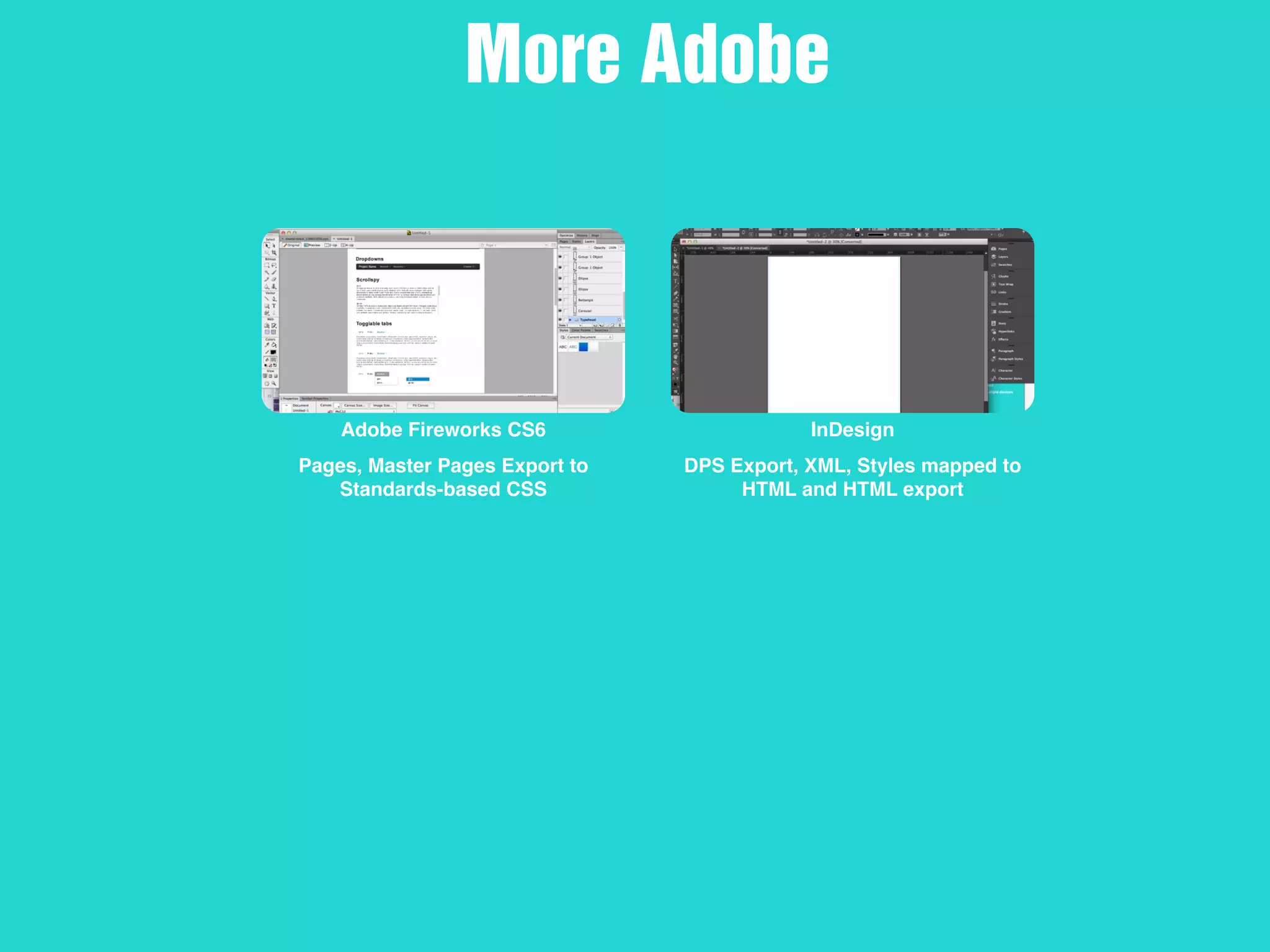
Adobe Fireworks CS6
Pages, Master Pages Export to
Standards-based CSS
InDesign
DPS Export, XML, Styles mapped to
HTML and HTML export
More Adobe
New Picture
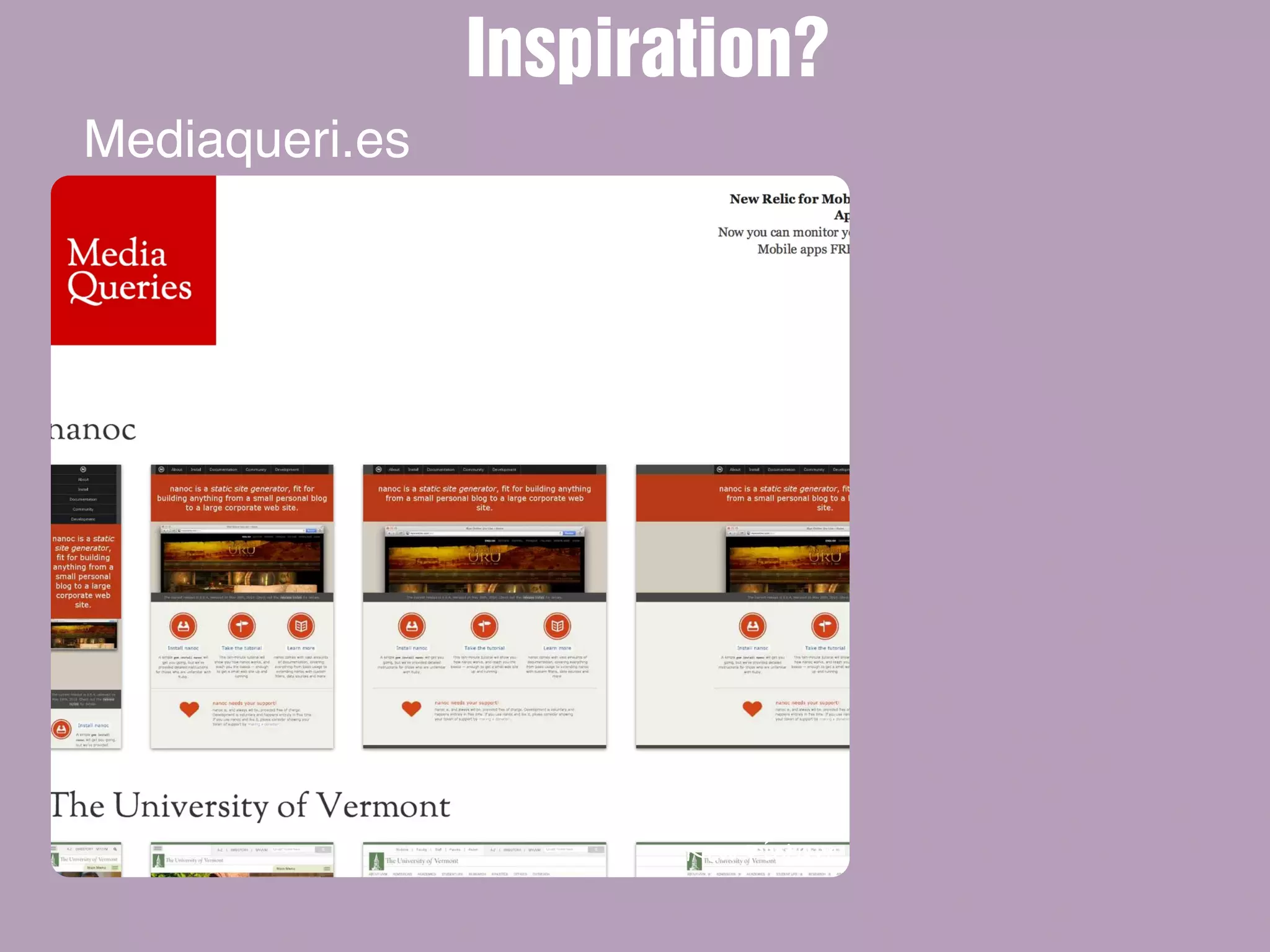
Mediaqueri.es
Inspiration?
New Picture
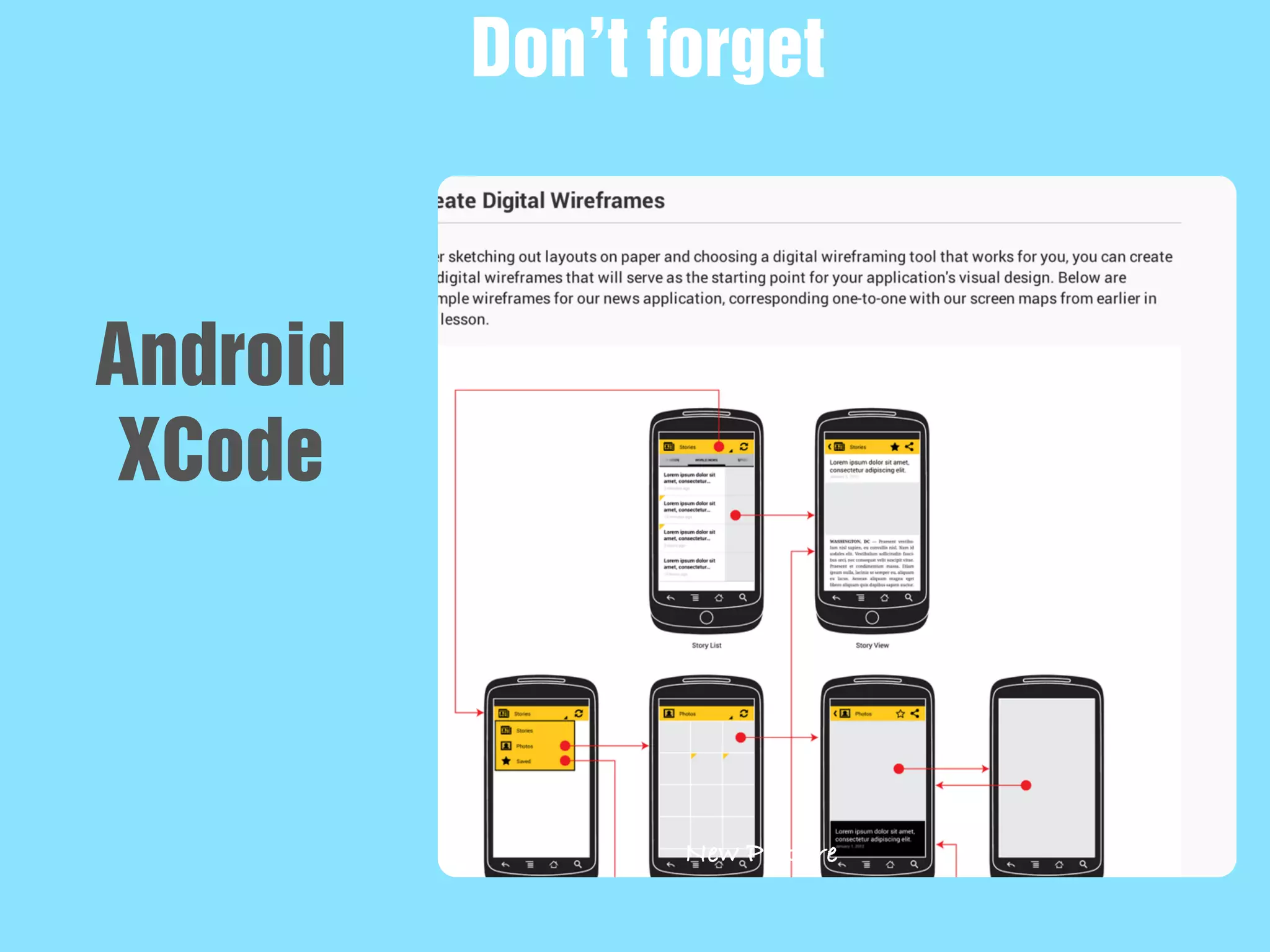
Don’t forget
Android
XCode
Lets take a
closer look
Demos ?
QUESTIONS ?
FACEBOOK
Facebook.com/deesadler.com
TWITTER
Twitter.com/deesadler.com
CONTACT
dee@d2wc.com
www.d2wc.com
www.aboxofpixels.com
SKYPE
macwediva
CONTACT US
Get in touch
THANKS

Wireframing /Prototyping with HTML

  • 1.
    Wireframing /Prototyping withHTML @DeeSadler Adobe ACI, ACP, UGM and UX geek
  • 2.
    AGENDA Frameworks DemosWho iam? Wires Software @DeeSadler Types Adobe Usual Suspects Reflow, more 1. 2. 3. 4. 5.
  • 3.
    What are wireframes? A wireframeis a grayscale block diagram that illustrates the overall navigation and the blocks of elements such as content, function and more, that will go on your screen. Button
  • 4.
    Clarity Clients Quick Adjustable Testing User Iterate Feedback Loops Why Wireframe? Withsome levels of wireframes, clients won’t get hung up on font choices or colors and can concentrate on position and functionality. Wireframes are meant to be throw away. If they need to be altered, throw away or change quickly to make more usable. Testing can start with even cut out paper, but different levels of wireframes are idea to start testing with. Wireframing allows you to make the changes needed before visual design starts and make sure the developers are ok with the flow and elements used.
  • 5.
  • 6.
    New Picture Can below medium or high Fidelity Annotated
  • 7.
    New Picture Can usedarker shades to designate importance Fidelity Medium
  • 8.
  • 9.
    Attachment Clients and team Testing DifficultyFactor Not Resposnive Flexibility Look Real But aren’t Downside of traditional Wireframes While they are suppose to be throw away, at times both designers and clients get attached and thus they lose the intended purpose. While you can test with paper wires, it quickly turns to the need for interactivity. Hard to test what a website would look like on mobile a tablet and the desktop with paper or a fixed-width static image. This one is the most dangerous for both clients and the team. Once you move to a higher fidelity wire, everyone starts to think of the wires as final.
  • 10.
    Outline Simple Surprises Difficulty Factor Will itwork Already know Testing Already clickable HTML Why Like a web page without any CSS styling, this is a great way to start working. Then you can style around the outline with confidence. If you can build it, you see interactions first hand, and it makes it easier to explain to devs, even if it isn’t production code. No guessing if it will work, or when testing, if something makes sense or not.
  • 11.
    In Browser Adobe Muse Adobe Reflow Adobe Edge Code Whereto start? Dreamweaver Frameworks Axure Sketch or Fireworks Divshot TONS MORE!
  • 12.
  • 13.
    - template - startwith outline - HTML < CSS - Typekit - Don’t try to make first comp responsive In Browser Tips - Not easy if you aren’t good at HTML - No clicking and dragging of elements - trying to do responsive can be super time consuming Cons
  • 14.
    Responsive, base stylesheet IE7 support and built on Normalizer.css http://matthewhartman.github.io/ base/ Responsive, Easy wireframing, Sharing, Mobile, Collaboration http://www.justinmind.com/ Getwirefy.com Grids, galleries, forms, media queries and the usual suspects Pricy but easy to use, generates HTML and sharable files Easy to put on mobile devices CSS reset, solid grid system, form/ print styles, plug-ins for buttons tabs and sprites. Templates http://www.blueprintcss.org In Browser prototyping. UI libraries Test in device. Publish to HTML proto.io Options Tons-o-options
  • 15.
    Great templates foras easy start! http://www.bootstraptor.com/ and https://wrapbootstrap.com/ and http://bootswatch.com/ JS, CSS and Fonts Easily customizable http://getbootstrap.com/ 12 column flexible grid. Training for n00bs. SASS. JS Plug-ins already in place. Customizable. http://foundation.zurb.com/ Personal favorite Bare bones, easy to use. Not bloated http://susy.oddbird.net/ Responsive grids for Compas Clickable prototypes. Mobile support. Export to HTML https://www.easel.io More Options Tons-o-options
  • 16.
    New Picture Prototyping with Bootstrapand beyond We love our frameworks and tools just as much as you love yours. Divshot lets you build visually with most popular front-end frameworks including Bootstrap, Foundation, and Ratchet. • Component libraries completely customized for each framework • Output code that looks just like the framework documentation • Work with the latest versions of your favorite frameworks Divshot Features
  • 17.
    New Picture • Workingin the browser • Simple to use Divshot Features
  • 18.
    Edge Reflow Responsive design copyCSS or view in browser Edge Animate JS, CSS, HTML5 Edge Code/Brackets Code Editor with extensions Adobe Muse For non-coders, but easy to wireframe with. HTML5 Edge Inspect View your work on multiple devices Adobe CC Dreamweaver Media Queries, Grids, templates
  • 19.
    Adobe Fireworks CS6 Pages,Master Pages Export to Standards-based CSS InDesign DPS Export, XML, Styles mapped to HTML and HTML export More Adobe
  • 20.
  • 21.
  • 22.
  • 23.
  • 24.
  • 25.
  • 26.