Download to read offline

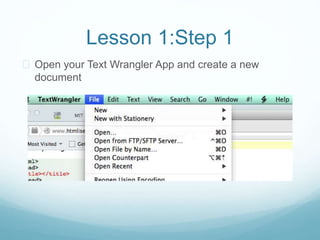
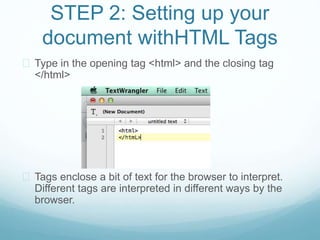
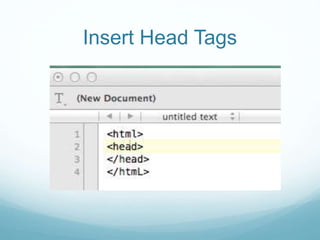
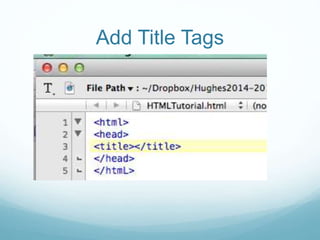
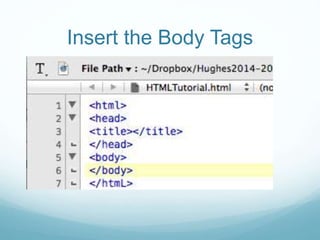
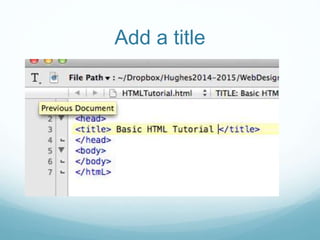
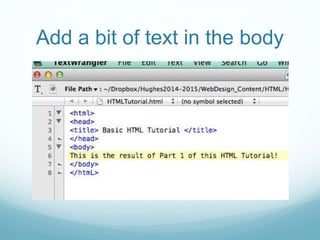
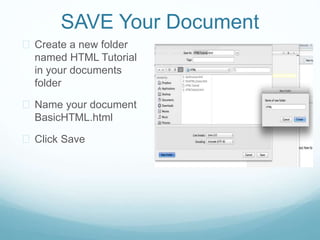
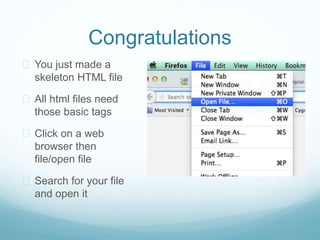
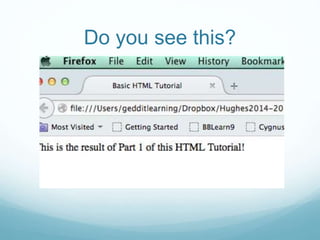
This document provides instructions for creating a basic HTML file, including opening a text editor, adding opening and closing HTML tags, inserting head and title tags, adding body tags, typing a title and text, saving the file with a .html extension in a new folder, and opening it in a web browser to view the output. The final steps are to take a screenshot of the code and upload it as proof of completion for the lesson.


