Snapchat Snapchat
Odehtech.com
Read full post
http://odehtech.com/how-to-use-snapchat/
By : Mohammad odeh
odehtech.com
What is snapcaht ?
There are numerous messaging
apps and Snapchat is also one
among them – a messaging service.
But, Snapchat is a very different
app.
How ?
The messages that are sent through
Snapchat will not stay for more than 10
seconds. Whether it is a photo or a video
message, after being watched the messages
that were sent through Snapchat get
automatically deleted in 10 seconds and
they cannot be traced again.
When it was created and by who ?
This app was created in September 2011
by Evan Spiegel, Bobby Murphy and
Reggie Brow , however in
2016 snapchat’s daily view become 1o
bilion DAILY video views when it was
6 bilion in 2015 and that means it
increased 66.7% in just one year .
Installing & Downloading Snapchat
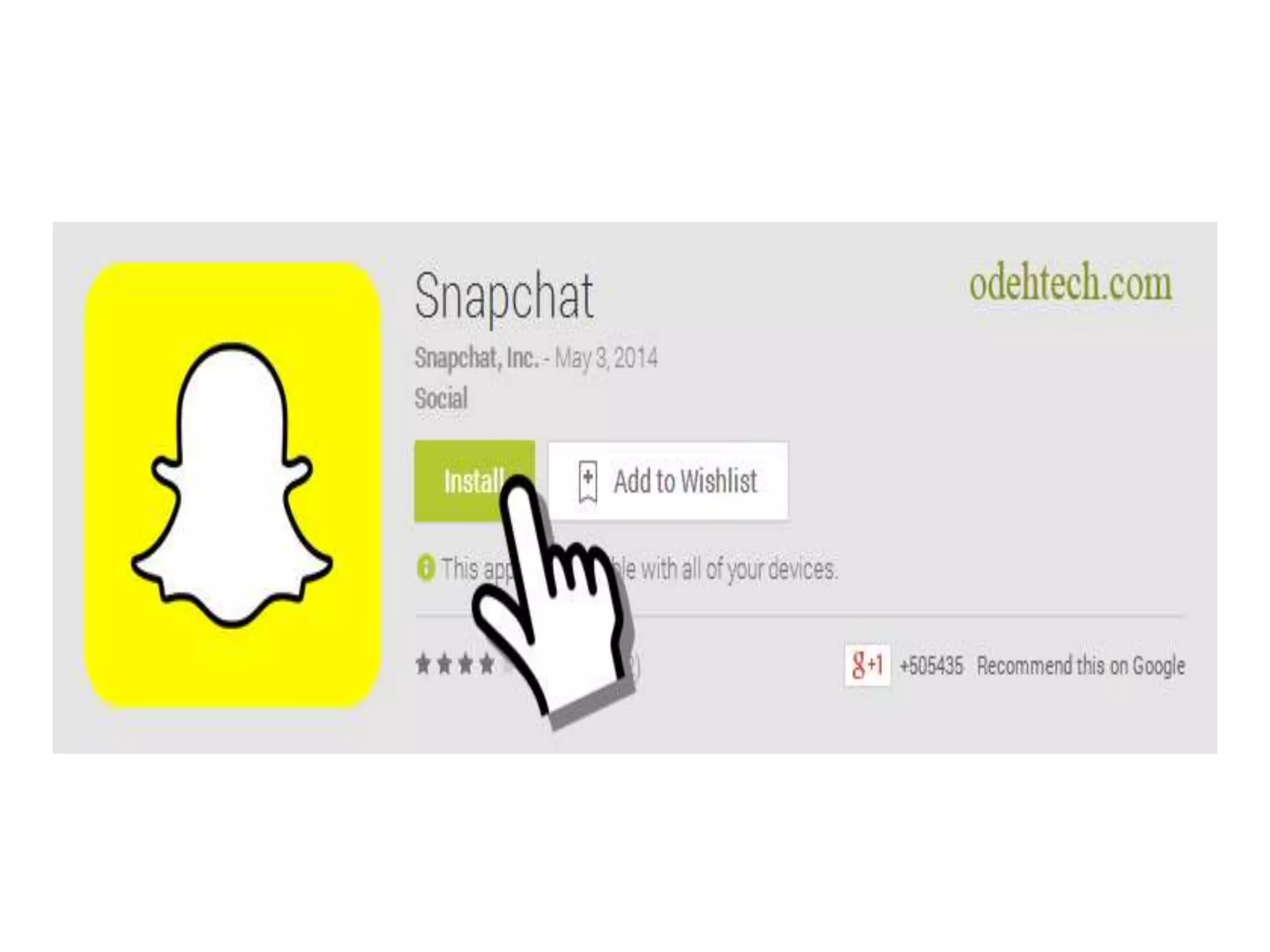
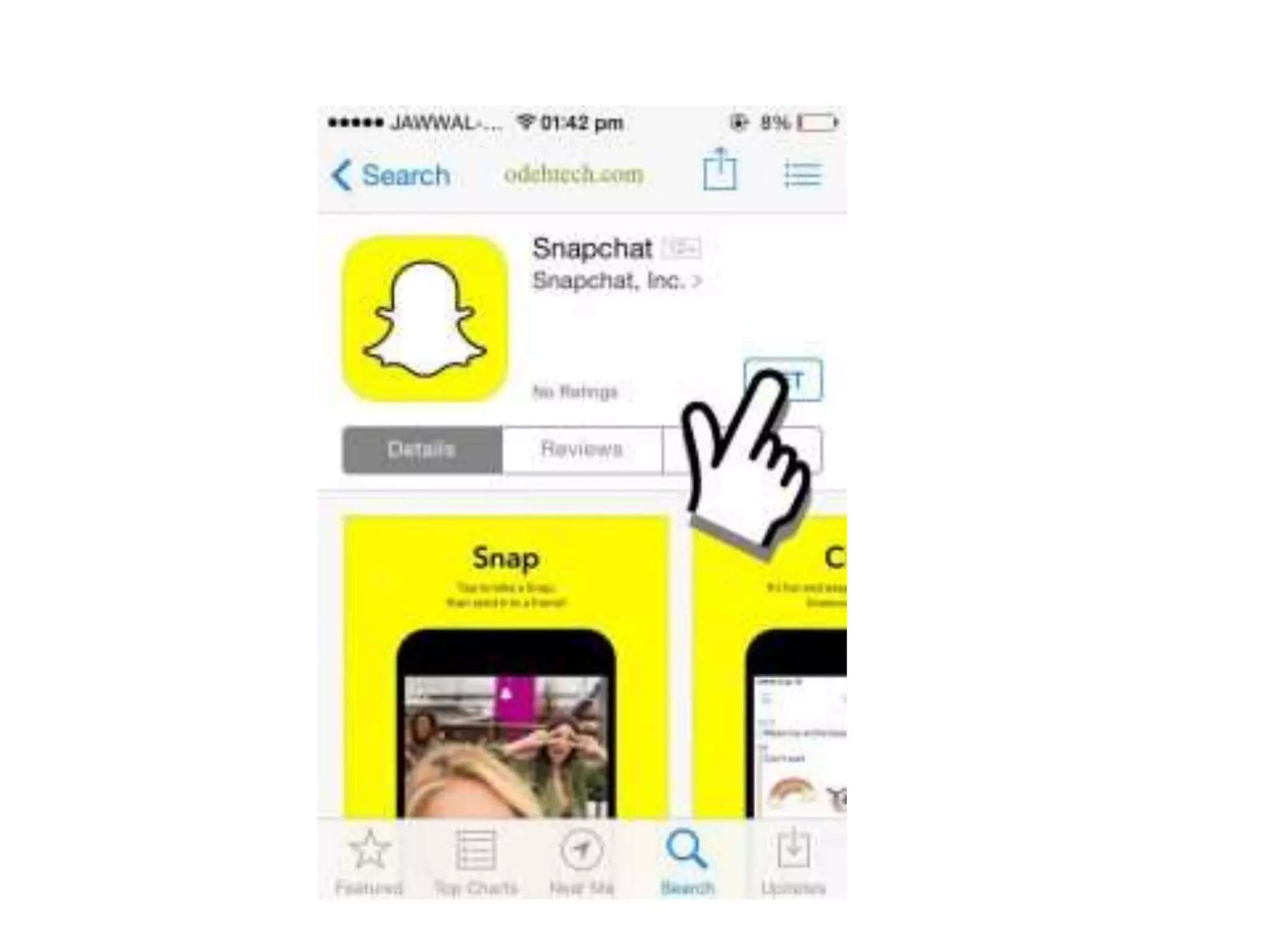
You can easily download
Snapchat just go to Play Store or
iTunes App Store and search for
‘Snapchat’ , and tap on download
for android .
Setting up Snapchat initially
Once the application is
downloaded, the user can sign up
with Snapchat add the list of his
contacts including friends who are
already on Snapchat.
Using the buttons on the top the user
can turn the flash on or off or to other
camera. By clicking the Snapchat logo
the user can view his Snapchat code,
make changes in his settings, go
through his list of contacts and add
new contacts to the list. By way of
clicking the question mark symbol new
contacts can be added to the list using
the Snapcode of the user.
Writing
and
Drawing
Drawing can be done over the text or
image using the pencil button which
is provided in the editing page.
Variety of colors is also provided.
After choosing the color the user can
draw anything using his finger.
Drawing can be re-started using the
refresh button.
Using the first option user can
decide how long the recipients can
view the image. In case of a video,
if required, sound can be muted.
Second button is for downloading
media
Button with ‘+’ mark is for adding
snap to the story
The button with the big arrow is the
‘send’ button which may be clicked
when the message or video is ready
to share.
When messages are sent from the
“My Story” section of Snapchat,
the same will be visible to all the
contacts for 24 hours.
When messages are sent to particular
recipient, only the chosen one can
view the same.
Accessing the chat sent to the user
The Snapchat user can access to the
content that were sent by his friends
by tapping on a thread and swiping
from left to right. The content will
disappear within seconds of viewing.
Thanks
for
reading
Now
Smile


how to use snapchat ?

  • 1.
  • 2.
  • 3.
    What is snapcaht? There are numerous messaging apps and Snapchat is also one among them – a messaging service. But, Snapchat is a very different app.
  • 4.
    How ? The messagesthat are sent through Snapchat will not stay for more than 10 seconds. Whether it is a photo or a video message, after being watched the messages that were sent through Snapchat get automatically deleted in 10 seconds and they cannot be traced again.
  • 5.
    When it wascreated and by who ? This app was created in September 2011 by Evan Spiegel, Bobby Murphy and Reggie Brow , however in 2016 snapchat’s daily view become 1o bilion DAILY video views when it was 6 bilion in 2015 and that means it increased 66.7% in just one year .
  • 6.
  • 7.
    You can easilydownload Snapchat just go to Play Store or iTunes App Store and search for ‘Snapchat’ , and tap on download for android .
  • 10.
  • 11.
    Once the applicationis downloaded, the user can sign up with Snapchat add the list of his contacts including friends who are already on Snapchat.
  • 12.
    Using the buttonson the top the user can turn the flash on or off or to other camera. By clicking the Snapchat logo the user can view his Snapchat code, make changes in his settings, go through his list of contacts and add new contacts to the list. By way of clicking the question mark symbol new contacts can be added to the list using the Snapcode of the user.
  • 17.
  • 19.
    Drawing can bedone over the text or image using the pencil button which is provided in the editing page. Variety of colors is also provided. After choosing the color the user can draw anything using his finger. Drawing can be re-started using the refresh button.
  • 21.
    Using the firstoption user can decide how long the recipients can view the image. In case of a video, if required, sound can be muted.
  • 22.
    Second button isfor downloading media
  • 23.
    Button with ‘+’mark is for adding snap to the story
  • 25.
    The button withthe big arrow is the ‘send’ button which may be clicked when the message or video is ready to share.
  • 26.
    When messages aresent from the “My Story” section of Snapchat, the same will be visible to all the contacts for 24 hours.
  • 27.
    When messages aresent to particular recipient, only the chosen one can view the same.
  • 28.
    Accessing the chatsent to the user
  • 29.
    The Snapchat usercan access to the content that were sent by his friends by tapping on a thread and swiping from left to right. The content will disappear within seconds of viewing.
  • 30.