HOW TO USE A VIDEO
         CAMERA?


               This project has been funded with support from the European Commission.
This publication reflects the views only of the author, and the Commission cannot be held responsible for
                     any use which may be made of the information contained therein.
HOW TO USE A VIDEO CAMERA?

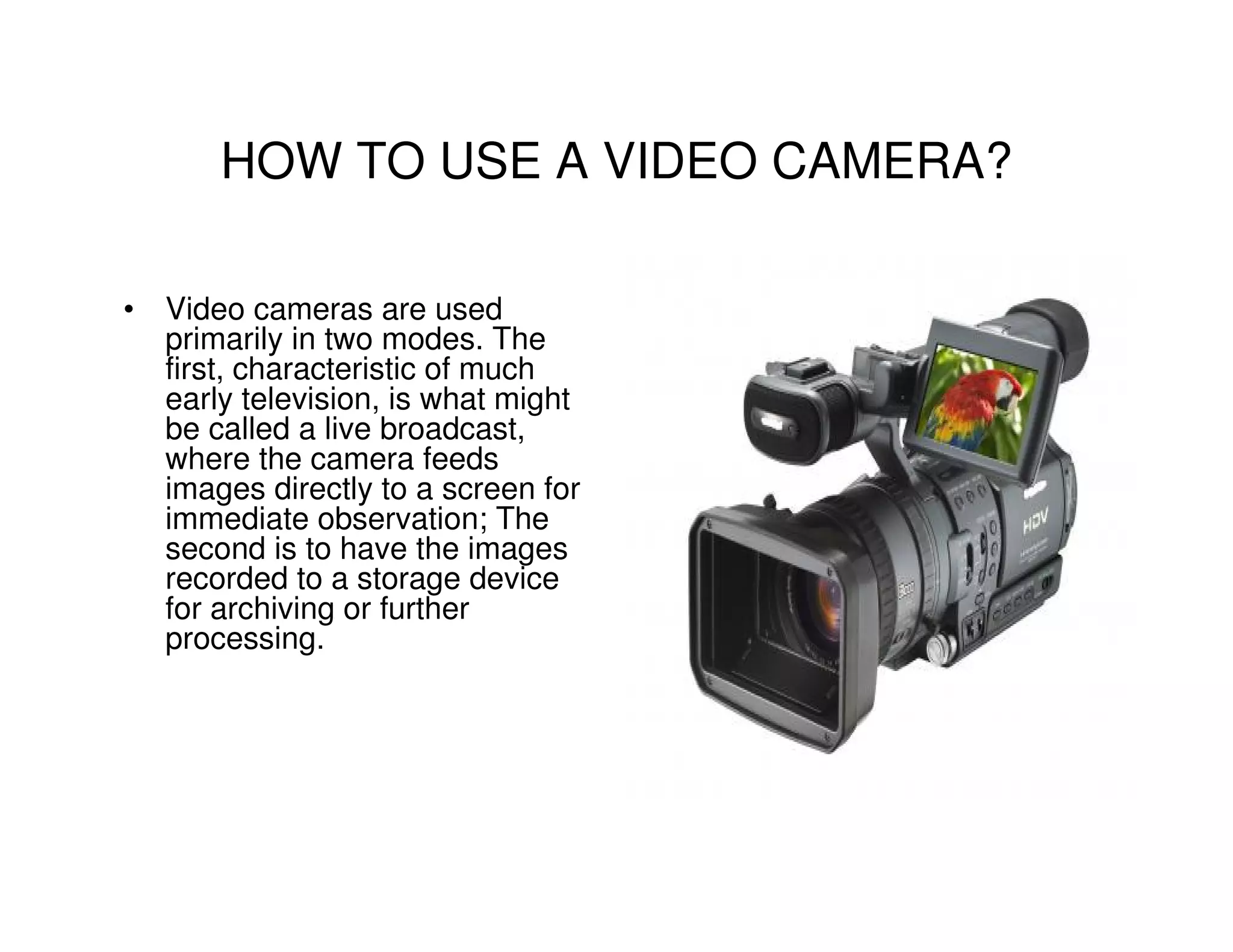
• Video cameras are used
  primarily in two modes. The
  first, characteristic of much
  early television, is what might
  be called a live broadcast,
  where the camera feeds
  images directly to a screen for
  immediate observation; The
  second is to have the images
  recorded to a storage device
  for archiving or further
  processing.
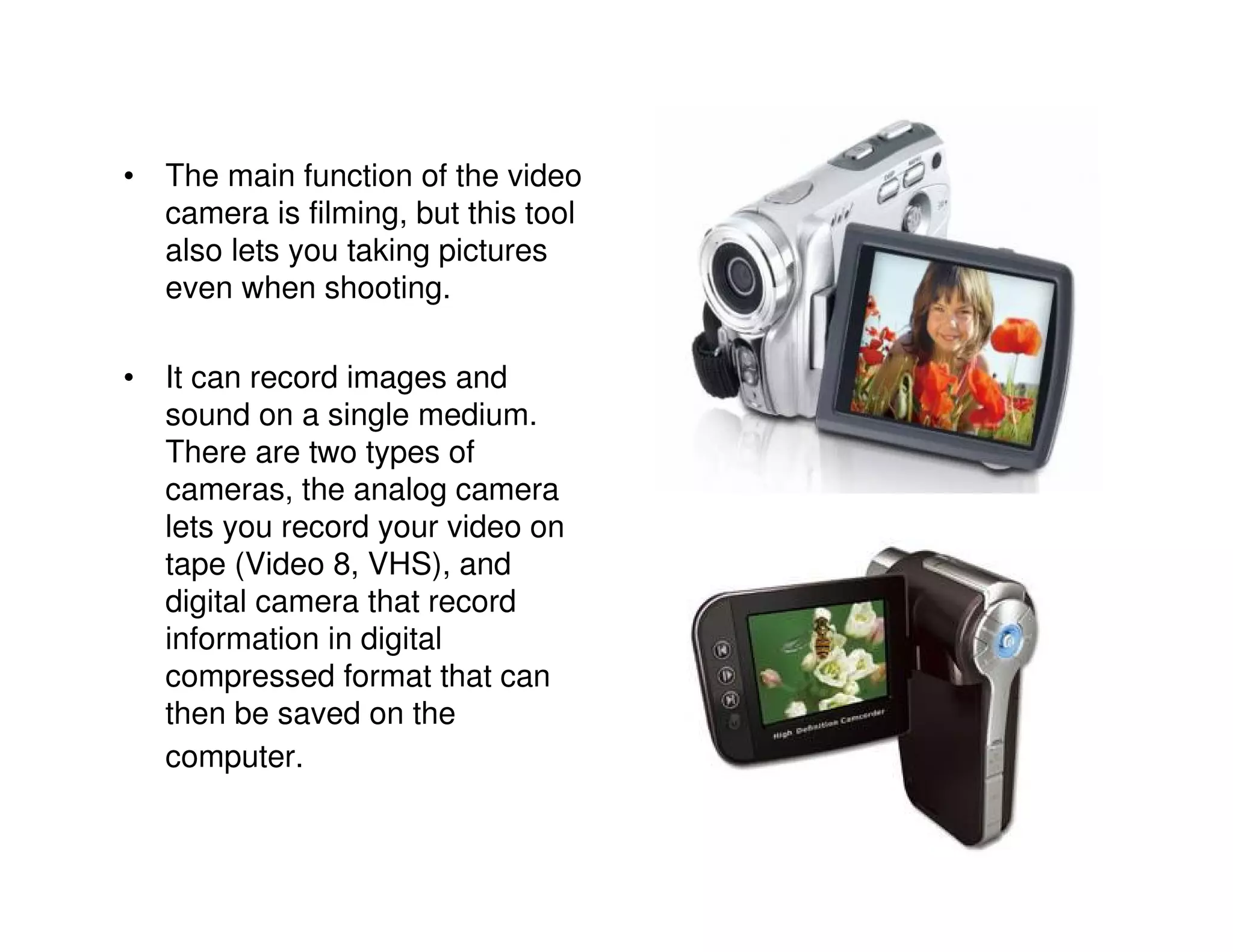
• The main function of the video
  camera is filming, but this tool
  also lets you taking pictures
  even when shooting.

• It can record images and
  sound on a single medium.
  There are two types of
  cameras, the analog camera
  lets you record your video on
  tape (Video 8, VHS), and
  digital camera that record
  information in digital
  compressed format that can
  then be saved on the
  computer.
BEFORE USING YOUR VIDEO CAMERA
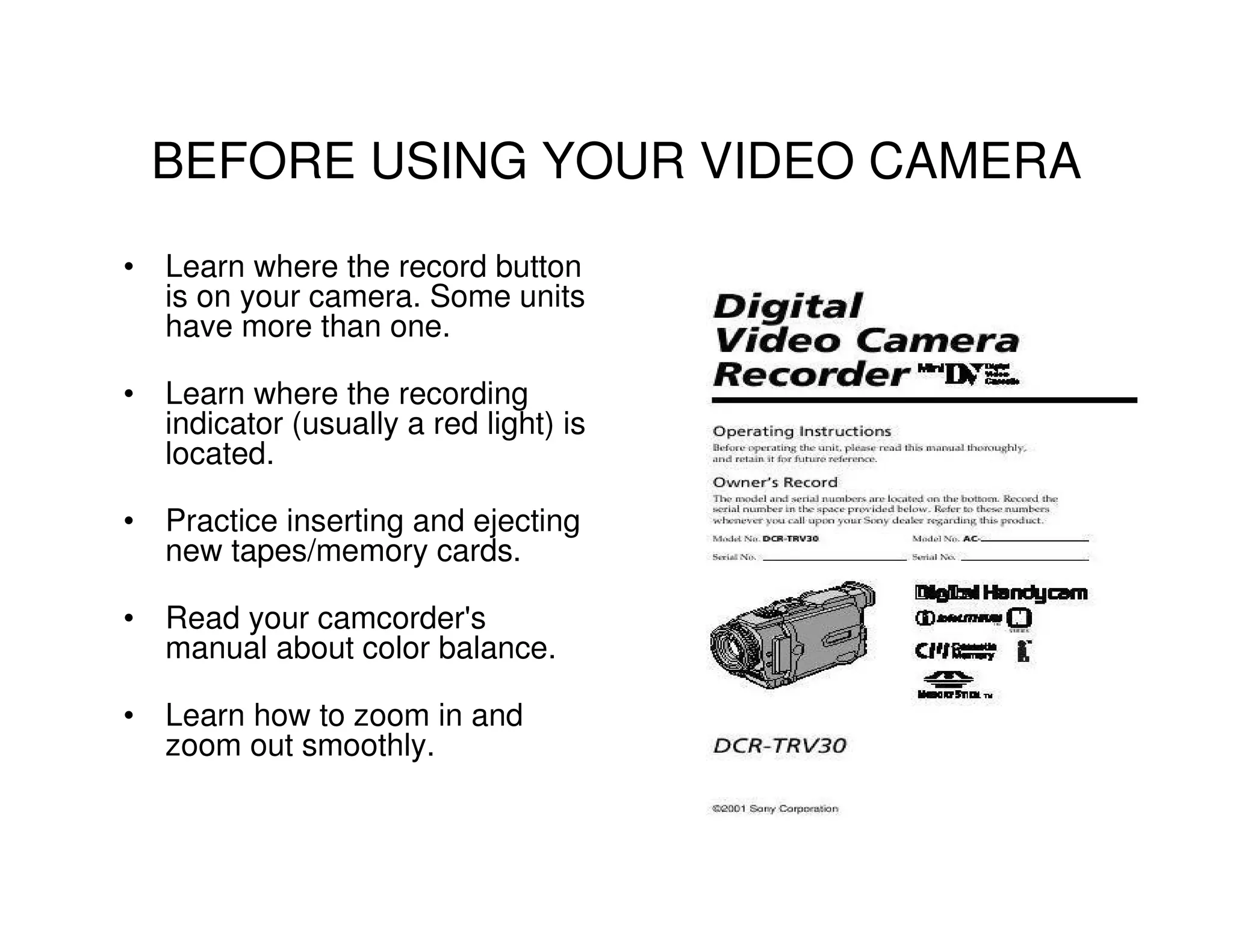
• Learn where the record button
  is on your camera. Some units
  have more than one.

• Learn where the recording
  indicator (usually a red light) is
  located.

• Practice inserting and ejecting
  new tapes/memory cards.

• Read your camcorder's
  manual about color balance.

• Learn how to zoom in and
  zoom out smoothly.
• Learn the zoom capabilities of your lens. Become familiar with the
  widest (least zoomed) shot you can take, compared with the tightest
  (most zoomed) shot.

• Look at a scene and try to figure out where the frame line of your shot
  would be for both a wide and a tight shot. Then take your camcorder
  and see how close you came.

• Continue to practice matching your "mind's eye" margins with the
  actual ones your lens produces until you get it right most of the time.

• Use your manual to find out about other camera status indicators:
  what they mean and where they're located.

• Find out if you can control the sound level as you record. If so, learn
  how to adjust it as you shoot, so you don't interrupt a good shot to set
  volume.

• Rehearse switching from one battery to another or from a battery to
  your battery eliminator. These are sometimes tricky, and if you don't
  get them in just right, they won't fit.

• Learn accessory control.
HOW TO TURN IT ON?


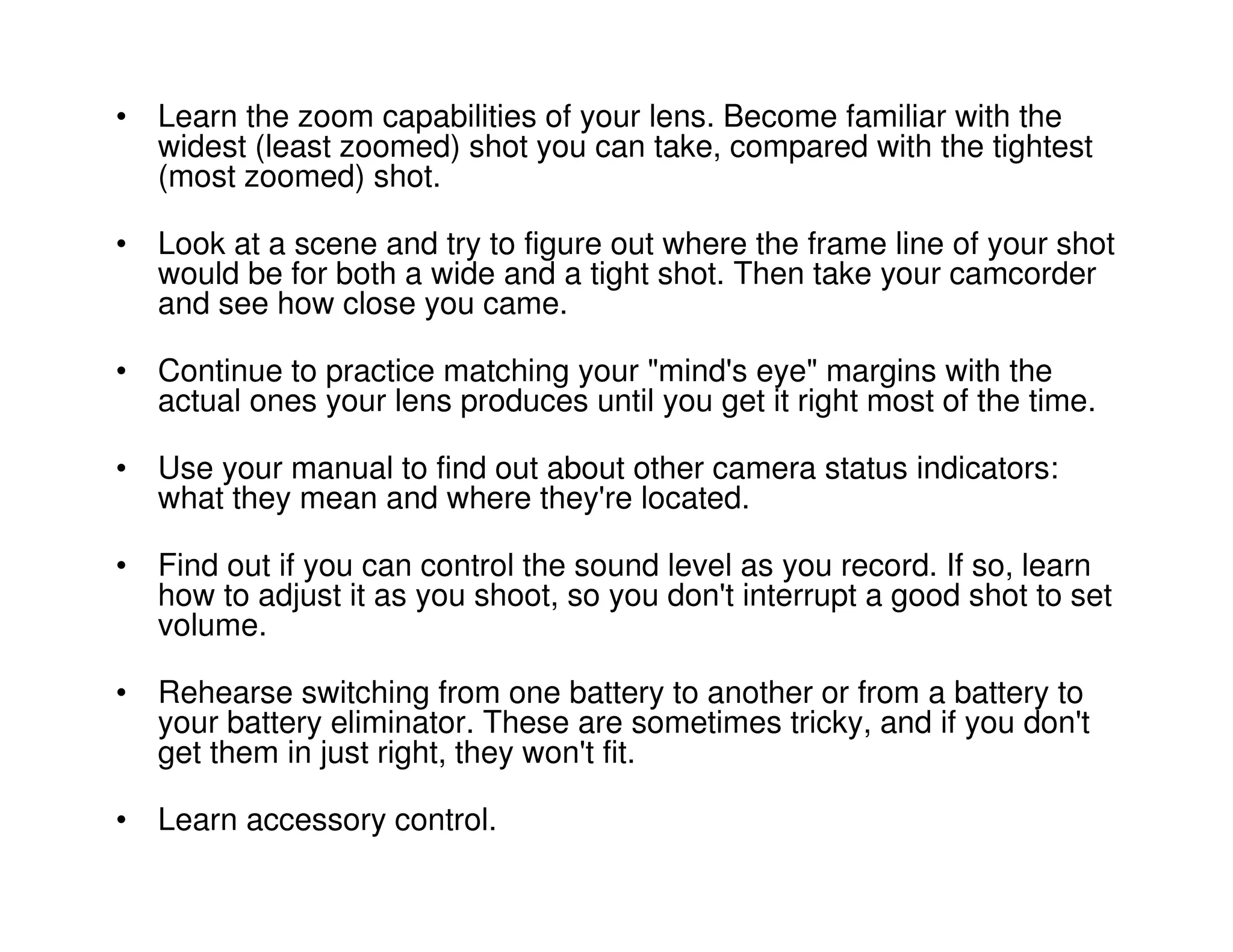
• Install batteries on your
  camera.
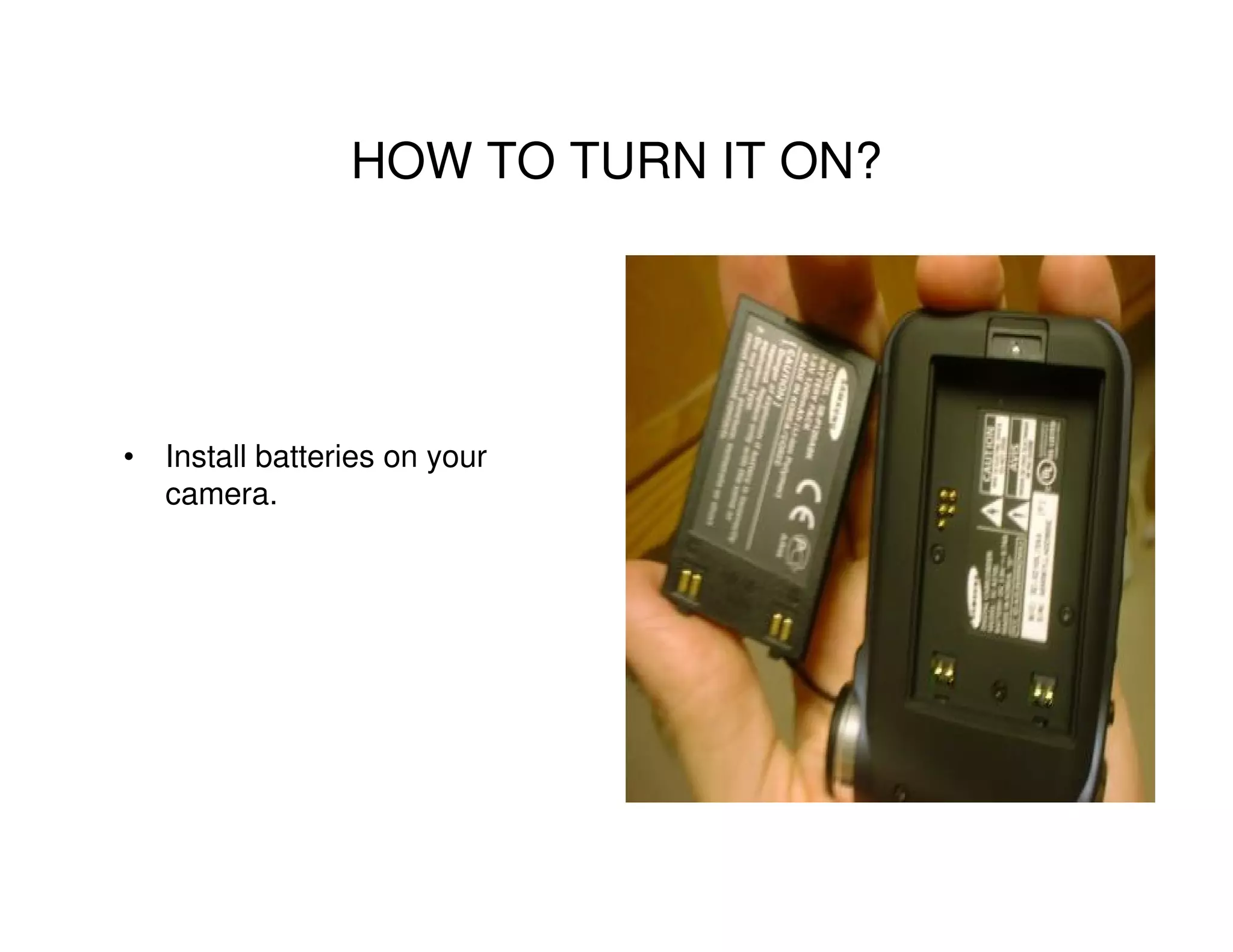
• Locate the power-on switch.
  Learn what position it must be
  to turn on the camera system.


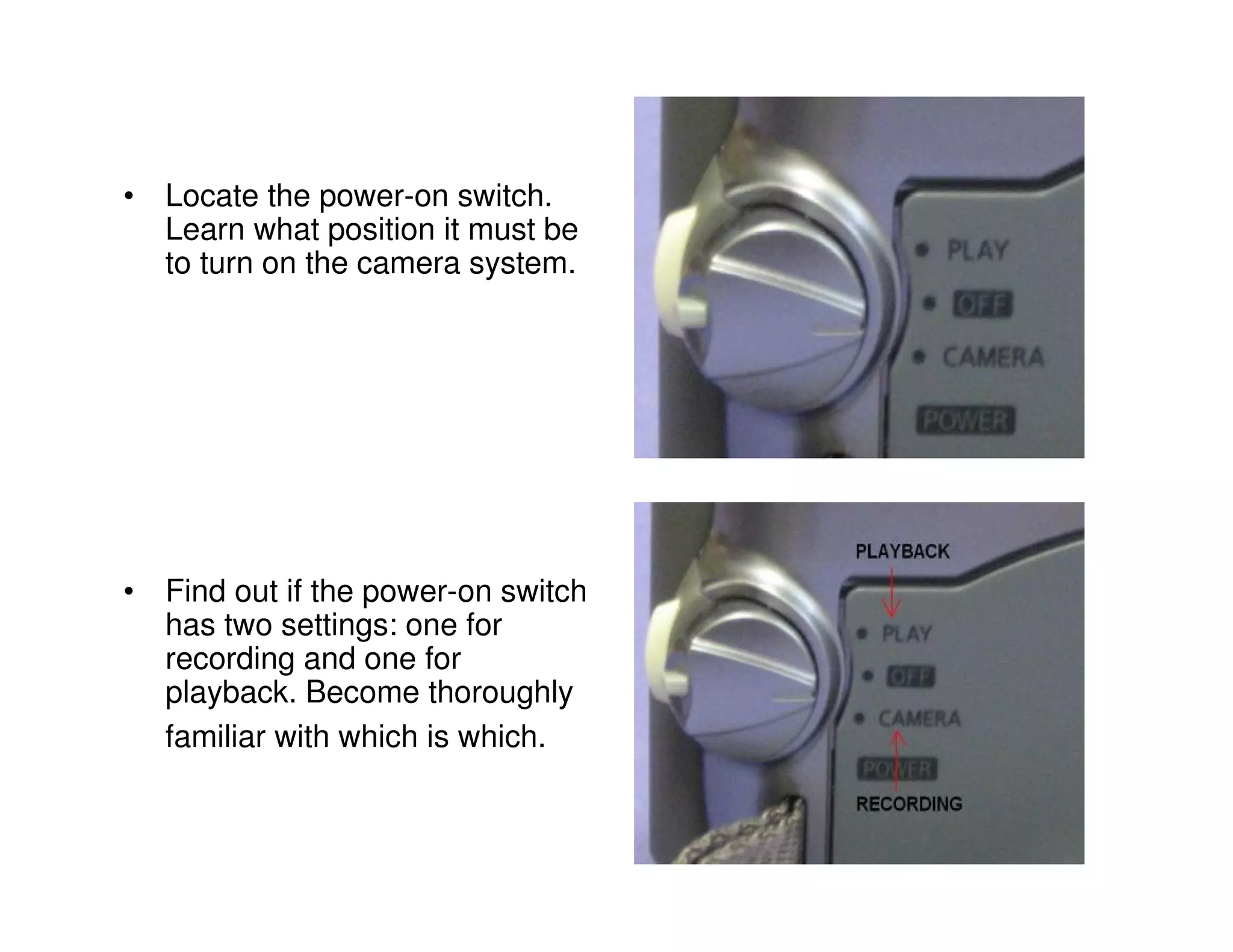
• Find out if the power-on switch
  has two settings: one for
  recording and one for
  playback. Become thoroughly
  familiar with which is which.
HOW TO DO A VIDEO?

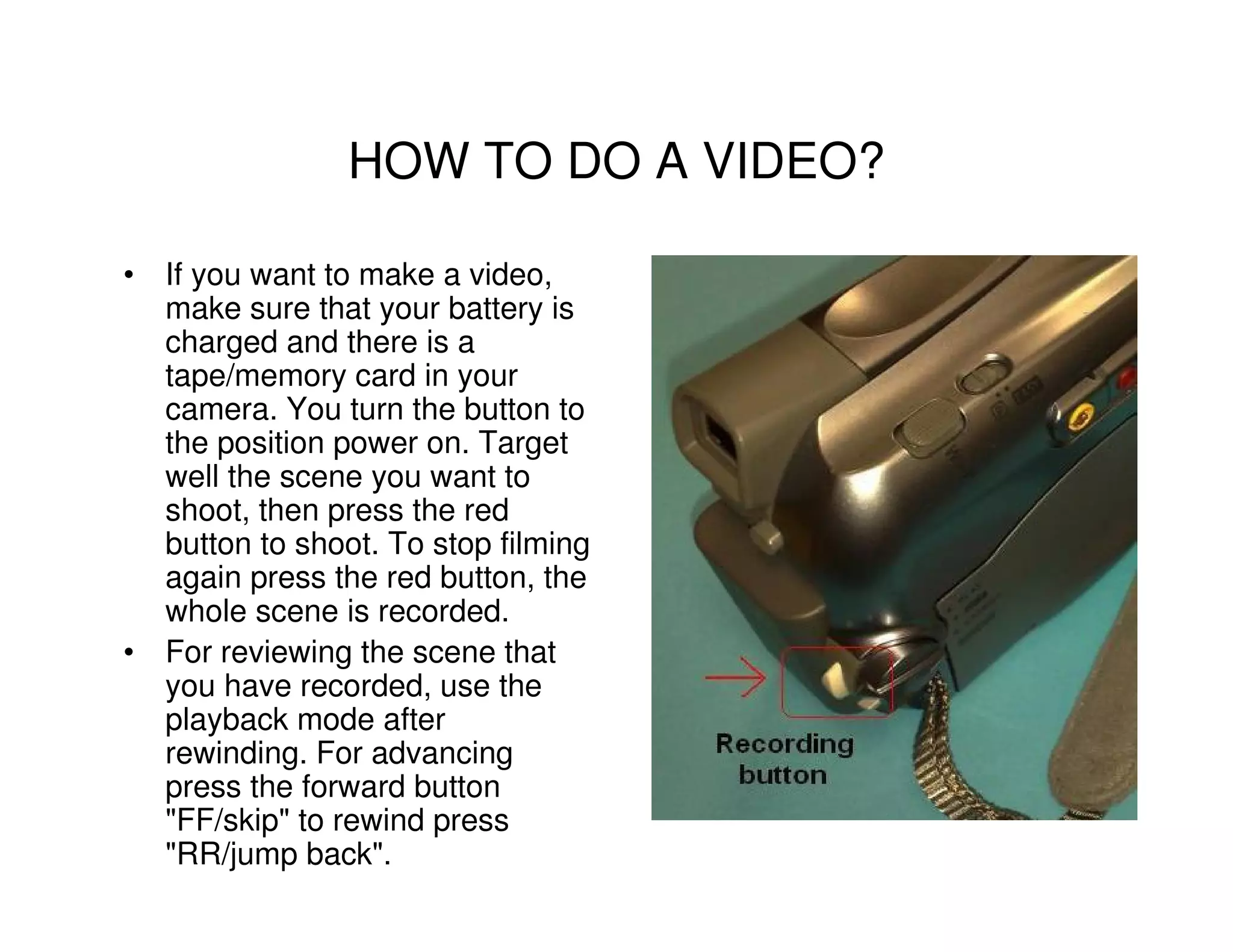
• If you want to make a video,
  make sure that your battery is
  charged and there is a
  tape/memory card in your
  camera. You turn the button to
  the position power on. Target
  well the scene you want to
  shoot, then press the red
  button to shoot. To stop filming
  again press the red button, the
  whole scene is recorded.
• For reviewing the scene that
  you have recorded, use the
  playback mode after
  rewinding. For advancing
  press the forward button
  "FF/skip" to rewind press
  "RR/jump back".
HOW CAN I GET THE VIDEO TO MY
        COMPUTER (TRANSFER)?

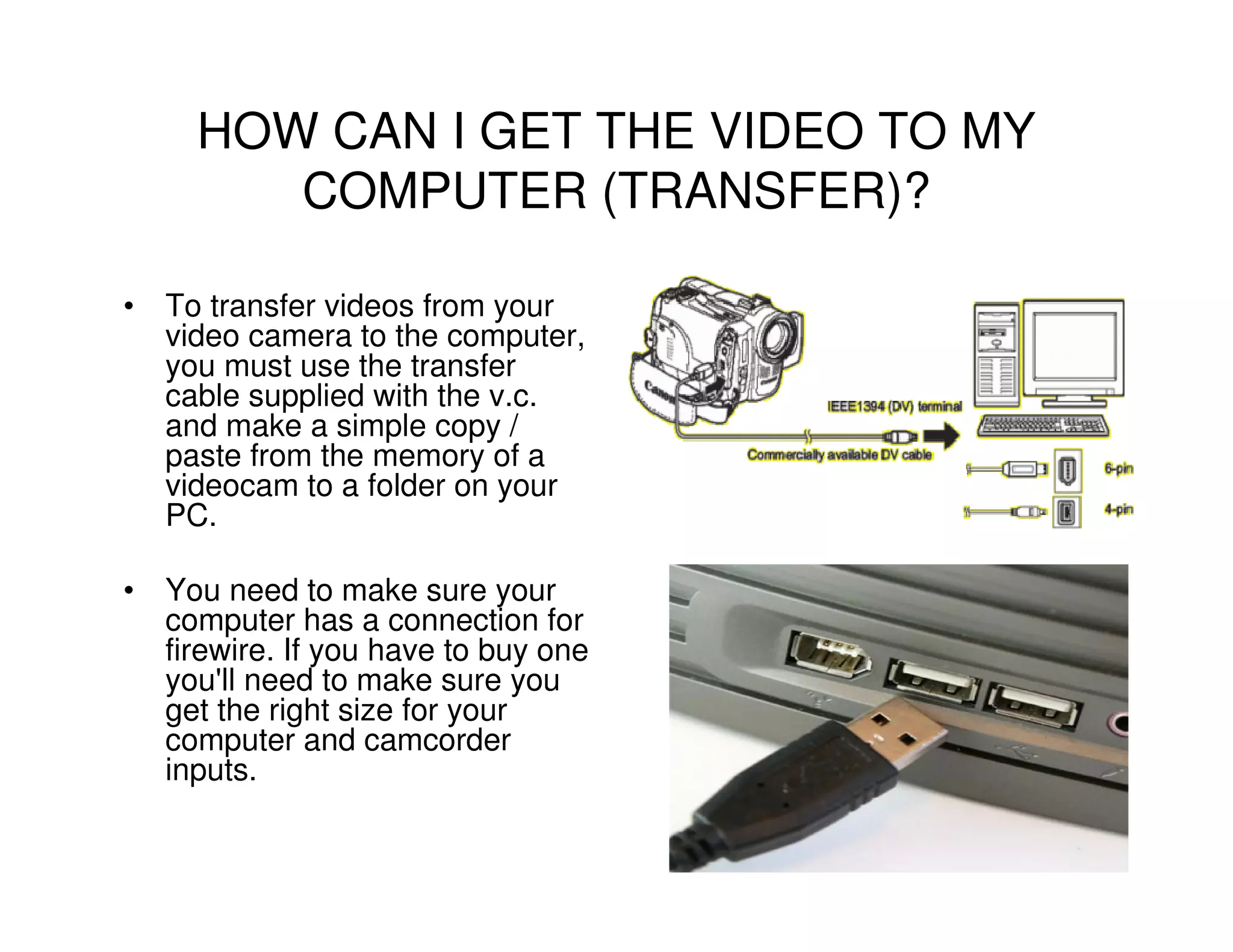
• To transfer videos from your
  video camera to the computer,
  you must use the transfer
  cable supplied with the v.c.
  and make a simple copy /
  paste from the memory of a
  videocam to a folder on your
  PC.

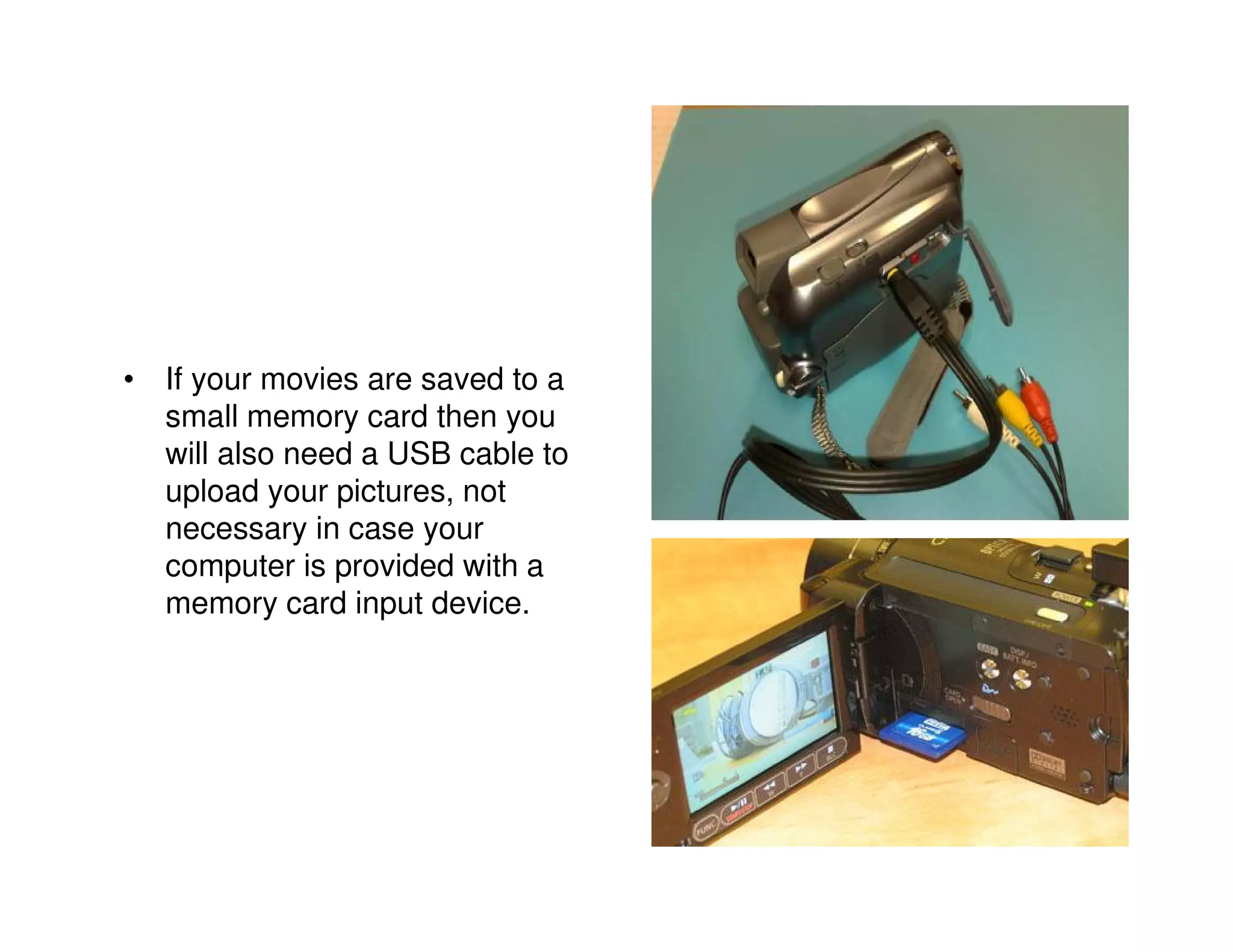
• You need to make sure your
  computer has a connection for
  firewire. If you have to buy one
  you'll need to make sure you
  get the right size for your
  computer and camcorder
  inputs.
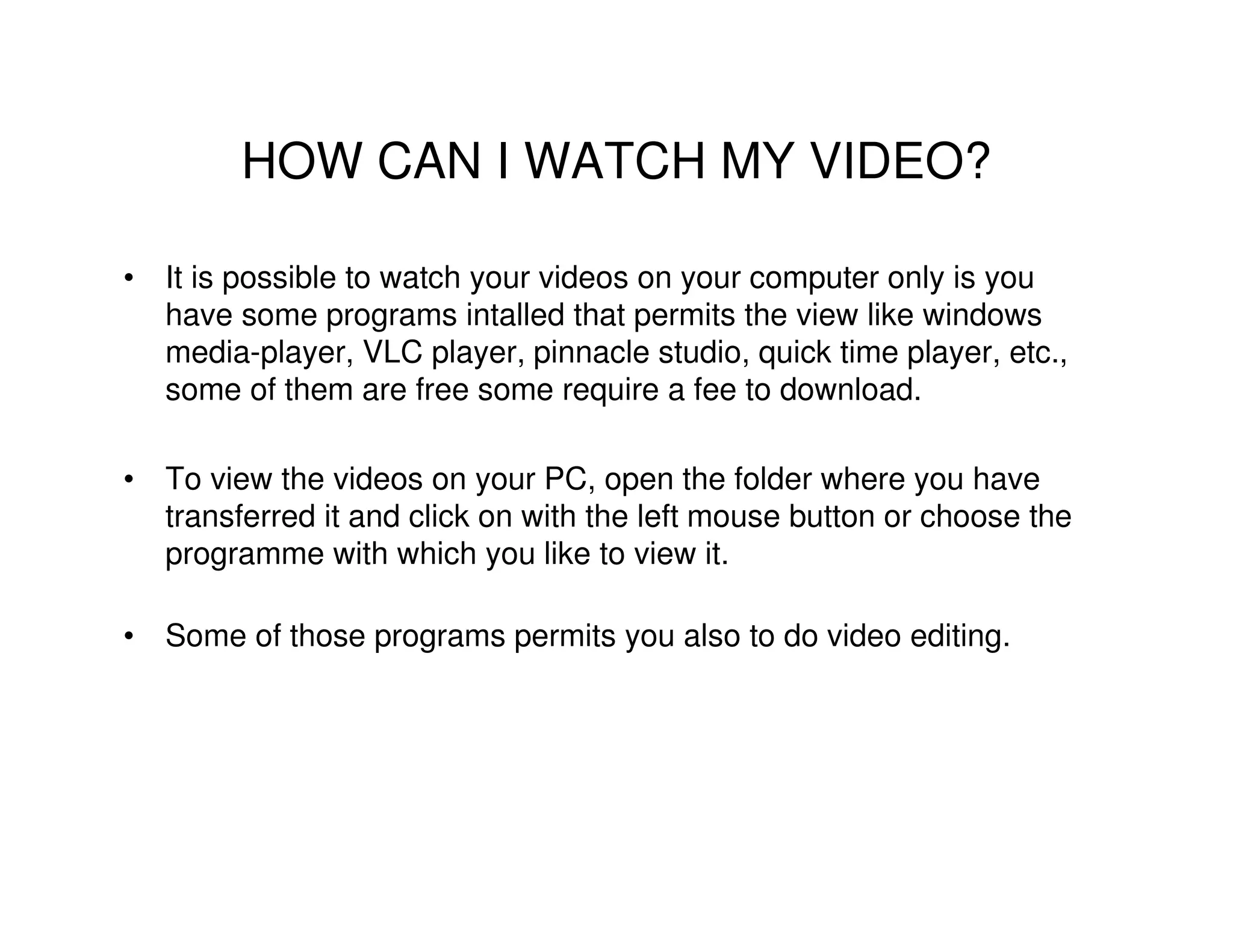
• If your movies are saved to a
  small memory card then you
  will also need a USB cable to
  upload your pictures, not
  necessary in case your
  computer is provided with a
  memory card input device.
HOW CAN I WATCH MY VIDEO?

• It is possible to watch your videos on your computer only is you
  have some programs intalled that permits the view like windows
  media-player, VLC player, pinnacle studio, quick time player, etc.,
  some of them are free some require a fee to download.

• To view the videos on your PC, open the folder where you have
  transferred it and click on with the left mouse button or choose the
  programme with which you like to view it.

• Some of those programs permits you also to do video editing.
HOW DO I GET THE VIDEO TO THE WEB
             UPLOAD?

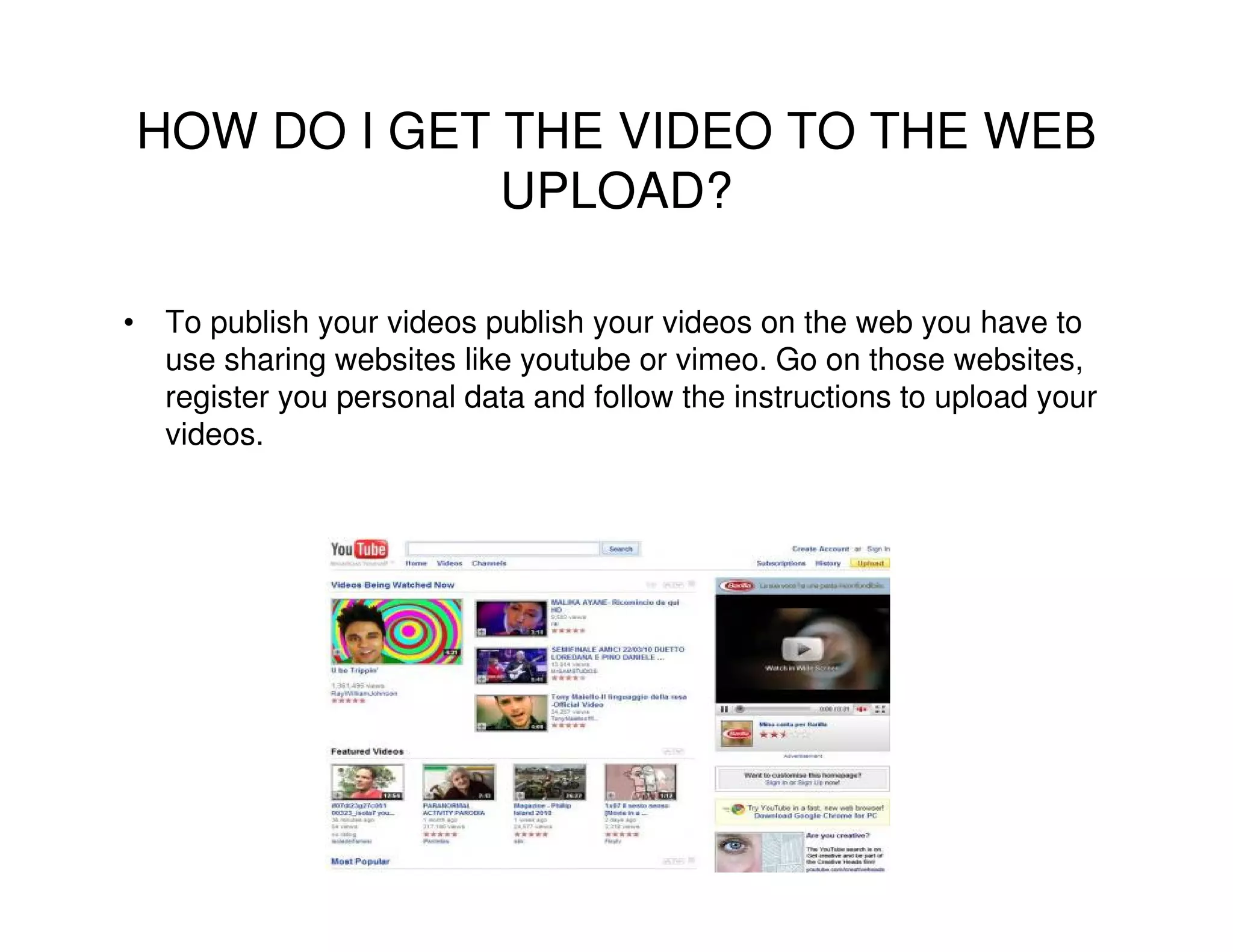
• To publish your videos publish your videos on the web you have to
  use sharing websites like youtube or vimeo. Go on those websites,
  register you personal data and follow the instructions to upload your
  videos.
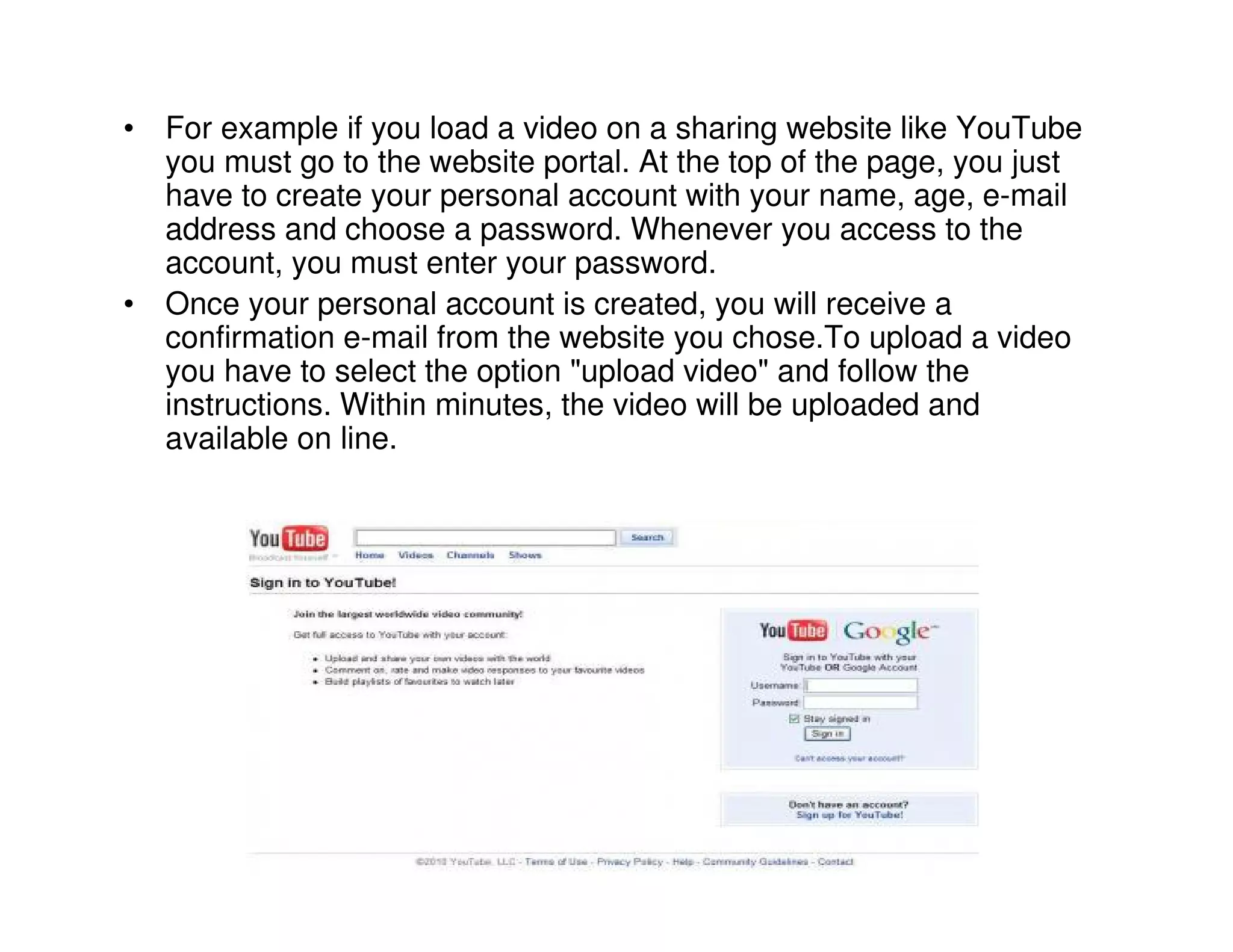
• For example if you load a video on a sharing website like YouTube
  you must go to the website portal. At the top of the page, you just
  have to create your personal account with your name, age, e-mail
  address and choose a password. Whenever you access to the
  account, you must enter your password.
• Once your personal account is created, you will receive a
  confirmation e-mail from the website you chose.To upload a video
  you have to select the option "upload video" and follow the
  instructions. Within minutes, the video will be uploaded and
  available on line.
WHERE CAN I FIND THE VIDEOS ON THE
               WEB?
• If you want to find videos on the web search engines or specific
  video web sites can help you.
• Search engines like google or yahoo provide you directly with a
  specific research of videos, but you can also type on the searching
  bar the content you need specifying that is a video.
• Or you can go directly to a video web site like you tube
  or daily motion, etc. and type your research.
• To find your videos on the web just go to the website
  where you stored them, sign in with your name and
  password so you can have a direct access of all your
  videos.

How To Use A Video Camera

  • 1.
    HOW TO USEA VIDEO CAMERA? This project has been funded with support from the European Commission. This publication reflects the views only of the author, and the Commission cannot be held responsible for any use which may be made of the information contained therein.
  • 2.
    HOW TO USEA VIDEO CAMERA? • Video cameras are used primarily in two modes. The first, characteristic of much early television, is what might be called a live broadcast, where the camera feeds images directly to a screen for immediate observation; The second is to have the images recorded to a storage device for archiving or further processing.
  • 3.
    • The mainfunction of the video camera is filming, but this tool also lets you taking pictures even when shooting. • It can record images and sound on a single medium. There are two types of cameras, the analog camera lets you record your video on tape (Video 8, VHS), and digital camera that record information in digital compressed format that can then be saved on the computer.
  • 4.
    BEFORE USING YOURVIDEO CAMERA • Learn where the record button is on your camera. Some units have more than one. • Learn where the recording indicator (usually a red light) is located. • Practice inserting and ejecting new tapes/memory cards. • Read your camcorder's manual about color balance. • Learn how to zoom in and zoom out smoothly.
  • 5.
    • Learn thezoom capabilities of your lens. Become familiar with the widest (least zoomed) shot you can take, compared with the tightest (most zoomed) shot. • Look at a scene and try to figure out where the frame line of your shot would be for both a wide and a tight shot. Then take your camcorder and see how close you came. • Continue to practice matching your "mind's eye" margins with the actual ones your lens produces until you get it right most of the time. • Use your manual to find out about other camera status indicators: what they mean and where they're located. • Find out if you can control the sound level as you record. If so, learn how to adjust it as you shoot, so you don't interrupt a good shot to set volume. • Rehearse switching from one battery to another or from a battery to your battery eliminator. These are sometimes tricky, and if you don't get them in just right, they won't fit. • Learn accessory control.
  • 6.
    HOW TO TURNIT ON? • Install batteries on your camera.
  • 7.
    • Locate thepower-on switch. Learn what position it must be to turn on the camera system. • Find out if the power-on switch has two settings: one for recording and one for playback. Become thoroughly familiar with which is which.
  • 8.
    HOW TO DOA VIDEO? • If you want to make a video, make sure that your battery is charged and there is a tape/memory card in your camera. You turn the button to the position power on. Target well the scene you want to shoot, then press the red button to shoot. To stop filming again press the red button, the whole scene is recorded. • For reviewing the scene that you have recorded, use the playback mode after rewinding. For advancing press the forward button "FF/skip" to rewind press "RR/jump back".
  • 9.
    HOW CAN IGET THE VIDEO TO MY COMPUTER (TRANSFER)? • To transfer videos from your video camera to the computer, you must use the transfer cable supplied with the v.c. and make a simple copy / paste from the memory of a videocam to a folder on your PC. • You need to make sure your computer has a connection for firewire. If you have to buy one you'll need to make sure you get the right size for your computer and camcorder inputs.
  • 10.
    • If yourmovies are saved to a small memory card then you will also need a USB cable to upload your pictures, not necessary in case your computer is provided with a memory card input device.
  • 11.
    HOW CAN IWATCH MY VIDEO? • It is possible to watch your videos on your computer only is you have some programs intalled that permits the view like windows media-player, VLC player, pinnacle studio, quick time player, etc., some of them are free some require a fee to download. • To view the videos on your PC, open the folder where you have transferred it and click on with the left mouse button or choose the programme with which you like to view it. • Some of those programs permits you also to do video editing.
  • 12.
    HOW DO IGET THE VIDEO TO THE WEB UPLOAD? • To publish your videos publish your videos on the web you have to use sharing websites like youtube or vimeo. Go on those websites, register you personal data and follow the instructions to upload your videos.
  • 13.
    • For exampleif you load a video on a sharing website like YouTube you must go to the website portal. At the top of the page, you just have to create your personal account with your name, age, e-mail address and choose a password. Whenever you access to the account, you must enter your password. • Once your personal account is created, you will receive a confirmation e-mail from the website you chose.To upload a video you have to select the option "upload video" and follow the instructions. Within minutes, the video will be uploaded and available on line.
  • 14.
    WHERE CAN IFIND THE VIDEOS ON THE WEB? • If you want to find videos on the web search engines or specific video web sites can help you. • Search engines like google or yahoo provide you directly with a specific research of videos, but you can also type on the searching bar the content you need specifying that is a video. • Or you can go directly to a video web site like you tube or daily motion, etc. and type your research. • To find your videos on the web just go to the website where you stored them, sign in with your name and password so you can have a direct access of all your videos.