By
Dr. Syed Nurussyidyn Madani
Assistant Professor (Civil Engineering)
MANUU Polytechnic Bangalore
One-week Workshop, MANUU Polytechnic Bangalore, 2022-23
Project report writing: Basic definition and
importance
Outline of a typical technical project report
Tips on writing a project report using Microsoft Word
One-week Workshop, MANUU Polytechnic Bangalore, 2022-23
A Technical Project Report is a specialized document
where information is presented in a format and manner
that suits the psychological needs of the readers and is
used to convey the information for technical or
business purpose
Technical Project Report is NOT used for:
 Entertainment
 Creating suspense
One-week Workshop, MANUU Polytechnic Bangalore, 2022-23
Describes the details and findings of a technical
project
Provides a comprehensive overview of the project,
including its purpose, objectives, scope, methodology,
results, conclusions, and recommendations.
Often written by engineers, scientists, researchers,
and other technical professionals to communicate the
technical aspects of a project to stakeholders, such as
clients, funding agencies, and other interested parties.
One-week Workshop, MANUU Polytechnic Bangalore, 2022-23
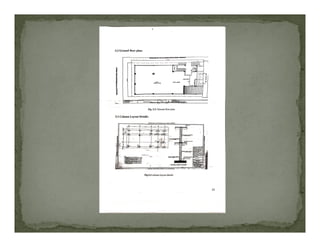
 May include technical drawings, diagrams, charts,
tables, and other visual aids to help readers better
understand the project.
The main purpose of a technical project
One-week Workshop, MANUU Polytechnic Bangalore, 2022-23
The main purpose of a technical project
report is to document the technical details of
a project and provide a record of the project's
outcomes for present & future reference.
 Communication: Technical report writing enables technical
professionals to communicate technical information to non-
technical stakeholders.
 Documentation: Technical reports provide a permanent
record of a project's objectives, methodology, results, and
conclusions.
 Evaluation: Technical reports can be used to evaluate the
success of a project and identify areas for improvement.
 Funding: Technical reports can be used to secure funding
for future projects.
One-week Workshop, MANUU Polytechnic Bangalore, 2022-23
 Legal protection: Technical reports can provide legal
protection by documenting the technical details of a project
and its outcomes.
 Professionalism: Technical report writing is an important
skill for technical professionals to master and is often
expected in many industries.
 Knowledge transfer: Technical report writing helps to
transfer knowledge and expertise from technical
professionals to others.
One-week Workshop, MANUU Polytechnic Bangalore, 2022-23
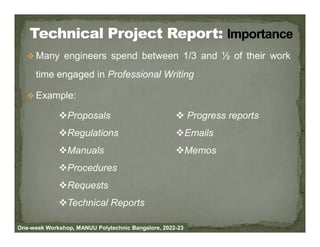
 Many engineers spend between 1/3 and ½ of their work
time engaged in Professional Writing
 Example:
Proposals  Progress reports
One-week Workshop, MANUU Polytechnic Bangalore, 2022-23
Regulations
Manuals
Procedures
Requests
Technical Reports
Emails
Memos
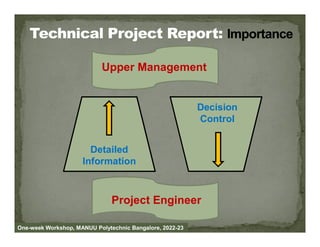
Decision
Control
Upper Management
One-week Workshop, MANUU Polytechnic Bangalore, 2022-23
Detailed
Information
Control
Project Engineer
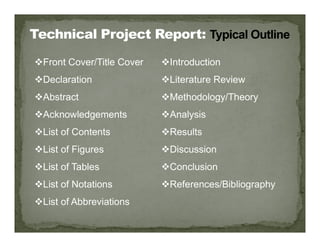
Front Cover/Title Cover
Declaration
Abstract
Acknowledgements
Introduction
Literature Review
Methodology/Theory
Analysis
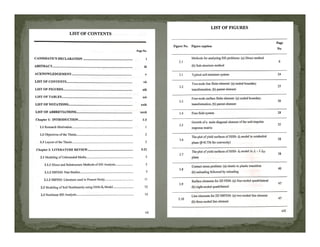
List of Contents
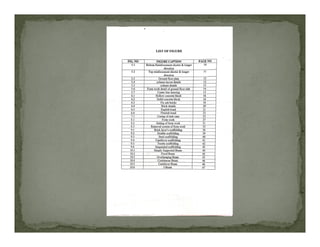
List of Figures
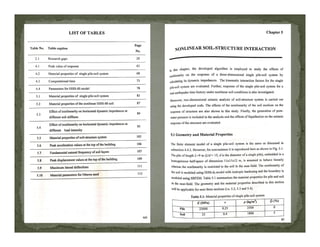
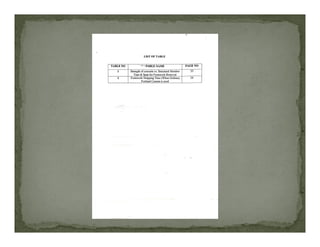
List of Tables
List of Notations
List of Abbreviations
Results
Discussion
Conclusion
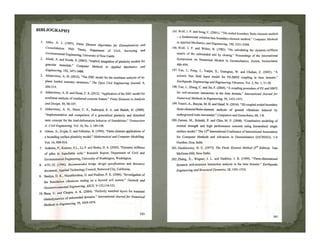
References/Bibliography
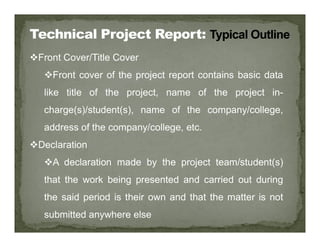
Front Cover/Title Cover
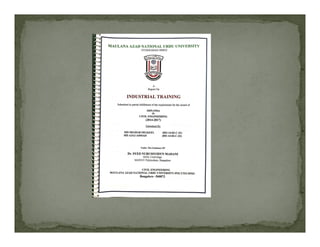
Front cover of the project report contains basic data
like title of the project, name of the project in-
charge(s)/student(s), name of the company/college,
address of the company/college, etc.
Declaration
A declaration made by the project team/student(s)
that the work being presented and carried out during
the said period is their own and that the matter is not
submitted anywhere else
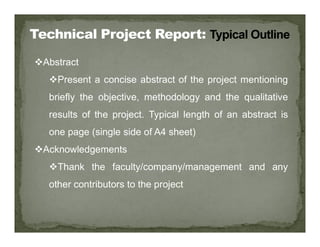
Abstract
Present a concise abstract of the project mentioning
briefly the objective, methodology and the qualitative
results of the project. Typical length of an abstract is
one page (single side of A4 sheet)
Acknowledgements
Thank the faculty/company/management and any
other contributors to the project
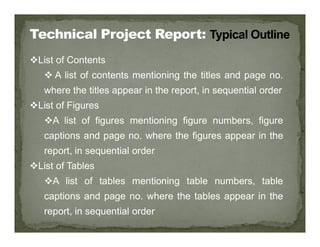
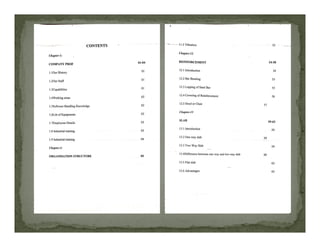
List of Contents
 A list of contents mentioning the titles and page no.
where the titles appear in the report, in sequential order
List of Figures
A list of figures mentioning figure numbers, figure
captions and page no. where the figures appear in the
report, in sequential order
List of Tables
A list of tables mentioning table numbers, table
captions and page no. where the tables appear in the
report, in sequential order
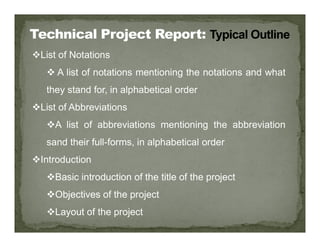
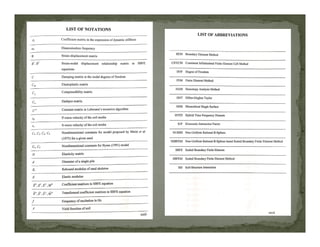
List of Notations
 A list of notations mentioning the notations and what
they stand for, in alphabetical order
List of Abbreviations
A list of abbreviations mentioning the abbreviation
sand their full-forms, in alphabetical order
Introduction
Basic introduction of the title of the project
Objectives of the project
Layout of the project
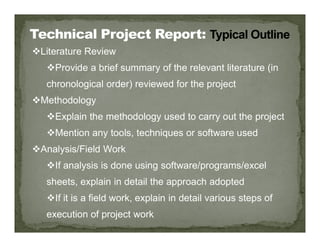
Literature Review
Provide a brief summary of the relevant literature (in
chronological order) reviewed for the project
Methodology
Explain the methodology used to carry out the project
Mention any tools, techniques or software used
Analysis/Field Work
If analysis is done using software/programs/excel
sheets, explain in detail the approach adopted
If it is a field work, explain in detail various steps of
execution of project work
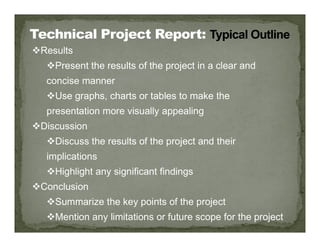
Results
Present the results of the project in a clear and
concise manner
Use graphs, charts or tables to make the
presentation more visually appealing
Discussion
Discussion
Discuss the results of the project and their
implications
Highlight any significant findings
Conclusion
Summarize the key points of the project
Mention any limitations or future scope for the project
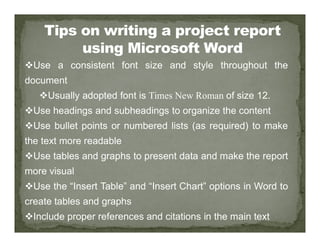
Use a consistent font size and style throughout the
document
Usually adopted font is Times New Roman of size 12.
Use headings and subheadings to organize the content
Use bullet points or numbered lists (as required) to make
the text more readable
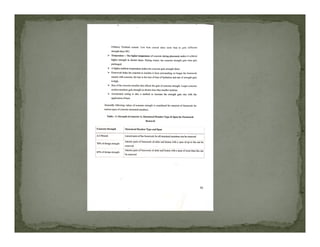
Use tables and graphs to present data and make the report
more visual
Use the “Insert Table” and “Insert Chart” options in Word to
create tables and graphs
Include proper references and citations in the main text
Proofread and edit the report to ensure there are no
spelling or grammatical errors
Use the “Spelling and Grammar” feature in Word to check
for errors
Use page layout features like margins, page orientation,
and page numbering to make the document look
professional
Save your document frequently to avoid losing your work
Use a backup system like Google Drive or Microsoft
OneDrive or Dropbox etc. to keep your document safe in
case of computer failure or loss of the doucment.
How to prepare a project report in IEEE format

How to prepare a project report in IEEE format

  • 1.
    By Dr. Syed NurussyidynMadani Assistant Professor (Civil Engineering) MANUU Polytechnic Bangalore One-week Workshop, MANUU Polytechnic Bangalore, 2022-23
  • 2.
    Project report writing:Basic definition and importance Outline of a typical technical project report Tips on writing a project report using Microsoft Word One-week Workshop, MANUU Polytechnic Bangalore, 2022-23
  • 3.
    A Technical ProjectReport is a specialized document where information is presented in a format and manner that suits the psychological needs of the readers and is used to convey the information for technical or business purpose Technical Project Report is NOT used for:  Entertainment  Creating suspense One-week Workshop, MANUU Polytechnic Bangalore, 2022-23
  • 4.
    Describes the detailsand findings of a technical project Provides a comprehensive overview of the project, including its purpose, objectives, scope, methodology, results, conclusions, and recommendations. Often written by engineers, scientists, researchers, and other technical professionals to communicate the technical aspects of a project to stakeholders, such as clients, funding agencies, and other interested parties. One-week Workshop, MANUU Polytechnic Bangalore, 2022-23
  • 5.
     May includetechnical drawings, diagrams, charts, tables, and other visual aids to help readers better understand the project. The main purpose of a technical project One-week Workshop, MANUU Polytechnic Bangalore, 2022-23 The main purpose of a technical project report is to document the technical details of a project and provide a record of the project's outcomes for present & future reference.
  • 6.
     Communication: Technicalreport writing enables technical professionals to communicate technical information to non- technical stakeholders.  Documentation: Technical reports provide a permanent record of a project's objectives, methodology, results, and record of a project's objectives, methodology, results, and conclusions.  Evaluation: Technical reports can be used to evaluate the success of a project and identify areas for improvement.  Funding: Technical reports can be used to secure funding for future projects. One-week Workshop, MANUU Polytechnic Bangalore, 2022-23
  • 7.
     Legal protection:Technical reports can provide legal protection by documenting the technical details of a project and its outcomes.  Professionalism: Technical report writing is an important skill for technical professionals to master and is often expected in many industries.  Knowledge transfer: Technical report writing helps to transfer knowledge and expertise from technical professionals to others. One-week Workshop, MANUU Polytechnic Bangalore, 2022-23
  • 8.
     Many engineersspend between 1/3 and ½ of their work time engaged in Professional Writing  Example: Proposals  Progress reports One-week Workshop, MANUU Polytechnic Bangalore, 2022-23 Regulations Manuals Procedures Requests Technical Reports Emails Memos
  • 9.
    Decision Control Upper Management One-week Workshop,MANUU Polytechnic Bangalore, 2022-23 Detailed Information Control Project Engineer
  • 10.
    Front Cover/Title Cover Declaration Abstract Acknowledgements Introduction LiteratureReview Methodology/Theory Analysis List of Contents List of Figures List of Tables List of Notations List of Abbreviations Results Discussion Conclusion References/Bibliography
  • 11.
    Front Cover/Title Cover Frontcover of the project report contains basic data like title of the project, name of the project in- charge(s)/student(s), name of the company/college, address of the company/college, etc. address of the company/college, etc. Declaration A declaration made by the project team/student(s) that the work being presented and carried out during the said period is their own and that the matter is not submitted anywhere else
  • 12.
    Abstract Present a conciseabstract of the project mentioning briefly the objective, methodology and the qualitative results of the project. Typical length of an abstract is one page (single side of A4 sheet) Acknowledgements Thank the faculty/company/management and any other contributors to the project
  • 13.
    List of Contents A list of contents mentioning the titles and page no. where the titles appear in the report, in sequential order List of Figures A list of figures mentioning figure numbers, figure A list of figures mentioning figure numbers, figure captions and page no. where the figures appear in the report, in sequential order List of Tables A list of tables mentioning table numbers, table captions and page no. where the tables appear in the report, in sequential order
  • 17.
    List of Notations A list of notations mentioning the notations and what they stand for, in alphabetical order List of Abbreviations A list of abbreviations mentioning the abbreviation A list of abbreviations mentioning the abbreviation sand their full-forms, in alphabetical order Introduction Basic introduction of the title of the project Objectives of the project Layout of the project
  • 19.
    Literature Review Provide abrief summary of the relevant literature (in chronological order) reviewed for the project Methodology Explain the methodology used to carry out the project Mention any tools, techniques or software used Analysis/Field Work If analysis is done using software/programs/excel sheets, explain in detail the approach adopted If it is a field work, explain in detail various steps of execution of project work
  • 20.
    Results Present the resultsof the project in a clear and concise manner Use graphs, charts or tables to make the presentation more visually appealing Discussion Discussion Discuss the results of the project and their implications Highlight any significant findings Conclusion Summarize the key points of the project Mention any limitations or future scope for the project
  • 22.
    Use a consistentfont size and style throughout the document Usually adopted font is Times New Roman of size 12. Use headings and subheadings to organize the content Use bullet points or numbered lists (as required) to make Use bullet points or numbered lists (as required) to make the text more readable Use tables and graphs to present data and make the report more visual Use the “Insert Table” and “Insert Chart” options in Word to create tables and graphs Include proper references and citations in the main text
  • 24.
    Proofread and editthe report to ensure there are no spelling or grammatical errors Use the “Spelling and Grammar” feature in Word to check for errors Use page layout features like margins, page orientation, Use page layout features like margins, page orientation, and page numbering to make the document look professional Save your document frequently to avoid losing your work Use a backup system like Google Drive or Microsoft OneDrive or Dropbox etc. to keep your document safe in case of computer failure or loss of the doucment.