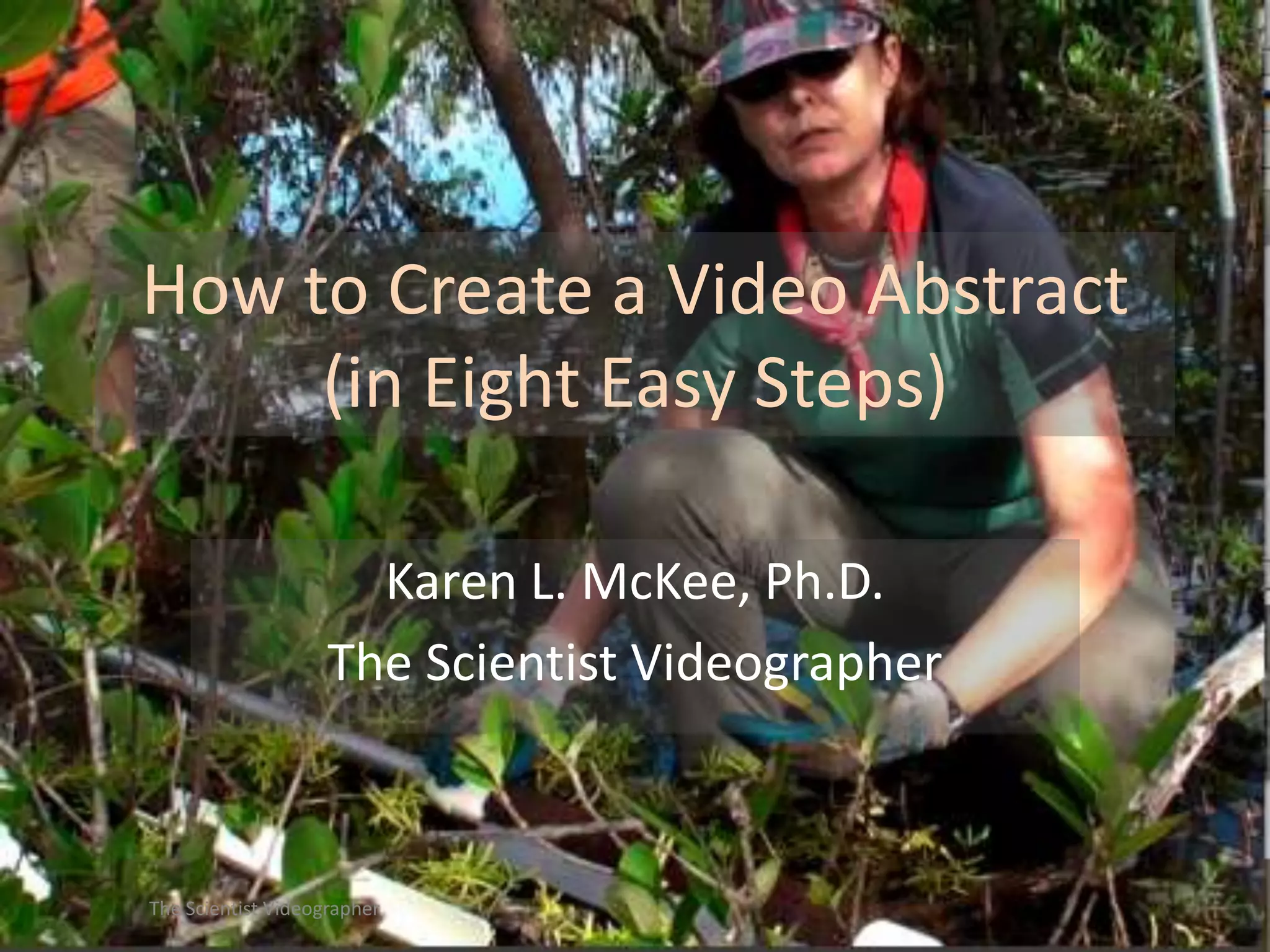
How to Create a Video Abstract
(in Eight Easy Steps)
Karen L. McKee, Ph.D.
The Scientist Videographer

The Scientist Videographer
http://thescientistvideographer.com/wordpress

The Scientist Videographer
What is a video abstract?

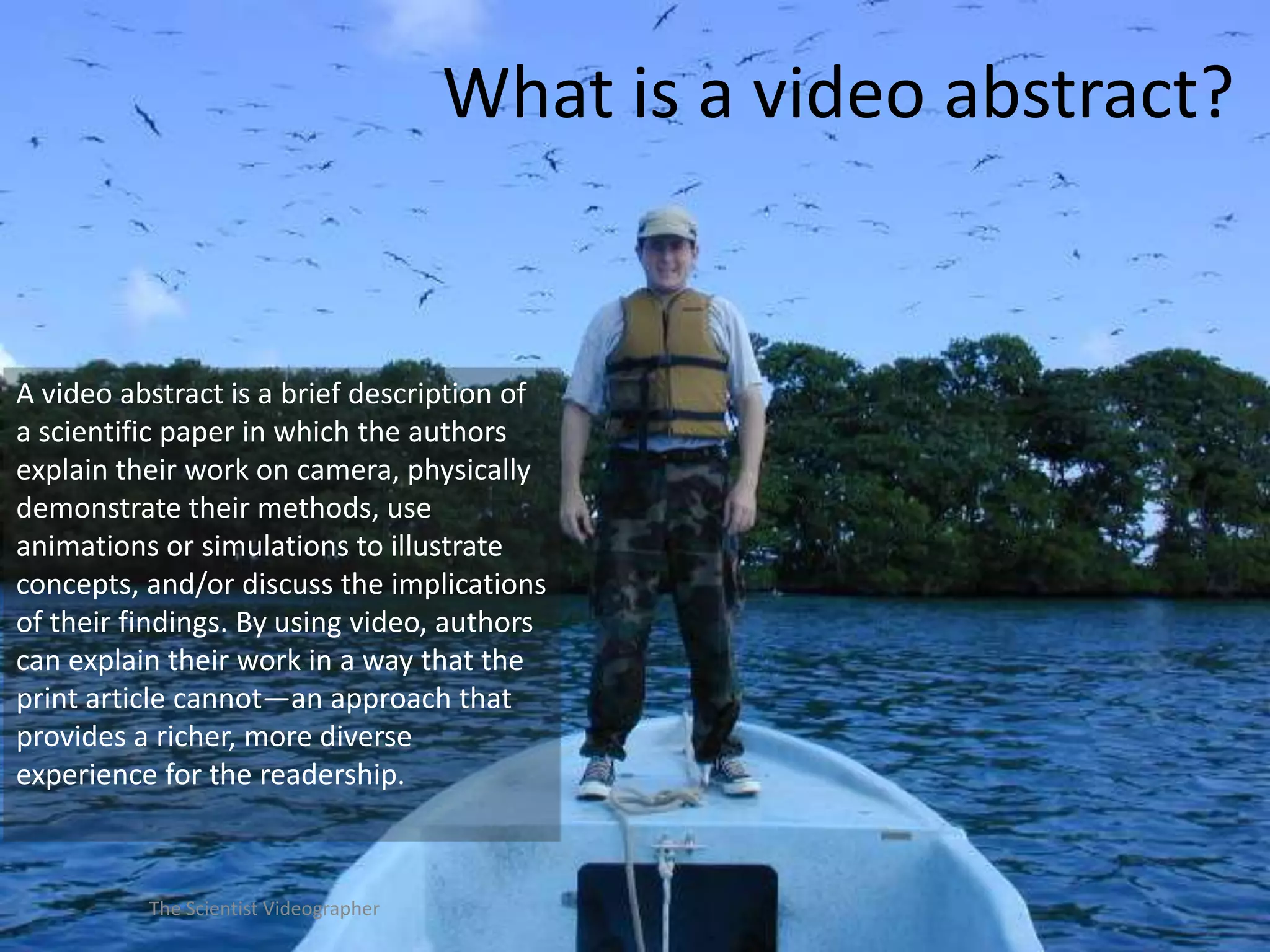
A video abstract is a brief description of
a scientific paper in which the authors
explain their work on camera, physically
demonstrate their methods, use
animations or simulations to illustrate
concepts, and/or discuss the implications
of their findings. By using video, authors
can explain their work in a way that the
print article cannot—an approach that
provides a richer, more diverse
experience for the readership.

The Scientist Videographer
Why should I bother to make
a video abstract?

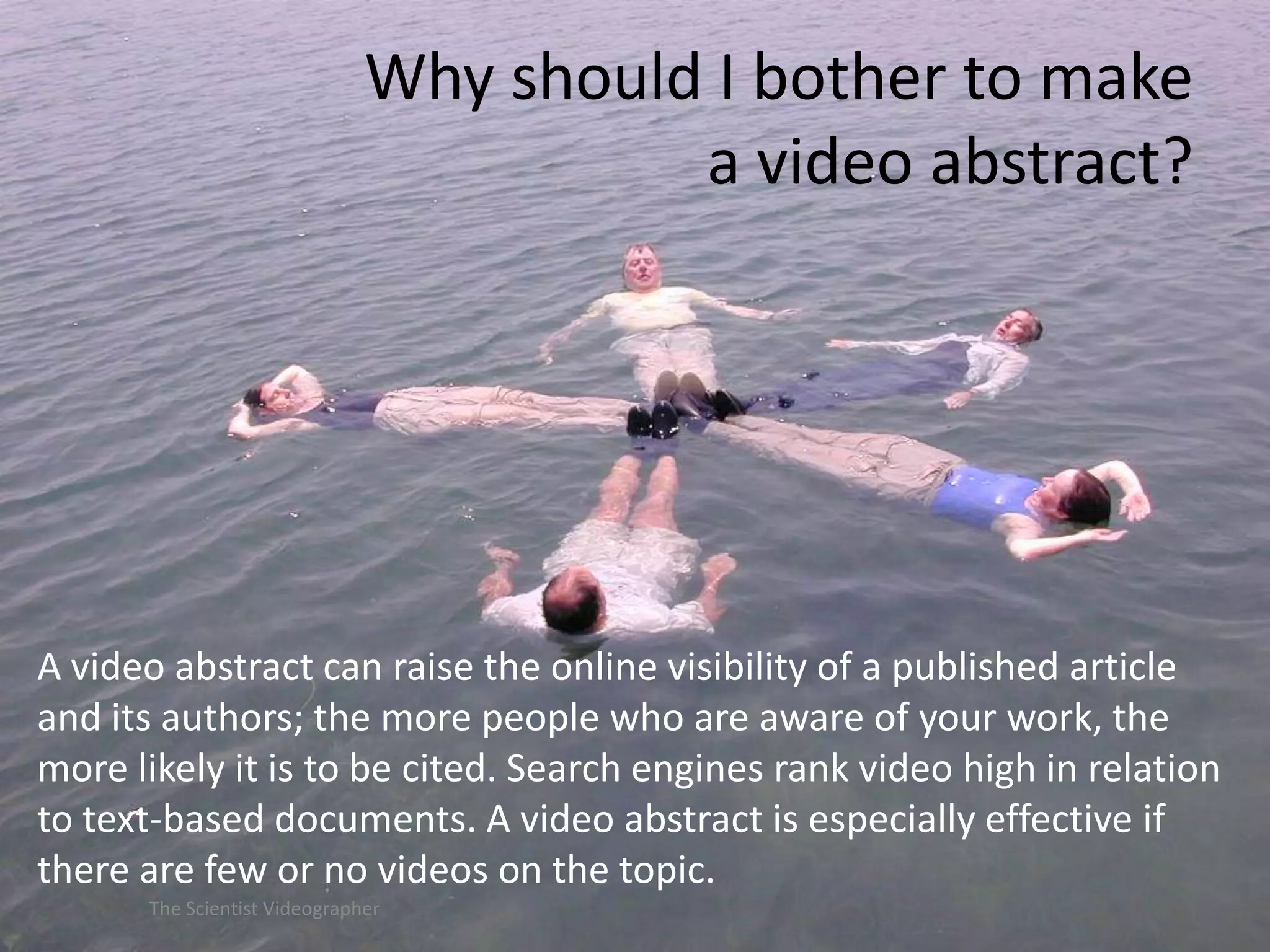
A video abstract can raise the online visibility of a published article
and its authors; the more people who are aware of your work, the
more likely it is to be cited. Search engines rank video high in relation
to text-based documents. A video abstract is especially effective if
there are few or no videos on the topic.
The Scientist Videographer
8 steps to a good
video abstract

The Scientist Videographer
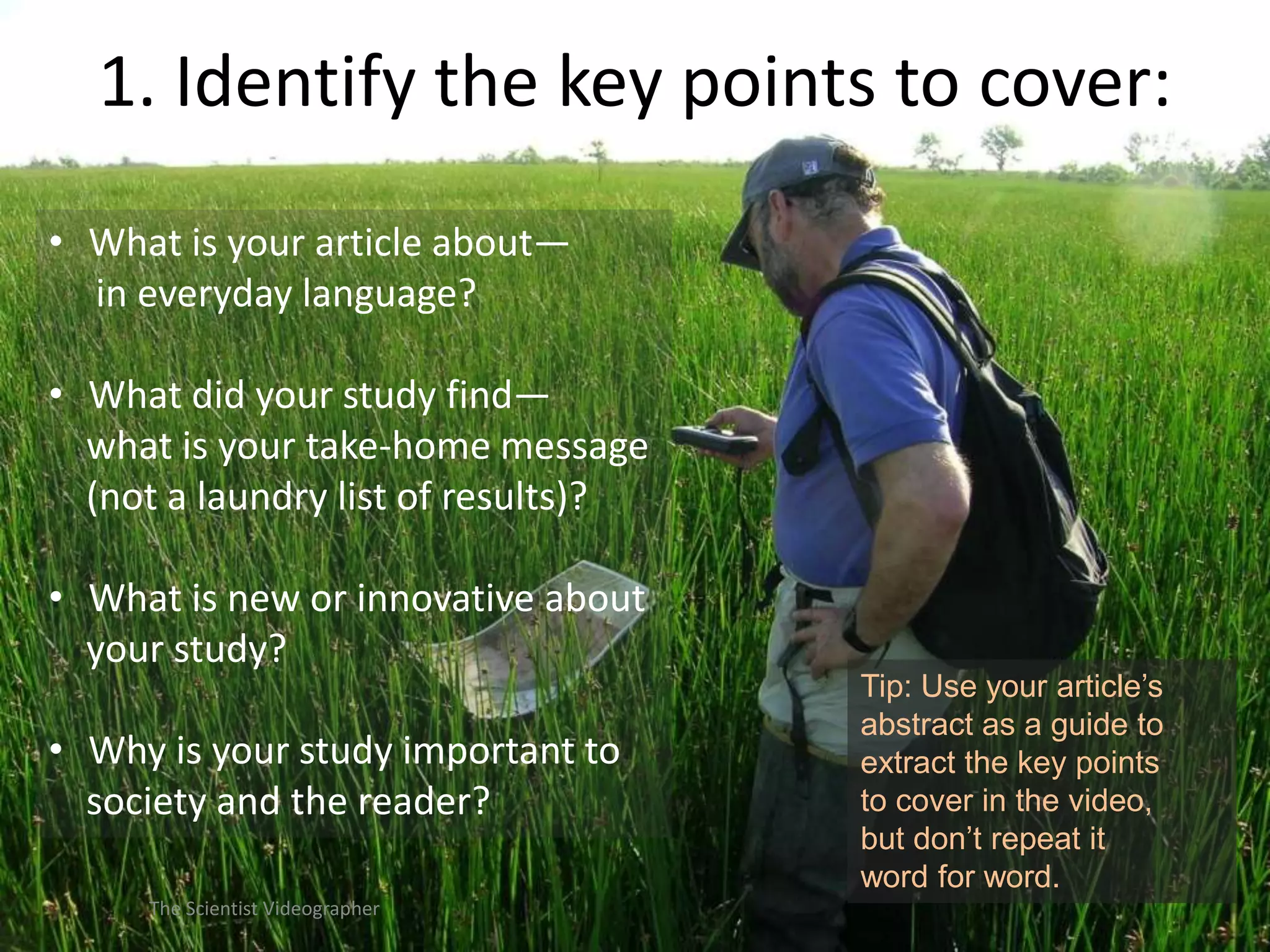
1. Identify the key points to cover:
• What is your article about—
in everyday language?
• What did your study find—
what is your take-home message
(not a laundry list of results)?
• What is new or innovative about
your study?

• Why is your study important to
society and the reader?
The Scientist Videographer

Tip: Use your article’s
abstract as a guide to
extract the key points
to cover in the video,
but don’t repeat it
word for word.
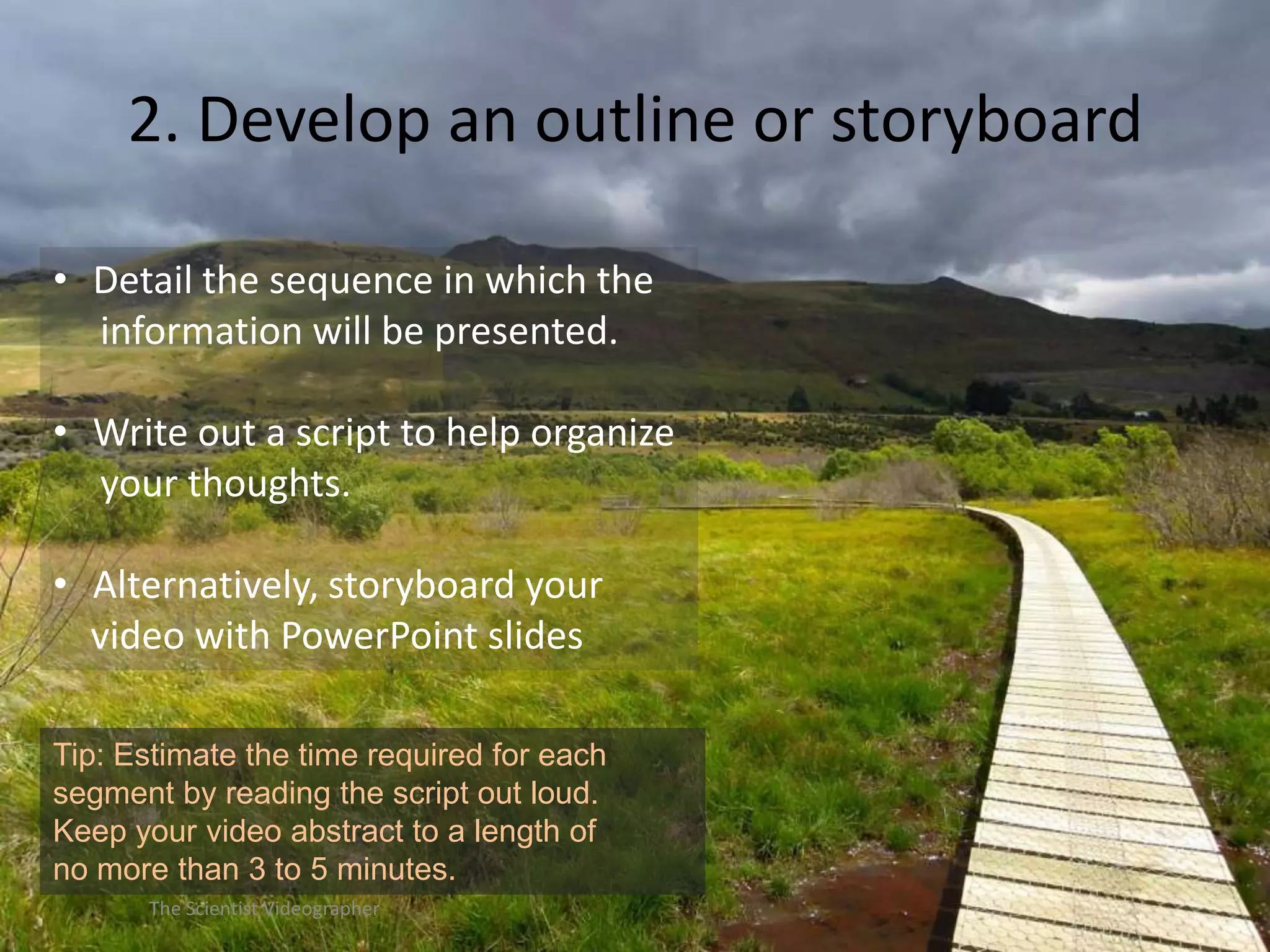
2. Develop an outline or storyboard
• Detail the sequence in which the
information will be presented.
• Write out a script to help organize
your thoughts.
• Alternatively, storyboard your
video with PowerPoint slides
Tip: Estimate the time required for each
segment by reading the script out loud.
Keep your video abstract to a length of
no more than 3 to 5 minutes.
The Scientist Videographer
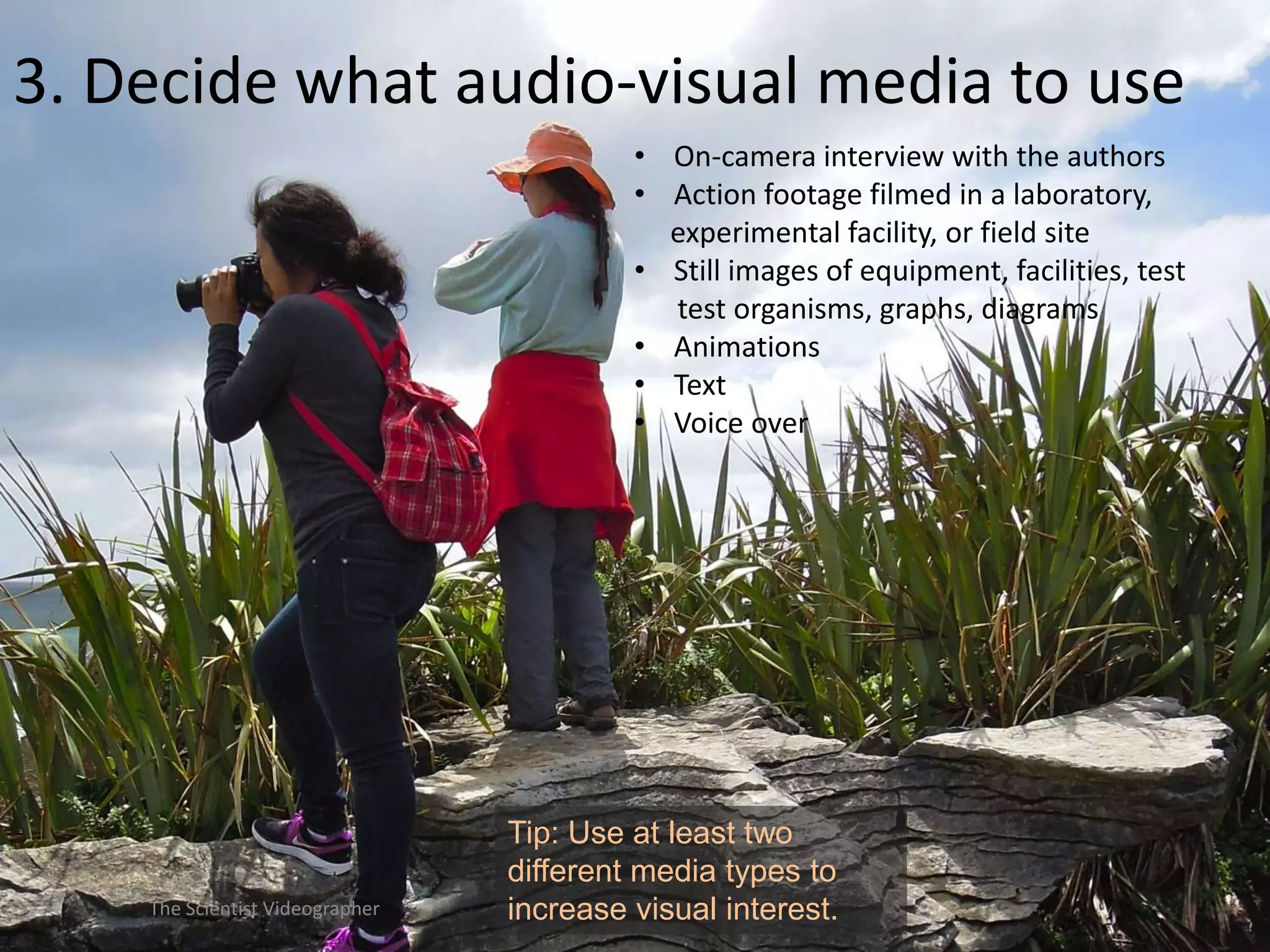
3. Decide what audio-visual media to use
• On-camera interview with the authors
• Action footage filmed in a laboratory,
experimental facility, or field site
• Still images of equipment, facilities, test
test organisms, graphs, diagrams
• Animations
• Text
• Voice over

The Scientist Videographer

Tip: Use at least two
different media types to
increase visual interest.
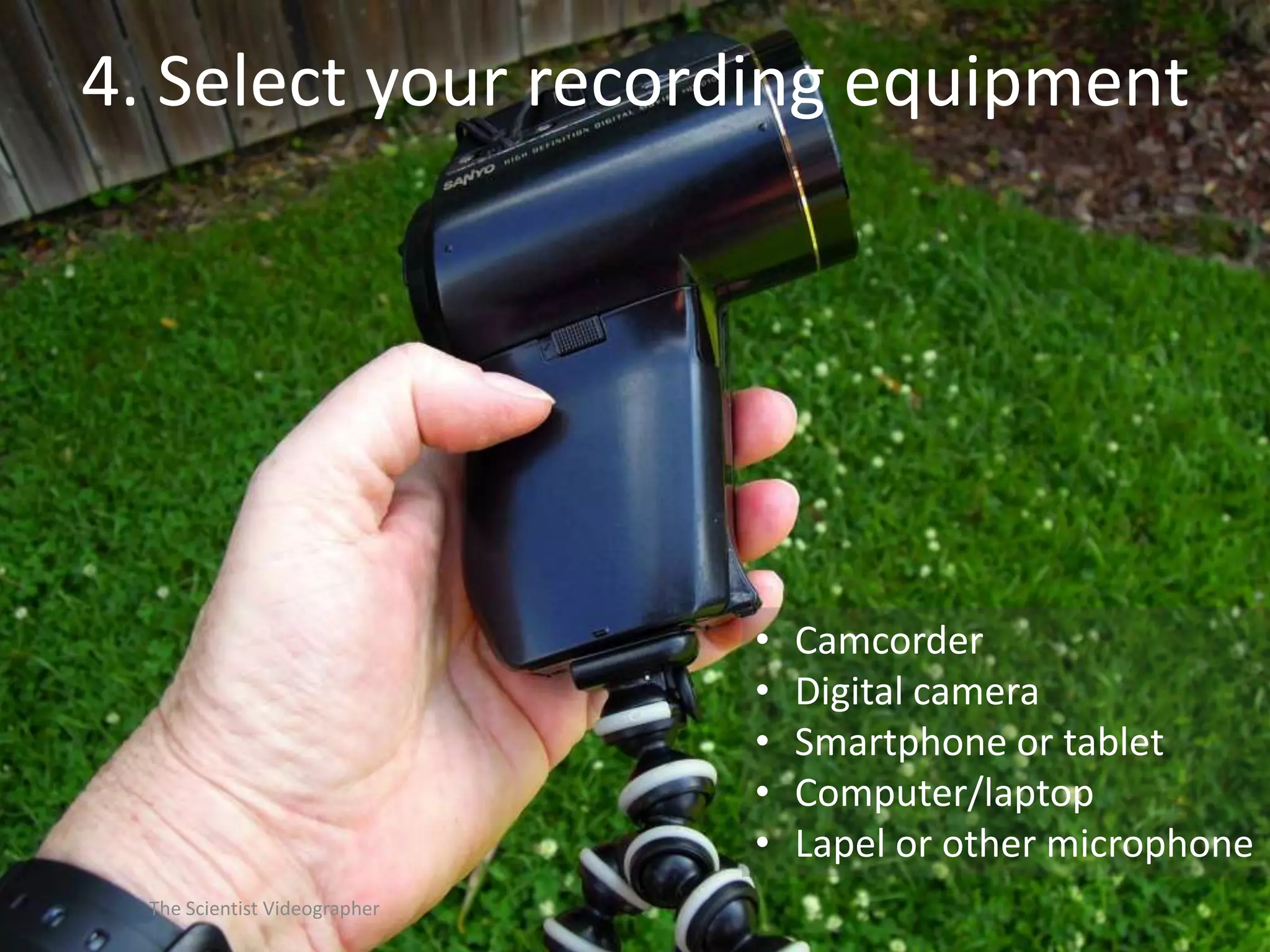
4. Select your recording equipment

•
•
•
•
•
The Scientist Videographer

Camcorder
Digital camera
Smartphone or tablet
Computer/laptop
Lapel or other microphone
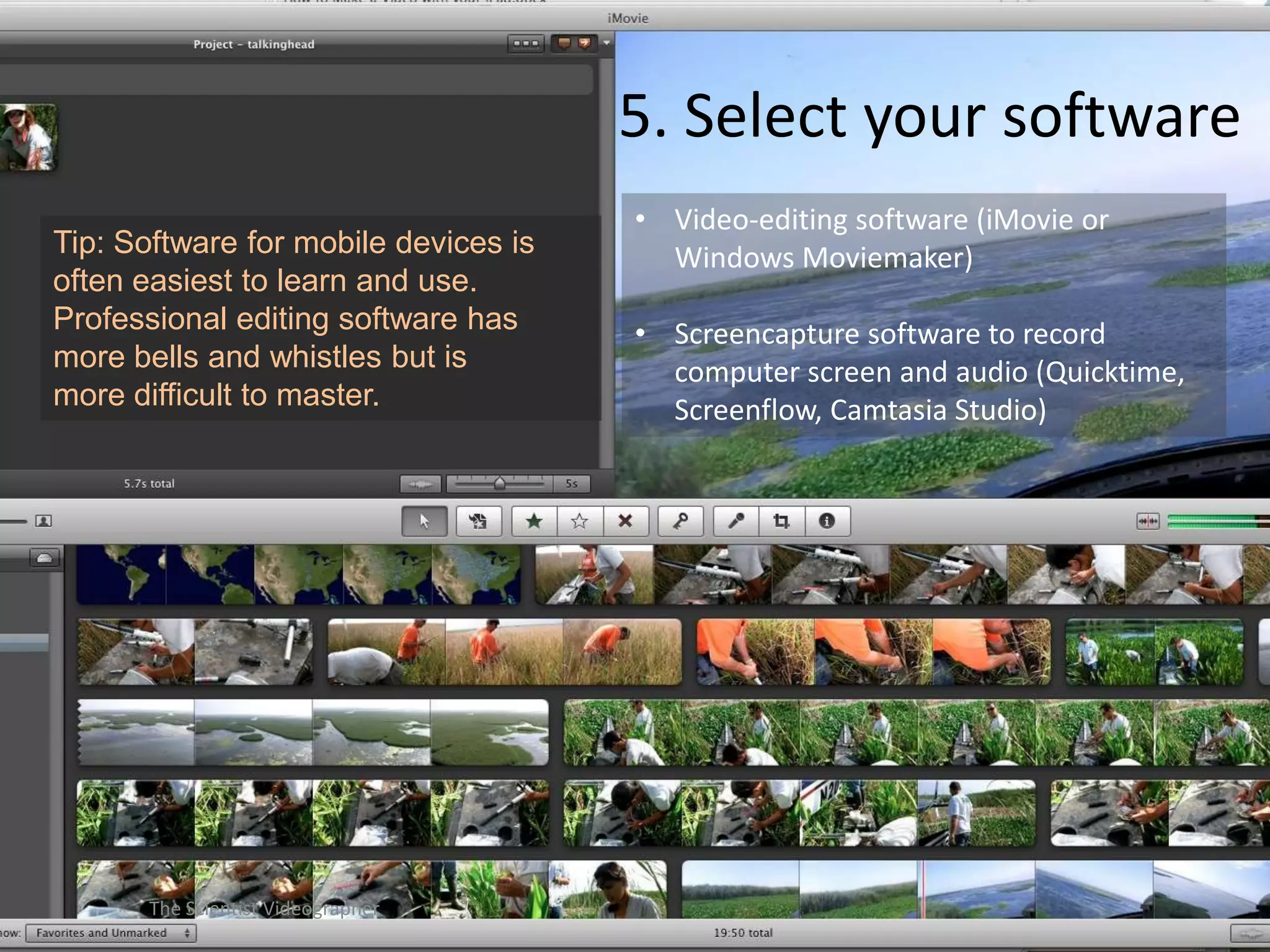
5. Select your software
Tip: Software for mobile devices is
often easiest to learn and use.
Professional editing software has
more bells and whistles but is
more difficult to master.

The Scientist Videographer

• Video-editing software (iMovie or
Windows Moviemaker)

• Screencapture software to record
computer screen and audio (Quicktime,
Screenflow, Camtasia Studio)
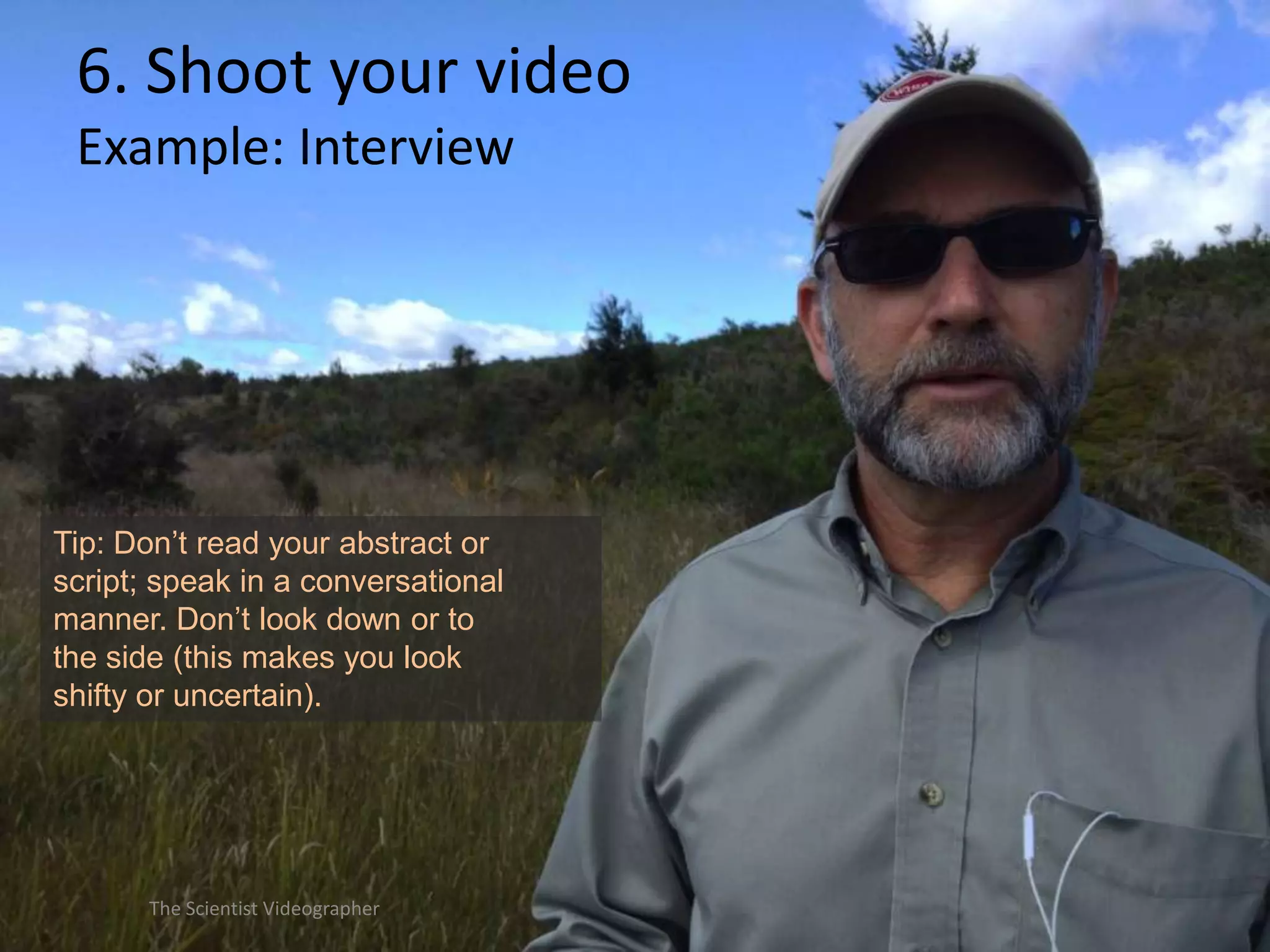
6. Shoot your video
Example: Interview

Tip: Don’t read your abstract or
script; speak in a conversational
manner. Don’t look down or to
the side (this makes you look
shifty or uncertain).

The Scientist Videographer
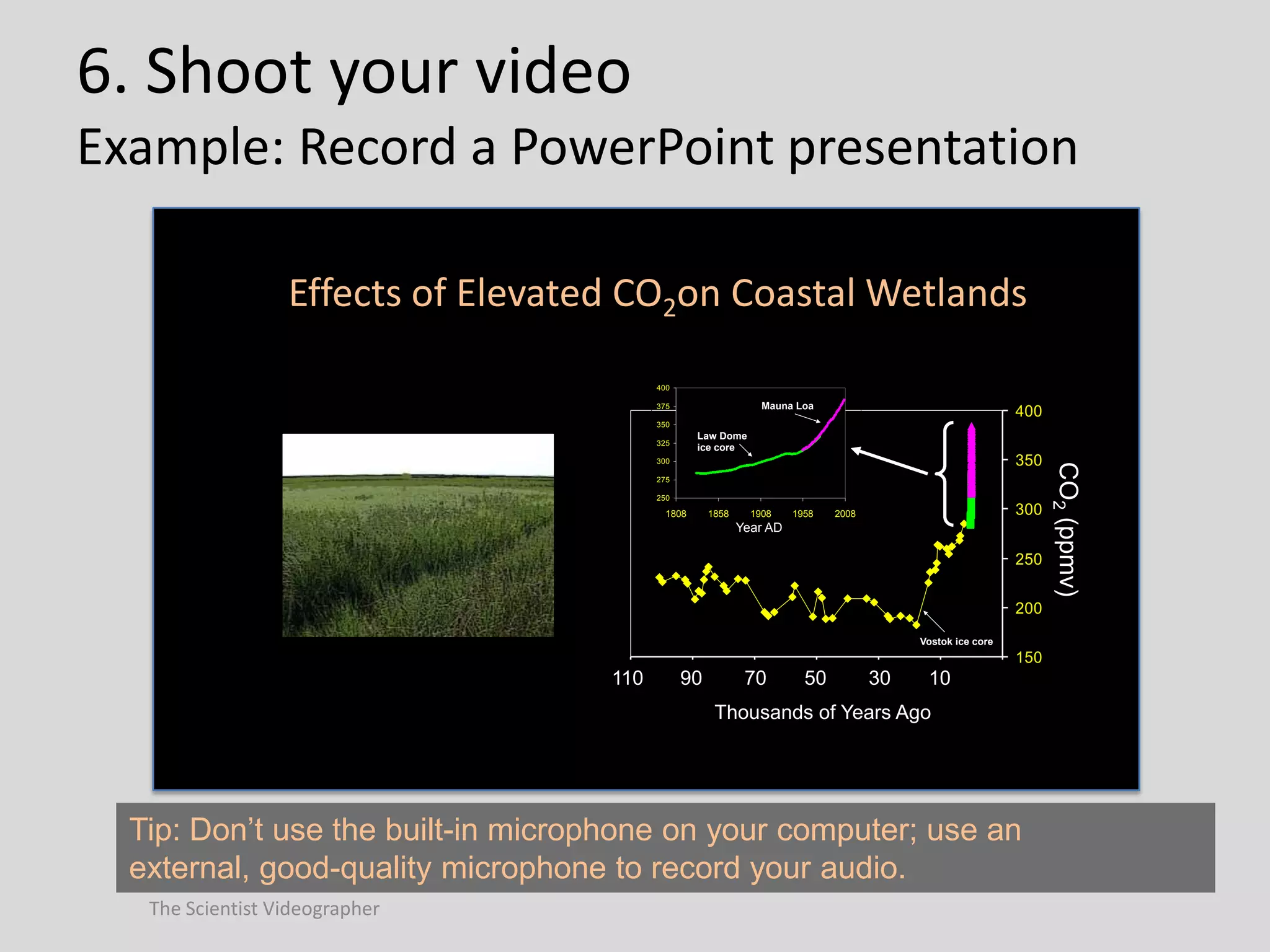
6. Shoot your video
Example: Record a PowerPoint presentation
Effects of Elevated CO2on Coastal Wetlands
400

Mauna Loa

375

400

350

Law Dome
ice core

325

275
250

1808

1858

1908

1958

300

2008

Year AD

250
200
Vostok ice core

150

110

90

70

50

30

10

Thousands of Years Ago

Tip: Don’t use the built-in microphone on your computer; use an
external, good-quality microphone to record your audio.
The Scientist Videographer

CO2 (ppmv)

350

300
6. Shoot your video
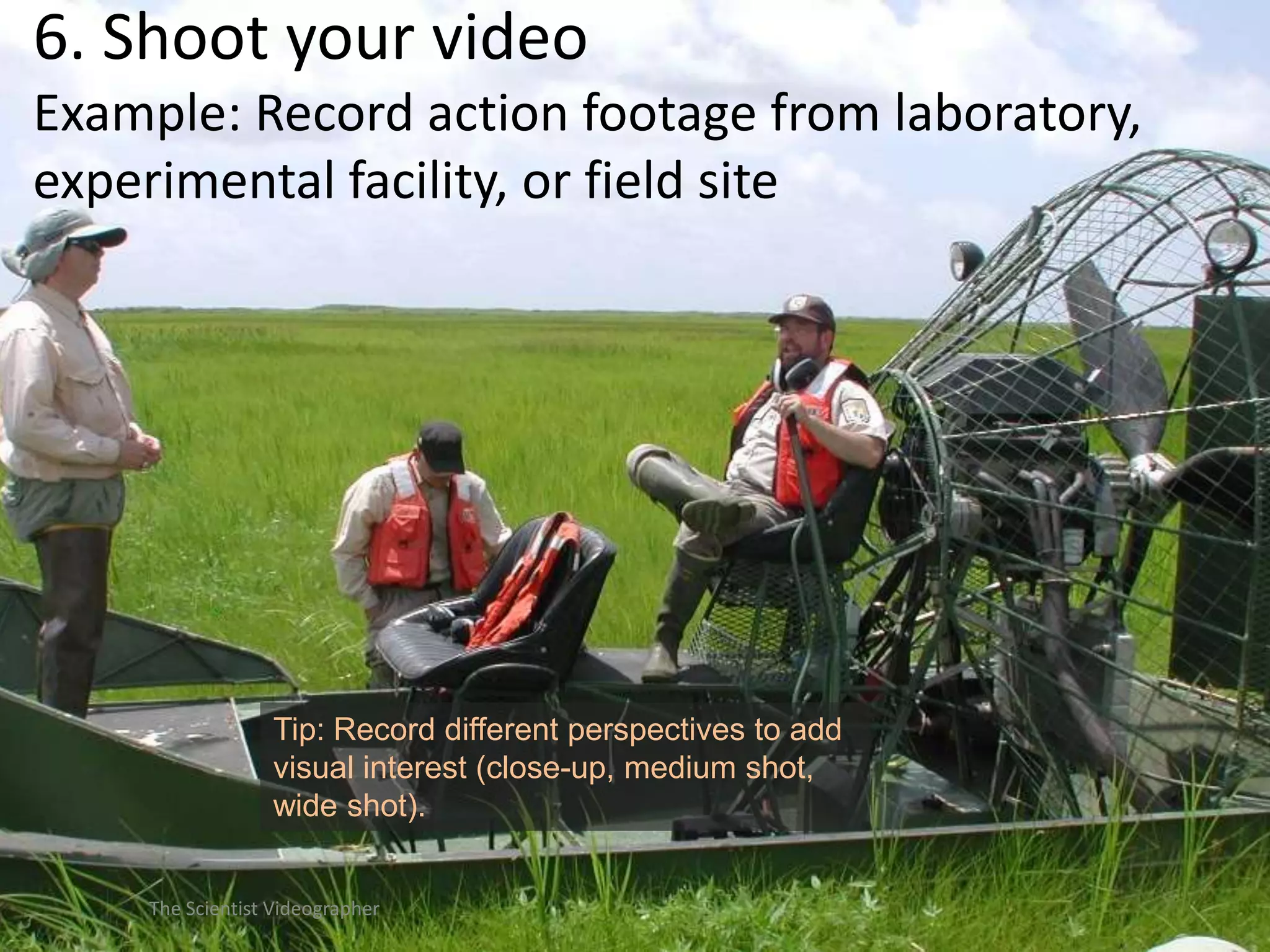
Example: Record action footage from laboratory,
experimental facility, or field site

Tip: Record different perspectives to add
visual interest (close-up, medium shot,
wide shot).
The Scientist Videographer
6. Shoot your video
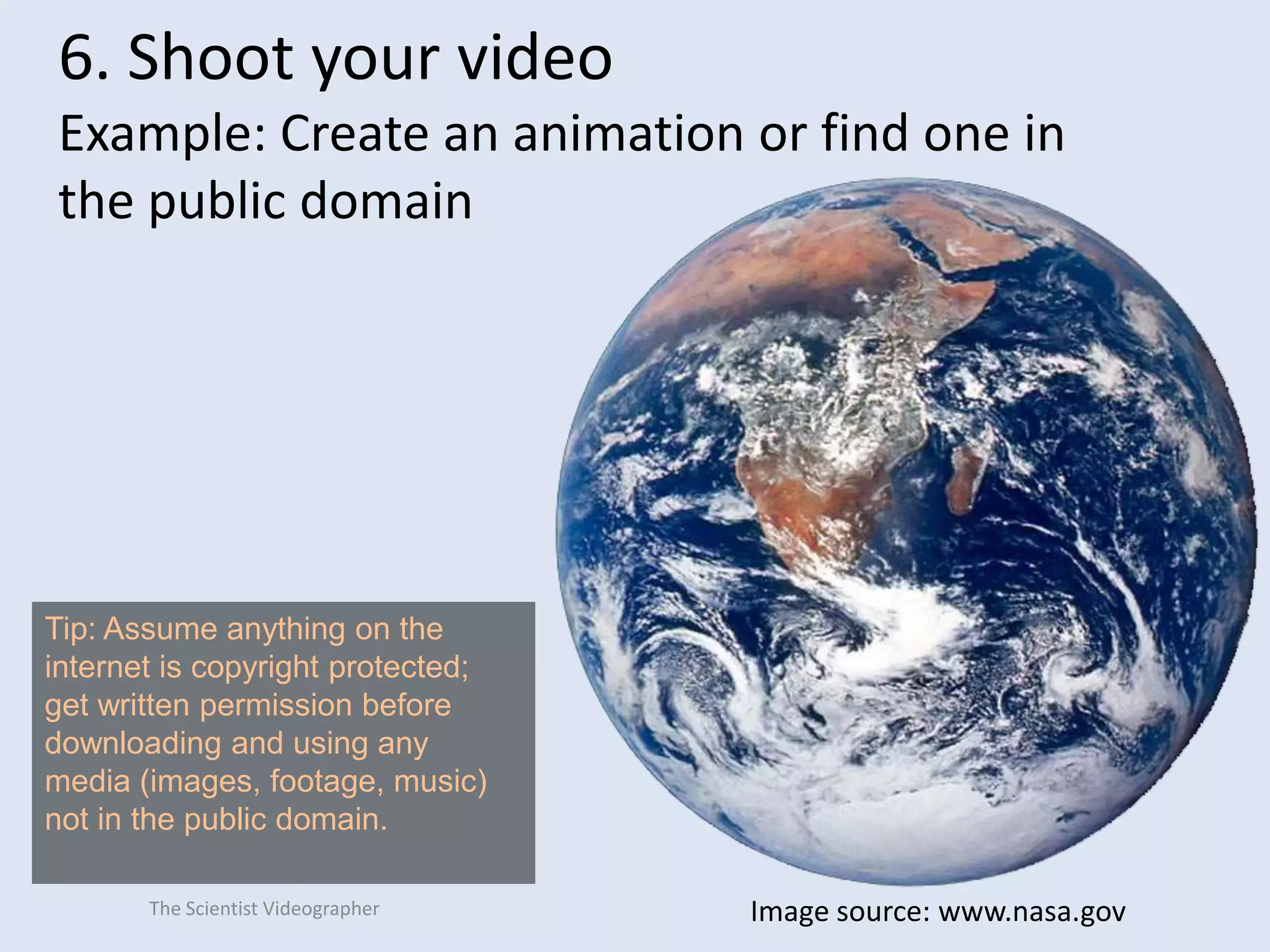
Example: Create an animation or find one in
the public domain

Tip: Assume anything on the
internet is copyright protected;
get written permission before
downloading and using any
media (images, footage, music)
not in the public domain.
The Scientist Videographer

Image source: www.nasa.gov
7. Edit your video

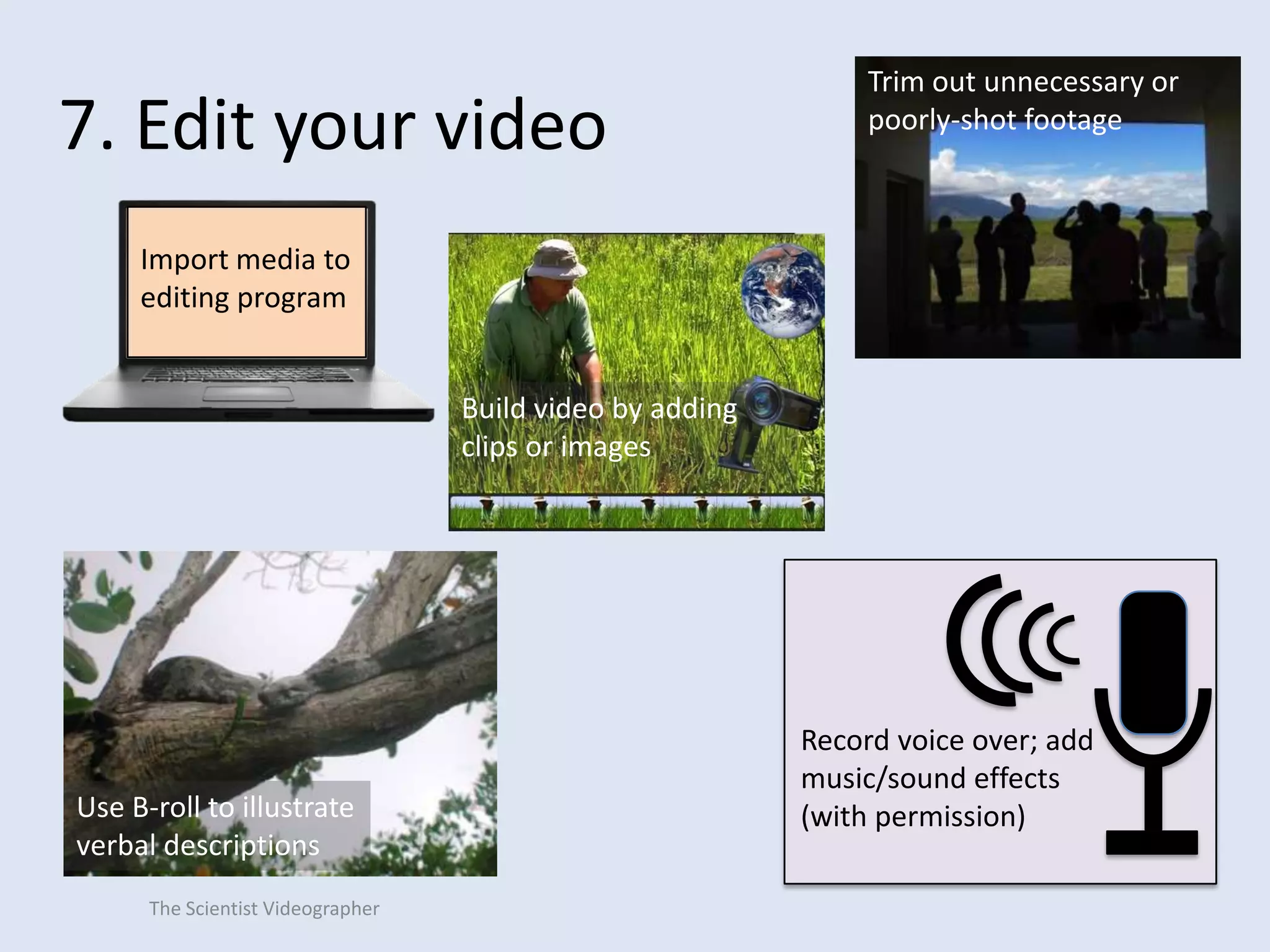
Trim out unnecessary or
poorly-shot footage

Import media to
editing program
Build video by adding
clips or images

Use B-roll to illustrate
verbal descriptions
The Scientist Videographer

Record voice over; add
music/sound effects
(with permission)
8. Publish your video

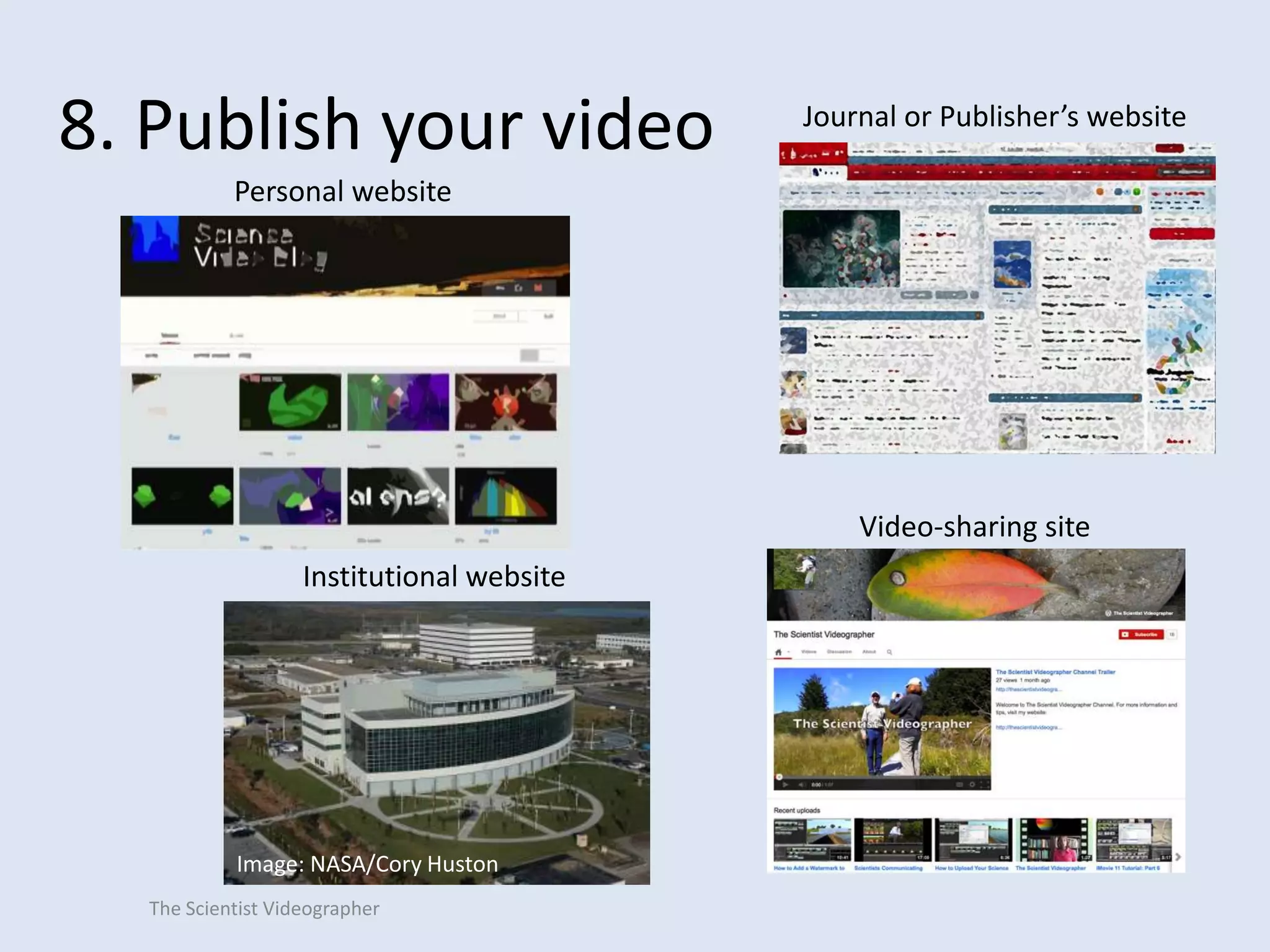
Journal or Publisher’s website

Personal website

Video-sharing site

Institutional website

Image: NASA/Cory Huston
The Scientist Videographer
Additional Resources
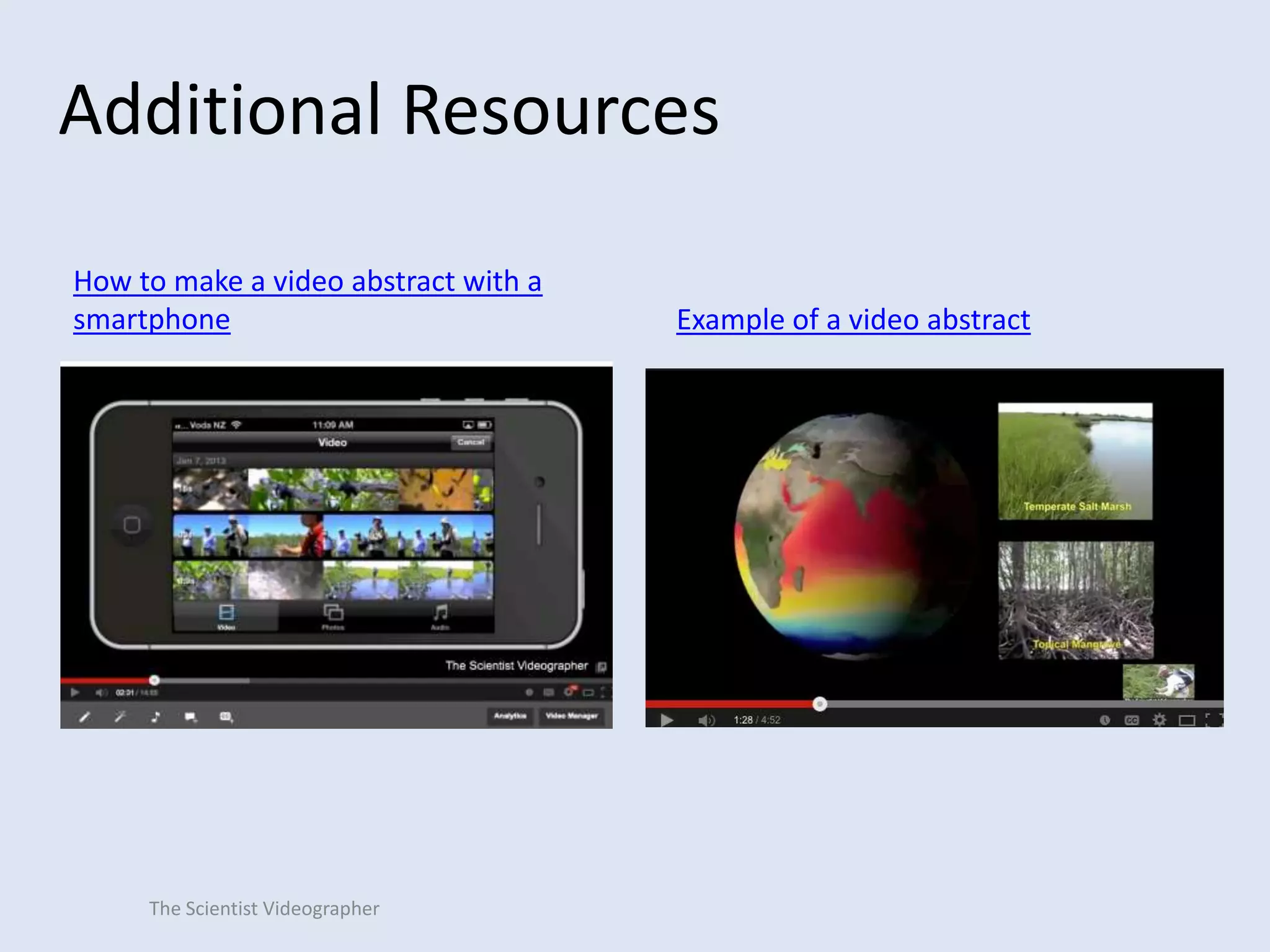
How to make a video abstract with a
smartphone

The Scientist Videographer

Example of a video abstract
Additional Resources
16 Mistakes to Avoid When Making Your First Science Video (article)
What Jurassic Park Can Teach Us About Making Science Videos (article)
How to Record a PowerPoint Presentation (video tutorial)

What is B-Roll and Why Should I Care About It? (article)
How to Create Animations in PowerPoint for Your Science Video (video tutorial)
How to Make a Science Video Without Film Footage (article)
Strive for Brevity in Your Science Video (article)
Sources of Public Domain Images (article)
Where Should I Publish My Science Video (video tutorial)
How to Improve the Audio of Your Video Without Breaking the Bank (video tutorial)
The Scientist Videographer
About the Author
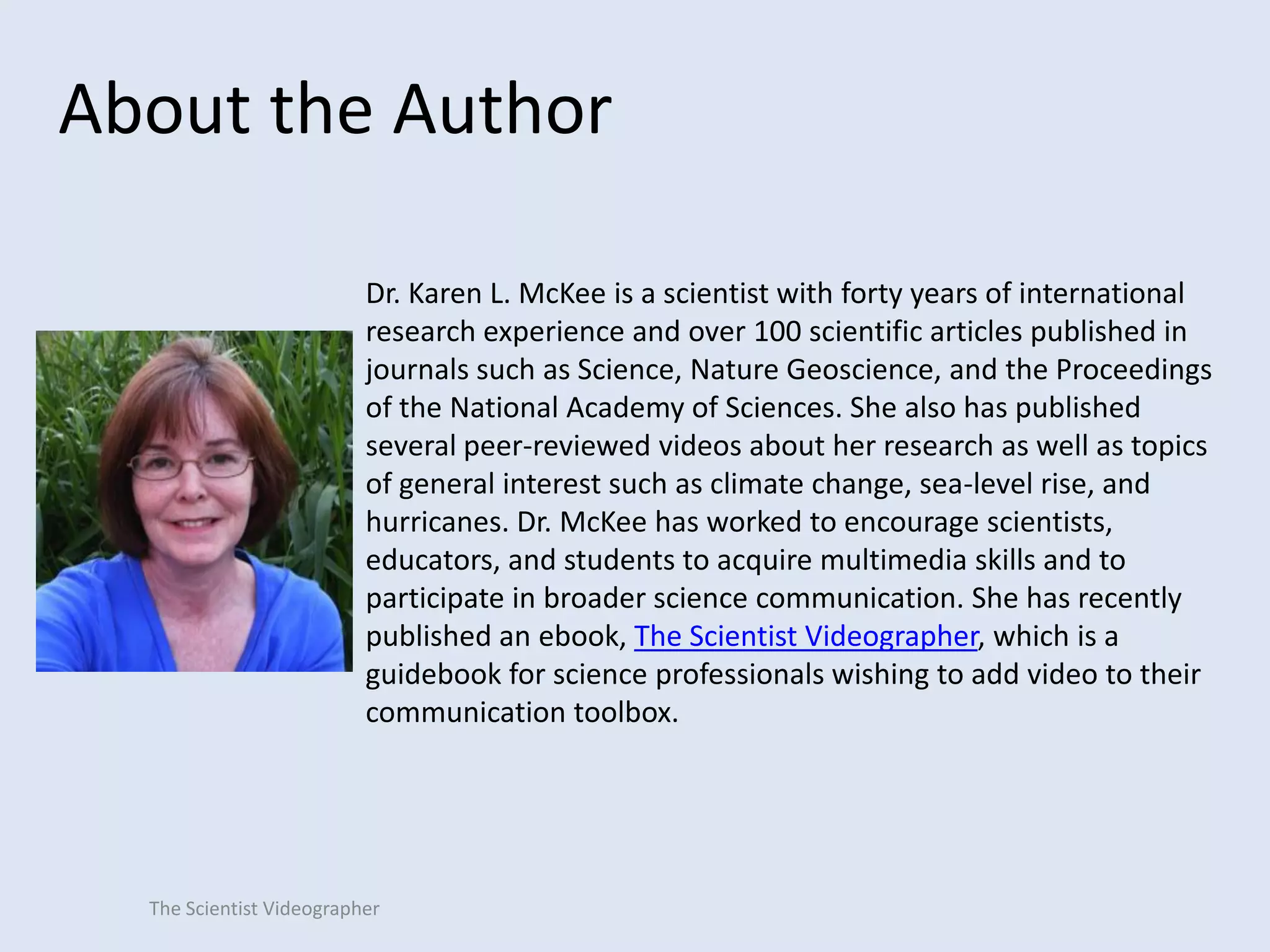
Dr. Karen L. McKee is a scientist with forty years of international
research experience and over 100 scientific articles published in
journals such as Science, Nature Geoscience, and the Proceedings
of the National Academy of Sciences. She also has published
several peer-reviewed videos about her research as well as topics
of general interest such as climate change, sea-level rise, and
hurricanes. Dr. McKee has worked to encourage scientists,
educators, and students to acquire multimedia skills and to
participate in broader science communication. She has recently
published an ebook, The Scientist Videographer, which is a
guidebook for science professionals wishing to add video to their
communication toolbox.

The Scientist Videographer

How to Make a Video Abstract for a Journal Article

  • 1.
    How to Createa Video Abstract (in Eight Easy Steps) Karen L. McKee, Ph.D. The Scientist Videographer The Scientist Videographer
  • 2.
  • 3.
    What is avideo abstract? A video abstract is a brief description of a scientific paper in which the authors explain their work on camera, physically demonstrate their methods, use animations or simulations to illustrate concepts, and/or discuss the implications of their findings. By using video, authors can explain their work in a way that the print article cannot—an approach that provides a richer, more diverse experience for the readership. The Scientist Videographer
  • 4.
    Why should Ibother to make a video abstract? A video abstract can raise the online visibility of a published article and its authors; the more people who are aware of your work, the more likely it is to be cited. Search engines rank video high in relation to text-based documents. A video abstract is especially effective if there are few or no videos on the topic. The Scientist Videographer
  • 5.
    8 steps toa good video abstract The Scientist Videographer
  • 6.
    1. Identify thekey points to cover: • What is your article about— in everyday language? • What did your study find— what is your take-home message (not a laundry list of results)? • What is new or innovative about your study? • Why is your study important to society and the reader? The Scientist Videographer Tip: Use your article’s abstract as a guide to extract the key points to cover in the video, but don’t repeat it word for word.
  • 7.
    2. Develop anoutline or storyboard • Detail the sequence in which the information will be presented. • Write out a script to help organize your thoughts. • Alternatively, storyboard your video with PowerPoint slides Tip: Estimate the time required for each segment by reading the script out loud. Keep your video abstract to a length of no more than 3 to 5 minutes. The Scientist Videographer
  • 8.
    3. Decide whataudio-visual media to use • On-camera interview with the authors • Action footage filmed in a laboratory, experimental facility, or field site • Still images of equipment, facilities, test test organisms, graphs, diagrams • Animations • Text • Voice over The Scientist Videographer Tip: Use at least two different media types to increase visual interest.
  • 9.
    4. Select yourrecording equipment • • • • • The Scientist Videographer Camcorder Digital camera Smartphone or tablet Computer/laptop Lapel or other microphone
  • 10.
    5. Select yoursoftware Tip: Software for mobile devices is often easiest to learn and use. Professional editing software has more bells and whistles but is more difficult to master. The Scientist Videographer • Video-editing software (iMovie or Windows Moviemaker) • Screencapture software to record computer screen and audio (Quicktime, Screenflow, Camtasia Studio)
  • 11.
    6. Shoot yourvideo Example: Interview Tip: Don’t read your abstract or script; speak in a conversational manner. Don’t look down or to the side (this makes you look shifty or uncertain). The Scientist Videographer
  • 12.
    6. Shoot yourvideo Example: Record a PowerPoint presentation Effects of Elevated CO2on Coastal Wetlands 400 Mauna Loa 375 400 350 Law Dome ice core 325 275 250 1808 1858 1908 1958 300 2008 Year AD 250 200 Vostok ice core 150 110 90 70 50 30 10 Thousands of Years Ago Tip: Don’t use the built-in microphone on your computer; use an external, good-quality microphone to record your audio. The Scientist Videographer CO2 (ppmv) 350 300
  • 13.
    6. Shoot yourvideo Example: Record action footage from laboratory, experimental facility, or field site Tip: Record different perspectives to add visual interest (close-up, medium shot, wide shot). The Scientist Videographer
  • 14.
    6. Shoot yourvideo Example: Create an animation or find one in the public domain Tip: Assume anything on the internet is copyright protected; get written permission before downloading and using any media (images, footage, music) not in the public domain. The Scientist Videographer Image source: www.nasa.gov
  • 15.
    7. Edit yourvideo Trim out unnecessary or poorly-shot footage Import media to editing program Build video by adding clips or images Use B-roll to illustrate verbal descriptions The Scientist Videographer Record voice over; add music/sound effects (with permission)
  • 16.
    8. Publish yourvideo Journal or Publisher’s website Personal website Video-sharing site Institutional website Image: NASA/Cory Huston The Scientist Videographer
  • 17.
    Additional Resources How tomake a video abstract with a smartphone The Scientist Videographer Example of a video abstract
  • 18.
    Additional Resources 16 Mistakesto Avoid When Making Your First Science Video (article) What Jurassic Park Can Teach Us About Making Science Videos (article) How to Record a PowerPoint Presentation (video tutorial) What is B-Roll and Why Should I Care About It? (article) How to Create Animations in PowerPoint for Your Science Video (video tutorial) How to Make a Science Video Without Film Footage (article) Strive for Brevity in Your Science Video (article) Sources of Public Domain Images (article) Where Should I Publish My Science Video (video tutorial) How to Improve the Audio of Your Video Without Breaking the Bank (video tutorial) The Scientist Videographer
  • 19.
    About the Author Dr.Karen L. McKee is a scientist with forty years of international research experience and over 100 scientific articles published in journals such as Science, Nature Geoscience, and the Proceedings of the National Academy of Sciences. She also has published several peer-reviewed videos about her research as well as topics of general interest such as climate change, sea-level rise, and hurricanes. Dr. McKee has worked to encourage scientists, educators, and students to acquire multimedia skills and to participate in broader science communication. She has recently published an ebook, The Scientist Videographer, which is a guidebook for science professionals wishing to add video to their communication toolbox. The Scientist Videographer