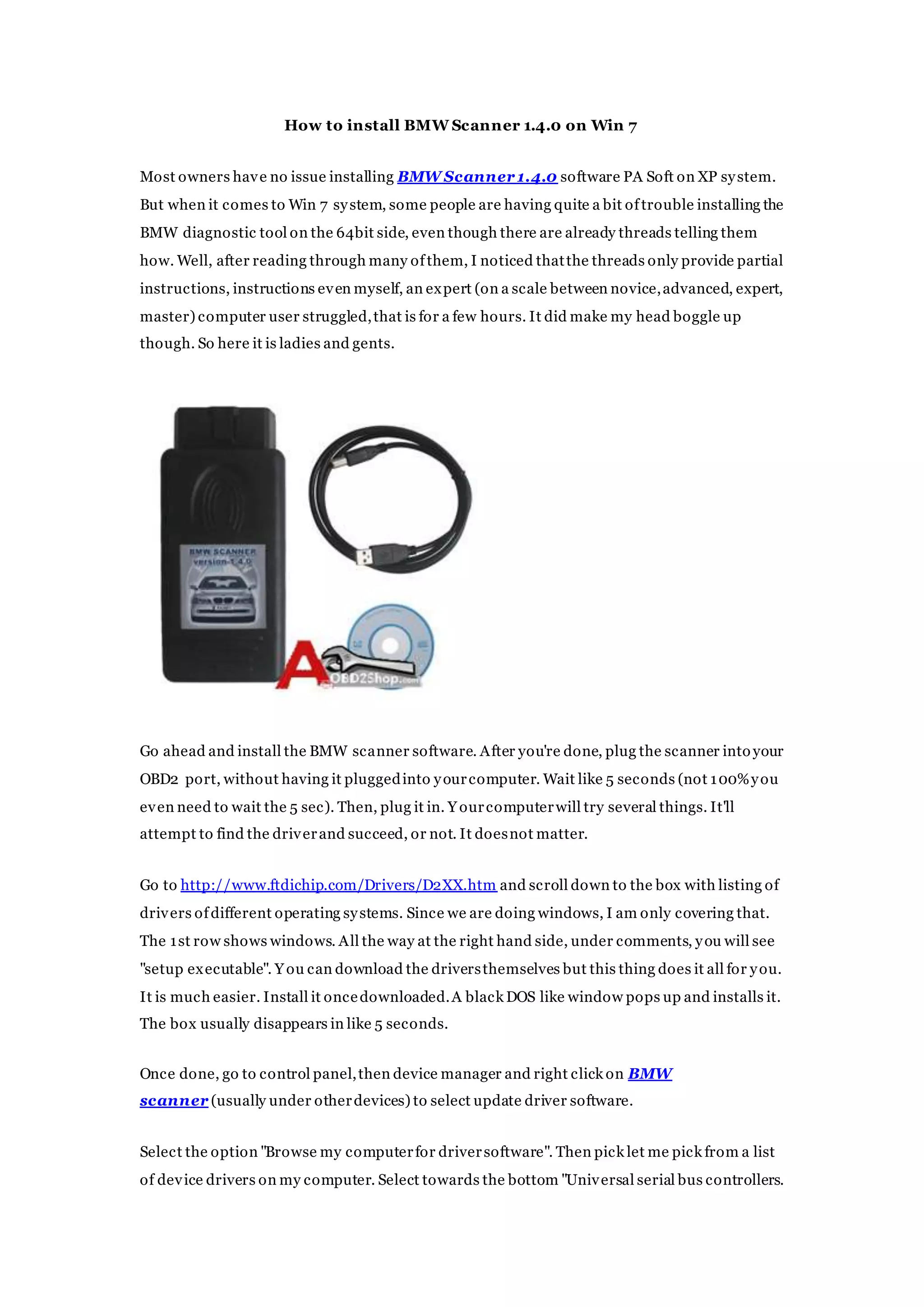
This document provides step-by-step instructions for installing BMW Scanner 1.4.0 software on a Windows 7 system. It explains that while the software typically installs easily on Windows XP, additional steps are needed for Windows 7 64-bit systems. The instructions guide the user to download and install FTDI USB drivers, then use the device manager to update the driver for the BMW scanner so it is recognized correctly. Following these steps should allow the BMW diagnostic software to be used without issues.




![INTRODUCTION TO MALAREA [ANTI-MALARARIAL DRUGS AND ITS ANALOGUES]](https://cdn.slidesharecdn.com/ss_thumbnails/51-191219091958-thumbnail.jpg?width=640&height=640&fit=bounds)


