Download to read offline


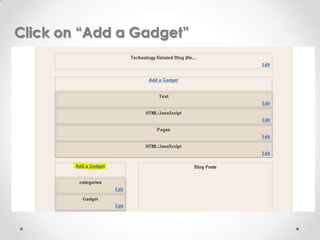
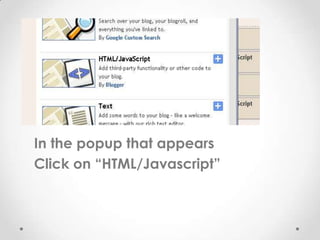
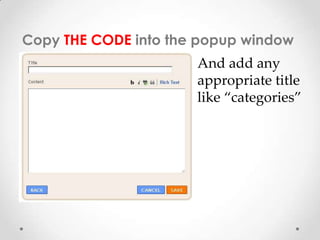
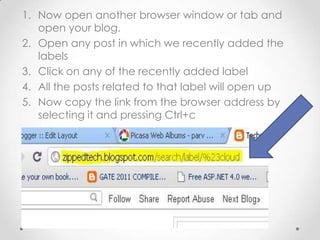

This document provides instructions for adding categories to a blogger blog. The instructions are to click "Add a Gadget" and select "HTML/Javascript", copy code into the popup window and title it "categories", then open posts with labels and copy the link of a label to replace placeholder text in the code with the actual category name and link. Repeating this allows multiple categories to be added to the blog.


