How to Create a Microsoft Access 2007 Database
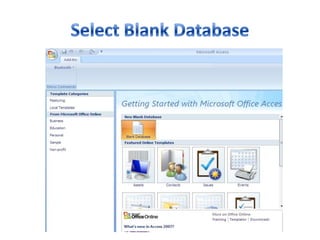
Select Blank Database
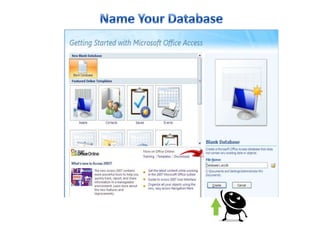
Name Your Database
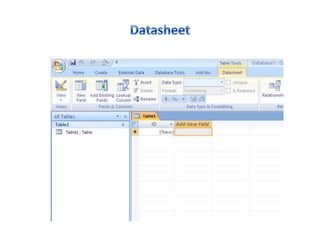
Datasheet
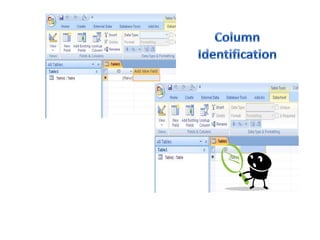
Column Identification
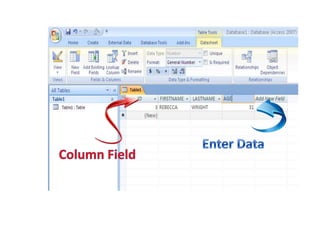
Enter DataColumn Field
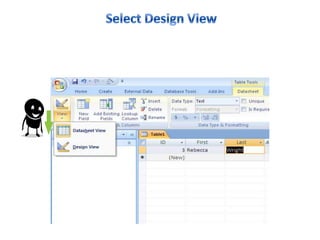
Select Design View
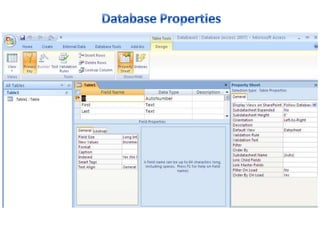
DatabaseProperties
How to Create A Microsoft Access 2007 Database

How to Create A Microsoft Access 2007 Database

Editor's Notes

  • #4 Select Blank Database
  • #6 Double Click to add a new Field to the Column for identification purposes.
  • #7 Naming the column field and then entering data into the database.
  • #10 Design View allows you to make changes to the properties of the database ie Field Name, Data Type and Description
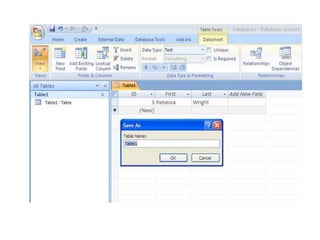
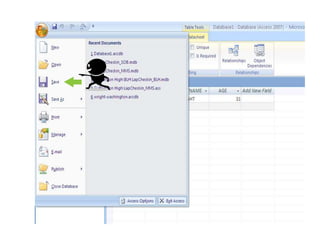
  • #11 Always remember to save your file. This will keep all the data update accurately.