Evaluation 4
 How did you use media technologies
       in the construction and
 research, planning and evaluation?
Introduction
Without the use of media technologies I
would have never been able to create my
products. I used various hardware and
software to help me with the
construction, planning, research and
evaluation. I didn’t realise that I had used so
many products until now and overall I am
extremely happy with the ones I have chosen
to use.
Hardware
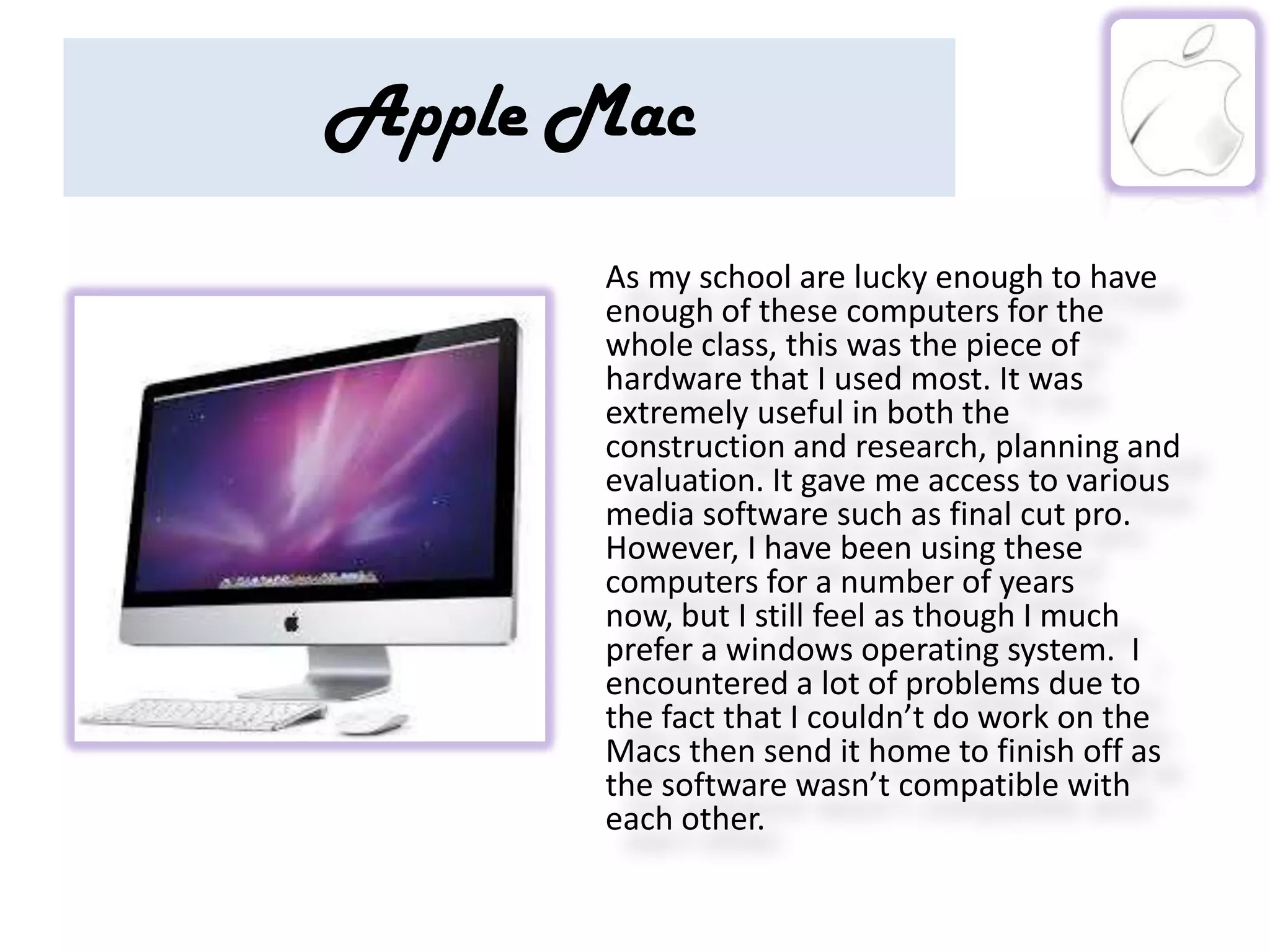
Apple Mac
      As my school are lucky enough to have
      enough of these computers for the
      whole class, this was the piece of
      hardware that I used most. It was
      extremely useful in both the
      construction and research, planning and
      evaluation. It gave me access to various
      media software such as final cut pro.
      However, I have been using these
      computers for a number of years
      now, but I still feel as though I much
      prefer a windows operating system. I
      encountered a lot of problems due to
      the fact that I couldn’t do work on the
      Macs then send it home to finish off as
      the software wasn’t compatible with
      each other.
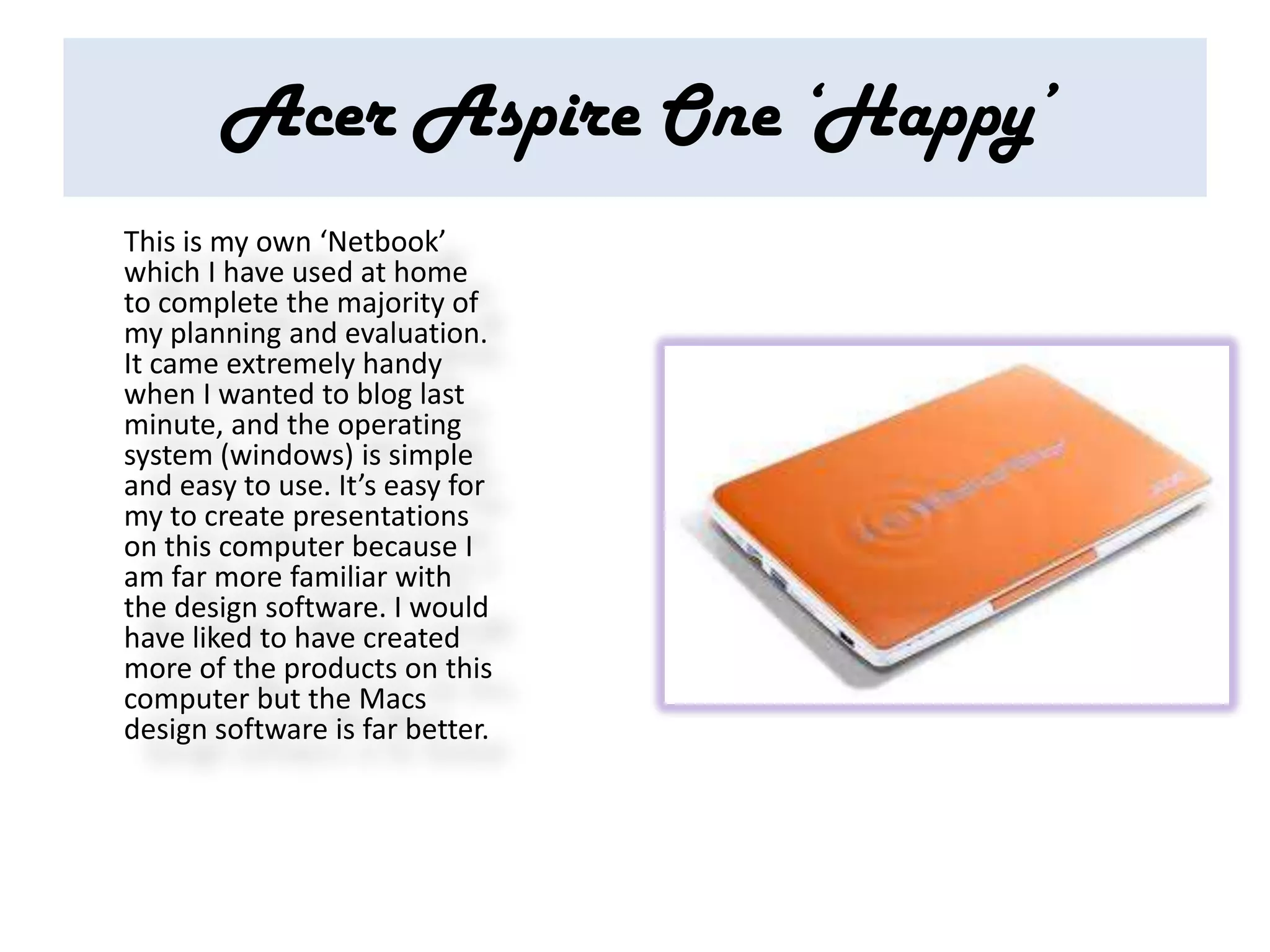
Acer Aspire One ‘Happy’
This is my own ‘Netbook’
which I have used at home
to complete the majority of
my planning and evaluation.
It came extremely handy
when I wanted to blog last
minute, and the operating
system (windows) is simple
and easy to use. It’s easy for
my to create presentations
on this computer because I
am far more familiar with
the design software. I would
have liked to have created
more of the products on this
computer but the Macs
design software is far better.
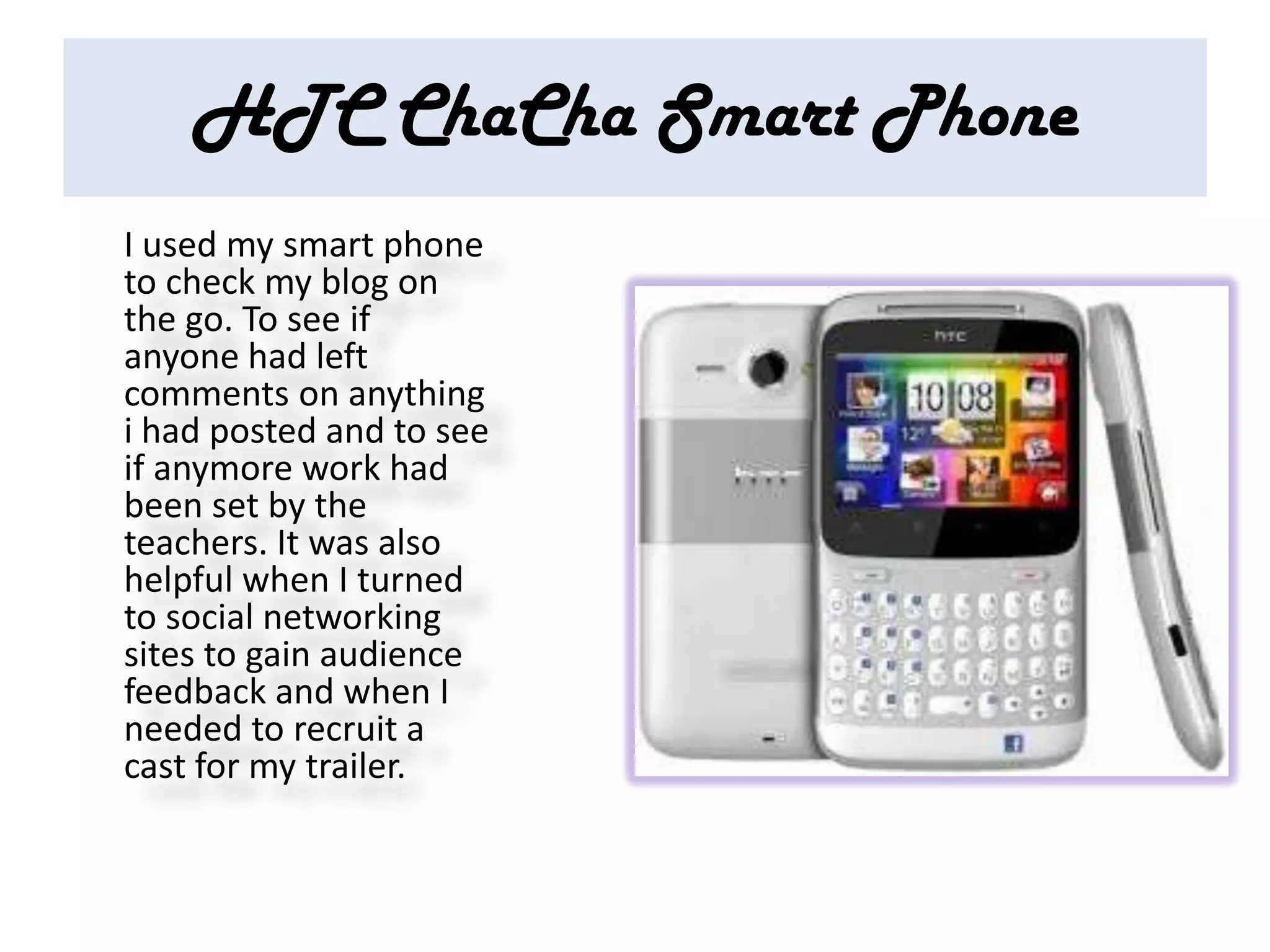
HTC ChaCha Smart Phone
I used my smart phone
to check my blog on
the go. To see if
anyone had left
comments on anything
i had posted and to see
if anymore work had
been set by the
teachers. It was also
helpful when I turned
to social networking
sites to gain audience
feedback and when I
needed to recruit a
cast for my trailer.
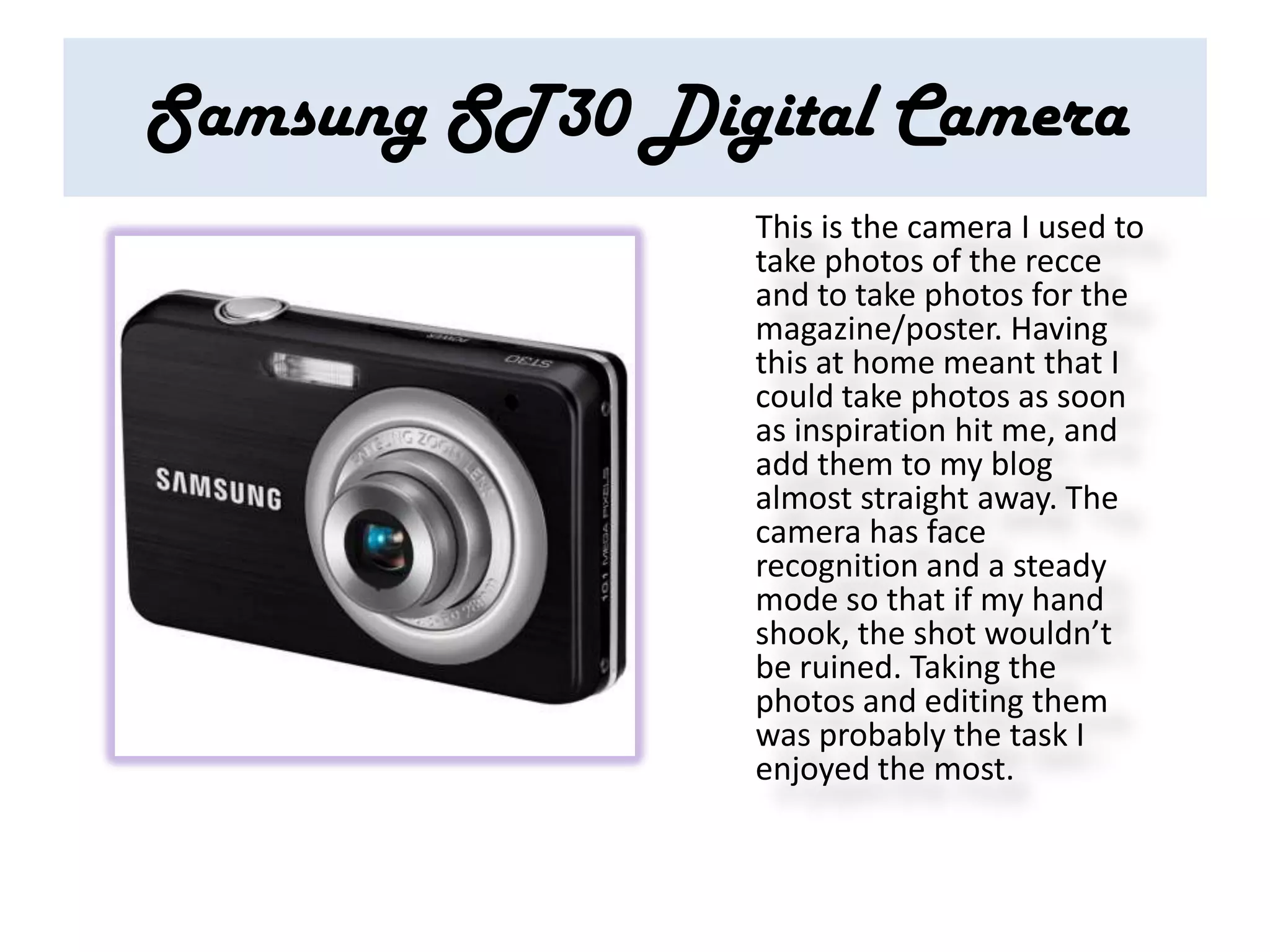
Samsung ST30 Digital Camera
                This is the camera I used to
                take photos of the recce
                and to take photos for the
                magazine/poster. Having
                this at home meant that I
                could take photos as soon
                as inspiration hit me, and
                add them to my blog
                almost straight away. The
                camera has face
                recognition and a steady
                mode so that if my hand
                shook, the shot wouldn’t
                be ruined. Taking the
                photos and editing them
                was probably the task I
                enjoyed the most.
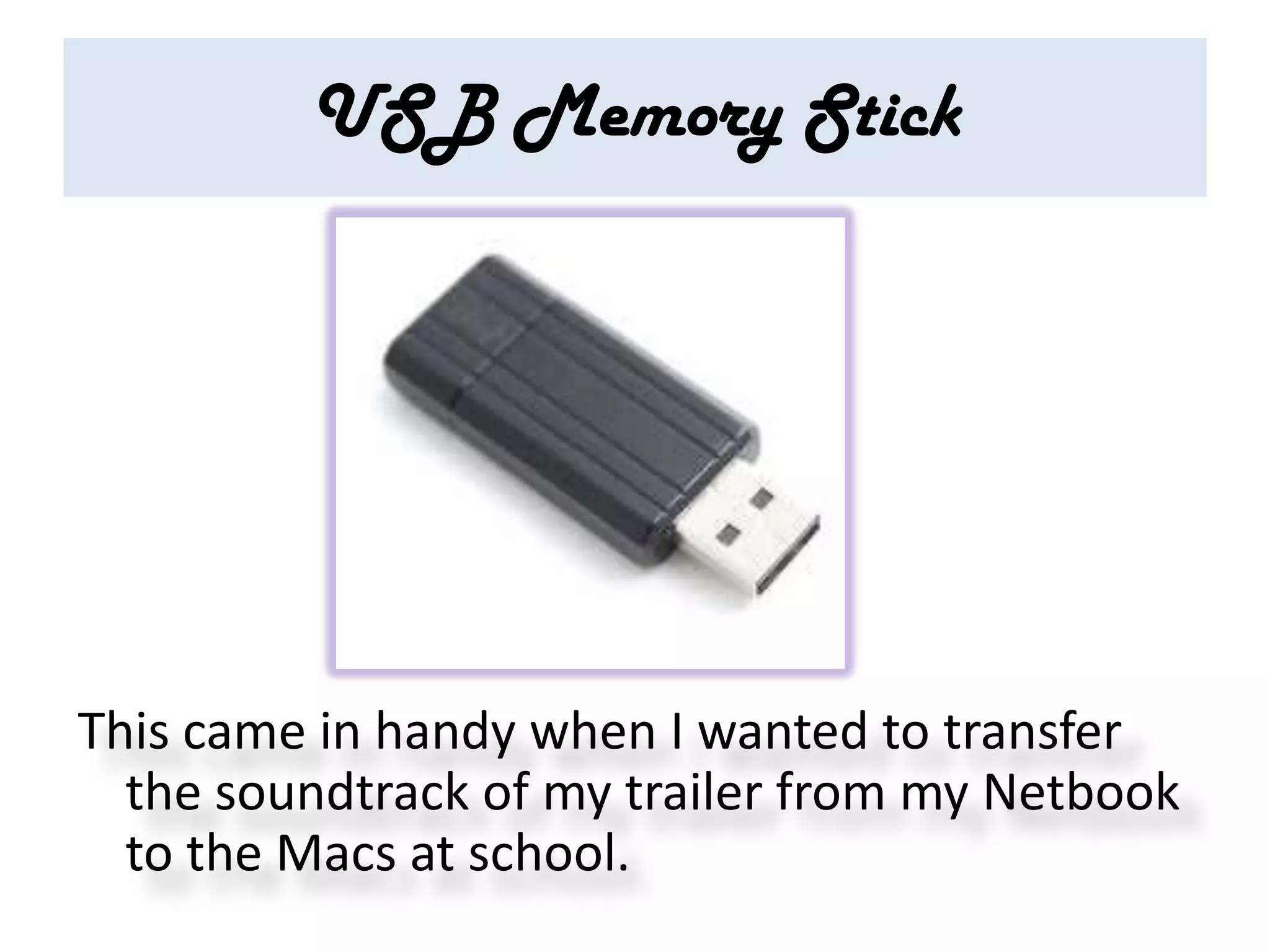
USB Memory Stick


This came in handy when I wanted to transfer
  the soundtrack of my trailer from my Netbook
  to the Macs at school.
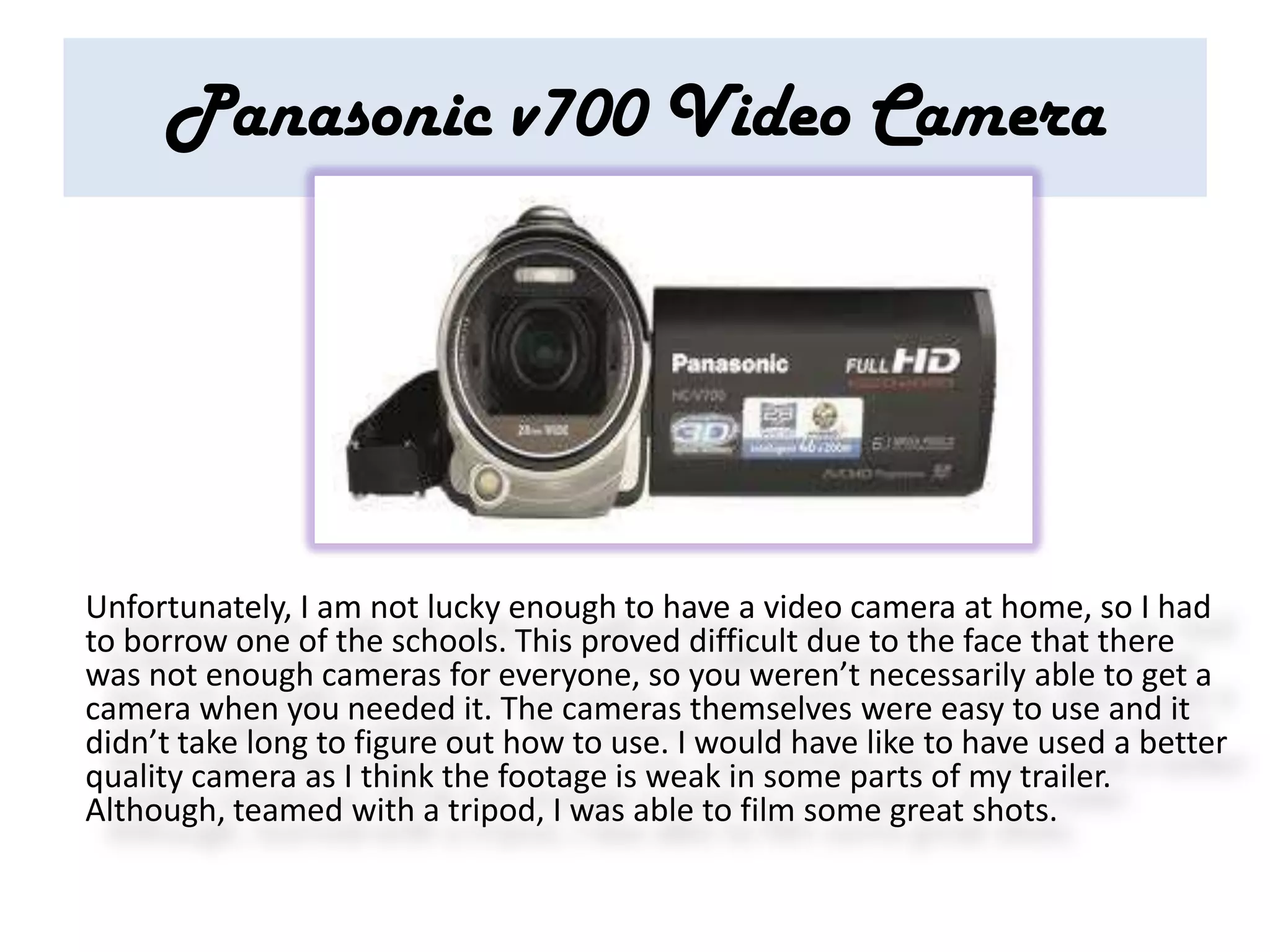
Panasonic v700 Video Camera


Unfortunately, I am not lucky enough to have a video camera at home, so I had
to borrow one of the schools. This proved difficult due to the face that there
was not enough cameras for everyone, so you weren’t necessarily able to get a
camera when you needed it. The cameras themselves were easy to use and it
didn’t take long to figure out how to use. I would have like to have used a better
quality camera as I think the footage is weak in some parts of my trailer.
Although, teamed with a tripod, I was able to film some great shots.
Software
Safari
This was the internet
  software I used on
  the Macs. It was key
  in research as it
  gave me access to
  various websites
  such a Wikkipedia.
  It was simple and
  easy to use.
Internet Explorer
This was the
internet software I
used when at home
and using my
Netbook. Again it
also gave me access
to important
websites such as
Youtube. It is also
simple and easy to
use.
You Tube
This was one of the
most important pieces
of software I used in my
work. Without it I
would have no idea
what a successful trailer
looks like and wouldn’t
have been able to
upload my own trailer.
It was necessary in both
my research and
creation of my product.
Blogger
          I loved using blogger to create
          my coursework. Using this
          software meant that my class
          mates and I could give each
          other advice ob constructive
          criticism with the click of a
          mouse. It was also easy for me to
          look back at my previous work
          and improve it if necessary. The
          only time I had trouble with this
          software was when I was mid-
          blog and it deleted everything I
          had written. Overall I think it was
          the perfect piece of software to
          use to present the
          construction, research, planning
          and evaluation of my products.
Social Networks
I used social networks            Who wants
at various points during          to be in my
the creation of my                trailer?!!
products. It was
extremely useful in
allowing me to gain
audience feedback &
‘recruit’ people to take
part in my trailer. As
most of the people on
my social networks
were of the target
audiences age. It was
also helpful when class
mates and I discussed
our work.
Microsoft Publisher & Powerpoint
I used Microsoft
Powerpoint in the
evaluation of my
products, as I was able to
upload my Powerpoints to
blogger through
‘Slideshare’. I used
Publisher to create my
ancillary tasks. Although, I
did then improve them
after finding a way to
upload them onto the
Macs. I liked using these
pieces of software due to
the fat that I was already
familiar with them. So I
didn’t have to waste time
teaching myself how to
use them.
PicMonkey
PicMonkey was the
software I used to
edit the photos I took
for my ancillary task.
I was able to add a
variety of effects
including even a
vampire one! I found
it really useful and
extremely easy to
use. It was fun seeing
the photo develop
and change.
Finalcut pro
Finalcut Pro was a piece of
software I used on the
Mac to create my trailer.
At first I found it
extremely complicated to
use and had no idea what
I was doing. But after a
few hours of practise I got
the hang of it. I was
surprised by the amount
of transitions and effects
you could add, I think it
was perfect for editing
and making my trailer.

How did you use media technologies in the

  • 1.
    Evaluation 4 Howdid you use media technologies in the construction and research, planning and evaluation?
  • 2.
    Introduction Without the useof media technologies I would have never been able to create my products. I used various hardware and software to help me with the construction, planning, research and evaluation. I didn’t realise that I had used so many products until now and overall I am extremely happy with the ones I have chosen to use.
  • 3.
  • 4.
    Apple Mac As my school are lucky enough to have enough of these computers for the whole class, this was the piece of hardware that I used most. It was extremely useful in both the construction and research, planning and evaluation. It gave me access to various media software such as final cut pro. However, I have been using these computers for a number of years now, but I still feel as though I much prefer a windows operating system. I encountered a lot of problems due to the fact that I couldn’t do work on the Macs then send it home to finish off as the software wasn’t compatible with each other.
  • 5.
    Acer Aspire One‘Happy’ This is my own ‘Netbook’ which I have used at home to complete the majority of my planning and evaluation. It came extremely handy when I wanted to blog last minute, and the operating system (windows) is simple and easy to use. It’s easy for my to create presentations on this computer because I am far more familiar with the design software. I would have liked to have created more of the products on this computer but the Macs design software is far better.
  • 6.
    HTC ChaCha SmartPhone I used my smart phone to check my blog on the go. To see if anyone had left comments on anything i had posted and to see if anymore work had been set by the teachers. It was also helpful when I turned to social networking sites to gain audience feedback and when I needed to recruit a cast for my trailer.
  • 7.
    Samsung ST30 DigitalCamera This is the camera I used to take photos of the recce and to take photos for the magazine/poster. Having this at home meant that I could take photos as soon as inspiration hit me, and add them to my blog almost straight away. The camera has face recognition and a steady mode so that if my hand shook, the shot wouldn’t be ruined. Taking the photos and editing them was probably the task I enjoyed the most.
  • 8.
    USB Memory Stick Thiscame in handy when I wanted to transfer the soundtrack of my trailer from my Netbook to the Macs at school.
  • 9.
    Panasonic v700 VideoCamera Unfortunately, I am not lucky enough to have a video camera at home, so I had to borrow one of the schools. This proved difficult due to the face that there was not enough cameras for everyone, so you weren’t necessarily able to get a camera when you needed it. The cameras themselves were easy to use and it didn’t take long to figure out how to use. I would have like to have used a better quality camera as I think the footage is weak in some parts of my trailer. Although, teamed with a tripod, I was able to film some great shots.
  • 10.
  • 11.
    Safari This was theinternet software I used on the Macs. It was key in research as it gave me access to various websites such a Wikkipedia. It was simple and easy to use.
  • 12.
    Internet Explorer This wasthe internet software I used when at home and using my Netbook. Again it also gave me access to important websites such as Youtube. It is also simple and easy to use.
  • 13.
    You Tube This wasone of the most important pieces of software I used in my work. Without it I would have no idea what a successful trailer looks like and wouldn’t have been able to upload my own trailer. It was necessary in both my research and creation of my product.
  • 14.
    Blogger I loved using blogger to create my coursework. Using this software meant that my class mates and I could give each other advice ob constructive criticism with the click of a mouse. It was also easy for me to look back at my previous work and improve it if necessary. The only time I had trouble with this software was when I was mid- blog and it deleted everything I had written. Overall I think it was the perfect piece of software to use to present the construction, research, planning and evaluation of my products.
  • 15.
    Social Networks I usedsocial networks Who wants at various points during to be in my the creation of my trailer?!! products. It was extremely useful in allowing me to gain audience feedback & ‘recruit’ people to take part in my trailer. As most of the people on my social networks were of the target audiences age. It was also helpful when class mates and I discussed our work.
  • 16.
    Microsoft Publisher &Powerpoint I used Microsoft Powerpoint in the evaluation of my products, as I was able to upload my Powerpoints to blogger through ‘Slideshare’. I used Publisher to create my ancillary tasks. Although, I did then improve them after finding a way to upload them onto the Macs. I liked using these pieces of software due to the fat that I was already familiar with them. So I didn’t have to waste time teaching myself how to use them.
  • 17.
    PicMonkey PicMonkey was the softwareI used to edit the photos I took for my ancillary task. I was able to add a variety of effects including even a vampire one! I found it really useful and extremely easy to use. It was fun seeing the photo develop and change.
  • 18.
    Finalcut pro Finalcut Prowas a piece of software I used on the Mac to create my trailer. At first I found it extremely complicated to use and had no idea what I was doing. But after a few hours of practise I got the hang of it. I was surprised by the amount of transitions and effects you could add, I think it was perfect for editing and making my trailer.