


WEB DESIGN
& DEVELOPMENT
TECHNOLOGIES
Presented by:
Md. Ekram
Chairman, civintech
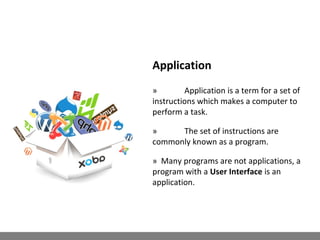
Application
» Application is a term for a set of
instructions which makes a computer to
perform a task.
» The set of instructions are
commonly known as a program.
» Many programs are not applications, a
program with a User Interface is an
application.
» Desktop Applications
» Web Applications
Types of Applications
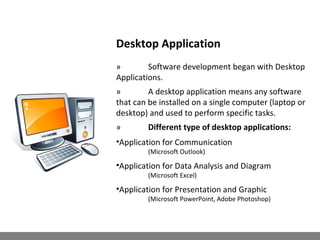
Desktop Application
» Software development began with Desktop
Applications.
» A desktop application means any software
that can be installed on a single computer (laptop or
desktop) and used to perform specific tasks.
» Different type of desktop applications:
•Application for Communication
(Microsoft Outlook)
•Application for Data Analysis and Diagram
(Microsoft Excel)
•Application for Presentation and Graphic
(Microsoft PowerPoint, Adobe Photoshop)
Web Application
» A Web Application is any application that
uses a Browser as a client.
» Online Shopping
•eBay.com
•Amazon.com etc.
» Social Web Application
•Facebook.com
•Twitter.com etc.
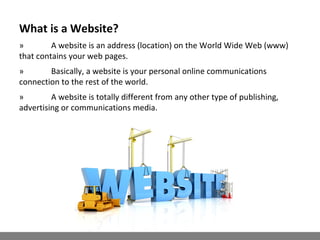
What is a Website?
» A website is an address (location) on the World Wide Web (www)
that contains your web pages.
» Basically, a website is your personal online communications
connection to the rest of the world.
» A website is totally different from any other type of publishing,
advertising or communications media.
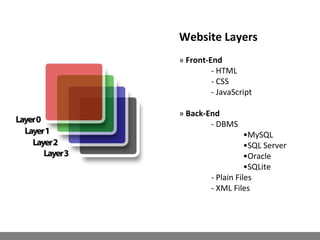
Website Layers
» Front-End
- HTML
- CSS
- JavaScript
» Back-End
- DBMS
•MySQL
•SQL Server
•Oracle
•SQLite
- Plain Files
- XML Files
HTML ( Hyper Text Markup Language)
Definition
» With HTML you can create your own Website structure and
layouts.
» HTML is not a programming language
» HTML is a markup language with a set of markup tags.
Example
<html>
<head>
<title> welcome</title>
</head>
<body>
<h1> Hello HTML</h1>
</body>
</html>
CSS (Cascading Style Sheet)
» CSS is for control the style and layout of multiple Web pages all at
once.
» CSS affects all pages to which it is linked.
» CSS separate design from Content.
<html>
<head>
<style>
h1 {
font-style: italic; color: red;
font-family: "Verdana, Arial, sans-serif";
font-size: 12pt;
}
</style>
</head>
<body>
<h1> Content </h1>
</body>
</html>
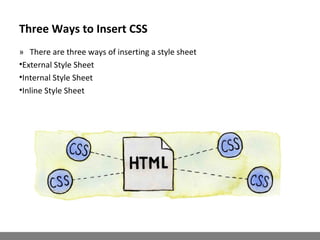
Three Ways to Insert CSS
» There are three ways of inserting a style sheet
•External Style Sheet
•Internal Style Sheet
•Inline Style Sheet
JavaScript
Definition
» A scripting language used to design
interactive Web sites.
» JavaScript allows developers to
create interactive objects such as pop-up
boxes, and drop-down menus….
Example :
<html>
<head>
<script type="text/javascript">
document.write( Date() );
</script>
</head>
</html>
PHP
» PHP is a server-side scripting
language
» A powerful language for making
dynamic and interactive Website and web
applications; same as ASP and JSP does.
» PHP executed on the server and
supports many databases (MSQL, Oracle,
Generic ODBC etc.)
» PHP is open source and free to
download
<?php echo date("Y/m/d"); ?>
Database
» A database is a collection of related
data.
» By data, we mean known facts that
can be recorded and that have implicit
meaning.
•For example, consider the names,
telephone numbers, and addresses of the
people you know. You may have recorded
this data in an indexed address book or you
may have stored it on a hard drive, using a
personal computer and software such as
Microsoft Access or Excel.
» This collection of related data with
an implicit meaning is a database.
MySQL DBMS
» MySQL is a fast, easy-to-use RDBMS
being used for many small and big
businesses.
» MySQL works on many operating
systems and with many languages including
PHP, PERL, C, C++, JAVA, etc .
» MySQL is very friendly to PHP, the
most appreciated language for web
development.
Web Development
Life Cycle
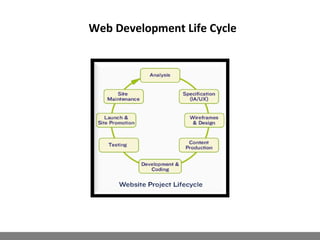
Web Development Life Cycle
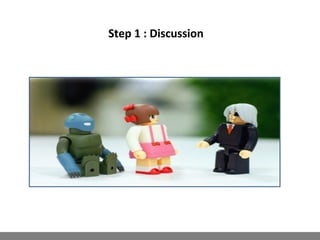
Step 1 : Discussion
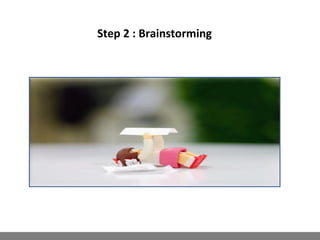
Step 2 : Brainstorming
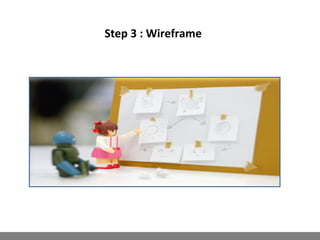
Step 3 : Wireframe
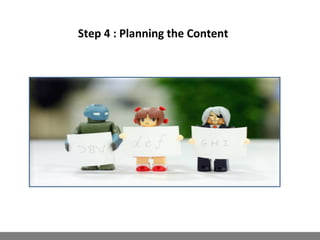
Step 4 : Planning the Content
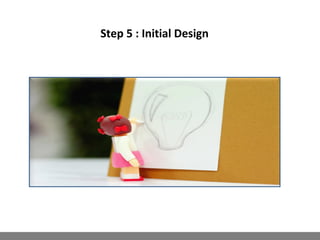
Step 5 : Initial Design
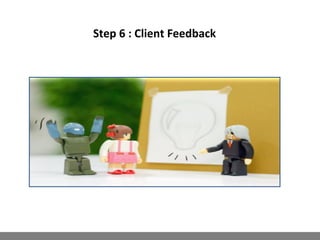
Step 6 : Client Feedback
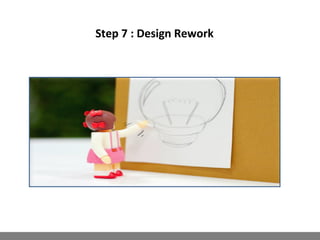
Step 7 : Design Rework
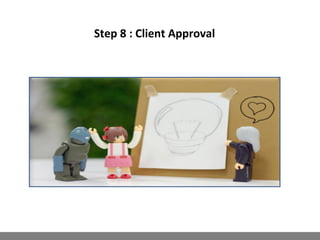
Step 8 : Client Approval
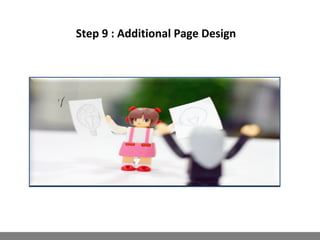
Step 9 : Additional Page Design
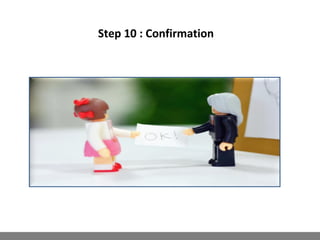
Step 10 : Confirmation
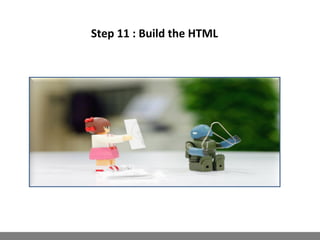
Step 11 : Build the HTML
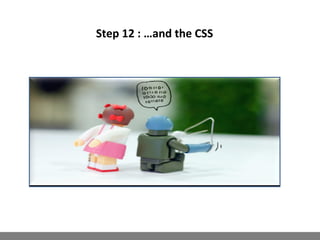
Step 12 : …and the CSS
Step 13 : Present to Client
Step 14 : Test
Step 15 : Launch
The Final Step
Deploy a Website On the Server
» Once you have decided to establish a
web site there are three steps to getting it
online
» Get a domain name - This is your
personal/private address on the Web.
» Find a web hosting service- Here is
where your website will reside . Free vs
Private Web Hosting
» Design, build and upload your
website - The process of website creation.
How develop a web application?

How develop a web application?

  • 1.
    WEB DESIGN & DEVELOPMENT TECHNOLOGIES Presentedby: Md. Ekram Chairman, civintech
  • 2.
    Application » Application isa term for a set of instructions which makes a computer to perform a task. » The set of instructions are commonly known as a program. » Many programs are not applications, a program with a User Interface is an application.
  • 3.
    » Desktop Applications »Web Applications Types of Applications
  • 4.
    Desktop Application » Softwaredevelopment began with Desktop Applications. » A desktop application means any software that can be installed on a single computer (laptop or desktop) and used to perform specific tasks. » Different type of desktop applications: •Application for Communication (Microsoft Outlook) •Application for Data Analysis and Diagram (Microsoft Excel) •Application for Presentation and Graphic (Microsoft PowerPoint, Adobe Photoshop)
  • 5.
    Web Application » AWeb Application is any application that uses a Browser as a client. » Online Shopping •eBay.com •Amazon.com etc. » Social Web Application •Facebook.com •Twitter.com etc.
  • 6.
    What is aWebsite? » A website is an address (location) on the World Wide Web (www) that contains your web pages. » Basically, a website is your personal online communications connection to the rest of the world. » A website is totally different from any other type of publishing, advertising or communications media.
  • 7.
    Website Layers » Front-End -HTML - CSS - JavaScript » Back-End - DBMS •MySQL •SQL Server •Oracle •SQLite - Plain Files - XML Files
  • 8.
    HTML ( HyperText Markup Language) Definition » With HTML you can create your own Website structure and layouts. » HTML is not a programming language » HTML is a markup language with a set of markup tags. Example <html> <head> <title> welcome</title> </head> <body> <h1> Hello HTML</h1> </body> </html>
  • 9.
    CSS (Cascading StyleSheet) » CSS is for control the style and layout of multiple Web pages all at once. » CSS affects all pages to which it is linked. » CSS separate design from Content. <html> <head> <style> h1 { font-style: italic; color: red; font-family: "Verdana, Arial, sans-serif"; font-size: 12pt; } </style> </head> <body> <h1> Content </h1> </body> </html>
  • 10.
    Three Ways toInsert CSS » There are three ways of inserting a style sheet •External Style Sheet •Internal Style Sheet •Inline Style Sheet
  • 11.
    JavaScript Definition » A scriptinglanguage used to design interactive Web sites. » JavaScript allows developers to create interactive objects such as pop-up boxes, and drop-down menus…. Example : <html> <head> <script type="text/javascript"> document.write( Date() ); </script> </head> </html>
  • 12.
    PHP » PHP isa server-side scripting language » A powerful language for making dynamic and interactive Website and web applications; same as ASP and JSP does. » PHP executed on the server and supports many databases (MSQL, Oracle, Generic ODBC etc.) » PHP is open source and free to download <?php echo date("Y/m/d"); ?>
  • 13.
    Database » A databaseis a collection of related data. » By data, we mean known facts that can be recorded and that have implicit meaning. •For example, consider the names, telephone numbers, and addresses of the people you know. You may have recorded this data in an indexed address book or you may have stored it on a hard drive, using a personal computer and software such as Microsoft Access or Excel. » This collection of related data with an implicit meaning is a database.
  • 14.
    MySQL DBMS » MySQLis a fast, easy-to-use RDBMS being used for many small and big businesses. » MySQL works on many operating systems and with many languages including PHP, PERL, C, C++, JAVA, etc . » MySQL is very friendly to PHP, the most appreciated language for web development.
  • 15.
  • 16.
  • 17.
  • 18.
    Step 1 :Discussion
  • 19.
    Step 2 :Brainstorming
  • 20.
    Step 3 :Wireframe
  • 21.
    Step 4 :Planning the Content
  • 22.
    Step 5 :Initial Design
  • 23.
    Step 6 :Client Feedback
  • 24.
    Step 7 :Design Rework
  • 25.
    Step 8 :Client Approval
  • 26.
    Step 9 :Additional Page Design
  • 27.
    Step 10 :Confirmation
  • 28.
    Step 11 :Build the HTML
  • 29.
    Step 12 :…and the CSS
  • 30.
    Step 13 :Present to Client
  • 31.
  • 32.
    Step 15 :Launch
  • 33.
    The Final Step Deploya Website On the Server » Once you have decided to establish a web site there are three steps to getting it online » Get a domain name - This is your personal/private address on the Web. » Find a web hosting service- Here is where your website will reside . Free vs Private Web Hosting » Design, build and upload your website - The process of website creation.