PROFESSIONAL IT TRAINING
The Federal Polytechnic, Ado-Ekiti
INTRODUCTION TO WEBSITE DESIGN AND DEVELOPMENT
by
Engr P. O. Ajewole
What is a WEBSITE?
A website is combination of different contents
(images, texts, videos, animations) which are
hosted on a computer but can be viewed
anywhere in the world through the internet.
A website consists of one or more pages called
web pages that are linked together. The computer
on which the website is stored or hosted is called
webserver.
PURPOSE OF A WEBSITE
A website can be for the purpose of advertising a
product, business or school, selling online forms,
admission process, course registration, lecture
delivery, or just making information available for
the public.
The website can be a shopping cart, social network
(e.g. facebook) or a search engine (e.g. Google,
Bing)
SERVER AND CLIENT
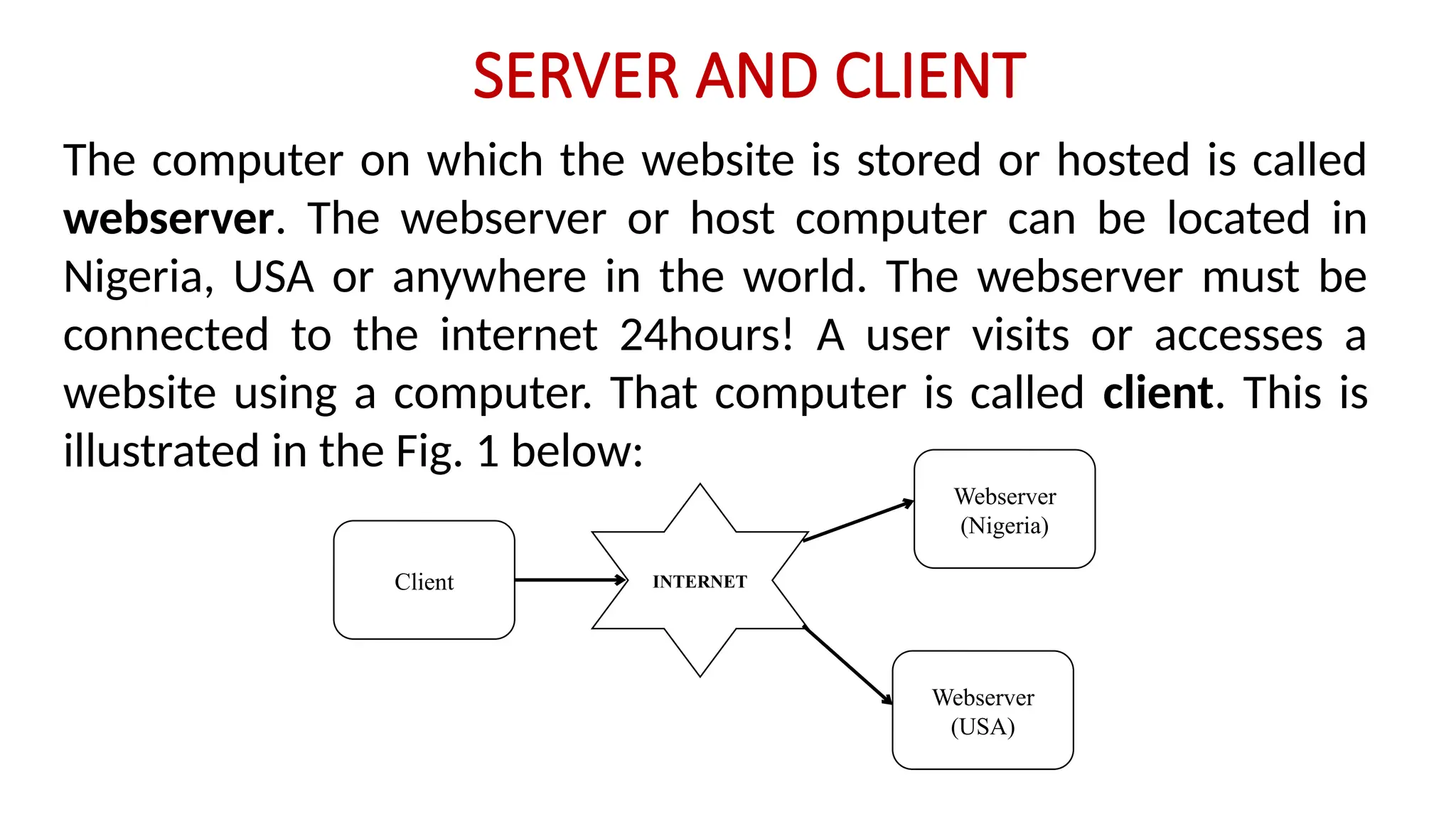
The computer on which the website is stored or hosted is called
webserver. The webserver or host computer can be located in
Nigeria, USA or anywhere in the world. The webserver must be
connected to the internet 24hours! A user visits or accesses a
website using a computer. That computer is called client. This is
illustrated in the Fig. 1 below:
INTERNET
Webserver
(Nigeria)
Webserver
(USA)
Client
Web Browser and URL
The user accesses the website on a client computer by typing
the address of the website in a web browser installed on the
client computer.
A web browser is a software or application that connects a user
to a web page online. Examples of web browser include Mozilla
Firefox, Internet Explorer, Opera, etc. The web address of a
website is called URL i.e. Uniform Resource Locator. For
example the URL or web address of Yahoo website is
www.yahoo.com. Once you type www.yahoo.com on the client
computer that is connected to the internet, the internet will
search for the webserver that has the URL.
Types of Website
1. Static Websites – These are websites that display only
information and provides little or no interaction with
users.
2. Dynamic Websites – Dynamic websites usually
contains databases. There is much interaction of the
site with the users. The users can enter data, modify
some information, upload data and even download
resources from the site.
Technologies / Tools Used for
Building a Dynamic Website
A website is developed or built using one or more of the
following software:
1. HTML 2. CSS 3. JavaScript
4. A Programming language such as PHP / Python / Java /
Ruby on Rails / Node.js / ASP.Net / C# / C++/ VB.Net
5. Database language such as MySQL / PostgreSQL /
Microsoft SQL /Oracle
6. Web Server
7. Text Editor / IDE
Technologies / Tools Used for Building a Dynamic
Website
HTML
It stands for Hypertext Marked-Up Language. It is not a
total programming language but a set of tags or codes
which are used to design web pages. It gives the
structure of the website. HTML tags are written in a text
editor such as Notepad or an IDE such as Adobe
Dreamweaver, Visual Code, MS Visual Studio, and then
run in the browser of the Client computer.
Technologies / Tools Used for Building a Dynamic
Website
CSS
Cascading Style Sheet. It is used to style any HTML
element to change its dimensions, colors, borders,
spacing, and so on and also add animated transitions
and transformations to web pages. It is used for layout
of a website.
Technologies / Tools Used for Building a Dynamic
Website
JavaScript
JavaScript is used for validation of web pages and forms and works on
the client side. It is not the same as Java Programming Language.
JavaScript is a scripting language used in website development.
JavaScript is used to dynamically manipulate CSS elements and validate
web forms.
In other words, it provides a means for dynamic user interaction such as
checking email address validity in input forms, displaying prompts such
as “Enter correct password” or “Username required” and so on
(although it cannot be relied upon for security, which should always be
performed on the web server).
Technologies / Tools Used for Building a Dynamic
Website
PHP
It stands for HyperText Preprocessor. It is a scripting language
designed specifically for creating dynamic web pages especially
website that has databases.
PHP handles connecting to the database and communicating
with it. You tell PHP the name of the database and where it is,
and PHP handles the details. It connects to the database,
passes your instructions to the database, and returns the
database response to you. PHP works on the server side.
Technologies / Tools Used for Building a Dynamic
Website
MySQL
SQL means Structured Query Language which is a
special-purpose programming language designed for
managing data held in a relational database
management system (RDBMS). It is a database software
that is used to create, store and manipulate database in
a web database application. MySQL also works on the
server side.
Technologies / Tools Used for Building a Dynamic
Website
Web Server
The common type of web server is the Apache web
server. The Web server is the software that delivers Web
pages to the world. When you type a URL into your Web
browser, you’re sending a message to the Web server at
that URL, asking it to send you an HTML file. The Web
server responds by sending the requested file. Your
browser reads the HTML file and displays the Web page.
Technologies / Tools Used for Building a Dynamic
Website
Programming Editors and Integrated Development
Environments
In addition to the software for building your website, you need
software to write the programs or codes for the website.
Because PHP programs are just text files, like HTML files are just
text files, you can use your favorite text editor (such as
WordPad or NotePad on Windows) to write PHP programs.
However, there are tools that offer features that make program
writing much easier. These are called programming editors and
integrated development environments (IDEs).
Programming Editors and IDEs
Programming editors and IDEs offer features that can save you
enormous amounts of time during development. Programming
editors offer many features such as colour highlighting of parts of
codes, line numbers, indentation, etc for writing programs. A
good example is PHP Designer, Sublime Text, Text Wrangler,
Atom, Notepad++, Visual Code, etc
An IDE is an entire workspace for developing applications. It
includes a programming editor as well as other features such as
debugging, previewing, testing, FTP (File Transfer Protocol), and
back-ups. A common example is Adobe Dreamweaver. Others
are: Visual Studio, NetBeans, Eclipse, etc
Client and Server Side of a Website
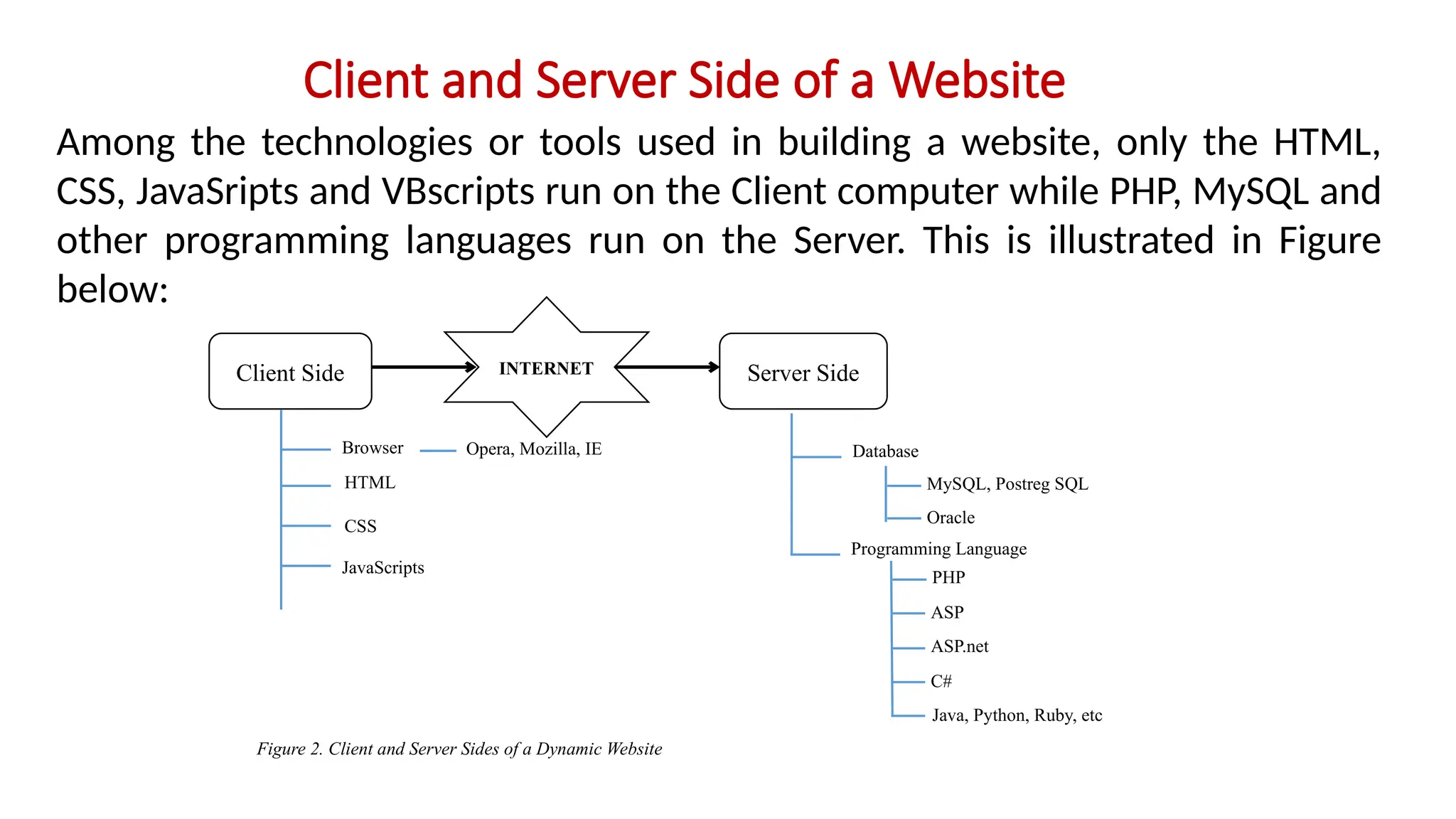
Among the technologies or tools used in building a website, only the HTML,
CSS, JavaSripts and VBscripts run on the Client computer while PHP, MySQL and
other programming languages run on the Server. This is illustrated in Figure
below:
INTERNET Server Side
Client Side
Browser
CSS
JavaScripts
HTML
Opera, Mozilla, IE Database
Programming Language
MySQL, Postreg SQL
Oracle
PHP
ASP
ASP.net
C#
Java, Python, Ruby, etc
Figure 2. Client and Server Sides of a Dynamic Website
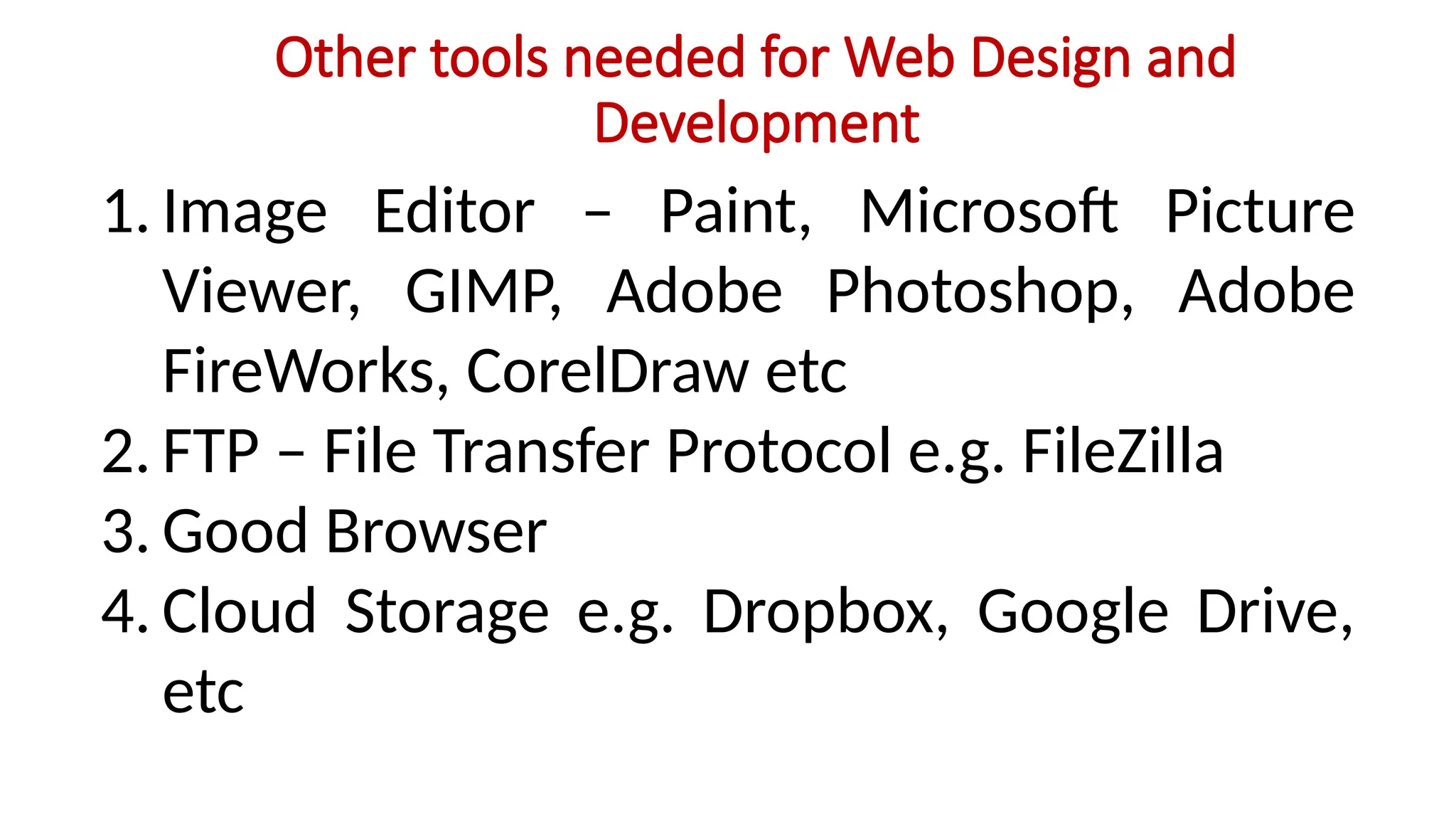
Other tools needed for Web Design and
Development
1. Image Editor – Paint, Microsoft Picture
Viewer, GIMP, Adobe Photoshop, Adobe
FireWorks, CorelDraw etc
2. FTP – File Transfer Protocol e.g. FileZilla
3. Good Browser
4. Cloud Storage e.g. Dropbox, Google Drive,
etc
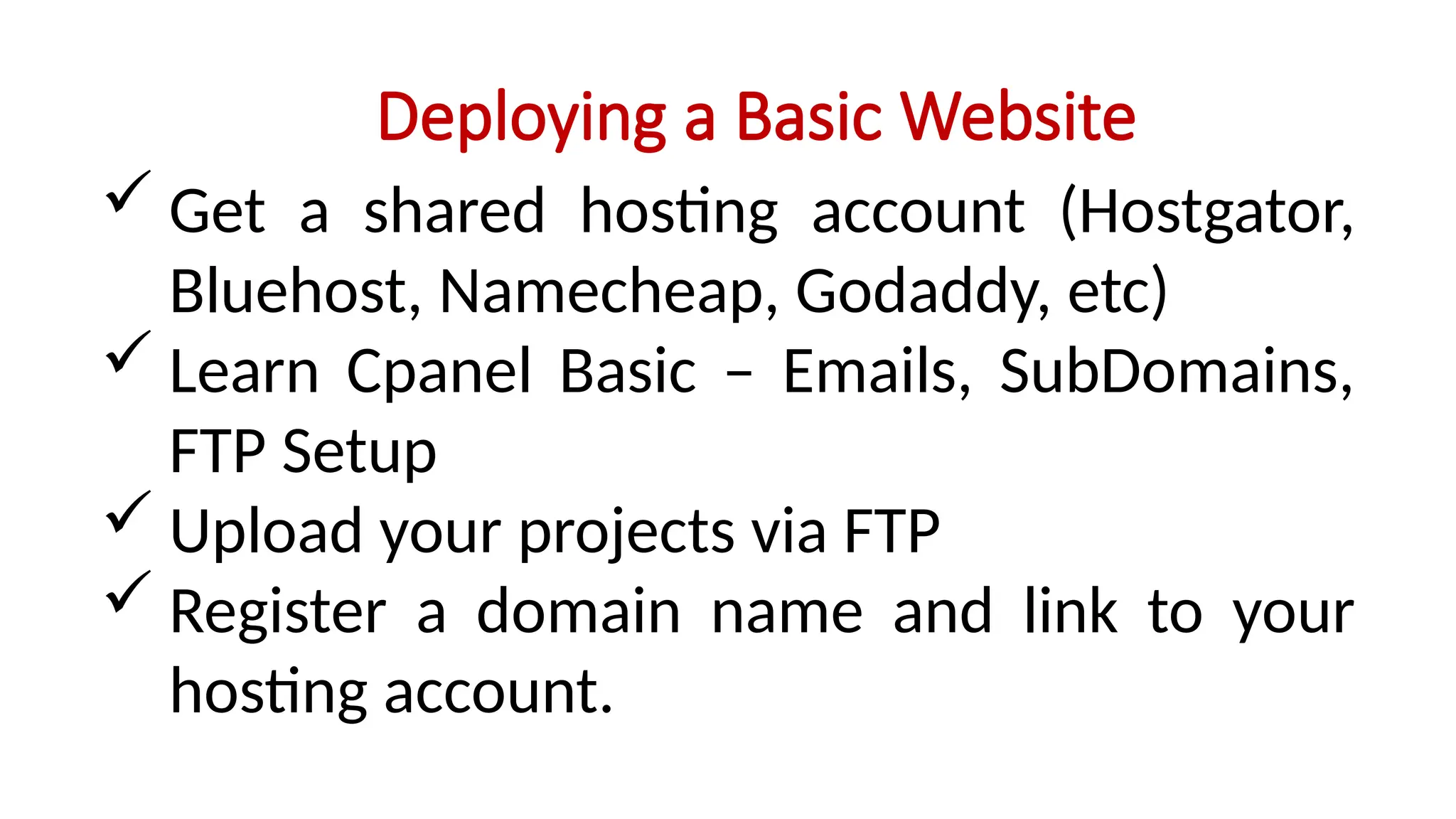
Deploying a Basic Website
 Get a shared hosting account (Hostgator,
Bluehost, Namecheap, Godaddy, etc)
 Learn Cpanel Basic – Emails, SubDomains,
FTP Setup
 Upload your projects via FTP
 Register a domain name and link to your
hosting account.
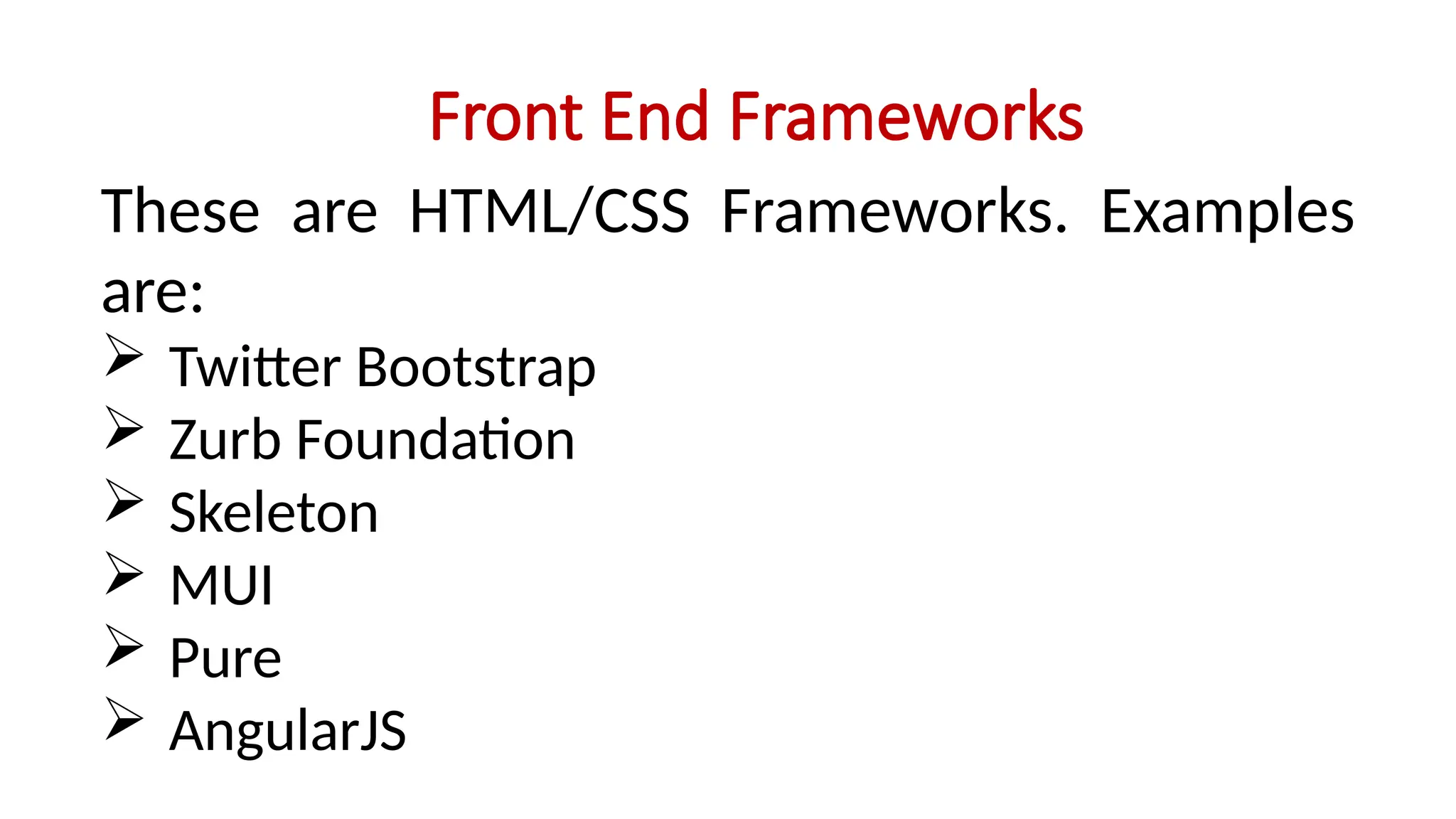
Front End Frameworks
These are HTML/CSS Frameworks. Examples
are:
 Twitter Bootstrap
 Zurb Foundation
 Skeleton
 MUI
 Pure
 AngularJS
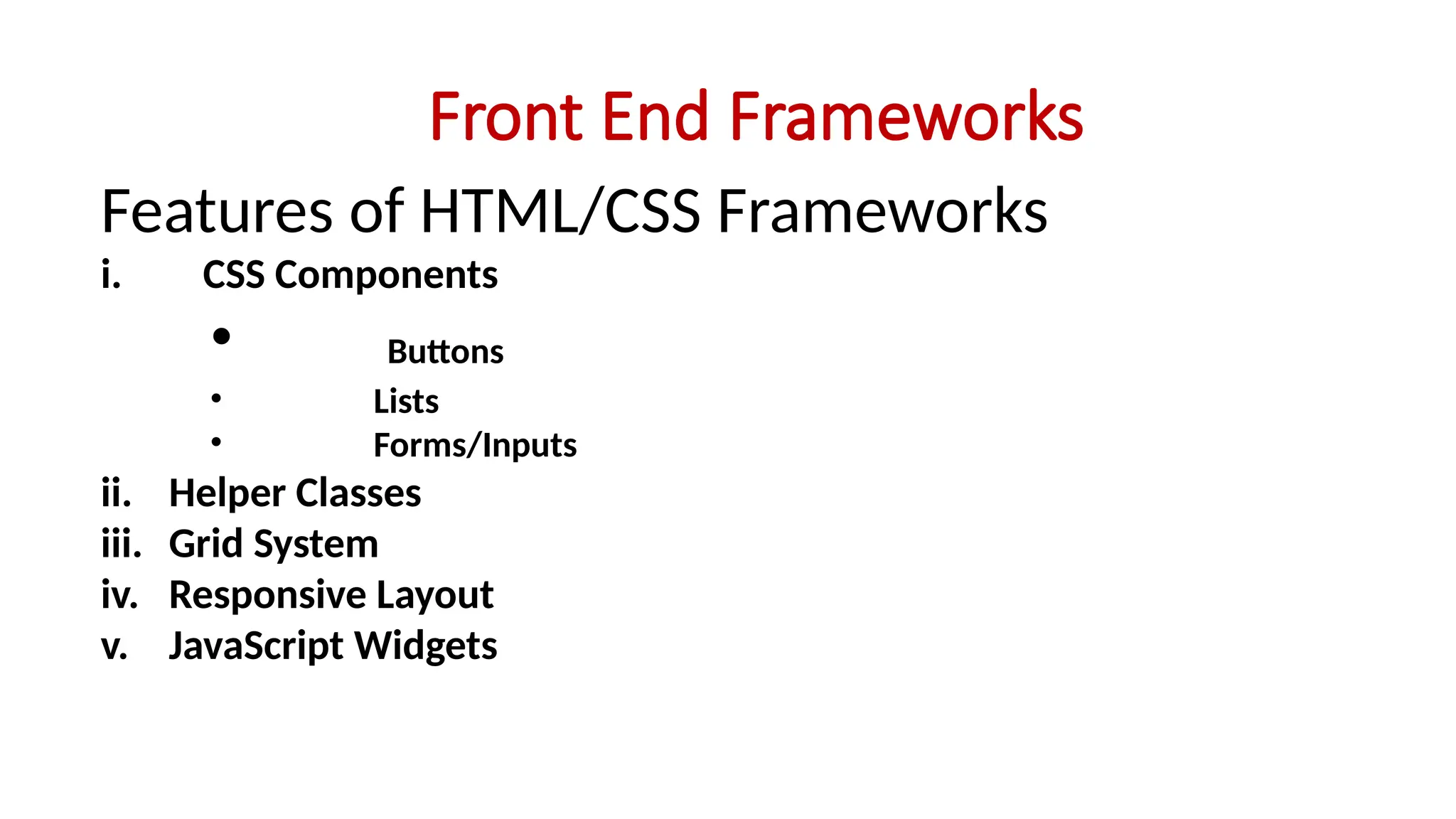
Front End Frameworks
Features of HTML/CSS Frameworks
i. CSS Components
• Buttons
• Lists
• Forms/Inputs
ii. Helper Classes
iii. Grid System
iv. Responsive Layout
v. JavaScript Widgets
WEB DESIGN AND DEVELOPMENT
When you learn how to design a website interface,
you become a FRONT END DEVELOPER
When you learn how to program or code a site and
use database, you become BACK END DEVELOPER
When you are good at both FRONT and BACK
ENDS, then you are FULL STACK DEVELOPER
Web Designer or Web Developer?
Web Designer
• Build simple but professional
websites
• Build UIs for web applications
• Vast in HTML, CSS, JavaScripts
and Front End Frameworks
• Can work for a company or be
a freelancer
Web Developer
• Creates simple to advanced web
applications
• Can build backend APIs
• Can work with servers
• Can administer databases
• Have a grip of
PHP/ASP.Net/Node.js and MySQL
• Can get a great job or start a
business
Advanced Web Developer
To be an advanced Web Developer, you must learn:
JavaScript Frameworks
• React
• Angular 4+
• Vue.js
• Express (Backend)
PHP Frameworks
• Laravel
• CodeIgniter
• Symfony
Ruby on Rails
Web Development with CMS
• WordPress, Joomla!, Drupal, MOODLE,
• Great for client work and Maintenance
• Available thousands of plugins and addons
• Fast Development
• But… can be limiting unless you have a grip
of PHP
Mobile App Development
• It is the future of web development
• Because everybody and everything is going
mobile
• You will be a great mobile app developer if
you can know Java or C# but its not
compulsory.
• All you need is JavaScript!
IN THE NEXT CLASS
In the next class, you will start learning:
WEB DESIGN USING CMS (WordPress)

TOPIC 1 - INTRODUCTION TO WEBSITE DESIGN AND DEVELOPMENT.pptx

  • 1.
    PROFESSIONAL IT TRAINING TheFederal Polytechnic, Ado-Ekiti INTRODUCTION TO WEBSITE DESIGN AND DEVELOPMENT by Engr P. O. Ajewole
  • 2.
    What is aWEBSITE? A website is combination of different contents (images, texts, videos, animations) which are hosted on a computer but can be viewed anywhere in the world through the internet. A website consists of one or more pages called web pages that are linked together. The computer on which the website is stored or hosted is called webserver.
  • 3.
    PURPOSE OF AWEBSITE A website can be for the purpose of advertising a product, business or school, selling online forms, admission process, course registration, lecture delivery, or just making information available for the public. The website can be a shopping cart, social network (e.g. facebook) or a search engine (e.g. Google, Bing)
  • 4.
    SERVER AND CLIENT Thecomputer on which the website is stored or hosted is called webserver. The webserver or host computer can be located in Nigeria, USA or anywhere in the world. The webserver must be connected to the internet 24hours! A user visits or accesses a website using a computer. That computer is called client. This is illustrated in the Fig. 1 below: INTERNET Webserver (Nigeria) Webserver (USA) Client
  • 5.
    Web Browser andURL The user accesses the website on a client computer by typing the address of the website in a web browser installed on the client computer. A web browser is a software or application that connects a user to a web page online. Examples of web browser include Mozilla Firefox, Internet Explorer, Opera, etc. The web address of a website is called URL i.e. Uniform Resource Locator. For example the URL or web address of Yahoo website is www.yahoo.com. Once you type www.yahoo.com on the client computer that is connected to the internet, the internet will search for the webserver that has the URL.
  • 6.
    Types of Website 1.Static Websites – These are websites that display only information and provides little or no interaction with users. 2. Dynamic Websites – Dynamic websites usually contains databases. There is much interaction of the site with the users. The users can enter data, modify some information, upload data and even download resources from the site.
  • 7.
    Technologies / ToolsUsed for Building a Dynamic Website A website is developed or built using one or more of the following software: 1. HTML 2. CSS 3. JavaScript 4. A Programming language such as PHP / Python / Java / Ruby on Rails / Node.js / ASP.Net / C# / C++/ VB.Net 5. Database language such as MySQL / PostgreSQL / Microsoft SQL /Oracle 6. Web Server 7. Text Editor / IDE
  • 8.
    Technologies / ToolsUsed for Building a Dynamic Website HTML It stands for Hypertext Marked-Up Language. It is not a total programming language but a set of tags or codes which are used to design web pages. It gives the structure of the website. HTML tags are written in a text editor such as Notepad or an IDE such as Adobe Dreamweaver, Visual Code, MS Visual Studio, and then run in the browser of the Client computer.
  • 9.
    Technologies / ToolsUsed for Building a Dynamic Website CSS Cascading Style Sheet. It is used to style any HTML element to change its dimensions, colors, borders, spacing, and so on and also add animated transitions and transformations to web pages. It is used for layout of a website.
  • 10.
    Technologies / ToolsUsed for Building a Dynamic Website JavaScript JavaScript is used for validation of web pages and forms and works on the client side. It is not the same as Java Programming Language. JavaScript is a scripting language used in website development. JavaScript is used to dynamically manipulate CSS elements and validate web forms. In other words, it provides a means for dynamic user interaction such as checking email address validity in input forms, displaying prompts such as “Enter correct password” or “Username required” and so on (although it cannot be relied upon for security, which should always be performed on the web server).
  • 11.
    Technologies / ToolsUsed for Building a Dynamic Website PHP It stands for HyperText Preprocessor. It is a scripting language designed specifically for creating dynamic web pages especially website that has databases. PHP handles connecting to the database and communicating with it. You tell PHP the name of the database and where it is, and PHP handles the details. It connects to the database, passes your instructions to the database, and returns the database response to you. PHP works on the server side.
  • 12.
    Technologies / ToolsUsed for Building a Dynamic Website MySQL SQL means Structured Query Language which is a special-purpose programming language designed for managing data held in a relational database management system (RDBMS). It is a database software that is used to create, store and manipulate database in a web database application. MySQL also works on the server side.
  • 13.
    Technologies / ToolsUsed for Building a Dynamic Website Web Server The common type of web server is the Apache web server. The Web server is the software that delivers Web pages to the world. When you type a URL into your Web browser, you’re sending a message to the Web server at that URL, asking it to send you an HTML file. The Web server responds by sending the requested file. Your browser reads the HTML file and displays the Web page.
  • 14.
    Technologies / ToolsUsed for Building a Dynamic Website Programming Editors and Integrated Development Environments In addition to the software for building your website, you need software to write the programs or codes for the website. Because PHP programs are just text files, like HTML files are just text files, you can use your favorite text editor (such as WordPad or NotePad on Windows) to write PHP programs. However, there are tools that offer features that make program writing much easier. These are called programming editors and integrated development environments (IDEs).
  • 15.
    Programming Editors andIDEs Programming editors and IDEs offer features that can save you enormous amounts of time during development. Programming editors offer many features such as colour highlighting of parts of codes, line numbers, indentation, etc for writing programs. A good example is PHP Designer, Sublime Text, Text Wrangler, Atom, Notepad++, Visual Code, etc An IDE is an entire workspace for developing applications. It includes a programming editor as well as other features such as debugging, previewing, testing, FTP (File Transfer Protocol), and back-ups. A common example is Adobe Dreamweaver. Others are: Visual Studio, NetBeans, Eclipse, etc
  • 16.
    Client and ServerSide of a Website Among the technologies or tools used in building a website, only the HTML, CSS, JavaSripts and VBscripts run on the Client computer while PHP, MySQL and other programming languages run on the Server. This is illustrated in Figure below: INTERNET Server Side Client Side Browser CSS JavaScripts HTML Opera, Mozilla, IE Database Programming Language MySQL, Postreg SQL Oracle PHP ASP ASP.net C# Java, Python, Ruby, etc Figure 2. Client and Server Sides of a Dynamic Website
  • 17.
    Other tools neededfor Web Design and Development 1. Image Editor – Paint, Microsoft Picture Viewer, GIMP, Adobe Photoshop, Adobe FireWorks, CorelDraw etc 2. FTP – File Transfer Protocol e.g. FileZilla 3. Good Browser 4. Cloud Storage e.g. Dropbox, Google Drive, etc
  • 18.
    Deploying a BasicWebsite  Get a shared hosting account (Hostgator, Bluehost, Namecheap, Godaddy, etc)  Learn Cpanel Basic – Emails, SubDomains, FTP Setup  Upload your projects via FTP  Register a domain name and link to your hosting account.
  • 19.
    Front End Frameworks Theseare HTML/CSS Frameworks. Examples are:  Twitter Bootstrap  Zurb Foundation  Skeleton  MUI  Pure  AngularJS
  • 20.
    Front End Frameworks Featuresof HTML/CSS Frameworks i. CSS Components • Buttons • Lists • Forms/Inputs ii. Helper Classes iii. Grid System iv. Responsive Layout v. JavaScript Widgets
  • 21.
    WEB DESIGN ANDDEVELOPMENT When you learn how to design a website interface, you become a FRONT END DEVELOPER When you learn how to program or code a site and use database, you become BACK END DEVELOPER When you are good at both FRONT and BACK ENDS, then you are FULL STACK DEVELOPER
  • 22.
    Web Designer orWeb Developer? Web Designer • Build simple but professional websites • Build UIs for web applications • Vast in HTML, CSS, JavaScripts and Front End Frameworks • Can work for a company or be a freelancer Web Developer • Creates simple to advanced web applications • Can build backend APIs • Can work with servers • Can administer databases • Have a grip of PHP/ASP.Net/Node.js and MySQL • Can get a great job or start a business
  • 23.
    Advanced Web Developer Tobe an advanced Web Developer, you must learn: JavaScript Frameworks • React • Angular 4+ • Vue.js • Express (Backend) PHP Frameworks • Laravel • CodeIgniter • Symfony Ruby on Rails
  • 24.
    Web Development withCMS • WordPress, Joomla!, Drupal, MOODLE, • Great for client work and Maintenance • Available thousands of plugins and addons • Fast Development • But… can be limiting unless you have a grip of PHP
  • 25.
    Mobile App Development •It is the future of web development • Because everybody and everything is going mobile • You will be a great mobile app developer if you can know Java or C# but its not compulsory. • All you need is JavaScript!
  • 26.
    IN THE NEXTCLASS In the next class, you will start learning: WEB DESIGN USING CMS (WordPress)