Introduction & Classification
of Computers
Project by:-
Kabir Bukhari
Introduction
A Computer is Electronic device that can
accept data,
 store data,
retrieve the stored data
process data as desired and when required
output the result in desired format.
Components of a computer
• A computer have 2 core components –
•Hardware
•Software
What is Hardware?
• Hardware refers to the physical parts of a computer.
• The term hardware also refers to mechanical device that makes up
computer.
• User can see and touch the hardware components.
• Examples of hardware are CPU, keyboard, mouse, hard disk, etc...
What is Software?
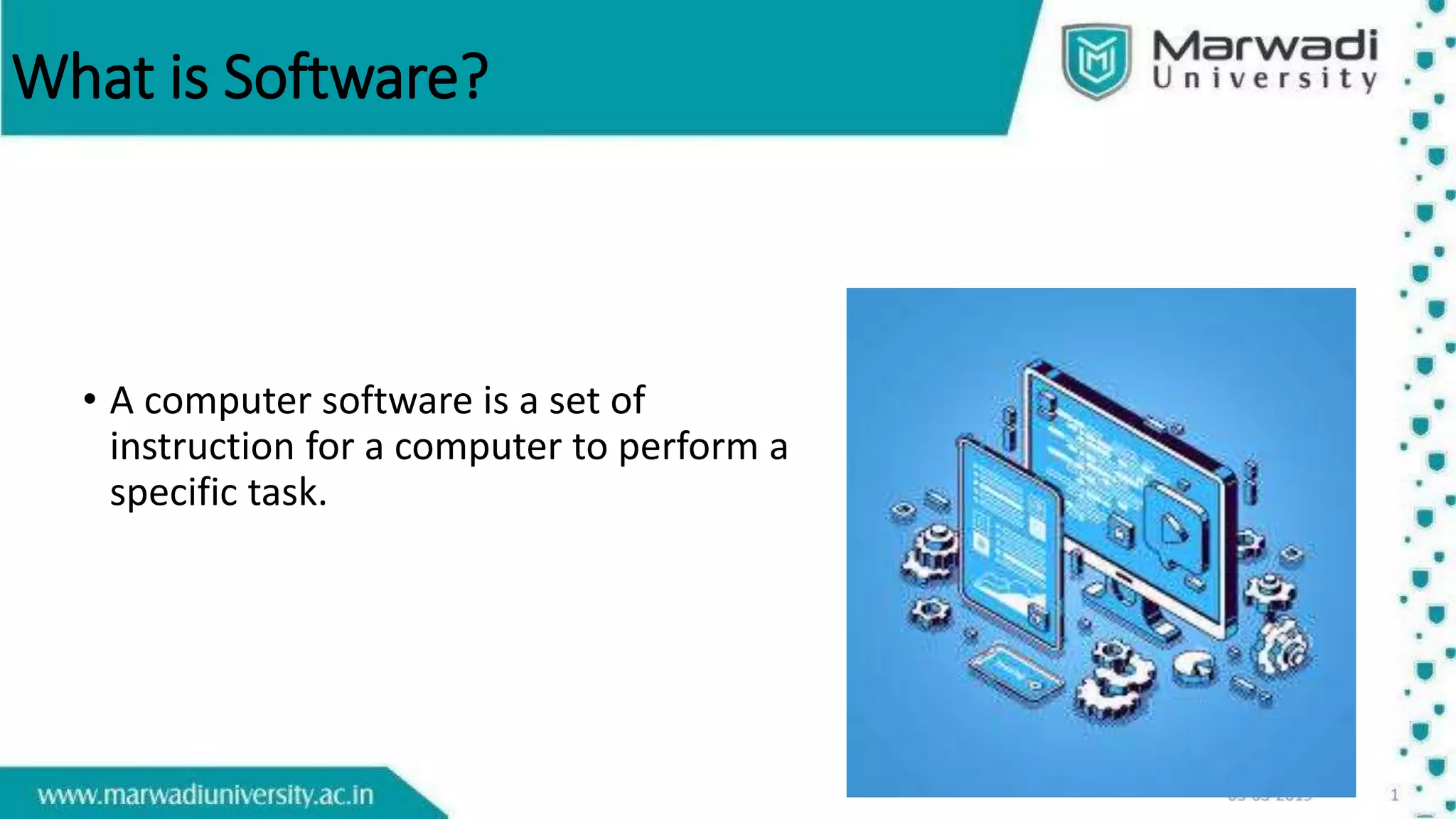
• A computer software is a set of
instruction for a computer to perform a
specific task.
Types of software
• System software
• It is designed to operate the computer hardware efficiently.
• Provides and maintains a platform for running application software.
• Examples: Windows, Linux, Unix etc.
• Application software
• It is designed to help the user to perform general task such as word
processing, web browser etc.
• Examples: Microsoft Word, Excel, PowerPoint etc.
Hardware and Software
• System Services
• Utilities
• Applications
• User
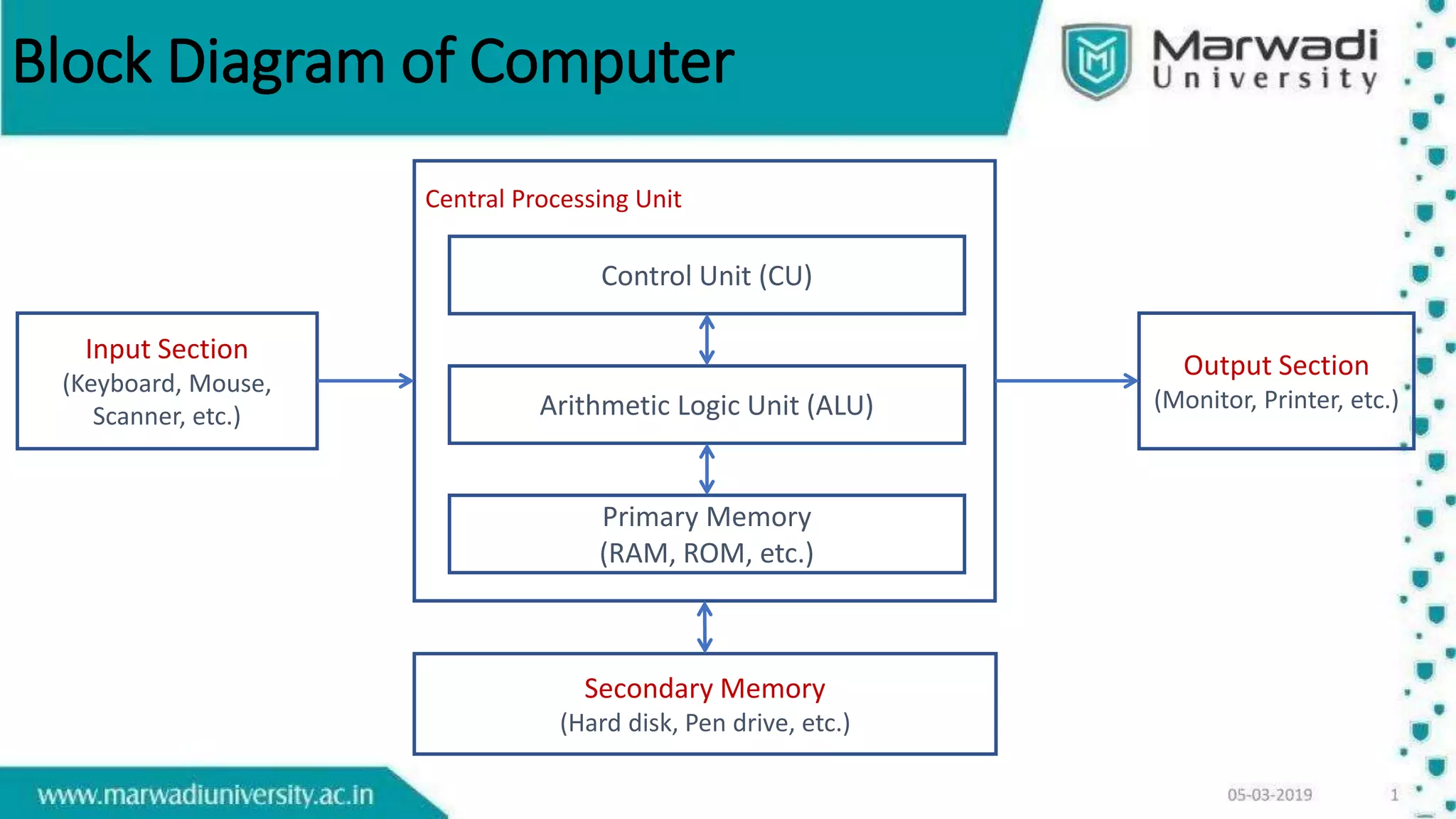
Block Diagram of Computer
Central Processing Unit
Input Section
(Keyboard, Mouse,
Scanner, etc.)
Output Section
(Monitor, Printer, etc.)
Control Unit (CU)
Arithmetic Logic Unit (ALU)
Primary Memory
(RAM, ROM, etc.)
Secondary Memory
(Hard disk, Pen drive, etc.)
Application of Computer
• Entertainment
• Communication
• Text (word) Processing
• Image Processing
• Voice Recognition
• Numerical and Data Processing
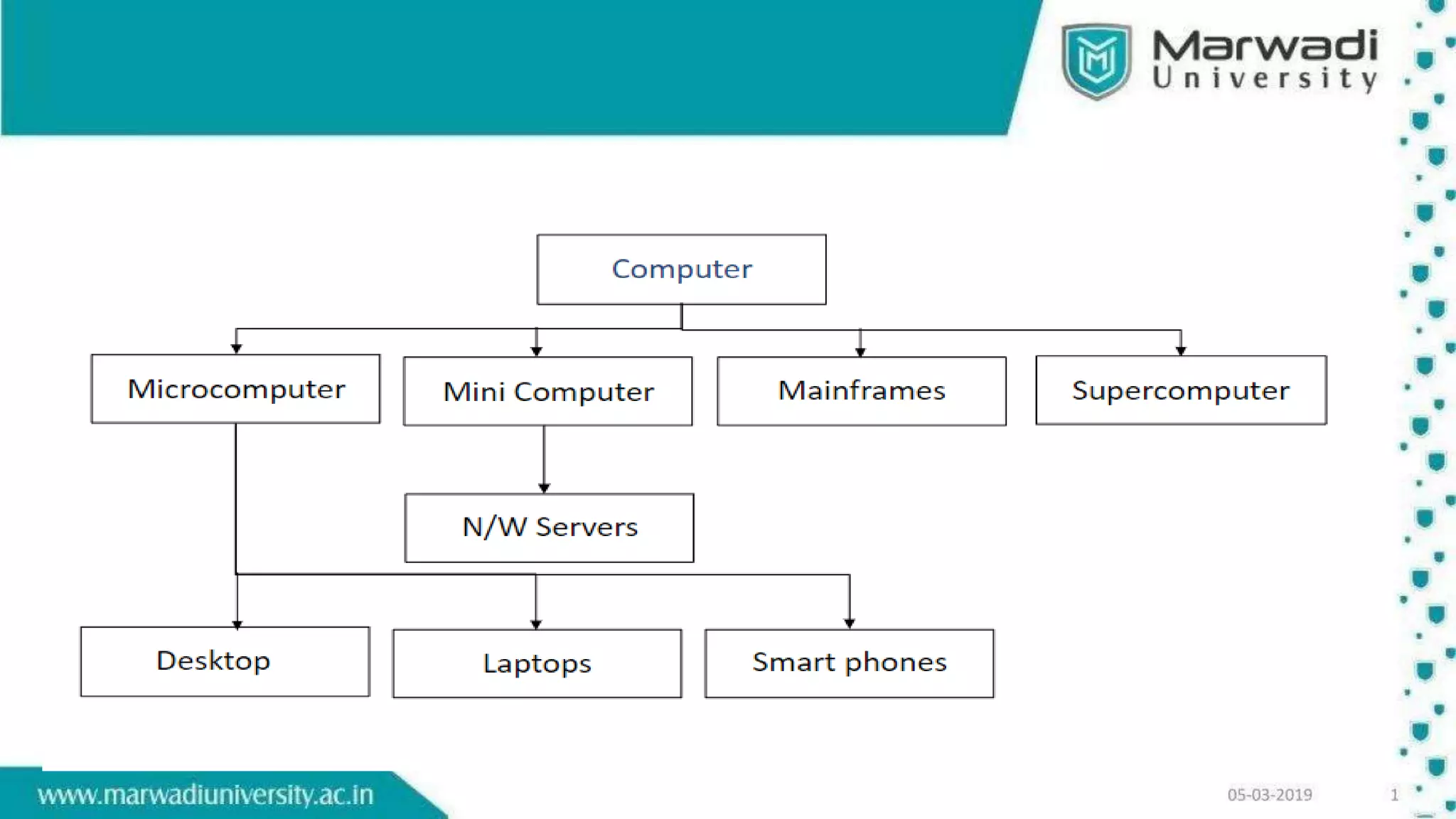
Classification of Computer
Microcomputer
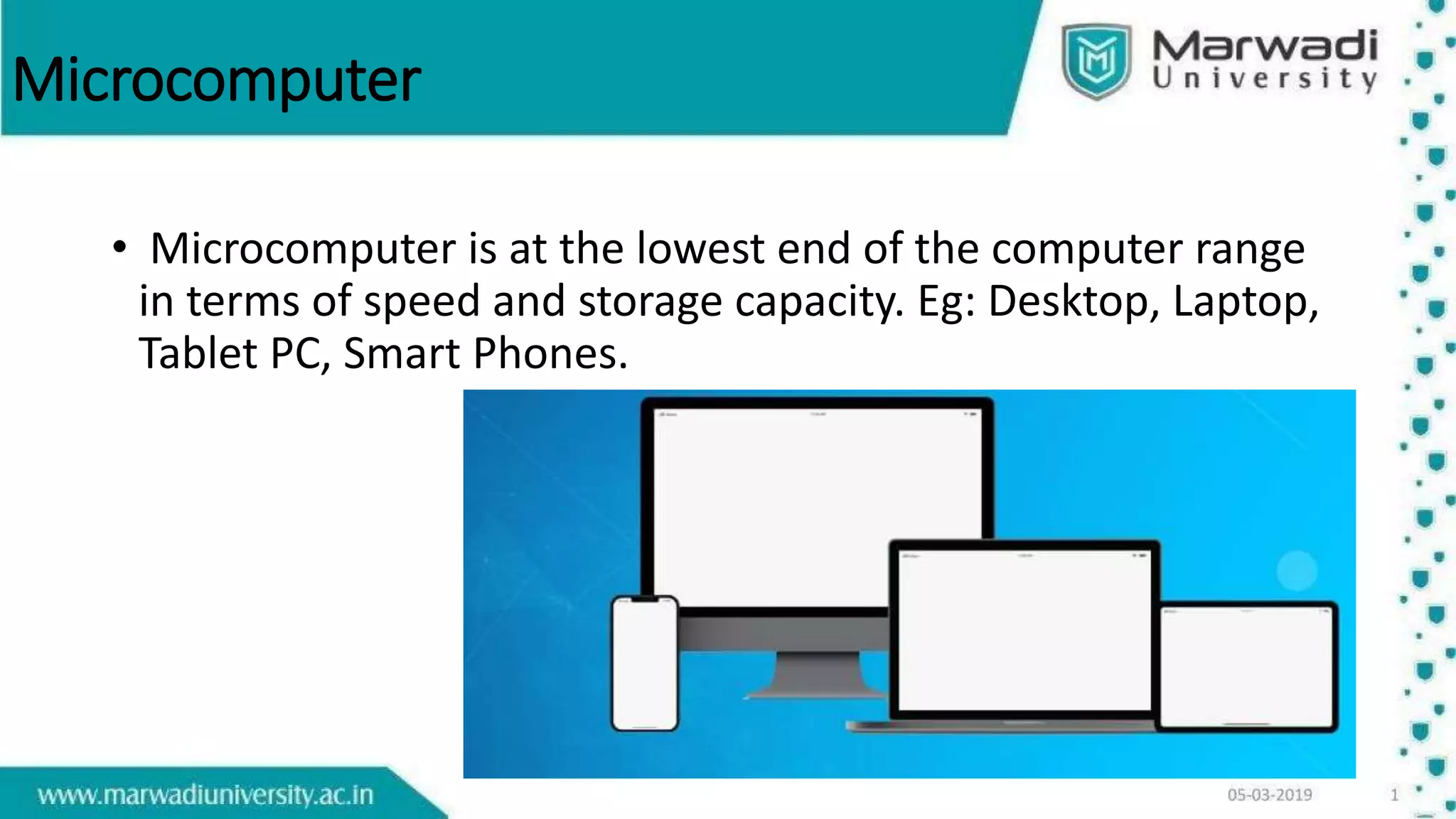
• Microcomputer is at the lowest end of the computer range
in terms of speed and storage capacity. Eg: Desktop, Laptop,
Tablet PC, Smart Phones.
Mini Computer
• This is designed to support more than one user at a time.
• It possesses large storage capacity and operates at a higher speed.
• This type of computer is generally used for processing large volume of
data in an organization.
• Eg: Servers in Local Area Networks (LAN).
Mainframes
• They operate at very high speed, having
very large storage capacity and can handle
the work load of many users. They are
generally used in centralized databases.
Supercomputer
• They are the fastest and most expensive machines.
• They have high processing speed compared toother computers. They
have also multiprocessing technique.
• Supercomputers are mainly being used for whether forecasting,
biomedical research, and other areas of science and technology

hii

  • 1.
    Introduction & Classification ofComputers Project by:- Kabir Bukhari
  • 2.
    Introduction A Computer isElectronic device that can accept data,  store data, retrieve the stored data process data as desired and when required output the result in desired format.
  • 3.
    Components of acomputer • A computer have 2 core components – •Hardware •Software
  • 4.
    What is Hardware? •Hardware refers to the physical parts of a computer. • The term hardware also refers to mechanical device that makes up computer. • User can see and touch the hardware components. • Examples of hardware are CPU, keyboard, mouse, hard disk, etc...
  • 5.
    What is Software? •A computer software is a set of instruction for a computer to perform a specific task.
  • 6.
    Types of software •System software • It is designed to operate the computer hardware efficiently. • Provides and maintains a platform for running application software. • Examples: Windows, Linux, Unix etc. • Application software • It is designed to help the user to perform general task such as word processing, web browser etc. • Examples: Microsoft Word, Excel, PowerPoint etc.
  • 7.
    Hardware and Software •System Services • Utilities • Applications • User
  • 8.
    Block Diagram ofComputer Central Processing Unit Input Section (Keyboard, Mouse, Scanner, etc.) Output Section (Monitor, Printer, etc.) Control Unit (CU) Arithmetic Logic Unit (ALU) Primary Memory (RAM, ROM, etc.) Secondary Memory (Hard disk, Pen drive, etc.)
  • 9.
    Application of Computer •Entertainment • Communication • Text (word) Processing • Image Processing • Voice Recognition • Numerical and Data Processing
  • 10.
  • 12.
    Microcomputer • Microcomputer isat the lowest end of the computer range in terms of speed and storage capacity. Eg: Desktop, Laptop, Tablet PC, Smart Phones.
  • 13.
    Mini Computer • Thisis designed to support more than one user at a time. • It possesses large storage capacity and operates at a higher speed. • This type of computer is generally used for processing large volume of data in an organization. • Eg: Servers in Local Area Networks (LAN).
  • 14.
    Mainframes • They operateat very high speed, having very large storage capacity and can handle the work load of many users. They are generally used in centralized databases.
  • 15.
    Supercomputer • They arethe fastest and most expensive machines. • They have high processing speed compared toother computers. They have also multiprocessing technique. • Supercomputers are mainly being used for whether forecasting, biomedical research, and other areas of science and technology