Helping Students to Achieve
with Assistive Technology

    Stuart Parkin and Hannah Crumbleholme
                   June 2009
Moodle
          www.moodcat.co.uk

• Skills for Learning

• Enhancing Learning with Digital and Mobile Te
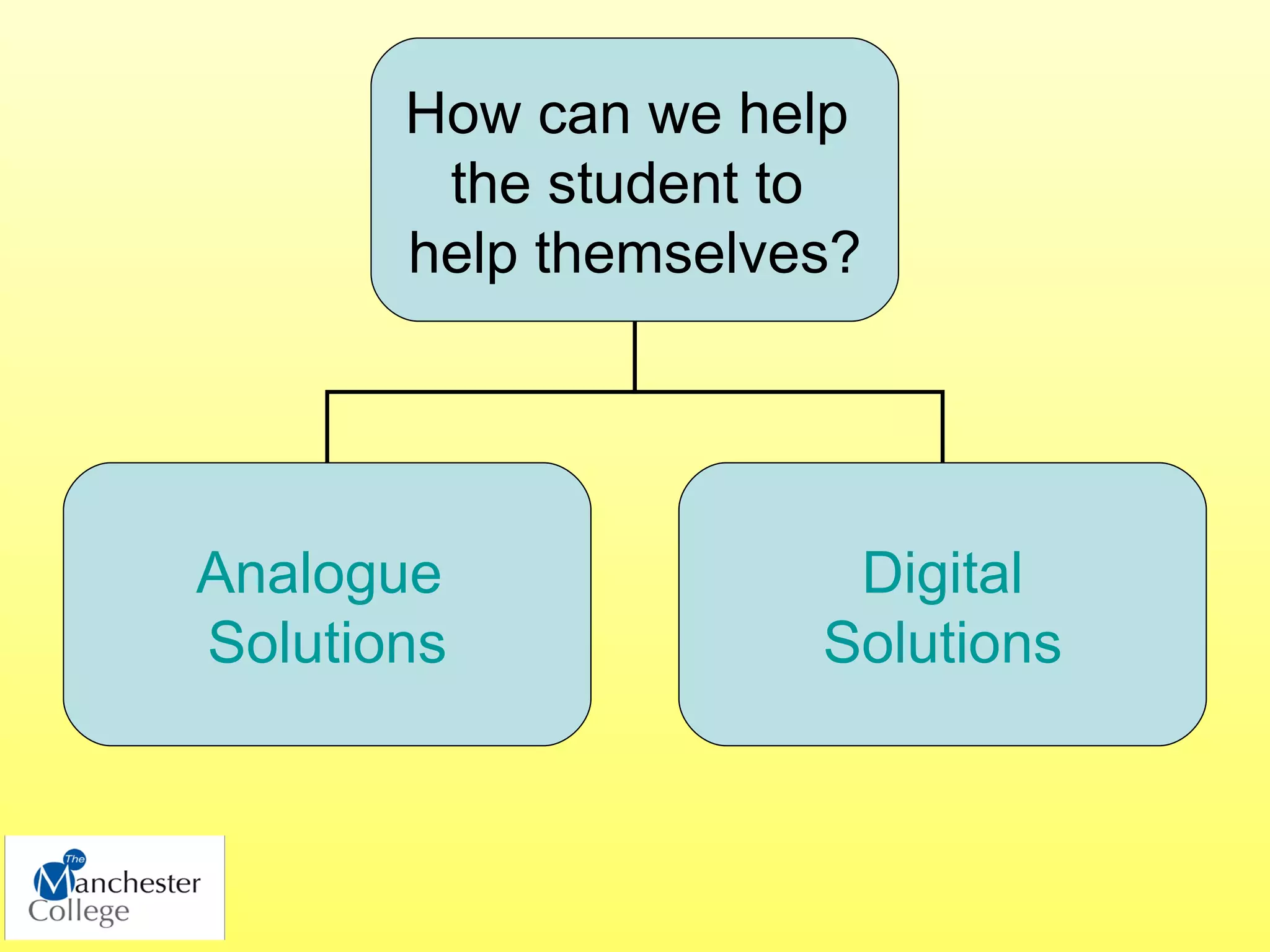
How can we help
        the student to
       help themselves?


Analogue              Digital
Solutions            Solutions
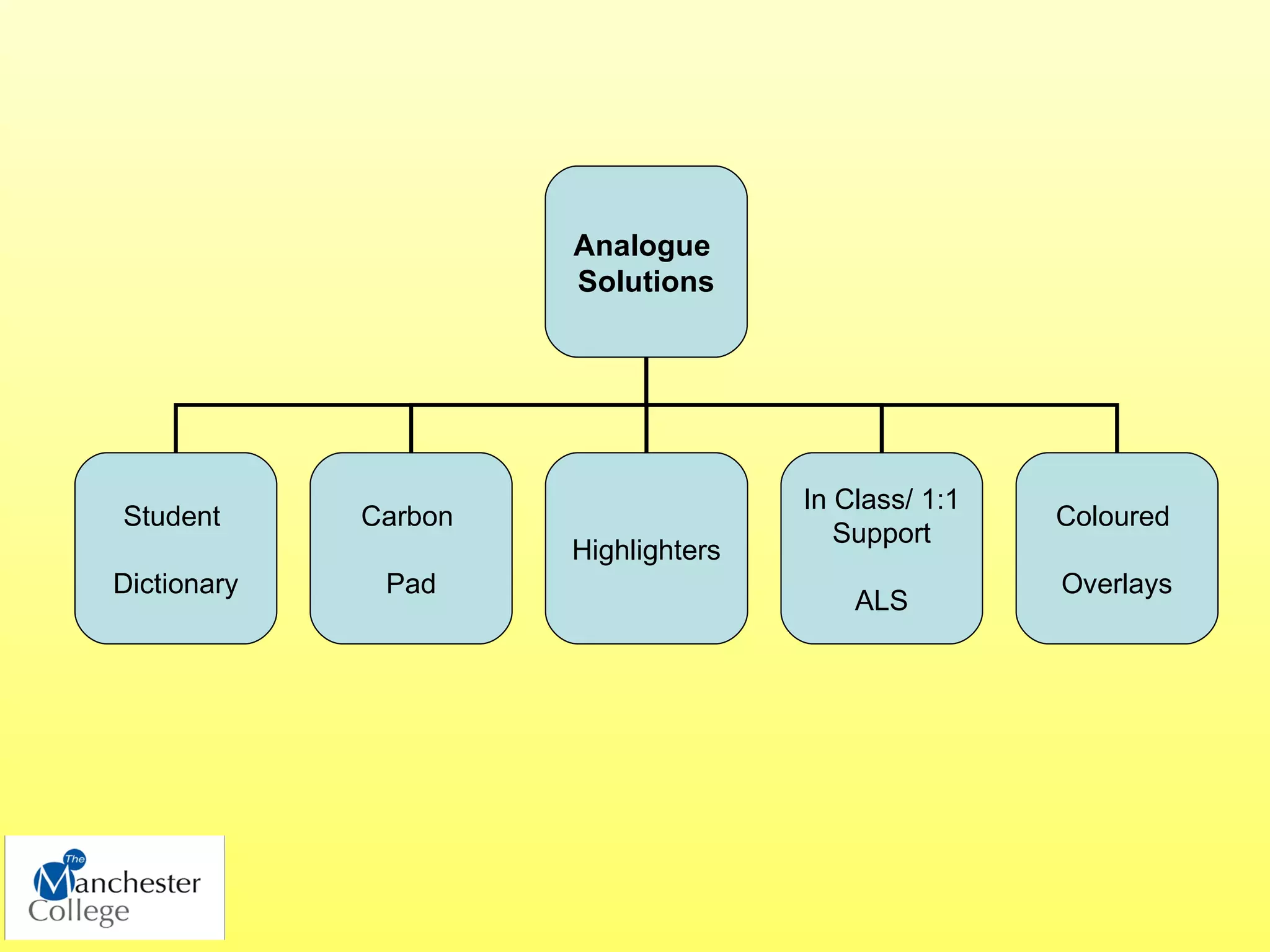
Analogue
                      Solutions


                                     In Class/ 1:1
Student      Carbon                                  Coloured
                                        Support
                      Highlighters
Dictionary    Pad                                    Overlays
                                         ALS
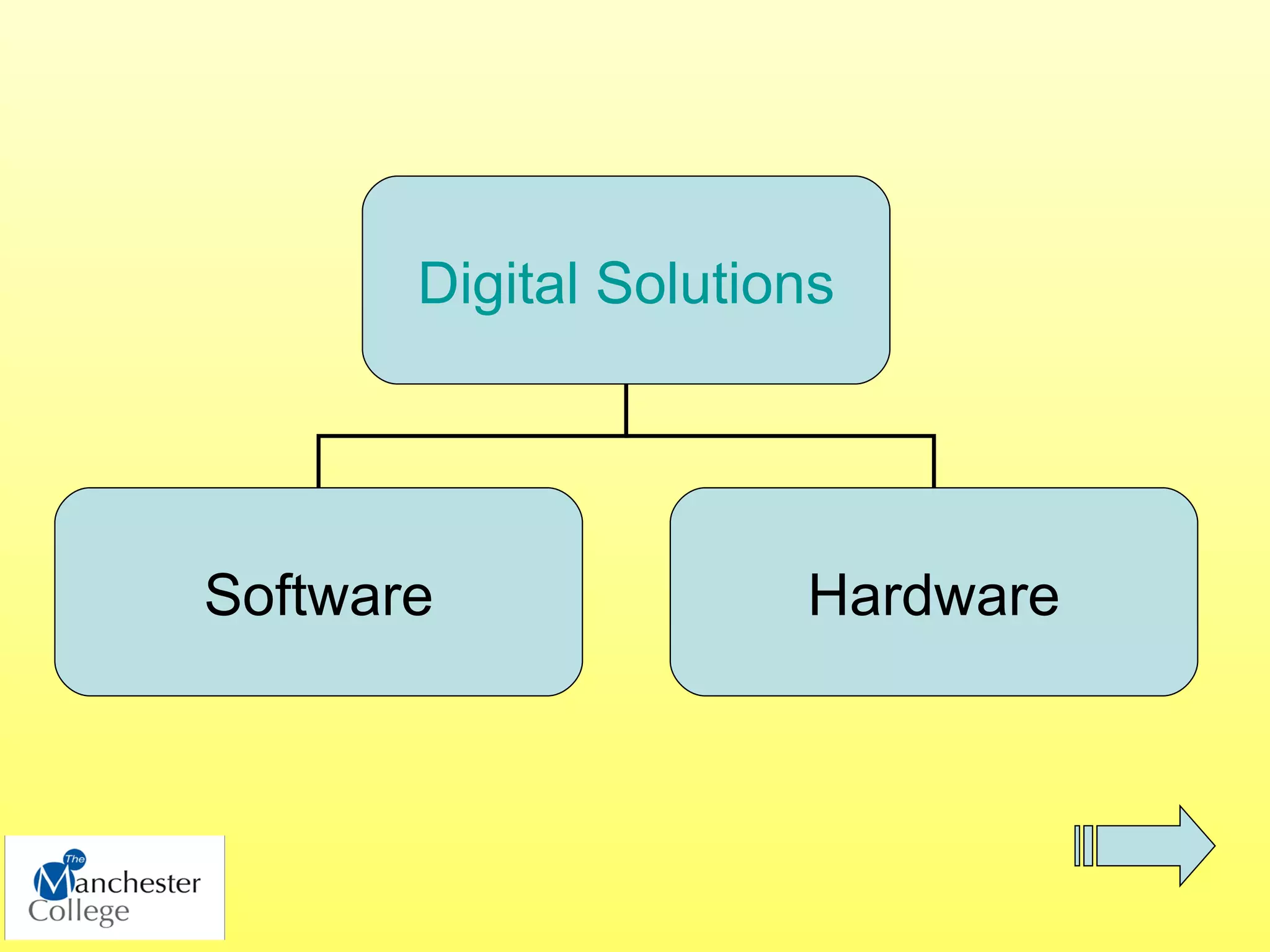
Digital Solutions


Software              Hardware
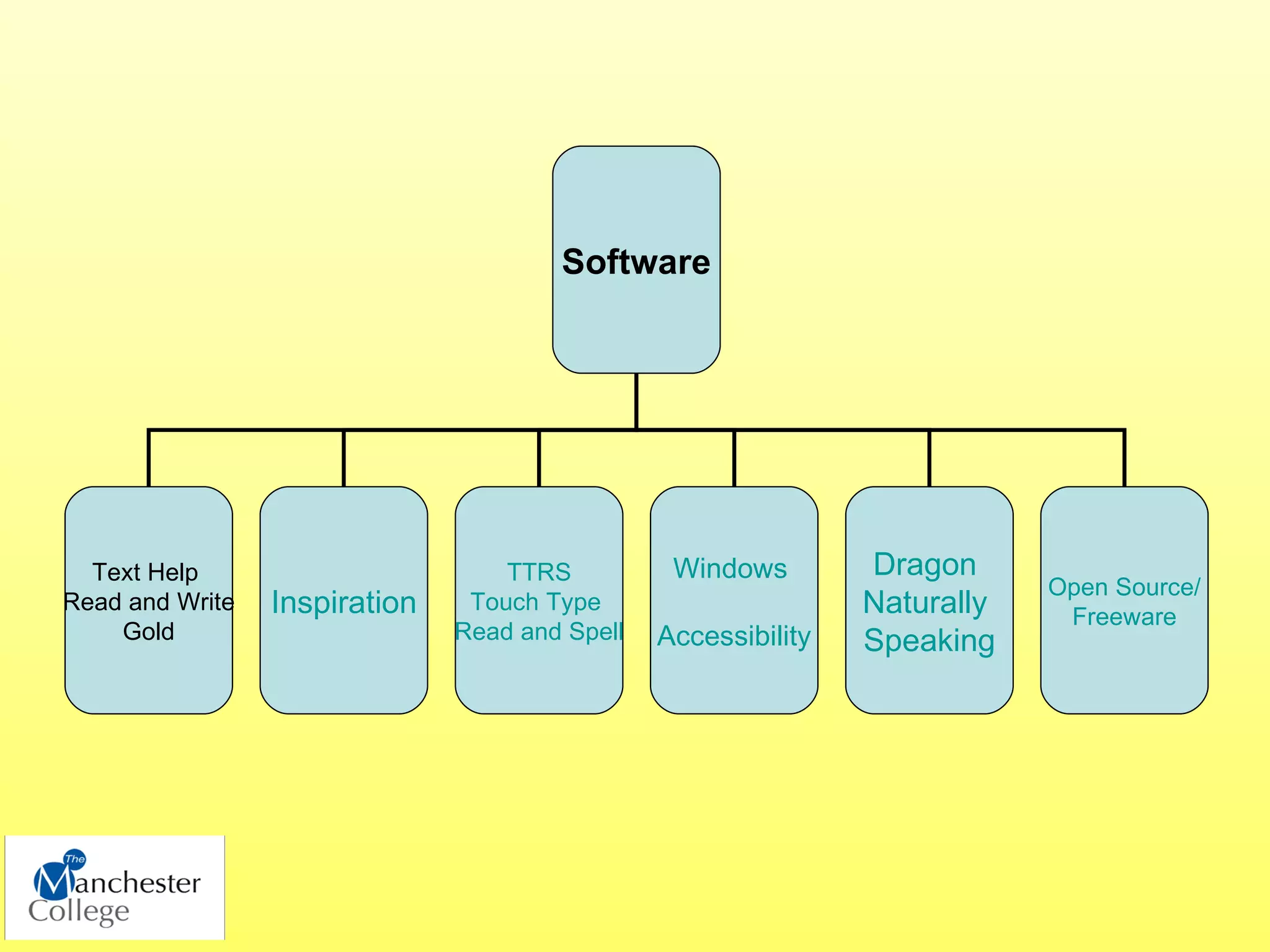
Software


  Text Help                        TTRS          Windows        Dragon
                                                                            Open Source/
Read and Write   Inspiration    Touch Type                      Naturally    Freeware
    Gold                       Read and Spell   Accessibility   Speaking
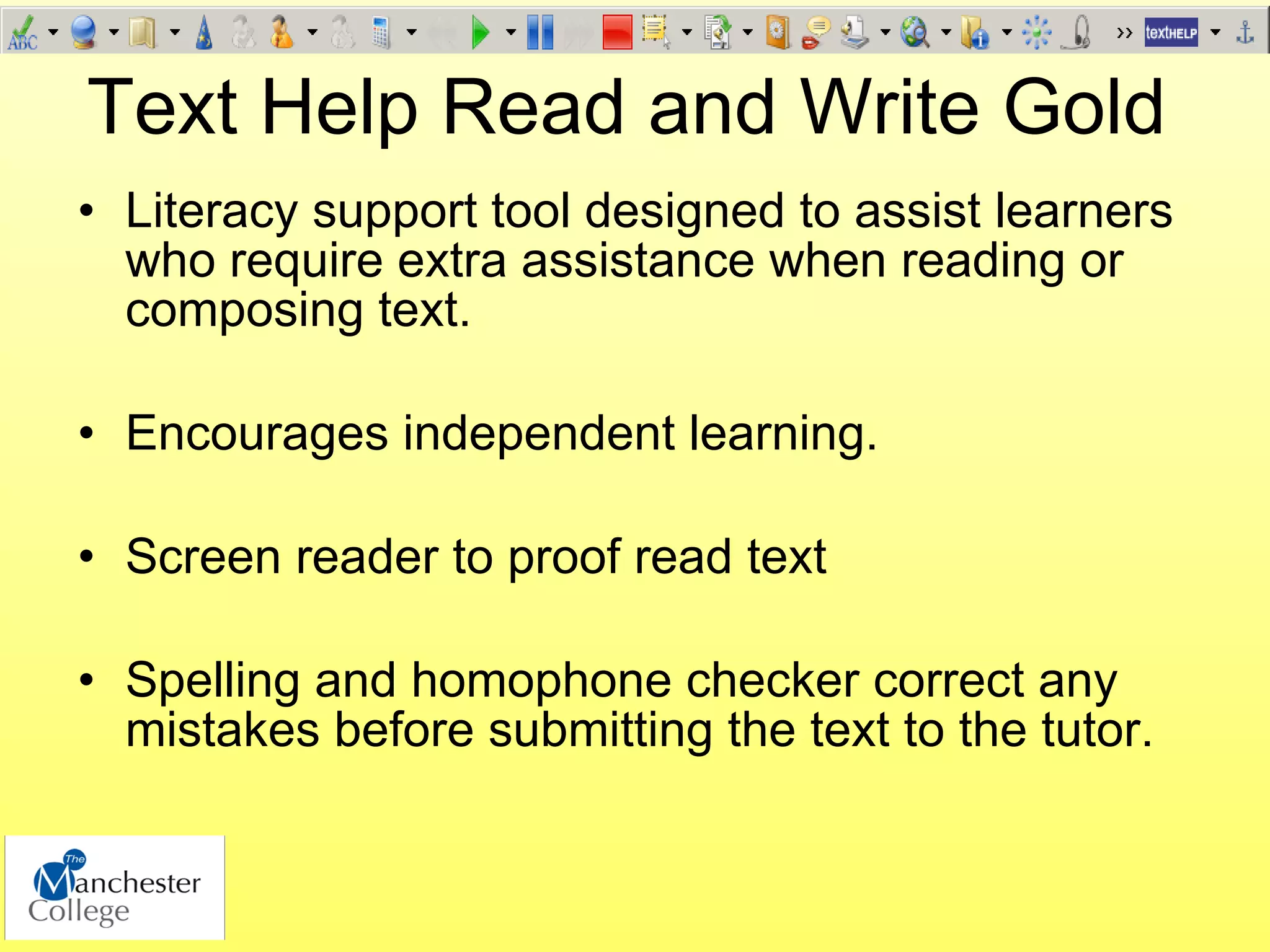
Text Help Read and Write Gold
• Literacy support tool designed to assist learners
  who require extra assistance when reading or
  composing text.

• Encourages independent learning.

• Screen reader to proof read text

• Spelling and homophone checker correct any
  mistakes before submitting the text to the tutor.
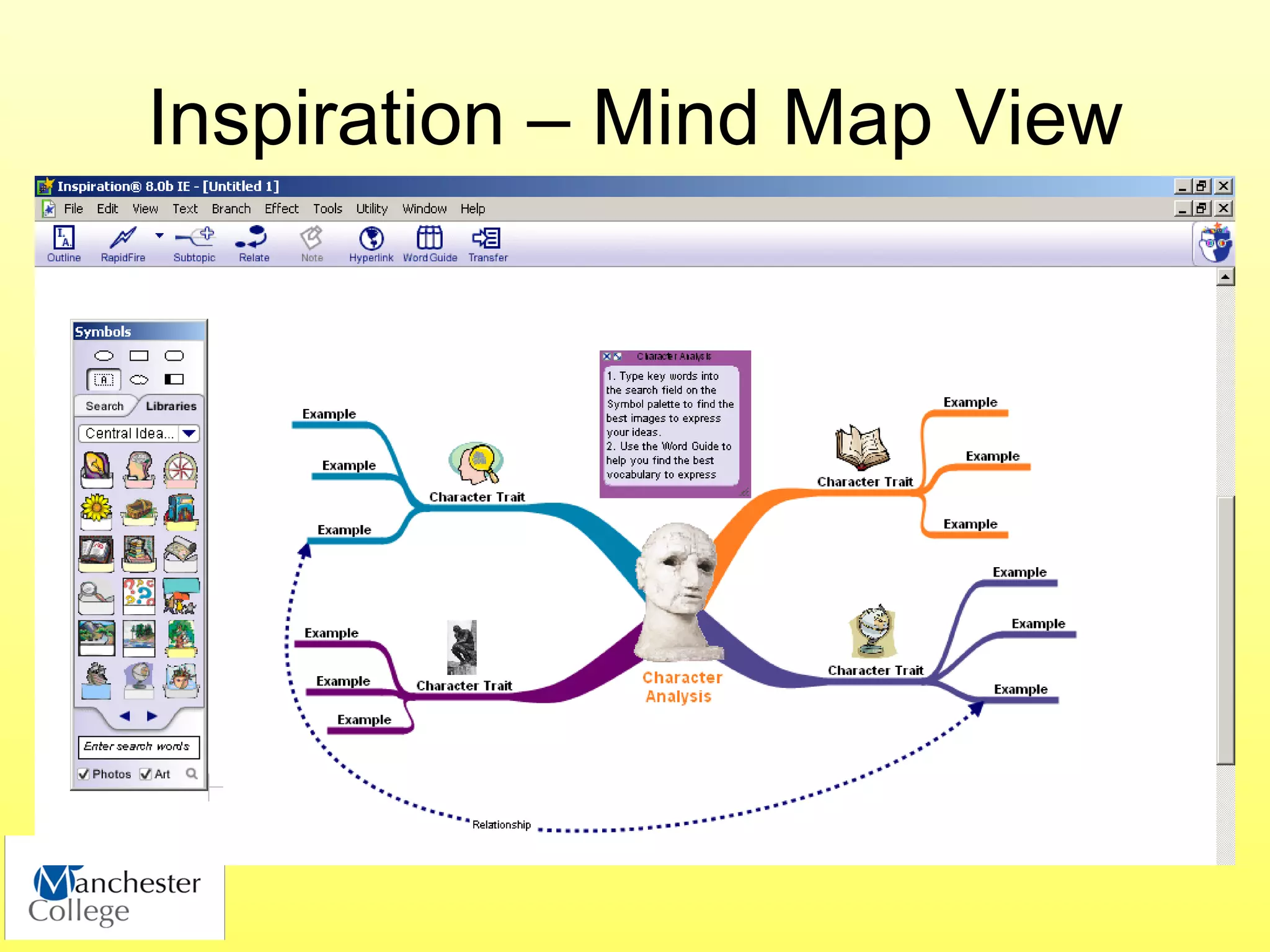
Inspiration – Mind Map View
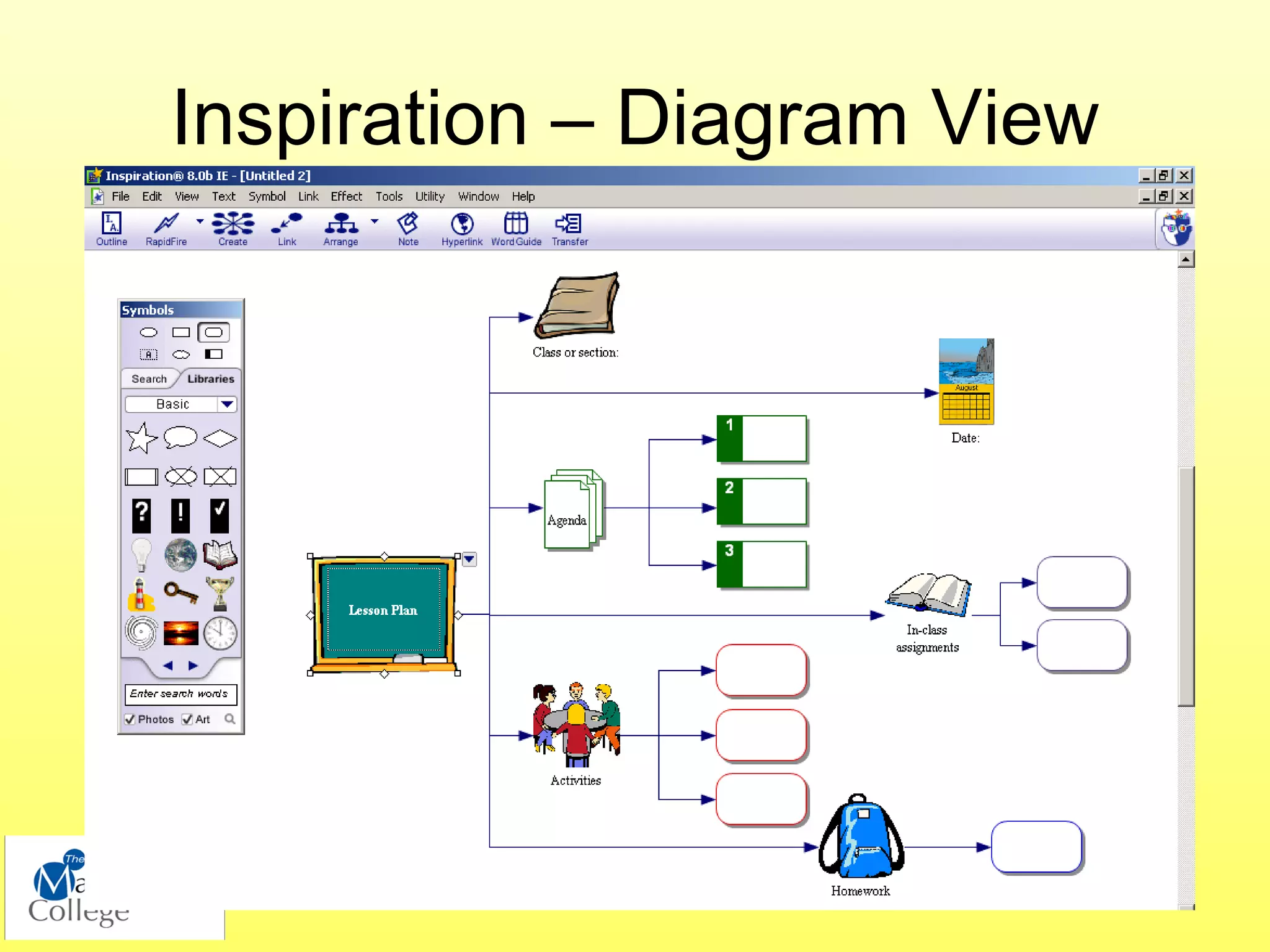
Inspiration – Diagram View
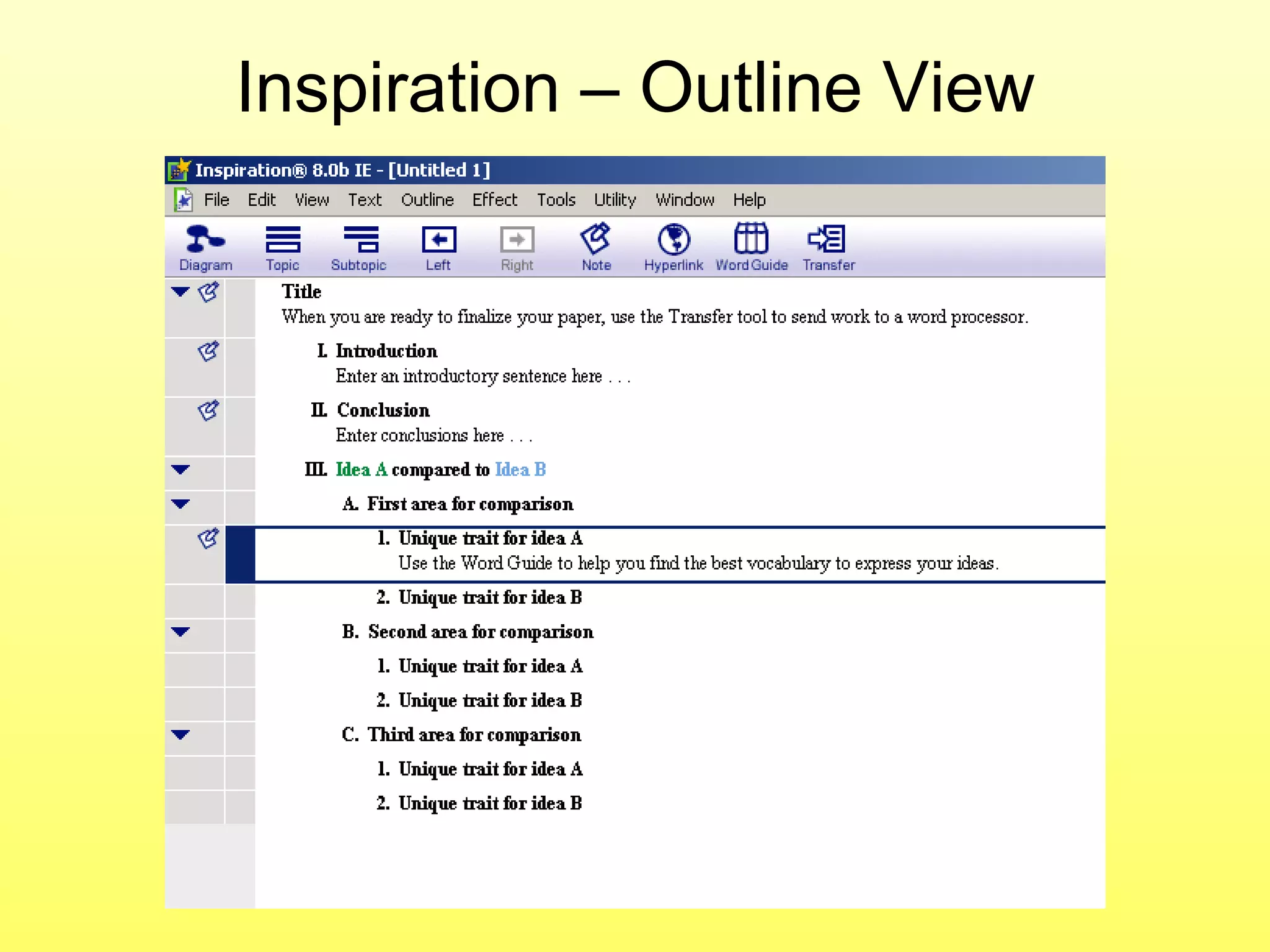
Inspiration – Outline View
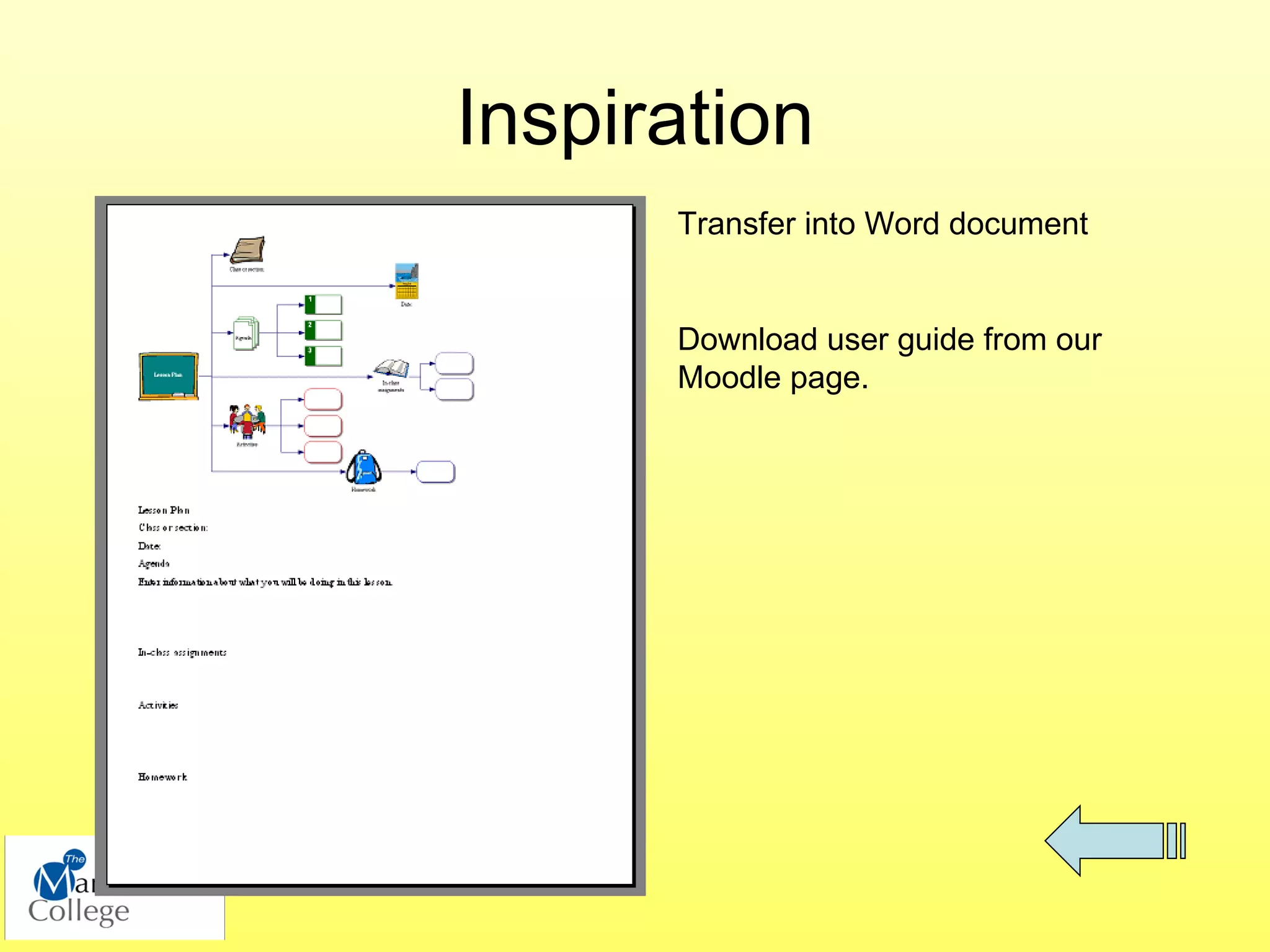
Inspiration
      Transfer into Word document


      Download user guide from our
      Moodle page.
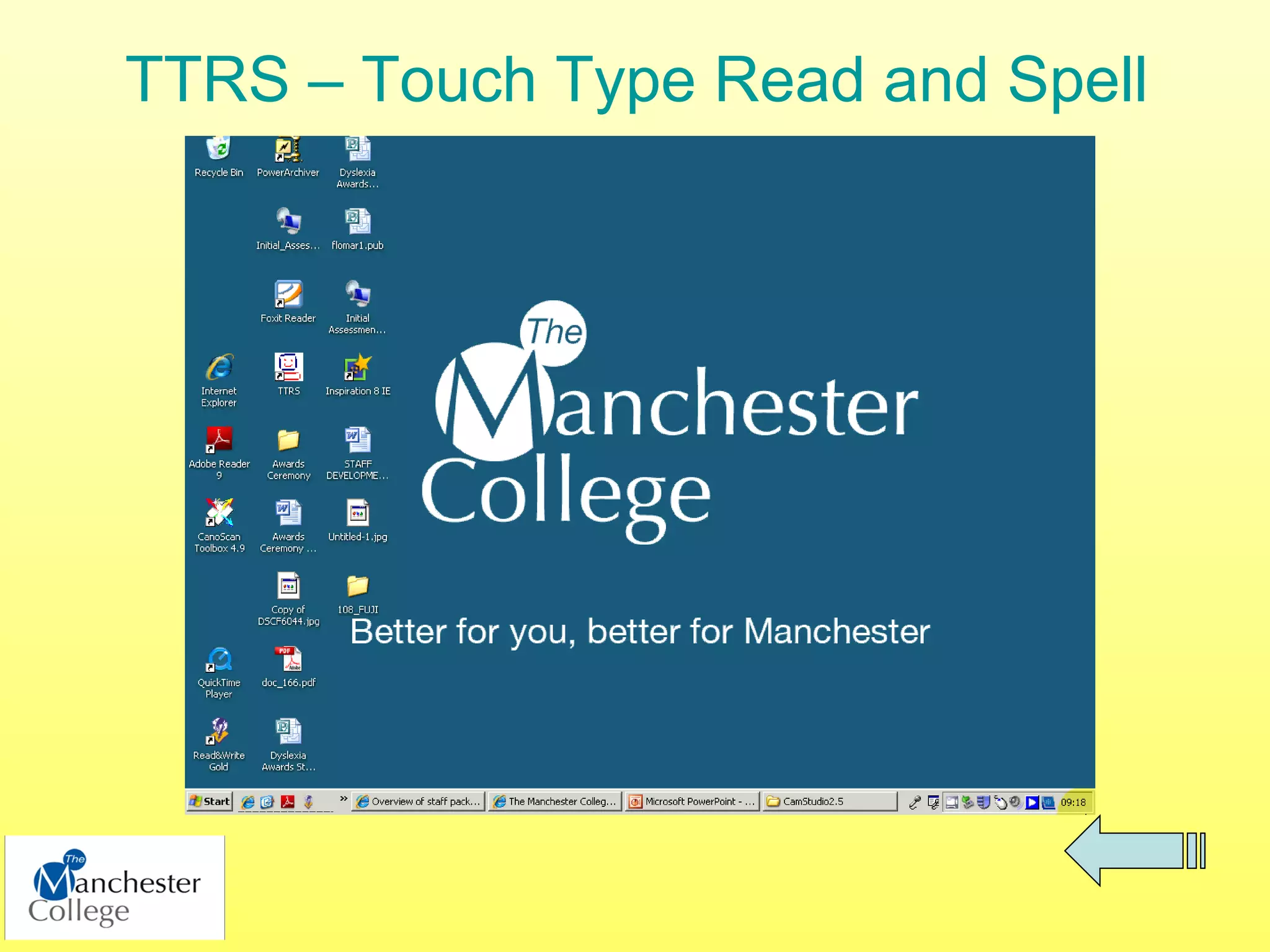
TTRS – Touch Type Read and Spell
Windows
•   Magnifier
•   Narrator
•   Change background colour
•   Change fonts
•   On-Screen Keyboard


• Download Benevolent Bill from TechDis.ac.uk
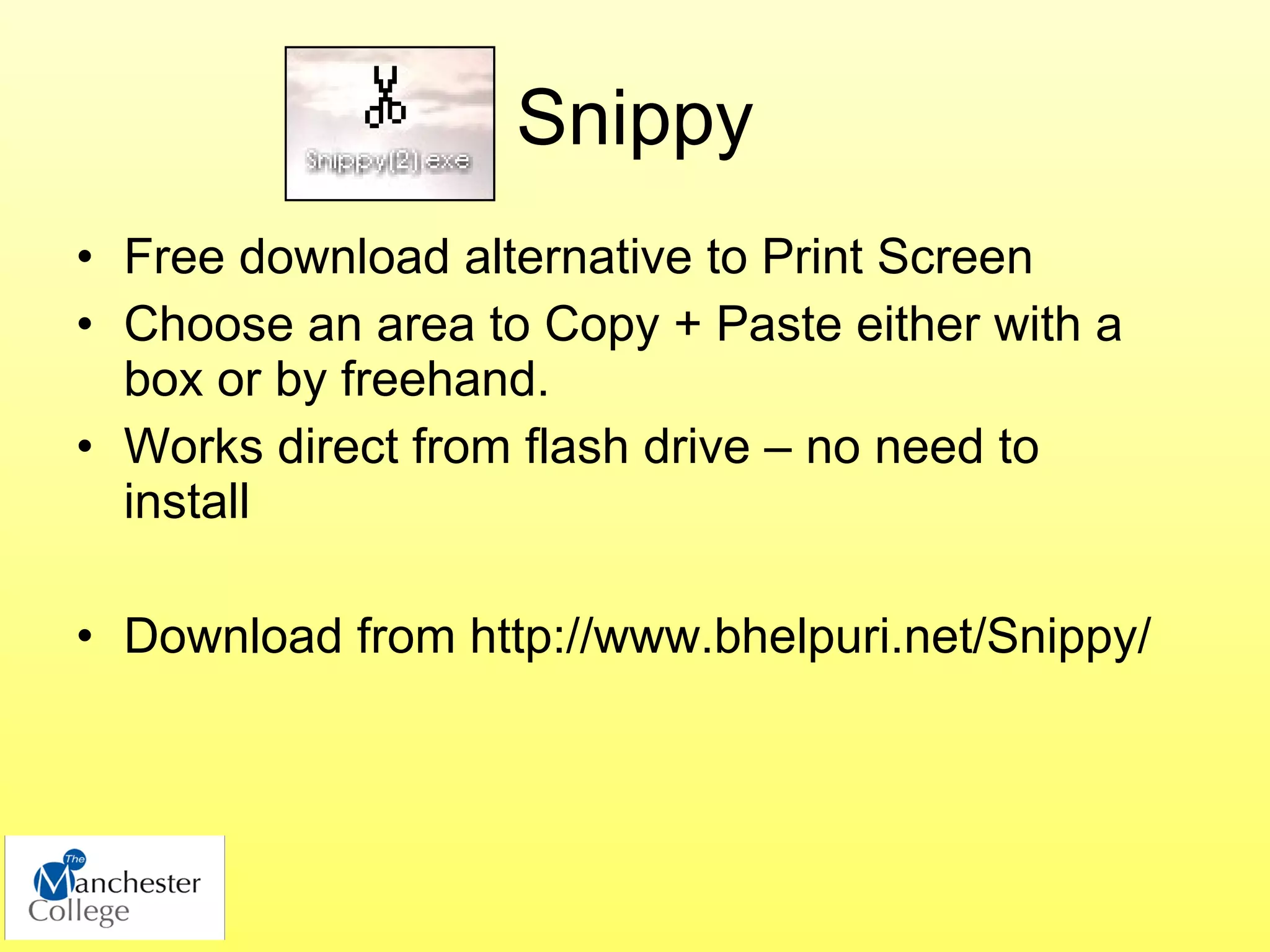
Snippy
• Free download alternative to Print Screen
• Choose an area to Copy + Paste either with a
  box or by freehand.
• Works direct from flash drive – no need to
  install

• Download from http://www.bhelpuri.net/Snippy/
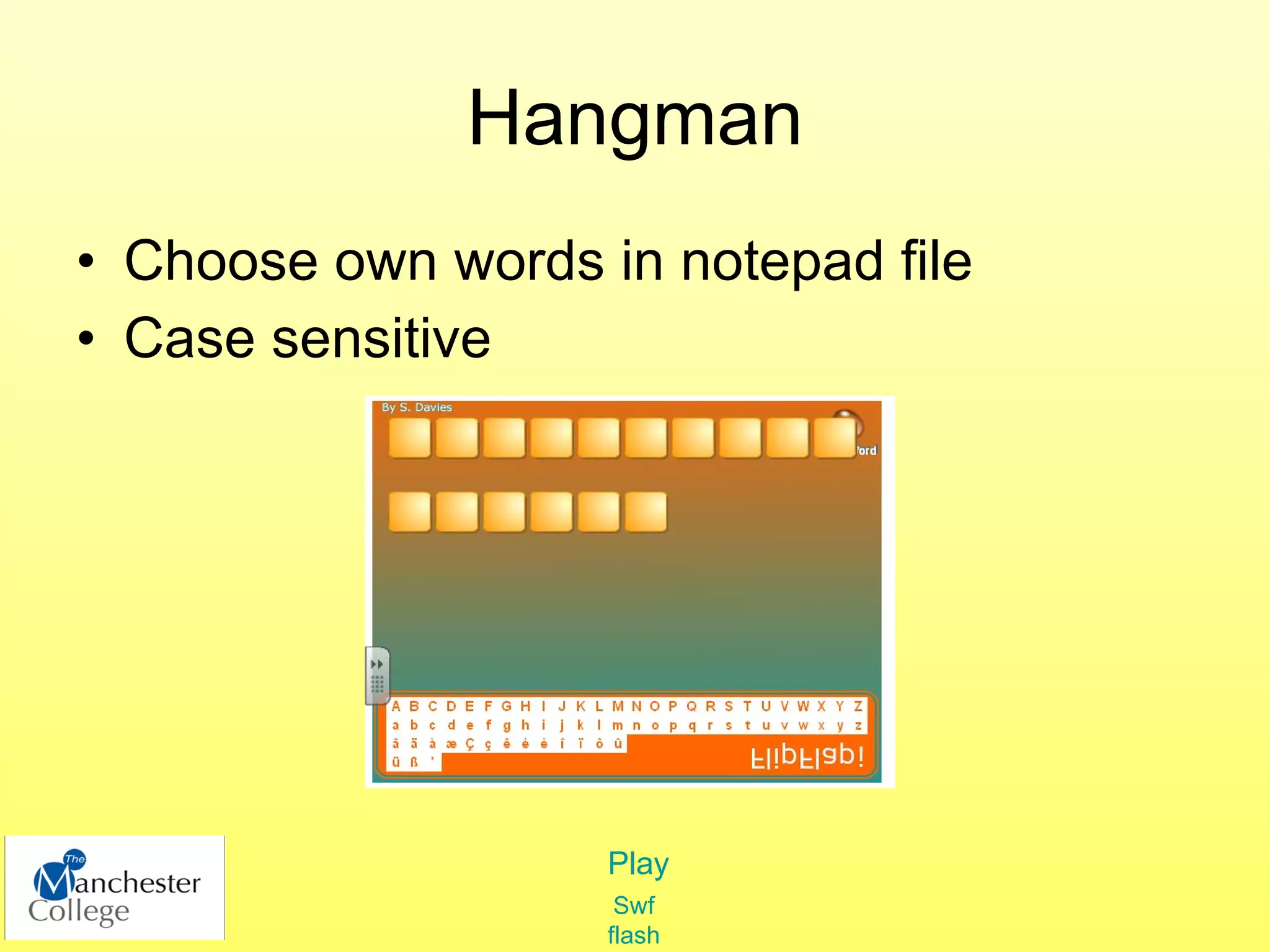
Hangman
• Choose own words in notepad file
• Case sensitive


                    Play
                     Swf
                    flash
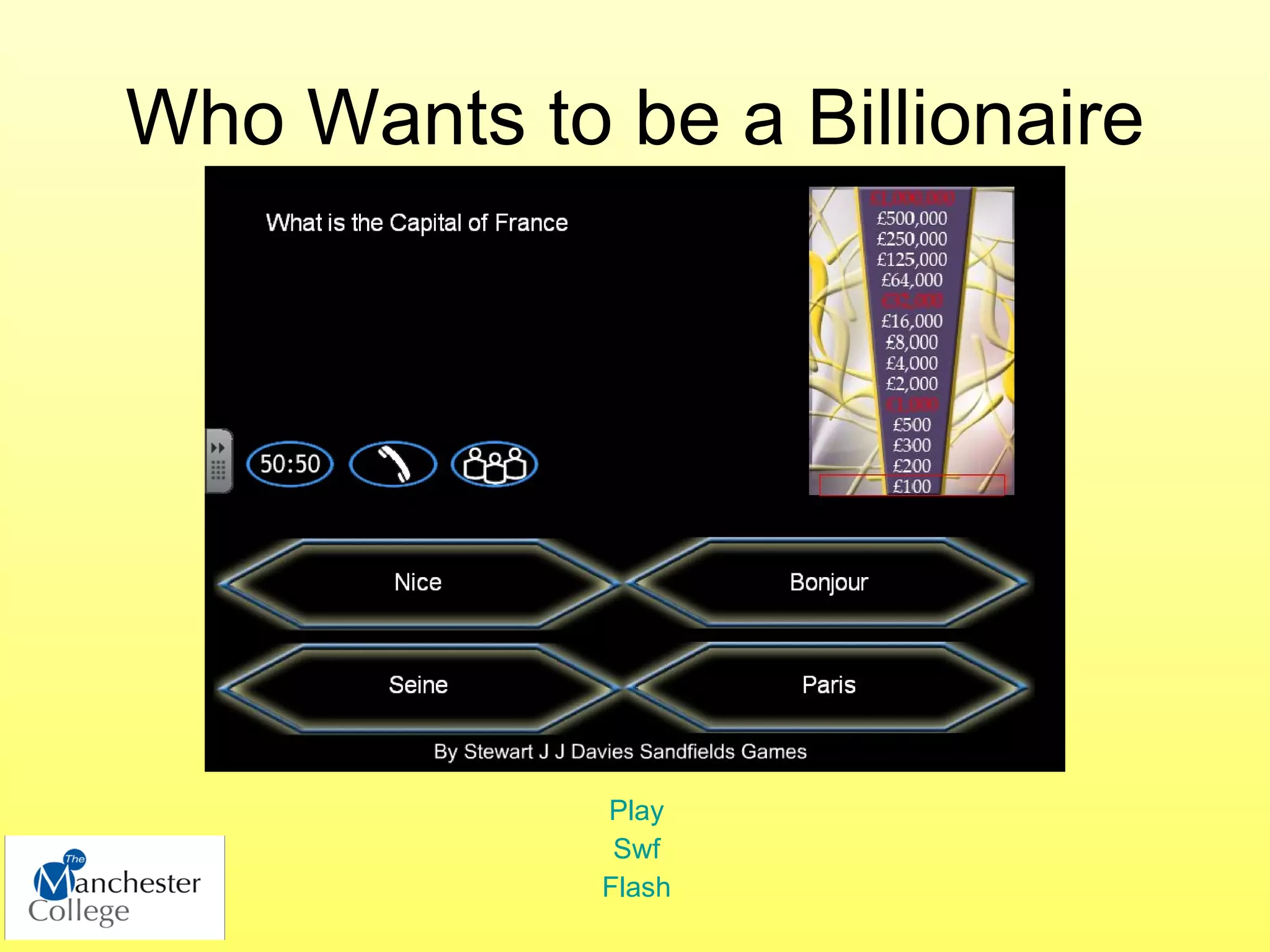
Who Wants to be a Billionaire


             Play
              Swf
             Flash
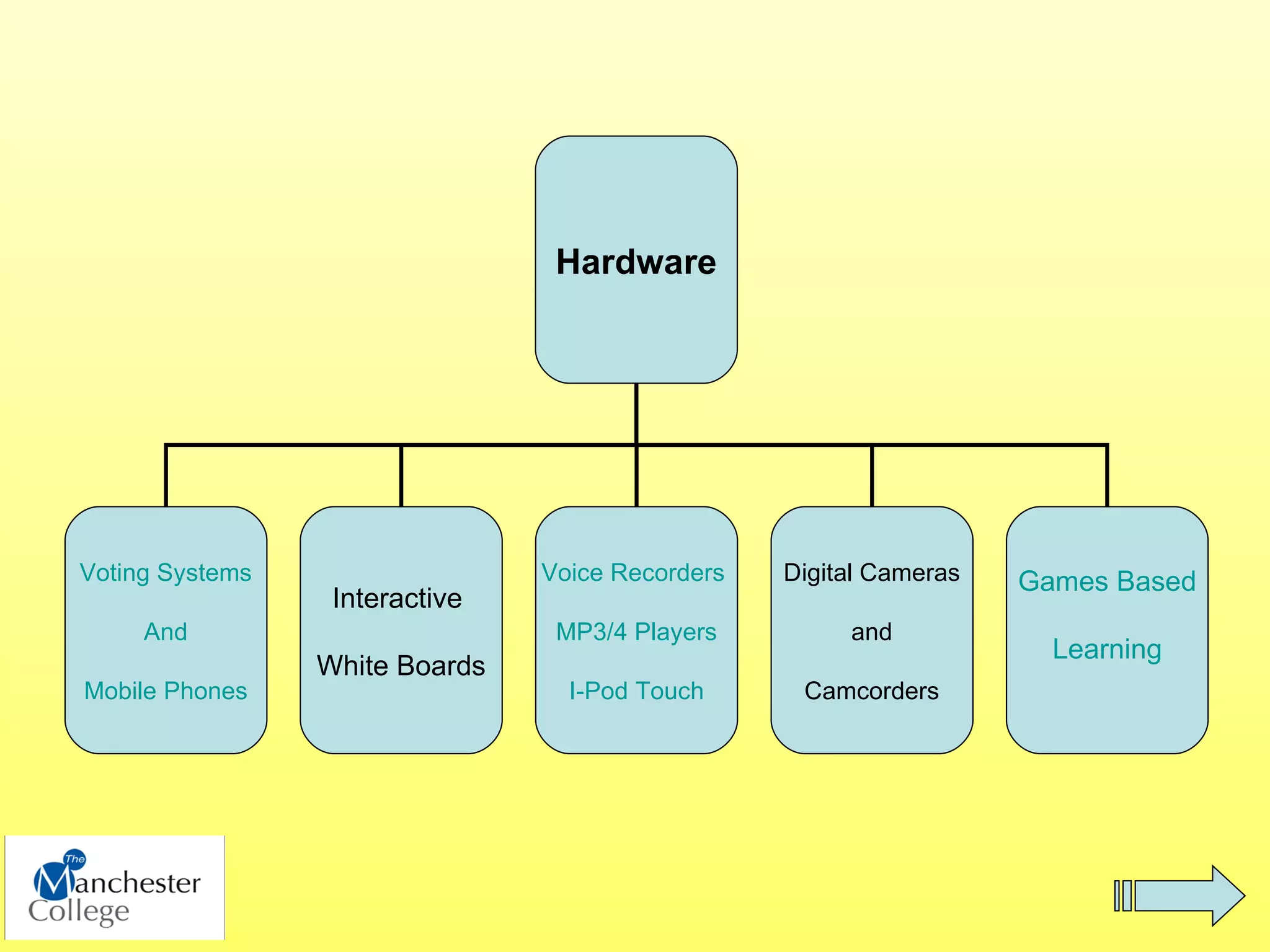
Hardware


Voting Systems                  Voice Recorders   Digital Cameras   Games Based
                  Interactive
     And                         MP3/4 Players         and
                                                                      Learning
                 White Boards
Mobile Phones                     I-Pod Touch      Camcorders
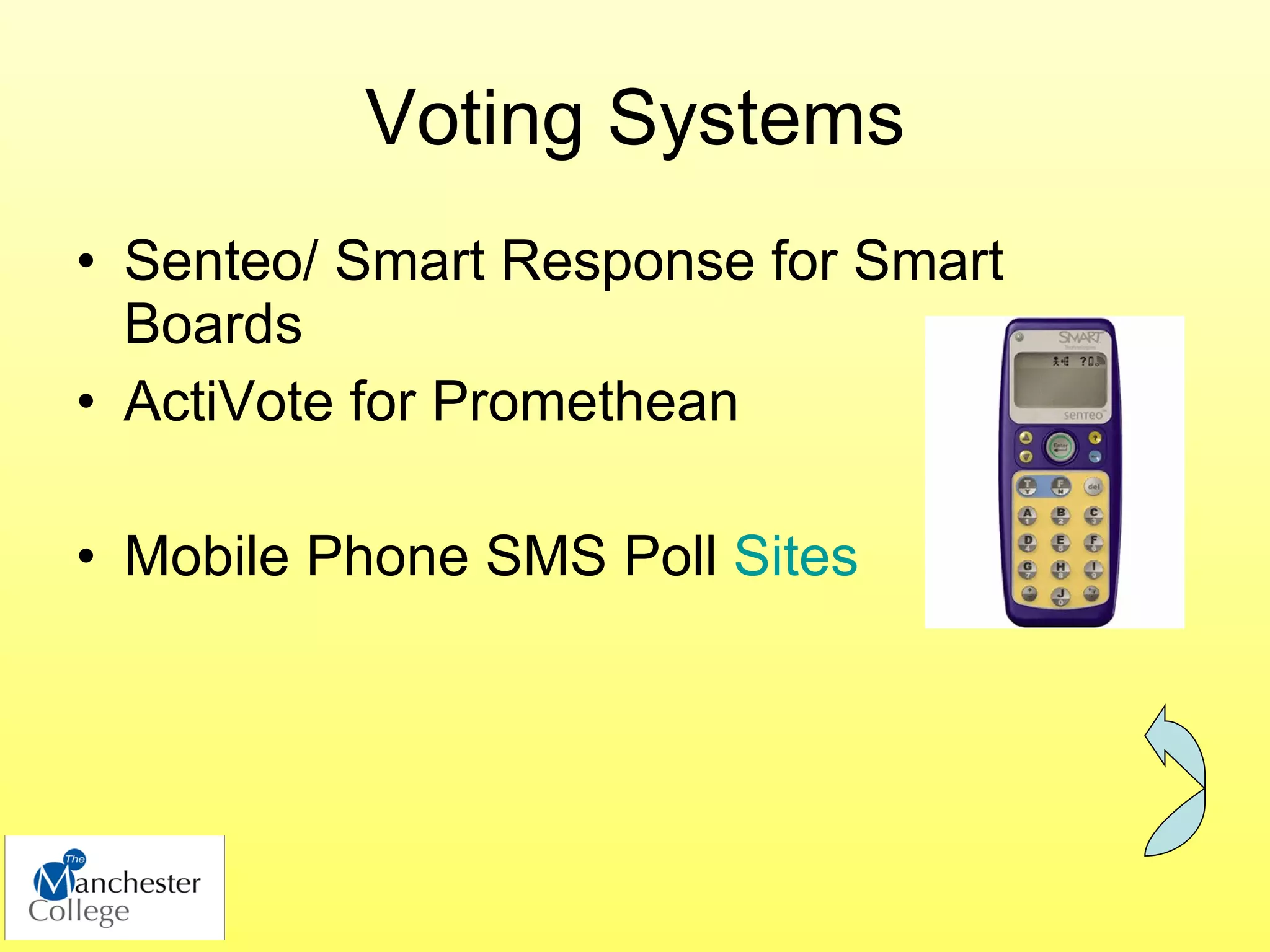
Voting Systems
• Senteo/ Smart Response for Smart
  Boards
• ActiVote for Promethean

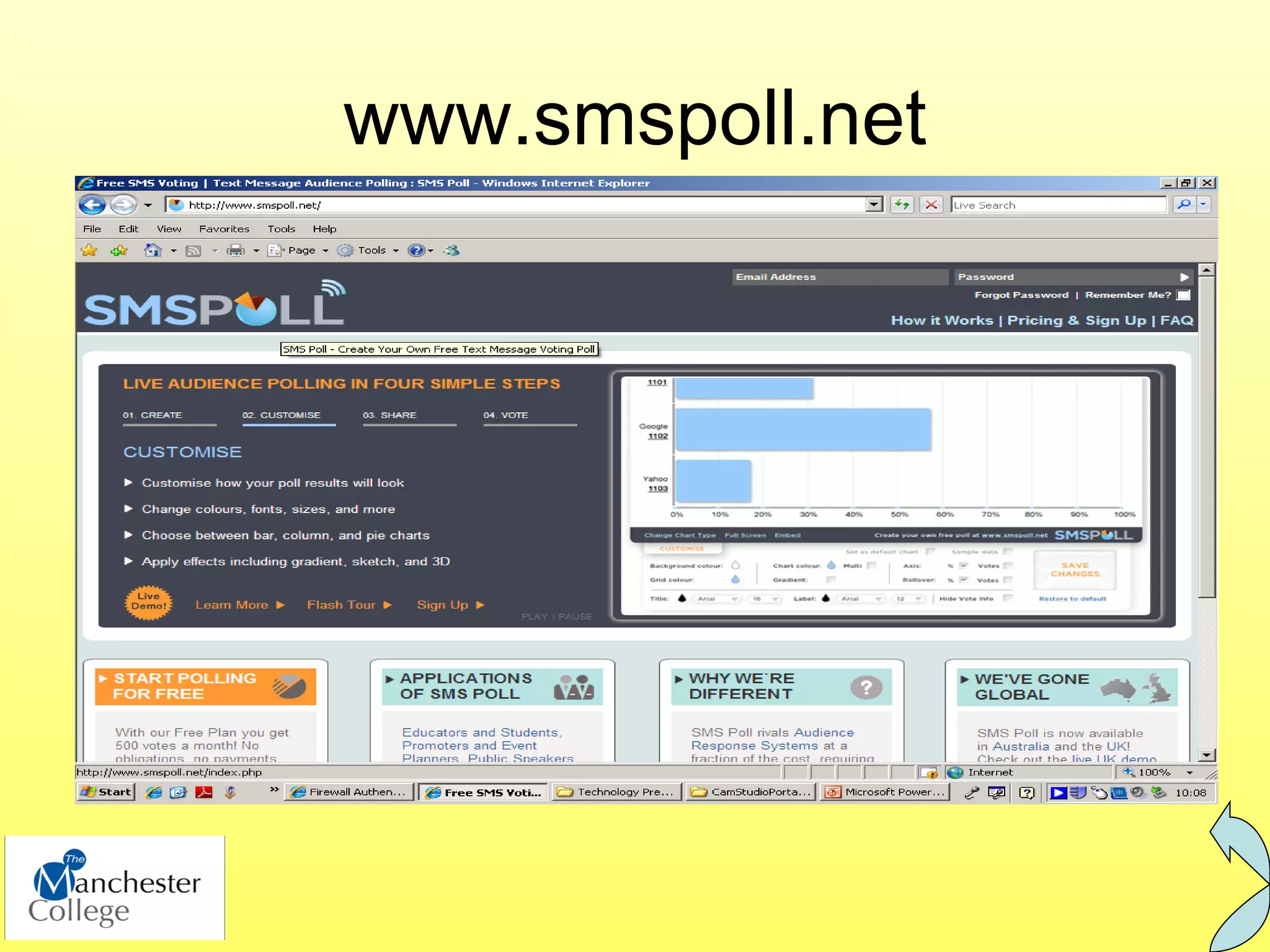
• Mobile Phone SMS Poll Sites
www.smspoll.net
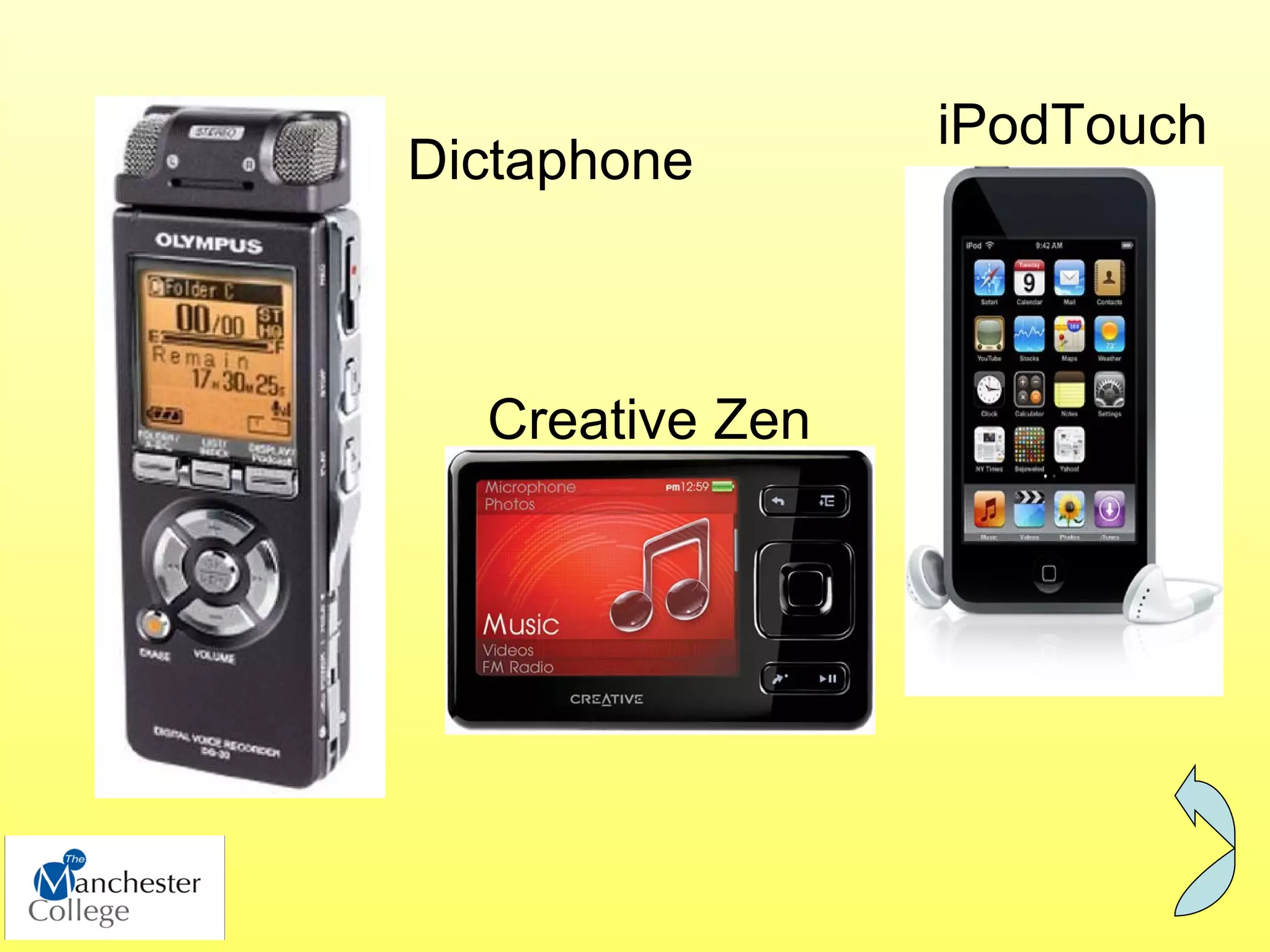
iPodTouch
Dictaphone


  Creative Zen
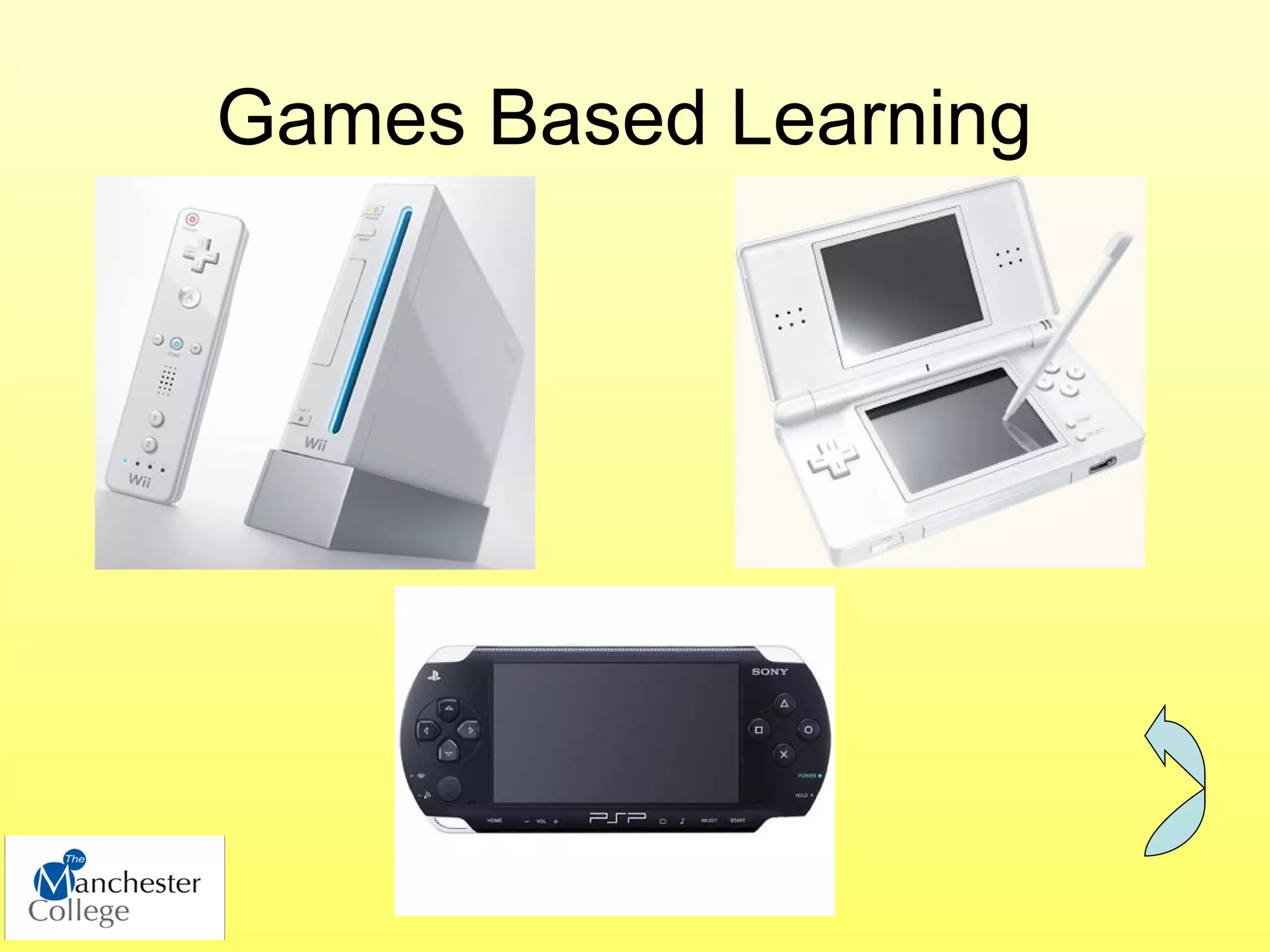
Games Based Learning
Using the Wii in Maths Sessions

• Use Wii game to generate statistics
• Learners analyse stats and create
  spreadsheet/ graphs


      (Guide to session on Moodle)
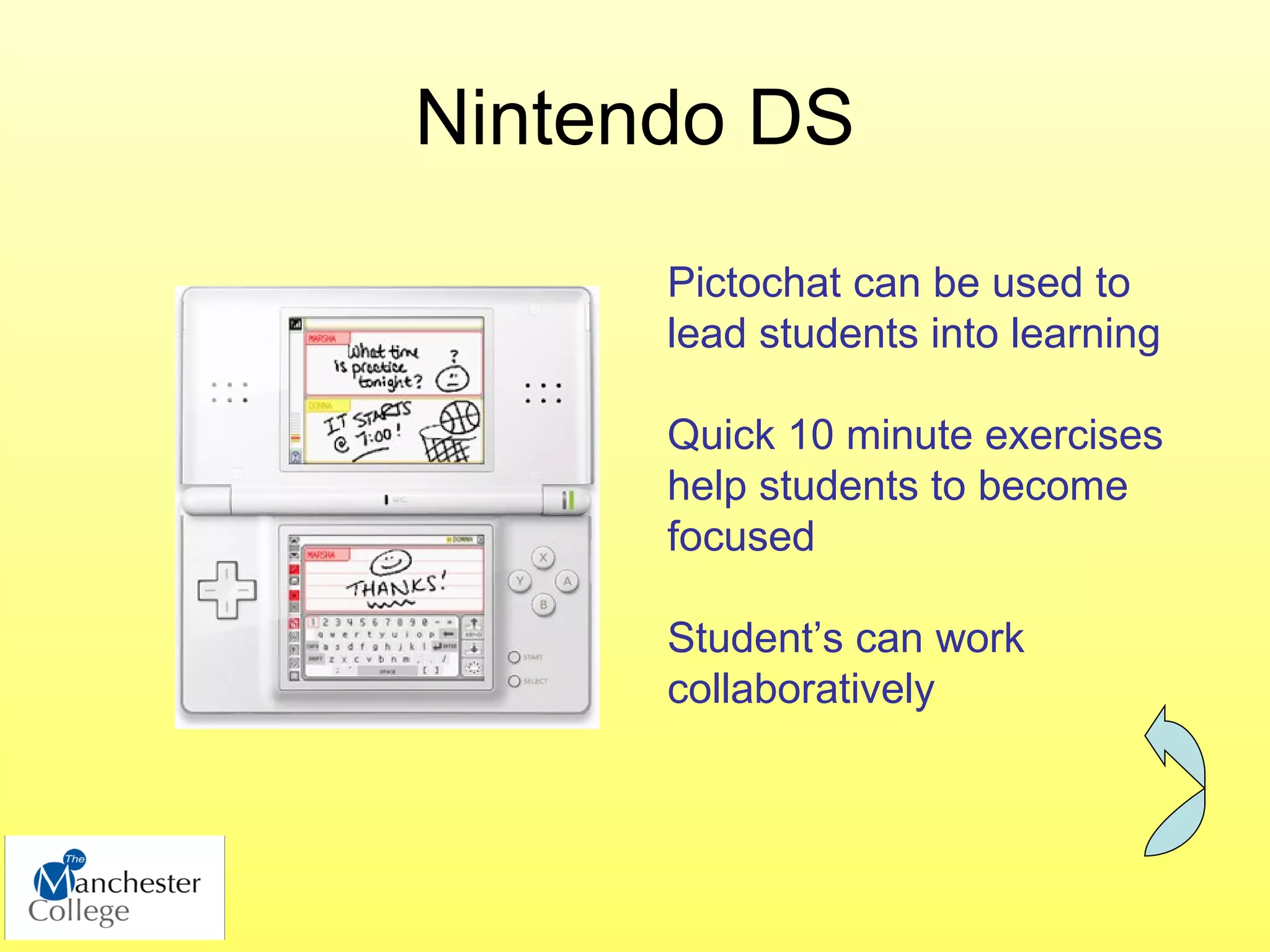
Nintendo DS
      Pictochat can be used to
      lead students into learning

      Quick 10 minute exercises
      help students to become
      focused

      Student’s can work
      collaboratively
Moodle
          www.moodcat.co.uk

• Skills for Learning

• Enhancing Learning with Digital and Mobile Te
FIND US ON


              ATtmc - Assistive Tech@TMC


The Manchester College - Assistive Technology in Education

Helping Students to Achieve with Assistive Technology

  • 1.
    Helping Students toAchieve with Assistive Technology Stuart Parkin and Hannah Crumbleholme June 2009
  • 2.
    Moodle www.moodcat.co.uk • Skills for Learning • Enhancing Learning with Digital and Mobile Te
  • 3.
    How can wehelp the student to help themselves? Analogue Digital Solutions Solutions
  • 4.
    Analogue Solutions In Class/ 1:1 Student Carbon Coloured Support Highlighters Dictionary Pad Overlays ALS
  • 5.
  • 6.
    Software TextHelp TTRS Windows Dragon Open Source/ Read and Write Inspiration Touch Type Naturally Freeware Gold Read and Spell Accessibility Speaking
  • 7.
    Text Help Readand Write Gold • Literacy support tool designed to assist learners who require extra assistance when reading or composing text. • Encourages independent learning. • Screen reader to proof read text • Spelling and homophone checker correct any mistakes before submitting the text to the tutor.
  • 8.
  • 9.
  • 10.
  • 11.
    Inspiration Transfer into Word document Download user guide from our Moodle page.
  • 12.
    TTRS – TouchType Read and Spell
  • 13.
    Windows • Magnifier • Narrator • Change background colour • Change fonts • On-Screen Keyboard • Download Benevolent Bill from TechDis.ac.uk
  • 14.
    Snippy • Free downloadalternative to Print Screen • Choose an area to Copy + Paste either with a box or by freehand. • Works direct from flash drive – no need to install • Download from http://www.bhelpuri.net/Snippy/
  • 15.
    Hangman • Choose ownwords in notepad file • Case sensitive Play Swf flash
  • 16.
    Who Wants tobe a Billionaire Play Swf Flash
  • 17.
    Hardware Voting Systems Voice Recorders Digital Cameras Games Based Interactive And MP3/4 Players and Learning White Boards Mobile Phones I-Pod Touch Camcorders
  • 18.
    Voting Systems • Senteo/Smart Response for Smart Boards • ActiVote for Promethean • Mobile Phone SMS Poll Sites
  • 19.
  • 20.
  • 21.
  • 22.
    Using the Wiiin Maths Sessions • Use Wii game to generate statistics • Learners analyse stats and create spreadsheet/ graphs (Guide to session on Moodle)
  • 23.
    Nintendo DS Pictochat can be used to lead students into learning Quick 10 minute exercises help students to become focused Student’s can work collaboratively
  • 24.
    Moodle www.moodcat.co.uk • Skills for Learning • Enhancing Learning with Digital and Mobile Te
  • 25.
    FIND US ON ATtmc - Assistive Tech@TMC The Manchester College - Assistive Technology in Education