Tiltproof Incorporated

                                                                    Document No.
   Handling Enhanced Transaction Controller                         Effective Date    12/20/2007
                (ETC) Alerts                                        Revision Date
                                                                    Approval


1.0
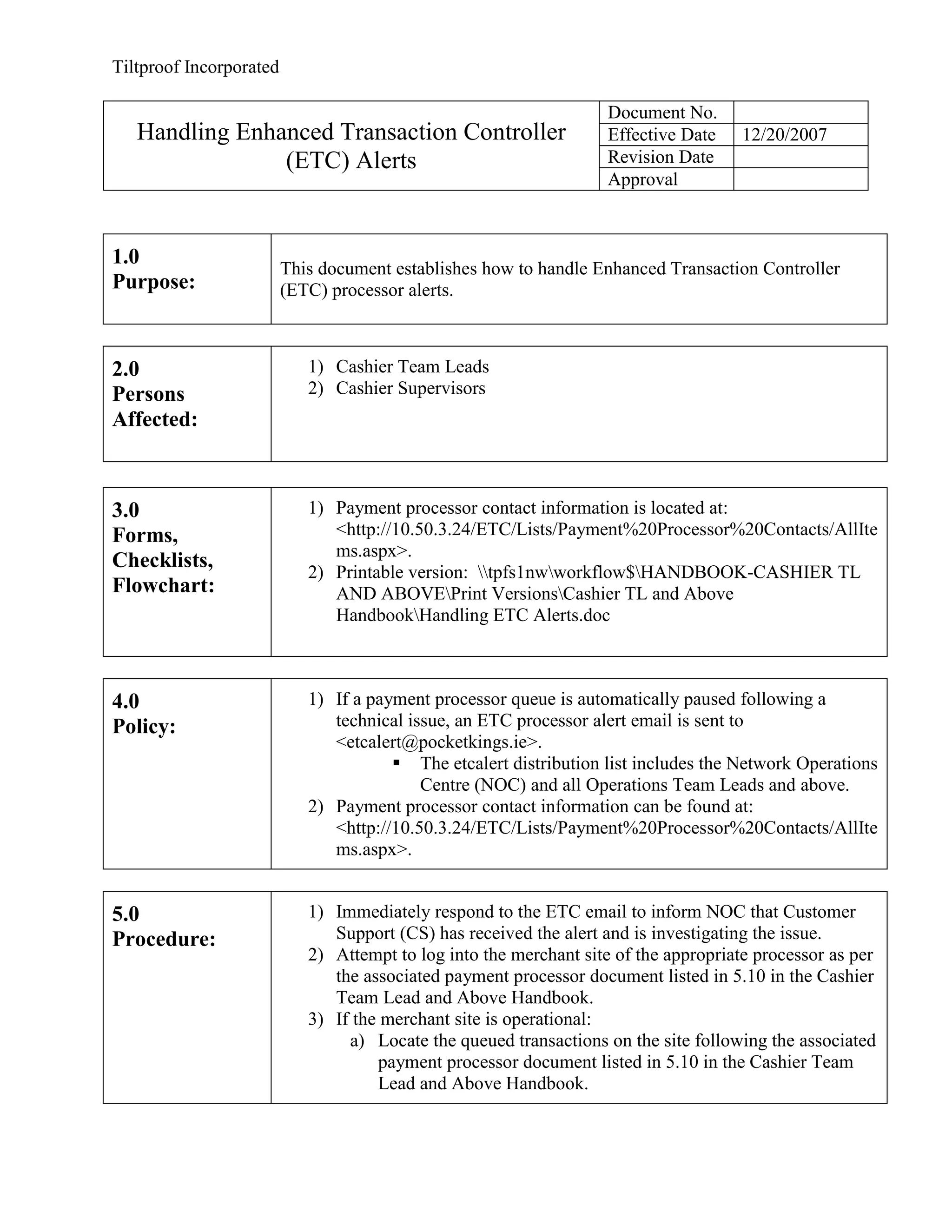
                         This document establishes how to handle Enhanced Transaction Controller
Purpose:                 (ETC) processor alerts.


2.0                         1) Cashier Team Leads
Persons                     2) Cashier Supervisors
Affected:


3.0                         1) Payment processor contact information is located at:
Forms,                         <http://10.50.3.24/ETC/Lists/Payment%20Processor%20Contacts/AllIte
                               ms.aspx>.
Checklists,
                            2) Printable version: tpfs1nwworkflow$HANDBOOK-CASHIER TL
Flowchart:                     AND ABOVEPrint VersionsCashier TL and Above
                               HandbookHandling ETC Alerts.doc


4.0                         1) If a payment processor queue is automatically paused following a
Policy:                        technical issue, an ETC processor alert email is sent to
                               <etcalert@pocketkings.ie>.
                                        The etcalert distribution list includes the Network Operations
                                           Centre (NOC) and all Operations Team Leads and above.
                            2) Payment processor contact information can be found at:
                               <http://10.50.3.24/ETC/Lists/Payment%20Processor%20Contacts/AllIte
                               ms.aspx>.


5.0                         1) Immediately respond to the ETC email to inform NOC that Customer
Procedure:                     Support (CS) has received the alert and is investigating the issue.
                            2) Attempt to log into the merchant site of the appropriate processor as per
                               the associated payment processor document listed in 5.10 in the Cashier
                               Team Lead and Above Handbook.
                            3) If the merchant site is operational:
                                 a) Locate the queued transactions on the site following the associated
                                     payment processor document listed in 5.10 in the Cashier Team
                                     Lead and Above Handbook.
Tiltproof Incorporated

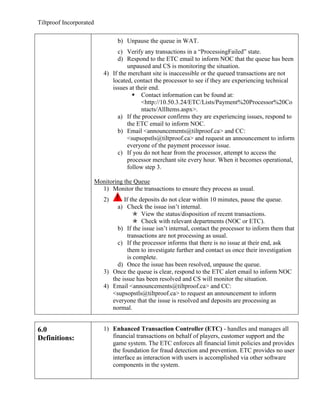
                                  b) Unpause the queue in WAT.
                                 c) Verify any transactions in a “ProcessingFailed” state.
                                 d) Respond to the ETC email to inform NOC that the queue has been
                                     unpaused and CS is monitoring the situation.
                            4) If the merchant site is inaccessible or the queued transactions are not
                               located, contact the processor to see if they are experiencing technical
                               issues at their end.
                                        Contact information can be found at:
                                           <http://10.50.3.24/ETC/Lists/Payment%20Processor%20Co
                                           ntacts/AllItems.aspx>.
                                 a) If the processor confirms they are experiencing issues, respond to
                                     the ETC email to inform NOC.
                                 b) Email <announcements@tiltproof.ca> and CC:
                                     <supsopstls@tiltproof.ca> and request an announcement to inform
                                     everyone of the payment processor issue.
                                 c) If you do not hear from the processor, attempt to access the
                                     processor merchant site every hour. When it becomes operational,
                                     follow step 3.

                         Monitoring the Queue
                           1) Monitor the transactions to ensure they process as usual.
                            2)      If the deposits do not clear within 10 minutes, pause the queue.
                                 a) Check the issue isn’t internal.
                                         View the status/disposition of recent transactions.
                                         Check with relevant departments (NOC or ETC).
                                 b) If the issue isn’t internal, contact the processor to inform them that
                                      transactions are not processing as usual.
                                 c) If the processor informs that there is no issue at their end, ask
                                      them to investigate further and contact us once their investigation
                                      is complete.
                                 d) Once the issue has been resolved, unpause the queue.
                            3) Once the queue is clear, respond to the ETC alert email to inform NOC
                               the issue has been resolved and CS will monitor the situation.
                            4) Email <announcements@tiltproof.ca> and CC:
                               <supsopstls@tiltproof.ca> to request an announcement to inform
                               everyone that the issue is resolved and deposits are processing as
                               normal.


6.0                         1) Enhanced Transaction Controller (ETC) - handles and manages all
Definitions:                   financial transactions on behalf of players, customer support and the
                               game system. The ETC enforces all financial limit policies and provides
                               the foundation for fraud detection and prevention. ETC provides no user
                               interface as interaction with users is accomplished via other software
                               components in the system.
Tiltproof Incorporated

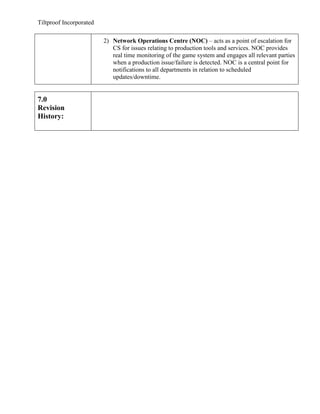
                         2) Network Operations Centre (NOC) – acts as a point of escalation for
                            CS for issues relating to production tools and services. NOC provides
                            real time monitoring of the game system and engages all relevant parties
                            when a production issue/failure is detected. NOC is a central point for
                            notifications to all departments in relation to scheduled
                            updates/downtime.


7.0
Revision
History:

Handling etc alerts

  • 1.
    Tiltproof Incorporated Document No. Handling Enhanced Transaction Controller Effective Date 12/20/2007 (ETC) Alerts Revision Date Approval 1.0 This document establishes how to handle Enhanced Transaction Controller Purpose: (ETC) processor alerts. 2.0 1) Cashier Team Leads Persons 2) Cashier Supervisors Affected: 3.0 1) Payment processor contact information is located at: Forms, <http://10.50.3.24/ETC/Lists/Payment%20Processor%20Contacts/AllIte ms.aspx>. Checklists, 2) Printable version: tpfs1nwworkflow$HANDBOOK-CASHIER TL Flowchart: AND ABOVEPrint VersionsCashier TL and Above HandbookHandling ETC Alerts.doc 4.0 1) If a payment processor queue is automatically paused following a Policy: technical issue, an ETC processor alert email is sent to <etcalert@pocketkings.ie>.  The etcalert distribution list includes the Network Operations Centre (NOC) and all Operations Team Leads and above. 2) Payment processor contact information can be found at: <http://10.50.3.24/ETC/Lists/Payment%20Processor%20Contacts/AllIte ms.aspx>. 5.0 1) Immediately respond to the ETC email to inform NOC that Customer Procedure: Support (CS) has received the alert and is investigating the issue. 2) Attempt to log into the merchant site of the appropriate processor as per the associated payment processor document listed in 5.10 in the Cashier Team Lead and Above Handbook. 3) If the merchant site is operational: a) Locate the queued transactions on the site following the associated payment processor document listed in 5.10 in the Cashier Team Lead and Above Handbook.
  • 2.
    Tiltproof Incorporated b) Unpause the queue in WAT. c) Verify any transactions in a “ProcessingFailed” state. d) Respond to the ETC email to inform NOC that the queue has been unpaused and CS is monitoring the situation. 4) If the merchant site is inaccessible or the queued transactions are not located, contact the processor to see if they are experiencing technical issues at their end.  Contact information can be found at: <http://10.50.3.24/ETC/Lists/Payment%20Processor%20Co ntacts/AllItems.aspx>. a) If the processor confirms they are experiencing issues, respond to the ETC email to inform NOC. b) Email <announcements@tiltproof.ca> and CC: <supsopstls@tiltproof.ca> and request an announcement to inform everyone of the payment processor issue. c) If you do not hear from the processor, attempt to access the processor merchant site every hour. When it becomes operational, follow step 3. Monitoring the Queue 1) Monitor the transactions to ensure they process as usual. 2) If the deposits do not clear within 10 minutes, pause the queue. a) Check the issue isn’t internal.  View the status/disposition of recent transactions.  Check with relevant departments (NOC or ETC). b) If the issue isn’t internal, contact the processor to inform them that transactions are not processing as usual. c) If the processor informs that there is no issue at their end, ask them to investigate further and contact us once their investigation is complete. d) Once the issue has been resolved, unpause the queue. 3) Once the queue is clear, respond to the ETC alert email to inform NOC the issue has been resolved and CS will monitor the situation. 4) Email <announcements@tiltproof.ca> and CC: <supsopstls@tiltproof.ca> to request an announcement to inform everyone that the issue is resolved and deposits are processing as normal. 6.0 1) Enhanced Transaction Controller (ETC) - handles and manages all Definitions: financial transactions on behalf of players, customer support and the game system. The ETC enforces all financial limit policies and provides the foundation for fraud detection and prevention. ETC provides no user interface as interaction with users is accomplished via other software components in the system.
  • 3.
    Tiltproof Incorporated 2) Network Operations Centre (NOC) – acts as a point of escalation for CS for issues relating to production tools and services. NOC provides real time monitoring of the game system and engages all relevant parties when a production issue/failure is detected. NOC is a central point for notifications to all departments in relation to scheduled updates/downtime. 7.0 Revision History: